


Slides de apresentação em Powerpoint da política de TI
A política de TI é um conjunto de diretrizes que uma organização implementa para o uso eficaz e eficiente dos ativos de tecnologia da informação. Essas políticas são essenciais para garantir que os funcionários sigam regras específicas ao usar recursos de TI dentro da organização. Nossa política de TI de apresentação em PowerPoint projetada profissionalmente abrange várias políticas de TI, incluindo a política de segurança cibernética e a política de BYOD. A apresentação PPT da Política de Segurança Cibernética fornece uma visão geral dos componentes essenciais, como conscientização e treinamento de segurança, segurança da informação e política de e-mail e bate-papo. Ele também se aprofunda na política Traga seu dispositivo BYOD, descrevendo seu escopo, objetivos e protocolos de dispositivo. A apresentação inclui uma lista de verificação para a criação de uma política de BYOD eficaz, que abrange aspectos como uso autorizado de dispositivos pessoais, privacidade e acesso da empresa, estipêndios para BYOD e segurança de dispositivos pessoais. Além da política de BYOD, a apresentação também abrange componentes críticos de uma política de TI, como política de acesso remoto, criação e gerenciamento de senhas e uso aceitável de equipamentos. Um programa de treinamento em segurança cibernética para a equipe, um cronograma e um roteiro para desenvolver uma política de TI também estão incluídos. Os modelos de política de segurança cibernética e política de BYOD podem ajudar as empresas a mitigar riscos e garantir o uso seguro de ativos de tecnologia da informação. Obtenha acesso agora.





















You must be logged in to download this presentation.


Do you want to remove this product from your favourites?
Recursos destes slides de apresentação em PowerPoint:
Forneça um PPT informativo sobre vários tópicos usando os slides de apresentação em Powerpoint da política de TI. Este deck concentra e implementa as melhores práticas do setor, fornecendo assim uma visão panorâmica do assunto. Abrangendo cinquenta e nove slides, projetados com recursos visuais e gráficos de alta qualidade, este deck é um pacote completo para usar e baixar. Todos os slides oferecidos neste deck estão sujeitos a inúmeras alterações, tornando você um profissional em transmitir e educar. Você pode modificar a cor dos gráficos, plano de fundo ou qualquer outra coisa de acordo com suas necessidades e requisitos. Adapta-se a todos os negócios verticais devido ao seu layout adaptável.

People who downloaded this PowerPoint presentation also viewed the following :
Conteúdo desta apresentação em Powerpoint
Slide 1 : Este slide exibe o título Política de TI.
Slide 2 : Este slide exibe o título Agenda.
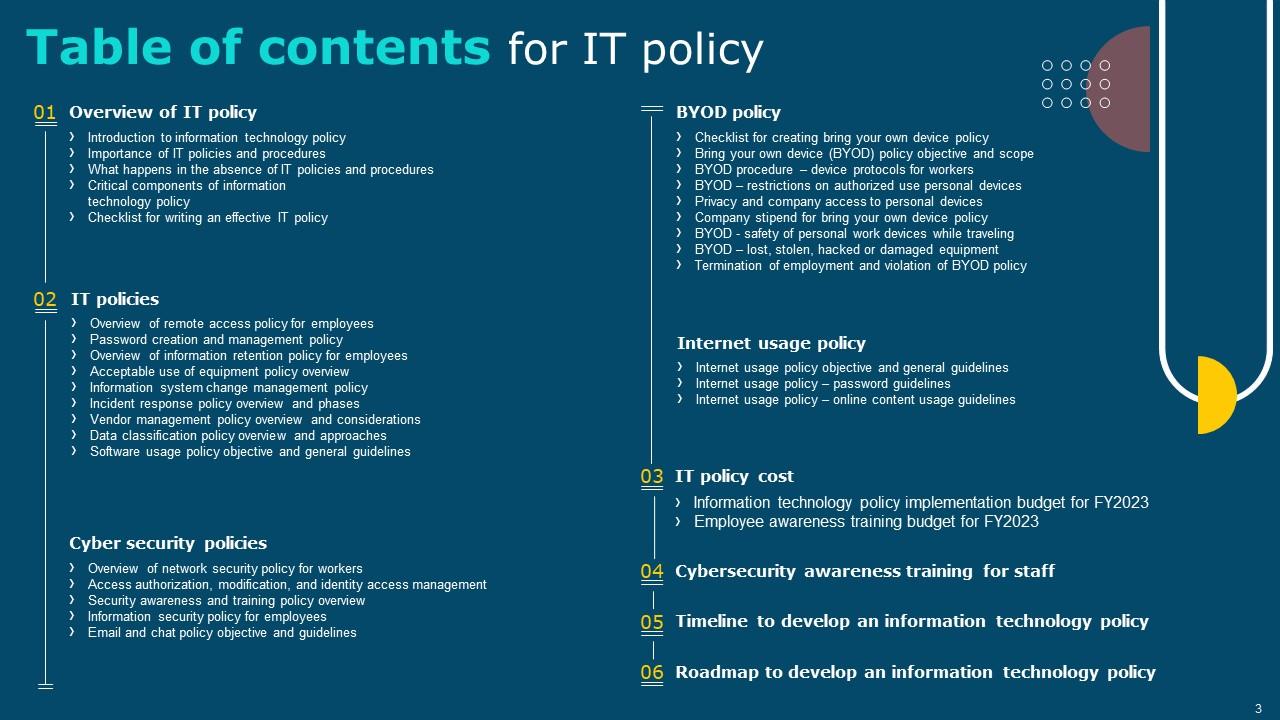
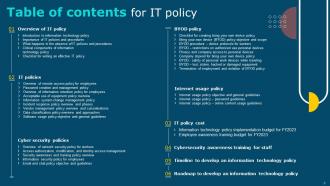
Slide 3 : Este slide exibe o sumário.
Slide 4 : Este slide mostra o índice que será discutido mais adiante.
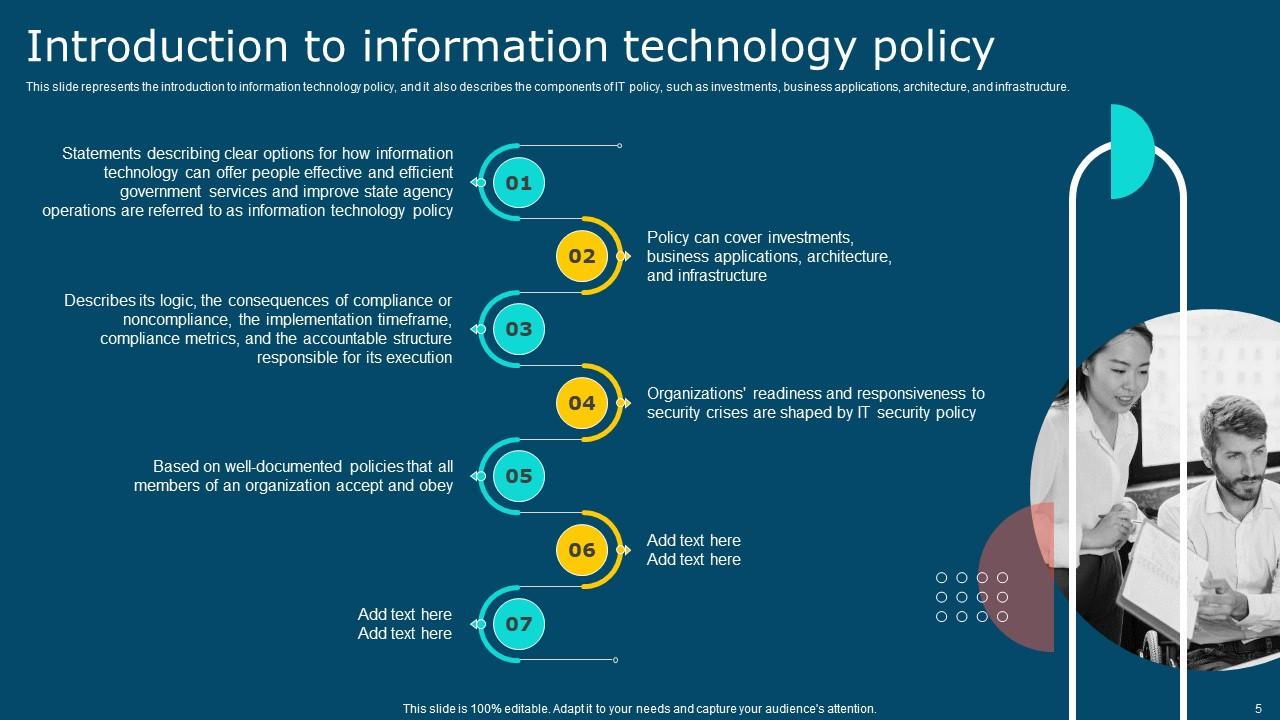
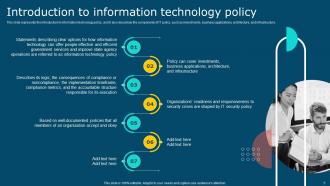
Slide 5 : Este slide representa a introdução à política de tecnologia da informação e também descreve os componentes da política de TI.
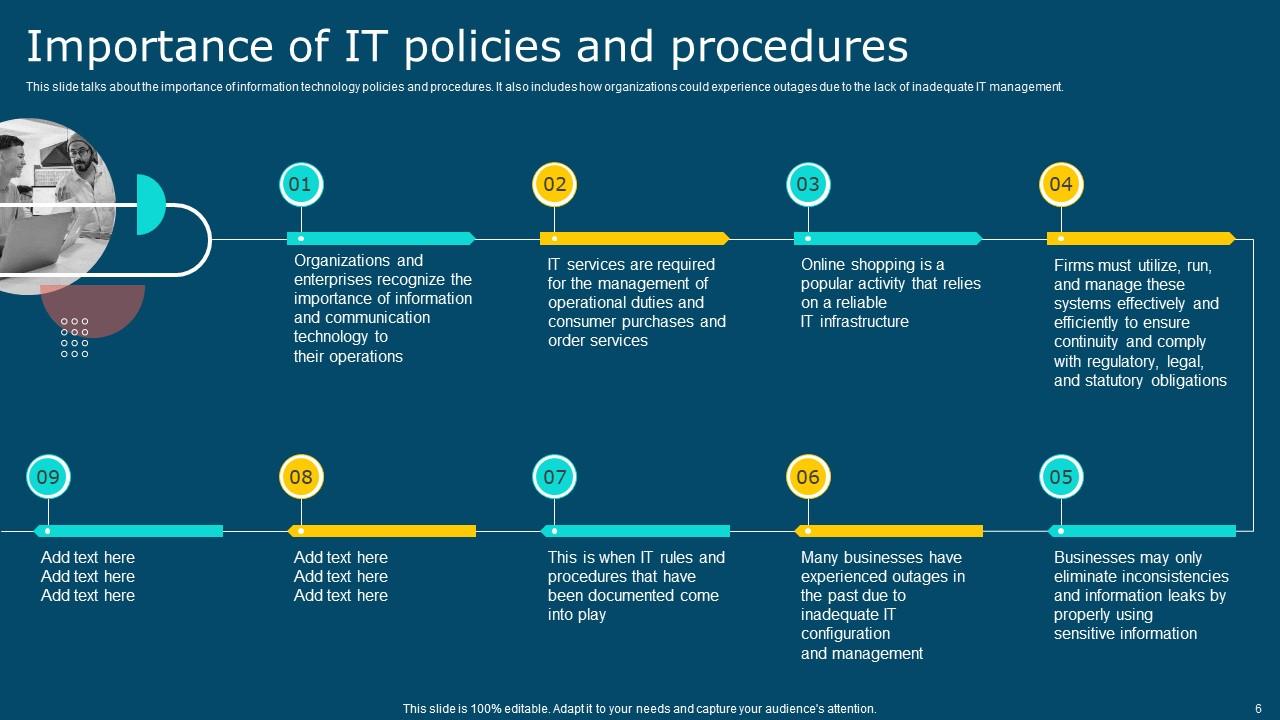
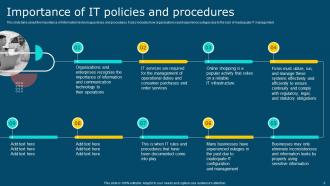
Slide 6 : Este slide fala sobre a importância das políticas e procedimentos de tecnologia da informação.
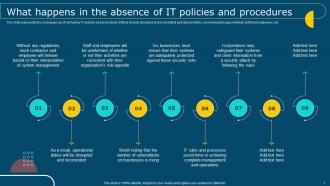
Slide 7 : Este slide representa as consequências de não ter políticas e procedimentos de TI.
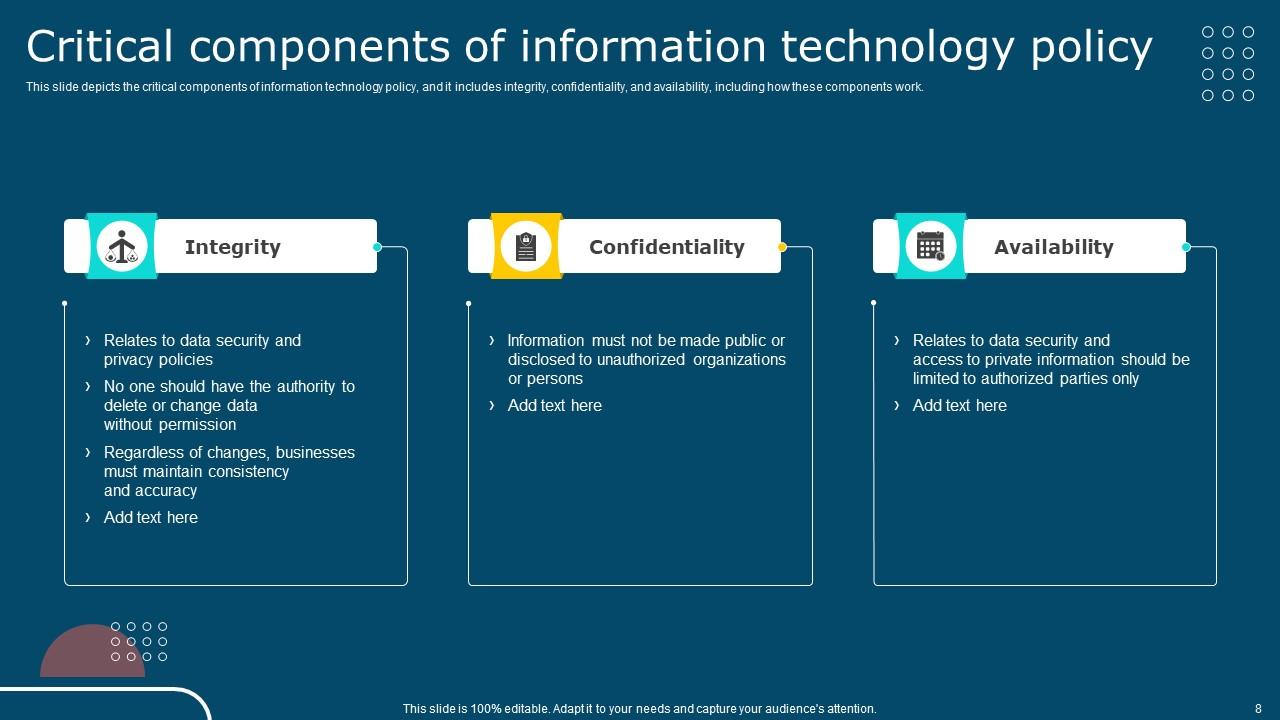
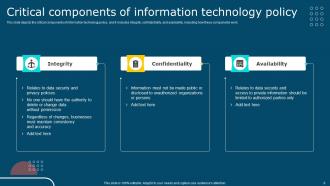
Slide 8 : Este slide descreve os componentes críticos da política de tecnologia da informação e inclui integridade, confidencialidade e disponibilidade.
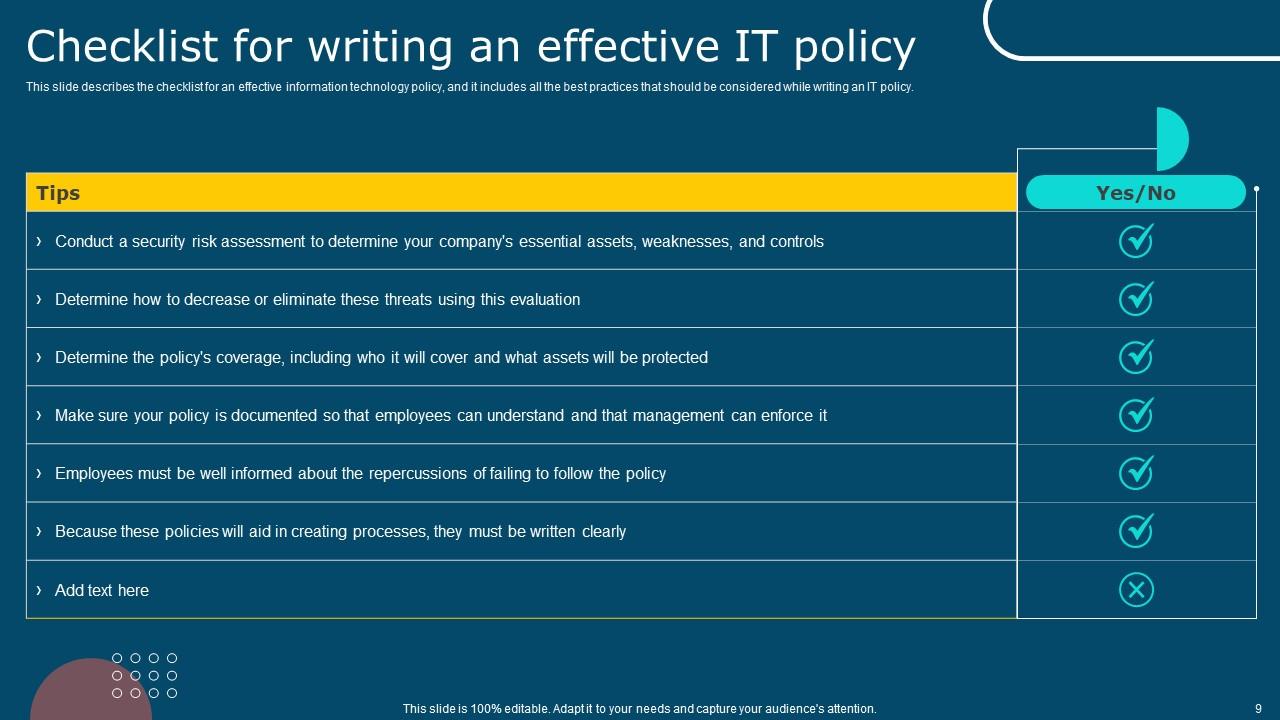
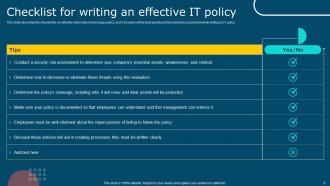
Slide 9 : Este slide descreve a lista de verificação para uma política de tecnologia da informação eficaz.
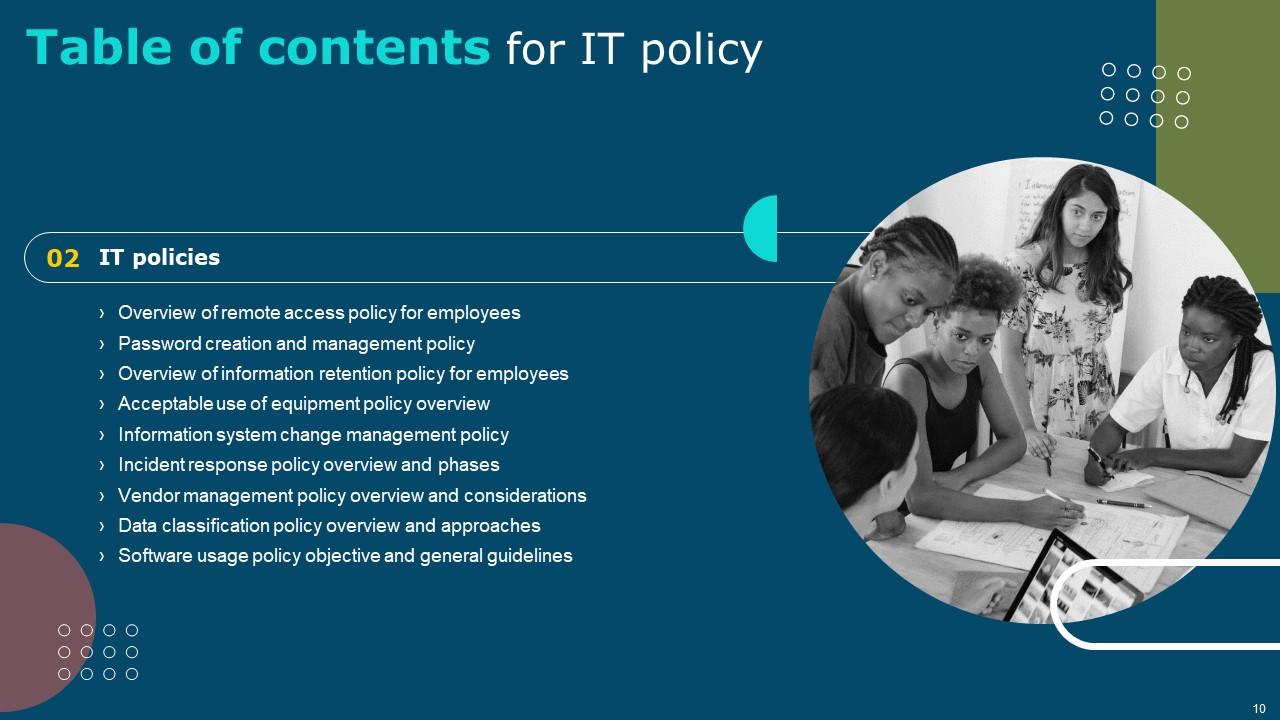
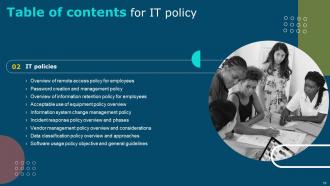
Slide 10 : Este slide mostra o índice que será discutido mais adiante.
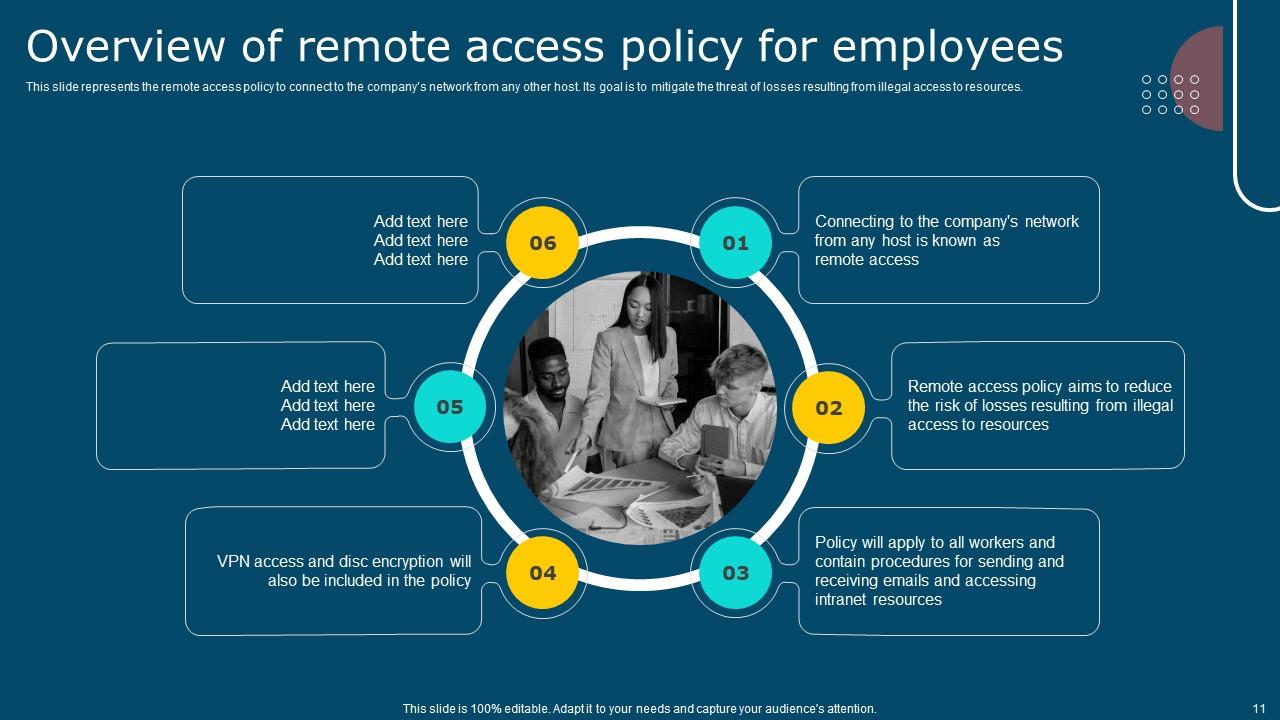
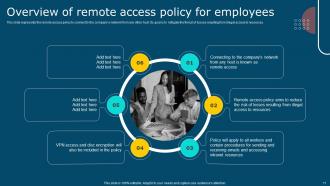
Slide 11 : Este slide representa a política de acesso remoto para se conectar à rede da empresa a partir de qualquer outro host.
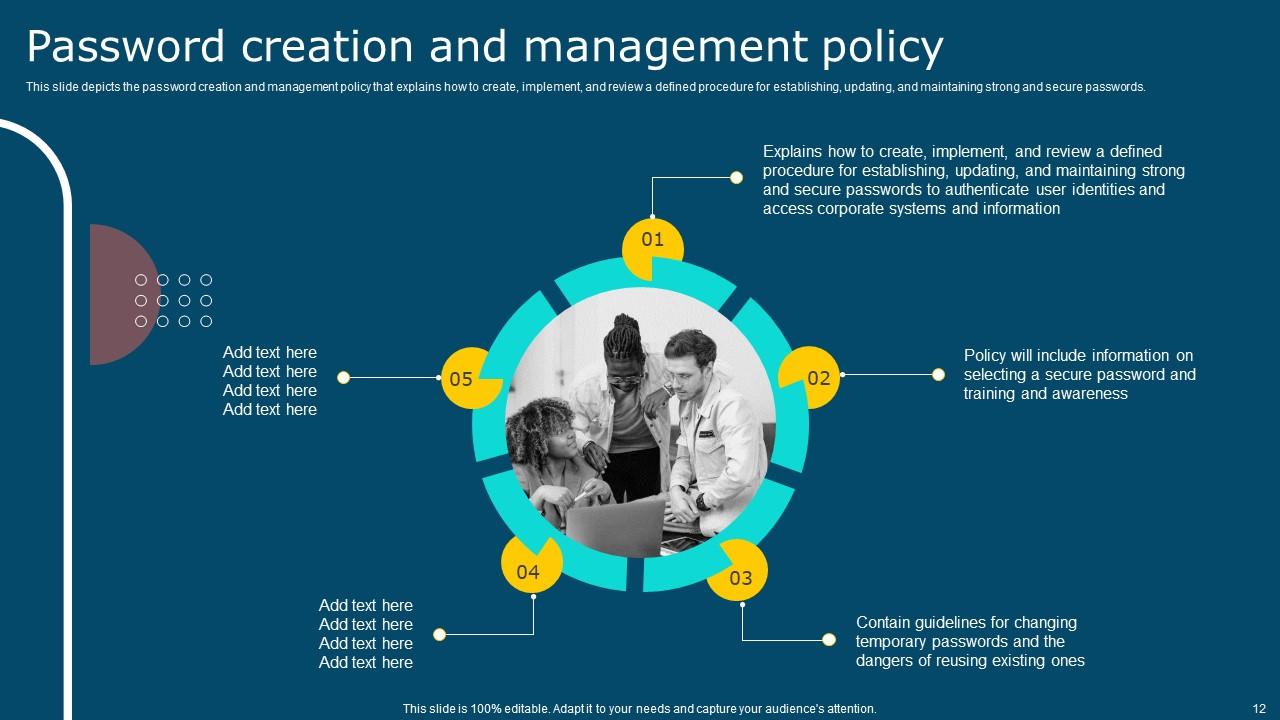
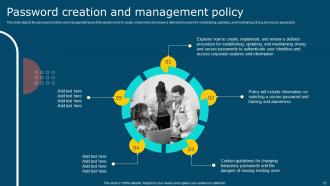
Slide 12 : Este slide descreve a política de criação e gerenciamento de senha que explica como criar, implementar e revisar um procedimento definido.
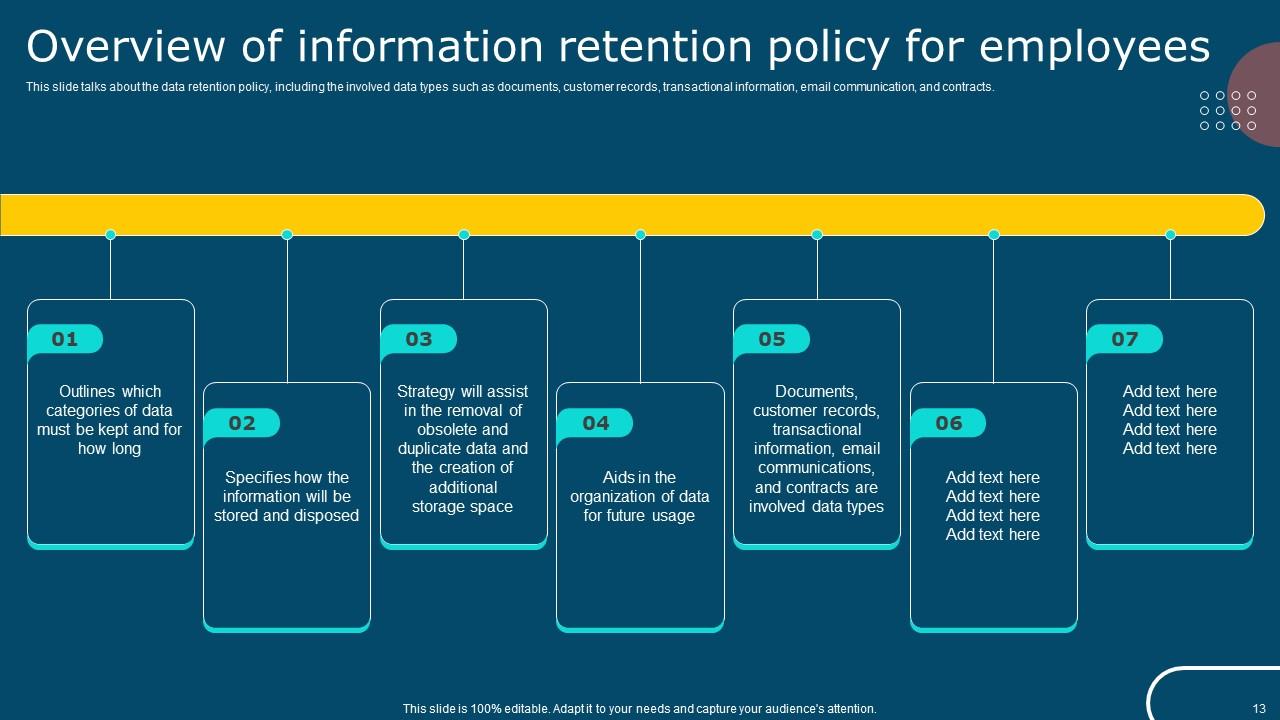
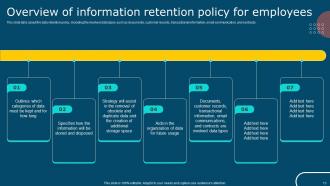
Slide 13 : Este slide fala sobre a política de retenção de dados, incluindo os tipos de dados envolvidos, como documentos, registros de clientes, informações transacionais.
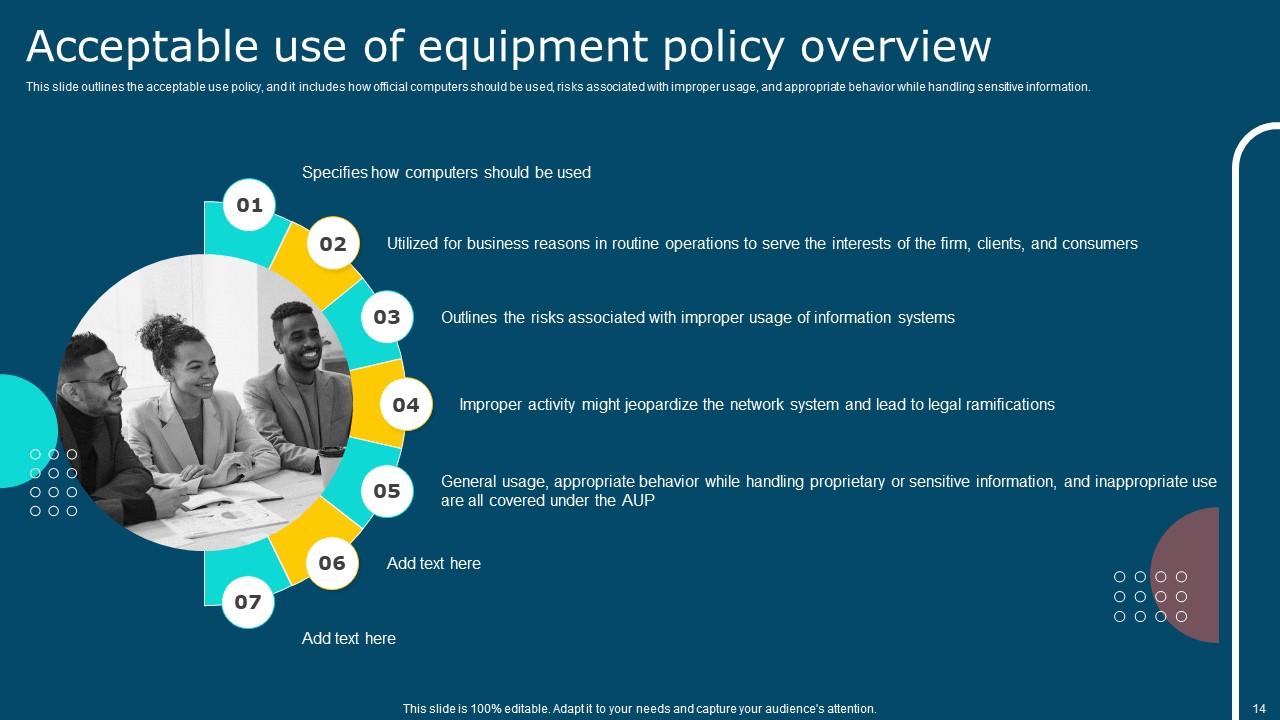
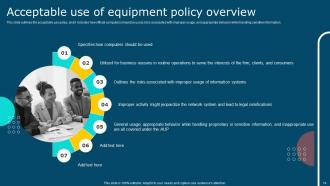
Slide 14 : Este slide descreve a política de uso aceitável e inclui como os computadores oficiais devem ser usados, riscos associados ao uso indevido.
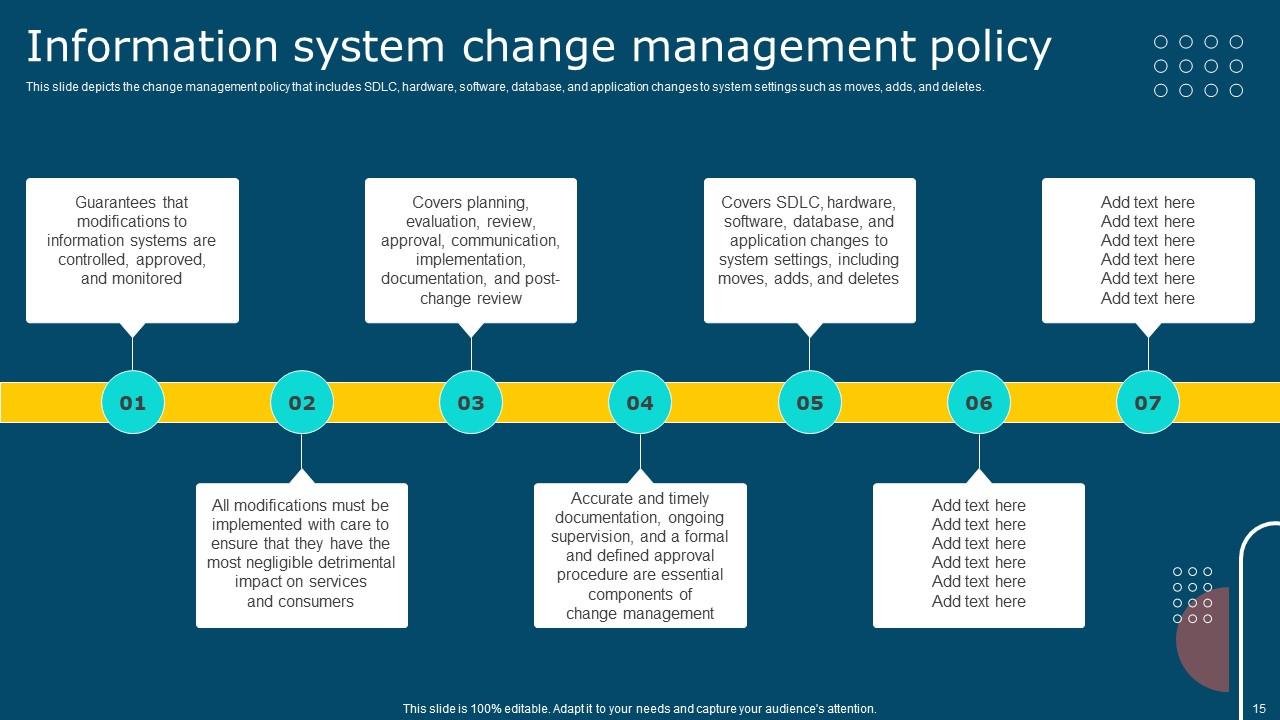
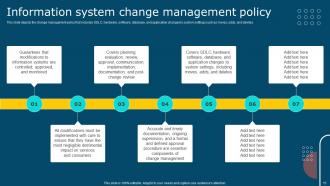
Slide 15 : Este slide descreve a política de gerenciamento de alterações que inclui SDLC, hardware, software, banco de dados e alterações de aplicativos nas configurações do sistema.
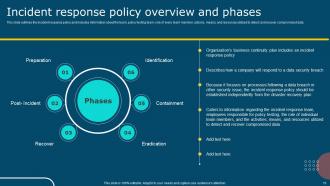
Slide 16 : Este slide descreve a política de resposta a incidentes e inclui informações sobre a equipe, equipe de teste de política, função de cada membro da equipe, ações e meios.
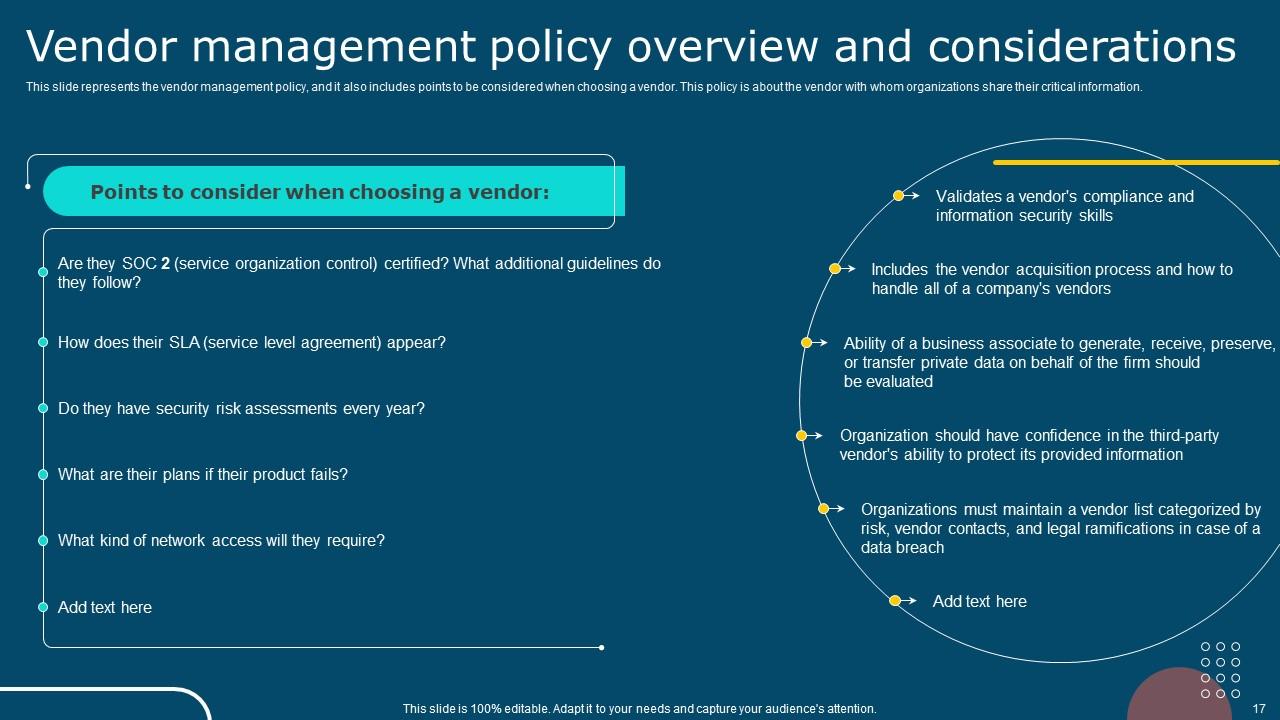
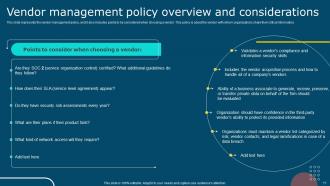
Slide 17 : Este slide representa a política de gestão de fornecedores e também inclui pontos a serem considerados na escolha de um fornecedor.
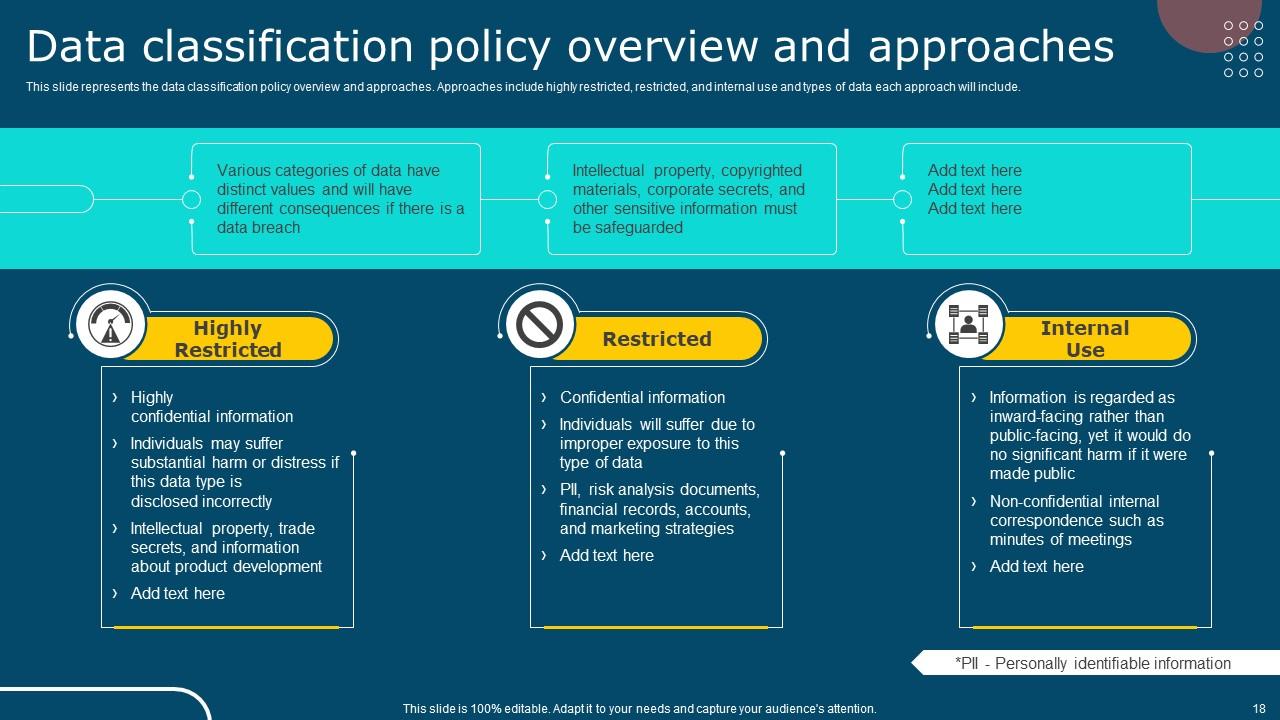
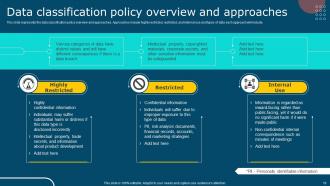
Slide 18 : Este slide representa a visão geral e as abordagens da política de classificação de dados.
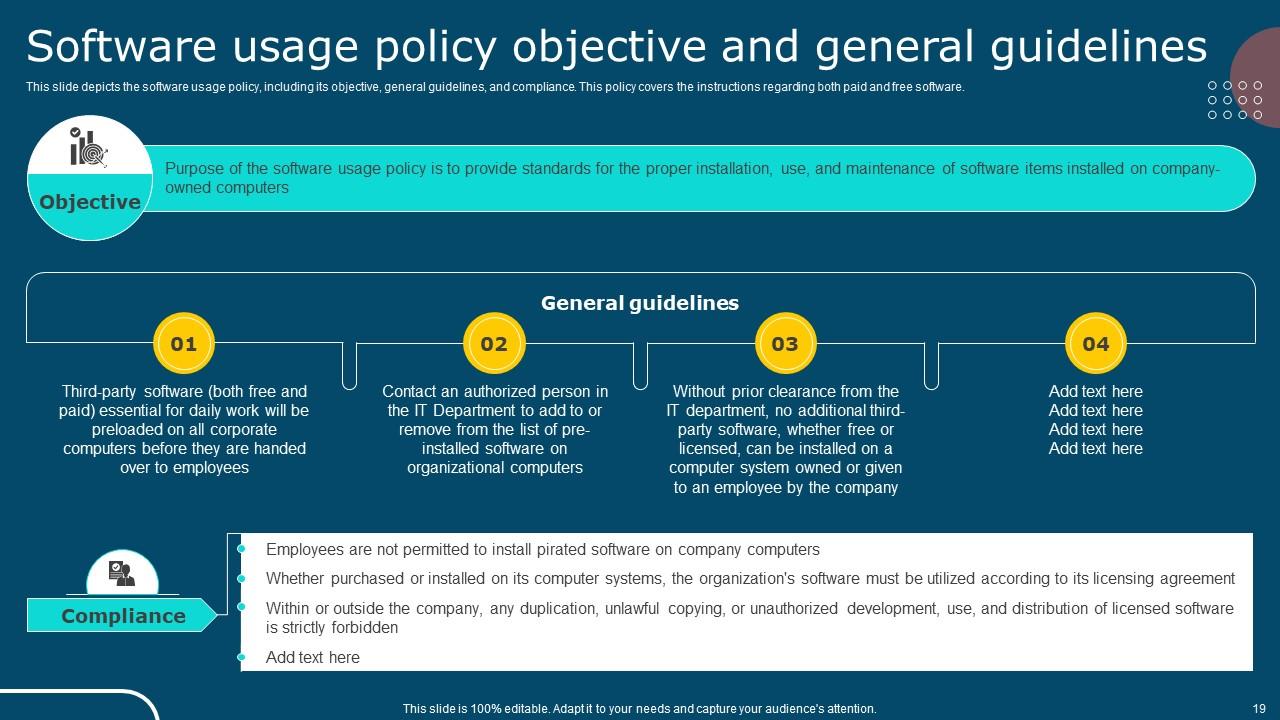
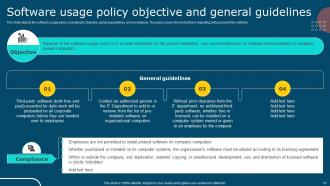
Slide 19 : Este slide descreve a política de uso de software, incluindo seu objetivo, diretrizes gerais e conformidade.
Slide 20 : Este slide mostra o índice que será discutido mais adiante.
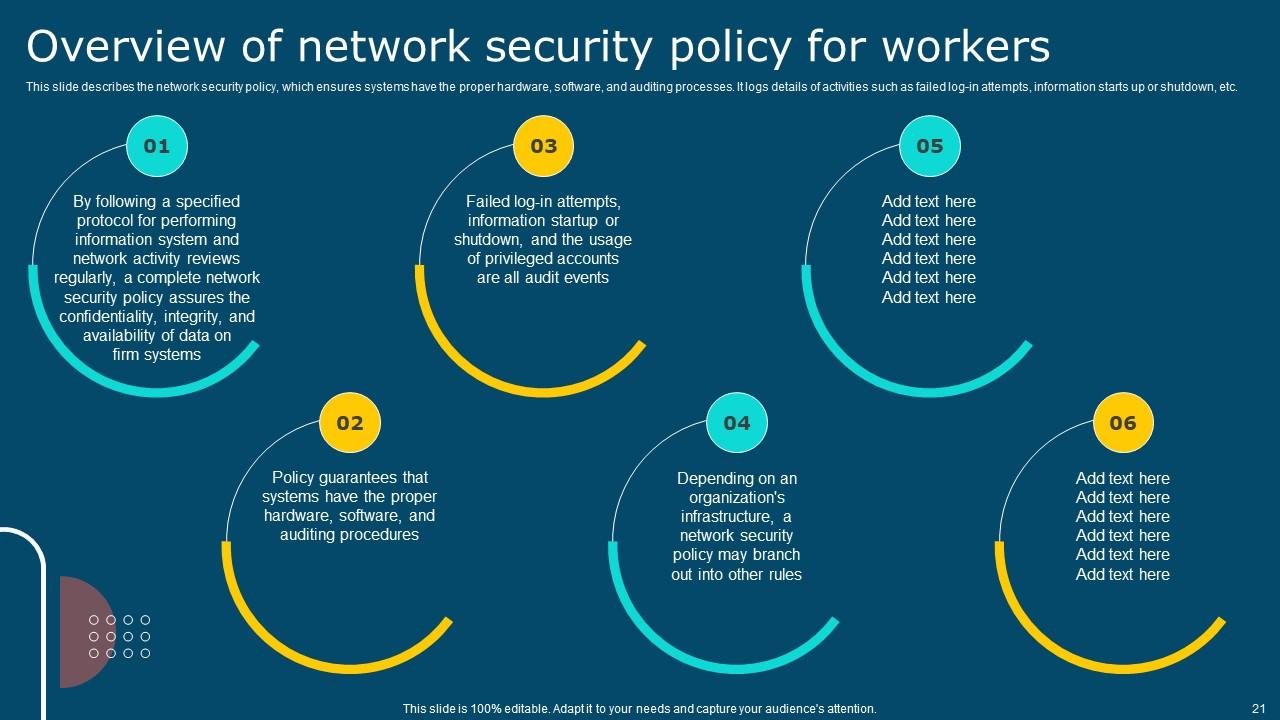
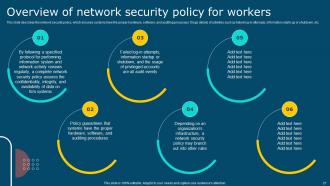
Slide 21 : Este slide descreve a política de segurança de rede, que garante que os sistemas tenham hardware, software e processos de auditoria adequados.
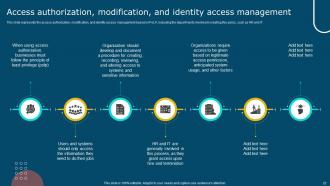
Slide 22 : Este slide representa a autorização de acesso, modificação e gerenciamento de acesso de identidade baseado em PoLP.
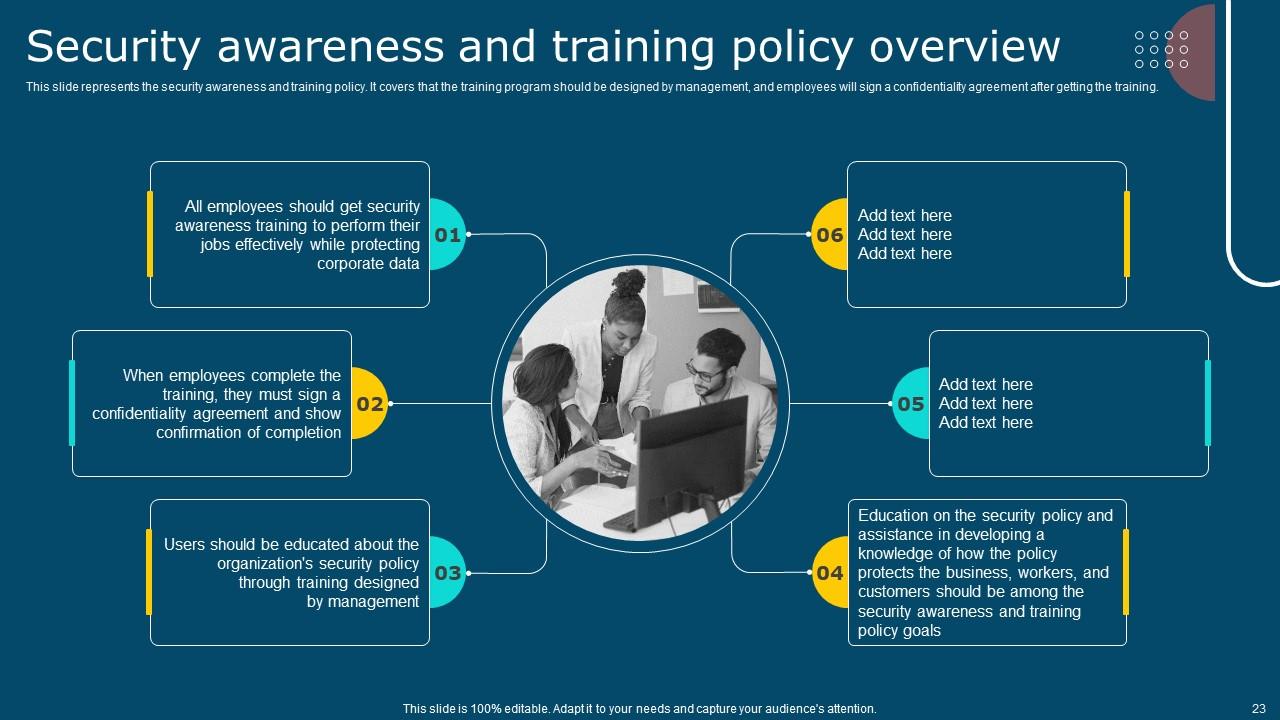
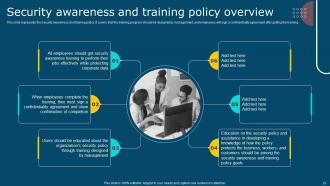
Slide 23 : Este slide representa a política de conscientização e treinamento de segurança.
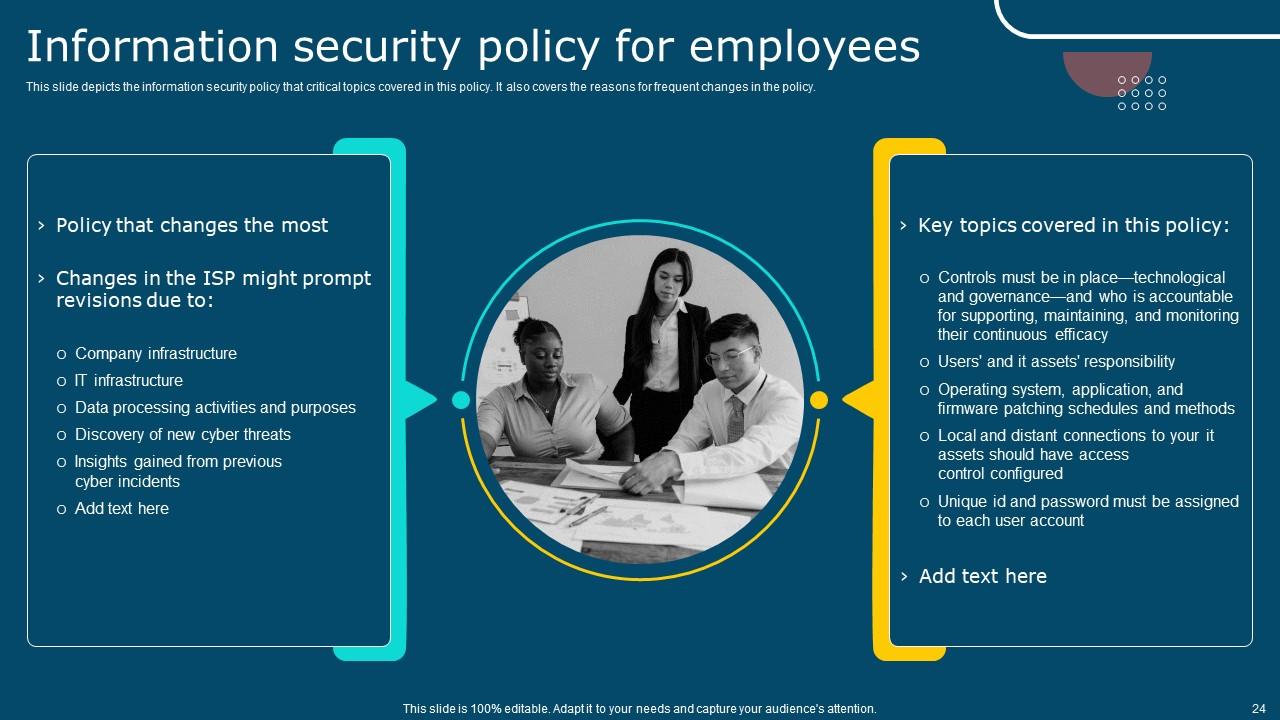
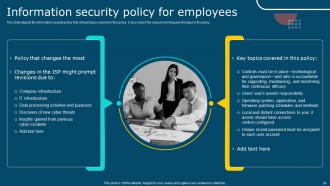
Slide 24 : Este slide descreve a política de segurança da informação que os tópicos críticos abordam nesta política.
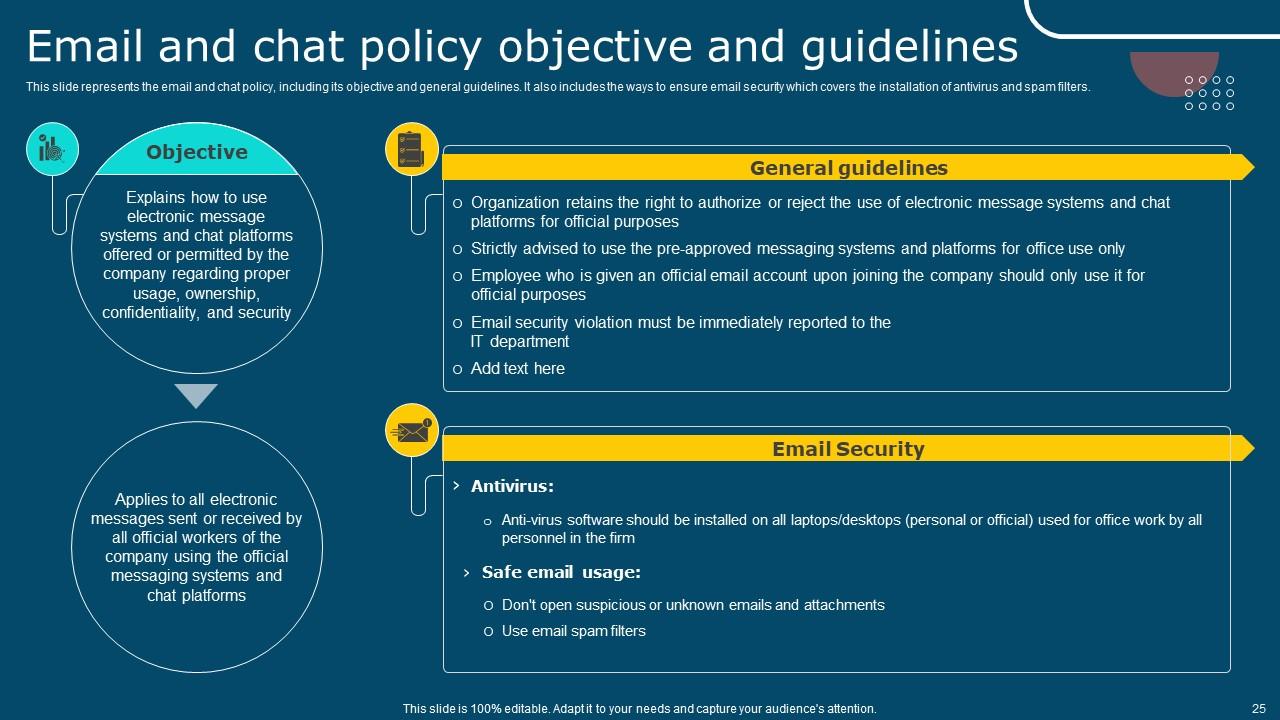
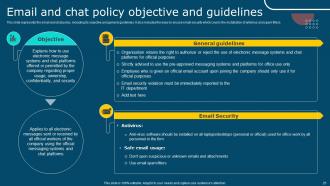
Slide 25 : Este slide representa a política de e-mail e chat, incluindo seus objetivos e diretrizes gerais.
Slide 26 : Este slide mostra o índice que será discutido mais adiante.
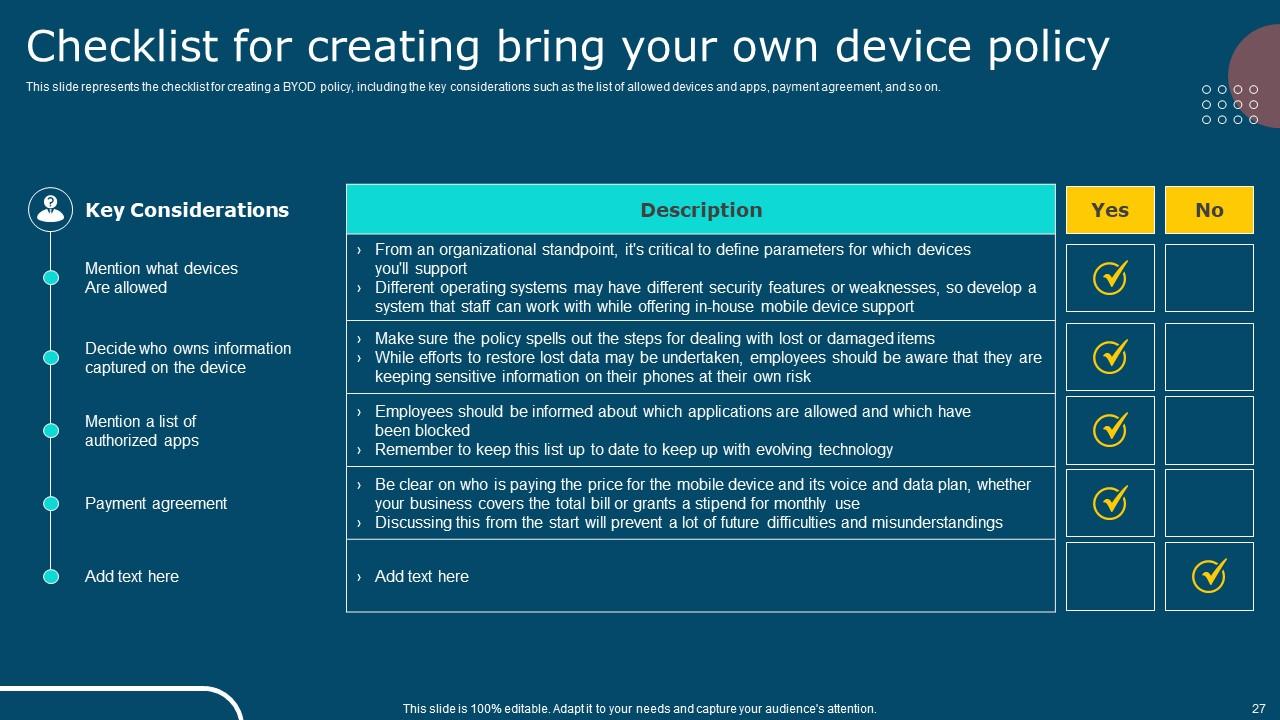
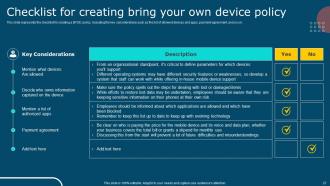
Slide 27 : Este slide representa a lista de verificação para criar uma política BYOD, incluindo as principais considerações, como a lista de dispositivos e aplicativos permitidos, acordo de pagamento.
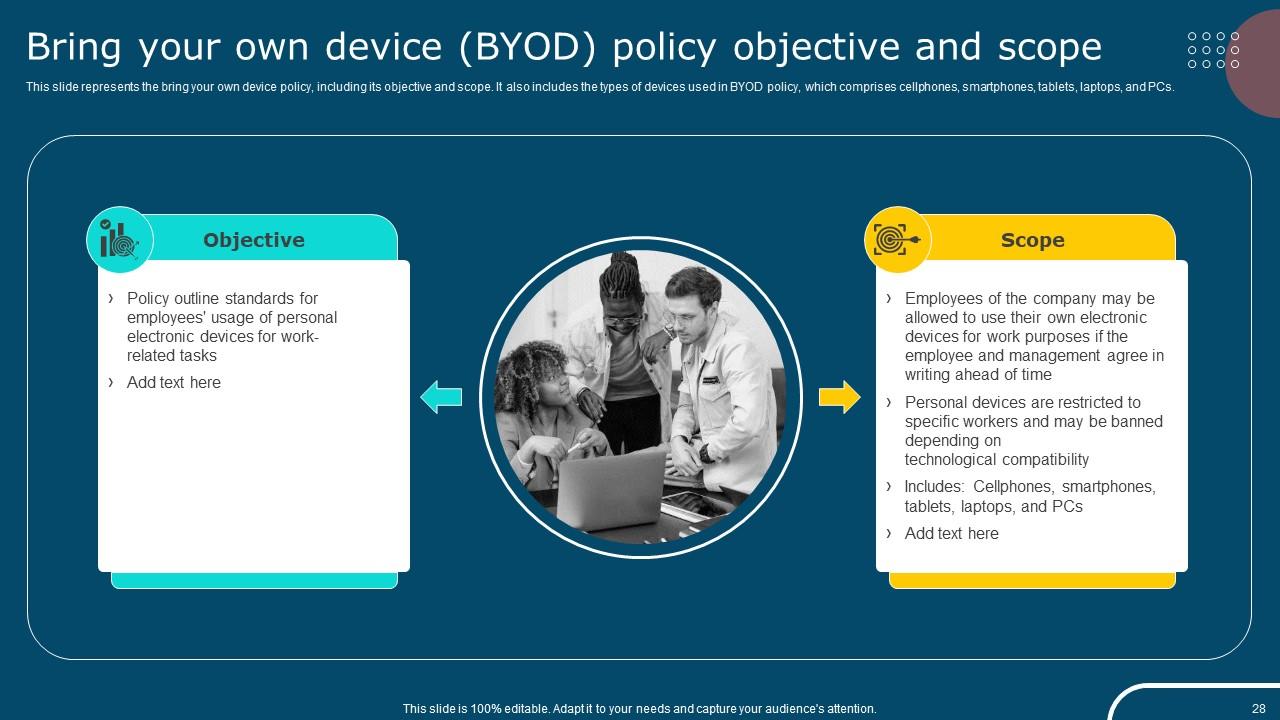
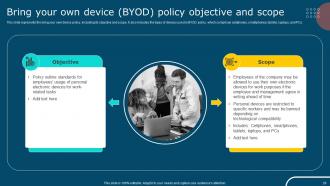
Slide 28 : Este slide representa a política de trazer seu próprio dispositivo, incluindo seu objetivo e escopo.
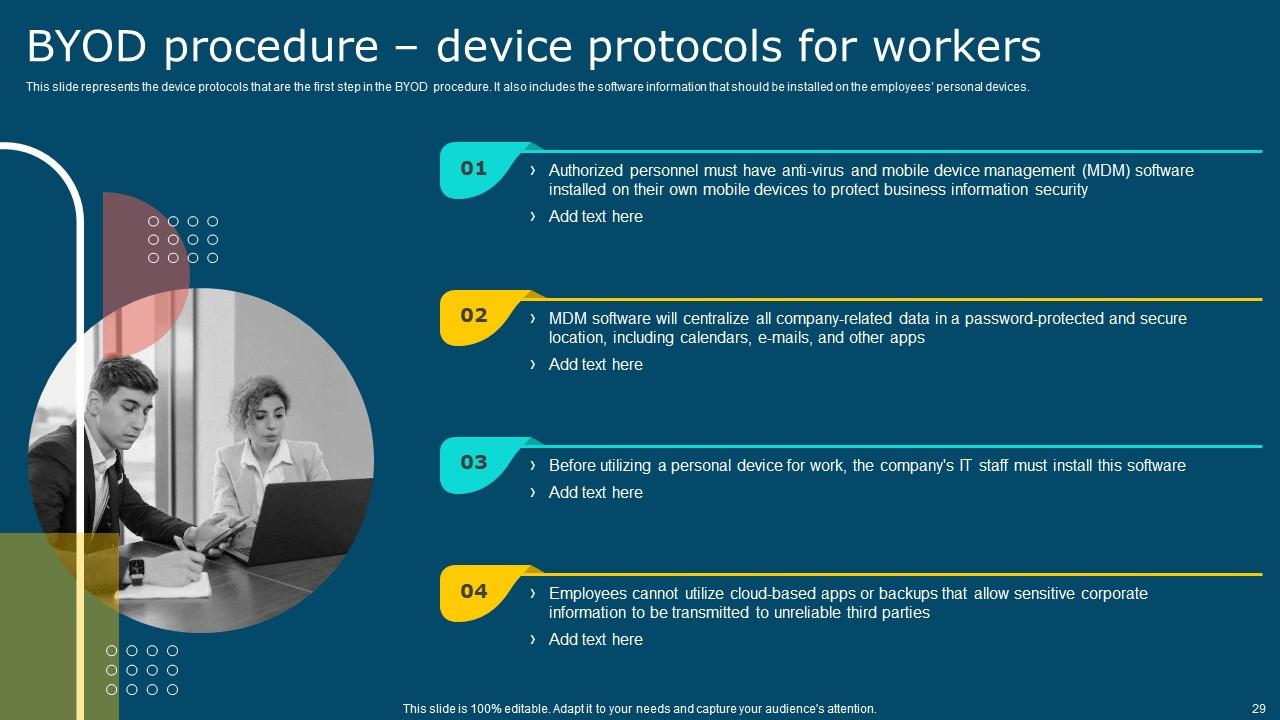
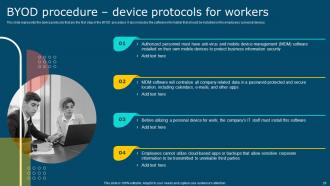
Slide 29 : Este slide representa os protocolos do dispositivo que são a primeira etapa do procedimento BYOD.
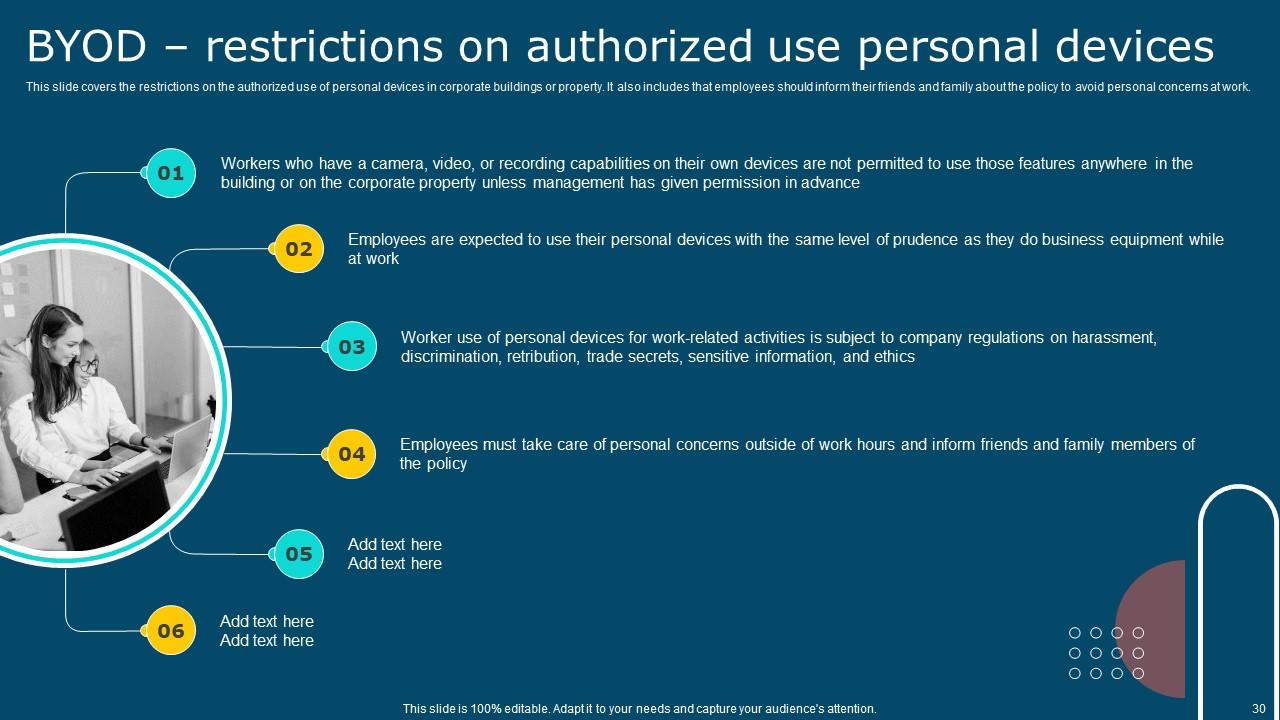
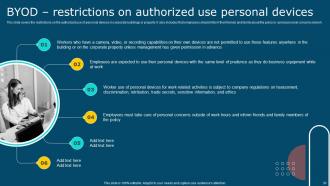
Slide 30 : Este slide aborda as restrições ao uso autorizado de dispositivos pessoais em prédios ou propriedades corporativas.
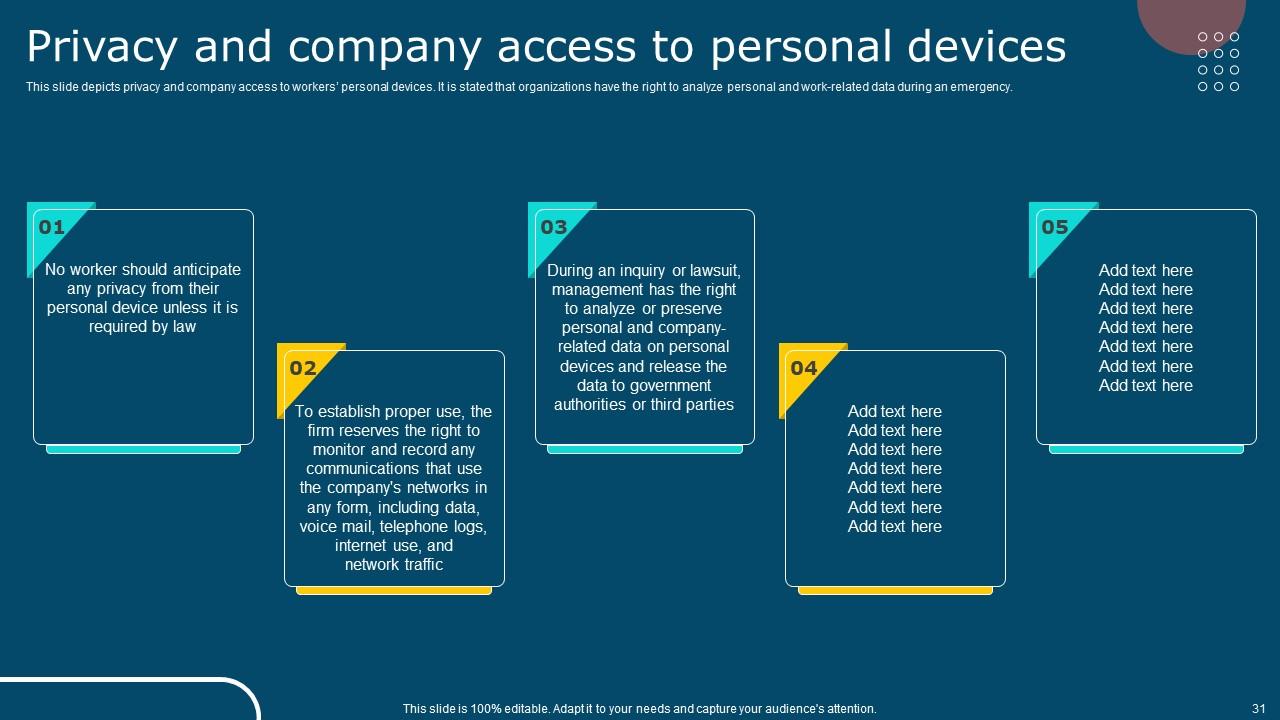
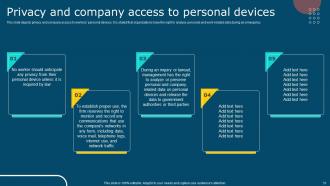
Slide 31 : Este slide descreve a privacidade e o acesso da empresa aos dispositivos pessoais dos funcionários.
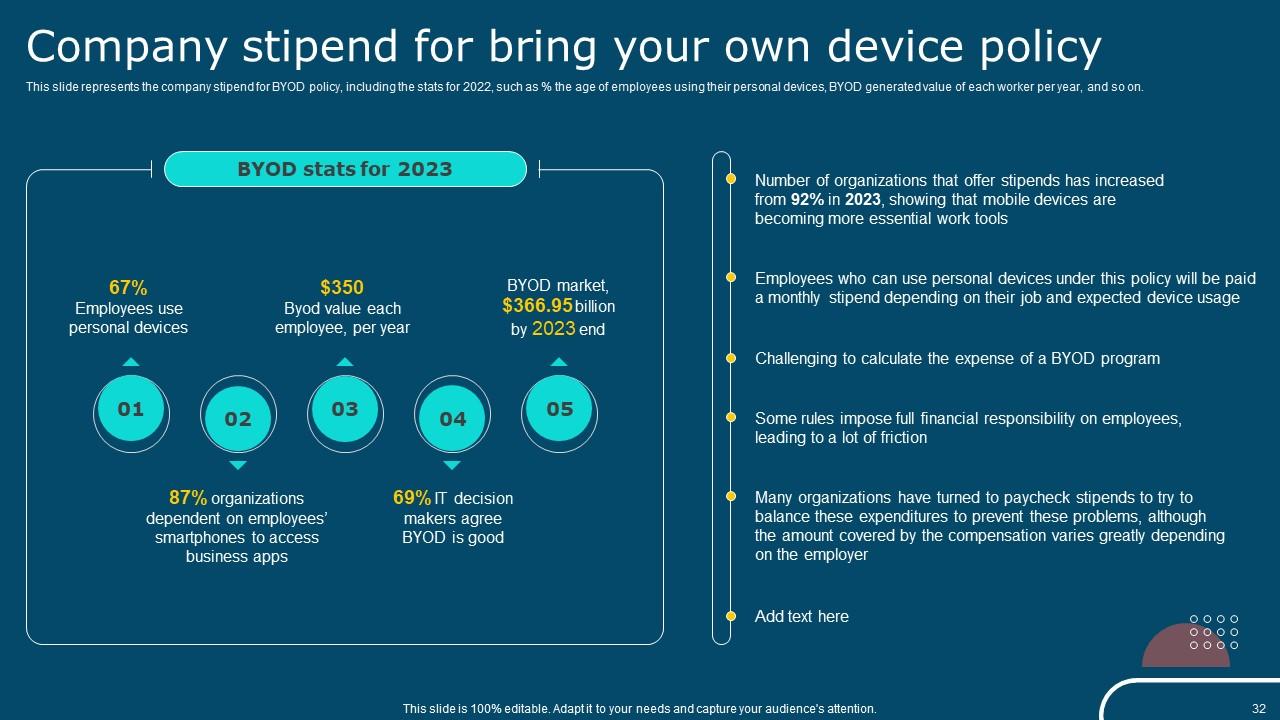
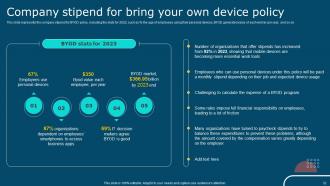
Slide 32 : Este slide representa o salário da empresa para a política de BYOD.
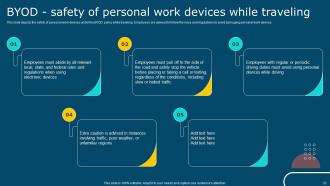
Slide 33 : Este slide descreve a segurança de dispositivos de trabalho pessoal sob a política BYOD durante viagens.
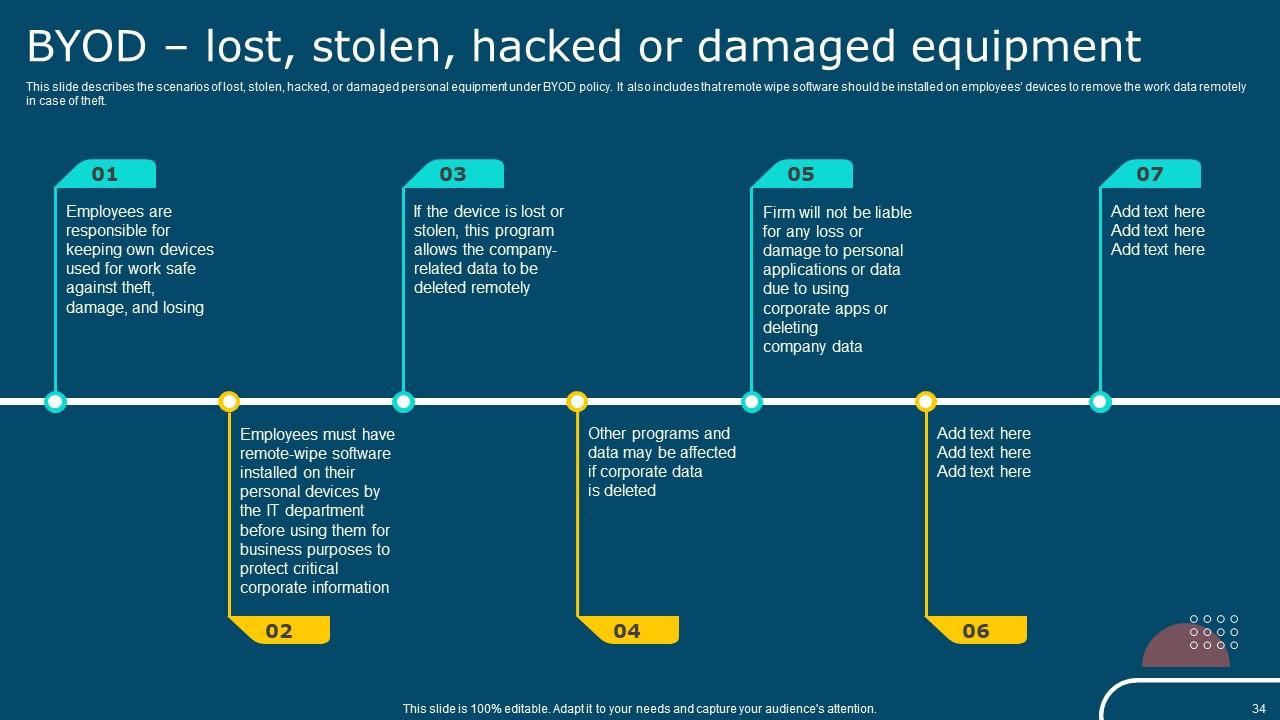
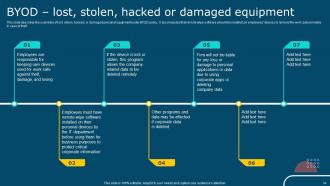
Slide 34 : Este slide descreve os cenários de equipamento pessoal perdido, roubado, hackeado ou danificado sob a política BYOD.
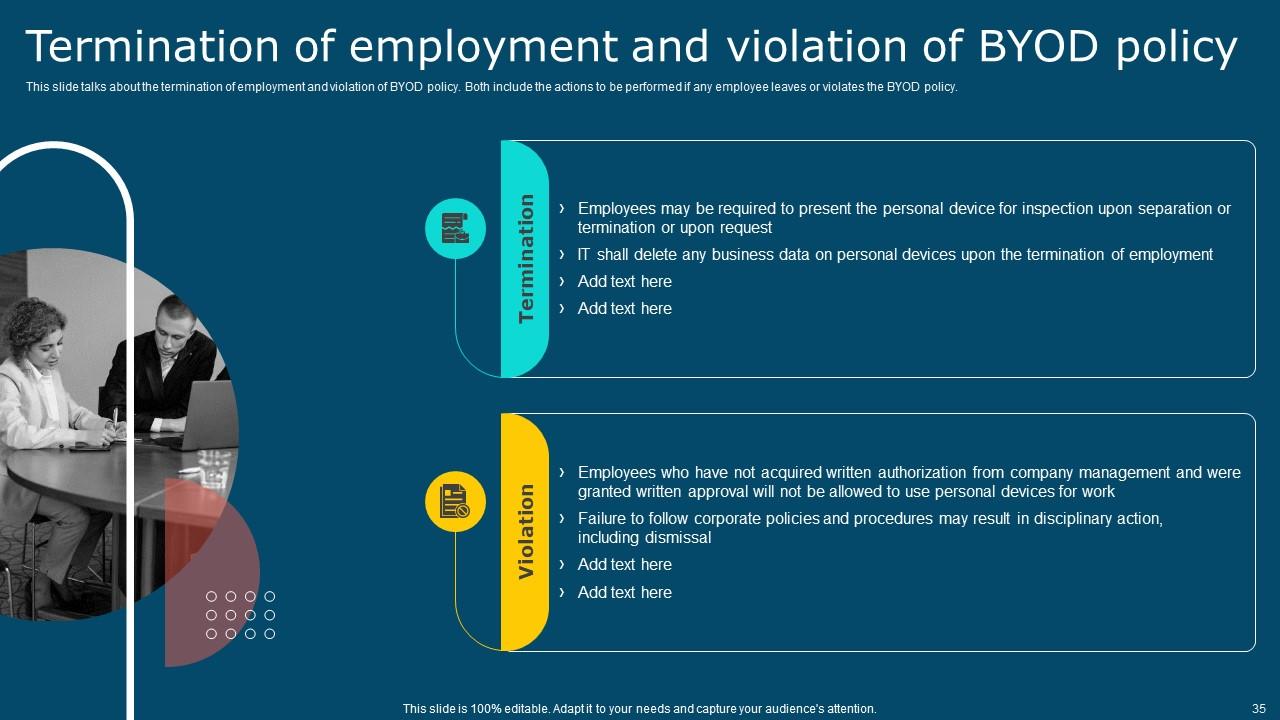
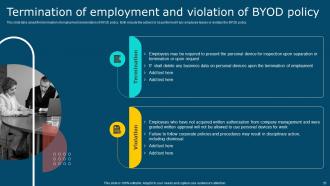
Slide 35 : Este slide fala sobre rescisão de contrato de trabalho e violação da política de BYOD.
Slide 36 : Este slide mostra o índice que será discutido mais adiante.
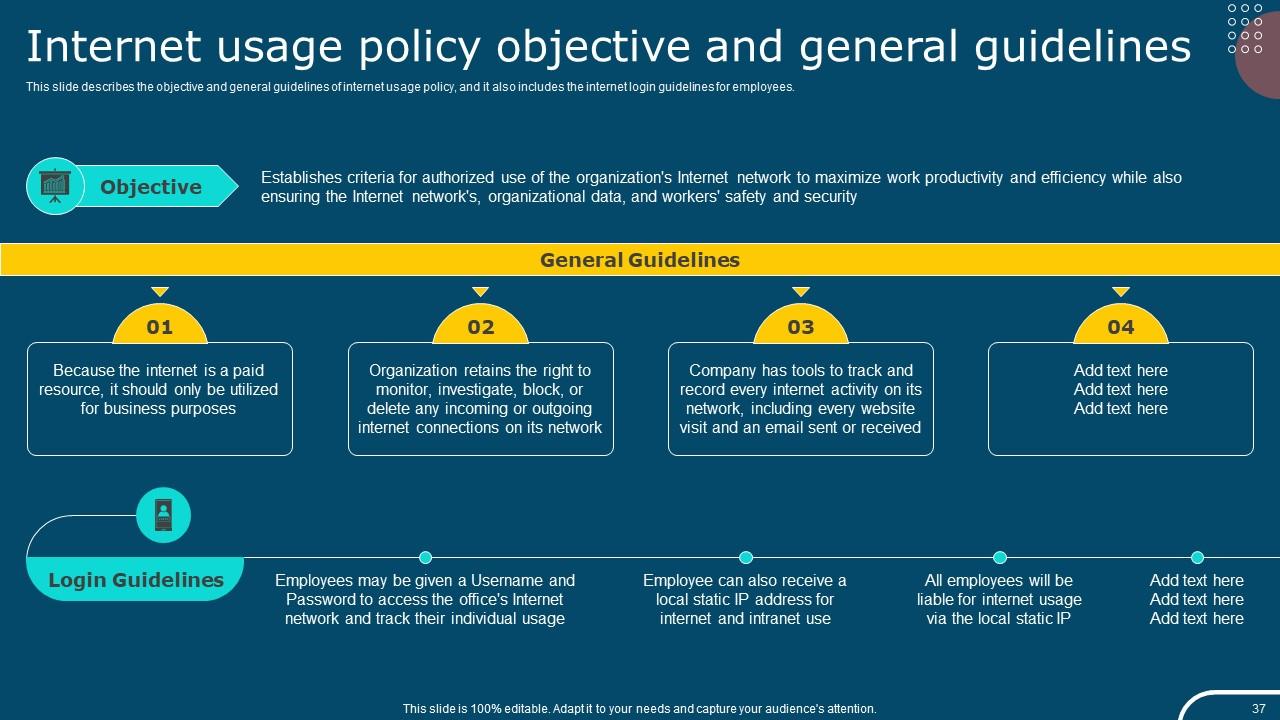
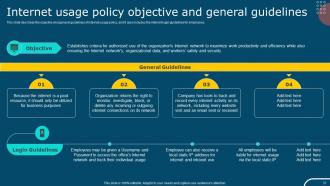
Slide 37 : Este slide descreve o objetivo e as diretrizes gerais da política de uso da internet, além de incluir as diretrizes de acesso à internet para funcionários.
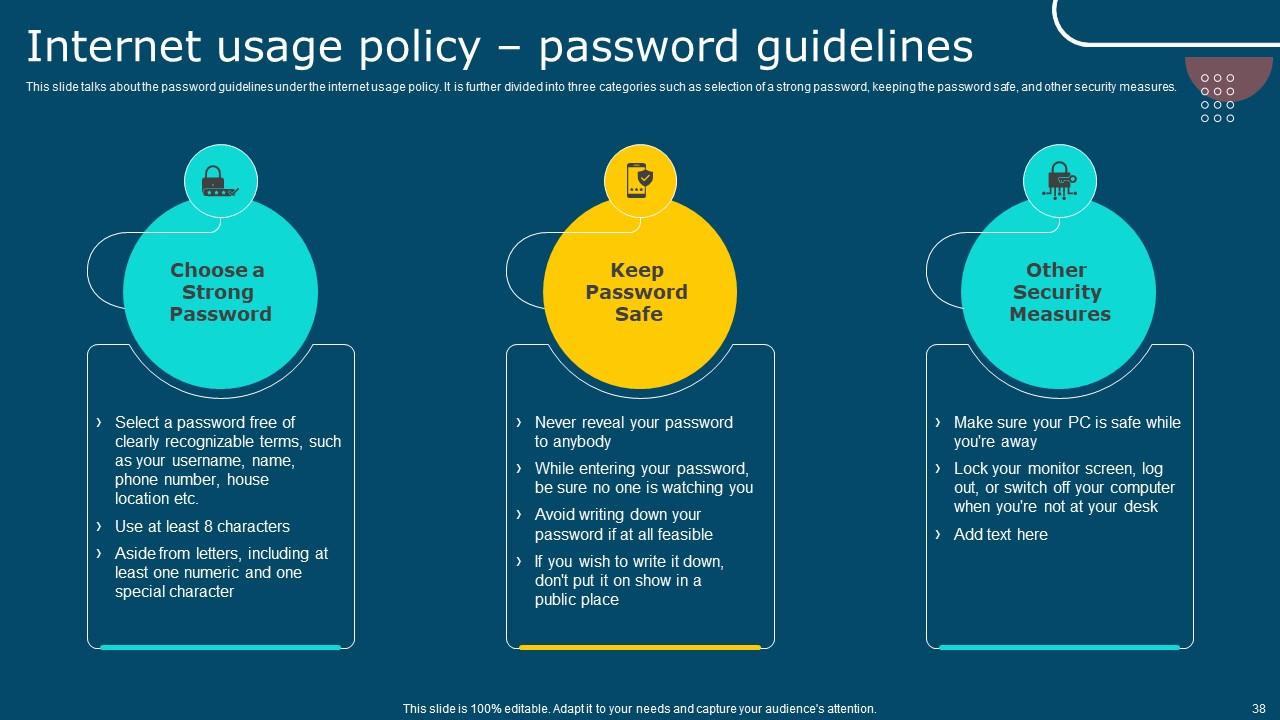
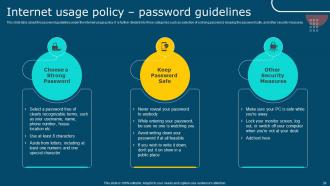
Slide 38 : Este slide fala sobre as diretrizes de senha da política de uso da Internet.
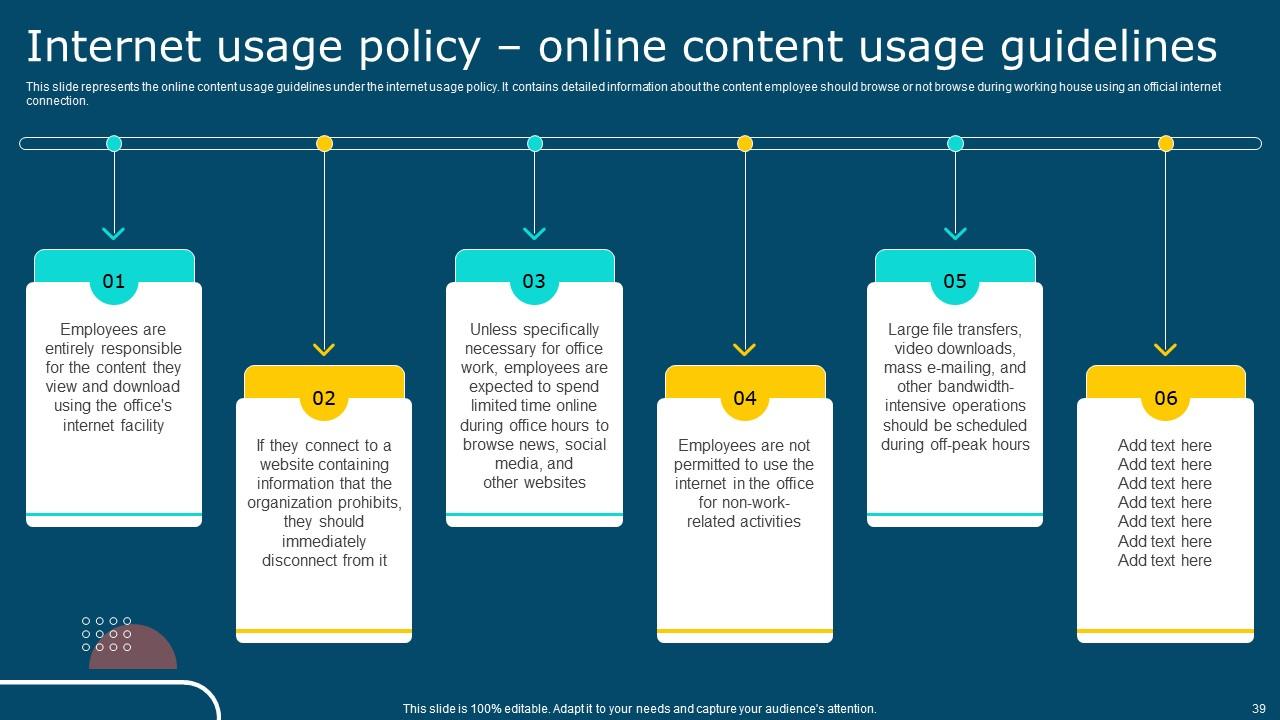
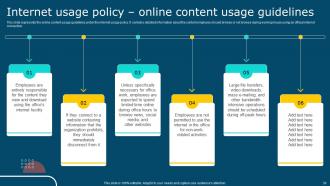
Slide 39 : Este slide representa as diretrizes de uso de conteúdo online de acordo com a política de uso da Internet.
Slide 40 : Este slide mostra o índice que será discutido mais adiante.
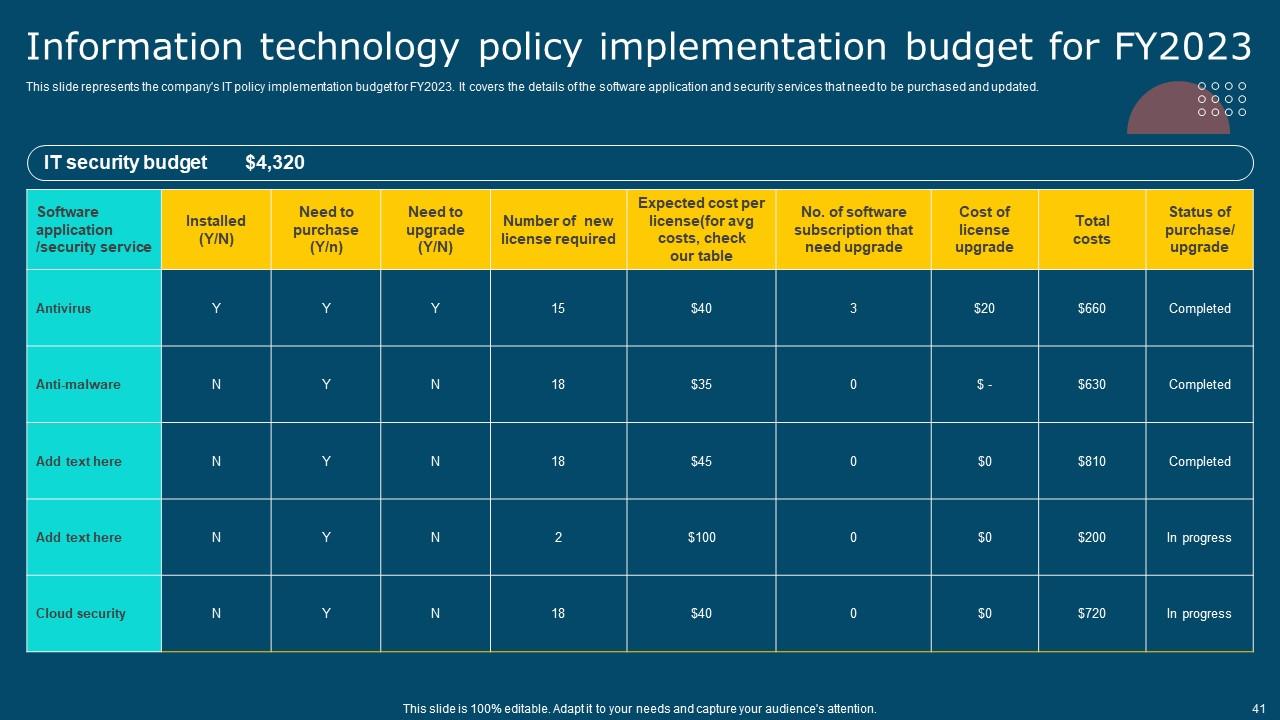
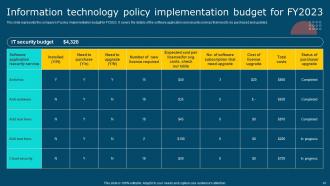
Slide 41 : Este slide representa o orçamento de implementação da política de TI da empresa para o ano fiscal de 2023.
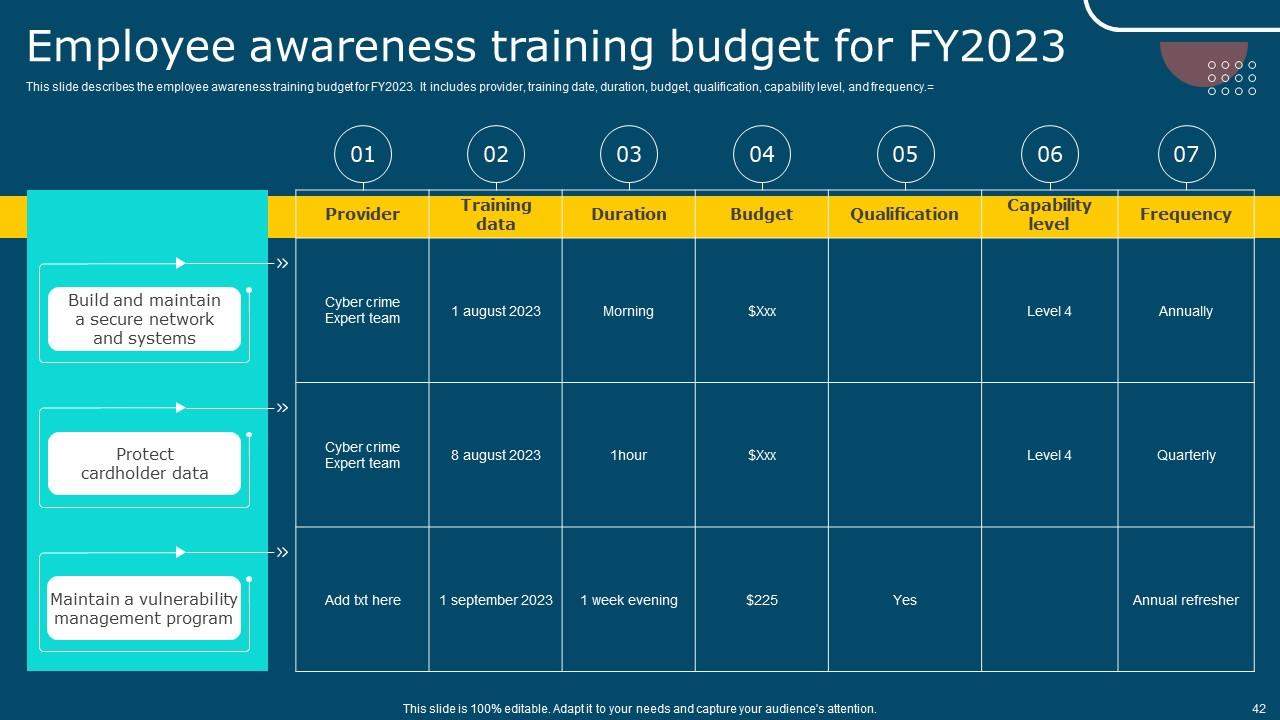
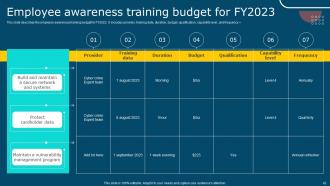
Slide 42 : Este slide descreve o orçamento de treinamento de conscientização de funcionários para o ano fiscal de 2023.
Slide 43 : Este slide mostra o índice que será discutido mais adiante.
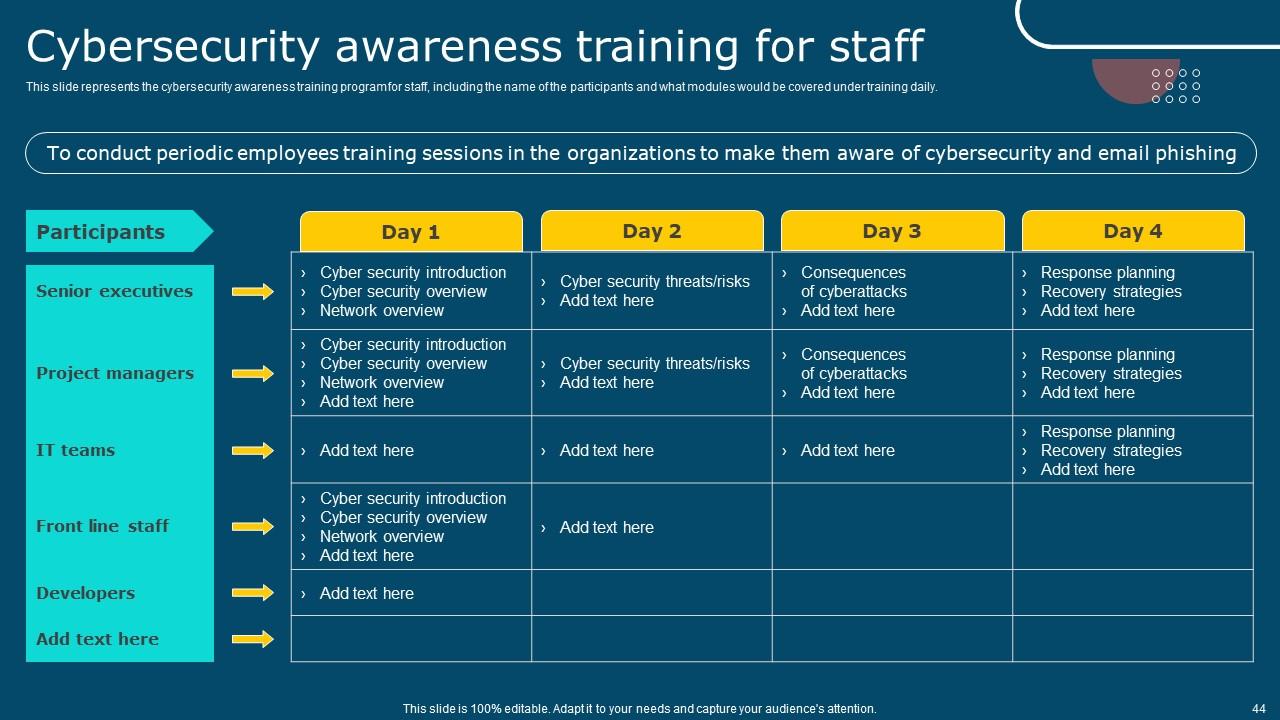
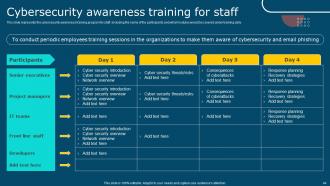
Slide 44 : Este slide representa o programa de treinamento de conscientização sobre segurança cibernética para a equipe, incluindo o nome dos participantes e quais módulos seriam abordados no treinamento.
Slide 45 : Este slide mostra o índice que será discutido mais adiante.
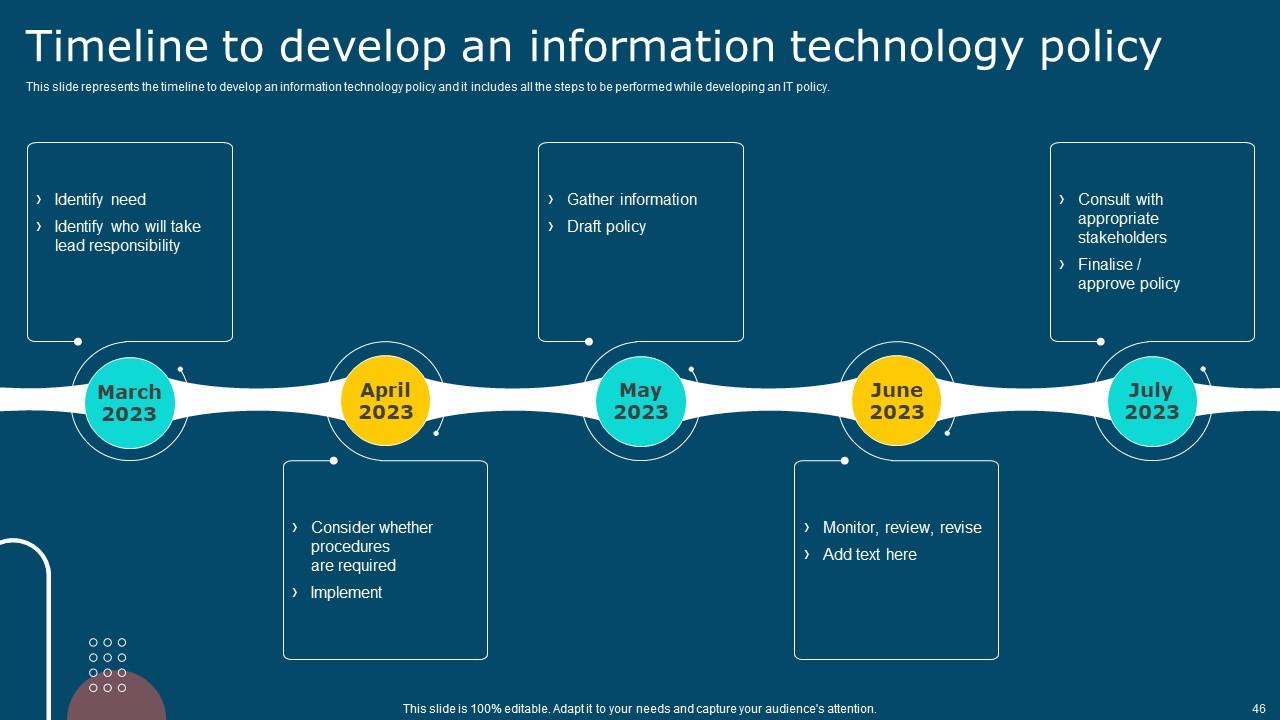
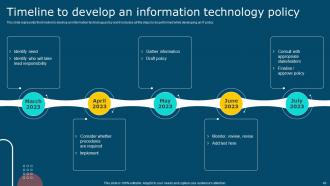
Slide 46 : Este slide representa o cronograma para desenvolver uma política de tecnologia da informação e inclui todas as etapas a serem executadas durante o desenvolvimento de uma política de TI.
Slide 47 : Este slide mostra o índice que será discutido mais adiante.
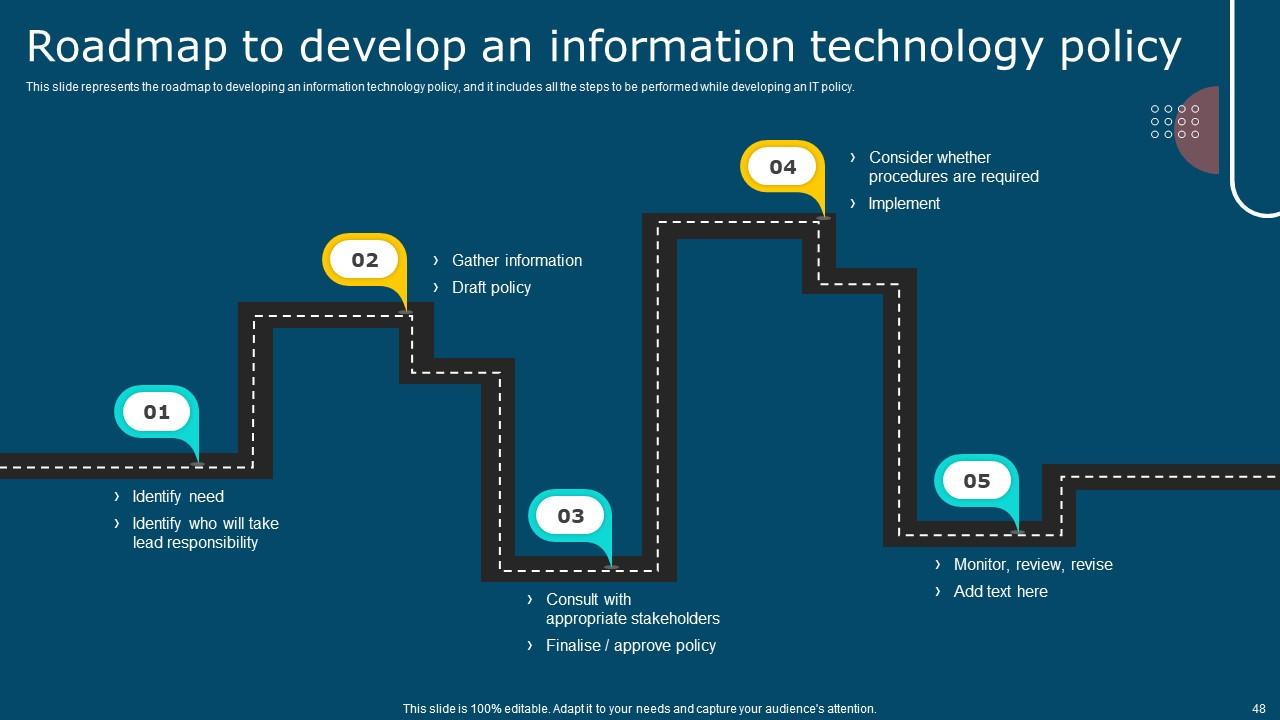
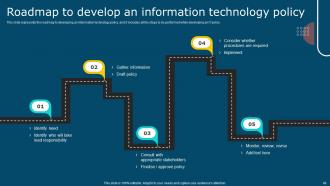
Slide 48 : Este slide representa o roteiro para desenvolver uma política de tecnologia da informação e inclui todas as etapas a serem executadas durante o desenvolvimento de uma política de TI.
Slide 49 : Este é o slide dos ícones.
Slide 50 : Este slide apresenta o título para slides adicionais.
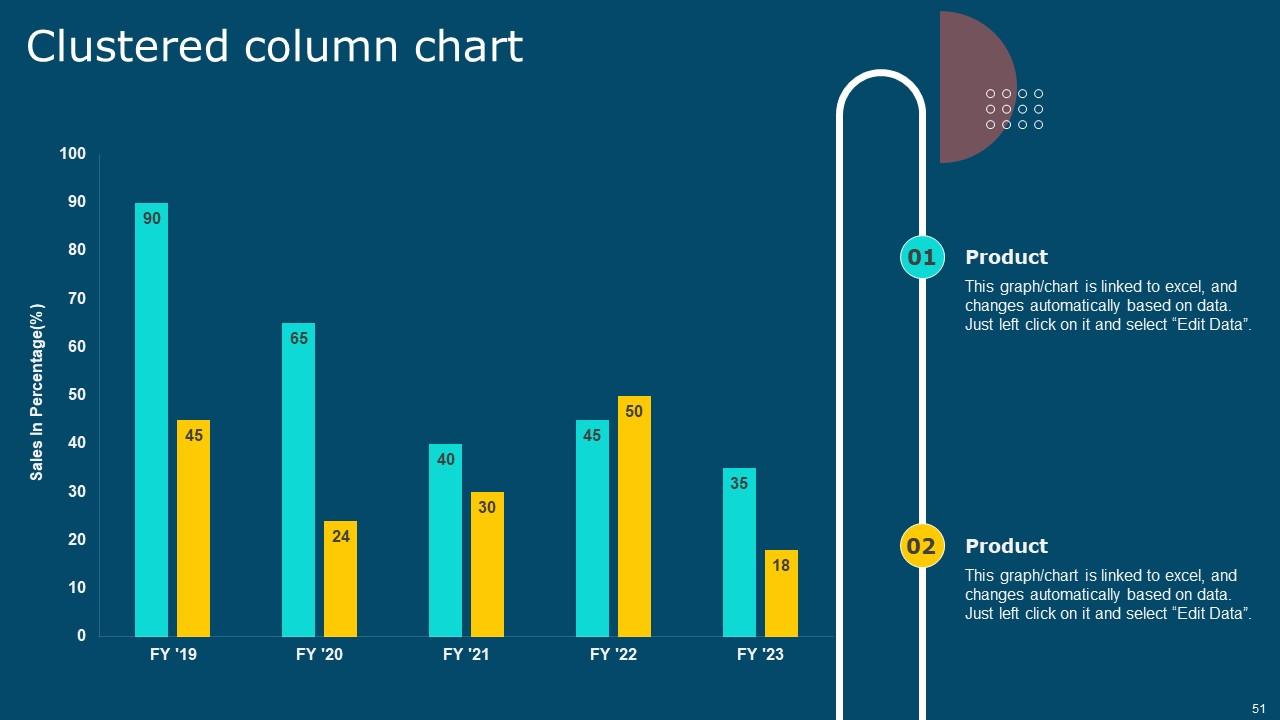
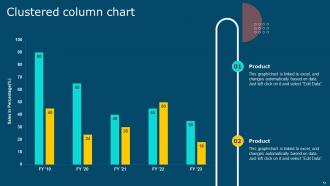
Slide 51 : Este slide mostra o gráfico de colunas agrupadas para diferentes produtos.
Slide 52 : Este slide mostra postagens de experiências passadas de clientes.
Slide 53 : Este slide mostra nosso objetivo.
Slide 54 : Este slide mostra o quebra-cabeça para exibir os elementos da empresa.
Slide 55 : Este slide mostra sobre sua empresa, público-alvo e os valores de seus clientes.
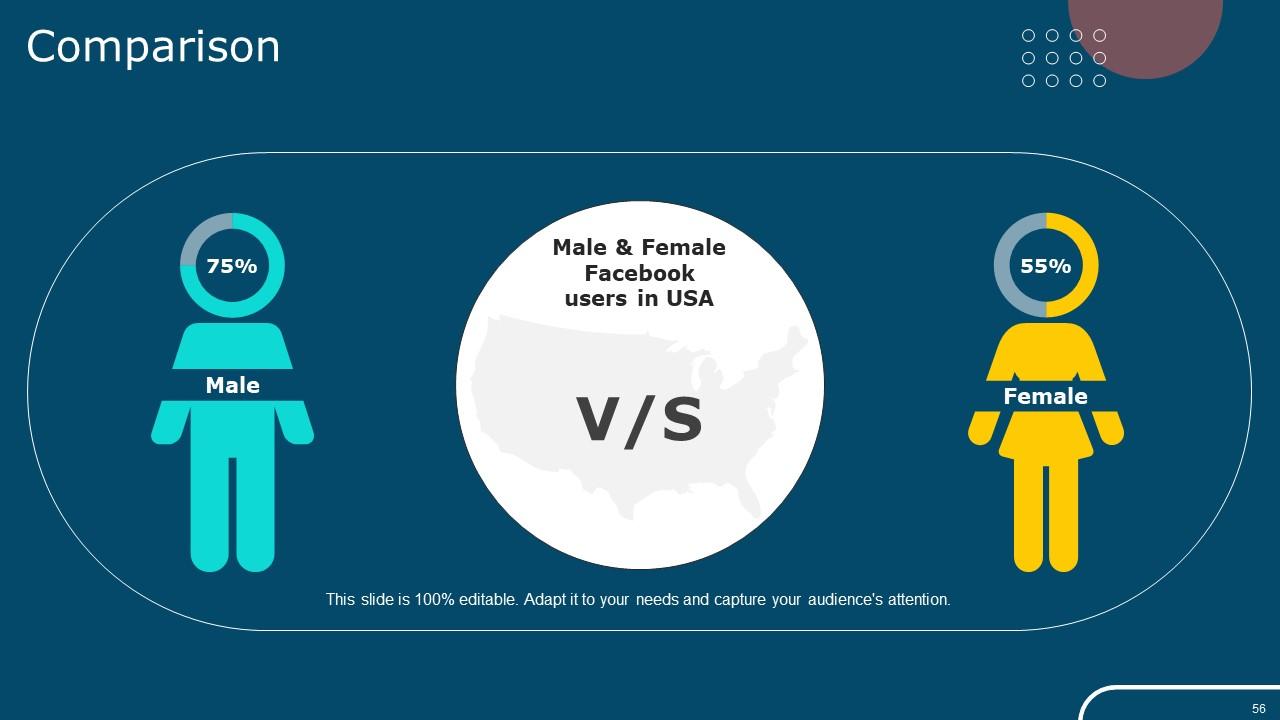
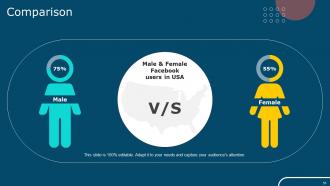
Slide 56 : Este slide mostra a Comparação.
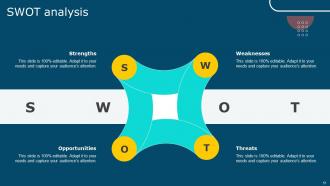
Slide 57 : Este slide exibe a análise SWOT.
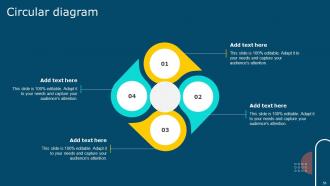
Slide 58 : Este slide mostra o diagrama circular.
Slide 59 : Este é o slide de agradecimento e contém detalhes de contato da empresa, como endereço do escritório, número de telefone, etc.
Slides de apresentação do Powerpoint da política de TI com todos os 64 slides:
Use nossos slides de apresentação do Powerpoint da política de TI para ajudá-lo a economizar seu valioso tempo. Eles estão prontos para caber em qualquer estrutura de apresentação.
-
Slideteam offers pocket-friendly products. As a college student this is a really necessary thing to look at while paying for something.
-
Like always a great experience with you guys. Always there on the drop of hat to help.
