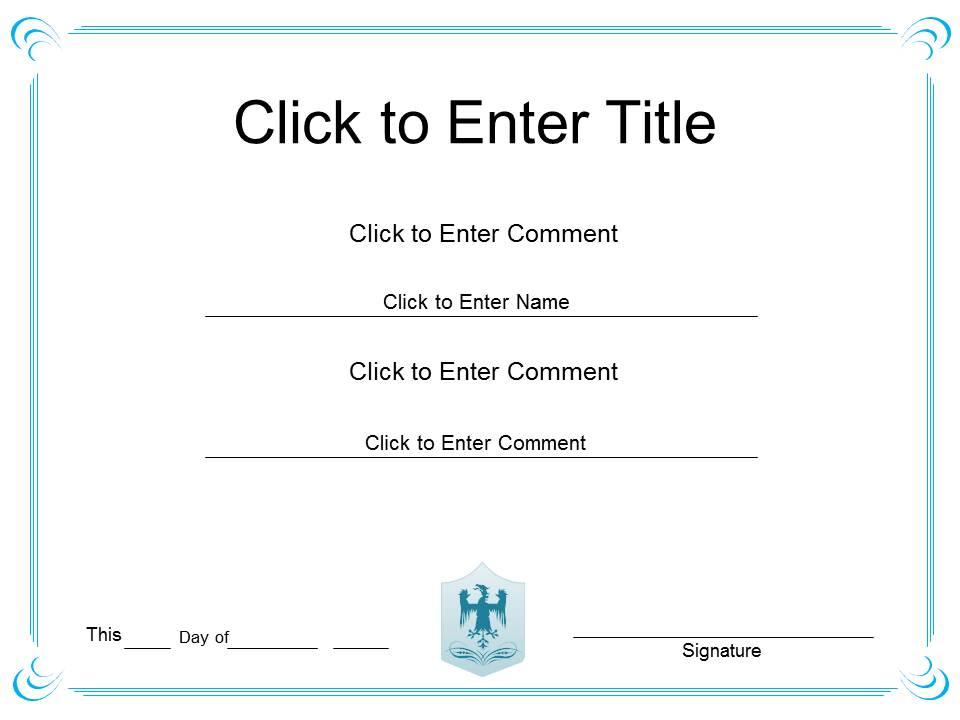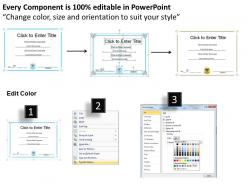
Management success diploma certificate template of honor completion powerpoint for adults

Rating:
80%
Management success diploma certificate template of honor completion powerpoint for adults
Slide 1 of 3
Favourites Favourites

Try Before you Buy Download Free Sample Product

Audience Impress Your
Audience
Editable 100%
Editable
Time Save Hours
of Time
The Biggest Sale is ending soon in
0
0
:
0
0
:
0
0
Rating:
80%
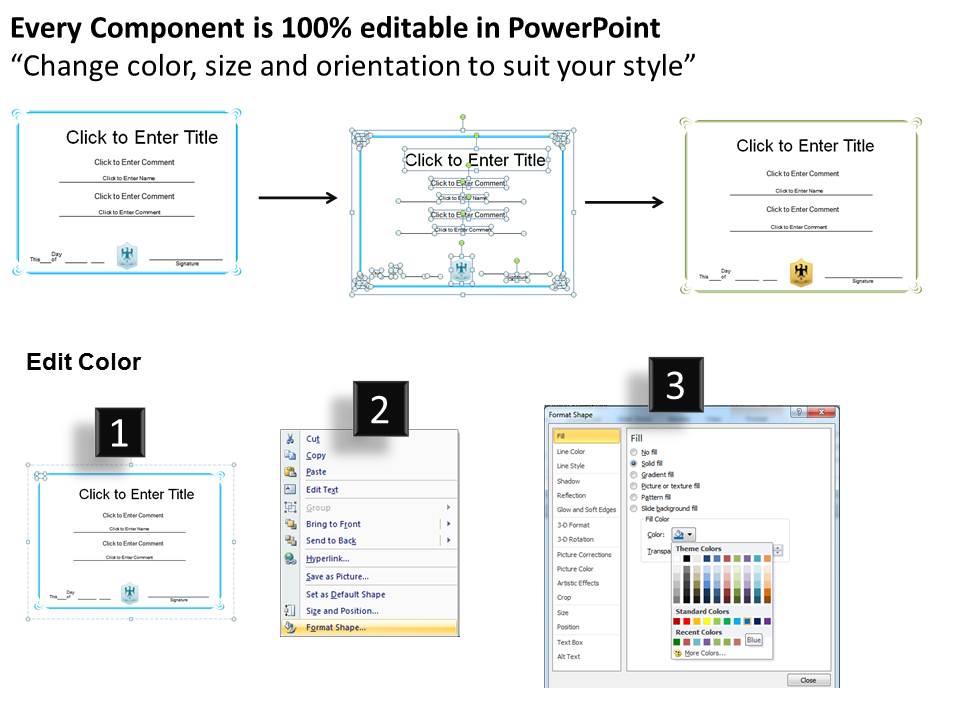
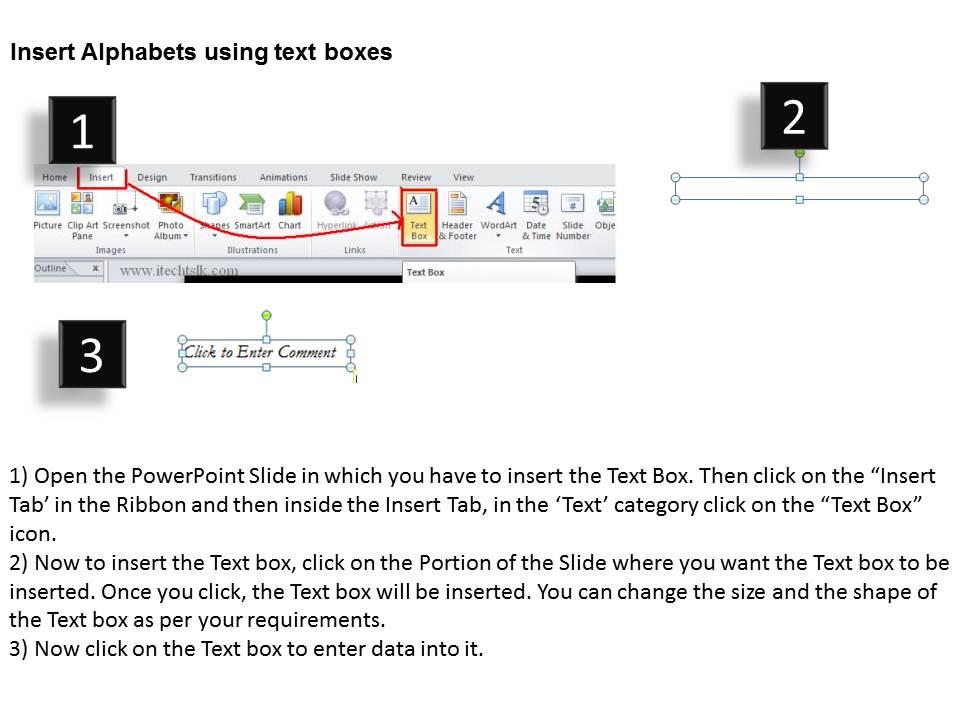
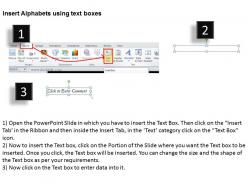
These high quality, editable pre-designed Management Success diploma Certificate Template of Honor completion PowerPoint for adults are perfect for award ceremonies, appreciation, achievements and employee recognitions etc. All templates are completely editable and you can enter any text, color and change any shape that you want.

People who downloaded this PowerPoint presentation also viewed the following :

FAQs for Management success diploma certificate template of honor completion

Okay so you'll need all the basic stuff - recipient name, school, degree type, date, signatures. For the design, keep it clean but not too flashy (honestly, those super ornate ones just look fake). Leave room for any specialization details or honors they earned. The official seal is huge - that's what actually makes it look real. Oh, and definitely do it in high resolution because cheap paper makes everything look sketchy. You want it to print crisp on decent quality stock.

Dude, the visuals totally make or break these diploma templates. Go with clean fonts and professional colors - navy, gold, deep green work great. Seriously though, I still see people using Comic Sans on certificates in 2024, which is just... why? Good graphics like borders or official-looking seals add legitimacy. Make sure there's enough white space so it doesn't look cramped. The recipient's name should pop, obviously. People actually frame these things, so don't cheap out on the design. A well-designed template screams "real achievement" while a crappy one screams "I made this in five minutes."

Start with clean typography - make the recipient's name pop. Honestly, I've seen way too many that look like summer camp participation awards with all those crazy borders. Don't do that. Your layout should flow logically: school name up top, then diploma title, recipient info, signatures at the bottom. White space is your friend here. Pick colors that feel professional but won't overwhelm everything. Test it in grayscale too since some people still print in black and white. Also make sure it'll work both printed and digital - you'll probably need both formats anyway.

So basically just swap out the generic stuff for whatever applies to your field. Like if you're in healthcare, change "team leadership" to "clinical supervision." Construction? Go with "project oversight" instead. The main structure should stay the same though - just update the skill categories and metrics that actually matter for your industry. Oh, and don't forget any regulatory stuff if that's relevant. I've honestly seen people overcomplicate this so much when it's really straightforward. Keep it simple and it'll look way more professional than trying to get all fancy with it.

Honestly, the font choice can totally make or break your diploma template. Go with something clean and professional - people might hang these up or look at them from across a room. Skip anything too fancy or cramped (obviously no Comic Sans, but also those super decorative script fonts that look impossible to read). Classic serif or sans-serif works best with good contrast. Make sure there's a clear hierarchy - the person's name should stand out most, then the achievement details. Oh, and definitely test print it at actual size first. I've learned the hard way that screen versions can look completely different on paper.

Go with deep blues - they scream trust and professionalism. Add some gold or burgundy accents for that prestige vibe. I swear blue shows up in literally every corporate thing, but it works. Green's solid too since it hints at growth and success. Skip anything too bright though. Hot pink or lime green will make it look like a participation trophy, you know? Use your boldest color for the main stuff like the person's name, then lighter colors for borders and details. Stick to 2-3 colors tops or it'll look like a rainbow threw up on it.

Put their name front and center - that's what they'll want to show off. Make the "Management Success Diploma" title big and readable too. Don't forget the organization's name, logo, completion date, and any accreditation stuff. Honestly, most people are putting this straight on LinkedIn or their office wall, so it needs to look legit. Add signatures and maybe a seal or certificate number. Oh, and definitely print a test copy first - I've seen too many certificates that looked great on screen but tiny when printed. Keep it clean but professional looking.

Ok so definitely go with clean fonts - Times New Roman or Arial work great. Make sure your logo looks sharp and official, not pixelated or weird. Balance is key here. Put the recipient's name front and center, but don't cram everything together. I'd stick with classy colors like navy or gold instead of something bright that screams "fake." Honestly, some of the templates I've seen online look absolutely terrible - like someone's first attempt at graphic design! Always do a test print first. Things look different on paper than your screen. And proofread it twice because typos on certificates are just embarrassing.

Oh man, don't cram everything onto one certificate - it'll look like a hot mess. Clean and readable is the way to go. Stick with maybe 2 fonts max (please tell me you weren't thinking Comic Sans lol). Colors should look professional, not like you're throwing a kid's party. Check your spelling twice because typos are embarrassing. Also make sure everything's aligned properly - crooked text just screams amateur hour. Keep it simple but classy. That's honestly all you need to make it look legit.

You really need those people to look at your template before you finalize it. Managers, HR folks, training coordinators - they'll spot problems you totally missed. Maybe the competency areas don't match reality, or the assessment criteria sound good on paper but won't actually work. These people live this stuff daily, so they know what'll fly in their organizations and what won't. I'd hit up a bunch of different people early on, then do smaller test groups as you tweak things. It's way better than finding out later that nobody can actually use what you built.

For diploma templates, I'd go with Canva first - tons of certificate options and super easy to use. InDesign's obviously the gold standard if you're already familiar with design software, gives you way more control over fonts and layouts. Word works too if that's what your team has, nothing fancy but gets the job done. PowerPoint... yeah, people use it for this stuff, though it feels kinda janky to me lol. Honestly depends on your timeline and how polished you need it. Canva's probably your quickest route to something that looks professional without wanting to pull your hair out.

Think about your top 3-4 company values first. Then figure out how to show them off visually or in the wording. Innovation-focused? Go with sleek, modern graphics. Your company super casual or more buttoned-up? The language should match that vibe. Honestly, I'd throw your logo and tagline on there too - makes it feel more legit. Colors are huge for this stuff. If you're all about teamwork, maybe highlight collaboration skills specifically. Oh, and you can totally swap out generic competencies for ones that actually matter to your culture. Just brainstorm how each value could translate onto the actual diploma.

Honestly, go super clean and minimalist - skip all that fancy Victorian nonsense that makes it look fake. Sans-serif fonts are way more readable, and throw in some subtle geometric borders. Don't just stick to black and gold either, mix up your colors. Most people see these online first anyway, so design for digital. QR codes are smart for verification too. Grid systems will save you from wonky alignment issues - trust me on that one. Make sure it prints well though, because some old-school places still want physical copies.

Hey! Yeah, these diploma templates are mostly made for digital stuff now. You can turn them into high-res PDFs to email around, or save as images for LinkedIn posts. They work pretty well for virtual ceremonies too - just screen share during your Zoom call or whatever. Oh, and if you think you might print them later, design at 300 DPI. Otherwise 72 DPI is totally fine for online. Honestly, I'd save the original editable version though since you'll probably be swapping out names and dates all the time.

Start with one master template and build everything from there. Trust me, I wasted like 3 hours once fixing fonts that didn't match across different versions - total nightmare. Keep the same layout structure even when you're swapping content around. Also, pick someone to be the "template police" who checks stuff before it goes out. Maybe create a quick style guide too? Nothing fancy, just document your fonts and colors so your team doesn't go rogue. Oh, and name your files consistently - future you will thank past you for that one.

Ratings and Reviews

80% of 100
Review Form
Write a review
Most Relevant Reviews
  1. 80%

    by Donnell Bradley

    Easy to edit slides with easy to understand instructions.
  2. 80%

    by Dusty Hoffman

    Appreciate the research and its presentable format.

2 Item(s)