


Diapositivas de presentación de PowerPoint de resumen de gestión
Se puede compilar un documento corto a menudo conocido como resumen ejecutivo para el uso de actividades comerciales en forma de diapositivas de presentación de PowerPoint de resumen de gestión. Es imprescindible disponer de un formato PPT gráfico para definir la estructuración del negocio y dejar claro en lo que a recursos internos y externos se refiere. Sin poner los detalles finos, pero aún presentando la esencia del documento, es la tarea que se maneja con facilidad en una diapositiva de presentación. Esta sección de la plantilla PPT de resumen de gestión se puede convertir en parte de una presentación más grande justo después de la tabla de contenido o antes de la parte que trata de la introducción. La presentación de PowerPoint de administración juega un papel importante en el análisis e identificación de las metas y objetivos comerciales, pero por otro lado, la segunda sección del gráfico de presentación se ocupa de la implementación y cumplimiento de las estrategias así diseñadas. La misión y la división de las empresas se pueden abordar con cuidado al tratar con el resumen de gestión en la plantilla de diapositiva. Rompe el desorden para tu audiencia. Despeje el camino con nuestras diapositivas de presentación de PowerPoint de resumen de gestión.




















-

- Google Slides is a new FREE Presentation software from Google.
- All our content is 100% compatible with Google Slides.
- Just download our designs, and upload them to Google Slides and they will work automatically.
- Amaze your audience with SlideTeam and Google Slides.
-

Want Changes to This PPT Slide? Check out our Presentation Design Services
-

- WideScreen Aspect ratio is becoming a very popular format. When you download this product, the downloaded ZIP will contain this product in both standard and widescreen format.
-

- Some older products that we have may only be in standard format, but they can easily be converted to widescreen.
- To do this, please open the SlideTeam product in Powerpoint, and go to
- Design ( On the top bar) -> Page Setup -> and select "On-screen Show (16:9)” in the drop down for "Slides Sized for".
- The slide or theme will change to widescreen, and all graphics will adjust automatically. You can similarly convert our content to any other desired screen aspect ratio.
Compatible With Google Slides

Get This In WideScreen
You must be logged in to download this presentation.


Do you want to remove this product from your favourites?
Características de estas diapositivas de presentación de PowerPoint:
Los gráficos finos puestos en uso se pueden reescalar y colorear con facilidad en el diseño PPT. La presentación de diapositivas funciona de maravilla para los profesionales de la gestión, grandes, medianos, pequeños establecimientos y empresas emergentes. Los gráficos de presentación de todos los programas proporcionan un funcionamiento indoloro y un rendimiento fluido. Cuando se proyecta en la pantalla ancha, el diseño PPT reduce los píxeles o la calidad del color. Una característica destacada es la fácil conversión de la presentación de diapositivas a formato PDF o JPG. PPT visual prediseñado es fácil de descargar y fácil de usar.

People who downloaded this PowerPoint presentation also viewed the following :
Contenido de esta presentación de Powerpoint
Diapositiva 1 : Esta es una diapositiva introductoria para el Resumen de gestión. Indique el nombre de su empresa y comience.
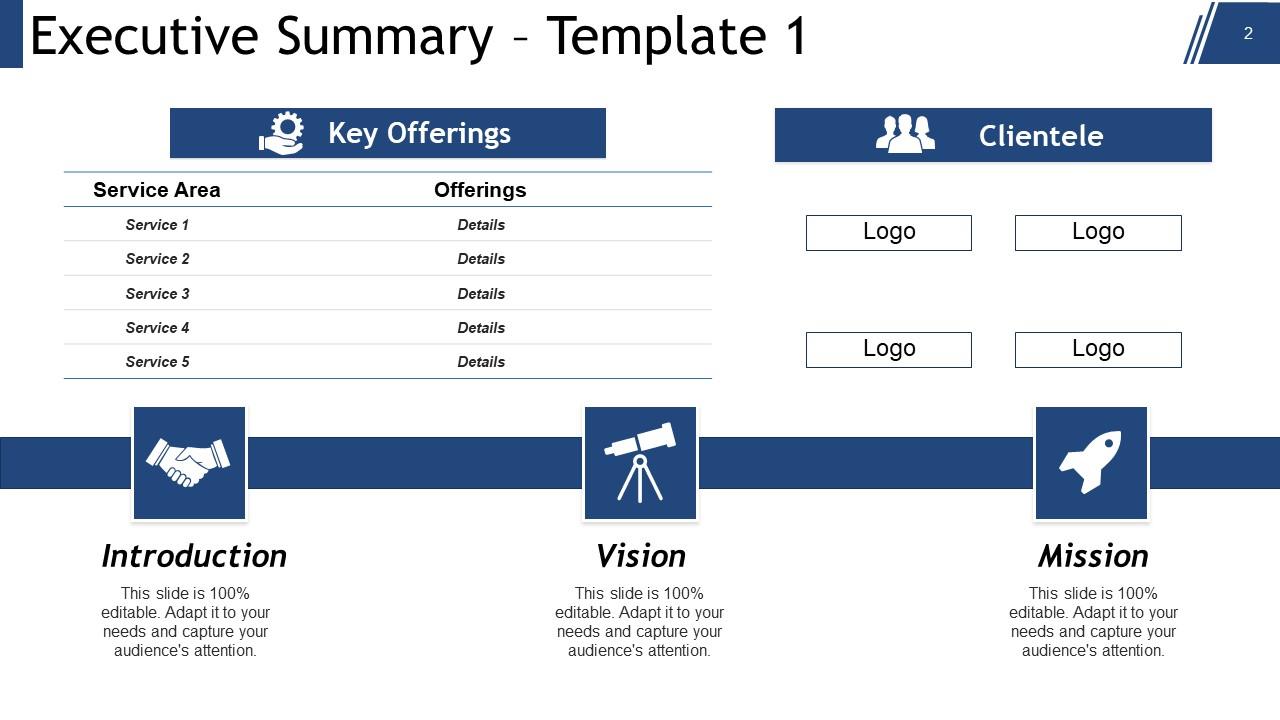
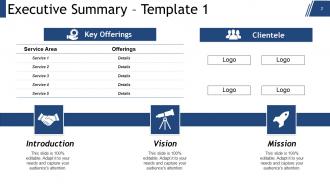
Diapositiva 2 : Esta es la primera plantilla de Resumen ejecutivo con: Introducción, Visión, Misión, Ofertas clave (Servicio, Detalle), Clientela (Logotipo).
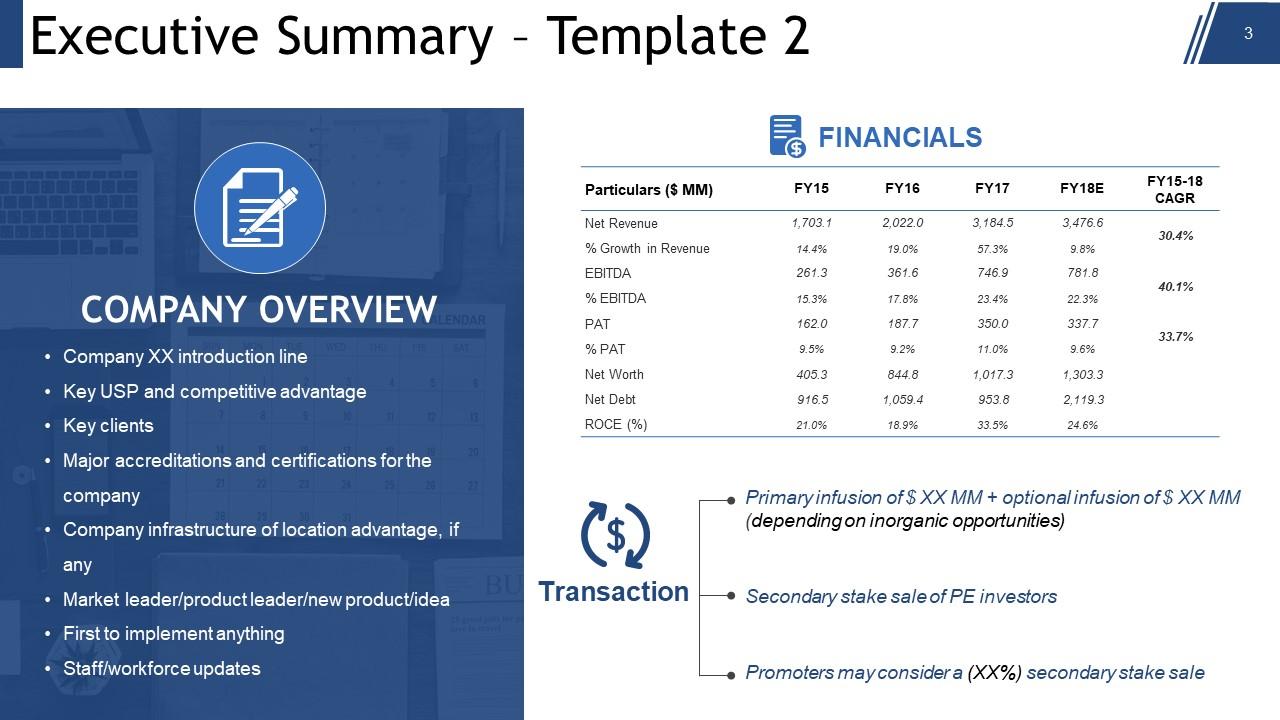
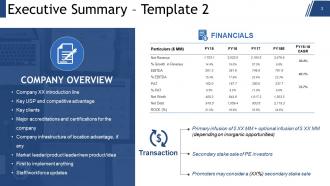
Diapositiva 3 : Esta es la segunda diapositiva de Resumen ejecutivo con: Descripción general de la compañía: (Línea de presentación de la Compañía XX, USP clave y ventaja competitiva, Clientes clave, Principales acreditaciones y certificaciones para la compañía, Infraestructura de la compañía con ventaja de ubicación, si corresponde, Líder del mercado / líder de producto / nuevo producto / idea, Primero en implementar algo, Personal / actualizaciones de la fuerza laboral), Transacción: {(Los promotores pueden considerar una venta de participación secundaria (XX%), Infusión primaria + infusión opcional (dependiendo de las oportunidades inorgánicas), Venta de participación secundaria de inversores de PE). y finanzas (ingresos, EBITDA, etc.)}
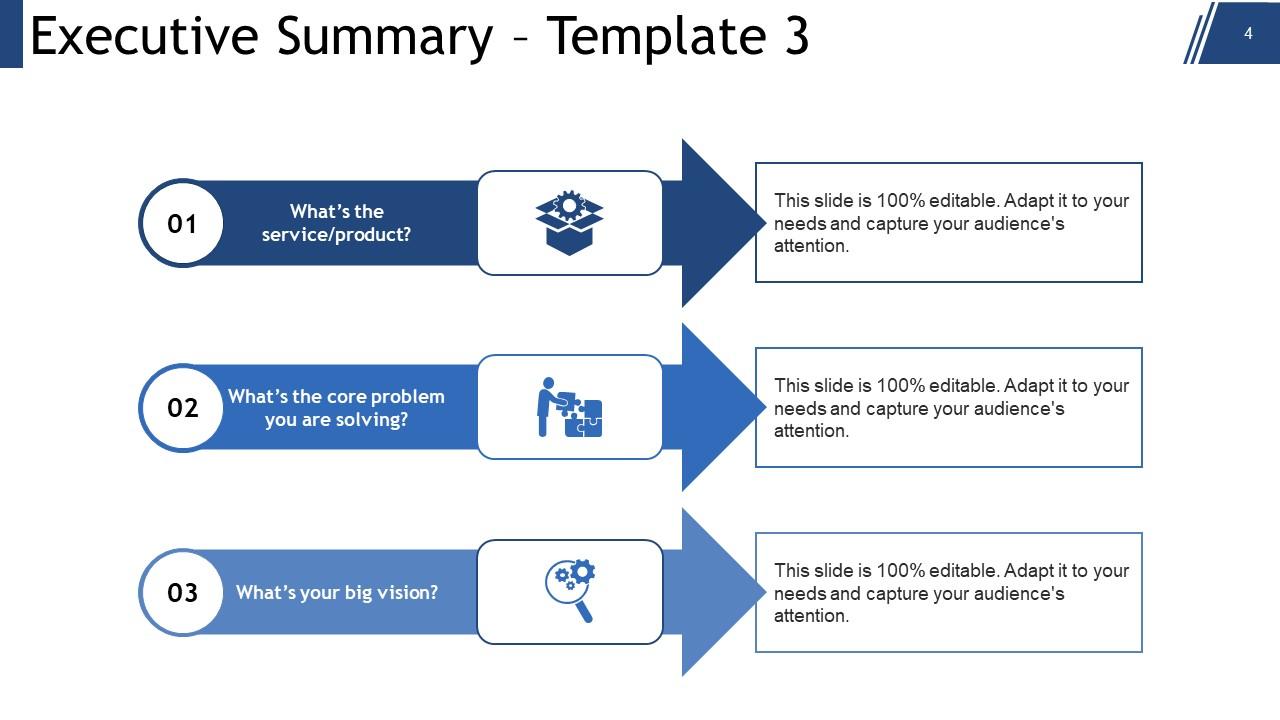
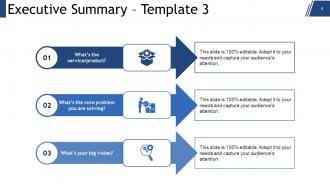
Diapositiva 4 : Esta es la tercera diapositiva que muestra el Resumen ejecutivo con los siguientes títulos: a: ¿Qué es el servicio / producto? b: ¿Cuál es el problema central que está resolviendo? c: ¿Cuál es tu gran visión? Utilice estos títulos para responder a sus consultas.
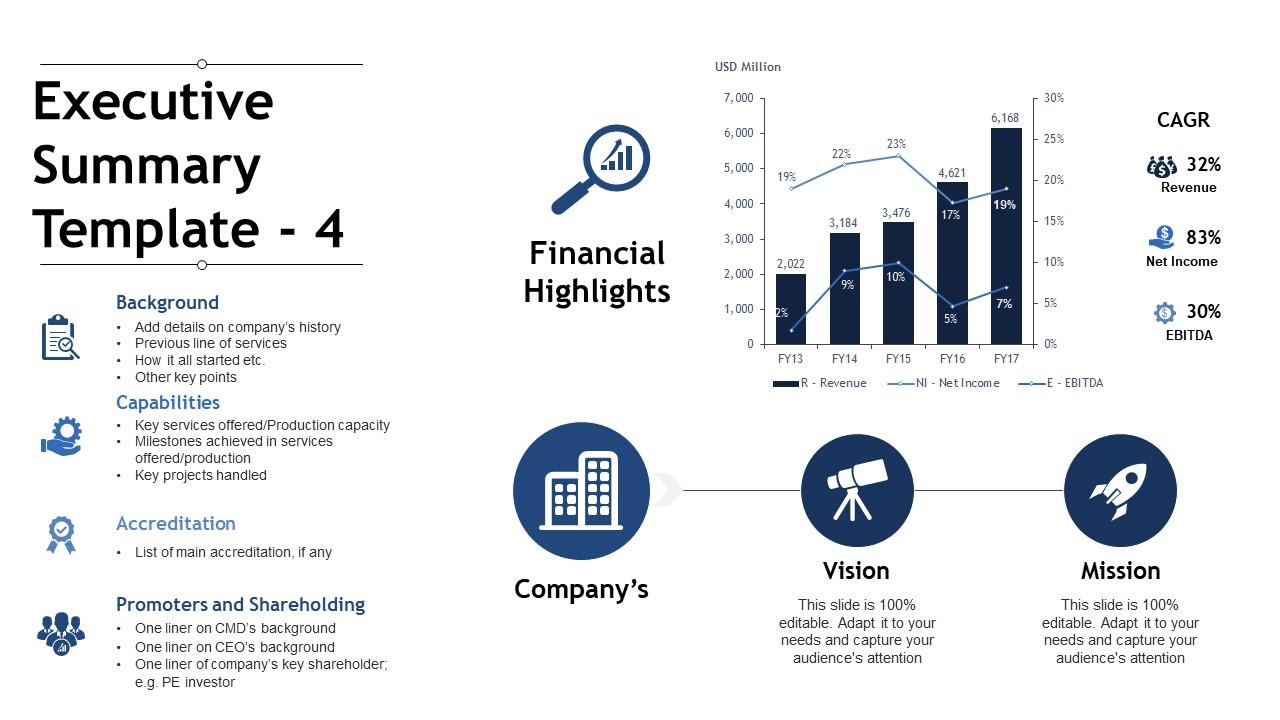
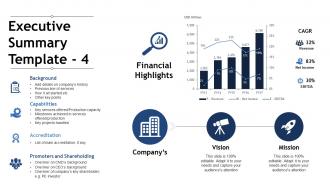
Diapositiva 5 : Esta es la cuarta presentación de diapositivas Resumen ejecutivo con la Visión y Misión de la Compañía. También muestra el gráfico de aspectos financieros destacados con CAGR (Ingresos, EBITDA, Ingresos netos). Otros subtítulos incluyen: Antecedentes (agregue detalles sobre el historial de la empresa, la línea anterior de servicios, cómo comenzó todo, etc. Otros puntos clave). Acreditación (Lista de acreditaciones principales, si las hay Capacidades: (Servicios clave ofrecidos / Capacidad de producción Hitos alcanzados en los servicios ofrecidos / producción Proyectos clave manejados): (Promotores y tenencia de acciones Una línea sobre los antecedentes de CMD Una línea sobre los antecedentes del CEO Una línea sobre el accionista clave de la empresa ; por ejemplo, inversor de PE).
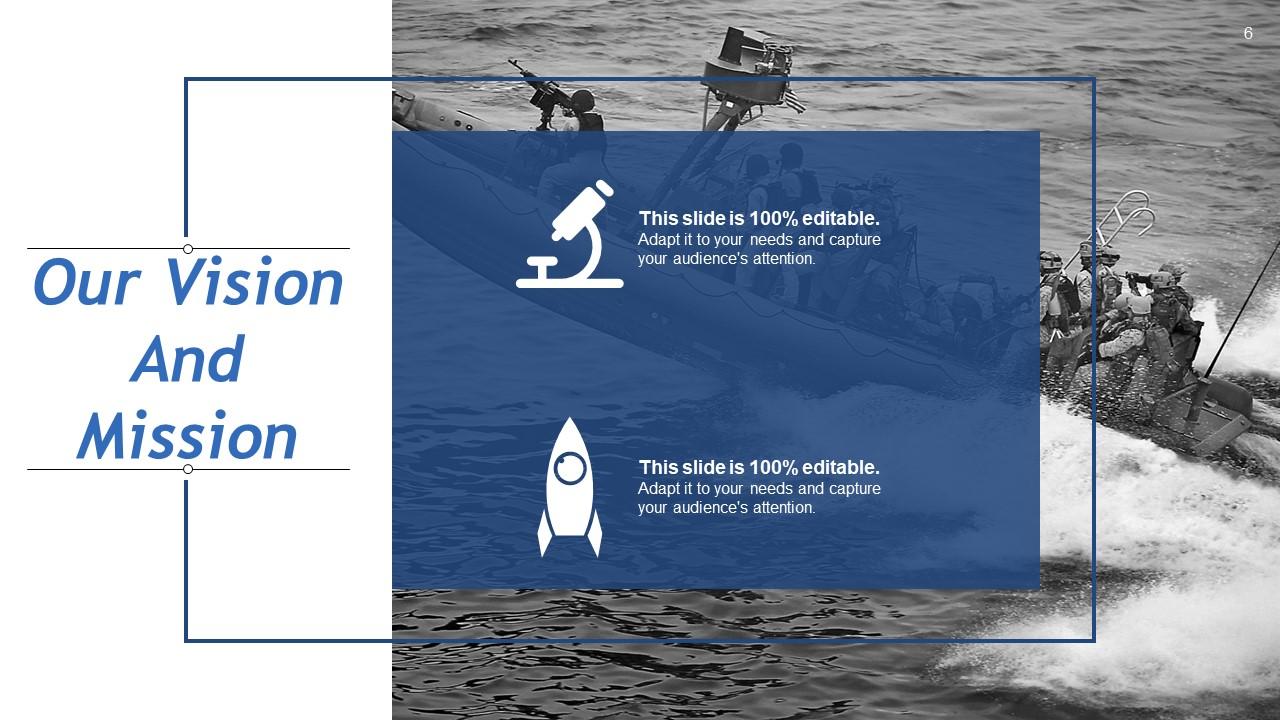
Diapositiva 6 : Esta diapositiva muestra nuestra visión y misión. Exprese su visión y misión aquí.
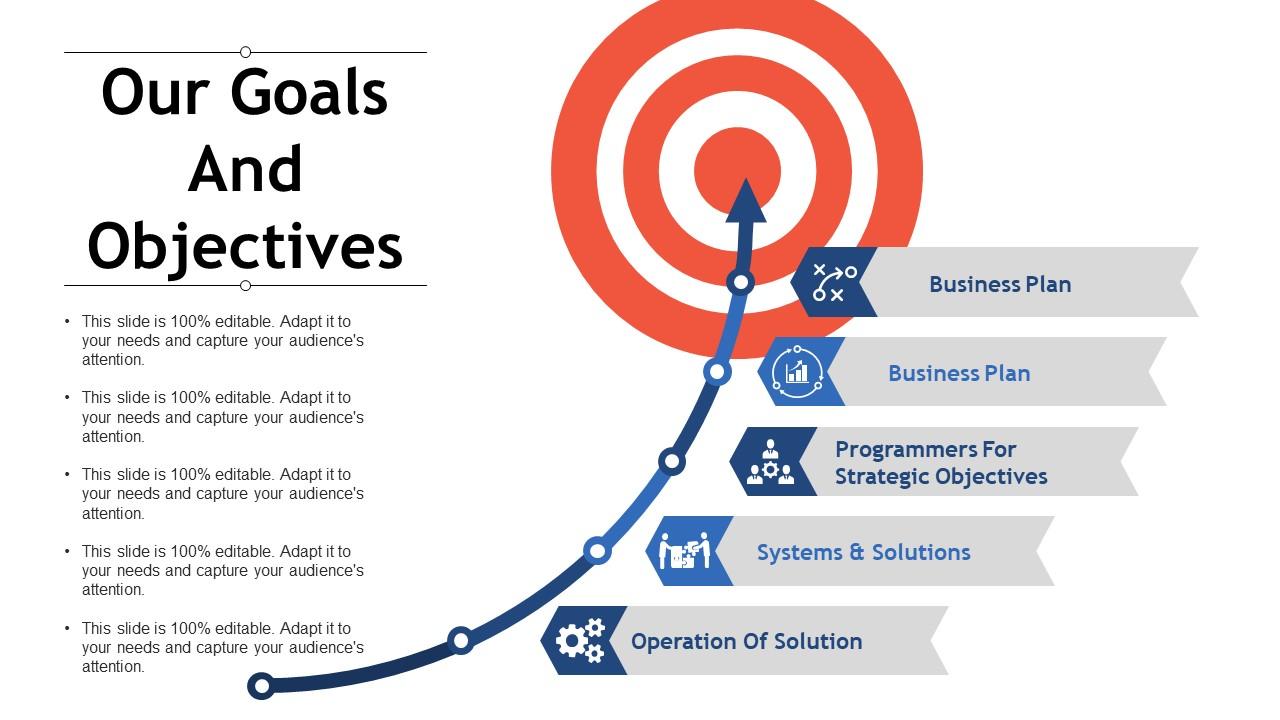
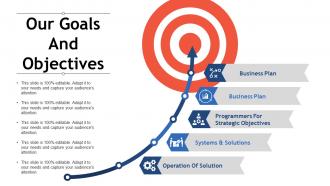
Diapositiva 7 : Esta diapositiva presenta Nuestras metas y objetivos. Se puede mostrar mediante los siguientes encabezados: Sistemas y soluciones, Operación de la solución, Programadores para objetivos estratégicos, Plan de negocios, Plan de negocios. Indíquelos con la ayuda de estos subtítulos.
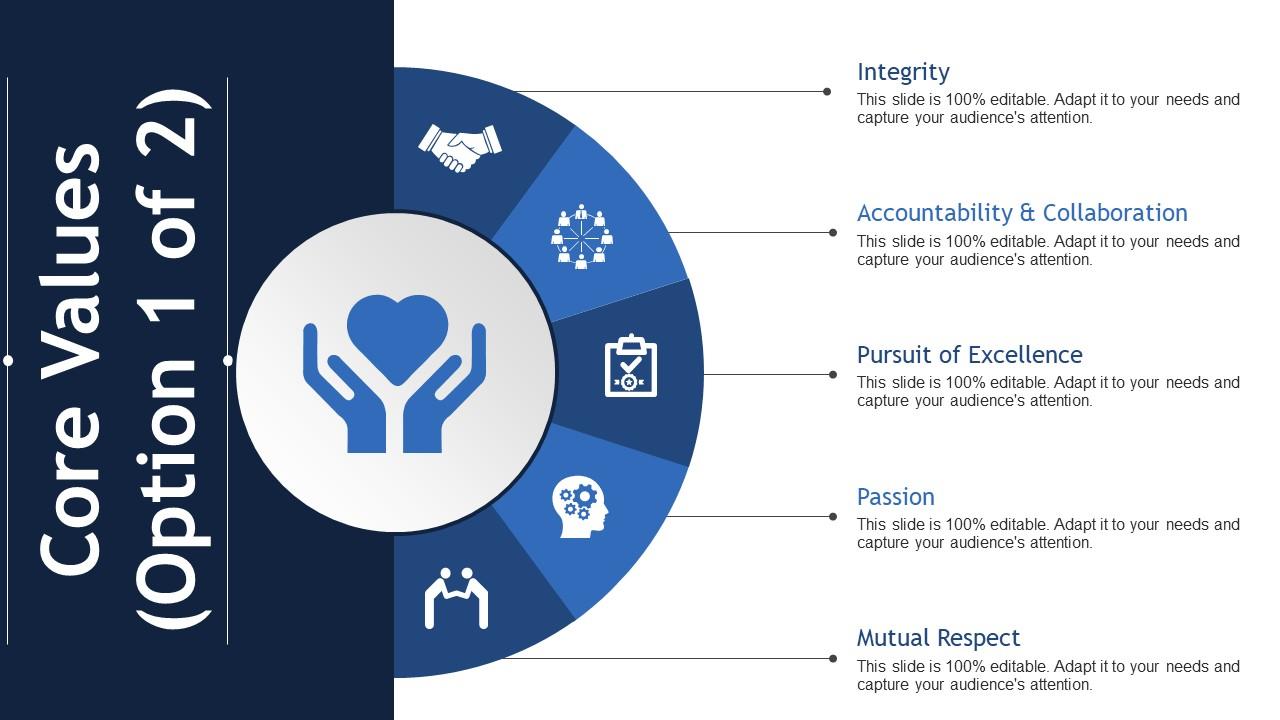
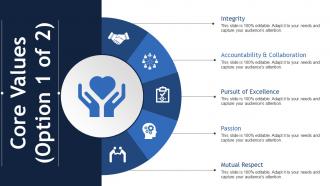
Diapositiva 8 : Esta diapositiva presenta los valores fundamentales de la empresa / organización. Algunos ejemplos son: integridad, búsqueda de la excelencia, responsabilidad y colaboración, pasión, respeto mutuo.
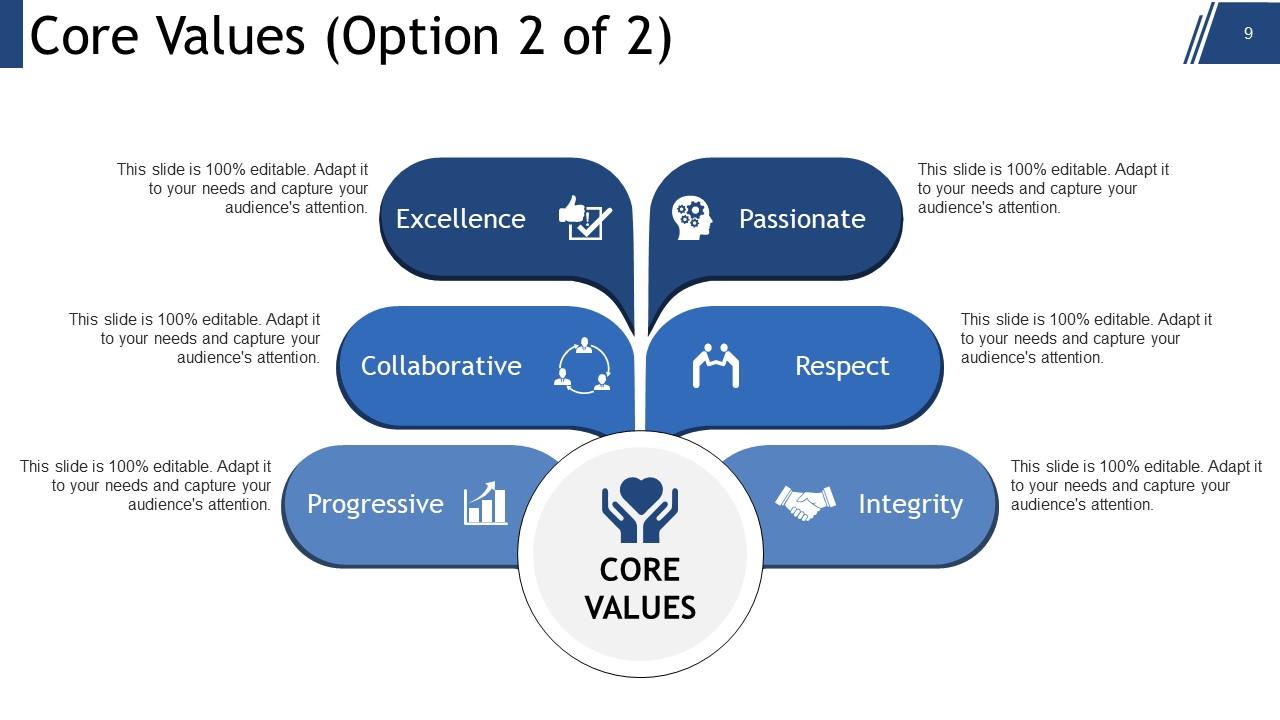
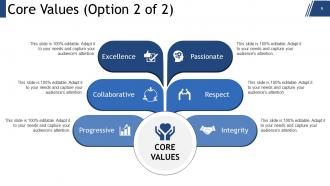
Diapositiva 9 : Esta es otra diapositiva sobre Valores fundamentales con ejemplos, como Colaborativo, Apasionado, Excelencia, Integridad, Progresivo, Respeto.
Diapositiva 10 : Esta es una diapositiva de Coffee Break para detener. Puede alterar / modificar el contenido según sea necesario.
Diapositiva 11 : Esta diapositiva se titula Cuadros y gráficos para seguir adelante.
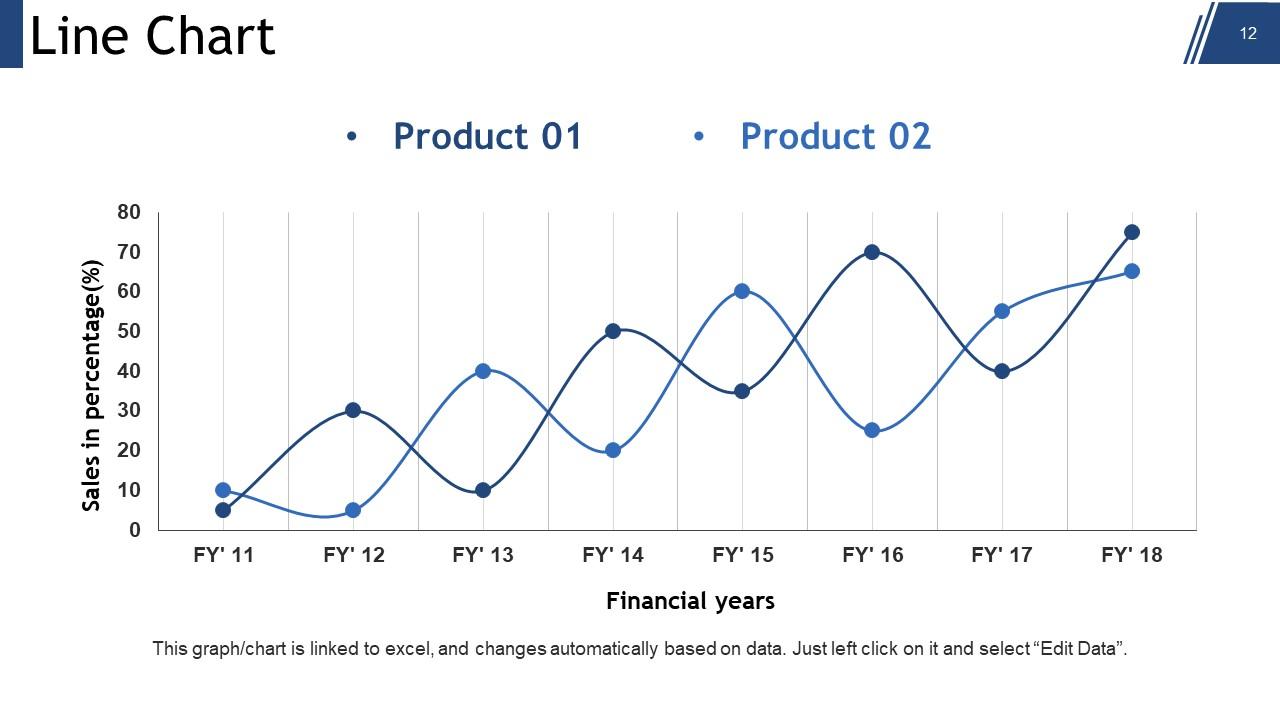
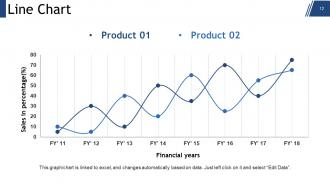
Diapositiva 12 : Esta es una diapositiva de gráfico de líneas para mostrar la comparación de productos / entidades, especificaciones, etc.
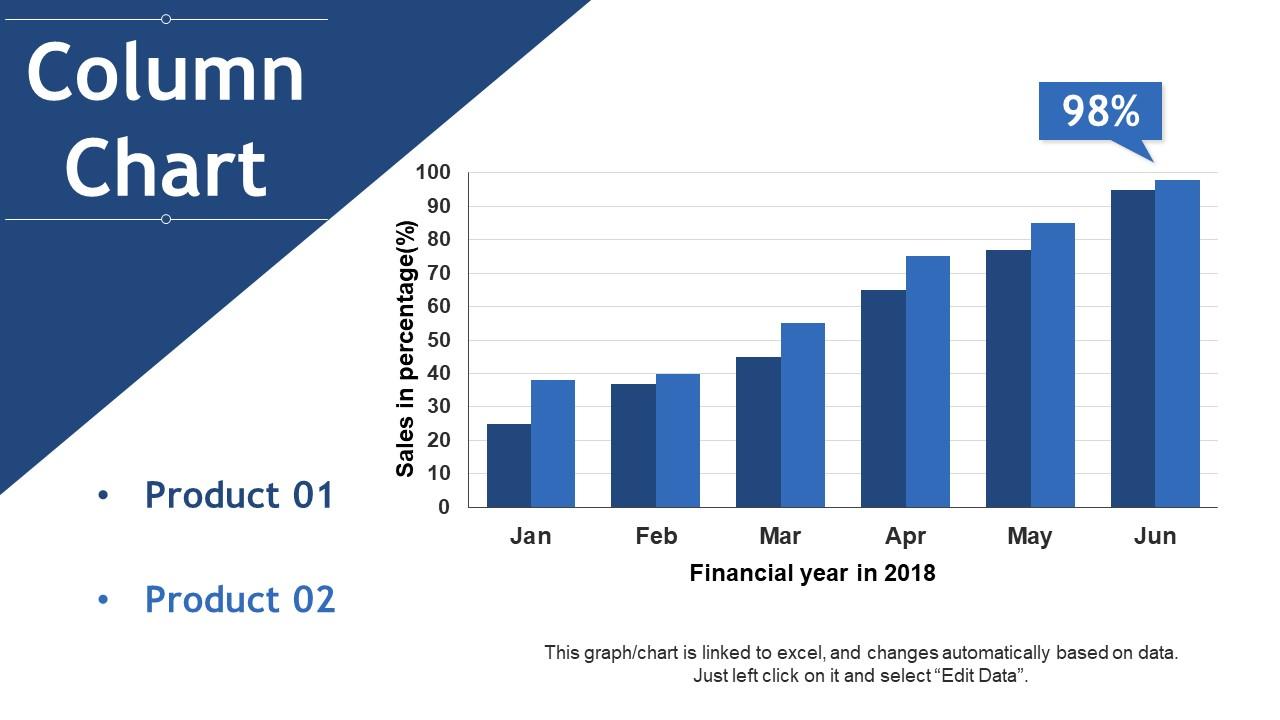
Diapositiva 13 : Esta diapositiva presenta un gráfico de columnas para mostrar dos productos en comparación.
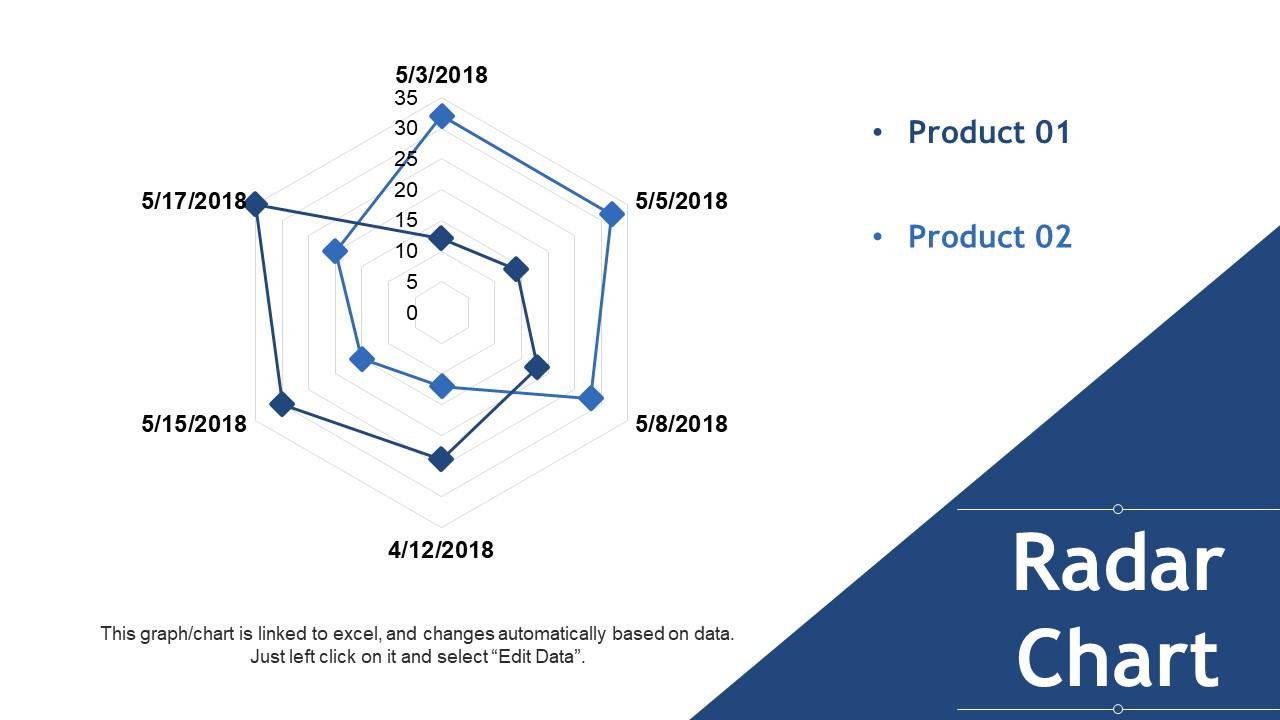
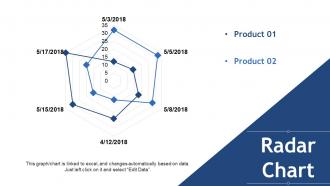
Diapositiva 14 : Esta diapositiva presenta un gráfico de radar para comparar dos productos / entidades.
Diapositiva 15 : esta diapositiva se titula Diapositivas adicionales para avanzar. Puede alterar / modificar el contenido según sea necesario.
Diapositiva 16 : Esta diapositiva muestra Nuestra misión. Dígalo aquí.
Diapositiva 17 : Esta diapositiva presenta a Nuestro equipo con cuadros de texto e imágenes para acompañar. Diga sobre su equipo aquí.
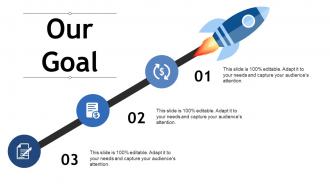
Diapositiva 18 : Esta diapositiva presenta Nuestro objetivo con imágenes de iconos. Indique sus metas aquí.
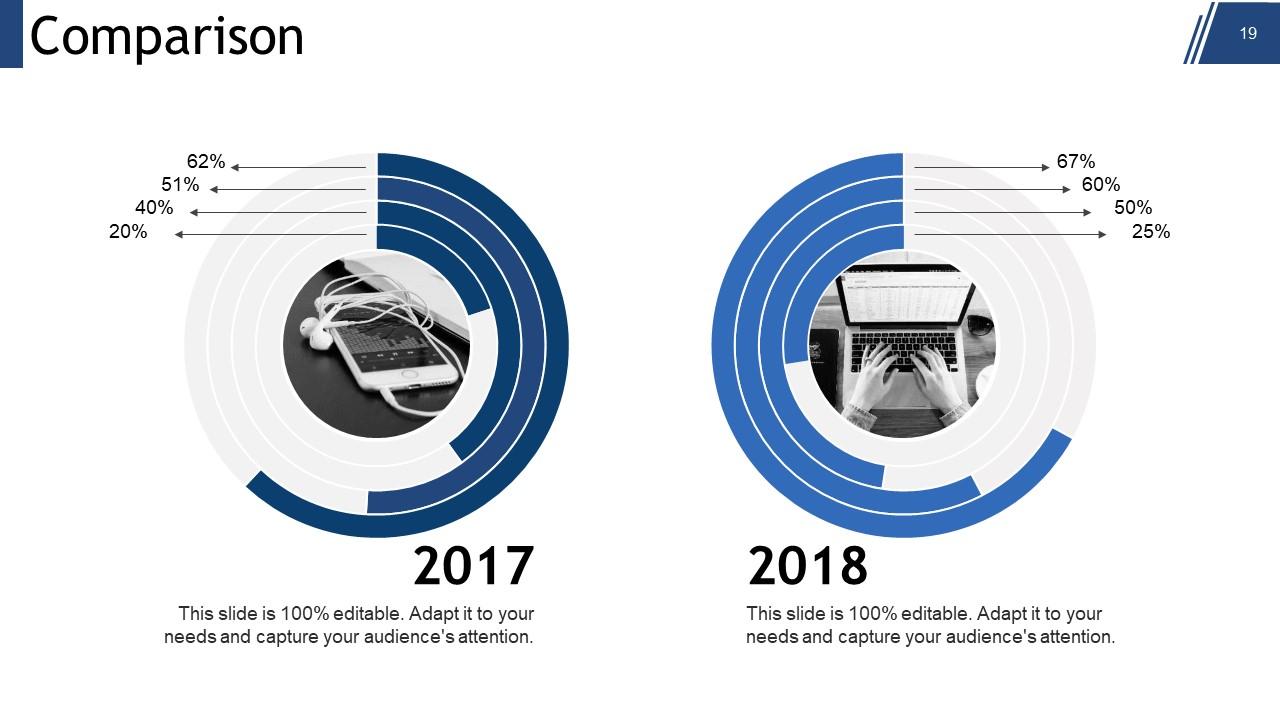
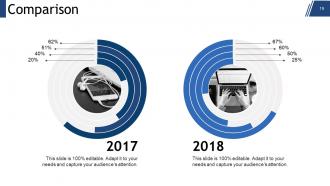
Diapositiva 19 : esta diapositiva muestra la comparación.
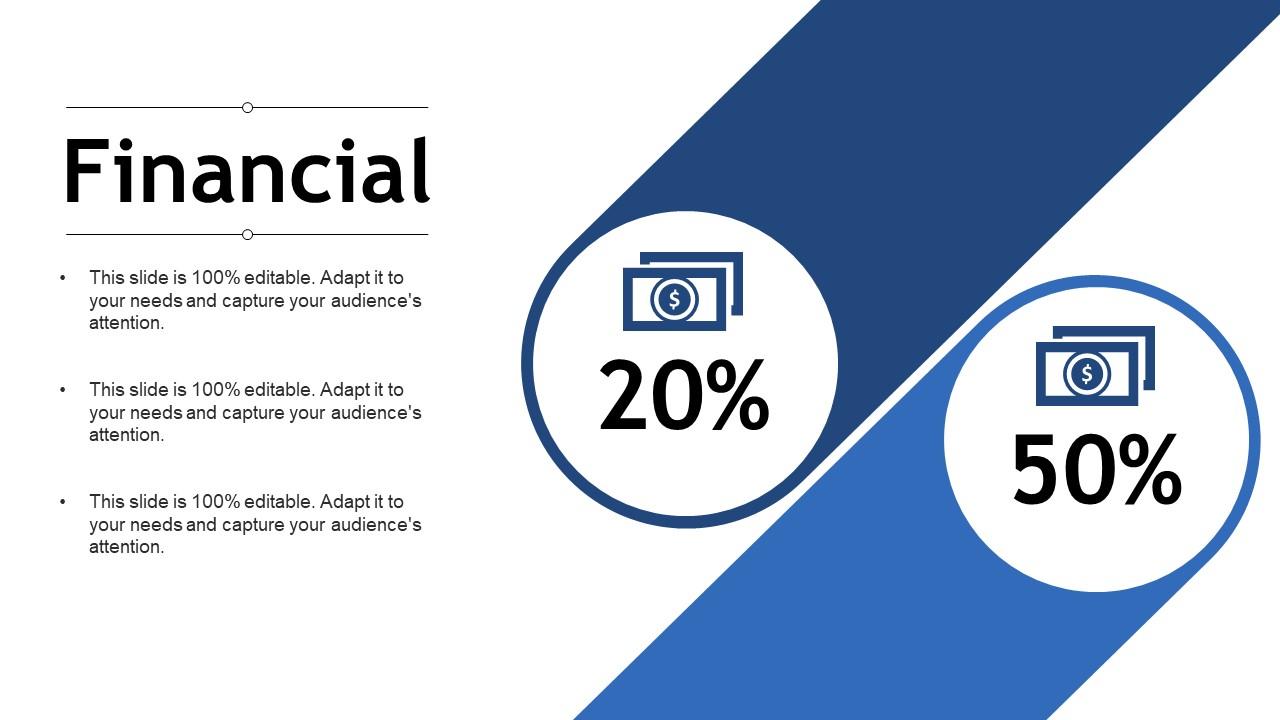
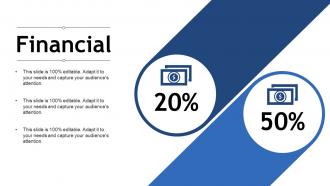
Diapositiva 20 : Esta diapositiva muestra el aspecto de las puntuaciones financieras con cuadros de texto. Indíquelos aquí.
Diapositiva 21 : Esta es una diapositiva de Cotizaciones. Indique los aspectos más destacados, la especificación, el mensaje, las creencias, etc.por Citar aquí. Puede alterar / modificar el contenido según sea necesario.
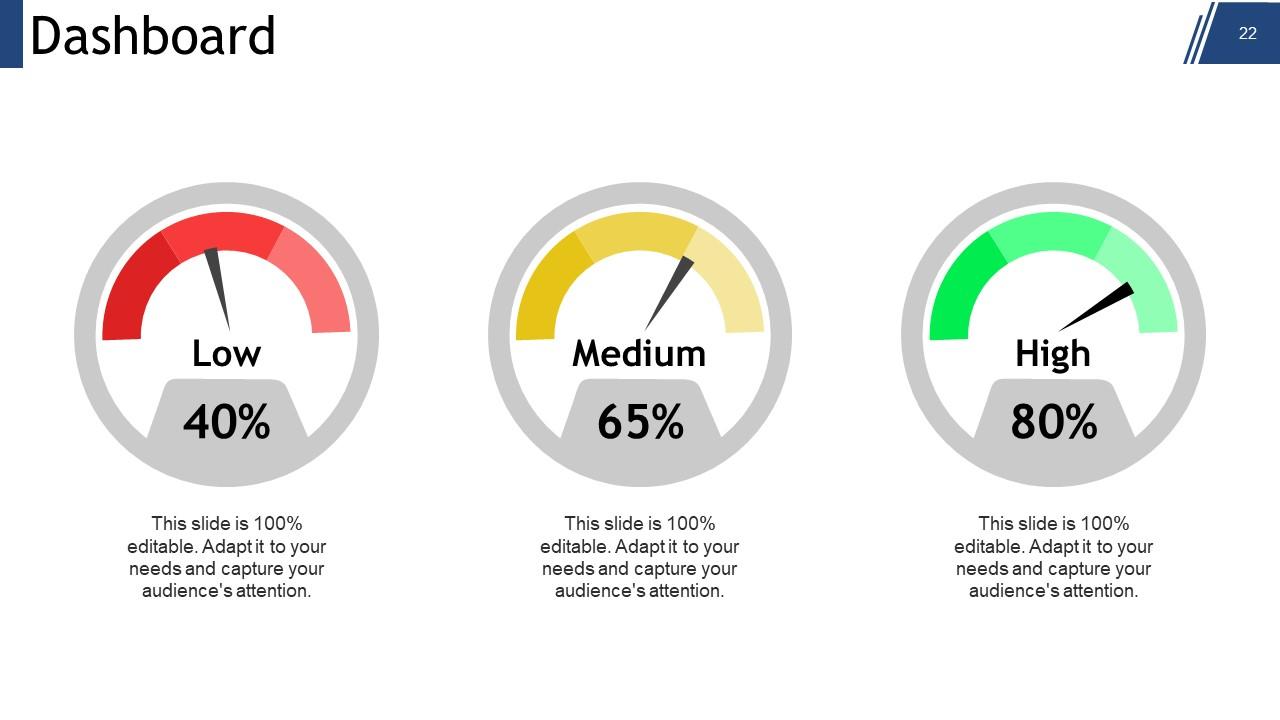
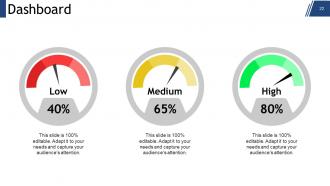
Diapositiva 22 : Esta diapositiva muestra el panel con la imagen del panel y cuadros de texto para indicar kpis, métricas, etc.
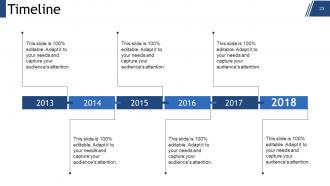
Diapositiva 23 : Esta es una diapositiva de la línea de tiempo para mostrar la evolución, el crecimiento, los hitos, etc.
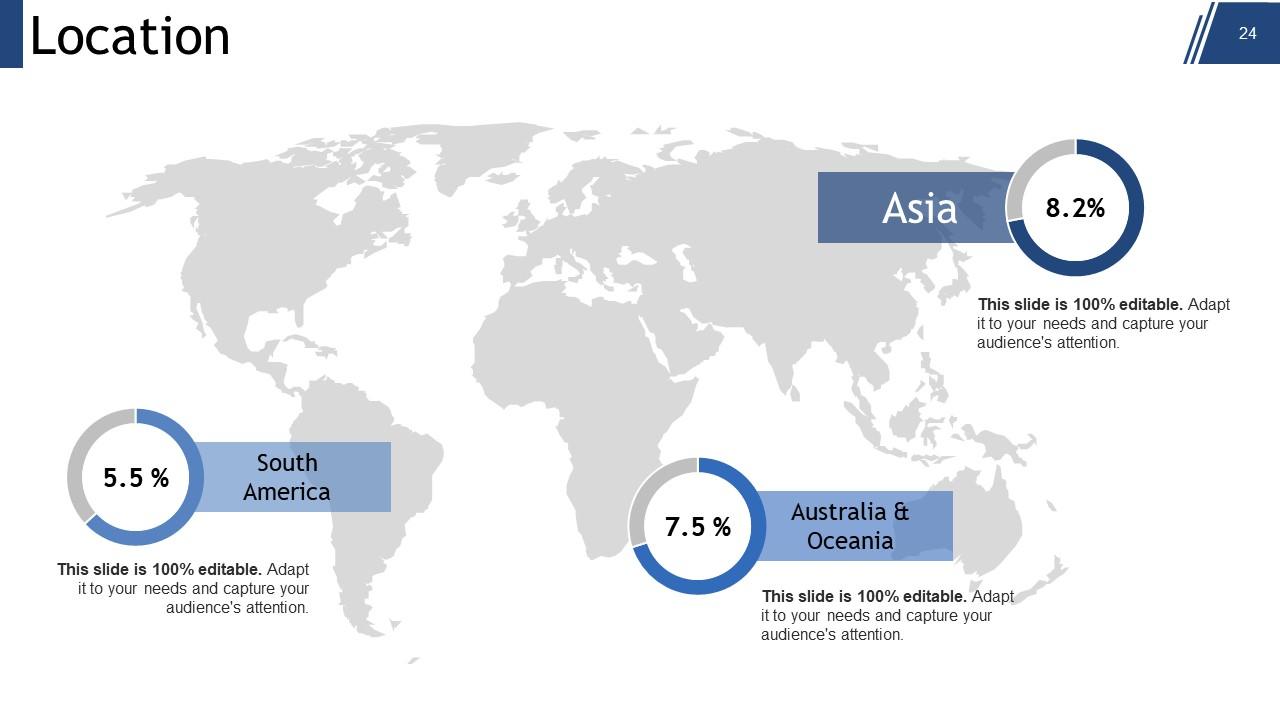
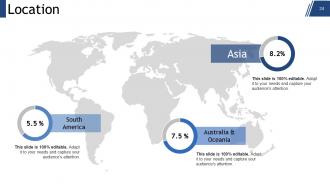
Diapositiva 24 : esta es una diapositiva de ubicación de la imagen del mapa mundial para mostrar la presencia global, el crecimiento, etc.
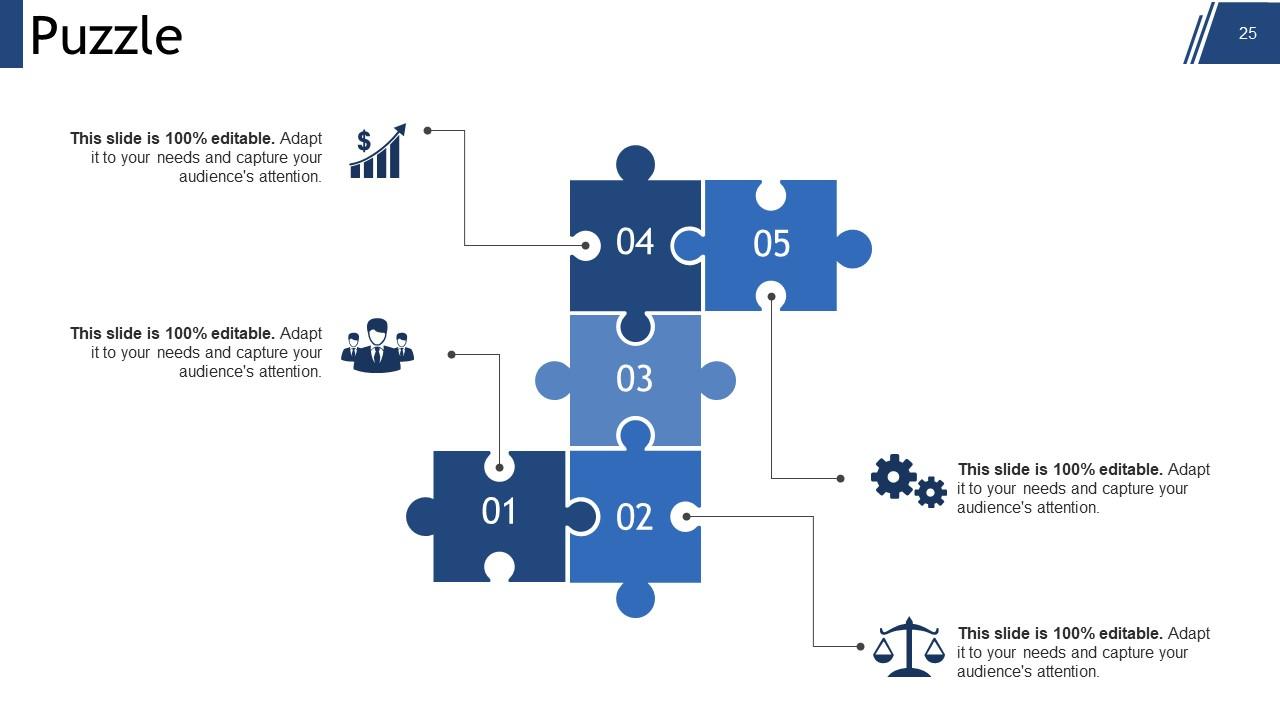
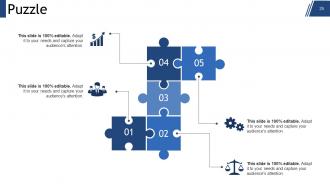
Diapositiva 25 : esta es una diapositiva de imagen de rompecabezas para mostrar información, especificaciones, etc.
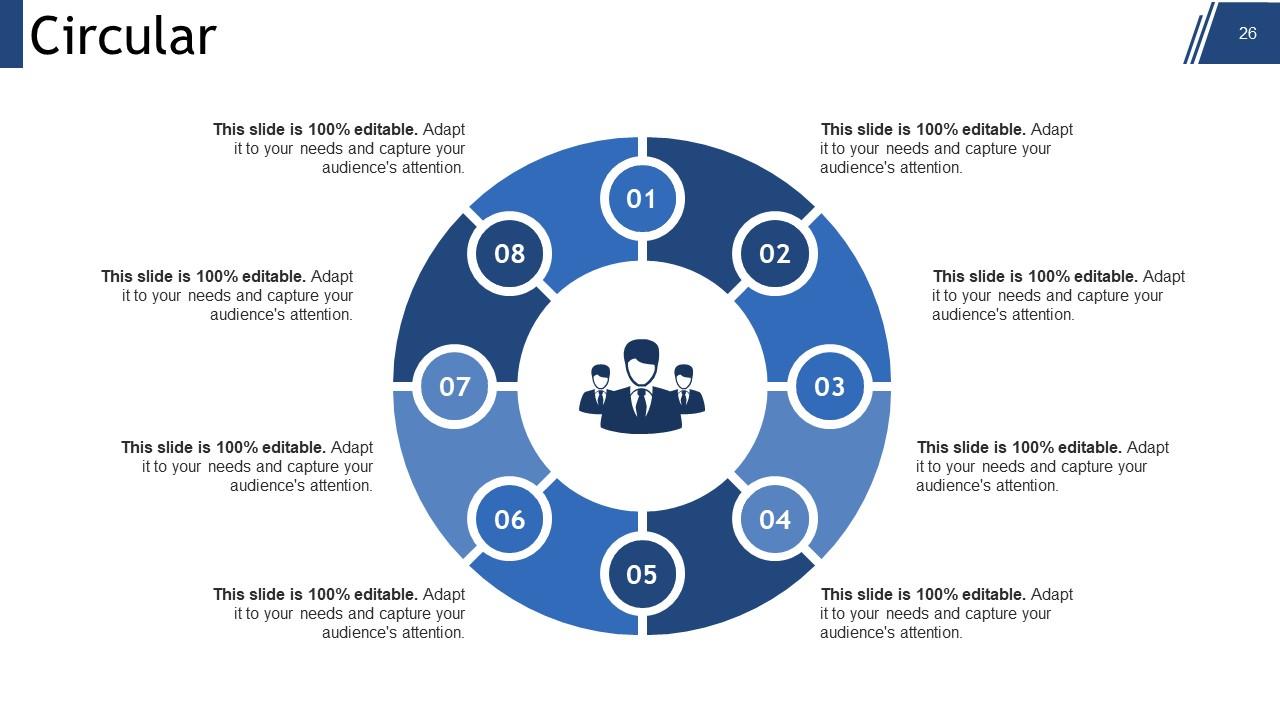
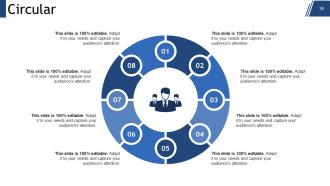
Diapositiva 26 : Esta es una diapositiva de imagen circular para mostrar información, especificaciones, proceso cíclico, etc.
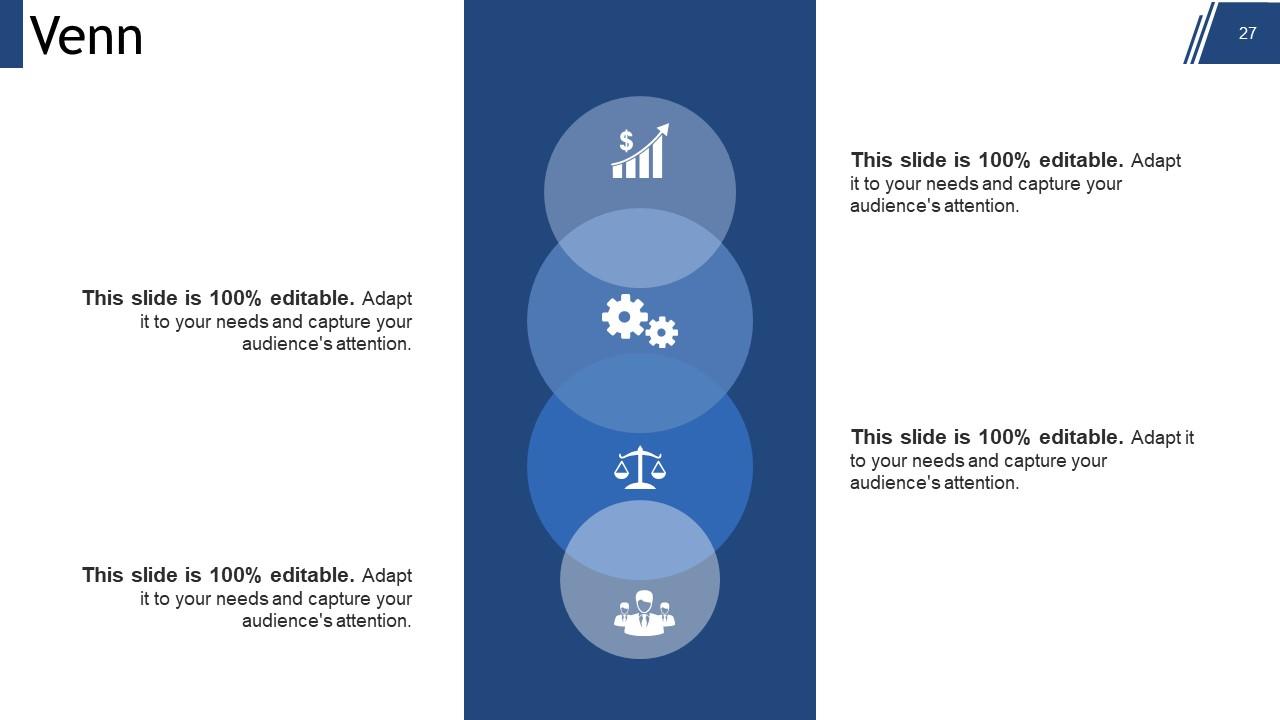
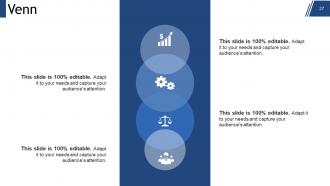
Diapositiva 27 : Esta es una diapositiva de imagen del diagrama de Venn para mostrar información, especificaciones, etc.
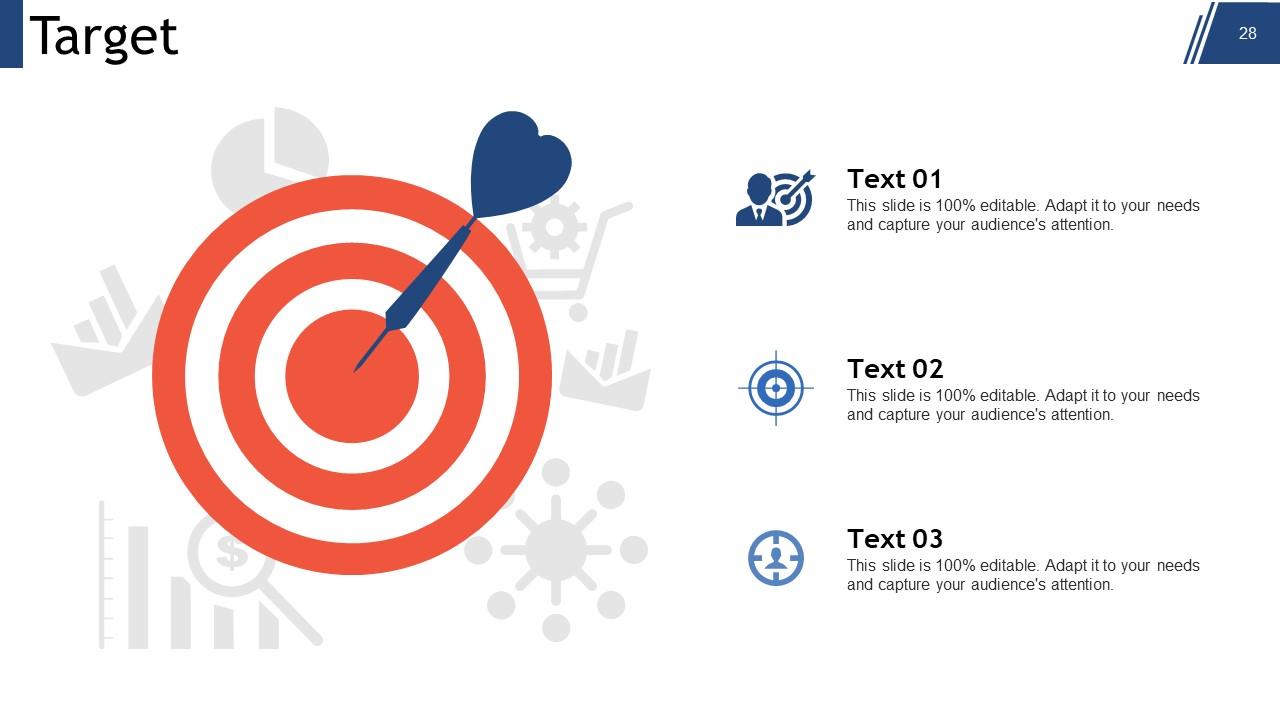
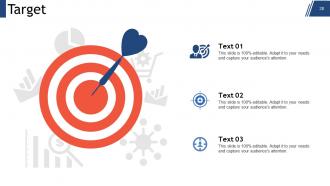
Diapositiva 28 : Esta es una diapositiva de imagen de destino. Indique aquí sus metas, aspiraciones y objetivos.
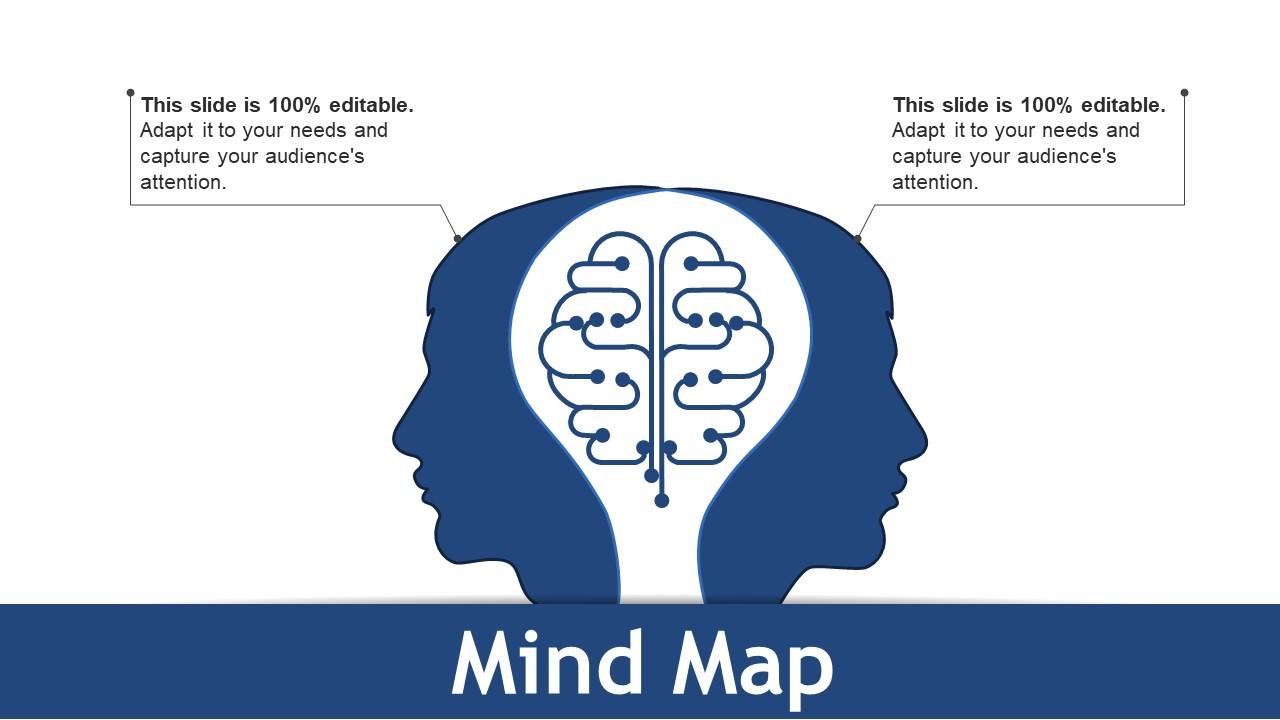
Diapositiva 29 : Esta es una diapositiva de imagen de mapa mental para mostrar información, especificaciones, etc.
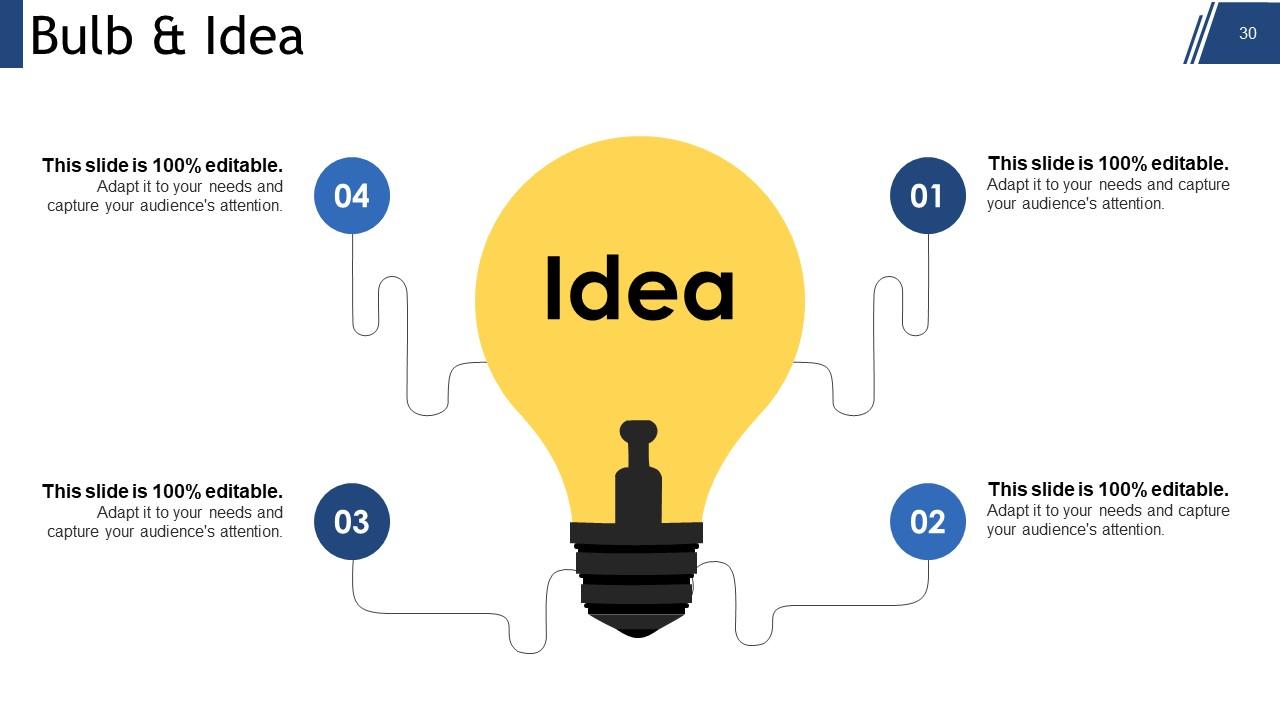
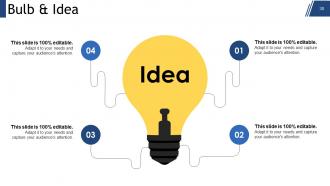
Diapositiva 30 : Esta es una diapositiva de Bombilla e idea. Presente cualquier información nueva, datos aquí.
Diapositiva 31 : Esta es una diapositiva de agradecimiento con dirección # número de calle, ciudad, estado, números de contacto, dirección de correo electrónico para colocar y mostrar.
Resumen de gestión Presentación en PowerPoint con las 31 diapositivas:
Despierte la capacidad inactiva con nuestras diapositivas de presentación de PowerPoint de resumen de gestión. Ninguna tarea es demasiado abrumadora para ellos.
-
Professional and unique presentations.
-
Perfect template with attractive color combination.
