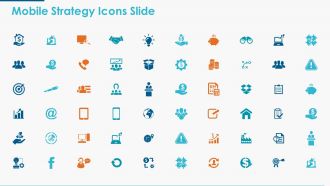
Ícones de estratégia móvel Slide Marketing Ppt Powerpoint Presentation Icon Template
Try Before you Buy Download Free Sample Product
Audience
Editable
of Time
Balance a isca com nosso modelo de ícone de apresentação de PowerPoint de slides de ícones de estratégia móvel. Obtenha os melhores cérebros disponíveis.
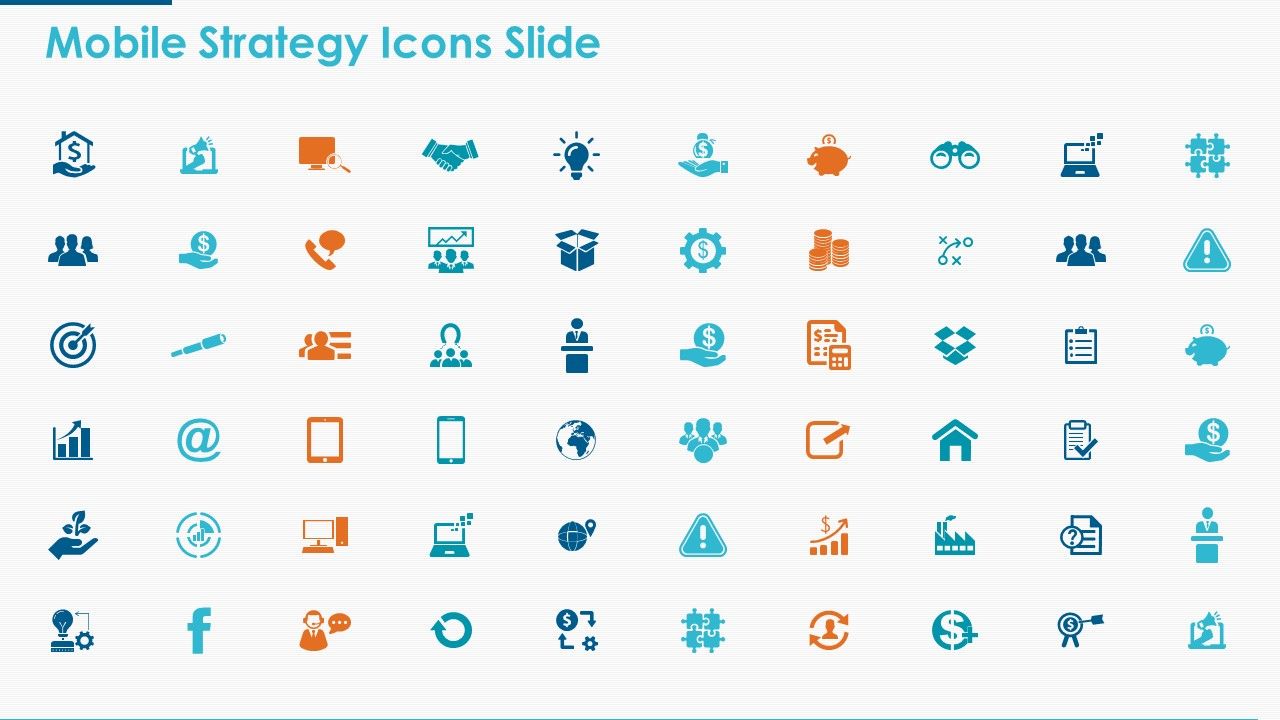
Recursos destes slides de apresentação do PowerPoint:
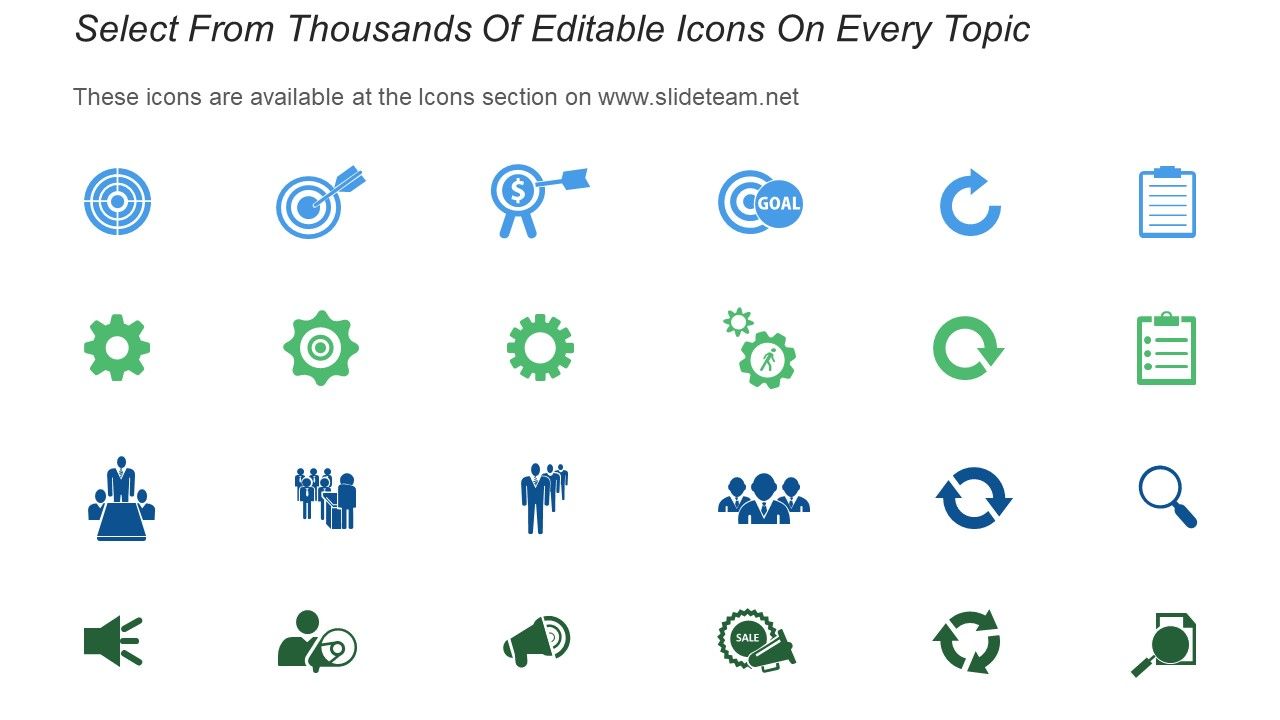
Apresentando este conjunto de slides com o nome Ícones de estratégia móvel Slide Marketing Ppt Modelo de ícone de apresentação em PowerPoint. Os tópicos discutidos nesses slides são negócios, planejamento, estratégia, marketing, gerenciamento. Esta é uma apresentação do PowerPoint totalmente editável e está disponível para download imediato. Baixe agora e impressione seu público.
People who downloaded this PowerPoint presentation also viewed the following :
Ícones de estratégia móvel Slide Marketing Ppt Powerpoint Presentation Icon Template com todos os 5 slides:
Nossos ícones de estratégia móvel Slide Marketing Ppt Powerpoint Presentation Icon Template permitem que você siga o fluxo. Continue avançando conforme sua conveniência.
FAQs for Mobile strategy icons slide marketing ppt powerpoint
Okay so basically you want icons that'll actually work when they're super tiny on phones. Bold, clean lines are your friend here - skip all the fancy details because they just turn into blobs. I learned this the hard way! Keep your stroke width and colors consistent across the whole set. The real test? Make sure they're readable at like 24x24 pixels minimum. Don't just check them in your design app either - actually pull them up on different phones because screens vary way more than you'd think. Simple beats pretty every time with mobile icons.
Honestly, icons are a game-changer for mobile strategy presentations. People absorb visuals way faster than text - like 60,000 times faster, which is wild when you think about it. Your audience won't get buried in boring text walls, and stakeholders actually stay awake during technical stuff. I've seen presentations where consistent icons create this visual flow that just works. Each major point gets its own icon, and suddenly everything clicks together. It sounds simple, but it really does make your strategy stick in people's heads. Plus your slides won't look like a Word document anymore.
Go with blue or green - they scream "trustworthy tech company" without being weird about it. Geometric shapes work best: arrows, connected dots, simple device outlines. Orange's solid for more energetic stuff. Skip red though, feels way too aggressive for strategy apps. Purple just disappears against most backgrounds, learned that the hard way. The trick is keeping everything super minimal. Thick lines, high contrast. I can't tell you how many icons I've seen that look amazing on desktop then turn into indecipherable mush on actual phones. Test at 32px first - saves you from redoing everything later when you realize nobody can tell what your masterpiece actually represents.
Yeah totally! Just swap out the basic shapes for stuff that actually makes sense in your industry. Medical crosses work way better than arrows for healthcare presentations. Finance people get graph icons and dollar signs immediately. Honestly, I've seen some really clever ones that made the whole strategy easier to follow. Keep your visual hierarchy consistent though - don't go crazy with different styles. Test it with your team first because there's nothing worse than confusing everyone mid-presentation. You'll know pretty quick if an icon isn't landing right.
Icons are like visual shortcuts for all the complex stuff you're trying to explain. Nobody wants to read paragraphs on their phone anyway. Use them to walk users through your process or highlight the important features. I always think of it this way - if someone can't figure out your app flow just by glancing at it, you're probably doing too much explaining and not enough showing. The tricky part is making sure your icons actually make sense to people (not just to you). Test them out with real users because what seems obvious to you might be totally confusing to everyone else.
Honestly, you've gotta test everything with actual local users first. We totally screwed this up when launching in Asia - didn't realize how differently people read our icons. Like, thumbs up can be super offensive in parts of the Middle East, and don't get me started on how colors mean completely different things everywhere. Work with local designers if you can swing it. Quick user surveys help too - just ask people what they think each icon means. What seems obvious to us might be total gibberish somewhere else, you know?
Don't go crazy with details - they'll just look like mud on tiny screens. Too many colors? Same problem. And honestly, gradients are just asking for trouble on mobile. Make sure your icons actually look different from each other! If users can't tell "attack" from "defend" in half a second, you've failed. Keep everything visually consistent as a set, but each one needs its own clear shape. Here's the thing though - test them small from day one. I can't tell you how many times something looked perfect on my laptop then became completely useless on my phone.
First thing - go through your current brand guidelines and figure out where these mobile icons actually belong. Most companies just slap icons everywhere without thinking it through, which drives me crazy. You'll need sizing rules, spacing, and color variations that work on different backgrounds. Document when to use filled vs outlined versions too. Create a whole section showing how they play with your logo and fonts. Templates help a ton for showing proper mobile implementation. Basically, treat icons like real brand assets instead of random decorations. Your style guide needs this update badly.
So for mobile strategy icons, I'd go with Illustrator or Figma first - they're just better for vector work. Sketch works great if you're on Mac. Canva's actually not terrible in a pinch, though I wouldn't use it for anything too complex. You definitely want vectors so they stay crisp when scaled. Export at multiple resolutions (1x, 2x, 3x) for different screens. Oh, and start with like a 24x24 or 32x32 pixel grid - keeps everything lined up nicely. Trust me, that grid thing saves so much time later when you're trying to make everything look consistent across your whole icon set.
So basically, if you're a startup you gotta go loud with your icon - bright colors, weird shapes, whatever makes people stop scrolling. I've literally downloaded apps just because the icon looked cool lol. Big brands like Nike? They can just slap their swoosh on there and call it a day since everyone already knows them. But for you, that icon's your only shot at a first impression in a sea of apps. Test a few versions and see what actually gets downloads. Sometimes the uglier one performs better - apps are weird like that.
Young people are all about that clean, minimalist look - bold colors with simple geometric shapes. Skip anything corporate-looking or those cringey 2010 gradients (ugh). Electric blue, neon green, hot pink? Perfect, especially on dark backgrounds since everyone's obsessed with dark mode now. Here's the thing though - simple beats complex every time. A clean sword icon works way better than some crazy detailed battle scene. Oh, and definitely test with actual young users first because trends change stupid fast. Trust me on this one.
Think of mobile strategy icons as brain shortcuts - they get complex ideas across way faster than paragraphs of explanation. Like instead of saying "omnichannel customer journey optimization" you just show an icon everyone understands instantly. Super helpful when presenting to stakeholders who'd otherwise check out during technical stuff (honestly, can't blame them). Your team starts using the same visual language too, which cuts down on confusion. I'd build a little library of your go-to concepts first. Makes future decks so much cleaner.
Honestly, everyone's going super minimal with line icons right now. Geometric shapes are replacing all that detailed skeuomorphic stuff we had before. Works better across different screen sizes too. Some apps are getting *too* stripped down though - like you can't even tell what the icon represents anymore lol. The smart approach is designing systems that adapt contextually. Your inventory icons might look different in the main menu vs. the actual game screen. Oh, and definitely test how everything looks at 24px and 48px when you're updating. Trust me on that one.
Honestly, animated mobile icons are a game changer for presentations. They grab attention and make those confusing user flow diagrams actually make sense. Your audience won't zone out staring at boring static slides - the subtle movement keeps them locked in. Just don't go crazy with it though. I've seen people make every single icon bounce and pulse like some weird disco, and it's distracting as hell. Stick to gentle animations for key actions or smooth state transitions. Makes your whole deck look way more professional too, plus people remember the info better when there's visual movement involved.
Make your mobile icons dead simple - one clear concept per icon. Complex graphics turn into unreadable mush on small screens. Brand colors are fine, just make sure there's enough contrast so people can actually see them. I learned this the hard way when my "gorgeous" icons looked like gray blobs on my friend's phone! Test on different devices before you go live. Keep the same style across all your icons so they feel like a family. Honestly, I'd slap text labels on everything too since people interpret symbols differently. Sometimes boring beats beautiful when it comes to usability.
No Reviews