


Monatlicher Marketingbericht PowerPoint-Präsentation mit Folien
Eine Marketingbericht-PPT-Diashow mit ausgewogenem Text mit innovativen Originalvorlagenthemen ist schwer zu konzipieren. Vor diesem Hintergrund haben wir hier ein vorgefertigtes PPT-Modell für Marketingagenturen entwickelt, um die bedeutenden Verkaufsaktivitäten des letzten Monats hervorzuheben. Darüber hinaus hilft unser PPT-Beispiel, die Marketingpläne für den kommenden Monat ins Rampenlicht zu rücken. Das Beste daran ist, dass Sie diese PowerPoint-Show verwenden können, um Geschäfts- und Marktinformationen mit Ihren Frontmanagern zu teilen. Darüber hinaus können Sie mit Hilfe unseres PPT-Musters Ihren Mitarbeitern Empfehlungen für die zukünftige Planung der Marktstrategie geben. Abgesehen davon ist es mit unserer Marketingberichtsvorlage ziemlich einfach, den Schwerpunkt auf die strategische Planung der Konkurrenz zu legen. Um es Ihnen zu erleichtern, enthält dieses Präsentationsdeck schließlich Folienvorlagen wie Vertriebsleistungsberichte, Finanzkennzahlen, Website-Leistungsüberprüfung, produktbezogene Leistung, monatliche Pipeline und so weiter. Legen Sie also gleich los, indem Sie einfach unser komplettes PowerPoint-Präsentationsdeck für den monatlichen Marketingbericht herunterladen. Bestehen Sie darauf, dass das Thema mit unserem monatlichen Marketingbericht Komplettes Powerpoint-Deck mit Folien berücksichtigt wird. Geben Sie jedem Element die gebührende Bedeutung.
Eine Marketingbericht-PPT-Diashow mit ausgewogenem Text mit innovativen Originalvorlagenthemen ist schwer zu konzipieren. V..





















-

- Google Slides is a new FREE Presentation software from Google.
- All our content is 100% compatible with Google Slides.
- Just download our designs, and upload them to Google Slides and they will work automatically.
- Amaze your audience with SlideTeam and Google Slides.
-

Want Changes to This PPT Slide? Check out our Presentation Design Services
-

- WideScreen Aspect ratio is becoming a very popular format. When you download this product, the downloaded ZIP will contain this product in both standard and widescreen format.
-

- Some older products that we have may only be in standard format, but they can easily be converted to widescreen.
- To do this, please open the SlideTeam product in Powerpoint, and go to
- Design ( On the top bar) -> Page Setup -> and select "On-screen Show (16:9)” in the drop down for "Slides Sized for".
- The slide or theme will change to widescreen, and all graphics will adjust automatically. You can similarly convert our content to any other desired screen aspect ratio.
Compatible With Google Slides

Get This In WideScreen
You must be logged in to download this presentation.


Do you want to remove this product from your favourites?
Merkmale dieser PowerPoint-Präsentationsfolien:
Die Bewertung der Zeit ist ein vollständig vorgefertigtes Deck mit 66 Vorlagen. Am besten für Vertriebs- und Marketingleiter geeignet. Ein-Klick-Schritt zum Einfügen von Firmennamen, Logo und Warenzeichen. Exklusive manuelle Bearbeitungsoption verfügbar. Außergewöhnlicher Anfang, Dankeschön und Präsentationsgrafiken mit Kundenbewertungen. Temporäre Wasserzeichen verschwinden nach und nach mit einem Klick. Einfach in PDF- oder JPG-Formate zu ändern. Reagiert schnell auf alle Softwares. Gut unterstützt Google-Präsentationen. Die Phasen in diesem Prozess sind Marktforschung, Serviceberichte, Produktleistung, Verkaufsbericht, Fortschrittsbericht, Webanalyse.

People who downloaded this PowerPoint presentation also viewed the following :
Inhalt dieser Powerpoint-Präsentation
Folie 1 : Diese Folie stellt den monatlichen Marketingleistungsbericht vor. Geben Sie Ihren Firmennamen an und beginnen Sie.
Folie 2 : Diese Folie zeigt die Agenda. Geben Sie die Firmenagenda an und verwenden Sie sie.
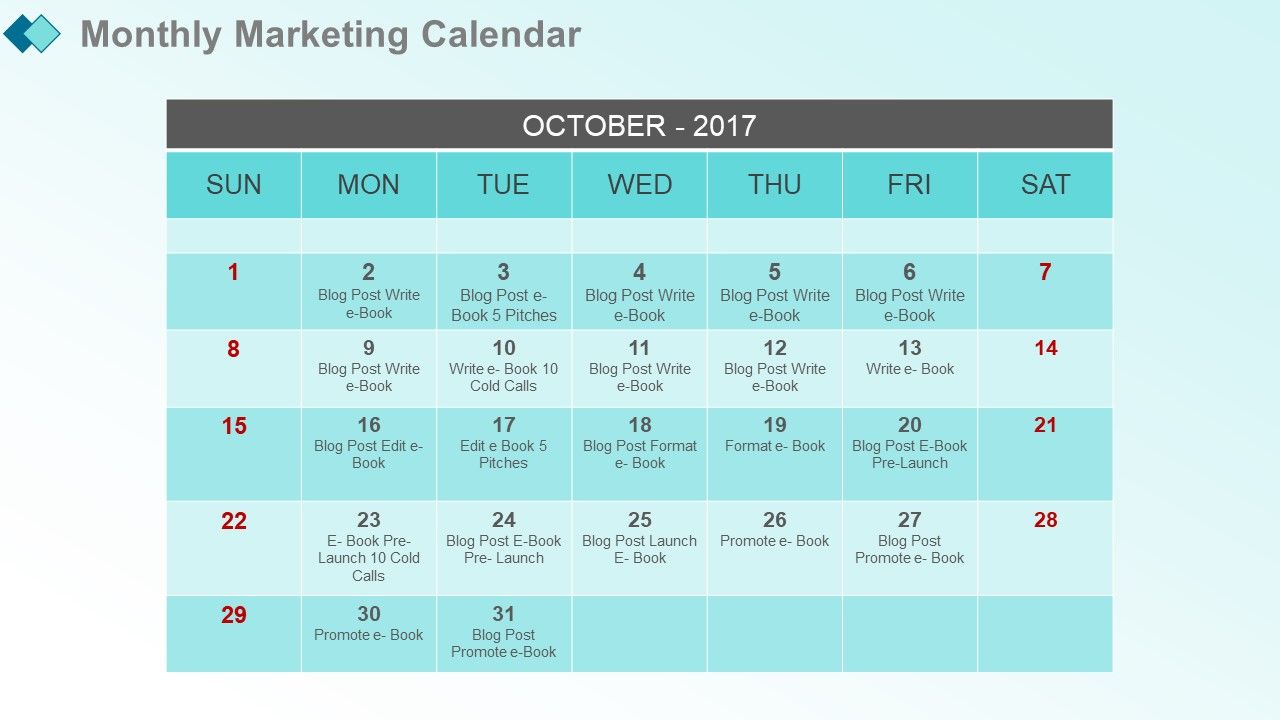
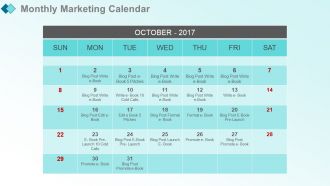
Folie 3 : Diese Folie präsentiert den monatlichen Marketingkalender. Fügen Sie den Kalender mit Daten und Uhrzeiten hinzu.
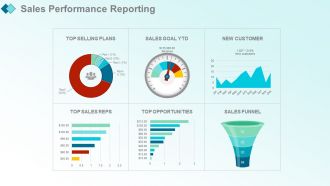
Folie 4 : Diese Folie zeigt die Vertriebsleistungsberichterstattung.
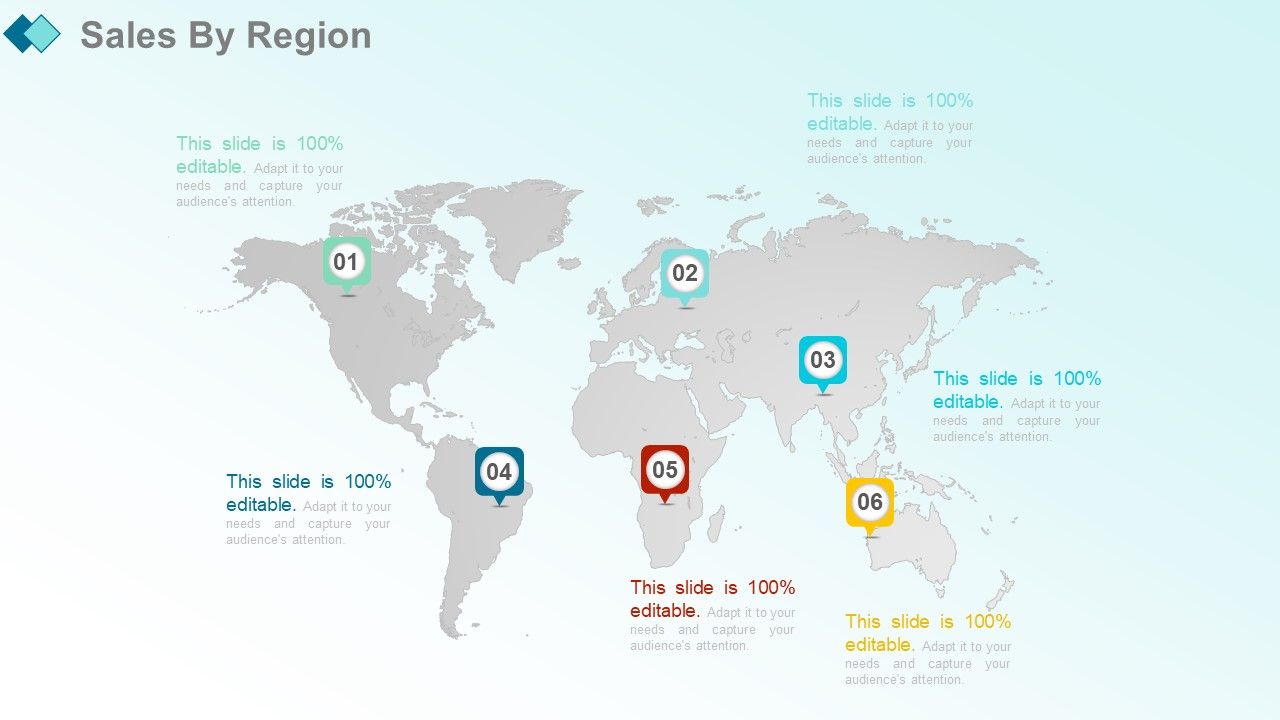
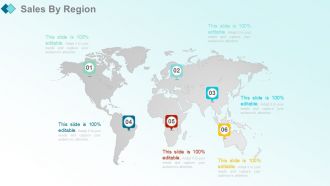
Folie 5 : Diese Folie zeigt Verkäufe nach Region.
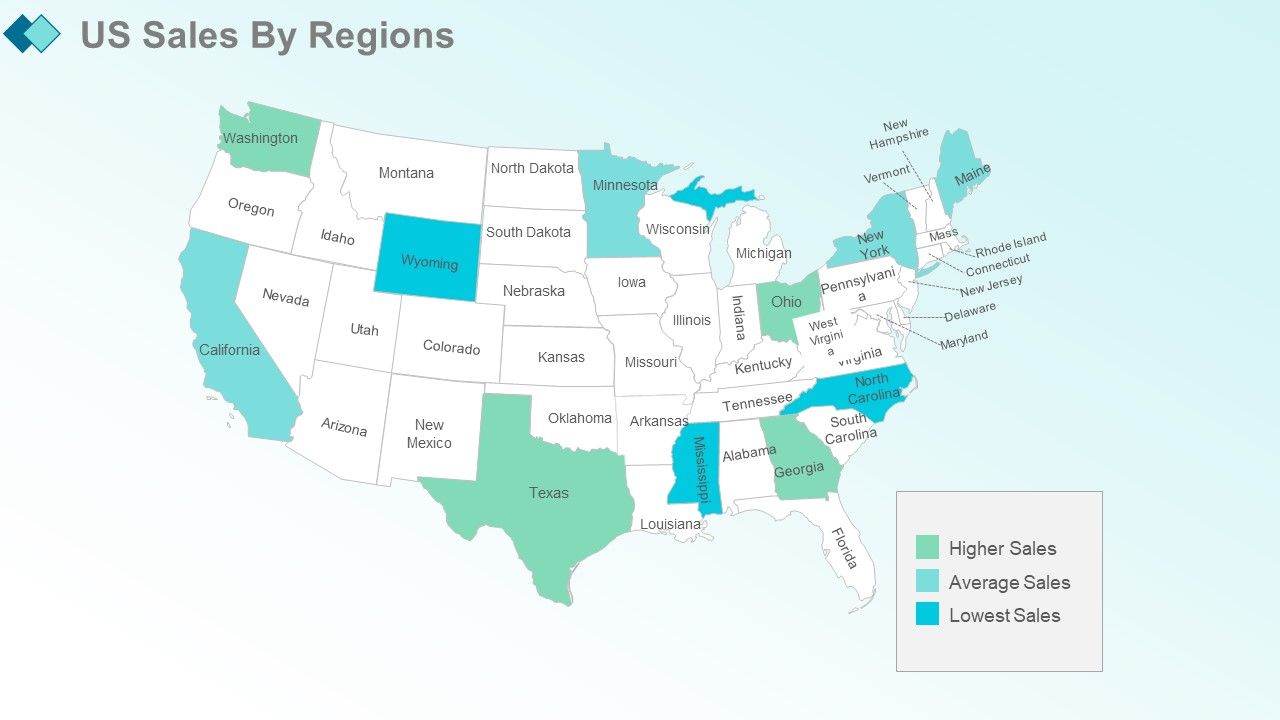
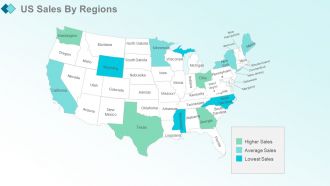
Folie 6 : Diese Folie zeigt die US-Verkäufe nach Regionen.
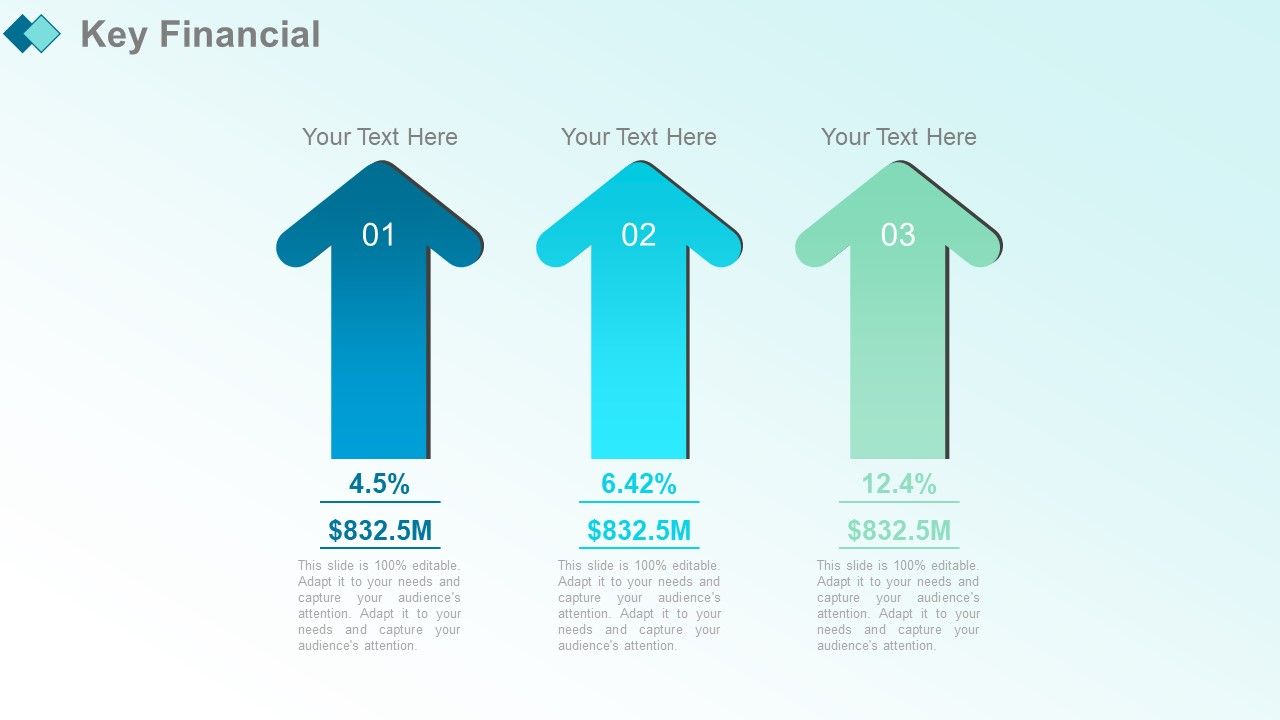
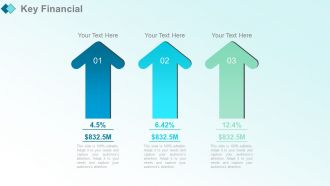
Folie 7 : Diese Folie stellt wichtige Finanzdaten vor.
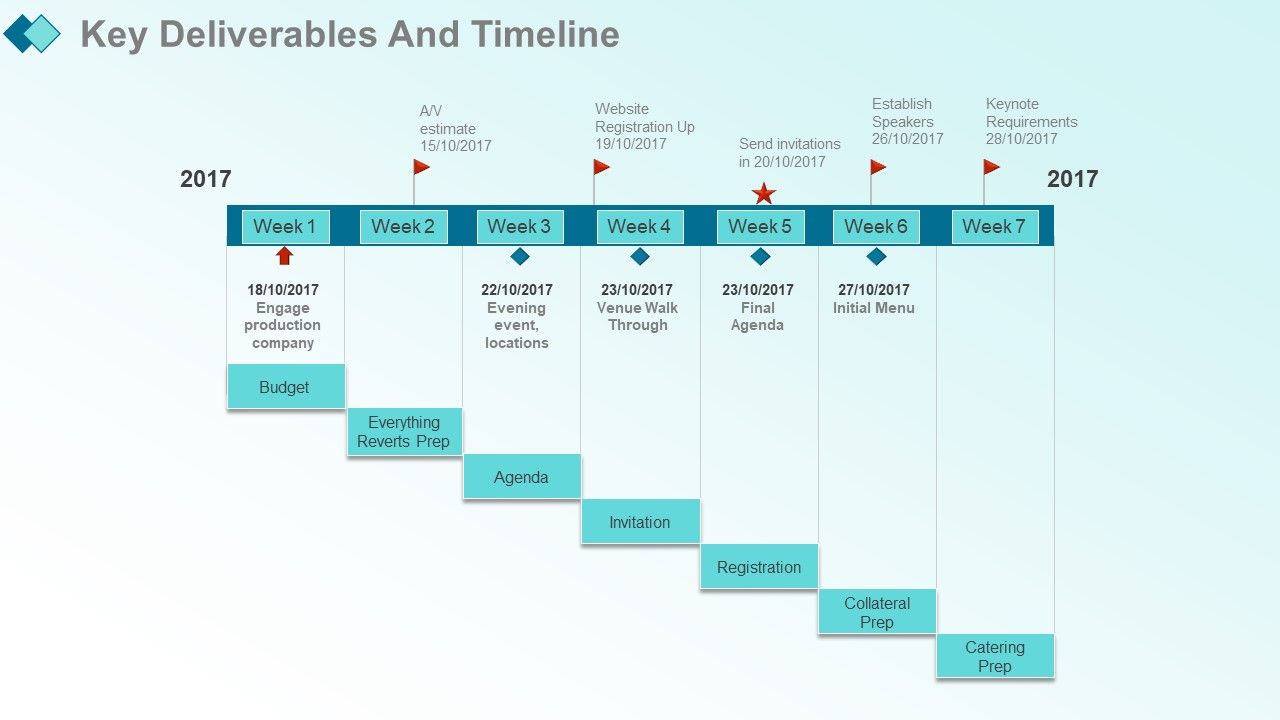
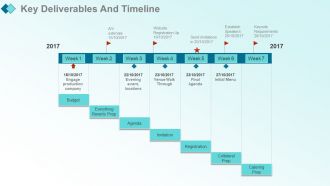
Folie 8 : Diese Folie zeigt die wichtigsten Ergebnisse und die Zeitleiste.
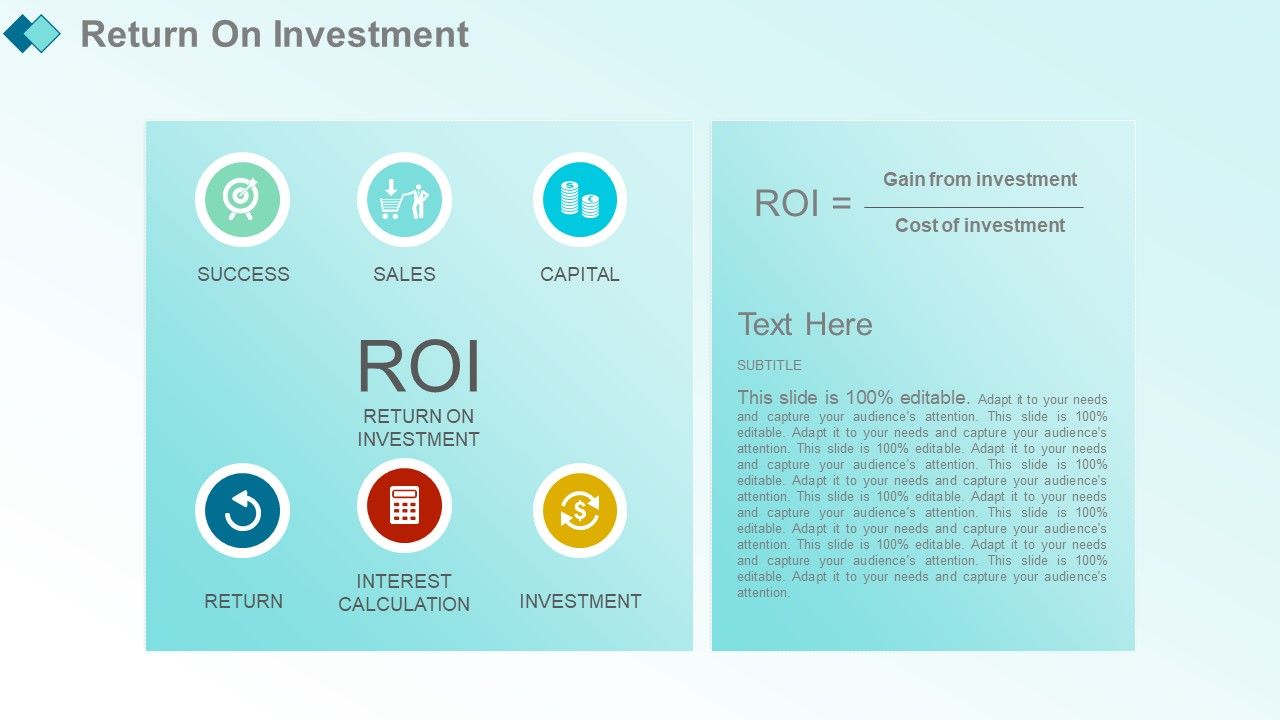
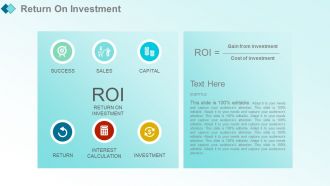
Folie 9 : Diese Folie zeigt den Return on Investment.
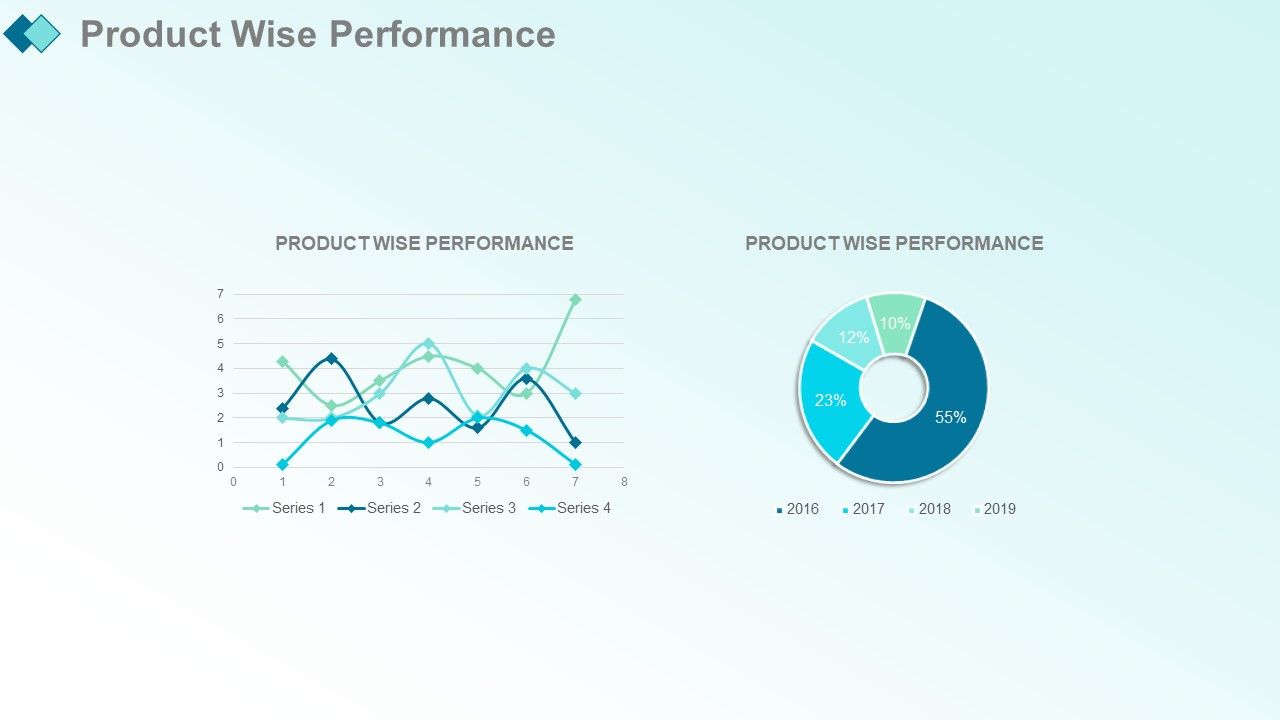
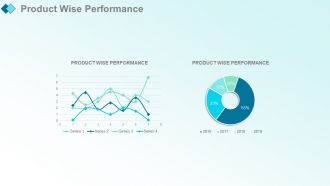
Folie 10 : Diese Folie zeigt die produktbezogene Leistung, die Sie für Ihren eigenen Gebrauch verwenden können.
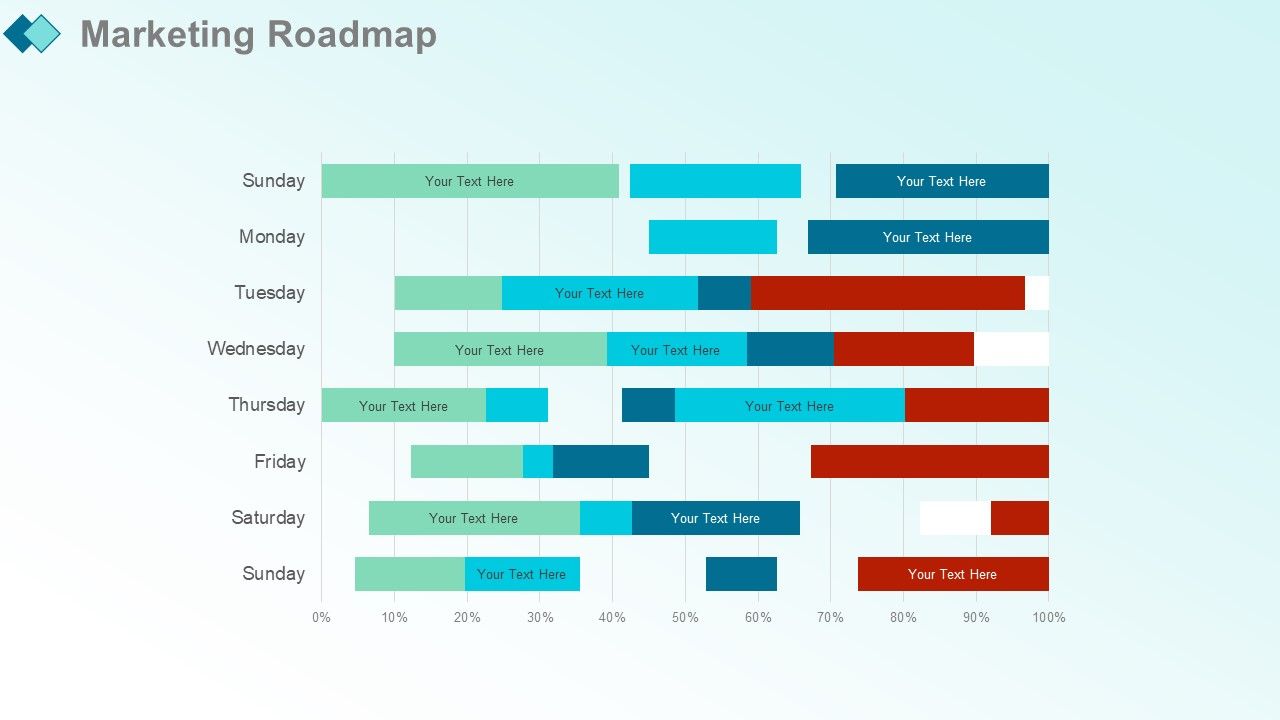
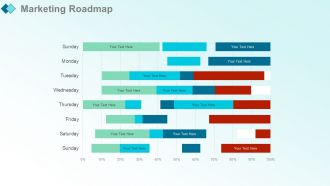
Folie 11 : Diese Folie präsentiert die Marketing-Roadmap.
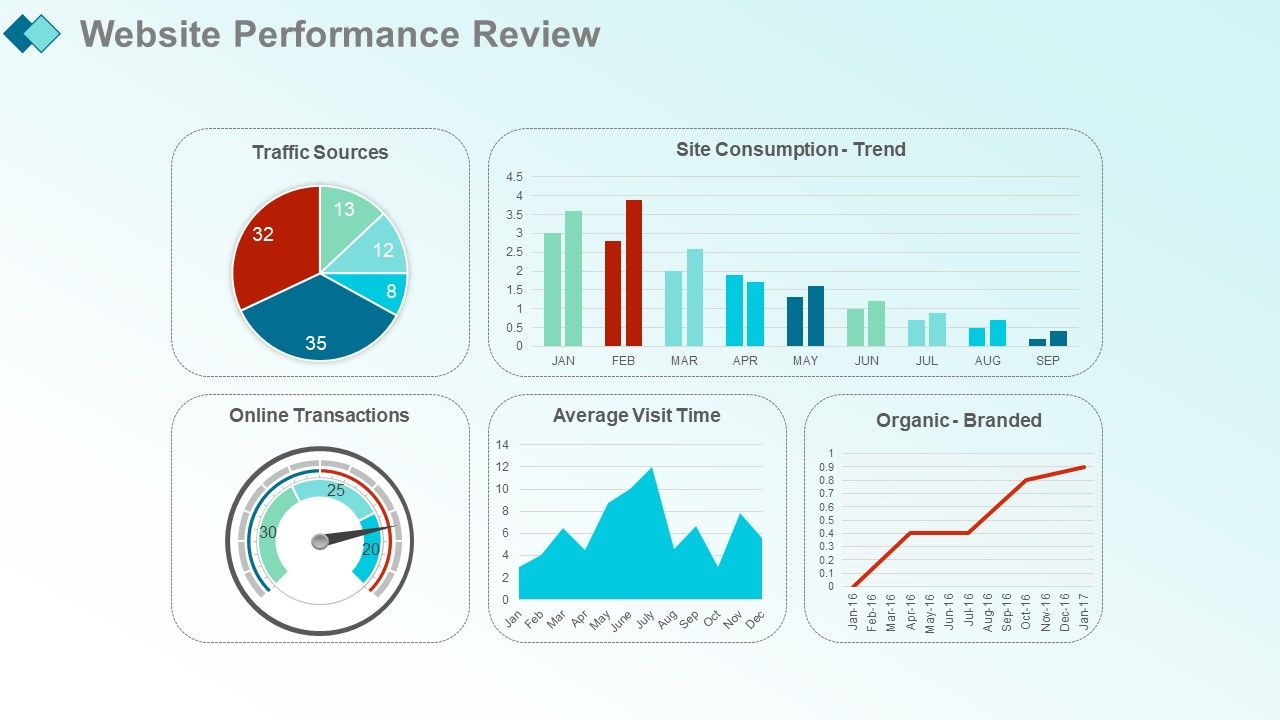
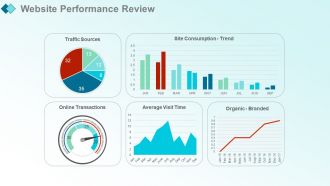
Folie 12 : Diese Folie zeigt die Überprüfung der Website-Performance mit diesen Parametern – Site-Konsum – Trend, Traffic-Quellen, Organisch – Branded, Vormonat, Vorjahr, Online-Transaktionen, durchschnittliche Besuchszeit, Vormonat, Vorjahr.
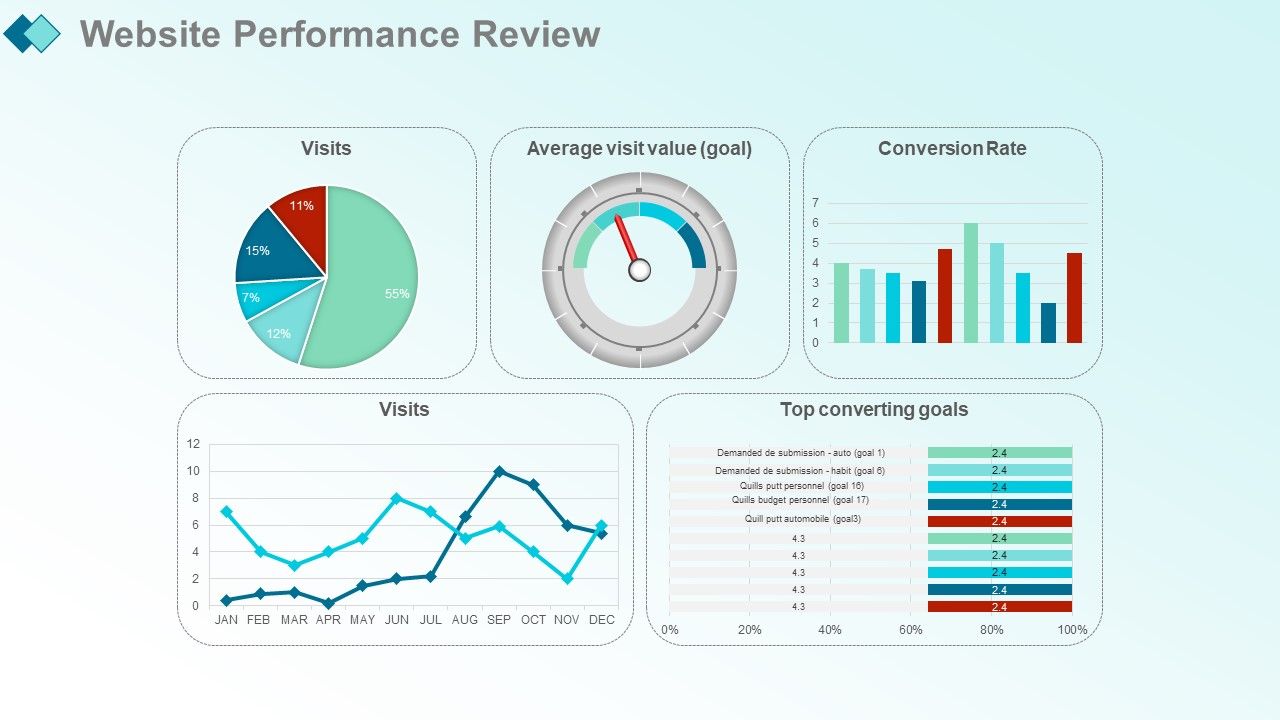
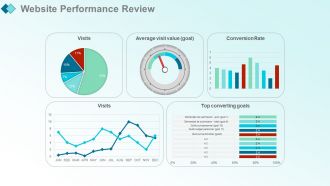
Folie 13 : Diese Folie zeigt Top-Conversion-Ziele mit diesen Parametern – Besuche, durchschnittlicher Besuchswert (Ziel), Conversion-Rate, Vormonat, Vorjahr, Besuche.
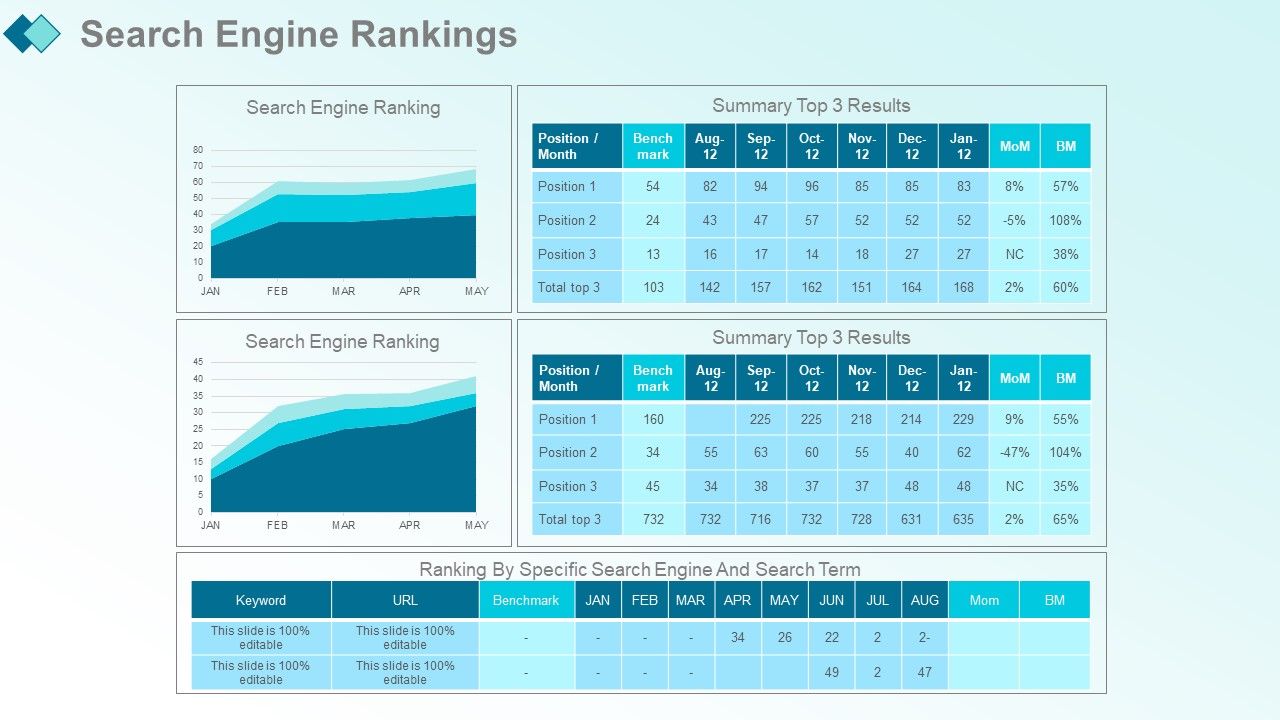
Folie 14 : Diese Folie präsentiert Suchmaschinen-Rankings mit diesen Parametern – Ranking nach spezifischer Suchmaschine und Suchbegriff, Suchmaschinen-Ranking, Zusammenfassung der Top-3-Ergebnisse.
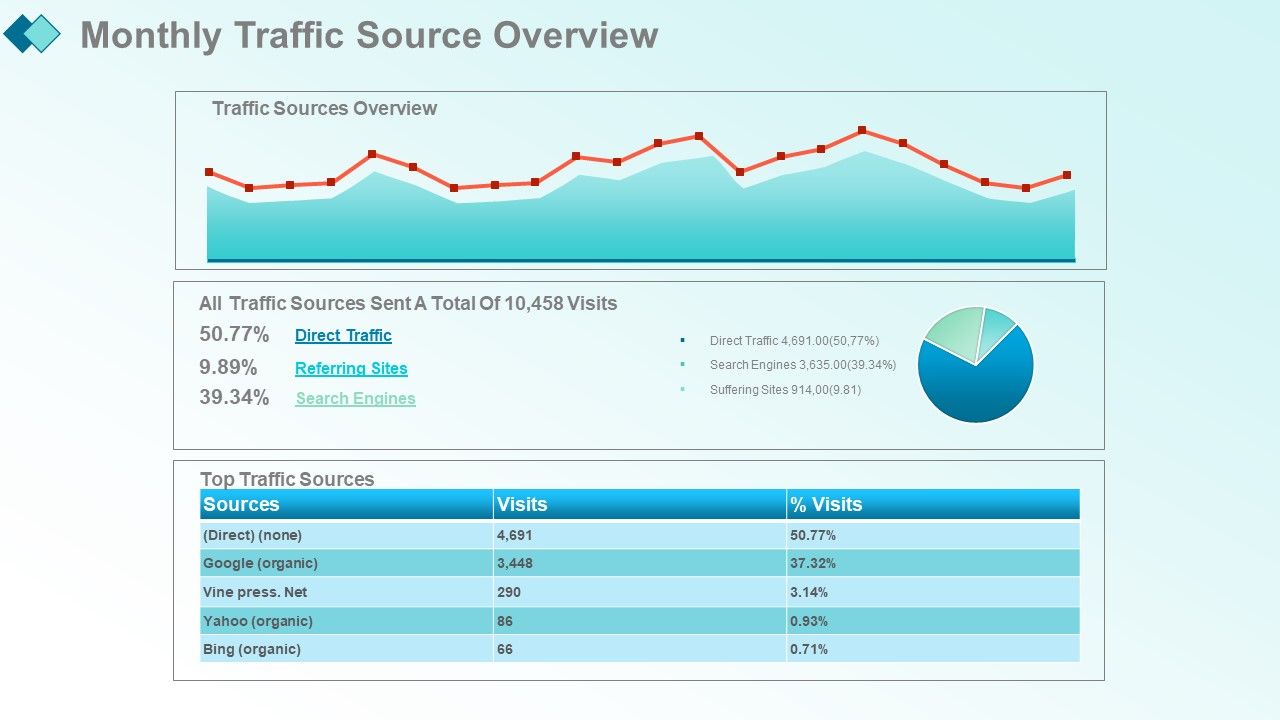
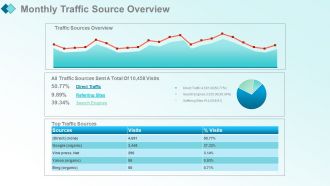
Folie 15 : Diese Folie zeigt Suchmaschinen-Rankings mit diesen beiden Faktoren – Top-Verkehrsquellen, Übersicht über die Zugriffsquellen.
Folie 16 : Diese Folie präsentiert organische Besuche und Backlinks mit diesem Balkendiagramm und dem Kreisdiagramm, das Sie verwenden können.
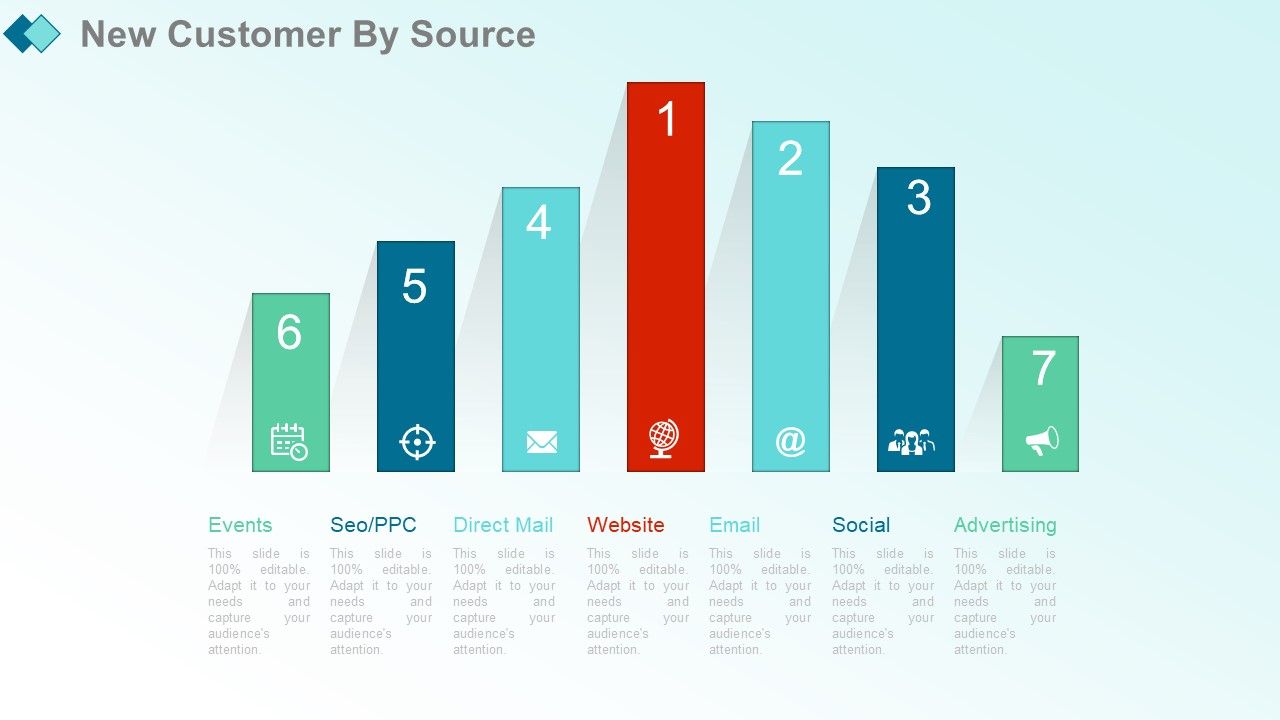
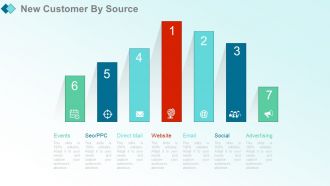
Folie 17 : Diese Folie zeigt Neukunden nach Quelle mit diesen der wichtigsten Parameter – Website, E-Mail, Soziale Netzwerke, Direktmailing, SEO/PPC, Events, Werbung.
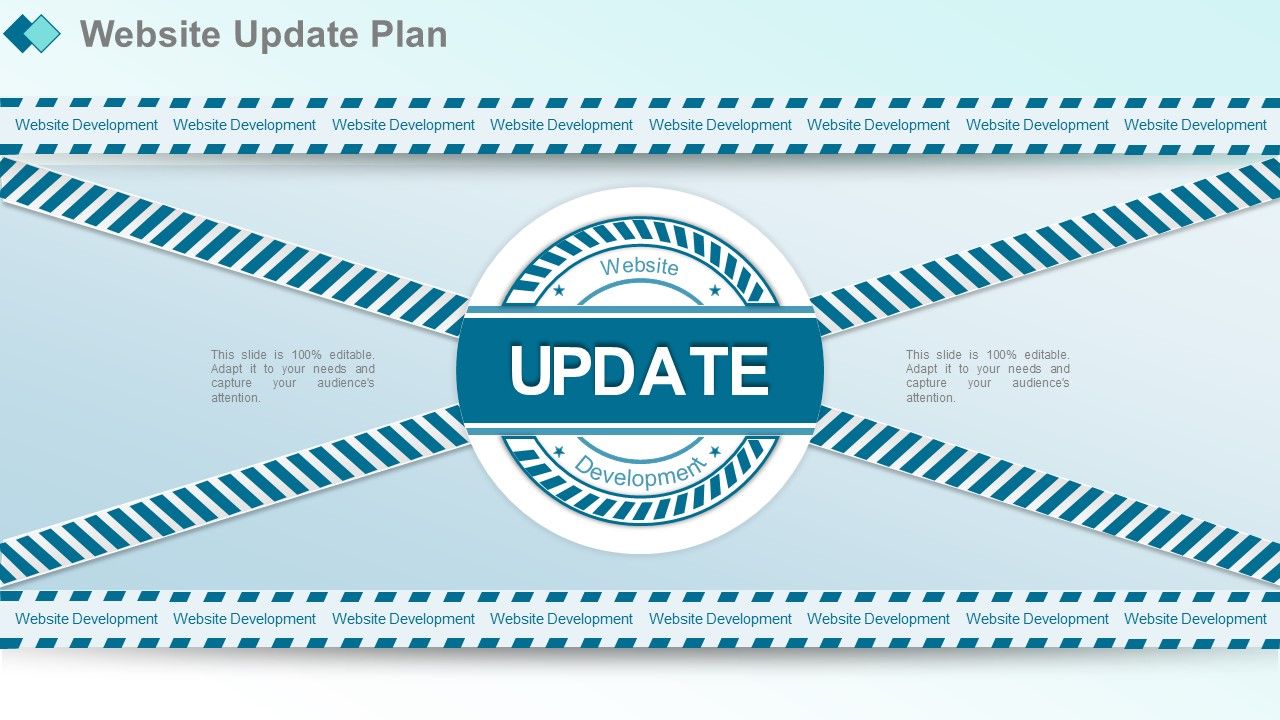
Folie 18 : Diese Folie präsentiert den Website-Update-Plan. Sie können hinzufügen und bearbeiten.
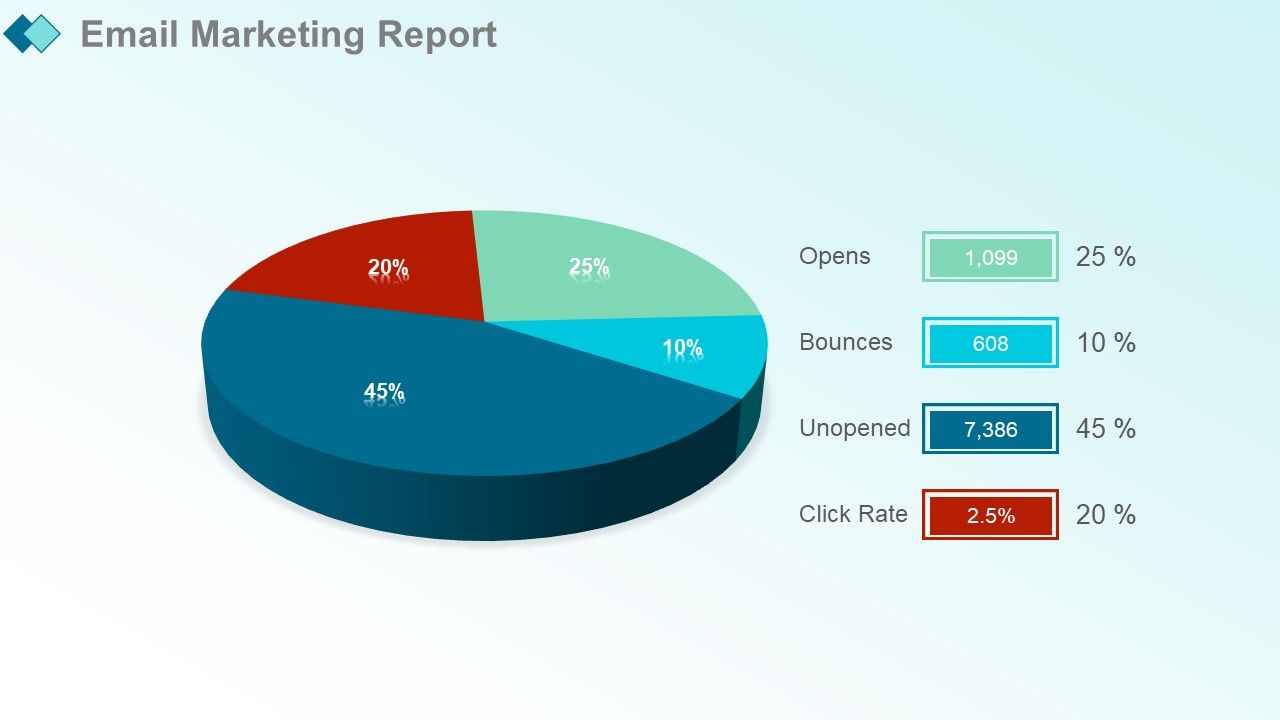
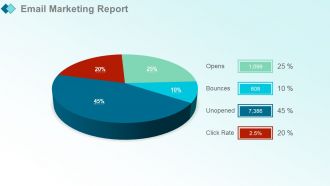
Folie 19 : Diese Folie zeigt den E-Mail-Marketing-Bericht. Sie können das Kreisdiagramm hinzufügen und verwenden.
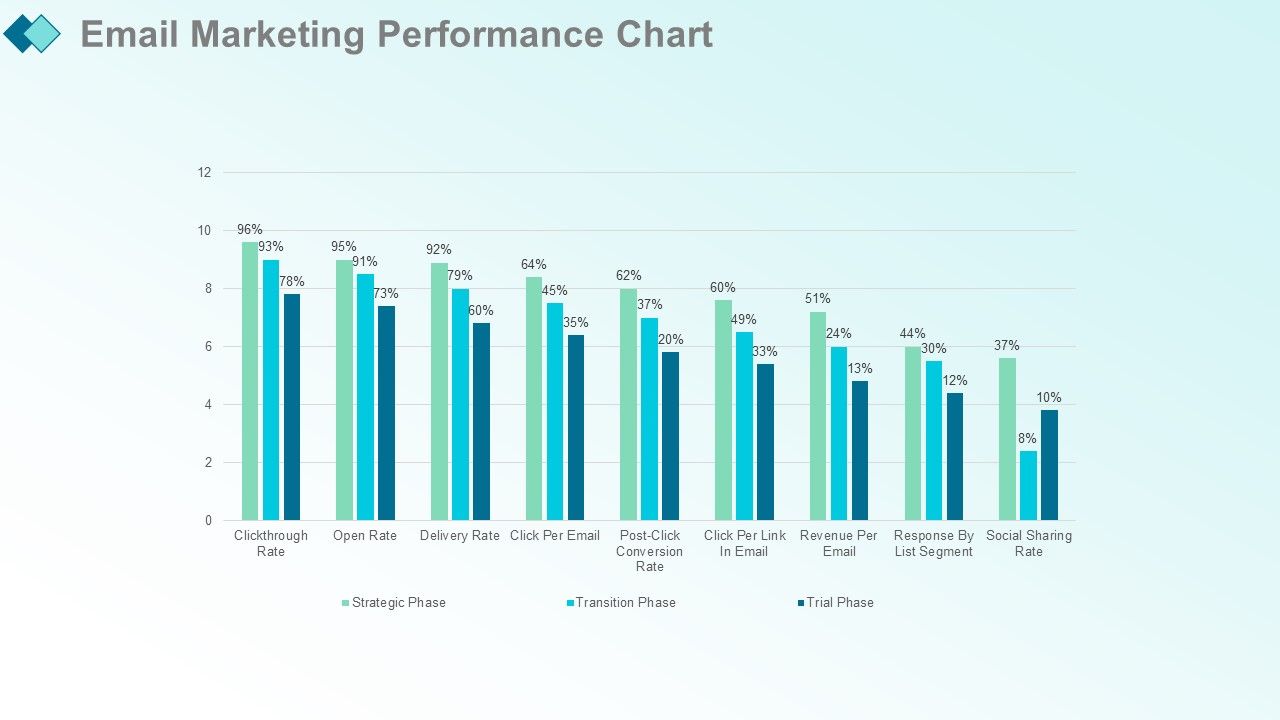
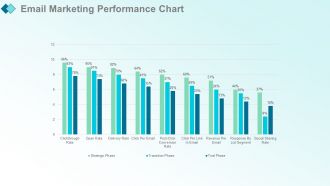
Folie 20 : Diese Folie zeigt das E-Mail-Marketing-Leistungsdiagramm.
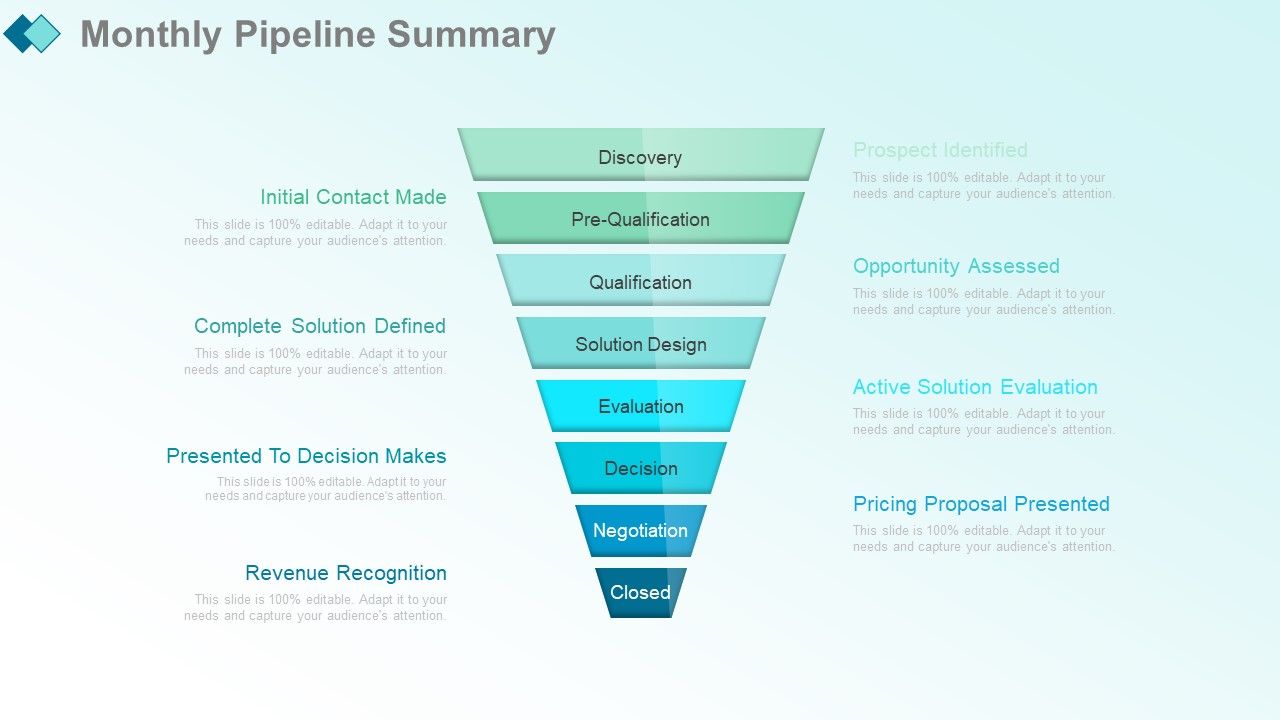
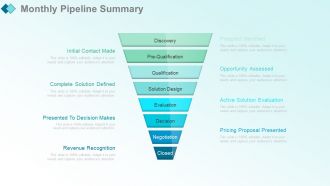
Folie 21 : Diese Folie präsentiert die monatliche Pipeline-Zusammenfassung mit diesen Faktoren – Entdeckung, Vorqualifizierung, Qualifizierung, Lösungsdesign, Bewertung, Entscheidung, Verhandlung, Abschluss.
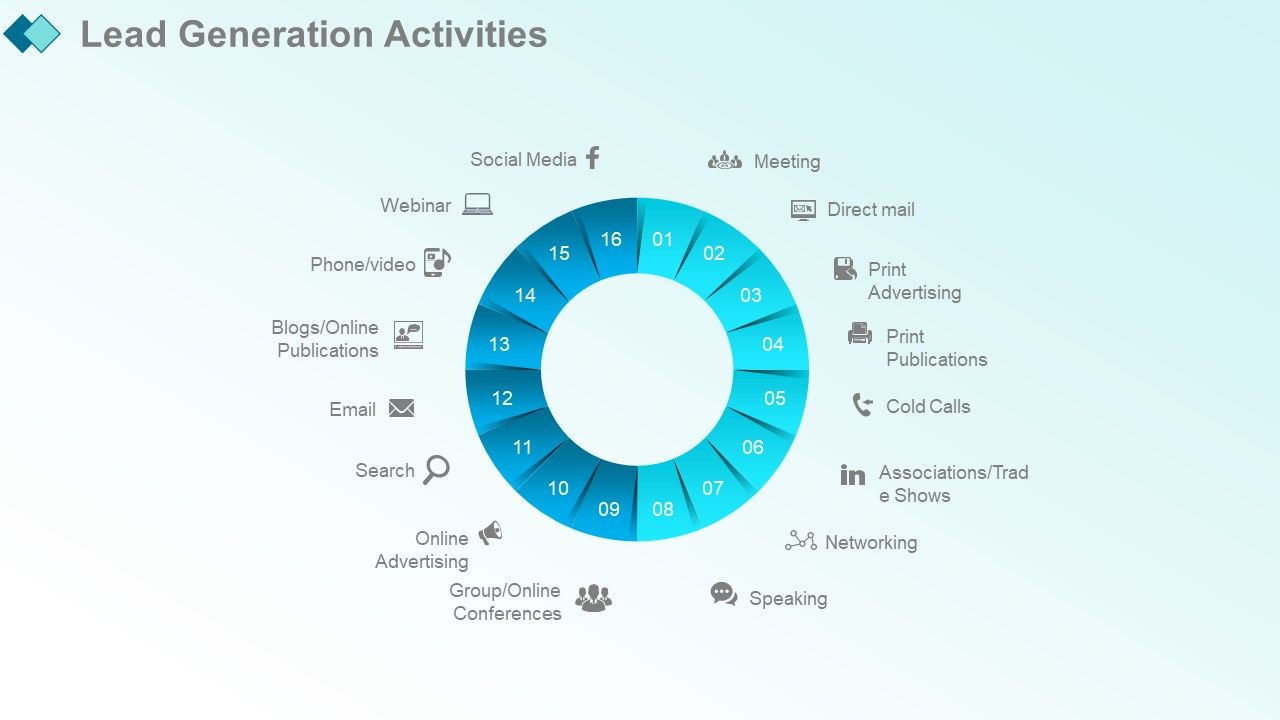
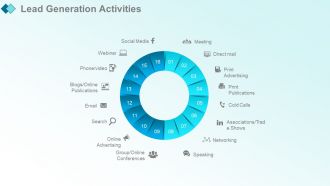
Folie 22 : Diese Folie zeigt Aktivitäten zur Lead-Generierung mit diesen Parametern – Networking, Reden, Meetings, Printpublikationen, Direktwerbung, Kaltakquise, Printwerbung, Verbände/Messen, Webinar-Blogs/Online-Publikationen, E-Mail, Suche, Online-Werbung , Telefon/Video, Gruppen-/Online-Konferenzen, Social Media, ONLINE, von Angesicht zu Angesicht.
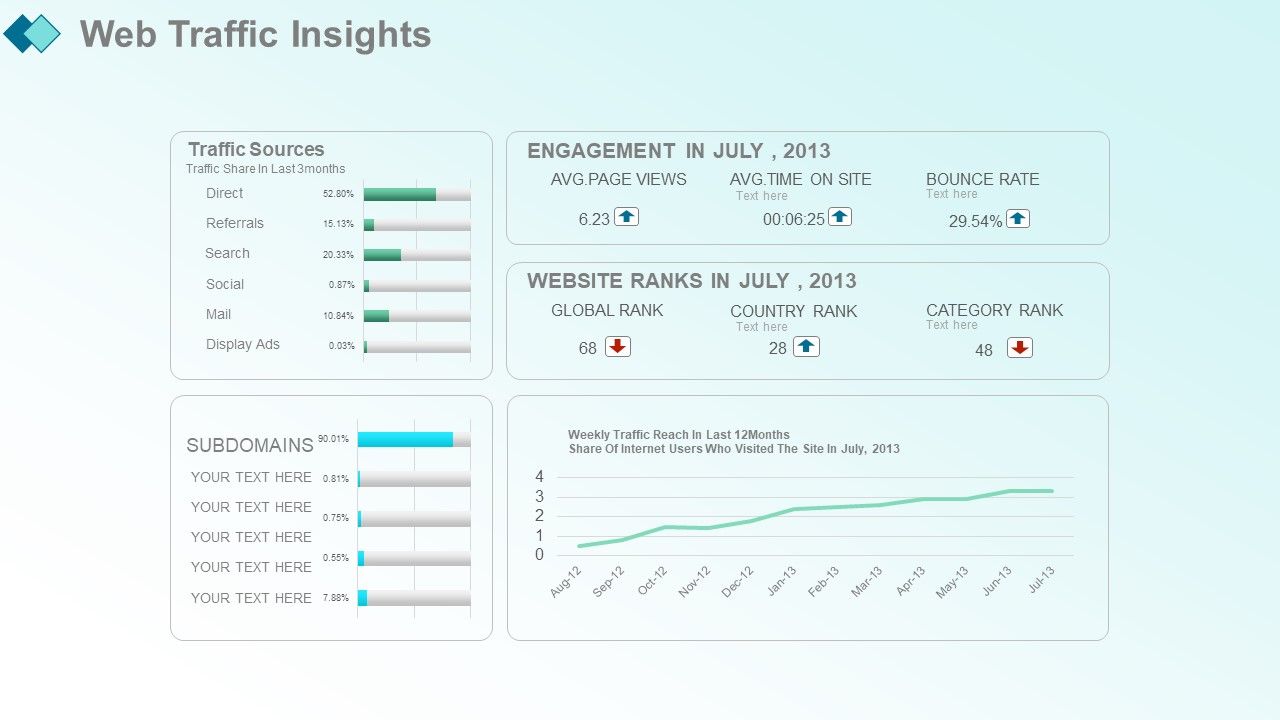
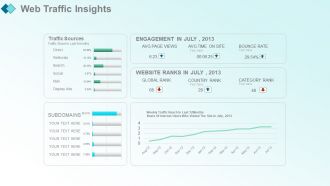
Folie 23 : Diese Folie präsentiert Web Traffic Insights mit diesen Faktoren – Traffic-Quellen, Traffic-Anteil in den letzten 3 Monaten, direkte Verweise, Suche, soziale Netzwerke, E-Mail, Display-Anzeigen, Subdomains.
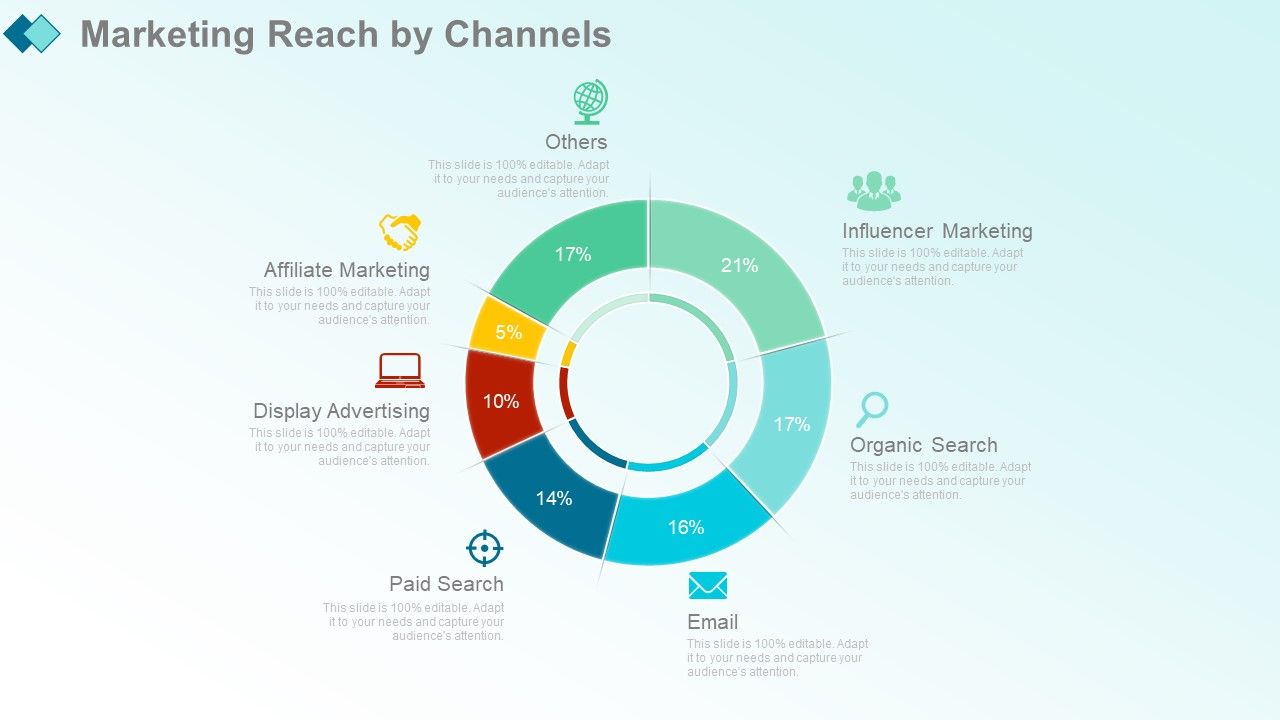
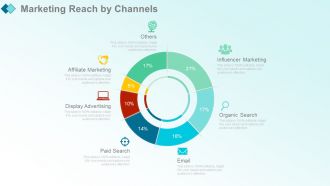
Folie 24 : Diese Folie zeigt die Marketingreichweite nach Kanälen mit diesen Parametern – bezahlte Suche, E-Mail, organische Suche, Influencer-Marketing, Display-Werbung, Affiliate-Marketing. Andere
Folie 25 : Diese Folie zeigt die Marketingreichweite nach Kanälen.
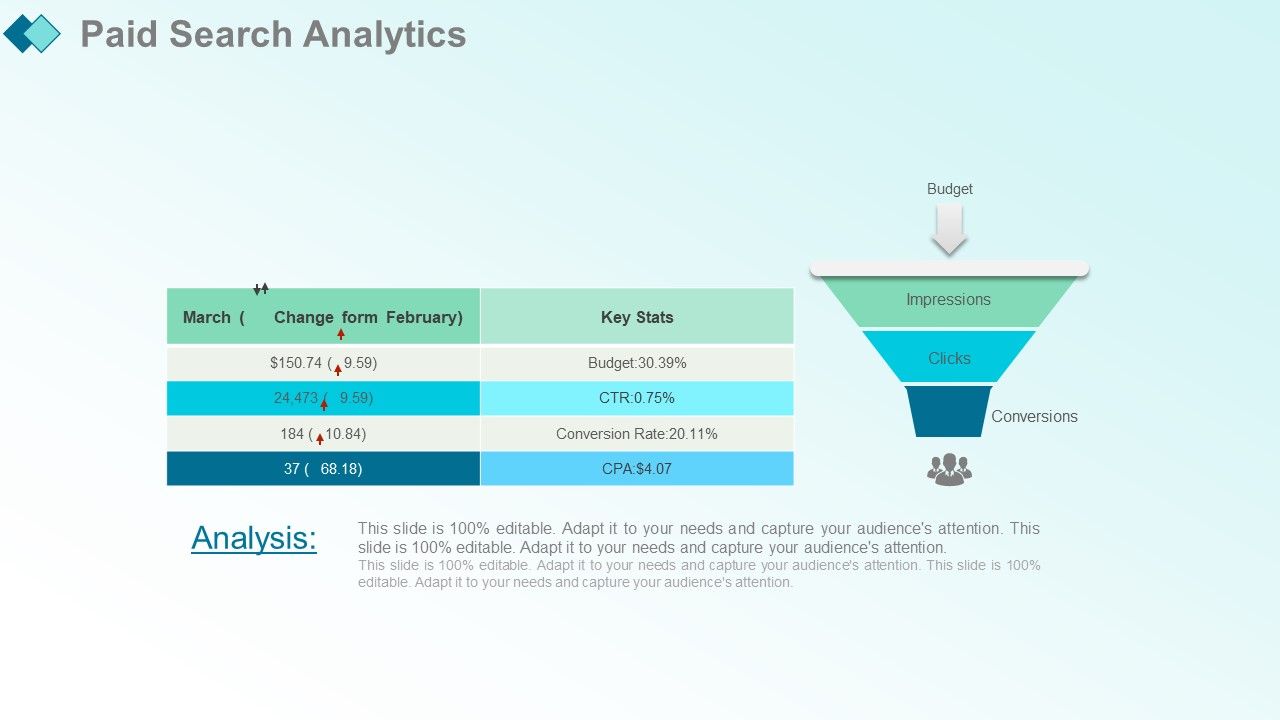
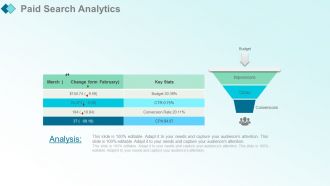
Folie 26 : Diese Folie zeigt die Analyse der bezahlten Suche mit diesen Phasen.
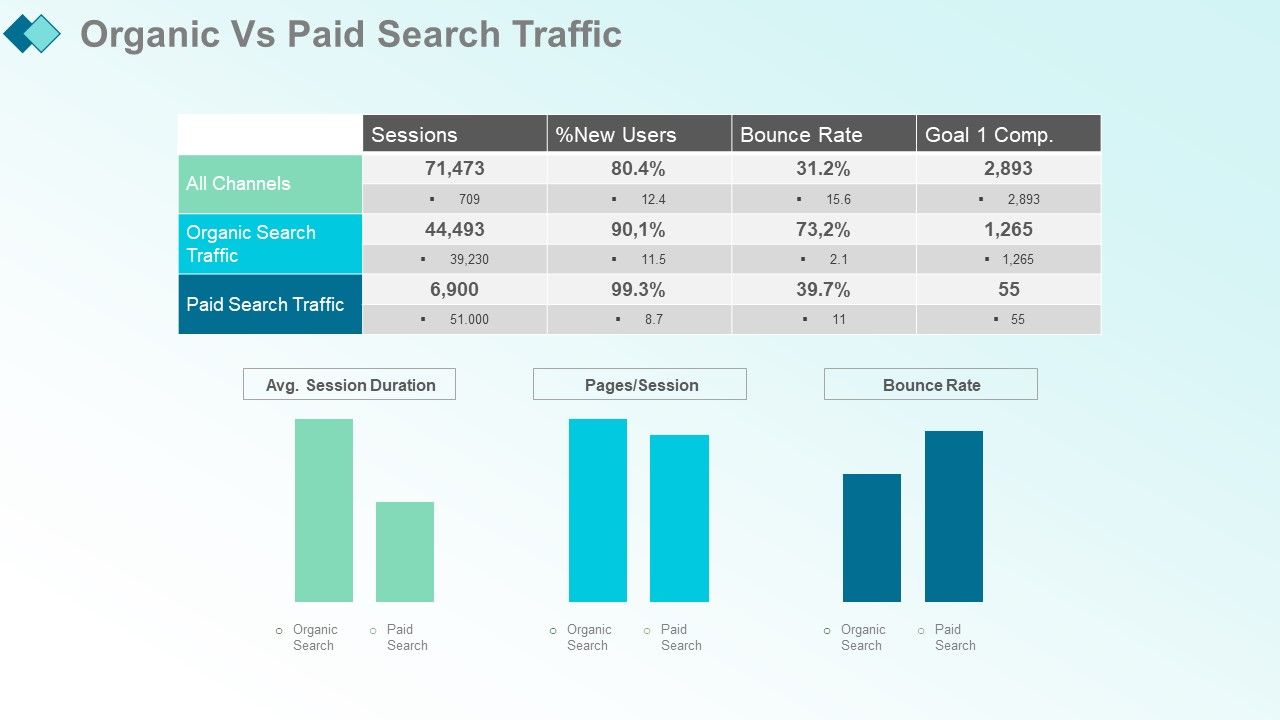
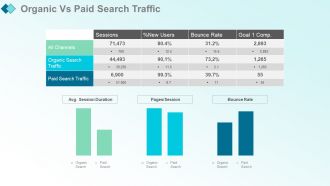
Folie 27 : Diese Folie zeigt organischen vs. bezahlten Suchverkehr.
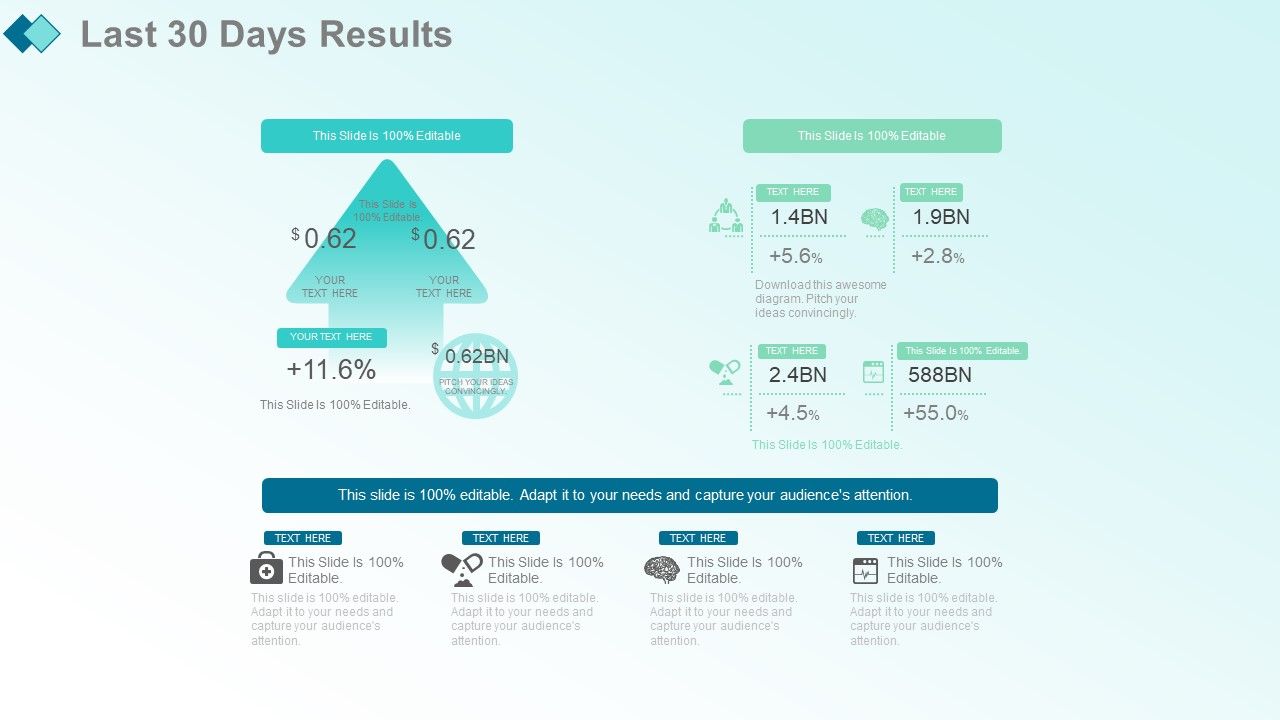
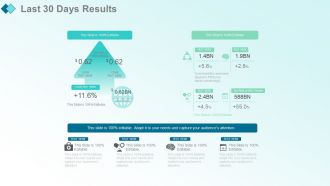
Folie 28 : Diese Folie zeigt die Ergebnisse der letzten 30 Tage. Fügen Sie nach Belieben Daten oder Informationen hinzu.
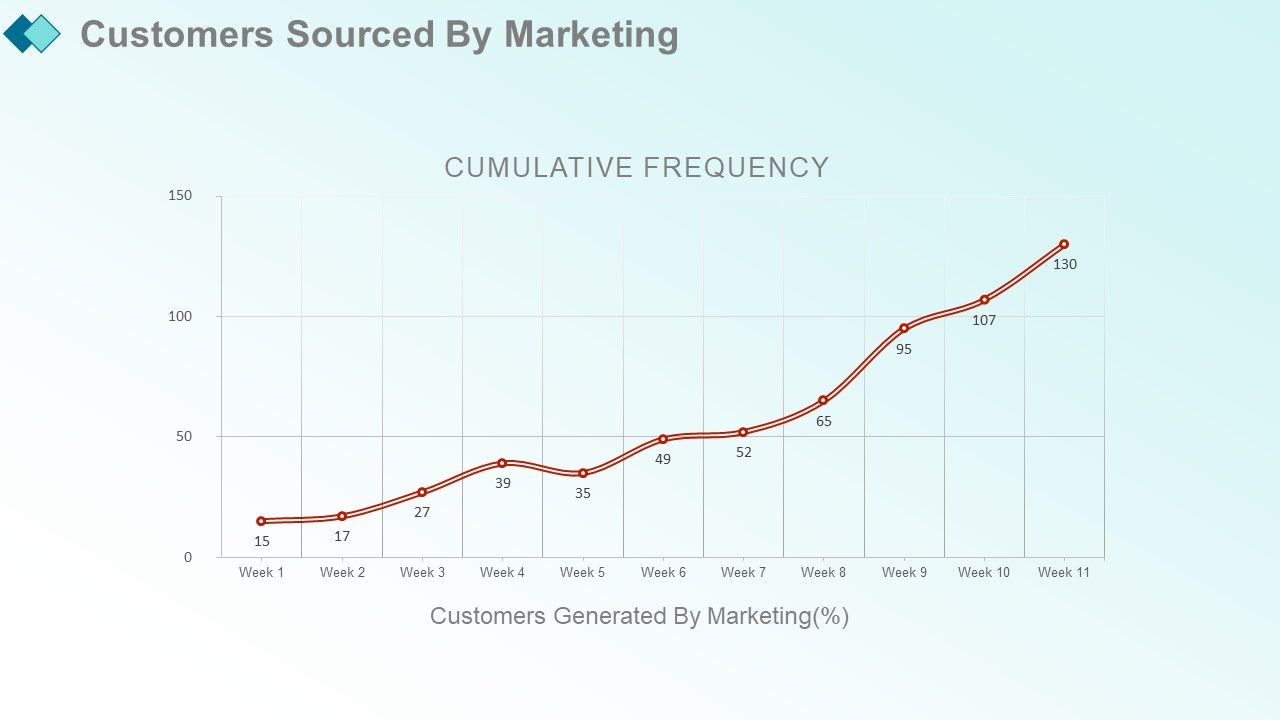
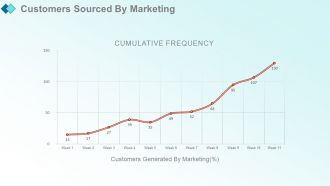
Folie 29 : Diese Folie zeigt Kunden, die durch Marketing gewonnen wurden, mit diesen Kunden, die durch Marketing generiert wurden (%).
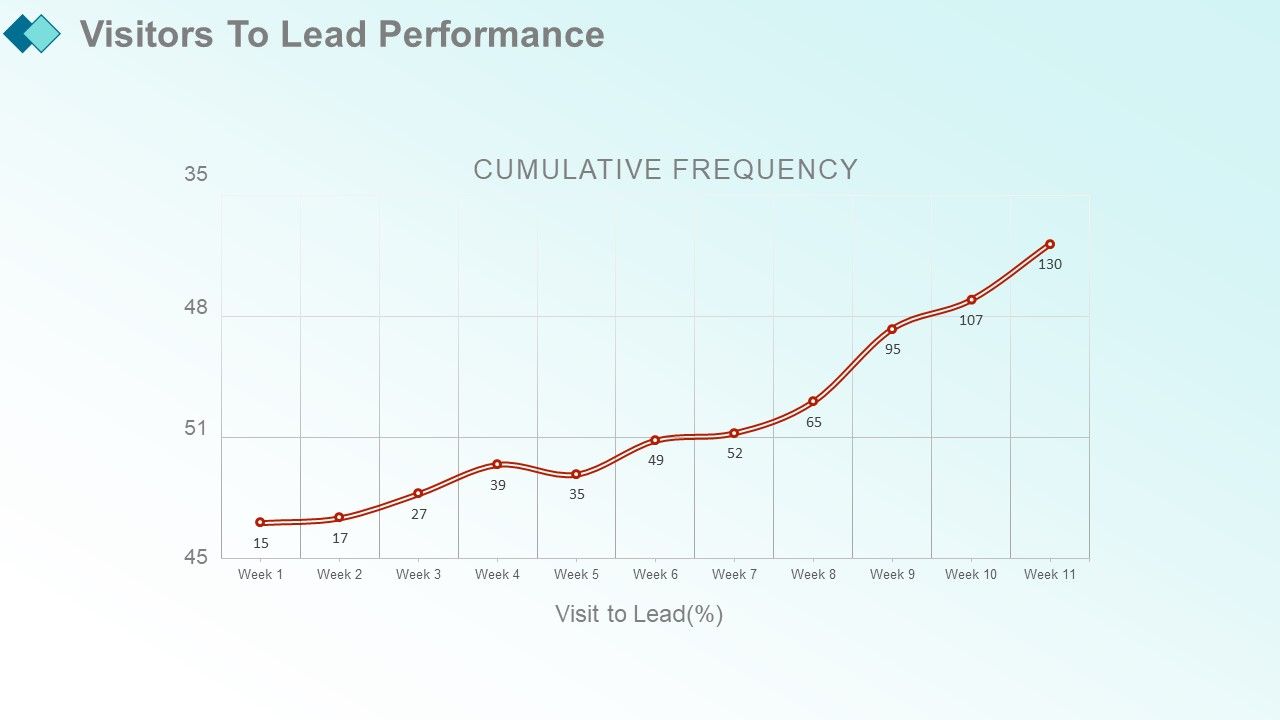
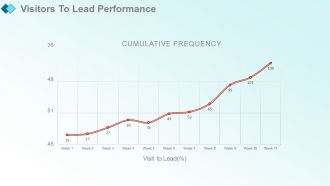
Folie 30 : Diese Folie zeigt Besuchern die Leistung zu führen.
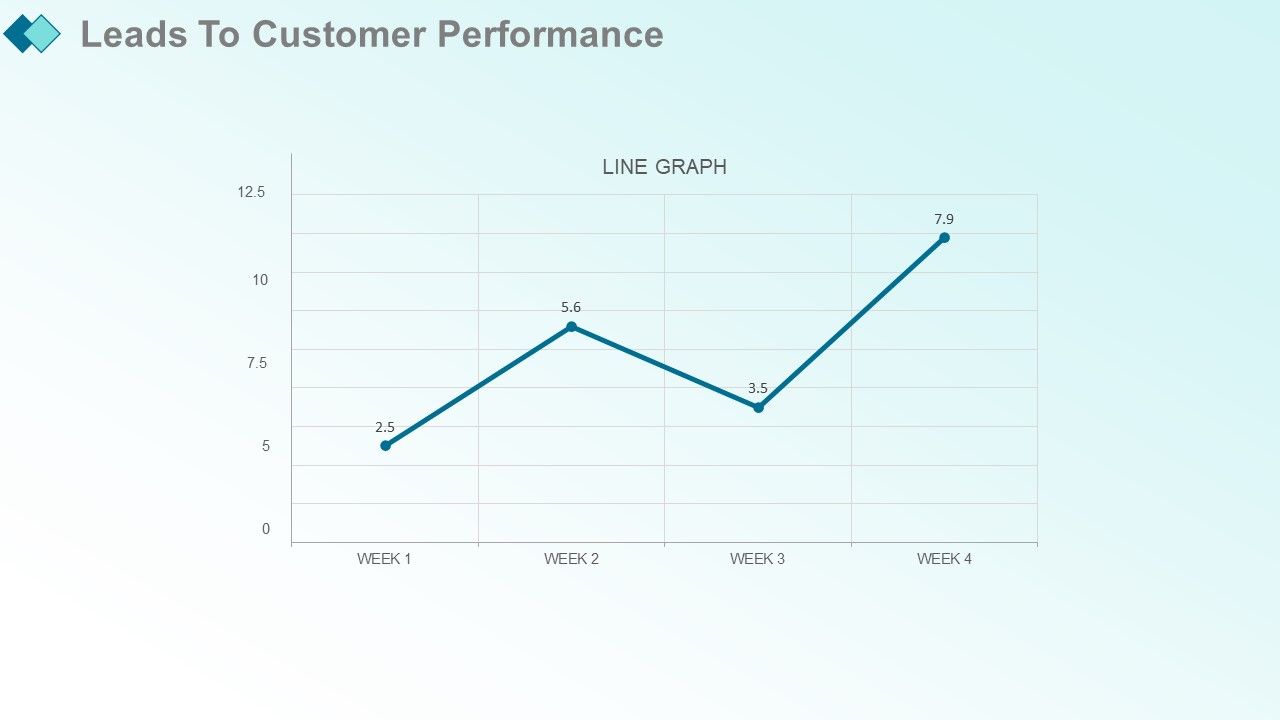
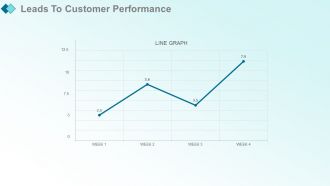
Folie 31 : Diese Folie zeigt Leads to Customer Performance. Fügen Sie die Daten hinzu und verwenden Sie sie.
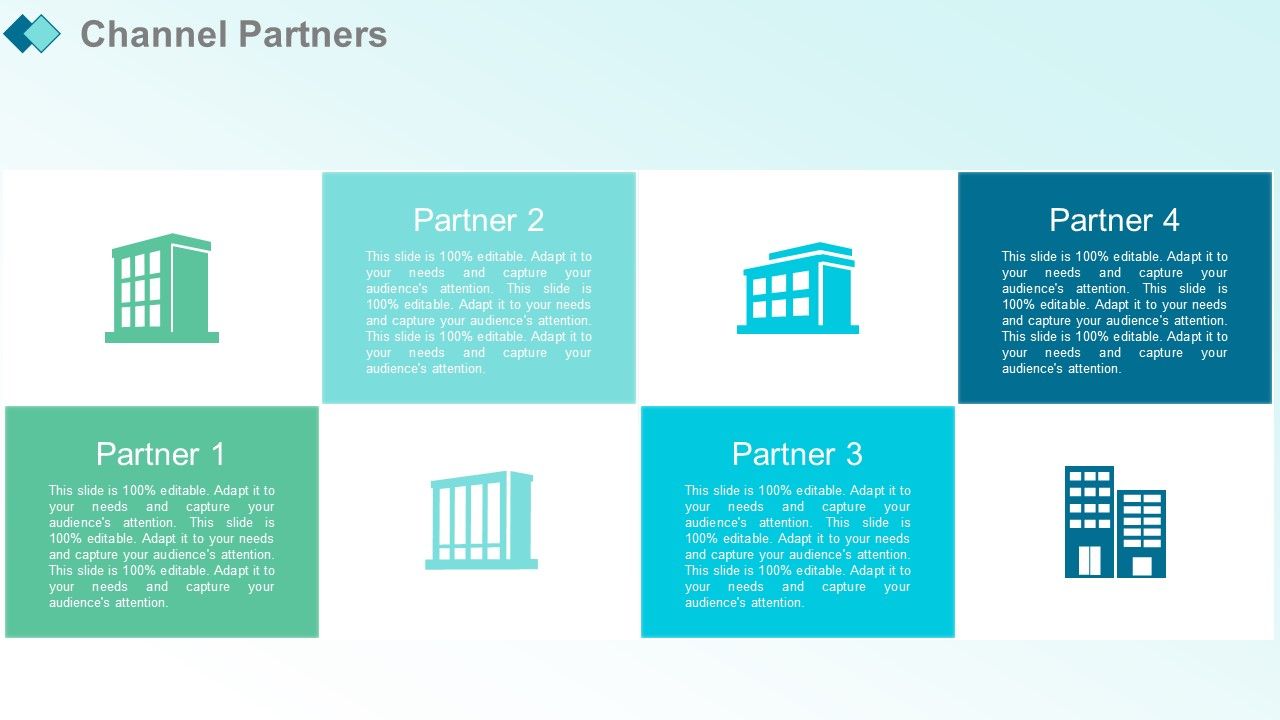
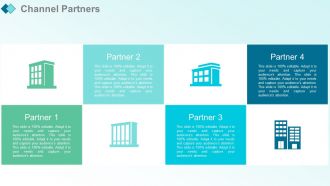
Folie 32 : Diese Folie stellt Channel-Partner vor.
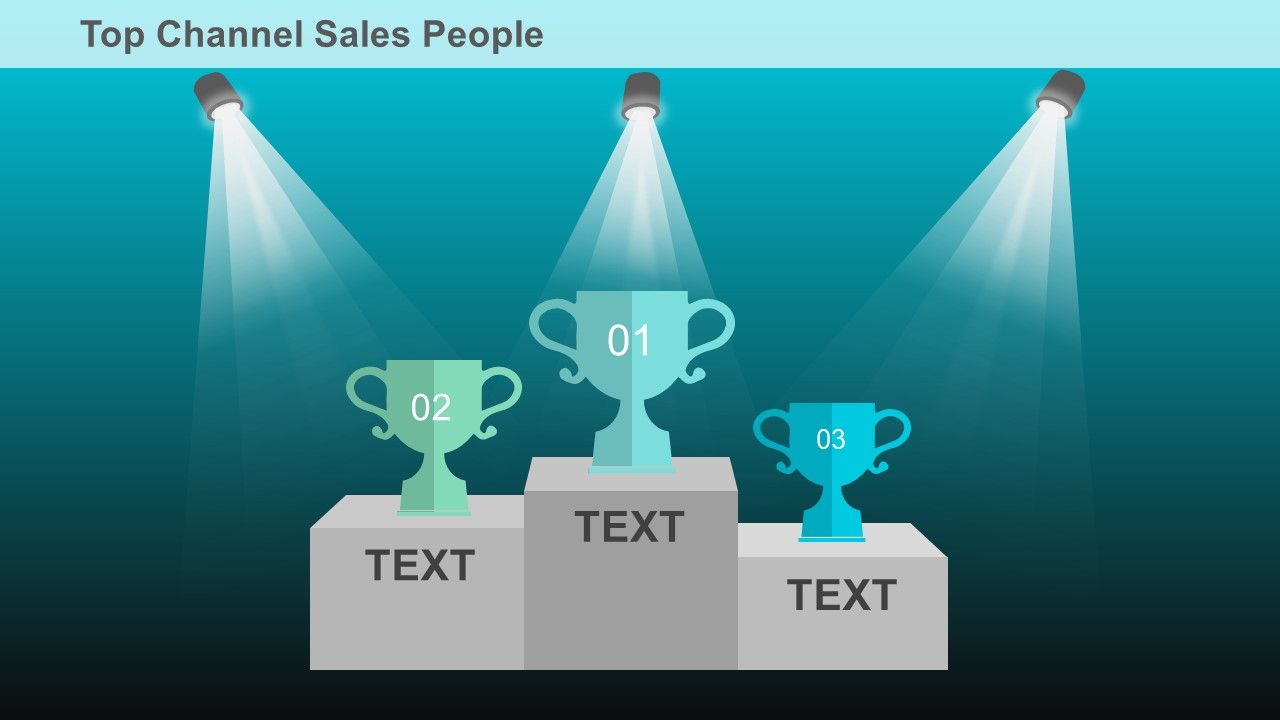
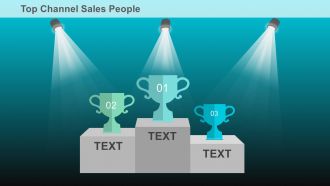
Folie 33 : Diese Folie zeigt die Top-Verkäufer von Vertriebskanälen.
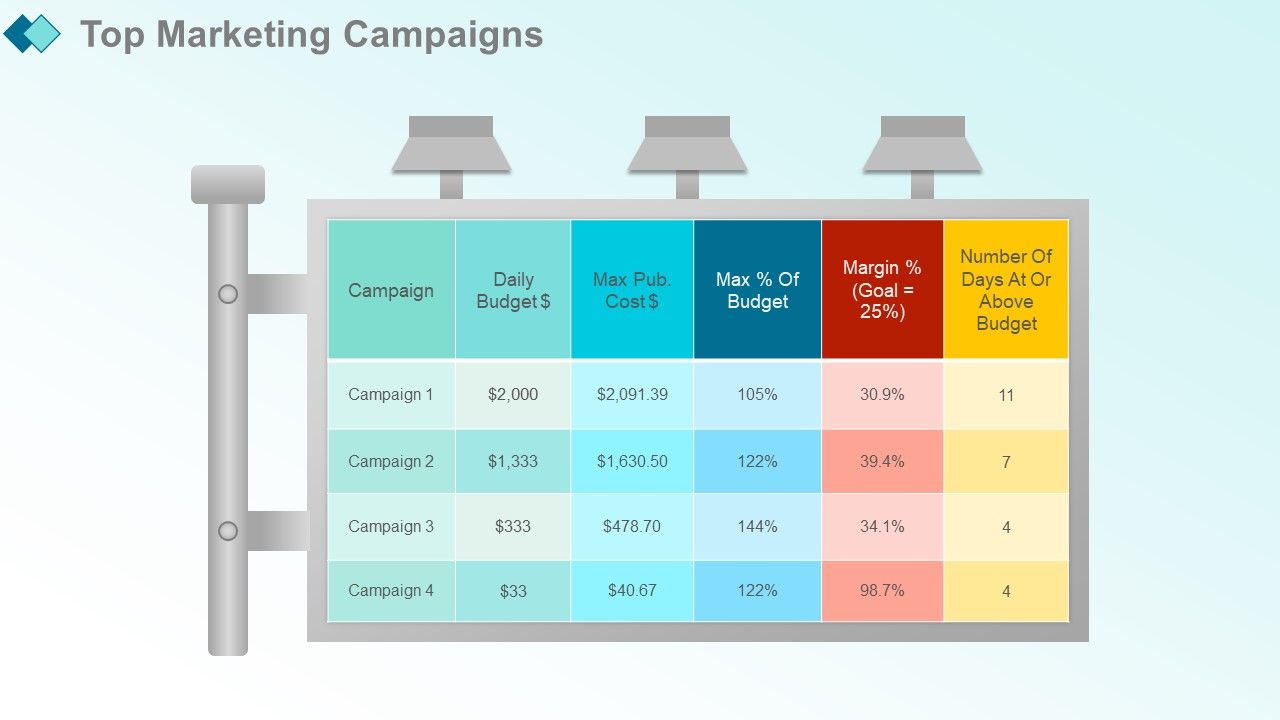
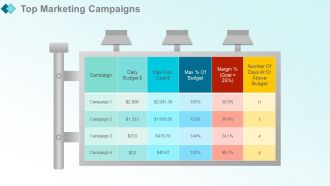
Folie 34 : Diese Folie präsentiert Top-Marketingkampagnen.
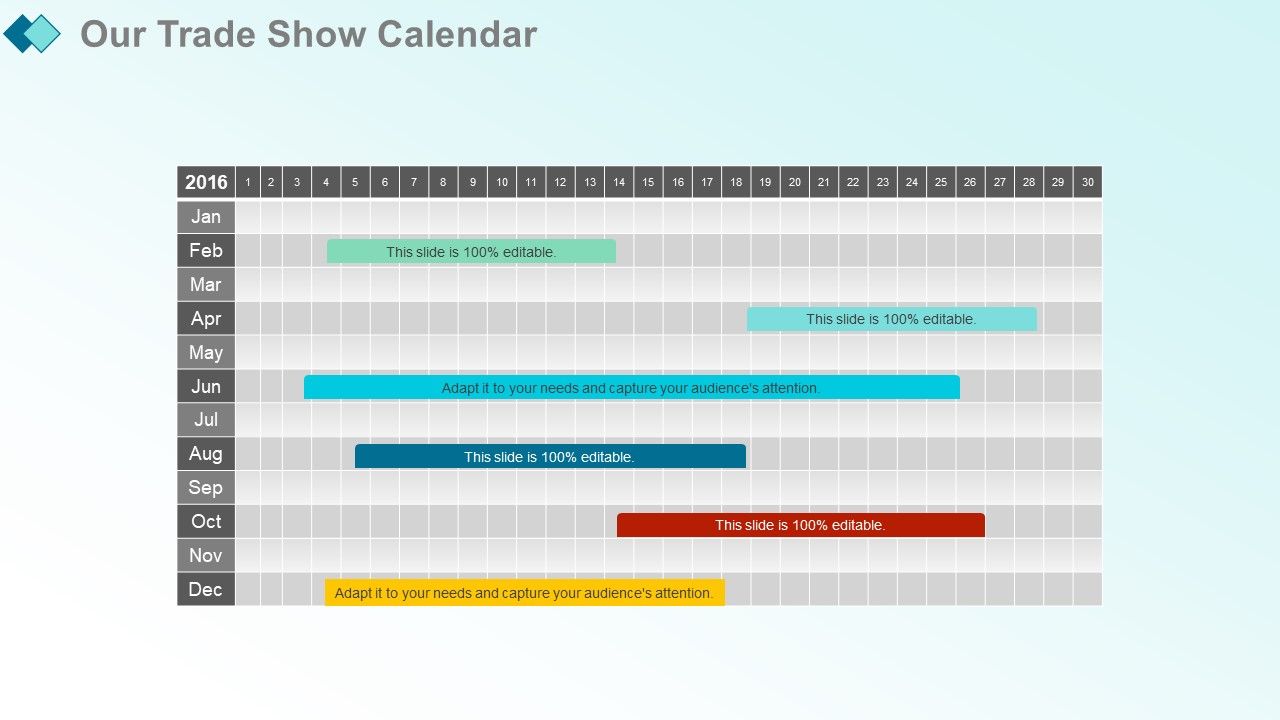
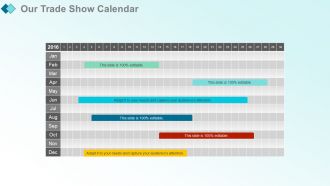
Folie 35 : Diese Folie zeigt unseren Messekalender.
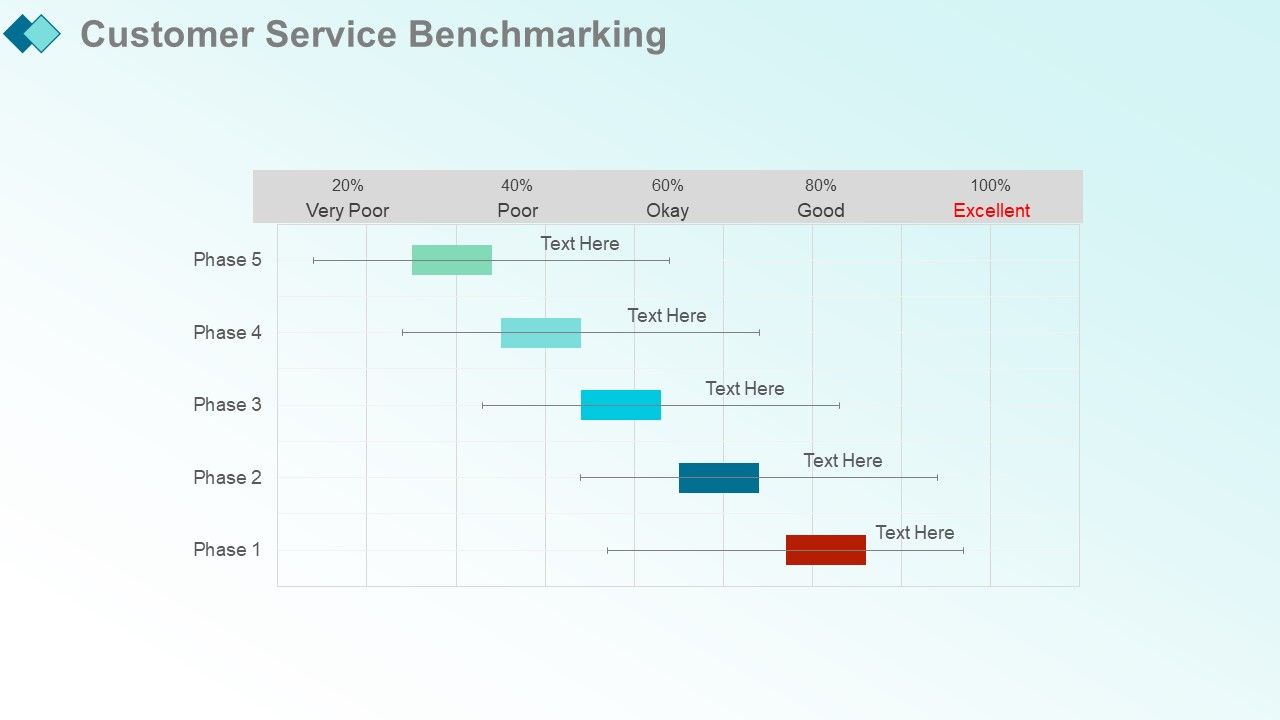
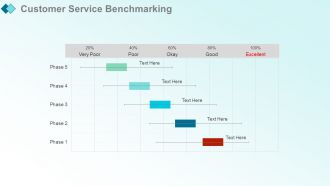
Folie 36 : Diese Folie stellt das Benchmarking des Kundenservice vor.
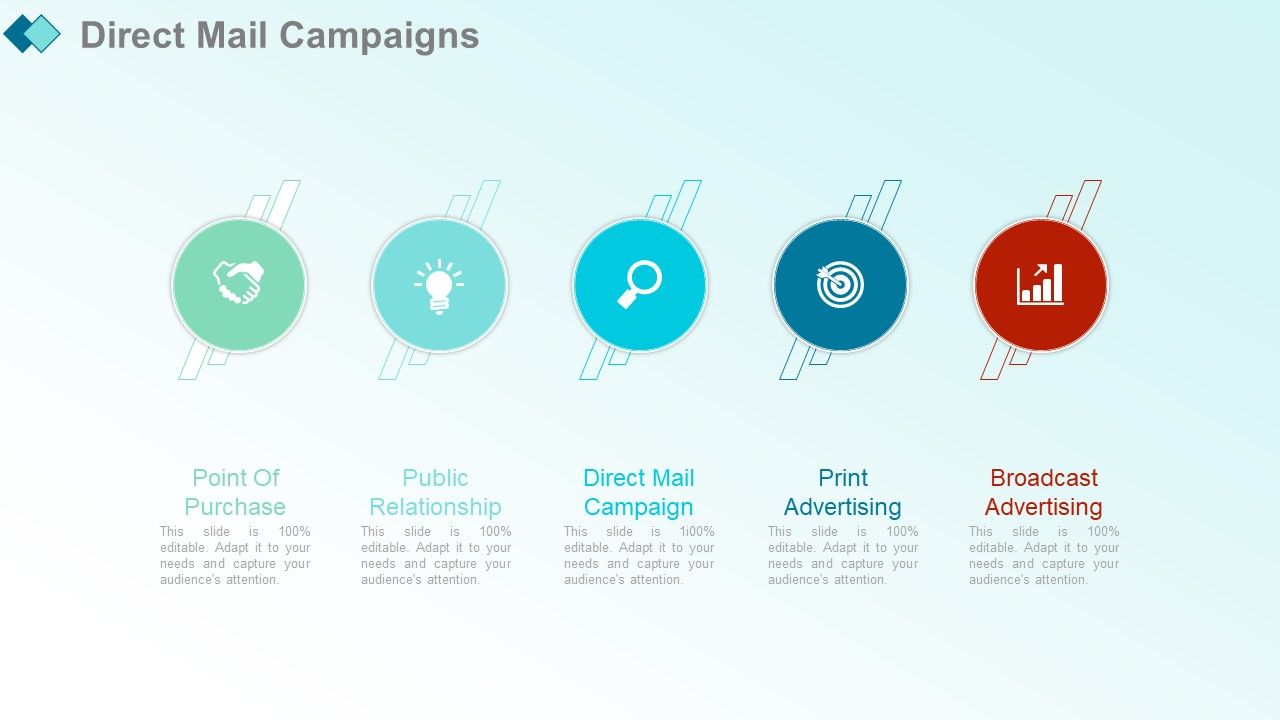
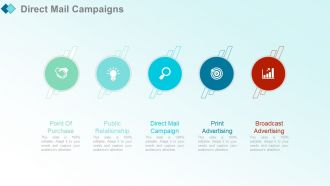
Folie 37 : Diese Folie zeigt Direct Mail-Kampagnen mit diesen der fünf Punkte - Point of Purchase, Public Relationship, Direct Mail-Kampagne, Printwerbung, Broadcast-Werbung.
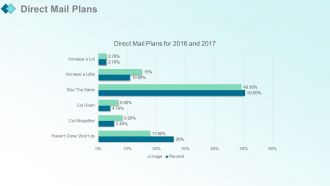
Folie 38 : Diese Folie zeigt Direktmailing-Pläne. Fügen Sie die Daten hinzu und verwenden Sie sie.
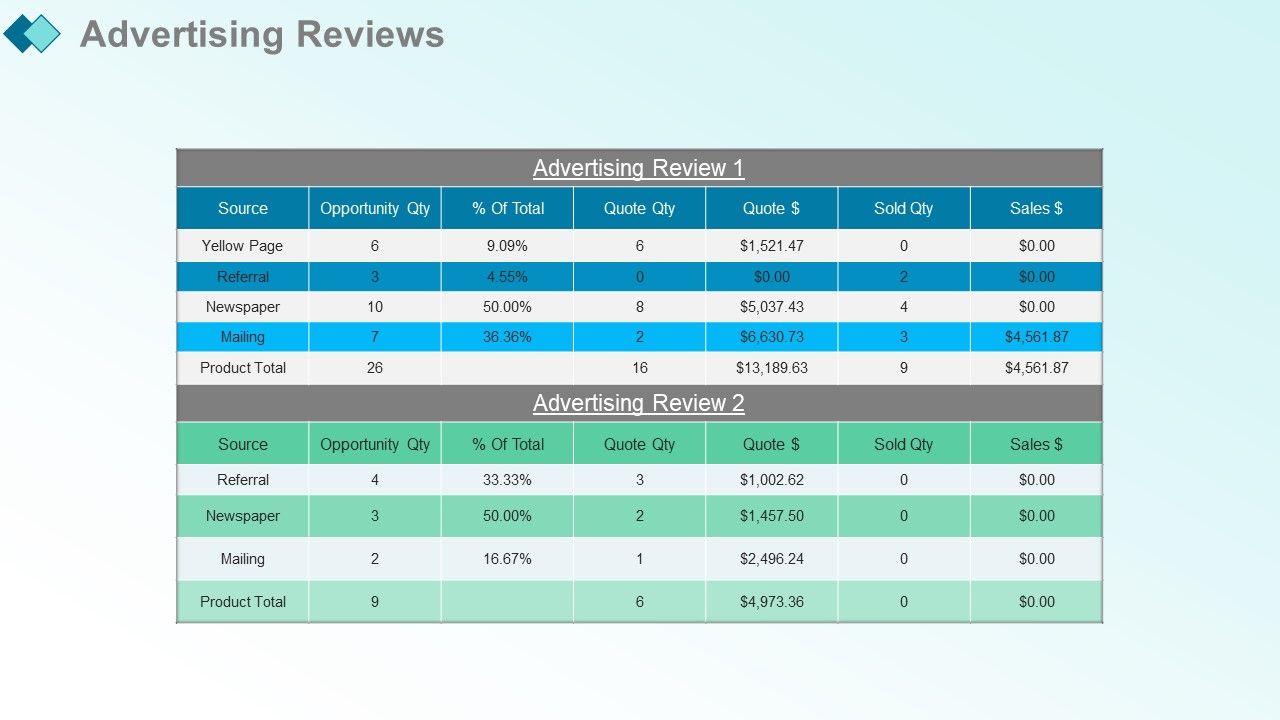
Folie 39 : Diese Folie zeigt Werbebewertungen.
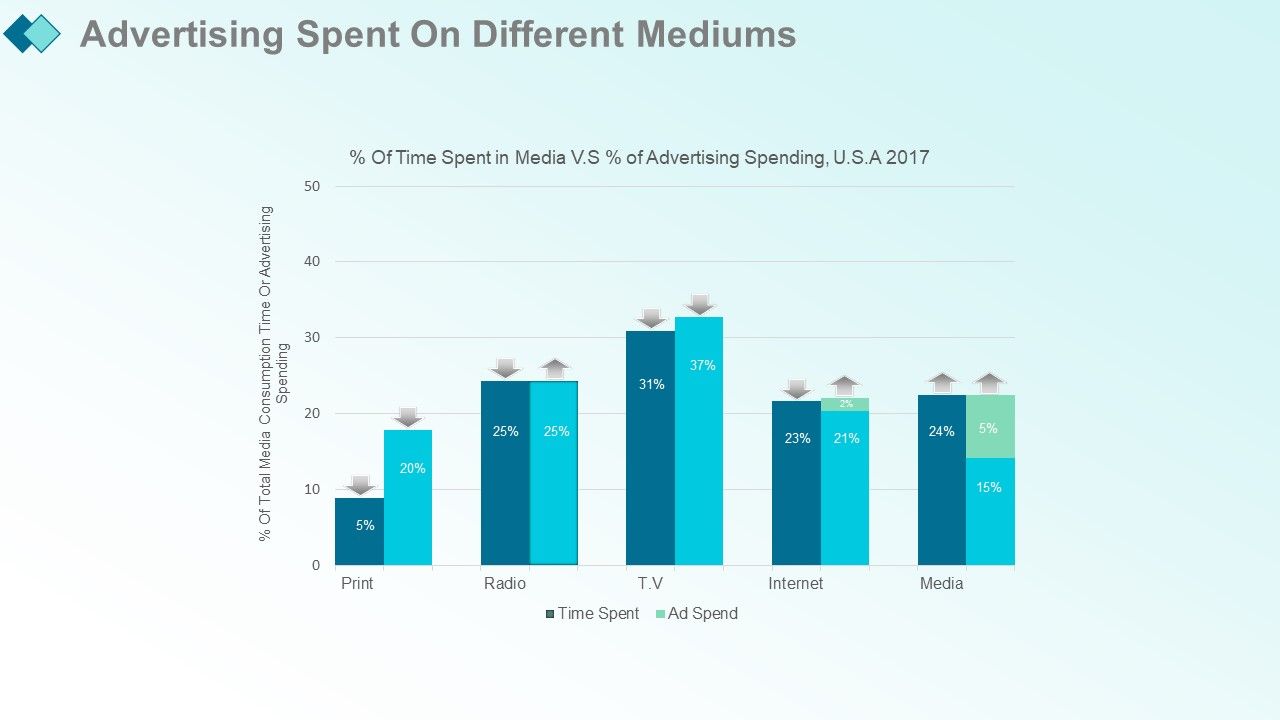
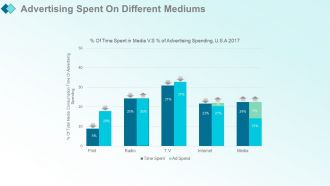
Folie 40 : Diese Folie zeigt die auf verschiedenen Medien ausgegebenen Werbeausgaben mit diesen drei Phasen – Gelegenheit, Zeitaufwand, Werbeausgaben.
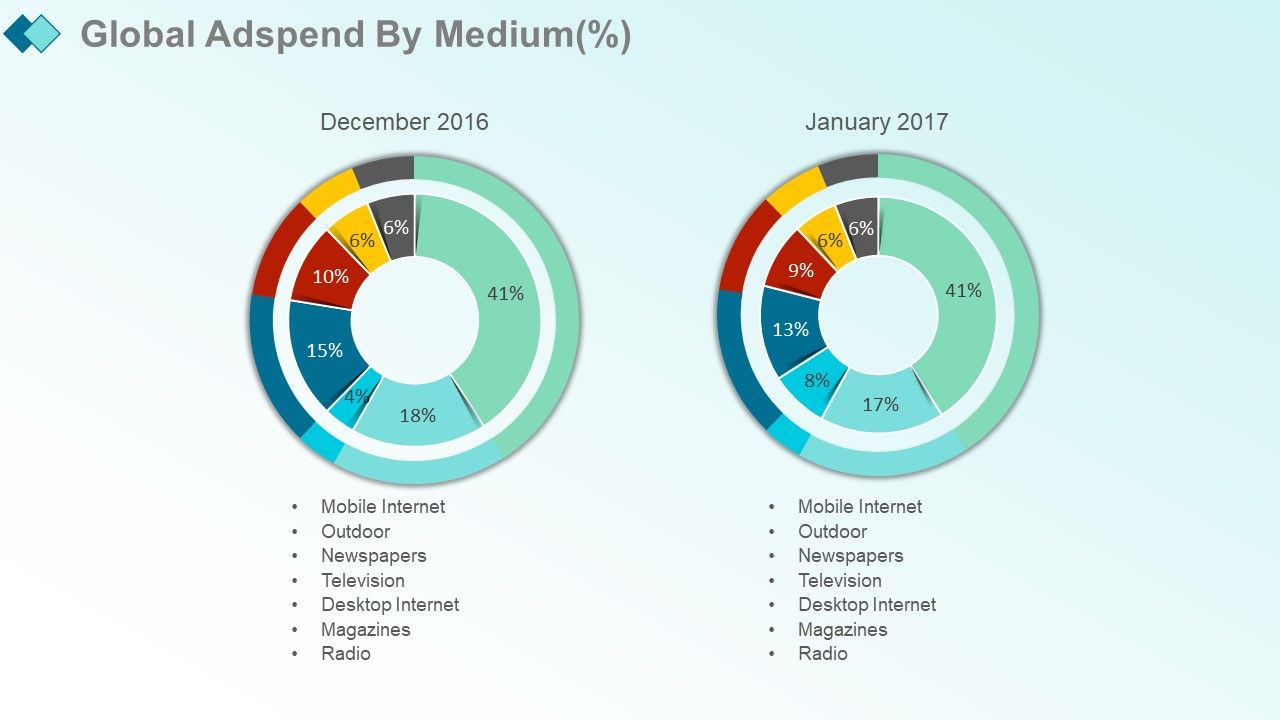
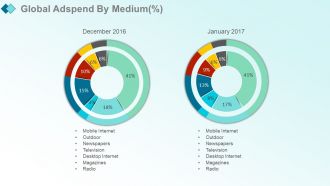
Folie 41 : Diese Folie zeigt die globalen Werbeausgaben nach Medium (%) mit diesen Faktoren – Zeitschriften, Fernsehen, Outdoor, Radio, Desktop-Internet, Zeitungen, mobiles Internet.
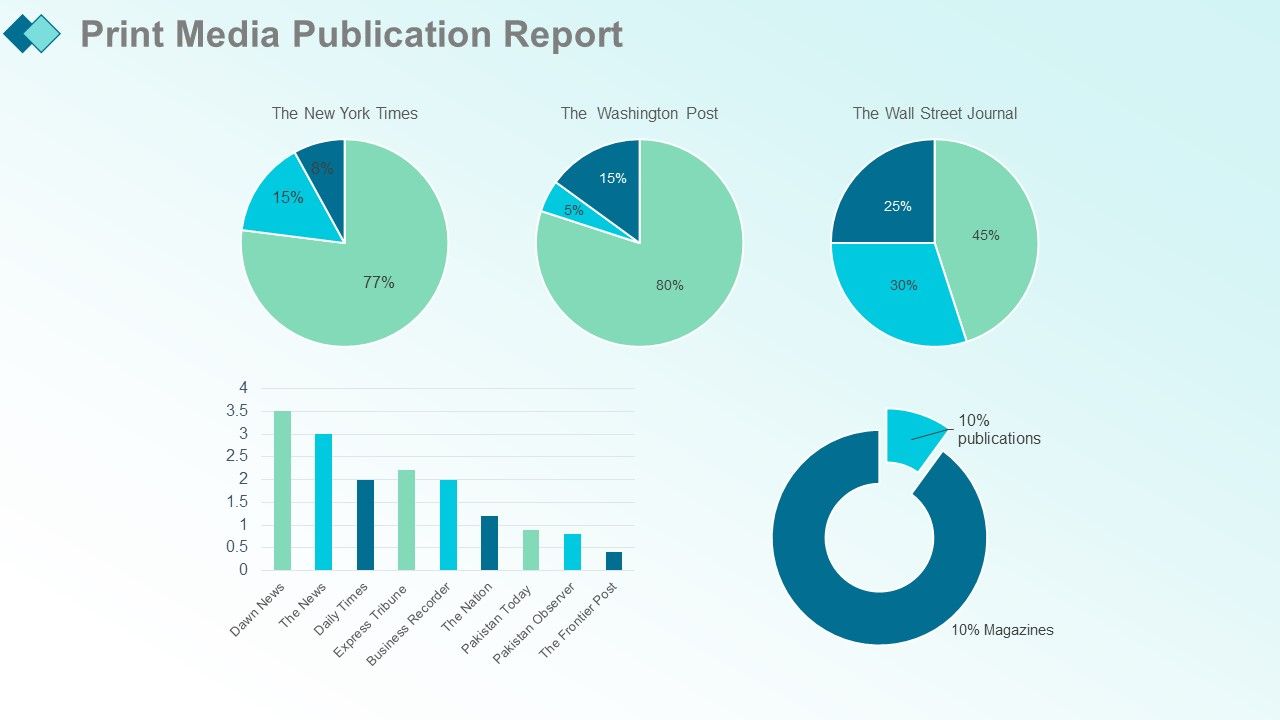
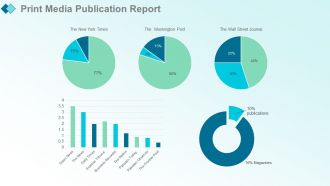
Folie 42 : Diese Folie präsentiert den Printmedien-Publikationsbericht mit den folgenden Faktoren: Top 10 englische Veröffentlichungen, Veröffentlichungen VS Zeitschriften, Rohzahl, Rohzahl mit Kontext, Prozentangaben.
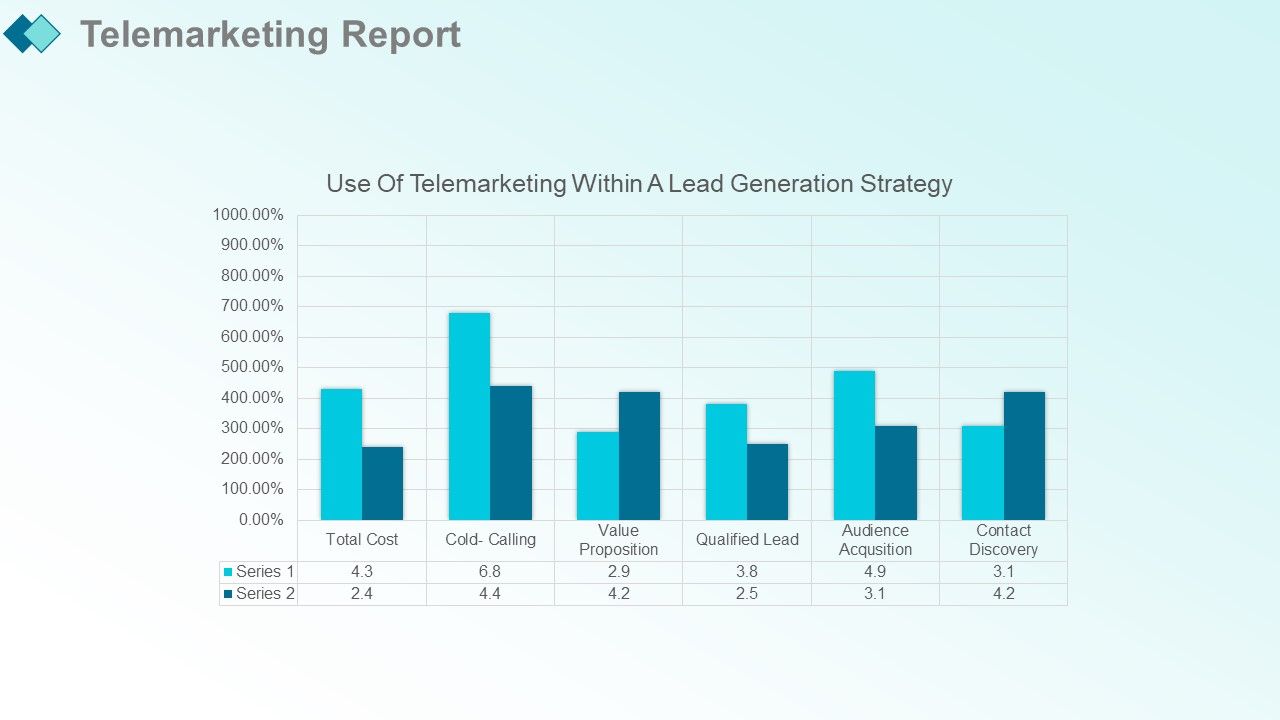
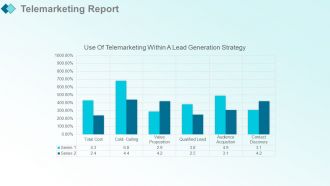
Folie 43 : Diese Folie zeigt den Telemarketing-Bericht.
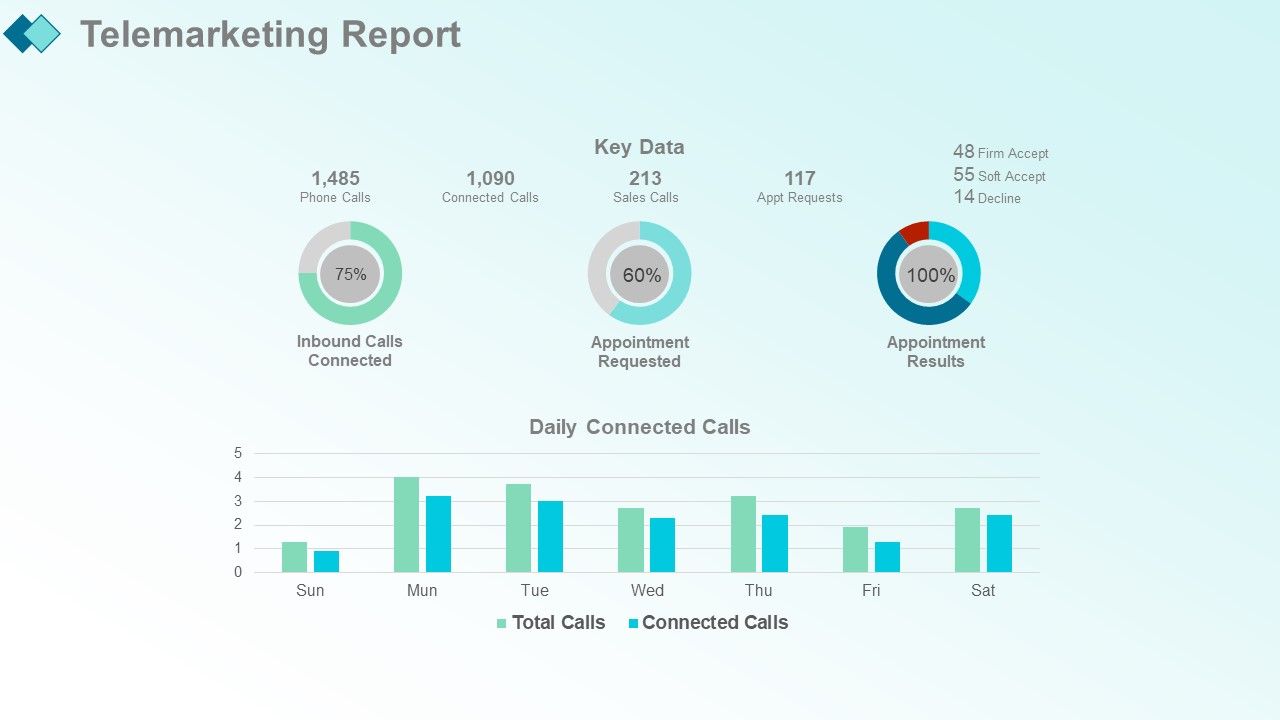
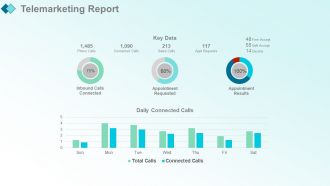
Folie 44 : Diese Folie präsentiert den Telemarketing-Bericht. Sie können die wichtigsten Daten und täglich verbundene Anrufe hinzufügen.
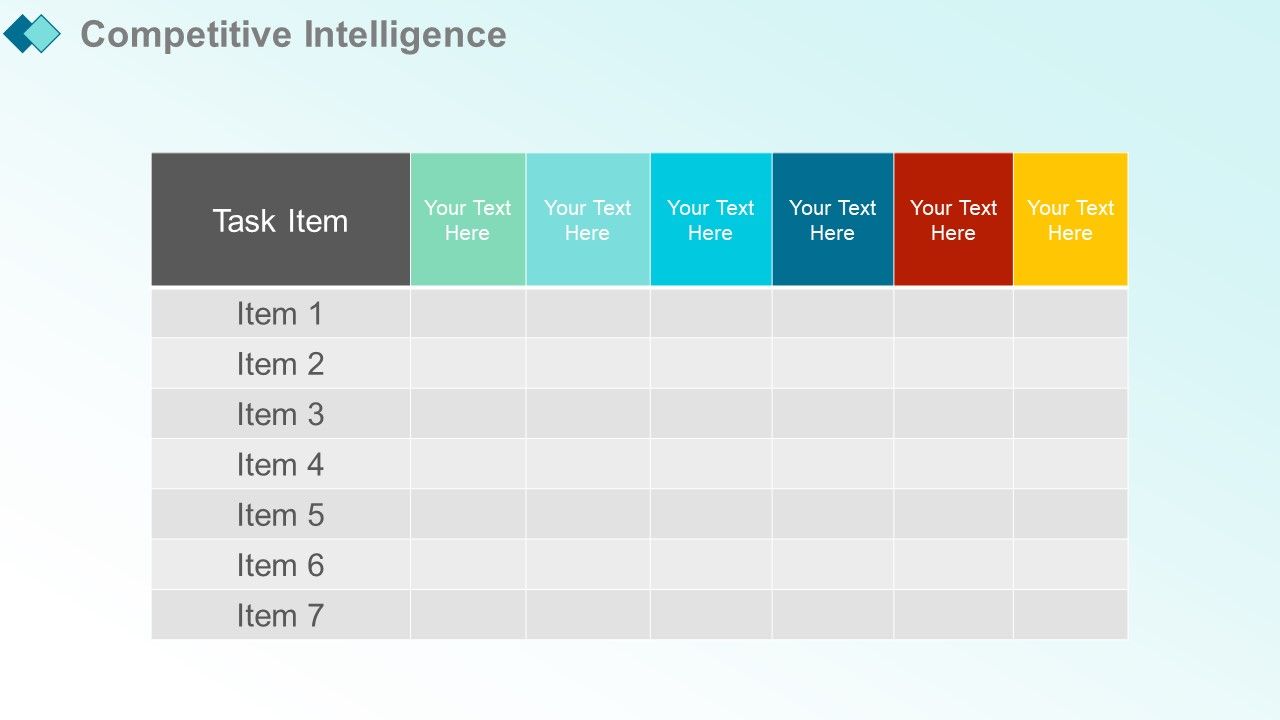
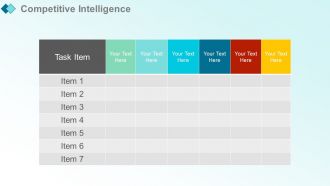
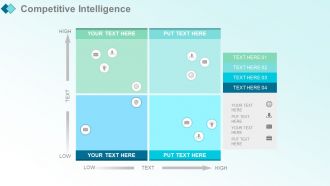
Folie 45 : Diese Folie zeigt Competitive Intelligence. Fügen Sie die Details und Aufgaben hinzu und verwenden Sie sie.
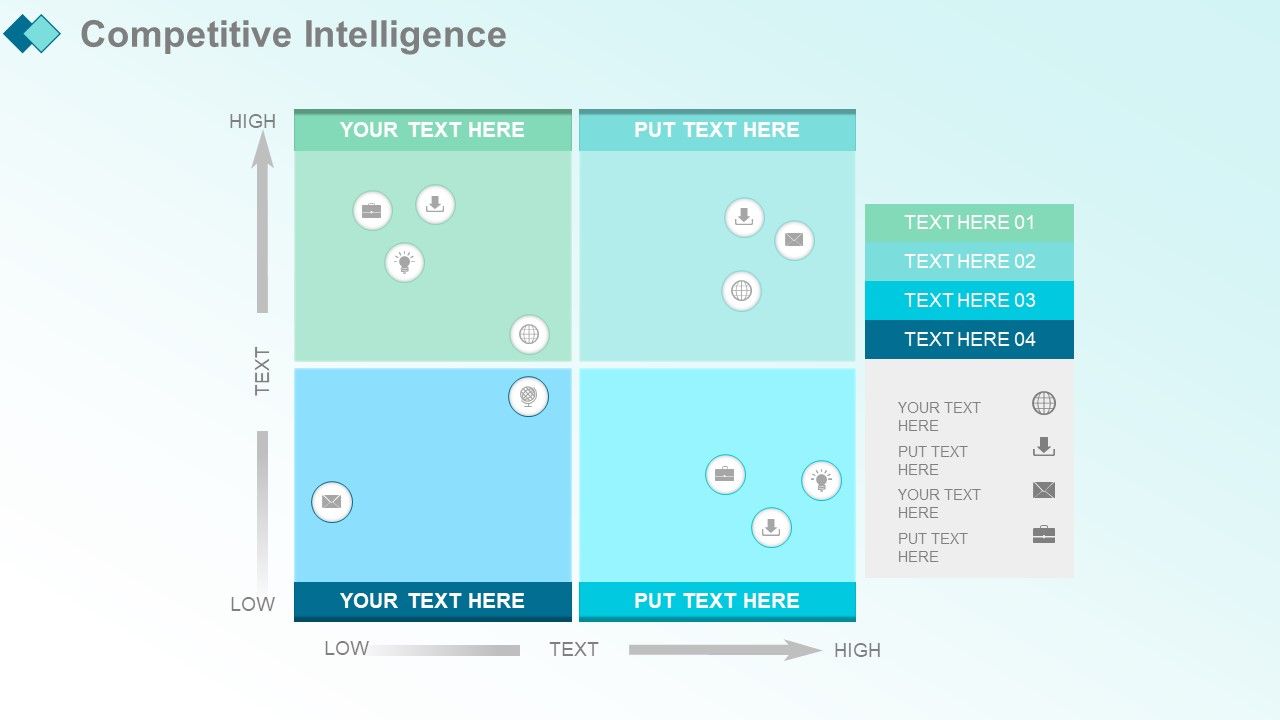
Folie 46 : Diese Folie präsentiert Competitive Intelligence.
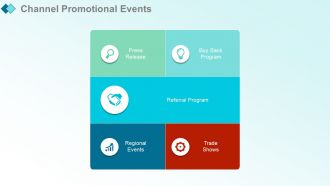
Folie 47 : Diese Folie zeigt Channel-Werbeveranstaltungen mit diesen fünf Faktoren – Pressemitteilung, regionale Veranstaltungen, Rückkaufprogramm, Messen, Empfehlungsprogramm.
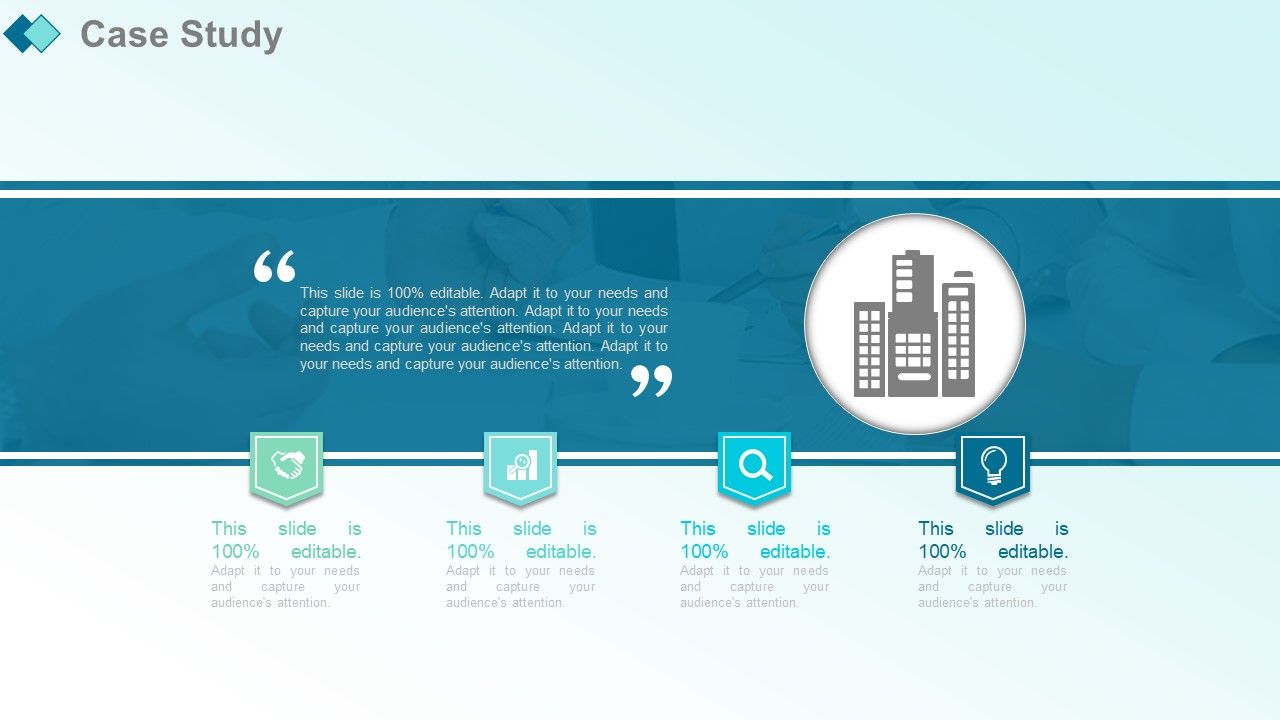
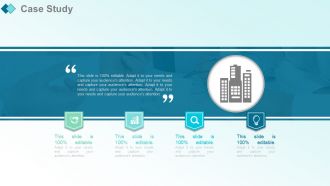
Folie 48 : Diese Folie präsentiert die Fallstudie mit diesen vier Schritten.
Folie 49 : Diese Folie zeigt Kundenberichte, in denen Sie die Beschreibung hinzufügen können.
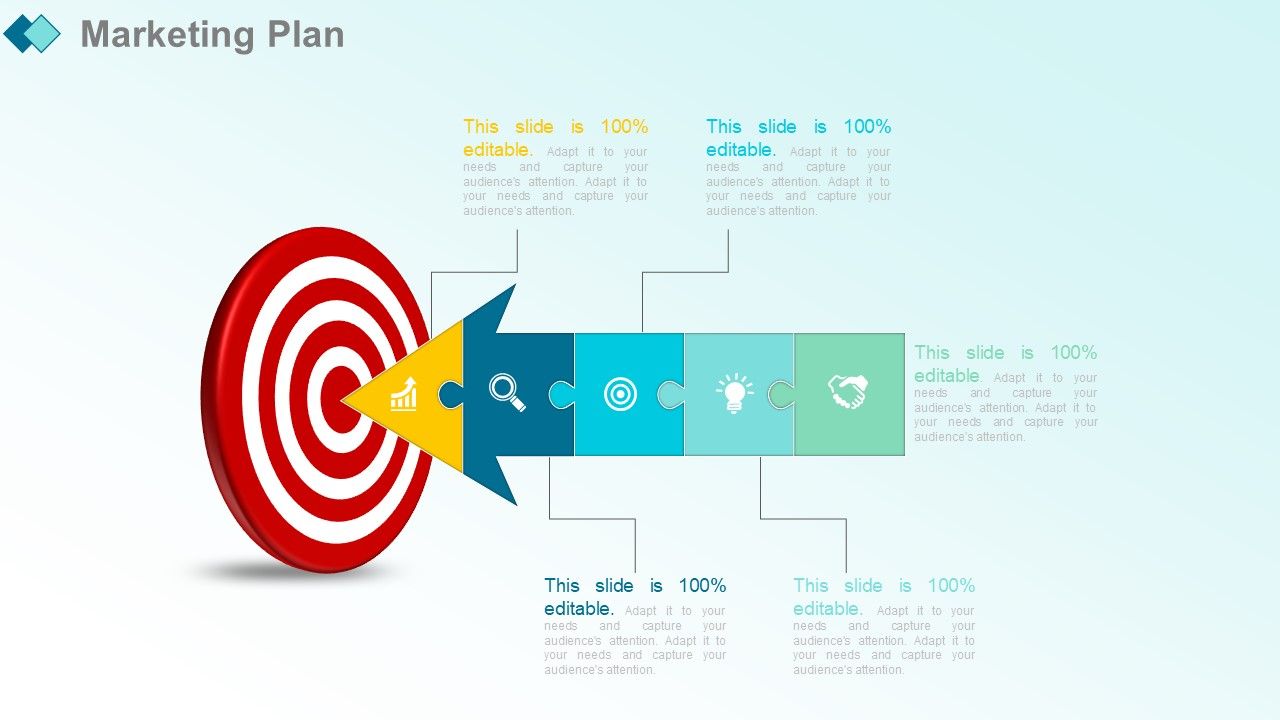
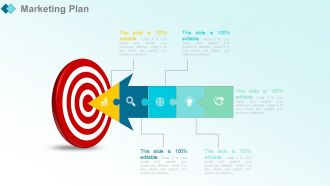
Folie 50 : Diese Folie stellt den Marketingplan vor.
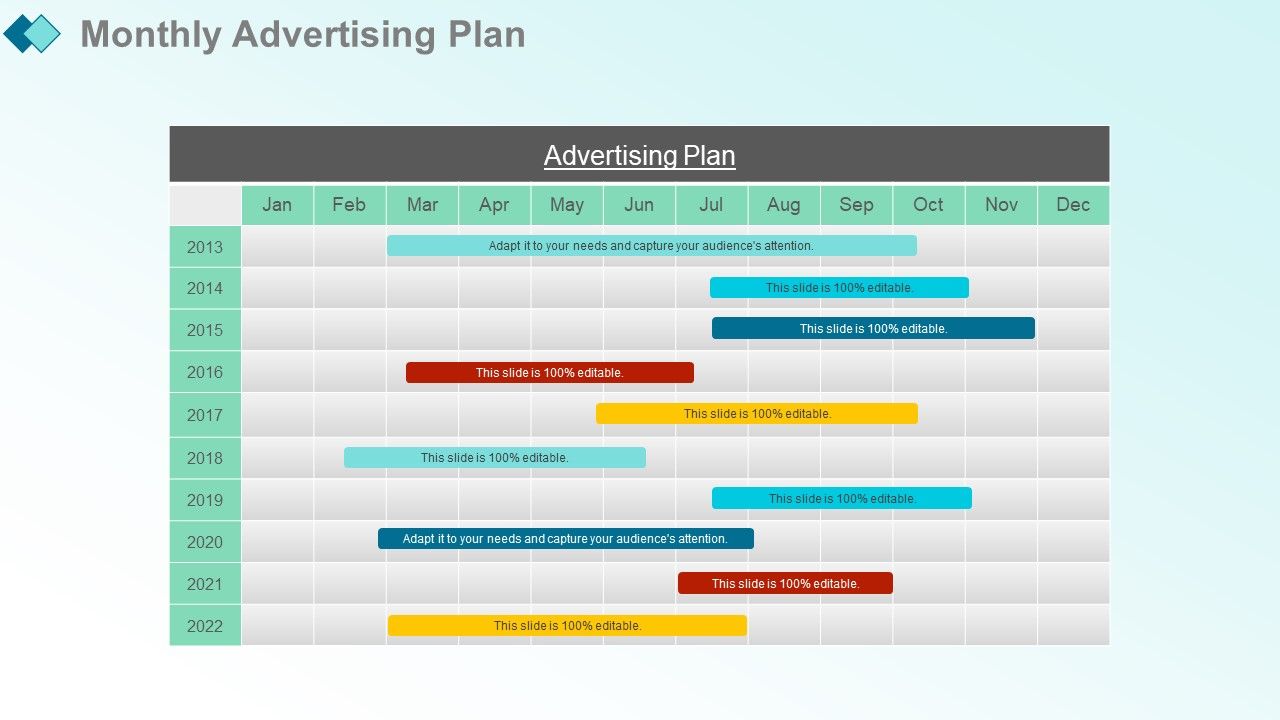
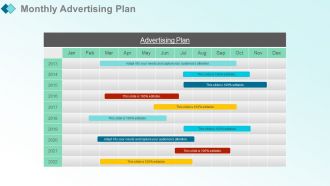
Folie 51 : Diese Folie zeigt den monatlichen Werbeplan. Fügen Sie die Details hinzu und verwenden Sie sie nach Belieben.
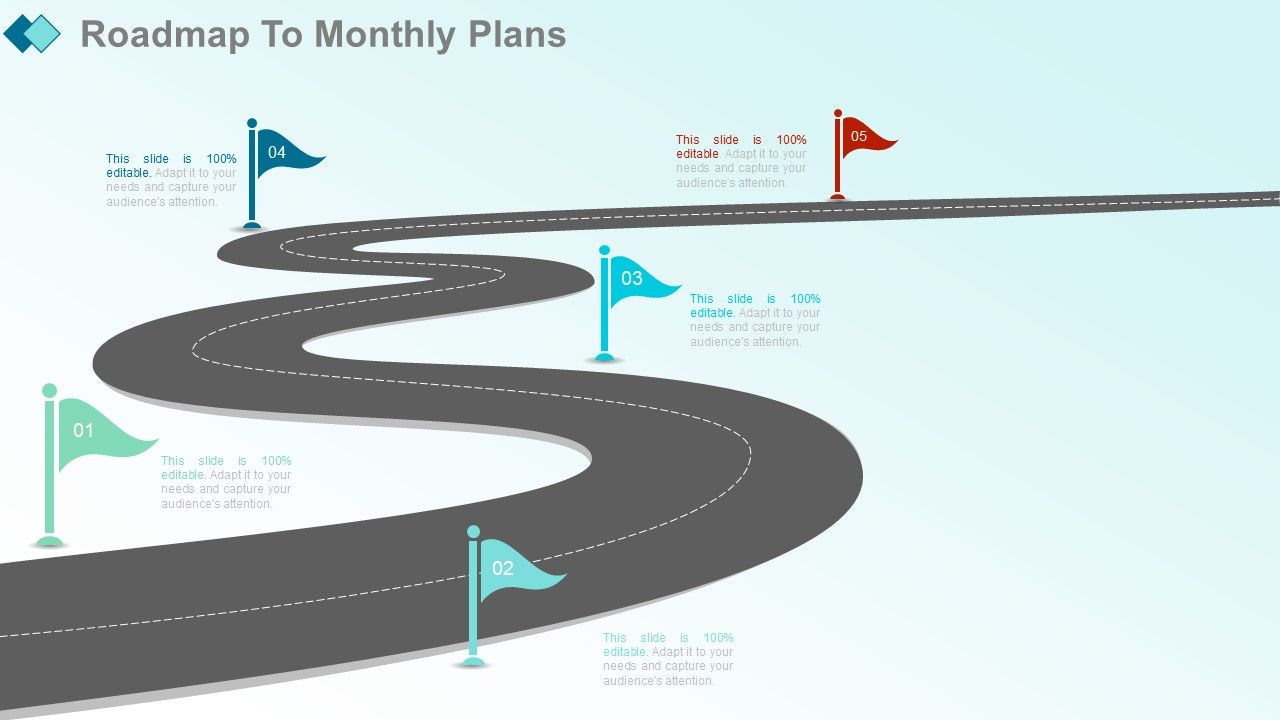
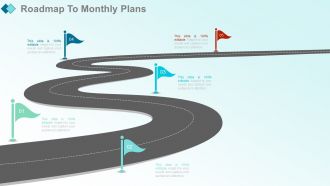
Folie 52 : Diese Folie zeigt den Fahrplan für die Monatspläne.
Folie 53 : Diese Folie trägt den Titel Zusätzliche Folien.
Folie 54 : Diese Folie repräsentiert unsere Vision. Nennen Sie Ihre Mission, Ziele usw.
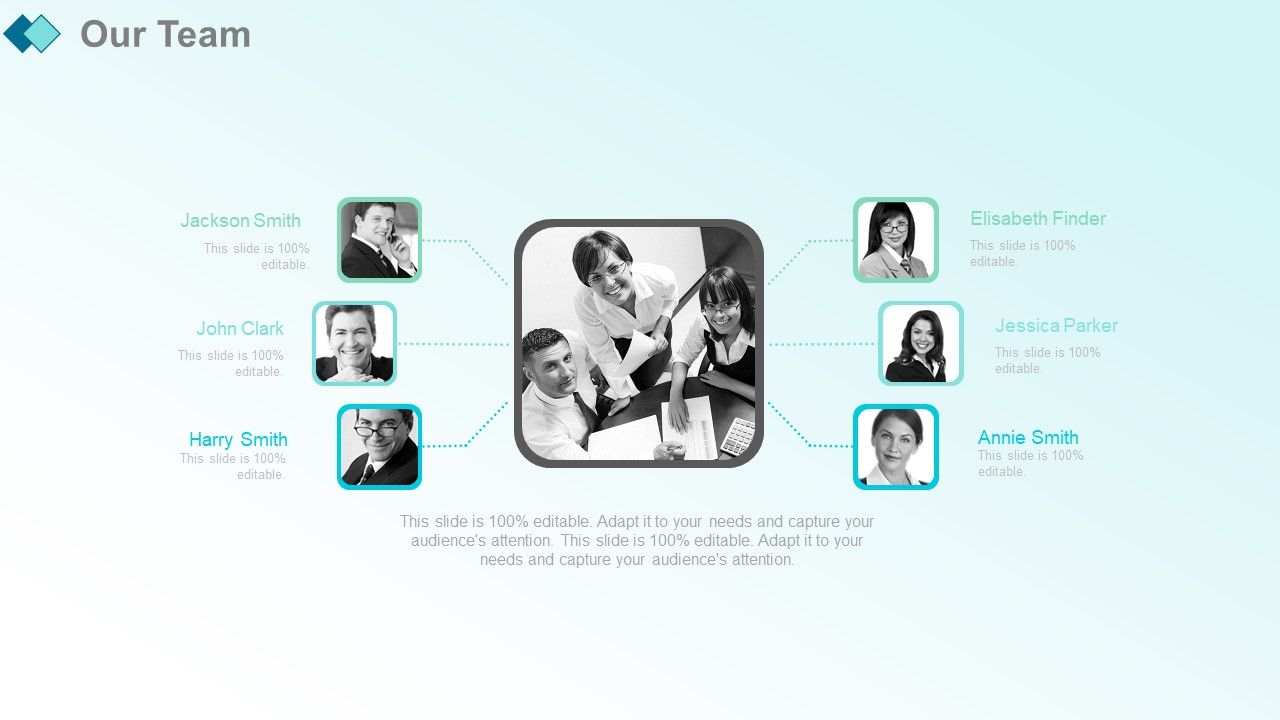
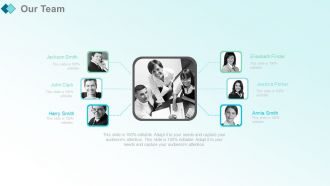
Folie 55 : Diese Folie zeigt unser Team mit Namen und Bezeichnung zum Ausfüllen.
Folie 56 : Dies ist eine Timelines-Folie zum Anzeigen von Plan, Budget, Zeitplan, Überprüfung.
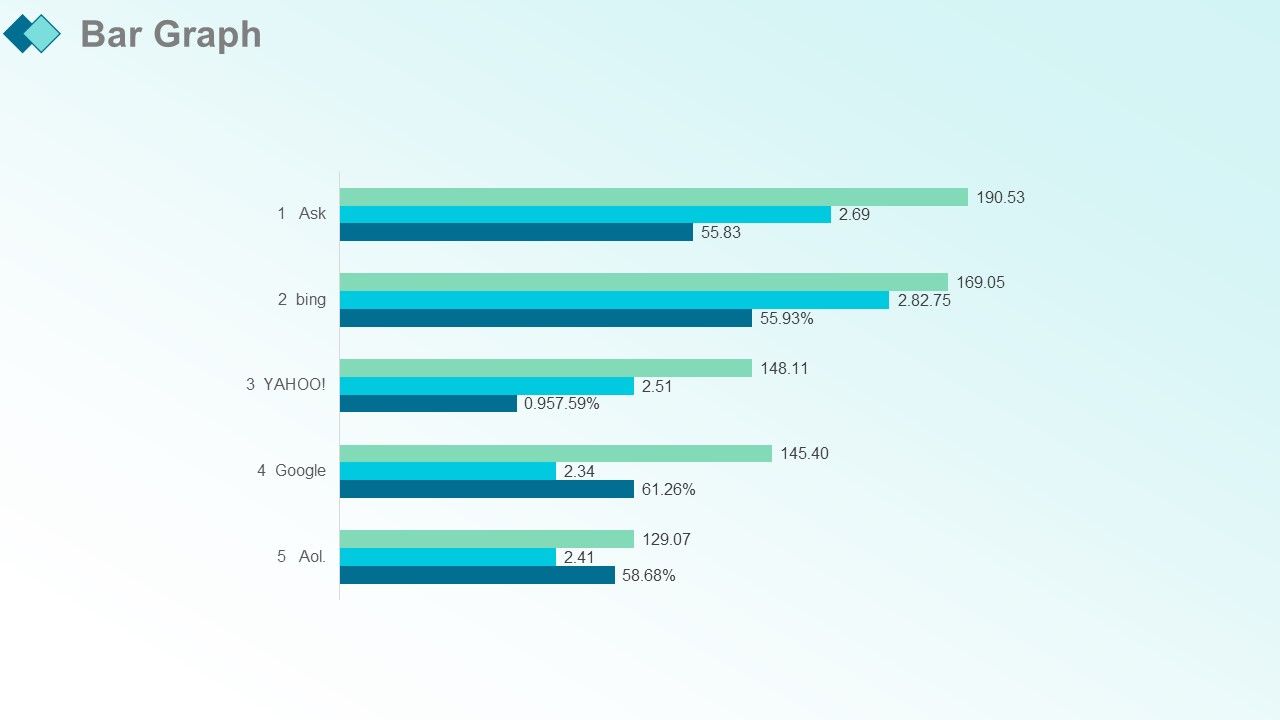
Folie 57 : Dies ist eine Balkendiagramm-Bildfolie, die den Produktvergleich, das Wachstum usw. zeigt.
Folie 58 : Dies ist eine Dankesfolie für die Bestätigung.
Monatlicher Marketingbericht PowerPoint-Präsentation mit Folien mit allen 66 Folien:
Gestalten Sie eine ausgezeichnete Zukunft mit unserem monatlichen Marketingbericht Komplettes Powerpoint-Deck mit Folien. Bauen Sie das Vermögen auf, von dem Sie träumen.
-
Use of different colors is good. It's simple and attractive.
-
Perfect template with attractive color combination.
