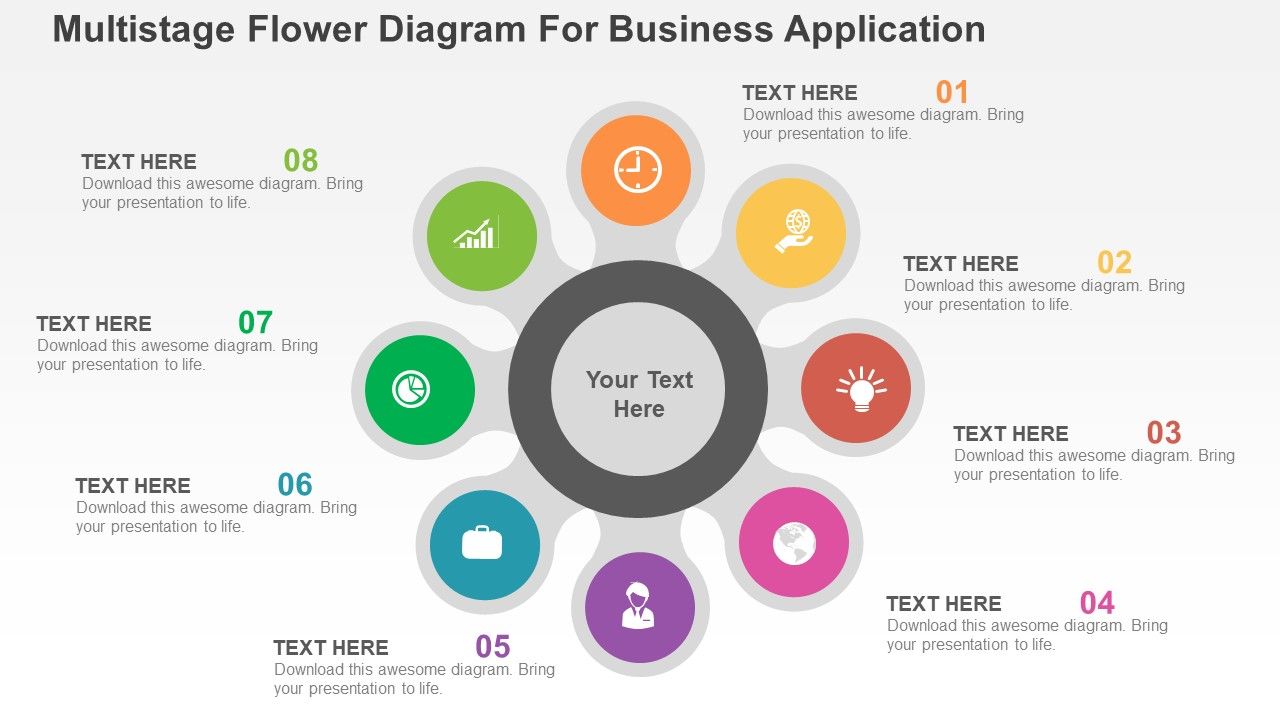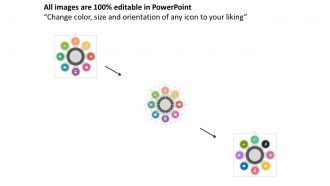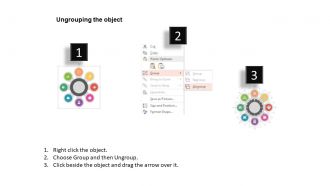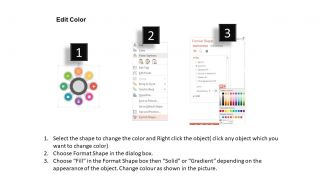
Diagrama de flores de múltiples etapas para aplicaciones comerciales Diseño plano de PowerPoint

Rating:
100%
Multistaged flower diagram for business application flat powerpoint design
Slide 1 of 4
Favourites Favourites

Try Before you Buy Download Free Sample Product

Audience Impress Your
Audience
Editable 100%
Editable
Time Save Hours
of Time
The Biggest Sale is ending soon in
0
0
:
0
0
:
0
0
Rating:
100%

Características de estas diapositivas de presentación de PowerPoint:

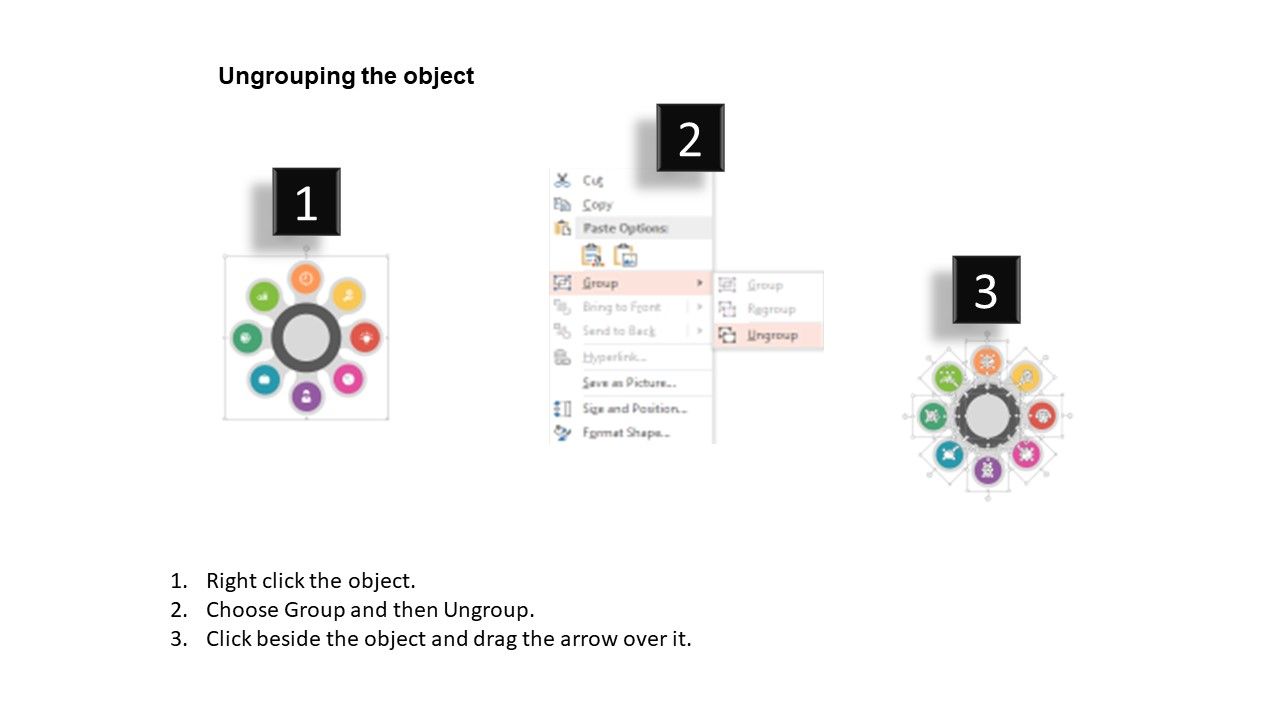
Descarga instantánea a su conveniencia. Infografías PPT de alta resolución que no se pixelan cuando se proyectan en pantalla ancha. Cambie el esquema de color y el contraste de las imágenes PPT para adaptarlo a sus necesidades. Agregue texto para complementar los gráficos sin restricciones de longitud. Tamaño y orientación totalmente modificables de los iconos PPT. Absolutamente compatible con las diapositivas de Google y se ejecuta fácilmente con otro software.

People who downloaded this PowerPoint presentation also viewed the following :

FAQs for Multistaged flower diagram for business application

So you'll want to show the main stages - bud, blooming, and full flower. Labels are clutch for each phase, plus arrows so kids can follow the sequence. Include the anatomy stuff like petals and reproductive parts (honestly the stamen/pistil details are kind of the whole point). Timing for each stage helps too if you can find it. Oh, and make sure each stage looks obviously different - nothing worse than a diagram where everything looks the same. Some get super detailed with the flower parts, which actually makes sense for learning.

Okay so multistaged flower diagrams are actually pretty clutch for breaking down complicated business stuff. Each petal represents a different stage, and they all connect to your main goal in the center. Way more engaging than boring bullet points - trust me on this one. Your audience can see how everything flows together instead of getting lost in the weeds. Plus you can use different colors for each stage which makes it super easy to follow. I used one last month and people actually stayed awake during my presentation lol. Definitely beats overwhelming everyone with dense slides.

Honestly, flower diagrams are perfect for showing how stuff changes over time - way better than regular charts. You don't need separate graphs for each phase since the petals build on each other naturally. Stakeholders actually get it faster because they can follow the flow from center outward. Multiple variables? No problem, it won't look messy like those awful multi-line graphs. I'm telling you, try mapping your next project timeline as a flower instead of a Gantt chart - you might be surprised how clean it looks.

Honestly, these diagrams are perfect for healthcare, education, and project management - anywhere you've got multiple moving parts feeding into different stages. Patient care pathways? Yes. Curriculum mapping? Definitely. I've seen them crush it in software development too, especially for tracking features through sprints. Way less soul-crushing than staring at Gantt charts all day. The visual aspect just clicks better than traditional flowcharts when you're dealing with complex workflows. Next time you need to walk stakeholders through something multi-phased, give it a shot. They'll actually get it instead of nodding politely while internally screaming.

Honestly, your brain just processes visual stuff way better than walls of text. Like, instead of reading through endless bullet points about steps, you can actually see how everything connects. It's kinda like using GPS instead of those old MapQuest directions (remember those?). Each petal in the flower thing shows you exactly where you are and what's next. Short sentences work too. When one stage flows into another, it's super obvious visually. Trust me, next time you're trying to explain something complicated, just sketch it out first - makes a huge difference.

Honestly, I'd go with **Illustrator** if you've got the budget - it's perfect for vector stuff like this. **Inkscape** is the free version that's actually pretty solid too. You can layer everything nicely and duplicate stages without starting from scratch each time. Canva's okay for quick stuff but kinda limiting if you need detailed scientific diagrams. PowerPoint sounds weird but I've literally seen people make amazing flower diagrams in it lol. The trick is finding something with good drawing tools and layer control. Start with Inkscape - worst case you're only out some time, not money.

Oh yeah, those flower diagrams are actually pretty solid for project stuff! Each petal becomes a different phase or workstream, center is your main goal. Way better than staring at another boring Gantt chart tbh. The outer rings can show your timelines and dependencies - honestly makes it so much easier to see how everything connects. I'd sketch one out at your next kickoff meeting. People get the big picture way faster when it's visual like that. Plus it's kinda fun to draw? Sounds weird but it really helps get everyone on the same page.

Don't cram too many stages in there - seriously, less is more. Your stages need to flow logically, and stick with the same fonts/colors throughout or it'll look amateur. Label everything super clearly because trust me, what makes sense to you now won't make sense to anyone else (including future you). Consistent spacing is key too. I always sketch mine out first, then take a step back. Can someone follow this without me explaining it? If not, simplify. Also maybe avoid those tiny fonts that look cool but nobody can actually read.

Honestly, pick colors that actually look different from each other - I can't tell you how many diagrams I've seen where people use like three shades of blue and you're just guessing which stage is which. Go light to dark or cool to warm, whatever makes sense for your flower stages. Don't go crazy with rainbow colors though, that'll just hurt people's eyes. Four or five colors tops. Oh, and here's something nobody thinks about - print it in black and white first to see if you can still tell the stages apart. Half the people looking at your diagram will probably see it that way anyway, especially if it gets photocopied.

Honestly, these work best when your data branches out from one main thing - like org charts or family trees. Perfect for hierarchical stuff that splits into subcategories. I'd skip them for basic comparisons though, they get messy fast. Time-series data? Definitely not the move. They're pretty specialized compared to regular charts, but when you have that natural branching pattern they actually look really clean. Oh, and definitely sketch out your hierarchy first - sometimes you think it'll work as a flower diagram but it just... doesn't. Trust me on that one.

Honestly, it totally depends on how complicated your process is. I usually stick to 3-7 stages because people's brains kinda shut off after that. Start by mapping everything out first, then find the natural breaking points where things obviously shift to the next phase. Each stage should actually matter though - don't just add them to fill space. I'm a big fan of sketching it with different numbers of stages and seeing which one clicks. Sometimes 4 stages tells the story perfectly, other times you need 6. Really depends on your audience too and how much detail they can handle without getting overwhelmed.

Honestly, clear labeling is everything with these diagrams - that's what'll make yours actually readable. Pick consistent colors and symbols for each phase, then make sure those arrows obviously show bud-to-bloom progression. Spacing always trips me up initially, but each stage needs breathing room or everything looks super cramped. Position your text labels so they're not covering the important visual stuff, and keep them short but descriptive. Oh, and definitely sketch it out first! I learned that one the hard way. You'll avoid so much annoying revision work if you plan the layout beforehand.

Honestly, animations are a game-changer for flower diagrams. Instead of dumping all the stages at once, reveal them one by one - keeps people from getting totally overwhelmed. I'd go with simple fade-ins or those grow effects between each developmental stage. Nothing too crazy though, you want smooth transitions that actually help people understand what's happening. Oh and definitely keep the previous stages visible so they can compare! Each click should show the next stage while you're talking through it. Trust me, people way prefer watching things unfold naturally.

I use these all the time for project planning - they're perfect when you've got multiple phases happening. Software dev cycles, customer onboarding, manufacturing stuff. Each "petal" shows a different stage, so you can actually see how everything connects. Marketing campaigns are where I find them most useful, honestly. Tracking all those touchpoints gets messy otherwise. Teachers love them too for breaking down complicated processes or timelines. Next time you're planning something with lots of moving parts, just sketch one out. Way easier than trying to keep it all in your head!

Don't wait until you're "done" to get feedback - show those rough sketches around early. Seriously, finding out your flow doesn't make sense after you've polished everything is the worst. Get colleagues to trace through different paths and see where they get confused. Ask if the connections are obvious, if they can follow along without their brain melting. Quick 10-minute chats work way better than formal review meetings (nobody has time for those anyway). The goal is fixing actual confusion, not just making it prettier. I learned this the hard way after redoing an entire diagram because I waited too long to show anyone.

Ratings and Reviews

100% of 100
Review Form
Write a review
Most Relevant Reviews
  1. 100%

    by Dominique Vazquez

    Excellent Designs.
  2. 100%

    by Corey Patterson

    Easy to edit slides with easy to understand instructions.

2 Item(s)

per page: