New Product Launch Tactics Powerpoint Presentation Slides

Rating:
100%
Slide 1 of 30

or

Favourites Favourites

Try Before you Buy Download Free Sample Product

Audience Impress Your
Audience
Editable 100%
Editable
Time Save Hours
of Time
The Biggest Sale is ending soon in
0
0
:
0
0
:
0
0
Rating:
100%
Presenting these New Product Launch Tactics PowerPoint Presentation Slides template. Include charts and graphs for a better representation of the facts. The slide supports the standard (4:3) and widescreen (16:9) sizes for high precision. It is also compatible with Google Slides. Transform this into popular images or document formats such as JPEG, PNG or PDF. High-quality graphics ensure that quality is not compromised.

People who downloaded this PowerPoint presentation also viewed the following :

Content of this Powerpoint Presentation

Slide 1: This slide introduces New Product Launch Tactics. State your company name here and begin.
Slide 2: This slide states Product Introduction with text boxes and icons.
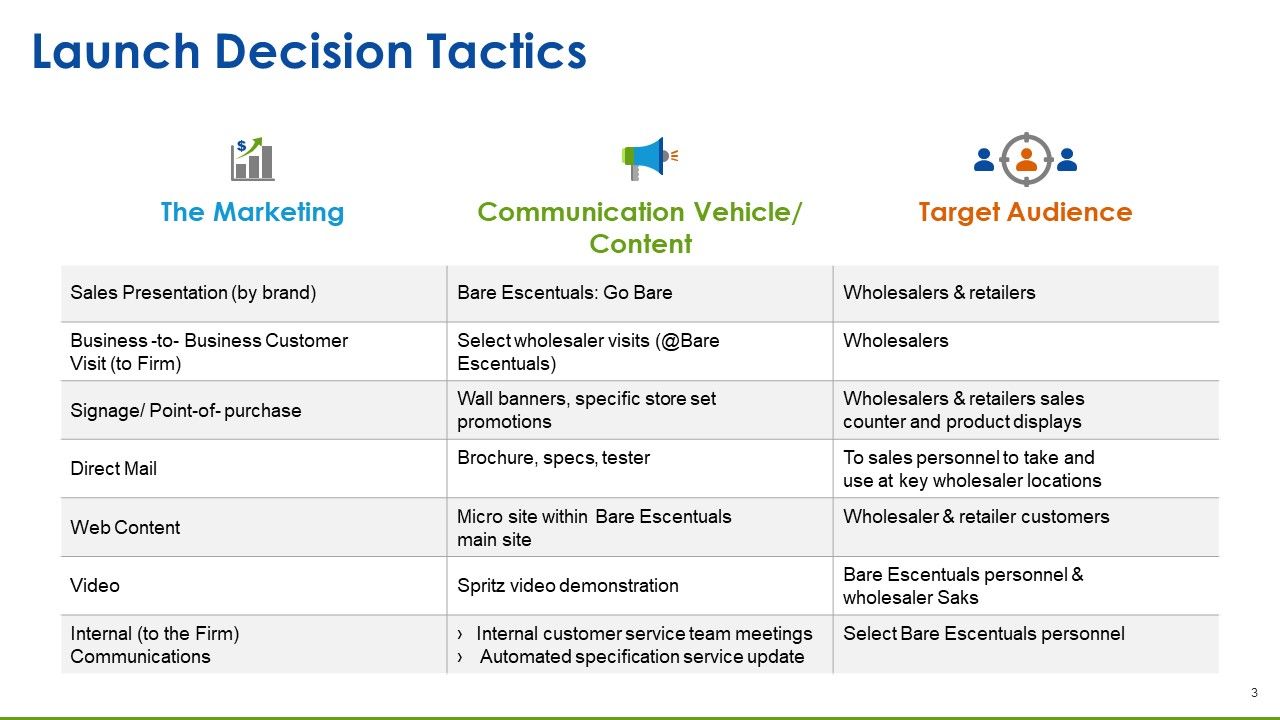
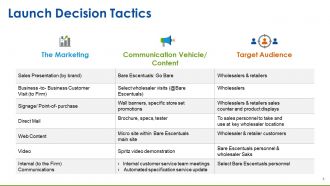
Slide 3: This slide presents Launch Decision Tactics which include the following headings- The Marketing, Communication Vehicle/Content, Target Audience
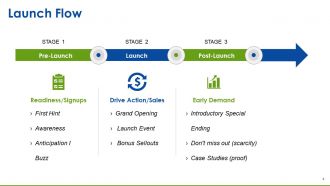
Slide 4: This slides presents Launch Flow divided into Pre- Launch and Post- Launch.
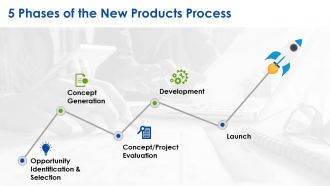
Slide 5: This slide states 5 Phases of the New Products Process involving- Opportunity Identification & Selection, Concept Generation, Concept/Project Evaluation, Development, Launch.
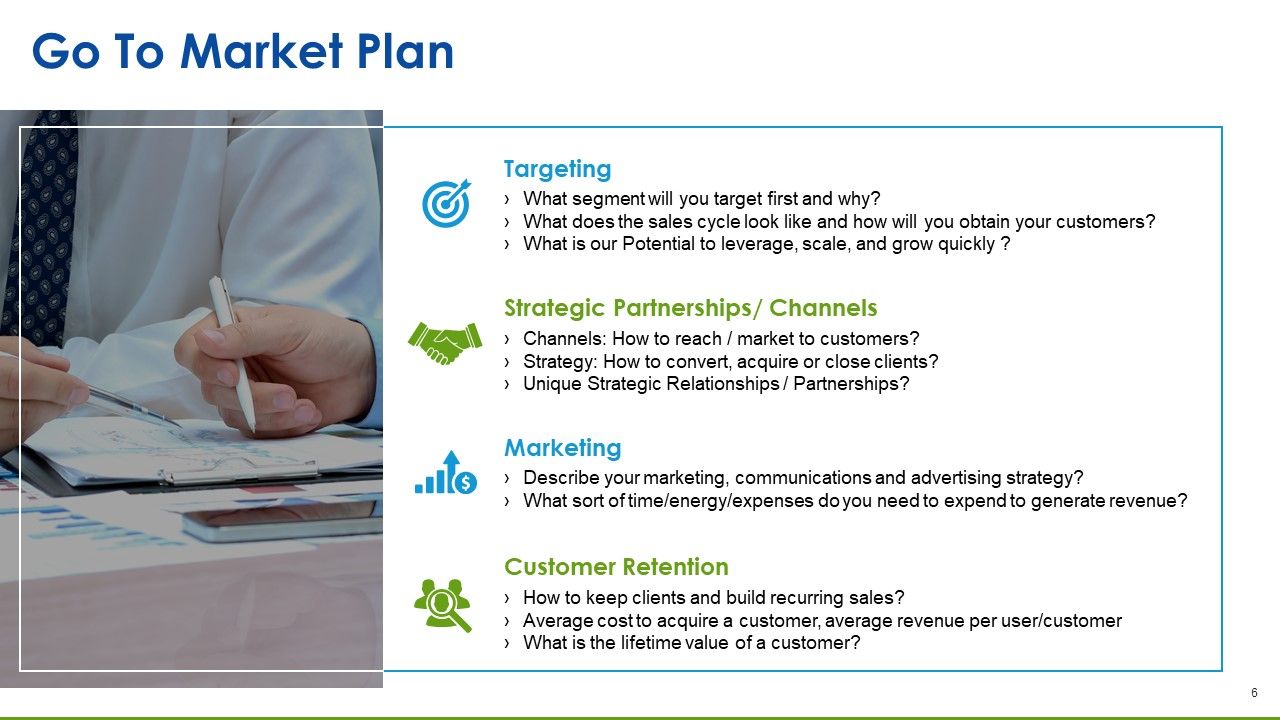
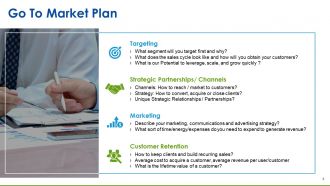
Slide 6: This slide states Go To Market Plan which involves- Strategic Partnerships/ Channels, Customer Retention, Targeting, Marketing.
Slide 7: This slide presents Coffee Break image for a halt.
Slide 8: This is New Product Launch Tactics Icon Slide with creative icons to be used as per requirement.
Slide 9: This slide is titled Charts & Graphs to proceed further. You can change the slide content as required.
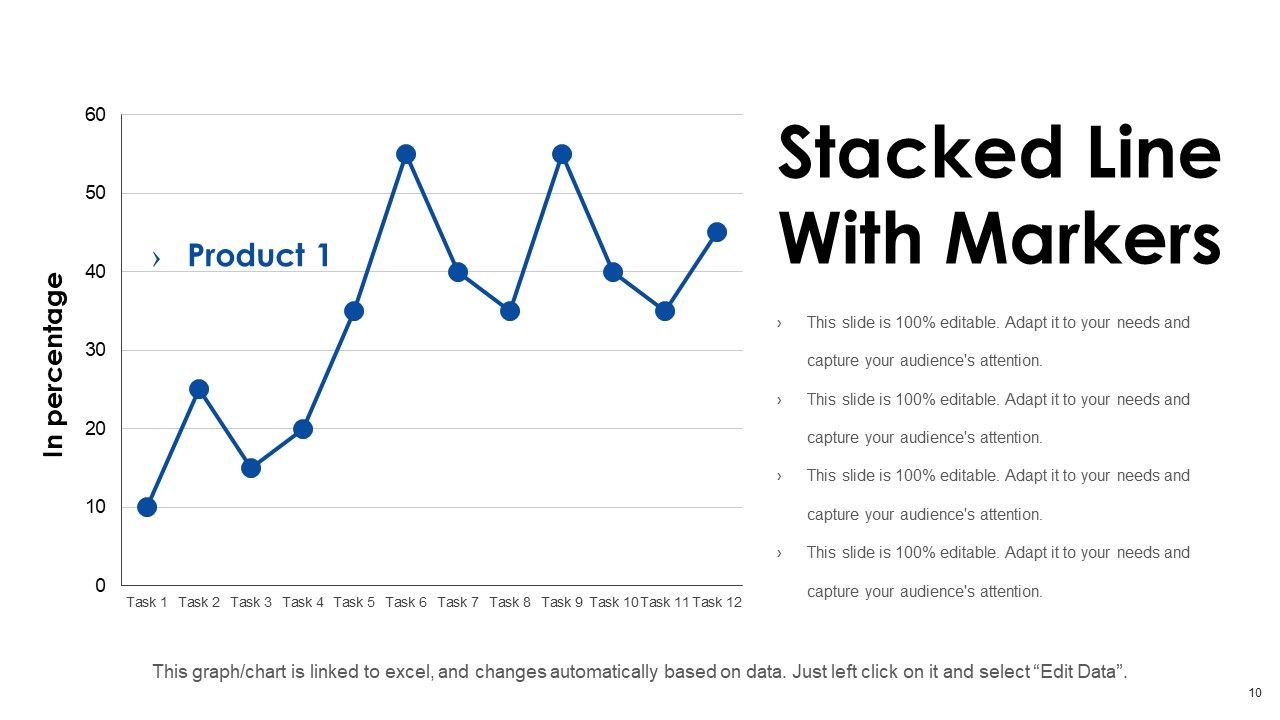
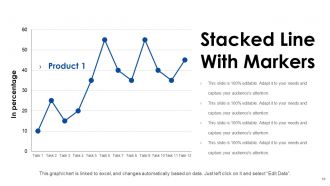
Slide 10: This is a Stacked Line With Markers slide to present information, specifications etc.
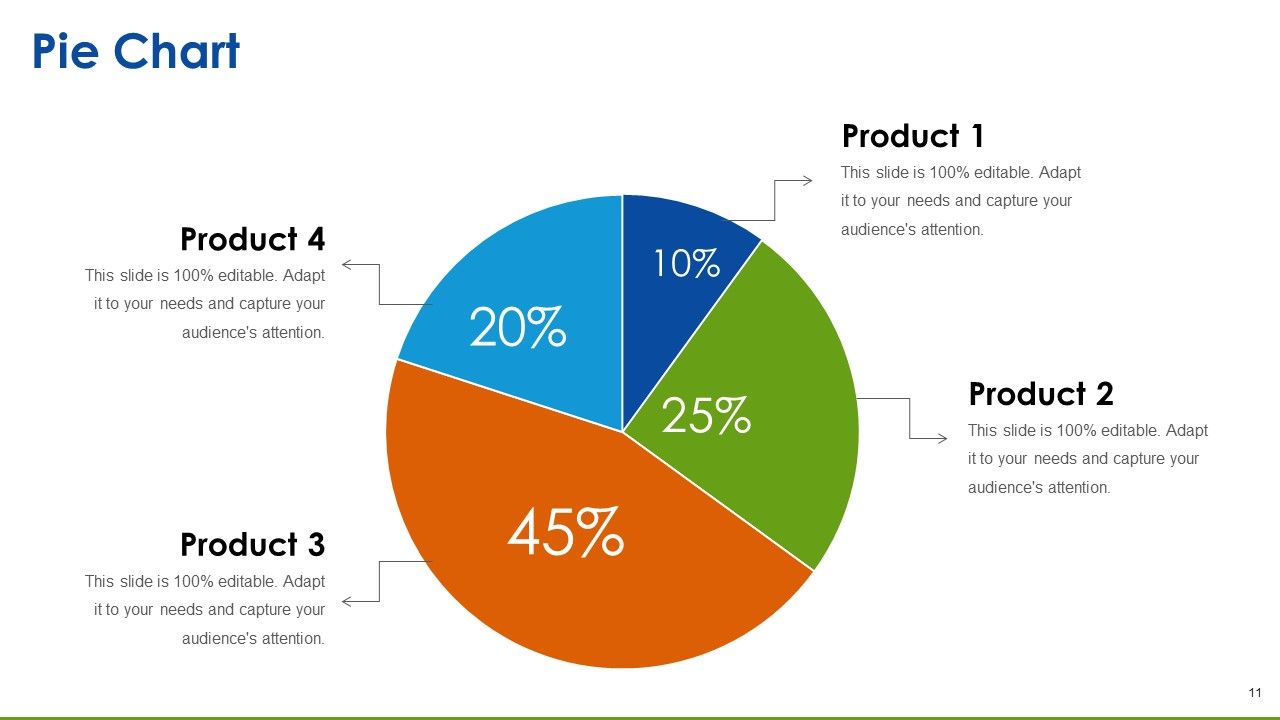
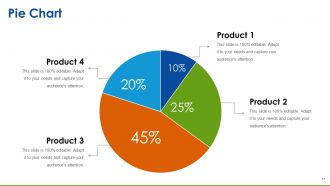
Slide 11: This is a Pie Chart slide to show product information, specifications etc.
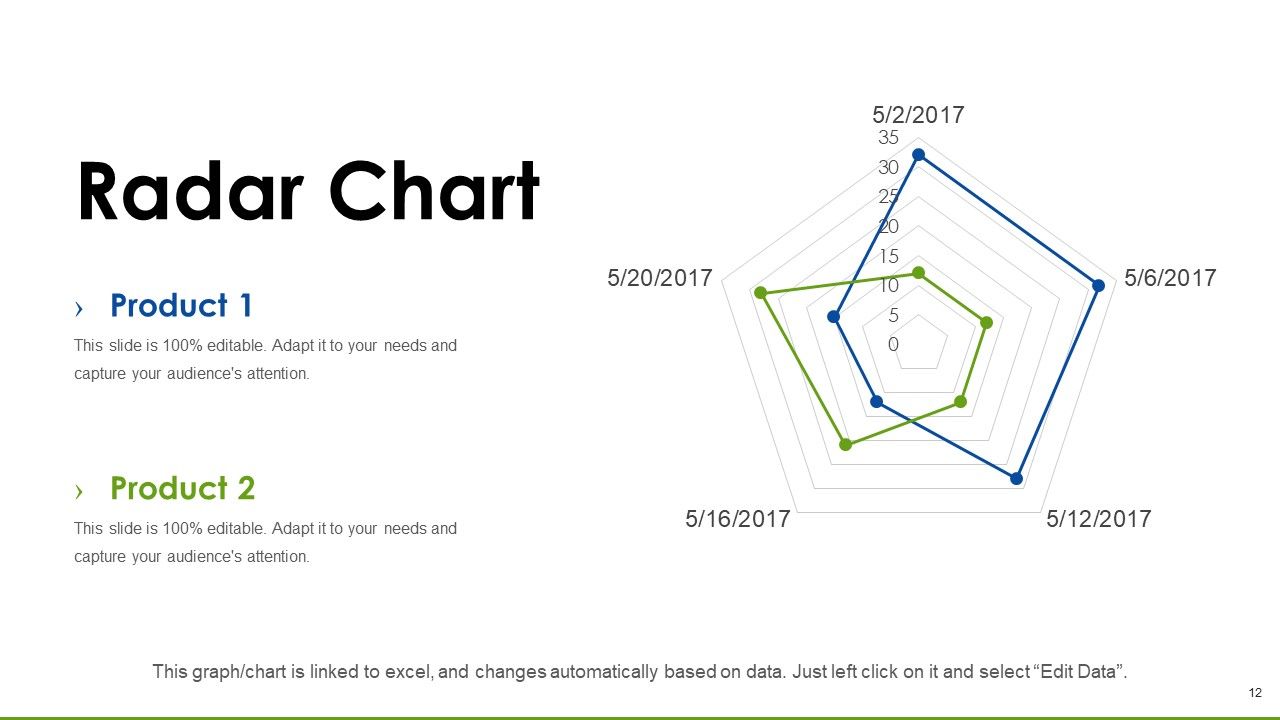
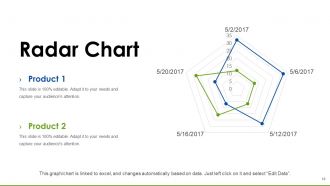
Slide 12: This slide presents a Radar Chart graph/chart. Compare Products/ Entities and use as per required.
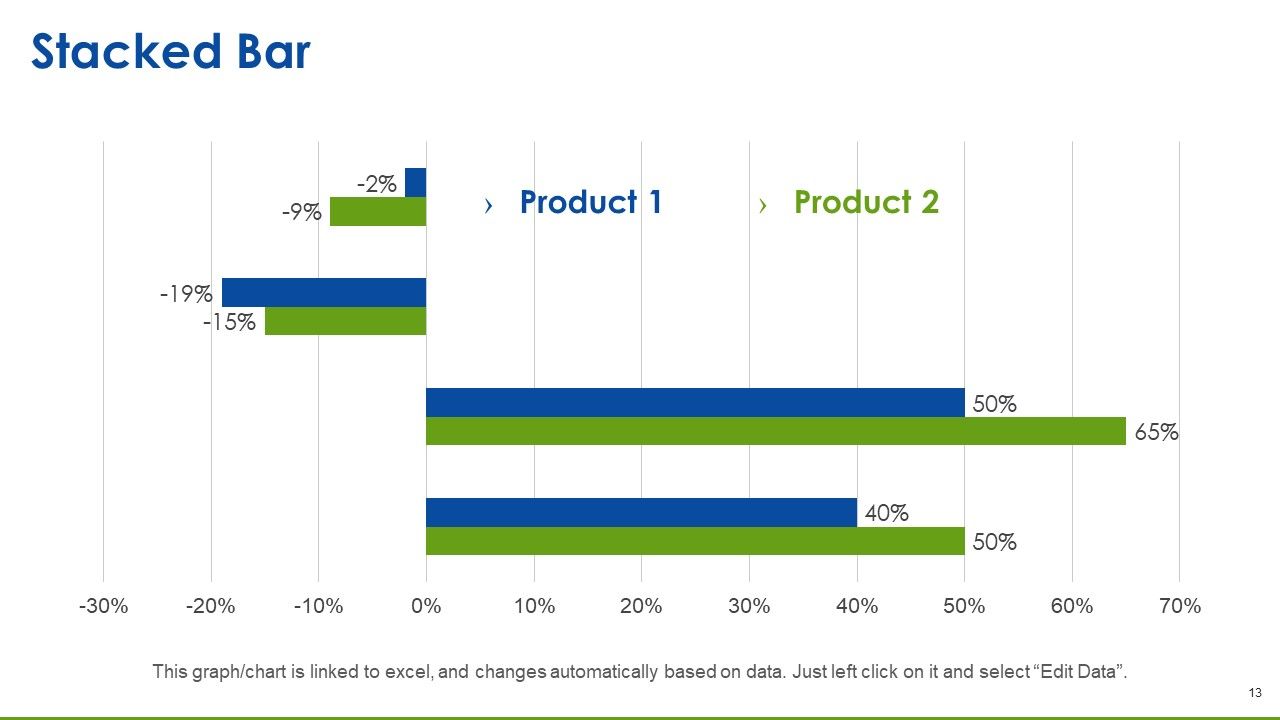
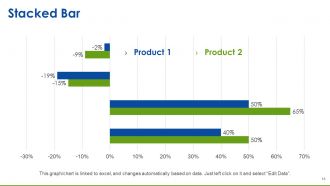
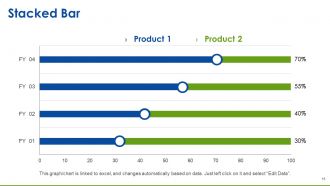
Slide 13: This slide presents a Stacked Bar graph/chart. Compare Products/ Entities and use as per required.
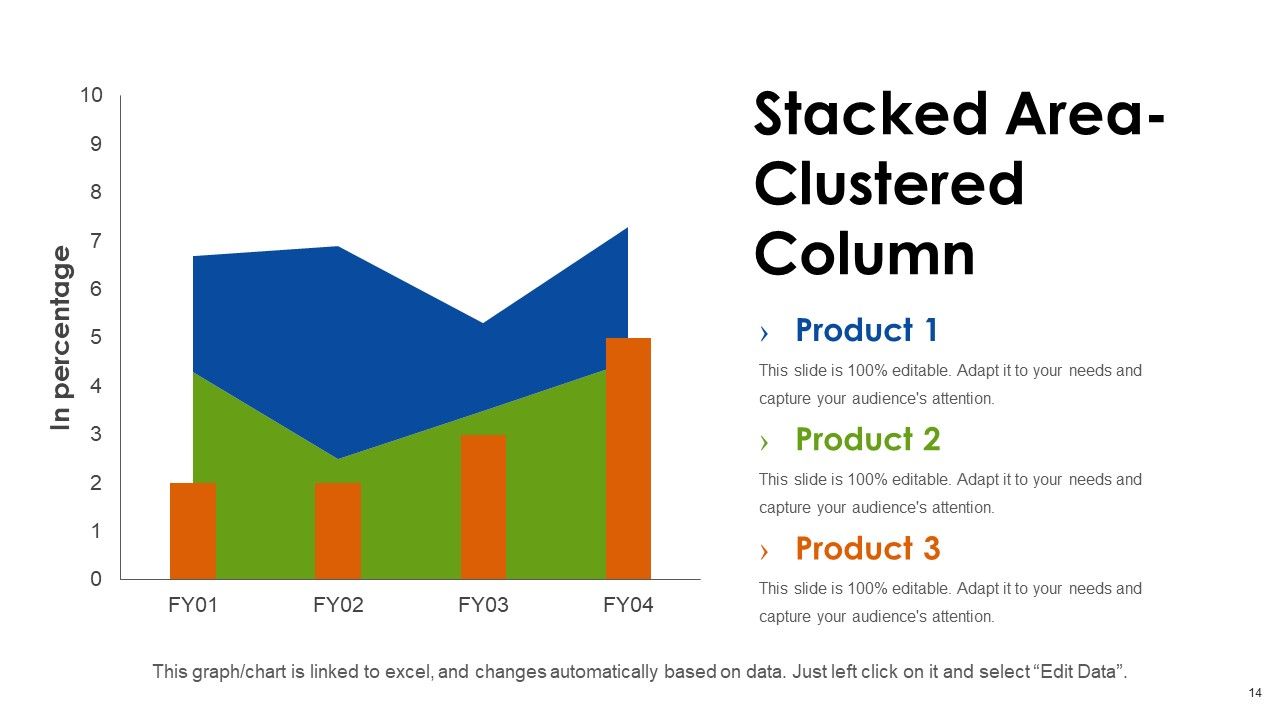
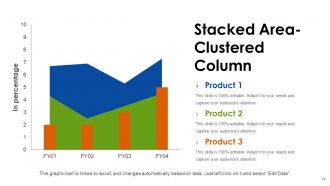
Slide 14: This slide presents a Stacked Area-Clustered Column to present product comparison, information etc.
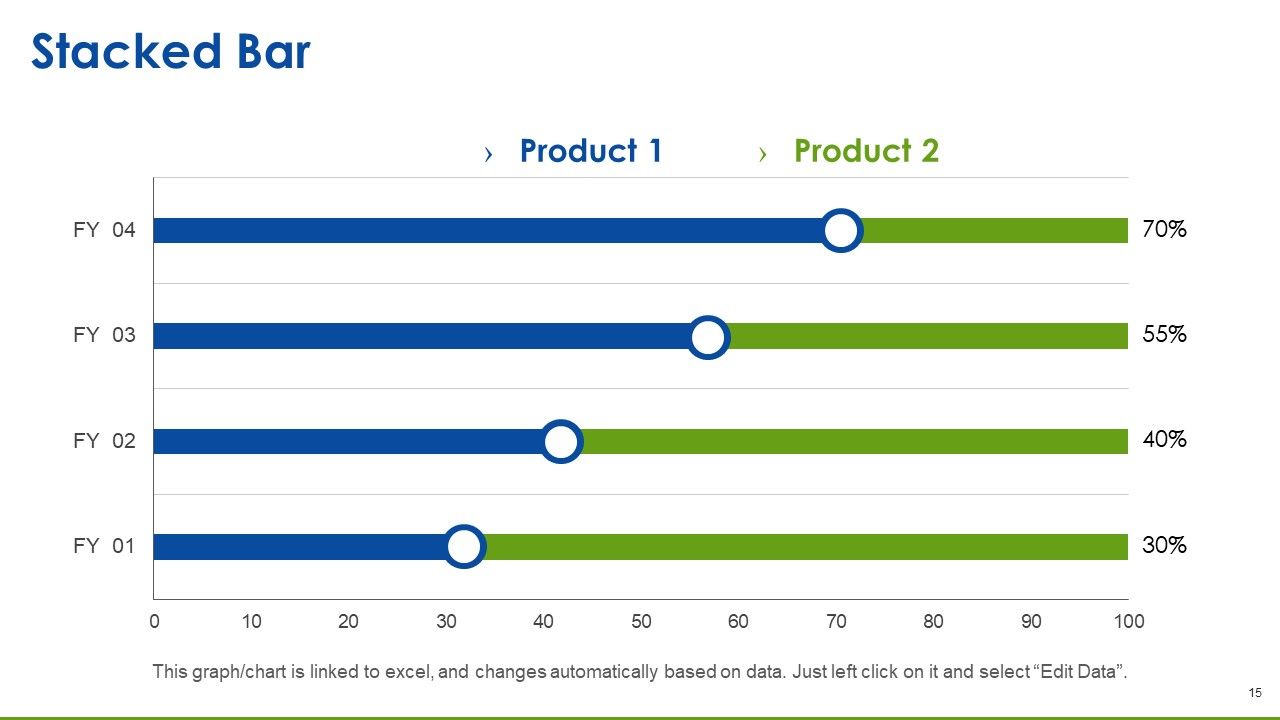
Slide 15: This is another Stacked Bar slide.
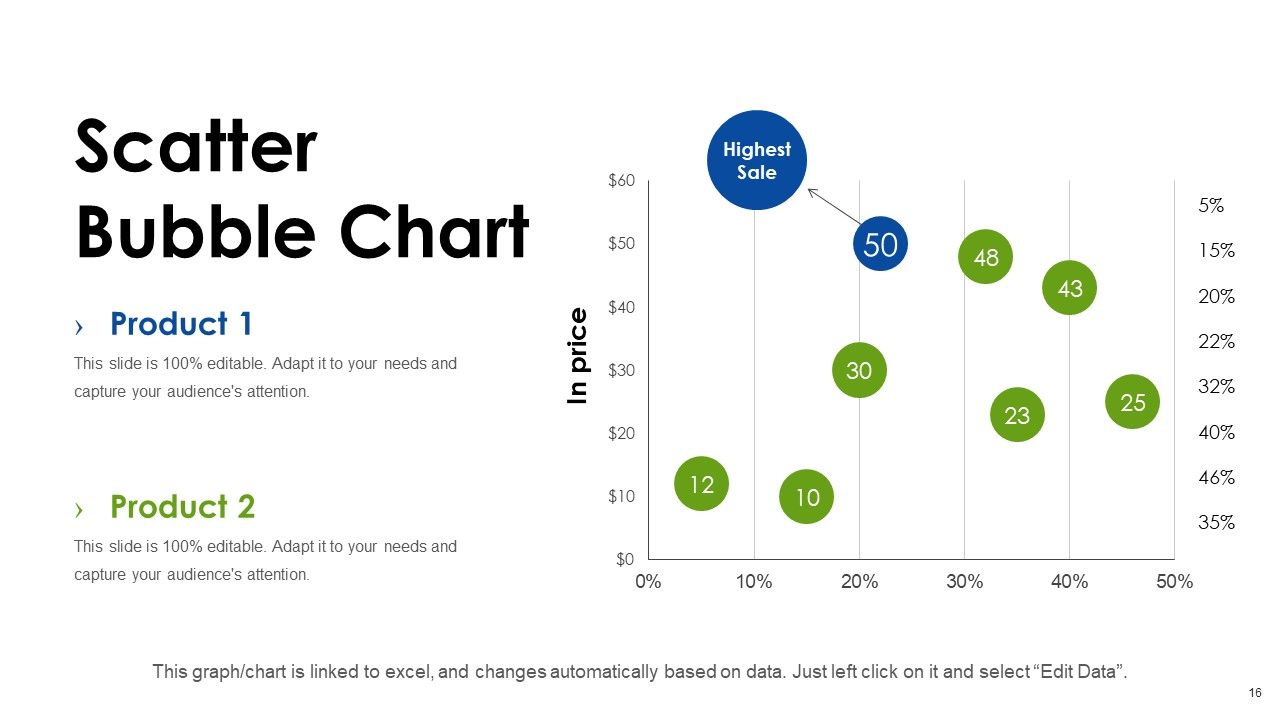
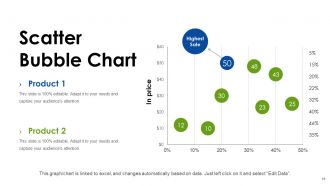
Slide 16: This slide presents Scatter Bubble Chart to show product comparison, information etc.
Slide 17: This slide is titled Additional Slides to proceed further. You can change the slide content as required.
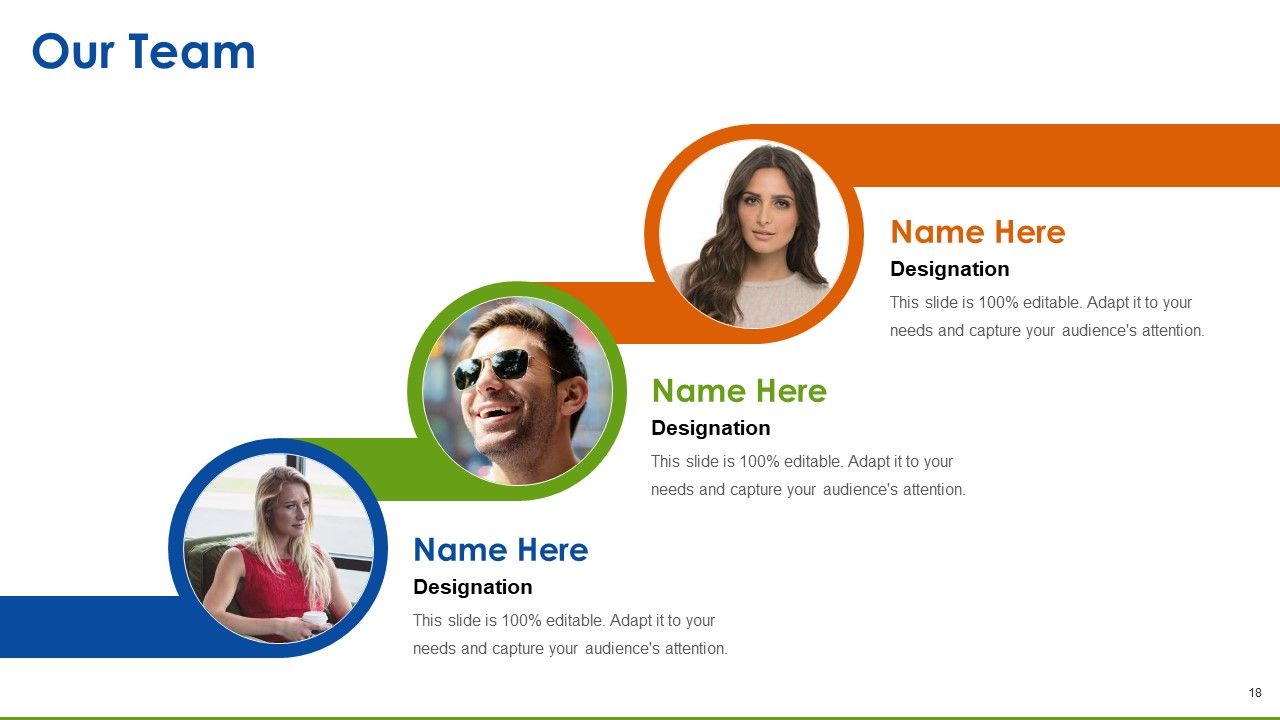
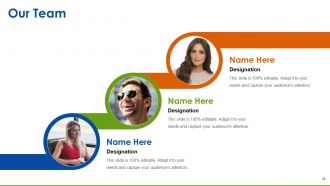
Slide 18: This is Our Team slide with name, designation and text boxes to fill information.
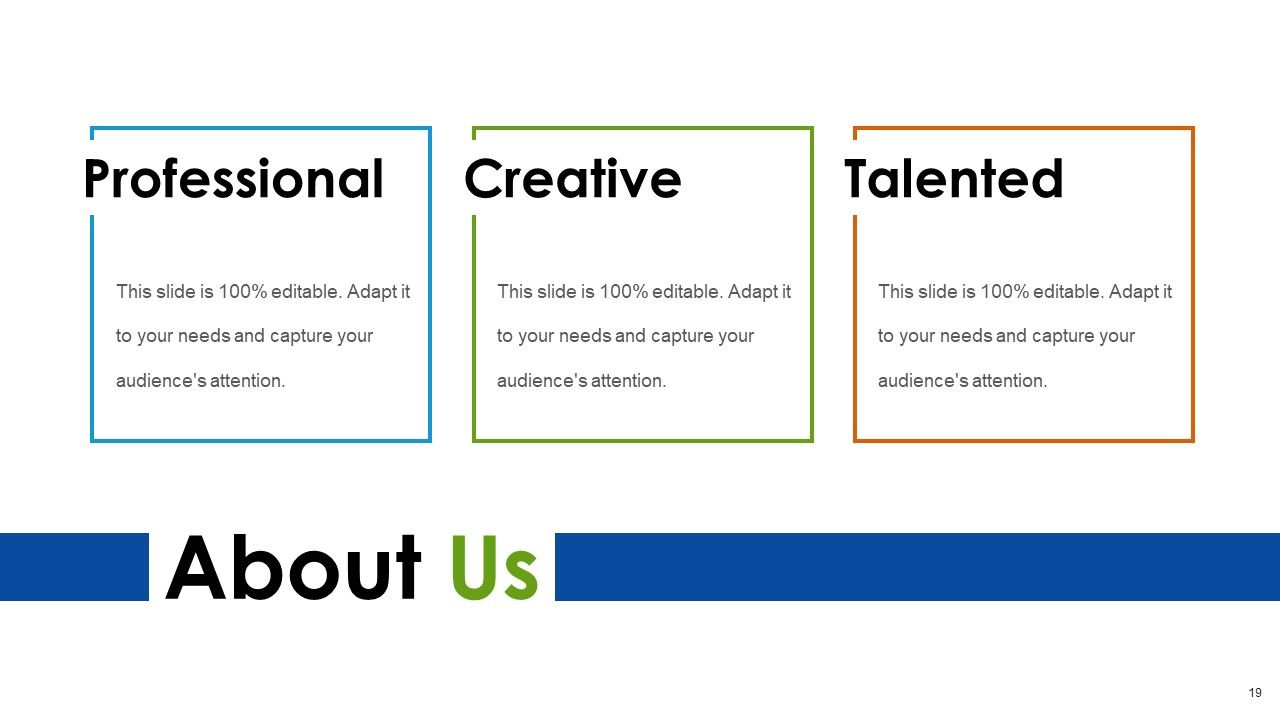
Slide 19: This is an About Us slide stating the following- Professional, Creative, Talented. You can add or change text as per requirement.
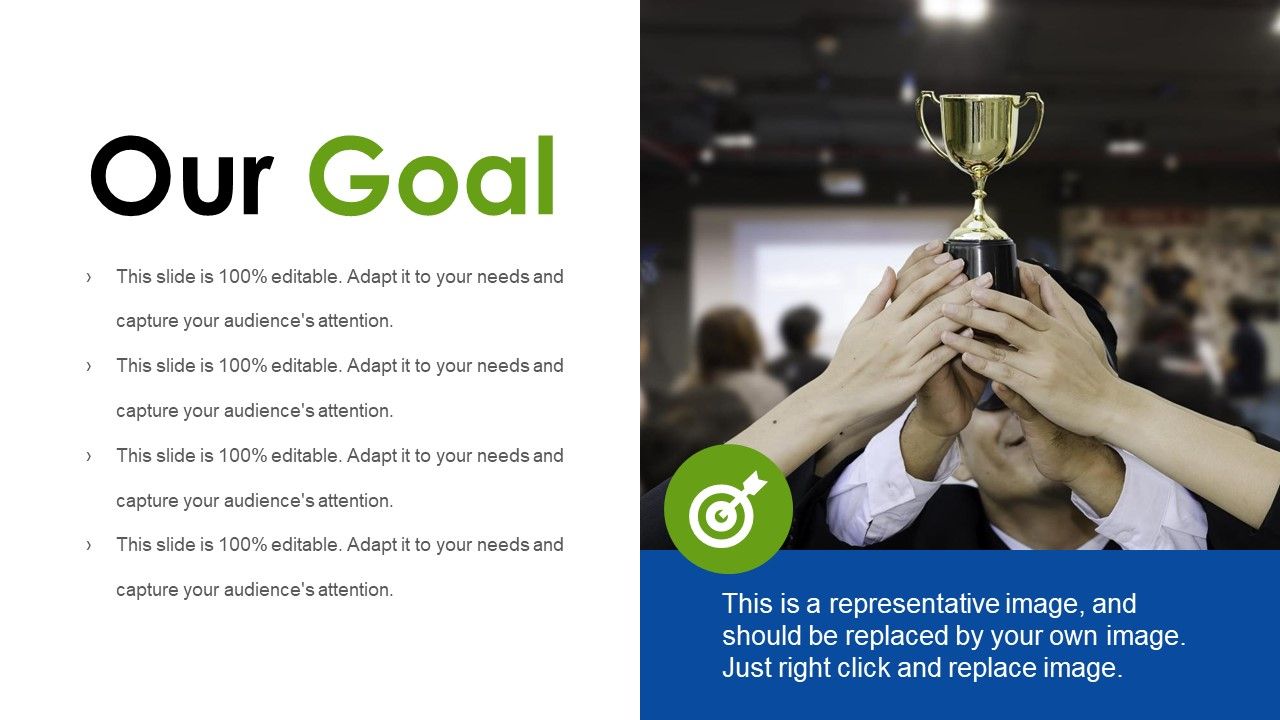
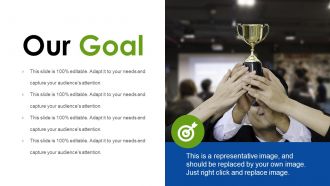
Slide 20: This is Our Goal slide to state company goals, aspirations etc.
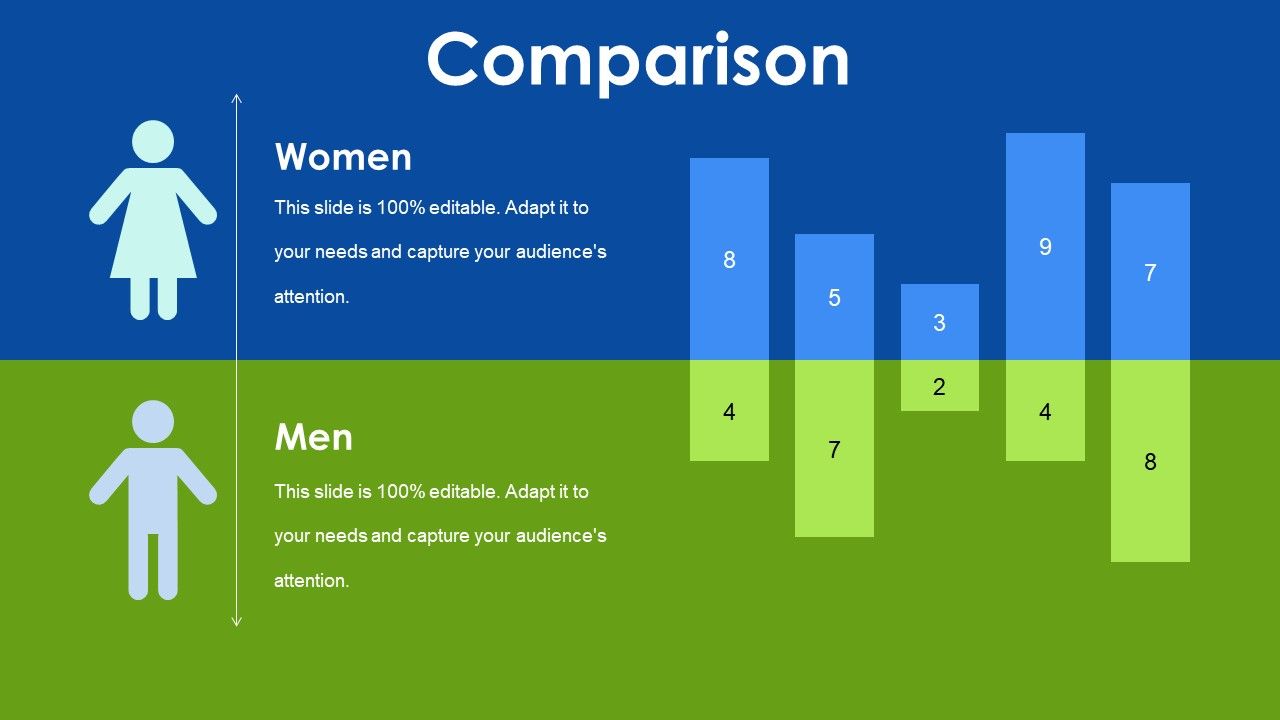
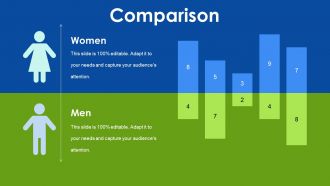
Slide 21: This is a Comparison slide. State comparison, specifications, information etc. here.
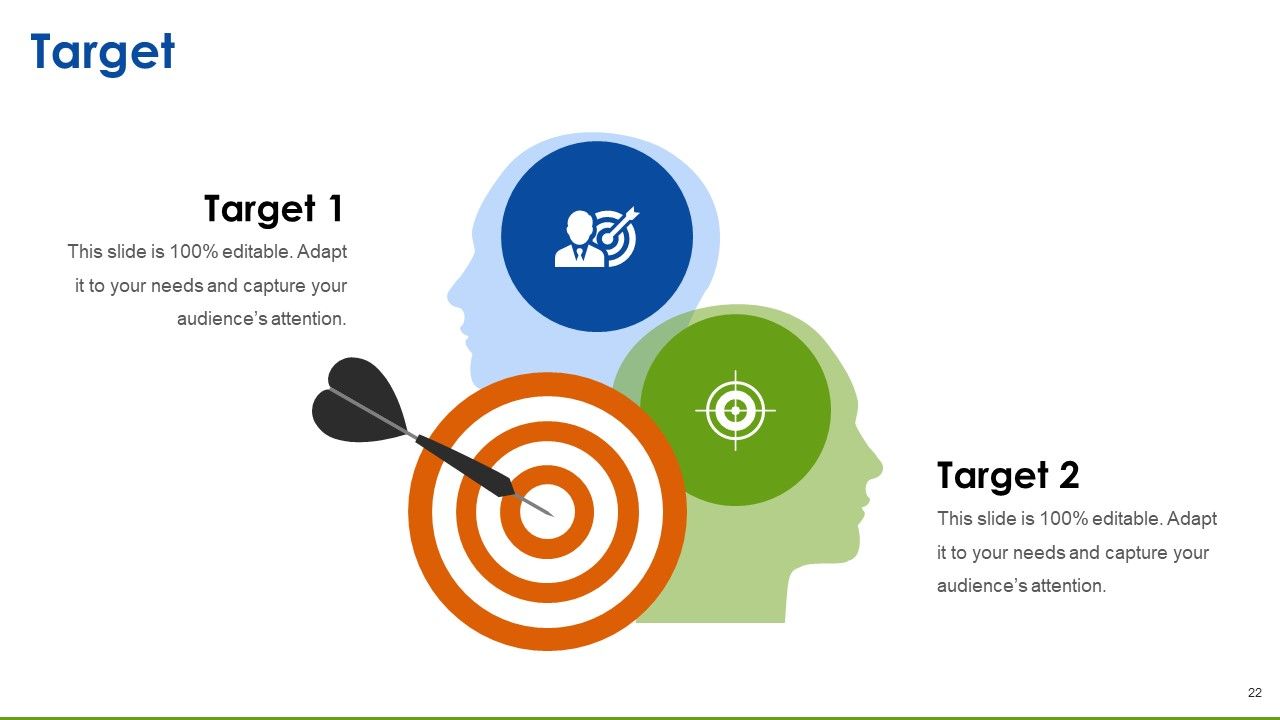
Slide 22: This is a Target image slide to state target, goals etc.
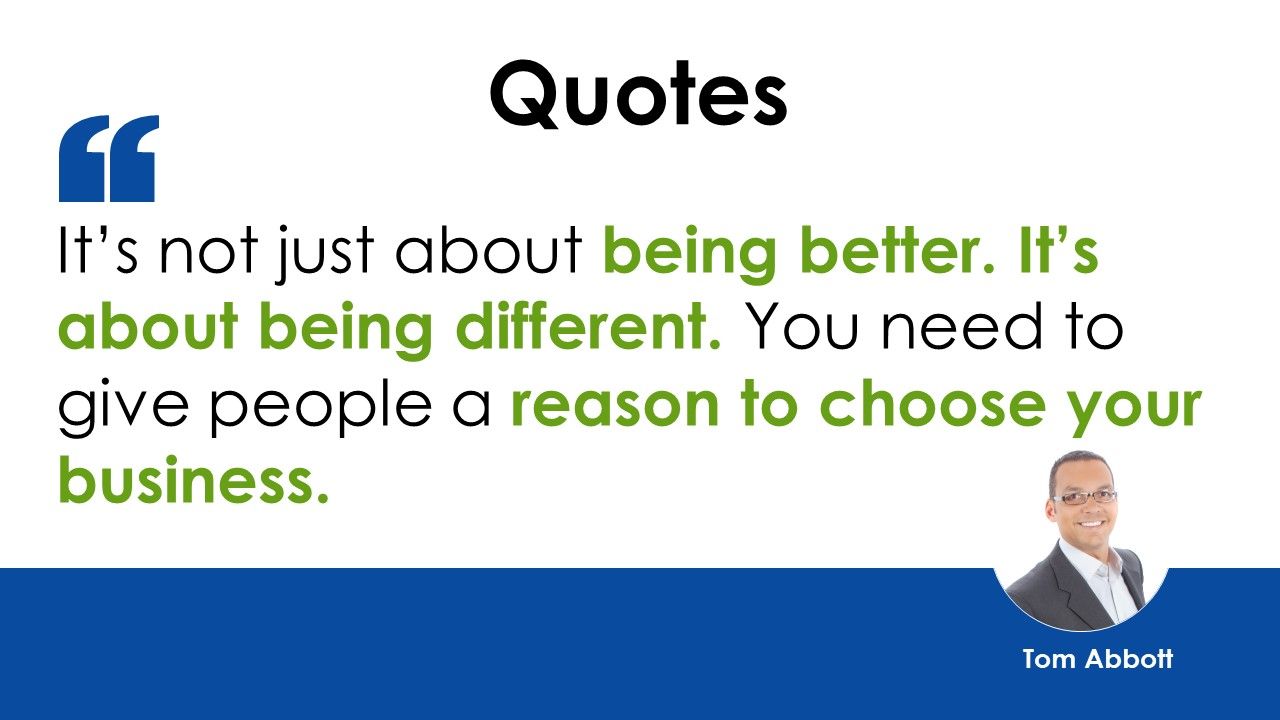
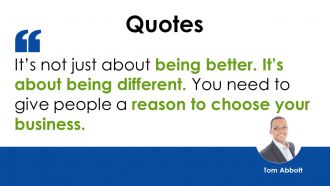
Slide 23: This is a Quotes slide to convey company messages, beliefs etc.
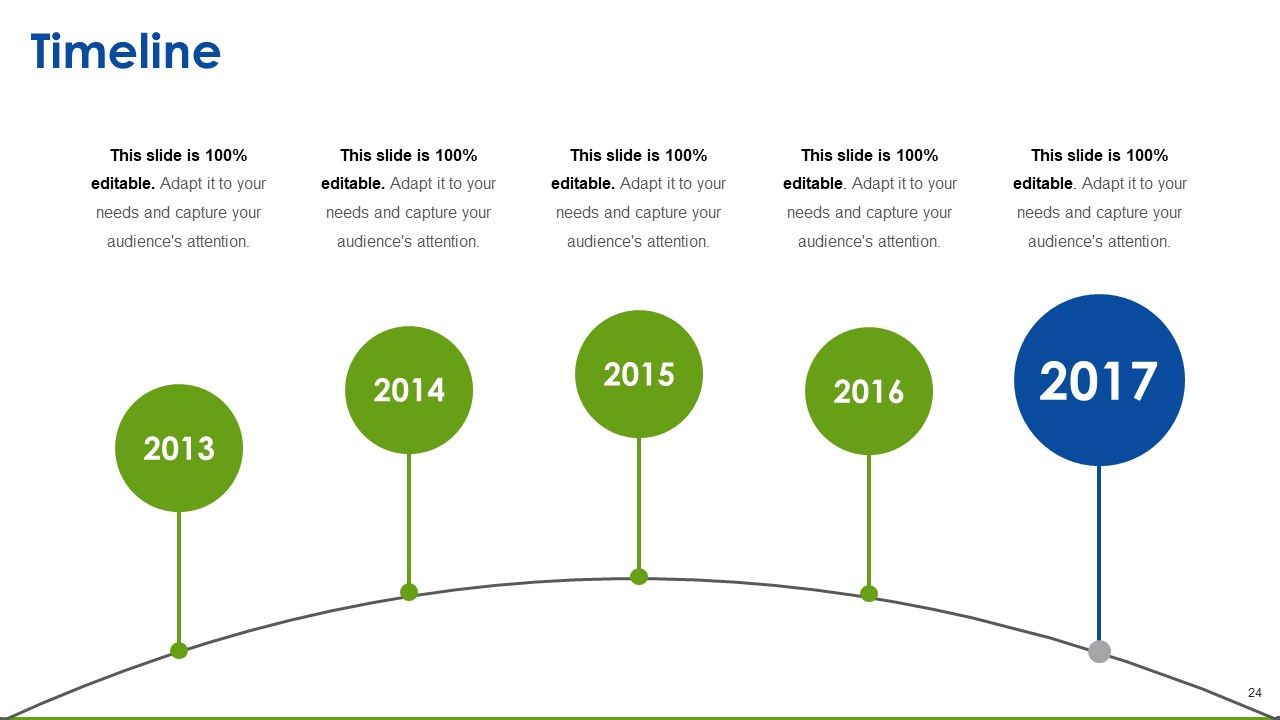
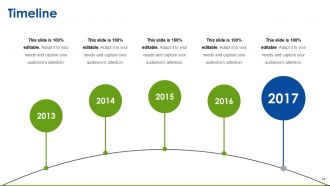
Slide 24: This is a Timeline slide to show growth, evolution or milestones.
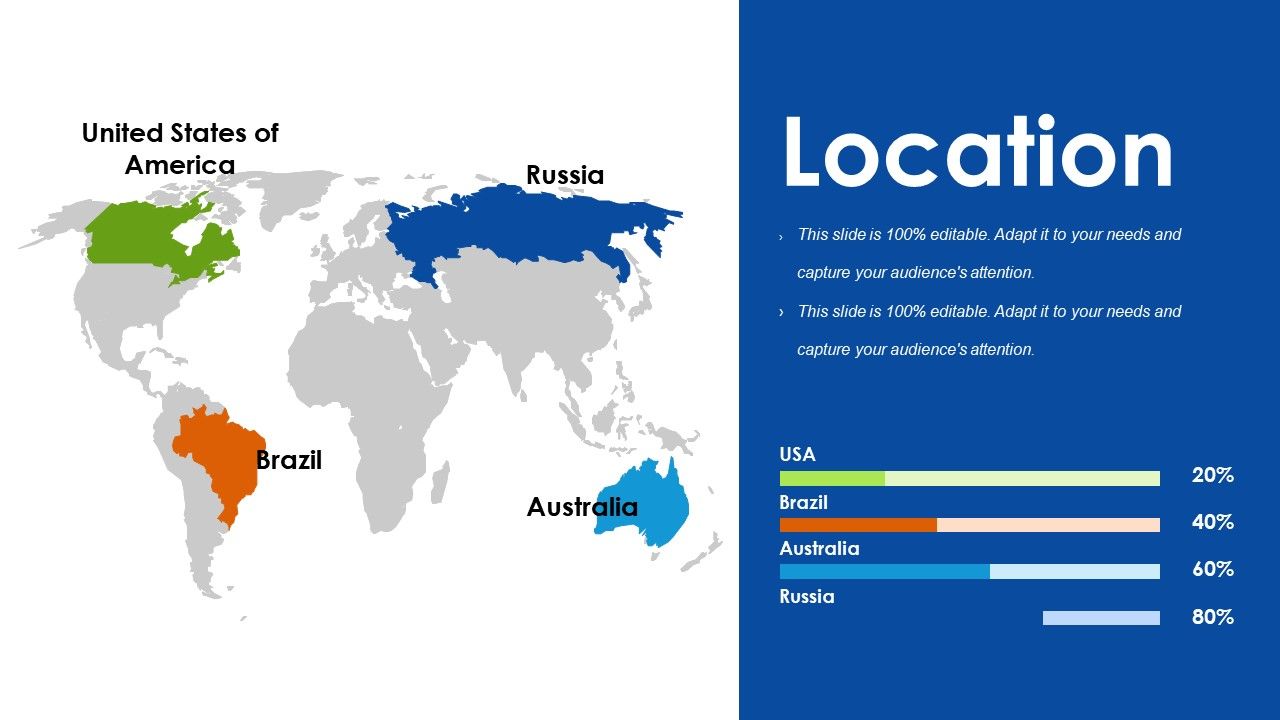
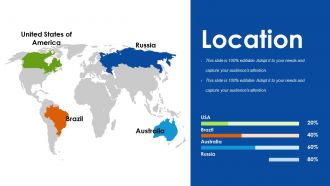
Slide 25: This is a Location slide showing global presence, growth etc.
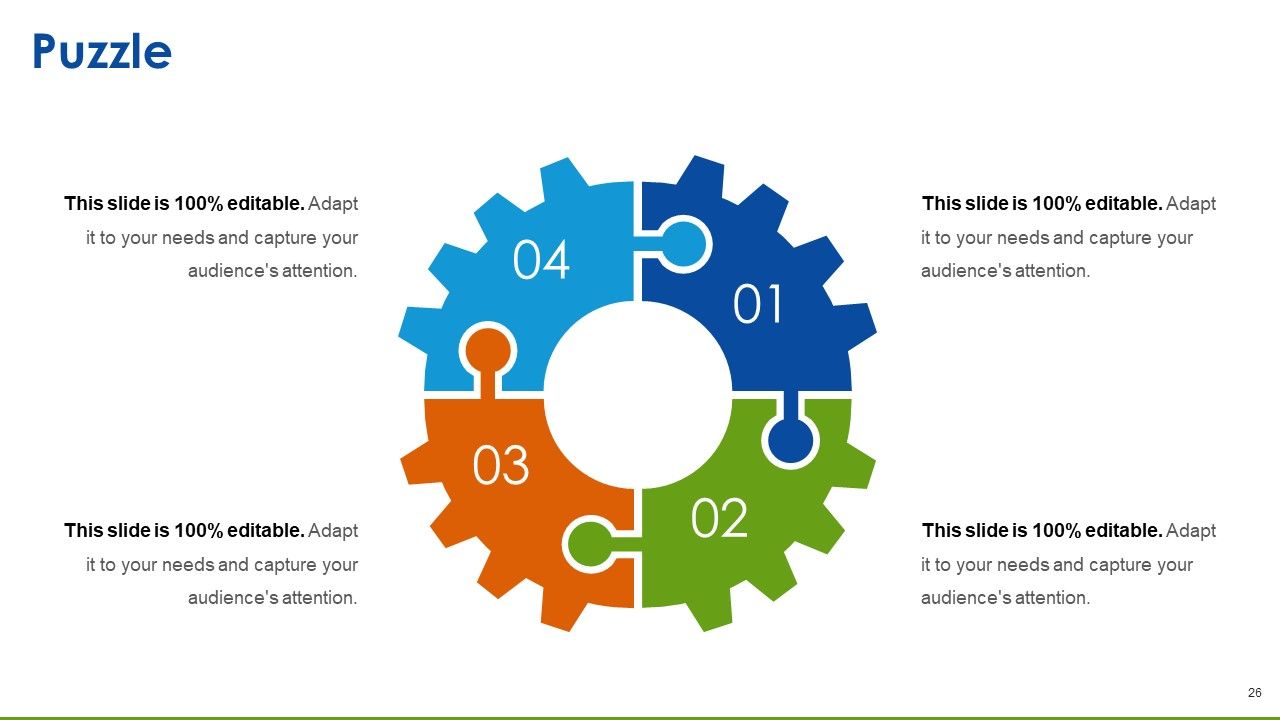
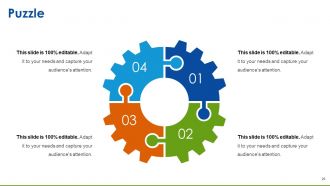
Slide 26: This is a Puzzle image slide. State information, specifications etc. here.
Slide 27: This is a Mind Map image slide to show behavioral segmentation, information or anything relative.
Slide 28: This is a Bulb Or Idea image slide to show information, innovative aspects etc.
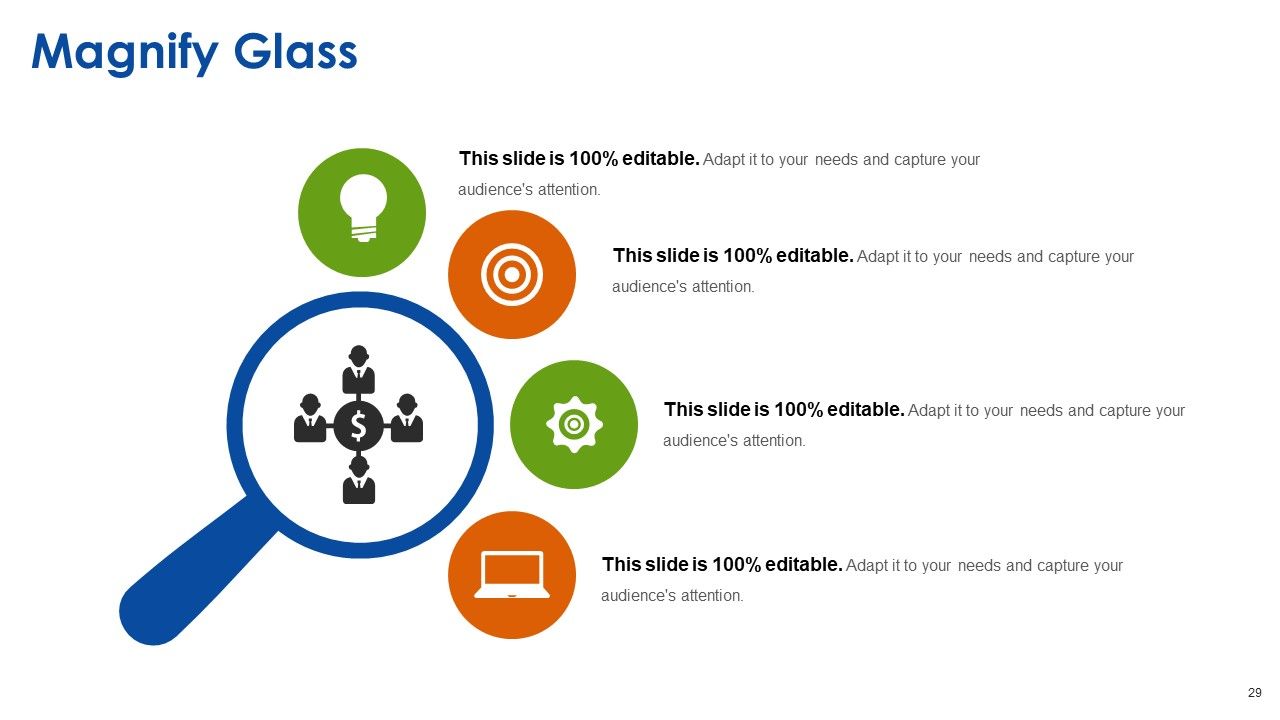
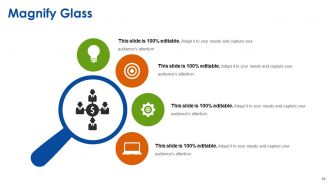
Slide 29: This is a Magnifying glass image slide to state information, specification etc.
Slide 30: This is a Thank You slide with Address# street number, city, state, Contact Numbers, Email Address.

FAQs for New Product Launch Tactics

Okay so for your launch deck, you'll need the obvious stuff - problem you're solving, your solution, main features/benefits. Target market and competitive advantages too. Oh and definitely include pricing plus your timeline for getting to market. I've watched so many startups bomb because they totally ignored what competitors were doing, it's wild. If you've got any beta feedback or early customer results, throw those in - people love seeing real data. Set up some success metrics you can track afterward. But honestly? Make it super visual and demo the hell out of your product. Nobody wants to read walls of text when they could just watch it work.

Dude, stories beat feature lists every single time. People don't care about your specs - they want to feel something. I've watched so many launches crash because they're basically just tech demos (snooze fest). But tell the story of how your product actually fixes someone's day? Now you've got their attention. Picture this: start with a customer's nightmare scenario, then boom - your product swoops in to save them. Works way better than "our AI-powered solution offers 40% faster processing speeds" or whatever. Trust me, frame it like a mini movie and people will actually remember it.

Look, you gotta watch the obvious stuff first - sales, conversion rates, customer acquisition cost. That's your foundation. But here's what most people miss: engagement data like social mentions and email opens actually predict where you're headed. User adoption rates matter way more than vanity metrics too. Time-to-first-value is probably the most underrated metric out there. I'd set up weekly tracking for your first month, then switch to monthly. Oh, and stick to maybe 5-7 metrics tops. Trust me, I've seen too many founders drown in spreadsheets trying to track everything.

Dude, you gotta tailor that pitch completely. Executives? Hit them with ROI and business impact right away. Tech people want the actual specs and how stuff works. End users just care about solving their problems. I've watched so many product launches crash because they used identical presentations for everyone. Switch up your examples, language, even the order of slides. Sales wants competitive advantages they can use. Marketing needs positioning angles - totally different stuff. Map your audiences first, then build separate decks. Each one should sound like you're speaking their language, not yours.

Honestly, visual design can make or break your whole pitch. People will literally tune out if your slides look like garbage - I've watched it happen to great products with terrible presentations. You want clean layouts and consistent branding that actually supports what you're saying, not just random stock photos thrown everywhere. High-quality product shots are worth the investment. The thing is, good design makes complex stuff feel way more approachable. Your slides should tell the story alongside your words. Keep everything simple and focused on your main message. Trust me, nobody wants to sit through something that looks like it's from 2003.

Look, most teams mess this up big time - they ask for feedback then completely ignore it. Start surveying your beta users about what's actually bugging them and which features they care about. Then (and this is crucial) actually use those insights to tweak your messaging and maybe even shift who you're targeting. Don't wait until after launch either. Set up quick feedback loops during rollout - post-purchase surveys, brief user chats, whatever works. I've seen too many launches flop because teams treated customer input like a checkbox instead of their north star. It's honestly frustrating how often this gets overlooked.

Two huge ones: don't dump all your features on people instead of showing actual benefits, and make sure you know who you're actually targeting. Timing's everything too - so many people launch way too early then can't handle the response (trust me on this one). Practice your pitch a bunch beforehand because you'll definitely get questions you haven't thought of yet. Also tech WILL break during your presentation, so have backups ready. Oh and honestly? Don't undersell the problem you're solving. People have to actually feel that pain point or they won't care about your solution.

Okay so don't just blast your stuff out there - make social media work harder for you. Start dropping teasers before launch day, then go live with quotes and visuals during the actual presentation. LinkedIn's your best bet for B2B stuff. Consumer products? Instagram and TikTok all the way - seriously, TikTok's algorithm is insane if you get the format right. Use your event hashtags, tag some influencers, and get your whole team posting from their personal accounts. Oh, and this is crucial - have someone glued to the comments responding to people in real-time. Makes a huge difference.
Start prepping around 6-8 weeks out - trust me on this one. I used to wait until the last minute and it was brutal. Build your core message first, then add the supporting stuff. Reviews take FOREVER (like seriously, everyone becomes a critic), so block out at least 2 weeks for that circus. Oh, and make those appendix slides early because someone's definitely gonna ask about edge cases you didn't think of. The stakeholder feedback process alone will make you want to hide under your desk, but it's worth getting right.

Check out what your competitors are doing wrong - their reviews are goldmines for this. I always dig through their customer complaints first because that's literally your opportunity list right there. Study their pricing and features, then figure out where they're weak. Honestly, some companies make it way too easy by ignoring obvious gaps. Build your presentation around those side-by-side comparisons where you crush them. Focus on their blind spots in your messaging. The goal is making it super clear why someone would ditch their current solution for yours.

Honestly, I'd go with Canva for product launch slides - their templates are actually pretty decent and you don't need to be some design genius. Figma's solid too, especially if your whole team needs to jump in and edit stuff together. PowerPoint? Meh, it works but looks kinda bleh unless you're really good with design. Oh, and throw in some simple animations or GIFs to keep people awake during your presentation. Lottie files are cool for that. But yeah, if you need something done fast and looking professional, just start with Canva.

Honestly, weekly standups are a lifesaver - get all teams together to share what they're working on and what's blocking them. Monday.com or Notion work great for keeping a shared roadmap that everyone can actually see (way better than those email threads that go on forever). You'll also want clear rules about who makes the final call on different stuff. Oh, and definitely do alignment sessions like two weeks before launch - I learned this the hard way when we missed a huge integration issue until the last minute. Catching problems early is so much better than scrambling later.

Honestly, demos can make or break your whole launch. Skip the endless slides - people want to see the thing actually work. I've watched so many presentations bomb because they just talked about features instead of showing them. Your demo proves you're not all hype, plus it helps people picture themselves using it. Practice like crazy though, and definitely have backup plans ready. Murphy's law is real with tech demos - something WILL go wrong at the worst possible moment. Do a complete run-through right before you start. Trust me on this one.

Set a hard deadline and actually stick to it - I've watched way too many launches just fizzle out because people kept pushing dates back. Put that countdown timer everywhere: your site, emails, social media. Maybe do something like "first 100 customers get X bonus" or a 48-hour special deal. People need to feel like waiting means missing out for real. But here's the thing - don't fake the scarcity because everyone can tell when it's BS. Oh, and start teasing the deadline like 2-3 weeks out so there's actual buildup.

Definitely go for hands-on demos where people can actually touch and play with the product. Live polls keep everyone awake too - way better than just talking at them. AR stuff is pretty cool if you've got the budget for it. Oh, and surprise moments are gold - maybe bring in an unexpected speaker or share some funny development disaster story. Everyone's doing gamification now, so throw in a contest or scavenger hunt around your features. The whole point is making them participants instead of just sitting there zoning out. Just start planning this interactive stuff early because it's honestly way more work to coordinate than regular presentations.

Ratings and Reviews

100% of 100
Review Form
Write a review
Most Relevant Reviews
  1. 100%

    by hussein samir

    Very good present
  2. 100%

    by Clarence Mendoza

    Excellent design and quick turnaround.
  3. 100%

    by Chas Kelly

    Very unique, user-friendly presentation interface.

3 Item(s)

per page: