Object oriented programming ppt powerpoint presentation ideas guidelines cpb

Rating:
90%
Object oriented programming ppt powerpoint presentation ideas guidelines cpb
Slide 1 of 2
Favourites Favourites

Try Before you Buy Download Free Sample Product

Audience Impress Your
Audience
Editable 100%
Editable
Time Save Hours
of Time
The Biggest Sale is ending soon in
0
0
:
0
0
:
0
0
Rating:
90%
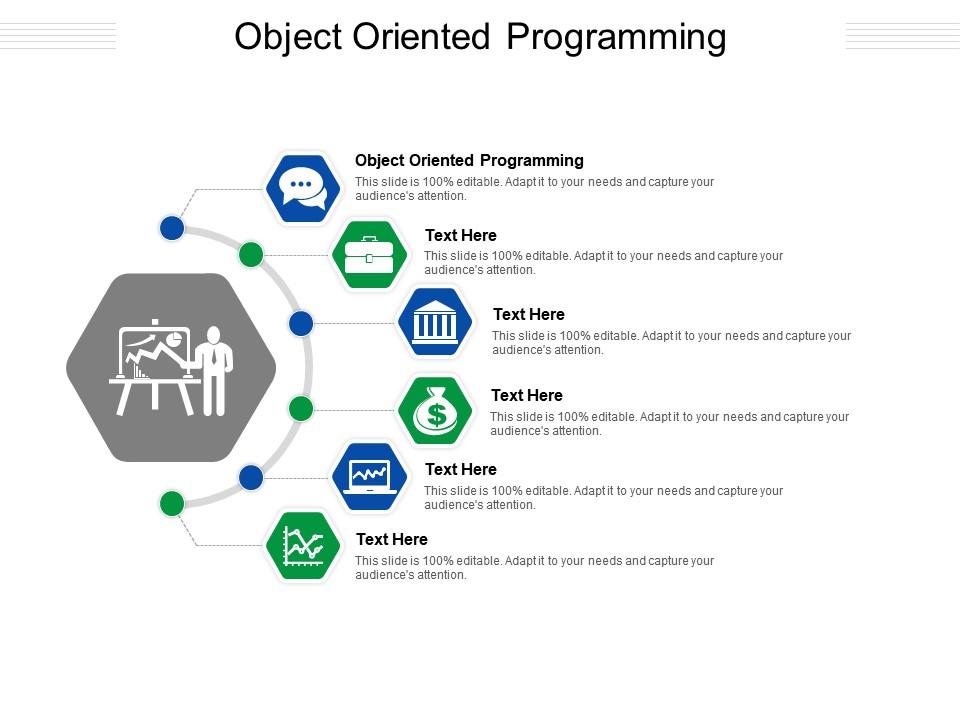
Presenting Object Oriented Programming Ppt Powerpoint Presentation Ideas Guidelines Cpb slide which is completely adaptable. The graphics in this PowerPoint slide showcase six stages that will help you succinctly convey the information. In addition, you can alternate the color, font size, font type, and shapes of this PPT layout according to your content. This PPT presentation can be accessed with Google Slides and is available in both standard screen and widescreen aspect ratios. It is also a useful set to elucidate topics like Object Oriented Programming. This well-structured design can be downloaded in different formats like PDF, JPG, and PNG. So, without any delay, click on the download button now.

People who downloaded this PowerPoint presentation also viewed the following :

FAQs for Object oriented programming ppt powerpoint presentation

So there's four main ones you gotta know. Encapsulation bundles data and methods together - keeps the messy stuff hidden. Inheritance is pretty cool, lets you build new classes off existing ones without starting from scratch. Then there's polymorphism, where different objects can respond to the same method call but do their own thing. Abstraction focuses on what something does, not the nitty-gritty how. Honestly, I'd start with encapsulation first since it makes everything else click. Oh and polymorphism sounds scary but it's actually super useful once you get it!

So basically encapsulation is like putting locks on your data. Make your variables private and only let outside code touch them through public methods you control. The compiler blocks direct access to private stuff, which is pretty neat. You can add validation in your setter methods too - like checking if someone's trying to set age to -5 or whatever. I always think of it as having a gatekeeper for your class. Can't accidentally break things from the outside. Just hide the messy implementation details and give people clean methods to work with your objects.

So basically inheritance saves you from copy-pasting code everywhere. You make a parent class, then child classes just grab all its stuff automatically. Super handy. But polymorphism is where things get interesting - you can write code that expects the parent type but it'll work with any of the child classes too. Like, one function handles multiple object types without you having to change anything. I used to always forget about this approach and just duplicate similar classes (bad habit lol). Trust me, check if inheritance makes sense before you start copying code around.

So a class is like your blueprint - it just defines what something should look like. Say you've got a `Car` class with color, model, start(), stop(), whatever. That's just the template sitting there. The actual object happens when you do `myCar = new Car("red", "Toyota")` - now you've got something real with actual values. You can make tons of different car objects from that same class. Honestly the cookie cutter analogy works pretty well here - class is the cutter, objects are your cookies. Just mess around with making a simple class and create a few objects from it, you'll get it right away.

So constructors are like your object's setup crew - they run automatically when you create something and handle all the initial prep work. Setting default values, grabbing memory, that kind of stuff. Destructors are the cleanup crew that kicks in when objects get deleted or go out of scope. Python's pretty chill about this with garbage collection, but C++ will absolutely wreck you if you don't pair every allocation with proper cleanup in your destructor. Otherwise you'll get memory leaks everywhere. It's honestly one of those things that'll bite you later if you're not careful about it.

So basically, interfaces and abstract classes help you build stuff that's way more flexible. Think of interfaces like contracts - any class that implements them has to follow the same rules. Perfect for things like payment processors where you might switch between PayPal, Stripe, whatever. Abstract classes are cool when you want to share some code but still make subclasses handle the important bits themselves. I'm totally guilty of throwing interfaces at everything though lol. The trick is spotting what behaviors your classes have in common first, then pulling those out into interfaces. Way better than hardcoding everything to specific classes.

Honestly, design patterns are just proven solutions that save you from solving the same problems over and over. Your code becomes way easier to maintain when other devs can immediately recognize what you're doing. I mean, it's like speaking the same language as your team. These patterns have been tested by tons of developers already, so you'll hit fewer bugs. They help your classes work together nicely without being too tightly connected - sounds technical but it really makes a difference. Observer and Factory are good starting points. Once you try them a few times, coding without patterns feels kinda barbaric.

Honestly, OOP is a game changer for big projects. Instead of one giant mess of code, you break everything into classes that actually make sense - like having a User class, Product class, whatever. Each person on your team can work on their own classes without breaking someone else's stuff. When bugs pop up (and they will), you'll know exactly which class to check instead of digging through thousands of lines. The whole inheritance thing lets you reuse code too, which saves time. My advice? Look at your project and figure out what the main "objects" are, then build classes around those. Way cleaner than procedural coding, trust me.

Yeah, you totally can! Scala and F

Ratings and Reviews

90% of 100
Write a review
Most Relevant Reviews
  1. 80%

    by Mason Thompson

    The Designed Graphic are very professional and classic.
  2. 80%

    by Dorian Armstrong

    Helpful product design for delivering presentation.
  3. 100%

    by Denny Salazar

    Helpful product design for delivering presentation.
  4. 80%

    by Curt Bryant

    Excellent products for quick understanding.
  5. 100%

    by Dave Shaw

    Unique and attractive product design.
  6. 100%

    by Drew Alvarado

    Qualitative and comprehensive slides.
  7. 100%

    by Dwain Johnston

    Best Representation of topics, really appreciable.
  8. 100%

    by Dannie Washington

    Unique research projects to present in meeting.
  9. 80%

    by Davies Rivera

    It saves your time and decrease your efforts in half.
  10. 80%

    by O'Ryan Edwards

    Great quality slides in rapid time.

Items 1 to 10 of 14 total

    Page:
  • You're currently reading page 1
  • Page 2
  • Next
per page: