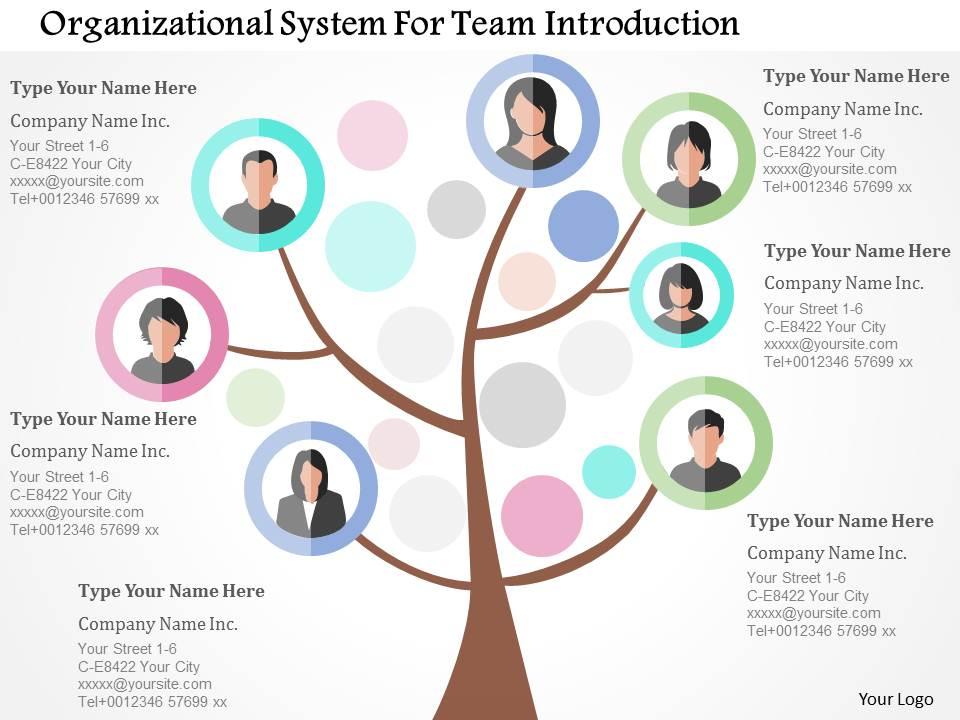
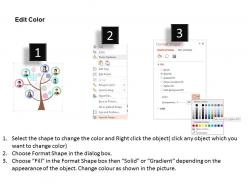
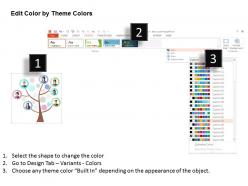
Sistema organizativo para la introducción del equipo Diseño plano de PowerPoint

Rating:
90%
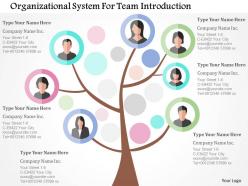
Organizational system for team introduction flat powerpoint design
Slide 1 of 5
Favourites Favourites

Try Before you Buy Download Free Sample Product

Audience Impress Your
Audience
Editable 100%
Editable
Time Save Hours
of Time
The Biggest Sale is ending soon in
0
0
:
0
0
:
0
0
Rating:
90%

Características de estas diapositivas de presentación de PowerPoint:

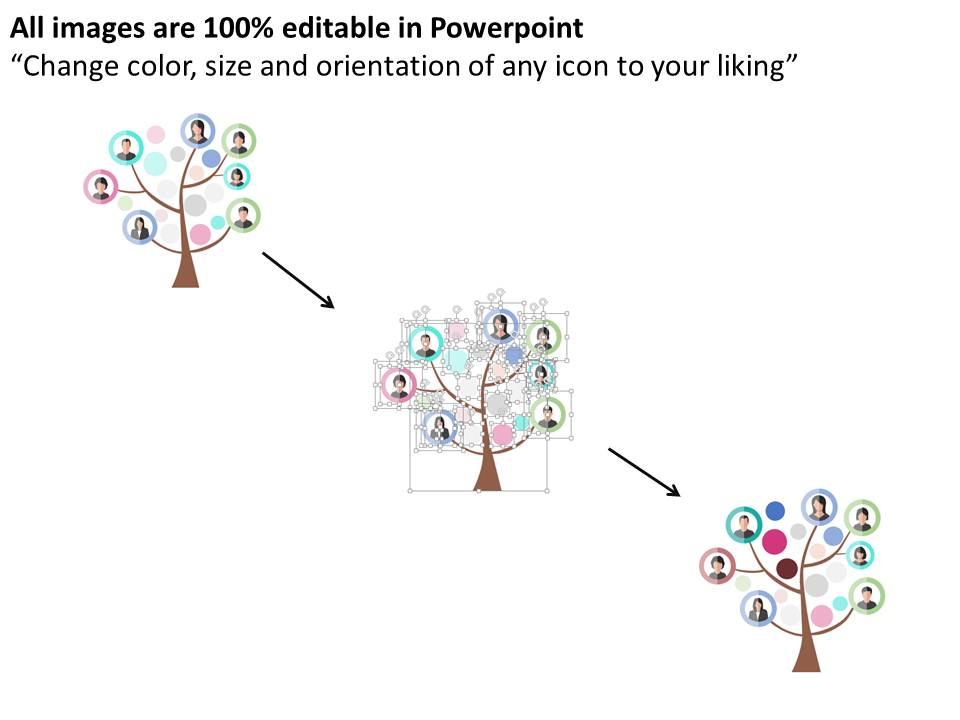
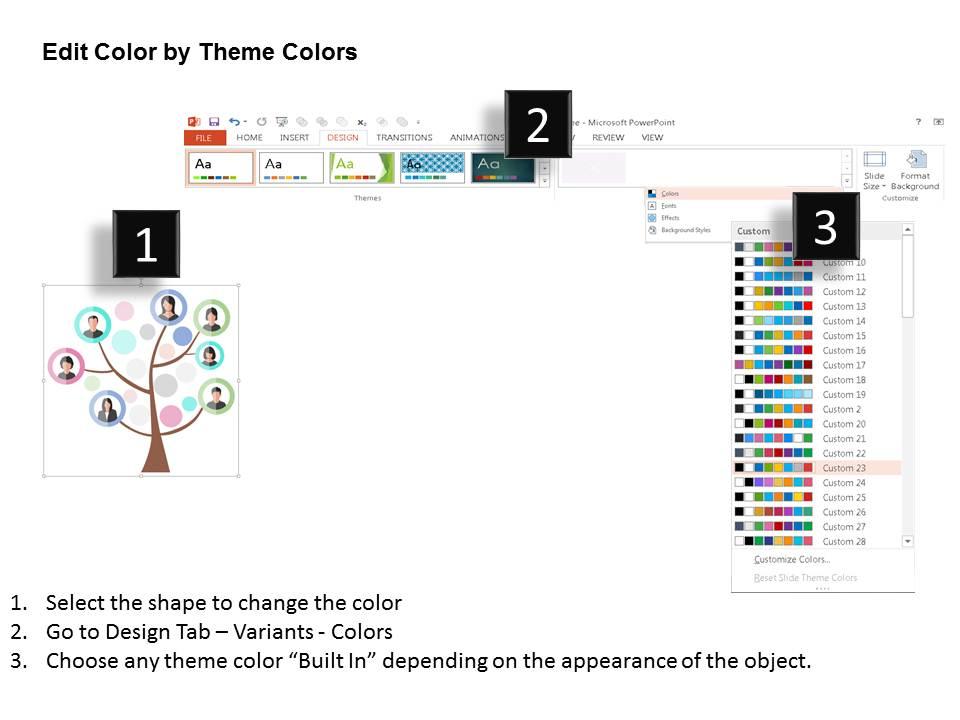
Descarga simple y rápida sin problemas. Resolución no disminuida de infografías PPT después de editar cualquier cantidad de veces. Esquema de color absolutamente editable y contraste de imágenes PPT. Inserte texto que se adapte al contexto de su presentación. Cambie el tamaño y la orientación de los iconos PPT según sus necesidades. Inserte el logotipo, el eslogan, la marca comercial, etc. de su propia empresa.

FAQs for Organizational system for team introduction

Okay so here's the deal - Sarah's design skills will save you from those cringe PowerPoint disasters we've all suffered through. Mike structures everything logically so people actually follow along (shocking concept, right?). Jennifer does the UX stuff, making templates super easy to use without hunting around for basic features. David's the data guy who turns boring spreadsheet dumps into charts that don't put everyone to sleep. Honestly, just think about what you suck at most and pick whoever covers that weakness. Like if your slides look terrible, go with Sarah's templates first.

Look, having all these different skills on the team is honestly a game-changer. Sarah makes everything look incredible with her design background. Mike turns boring data into charts that actually mean something (thank god). And Lisa? She keeps people awake instead of scrolling Instagram during presentations. When we work together, we catch mistakes and bounce ideas around way better than going solo. The cool part is you can say yes to pretty much any client project now - doesn't matter if it's technical stuff or big executive pitches. We've got it covered.

Honestly, we just want people to not hate using our templates lol. Clean designs that don't make you want to throw your laptop out the window. They've gotta work for different businesses too - flexibility is huge. Mobile's obviously critical since everyone's glued to their phones anyway. But here's the thing that really matters: if you can't make it yours in like 10 minutes max, we screwed up. Time-saving is the whole point. Nobody wants to wrestle with some complicated layout when they could be doing literally anything else. Professional look without the headache, you know?

Honestly, team templates are such a game changer. You get Sarah's design eye mixed with Mike's data skills - way better than going solo. The feedback thing is huge too. Everyone pushes each other to try stuff they wouldn't normally think of. I'd definitely set up some regular review sessions where people can bounce ideas around. Short bursts work better than marathon meetings though. You end up with templates that actually look good AND make sense functionally. It's one of those things that seems like extra work upfront but saves you tons of time later.

Look, your feedback literally shapes how we build these templates. We're constantly tracking what people complain about in calls or submit through the system - honestly, the loudest complaints usually lead to our best updates. Usage data helps too. If everyone's tweaking the same section, we know something's off with the default setup. Plus we watch for patterns where people consistently customize certain parts. That stuff goes straight into our quarterly planning. So yeah, don't be shy about telling us what sucks or what would actually help you get work done faster.

So everyone's basically done with boring bullet point slides at this point. Interactive stuff is huge right now - polls, clickable elements, presentations that feel more like actual conversations. Data storytelling is another big one. Also making sure your colors and fonts work for people with accessibility needs (which honestly should've been standard forever). The whole goal is creating something people don't want to escape from. Oh, and check out the new template library if you haven't - tons of examples you can steal from right away.

So basically everyone brings something different to the table when we're building templates. Designers handle the visual stuff and UX, while developers deal with all the technical backend work. Project managers keep everything organized (thank god because it'd be chaos otherwise). Content people research what users actually want and study market trends. QA tests everything obsessively to make sure it works. The whole thing's pretty collaborative - we're always tweaking based on feedback from different teams. You should totally join our weekly design reviews if you want to get more involved. That's where you can jump in with ideas from your area.

Okay so storytelling is honestly the secret sauce for team pages - it's what makes people actually care instead of just skipping over another generic lineup. Our templates basically guide visitors through this natural flow, kind of like the hero's journey but for your about section (sounds dramatic but it works). We throw in prompts for personal stories, build momentum between sections, and make sure the visuals don't fight against your narrative. Short sentences keep things punchy. Longer ones let the story breathe. Before you even pick a template though, figure out what story your team's actually telling.

Honestly, we just make it part of our regular thing instead of waiting around for official training. Everyone reads design blogs like Presentation Zen and follows industry people on LinkedIn. Monthly "tool time" sessions are surprisingly not terrible - someone demos whatever new platform they found. We mess around with trial versions of new software too. The trick is building it into your routine, you know? Oh and those tool sessions are actually way more fun than they sound, which shocked me at first. Start with one design newsletter this week and see how it goes.

Honestly, we test everything with real users because when you're building stuff all day, you miss the obvious problems. WCAG guidelines are our baseline - proper contrast, readable fonts, works with screen readers. The language stays simple too, with clear steps throughout. But here's the thing - constant feedback is what actually matters. Users will tell you when something sucks way faster than any internal review. Oh, and if you're getting complaints about templates being confusing, just send them my way. We can usually fix that stuff pretty quick.

Oh totally, cultural backgrounds make a huge difference in design choices. Our Japanese team members always go for super clean, minimal spacing. Meanwhile, the Brazilian folks on our team? They're all about those vibrant, warm colors - honestly love their energy. It's wild how everyone brings their own visual instincts to projects. Instead of forcing one style, try rotating who runs your design reviews. You'll actually get to tap into different cultural perspectives that way. Short answer: don't standardize everything - those differences make templates way more interesting.

Oh man, scope creep is our worst enemy! Clients will be like "just add one tiny section" when we're almost done. Setting boundaries upfront has helped tons. Formatting gets messy too when everyone has their own style - our style guide is basically gospel now lol. Version control though? Total nightmare with multiple editors. We finally got smart about using collaborative docs with one person owning each template. Regular check-ins save us from disasters. Also, always pad your timeline because revisions happen no matter what you do.

So basically you'll be watching how well your templates perform - looking at engagement, conversions, and feedback for the first 90 days after they go live. Check your assigned ones every couple weeks and flag anything weird to the team. The dashboard updates weekly (though honestly it's kind of clunky to navigate). You'll also need to collect user feedback and note any common complaints or ideas people have. Oh, and don't forget to update that shared tracking sheet with your findings - everyone uses it to spot trends.

So we actually do tons of research before building anything - figuring out what startup founders need vs big enterprise teams or creative agencies, you know? Our design team tests everything with real users from different industries first. Honestly saves us from angry "this is useless for my business" emails later lol. Everything's built to be flexible though, so you can swap out colors, fonts, whole sections to match your vibe. Oh and here's a tip - always look for an industry-specific template first if they have one, then tweak it from there. Way easier than starting from scratch.

Honestly, I always map out the core stuff first - like what does your team actually need this thing to do? Get that foundation right, then worry about making it look pretty and on-brand. I've watched so many gorgeous templates just sit there unused because they're annoying to work with. Your design choices should make things easier, not harder. Short sentences work. Longer ones with natural flow keep people reading without feeling robotic or weird. Test it with real people early - not just your design team who thinks everything looks amazing. Does it actually work when Sarah from accounting tries to use it at 2pm on a Wednesday? That's what matters.

Ratings and Reviews

90% of 100
Review Form
Write a review
Most Relevant Reviews
  1. 80%

    by Dane Harrison

    Excellent template with unique design.
  2. 100%

    by Charley Bailey

    Innovative and Colorful designs.

2 Item(s)

per page: