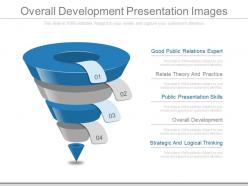
Overall development presentation images
Try Before you Buy Download Free Sample Product
Audience
Editable
of Time
Our Overall Development Presentation Images give you the carte-blanche. Let your thoughts roam free.
People who downloaded this PowerPoint presentation also viewed the following :
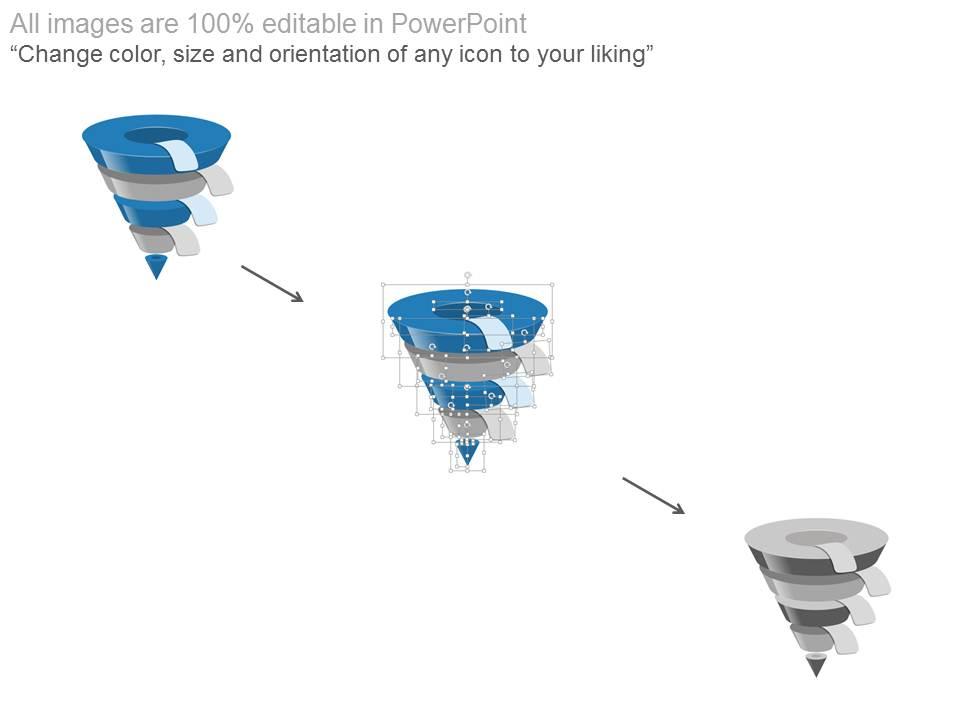
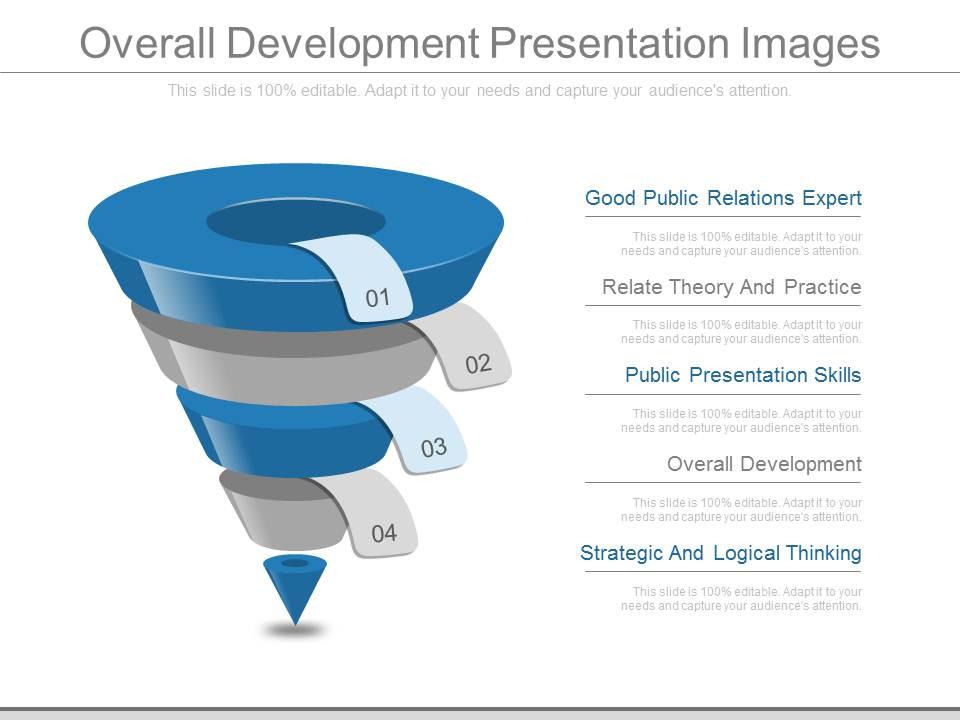
Overall development presentation images with all 4 slides:
Ensure a fast and flawless advance with our Overall Development Presentation Images. They clear the course ahead.
FAQs for Overall
Key elements for overall development presentation slides include clear progress indicators, comparative before-and-after visuals, milestone timelines, performance metrics, and strategic outcome highlights. These components work together by providing stakeholders with comprehensive progress visibility, enabling data-driven decision making, and demonstrating tangible value creation, with many organizations finding that well-structured development slides significantly enhance stakeholder engagement and project buy-in.
Complex data can be effectively represented through infographics, interactive charts, data visualization dashboards, layered diagrams, and comparison matrices that transform numbers into compelling visual narratives. These approaches streamline audience comprehension by highlighting key trends, relationships, and insights through color coding, progressive disclosure, and strategic grouping, ultimately delivering clearer communication and enhanced decision-making capabilities across organizational presentations.
Visual tools that enhance overall development presentation clarity include flowcharts, timeline graphics, milestone markers, progress dashboards, and comparative before-and-after visuals. These elements streamline complex development processes by illustrating project phases, tracking key deliverables, and highlighting measurable outcomes, with many organizations finding that strategic visual integration ultimately delivers improved stakeholder comprehension and accelerated decision-making across development cycles.
Color schemes significantly influence viewer engagement by affecting emotional response, information retention, and visual hierarchy within presentation images. Strategic color combinations enhance readability, guide attention to key elements, and create professional credibility, with many organizations finding that consistent, purposeful color palettes increase audience focus and message comprehension by up to 80%.
Typography in presentation images establishes visual hierarchy, enhances readability, and reinforces brand consistency through strategic font choices, size variations, and spacing. These elements work together to guide audience attention, convey professionalism, and ensure message clarity, with many organizations finding that consistent typography significantly improves audience engagement and information retention across presentations.
Balancing text and imagery requires using visuals to reinforce key messages while keeping text concise and scannable, incorporating infographics, charts, and compelling photos that support your narrative flow. Strategic placement creates visual breathing room and cognitive processing time, with many presenters finding that the 6x6 rule—maximum six bullet points with six words each—paired with high-impact imagery maintains engagement while delivering clear, memorable content.
Best practices for sourcing high-quality images include using professional stock photo platforms, maintaining consistent visual styles, ensuring proper licensing and attribution, selecting images that align with your content narrative, and prioritizing high resolution for clarity. These approaches enhance presentation credibility by delivering visually cohesive storytelling, minimizing legal risks, and creating more engaging audience experiences, with many organizations finding that strategic image curation significantly strengthens their development messaging impact.
Thematic graphics reinforce key messages by creating visual consistency, enhancing audience comprehension, and establishing emotional connections with development goals. These strategic visuals streamline complex information through cohesive design elements, memorable iconography, and targeted color schemes, with many organizations finding that unified graphic themes ultimately deliver stronger stakeholder engagement and more persuasive presentations.
Common mistakes include using low-resolution images, overcrowding slides with excessive text, choosing poor color contrast, inconsistent visual styling, and selecting irrelevant stock photos. These issues significantly undermine professional credibility and audience engagement, with many organizations finding that streamlined, high-quality visuals with consistent branding ultimately deliver clearer communication and stronger business impact.
Infographics can effectively summarize development metrics by transforming complex data into visual narratives through charts, progress bars, timeline graphics, comparative dashboards, and milestone trackers. These visual tools enable organizations to communicate KPIs, project timelines, and performance indicators more clearly, with many companies finding that infographic summaries enhance stakeholder understanding and accelerate decision-making processes across development teams.
**INPUT**: What strategies can help ensure that images align with the overall narrative of the presentation? **OUTPUT**: Effective image alignment strategies include establishing visual consistency through color schemes and typography, selecting images that directly support key messages, and maintaining thematic coherence throughout slide sequences. These approaches streamline audience comprehension by reinforcing narrative flow, eliminating visual distractions, and creating memorable connections between content and visuals, ultimately delivering more persuasive presentations and enhanced audience engagement.
Audience demographics significantly influence presentation image design through considerations of cultural preferences, age-related visual processing styles, professional context expectations, and accessibility needs. Organizations increasingly tailor their visual content by incorporating culturally relevant imagery, age-appropriate design complexity, and industry-specific aesthetics, ultimately delivering more engaging presentations that resonate with diverse audiences and enhance communication effectiveness.
**INPUT**: What tools and software are recommended for impactful presentation visuals? **OUTPUT**: Recommended tools include PowerPoint, Keynote, Canva, Adobe Creative Suite, and Prezi, each offering distinct capabilities for visual storytelling and design flexibility. These platforms streamline presentation development by providing templates, advanced graphics, and collaborative features, with many organizations finding that strategic tool selection enhances audience engagement and delivers more compelling business communications. **Word count: 54 words**
**INPUT**: How can you incorporate storytelling elements through images in development presentations? **OUTPUT**: Storytelling through development presentation images involves using progress timelines, before-and-after visuals, team journey photos, milestone celebrations, and user experience scenarios that create narrative flow. These visual elements transform technical updates into compelling stories by showcasing human impact, project evolution, and stakeholder outcomes, with many organizations finding that narrative-driven presentations enhance stakeholder engagement and secure continued project support. [Word count: 58 words]
Templates for overall development presentations offer consistency, professional design quality, time efficiency, customizable frameworks, and brand alignment across organizational communications. These structured formats streamline content creation by providing proven layouts, visual hierarchies, and design elements, enabling teams to focus on strategic messaging rather than design mechanics, ultimately delivering polished presentations that enhance credibility and audience engagement.
-
Graphics are very appealing to eyes.
-
Designs have enough space to add content.