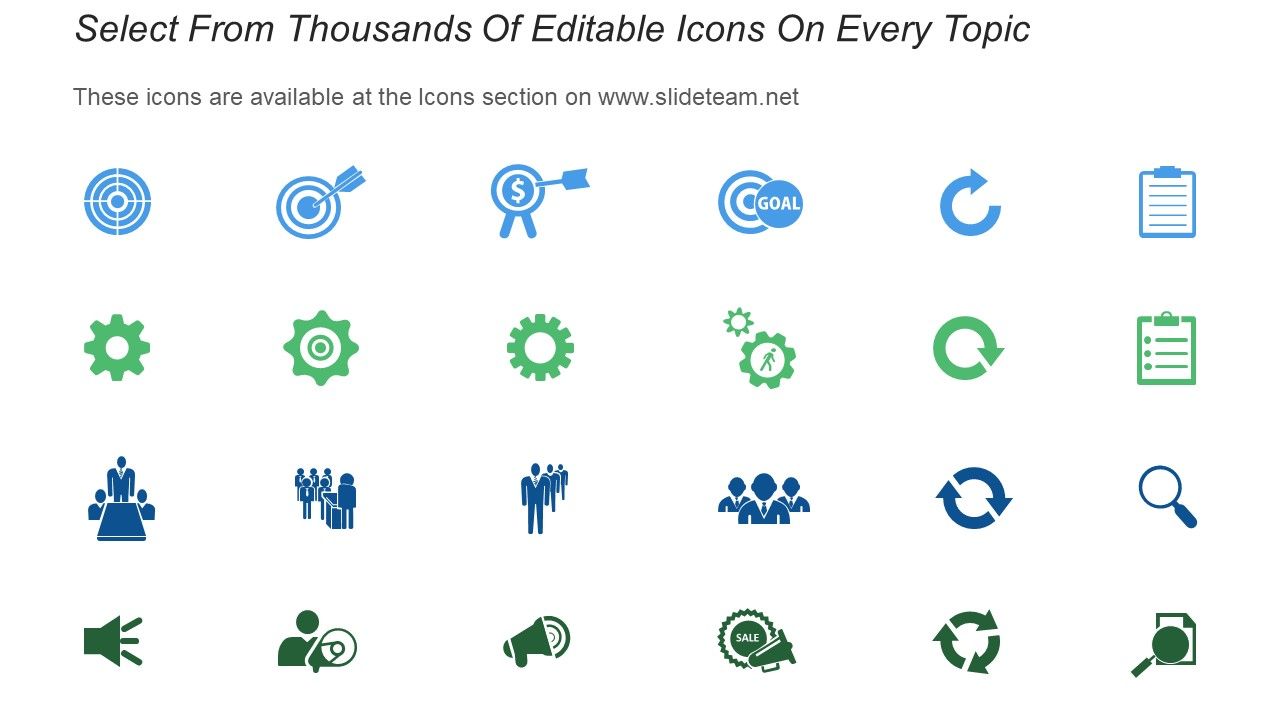
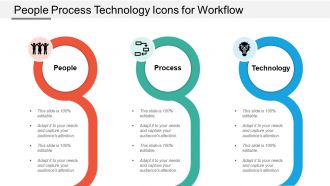
Ícones de tecnologia de processo de pessoas para fluxo de trabalho
Try Before you Buy Download Free Sample Product
Audience
Editable
of Time
A harmonia evolui com nossos ícones de tecnologia de processo de pessoas para fluxo de trabalho. Todos agirão com total coesão.
Recursos destes slides de apresentação do PowerPoint:
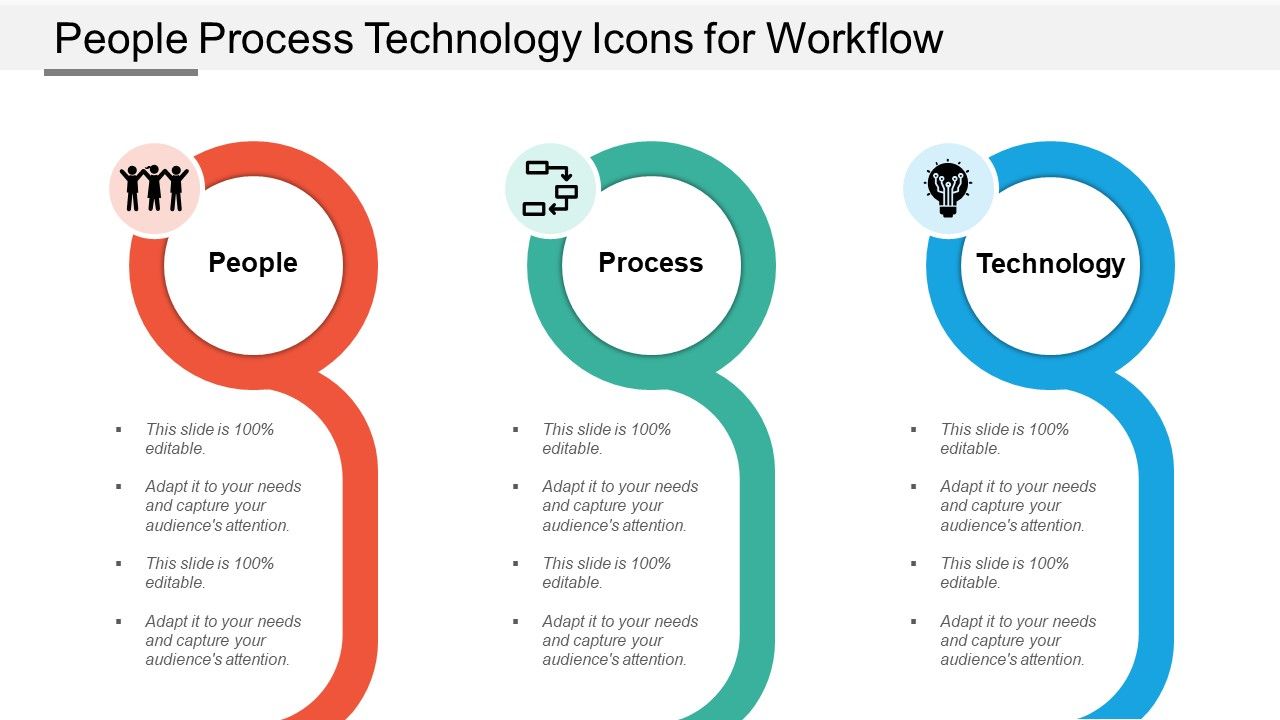
Apresentando este conjunto de slides com nome - Ícones de Tecnologia de Processos de Pessoas para Fluxo de Trabalho. Este é um processo de três estágios. Os estágios neste processo são 3 Ícones de Elementos de Transformação Organizacional de Sucesso e Ícones de Tecnologia de Processos de Pessoas.
People who downloaded this PowerPoint presentation also viewed the following :
Ícones de tecnologia de processos de pessoas para fluxo de trabalho com todos os 5 slides:
A tendência da maioria das pessoas é preencher seus slides com muita bagunça e transições desnecessárias. No entanto, ao usar ícones de tecnologia de processos de pessoas para fluxo de trabalho criados profissionalmente, você obtém slides que foram pré-preparados para garantir que tudo esteja na proporção certa.
FAQs for People process technology
You'll want clear inputs and outputs first - basically who does what and when. Map out your current mess on paper (trust me, it's always messier than you think). Then add checkpoints so you can actually see if things are working. Decision points are huge too - those "if X happens, do Y" moments that prevent everything from grinding to a halt. Give each step an owner so nobody's like "oh I thought Bob was handling that." Feedback loops help you tweak things later. Start simple though - identify where stuff usually gets stuck first.
Oh man, visual aids are seriously a lifesaver! They turn confusing processes into something you can actually follow without your brain melting. Flowcharts and templates cut out all that guesswork - plus new people don't have to bug you with a million questions. I've found they're amazing for catching those annoying bottlenecks you never notice in written instructions. Your team stays consistent with templates too, which speeds everything up. Honestly? Start with whatever process makes you want to pull your hair out. You'll be shocked how much sense it makes once it's mapped out visually.
Look, tech is basically there to handle all the boring repetitive crap so you can do actual meaningful work. Workflow automation tools are game-changers - they cut out those annoying manual handoffs and let you track everything in real-time. Honestly, it's wild how much time gets wasted on email chains when you could just automate the whole thing. Figure out what's eating up your team's time unnecessarily, then find specific tools to fix those exact problems. Don't go crazy though - pick one messy process first and see how it goes.
First thing - map out each step in your process. Track where stuff actually gets stuck or takes forever. You'll probably find bottlenecks in the weirdest places, like waiting for approvals or handoffs between teams. The worst ones are usually things people just shrug off as "that's how we've always done it." A simple spreadsheet works fine for tracking when tasks start and stop - you don't need fancy software. Honestly, focus on measuring the whole cycle time instead of just individual tasks. That's where you'll spot the real problem areas. Then you can actually do something about them instead of just complaining.
Figure out where you want to end up first, then trace backwards through all the steps. Definitely get input from whoever's actually gonna use this thing - saves you so much hassle later when they don't hate it. Simple is better at first. You can make it fancy once the basics work. Write everything down with clear owners and deadlines. Oh, and mark all the decision points too. Build in ways to get feedback because honestly? Nothing ever goes smoothly in real life. There's always some weird edge case nobody thought of. Test it with just a few people before you unleash it on everyone.
Dude, these tools are total game-changers for killing off repetitive crap. Like all that data entry between apps, those follow-up emails you forget to send, updating project boards - it just happens automatically once you set the rules. Honestly blew my mind the first time I watched it work. You'll actually have time for stuff that matters instead of mindless busywork. Oh, and way fewer stupid mistakes too since humans aren't doing the boring parts. My advice? Don't go crazy at first - just pick one annoying task that drives you nuts and automate that.
Look, you want to track cycle time first - that's how long stuff takes from start to finish. Throughput is huge too (basically how much work you're actually cranking out). Error rates will save your sanity, trust me. Oh, and definitely watch for bottlenecks where everything gets stuck. I'd throw in some quality stuff like how often you're redoing work or if customers are happy. Honestly though? Pick maybe 3-4 things max that actually matter for YOUR process. Don't go crazy measuring everything. Check weekly and you'll start seeing the real problems pretty fast.
Honestly, collaborative tools are a lifesaver because everything's in one place instead of scattered across a million email threads. You can actually see what everyone's doing without playing detective. Real-time updates mean no more "wait, what's the status on that?" moments. The async thing is huge too - way fewer pointless meetings where half the team zones out anyway. People just comment on stuff directly and share files instantly. Oh, and you don't have to bug teammates constantly for updates since progress tracking is built in. Just pick one tool and make sure everyone actually commits to using it. That's honestly the hardest part.
Honestly, automated routing is a game changer - set it up based on dollar amounts or request types so stuff doesn't just sit there. Multiple people can review at the same time instead of waiting in line, which cuts approval time in half (at least from what I've seen). Make sure there's clear escalation when someone's on vacation or whatever. Oh, and definitely map out what you're doing now first - you'll spot the worst bottlenecks right away. Then just fix those with better workflows or automation. Way easier than overhauling everything at once.
Okay so color coding is seriously helpful for workflows - you can do like red for planning, blue for execution, green when stuff's done. People won't have to squint at every little detail to figure out what's happening. Your team will spot problems or delays way faster when everything's color-coded properly. Just don't go crazy with it though - stick to maybe 3 or 4 colors max because too many gets confusing. Once you pick your system, use the same colors every time so everyone gets used to it. I learned this the hard way after switching colors mid-project and confusing everyone lol.
Honestly, the two biggest mistakes I see are people over-updating each other constantly and having zero clarity on handoffs. Like, nobody needs to know every single tiny step you're taking - it's actually draining for everyone involved. Way better to nail down exactly when work moves between people, especially if you're dealing with different time zones. Your tools should clearly show who owns what at each stage. Oh, and set regular check-in times instead of random updates throughout the day. Documentation that works async is clutch so people aren't sitting around waiting for answers. Always have backup plans too.
So basically, just bake feedback into your regular routine instead of treating it like some big formal thing. After you hit major milestones, do quick retrospectives with your team. Weekly check-ins work great too - we usually discuss one thing we'll keep doing and one thing to change. Set up ways for stakeholders to give you feedback in real-time, not just at the end when it's too late to fix anything. The trick is actually doing something with the feedback you get (shocking concept, I know). Start small though - don't try to overhaul everything at once.
Look, healthcare, manufacturing, and finance get the most bang for their buck with workflow stuff. Hospitals can't mess around with patient delays, right? Banks need those compliance checks running smooth. Manufacturing is obvious - it's literally assembly lines moving products around. But really, any industry dealing with regulations or tight deadlines will see huge improvements. I'd say start by figuring out where your biggest bottlenecks are causing the most headaches - that's your sweet spot for optimization. Those pain points are usually where you'll get the fastest wins anyway.
Build your workflows in smaller chunks instead of these massive end-to-end chains. Way easier to swap out pieces when something breaks. We learned this lesson during a brutal system migration - our whole process just imploded because everything was so rigid. Do quarterly check-ins to spot bottlenecks and outdated stuff. Document everything too (I know, boring but necessary). Cross-train people so you're not screwed if someone leaves. Oh, and definitely map out what you have now first. Flag the steps that always cause delays - those are your biggest wins for improvement.
Oh man, there's actually so much good stuff out there! Coursera and LinkedIn Learning have solid project management courses - Udemy too. YouTube has some surprisingly decent free content if you dig around a bit. You could bring in a consultant for a workshop, or maybe send a few people to ProjectWorld (those conferences are hit or miss though, honestly). A lot of workflow software companies will do free training sessions when you're testing their tools, which is pretty smart. I'd probably start with getting everyone through one online course first so you're all speaking the same language, then see what makes sense next.
-
Great product with highly impressive and engaging designs.
-
Innovative and attractive designs.