Problem Statement Solution Powerpoint Presentation Slides
Try Before you Buy Download Free Sample Product
Audience
Editable
of Time
A problem statement is a description of business issues, and how problems to be addressed. Use our Problem Statement Solution PowerPoint Presentation Slides to execute project improvement Process. If you need to solve a problem, you must understand the problem. With the help of these case study, PPT slides you can identify and explain the problems. It assists to identify the gap between the current state and desired state of the project. This problem statement PowerPoint complete deck contains content ready high resolution designs, that can be used by project teams to work toward developing a solution. The content given in this Presentation has been researched by our team of experts. All slides are easy to customize. Users can edit these templates as per their requirements. Incorporate problem solution PPT slides for problem analysis. Download project problem statement PowerPoint templates to showcase solutions and strategies for business problems. Halt errors from happening with our Problem Statement Solution Powerpoint Presentation Slides. Highlight and improve on existing flaws.
People who downloaded this PowerPoint presentation also viewed the following :
Content of this Powerpoint Presentation
Slide 1: This slide presents Problem Statement & Solution. State your company name and begin.
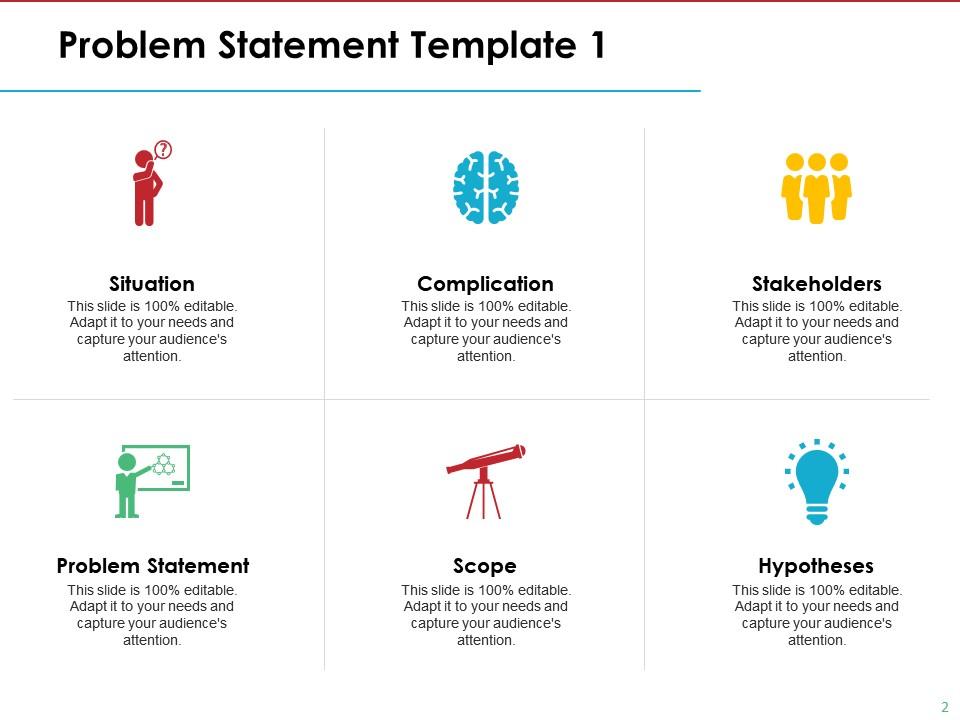
Slide 2: This is the first Problem Statement Template showing- Situation, Complication, Stakeholders, Hypotheses, Scope, Problem Statement.
Slide 3: This is the second Problem Statement Template containing the following five points- Cost, directly it also can help reduce the cost of the guard, Man power, by using this product man power can be reduced. To ensure the parking space for the owner of the car park, Security, this product will only allow registered car to enter the car park.
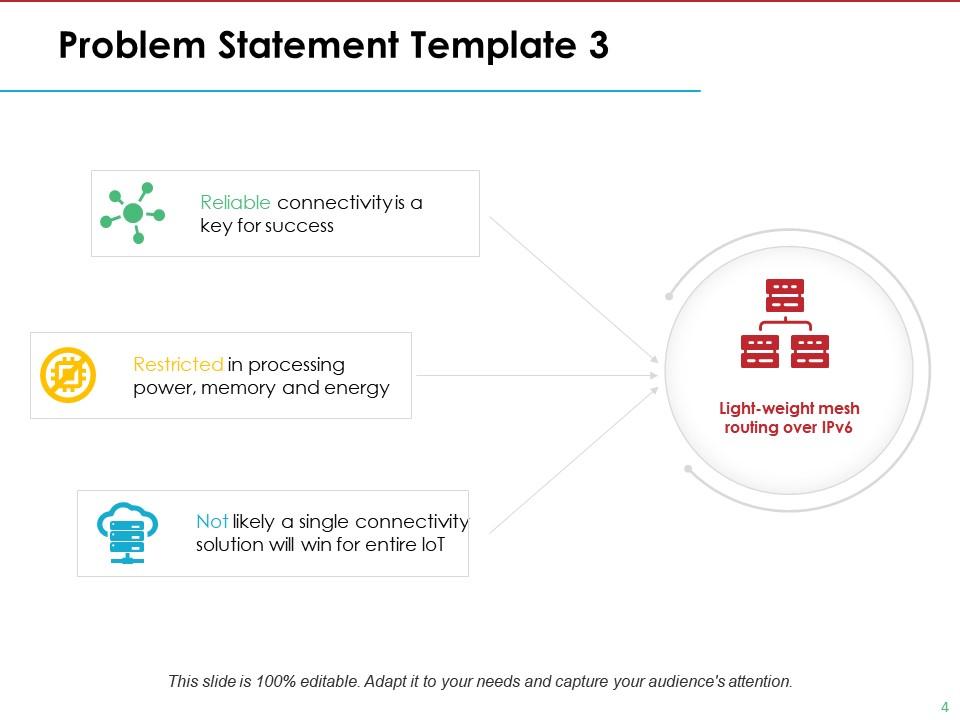
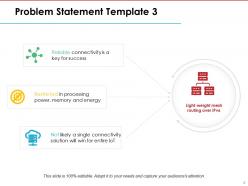
Slide 4: This is the third Problem Statement Template showing Light-weight mesh routing over IPv6: Restricted in processing power, memory and energy, Reliable connectivity is a key for success, Not likely a single connectivity solution will win for entire loT.
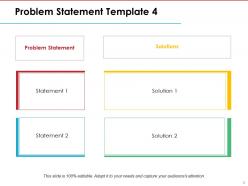
Slide 5: This is the fourth Problem Statement Template which shows statement and solutions to add.
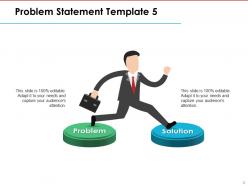
Slide 6: This is the fifth Problem Statement Template which shows Problem and Solution with imagery and text boxes.
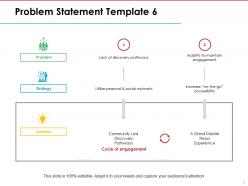
Slide 7: This is the sixth Problem Statement Template which shows the Cycle of engagement, Problem, Strategy, Solution.
Slide 8: This slide is titled Additional Slides to move forward. You can change the slide content as per need.
Slide 9: This slide shows Problem Statement & Solution with icons. Alter as per need.
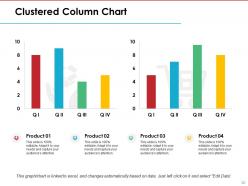
Slide 10: This is a Clustered Column chart slide to present product/ entity comparison, specifications etc.
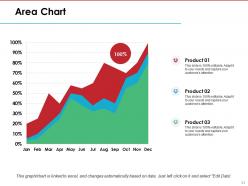
Slide 11: This slide showcases an Area Chart to display the growth of two competitive products.
Slide 12: This is Our Mission slide. State your mission, vision and goals here.
Slide 13: This slide displays Our Team to state the team members/person responsible for the Project. Put Name, Designation for the team to be introduced.
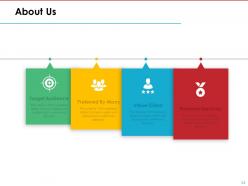
Slide 14: This is an About Us slide with Target Audience, Preferred By Many, Values Client and Premium Services as examples.
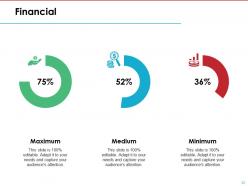
Slide 15: This slide shows Financial score with maximum, medium and minimum parameters.
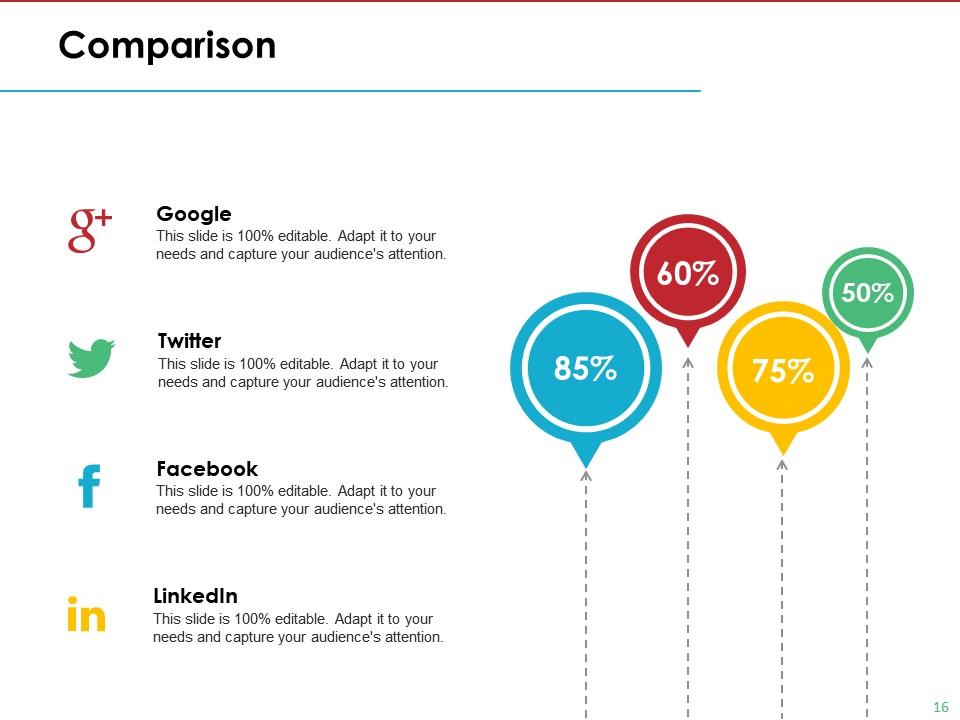
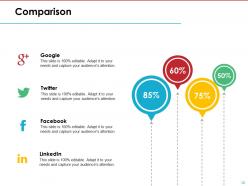
Slide 16: This slide shows Comparison of products/ entities etc.
Slide 17: This is a Venn diagram image slide to show information, specifications etc.
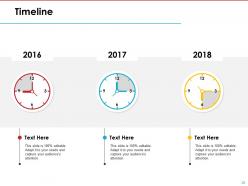
Slide 18: This is a Timeline slide to present important dates, journey, evolution, milestones etc.
Slide 19: This is a Thank You slide with Address# street number, city, state, Contact Numbers, Email Address.
Problem Statement Solution Powerpoint Presentation Slides with all 19 slides:
Get involved in the job with our Problem Statement Solution Powerpoint Presentation Slides. Closely examine every intricate detail.
FAQs for Problem Statement Solution
Okay so you need three main things: what's actually broken, who's getting screwed over by it, and why we can't just ignore it anymore. Don't be vague - nobody cares about "challenges we're facing" blah blah. Get specific about what sucks right now. Then hit them with real numbers or stories so they actually feel it, you know? Oh and make sure you're clear about how big this thing is and when it needs fixing. People should walk away like "damn, we really gotta do something" instead of just shrugging. End it so you can smoothly jump into your solution.
Honestly, it's all about reading the room. Stakeholders want the business angle - show them revenue loss, angry customers, or how competitors might get ahead. Don't bog them down with tech stuff. Engineers are the opposite though - they actually want those boring performance metrics and error details. Same problem, totally different spin. I learned this the hard way when I once gave a CEO way too much technical info and watched their eyes glaze over. Figure out who you're talking to first. Then switch up your examples and language to match what they care about.
Bold headers and bullet points are your best friend - they make complex stuff way easier to digest. I'd throw in some simple icons too, like a broken chain for process issues or a declining graph. Don't get carried away with animations though, they're usually distracting. Color coding works amazing for before/after scenarios. Make your font big enough that people in the back can actually read it! Pro tip: walk across the room and check if you can see everything clearly before you present. Trust me, nothing's worse than squinting at tiny text during a meeting.
Start with a character people know - like "Meet Sarah, drowning in status update emails every morning." Way better than diving straight into data because your audience thinks "oh god, I AM Sarah." Build up the tension first, show what happens if this problem doesn't get solved. Then hit them with your solution. Honestly, problem slides are just mini stories when you think about it. Try opening with "Imagine..." next time - I swear people perk up instantly. It's the difference between bullet points that put everyone to sleep and actually getting them invested.
Don't be vague with your problem statement - "customers are unhappy" tells me nothing. I need specifics. You can't just throw statistics around without explaining what they mean either. The mistake I see all the time? People jump straight to their solution before showing why anyone should care about the problem. It's backwards. Also, skip the whole "the world is ending" vibe - sounds way too dramatic and honestly makes you less believable. Focus on problems your audience actually wants solved. Here's what works: grab someone who knows nothing about your project and test your problem statement on them. If they don't immediately get why it matters, you've got more work to do.
Charts make your problem statement hit different - instead of "sales are down," you can show exactly where and by how much. People see the visual proof and suddenly it clicks. Raw numbers are boring, but a good chart makes stakeholders actually feel the pain. You'll spot patterns you'd totally miss otherwise too. Honestly, visuals just stick better when people are making decisions later. Start simple - before/after comparisons or basic trend lines work great for getting everyone on board. Way more convincing than spreadsheets.
So basically, treat your problem statement like you're telling a story. Start with the pain point everyone already feels, then crank up the stakes to show why this can't wait. I swear, it's just like good storytelling - you build that tension before revealing the solution. People stay hooked when you flow logically from "this is broken" to "here's why ignoring it will bite us." Each part should connect to the next one naturally. Oh, and map out your whole thing like a mini-narrative first - don't jump straight into slides. You'll save yourself tons of revision later.
Dude, context is everything when you're trying to get people to actually care about a problem. Like, anyone can say "this thing sucks" but that doesn't tell me why I should drop what I'm doing to help fix it. You gotta set the scene first - who's dealing with this mess? What's the actual impact? When does it happen? I always start with the "where and why" stuff because honestly, most people need to understand the bigger picture before they'll prioritize your issue. Without that backdrop, you're just another person complaining into the void. Paint the whole situation so they get why it matters.
Look, figure out what you actually want first - approval, money, buy-in, whatever. That'll shape how you frame the problem. Say you're asking for budget - focus on the cost stuff, not just technical issues (though those matter too, obviously). Match your problem's urgency to whatever solution you're pitching. Your audience matters here - what keeps them up at night? Honestly, I think of it like this: you're setting up dominoes so your solution can knock them all down. The problem statement isn't just background info - it's your setup for everything that comes next.
Honestly, watch how people react during your presentation - are they asking good questions or just staring blankly? After you're done, send a quick survey asking if the problem actually feels urgent to them. Most people totally skip this part which is wild to me. The real test though? See if anyone gives you budget or approval afterward. That's when you know they actually get it. Oh, and pay attention to whether people start quoting your problem statement back in meetings later. That's like the golden signal. I'd start with just watching engagement since it's super obvious to spot.
You've gotta read the room basically. Executives? Keep it high-level - they want business impact, not technical weeds. Your team can handle the nitty-gritty details and root cause stuff. I usually start with the big picture impact, then add just enough detail to make my point stick. Don't dump everything on them at once - you'll lose people fast. Here's my test: after you explain it, can they tell someone else what the main problem is? If they're confused or their eyes glazed over, you went too deep. Match the detail to what they actually need to decide on.
You want problem statements that actually hit people in the gut, you know? Airbnb crushed it early on with "Price is an important concern for customers booking travel online" - super simple but everyone felt that. Uber just went with "Getting a cab sucks" which honestly, yeah. The magic happens when your audience goes "oh shit, I've totally been there." Make it specific enough that it's believable but not so narrow that only three people relate. Find that annoying thing everyone deals with but nobody really thought could be fixed.
Sort your feedback into three piles: clarity, accuracy, and relevance. Honestly, if people are confused about what problem you're even solving, fix that first - everything else is pointless otherwise. Don't get caught up tweaking sentences when your whole structure might be off. Maybe you need to completely reframe the scope or explain why this actually matters. I always read drafts out loud because it's weird how much that helps with flow. Oh, and definitely check back with whoever gave feedback to make sure you actually fixed what they meant. Sometimes we miss the mark there.
Okay so the trick is making a smooth transition from problem to solution. When you hit your solution slides, call back to specific issues you mentioned - "that 40% engagement drop we talked about? Here's the fix." Otherwise it feels like you stapled two different decks together (trust me, seen it happen). Before jumping into solutions, do a quick recap of what needs fixing. Your audience can then mentally score each solution against those criteria. Also - and this might sound obvious but people forget - wrap up each solution by stating exactly which problem it solves. Makes the whole thing way tighter.
Honestly, if your team's been dealing with the same problem for months, don't waste time on a problem slide - they're living it daily. Crisis situations too. People are already stressed and just want your solution, not a recap of their pain. You'll actually irritate stakeholders by rehashing stuff they know better than you do. Jump straight to your fix instead. You can mention the problem as you walk through your approach. Save those problem slides for when you're talking to people who don't know the issue exists or need convincing it's urgent.
No Reviews