


Projektbeschreibung Powerpoint-Präsentationsfolien
Ihre Expertise wird mit unseren Projektbeschreibungs-Powerpoint-Präsentationsfolien bestätigt. Seien Sie sicher, dass Sie Verträge erhalten.
Ihre Expertise wird mit unseren Projektbeschreibungs-Powerpoint-Präsentationsfolien bestätigt. Seien Sie sicher, dass Sie V..




























-

- Google Slides is a new FREE Presentation software from Google.
- All our content is 100% compatible with Google Slides.
- Just download our designs, and upload them to Google Slides and they will work automatically.
- Amaze your audience with SlideTeam and Google Slides.
-

Want Changes to This PPT Slide? Check out our Presentation Design Services
-

- WideScreen Aspect ratio is becoming a very popular format. When you download this product, the downloaded ZIP will contain this product in both standard and widescreen format.
-

- Some older products that we have may only be in standard format, but they can easily be converted to widescreen.
- To do this, please open the SlideTeam product in Powerpoint, and go to
- Design ( On the top bar) -> Page Setup -> and select "On-screen Show (16:9)” in the drop down for "Slides Sized for".
- The slide or theme will change to widescreen, and all graphics will adjust automatically. You can similarly convert our content to any other desired screen aspect ratio.
Compatible With Google Slides

Get This In WideScreen
You must be logged in to download this presentation.


Do you want to remove this product from your favourites?
Funktionen dieser PowerPoint-Präsentationsfolien:
Diesen Foliensatz mit Namen präsentieren - Projektbeschreibung Powerpoint-Präsentationsfolien. Dies ist ein einstufiger Prozess. Die Phasen in diesem Prozess sind Projektbeschreibung, Projektübersicht, Projektbeschreibung.

People who downloaded this PowerPoint presentation also viewed the following :
Inhalt dieser Powerpoint-Präsentation
Folie 1 : Diese Folie stellt die Projektbeschreibung vor. Geben Sie Ihren Firmennamen an und beginnen Sie.
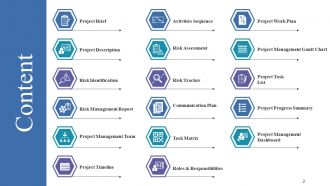
Folie 2 : Diese Folie zeigt den Inhalt der Präsentation.
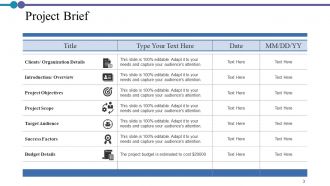
Folie 3 : Diese Folie präsentiert die Projektübersicht in tabellarischer Form.
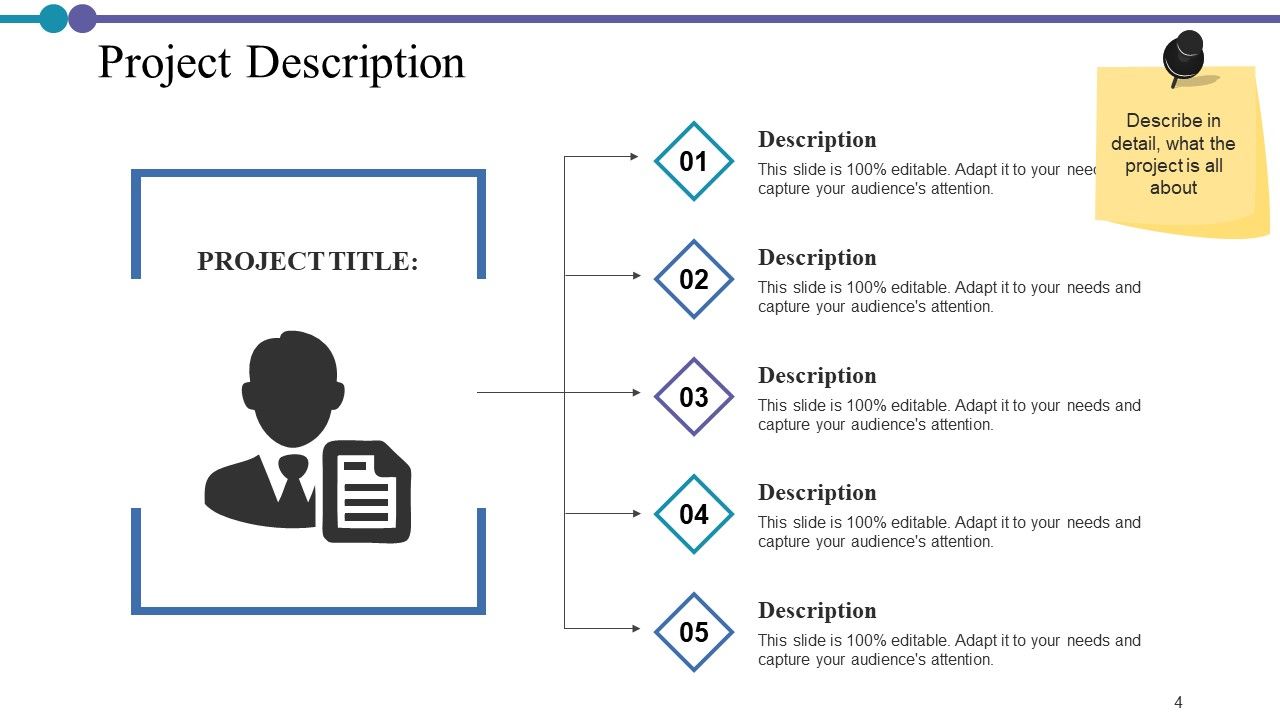
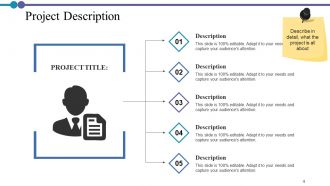
Folie 4 : Diese Folie zeigt die Projektbeschreibung mit zugehörigen Bildern und Textfeldern an.
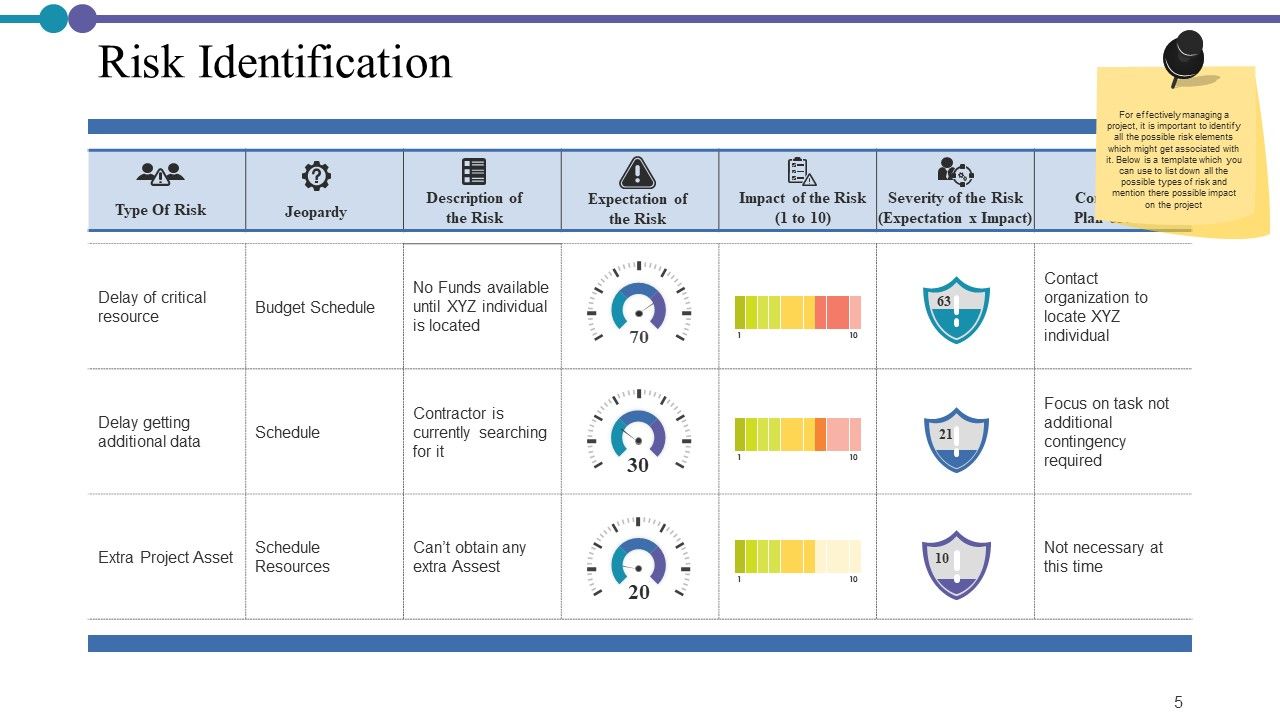
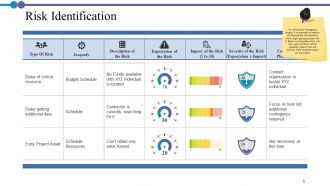
Folie 5 : Diese Folie stellt die Risikoidentifikation in tabellarischer Form dar.
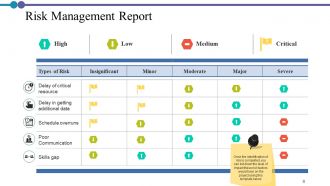
Folie 6 : Diese Folie zeigt den Risikomanagementbericht mit den Parametern Hoch, Niedrig, Mittel, Kritisch.
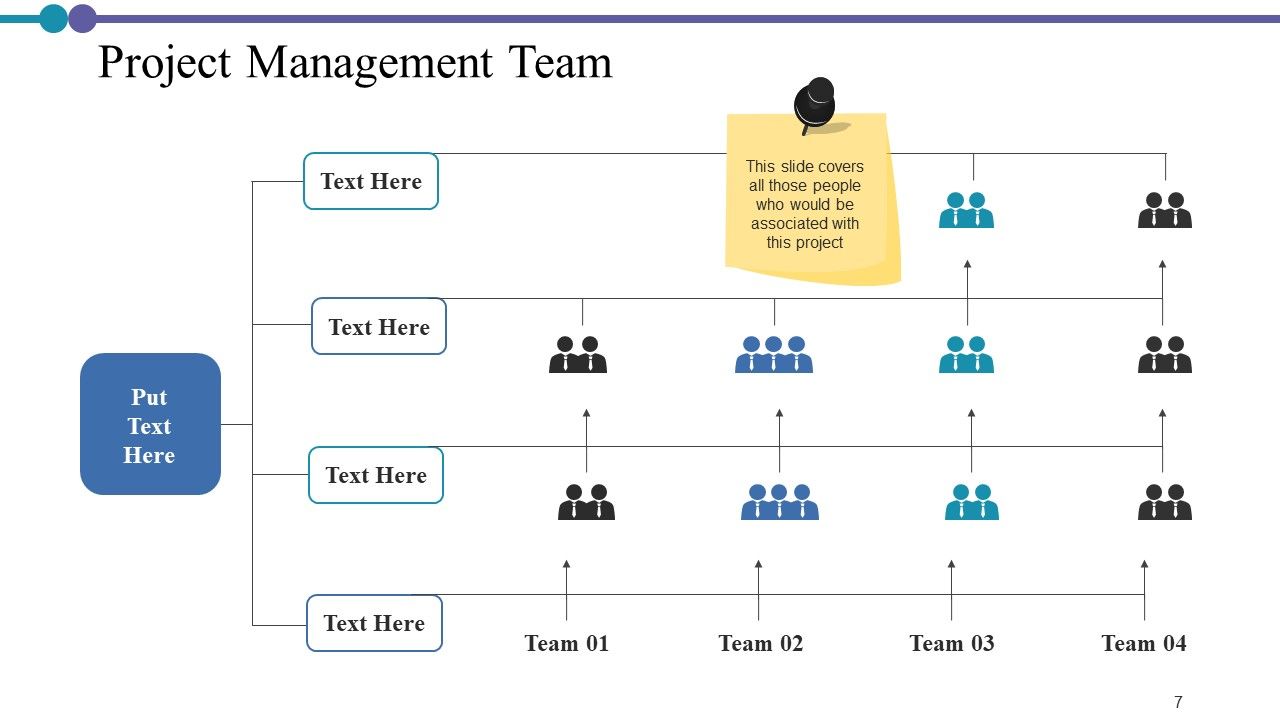
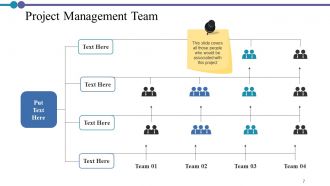
Folie 7 : Diese Folie zeigt das Projektmanagementteam mit Namen und Bezeichnung.
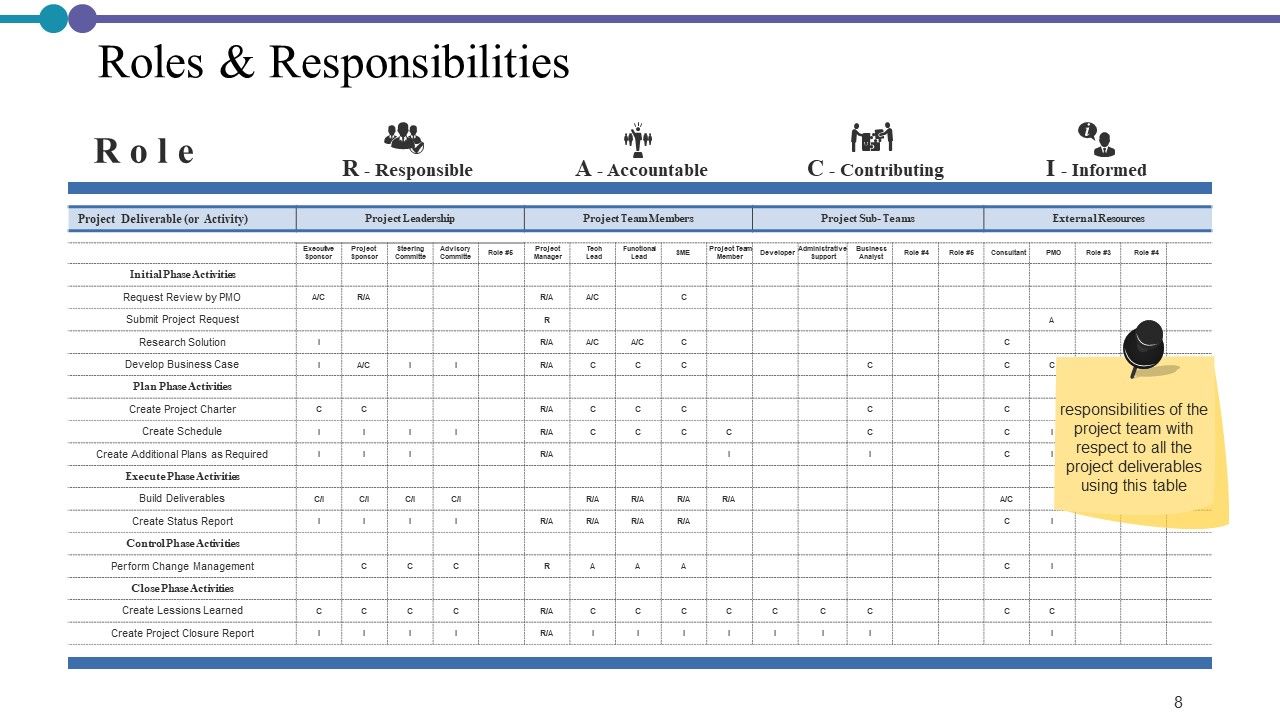
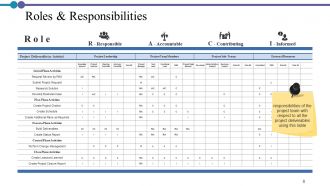
Folie 8 : Diese Folie präsentiert Rollen und Verantwortlichkeiten in tabellarischer Form.
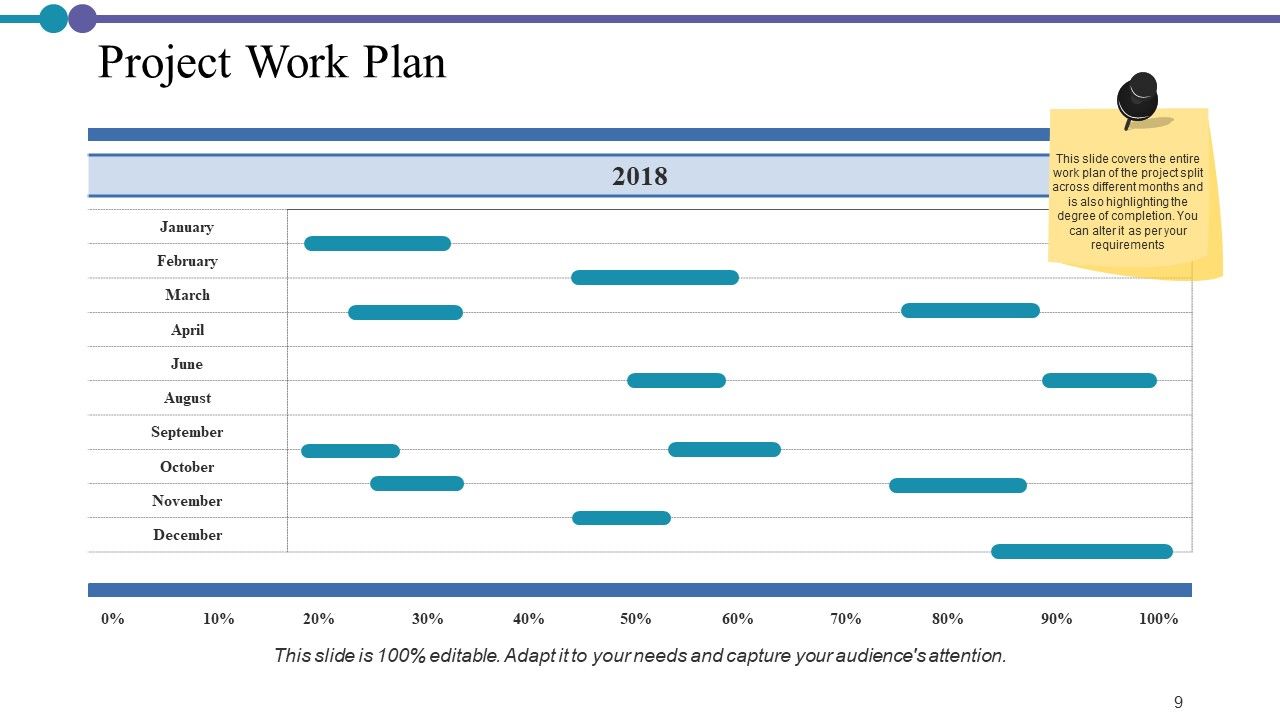
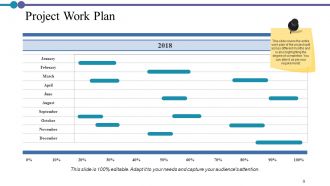
Folie 9 : Diese Folie zeigt den Projektarbeitsplan aufgeteilt auf verschiedene Monate und hebt auch den Fertigstellungsgrad hervor.
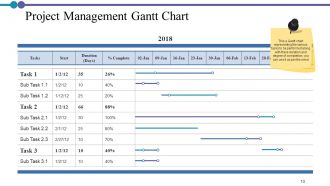
Folie 10 : Diese Folie stellt das Projektmanagement-Gantt-Diagramm dar.
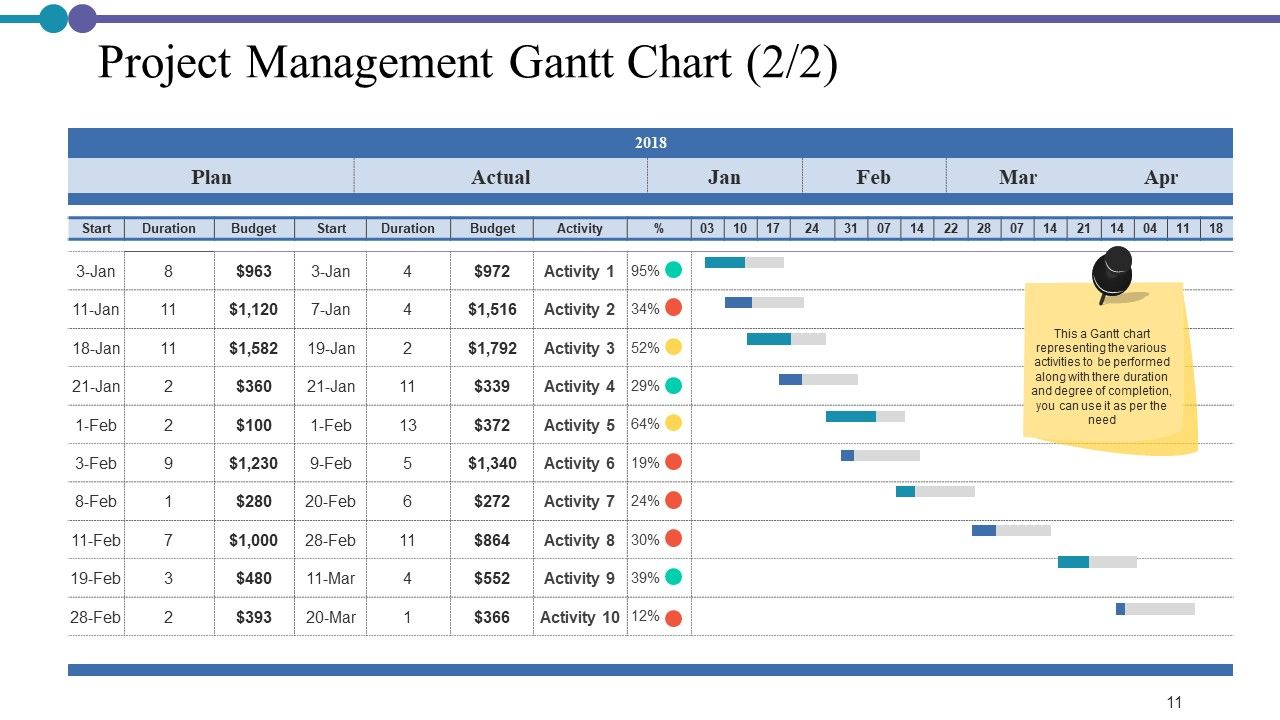
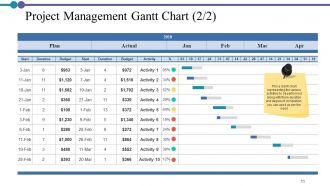
Folie 11 : Dies ist eine weitere Folie, die das Projektmanagement-Gantt-Diagramm darstellt.
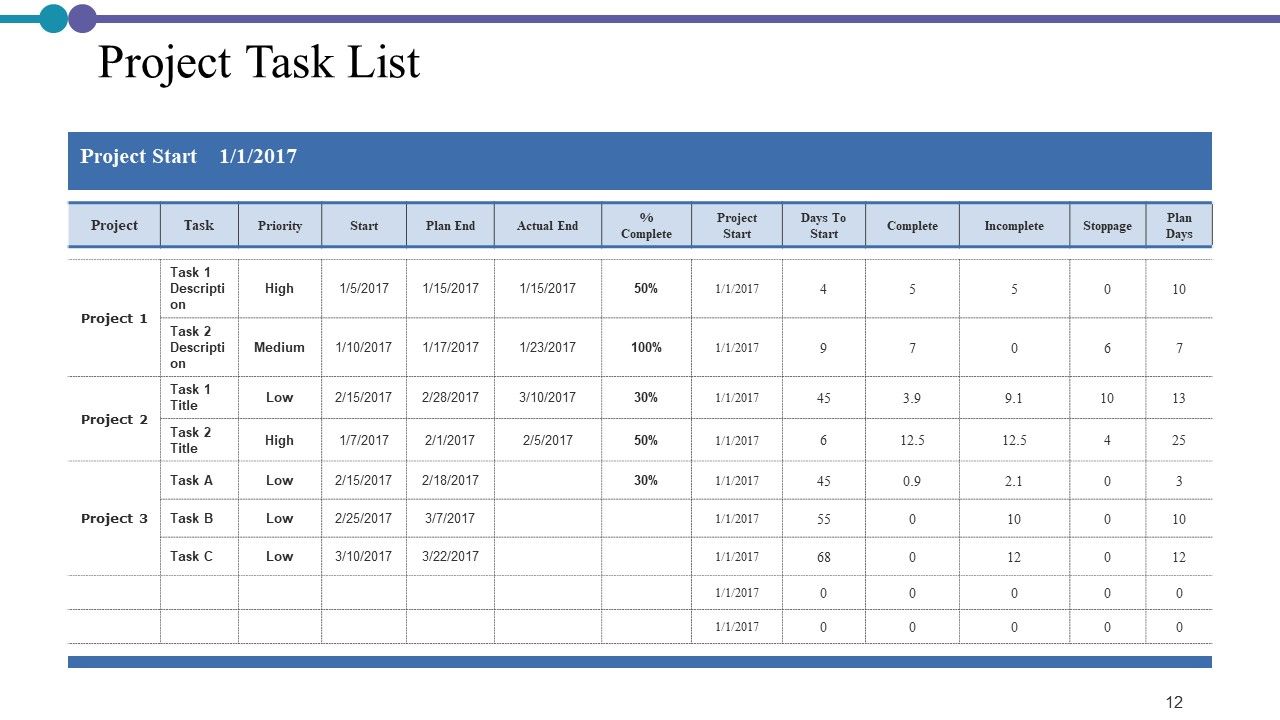
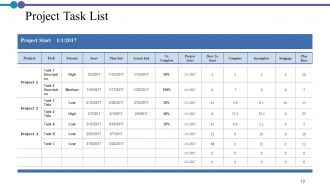
Folie 12 : Diese Folie zeigt die Projektaufgabenliste in tabellarischer Form.
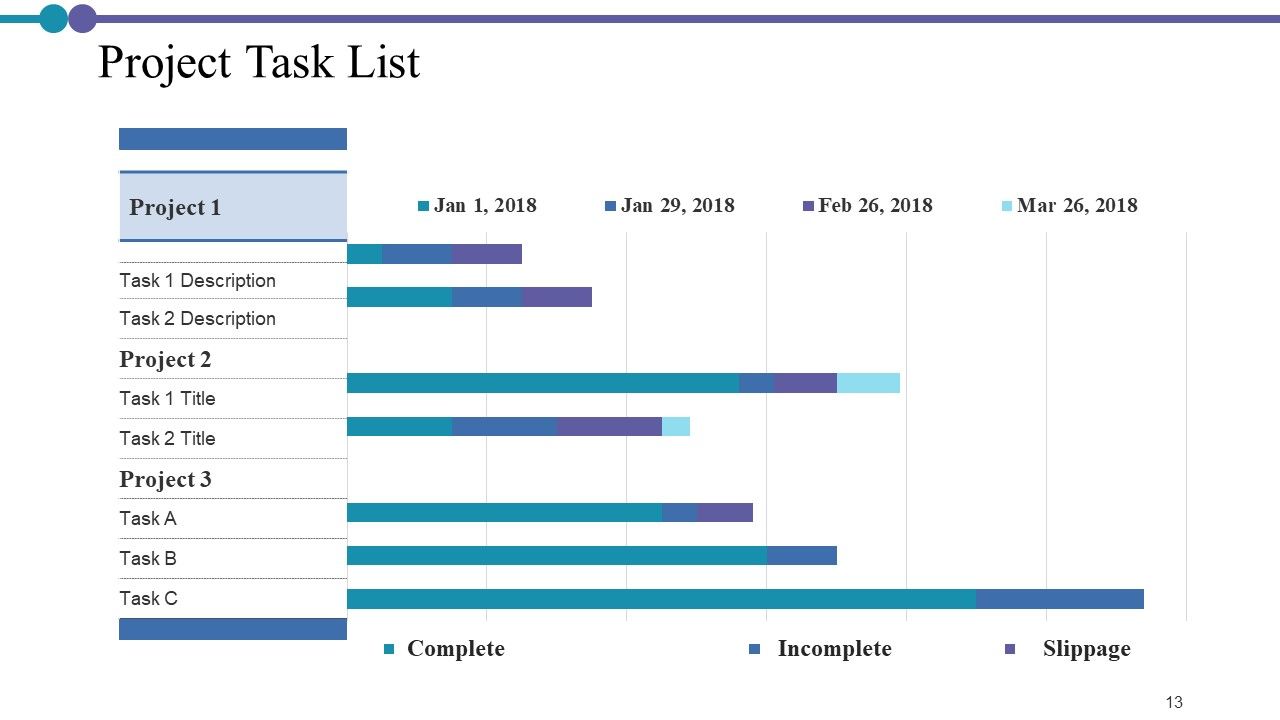
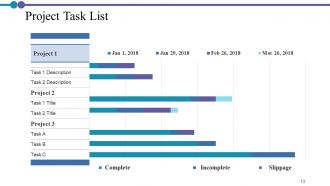
Folie 13 : Diese Folie zeigt die Projektaufgabenliste mit den Parametern Vollständig, Unvollständig, Slippage.
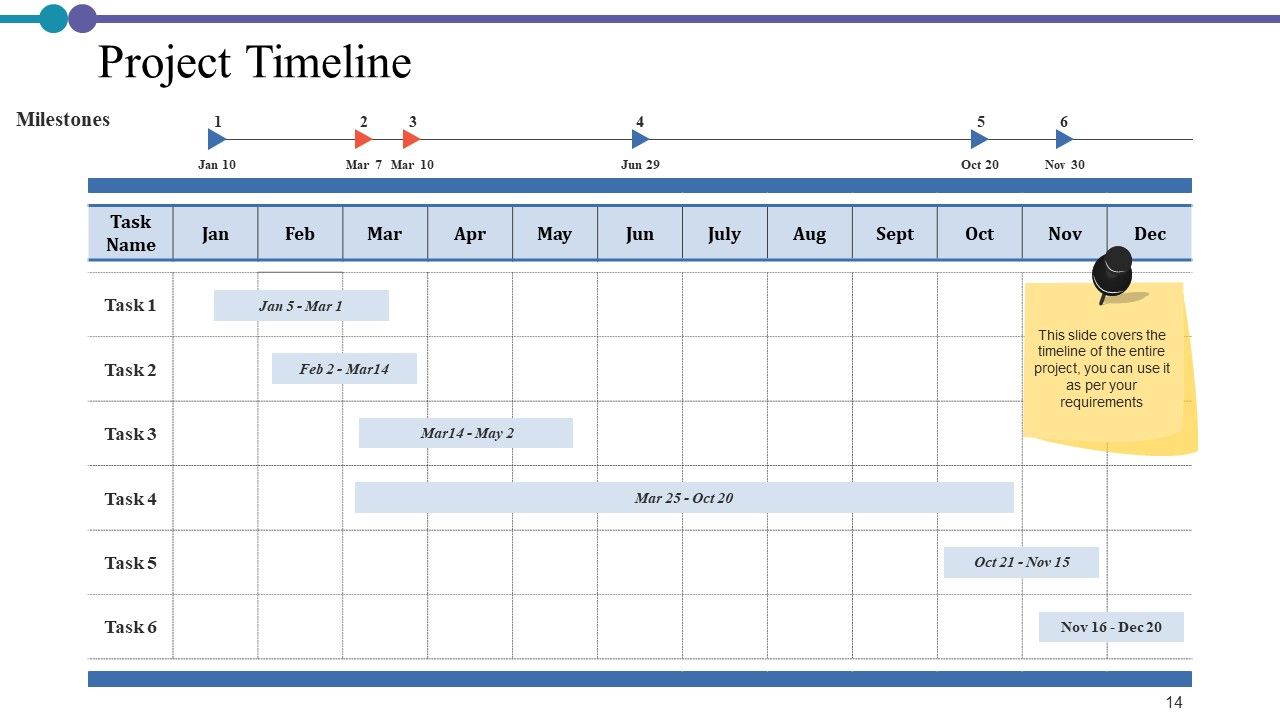
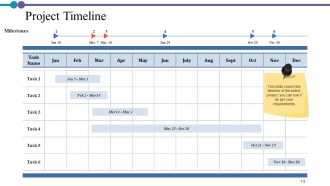
Folie 14 : Diese Folie zeigt die Projektzeitleiste für das gesamte Projekt.
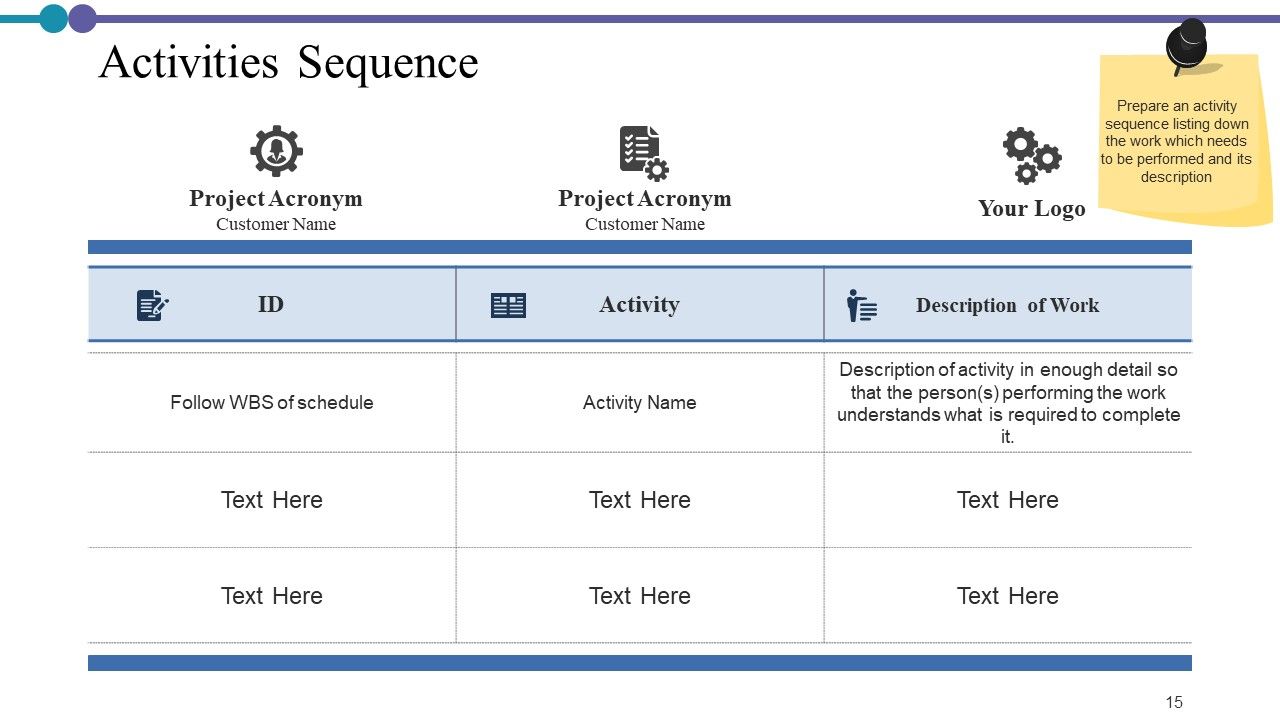
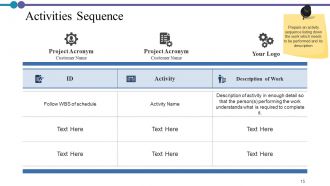
Folie 15 : Diese Folie zeigt die Aktivitätensequenz mit Projektakronym, Kundenname usw.
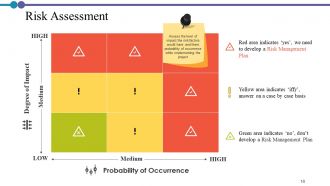
Folie 16 : Diese Folie stellt eine Risikobewertung dar, um das Ausmaß der Auswirkungen der Risikofaktoren und deren Eintrittswahrscheinlichkeit während der Durchführung des Projekts zu bewerten.
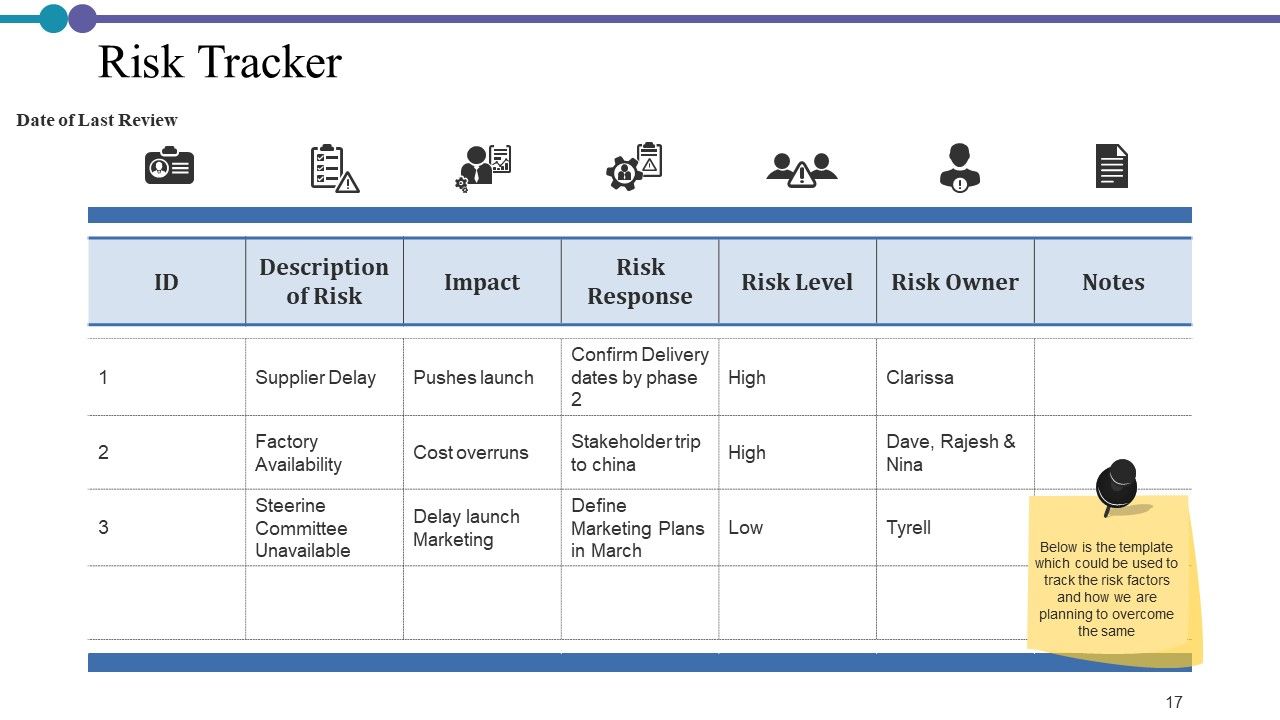
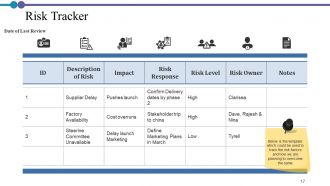
Folie 17 : Diese Folie zeigt Risk Tracker in tabellarischer Form.
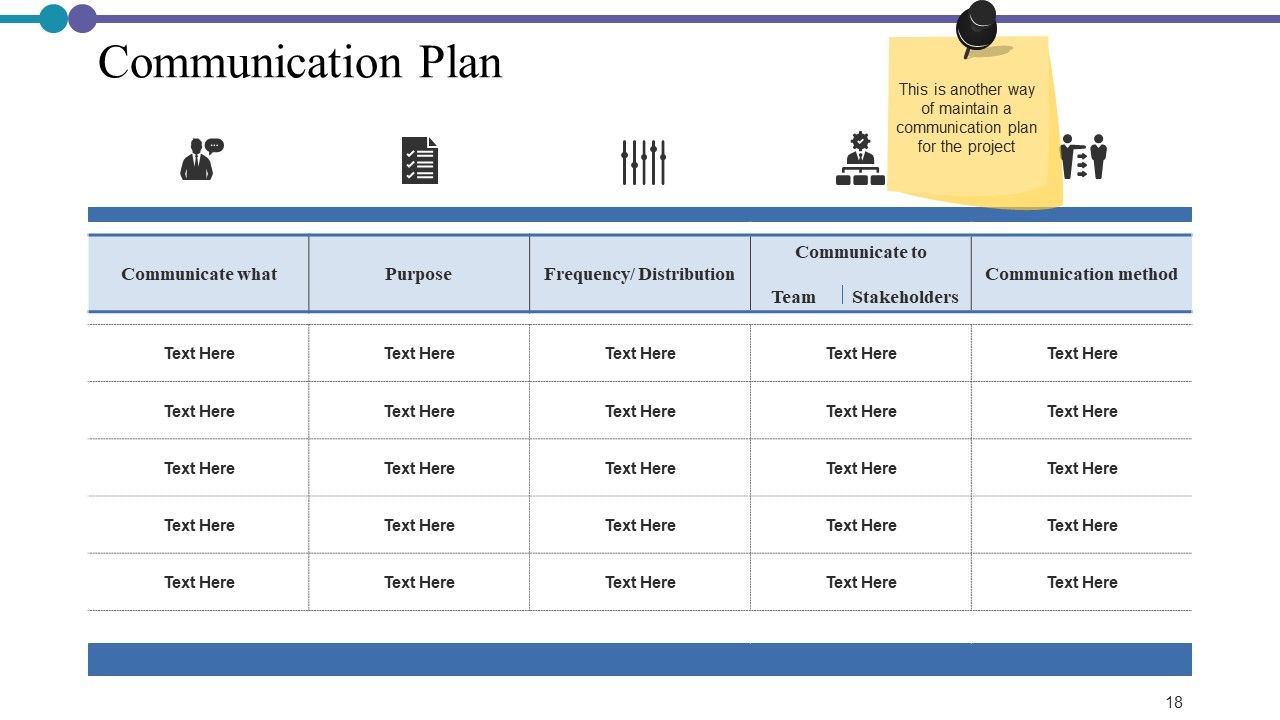
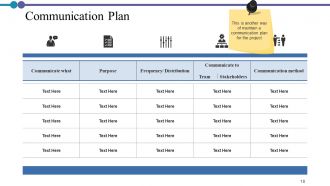
Folie 18 : Diese Folie zeigt den Kommunikationsplan, um die Kommunikation für das Projekt aufrechtzuerhalten.
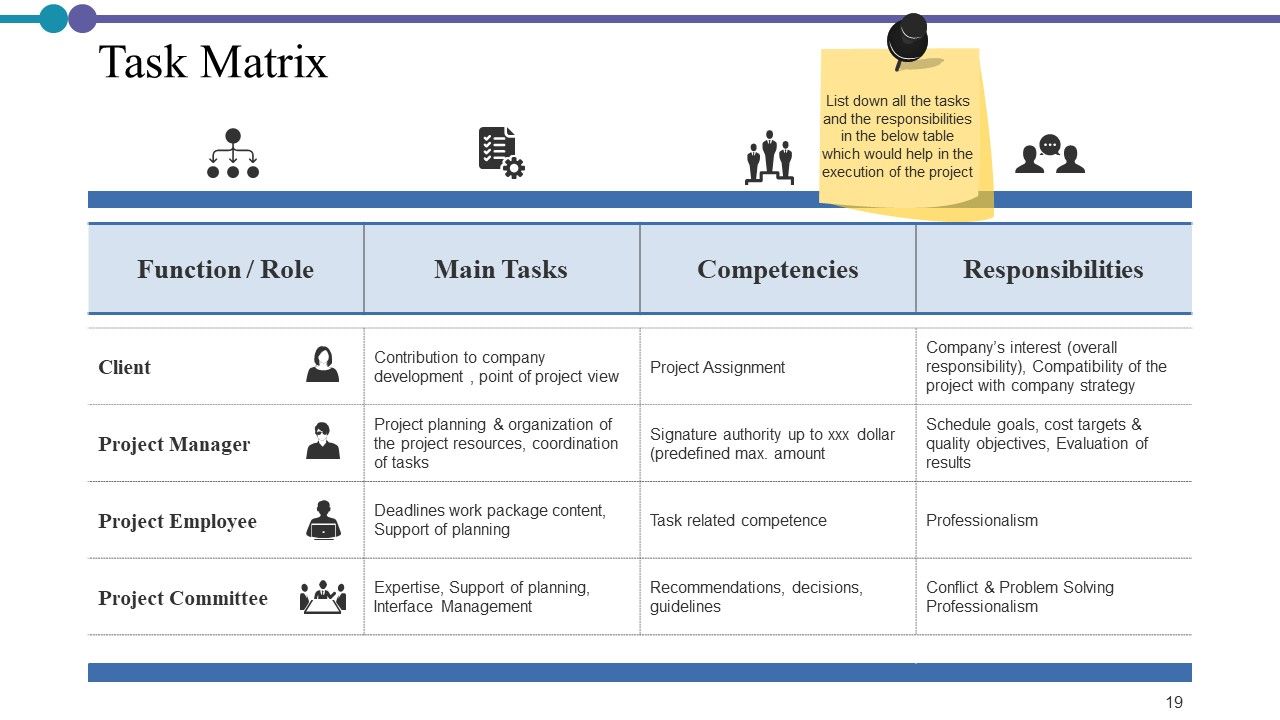
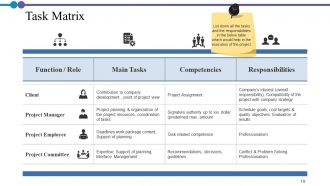
Folie 19 : Diese Folie präsentiert eine Aufgabenmatrix, die Funktion/Rolle, Hauptaufgaben, Verantwortlichkeiten usw. beschreibt.
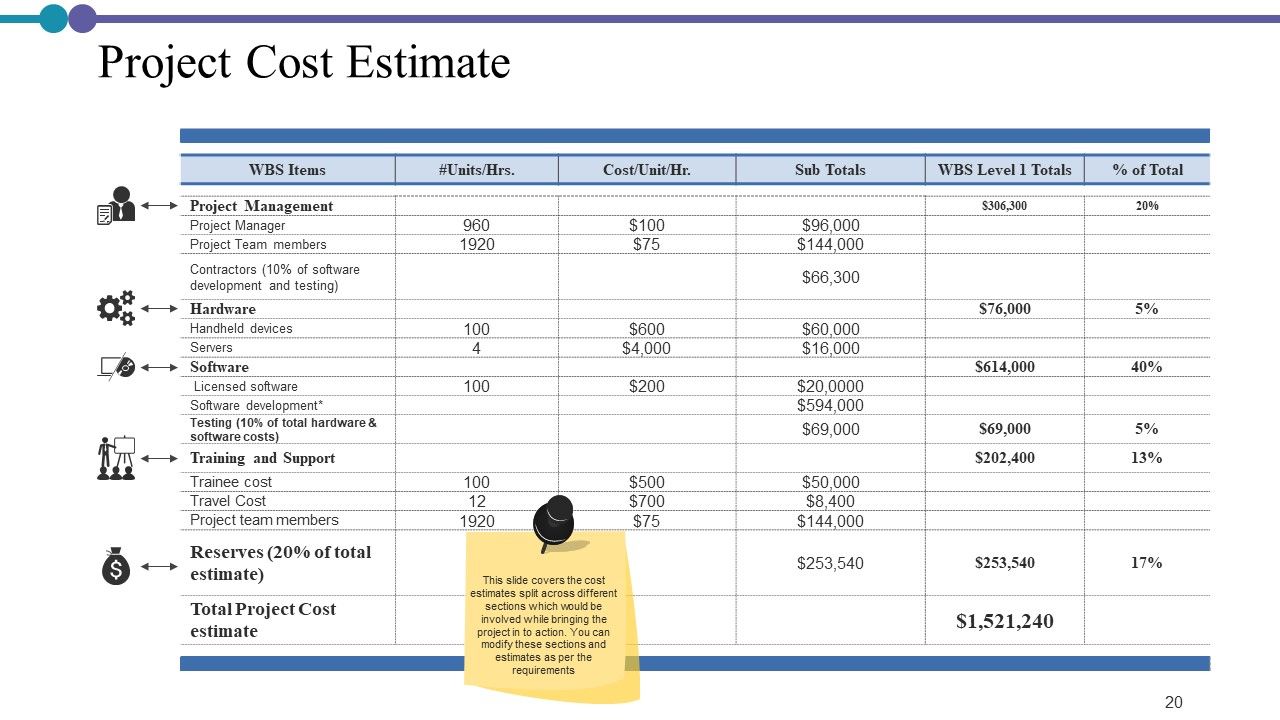
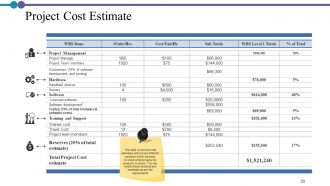
Folie 20 : Diese Folie zeigt die Projektkostenschätzung mit Kosten, die auf verschiedene Abschnitte aufgeteilt sind, die beteiligt wären, während das Projekt in die Tat umgesetzt würde.
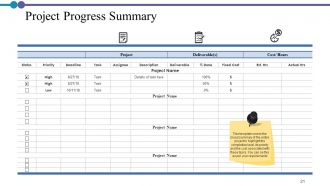
Folie 21 : Diese Folie stellt eine tabellarische Zusammenfassung des Projektfortschritts dar.
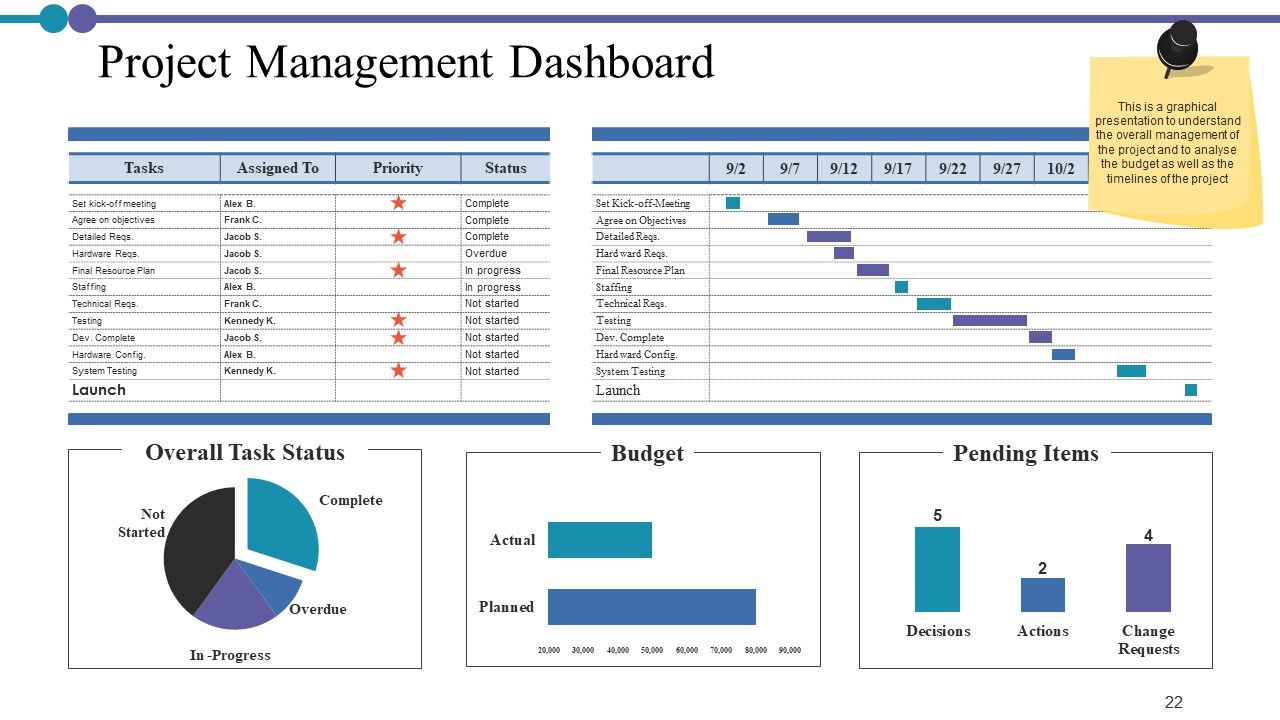
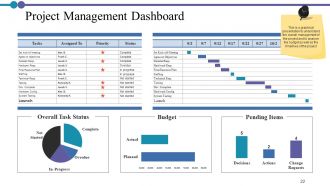
Folie 22 : Diese Folie zeigt das Projektmanagement-Dashboard mit Beschreibungen von ausstehenden Elementen, Budget, Gesamtaufgabenstatus usw.
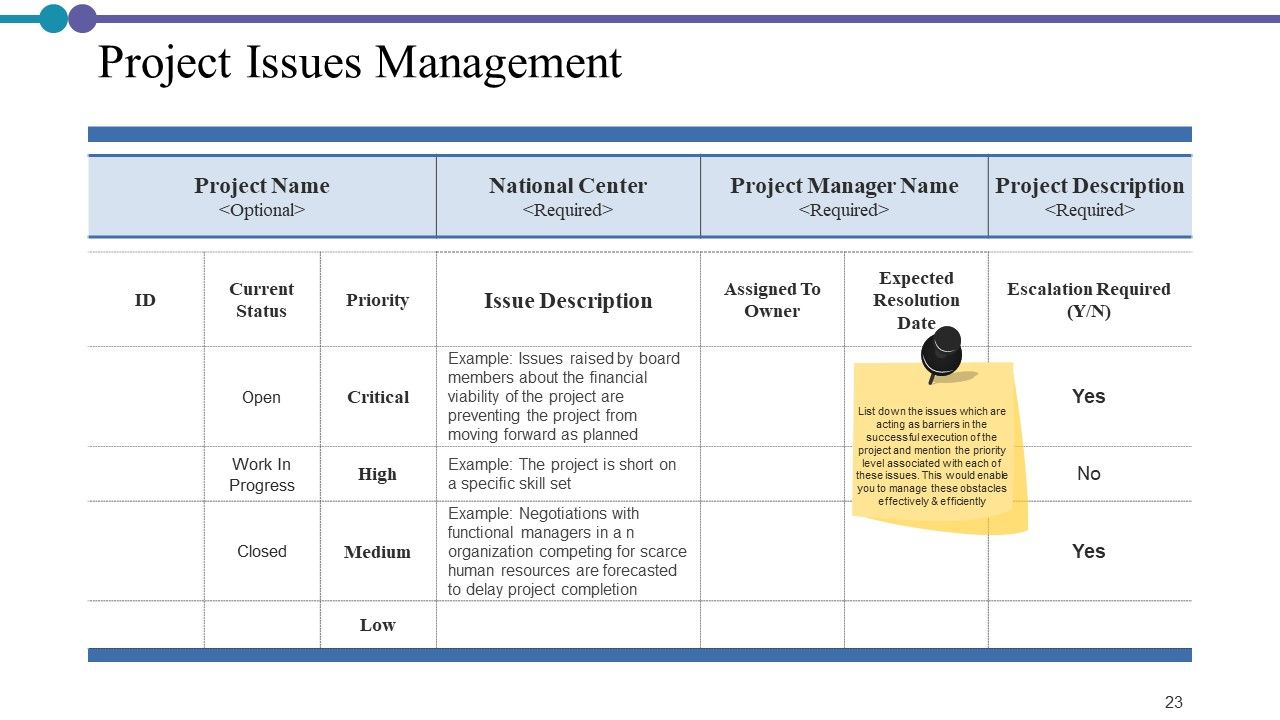
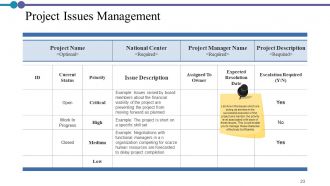
Folie 23 : Diese Folie zeigt das Projektproblemmanagement, in dem die Themen aufgelistet sind, die als Hindernisse für die erfolgreiche Durchführung des Projekts wirken, und die mit jedem dieser Themen verbundene Prioritätsstufe erwähnen. Dies würde Ihnen ermöglichen, diese Hindernisse effektiv und effizient zu bewältigen.
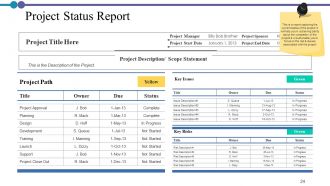
Folie 24 : Diese Folie präsentiert den Projektstatusbericht.
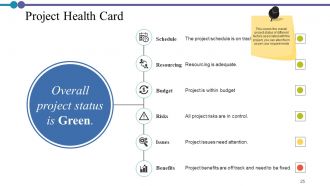
Folie 25 : Diese Folie zeigt die Projekt-Gesundheitskarte mit Zeitplan, Ressourcen, Budget, Risiken, Problemen und Vorteilen.
Folie 26 : Diese Folie zeigt Projektbeschreibungssymbole.
Folie 27 : Diese Folie erinnert an eine 30-minütige Kaffeepause.
Folie 28 : Diese Folie trägt den Titel Charts & Graphs, um voranzukommen.
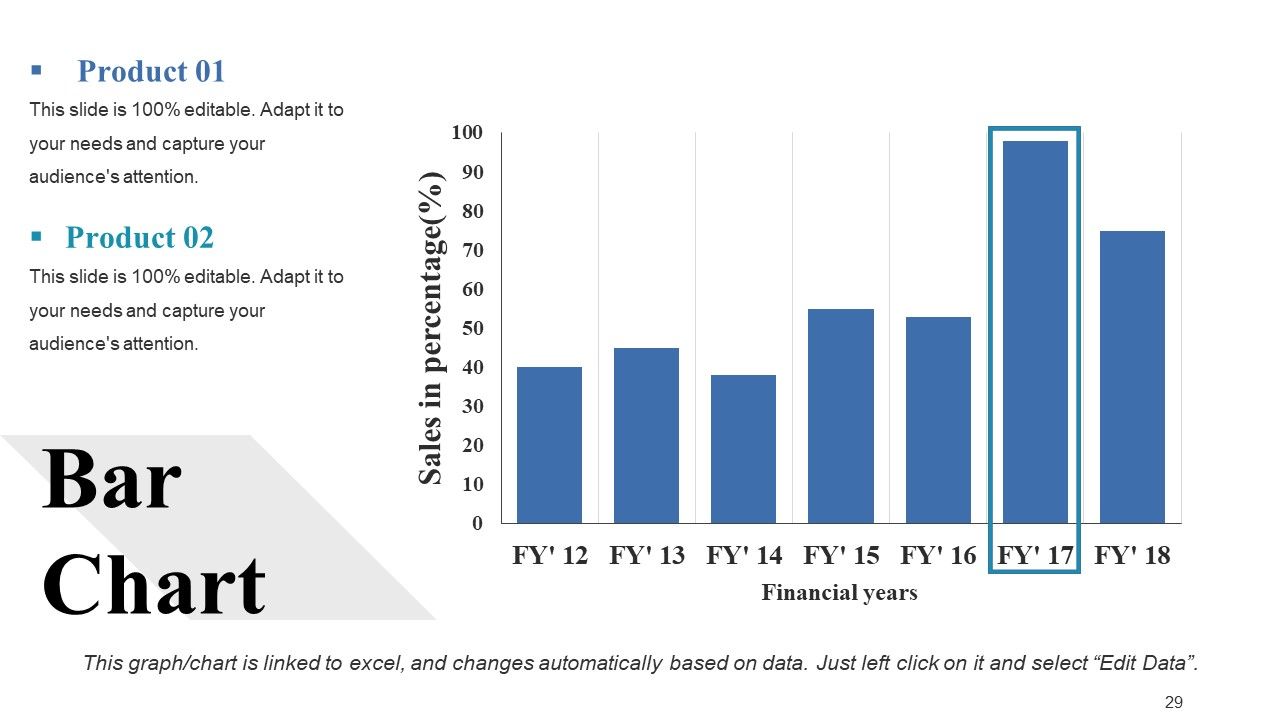
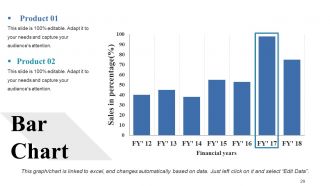
Folie 29 : Diese Folie zeigt ein Balkendiagramm mit zwei Produktvergleichen.
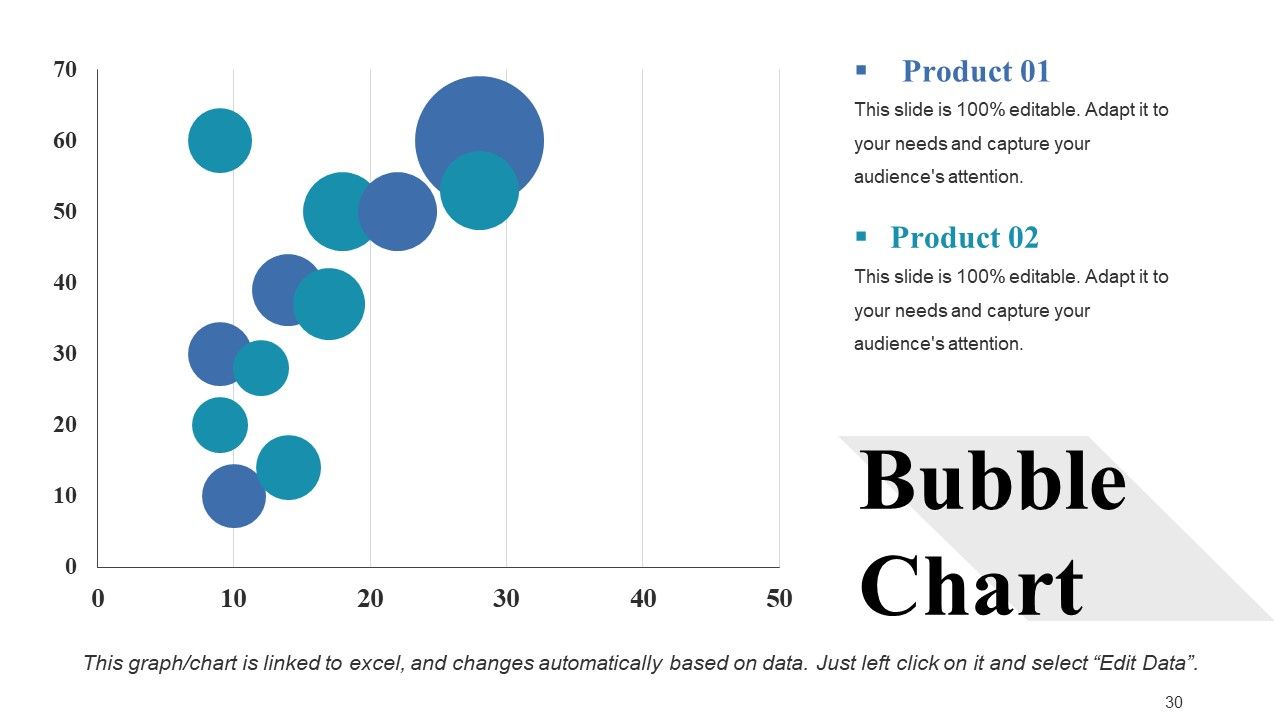
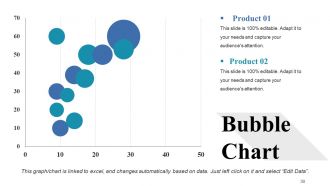
Folie 30 : Diese Folie präsentiert das Blasendiagramm mit zwei Produktvergleichen.
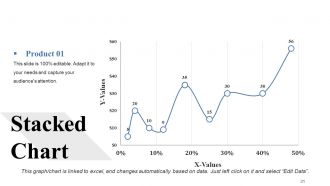
Folie 31 : Diese Folie zeigt das gestapelte Diagramm.
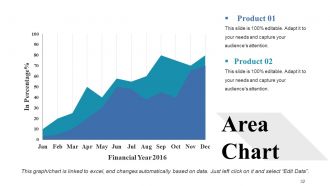
Folie 32 : Diese Folie stellt ein Flächendiagramm mit zwei Produktvergleichen dar.
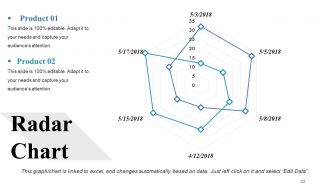
Folie 33 : Diese Folie zeigt das Radardiagramm zum Produktvergleich.
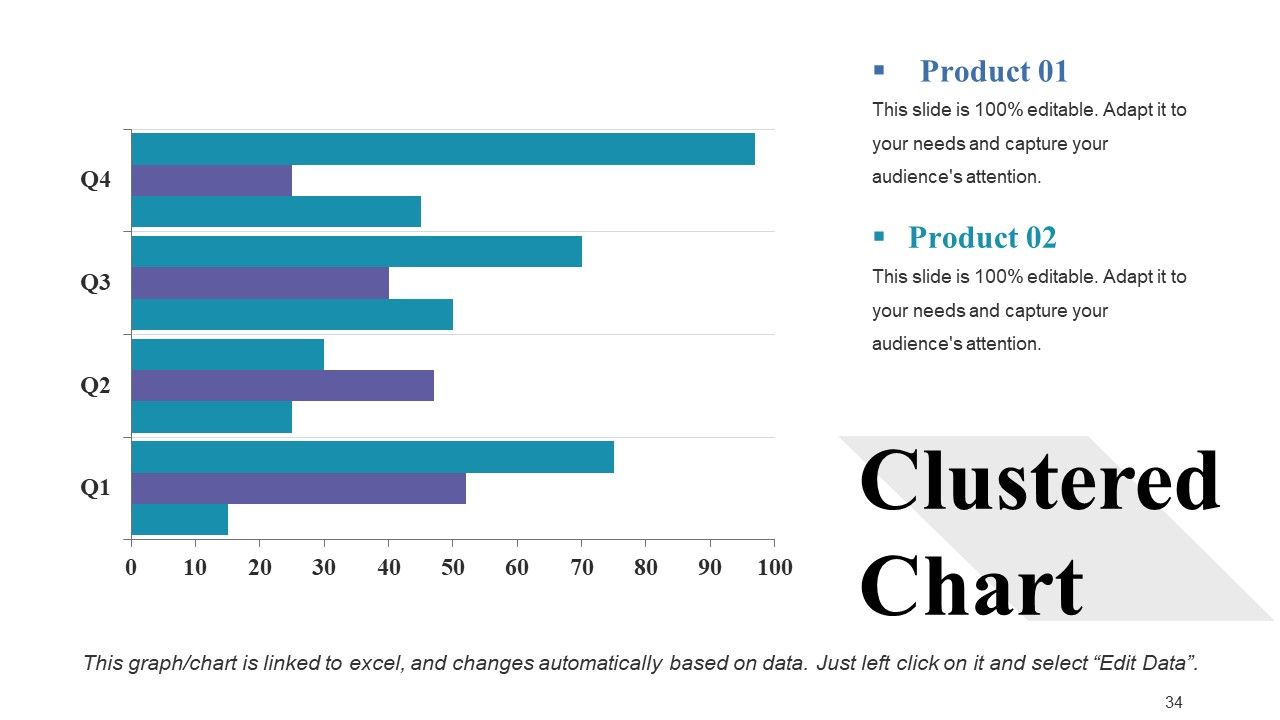
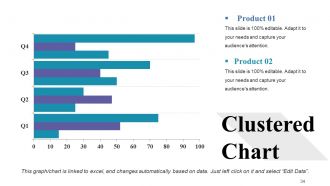
Folie 34 : Diese Folie zeigt ein Cluster-Diagramm mit zwei Produktvergleichen.
Folie 35 : Diese Folie trägt den Titel „Zusätzliche Folien“, um vorwärts zu gehen.
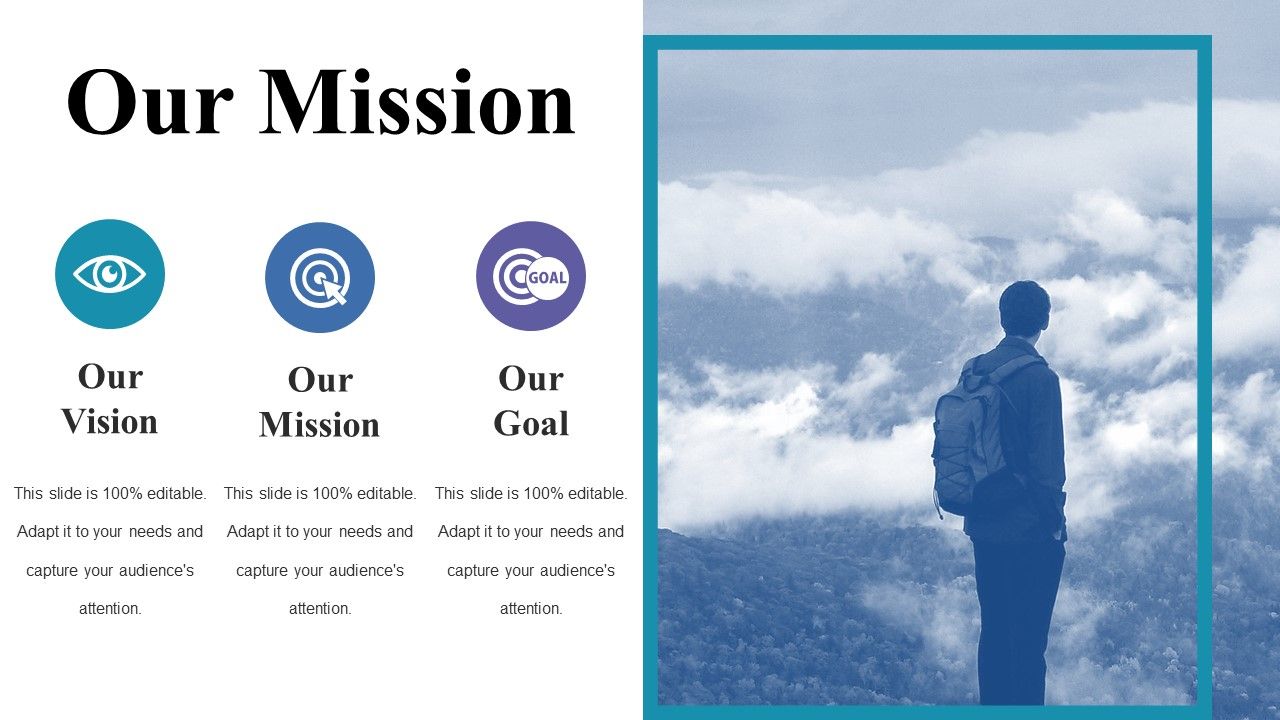
Folie 36 : Dies ist unsere Missionsfolie mit Bildern und Textfeldern.
Folie 37 : Dies ist die Folie unseres Teams mit Namen und Bezeichnung.
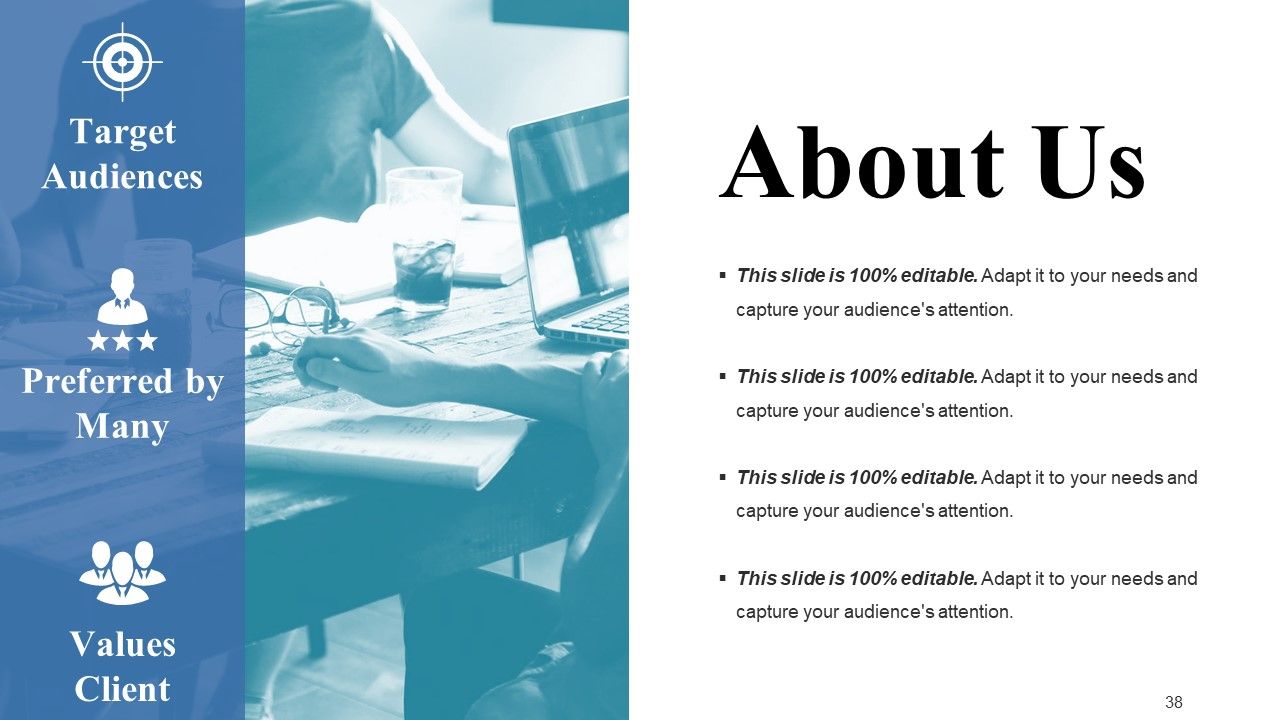
Folie 38 : Dies ist eine Über uns-Folie, um Firmenspezifikationen usw. zu zeigen.
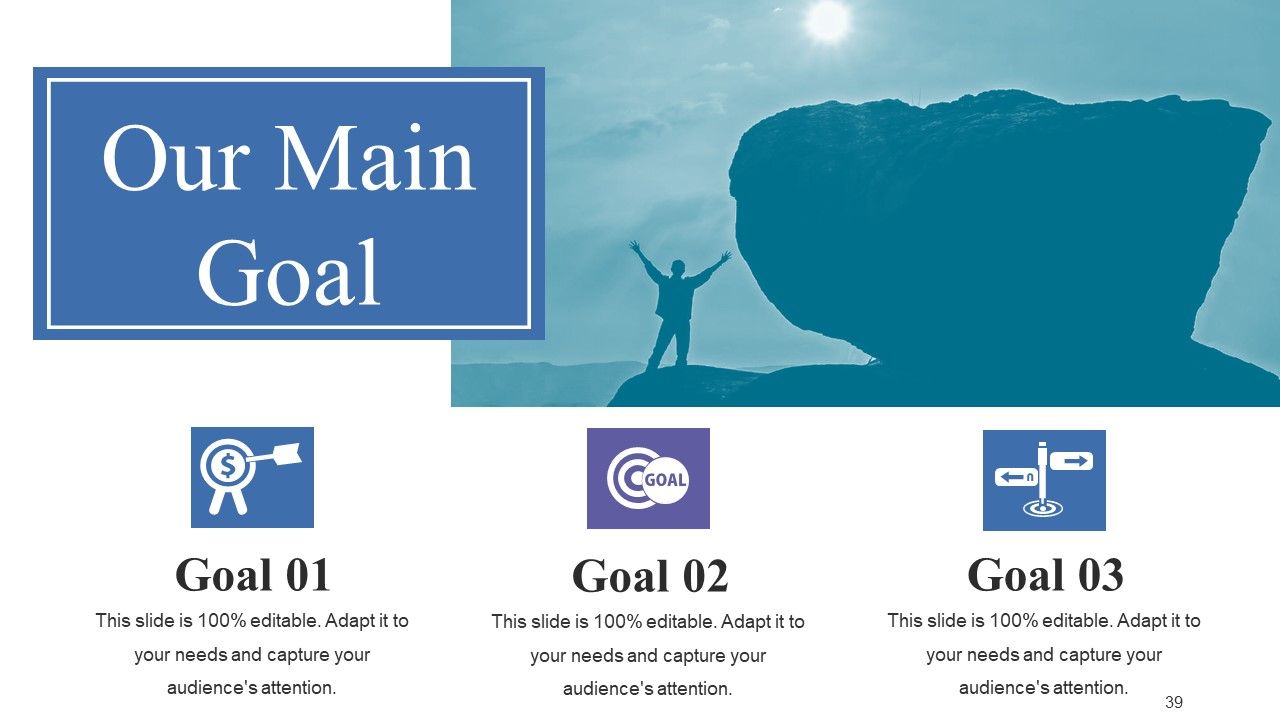
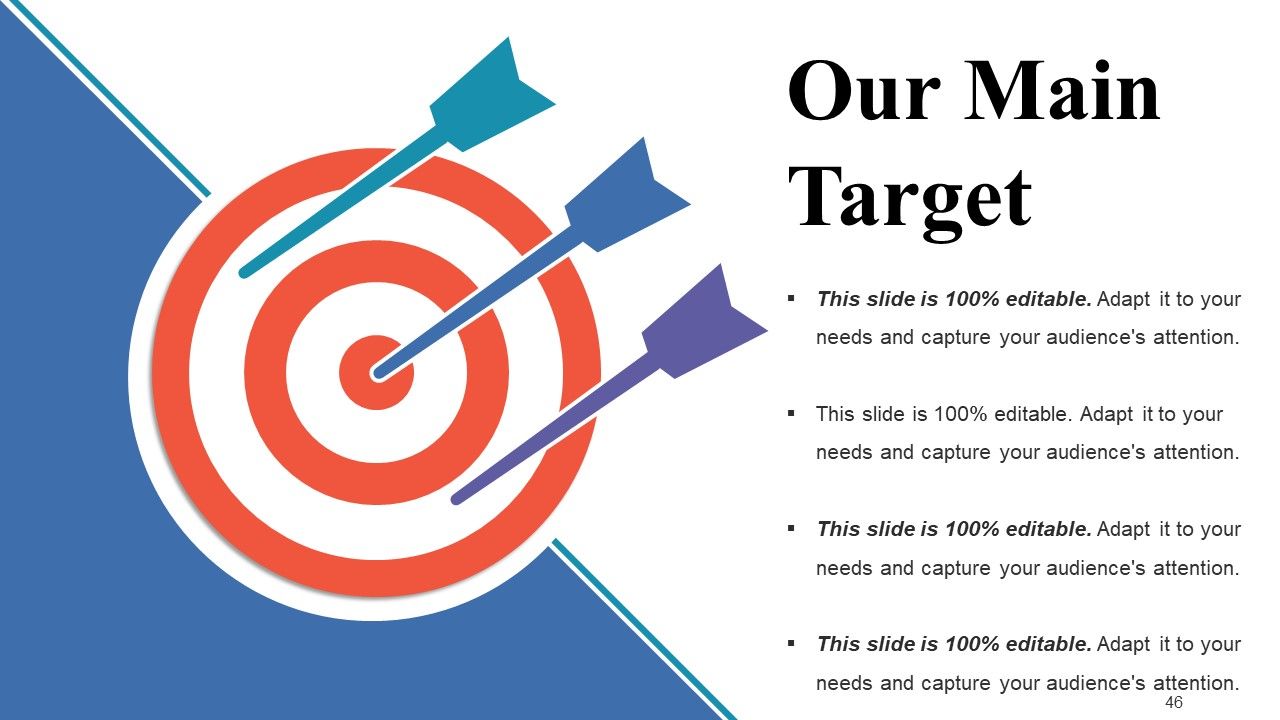
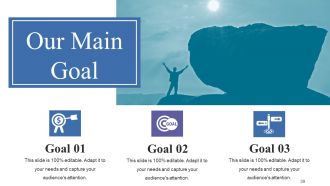
Folie 39 : Dies ist unser Hauptziel-Folie. Zeigen Sie hier Ihre Ziele.
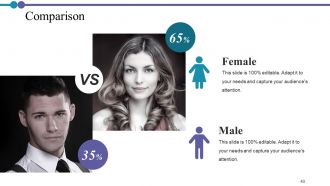
Folie 40 : Dies ist eine Vergleichsfolie zum Vergleich zwischen Waren, Einheiten usw.
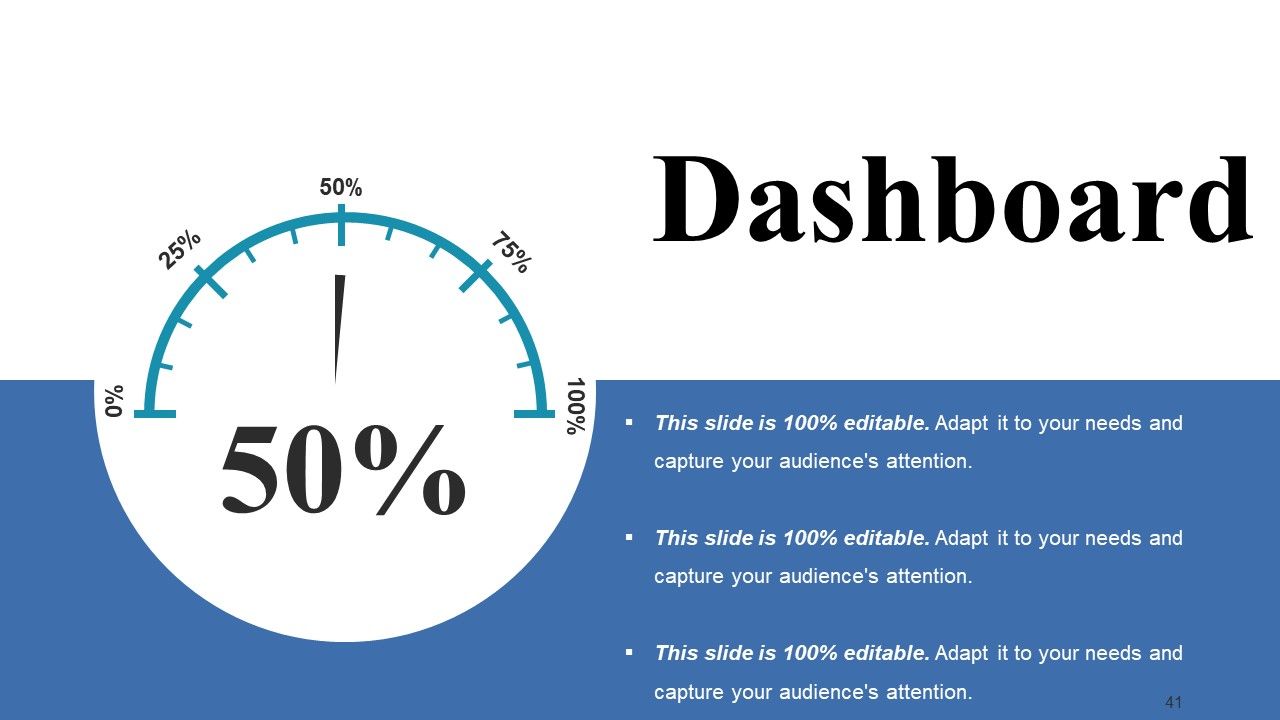
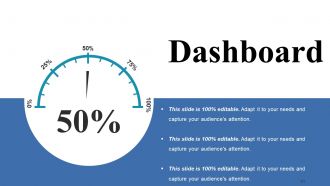
Folie 41 : Dies ist eine Dashboard-Folie mit Textfeldern zum Anzeigen von Informationen.
Folie 42 : Dies ist eine Standortfolie mit Karten, um Daten zu verschiedenen Standorten anzuzeigen.
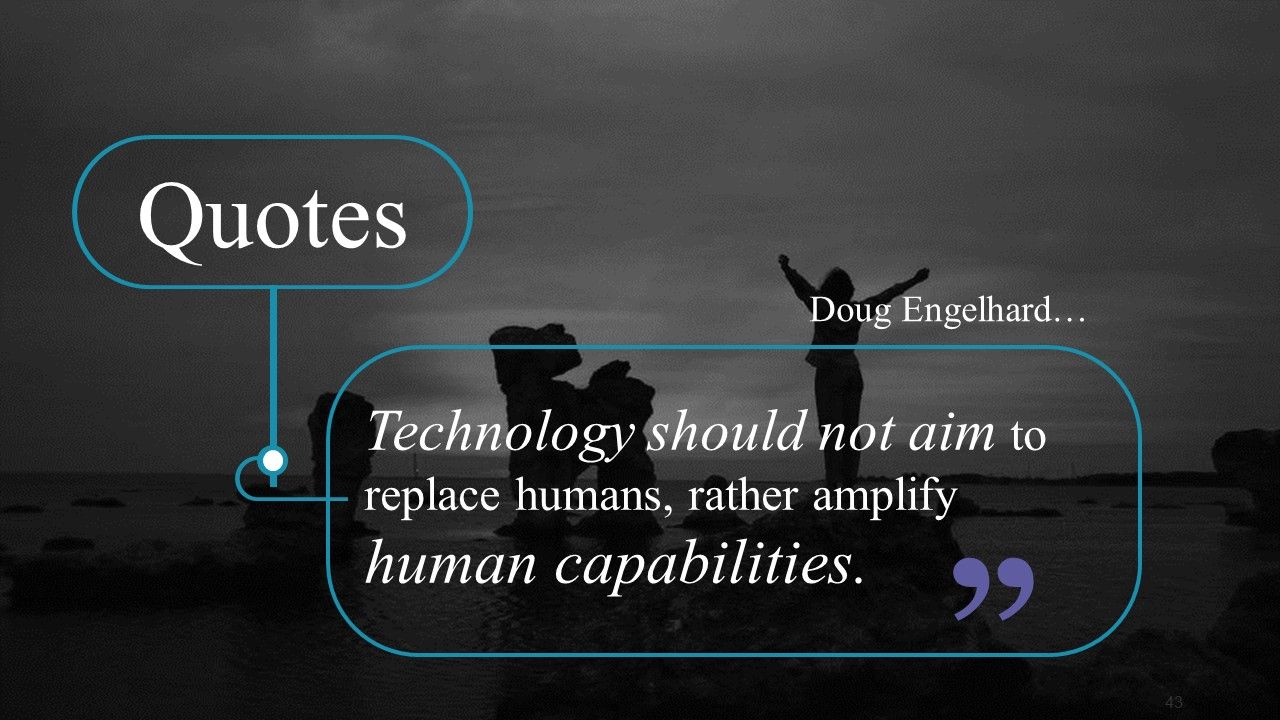
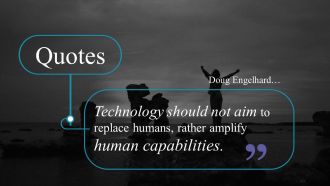
Folie 43 : Dies ist eine Zitate-Folie, um etwas Bestimmtes hervorzuheben oder anzugeben.
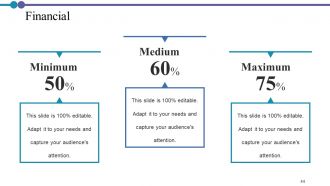
Folie 44 : Dies ist eine Finanzfolie. Zeigen Sie hier Ihre Finanzinformationen.
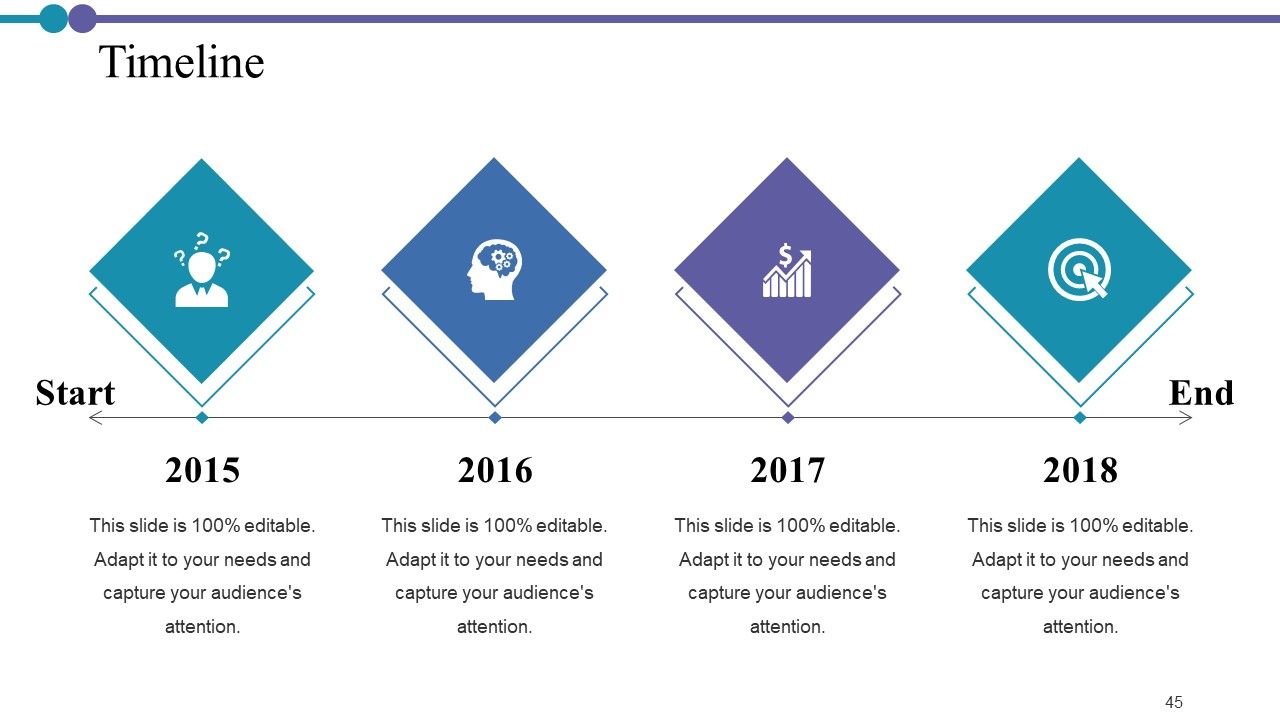
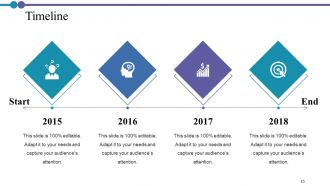
Folie 45 : Dies ist eine Timeline-Folie. Zeigen Sie hier Informationen zum Zeitraum an.
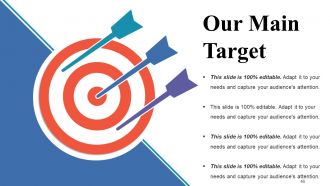
Folie 46 : Dies ist unsere Hauptzielfolie. Zeigen Sie hier Ihre Ziele an.
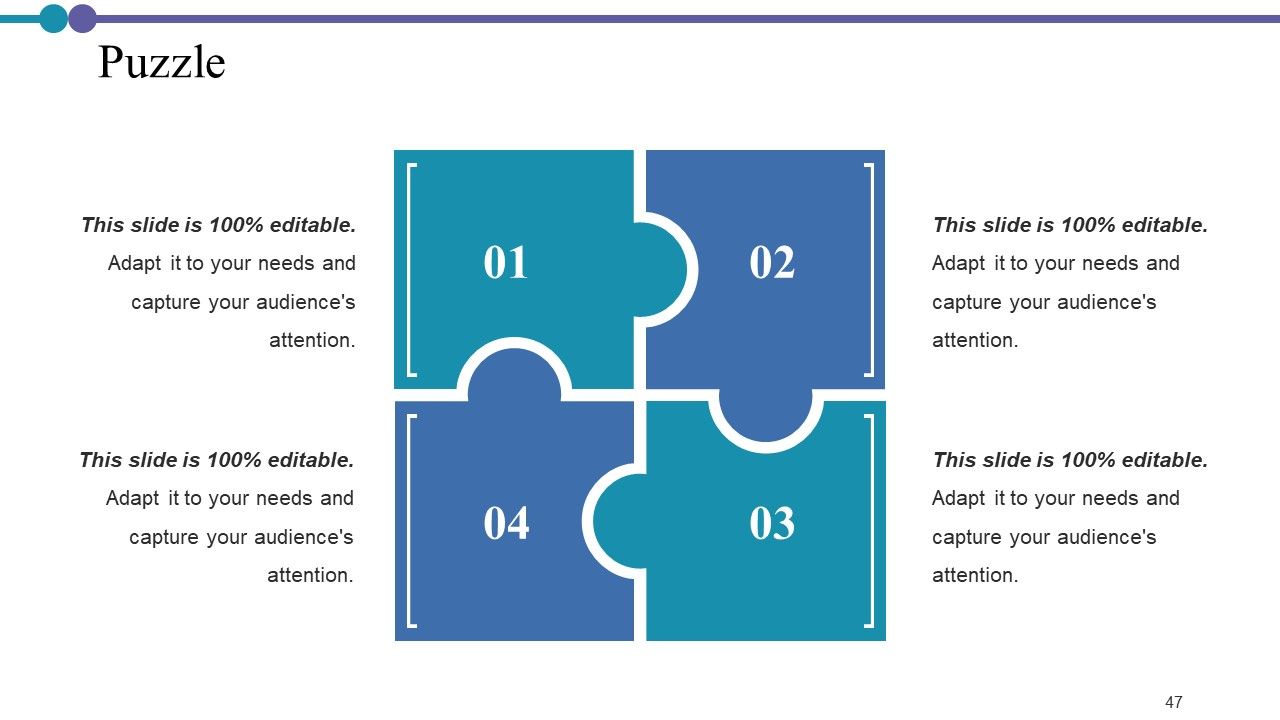
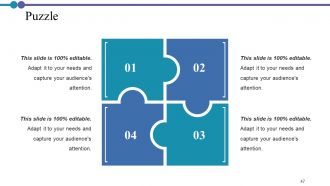
Folie 47 : Dies ist eine Puzzle-Folie mit Textfeldern, um Informationen anzuzeigen.
Folie 48 : Diese Folie zeigt Mind Map zur Darstellung von Entitäten.
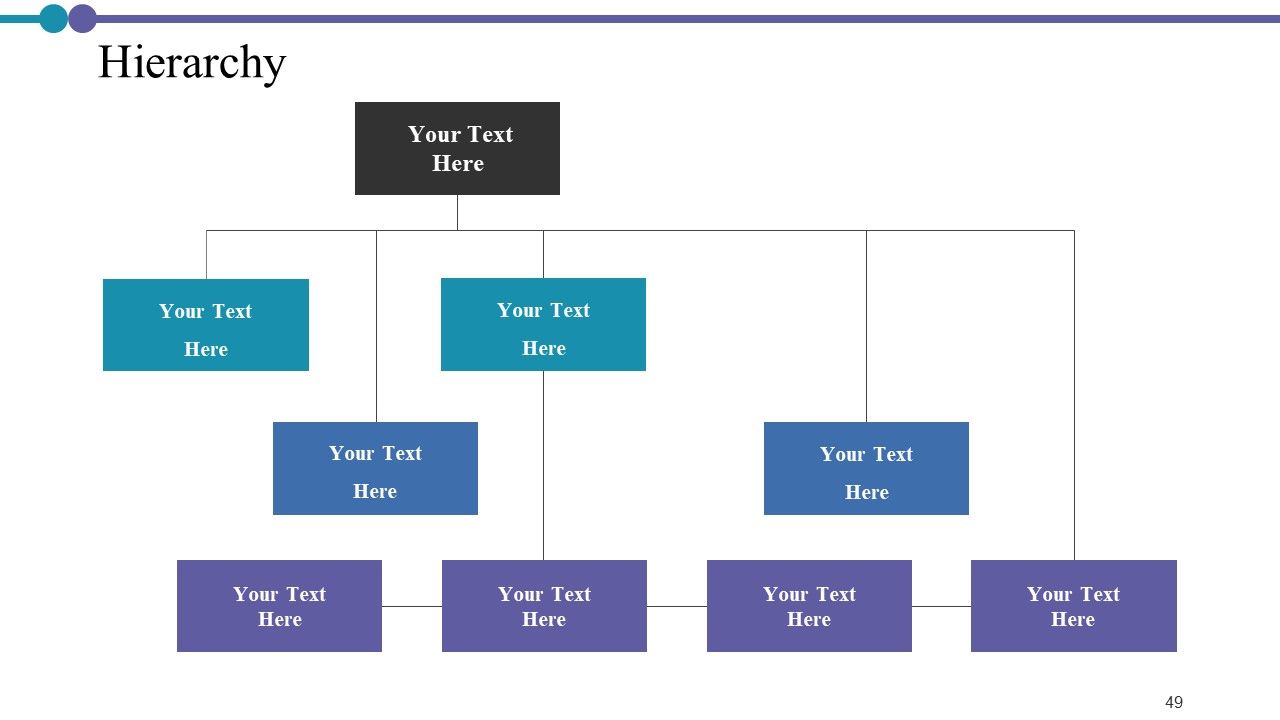
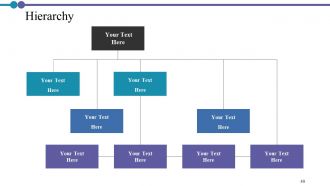
Folie 49 : Dies ist eine Hierarchiefolie. Zeigen Sie relevante Daten entsprechend an.
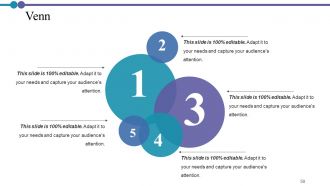
Folie 50 : Dies ist eine Venn-Folie mit Textfeldern.
Folie 51 : Dies ist eine Silhouetten-Folie, um personenspezifische Informationen usw. anzuzeigen.
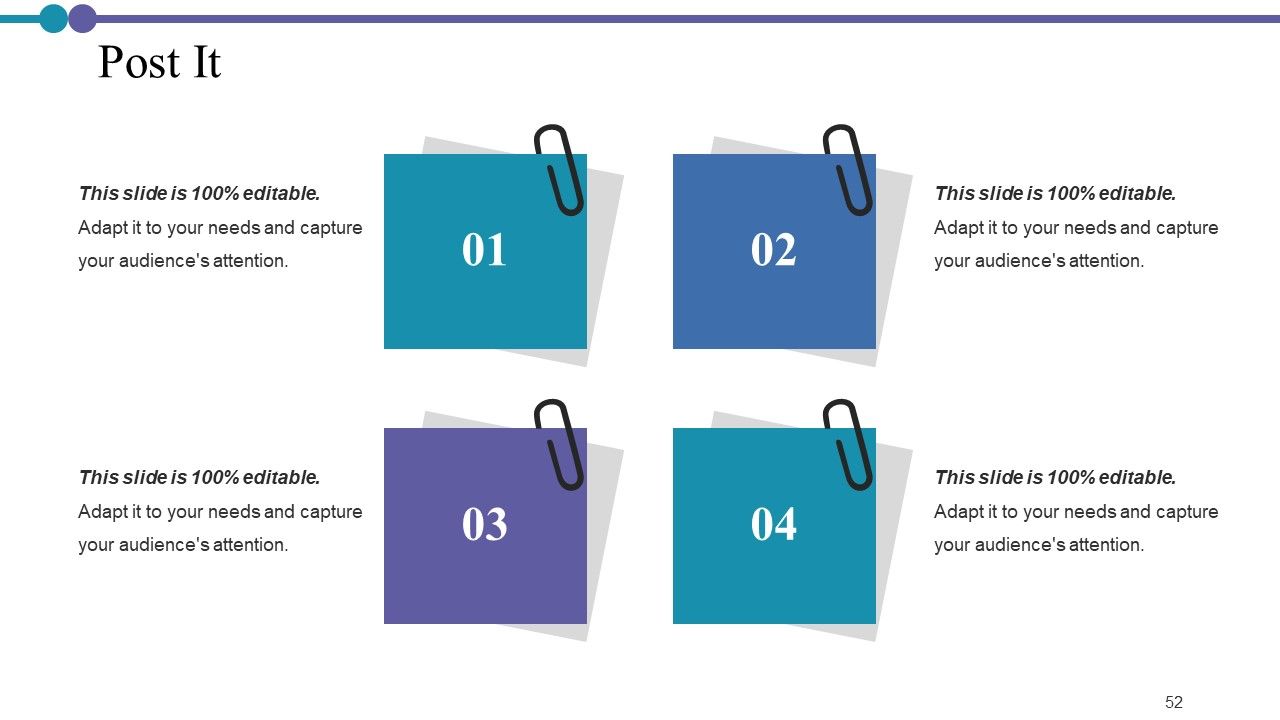
Folie 52 : Dies ist eine Post-It-Folie. Veröffentlichen Sie hier Ihre wichtigen Notizen.
Folie 53 : Diese Folie zeigt eine Lupe mit Textfeldern.
Folie 54 : Dies ist eine Ideenbulb-Folie, um eine neue Idee vorzustellen.
Folie 55 : Dies ist eine Dankesfolie mit Adresse, Kontaktnummern und E-Mail-Adresse.
Projektbeschreibung Powerpoint-Präsentationsfolien mit allen 55 Folien:
Erhöhen Sie Ihre Chancen mit unseren Projektbeschreibungs-Powerpoint-Präsentationsfolien. Seien Sie die ganze Zeit wettbewerbsfähig.
FAQs
The purpose of the Project Description presentation is to introduce the project and provide a comprehensive overview of its details, risks, team members, work plan, cost estimate, progress summary, and status report.
The core elements of the Project Description presentation include project brief, project description, risk identification and management, project management team, roles and responsibilities, project work plan and Gantt chart, project task list, project timeline, risk assessment and tracker, communication plan, task matrix, project cost estimate, project progress summary, project management dashboard, project issues management, and project status report.
The presentation addresses risk management by identifying potential risks associated with the project, assessing their level of impact and probability of occurrence, managing them through a risk management report and tracker, and prioritizing them based on their criticality.
The presentation provides information about the project management team, including their names and designations, as well as their roles and responsibilities, task matrix, and progress summary.
The purpose of the project health card is to provide a quick snapshot of the project's status in terms of schedule, resourcing, budget, risks, issues, and benefits. This enables stakeholders to quickly assess the project's health and take appropriate actions if necessary.
-
Unique and attractive product design.
-
Very unique, user-friendly presentation interface.
