


Implicaciones de la gestión del tiempo de recursos del proyecto Diapositivas de la presentación de PowerPoint
Aquí está nuestra exclusiva presentación de PowerPoint sobre las implicaciones de la gestión del tiempo de recursos del proyecto que necesita para informar a los empleados sobre la gestión del tiempo del proyecto. Con nuestras diapositivas de presentación de PowerPoint, puede dar ejemplos de gestión del tiempo del proyecto para ilustrar la importancia de la gestión del tiempo en la gestión de proyectos. Con la ayuda de nuestra presentación de diapositivas prediseñada, no solo puede compartir los resultados del análisis de tiempo de un proyecto, sino también las razones del posible retraso en la finalización de un proyecto. Bueno, nuestra plataforma de presentación también permite enfatizar los fundamentos básicos de la gestión del tiempo para una mejor planificación y gestión de proyectos. Además, con nuestra muestra de PPT, puede capacitar a sus empleados para que realicen un análisis de impacto en el tiempo para un proceso de gestión de proyectos eficaz. Para hacerlo más preciso, nuestra presentación en Powerpoint se compone de plantillas de diapositivas como resumen del proyecto, descripción del proyecto, hitos logrados, informe presupuestario, informe de gestión de riesgos, resumen del progreso del proyecto, tarjeta de salud del proyecto y muchos más. En resumen, el espectáculo visual perfecto de las implicaciones de la gestión del tiempo en materia de recursos está a solo un clic de distancia. Entonces, ¿por qué esperar? Simplemente haga clic para descargar rápidamente. Obtenga decisiones implementadas de inmediato con nuestra presentación completa de Powerpoint con diapositivas. Le ayuda a lograr el negocio.
Aquí está nuestra exclusiva presentación de PowerPoint sobre las implicaciones de la gestión del tiempo de recursos del pr..












-

- Google Slides is a new FREE Presentation software from Google.
- All our content is 100% compatible with Google Slides.
- Just download our designs, and upload them to Google Slides and they will work automatically.
- Amaze your audience with SlideTeam and Google Slides.
-

Want Changes to This PPT Slide? Check out our Presentation Design Services
-

- WideScreen Aspect ratio is becoming a very popular format. When you download this product, the downloaded ZIP will contain this product in both standard and widescreen format.
-

- Some older products that we have may only be in standard format, but they can easily be converted to widescreen.
- To do this, please open the SlideTeam product in Powerpoint, and go to
- Design ( On the top bar) -> Page Setup -> and select "On-screen Show (16:9)” in the drop down for "Slides Sized for".
- The slide or theme will change to widescreen, and all graphics will adjust automatically. You can similarly convert our content to any other desired screen aspect ratio.
Compatible With Google Slides

Get This In WideScreen
You must be logged in to download this presentation.


Do you want to remove this product from your favourites?
Características de estas diapositivas de presentación de PowerPoint:
Conjunto completamente preconstruido que comprende 46 diapositivas de presentación. Plataforma completa ideal para gerentes de proyectos o consultores, gerentes de tiempo de programas, programadores de proyectos, planificadores de proyectos, etc. Gráficos coloridos y tablas de comparación. No hay restricciones de espacio para insertar subtítulos de títulos o logotipos. Opción de edición manual para cambiar el color, el diseño o el fondo. Por tanto, las plantillas de presentación de alta resolución se proyectan libremente en pantallas anchas. Proceso de descarga sin complicaciones.

People who downloaded this PowerPoint presentation also viewed the following :
Contenido de esta presentación de Powerpoint
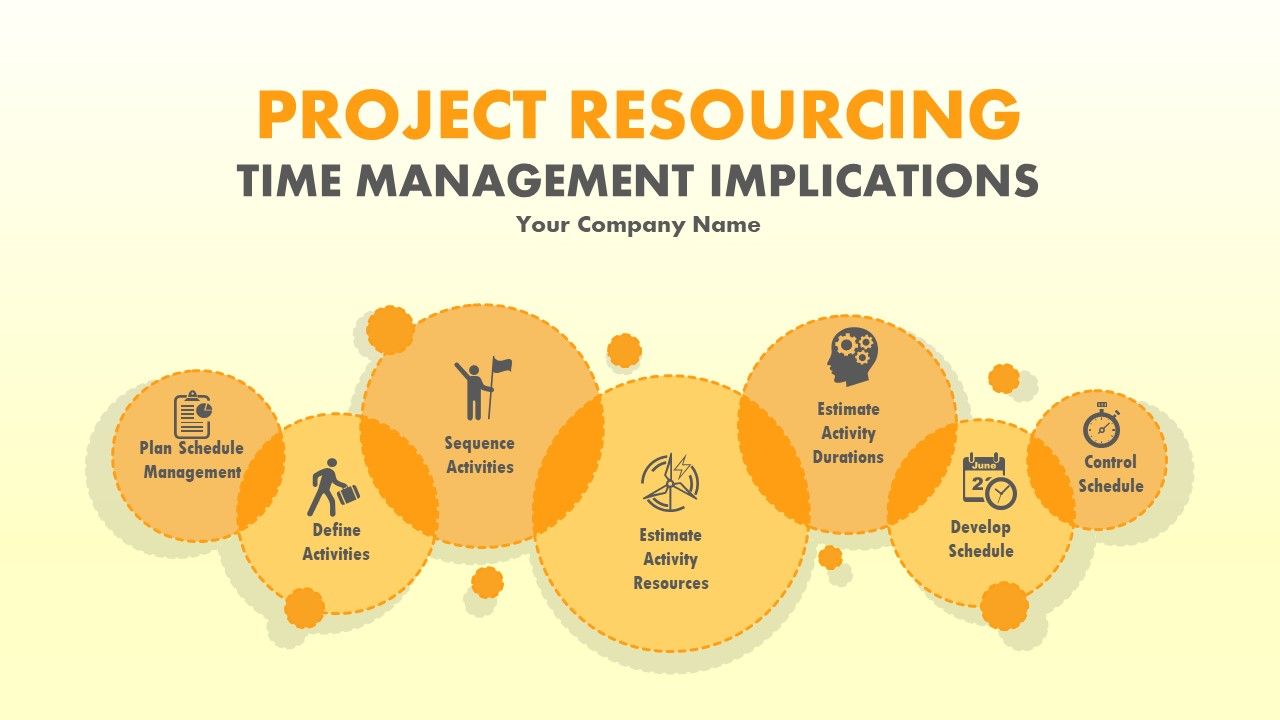
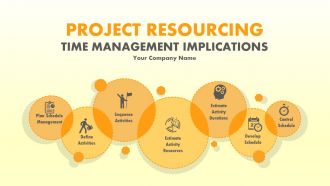
Diapositiva 1 : Esta diapositiva presenta las implicaciones de la gestión del tiempo de la asignación de recursos del proyecto. Indique el nombre de su empresa aquí y comience.
Diapositiva 2 : Esta diapositiva presenta la agenda. Agenda de la empresa estatal aquí.
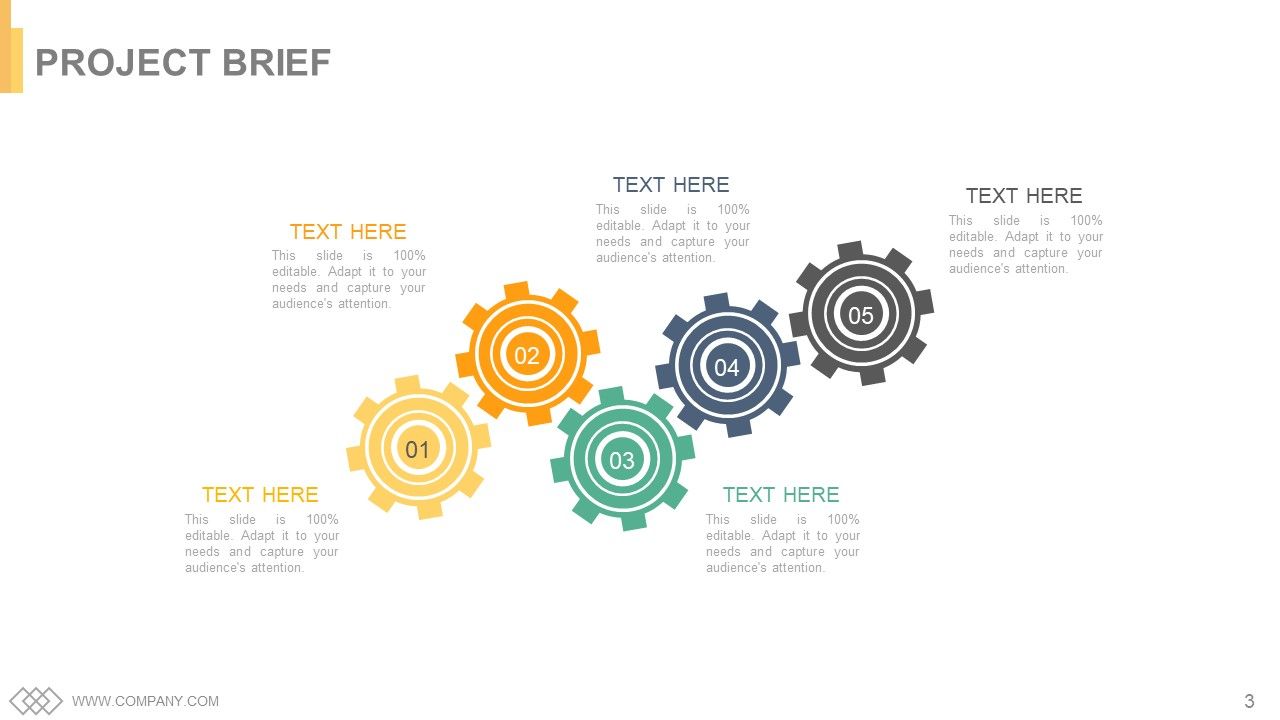
Diapositiva 3 : Esta es una diapositiva de resumen del proyecto. Puede cambiar / alterar el contenido según sus necesidades.
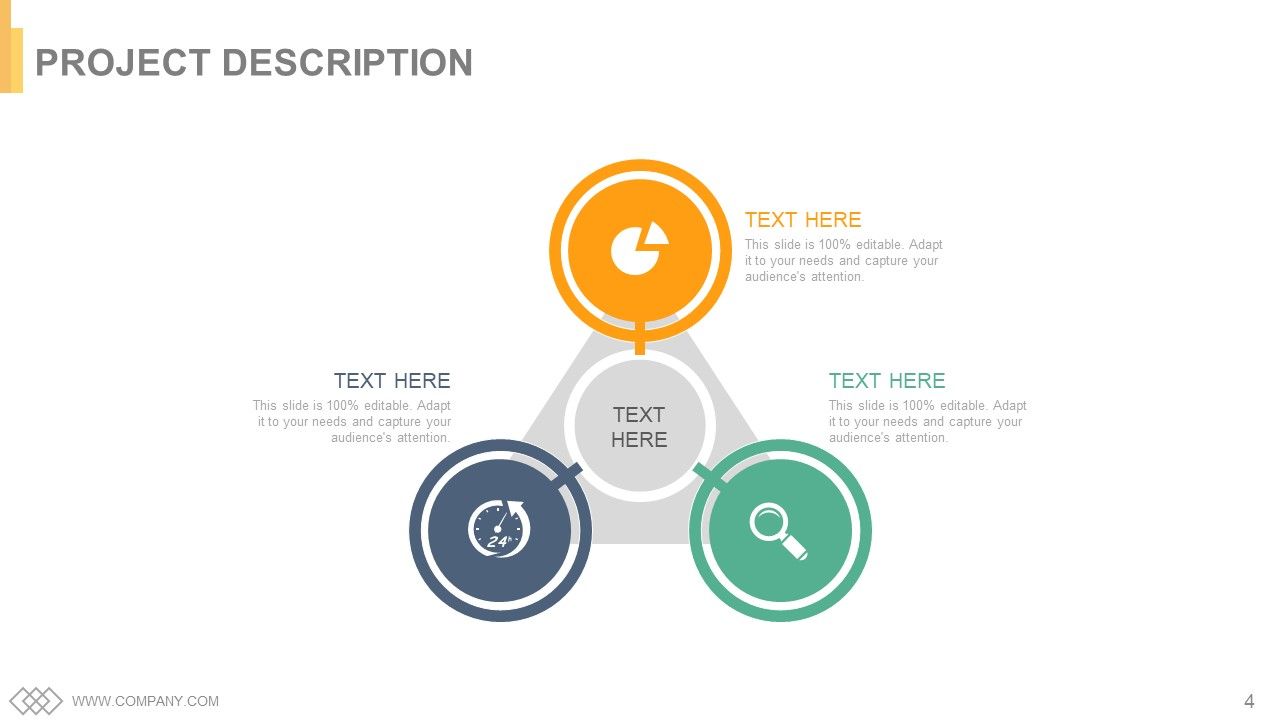
Diapositiva 4 : Esta es la diapositiva de descripción del proyecto. Describe / presenta tu proyecto aquí.
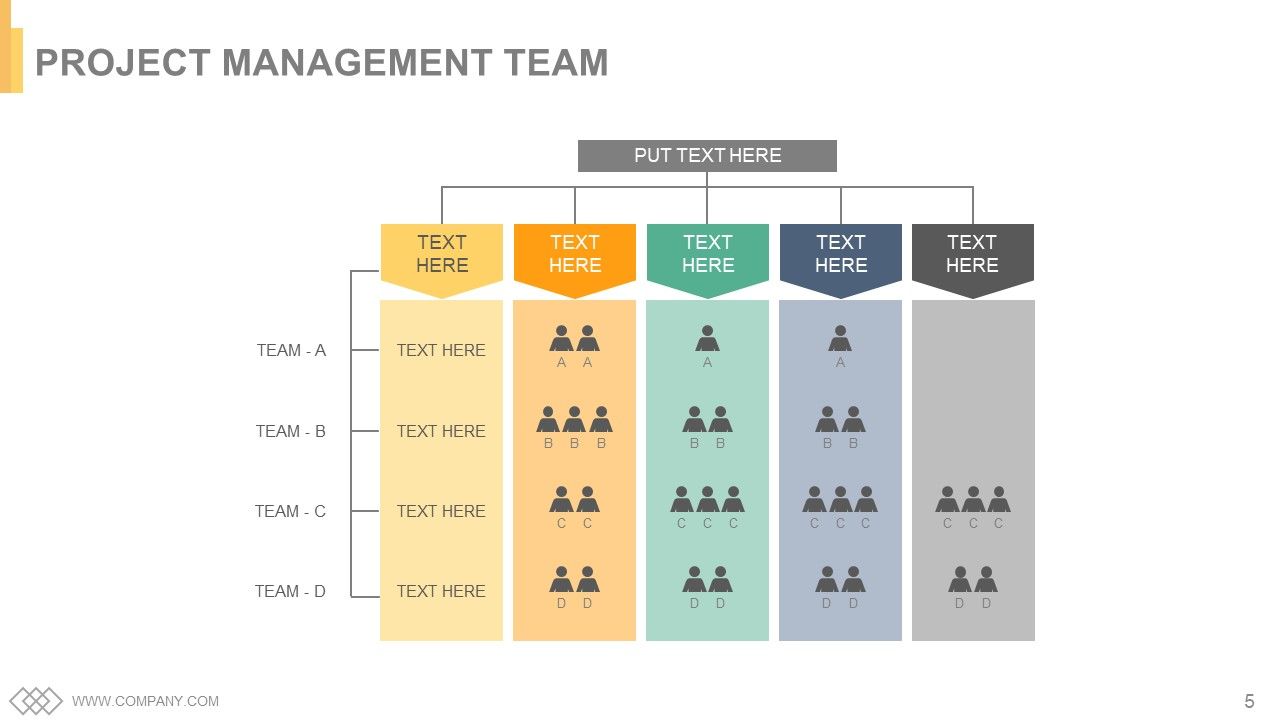
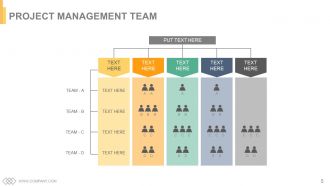
Diapositiva 5 : esta diapositiva presenta al equipo de gestión de proyectos.
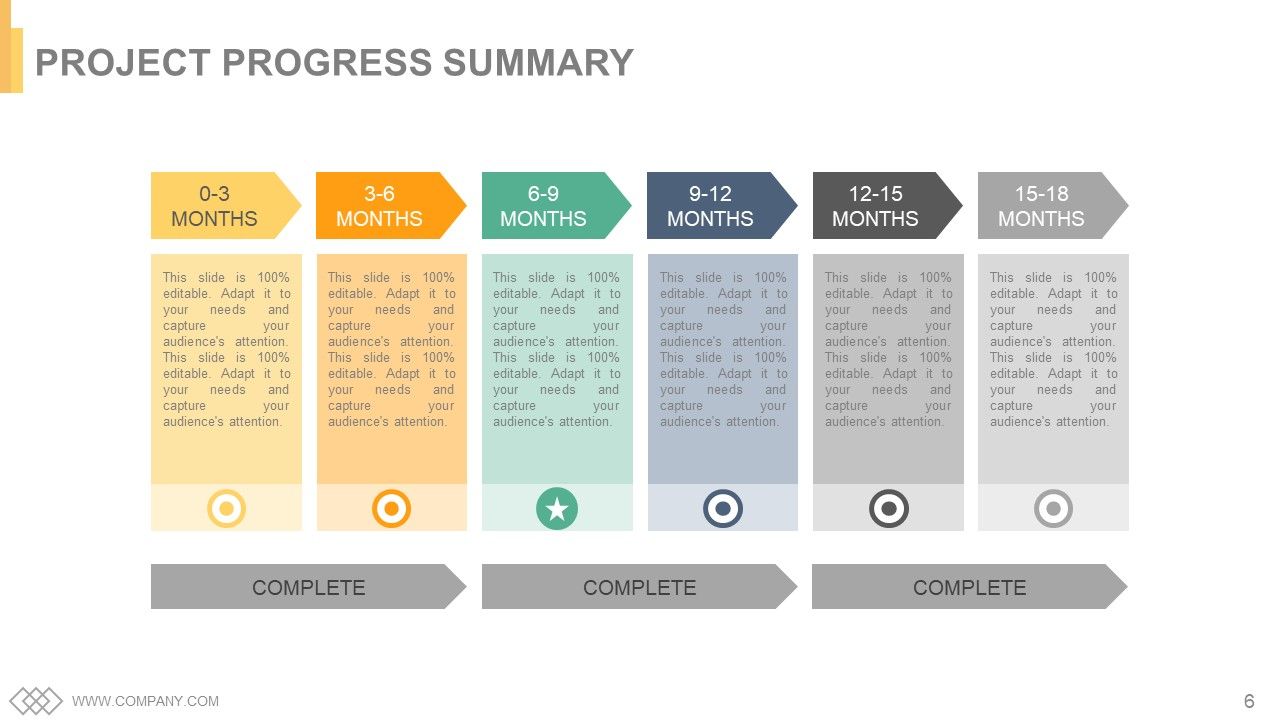
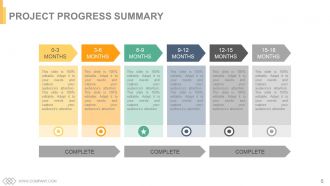
Diapositiva 6 : Esta diapositiva presenta el Resumen de progreso del proyecto en meses.
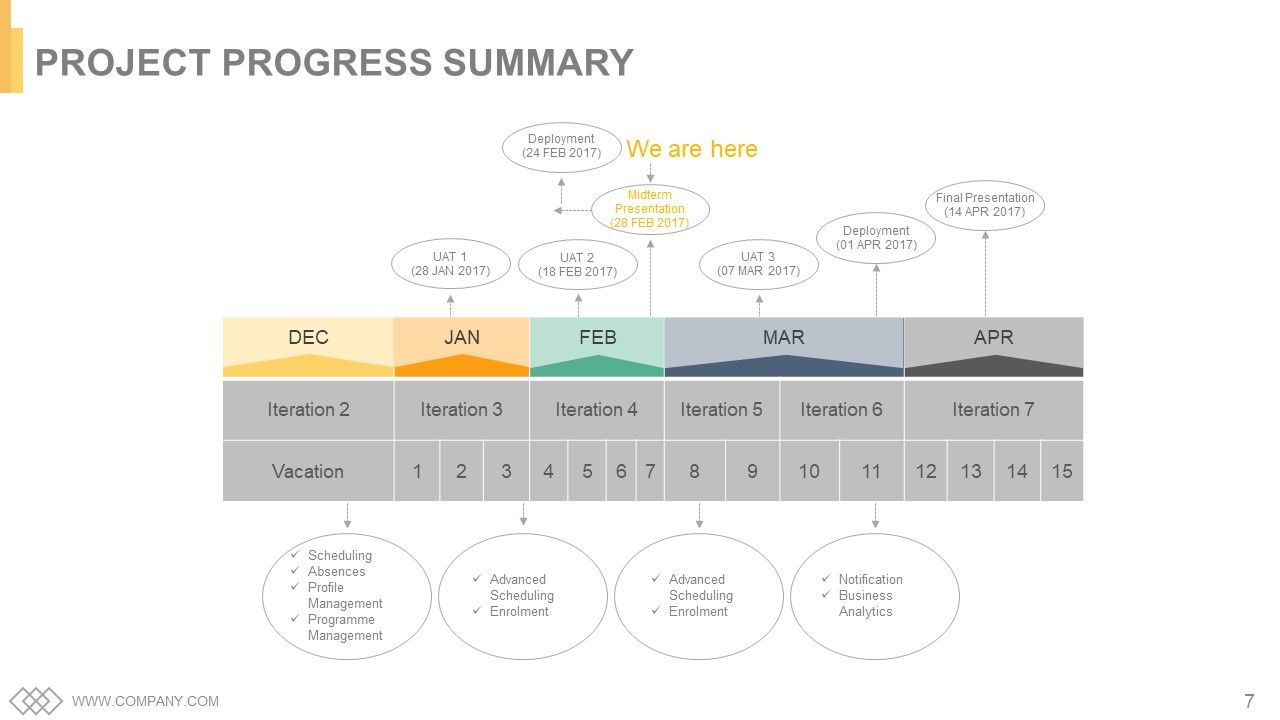
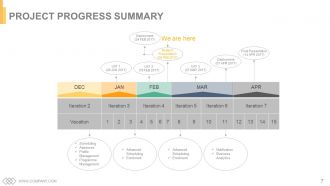
Diapositiva 7 : Esta diapositiva indica el Resumen de progreso del proyecto.
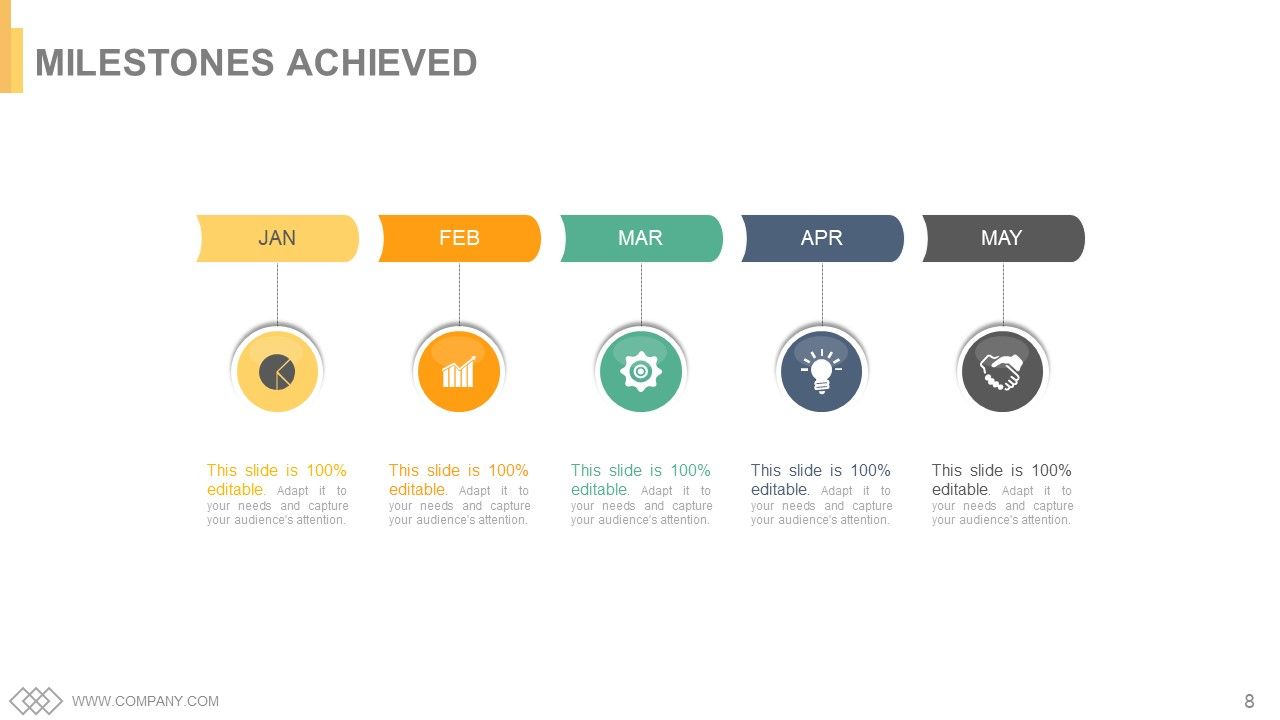
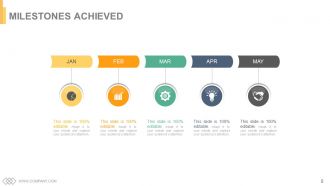
Diapositiva 8 : Esta es la diapositiva de Hitos logrados representada con cuadros de texto que se deben completar según sea necesario.
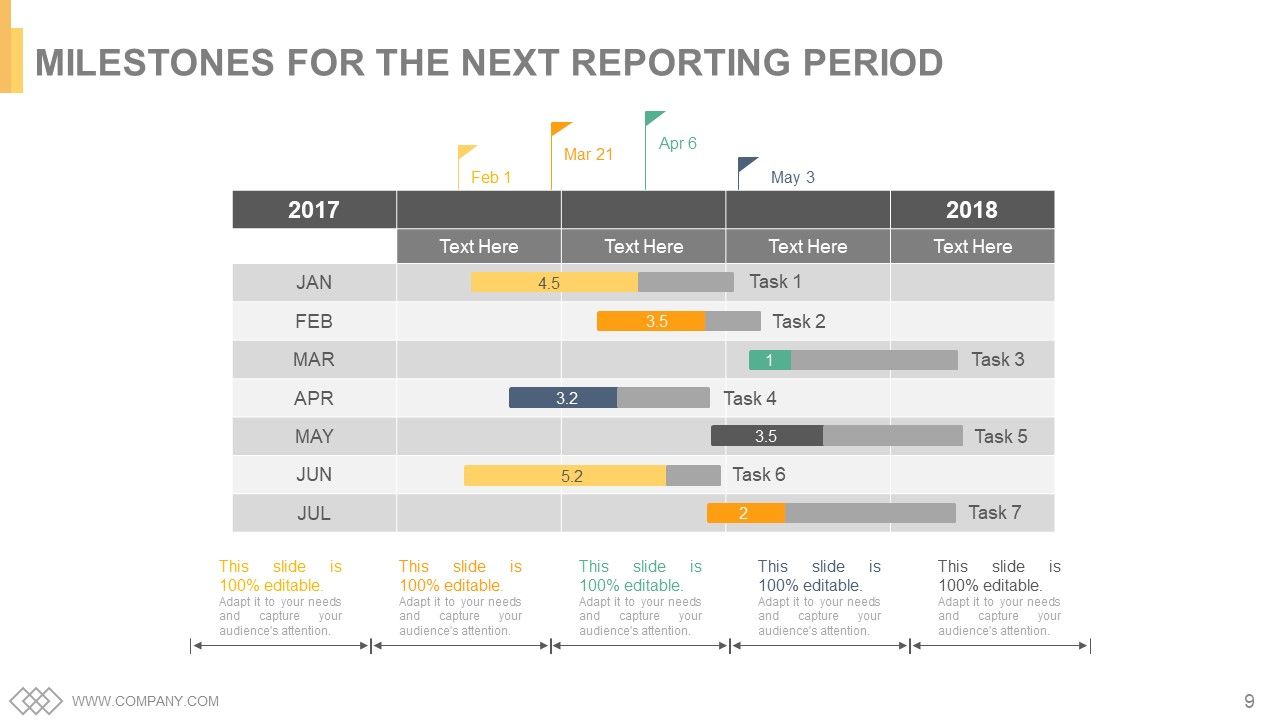
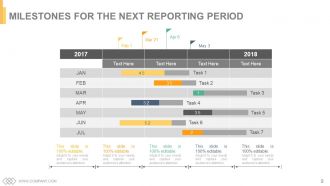
Diapositiva 9 : Esta diapositiva muestra los hitos para el próximo período del informe.
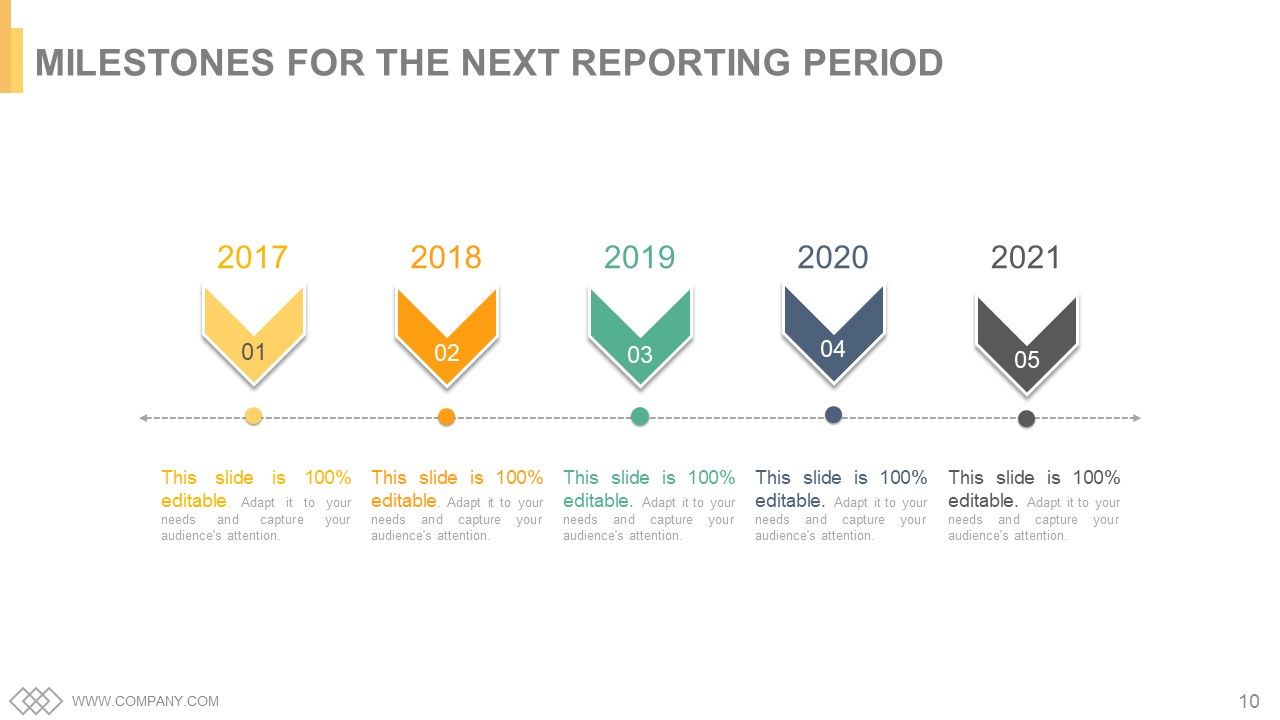
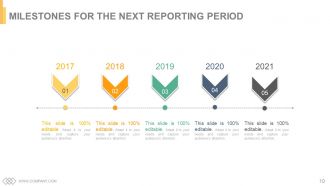
Diapositiva 10 : Esta es otra diapositiva que muestra los hitos para el próximo período del informe.
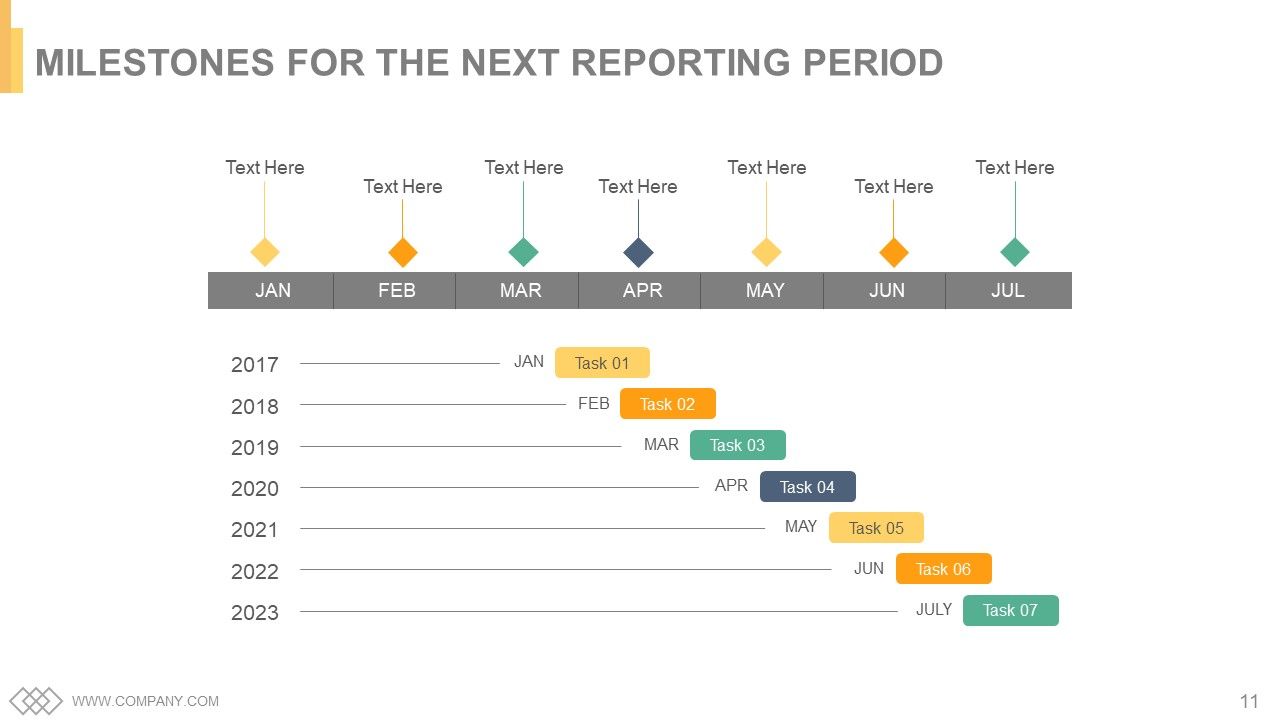
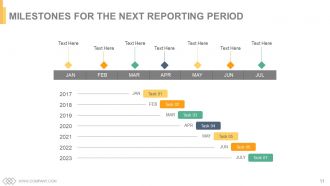
Diapositiva 11 : Esta también es la diapositiva de Hitos para el próximo período del informe.
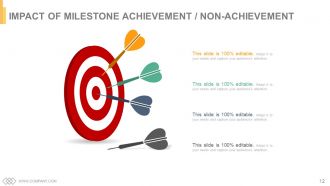
Diapositiva 12 : Esta diapositiva indica el impacto del logro / no logro de hitos con flechas e imágenes de destino.
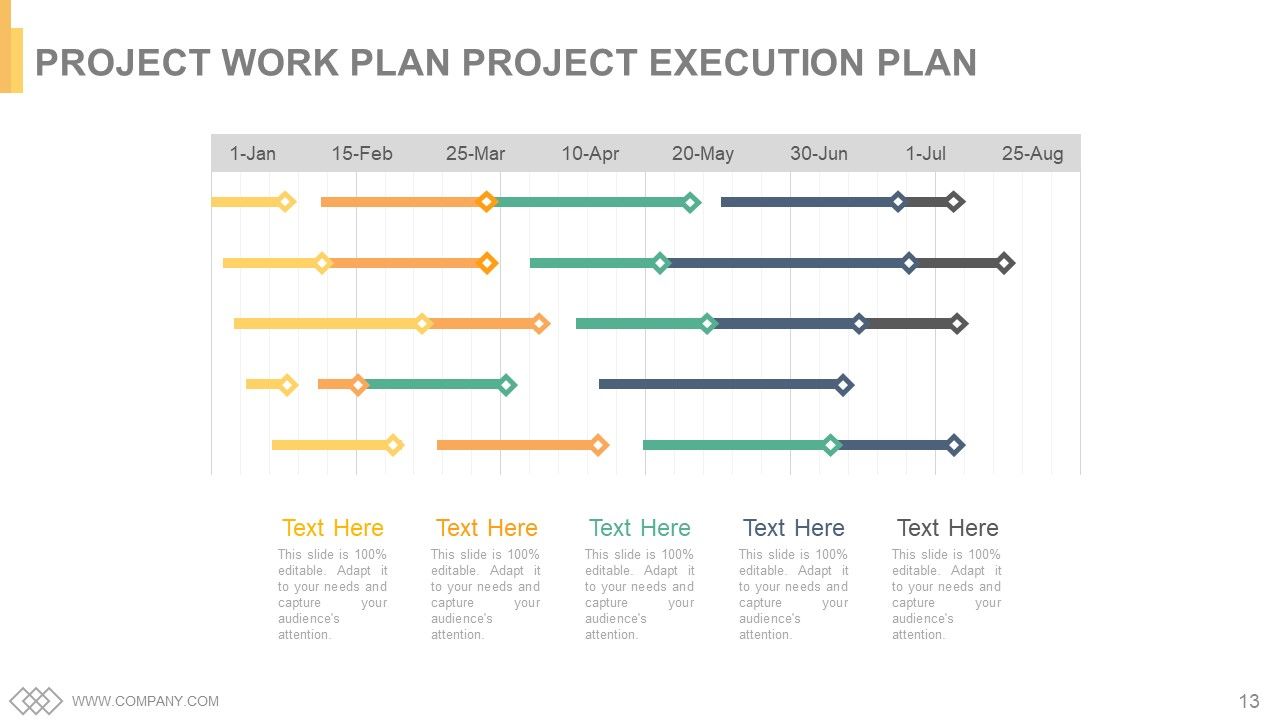
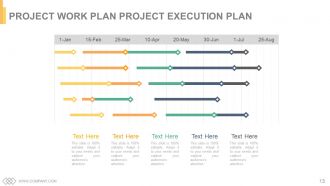
Diapositiva 13 : Esta diapositiva presenta el Plan de trabajo del proyecto Plan de ejecución del proyecto.
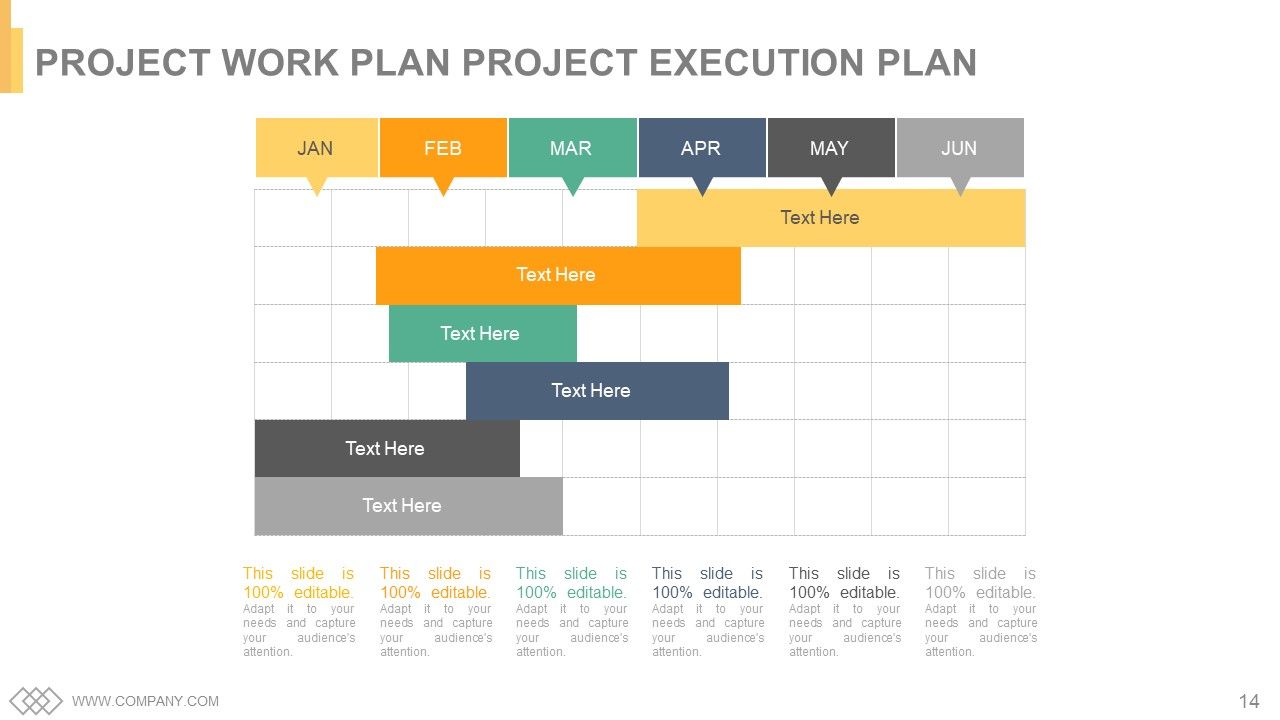
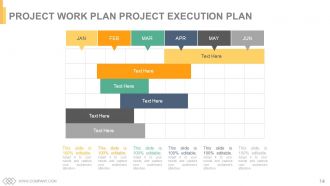
Diapositiva 14 : Esta es otra diapositiva que indica el plan de trabajo del proyecto Plan de ejecución del proyecto.
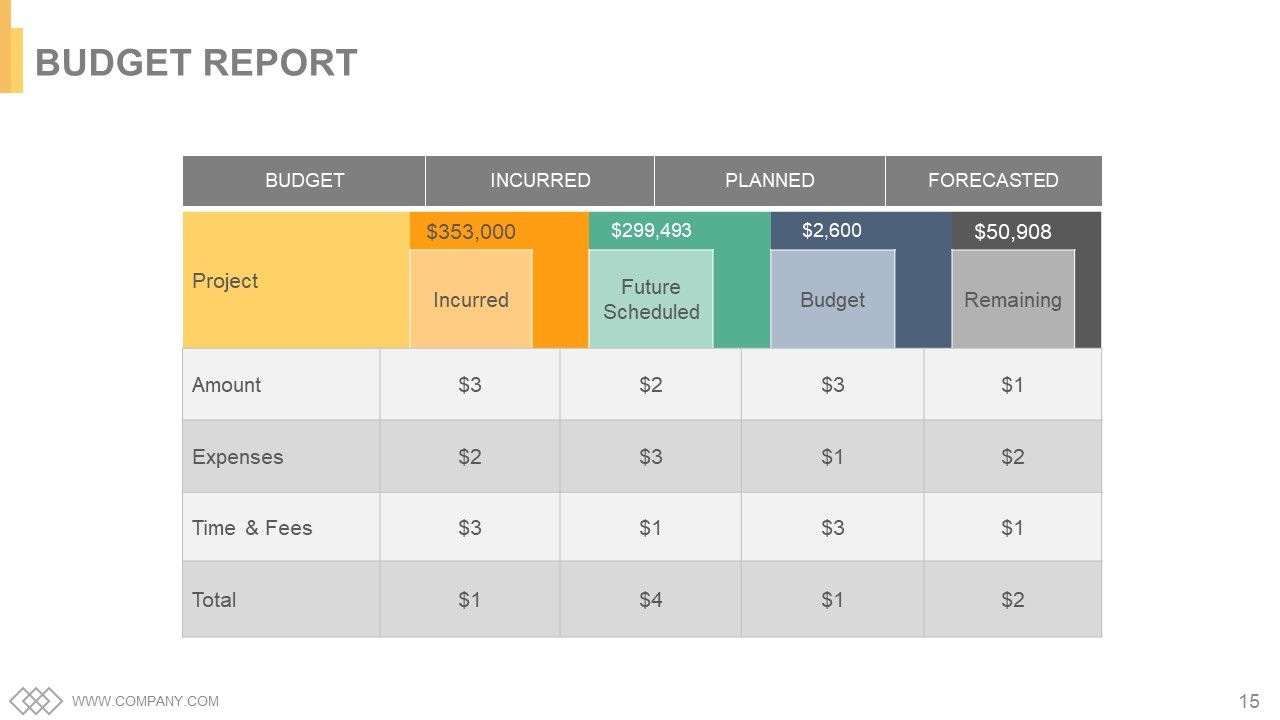
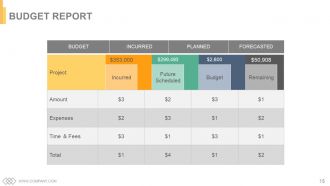
Diapositiva 15 : Esta diapositiva presenta el Informe presupuestario que se efectuó, planificó y pronosticó.
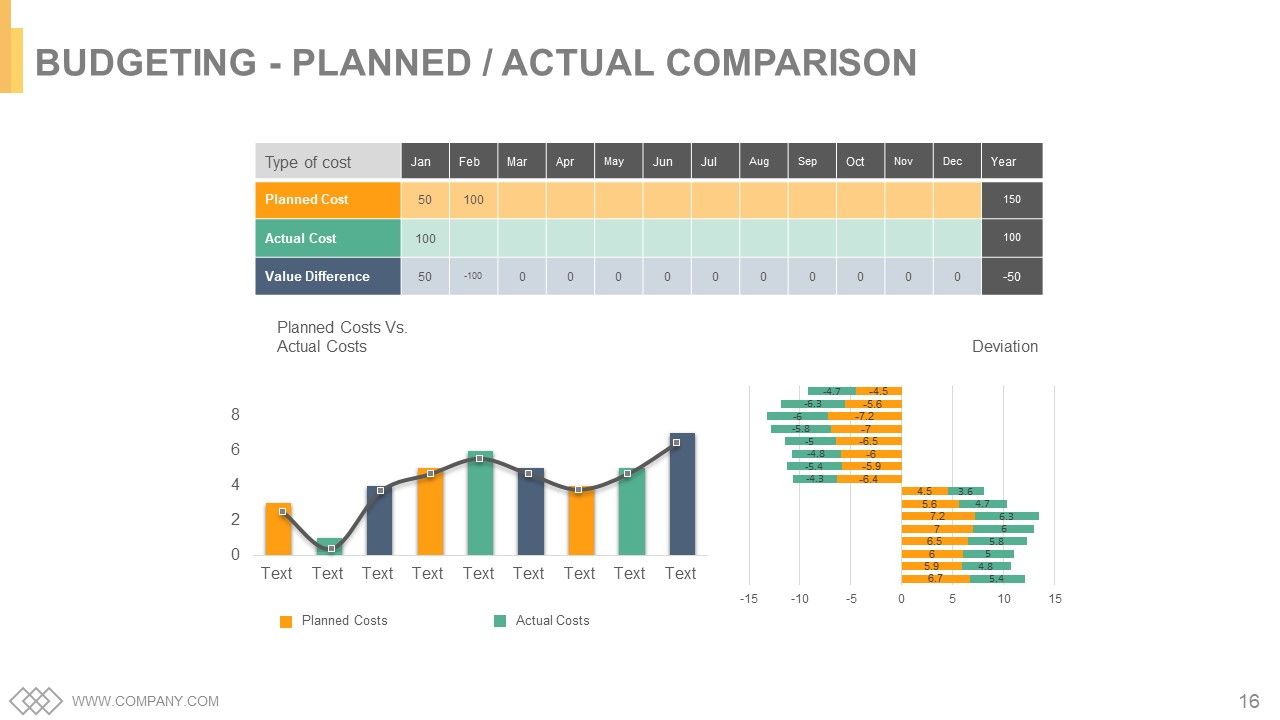
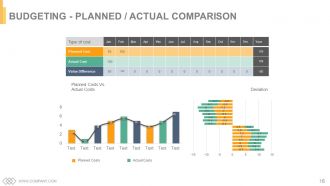
Diapositiva 16 : Esta es Presupuesto - Diapositiva de comparación planificada / real.
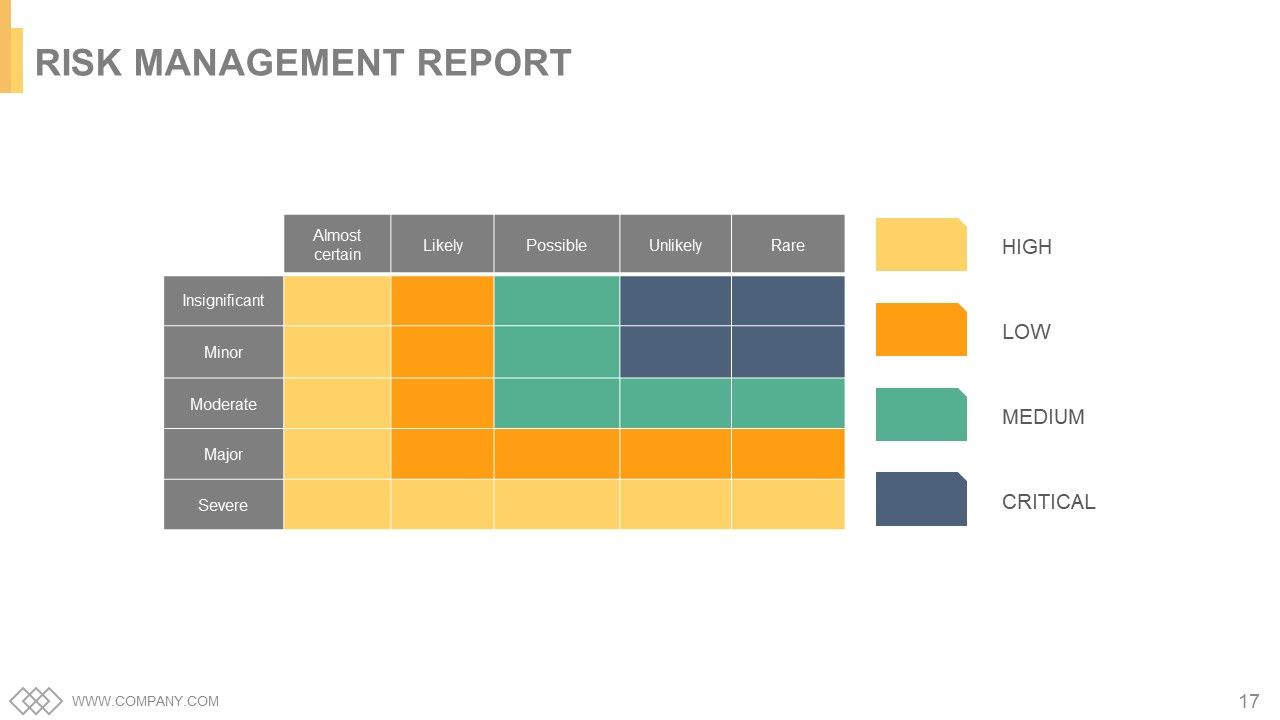
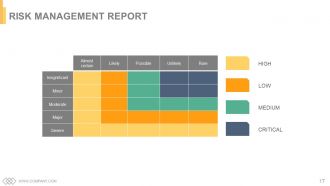
Diapositiva 17 : Esta diapositiva presenta el Informe de gestión de riesgos con parámetros altos, bajos, medios y críticos.
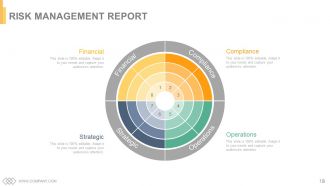
Diapositiva 18 : Esta es otra diapositiva del Informe de gestión de riesgos. Financiero, Cumplimiento, Operaciones, Estratégico.
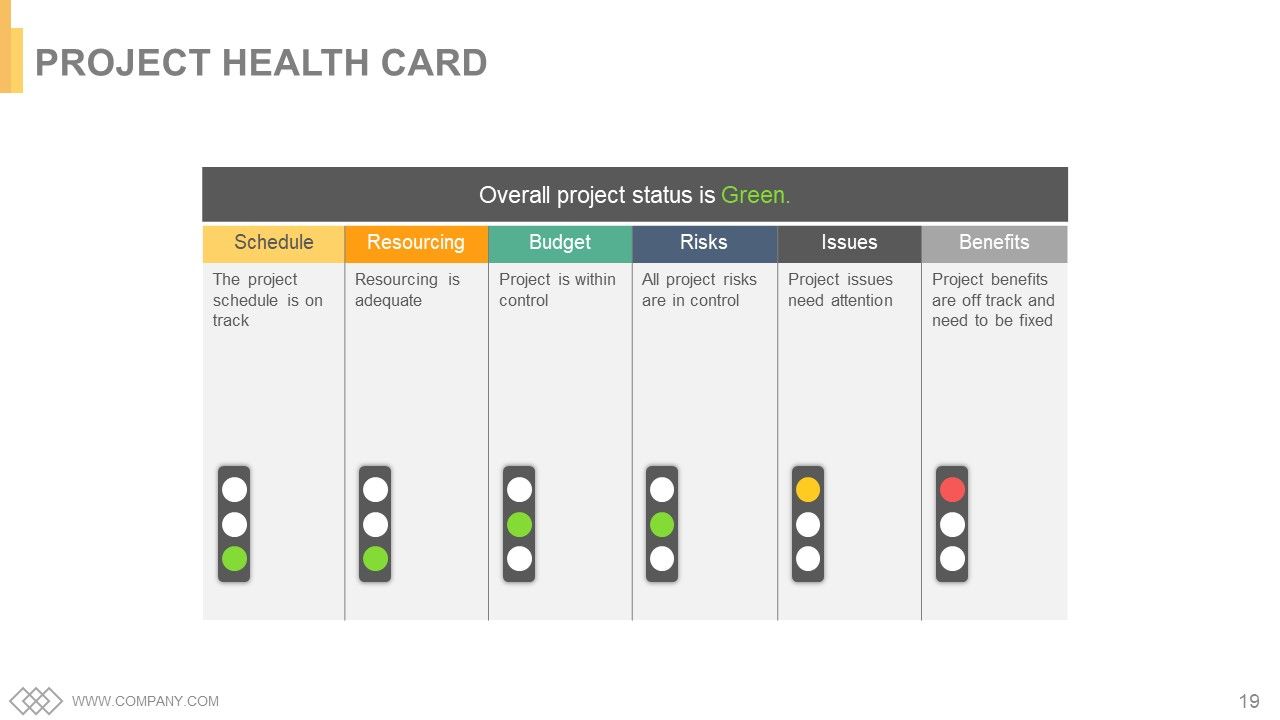
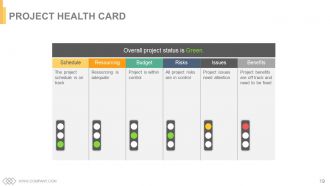
Diapositiva 19 : Esta diapositiva muestra la Tarjeta de salud del proyecto.
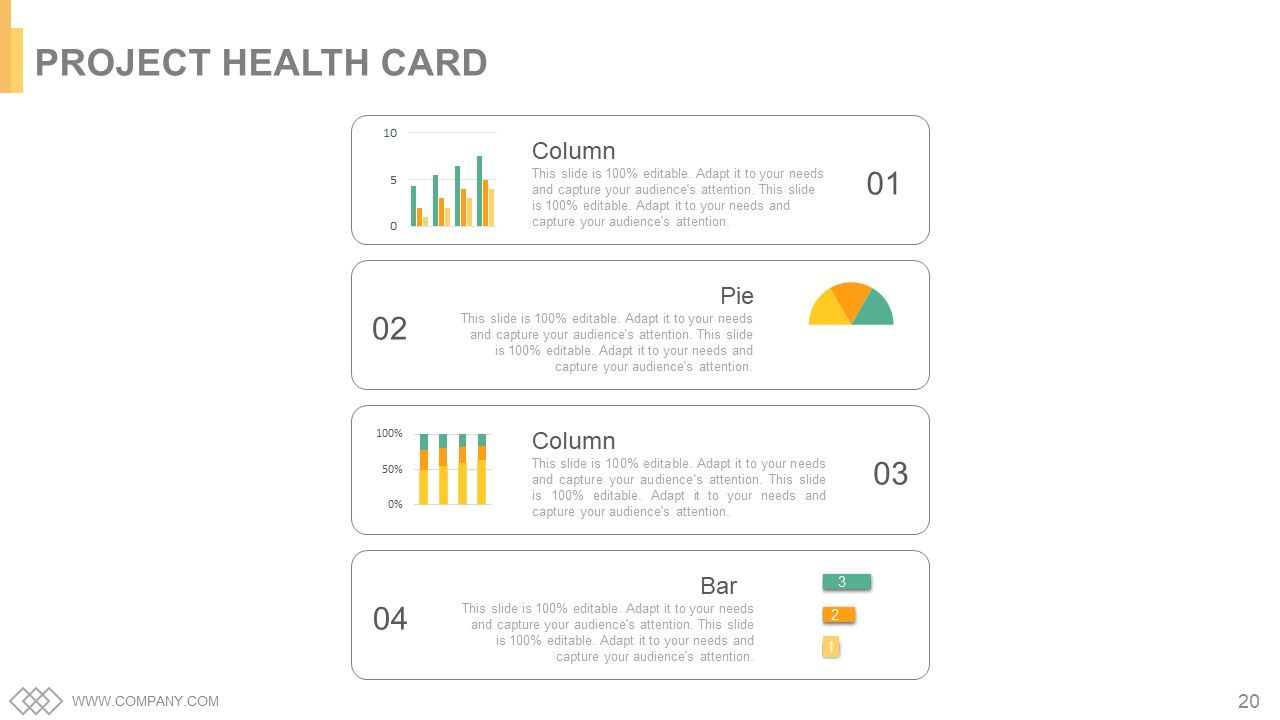
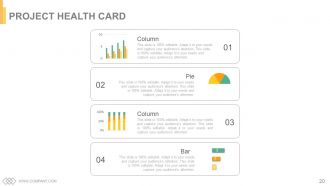
Diapositiva 20 : Esta es otra diapositiva de la Tarjeta de salud del proyecto representada con un gráfico de columnas, un gráfico de barras y un gráfico circular.
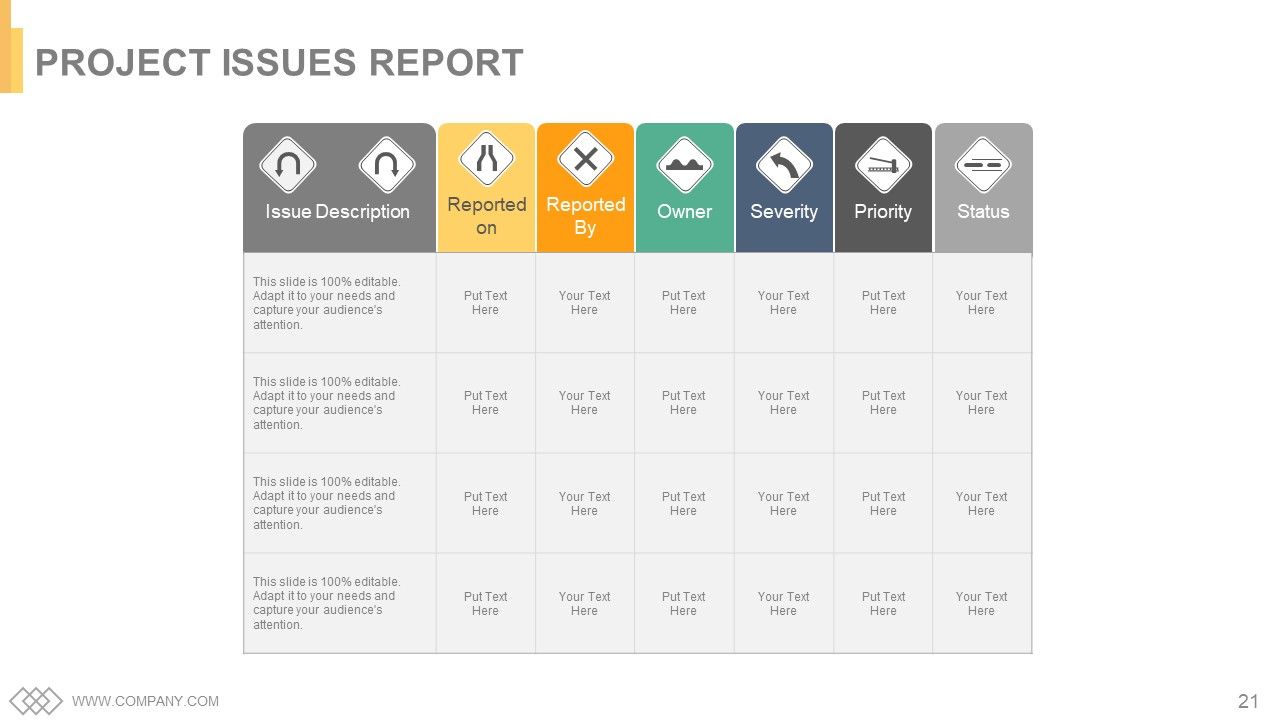
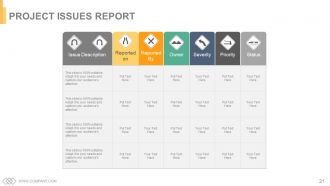
Diapositiva 21 : Esta diapositiva presenta el Informe de problemas del proyecto.
Diapositiva 22 : esta diapositiva se titula Diapositivas adicionales para continuar. Se puede cambiar según sea necesario.
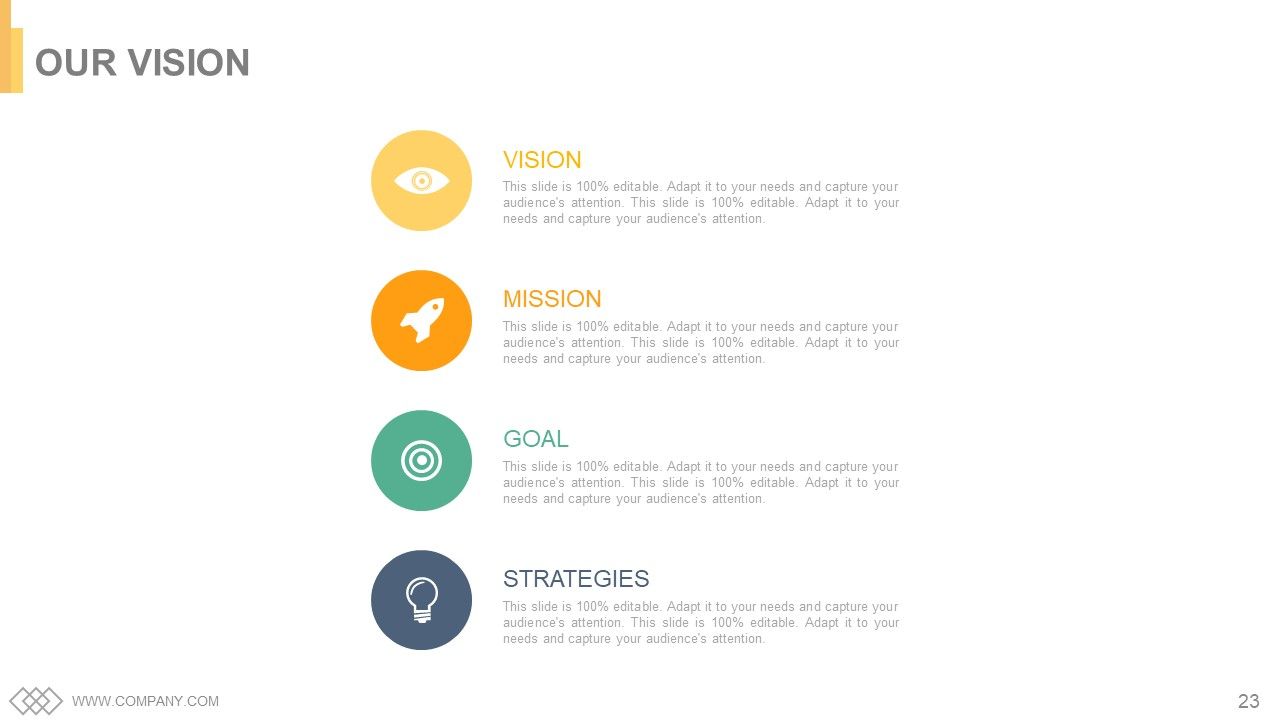
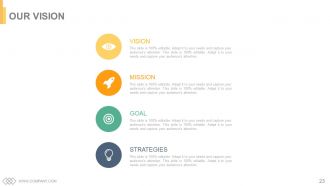
Diapositiva 23 : Esta es la diapositiva de Nuestra visión. Exprese aquí su visión, metas, estrategias y misión.
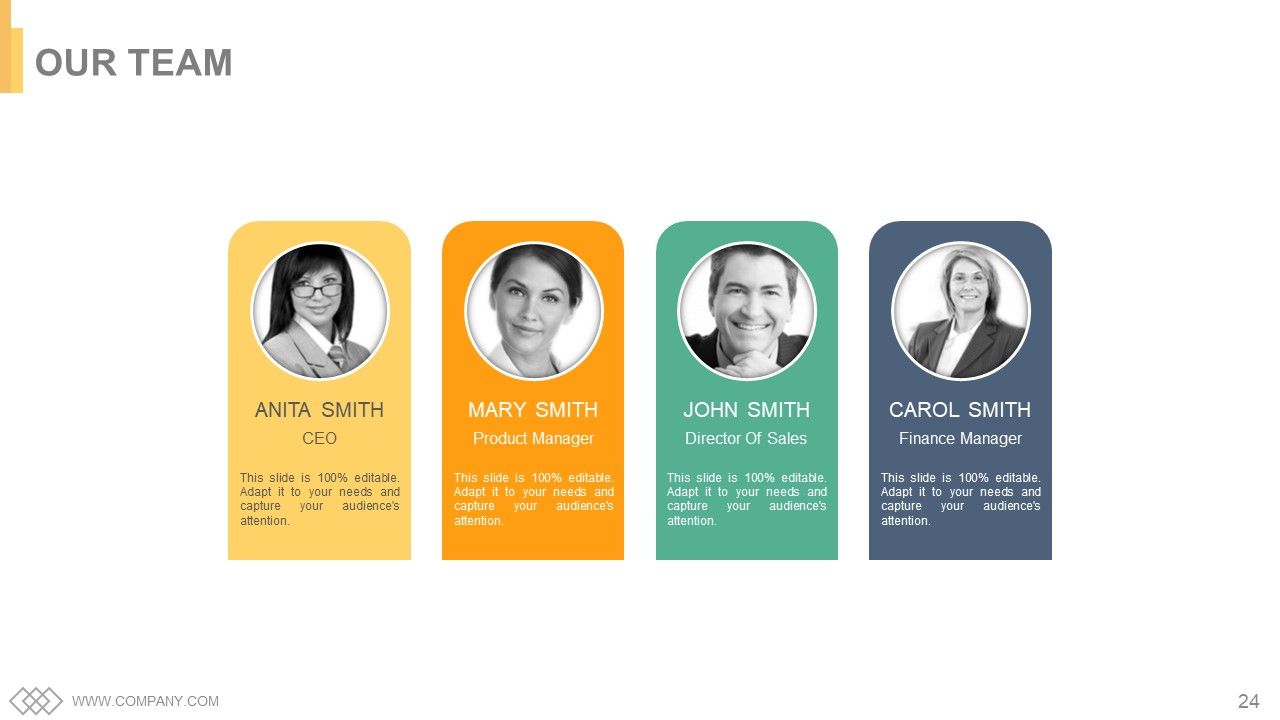
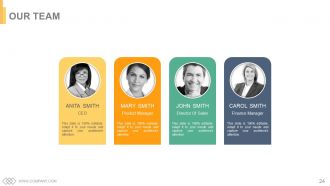
Diapositiva 24 : Esta diapositiva muestra a Nuestro equipo con cuadros de texto e imagen.
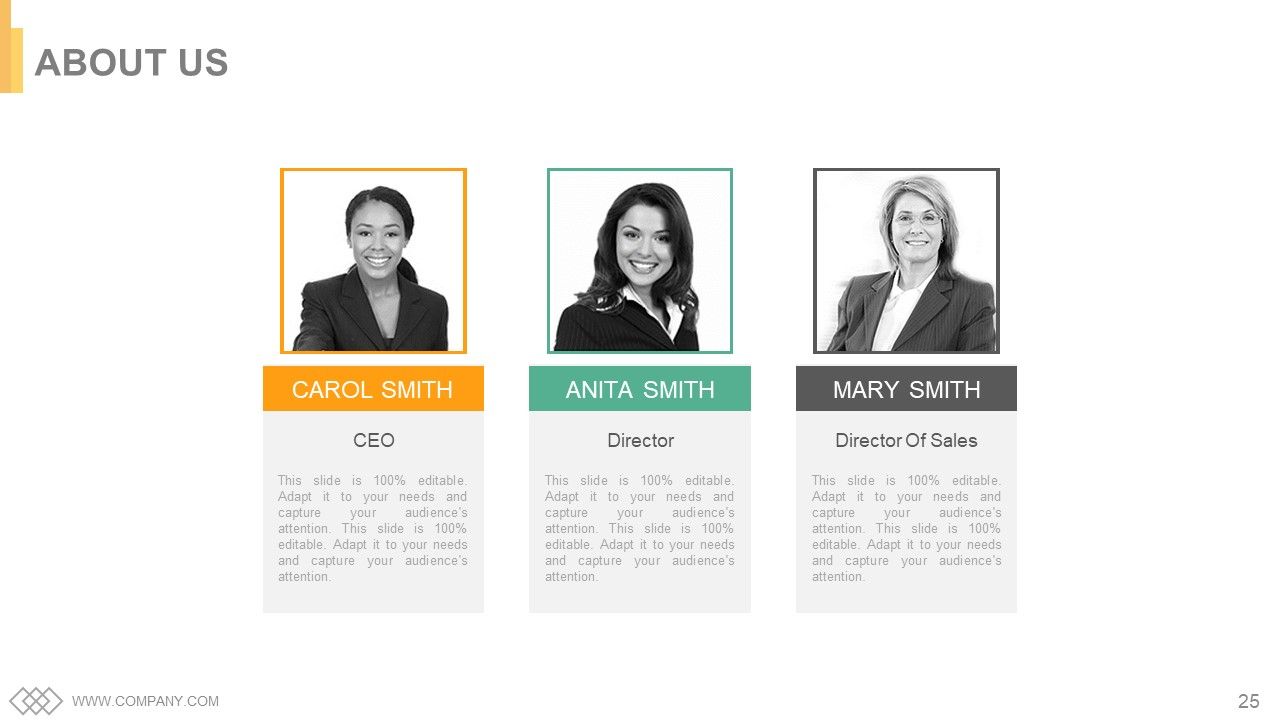
Diapositiva 25 : Esta es una diapositiva Acerca de nosotros con cuadros de texto que se deben completar según sus requisitos.
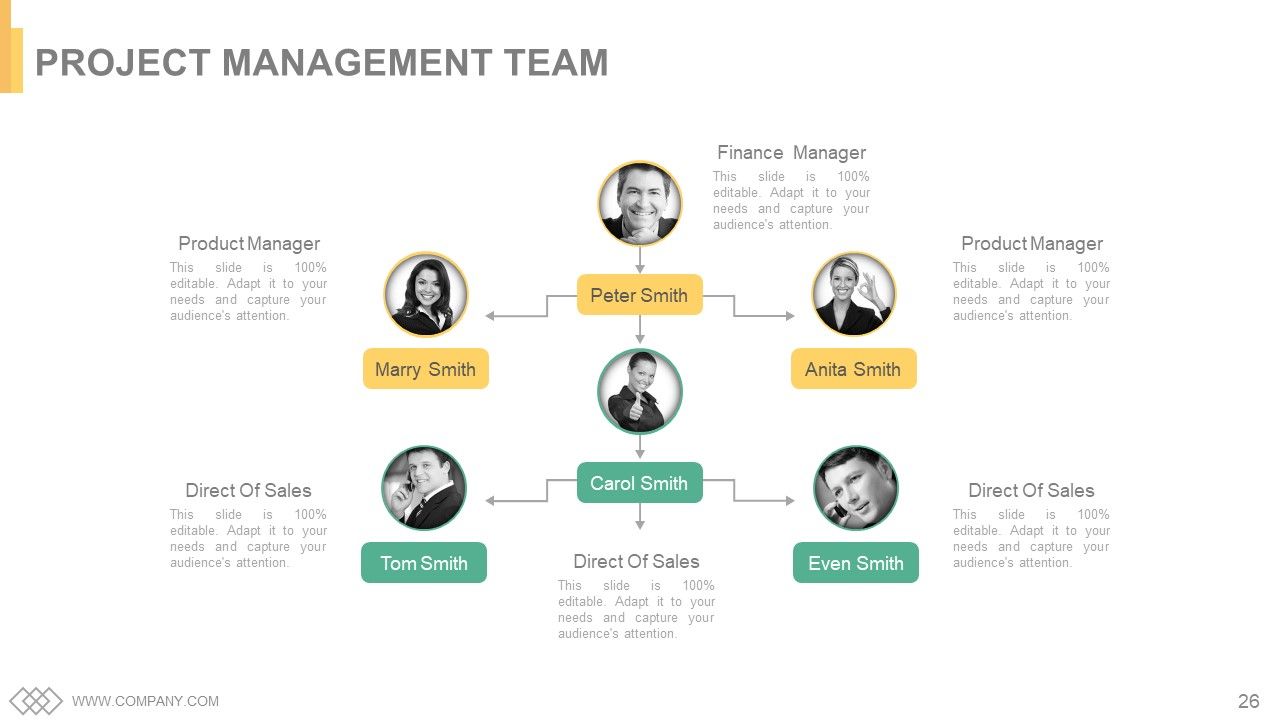
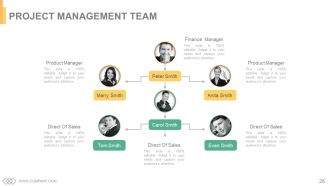
Diapositiva 26 : Esta diapositiva presenta al Equipo de Gestión del Proyecto con nombre, designación e imágenes.
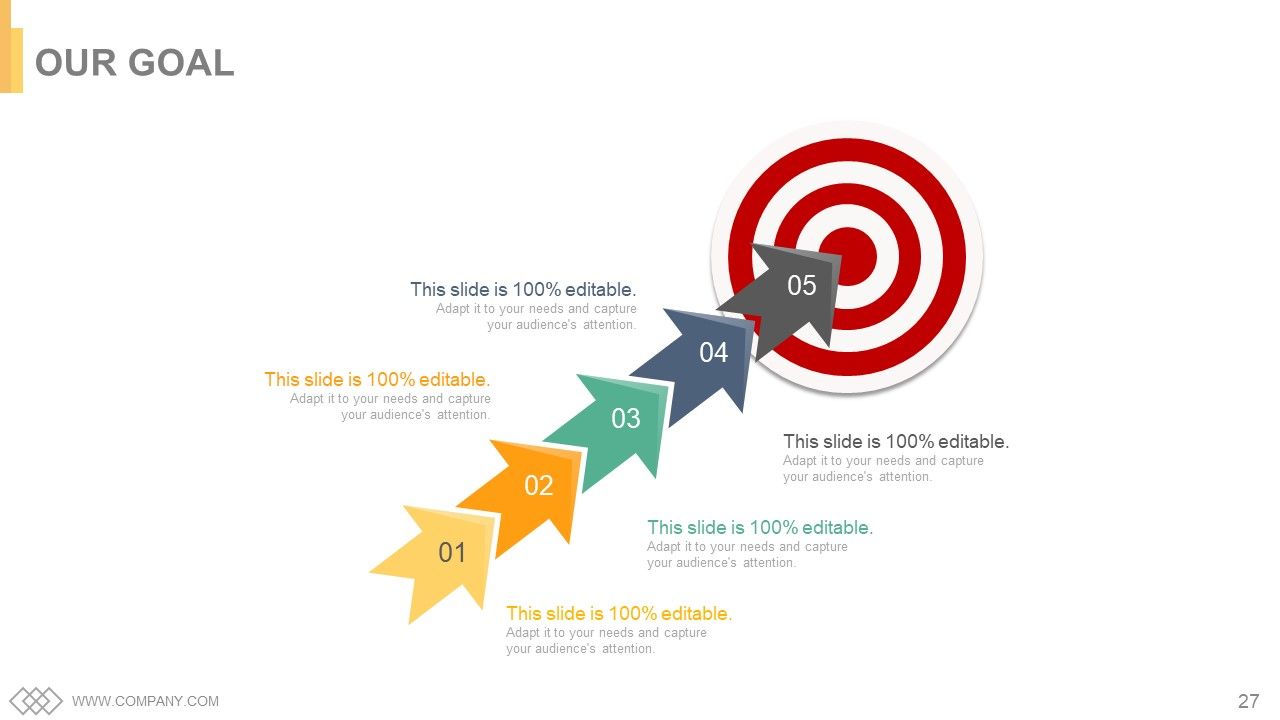
Diapositiva 27 : Este es un cuadro de texto de la diapositiva Nuestro objetivo para indicar objetivos, metas, etc.
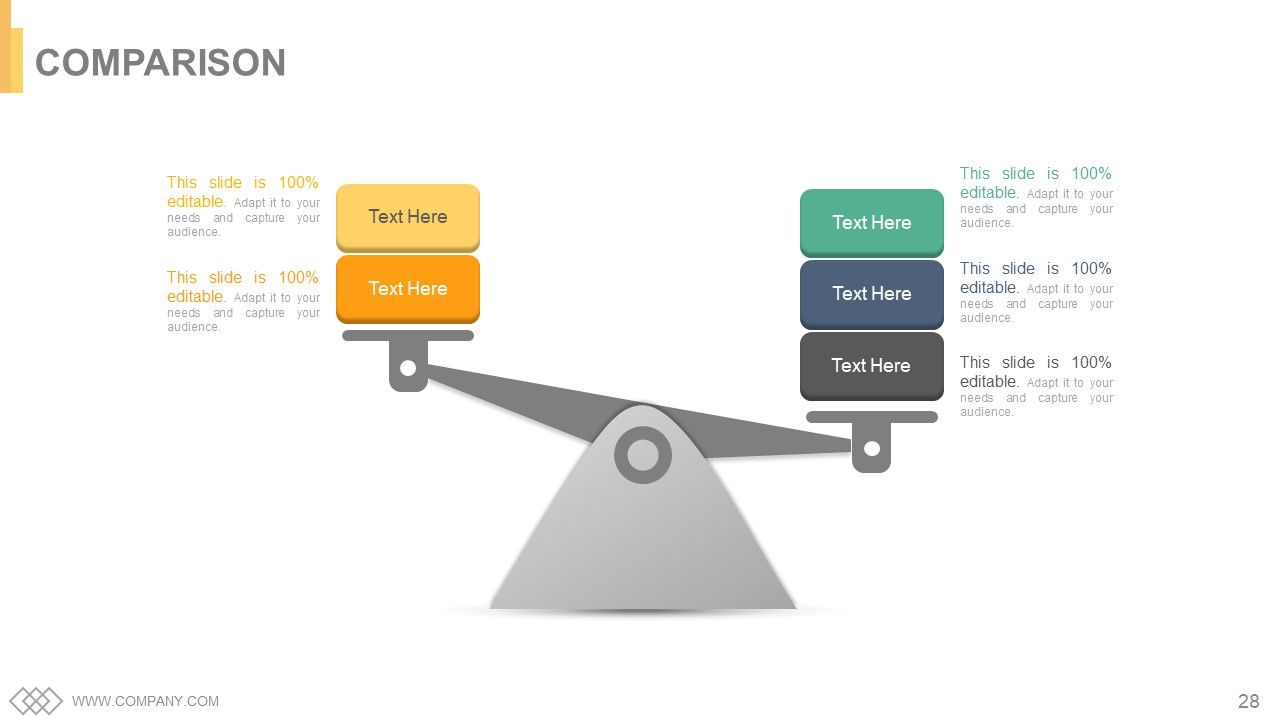
Diapositiva 28 : Esta es una diapositiva de comparación para mostrar la comparación de dos entidades / productos, etc.
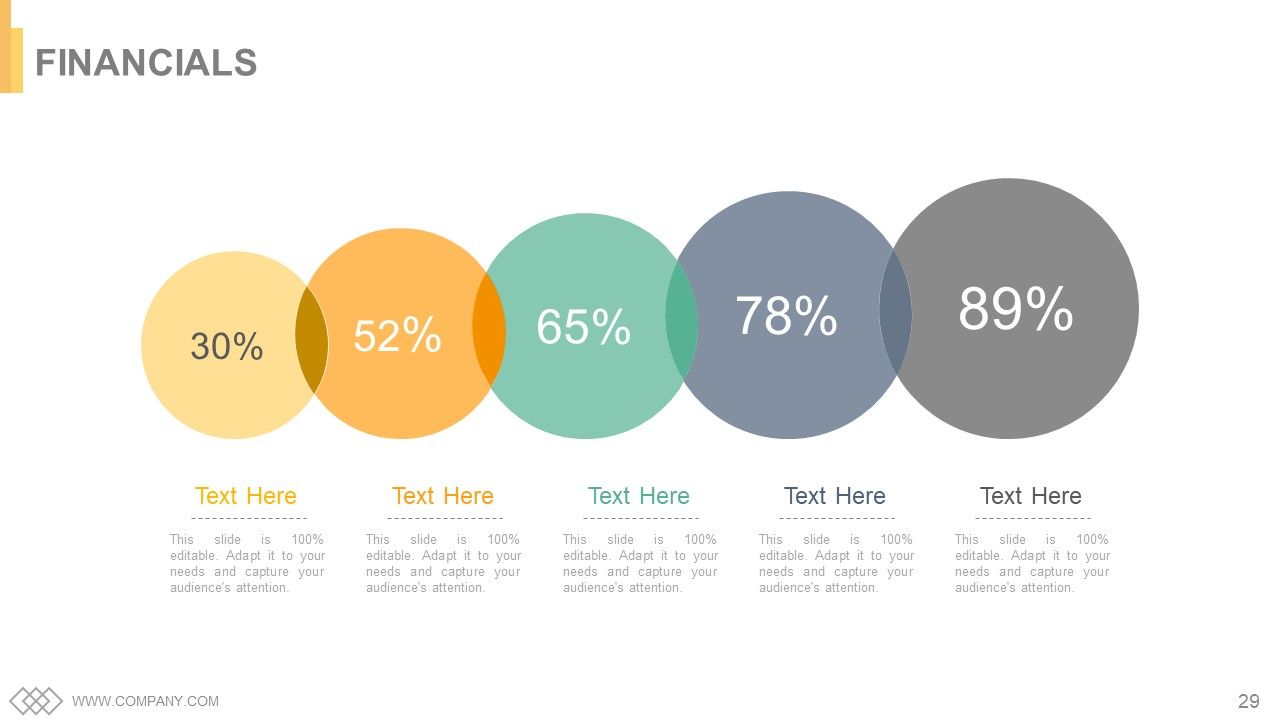
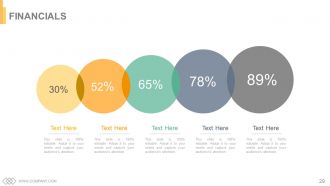
Diapositiva 29 : Esta diapositiva se titula Finanzas. Muestre finanzas y todo lo relacionado aquí.
Diapositiva 30 : Esta diapositiva muestra Cotizaciones, que puede modificar / usar según sus propios requisitos.
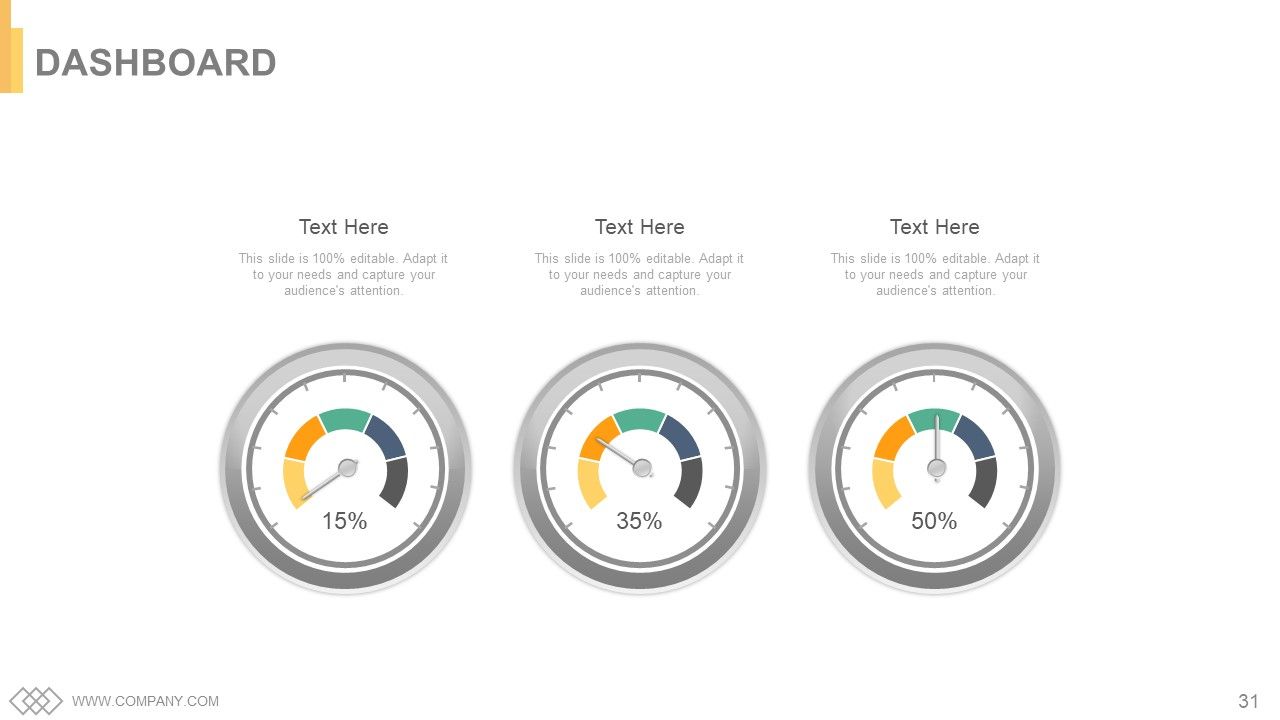
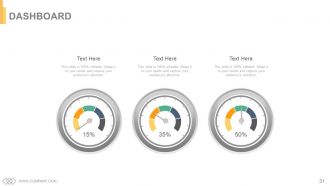
Diapositiva 31 : Esta es una diapositiva del Panel para indicar métricas, kpis, etc.
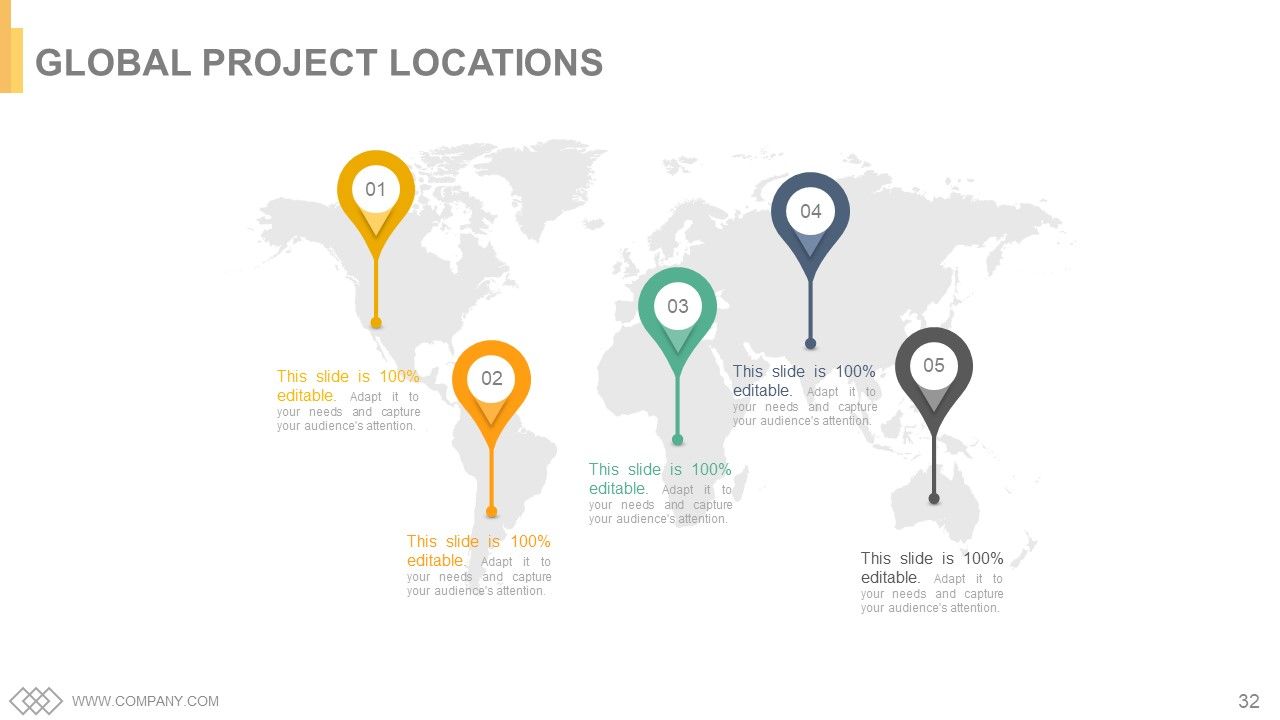
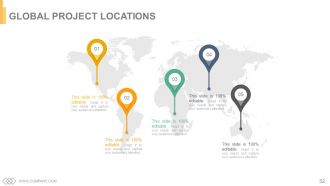
Diapositiva 32 : Esta es una diapositiva de Ubicaciones de proyectos globales que se presenta en una imagen de mapa mundial.
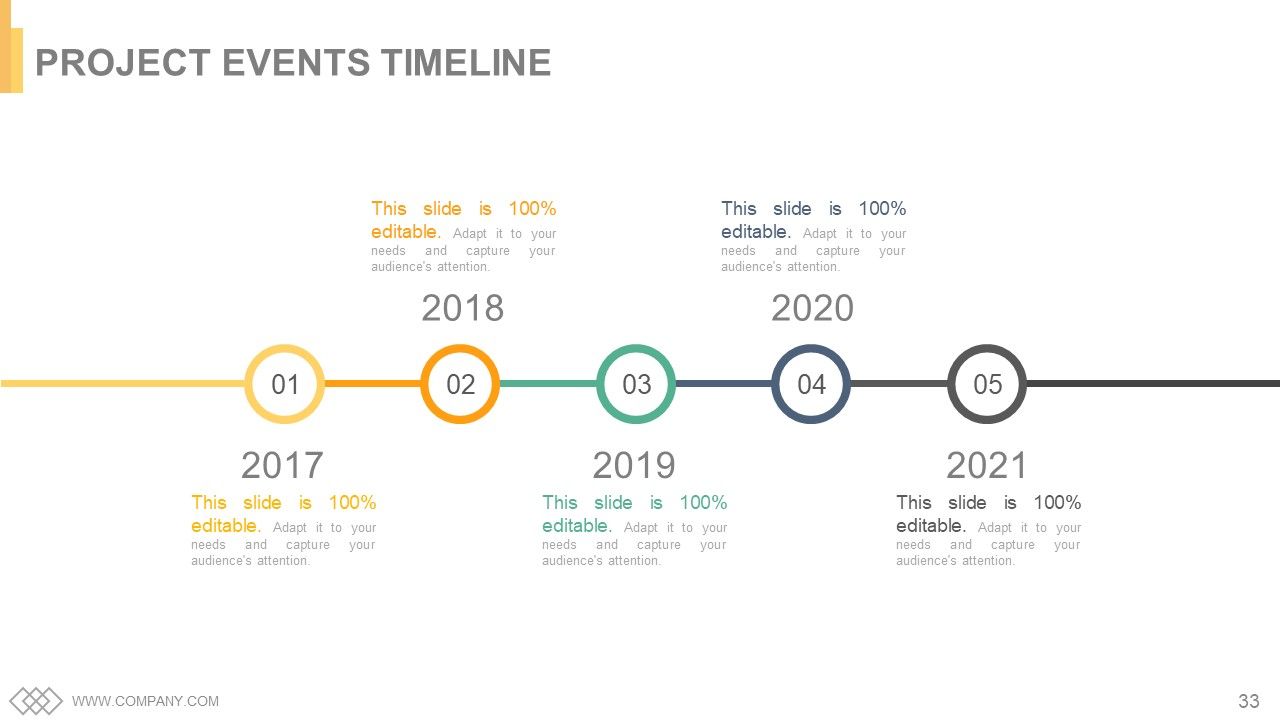
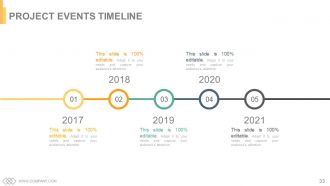
Diapositiva 33 : Esta es la diapositiva de la línea de tiempo de los eventos del proyecto para presentar los hitos, el crecimiento, etc.
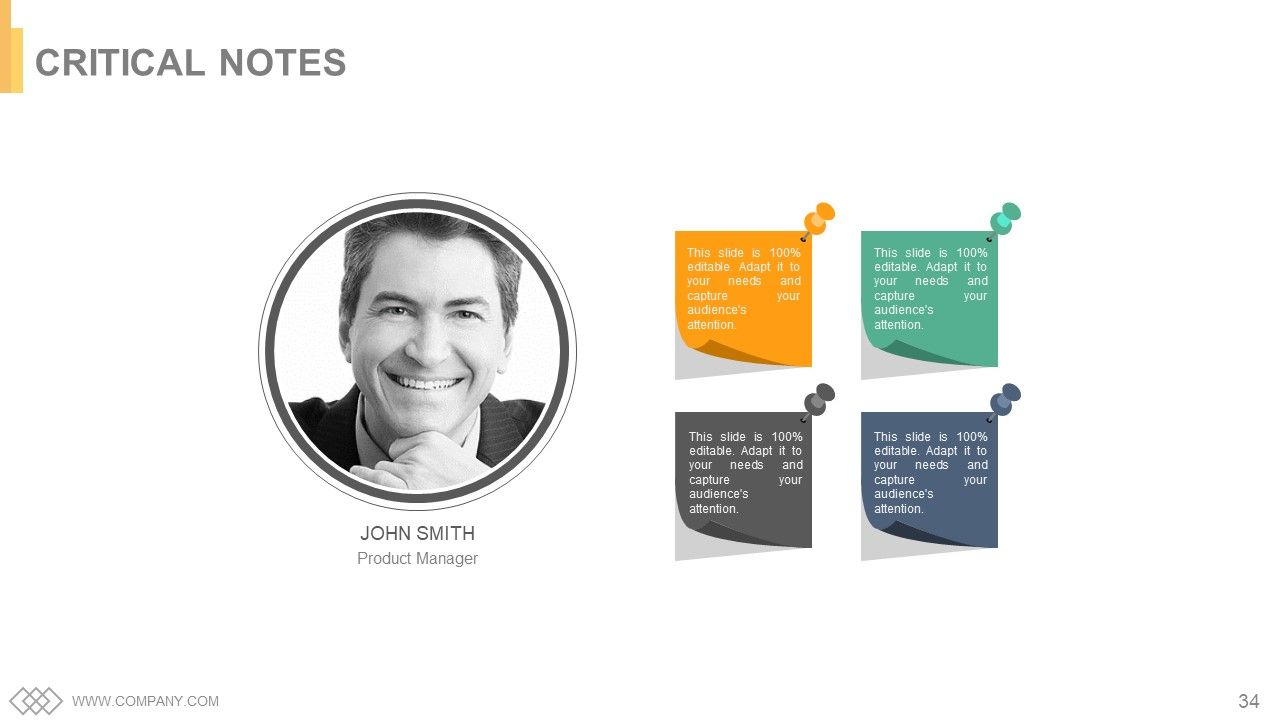
Diapositiva 34 : Esta es una diapositiva de Notas críticas para indicar información importante, especificaciones, etc.
Diapositiva 35 : Esta diapositiva presenta una imagen de periódico con cuadros de texto para mostrar noticias de la empresa, posición, etc.
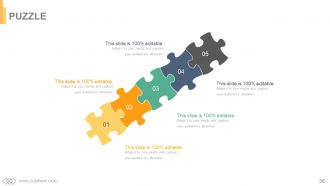
Diapositiva 36 : esta diapositiva muestra un rompecabezas con imágenes para mostrar información, especificaciones, etc.
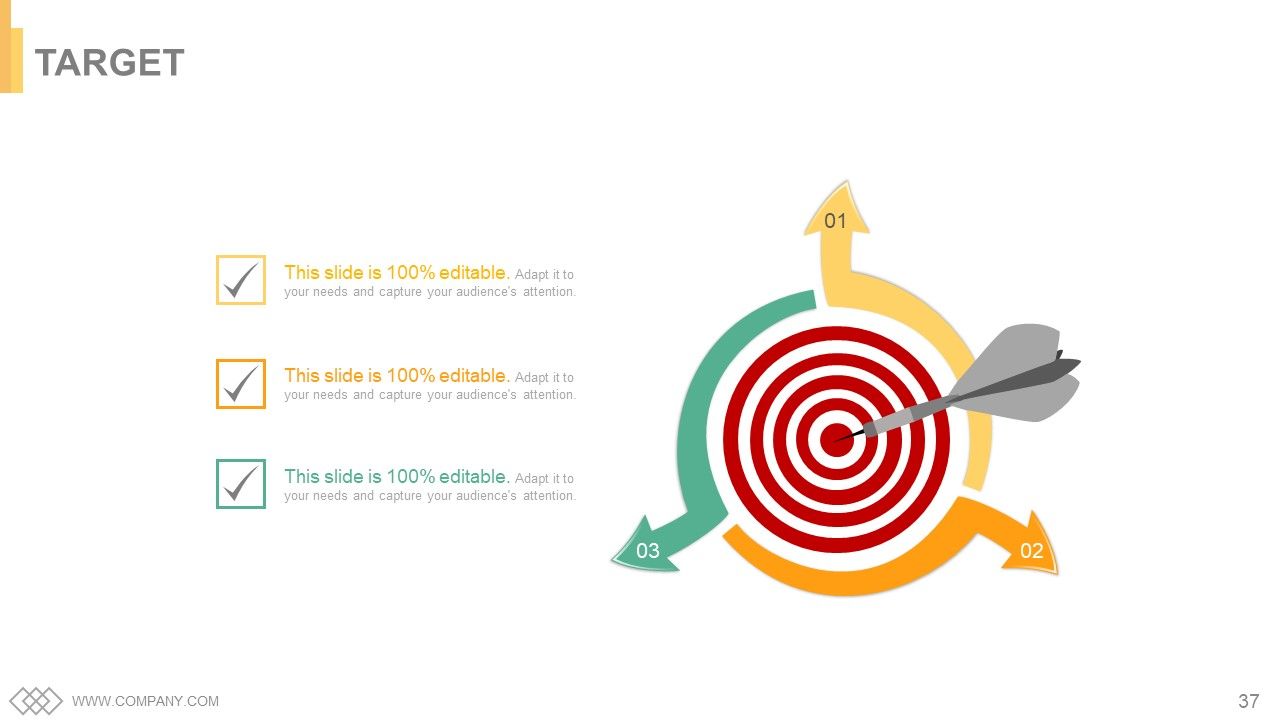
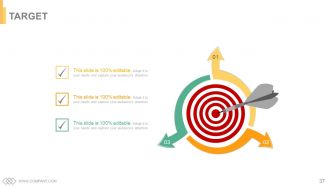
Diapositiva 37 : Esta es una diapositiva de destino. Indique sus objetivos, metas, etc. aquí.
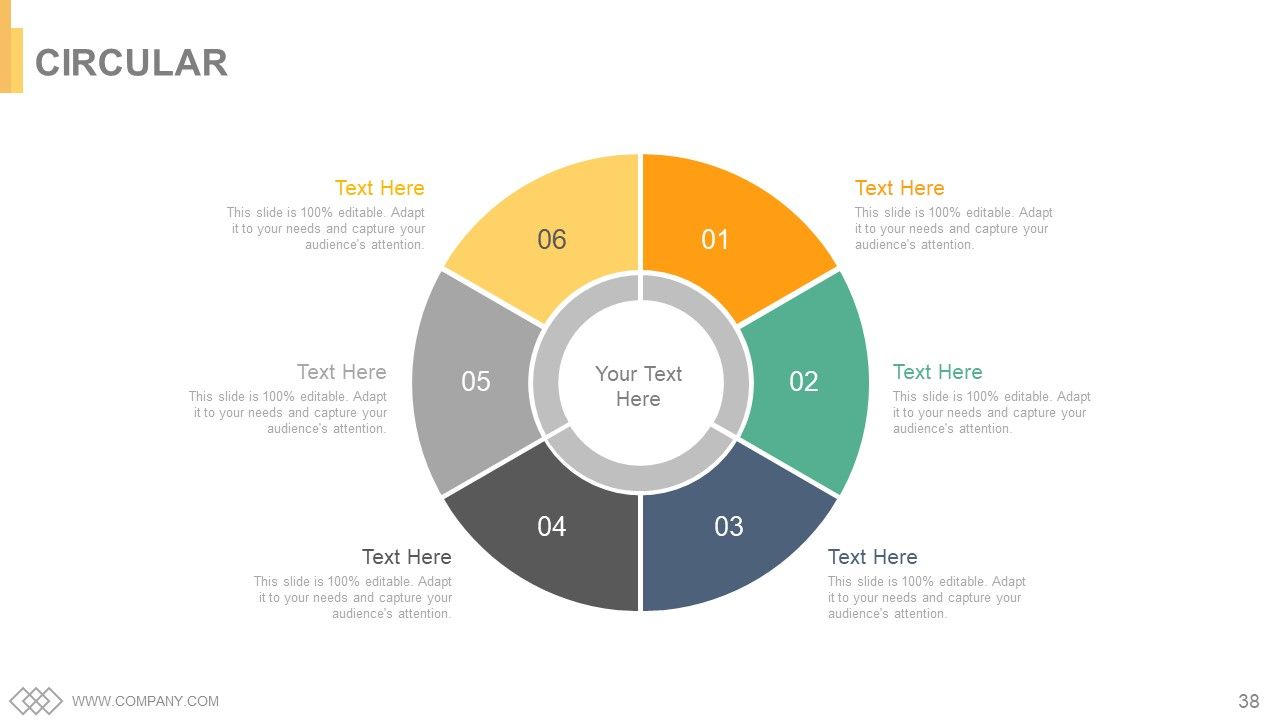
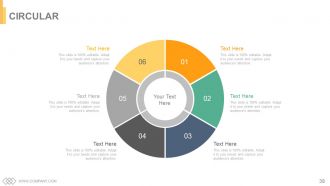
Diapositiva 38 : Esta es una diapositiva de imagen circular para mostrar información, especificaciones, etc.
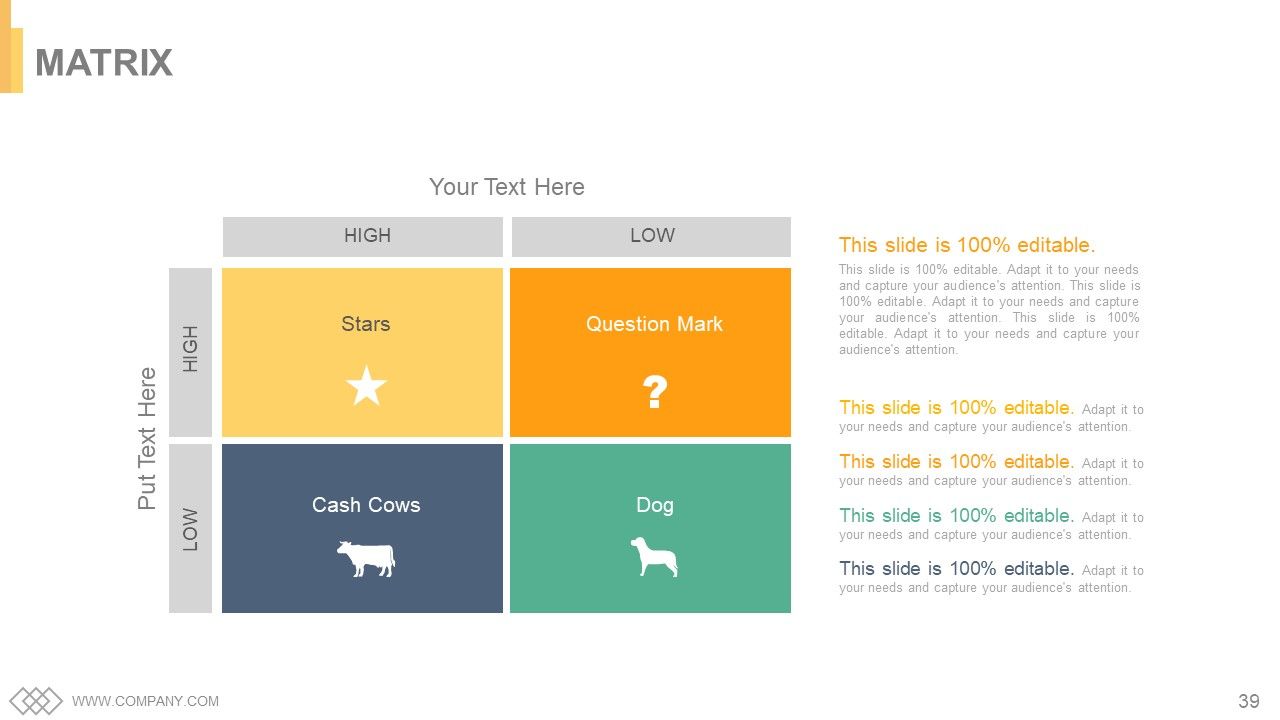
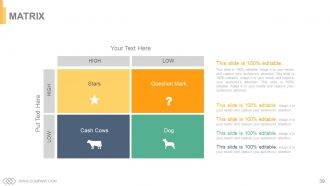
Diapositiva 39 : Esta diapositiva presenta una matriz de mayor a menor y viceversa.
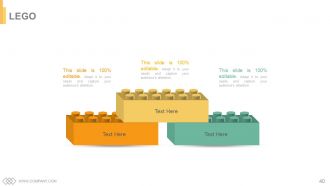
Diapositiva 40 : esta es una diapositiva de Lego con cuadros de texto para mostrar información, especificaciones, etc.
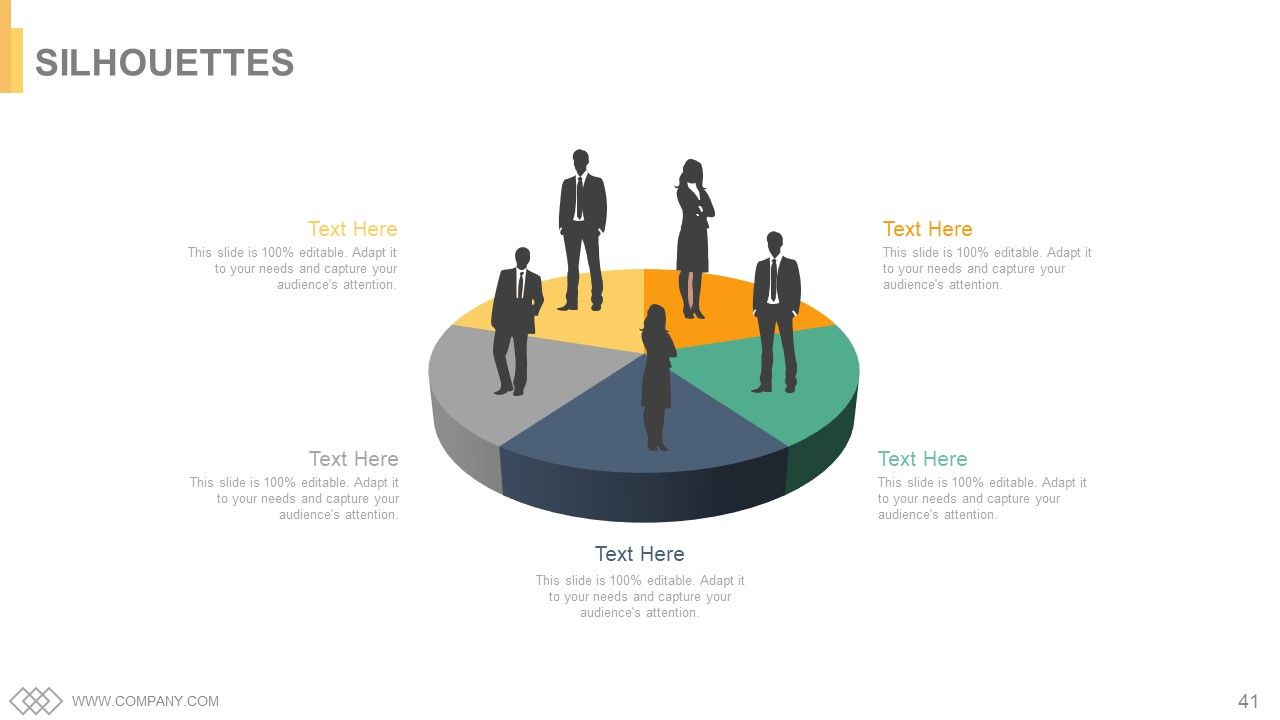
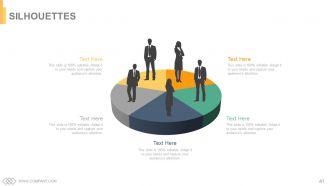
Diapositiva 41 : Esta es una diapositiva de Siluetas para presentar información orientada a las personas, especificaciones, etc.
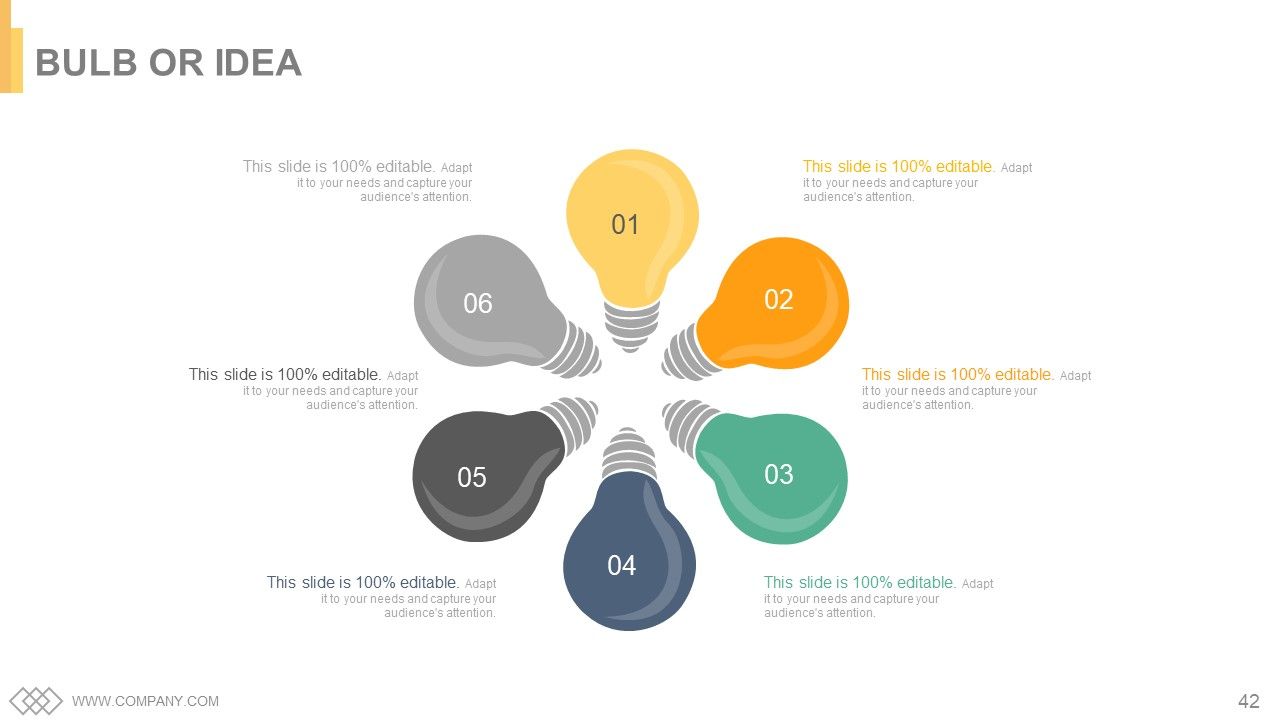
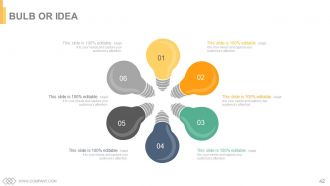
Diapositiva 42 : Esta es una diapositiva de Bombilla o Idea para enunciar una nueva idea o resaltar especificaciones / información, etc.
Diapositiva 43 : esta diapositiva muestra una lupa con imágenes de iconos.
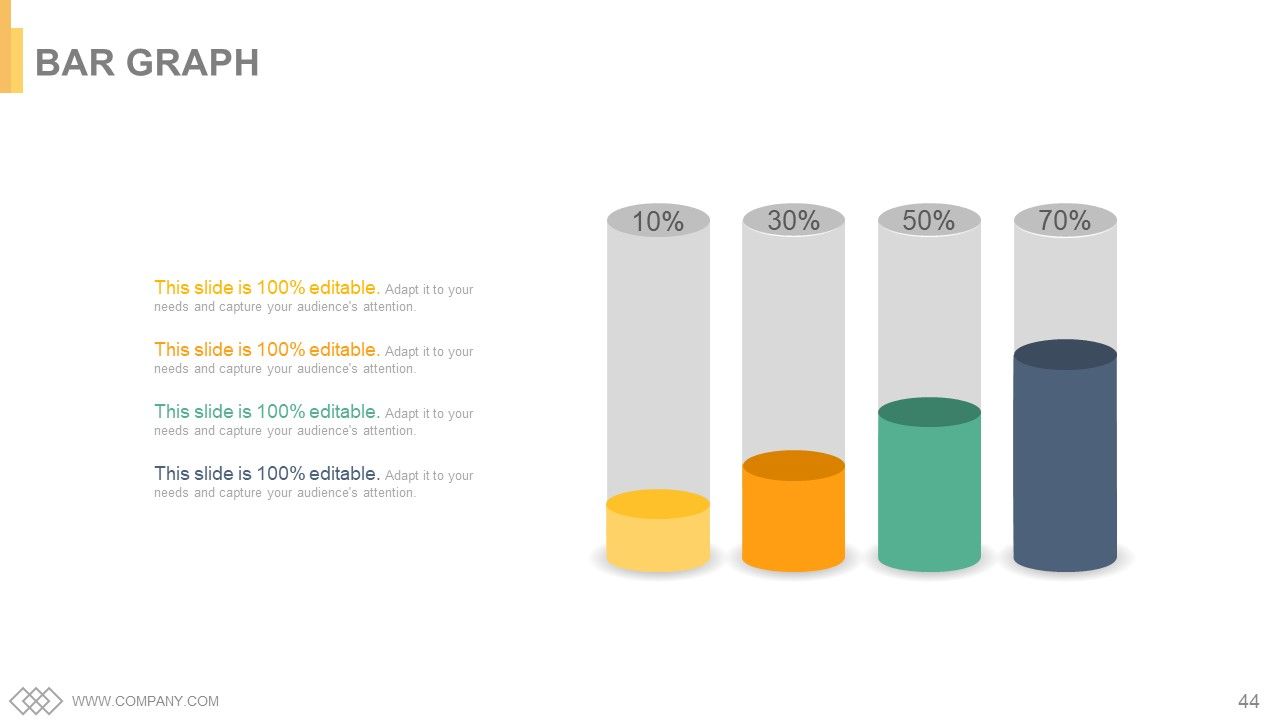
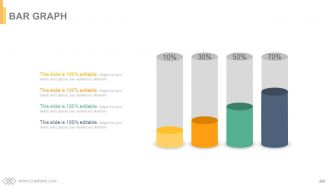
Diapositiva 44 : Esta es una diapositiva de imagen de gráfico de barras para mostrar la comparación de productos / entidades, información, etc.
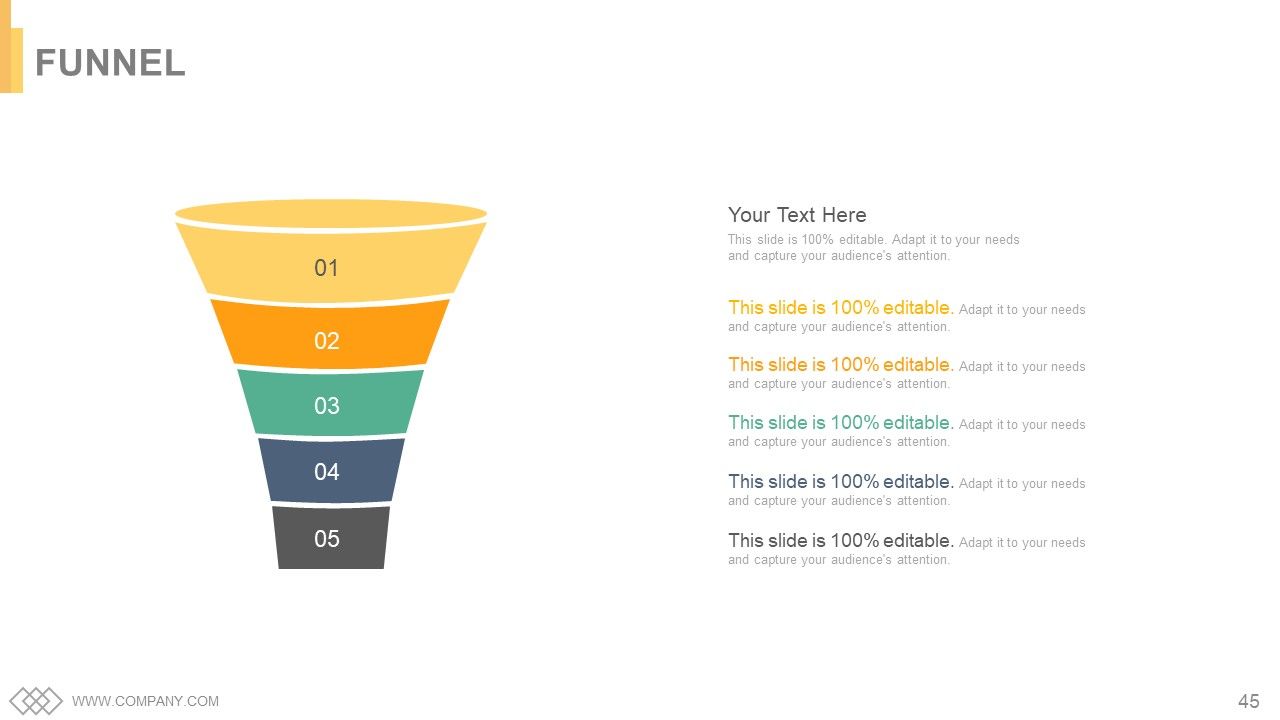
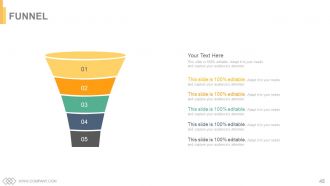
Diapositiva 45 : esta diapositiva muestra un embudo con cuadros de texto. Indique la información, procese en forma de embudo aquí.
Diapositiva 46 : Esta es una diapositiva de agradecimiento de AGRADECIMIENTO con Dirección # número de calle, ciudad, estado, números de contacto, dirección de correo electrónico.
Implicaciones de la gestión del tiempo de recursos del proyecto Diapositivas de la presentación de PowerPoint con las 46 diapositivas:
Ilumine la impresión que crea con nuestra plataforma completa de PowerPoint con diapositivas sobre las implicaciones de la gestión del tiempo de recursos del proyecto. Contiene combinaciones de colores llamativos.
-
I discovered this website through a google search, the services matched my needs perfectly and the pricing was very reasonable. I was thrilled with the product and the customer service. I will definitely use their slides again for my presentations and recommend them to other colleagues.
-
Content of slide is easy to understand and edit.
