


Agenda und Ziele der vierteljährlichen Geschäftsüberprüfung PowerPoint-Präsentation mit Folien
Besorgen Sie sich den Inhalt der Agenda und der Ziele der vierteljährlichen Geschäftsüberprüfung PowerPoint-Präsentation zur Analyse der Geschäftsergebnisse. Erstellen Sie einen Plan für das kommende Quartal und darüber hinaus, indem Sie eine PowerPoint-Präsentation zur Unternehmensbewertung verwenden. Vergleichen Sie die Zahlen des letzten Quartals mit denen der vorherigen Quartale und überprüfen Sie die Leistung des Teams mit Hilfe des PPT-Decks für die vierteljährliche Geschäftsüberprüfung mit Agenda und Zielen. Analysieren Sie, ob die Leistung besser oder schlechter war und entwickeln Sie Strategien zur Verbesserung der Leistung für das nächste Quartal. SlideTeam präsentiert Ihnen ein komplettes Präsentationsdeck zur vierteljährlichen Geschäftsüberprüfungsagenda und zu den Zielen, das Folien zum 90-Tage-Aktionsplan, Wertversprechen, Return-on-Investment-Analyse, Produktnutzung, Ergebnisse der letzten 90-Tage und mehr umfasst. Geben Sie den Teammitgliedern mit den PPT-Vorlagen für die Überprüfung des Geschäftsviertels auf einen Blick ein vollständiges Bild. Mit diesen professionell gestalteten Content-Ready-Vorlagen können Sie die Erfolgsstrategien identifizieren, die Engpässe verstehen, neue Wettbewerber auf dem Markt erkennen und vieles mehr. Laden Sie die fertige vierteljährliche Agenda für die Geschäftsüberprüfung und die Präsentation der Ziele als ppt herunter, um die Teammitglieder zu ermutigen, die Ziele für das nächste Quartal zu erreichen. Untersuchen Sie jede Facette des Problems mit unserer vierteljährlichen Business Review Agenda und Zielsetzungen, Powerpoint-Deck mit Folien. Beurteilen Sie es aus jedem Blickwinkel.





















-

- Google Slides is a new FREE Presentation software from Google.
- All our content is 100% compatible with Google Slides.
- Just download our designs, and upload them to Google Slides and they will work automatically.
- Amaze your audience with SlideTeam and Google Slides.
-

Want Changes to This PPT Slide? Check out our Presentation Design Services
-

- WideScreen Aspect ratio is becoming a very popular format. When you download this product, the downloaded ZIP will contain this product in both standard and widescreen format.
-

- Some older products that we have may only be in standard format, but they can easily be converted to widescreen.
- To do this, please open the SlideTeam product in Powerpoint, and go to
- Design ( On the top bar) -> Page Setup -> and select "On-screen Show (16:9)” in the drop down for "Slides Sized for".
- The slide or theme will change to widescreen, and all graphics will adjust automatically. You can similarly convert our content to any other desired screen aspect ratio.
Compatible With Google Slides

Get This In WideScreen
You must be logged in to download this presentation.


Do you want to remove this product from your favourites?
Merkmale dieser PowerPoint-Präsentationsfolien:
Die Präsentation der vierteljährlichen Geschäftsübersicht und der Ziele vervollständigen das PowerPoint-Deck mit Folien. Es besteht aus insgesamt 57 PPT-Vorlagen. Dieses komplette Deck deckt alle Aspekte des Themas ab. Unsere PowerPoint-Experten haben der Präsentation alle notwendigen Diagramme, Layouts, Vorlagen hinzugefügt. Dieses Deck enthält auch professionelle Diagramme und Grafiken für die Datenvisualisierung. Alle diese Vorlagen sind vollständig anpassbar. Sie können Farbe, Text und Symbol nach Bedarf bearbeiten. Es handelt sich um hochauflösende PPT-Vorlagen. Perfekt kompatibel mit Google Slides. Klicken Sie unten auf den Download, um Zugriff auf diese inhaltsbereite, vollständige Präsentation zur Geschäftsüberprüfung zu erhalten und für das nächste Quartal zu planen, um die Ziele zu erreichen.

People who downloaded this PowerPoint presentation also viewed the following :
Inhalt dieser Powerpoint-Präsentation
Folie 1 : Diese Folie stellt den vierteljährlichen Geschäftsrückblick vor. Nennen Sie Ihren Firmennamen, Ihre Agenda und Ihre Ziele und beginnen Sie mit Klarheit.
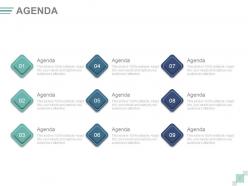
Folie 2 : Dies ist eine Agenda-Folie. Geben Sie hier Ihre Agenden an.
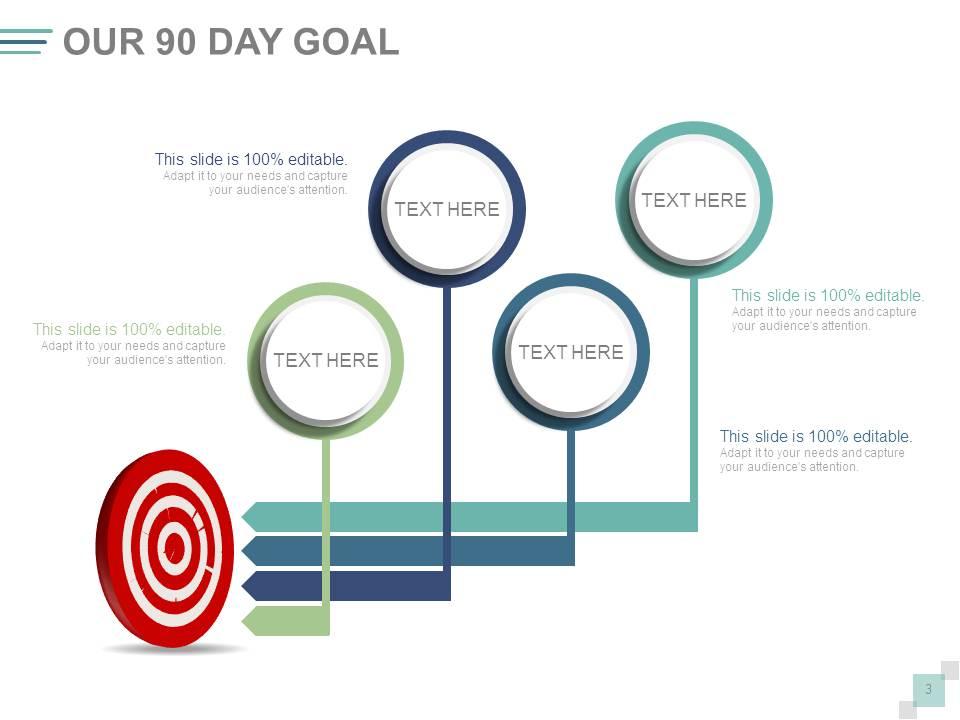
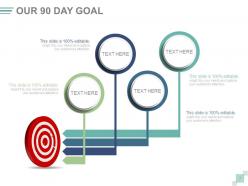
Folie 3 : Diese Folie präsentiert unser 90-Tage-Ziel.
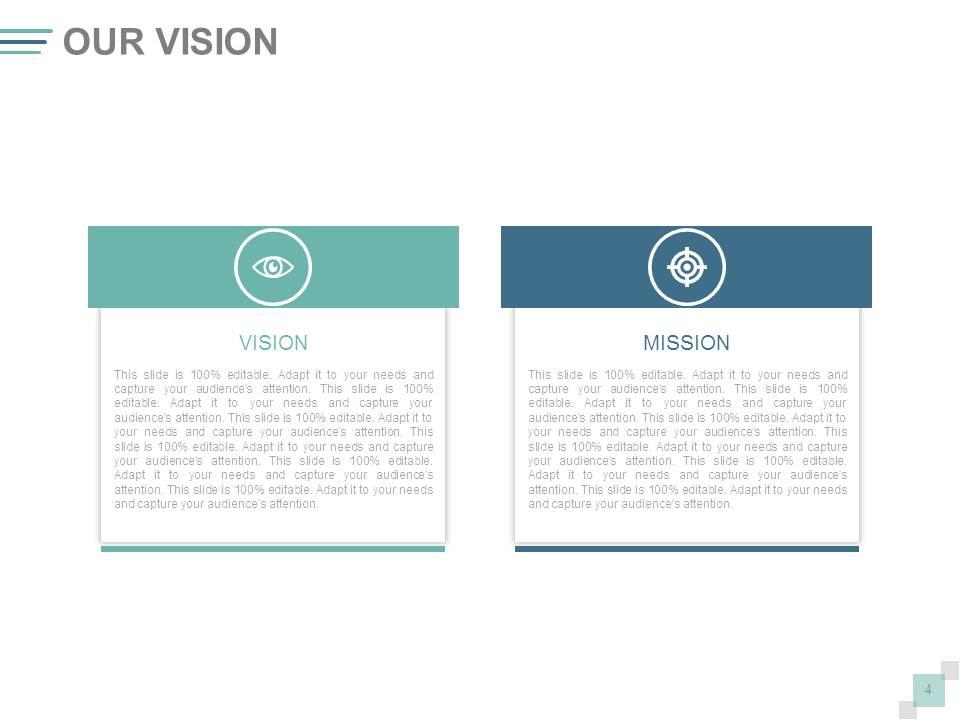
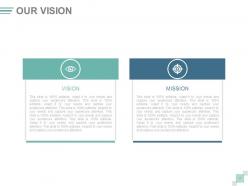
Folie 4 : Diese Folie präsentiert unsere Vision. Geben Sie hier Ihre Vision an.
Folie 5 : Dies ist die Folie des Kernteams mit Namen, Bezeichnung und Bildfeldern.
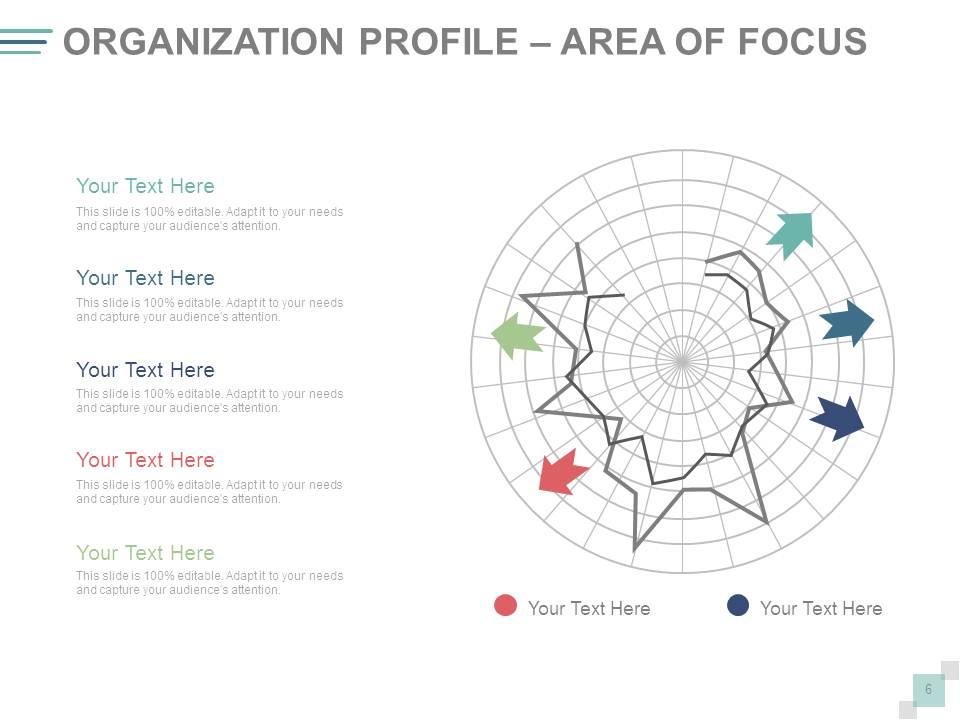
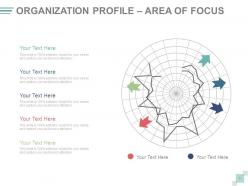
Folie 6 : Diese Folie präsentiert das Organisationsprofil – SCHWERPUNKTBEREICH.
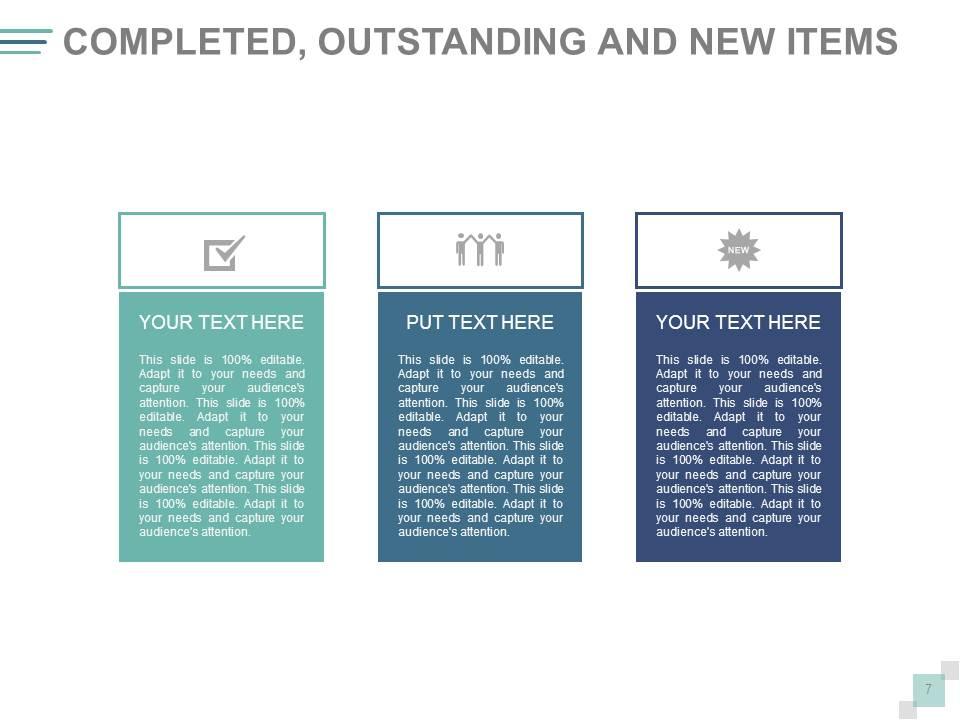
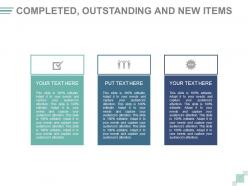
Folie 7 : Diese Folie zeigt abgeschlossene, ausstehende und neue Elemente, die angegeben werden müssen.
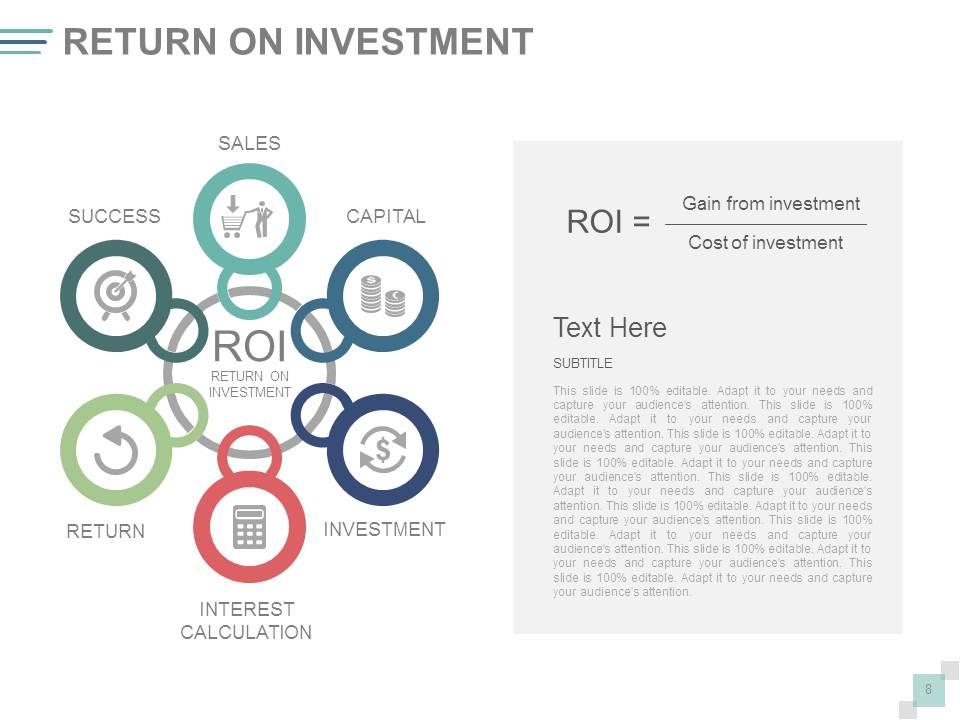
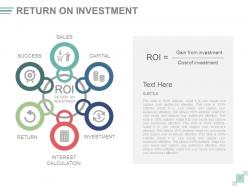
Folie 8 : Diese Folie zeigt die Kapitalrendite mit Kapital, Umsatz, Erfolg, Rendite, Investition und Zinsberechnung.
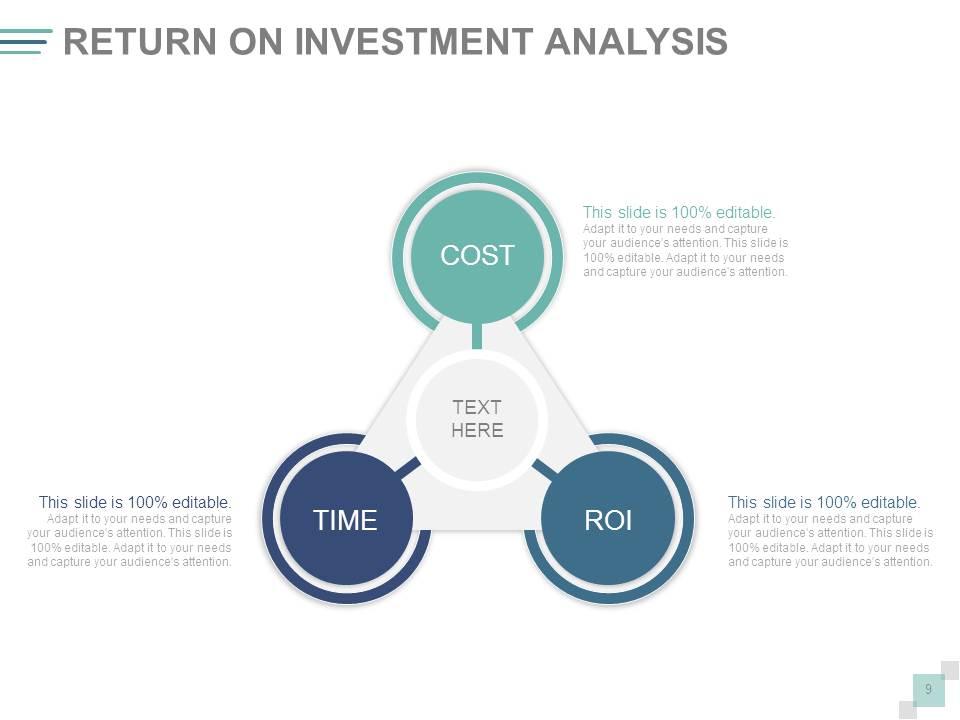
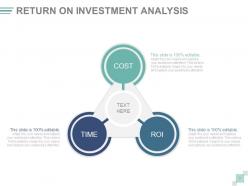
Folie 9 : Diese Folie präsentiert die Return on Investment-Analyse mit KOSTEN, ROI, ZEIT.
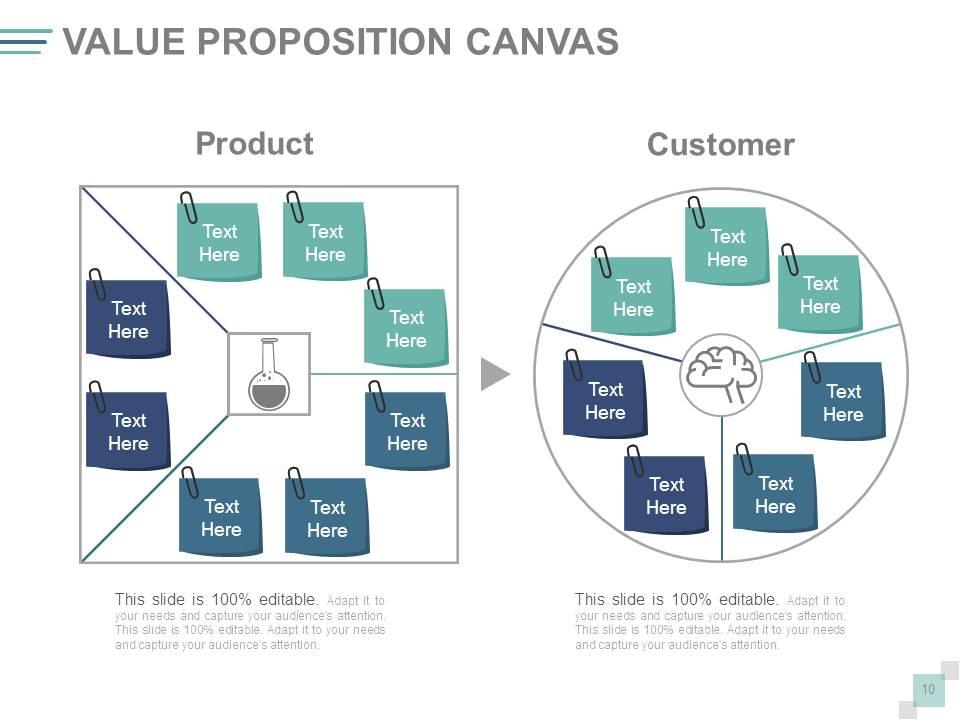
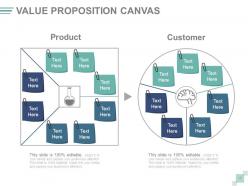
Folie 10 : Diese Folie zeigt die Value Proposition Canvas mit kreisförmigen Bildern und Textfeldern, die PRODUKT- und KUNDEN-Aspekte anzeigen.
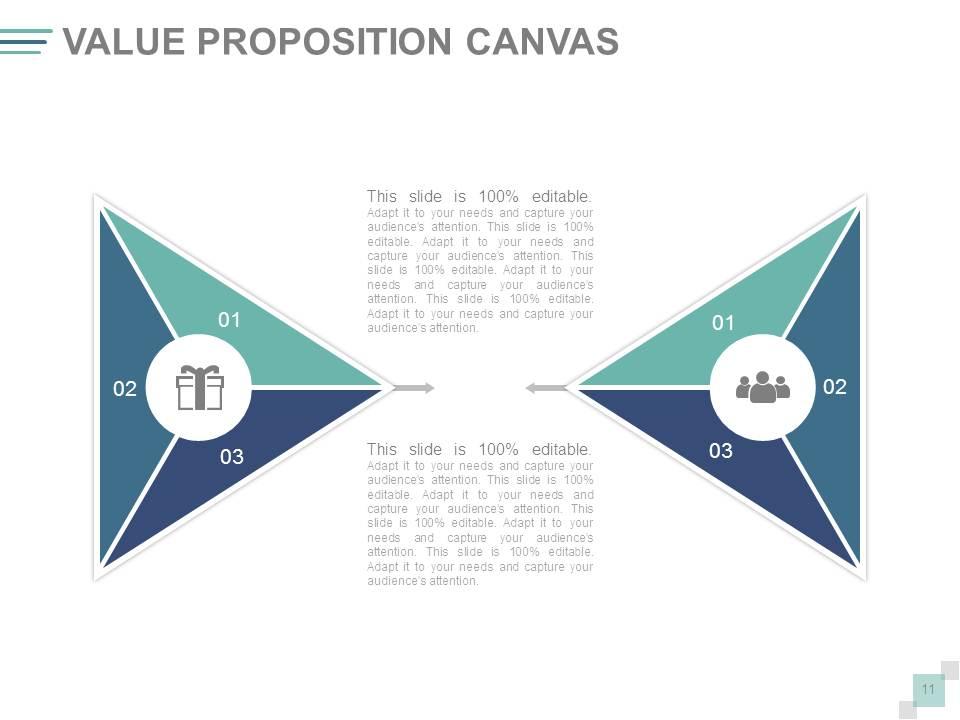
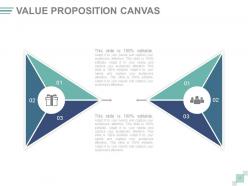
Folie 11 : Diese Folie zeigt auch das Value Proposition Canvas.
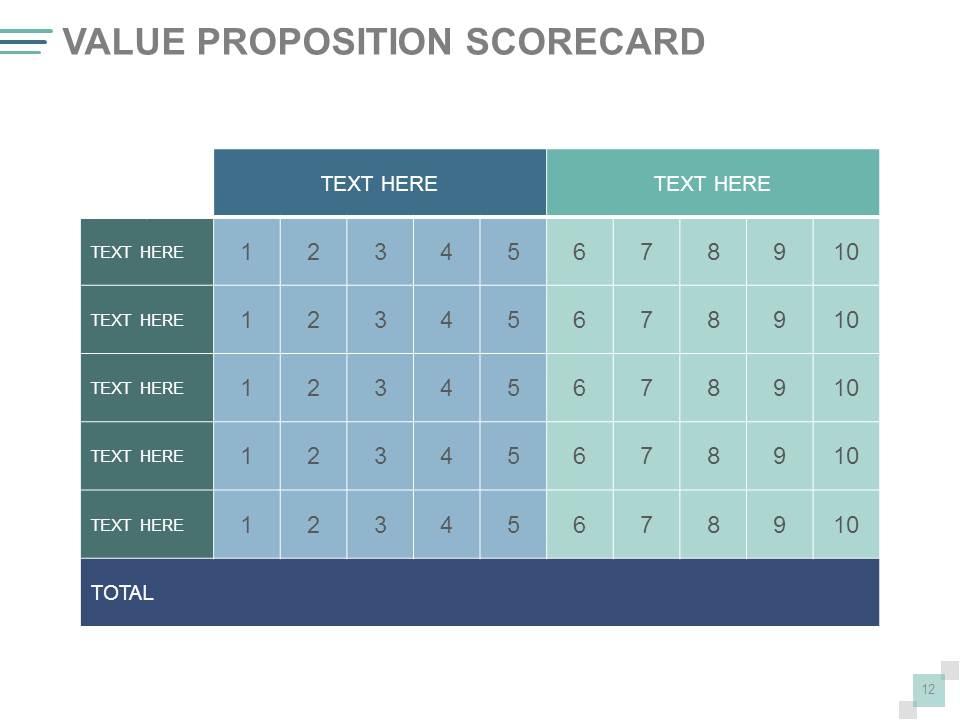
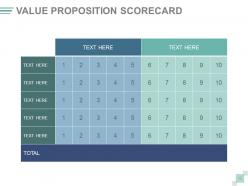
Folie 12 :' Diese Folie zeigt eine Wertversprechens-Scorecard.
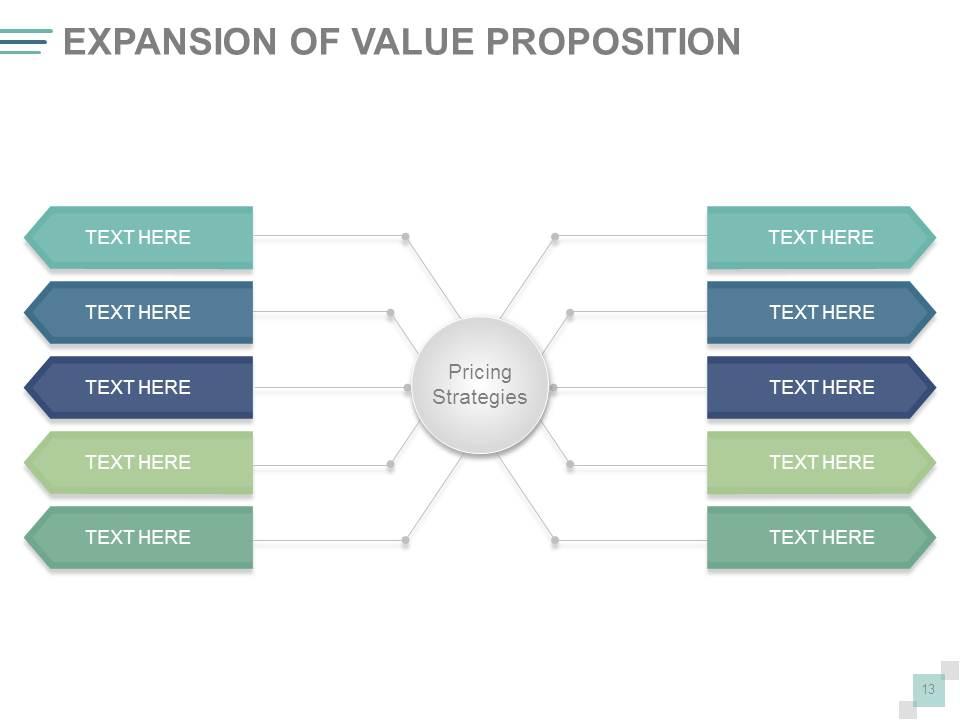
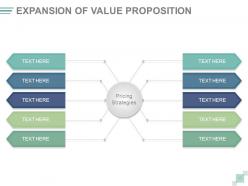
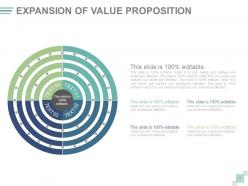
Folie 13 : Diese Folie präsentiert die Erweiterung des Wertversprechens mit der Unterüberschrift – Preisstrategien.
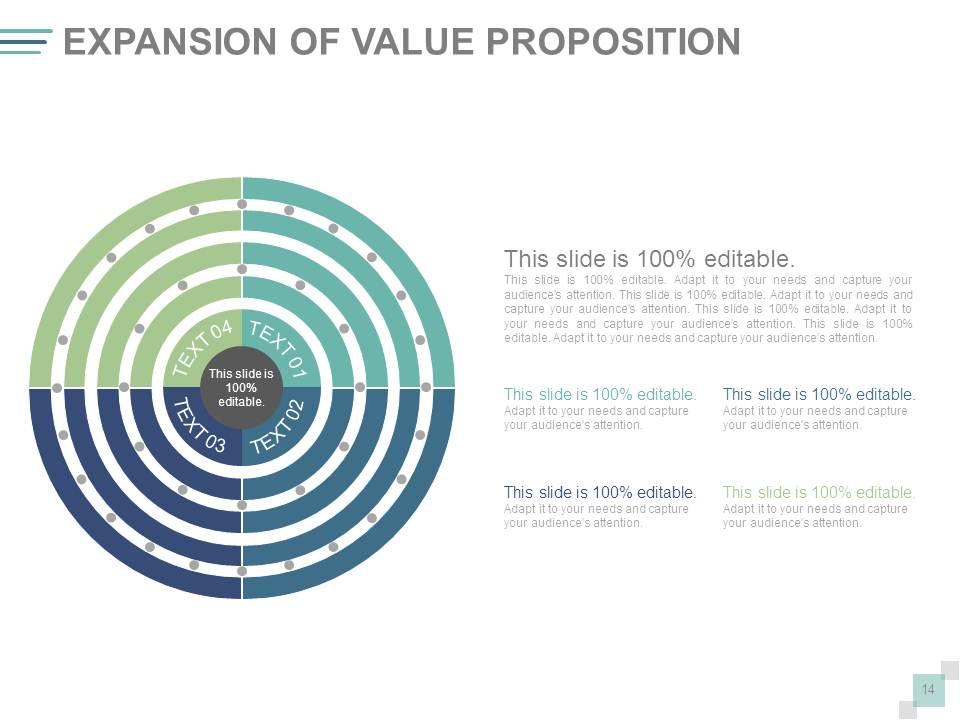
Folie 14 : Diese Folie zeigt die Erweiterung des Wertversprechens mit Bildern und Textfeldern.
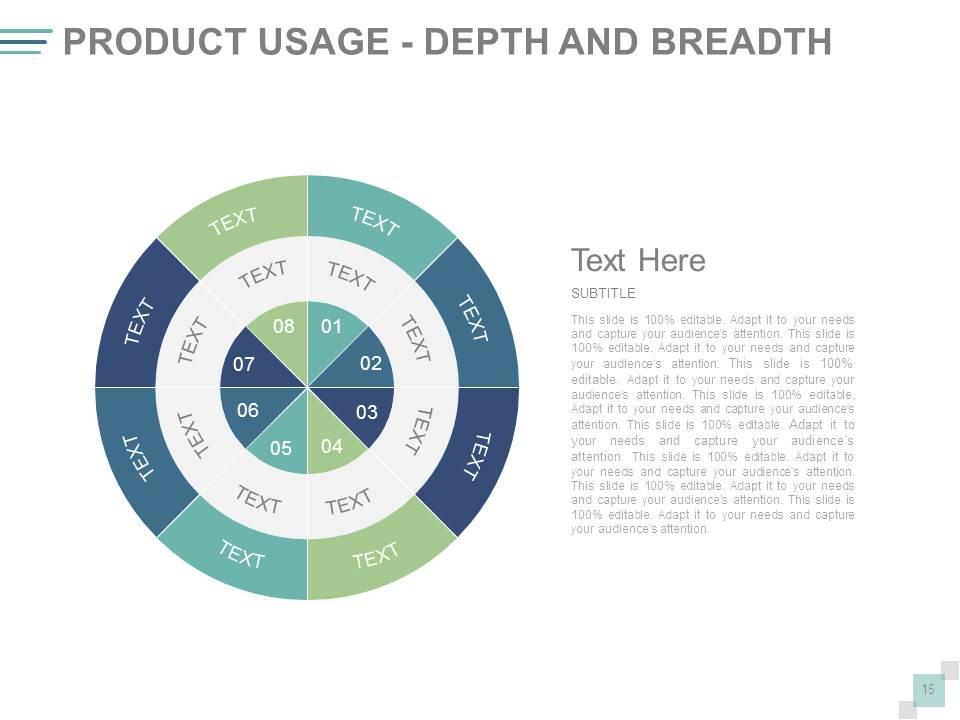
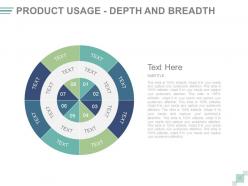
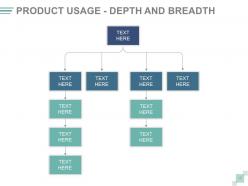
Folie 15 : Diese Folie zeigt die Produktnutzung – Tiefe und Breite.
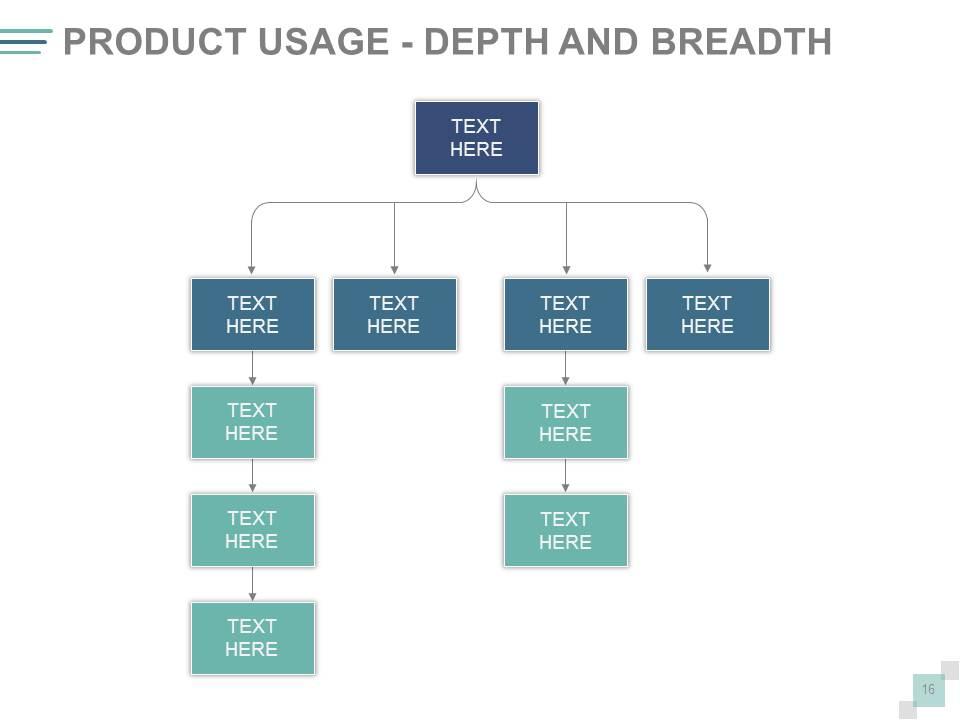
Folie 16 : Diese Folie zeigt eine weitere Variation der Produktnutzung – Tiefe und Breite.
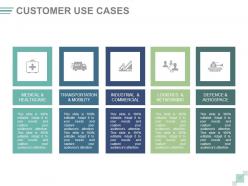
Folie 17 : Diese Folie zeigt Kundenanwendungsfälle mit den folgenden Punkten: Medizin und Gesundheitsversorgung, Transport und Mobilität, Industrie und Handel, Logistik und Netzwerke, Verteidigung und Luft- und Raumfahrt.
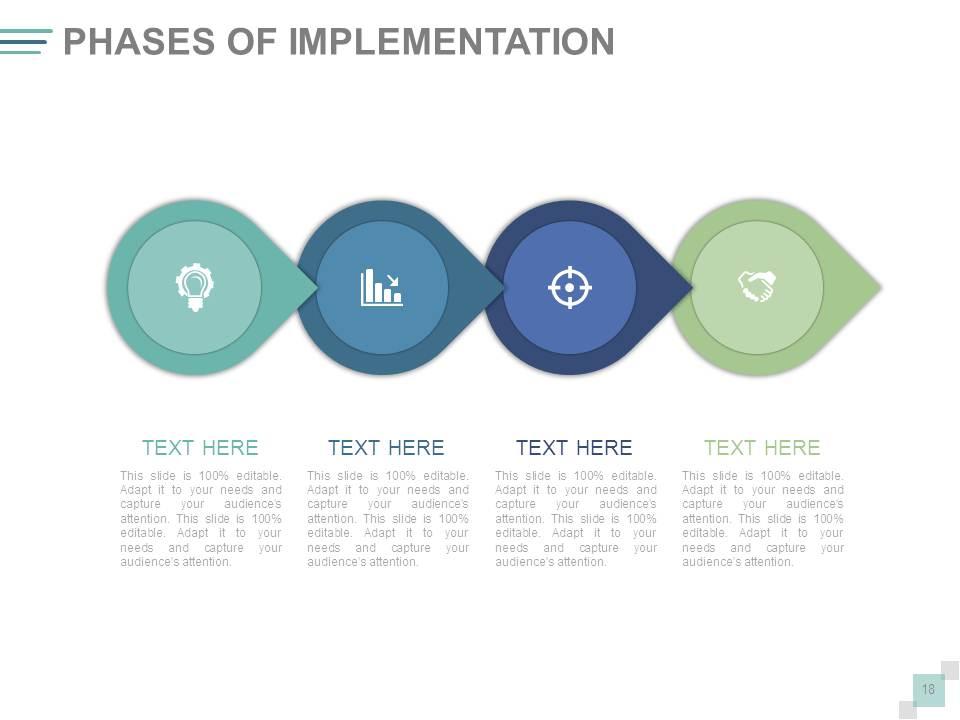
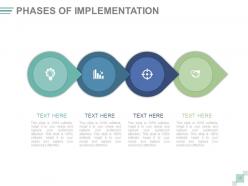
Folie 18 : Diese Folie zeigt die Phasen der Geschäftsumsetzung usw.
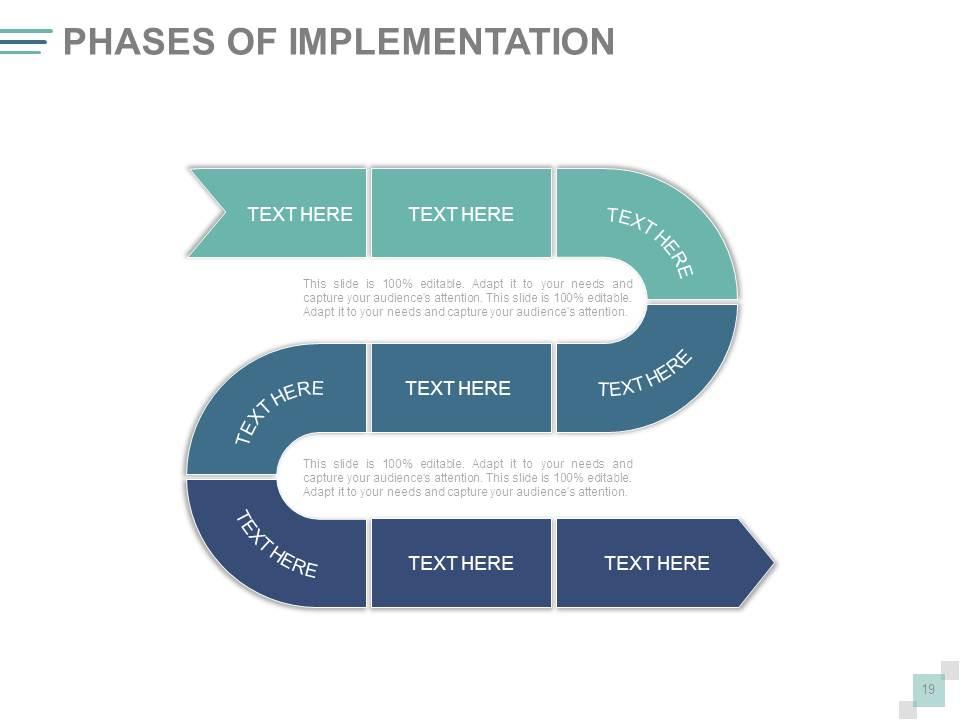
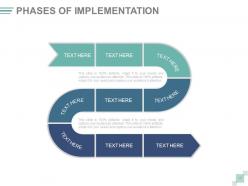
Folie 19 : Diese Folie stellt eine weitere Variation der Phasen der Geschäftsimplementierung usw. vor.
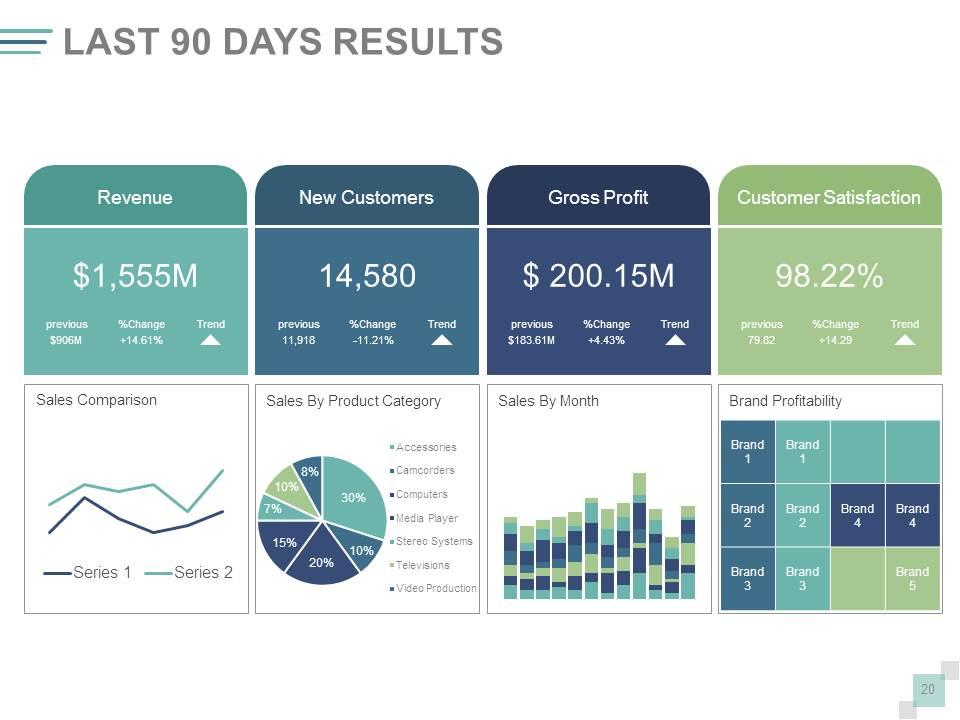
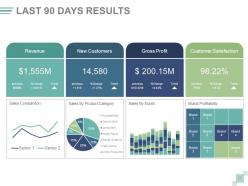
Folie 20 : Diese Folie zeigt die ERGEBNISSE DER LETZTEN 90 TAGE eines bestimmten Projekts/Geschäfts usw.
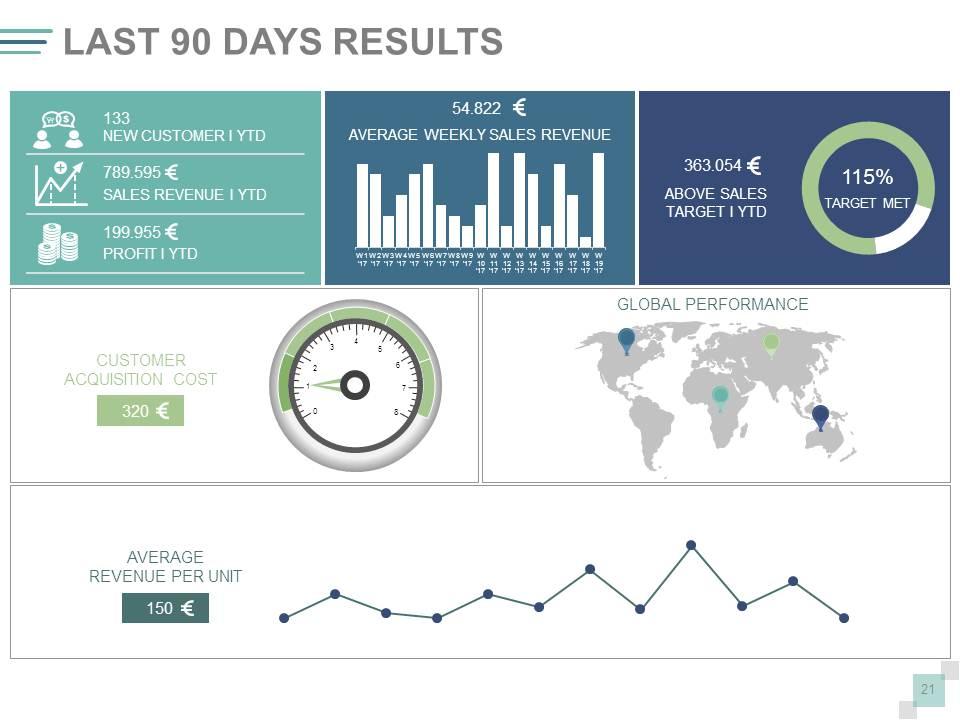
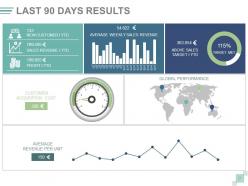
Folie 21 : Diese Folie zeigt eine weitere Variation der ERGEBNISSE DER LETZTEN 90 TAGE eines bestimmten Projekts/Geschäfts usw.
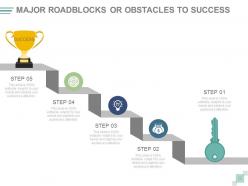
Folie 22 : Diese Folie zeigt wichtige Hindernisse oder Hindernisse für den Erfolg.
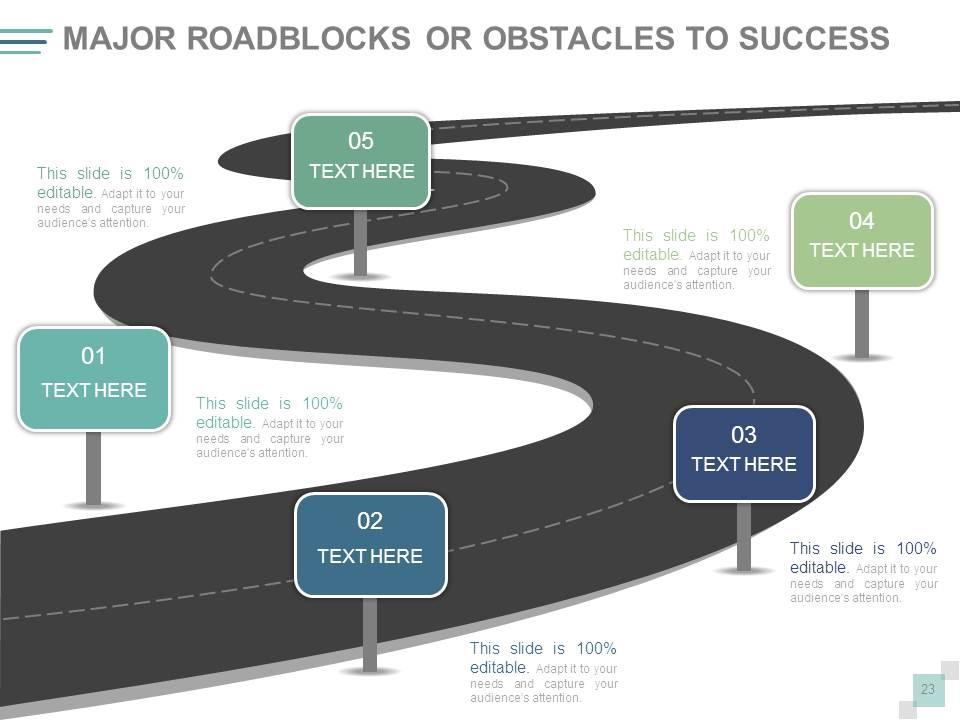
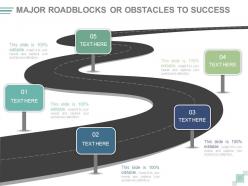
Folie 23 : Diese Folie zeigt die Roadmap-Bildform der wichtigsten Hindernisse oder Hindernisse für den Erfolg.
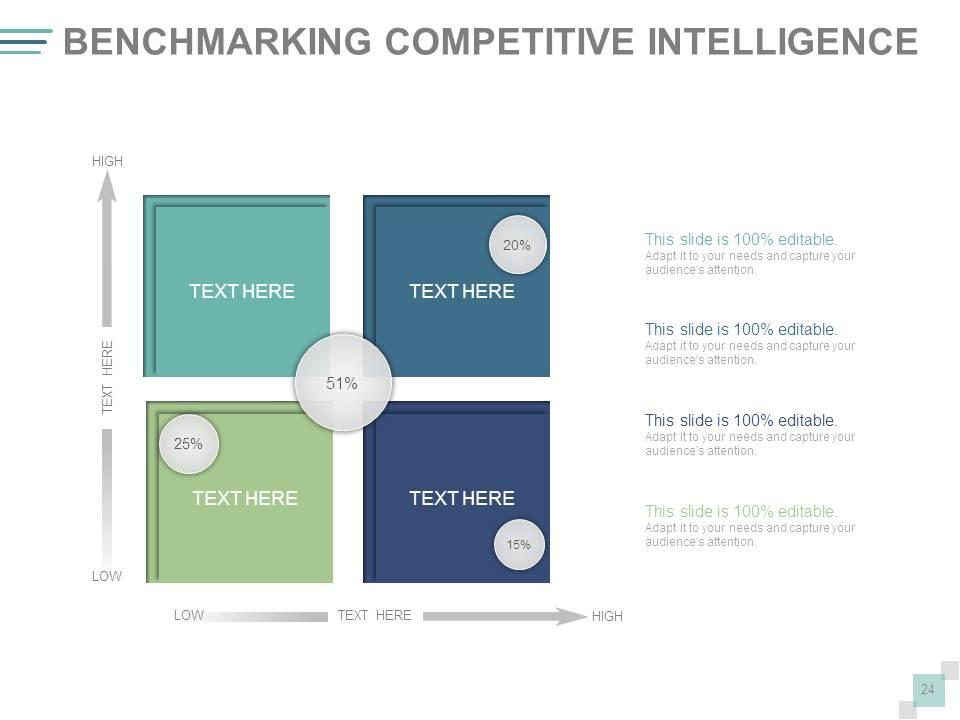
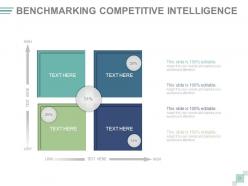
Folie 24 : Diese Folie zeigt Benchmarking Competitive Intelligence in Bezug auf HOCH und NIEDRIG.
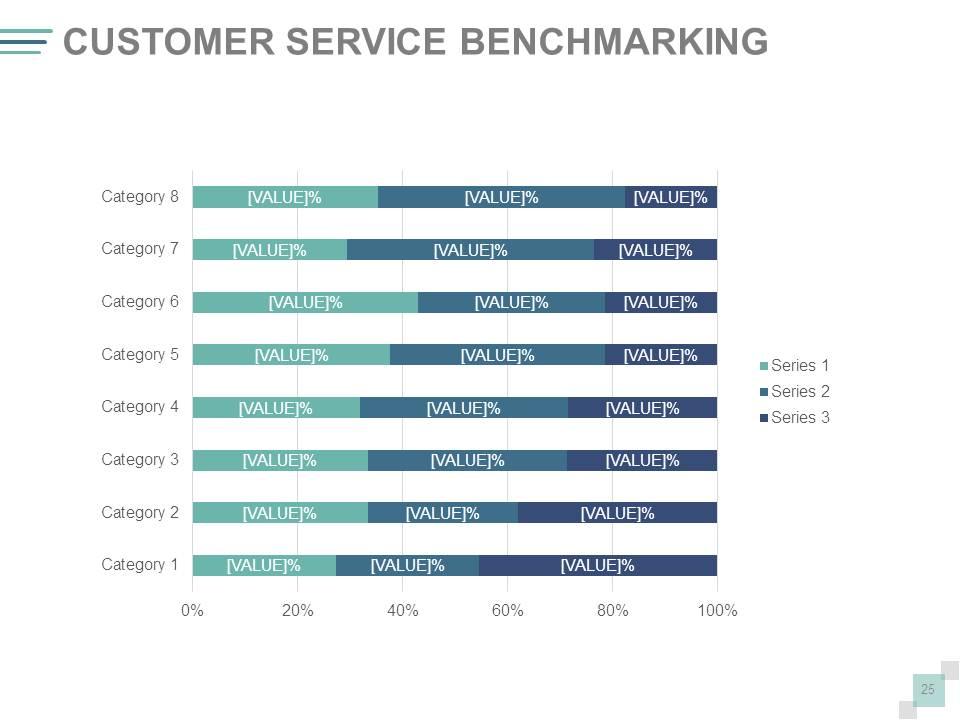
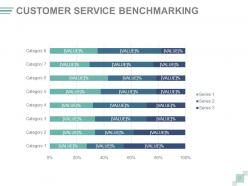
Folie 25 : Diese Folie zeigt das Kundenservice-Benchmarking in Bezug auf Kategorie und Prozentsatz in Form eines Balkendiagramms.
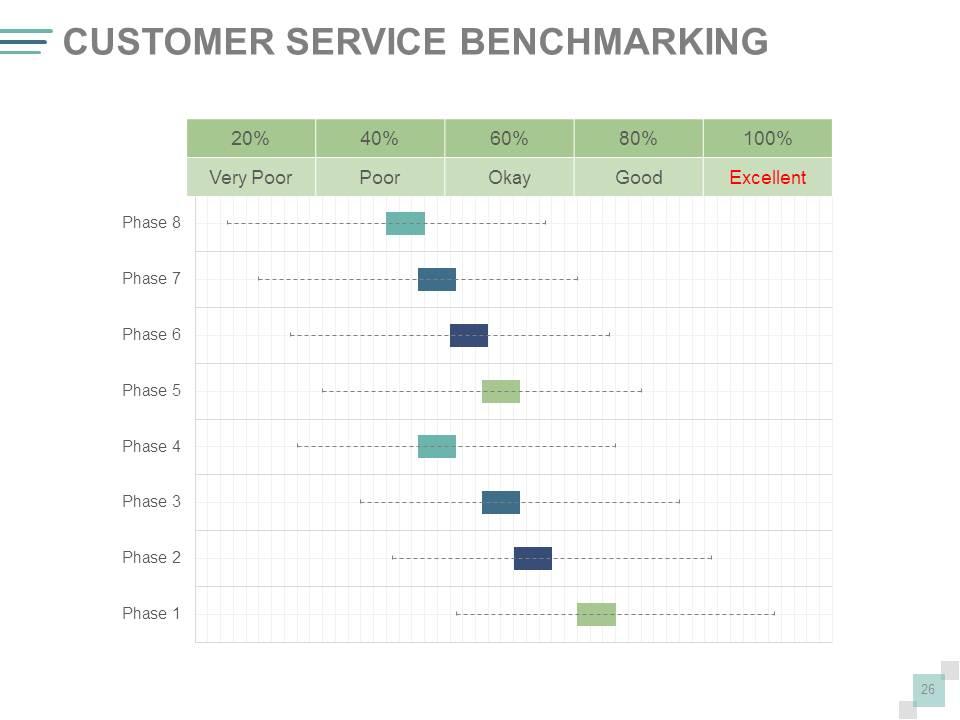
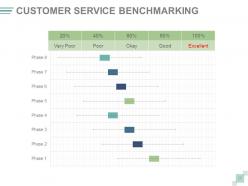
Folie 26 : Diese Folie zeigt Kundenservice-Benchmarking in Bezug auf - sehr schlecht, schlecht, ok, gut, ausgezeichnet.
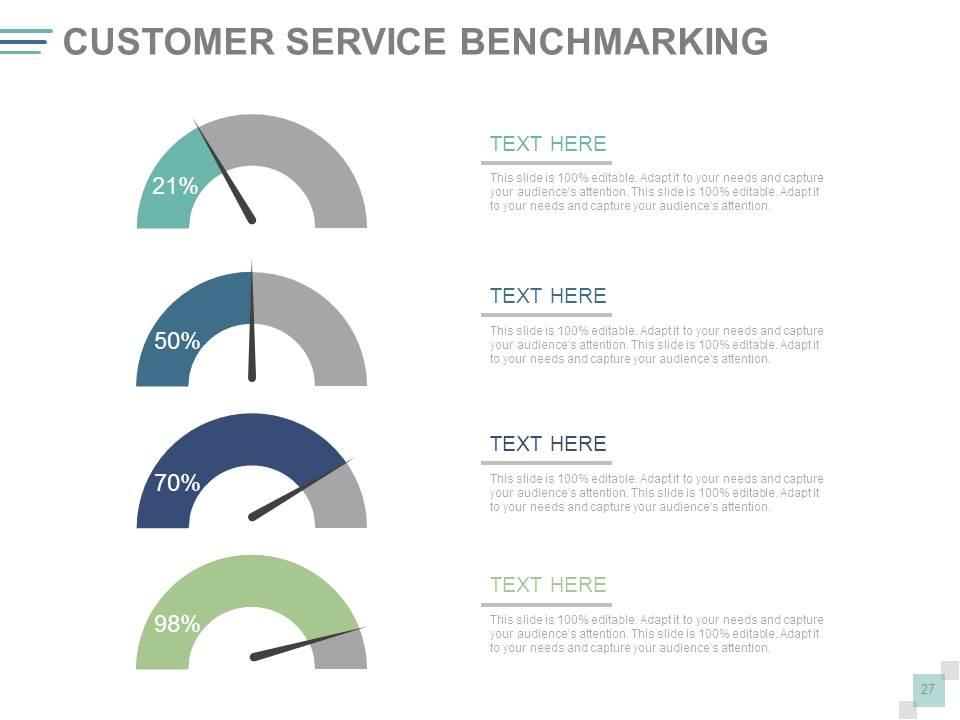
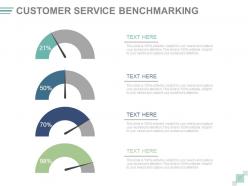
Folie 27 : Diese Folie zeigt Kundenservice-Benchmarking mit Metrik-Bild.
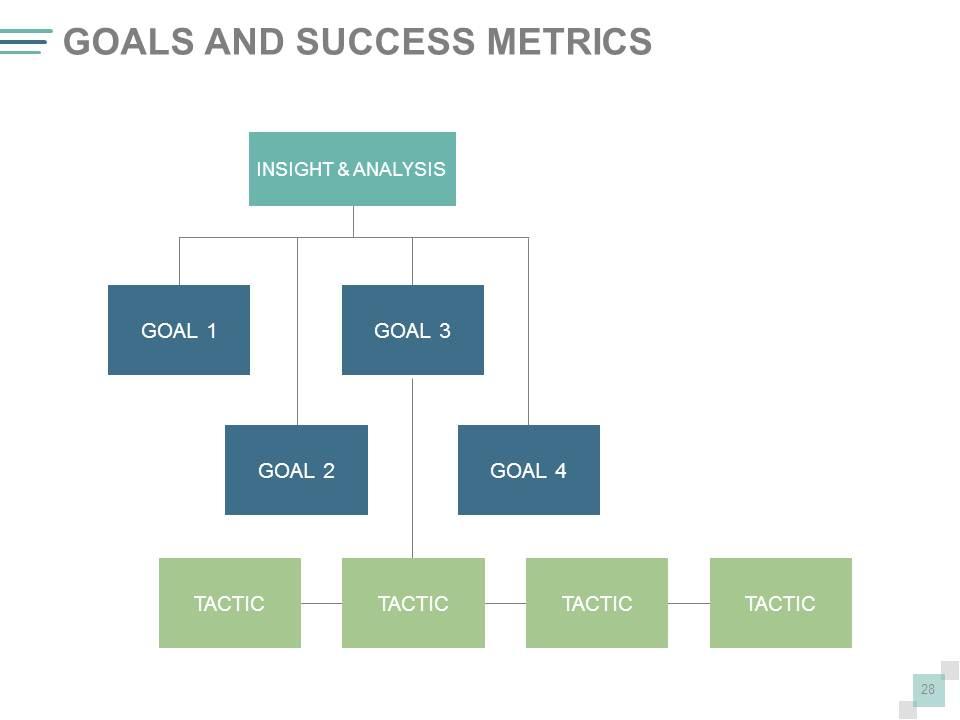
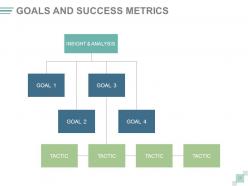
Folie 28 : Diese Folie zeigt Ziele und Erfolgskennzahlen. Geben Sie sie hier an.
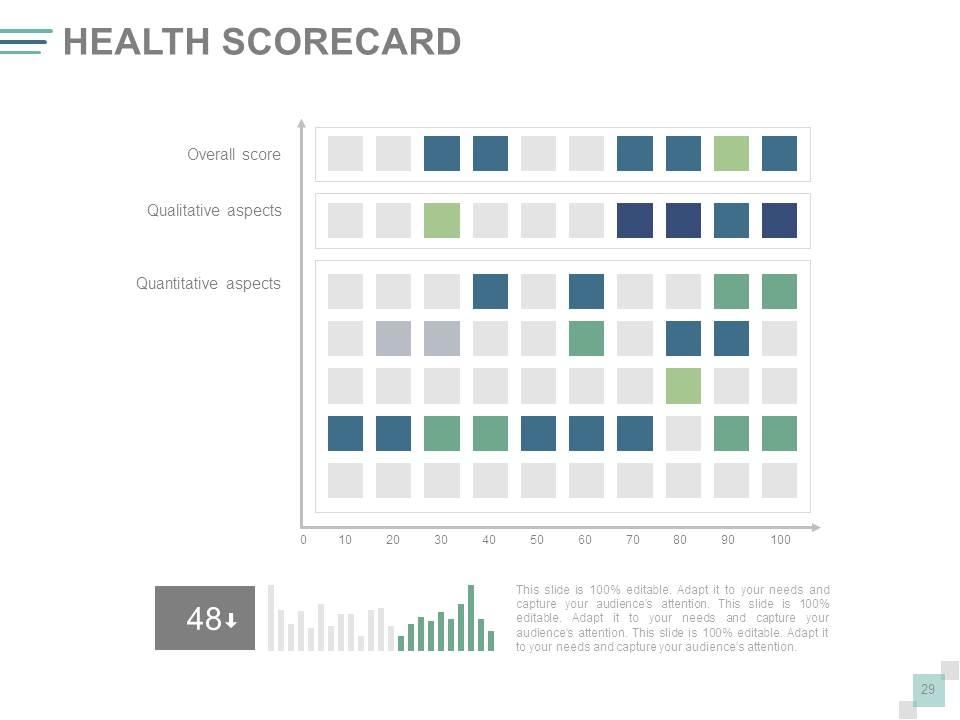
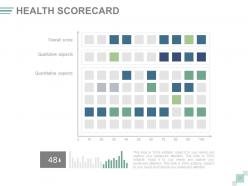
Folie 29 : Diese Folie zeigt eine Health Scorecard.
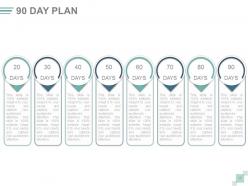
Folie 30 : Diese Folie präsentiert einen 90-TAGE-PLAN. Geben Sie hier Ihren Plan an. Er ist zu 100 % bearbeitbar. Passen Sie es an Ihre Bedürfnisse an und ziehen Sie die Aufmerksamkeit Ihres Publikums auf sich. Diese Folie ist zu 100 % bearbeitbar. Passen Sie es an Ihre Bedürfnisse an und ziehen Sie die Aufmerksamkeit Ihres Publikums auf sich.
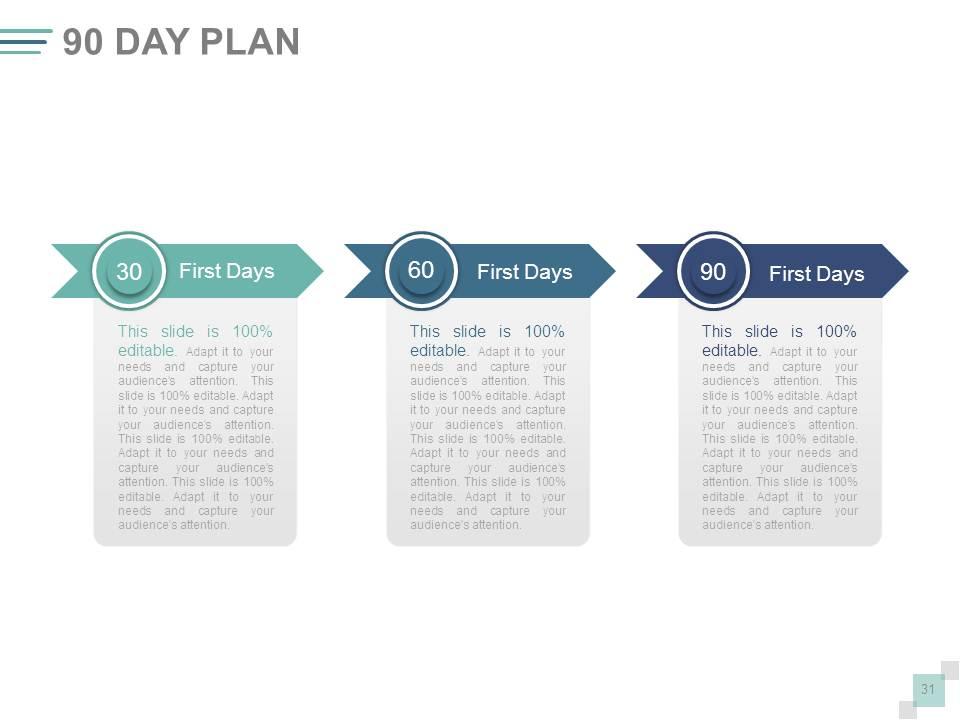
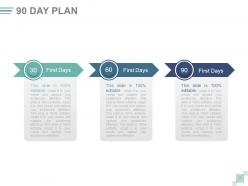
Folie 31 : Diese Folie zeigt einen 90-TAGE-PLAN, der in 30, 60, 90 unterteilt ist. Geben Sie hier Ihren Plan an.
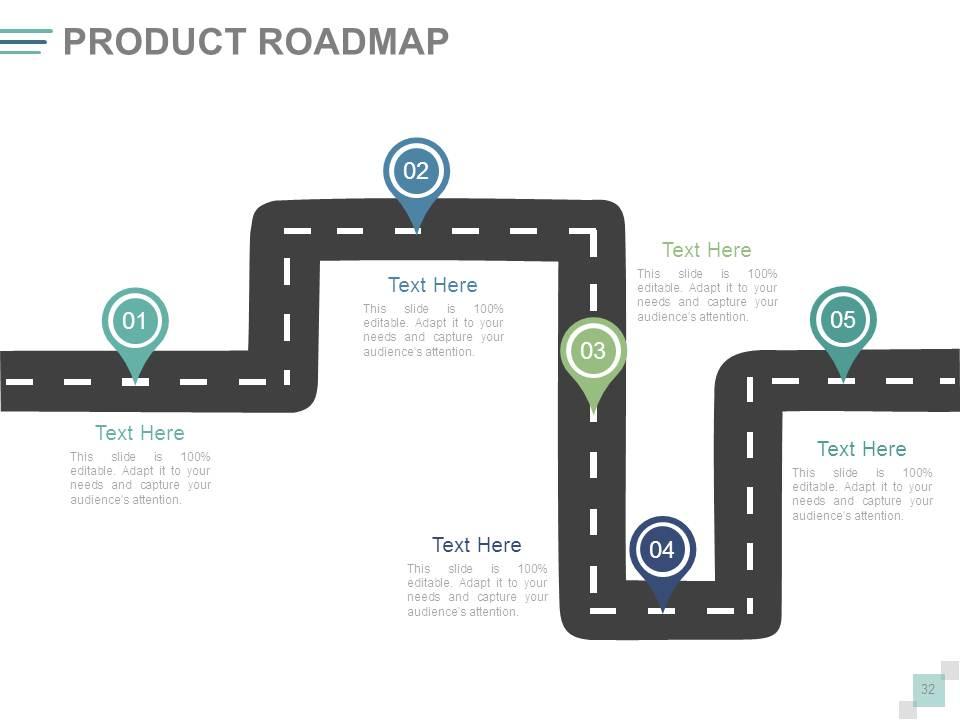
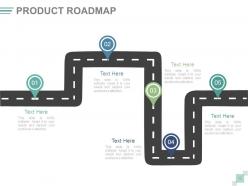
Folie 32 : Dies ist eine Folie für die Produkt-Roadmap. Wachstumshighlights nennen, hier Meilensteine erreicht.
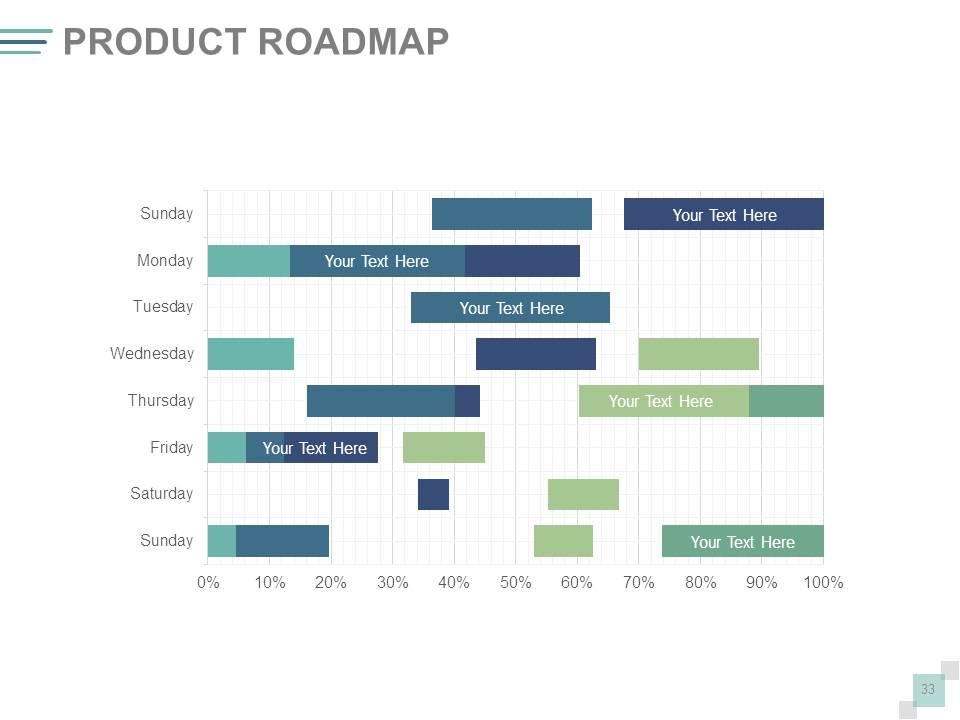
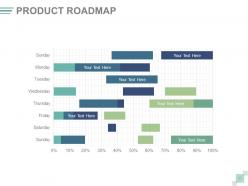
Folie 33 : Dies ist eine Produkt-Roadmap-Folie, die im Swimlane-Formular angezeigt wird.
Folie 34 : Diese Folie trägt den Titel Zusätzliche Folien, um fortzufahren. Sie können den Folieninhalt nach Bedarf ändern/ändern.
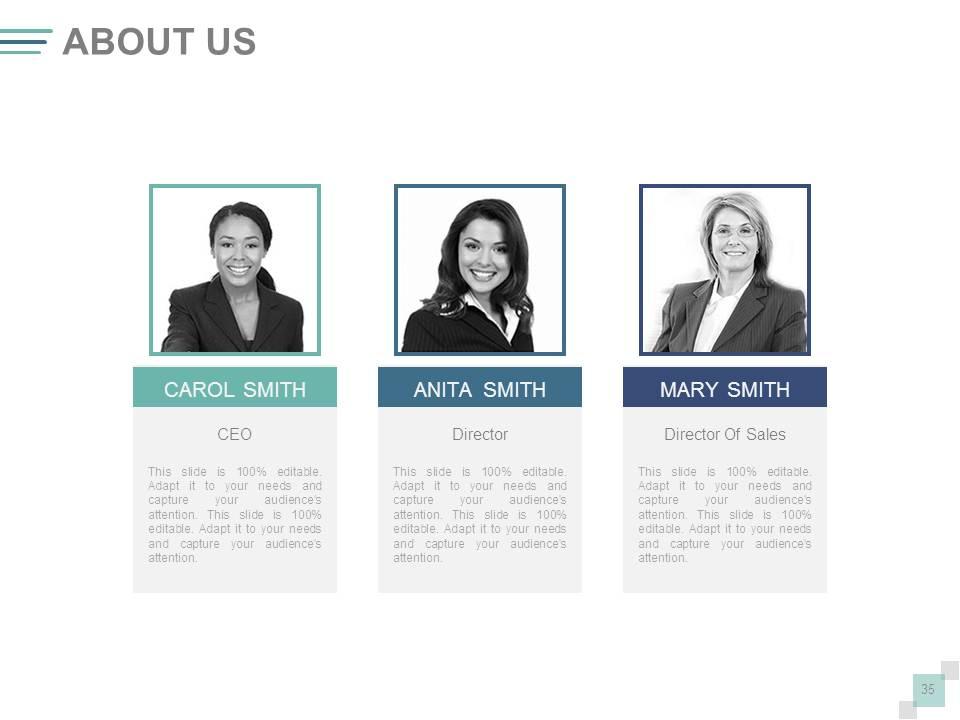
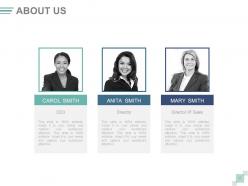
Folie 35 : Dies ist eine Über uns-Folie. Geben Sie hier die Firmen-/Teamspezifikationen an.
Folie 36 : Diese Folie zeigt den Vergleich zweier Entitäten in einer kreativen Form.
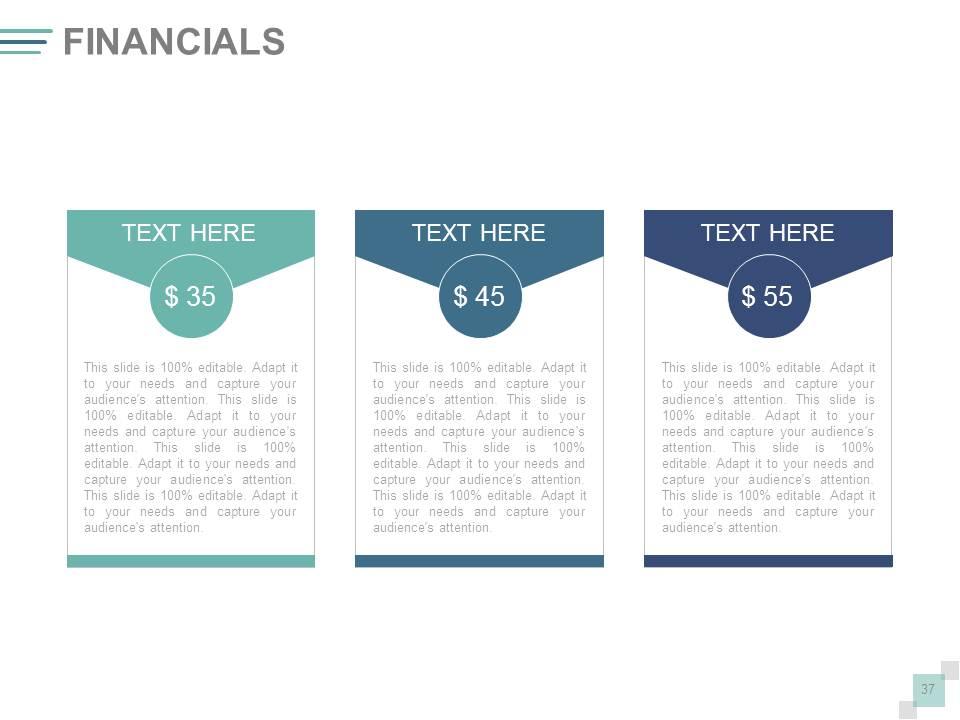
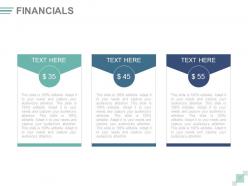
Folie 37 : Dies ist eine Folie zum Finanzergebnis. Staatliche finanzielle Aspekte, Statistiken etc. hier.
Folie 38 : Dies ist eine Zitate-Folie. Geben Sie hier geschäftliche Botschaften, Überzeugungen usw. an.
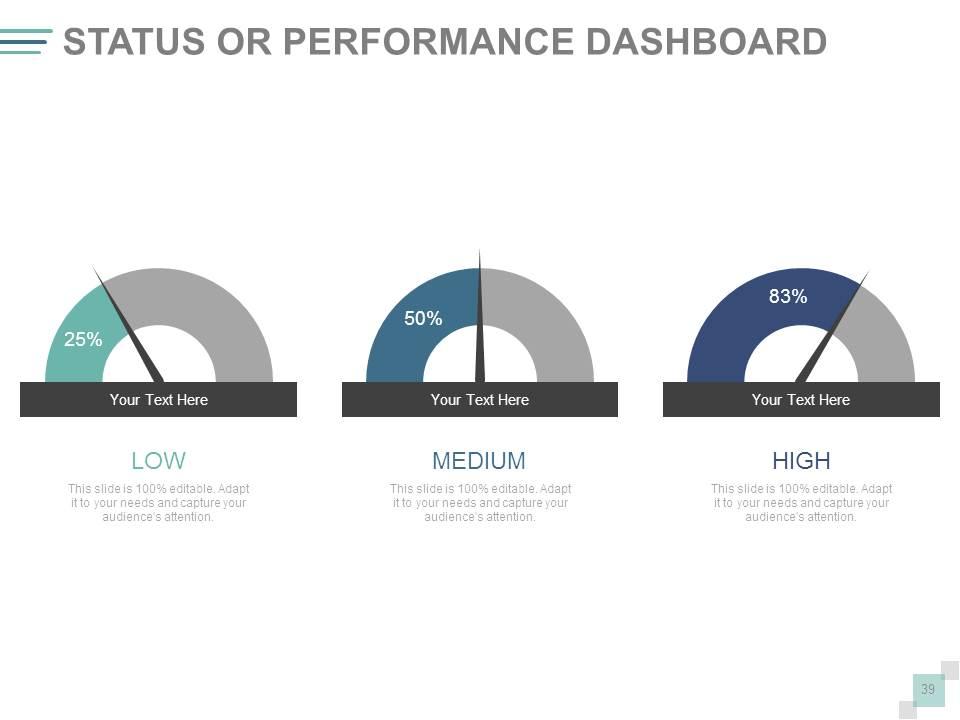
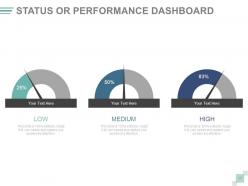
Folie 39 : Dies ist eine Status- oder Leistungs-Dashboard-Folie, um Wachstumsfaktoren in Bezug auf Hoch, Niedrig, Mittel darzustellen.
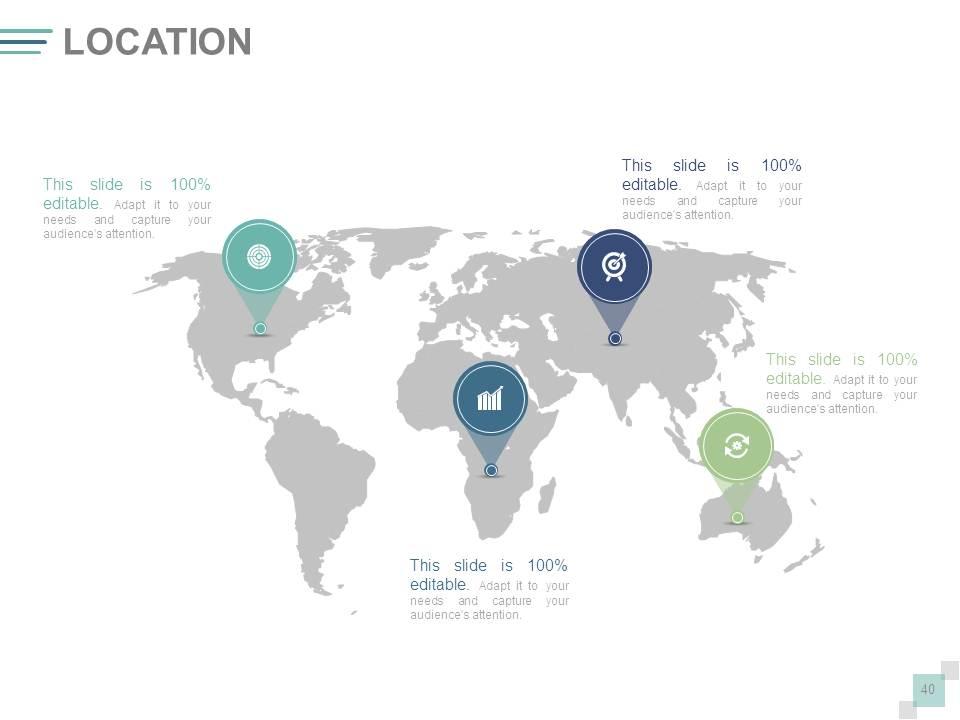
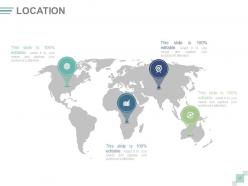
Folie 40 : Dies ist eine Standortbild-Folie des Weltkartenbilds, um das globale Wachstum, die Präsenz usw.
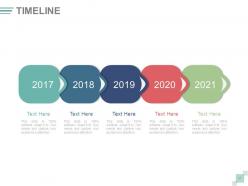
Folie 41 : Dies ist eine Timeline-Folie, die Entwicklung, Reise, Wachstum, Meilensteine usw. zeigt.
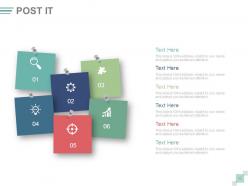
Folie 42 : Diese Folie zeigt Post-It-Notizen, die angezeigt werden sollen. Zeigen Sie hier Veranstaltungen, wichtige Informationen, Veranstaltungen etc. an.
Folie 43 : Diese Folie zeigt ein Zeitungsbild. Zeigen Sie hier Veranstaltungen, wichtige Informationen, Veranstaltungen etc. an.
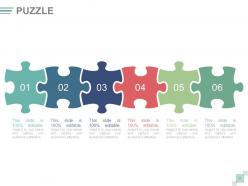
Folie 44 : Dies ist eine Puzzle-Bildfolie, um Informationen, Spezifikationen usw. anzuzeigen.
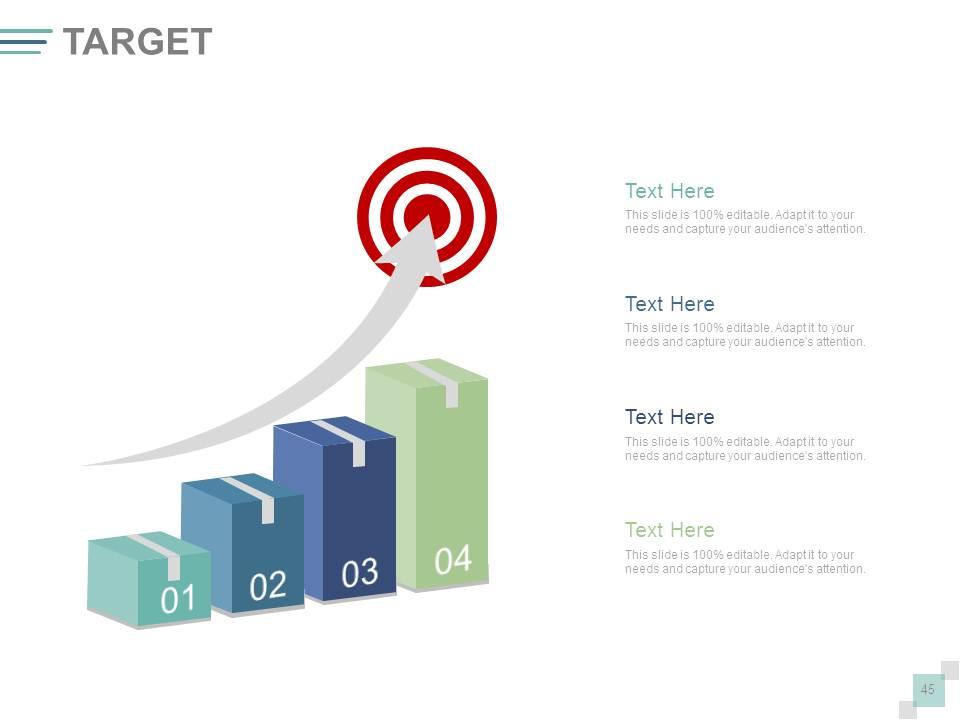
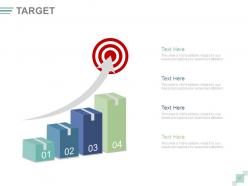
Folie 45 : Dies ist eine Zielbildfolie, die Ziele, Ziele, Informationen, Bestrebungen usw. zeigt.
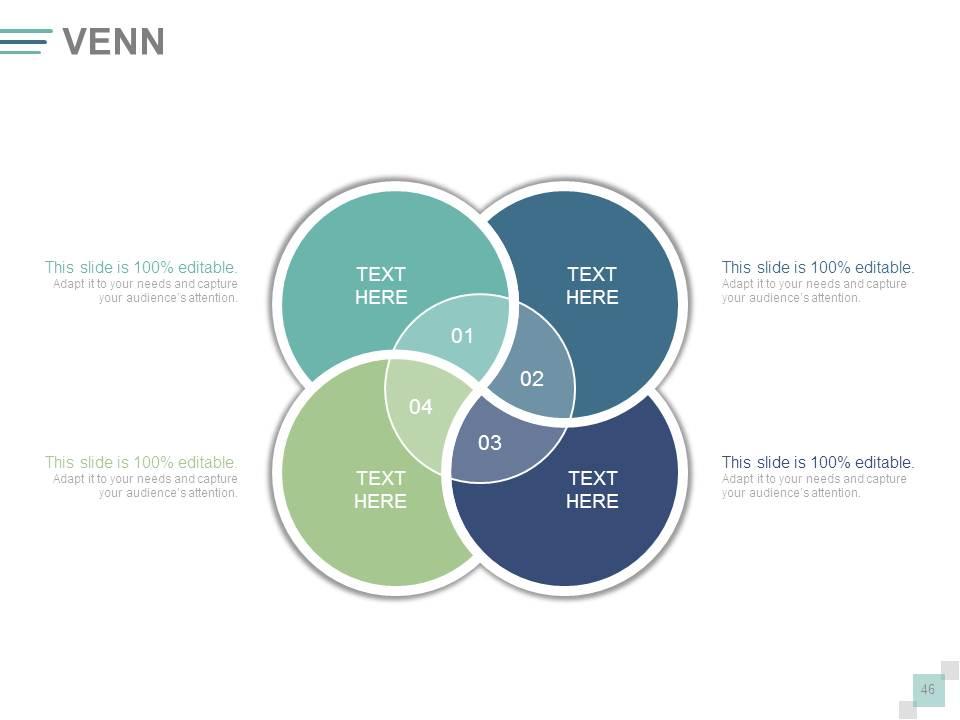
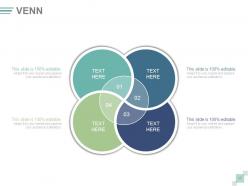
Folie 46 : Dies ist eine Venn-Diagramm-Bildfolie zur Anzeige von Informationen, Spezifikationen usw.
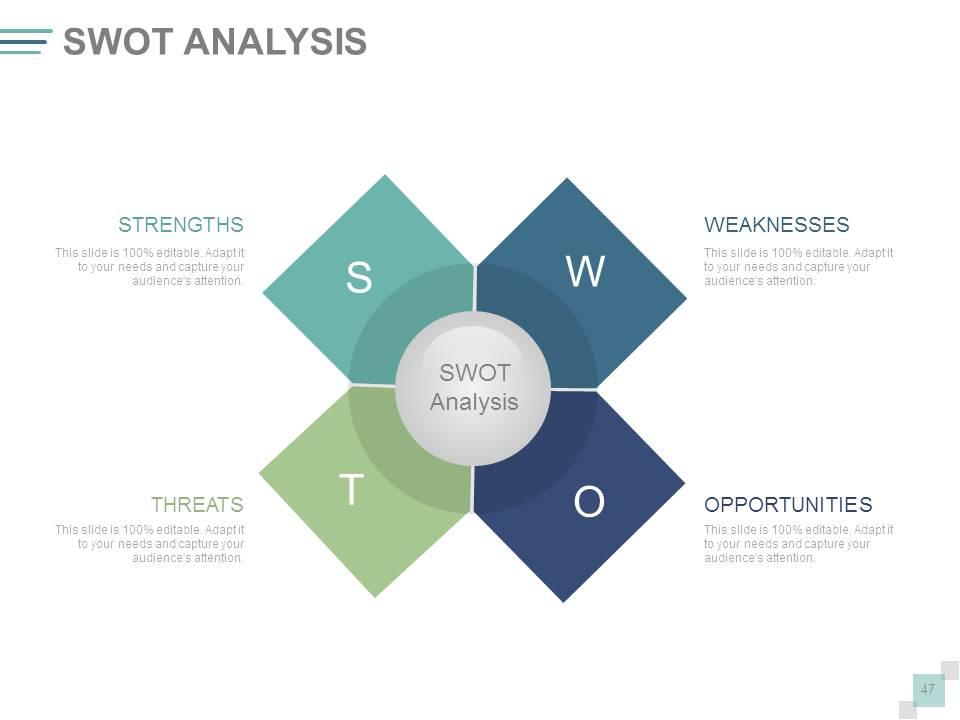
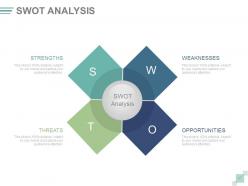
Folie 47 : Dies ist eine SWOT-Analysefolie.
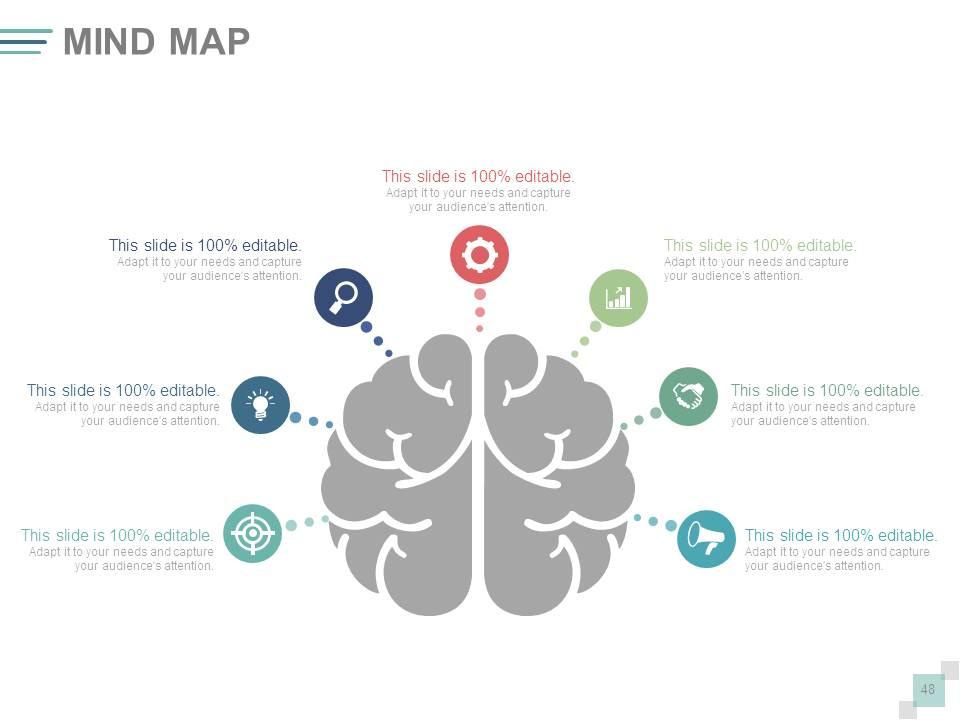
Folie 48 : Dies ist eine Mindmap-Bildfolie, die Informationen, Trennung, Spezifikationen usw. zeigt.
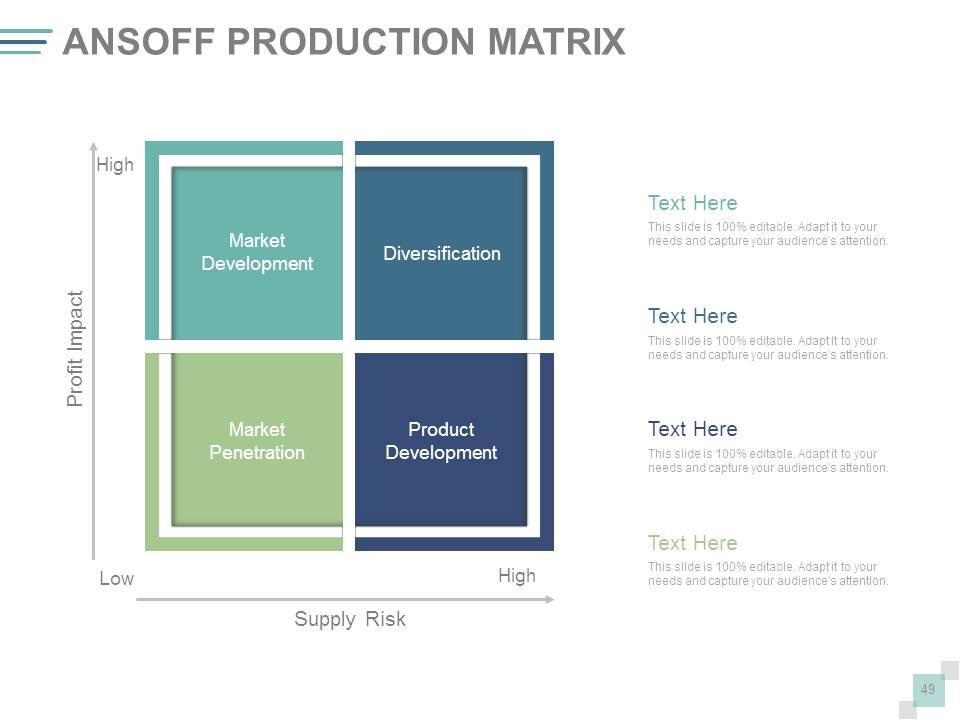
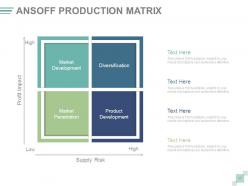
Folie 49 : Dies ist eine ANSOFF-Produktmatrix-Folie, um Informationen, Spezifikationen usw. anzuzeigen.
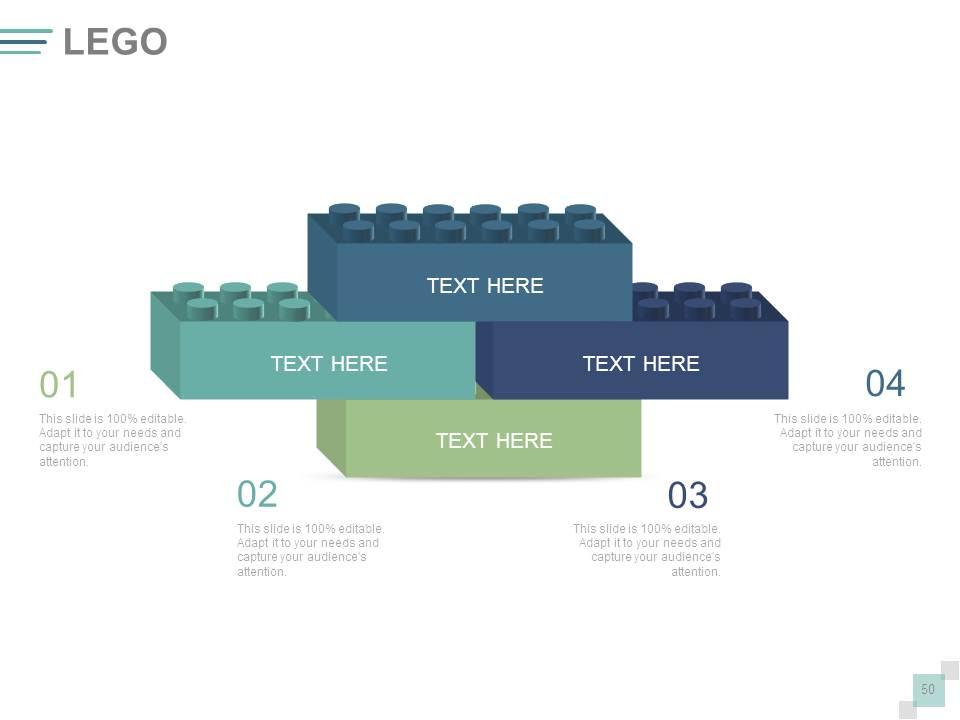
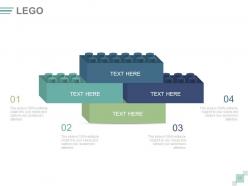
Folie 50 : Dies ist eine Lego-Block-Diagramm-Folie, die Informationen, Spezifikationen usw. anzeigt.
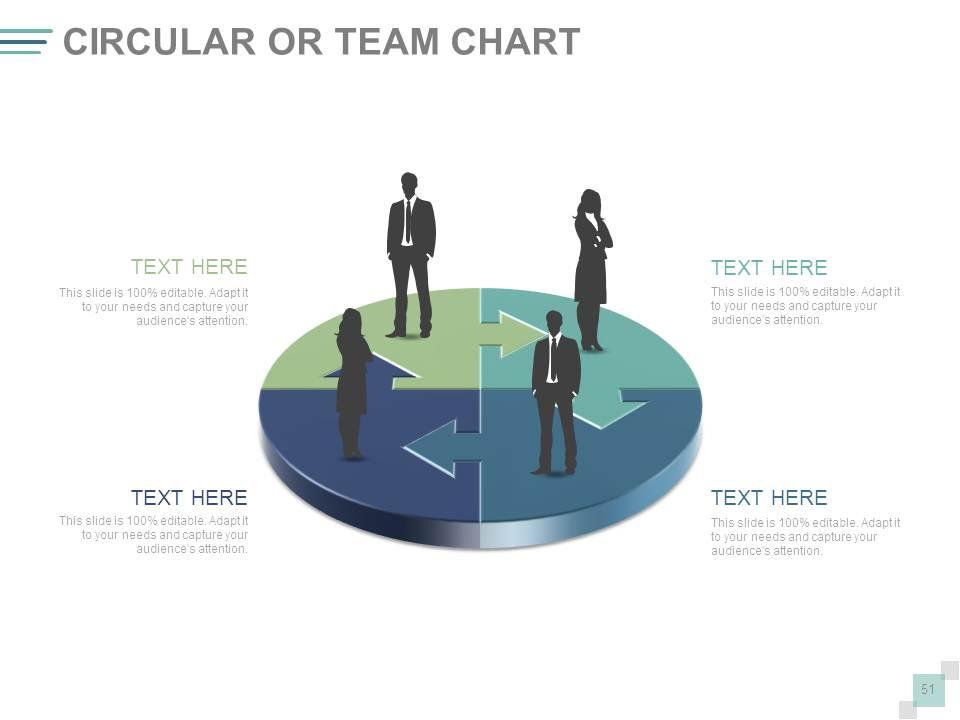
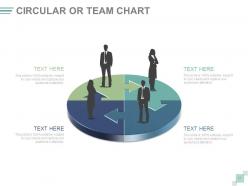
Folie 51 : Dies ist eine Cicular- oder Team-Diagramm-Folie, um Informationen, Spezifikationen usw. anzuzeigen.
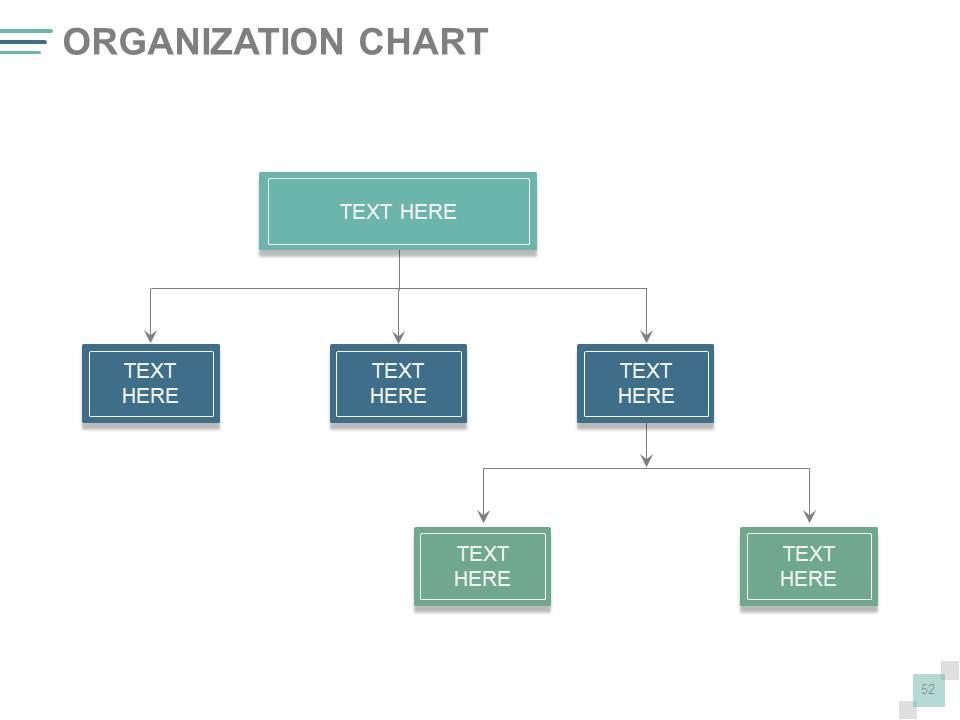
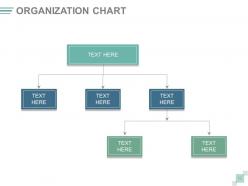
Folie 52 : Dies ist ein Organigramm in Hierarchieform, um Teamspezifikationen usw. anzugeben.
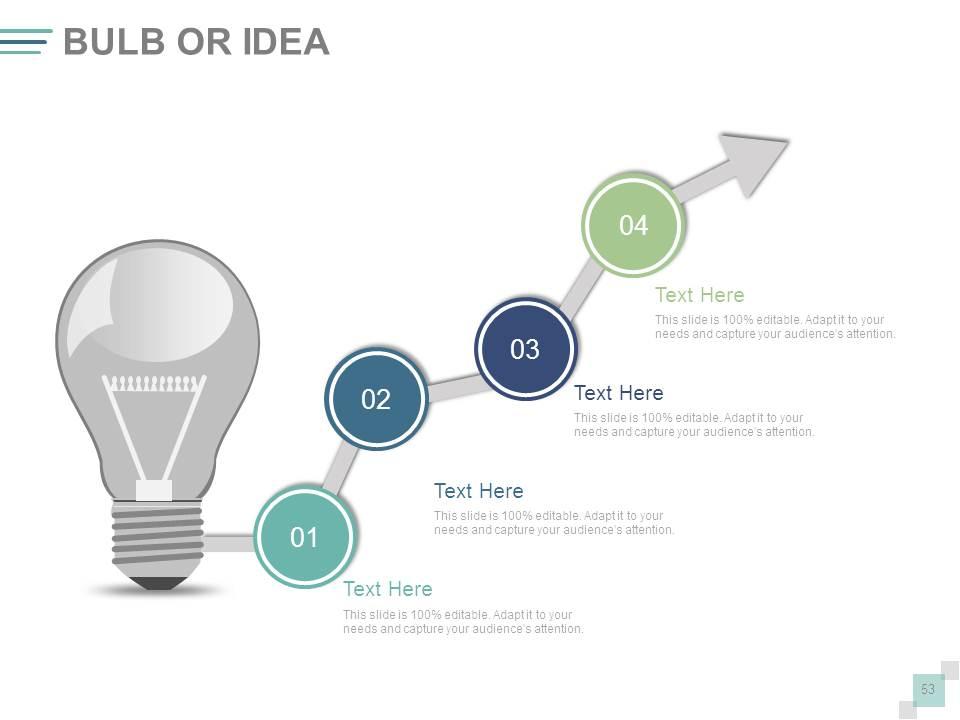
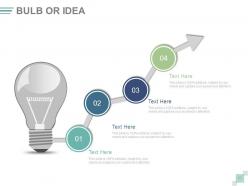
Folie 53 : Dies ist eine Glühbirnen- oder Ideenfolie, um Informationen, innovative Spezifikationen usw. anzuzeigen.
Folie 54 : Diese Folie zeigt ein Lupenbild mit Textfeldern. Zustandsinformationen etc. hier.
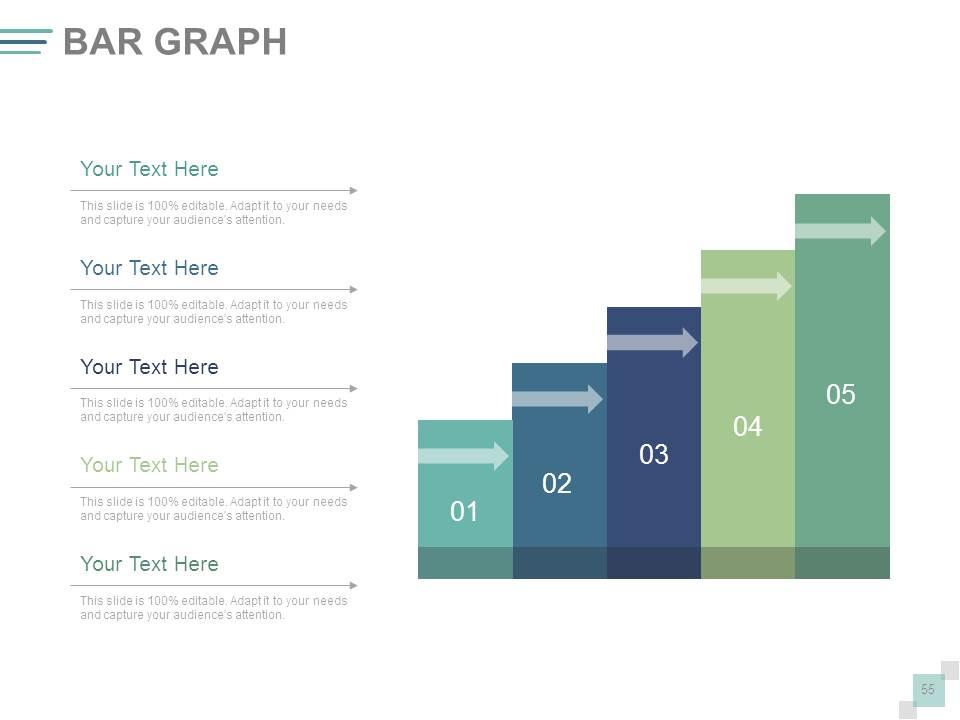
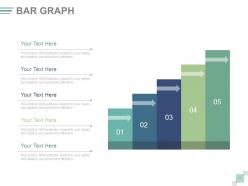
Folie 55 : Diese Folie präsentiert ein Balkendiagramm zur Darstellung von Produkt-/Unternehmenswachstum, Vergleich usw.
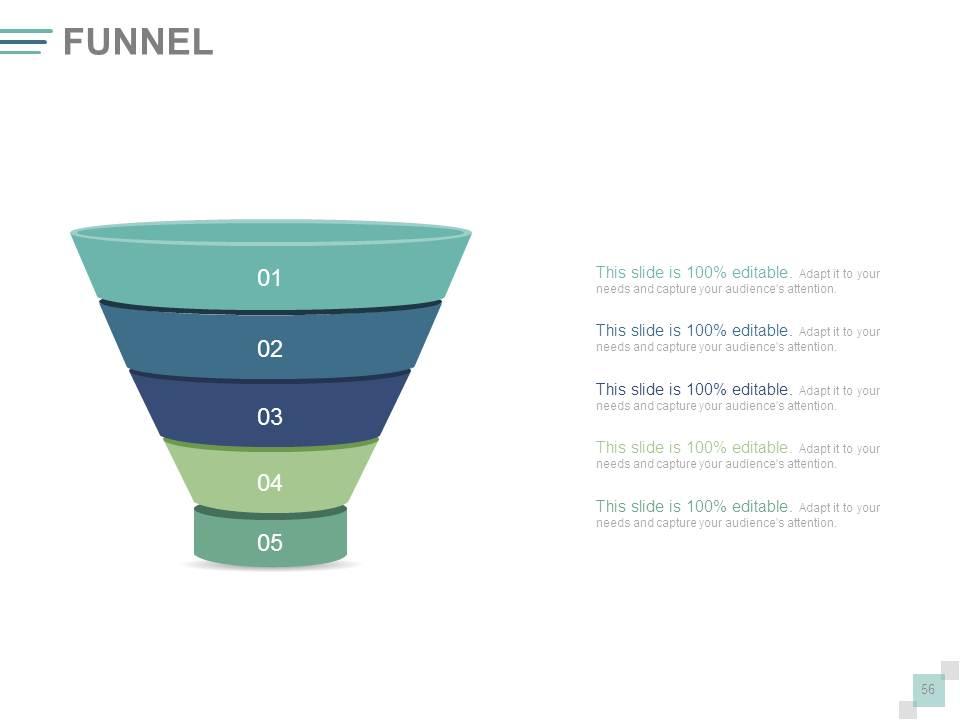
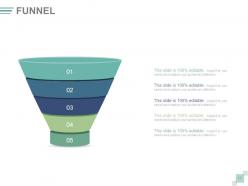
Folie 56 : Diese Folie zeigt ein Trichterbild. Zustandsinformationen, Funneling-Aspekte etc. hier.
Folie 57 : Dies ist eine Dankesfolie mit Adresse# Hausnummer, Stadt, Bundesland, Kontaktnummern, E-Mail-Adresse.
Quartally Business Review Agenda and Objectives PowerPoint-Präsentation mit Folien mit allen 57 Folien:
Überzeugen Sie die Leute davon, dass Sie Widrigkeiten mit unserer vierteljährlichen Geschäftsübersicht Agenda und Zielsetzungen komplettieren können. Powerpoint-Deck mit Folien. Seien Sie ein Beispiel für Mut und Entschlossenheit.
-
Excellent work done on template design and graphics.
-
Excellent Designs.
