


Diapositivas de presentación de PowerPoint del marco de revisión comercial trimestral
Aquí hay una presentación en PowerPoint del marco de revisión comercial trimestral lista para el contenido para beneficiar a los profesionales que superan las restricciones para administrar una empresa. Resaltando los hechos importantes de esta revisión de información comercial de las diapositivas de PPT, aquí hemos creado una presentación preparada relacionada con su tema. En estas plantillas PPT de resumen comercial trimestral, hemos incluido una descripción general de la empresa, desempeño financiero, RSC, análisis de la competencia, hoja de ruta futura, actualizaciones de clientes y proyectos, etc. También puede usar esta diapositiva de muestra de PowerPoint de resumen completo de la compañía con temas relacionados como evaluación económica, evaluación empresarial, estudio organizacional, análisis de información empresarial, auditoría empresarial, evaluación empresarial, evaluación organizacional y muchos más. Se requiere un resumen organizacional para asegurar los desafíos del desempeño económico y financiero. Este es el diseño QBR PPT más adecuado para la gestión de nivel medio y superior. Estos gráficos de presentación del marco de revisión de negocios trimestrales prediseñados profesionalmente están disponibles para descargar. Nuestras diapositivas de presentación de PowerPoint del marco de revisión trimestral de negocios son realmente fuera de este mundo. Incluso el dúo MIB ha estado al tanto de nuestro equipo.
Aquí hay una presentación en PowerPoint del marco de revisión comercial trimestral lista para el contenido para beneficiar..










































-

- Google Slides is a new FREE Presentation software from Google.
- All our content is 100% compatible with Google Slides.
- Just download our designs, and upload them to Google Slides and they will work automatically.
- Amaze your audience with SlideTeam and Google Slides.
-

Want Changes to This PPT Slide? Check out our Presentation Design Services
-

- WideScreen Aspect ratio is becoming a very popular format. When you download this product, the downloaded ZIP will contain this product in both standard and widescreen format.
-

- Some older products that we have may only be in standard format, but they can easily be converted to widescreen.
- To do this, please open the SlideTeam product in Powerpoint, and go to
- Design ( On the top bar) -> Page Setup -> and select "On-screen Show (16:9)” in the drop down for "Slides Sized for".
- The slide or theme will change to widescreen, and all graphics will adjust automatically. You can similarly convert our content to any other desired screen aspect ratio.
Compatible With Google Slides

Get This In WideScreen
You must be logged in to download this presentation.


Do you want to remove this product from your favourites?
Características de estas diapositivas de presentación de PowerPoint:
Este PPT completo contiene 79 diapositivas. Descargue instantáneamente esta diapositiva con un solo clic. Ver estándar y de pantalla ancha. Esta plantilla es compatible con Presentaciones de Google. Esto es 100% editable en PowerPoint. Este PPT ofrece soporte al cliente premium.

People who downloaded this PowerPoint presentation also viewed the following :
Contenido de esta presentación de Powerpoint
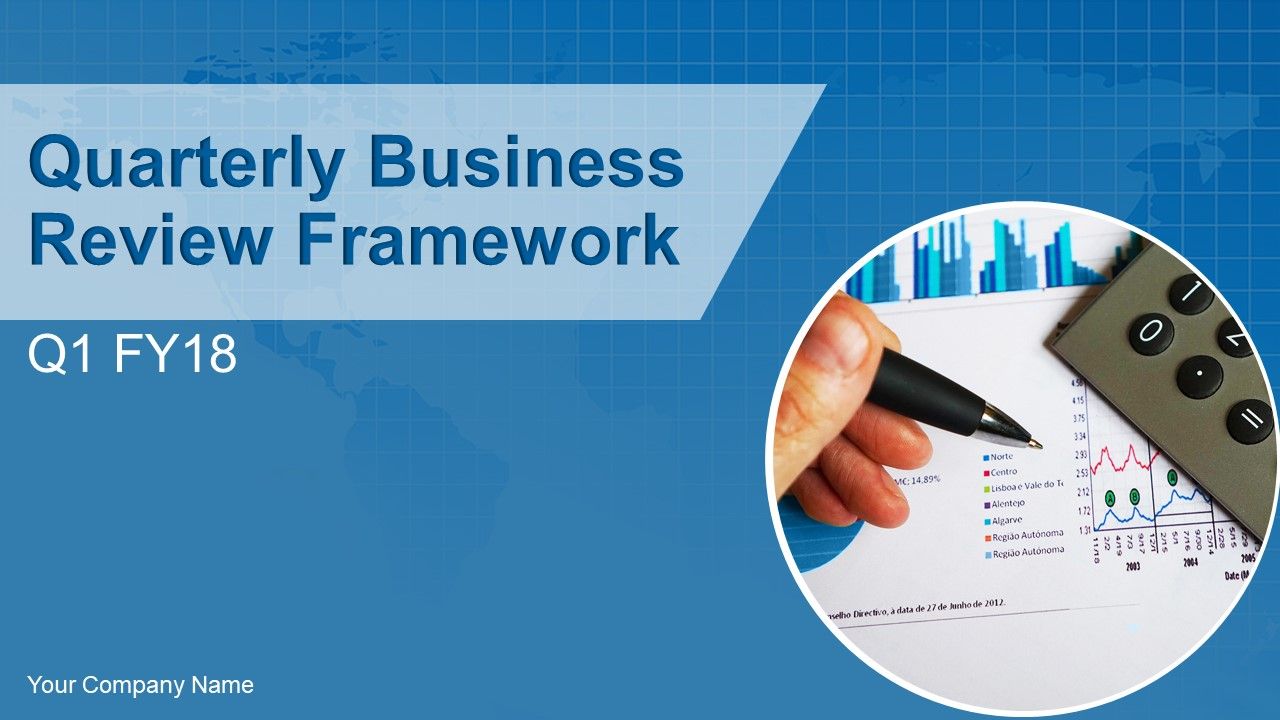
Diapositiva 1 : Esta diapositiva presenta el Marco de revisión empresarial trimestral. Indique el nombre de su empresa y comience.
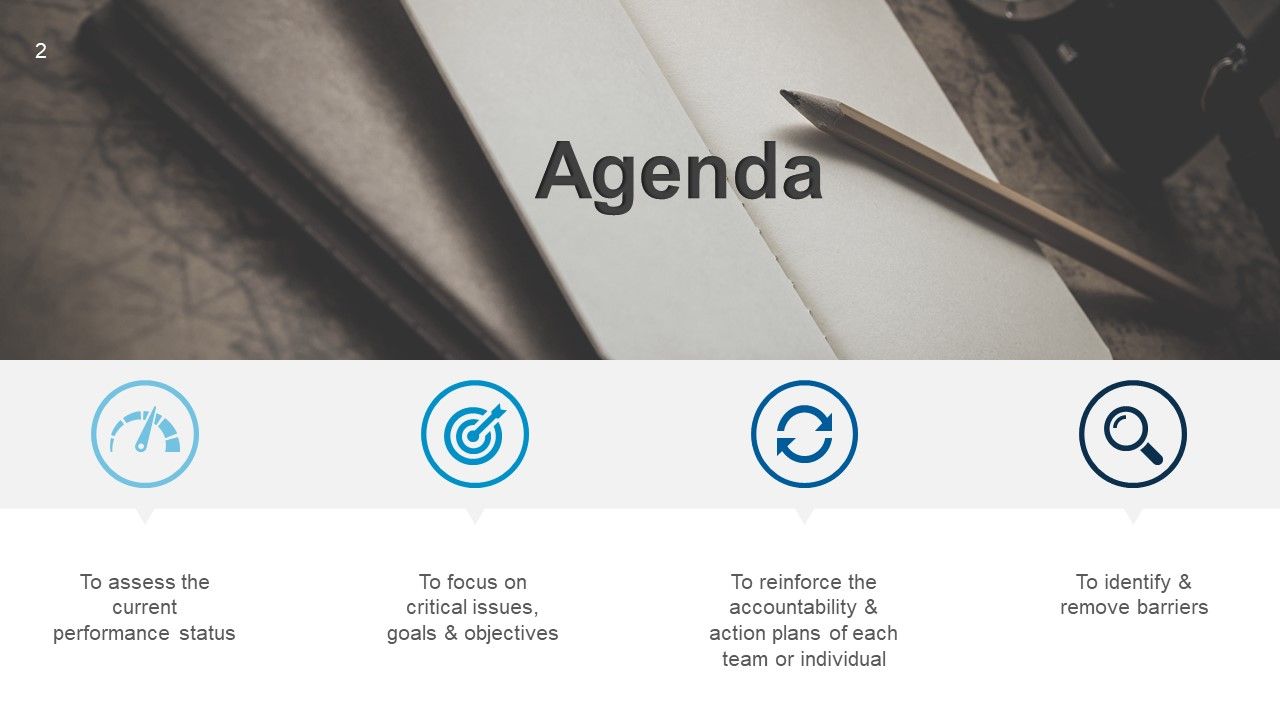
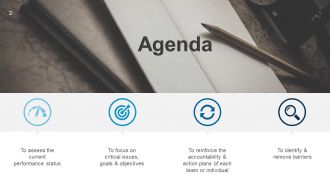
Diapositiva 2 : Esta es una diapositiva de Agenda. Planes estatales tales como: Evaluar el estado de desempeño actual, Enfocarse en cuestiones críticas, metas y objetivos, Reforzar la responsabilidad y los planes de acción de cada equipo o individuo, Identificar y eliminar barreras.
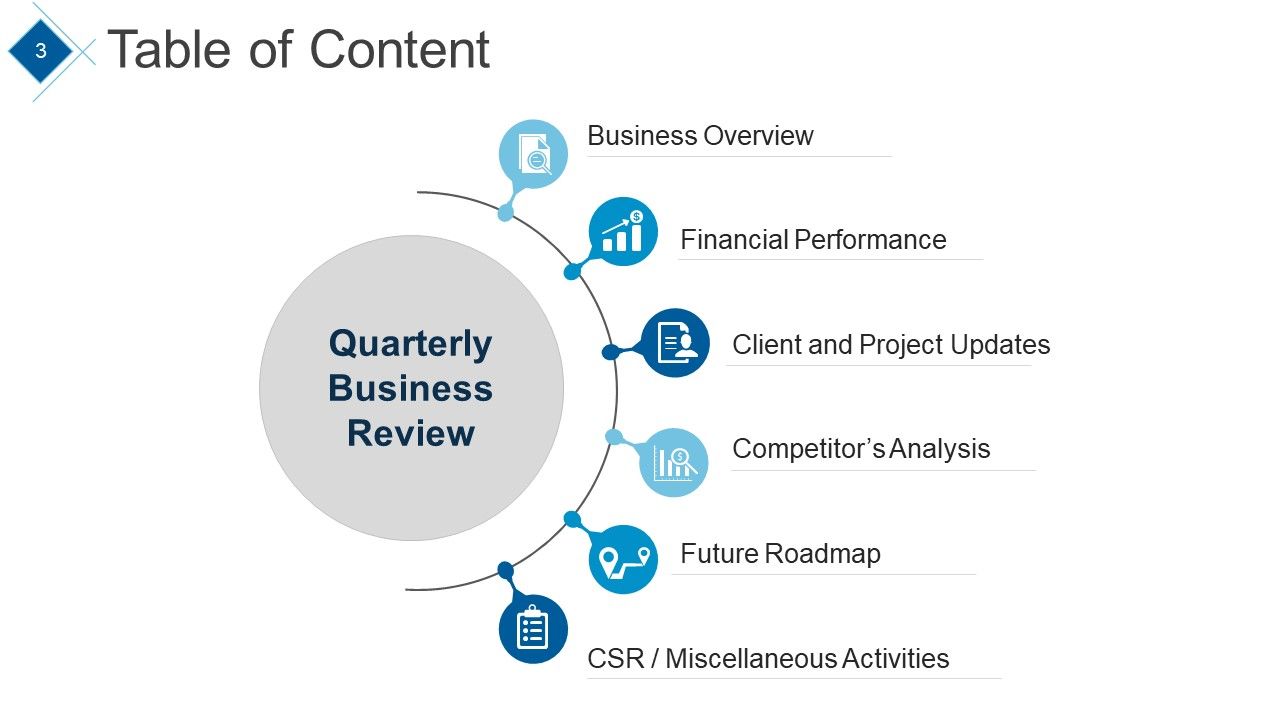
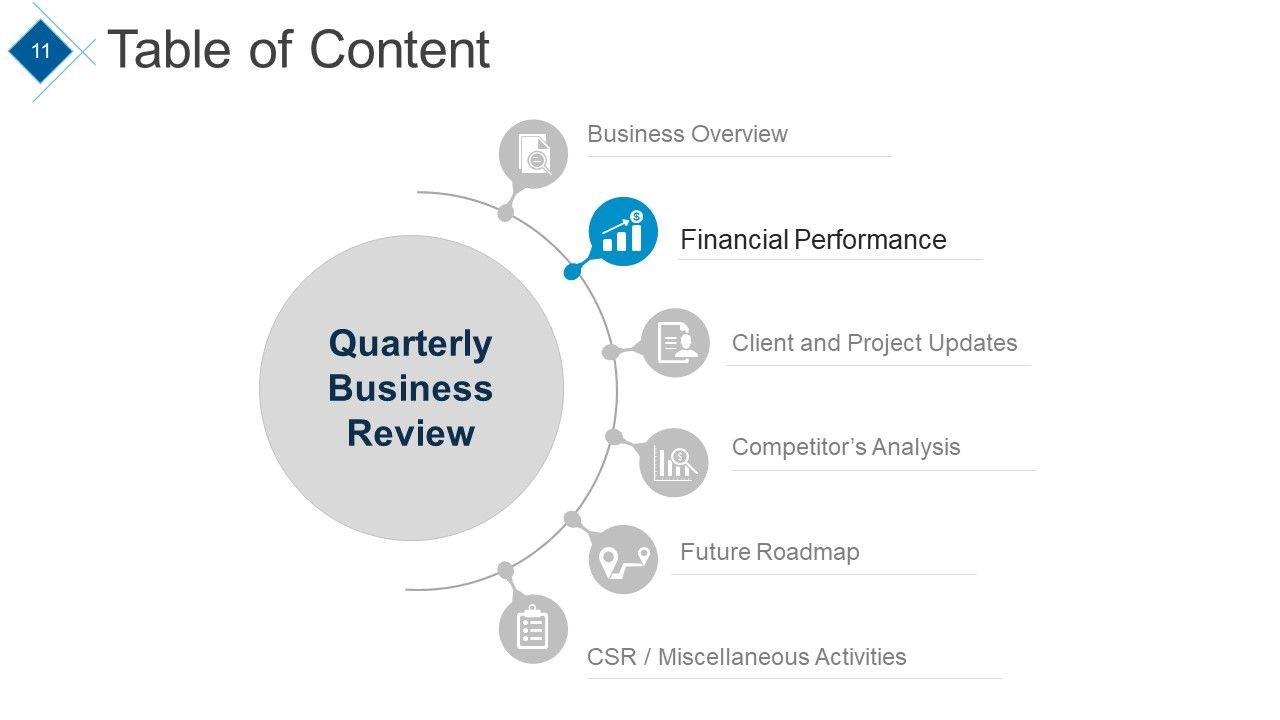
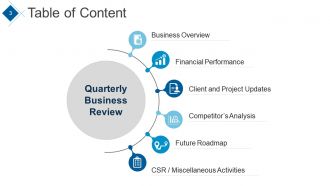
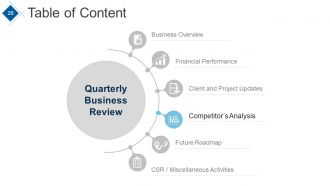
Diapositiva 3 : esta diapositiva muestra la tabla de contenido. Los puntos incluidos son: Revisión comercial trimestral, Descripción general del negocio, Desempeño financiero, Actualizaciones de clientes y proyectos, Análisis de la competencia, Hoja de ruta futura, RSE / Actividades varias.
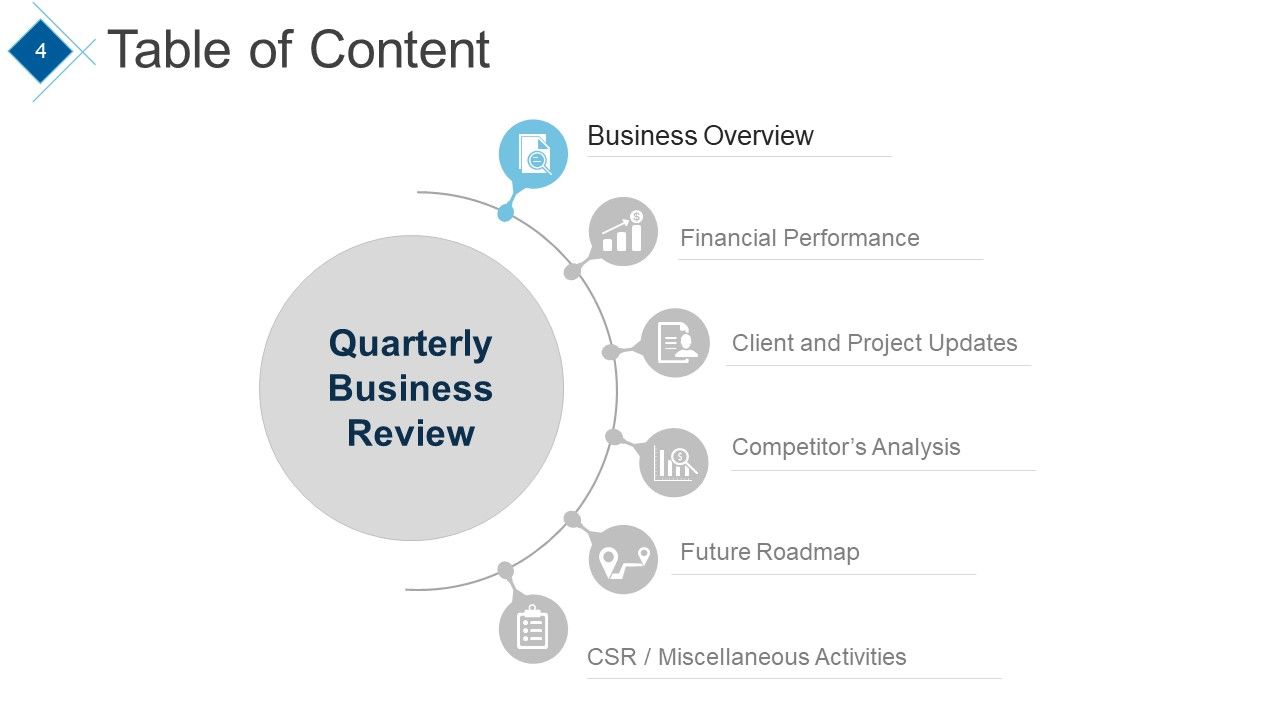
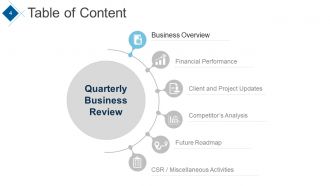
Diapositiva 4 : esta diapositiva continúa con la tabla de contenido. El punto resaltado es: Descripción general del negocio.
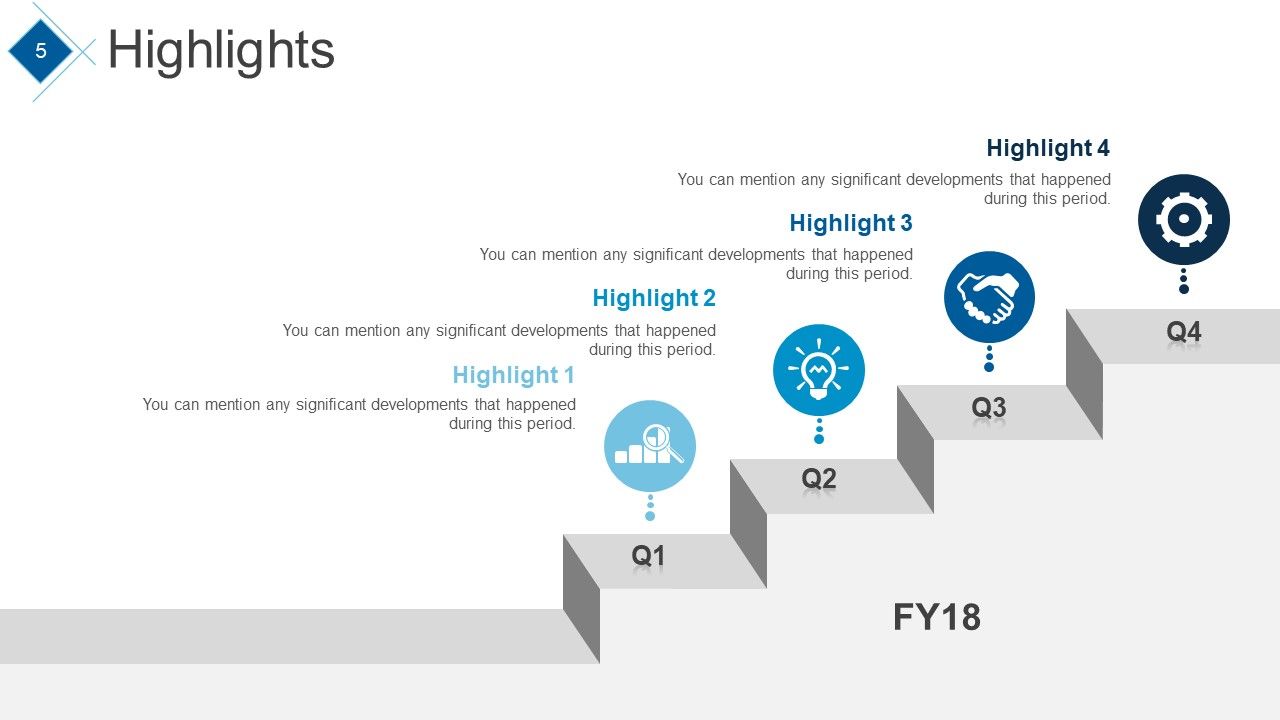
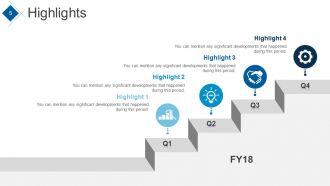
Diapositiva 5 : esta diapositiva muestra los aspectos más destacados. Puede mencionar cualquier desarrollo significativo que haya ocurrido durante este período.
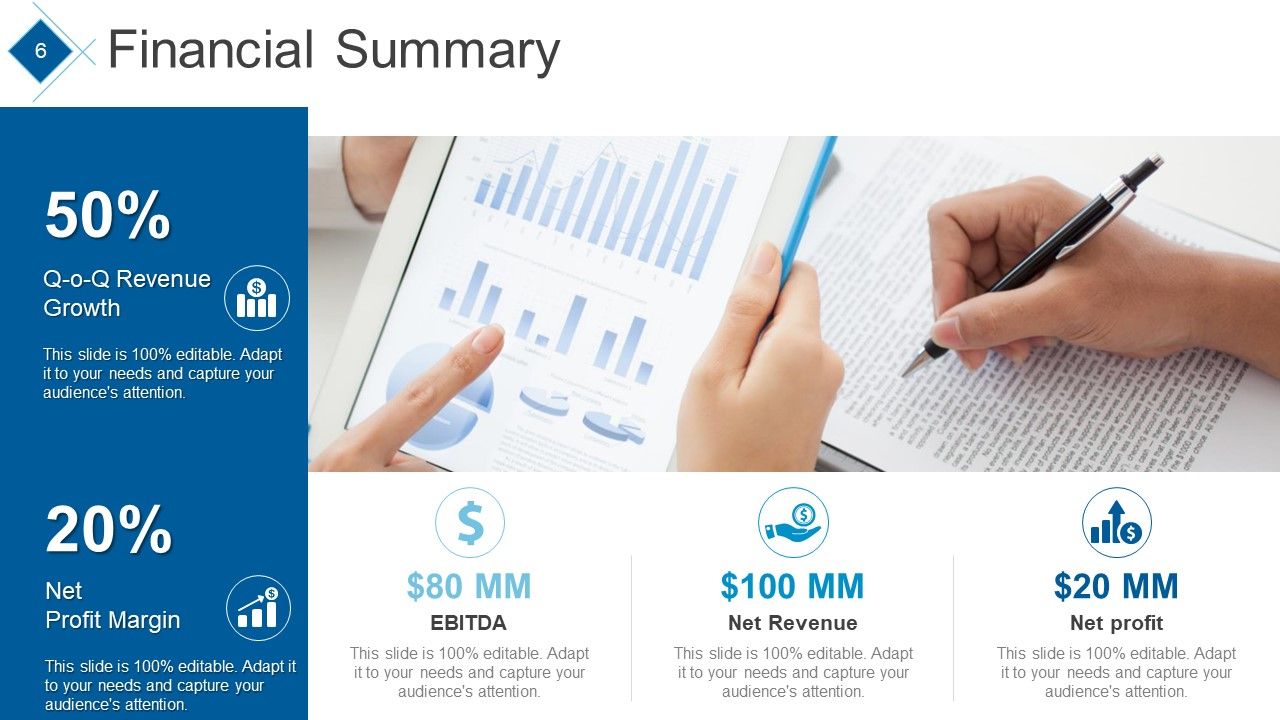
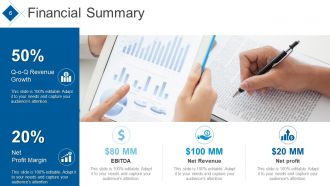
Diapositiva 6 : Esta diapositiva presenta el Resumen financiero con los siguientes puntos: Utilidad neta, EBITDA, Ingresos netos, Margen de utilidad neta, Crecimiento de ingresos trimestrales.
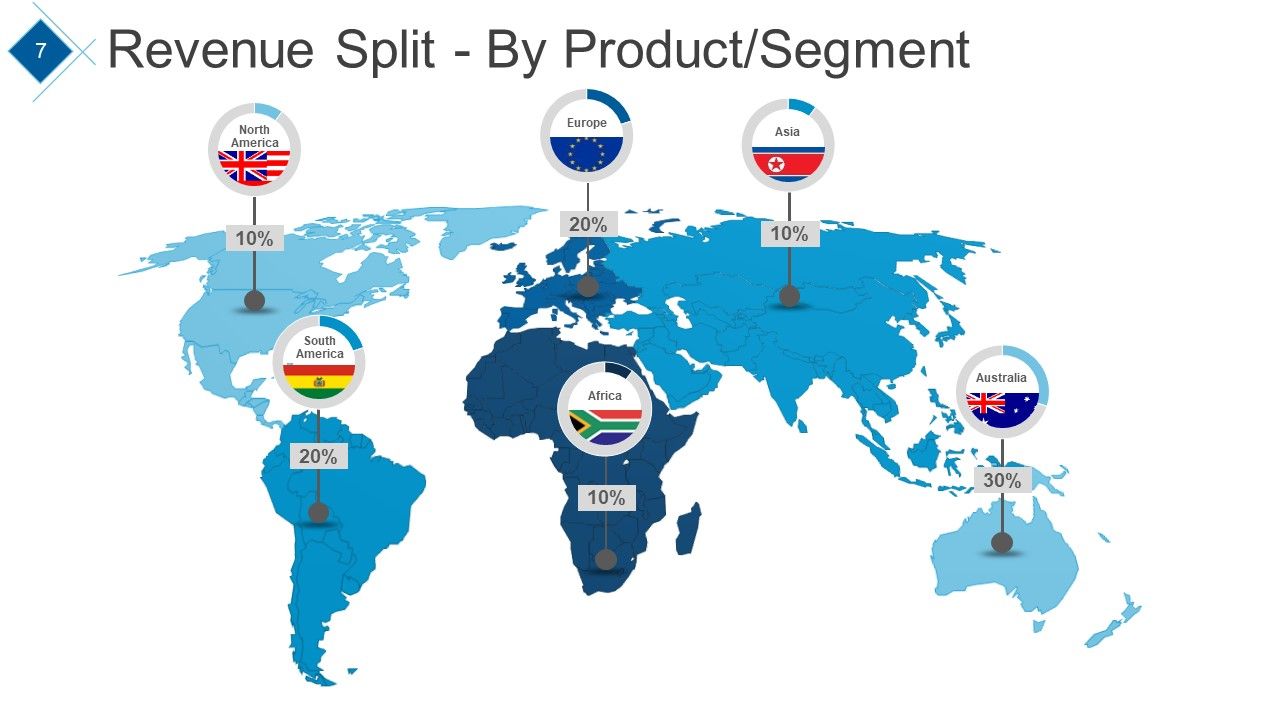
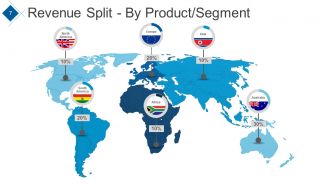
Diapositiva 7 : Esta diapositiva muestra Revenue Split - By Product / Segment en la imagen del mapa mundial para mostrar la segregación global.
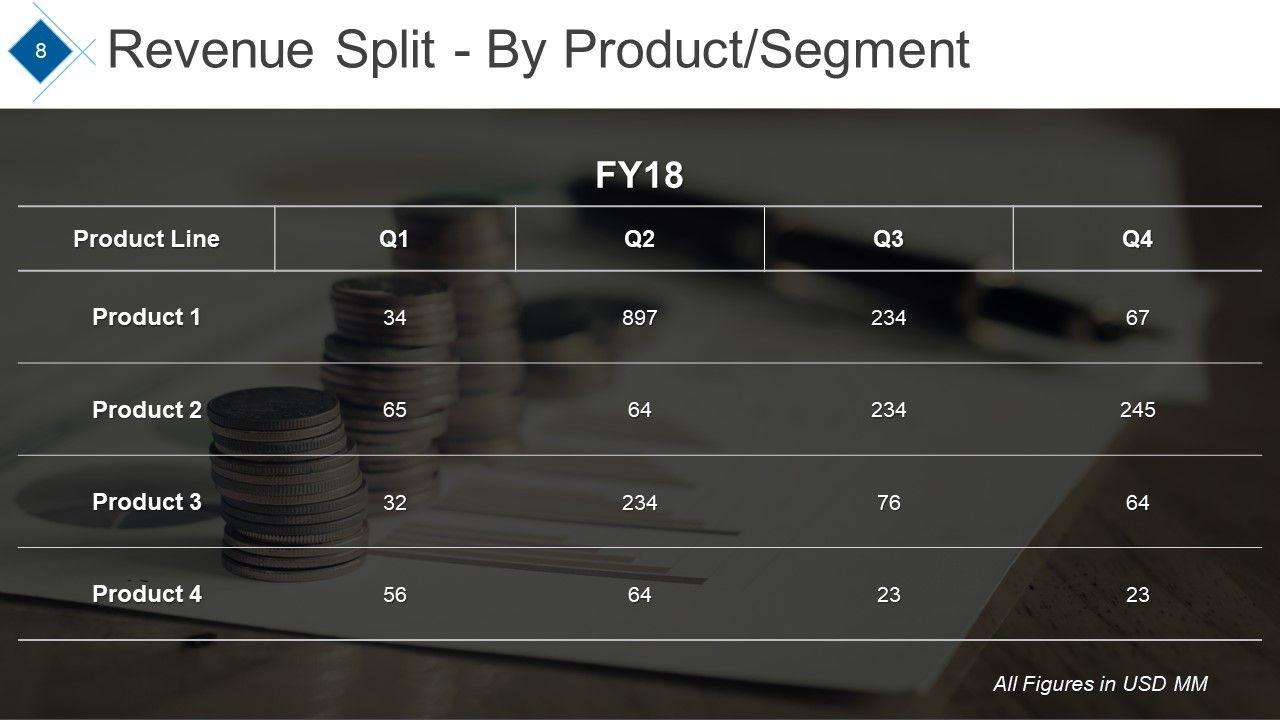
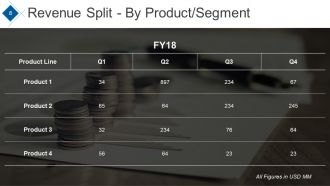
Diapositiva 8 : Esta diapositiva muestra la tabla de división de ingresos por producto / segmento de diferentes productos.
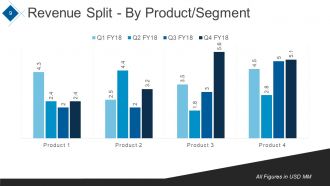
Diapositiva 9 : Esta diapositiva muestra la división de ingresos por producto / segmento en forma de gráfico.
Diapositiva 10 : Esta diapositiva muestra los desarrollos / hitos clave logrados con ejemplos como: Lanzamiento de un nuevo producto, Obtención de 100 MM en un solo trimestre, Premio al “Mejor exportador del año 2018”.
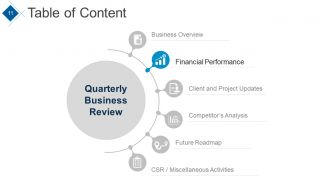
Diapositiva 11 : Esta diapositiva muestra una tabla de contenido que destaca el desempeño financiero.
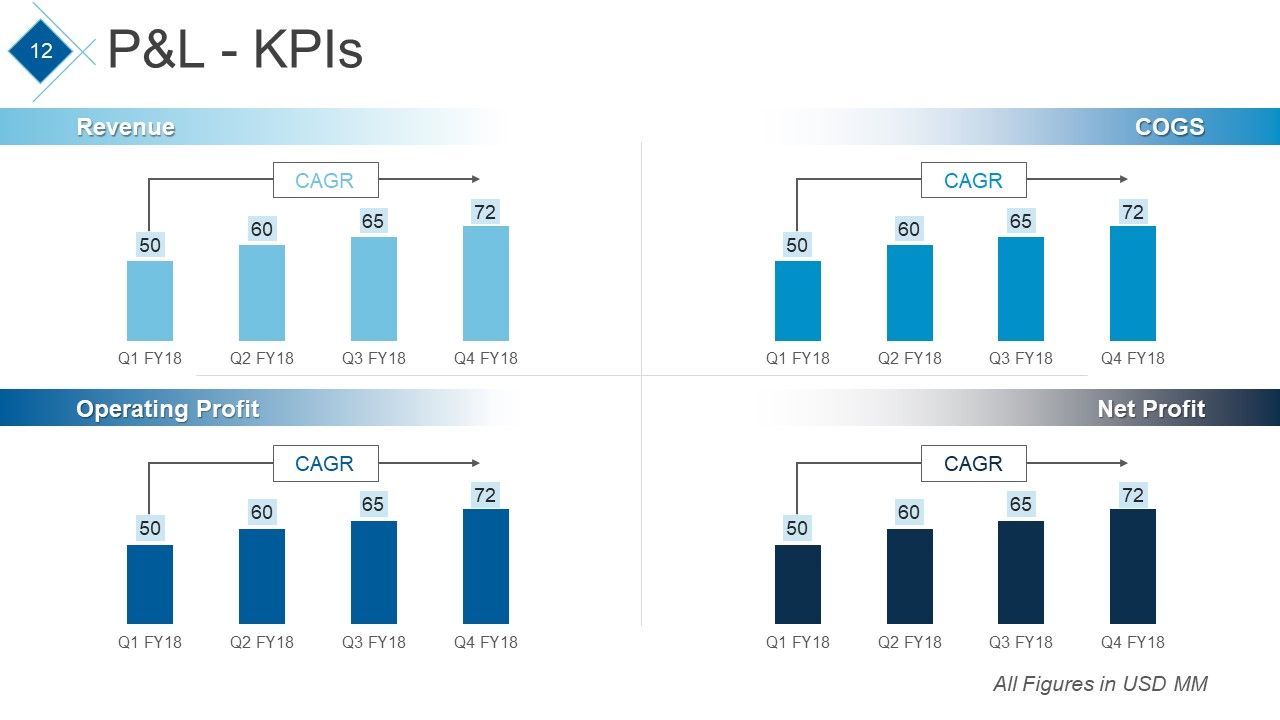
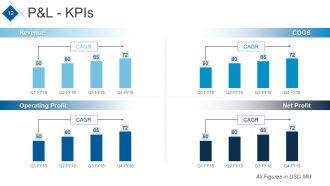
Diapositiva 12 : Esta diapositiva presenta P&L - KPIs gráficos CAGR de Ingresos, Beneficio operativo, COGS, Beneficio neto.
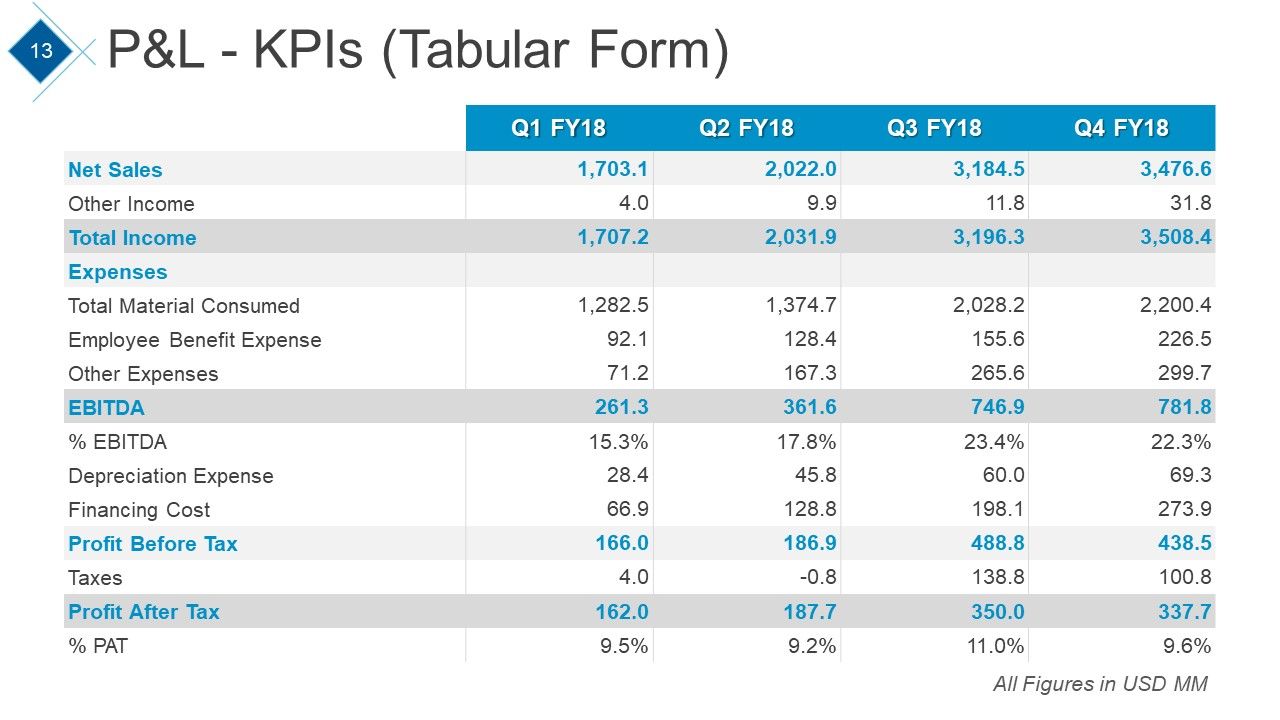
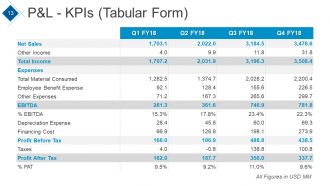
Diapositiva 13 : Esta diapositiva presenta P&L - KPIs CAGR en forma tabular.
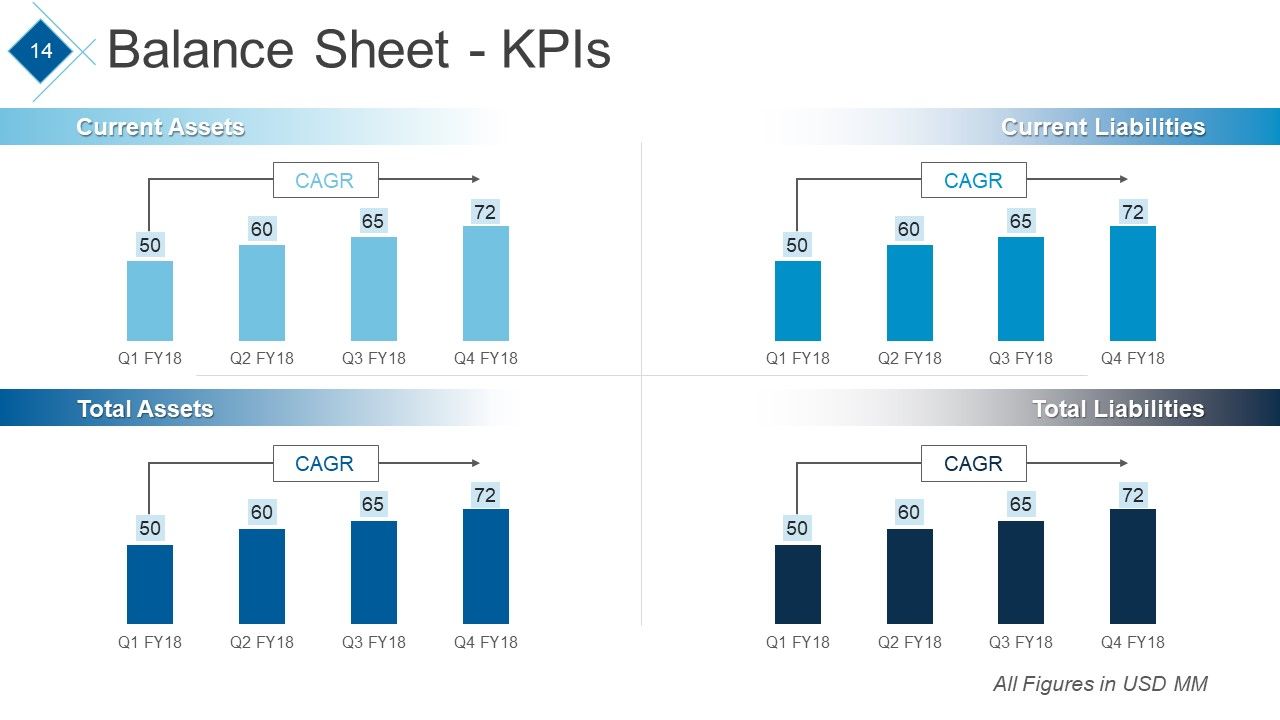
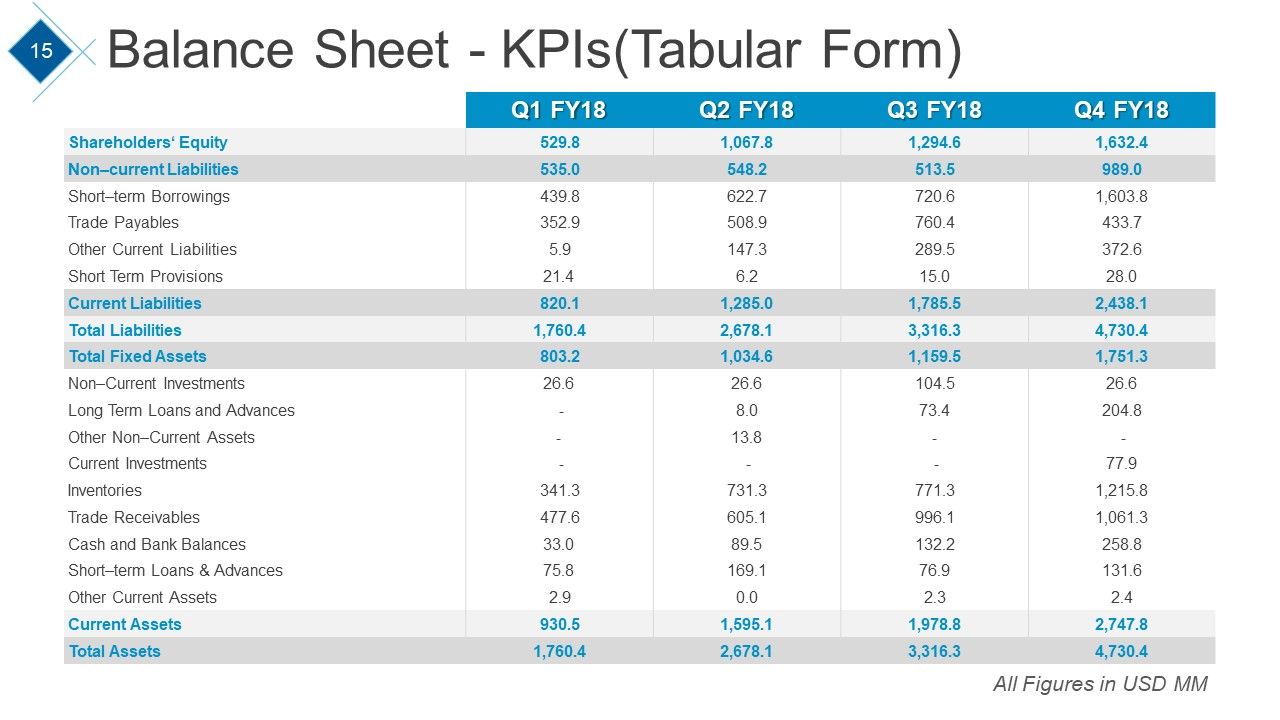
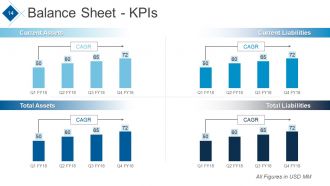
Diapositiva 14 : Esta diapositiva muestra el balance general (indicadores clave de rendimiento) que muestran activos corrientes, activos totales, pasivos corrientes, pasivos totales.
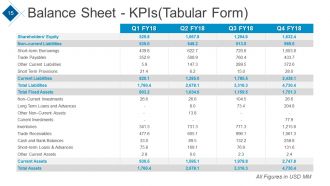
Diapositiva 15 : Esta diapositiva muestra el Balance general: KPI en forma de tabla.
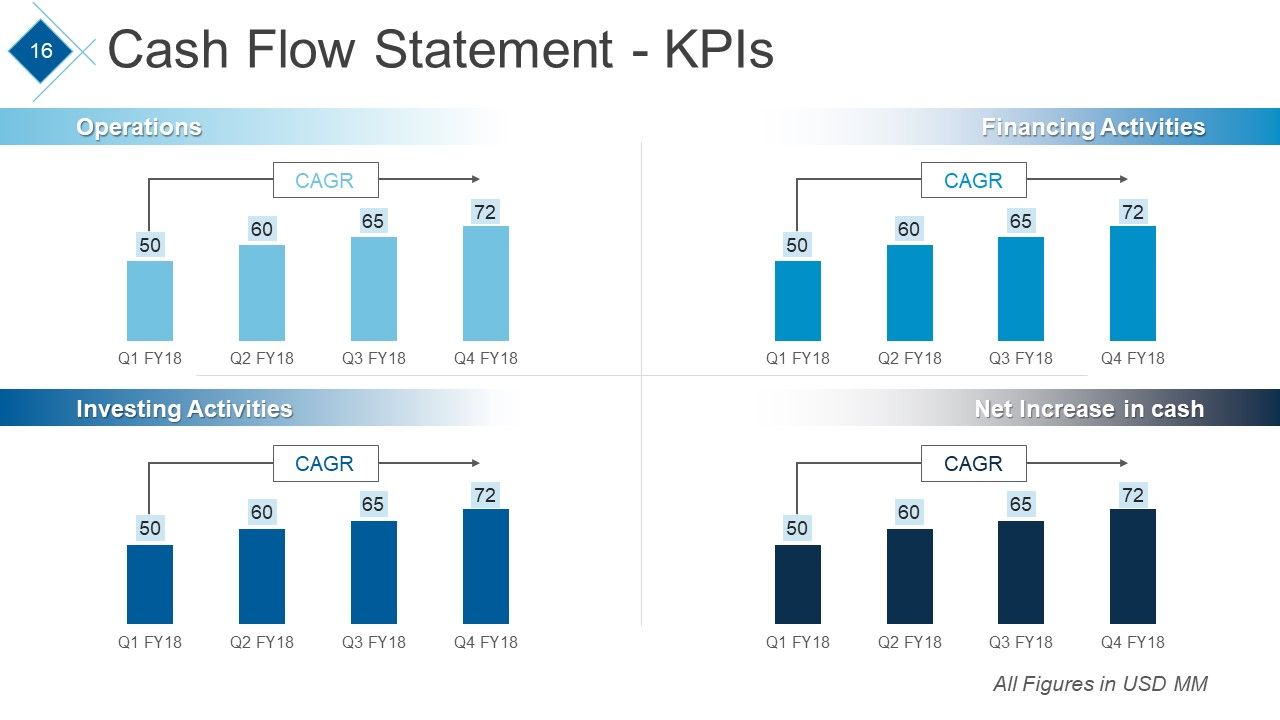
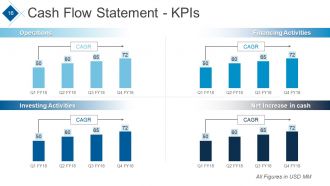
Diapositiva 16 : Esta diapositiva muestra el estado de flujo de efectivo: gráficos de KPI de operaciones, actividades de inversión, actividades de financiamiento, aumento neto de efectivo.
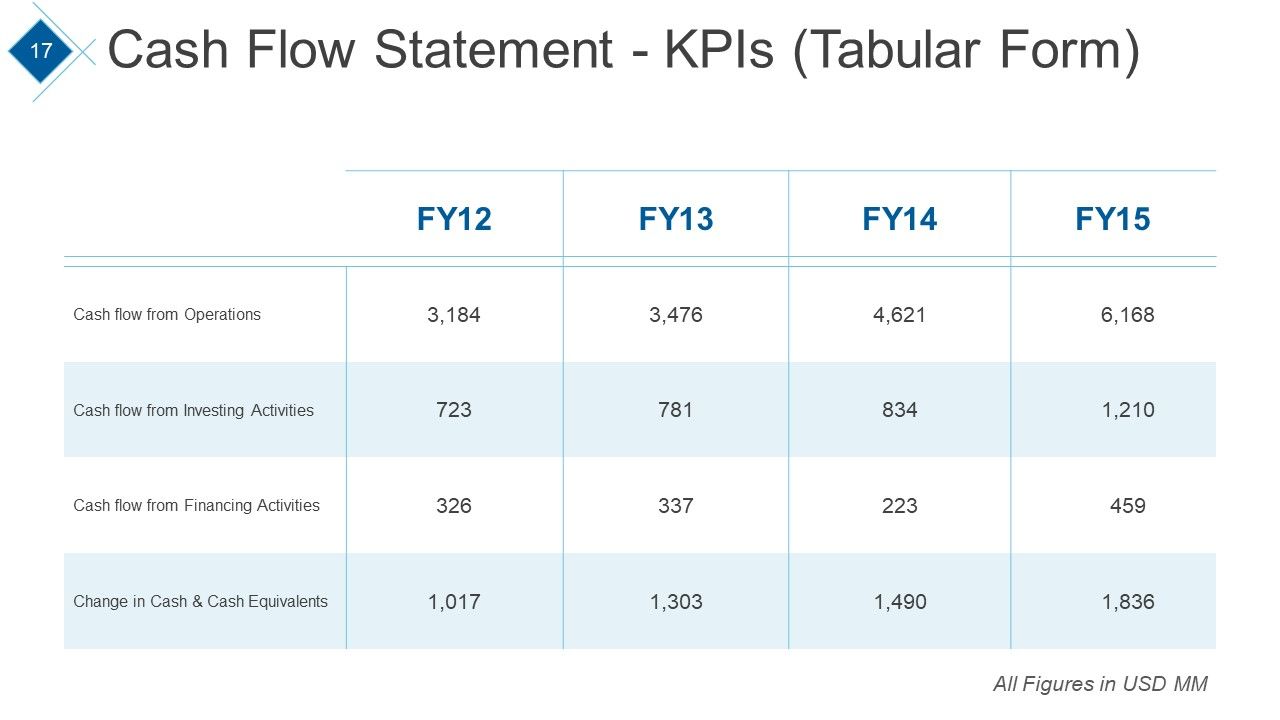
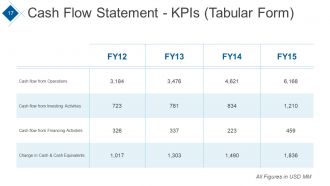
Diapositiva 17 : Esta diapositiva muestra el estado de flujo de efectivo en forma de tabla.
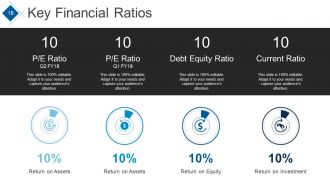
Diapositiva 18 : Esta diapositiva presenta las razones financieras clave de: relación P / E, relación de deuda, relación actual con retorno sobre activos, retorno sobre capital, retorno sobre inversión, retorno sobre activos.
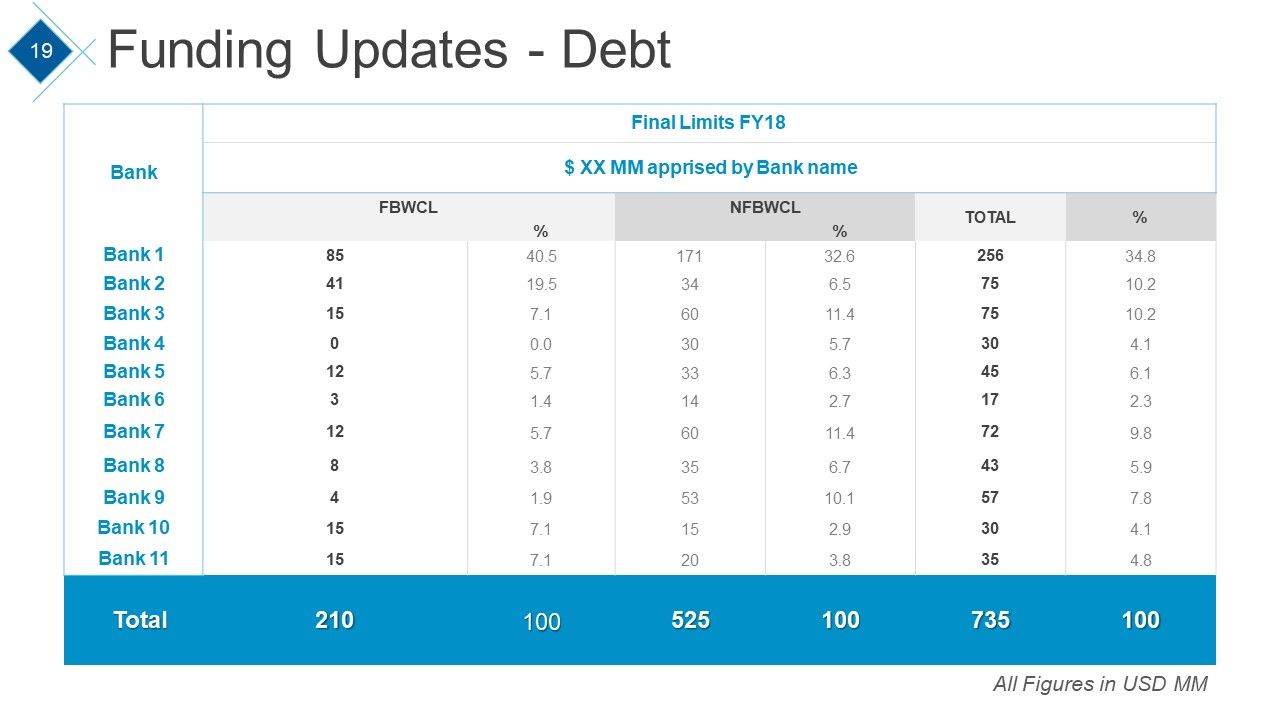
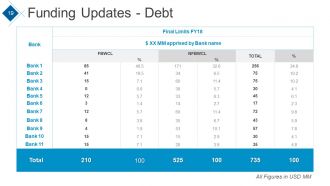
Diapositiva 19 : Esta diapositiva presenta Actualizaciones de financiamiento - Deuda en forma tabular.
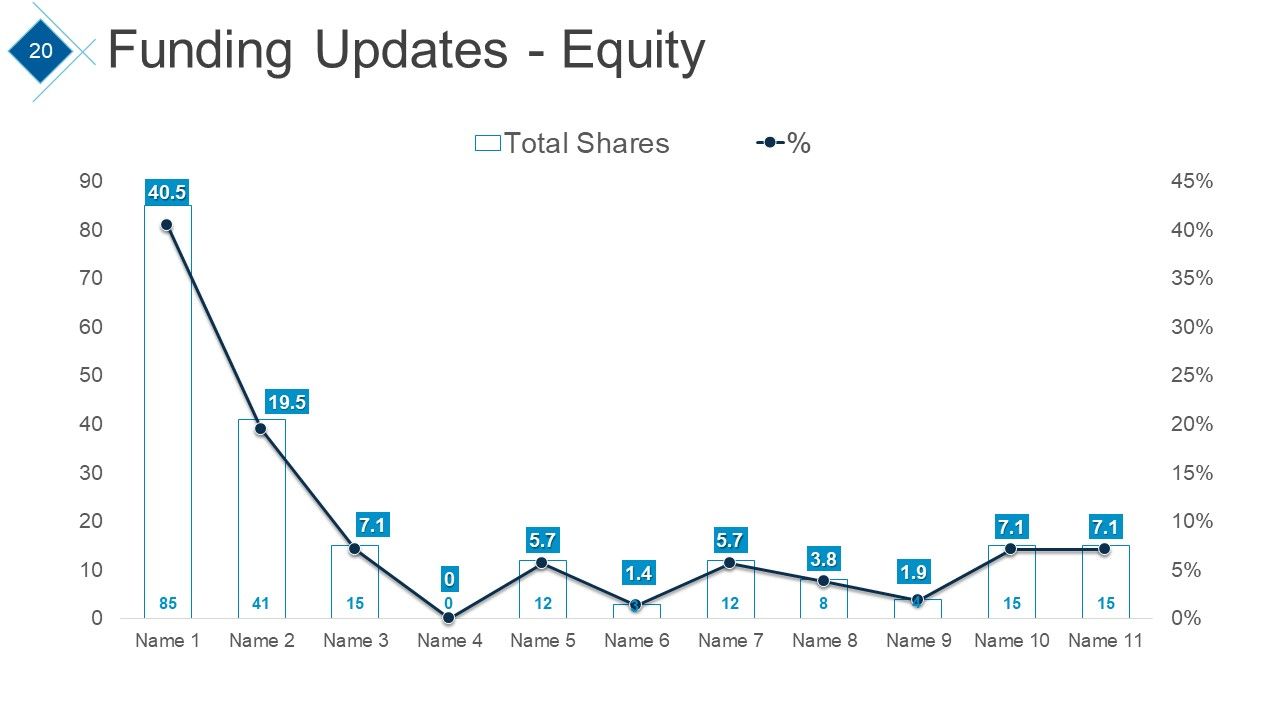
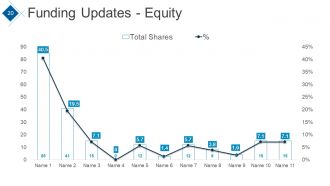
Diapositiva 20 : Esta diapositiva presenta Actualizaciones de financiación - Equidad en forma de gráfico.
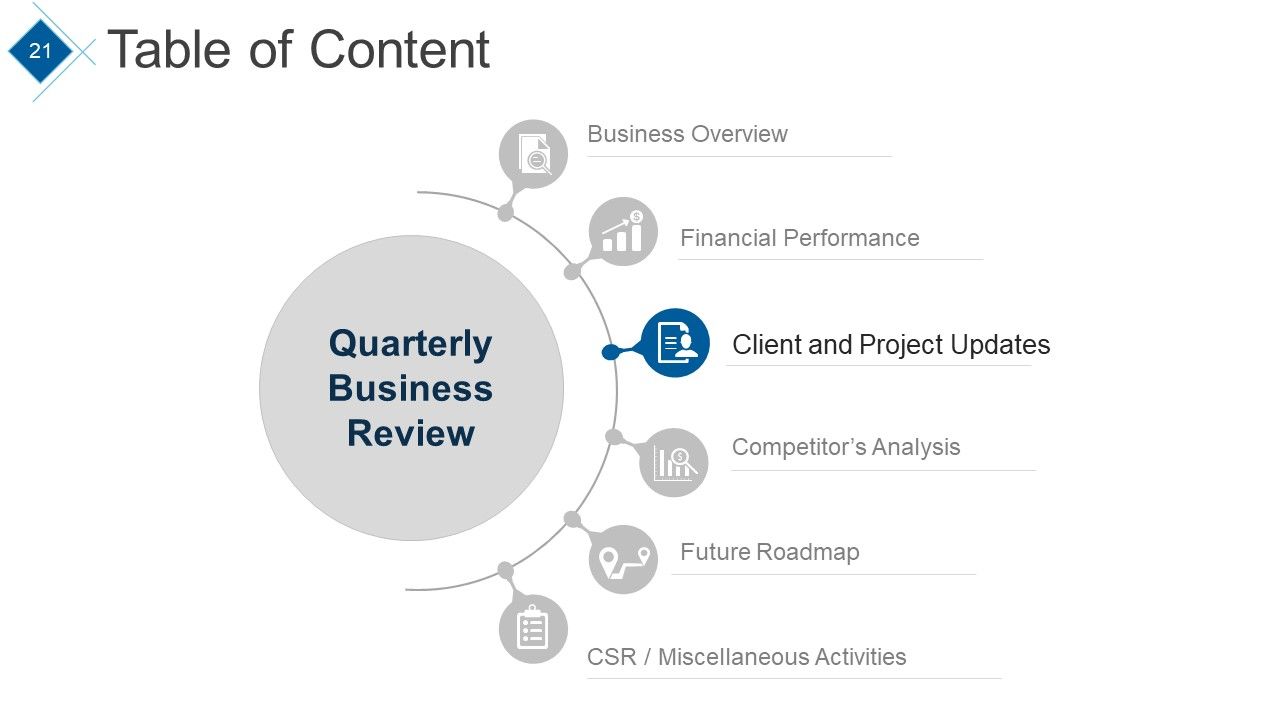
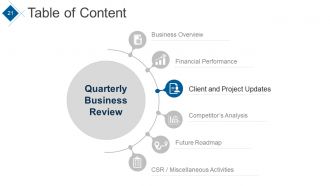
Diapositiva 21 : Esta diapositiva muestra la Tabla de contenido con el punto resaltado: Actualizaciones de clientes y proyectos.
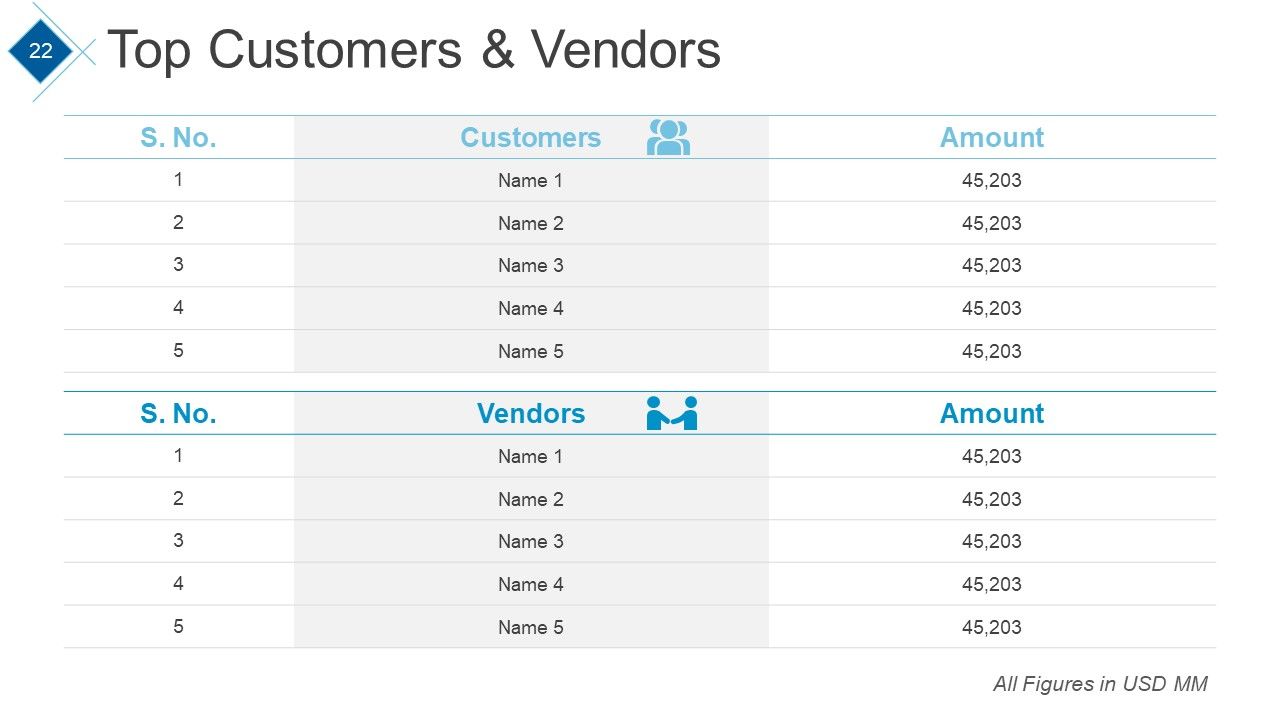
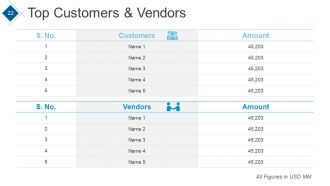
Diapositiva 22 : Esta diapositiva muestra la tabla de Clientes y proveedores principales.
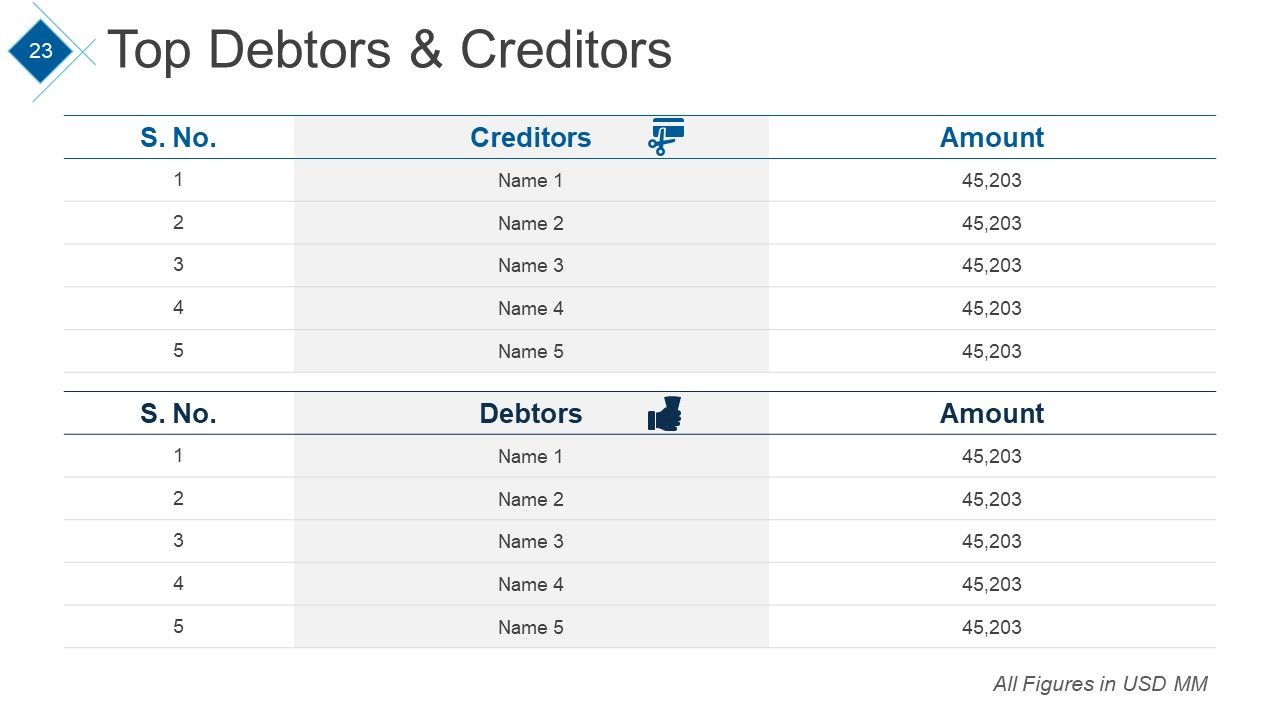
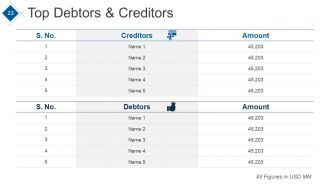
Diapositiva 23 : Esta diapositiva muestra la tabla de los principales deudores y acreedores.
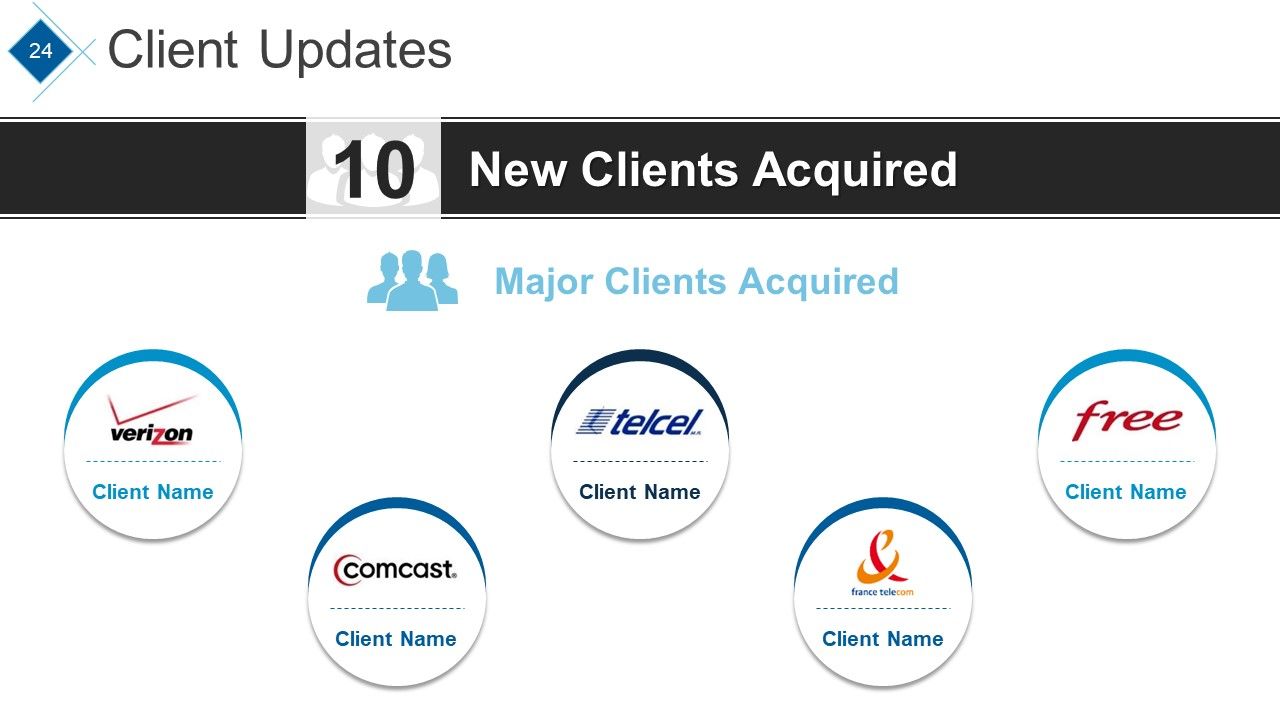
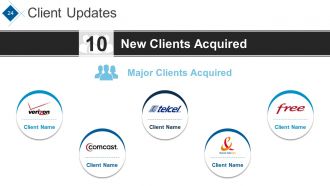
Diapositiva 24 : Esta diapositiva presenta Actualizaciones de clientes con: Nuevos clientes adquiridos, principales clientes adquiridos.
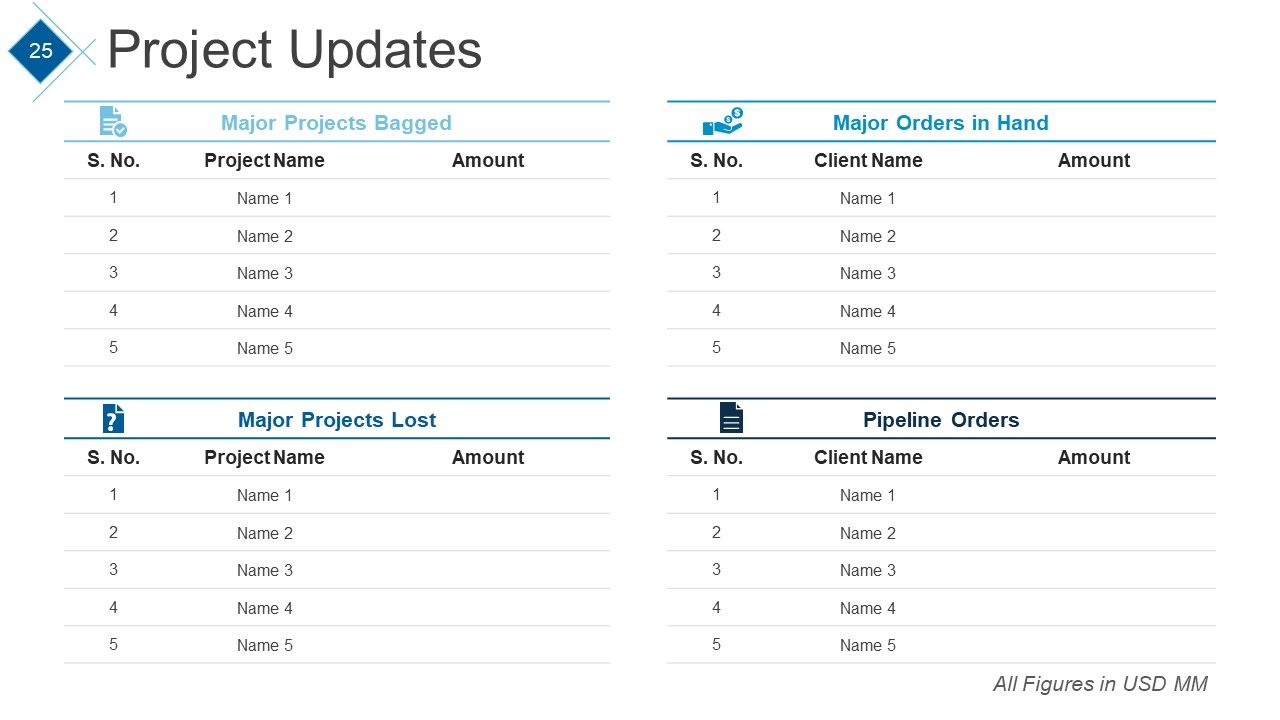
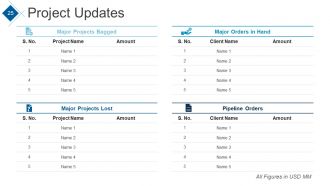
Diapositiva 25 : esta diapositiva muestra la tabla de actualizaciones del proyecto.
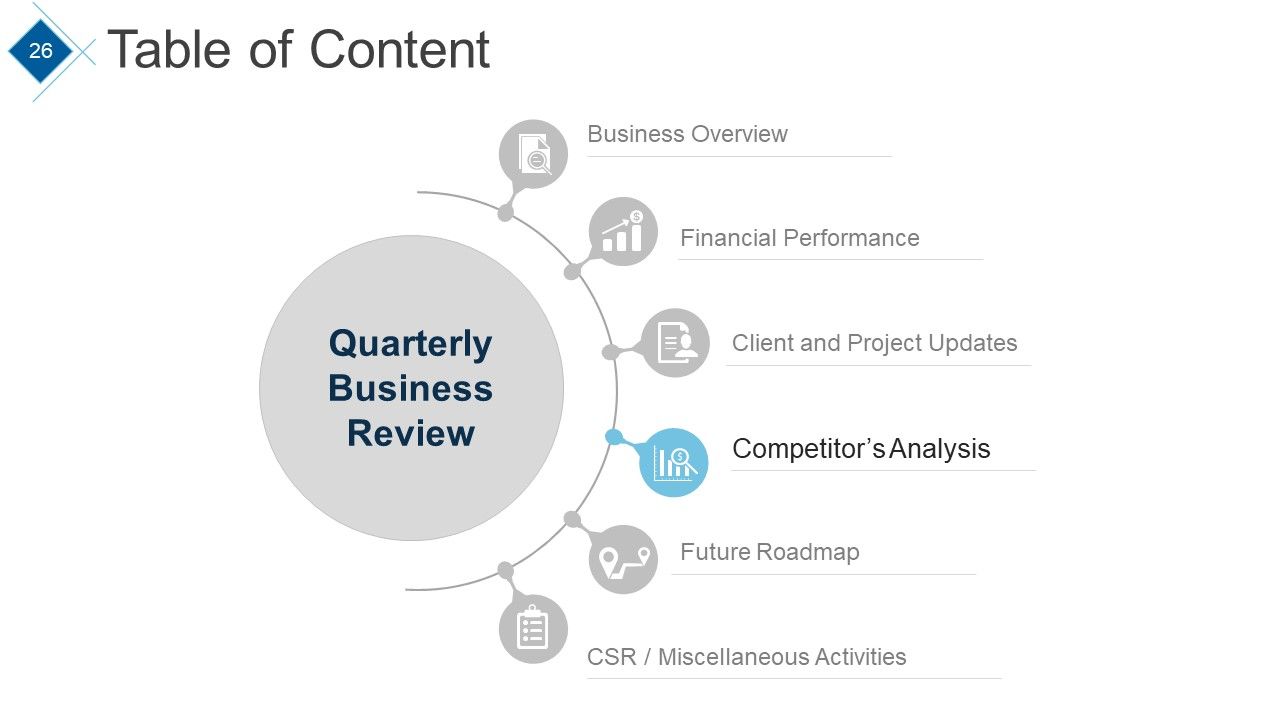
Diapositiva 26 : Esta diapositiva muestra la Tabla de contenido con el punto resaltado: Análisis de la competencia.
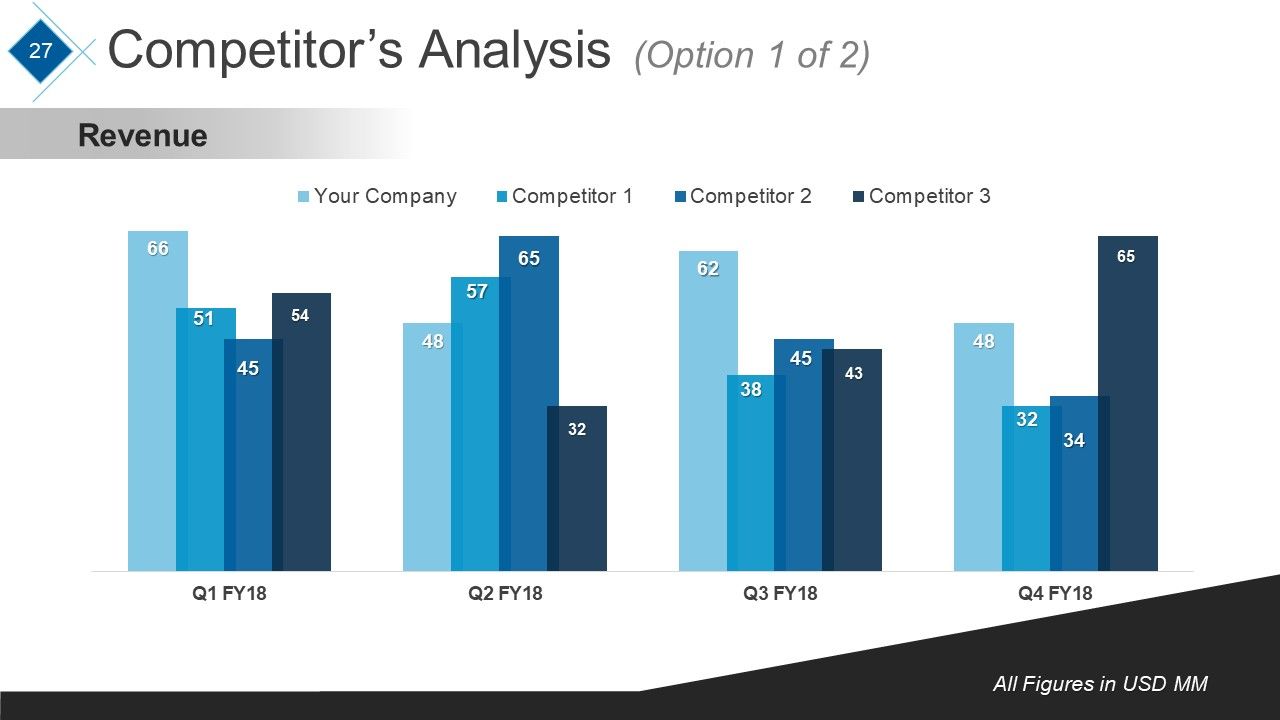
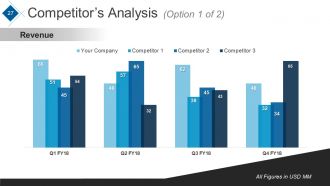
Diapositiva 27 : Esta diapositiva presenta el gráfico de Análisis de la competencia de Ingresos 0.
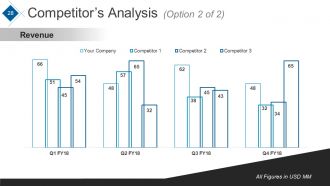
Diapositiva 28 : Esta diapositiva presenta otro gráfico de Análisis de la competencia de Ingresos 0.
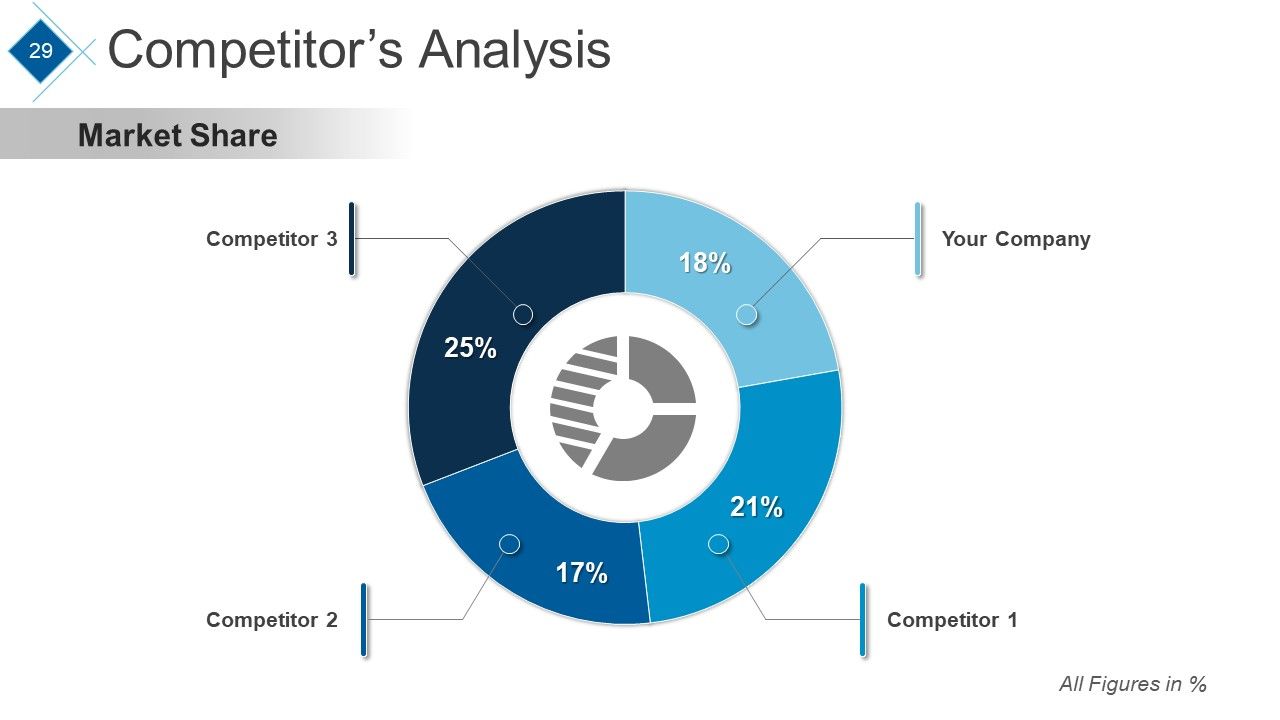
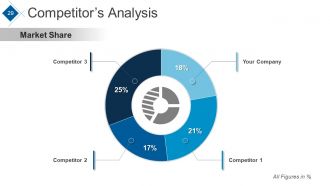
Diapositiva 29 : Esta diapositiva presenta la cuota de mercado del análisis de la competencia.
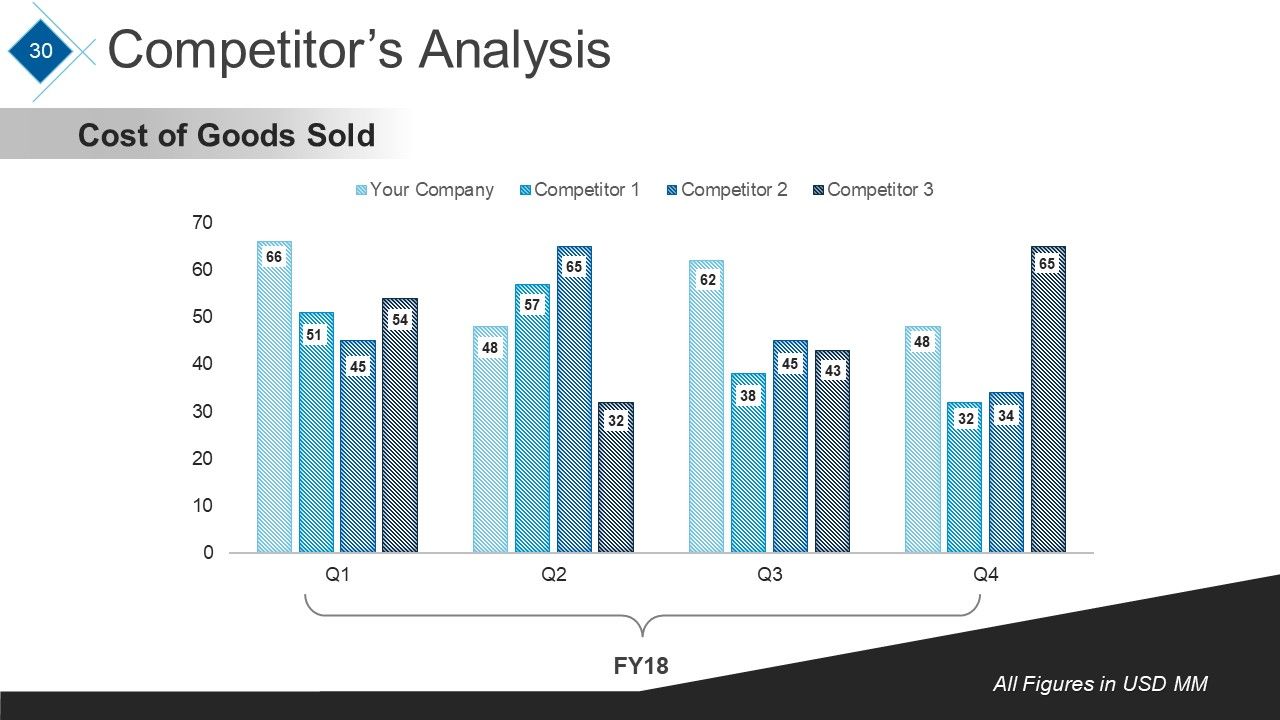
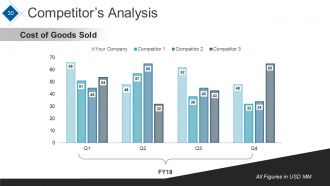
Diapositiva 30 : Esta diapositiva presenta el gráfico de Análisis de la competencia de: Costo de los bienes vendidos.
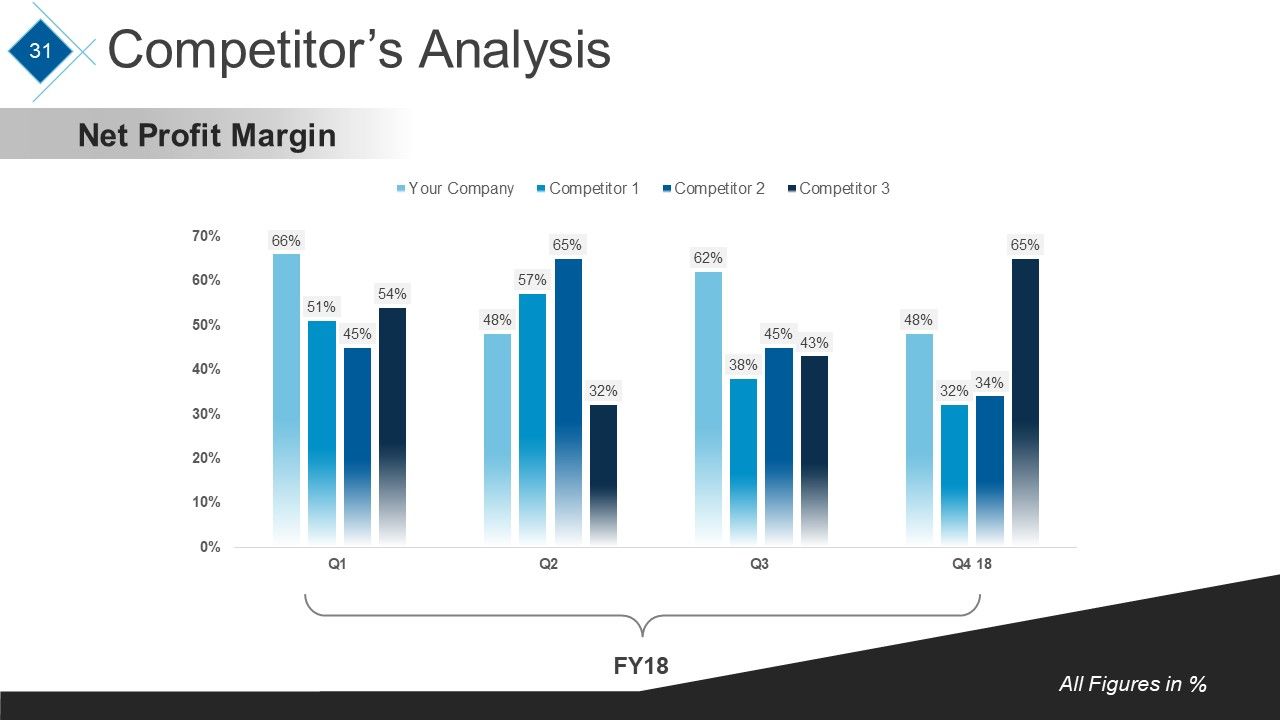
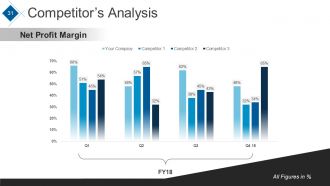
Diapositiva 31 : Esta diapositiva presenta el gráfico de Análisis de la competencia del margen de beneficio neto.
Diapositiva 32 : Este es el momento de la pausa para el café. Puede cambiar el contenido de la diapositiva según sus necesidades.
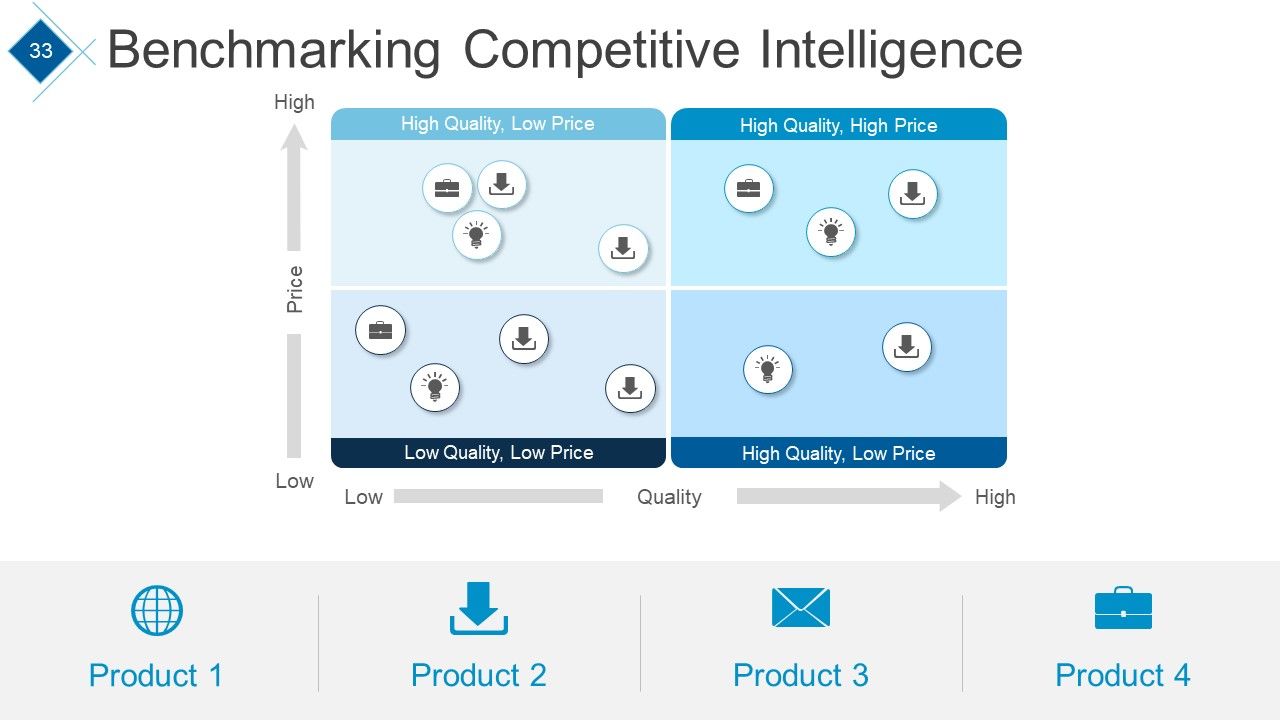
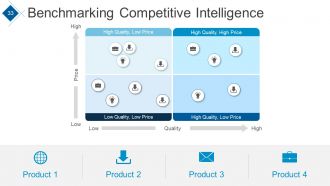
Diapositiva 33 : Esta diapositiva muestra la evaluación comparativa de la inteligencia competitiva en términos de alto y bajo.
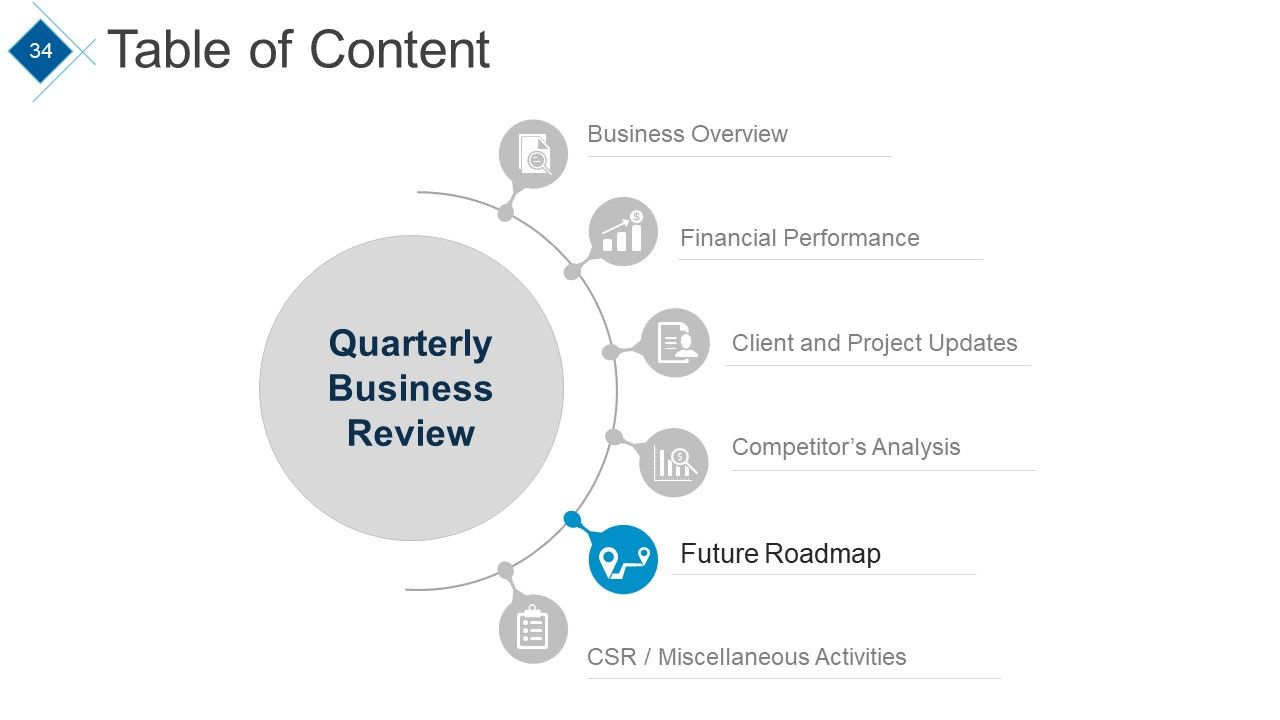
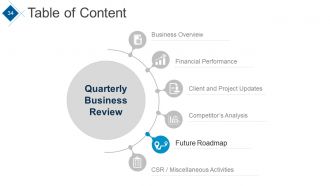
Diapositiva 34 : Esta diapositiva presenta la Tabla de contenido con el punto resaltado: Hoja de ruta futura.
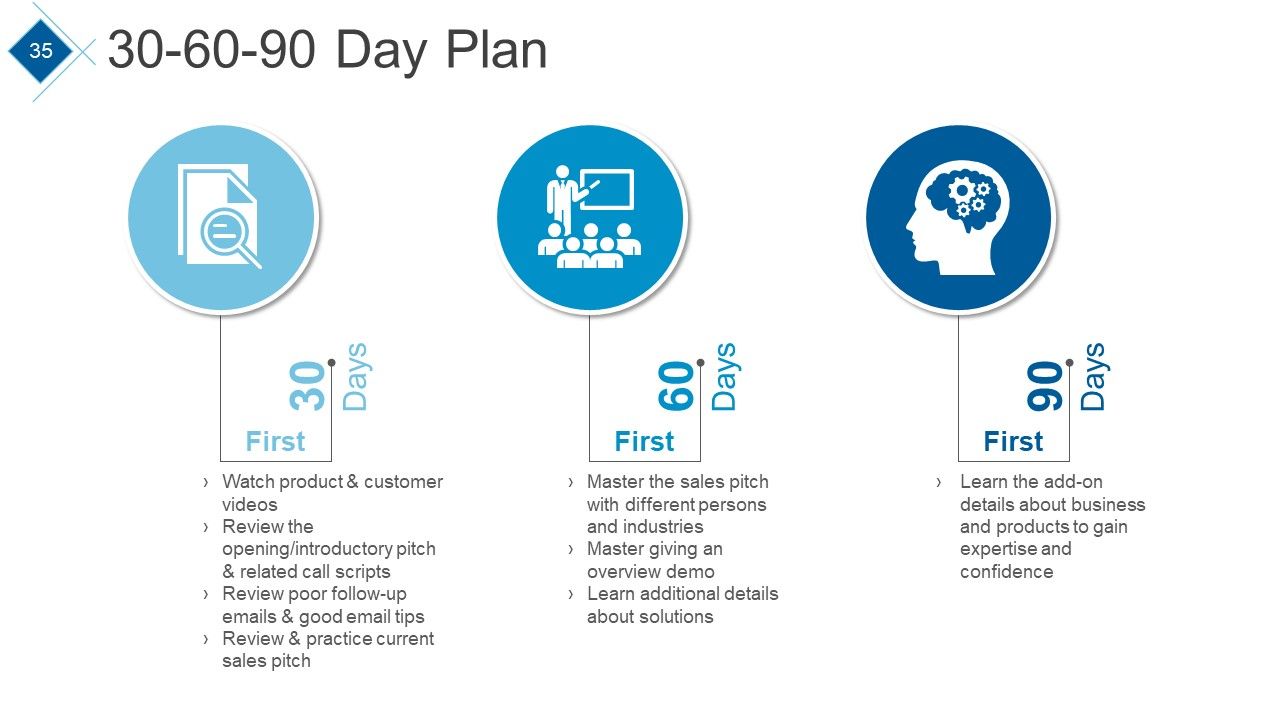
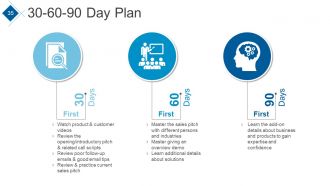
Diapositiva 35 : Esta diapositiva muestra el plan de 30-60-90 días con los siguientes puntos: vea los videos de productos y clientes, revise el discurso de apertura / presentación y los guiones de llamadas relacionados, revise los correos electrónicos de seguimiento deficientes y buenos consejos de correo electrónico, revise y practique la actualidad discurso de ventas, dominar el discurso de ventas con diferentes personas e industrias, maestro dando una demostración general, aprender detalles adicionales sobre soluciones, aprender los detalles adicionales sobre negocios y productos para ganar experiencia y confianza.
Diapositiva 36 : Esta diapositiva muestra una imagen de Bombilla con ideas para planificar el tiempo con cuadros de texto.
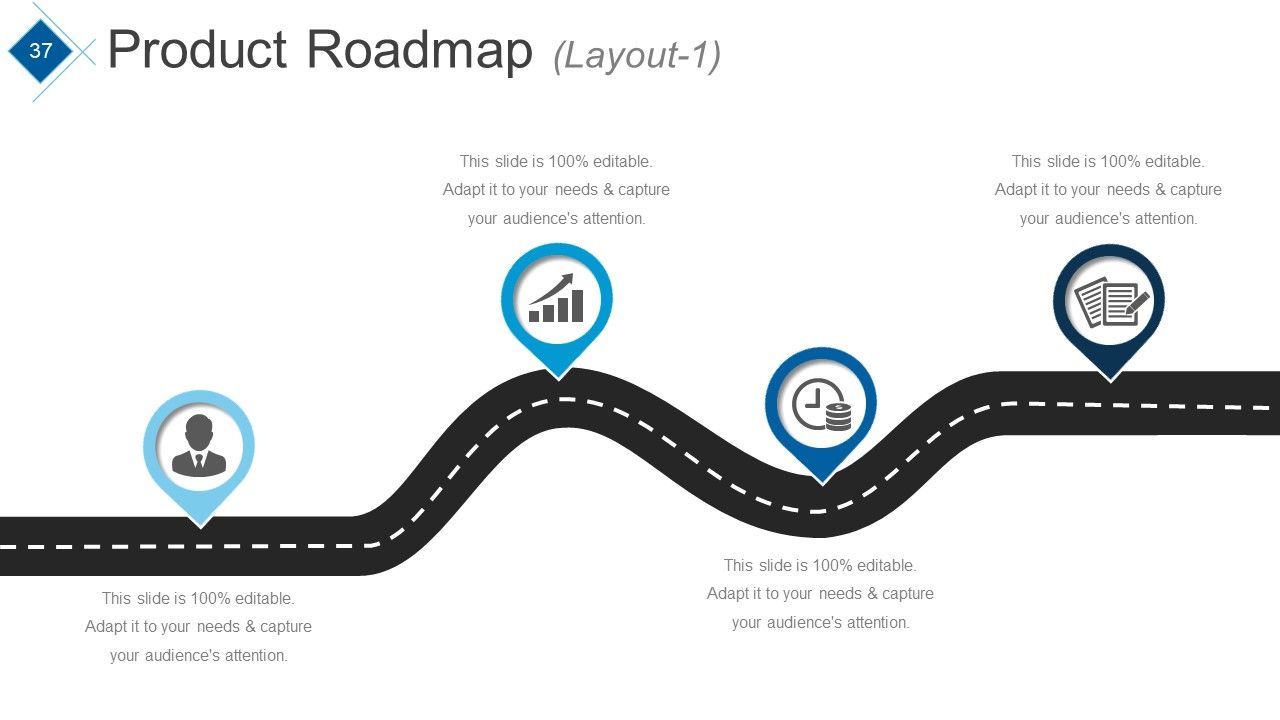
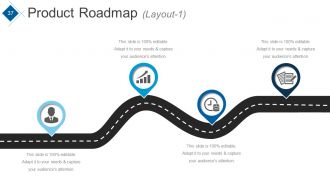
Diapositiva 37 : Esta es una diapositiva de diseño de la hoja de ruta del producto.
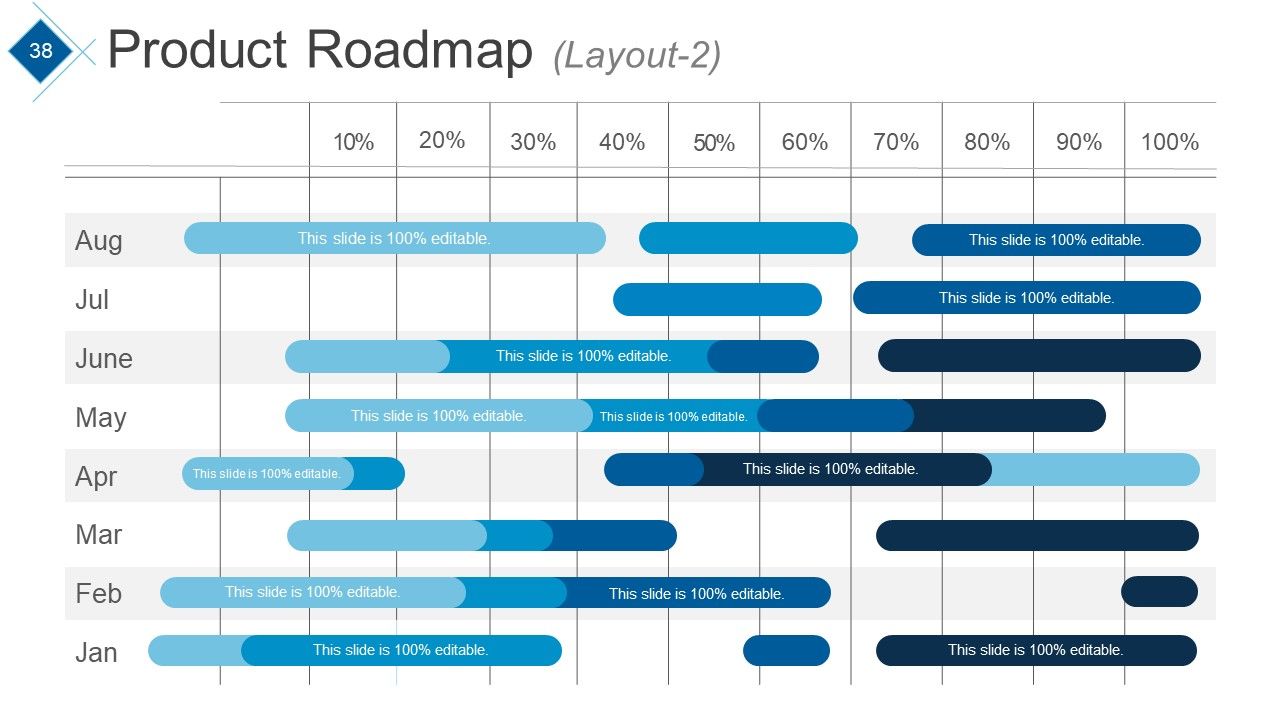
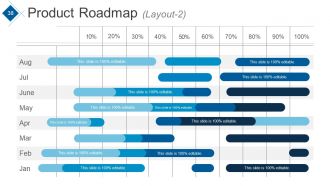
Diapositiva 38 : Esta es la segunda diapositiva Diseño de la hoja de ruta del producto.
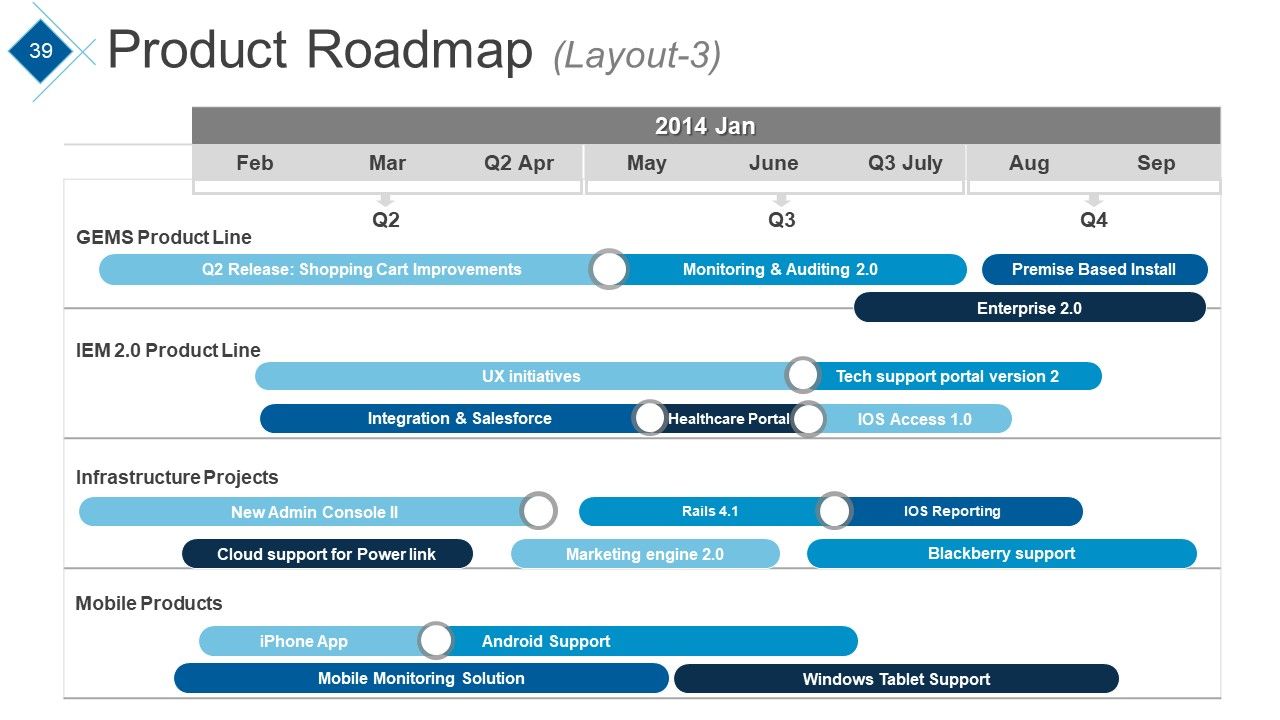
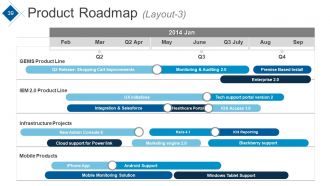
Diapositiva 39 : Esta diapositiva presenta una hoja de ruta del producto en forma de carriles.
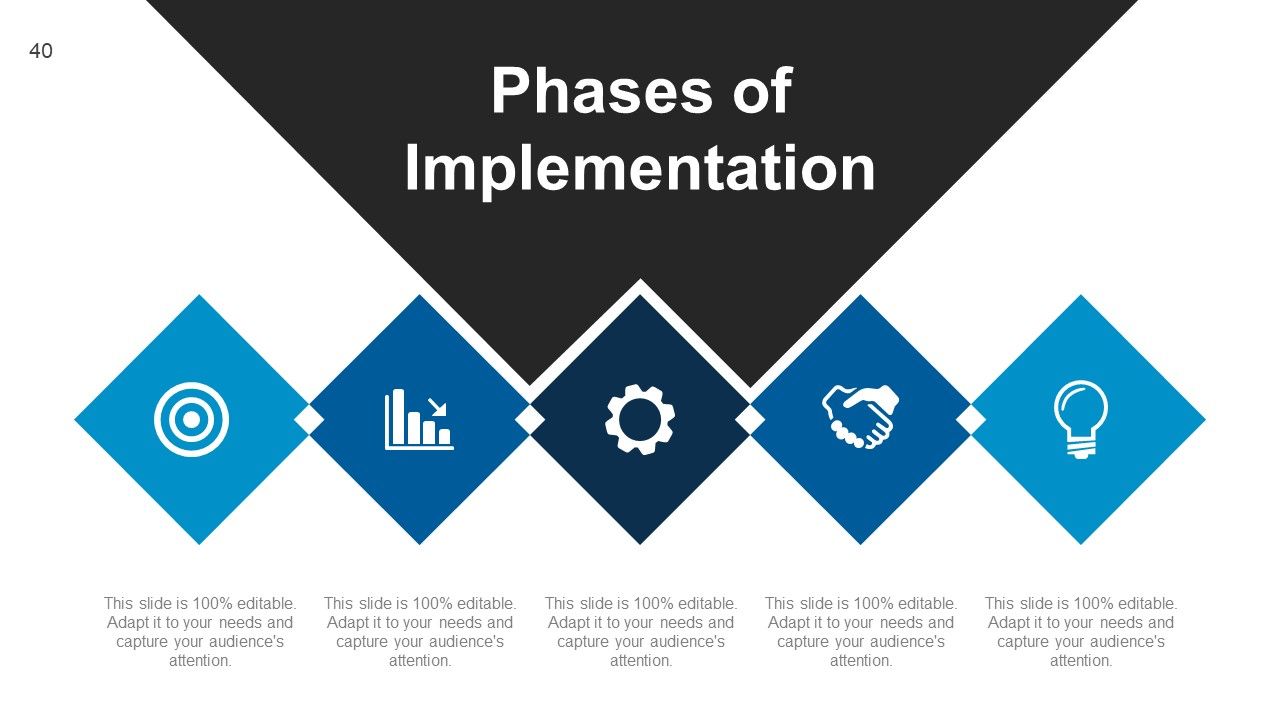
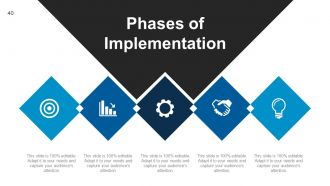
Diapositiva 40 : Esta diapositiva muestra las fases de implementación.
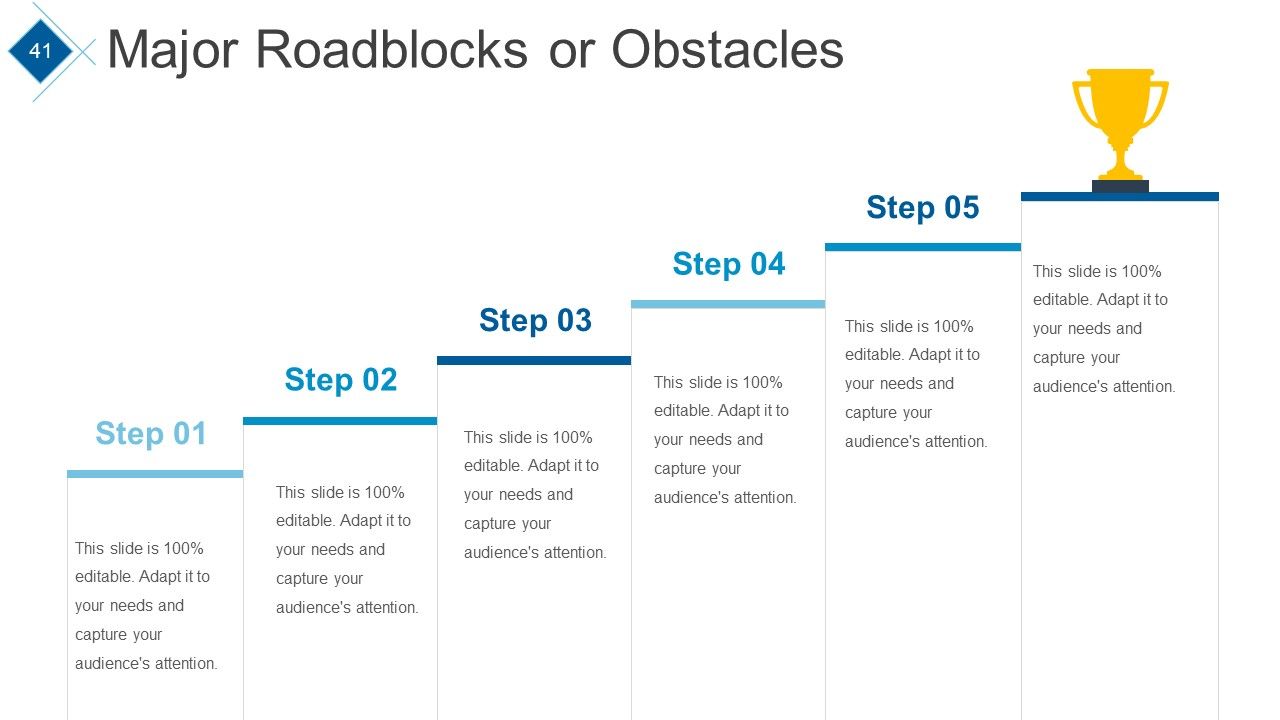
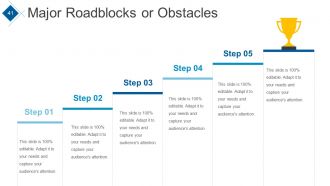
Diapositiva 41 : Esta diapositiva muestra los principales obstáculos u obstáculos enfrentados.
Diapositiva 42 : Esta diapositiva muestra otra imagen de variación Principales obstáculos u obstáculos enfrentados.
Diapositiva 43 : Esta diapositiva muestra el análisis FODA para las habilidades personales.
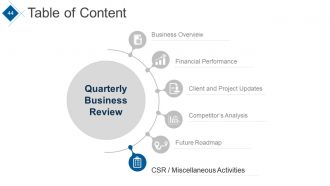
Diapositiva 44 : Esta diapositiva muestra la Tabla de contenido con el punto resaltado: RSE / Actividades varias
Diapositiva 45 : Esta diapositiva muestra la responsabilidad social corporativa. Indique aquí las especificaciones, etc.
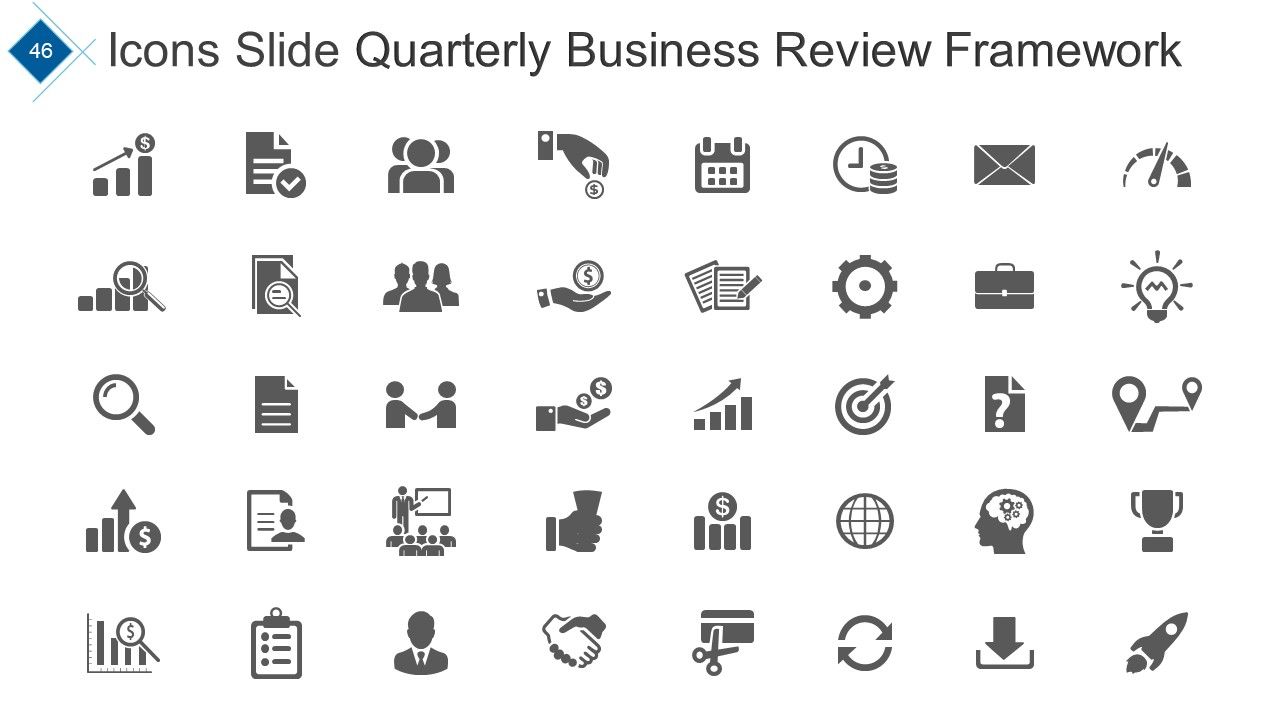
Diapositiva 46 : Este es un marco de revisión comercial trimestral de diapositivas de iconos. Úselos según sus necesidades.
Diapositiva 47 : esta diapositiva se titula Diapositivas adicionales para avanzar.
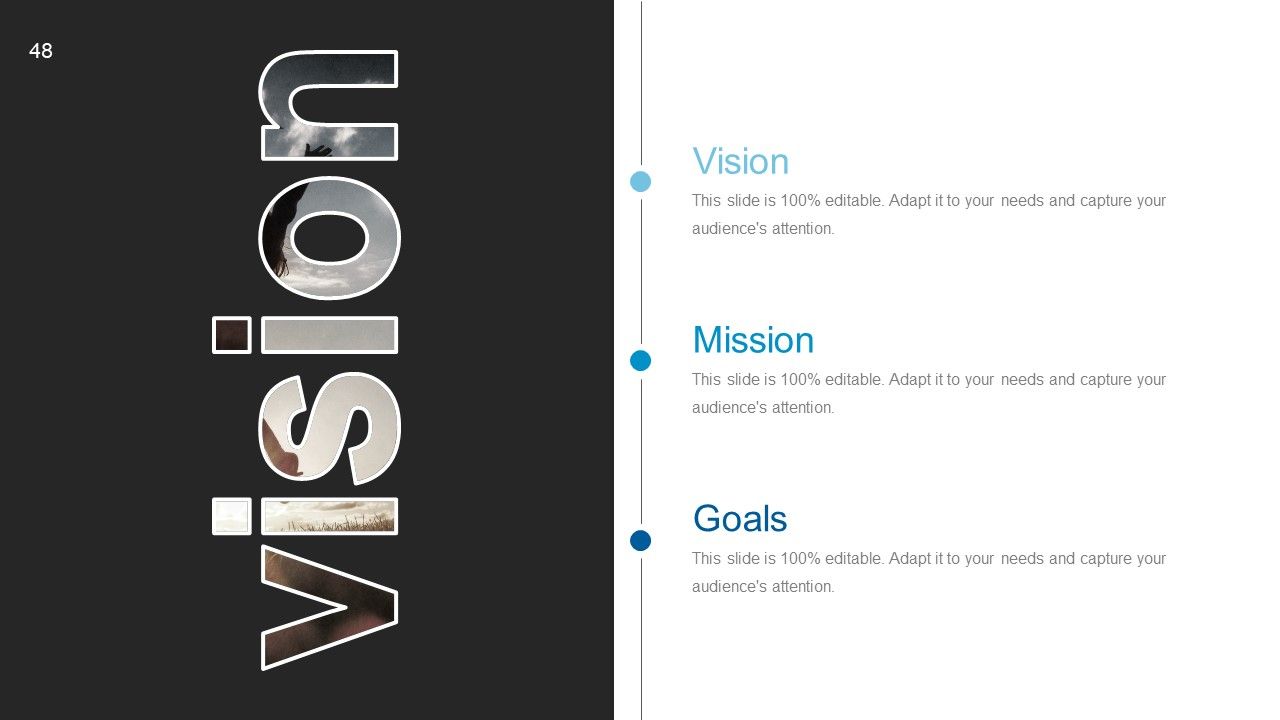
Diapositiva 48 : Esta es una diapositiva de Visión con Misión y Metas. Indíquelos aquí.
Diapositiva 49 : Esta es la diapositiva de Nuestro equipo con nombres, denominaciones y cuadros de imagen.
Diapositiva 50 : Esta es una diapositiva Acerca de nosotros. Indique aquí las especificaciones del equipo / empresa, etc.
Diapositiva 51 : Esta es la diapositiva Mis metas. Indique aquí los objetivos, etc.
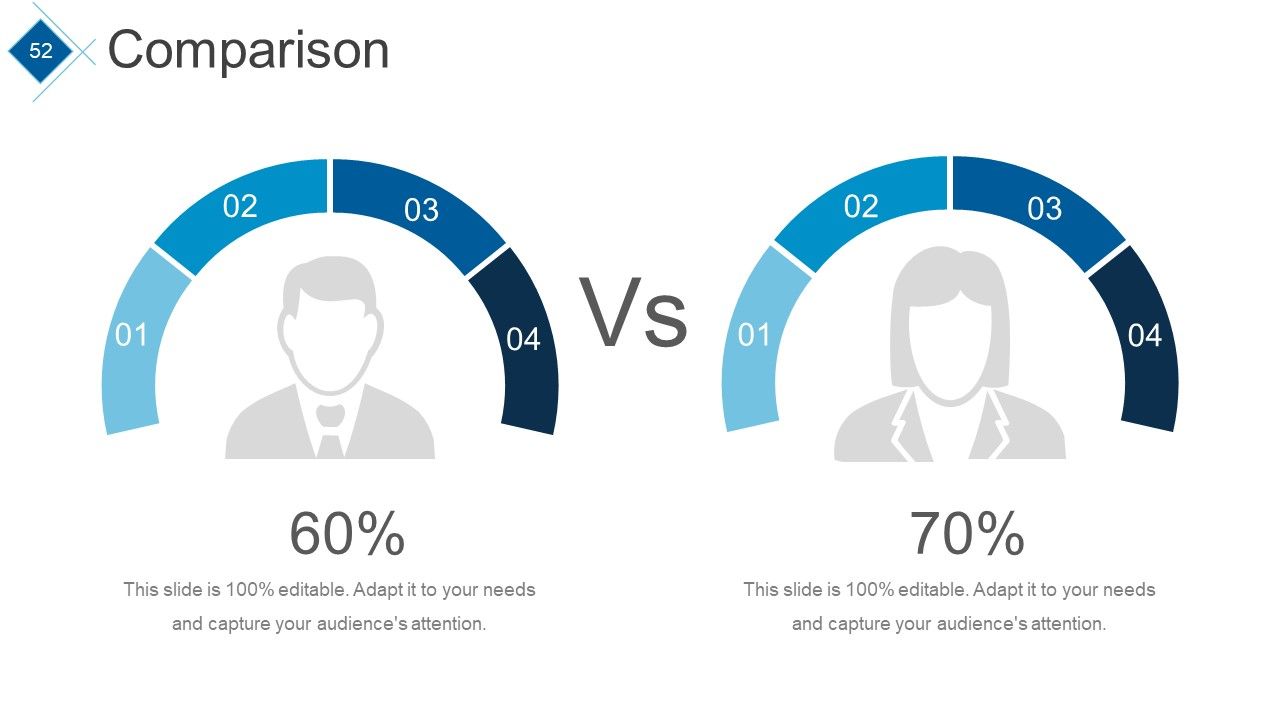
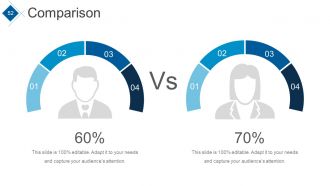
Diapositiva 52 : Esta es una diapositiva de comparación para mostrar la comparación de entidades, etc.
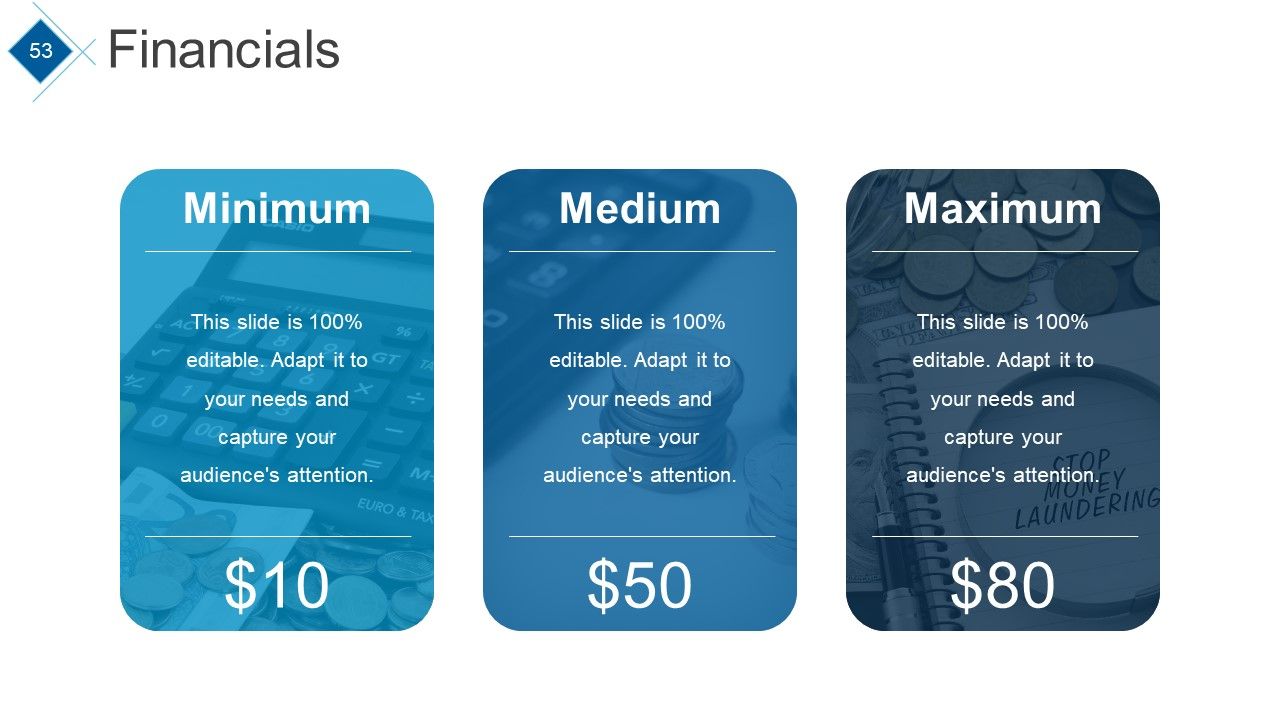
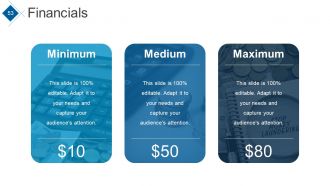
Diapositiva 53 : Esta es una diapositiva de puntuación de Finanzas para mostrar los aspectos financieros en términos de medio, mínimo y máximo.
Diapositiva 54 : Esta es una diapositiva de Cotizaciones para transmitir las creencias, mensajes, etc. de la empresa.
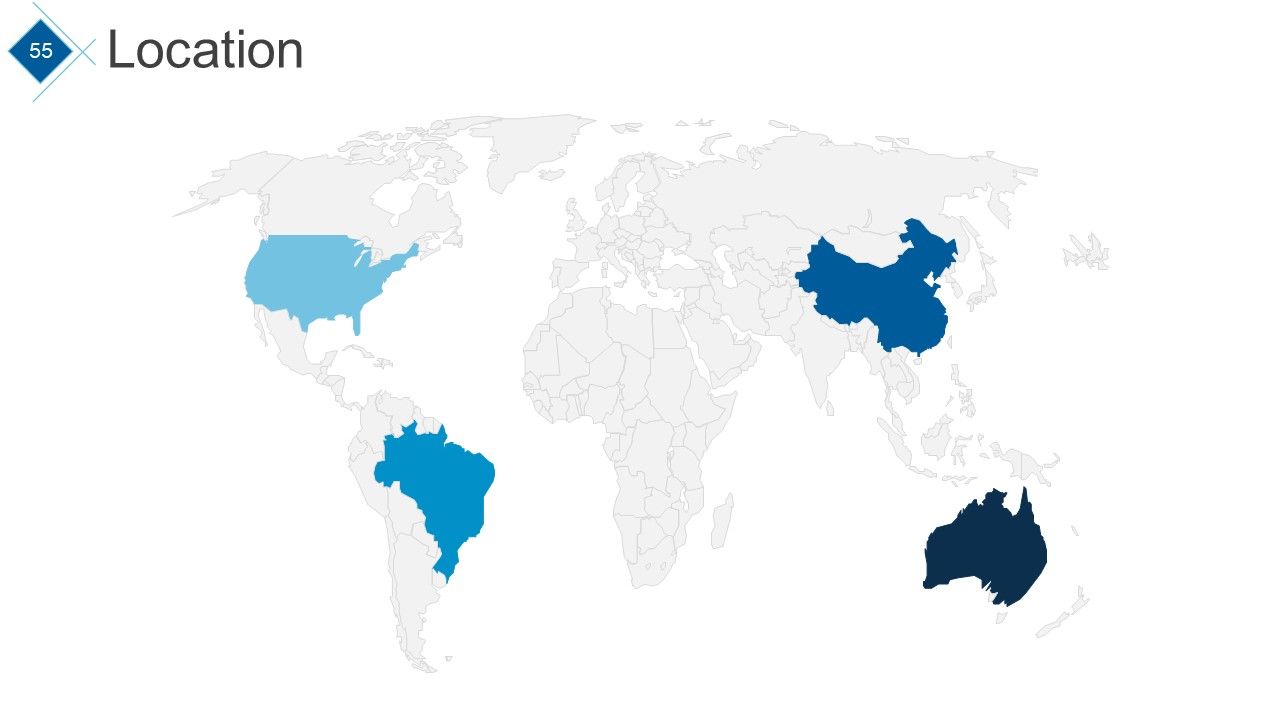
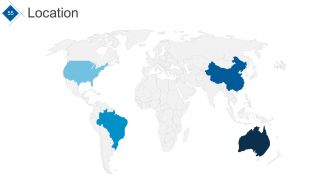
Diapositiva 55 : Esta es una diapositiva de Ubicación para mostrar la presencia global, el crecimiento, etc.
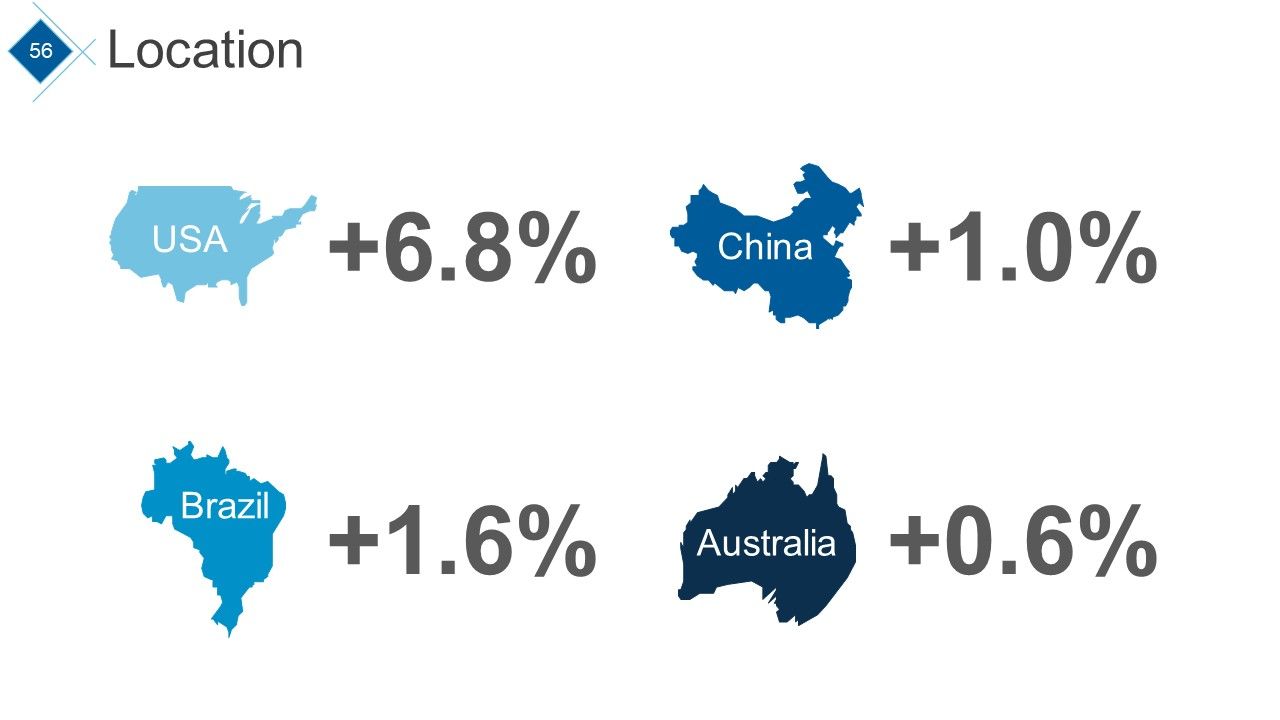
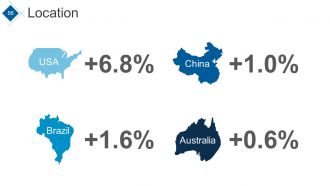
Diapositiva 56 : Esta es una diapositiva de Ubicación que muestra diferentes países con porcentaje. Crecimiento del estado, etc. en porcentaje aquí.
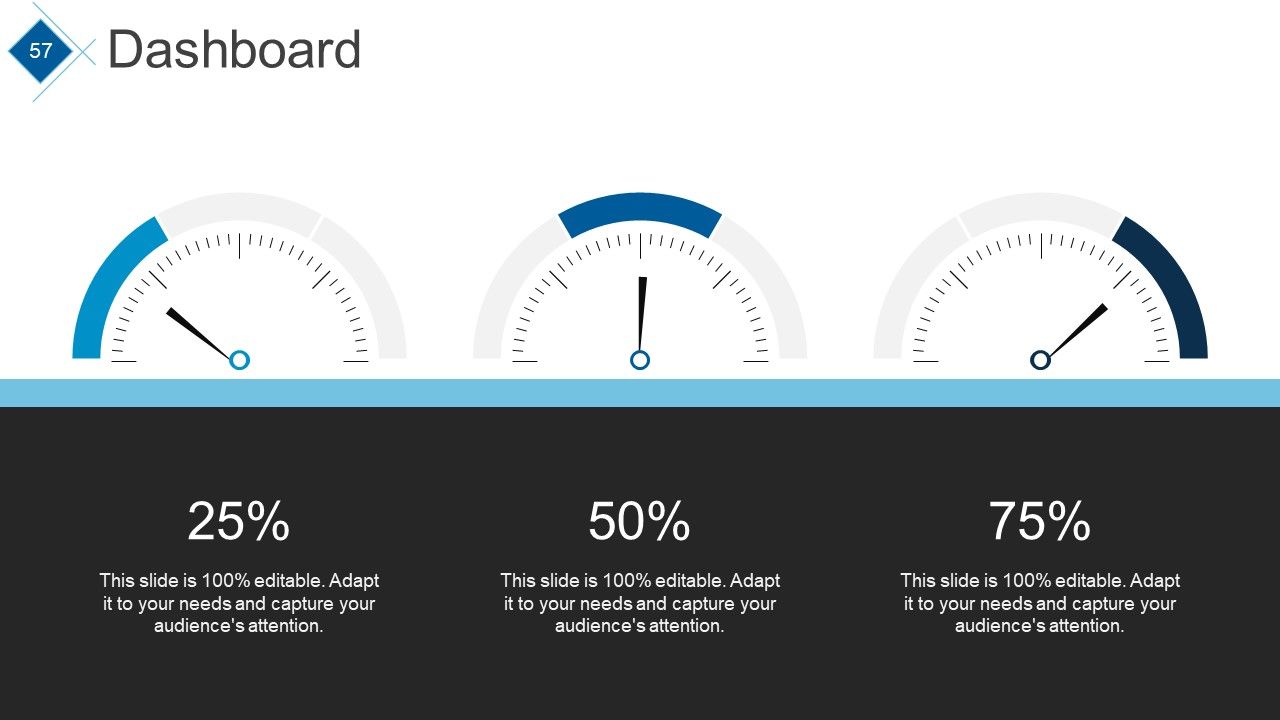
Diapositiva 57 : Esta es una diapositiva del Panel para mostrar métricas, Kpis, etc.
Diapositiva 58 : Esta es una diapositiva de Notas importantes para mostrar información importante / resaltada, etc.
Diapositiva 59 : esta diapositiva muestra una línea de tiempo. Indique aquí los factores destacados, etc.
Diapositiva 60 : esta diapositiva también presenta una línea de tiempo. Indique aquí los factores destacados, etc.
Diapositiva 61 : Esta diapositiva también muestra una línea de tiempo. Indique aquí los factores destacados, etc.
Diapositiva 62 : Esta es una diapositiva de imagen de destino. Indique los objetivos, metas, etc. aquí.
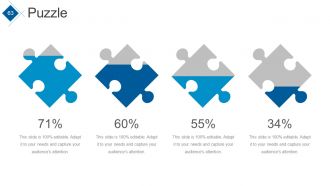
Diapositiva 63 : Esta es una diapositiva de imagen de rompecabezas. Indique información, especificidades, etc. aquí.
Diapositiva 64 : Esta es una diapositiva de imagen de un periódico. Indique noticias, eventos, etc. aquí. Puede cambiar el contenido de la diapositiva según sus necesidades.
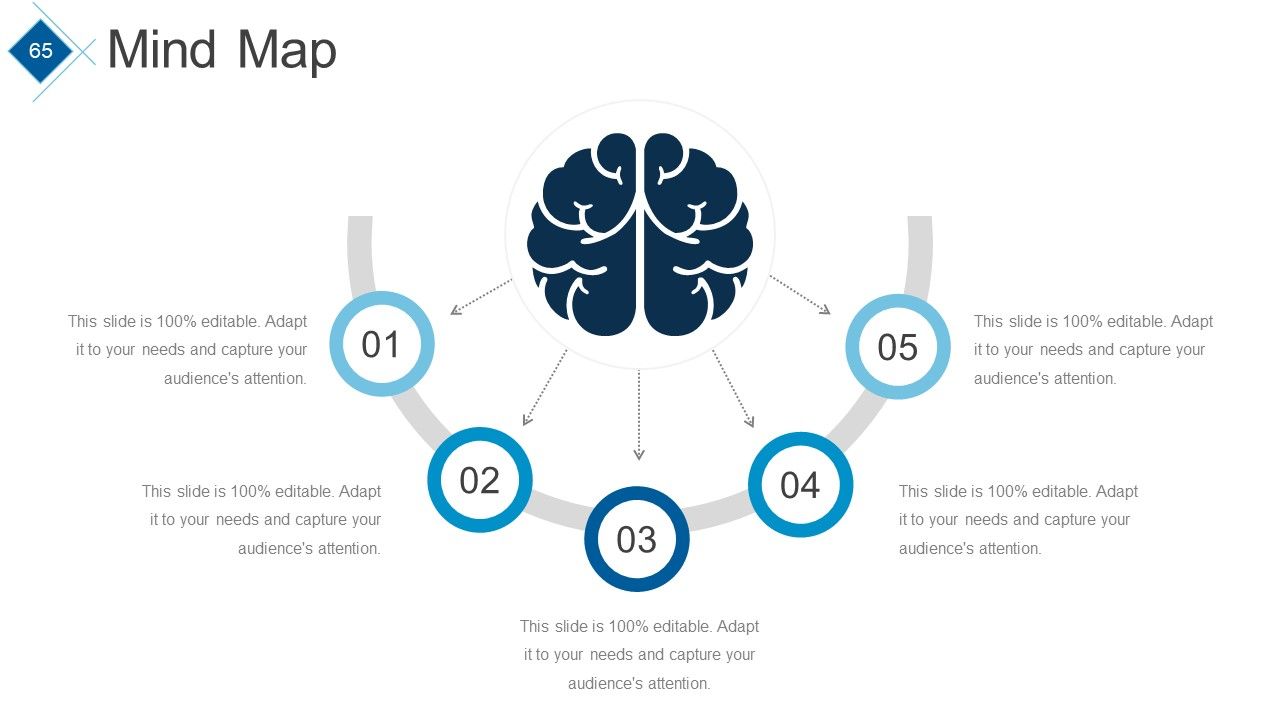
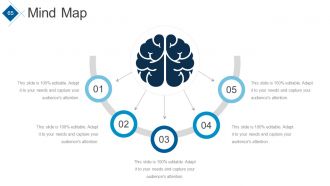
Diapositiva 65 : Esta es una diapositiva de imagen de mapa mental. Indique información, especificidades, etc. aquí.
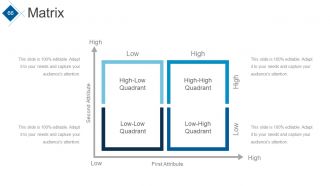
Diapositiva 66 : Esta es una diapositiva de imagen de matriz. Indique información, especificidades, etc. en términos de alto-bajo aquí.
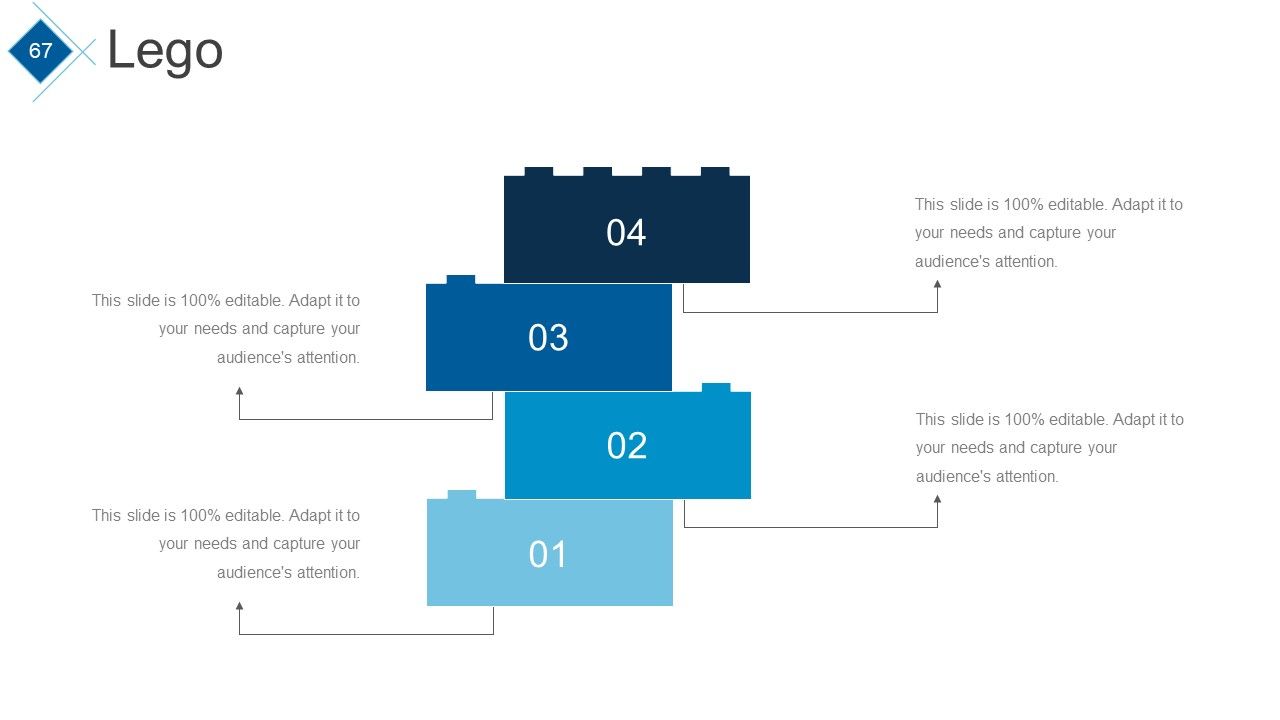
Diapositiva 67 : Esta es una diapositiva de imágenes de Lego. Indique información, especificidades, etc. aquí.
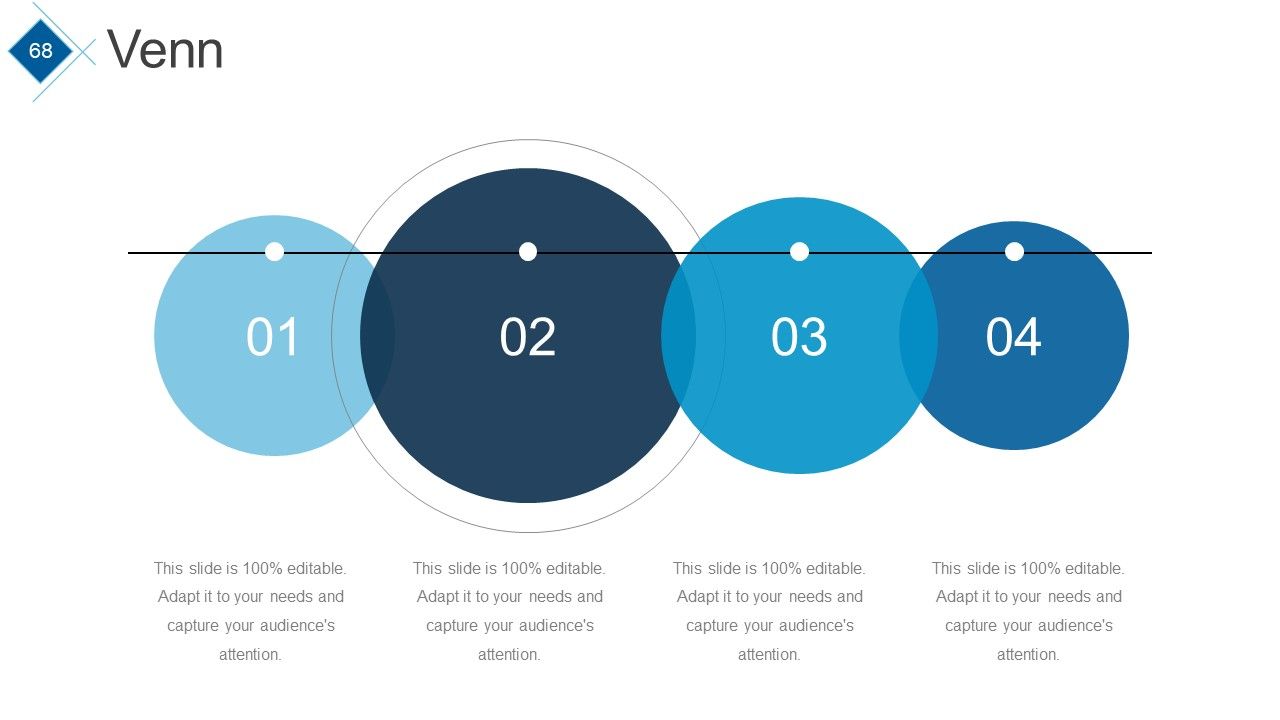
Diapositiva 68 : Esta es una diapositiva de imagen del diagrama de Venn. Indique información, especificidades, etc. aquí.
Diapositiva 69 : Esta diapositiva se titula Nuestras tablas para avanzar.
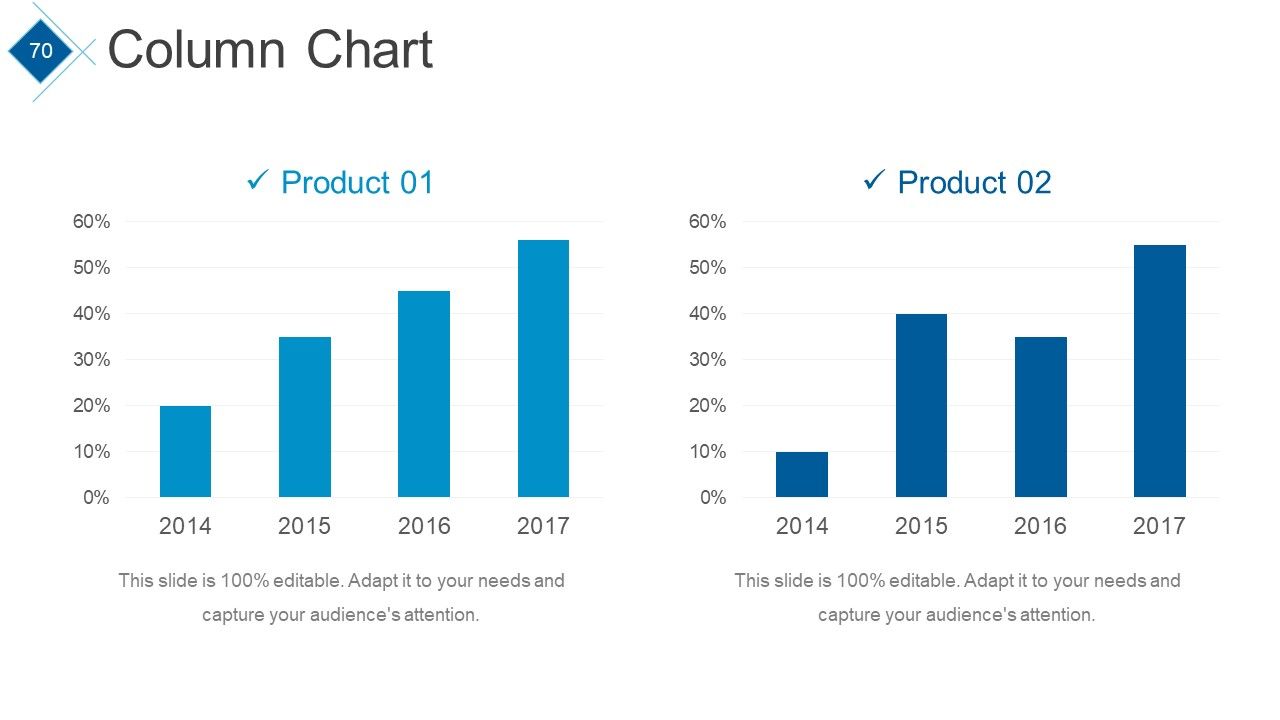
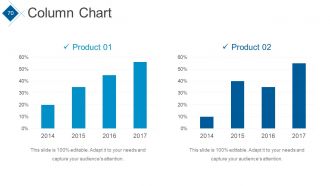
Diapositiva 70 : Esta diapositiva presenta un gráfico de columnas para comparar entidad / producto.
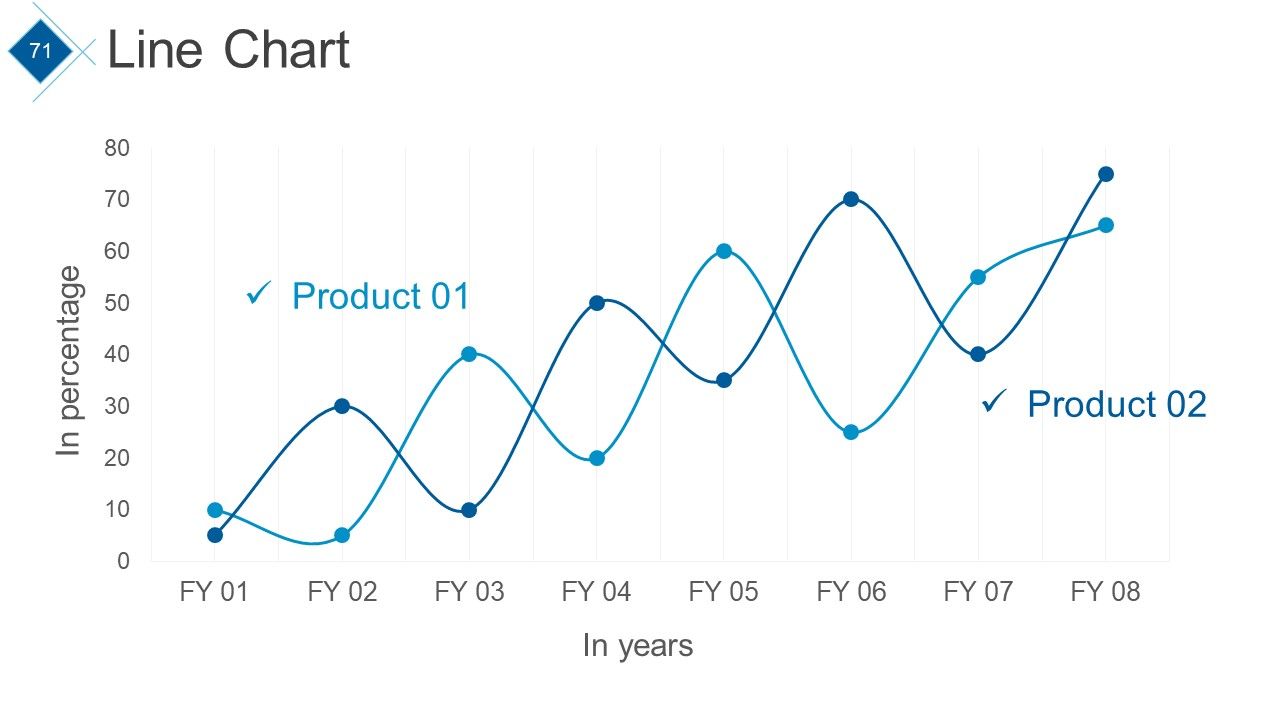
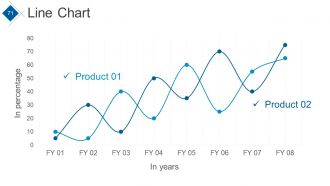
Diapositiva 71 : Esta diapositiva presenta un gráfico de líneas para comparar entidad / producto.
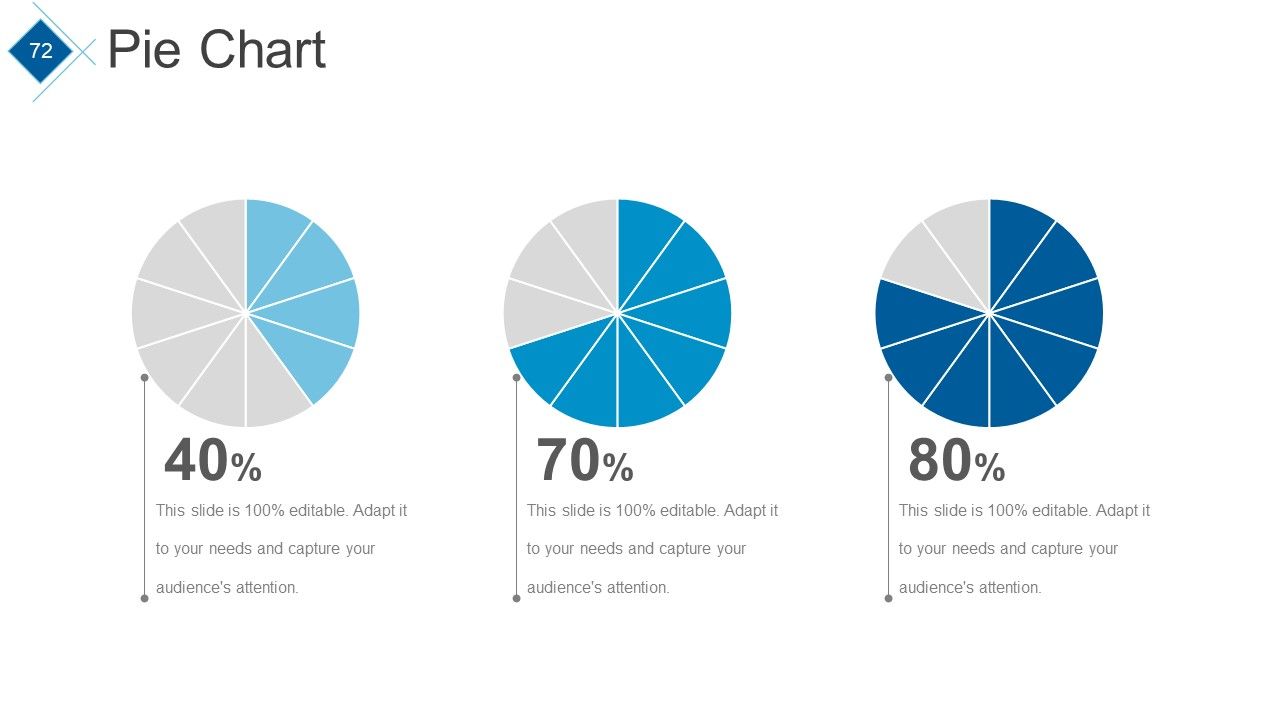
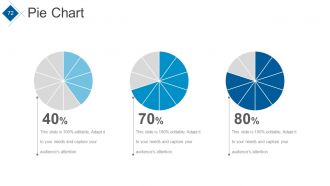
Diapositiva 72 : Esta diapositiva presenta un gráfico circular para comparar entidad / producto.
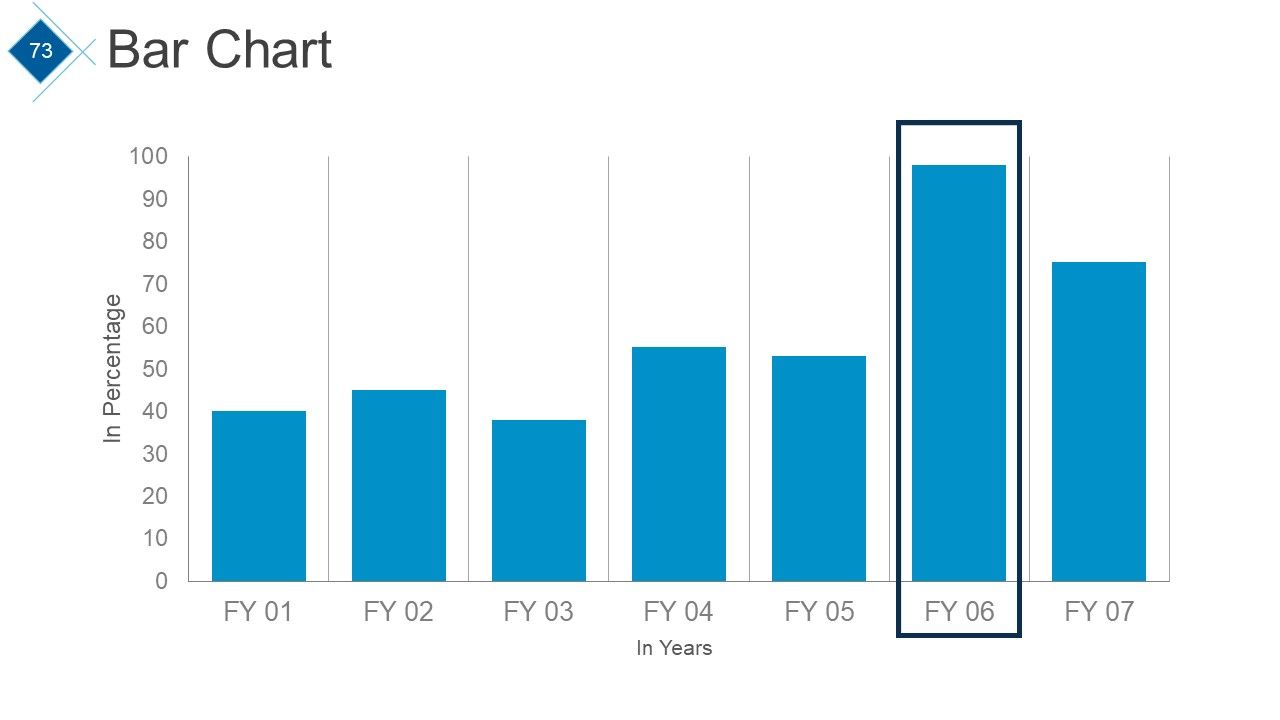
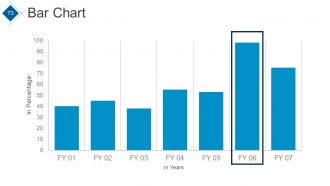
Diapositiva 73 : Esta diapositiva presenta un gráfico de barras para comparar entidad / producto.
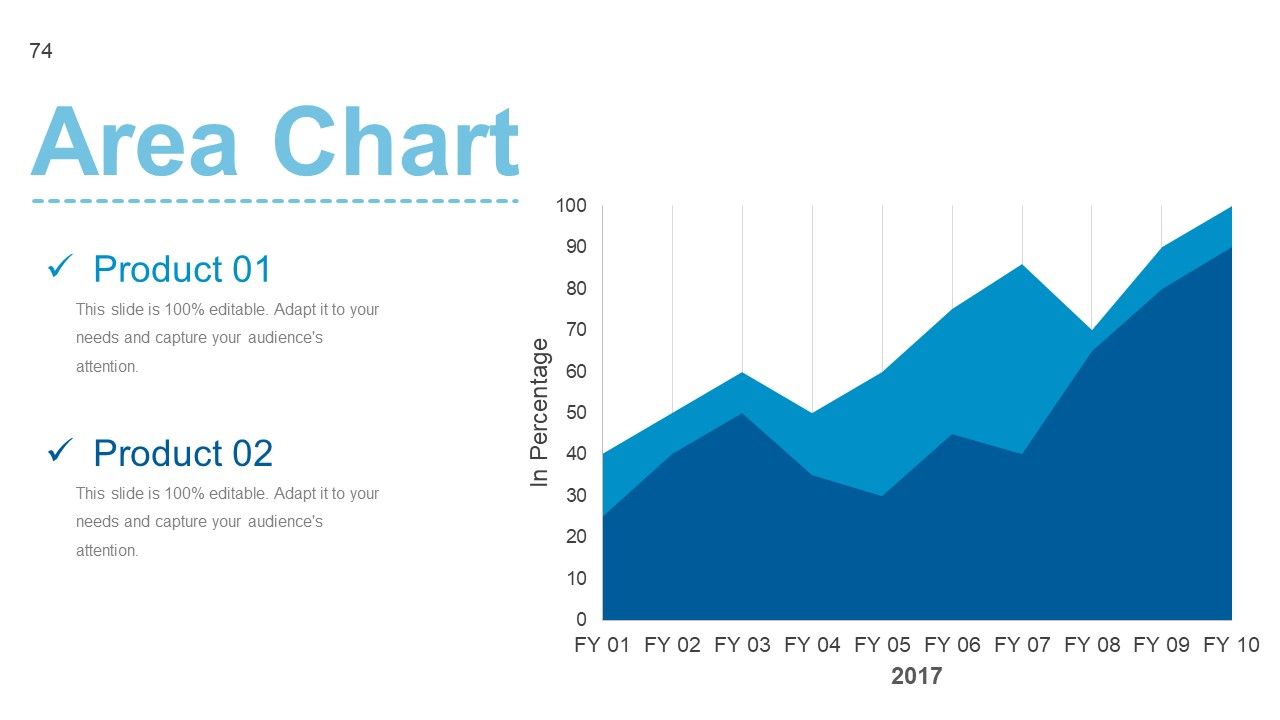
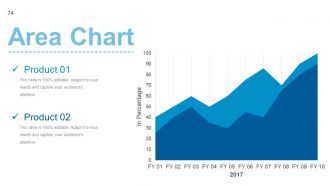
Diapositiva 74 : Esta diapositiva presenta un gráfico de áreas para comparar entidad / producto.
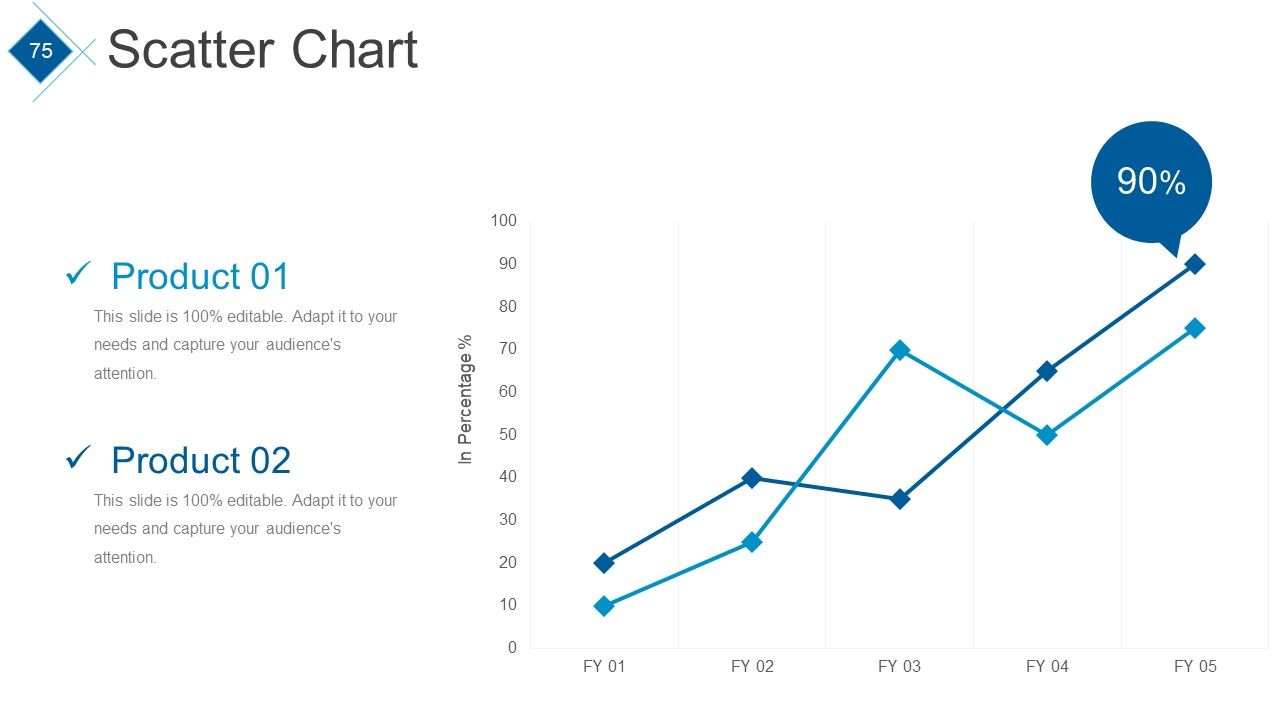
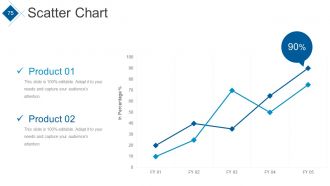
Diapositiva 75 : Esta diapositiva presenta un gráfico de dispersión para comparar entidad / producto.
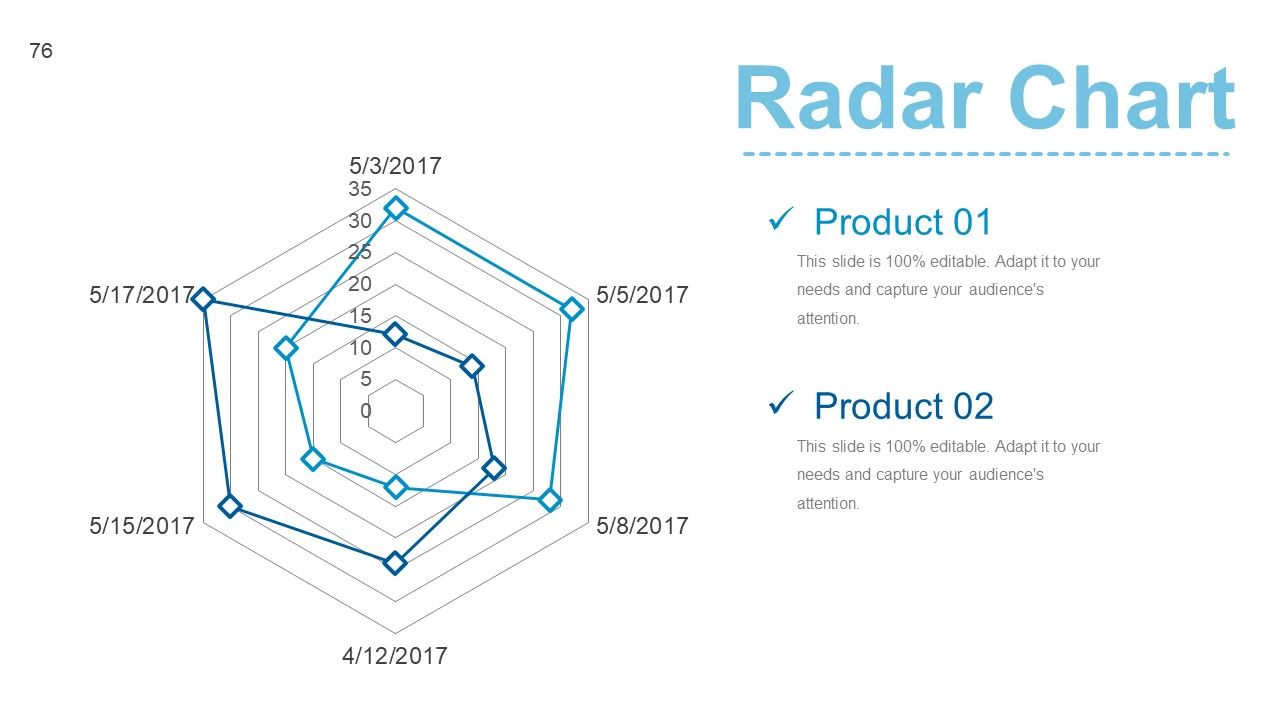
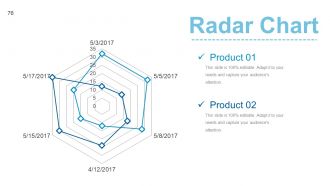
Diapositiva 76 : Esta diapositiva presenta un gráfico de radar para comparar entidad / producto.
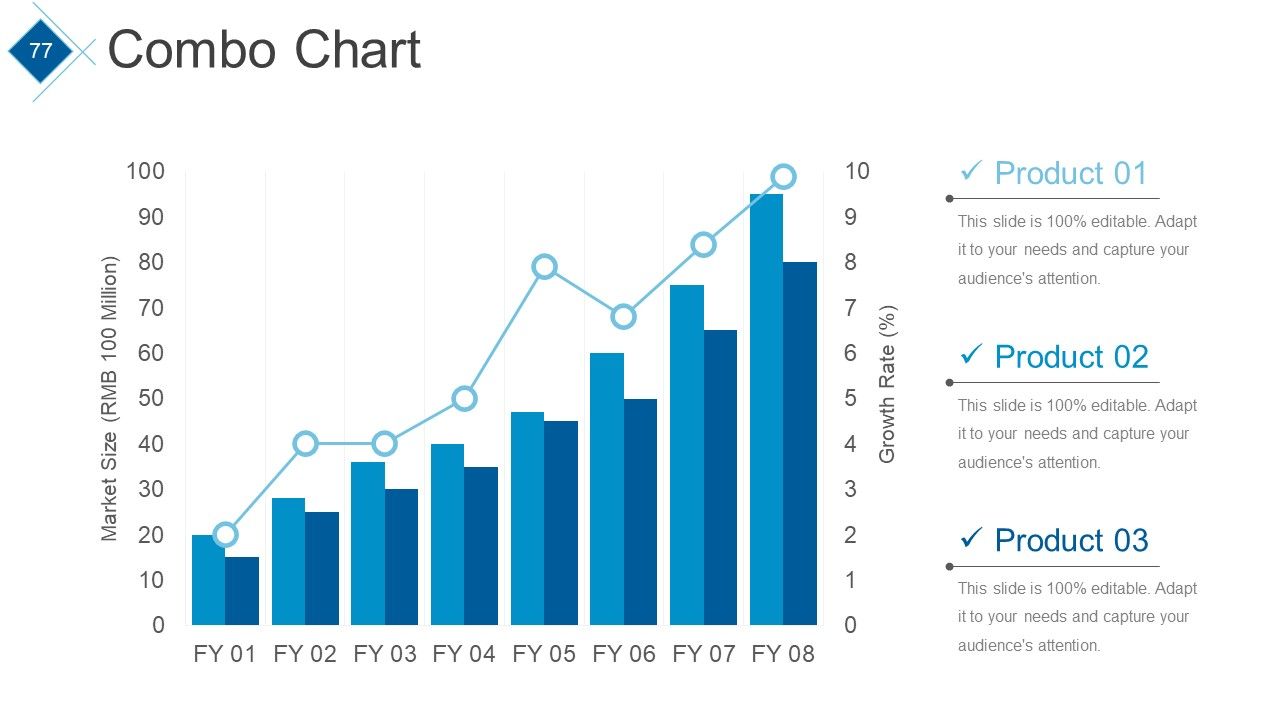
Diapositiva 77 : Esta diapositiva presenta un Cuadro combinado para comparar entidad / producto.
Diapositiva 78 : Esta es una diapositiva Contáctenos con Dirección # Número de calle, ciudad, estado, dirección de correo electrónico, números de contacto.
Diapositiva 79 : Esta es una diapositiva de agradecimiento como agradecimiento.
Diapositivas de presentación de PowerPoint del marco de revisión comercial trimestral con las 79 diapositivas:
Pon tus pensamientos en la línea. Nuestras diapositivas de presentación de PowerPoint del marco de revisión comercial trimestral aceptarán el desafío.
FAQs
The Quarterly Business Review Framework is a framework used by companies to review their performance and progress every quarter. It includes an analysis of the company's financial performance, client and project updates, competitor analysis, and future roadmap.
The purpose of the Agenda slide is to outline the topics that will be covered during the Quarterly Business Review, such as assessing current performance, identifying critical issues, reinforcing accountability, and identifying and removing barriers.
The Financial Summary slide provides an overview of the company's financial performance during the quarter. It includes metrics such as net profit, EBITDA, net revenue, net profit margin, and Q-o-Q revenue growth.
The purpose of the Competitor's Analysis slide is to analyze the company's performance relative to its competitors. It includes graphs and charts of revenue, market share, cost of goods sold, and net profit margin.
The Key Financial Ratios slide provides an overview of the company's financial health by measuring key financial ratios such as P/E ratio, debt equity ratio, and current ratio. It also includes metrics such as return on assets, return on equity, return on investment, and return on assets.
-
Very well designed and informative templates.
-
Top Quality presentations that are easily editable.
