Revenue Budget Powerpoint Presentation Slides
Try Before you Buy Download Free Sample Product
Audience
Editable
of Time
Introducing Revenue Budget PowerPoint Presentation Slides that contains content ready professional designs. Revenue is the income that businesses generate from sales of their goods and services. By using this income plan PowerPoint complete deck, you can present how-to calculate long term business profitability. This money management PowerPoint design contains professional slides on budgeting templates, channel marketing budget, planned/actual cost comparison, product launch budget plan, company budget, event budget, product launch marketing budget, social media budget etc. Our researchers thoroughly study the topics and covered every aspect of capital budgeting. Financial report PPT layout helps to portray various related terms such as cost analysis, capital structure, financial management, cash flow, budget planning, revenue forecast, profitability index, capital management, financial plan, funding sources etc. Download our customized cash allocation PowerPoint template to present financial factors in an impressive manner. Analyse conflicting inputs with our Budget Presentation Slides. Ensure inferences drawn are accurate.
People who downloaded this PowerPoint presentation also viewed the following :
Content of this Powerpoint Presentation
Slide 1: This slide presents Revenue Budget. State your company name here and begin.
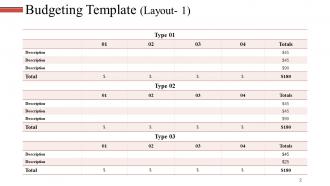
Slide 2: This is Budgeting Template slide. Use it to showcase your budget.
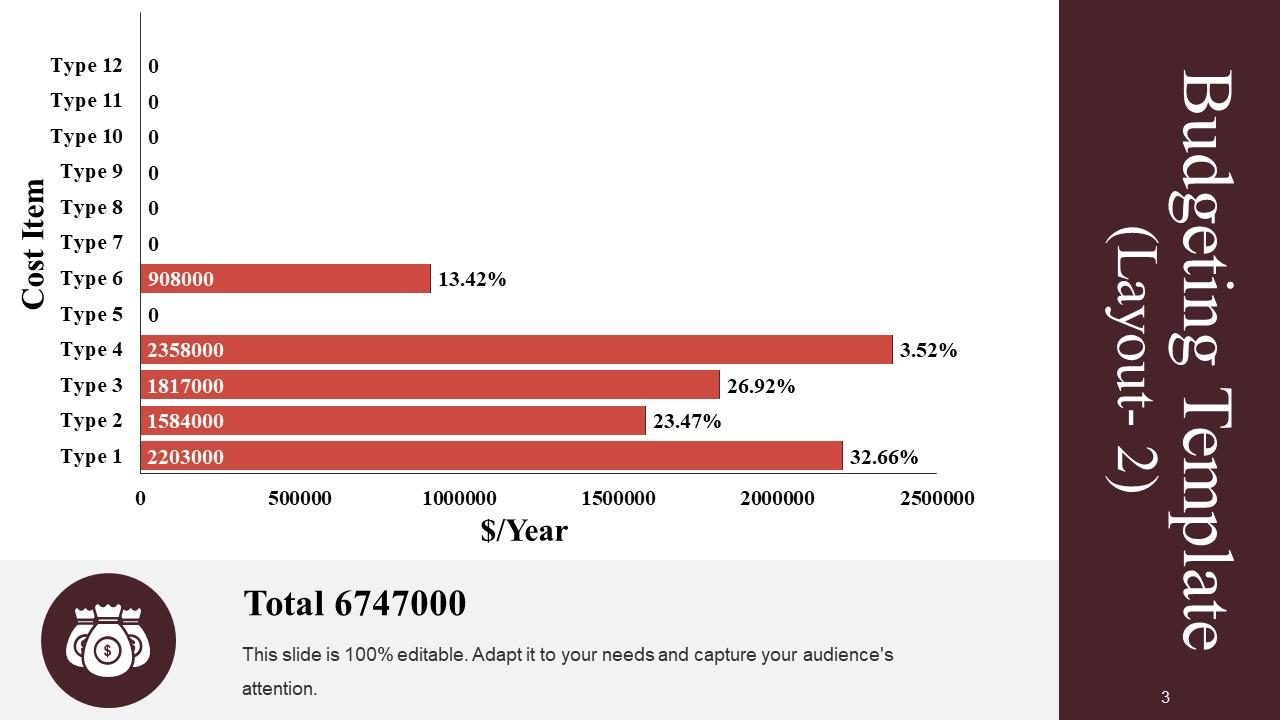
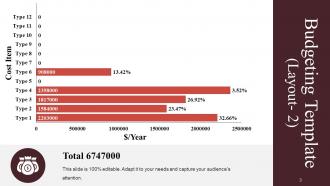
Slide 3: This slide also shows Budgeting Template in a bar graph/ chart form.
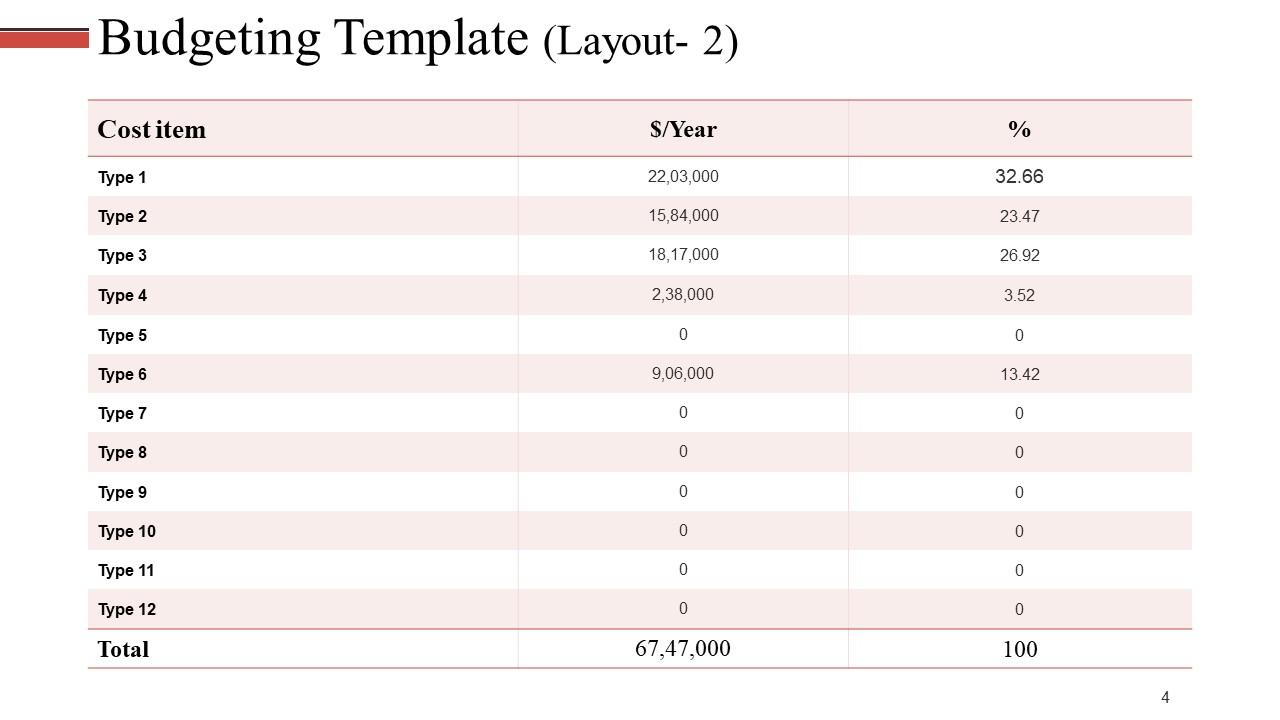
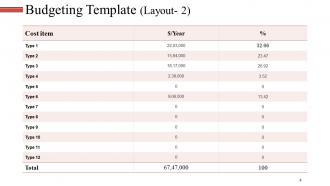
Slide 4: This is another slide showing Budgeting Template in a tabular form.
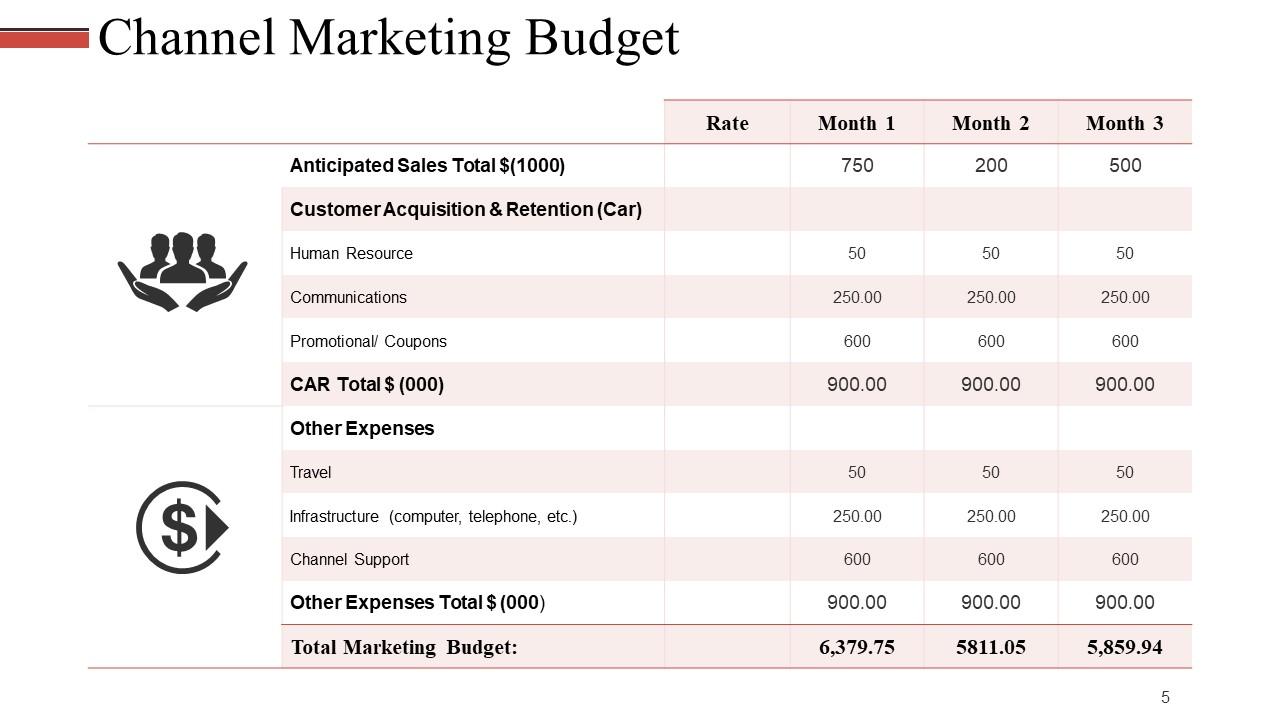
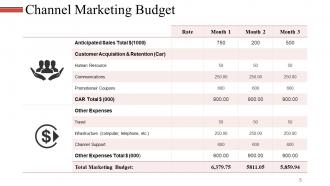
Slide 5: This slide showcases Channel Marketing Budget in a tabular form.
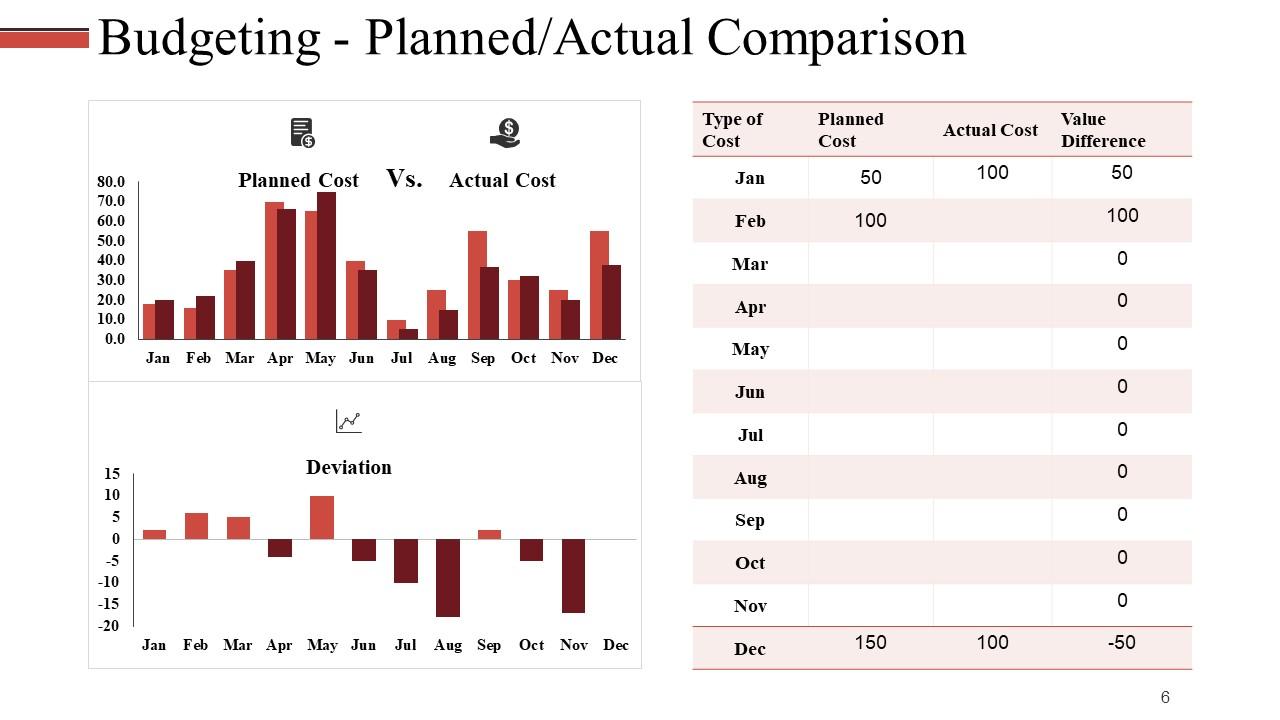
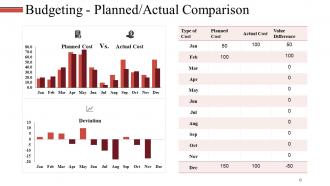
Slide 6: This is Budgeting - Planned/ Actual Comparison slide in a bar graph/ chart form.
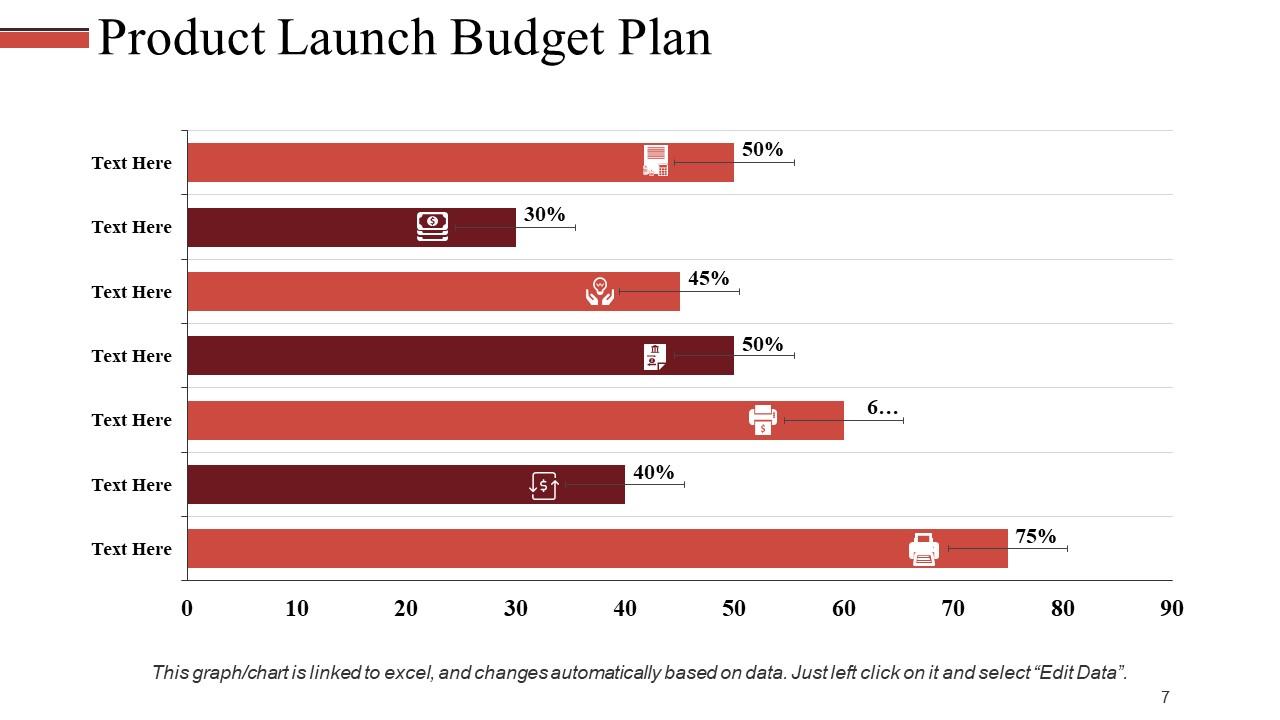
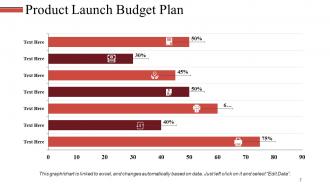
Slide 7: This slide showcases Product Launch Budget Plan in a bar graph/ chart form.
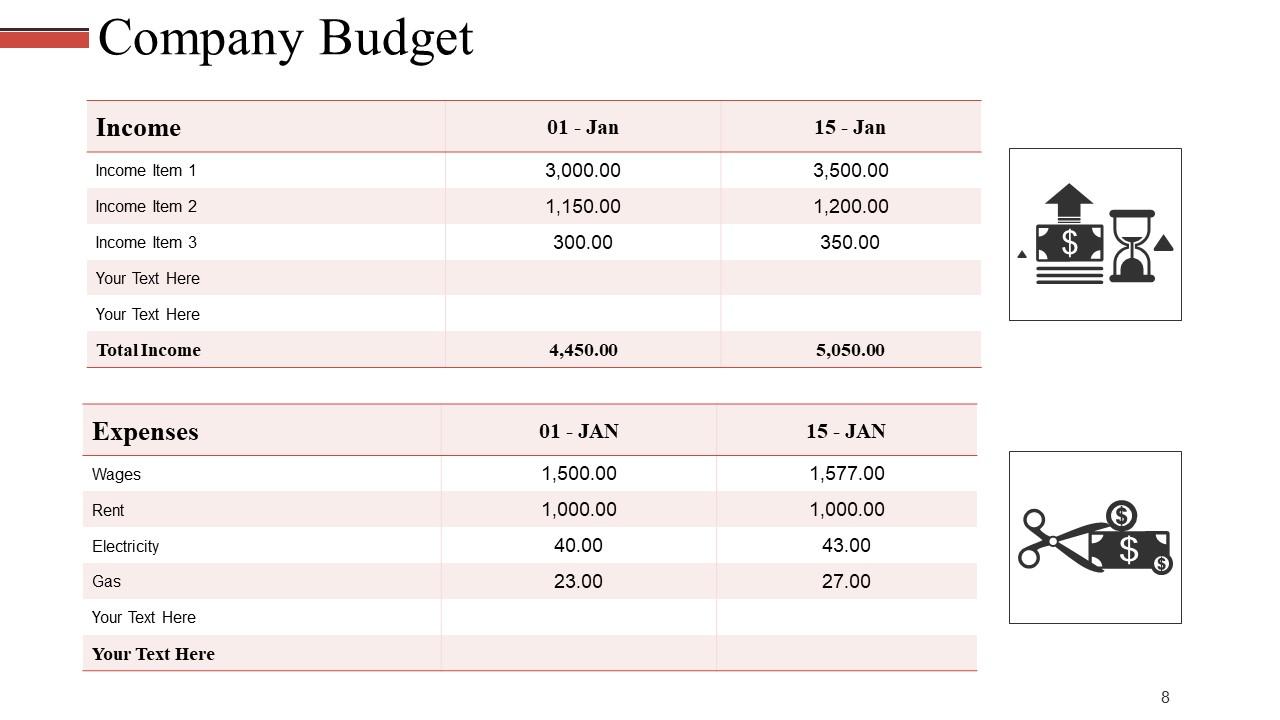
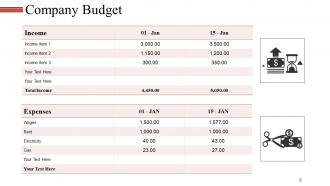
Slide 8: This slide presents Company Budget in a tabular form.
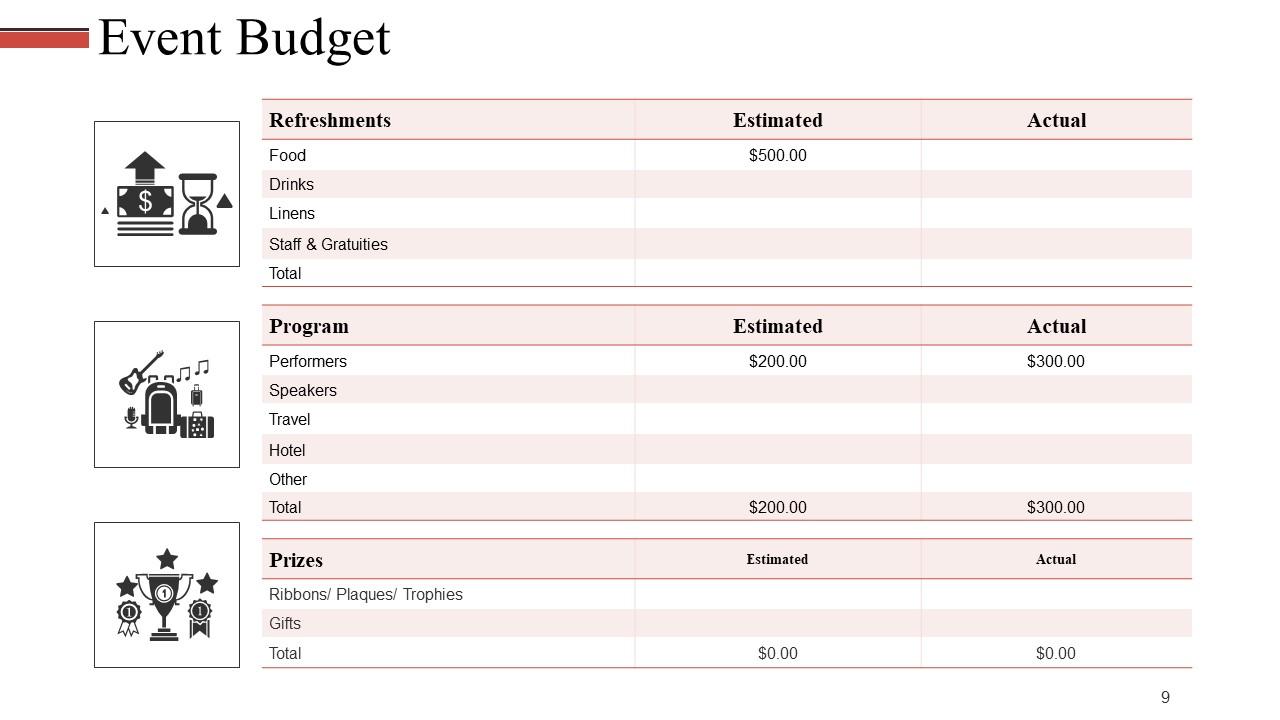
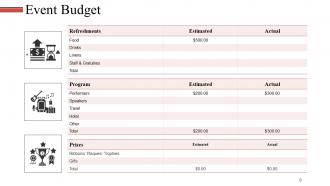
Slide 9: This is Event Budget slide to state.
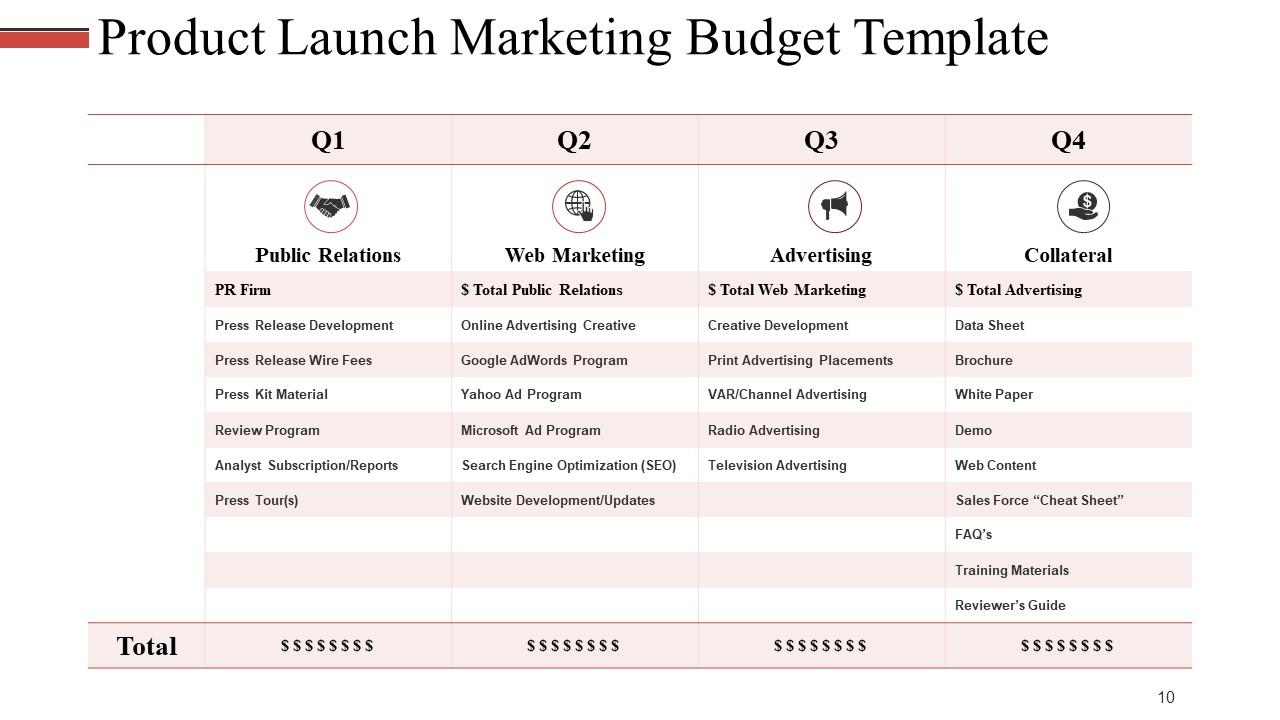
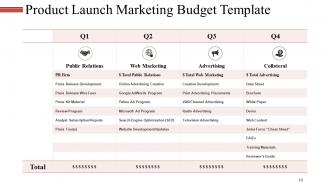
Slide 10: This slide showcases Product Launch Marketing Budget Template in a tabular form.
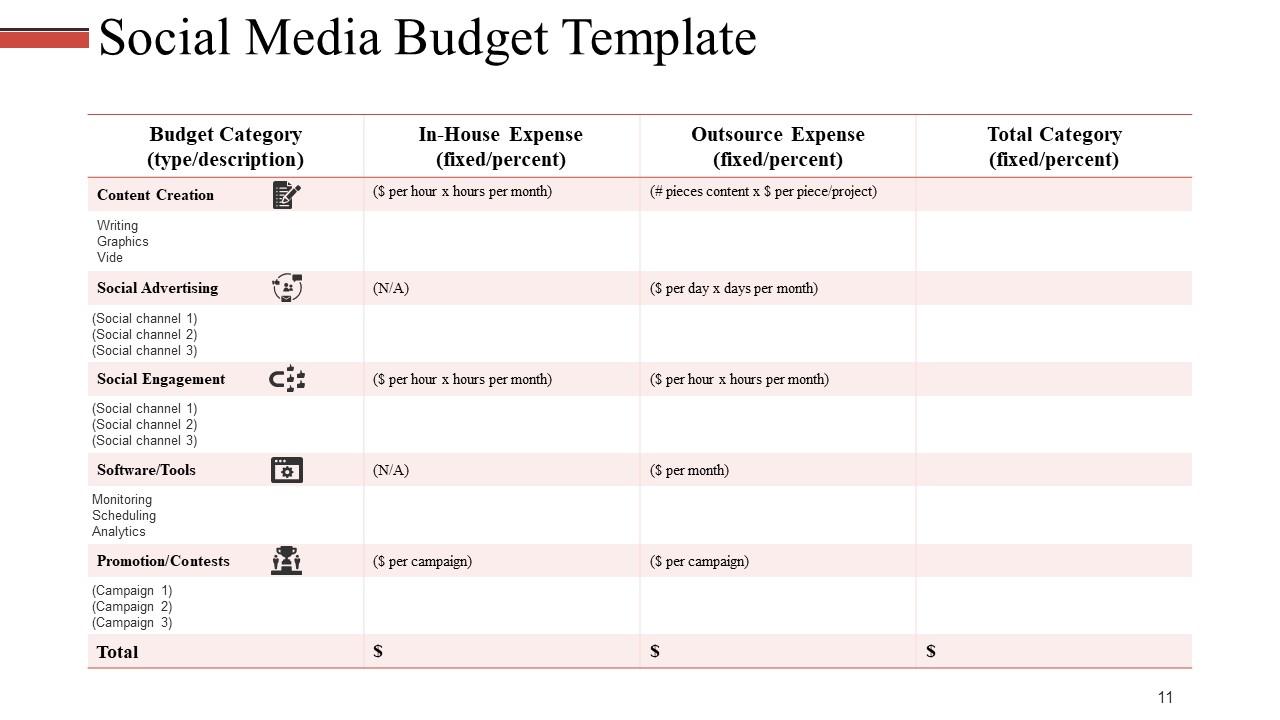
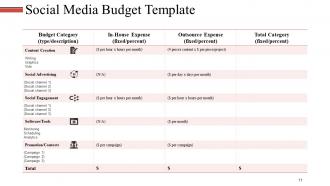
Slide 11: This slide presents Social Media Budget Template in a tabular form. Use it to show your own social media budget.
Slide 12: This is Revenue Budget Icon Slide. Use/ add icons as per your requirement.
Slide 13: This slide shows the Coffee Break image. You can alter the content as per need.
Slide 14: This slide is titled Charts & Graphs to move forward. You may change it as per requirement.
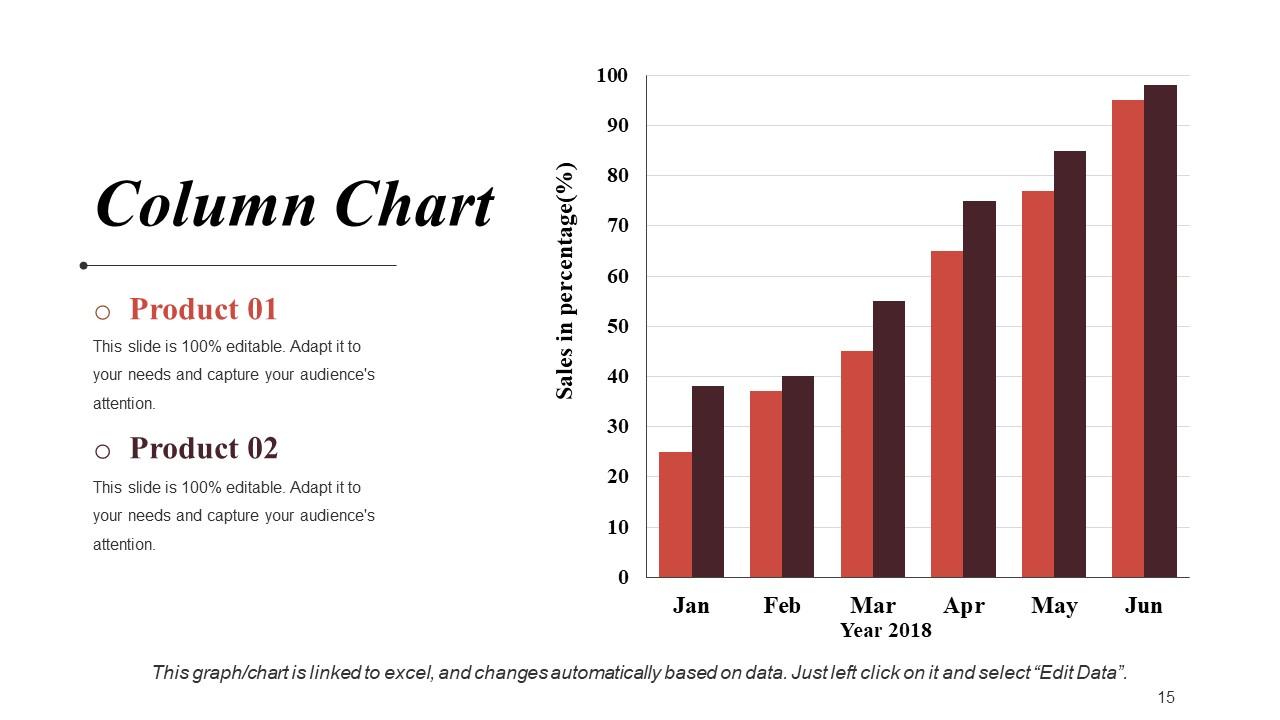
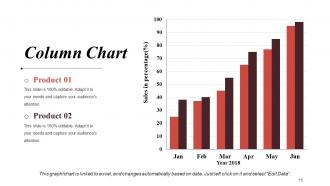
Slide 15: This is a Column Chart slide for product/ entity comparison.
Slide 16: This is a Line Chart slide for product/ entity comparison.
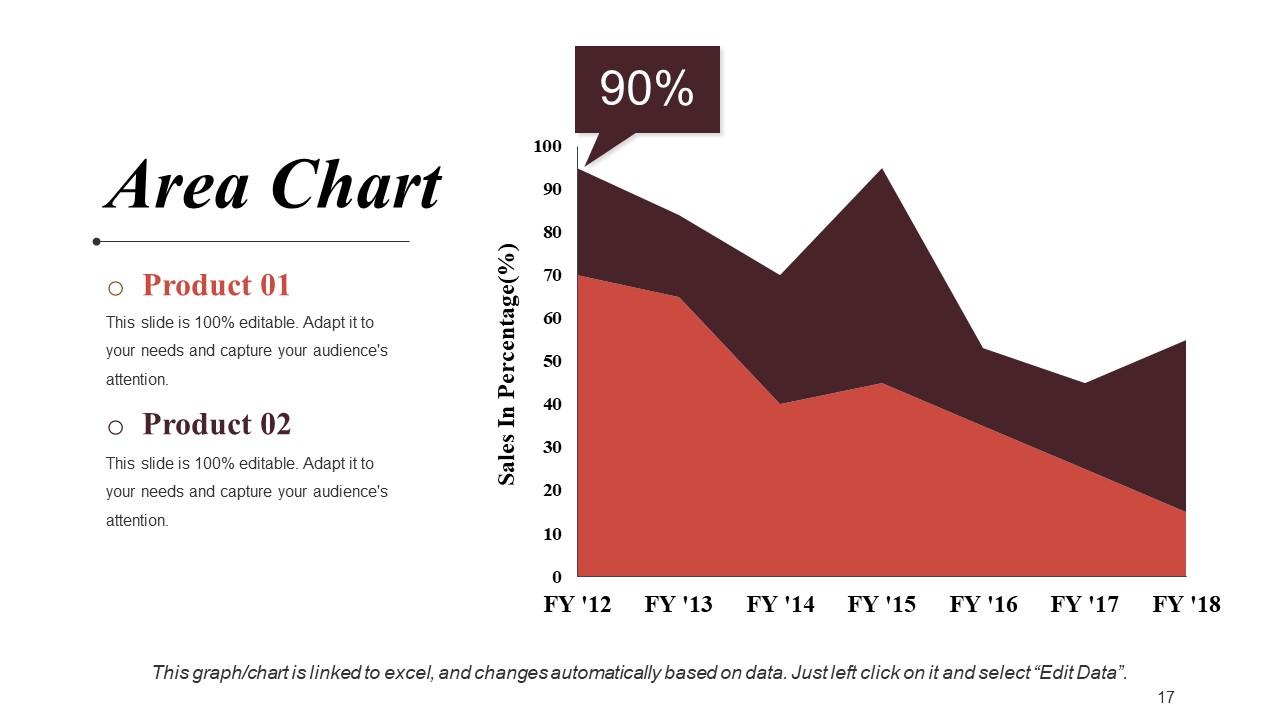
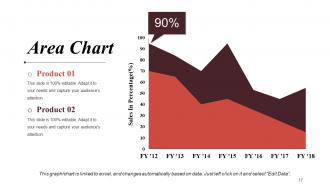
Slide 17: This is an Area Chart slide for product/ entity comparison.
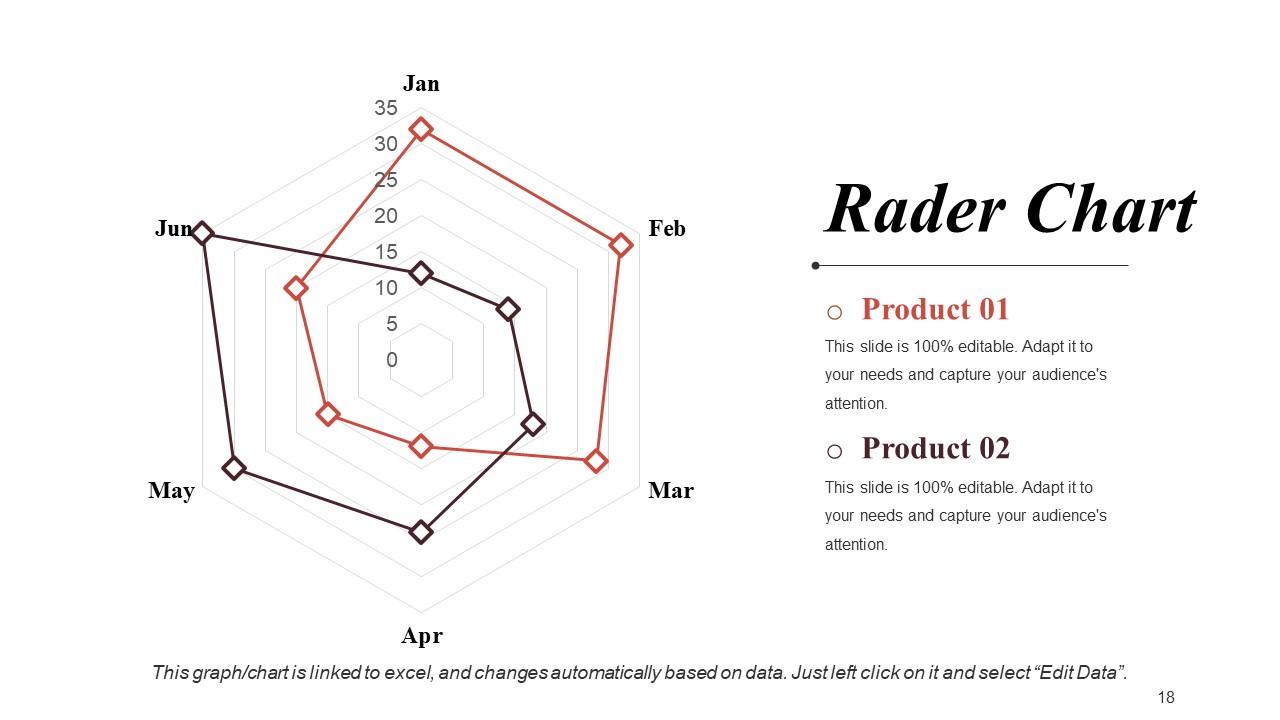
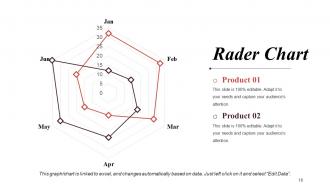
Slide 18: This is a Radar Chart slide for product/ entity comparison.
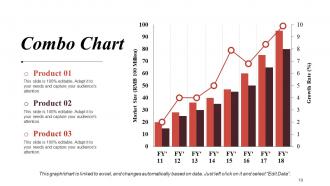
Slide 19: This is a Combo Chart slide to present product/ entity comparison, specifications etc.
Slide 20: This slide is titled Additional Slides. You can change the slide content as per your needs.
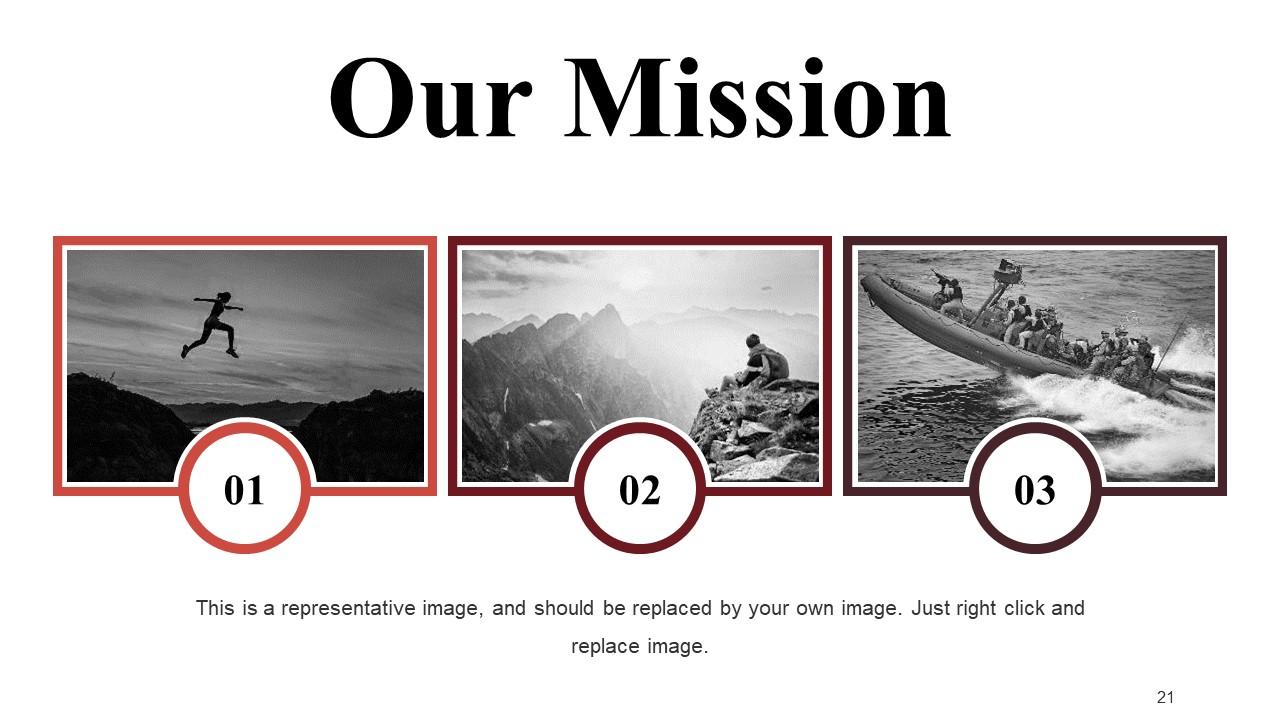
Slide 21: This slide contains Our Mission with text boxes.
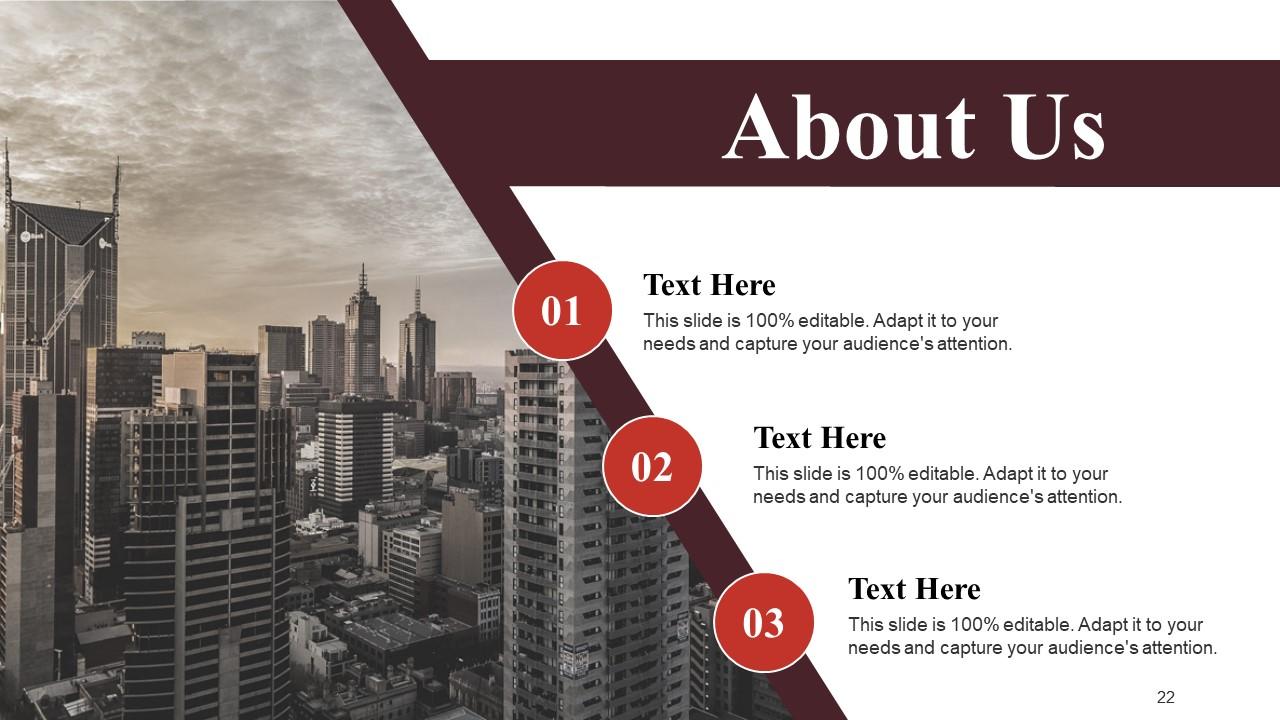
Slide 22: This is an About Us slide. State company or team specifications here.
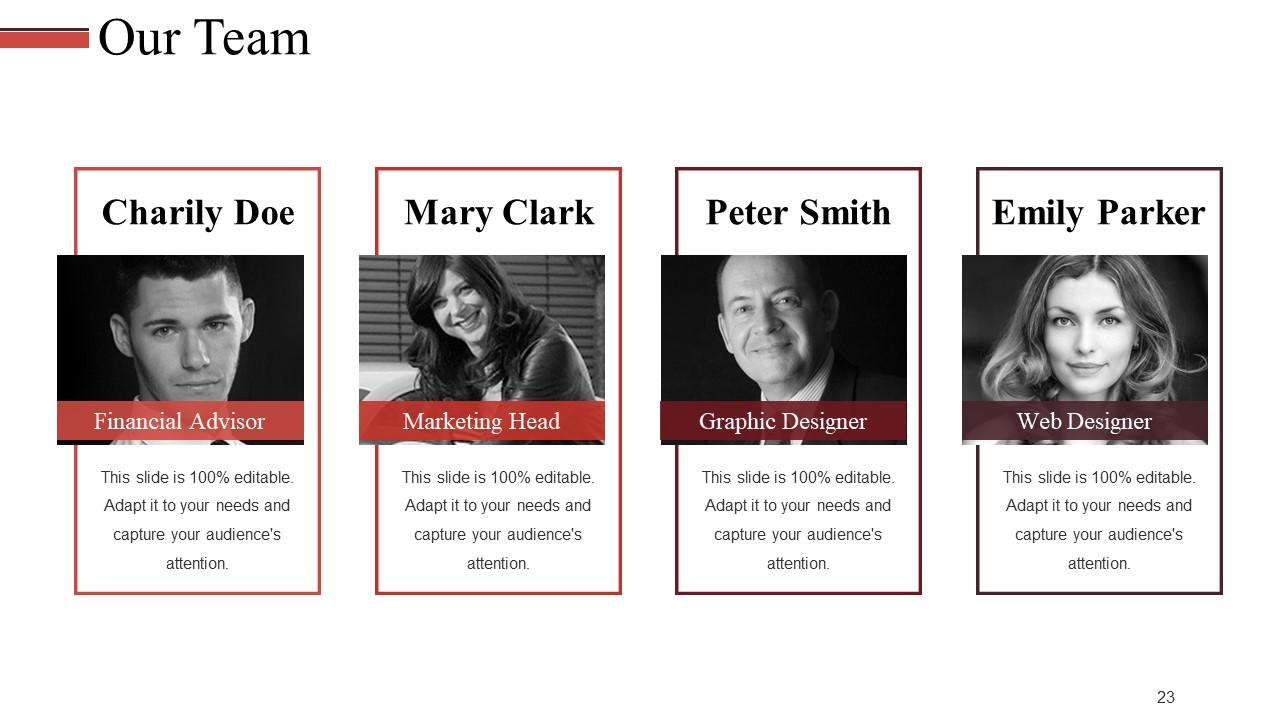
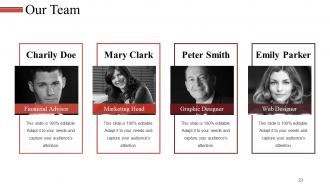
Slide 23: This slide presents Our Team with name, designation and image box.
Slide 24: This slide shows Our Goal. State your goals here.
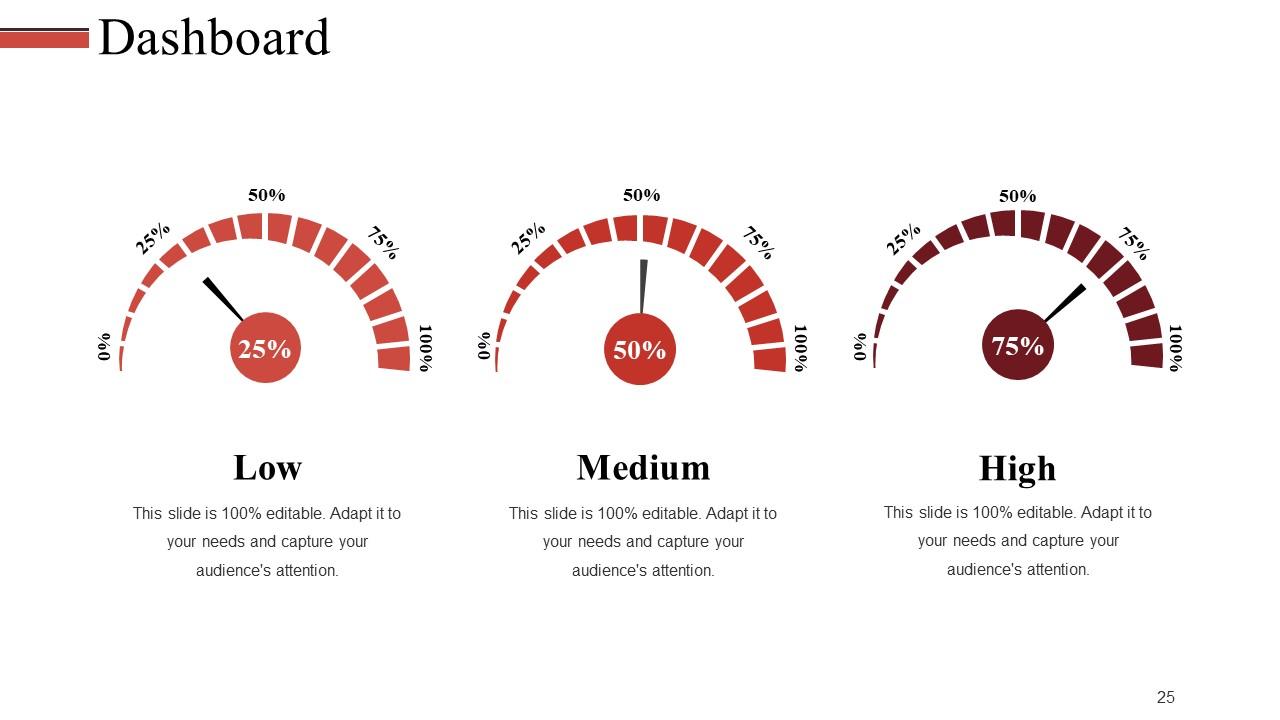
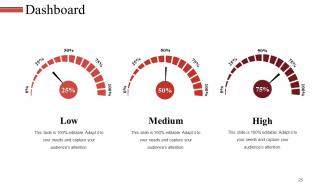
Slide 25: This slide presents the Dashboard with low, medium and high parameters.
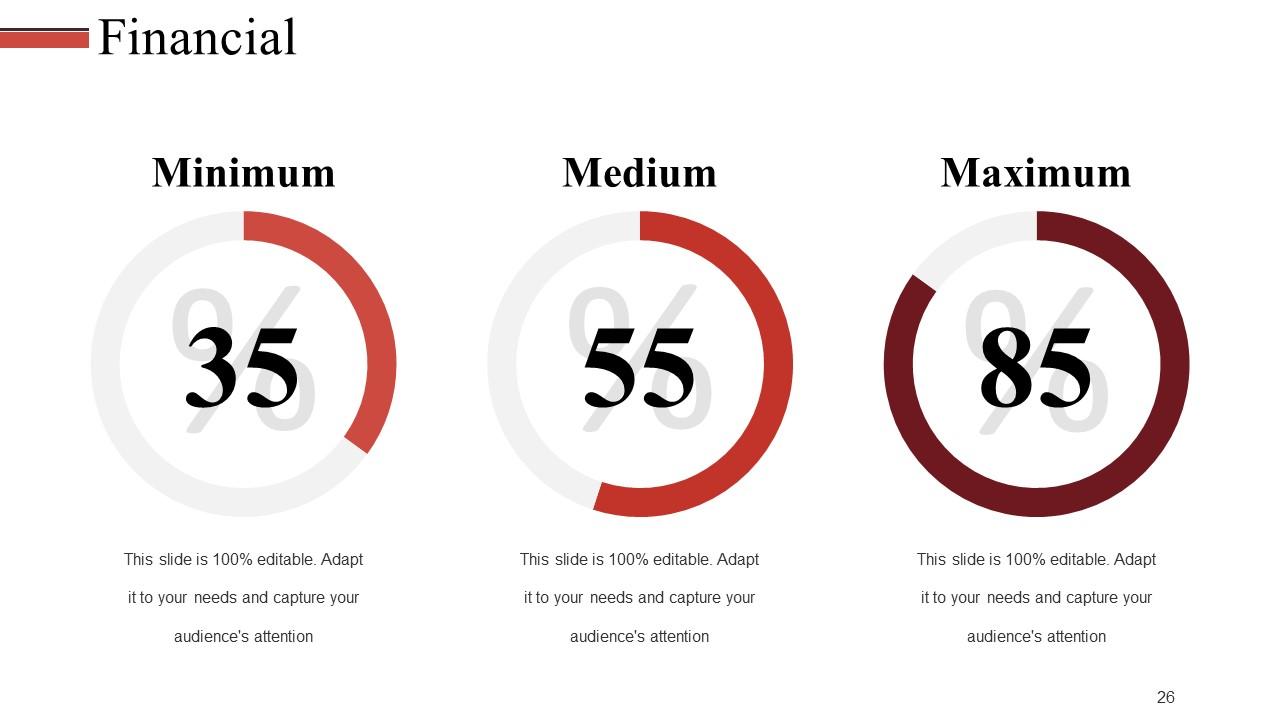
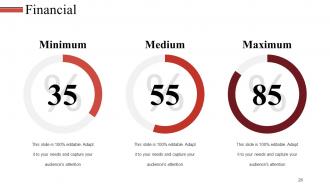
Slide 26: This slide presents Financial scores to display.
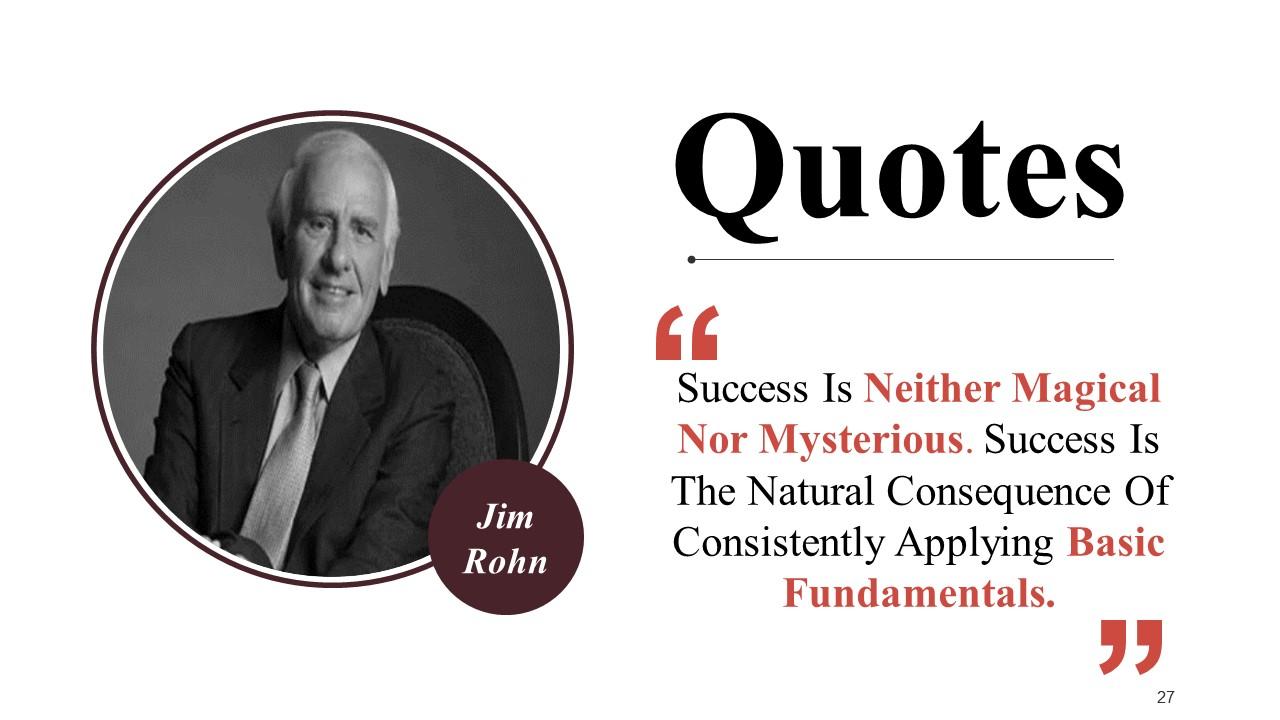
Slide 27: This is a Quotes slide to convey message, beliefs etc.
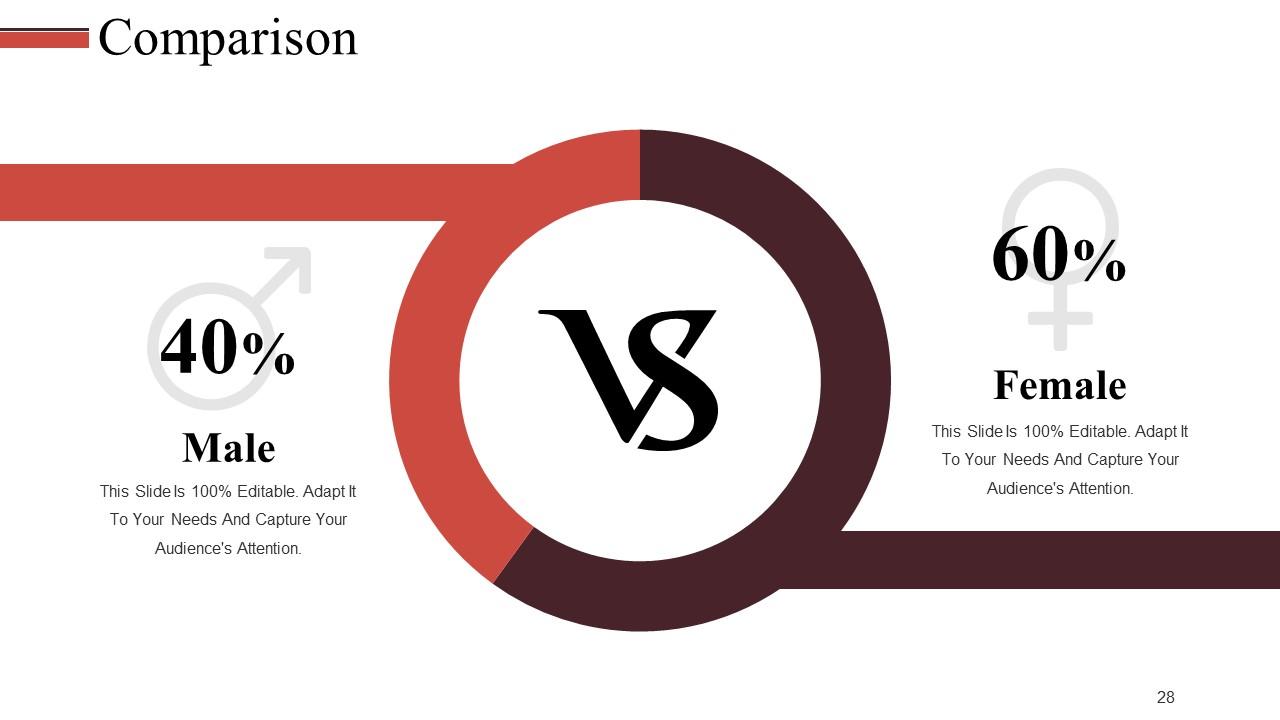
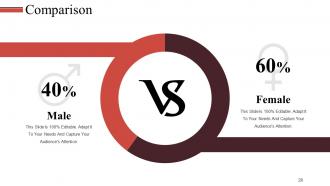
Slide 28: This is a Comparison slide to show comparison of two entities.
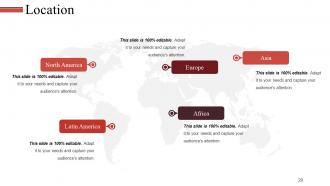
Slide 29: This is a Location slide to show global growth, presence etc. on a world map image.
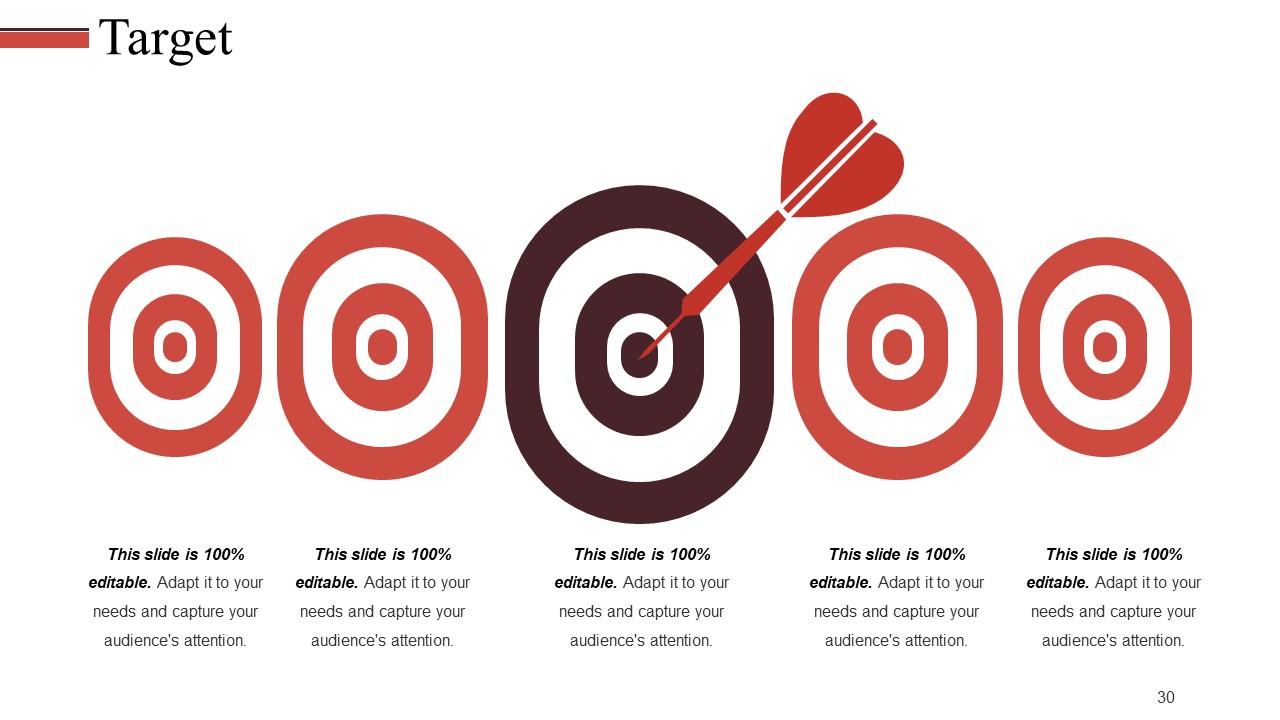
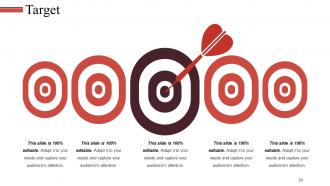
Slide 30: This slide shows Target image with text boxes
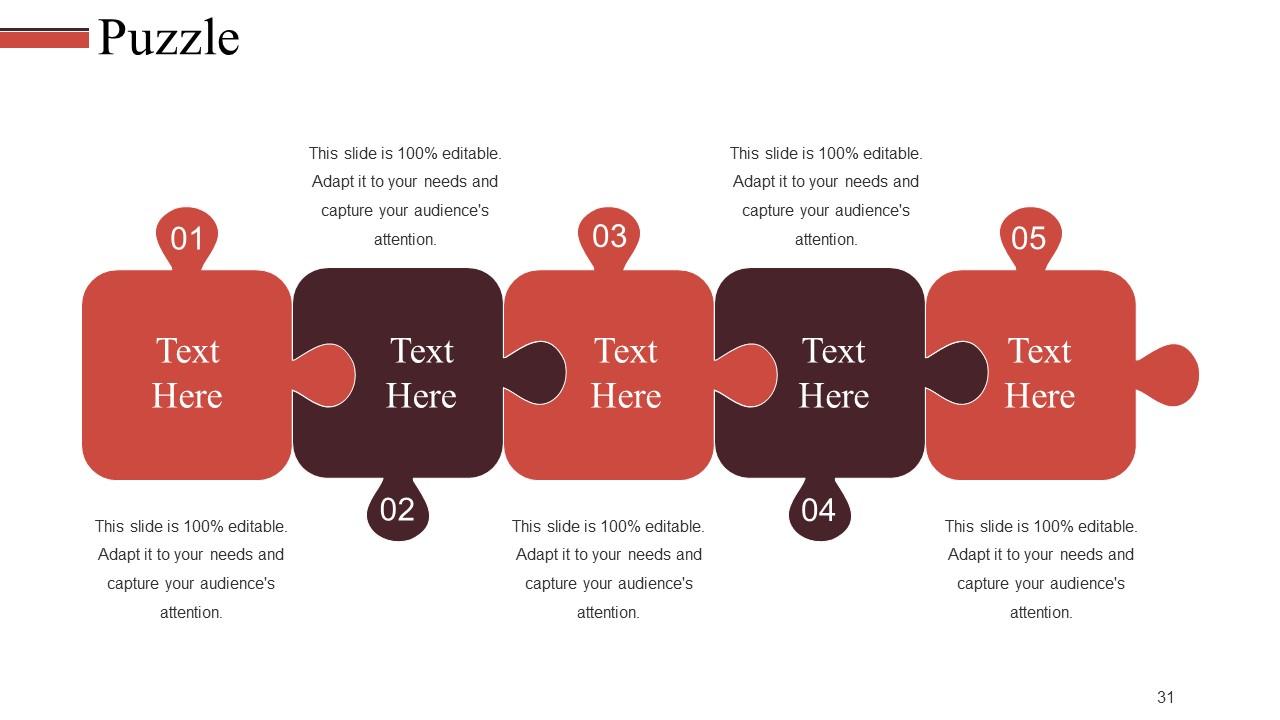
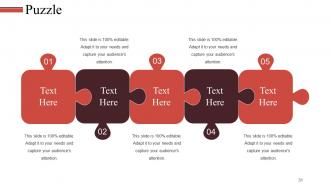
Slide 31: This is a Puzzle image slide to show information, specifications etc.
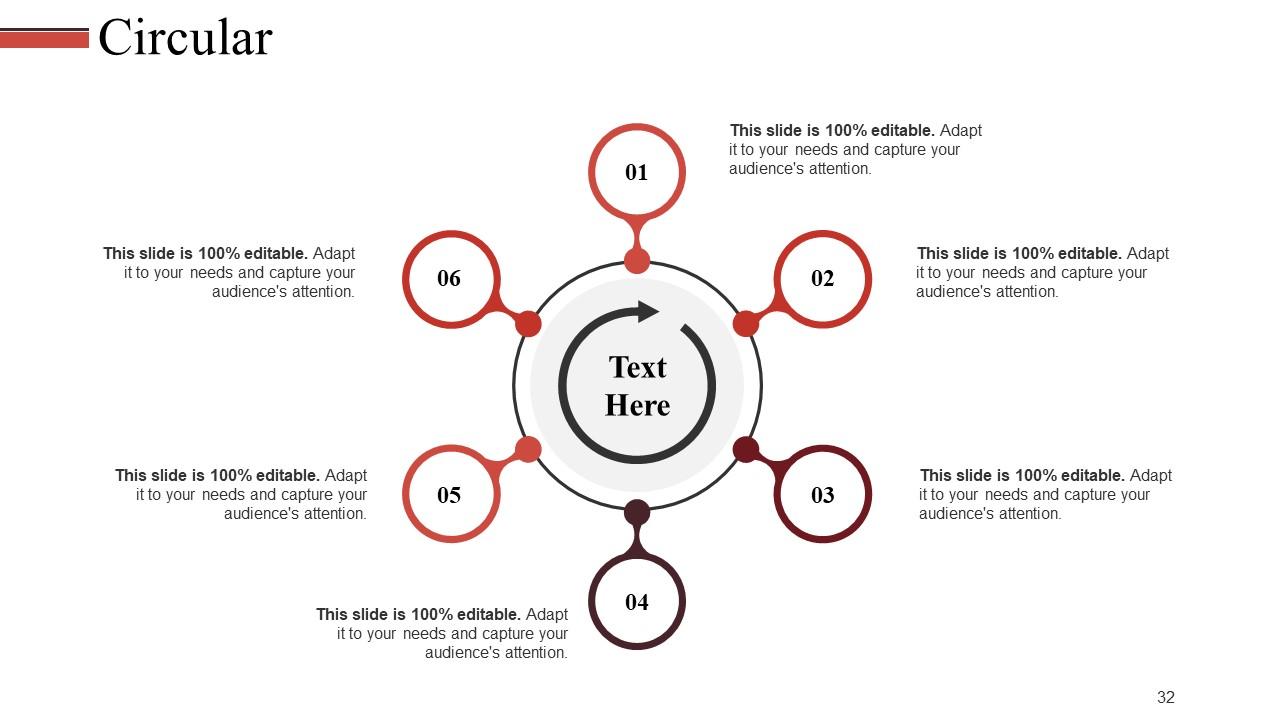
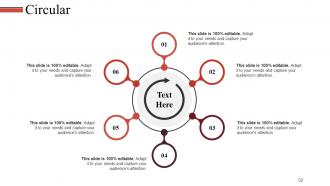
Slide 32: This is a Circular image slide. State information, specifications etc. here.
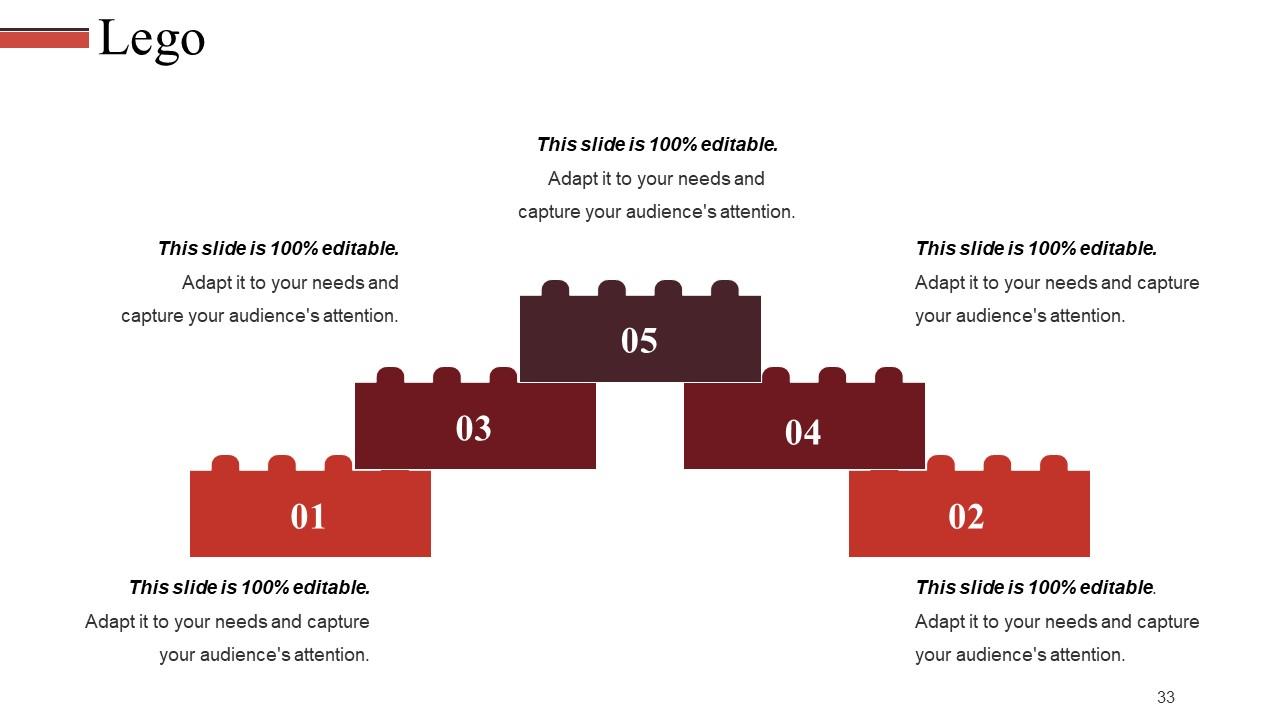
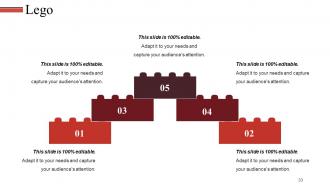
Slide 33: This is a Lego image slide to show information, specifications etc.
Slide 34: This is a Silhouettes slide to show people related information, specifications etc.
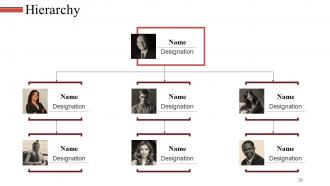
Slide 35: This is a Hierarchy slide to show information, organization structural specifications etc.
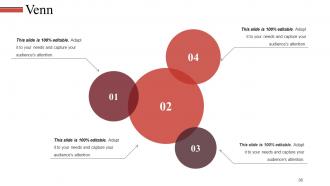
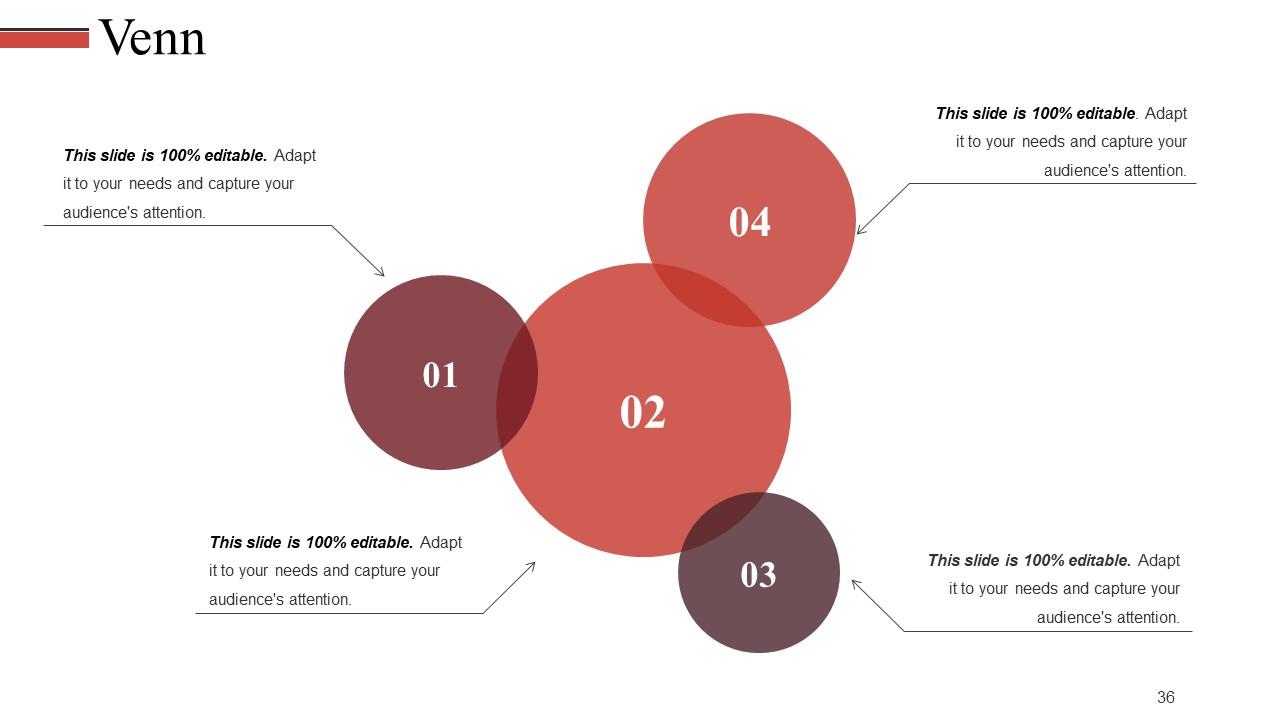
Slide 36: This is a Venn diagram image slide to show information, specifications etc.
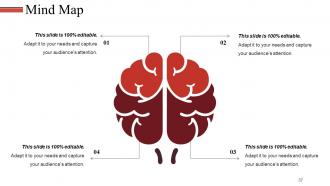
Slide 37: This is a Mind map image slide to show information, specifications etc.
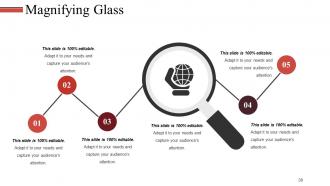
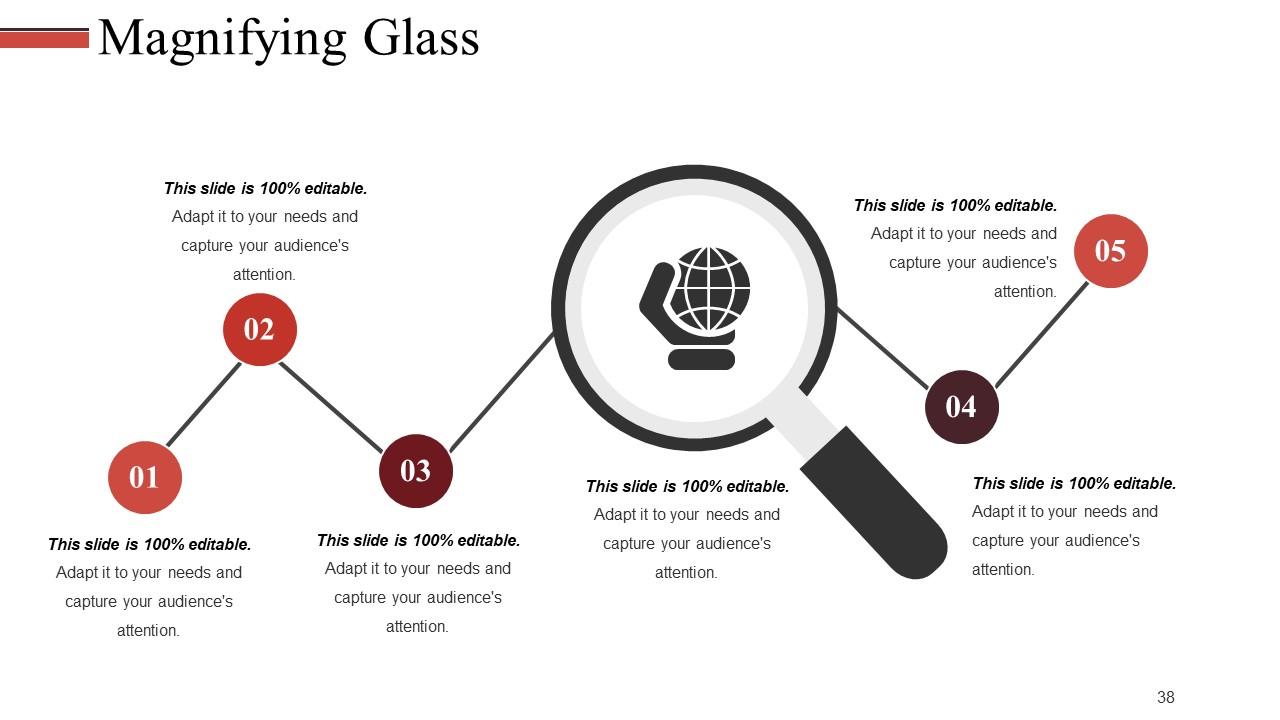
Slide 38: This is a Magnifying Glass image slide to show information, specifications etc.
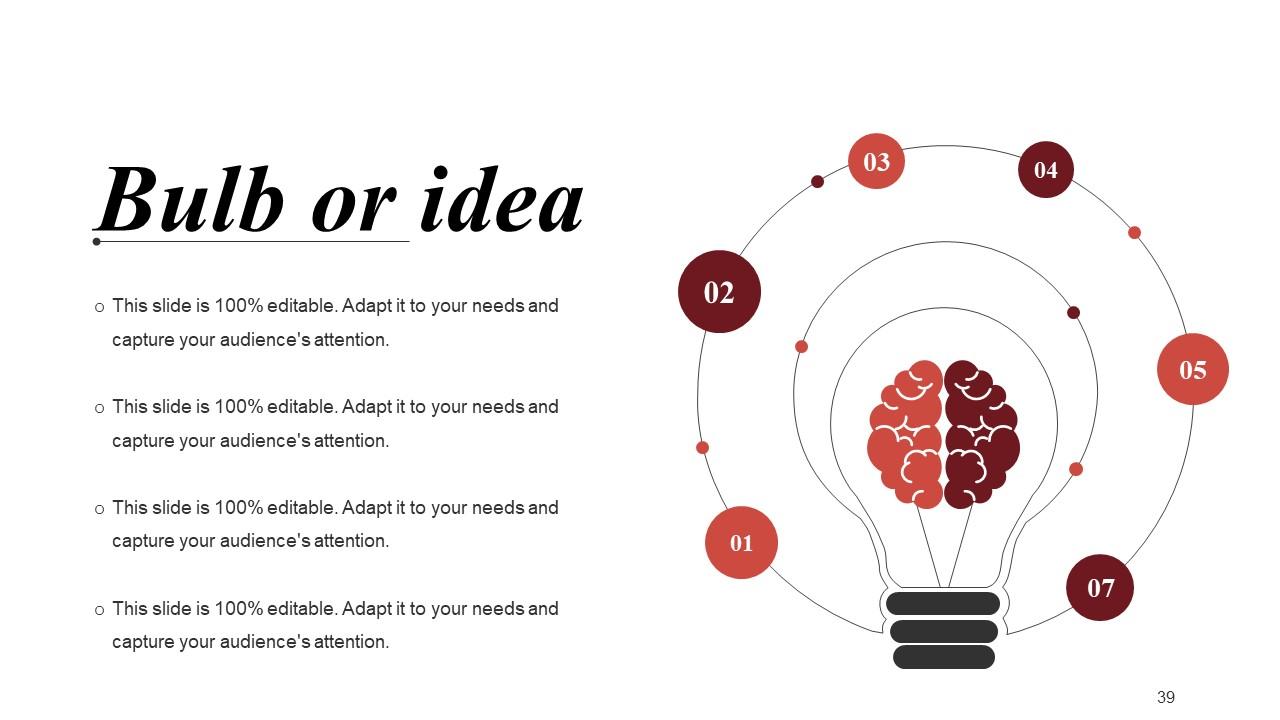
Slide 39: This is a Bulb or Idea image slide to show ideas, innovative information etc.
Slide 40: This is a Thank You slide with Address# street number, city, state, Contact Numbers, Email Address.
Revenue Budget Powerpoint Presentation Slides with all 40 slides:
Implement the drill with our Revenue Budget Powerpoint Presentation Slides. Guide folks through the emergency actions.
FAQs for Revenue Budget
Look, a revenue budget is basically your best guess at how much money you'll make over the next year or whatever timeframe. You're setting sales targets and figuring out where to spend your cash - hiring, marketing, all that stuff. Without one, you're just winging it and have no clue if things are actually going well or if you're delusional about your progress. Honestly, I've seen too many businesses crash because they never bothered with this step. Start with your past sales numbers if you have them, then factor in market trends. It's not rocket science, but it'll save your butt later.
Revenue budget is your day-to-day stuff - salaries, rent, utilities, office supplies. Basically what keeps everything running month to month. Capital budget? That's the expensive equipment and upgrades you'll be using for years. Simple rule I use: gone within a year = revenue expense. Still using it in three years = capital. My old boss was obsessed with this distinction (probably because accounting gets mad when you mix them up). But honestly, it does matter since they affect your books totally differently. Just keep them separate when you're planning!
Start with your sales forecasts - break those down by product lines and customer segments. Historical data is your best friend here. Don't forget to account for returns and discounts because they'll bite you later if you ignore them. I always do three scenarios: realistic, best-case, and the inevitable worst-case that keeps me up at night. Seasonal trends matter too, depending on your business. Pricing strategy changes can throw everything off, so factor those in. The trick is finding that sweet spot where you're detailed enough to actually track performance but not drowning in spreadsheet hell every week.
Honestly, I'd start with your last 2-3 years of sales data - seasonal stuff really matters there. Then think about what's actually changing this year: new products, market shifts, pricing tweaks, whatever. Your sales team's pipeline is gold for this too, plus whatever marketing's saying about leads coming in. Don't go crazy optimistic though - that big client deal might not happen, you know? I'm always a bit conservative with these forecasts because stuff changes fast. Build in some cushion and then just tweak it monthly when real numbers come in.
Look, your old sales numbers are gold for building budgets. They'll show you seasonal patterns and what's actually doable - not just pipe dreams. Nobody wants to be that guy projecting 500% growth because Mercury's in retrograde or whatever. Pull at least 2-3 years of data to spot the real trends. See which months tank and which ones crush it. Those patterns become your baseline. But don't just photocopy last year's sheet though. Markets shift, competition changes, maybe you launched something new. Take those historical trends and tweak them based on what's happening now in your space.
External economic factors can completely mess with your revenue budget - stuff like inflation, interest rates, unemployment rates. You can't control any of it but you definitely have to account for it. Currency fluctuations are brutal if you're doing international business. GDP growth impacts everything too. It's honestly frustrating sometimes because you're basically shooting at a moving target. Build flexibility into your assumptions though. Monitor the key indicators regularly so you can adjust fast when things change. Oh, and customer spending habits shift with interest rates way more than people realize.
Honestly, start by digging into your current revenue streams - that's where the gold is. Upselling and cross-selling to existing customers is your best bet since acquiring new ones costs a fortune. Pricing tweaks can be surprisingly effective too. Market expansion and new product lines are solid moves, but don't bite off more than you can chew. I'd also look at streamlining your sales process - sometimes it's just inefficient workflows killing your numbers. Pick maybe 2-3 strategies max that'll give you the biggest bang for your buck. Being ambitious is great, but you've gotta be realistic about execution too.
Check your revenue budget monthly, bare minimum. Quarterly deep dives are pretty much the norm. Those monthly check-ins help you catch trends early - way better than scrambling at year-end when you're already screwed. I've watched teams do exactly that and it's painful. The quarterly stuff is where you actually dig in: analyze what went wrong, update forecasts, tweak your approach. Seasonal business? You might need to look even more often. Honestly, just set those calendar reminders right now or you'll definitely forget.
Honestly, forecasting is a nightmare - you're basically trying to predict the future, which is impossible. Getting good data is another headache since sales teams are always super optimistic while finance wants to be cautious about everything. Seasonal stuff will mess you up too, especially in retail. Market conditions shift constantly and customer behavior changes overnight. Oh, and I learned this the hard way - don't try to get it perfect from day one. Build in some wiggle room with different scenarios and just update your assumptions every few months instead.
Honestly, tech can be a game changer for revenue budgeting. Forecasting software beats the hell out of Excel for analyzing past data and predicting trends. Your CRM already tracks pipeline stuff and conversion rates - that's goldmine data right there. Automated reporting pulls everything together in real time, which saves me like 3 hours every week (no joke). Cloud platforms let everyone jump in and update forecasts instantly too. I'd say start by figuring out what manual stuff drives you crazy, then find tools that handle those specific headaches. Way less painful than doing it all by hand.
Pricing is literally everything for your revenue budget. Set it too low? You'll sell tons but make no money. Too high and customers just walk away - learned that the hard way once. Finding the right price point is tricky but crucial. You need something that matches what people actually want to pay while hitting your revenue goals. Honestly, I'd play around with different pricing scenarios in your budget model. See how much your revenue changes when you tweak prices up or down. That'll show you just how sensitive everything really is.
Yeah, revenue budgets are totally different depending on your industry. SaaS companies have that sweet recurring revenue that's pretty easy to predict, but restaurants? Good luck with that - way more unpredictable. Manufacturing gets weird because of long lead times and when you actually recognize the revenue. Retail has to deal with seasonal stuff and inventory cycles. Service businesses usually see money come in faster but it's harder to forecast. Honestly, the biggest mistake I see is people just copying budget templates from random industries. You really need to figure out your specific patterns first - like when money actually comes in versus when you earn it.
Here's the thing - booking revenue and actually getting paid are completely different beasts. Say you invoice $100k this month but customers take 60 days to pay. That money won't hit your account until way later, which honestly trips up so many business owners. Seasonal stuff matters too - like if everyone pays slow around holidays. Bad debt is another fun surprise waiting to happen. My advice? Run a separate cash flow forecast alongside your revenue projections. Trust me, you don't want to be scrambling when the bills are due but your "revenue" is still sitting in receivables.
Honestly, just focus on tracking your budgeted vs actual revenue - that's your bread and butter metric. Check it monthly and break it down by product lines or regions to catch any weird patterns. Being within 10-15% is actually pretty decent for most businesses, so don't stress if you're not perfect. Pipeline health and conversion rates are super helpful too since they give you a heads up on what's coming. Oh, and customer acquisition costs - those matter more than people think. Set up some kind of dashboard that pulls this stuff automatically. Trust me, you don't want to be doing manual calculations every month like I used to.
Look, your revenue budget is honestly the most important thing for your company's financial health. Hit those targets consistently? You're golden - shows you've got solid market positioning and your sales team knows what they're doing. But miss them regularly and everything starts falling apart. Cash flow gets messy, you can't invest in growth, sometimes people lose jobs. Investors always check this first too. I learned this the hard way at my last job - we kept missing targets and management just ignored it until things got really bad. Use it like a warning system. If you're consistently off, something's wrong with your strategy.
-
Very unique, user-friendly presentation interface.
-
Commendable slides with attractive designs. Extremely pleased with the fact that they are easy to modify. Great work!