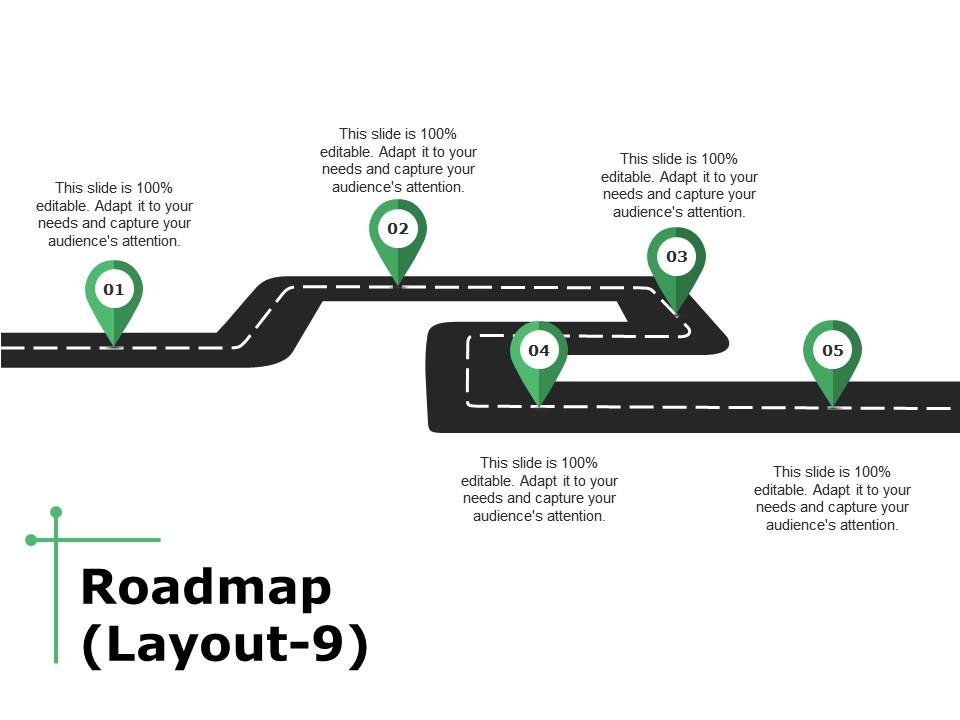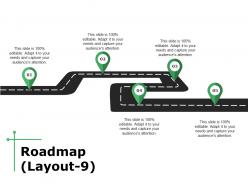
Gráficos de diapositivas de PowerPoint de hoja de ruta

Rating:
100%
Roadmap powerpoint slide graphics
Slide 1 of 5
Favourites Favourites

Try Before you Buy Download Free Sample Product

Audience Impress Your
Audience
Editable 100%
Editable
Time Save Hours
of Time
The Biggest Sale is ending soon in
0
0
:
0
0
:
0
0
Rating:
100%

Características de estas diapositivas de presentación de PowerPoint:

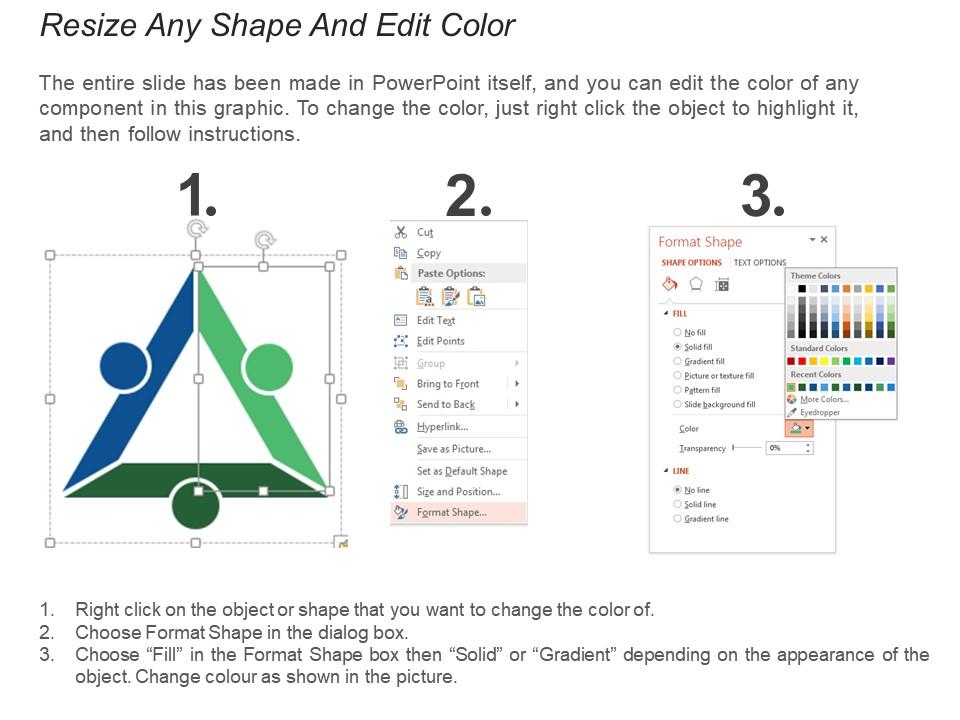
Presentamos el formato de hoja de ruta de PowerPoint. Diapositiva PPT fácilmente configurable y descargable. Muy adecuado para profesionales de negocios de diversos campos o áreas. Texto editable, fuente, fondo e imagen de PowerPoint. Fácilmente convertible a formatos PDF o JPG. Se puede utilizar con diapositivas de Google y en otras plataformas de software. Ofrece una opción para insertar los títulos o subtítulos según sea necesario en este diagrama de diapositivas de presentación.

FAQs for Roadmap

Effective roadmap slides include clear timeline markers, milestone definitions, deliverable specifications, resource allocation indicators, and dependency mappings. These elements work together by establishing visual hierarchy, enabling stakeholder alignment, and facilitating progress tracking, with many organizations finding that well-designed roadmaps streamline project communication and enhance strategic decision-making across departments.

Color psychology enhances roadmap presentations by establishing visual hierarchy, conveying progress momentum, and reinforcing strategic priorities through deliberate color associations. Warm colors like orange and red can highlight critical milestones, while cool blues and greens suggest stability and growth phases, with many organizations finding that consistent color coding across timeline elements significantly improves stakeholder comprehension and engagement.

Best practices for visualizing timelines include using horizontal layouts with clear milestone markers, consistent color coding for different project phases, progressive detail levels, and distinctive icons for key deliverables. These design elements streamline project communication by enhancing visual clarity, improving stakeholder alignment, and facilitating progress tracking, with many organizations finding that well-structured timeline visuals significantly accelerate decision-making processes.

Simplify complex roadmap information by using clear visual hierarchy, consistent color coding for different phases or categories, and limiting text to essential milestones with concise descriptions. Strategic grouping of related initiatives, progressive disclosure techniques, and focus on key outcomes rather than detailed processes helps audiences grasp timelines quickly, with many organizations finding that simplified roadmaps enhance stakeholder alignment and decision-making efficiency.

PowerPoint, Keynote, Visio, Lucidchart, and specialized tools like ProductPlan are most effective for designing roadmap slides, each offering unique strengths for timeline visualization and stakeholder communication. While PowerPoint delivers accessibility and integration across organizations, advanced tools like Visio and Lucidchart provide enhanced diagramming capabilities, with many teams finding that combining multiple platforms streamlines both creation and collaboration processes.

Ensuring consistency across roadmap slides requires standardizing visual elements like color schemes, typography, icon styles, timeline formats, and spacing throughout your presentation. Create a master template with defined milestone markers, progress indicators, and layout grids, then apply these uniformly across all slides, with many organizations finding that consistent design enhances stakeholder comprehension and reinforces strategic messaging.

**INPUT**: What fonts and typography styles work best for roadmap slides? **OUTPUT**: Effective roadmap typography includes clean sans-serif fonts like Arial or Calibri, consistent heading hierarchies, readable 12-14 point body text, and strategic bold formatting for milestones. These choices enhance visual clarity by improving readability across devices, maintaining professional consistency, and guiding audience attention through timeline progression, with many organizations finding that uniform typography delivers clearer communication and stronger stakeholder engagement.

Incorporate stakeholder feedback by organizing input into themes like timeline adjustments, priority shifts, and resource considerations, then updating your roadmap's visual hierarchy, milestones, and dependencies accordingly. Through collaborative design sessions, teams can address conflicting perspectives while maintaining strategic alignment, with many organizations finding that iterative feedback loops ultimately deliver more stakeholder buy-in and realistic project timelines.

Common roadmap slide mistakes include overcrowding with excessive detail, using inconsistent timeline formatting, neglecting visual hierarchy, choosing poor color schemes, and failing to align milestones with strategic objectives. These design flaws often result in confused audiences and diluted messaging, with many organizations finding that streamlined roadmaps with clear priorities, consistent formatting, and strategic focus ultimately deliver stronger stakeholder buy-in and clearer project direction.

Align your roadmap slide design with branding guidelines by incorporating your brand colors, typography, logo placement, visual hierarchy standards, and approved iconography throughout the timeline elements. Ensure consistent spacing, font sizes, and color schemes that match your brand style guide, while maintaining readability and professional appearance that reinforces brand recognition and credibility across all stakeholder presentations.

The ideal roadmap typically showcases 5-7 major milestones or 3-5 distinct phases, balancing comprehensive planning with visual clarity and audience comprehension. This range enables organizations to present strategic progression effectively, whether tracking product launches, digital transformation initiatives, or market expansion plans, while maintaining focus on key deliverables that drive measurable business outcomes.

Animation enhances roadmap presentations by revealing timeline phases sequentially, highlighting critical milestones, and guiding audience attention through complex project flows. These dynamic elements streamline information delivery by reducing cognitive overload, emphasizing dependencies between phases, and creating memorable visual narratives, with many organizations finding that strategic animation increases stakeholder engagement and comprehension significantly.

**INPUT**: What types of graphics or icons work well in roadmap slide designs? **OUTPUT**: Effective roadmap graphics include timeline arrows, milestone markers, progress bars, pathway illustrations, and phase dividers that create visual flow and clarity. These design elements streamline complex project communication by highlighting key deliverables, showing dependencies, and emphasizing critical milestones, with many organizations finding that strategic visual consistency ultimately enhances stakeholder engagement and project alignment.

Tailoring roadmap slides involves adjusting detail levels, timeframes, and focus areas based on audience needs, with executives preferring high-level strategic milestones while technical teams require granular implementation details. Through audience-specific customization, organizations streamline communication by emphasizing relevant metrics, outcomes, and dependencies for each stakeholder group, ultimately delivering clearer project alignment and faster decision-making across departments.

Current roadmap slide design trends in 2023 include minimalist layouts with bold typography, interactive timeline elements, data-driven milestone tracking, mobile-responsive formats, and integrated progress indicators. These design approaches streamline complex project communications by enhancing visual clarity, reducing cognitive load, and improving stakeholder engagement, with many organizations finding that modern roadmap aesthetics deliver faster decision-making and stronger alignment across teams.

Ratings and Reviews

100% of 100
Review Form
Write a review
Most Relevant Reviews
  1. 100%

    by Earnest Carpenter

    Great product with effective design. Helped a lot in our corporate presentations. Easy to edit and stunning visuals.
  2. 100%

    by Chi Ward

    Unique research projects to present in meeting.

2 Item(s)

per page: