


Informes de ventas Diapositivas de presentación en PowerPoint
Realice presentaciones de ventas con confianza con esta diapositiva de presentación de PowerPoint de informes de ventas. Esta plantilla PPT de 65 diseños ha sido diseñada para el uso de gerentes y ejecutivos de ventas. Cada trimestre tiene que presentar su informe de ventas con el equipo de alta dirección. Esta plataforma de presentación multipropósito garantiza que no se pierda nada importante, ya que contiene toda la información esencial que necesita cuando tiene que lanzar frente a su equipo. Ciertos aspectos relacionados con las ventas, como el rendimiento de las ventas, los informes y la revisión, se incluyen en esta plataforma, lo que le da la libertad de ahorrar su valioso tiempo y esfuerzo que puede tener que gastar mientras trabaja en la plataforma completa. Un informe de ventas incluye un registro de los productos vendidos durante el período de tiempo específico por la organización y destaca el volumen de ventas observado por artículo o grupo de artículos. En esta plataforma de PowerPoint, se cubren todos los conceptos básicos relacionados con las ventas y eso proporcionará un impulso muy necesario para el vendedor, ya que todo lo que se requiere es editar los datos, realizar cambios en el texto, agregar y eliminar cualquier diapositiva que necesite. y luego compartirlo. Elimine las nubes oscuras con nuestras diapositivas de presentación de PowerPoint de informes de ventas. Esfuércese por hacerlo brillante y claro nuevamente.
Realice presentaciones de ventas con confianza con esta diapositiva de presentación de PowerPoint de informes de ventas. E..


































-

- Google Slides is a new FREE Presentation software from Google.
- All our content is 100% compatible with Google Slides.
- Just download our designs, and upload them to Google Slides and they will work automatically.
- Amaze your audience with SlideTeam and Google Slides.
-

Want Changes to This PPT Slide? Check out our Presentation Design Services
-

- WideScreen Aspect ratio is becoming a very popular format. When you download this product, the downloaded ZIP will contain this product in both standard and widescreen format.
-

- Some older products that we have may only be in standard format, but they can easily be converted to widescreen.
- To do this, please open the SlideTeam product in Powerpoint, and go to
- Design ( On the top bar) -> Page Setup -> and select "On-screen Show (16:9)” in the drop down for "Slides Sized for".
- The slide or theme will change to widescreen, and all graphics will adjust automatically. You can similarly convert our content to any other desired screen aspect ratio.
Compatible With Google Slides

Get This In WideScreen
You must be logged in to download this presentation.


Do you want to remove this product from your favourites?
Características de estas diapositivas de presentación de PowerPoint:
Los ejemplos de presentación están en armonía con las diapositivas de Google. Adaptable para compartir en vista de pantalla ancha con una calidad de imagen asombrosa. Bien elaborado y fácil de retratar sin ningún inconveniente. Fácil de guardar en documentos JPEG y PDF. Guía de PowerPoint descargable rápidamente. Conveniente para modificar el color, el texto, la fuente y la forma. Diseños similares accesibles con diferentes nodos y etapas. Conveniencia para incluir insignias comerciales y diseño de logotipos

People who downloaded this PowerPoint presentation also viewed the following :
Contenido de esta presentación de Powerpoint
Diapositiva 1 : esta diapositiva presenta los informes de ventas con imágenes. Indique el nombre de la empresa aquí.
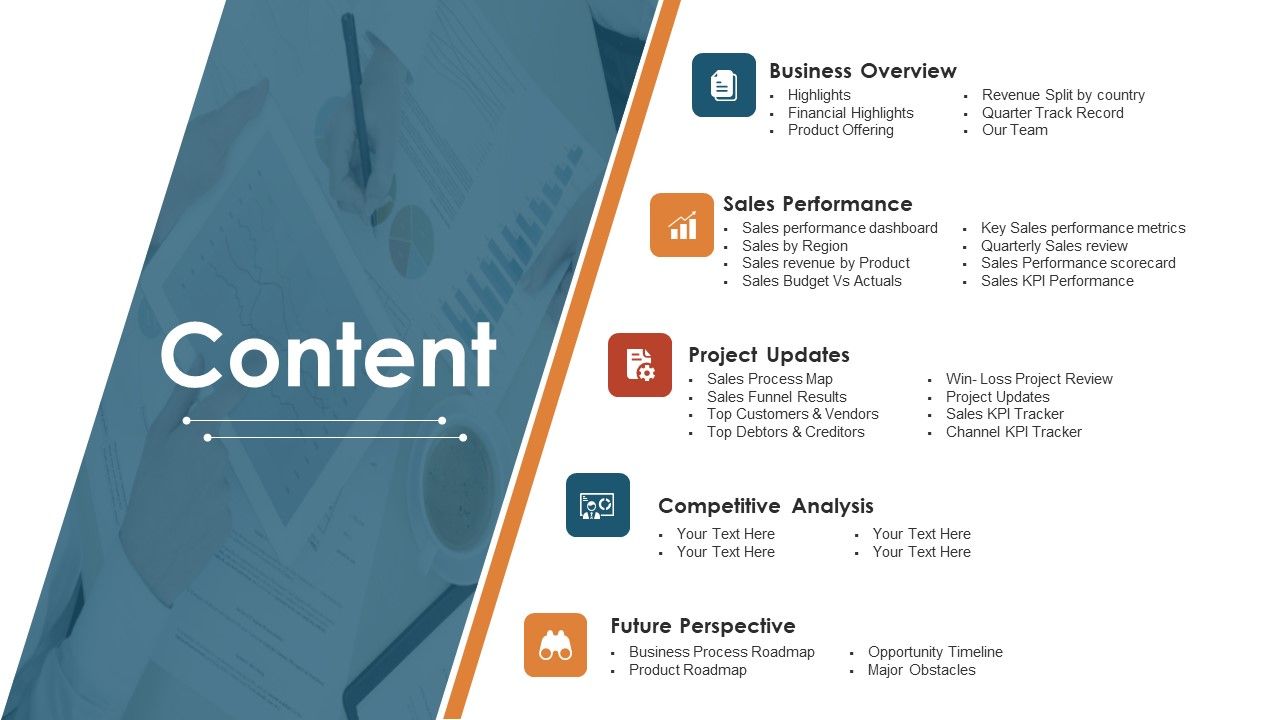
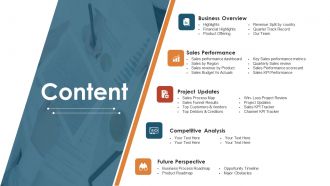
Diapositiva 2 : Esta es una diapositiva de contenido que indica: descripción general del negocio, rendimiento de ventas, actualizaciones del proyecto, análisis competitivo, perspectiva futura.
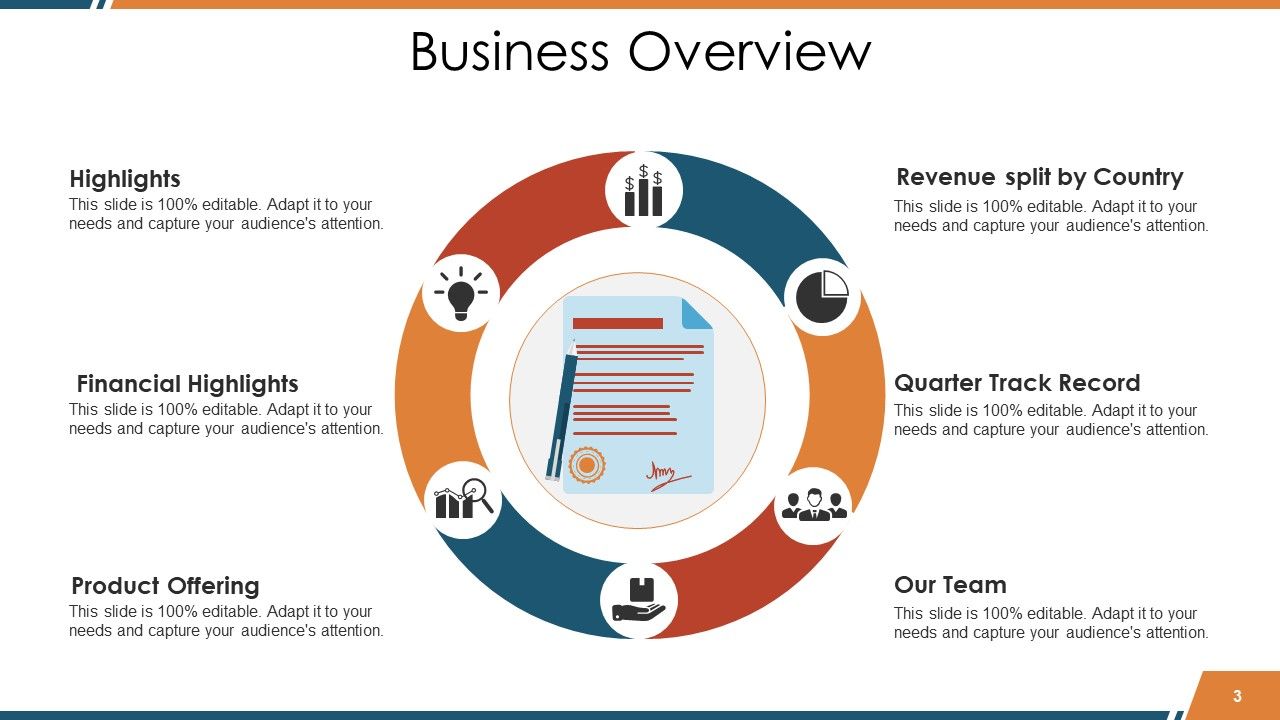
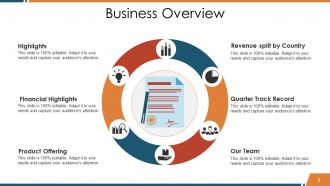
Diapositiva 3 : Esta diapositiva presenta la descripción general del negocio en forma circular que incluye: ingresos divididos por país, trimestre de trayectoria, nuestro equipo, oferta de productos, aspectos financieros destacados, aspectos destacados.
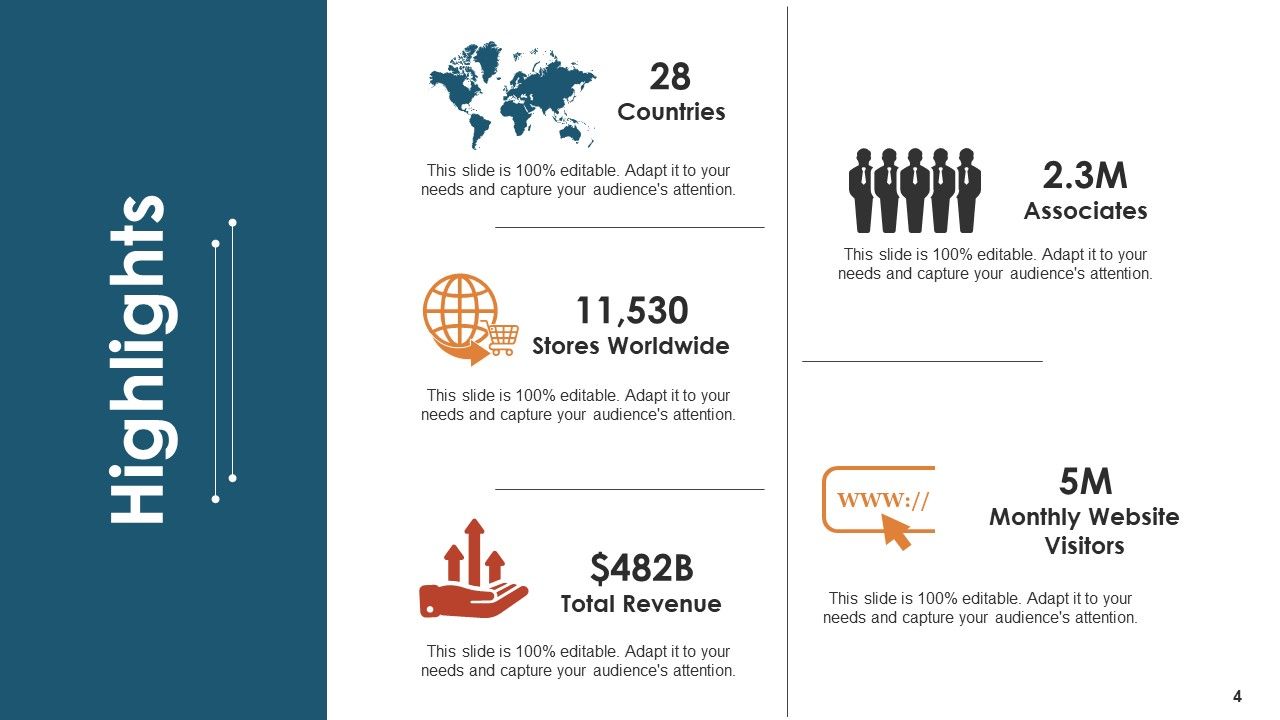
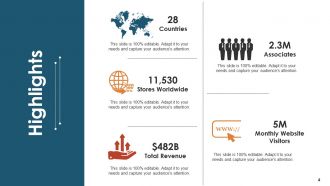
Diapositiva 4 : Esta diapositiva presenta los aspectos más destacados de la empresa con tiendas en todo el mundo, ingresos totales, etc., como ejemplos. Agregue sus propios datos aquí.
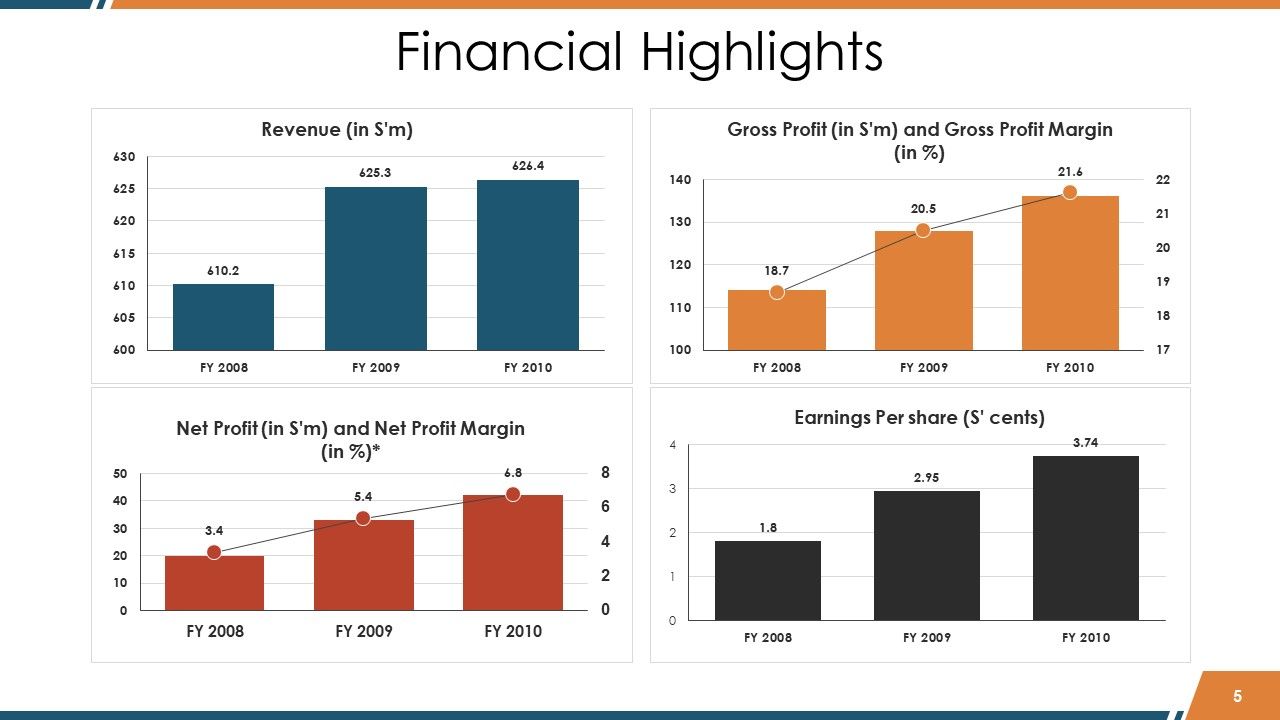
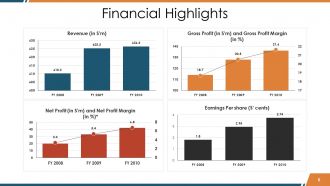
Diapositiva 5 : Esta diapositiva indica los aspectos financieros destacados en cuadros y gráficos.
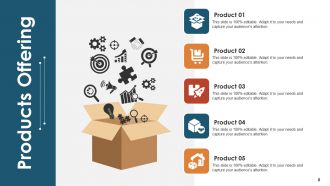
Diapositiva 6 : Esta es la diapositiva de Oferta de productos con imágenes e íconos creativos.
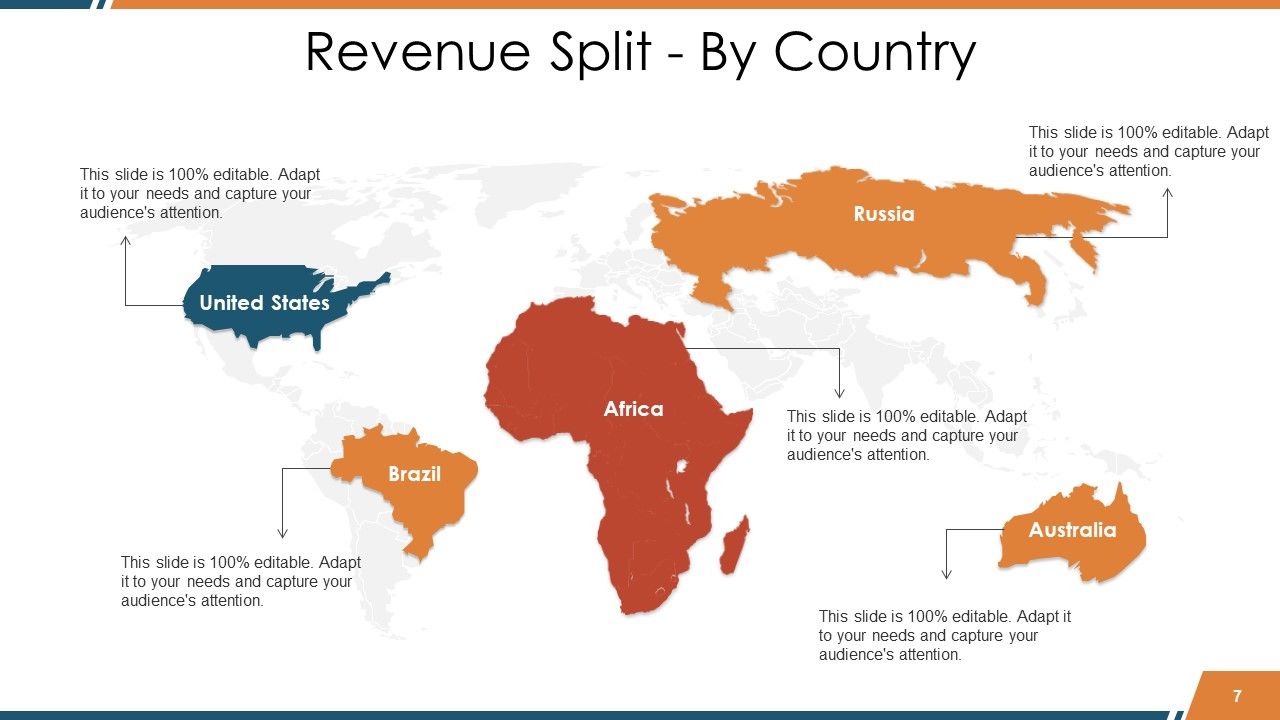
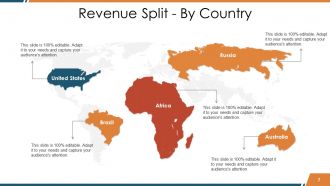
Diapositiva 7 : Esta diapositiva muestra Revenue Split - By Country en un formulario de imagen de mapa mundial.
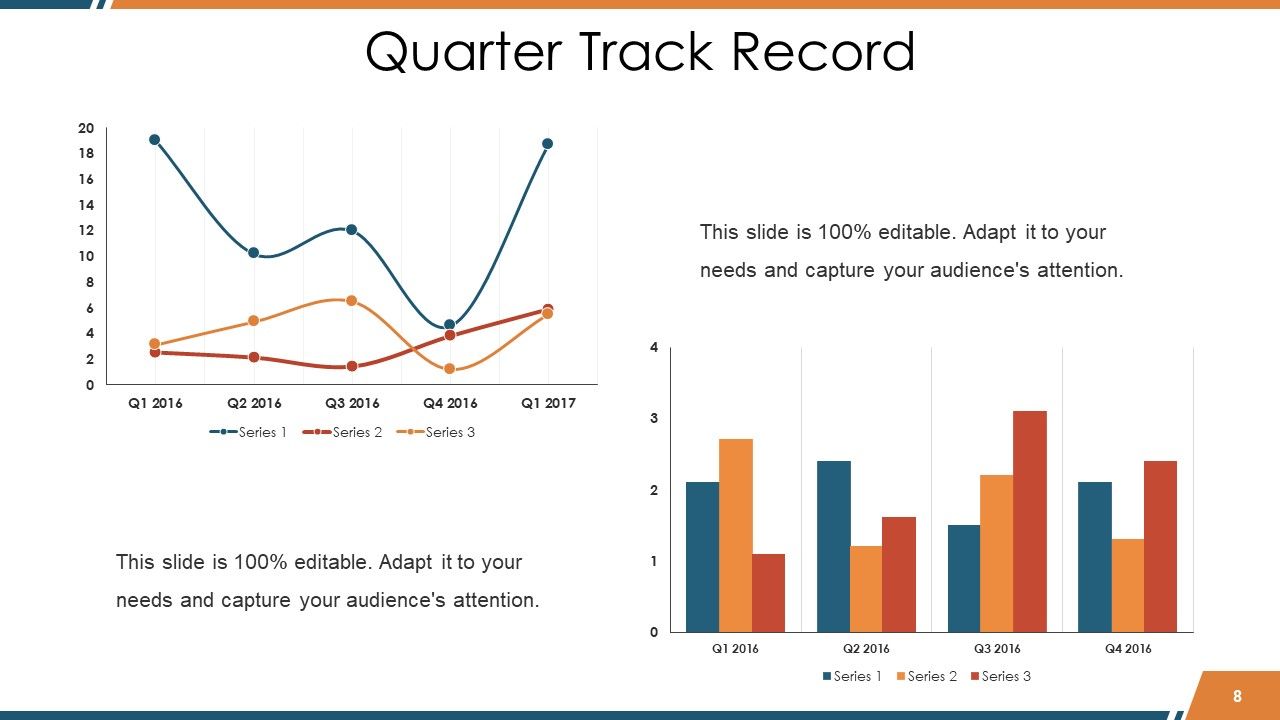
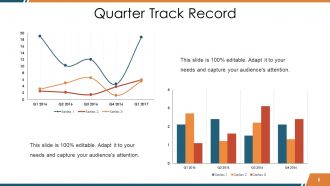
Diapositiva 8 : Esta diapositiva muestra el registro de un cuarto de pista en tablas y gráficos.
Diapositiva 9 : Esta es la diapositiva de Nuestro equipo con nombre, designación, etc. para indicar.
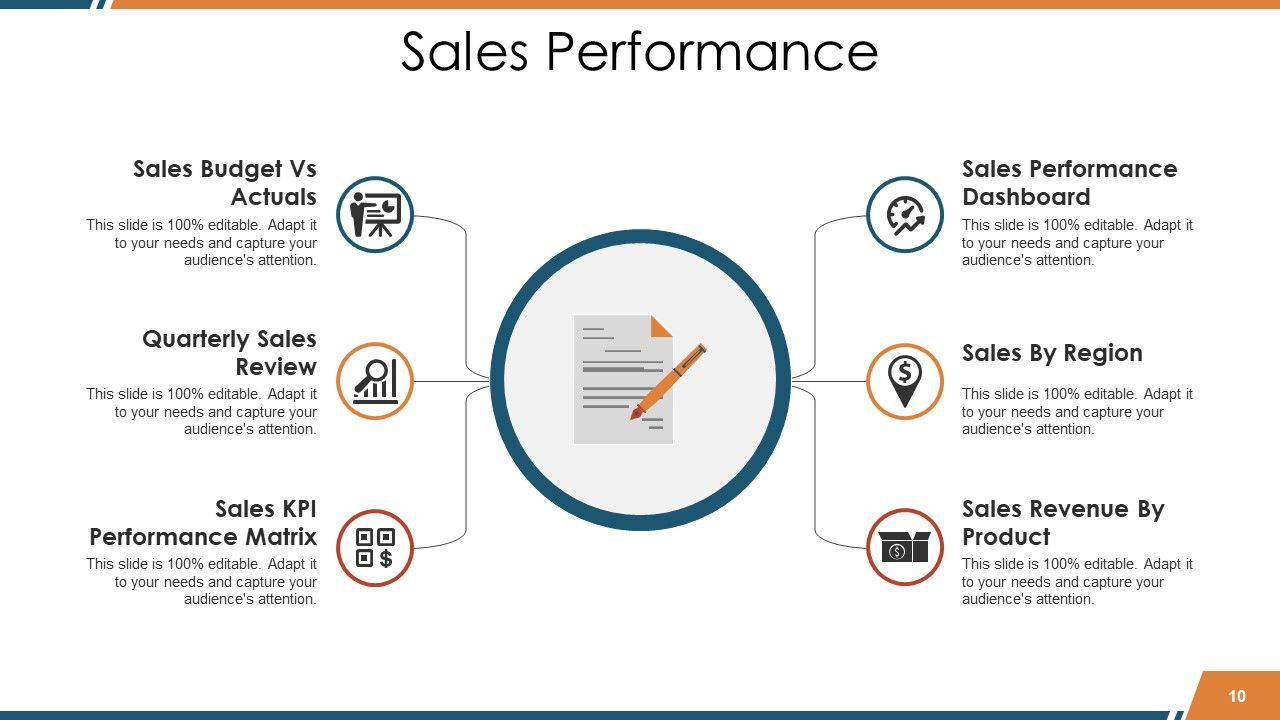
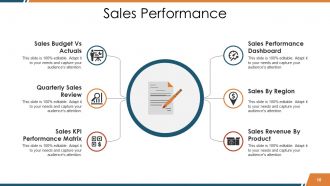
Diapositiva 10 : Esta diapositiva muestra el rendimiento de las ventas con los siguientes subtítulos: Presupuesto de ventas frente a datos reales, Revisión de ventas trimestral, Matriz de rendimiento de KPI de ventas, Panel de rendimiento de ventas, Ventas por región, Ingresos de ventas por producto.
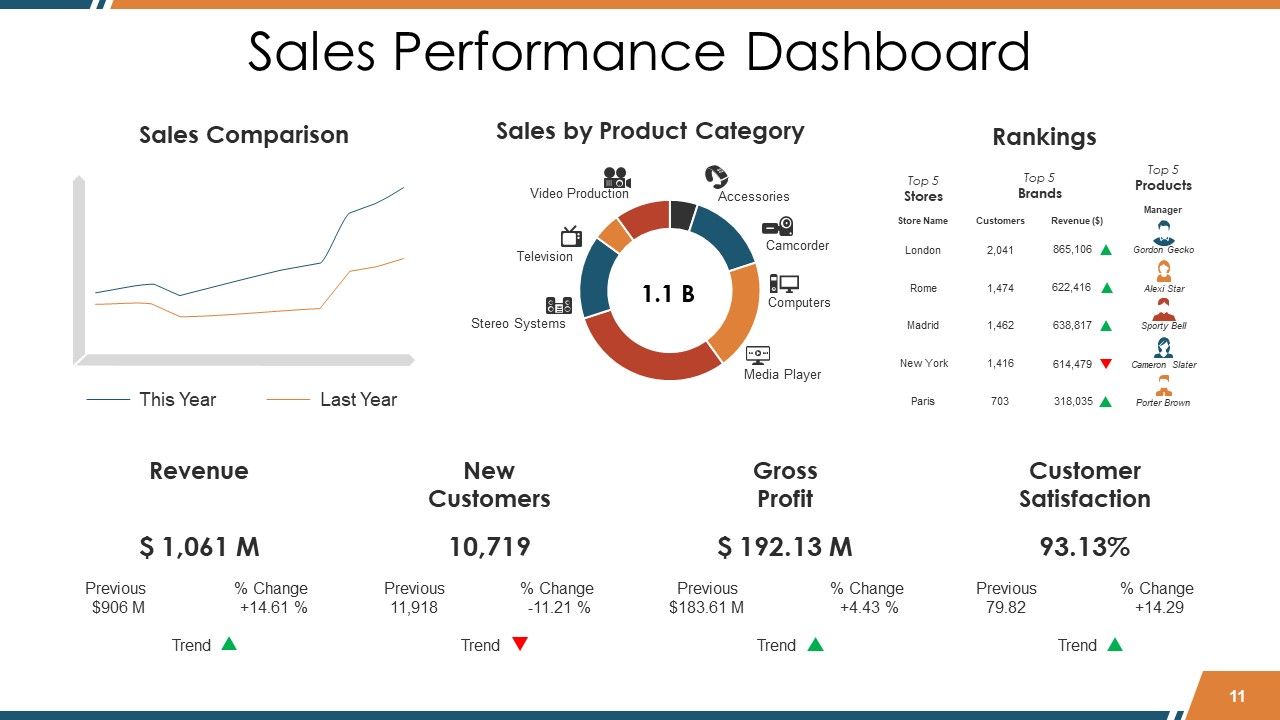
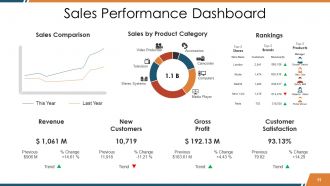
Diapositiva 11 : Esta diapositiva muestra el Panel de rendimiento de ventas en cuadros y gráficos.
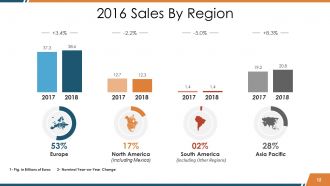
Diapositiva 12 : esta diapositiva muestra las ventas anuales por región.
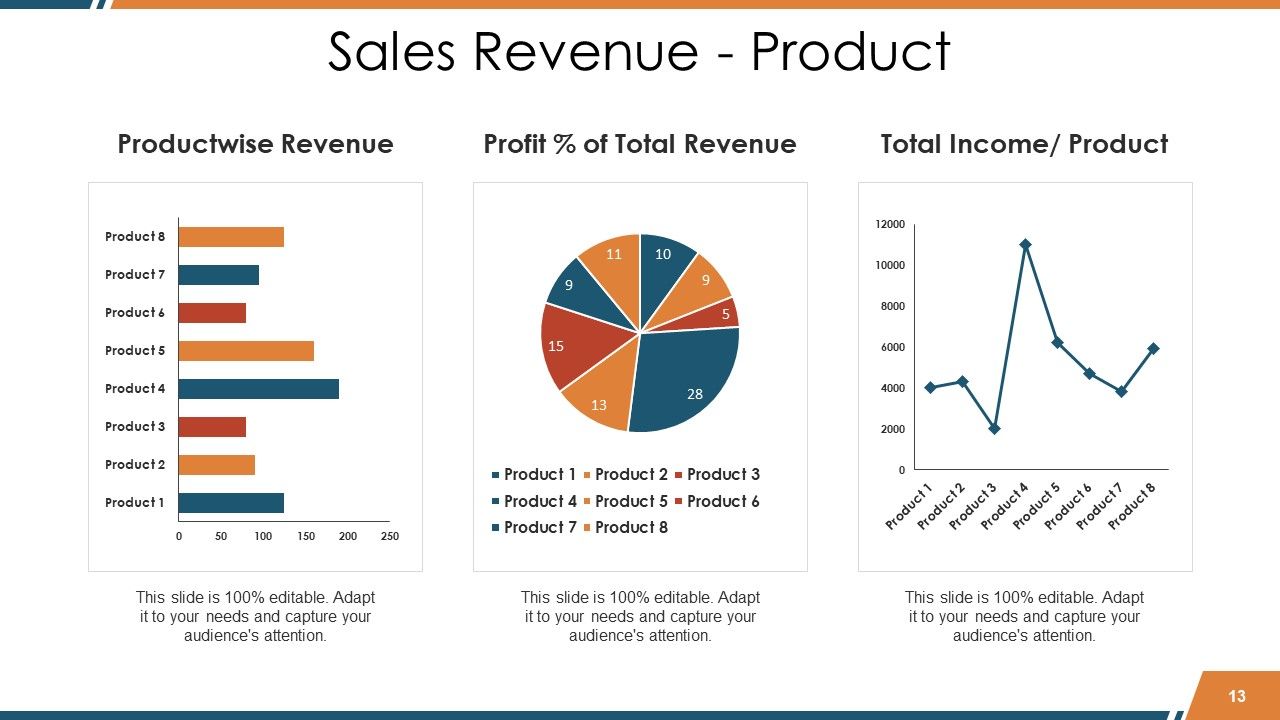
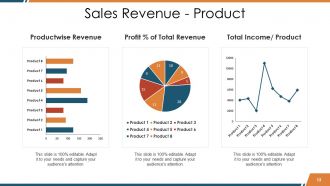
Diapositiva 13 : Esta diapositiva muestra Ingresos por ventas - Producto en tablas y gráficos que incluyen - Ingresos por producto,% de ganancias de los ingresos totales, Ingresos totales / Producto.
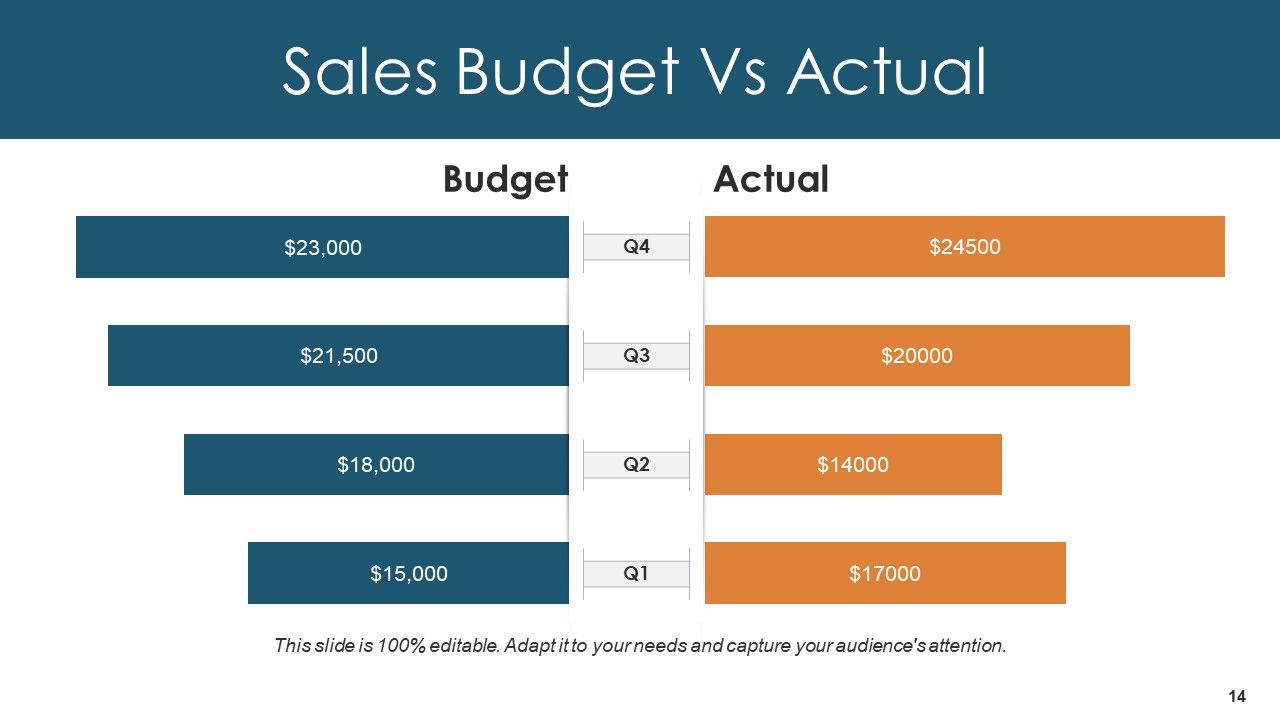
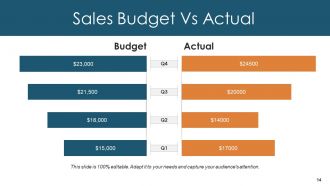
Diapositiva 14 : Esta es la diapositiva Presupuesto de ventas Vs Real en forma de gráfico de barras / gráfico para comparar estados, etc.
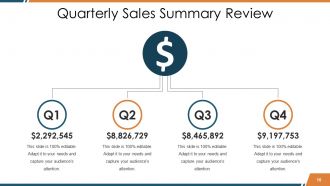
Diapositiva 15 : Esta diapositiva presenta la Revisión del resumen de ventas trimestral con los parámetros del primer, segundo, tercer y cuarto trimestre.
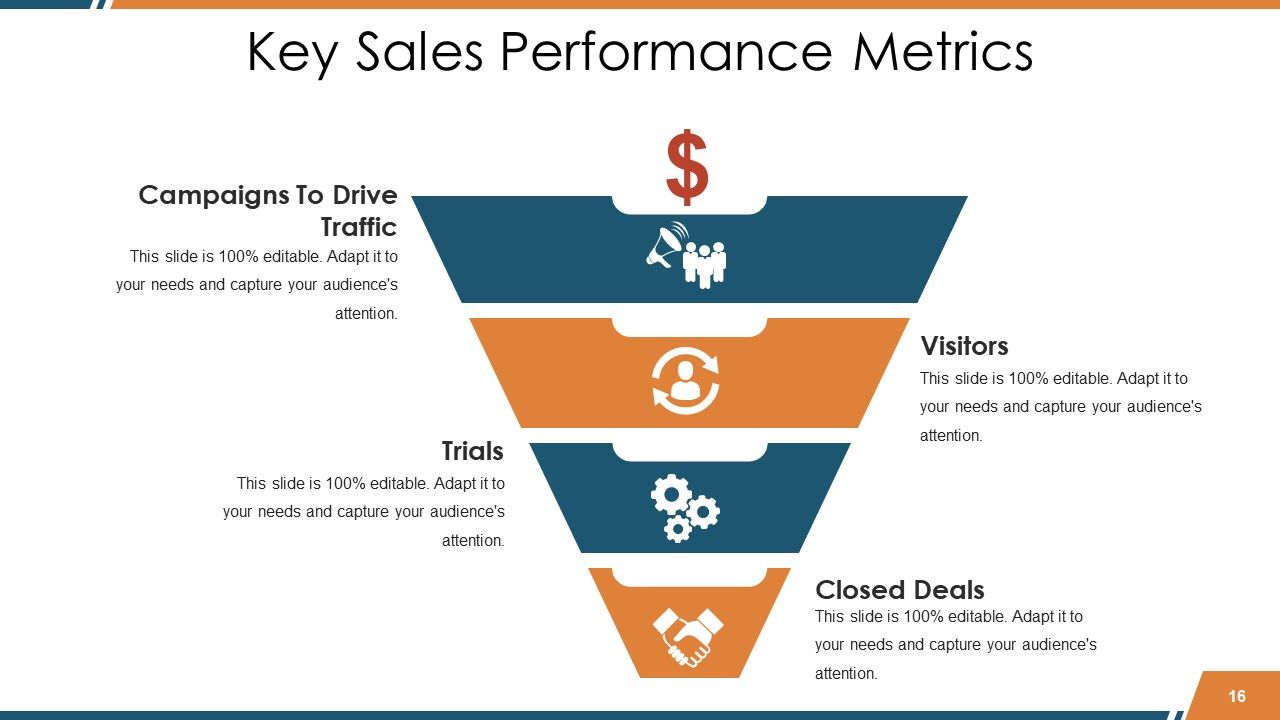
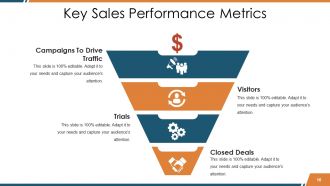
Diapositiva 16 : Esta diapositiva muestra las métricas clave de rendimiento de ventas en forma de embudo con cuatro niveles. Estos niveles incluyen: campañas para generar tráfico, visitantes, pruebas, acuerdos cerrados.
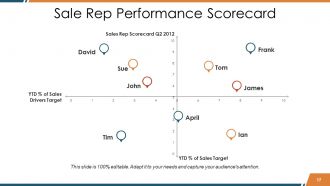
Diapositiva 17 : Esta diapositiva muestra el Cuadro de mando del desempeño del representante de ventas en forma de matriz.
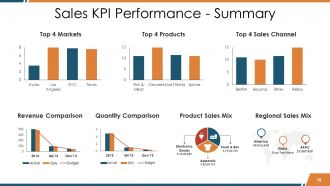
Diapositiva 18 : Este es el rendimiento de KPI de ventas: diapositiva de resumen en cuadros y gráficos que representan: los 4 mercados principales, los 4 productos principales, los 4 canales de ventas principales, la comparación de cantidades, la comparación de ingresos, la combinación de ventas de productos, la combinación de ventas regionales.
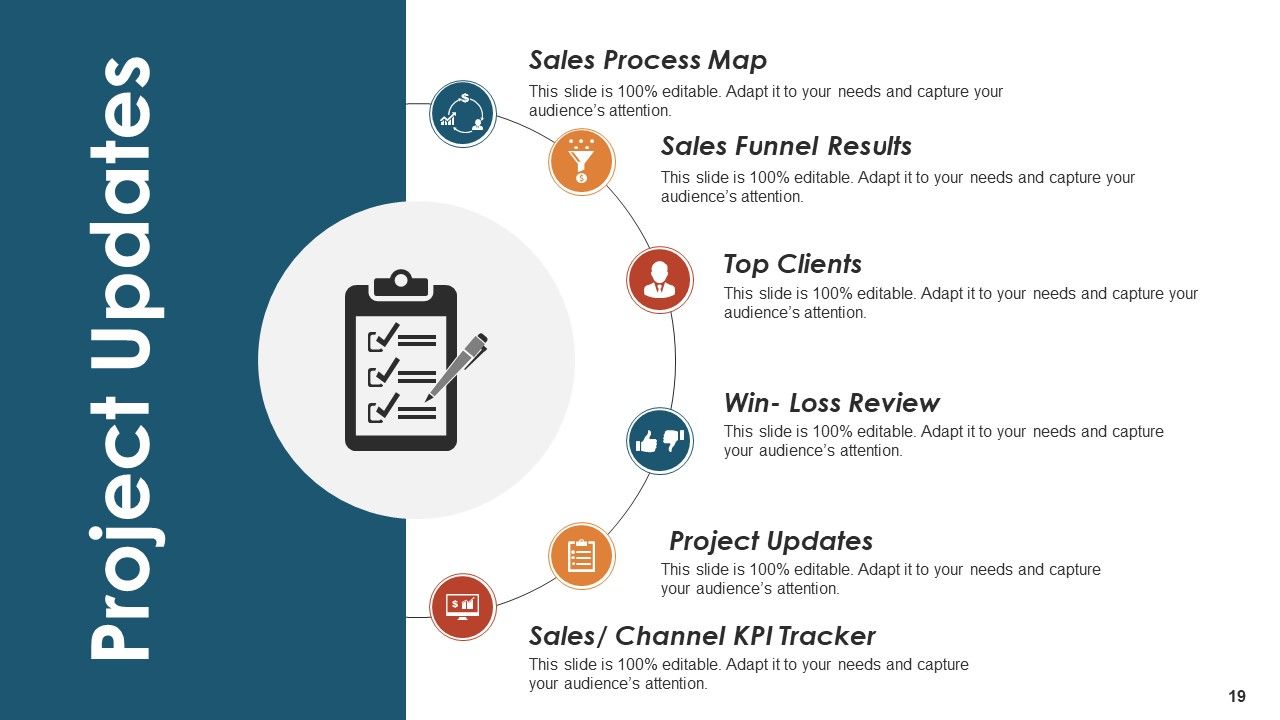
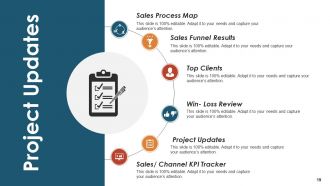
Diapositiva 19 : Esta diapositiva presenta Actualizaciones del proyecto con: Mapa del proceso de ventas, Resultados del embudo de ventas, Clientes principales, Revisión de pérdidas y ganancias, Actualizaciones del proyecto, Seguimiento de KPI de canales / ventas.
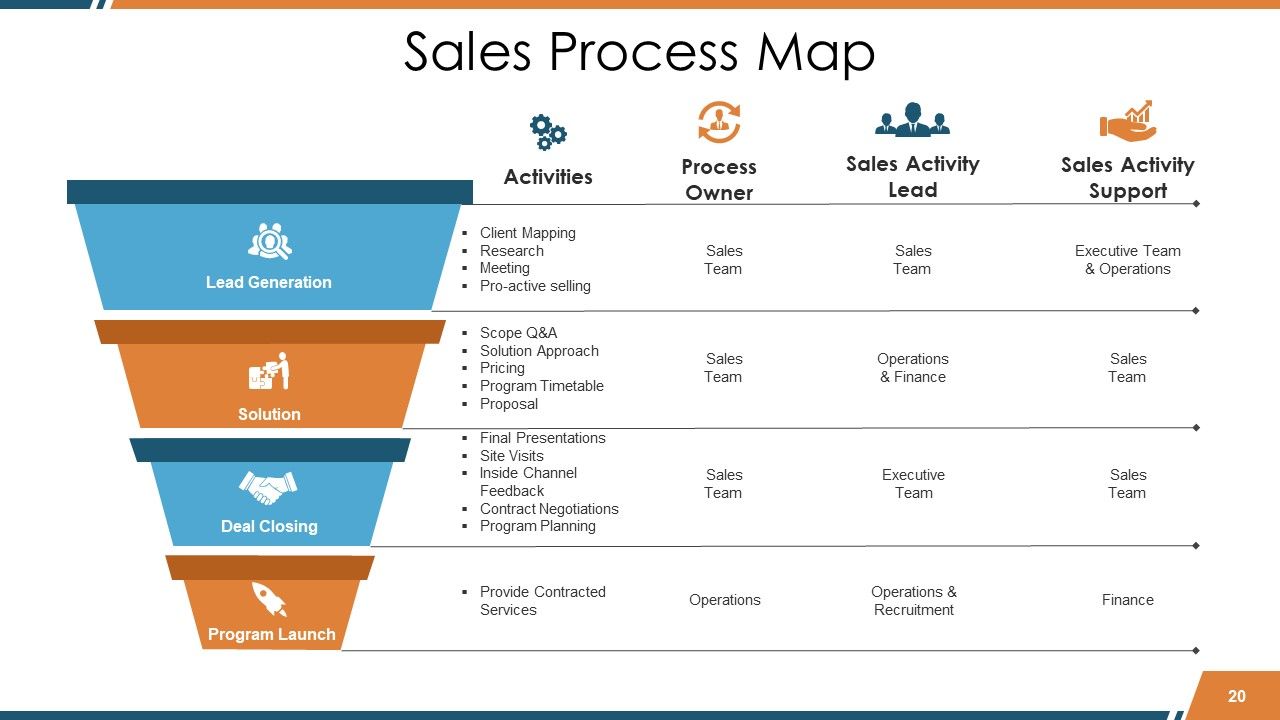
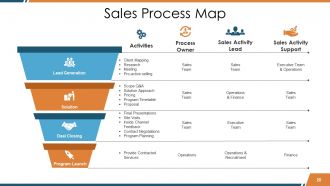
Diapositiva 20 : Esta diapositiva muestra el Mapa del proceso de ventas en forma de imagen de embudo que consta de 4 niveles que incluyen: Solución, Generación de clientes potenciales, Lanzamiento del programa, Cierre del trato. Hemos categorizado las cuatro categorías más comunes solo para dar una idea básica que usted puede modificar según sus necesidades.
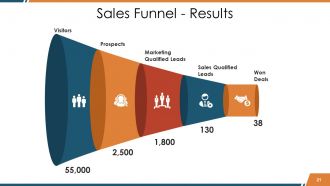
Diapositiva 21 : Esta es la diapositiva de resultados del embudo de ventas.
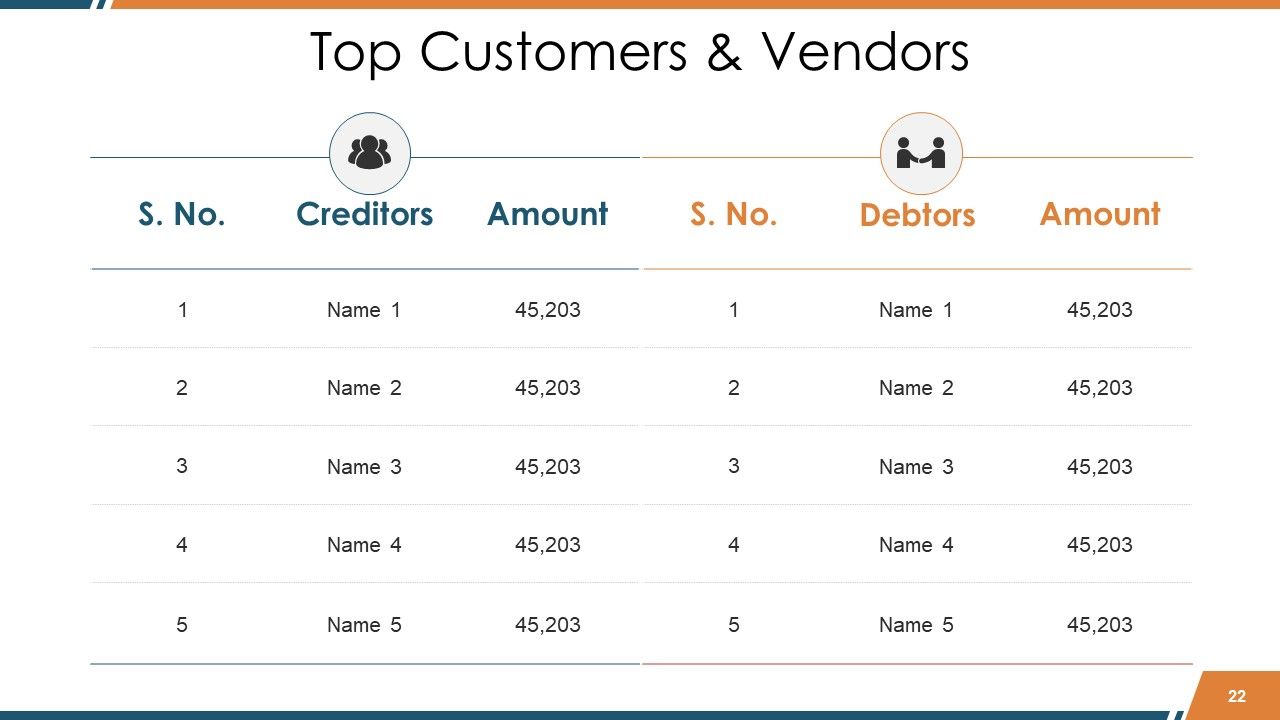
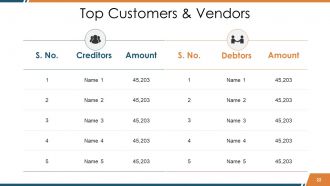
Diapositiva 22 : esta diapositiva muestra los principales clientes y proveedores en forma de tabla. Indíquelos aquí.
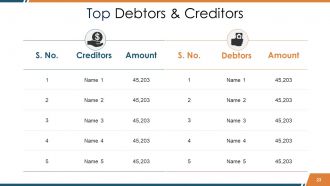
Diapositiva 23 : Esta diapositiva presenta a los principales deudores y acreedores en forma de tabla.
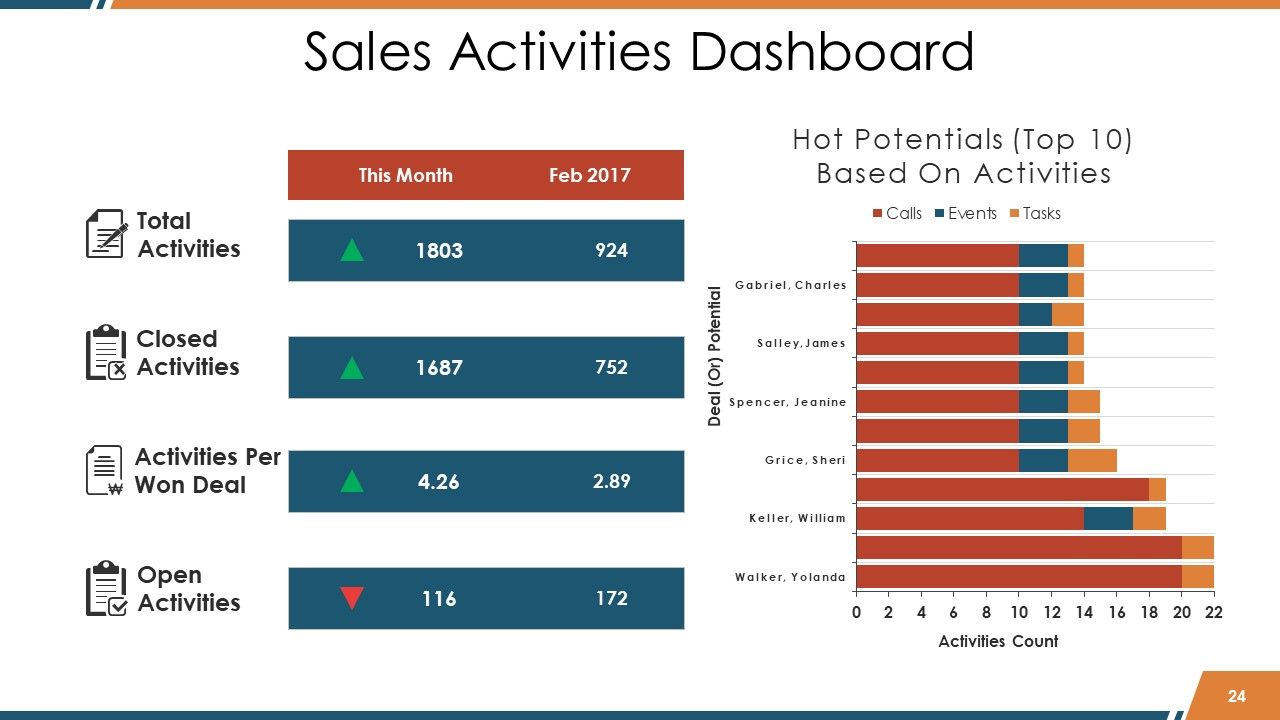
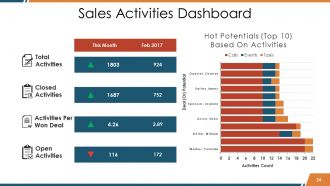
Diapositiva 24 : Esta diapositiva muestra el Panel de actividades de ventas que incluye: Actividades cerradas, Actividades totales, Actividades por acuerdo ganado, Actividades abiertas.
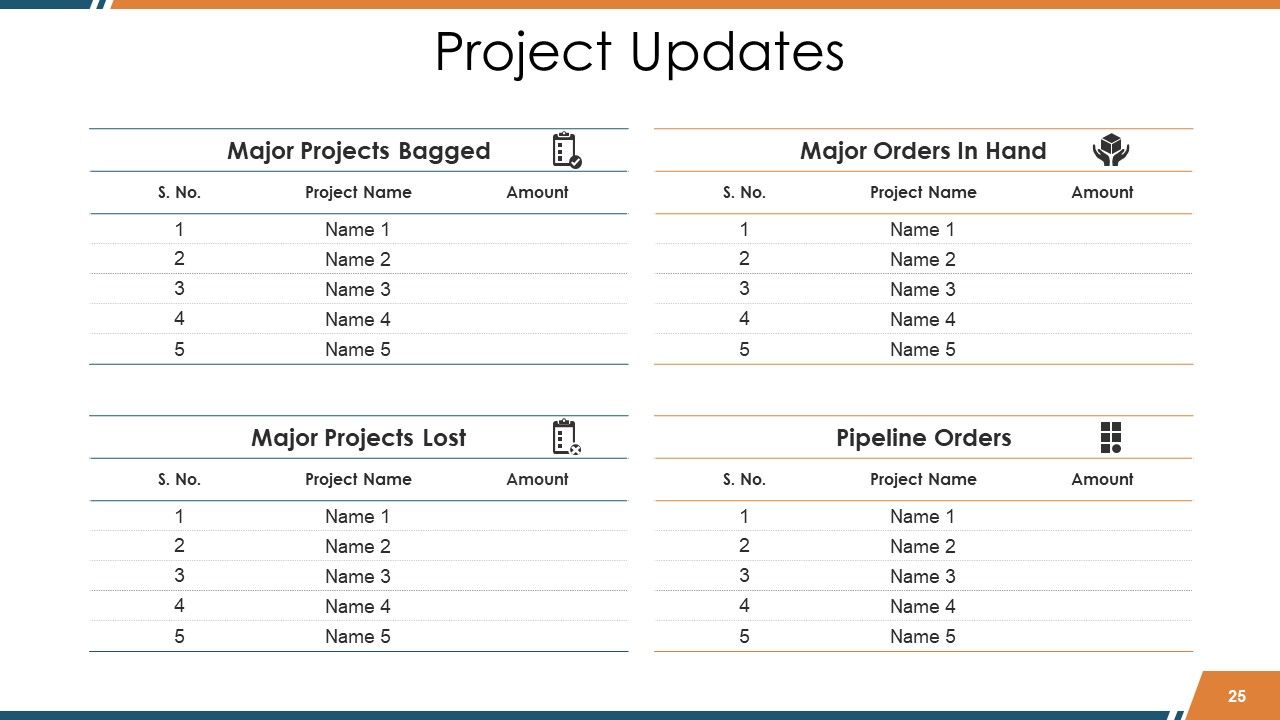
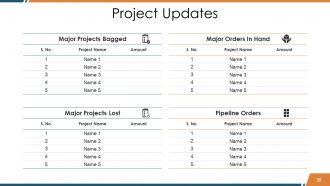
Diapositiva 25 : esta diapositiva presenta las actualizaciones del proyecto.
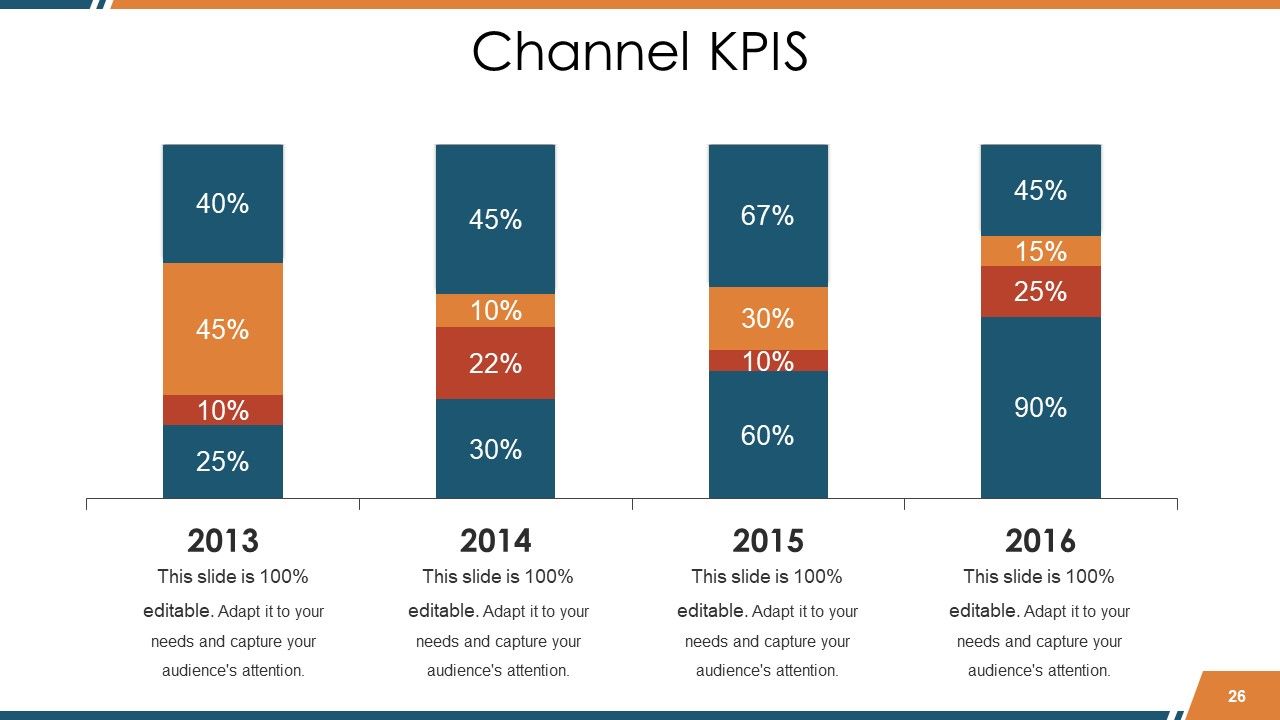
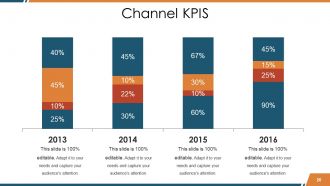
Diapositiva 26 : Esta diapositiva presenta el canal KPIS en forma de gráfico de barras.
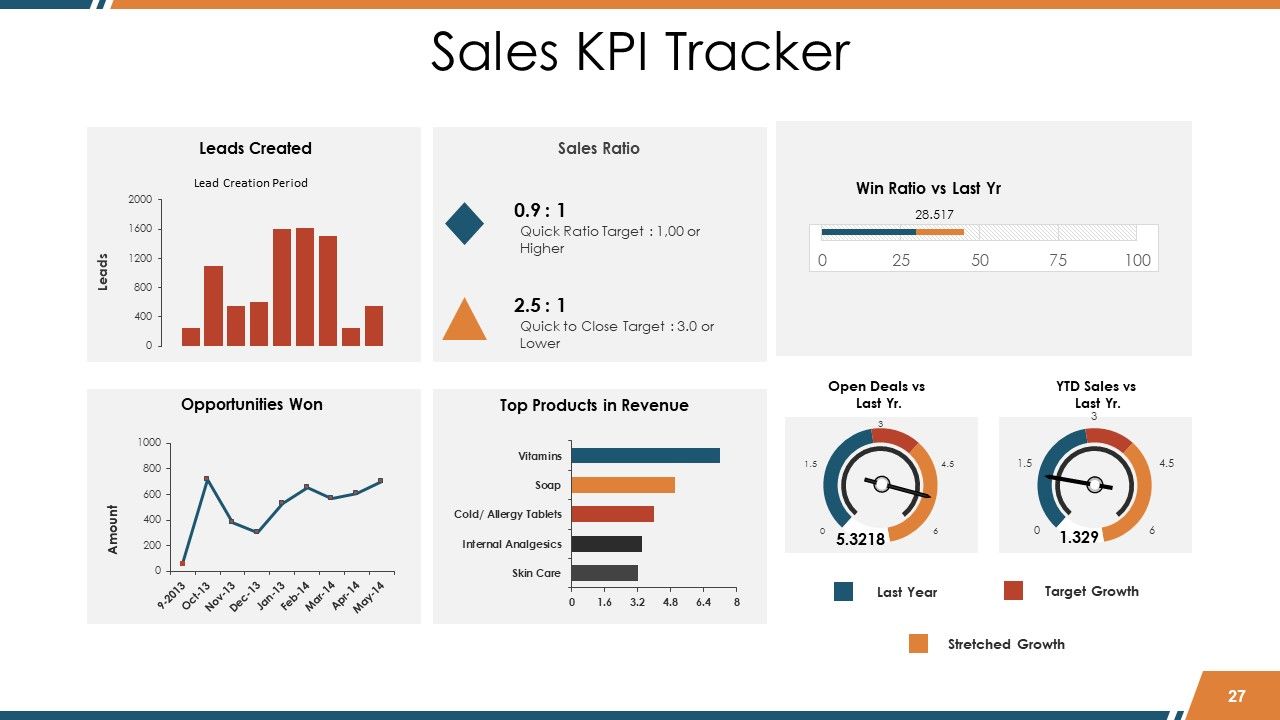
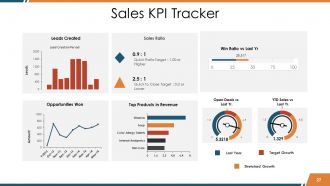
Diapositiva 27 : Esta diapositiva muestra el Seguimiento de KPI de ventas en tablas y gráficos.
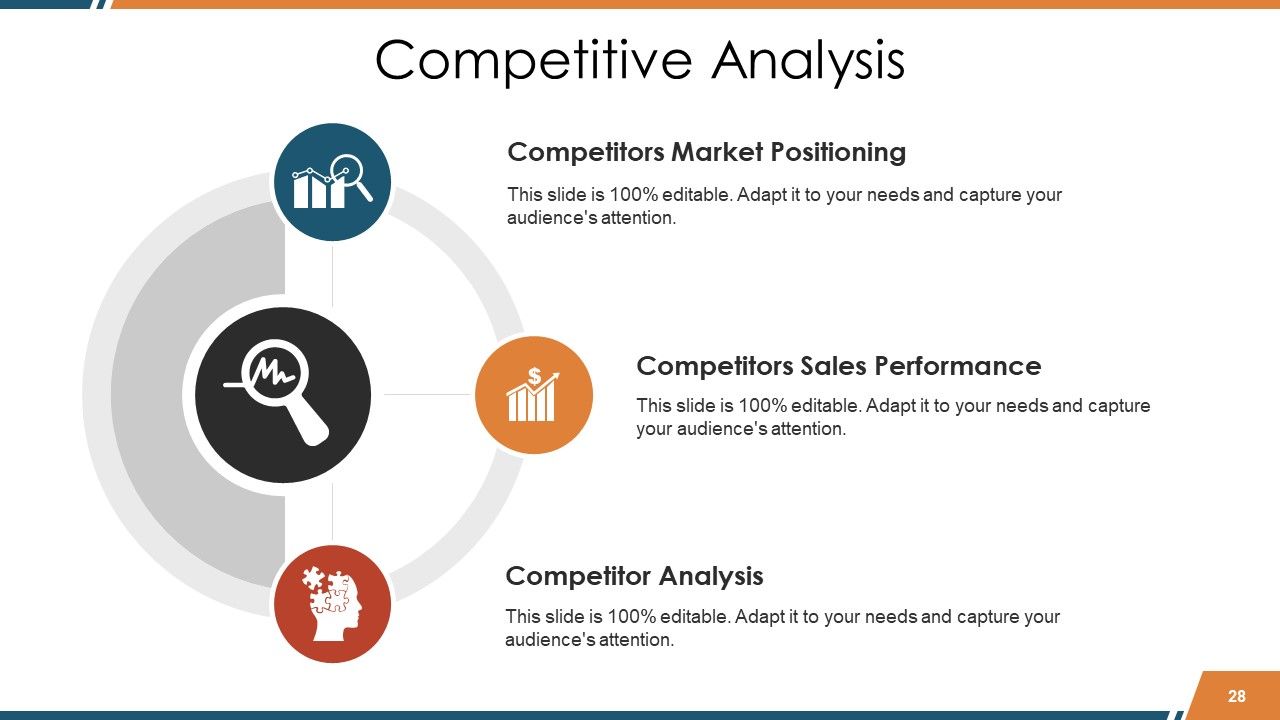
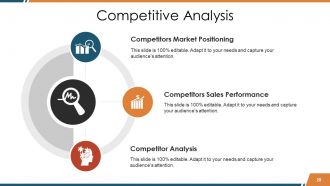
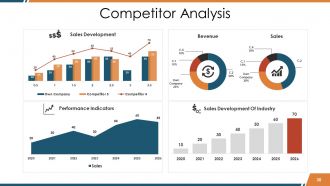
Diapositiva 28 : esta diapositiva presenta el análisis competitivo con iconos. Esto incluye: posicionamiento en el mercado de la competencia, análisis de la competencia, desempeño de ventas de la competencia.
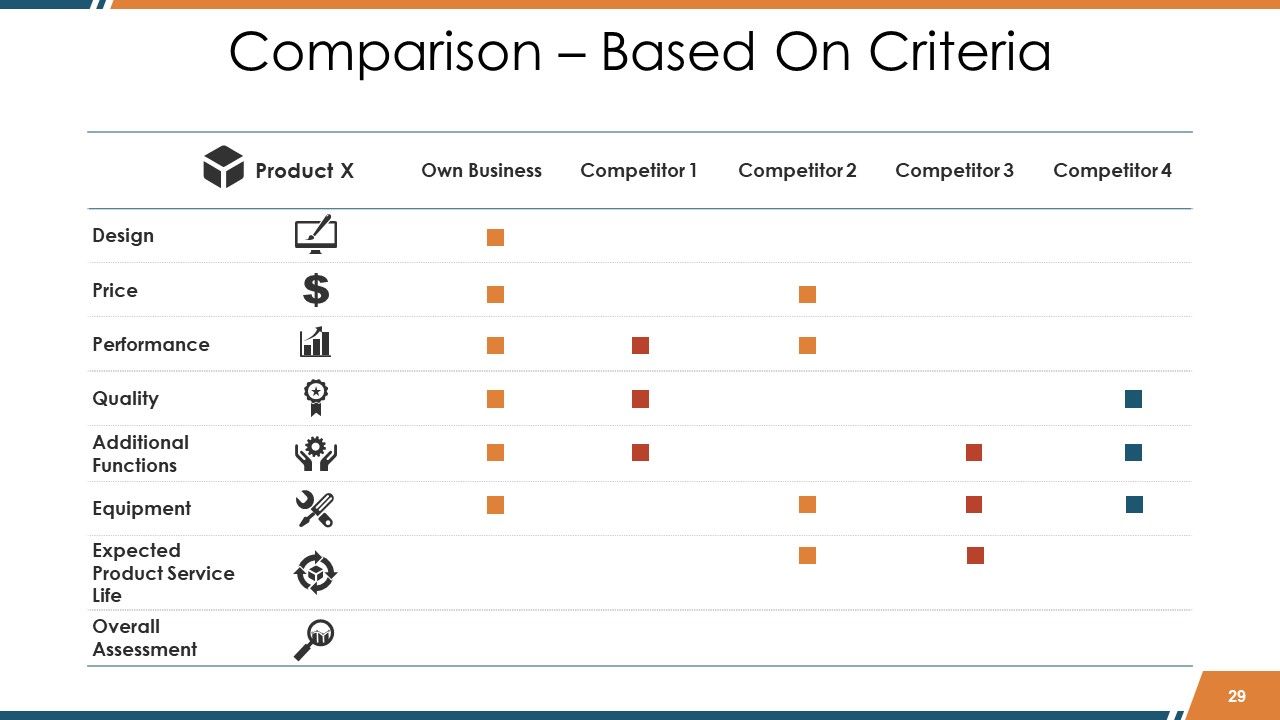
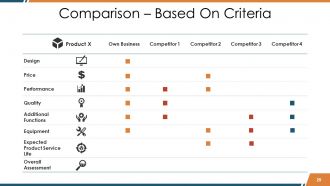
Diapositiva 29 : Esta es la diapositiva Comparación - Basado en criterios.
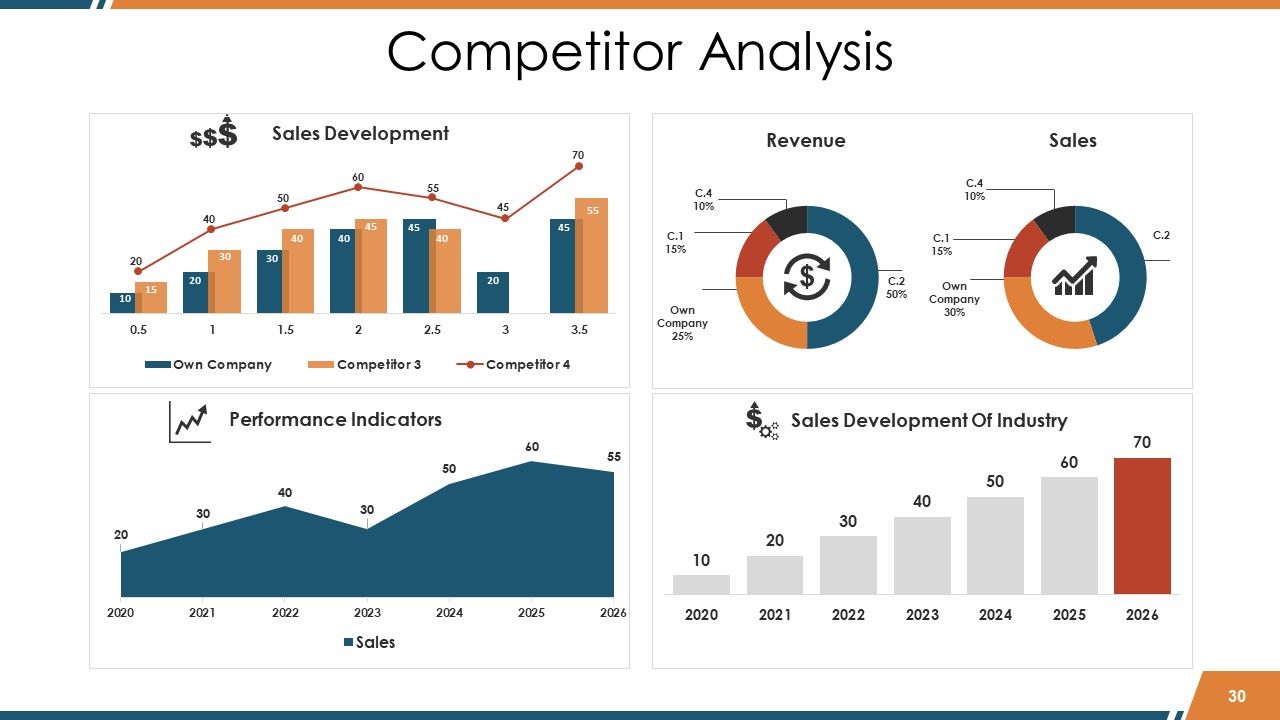
Diapositiva 30 : Esta diapositiva muestra el Análisis de la competencia en cuadros y gráficos.
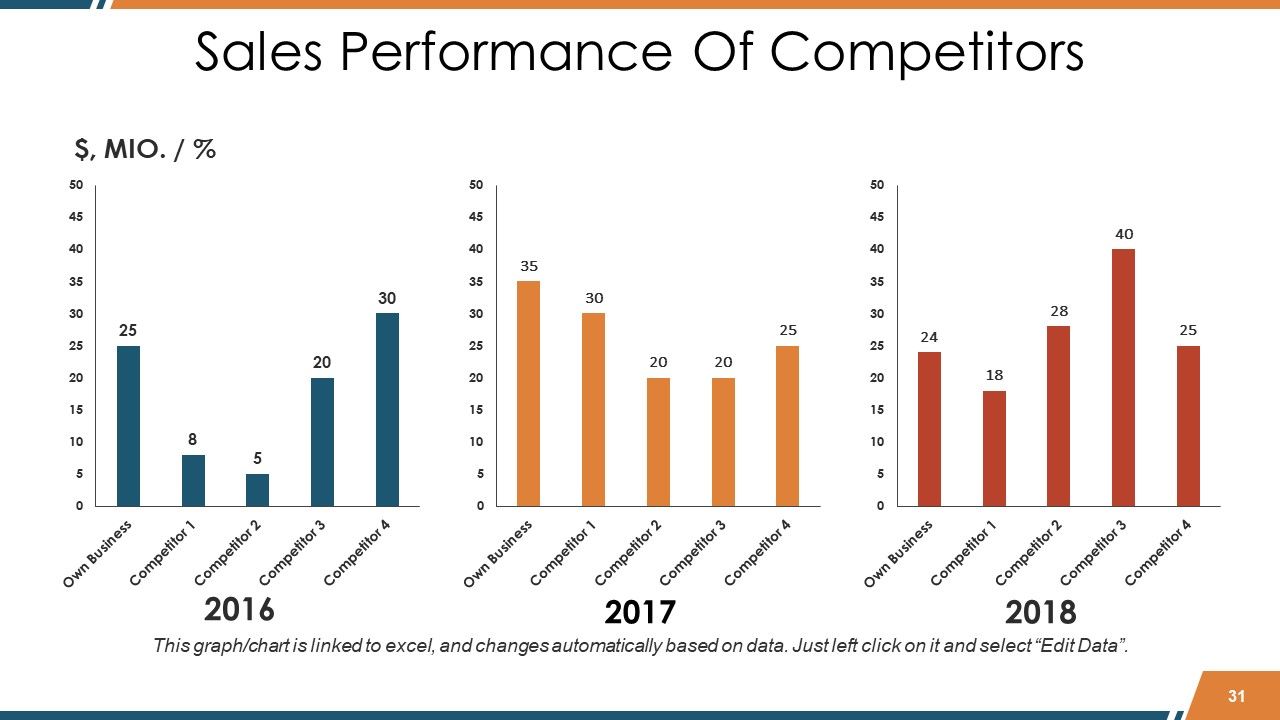
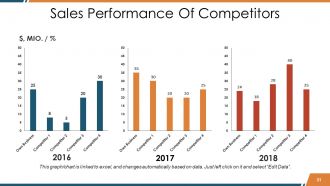
Diapositiva 31 : Esta diapositiva muestra el desempeño de ventas de los competidores en forma de gráfico de barras.
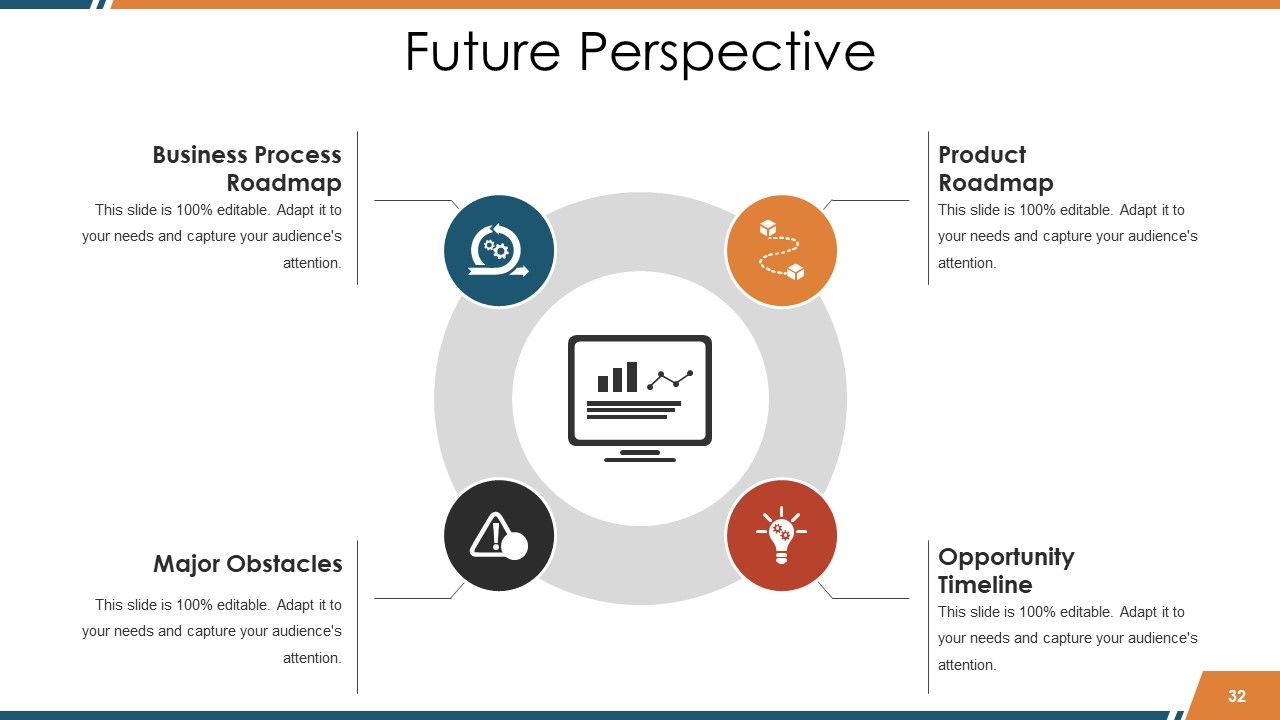
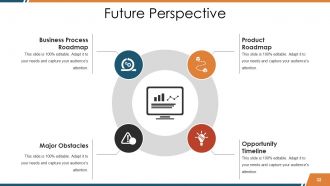
Diapositiva 32 : Esta es la diapositiva de Perspectiva del futuro en forma de imagen circular. Esto muestra lo siguiente: Hoja de ruta de procesos comerciales, Obstáculos principales, Hoja de ruta del producto, Cronograma de oportunidades.
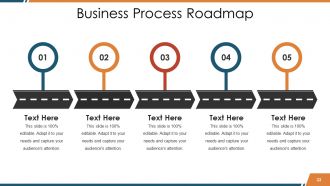
Diapositiva 33 : Esta diapositiva muestra la hoja de ruta del proceso empresarial para indicar información, hitos, etc.
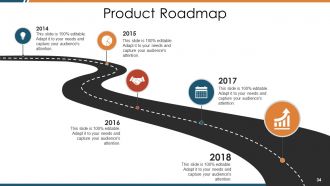
Diapositiva 34 : Esta diapositiva también muestra la hoja de ruta del producto.
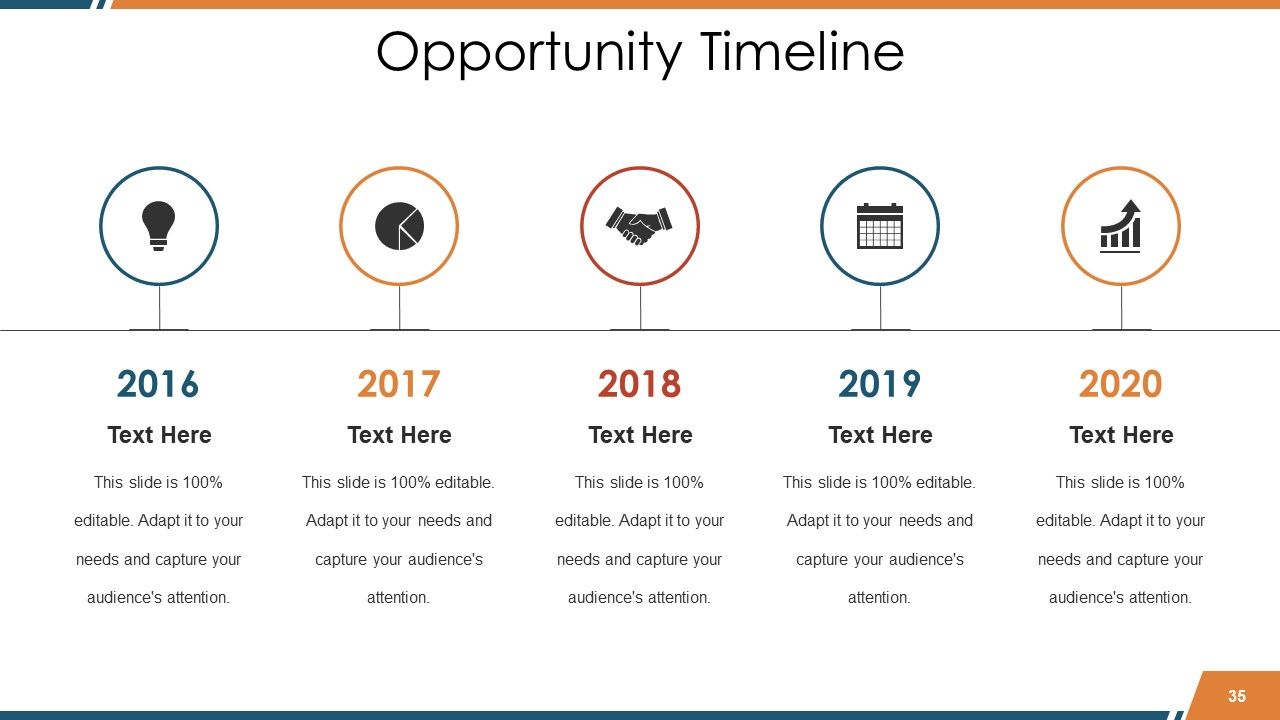
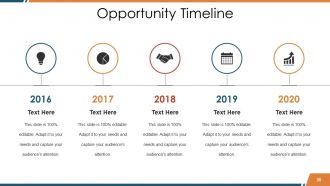
Diapositiva 35 : Esta es una diapositiva de la Línea de tiempo de oportunidades para indicar oportunidades, logros, etc.
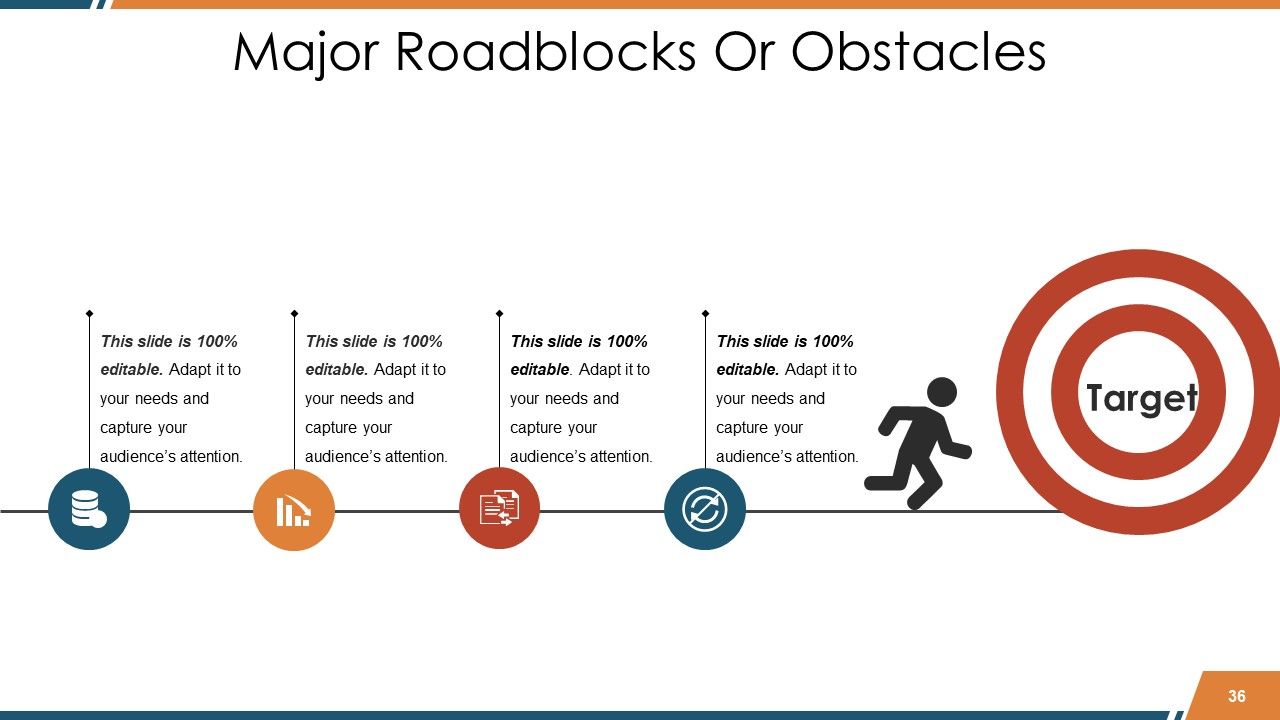
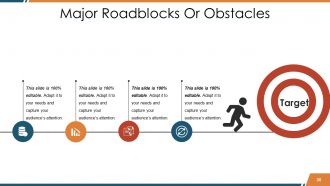
Diapositiva 36 : Esta diapositiva muestra los principales obstáculos u obstáculos en las siluetas de las personas y en la forma de imágenes de destino.
Diapositiva 37 : Estas son las diapositivas de iconos de informes de ventas que muestran varios iconos. Utilice / edite según sea necesario.
Diapositiva 38 : También se trata de las diapositivas de iconos de informes de ventas.
Diapositiva 39 : Esta es una diapositiva de imagen de Coffee Break para detener. Puede cambiarlo según los requisitos.
Diapositiva 40 : esta diapositiva se titula Cuadros y gráficos para avanzar. Cambiar / alterar la imagen según sea necesario.
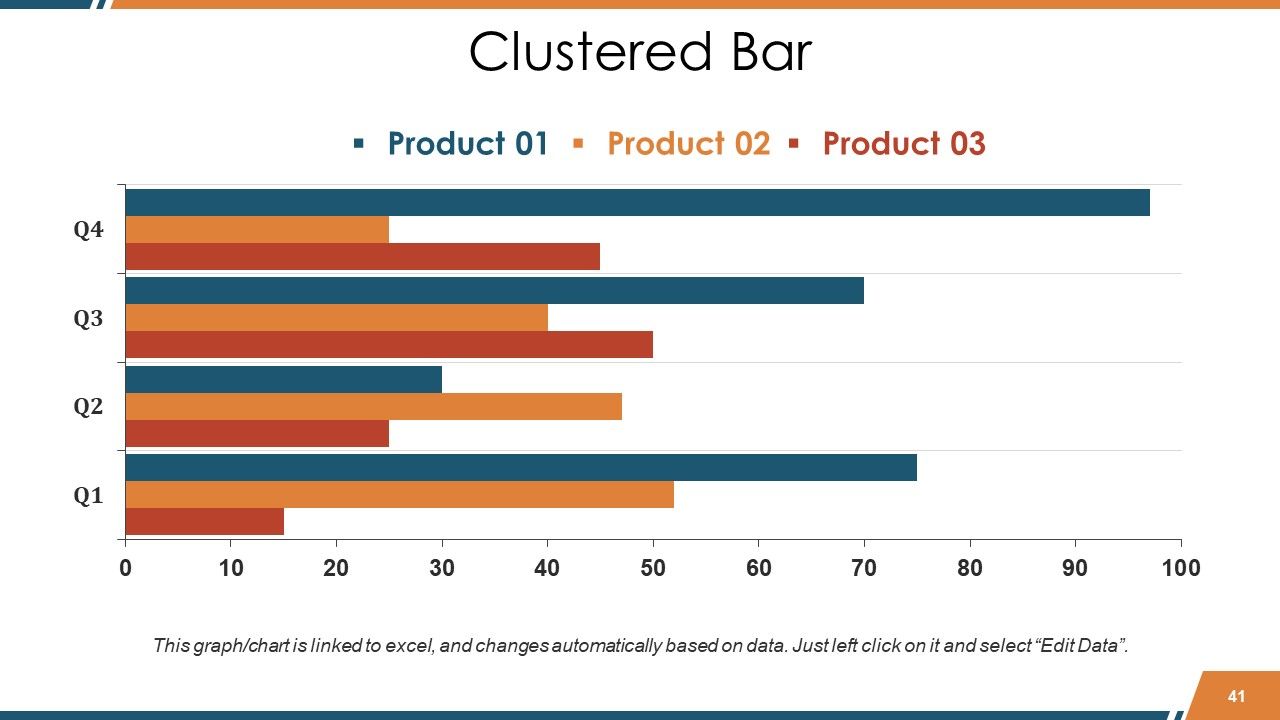
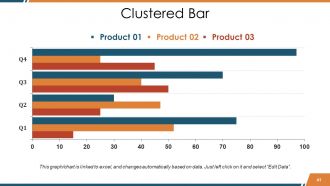
Diapositiva 41 : Esta es una diapositiva de gráfico / gráfico de barras agrupadas para presentar la comparación de productos / entidades, especificaciones, etc.
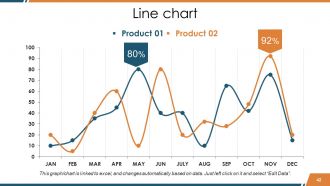
Diapositiva 42 : Este es un gráfico de líneas para presentar la comparación de productos / entidades, especificaciones, etc.
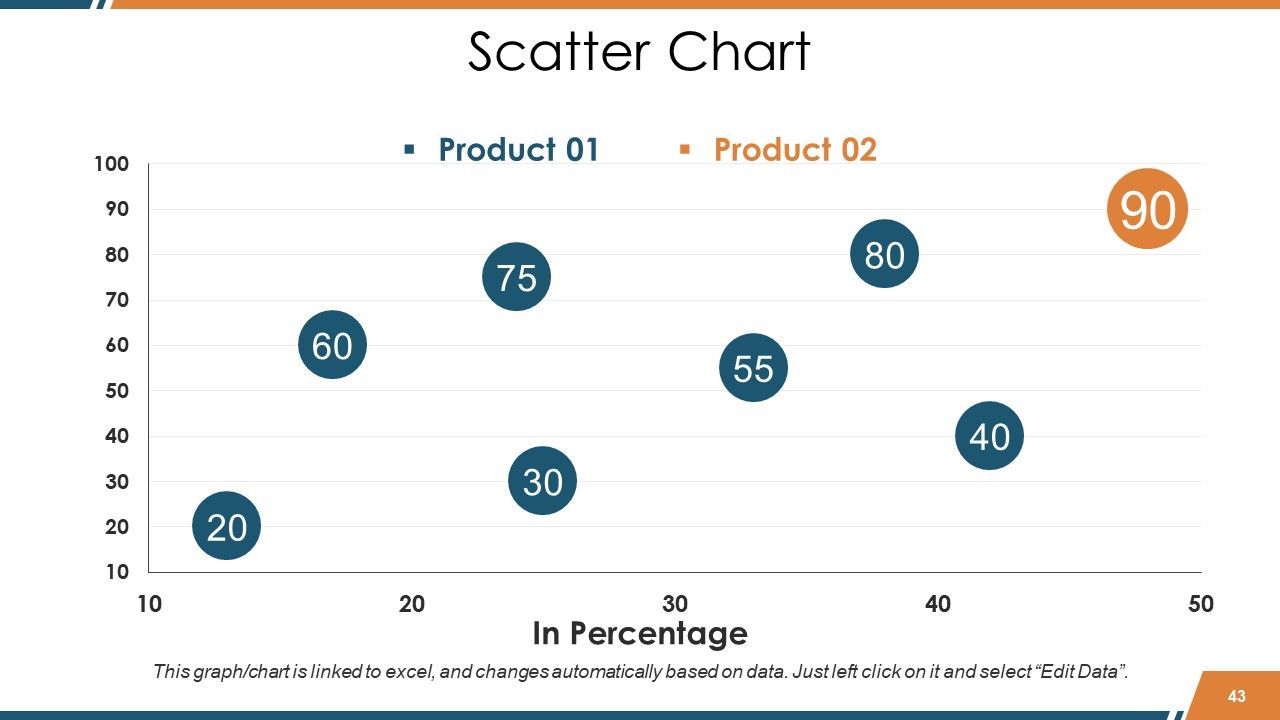
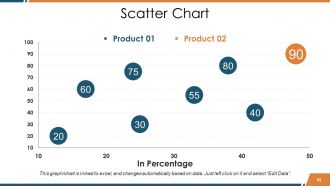
Diapositiva 43 : Esta diapositiva presenta un gráfico de dispersión para establecer la comparación de productos / entidades, especificaciones, etc.
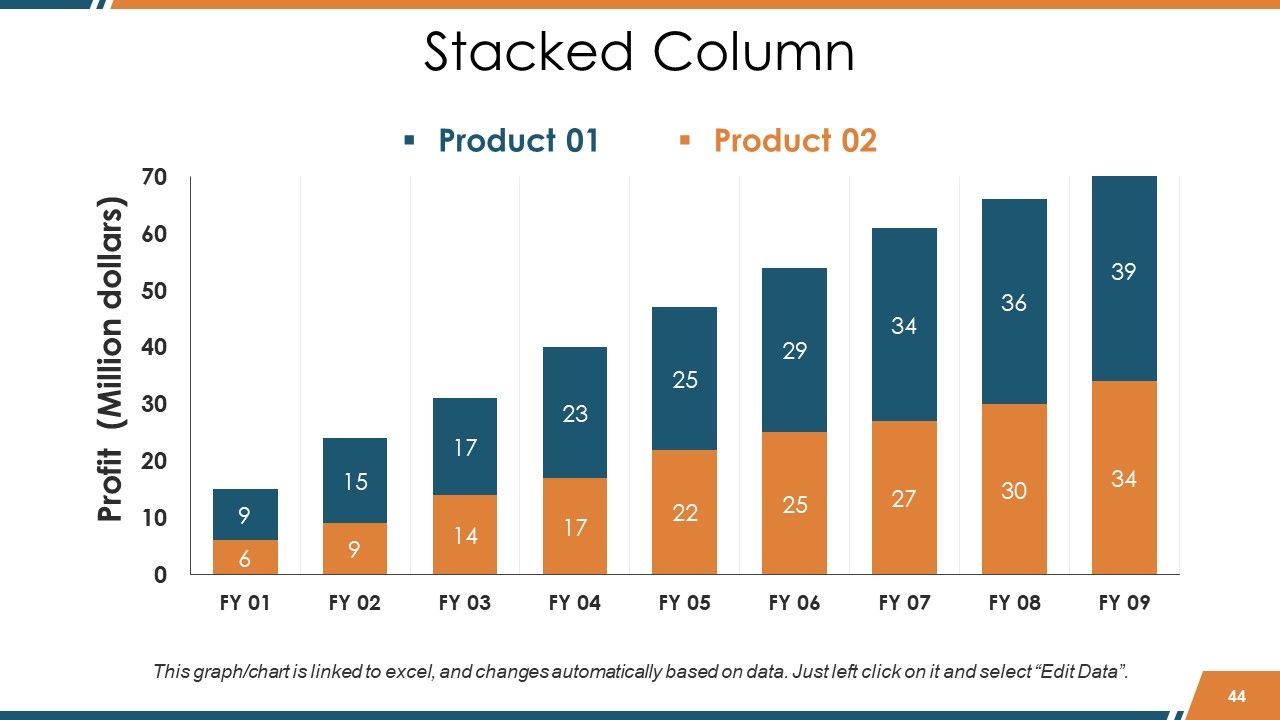
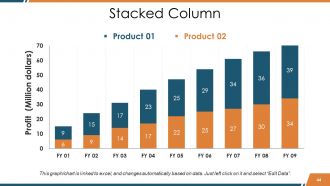
Diapositiva 44 : Esta es una diapositiva de columna apilada para indicar el producto 01, la comparación del producto 02, información, etc.
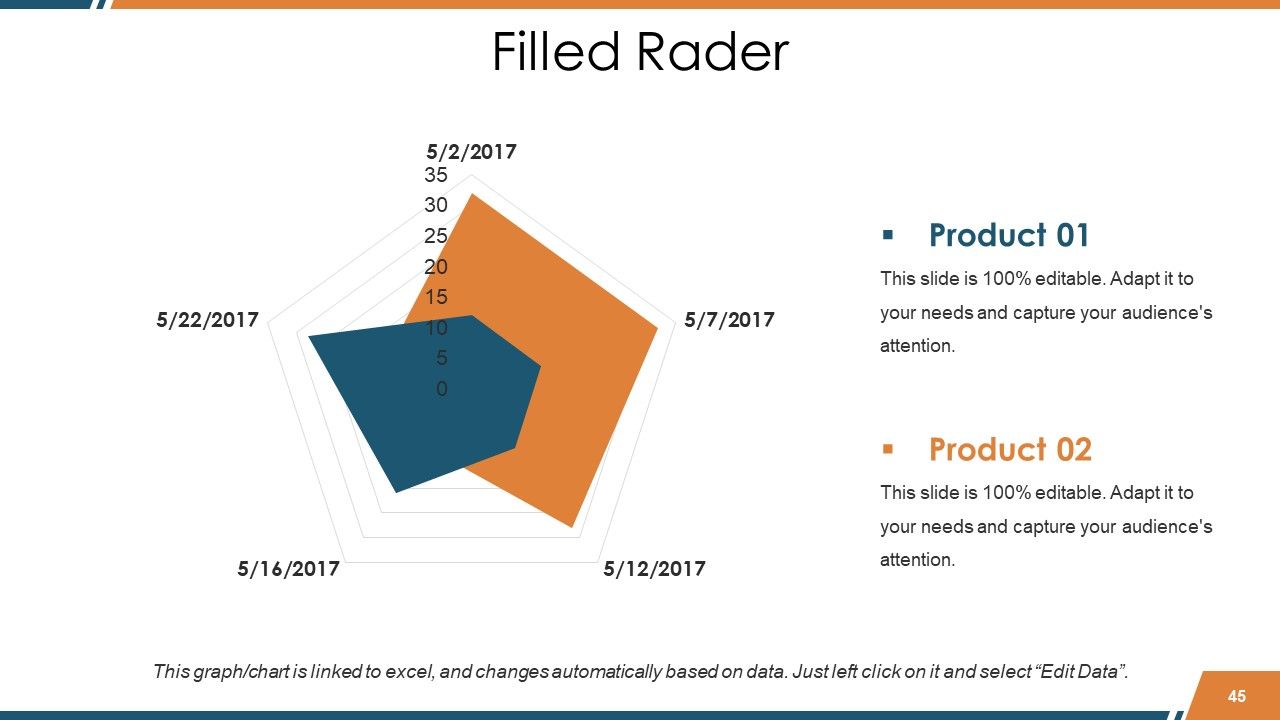
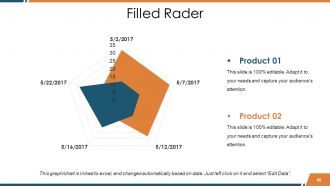
Diapositiva 45 : Esta es una diapositiva de gráfico / gráfico de radar completo para indicar el producto 01, la comparación del producto 02, información, etc.
Diapositiva 46 : esta diapositiva se titula Diapositivas adicionales. Puede cambiar el contenido de la diapositiva según sus necesidades.
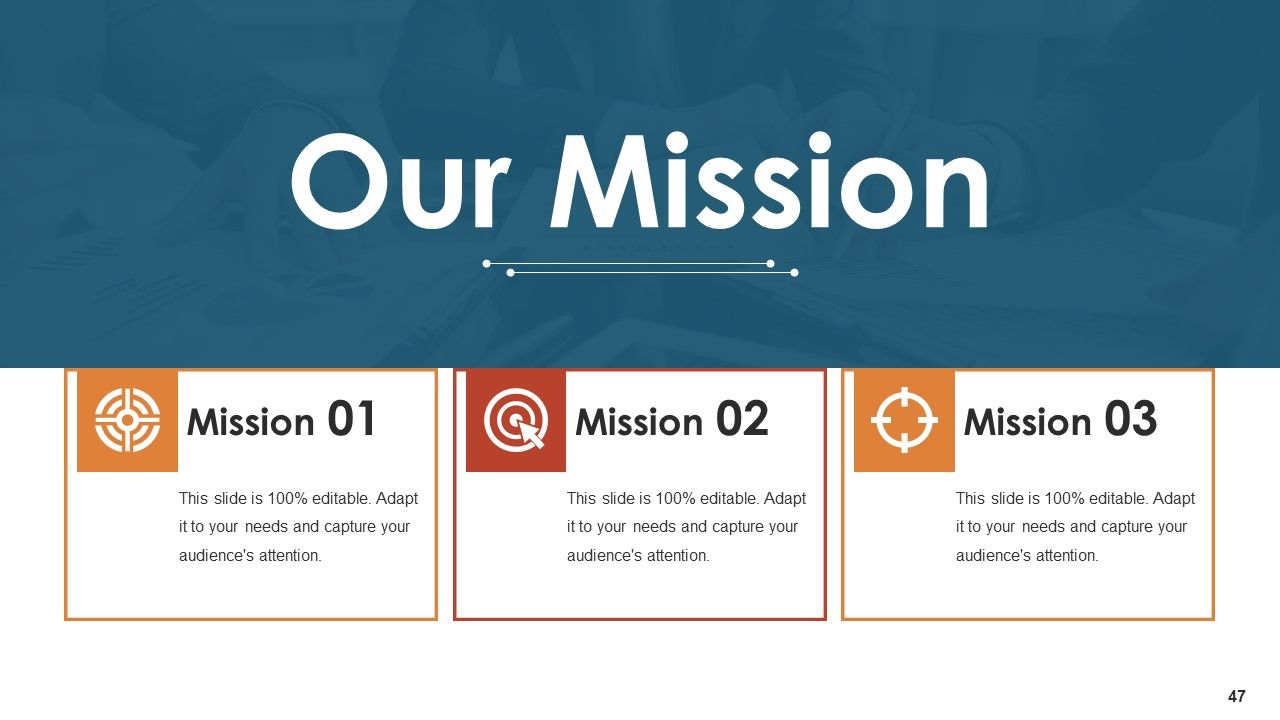
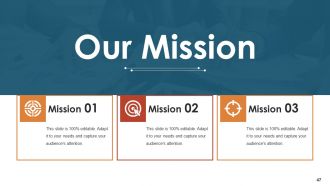
Diapositiva 47 : Esta diapositiva contiene Nuestra misión con cuadros de texto para indicar.
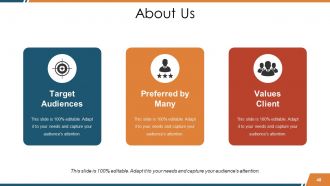
Diapositiva 48 : Esta es una diapositiva Acerca de nosotros. Indique aquí las especificaciones de la empresa o el equipo.
Diapositiva 49 : Esta es una diapositiva de Cotizaciones comerciales para citar algo en lo que cree.
Diapositiva 50 : Esta diapositiva muestra nuestro objetivo principal. Indique sus metas aquí.
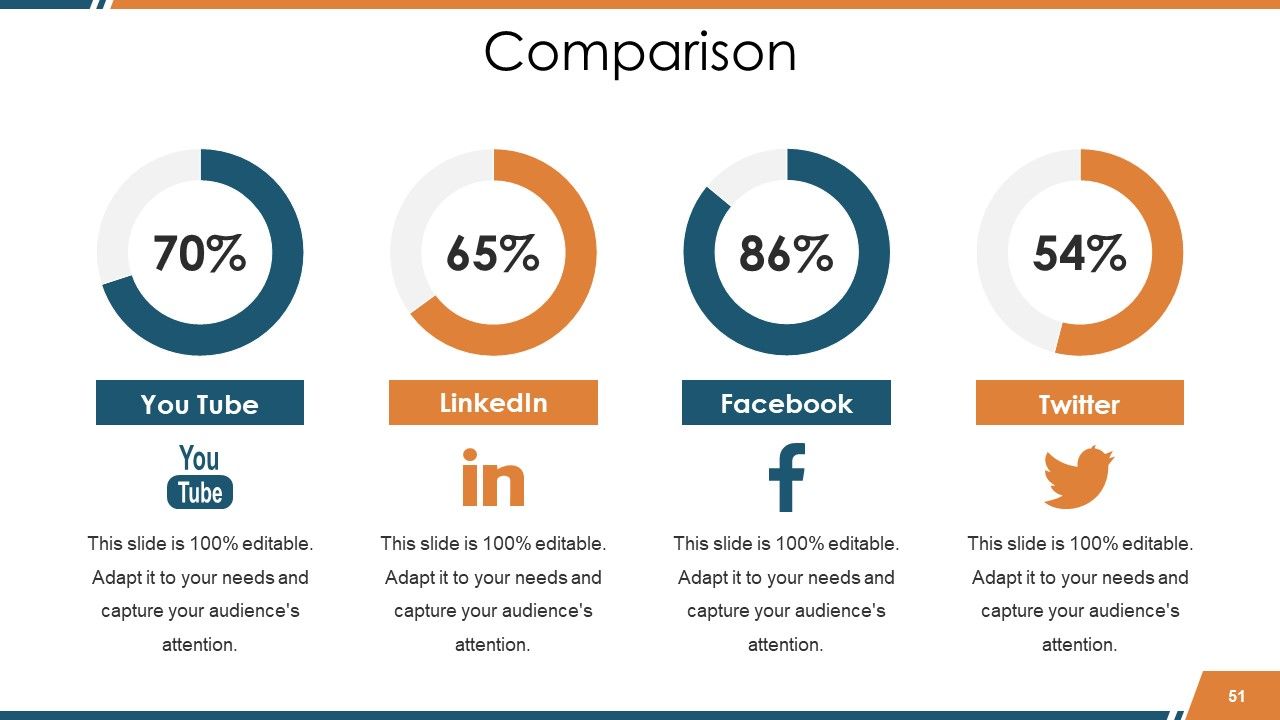
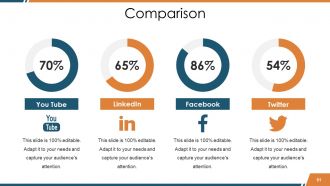
Diapositiva 51 : Esta es una diapositiva de comparación. Compare diferentes aspectos aquí.
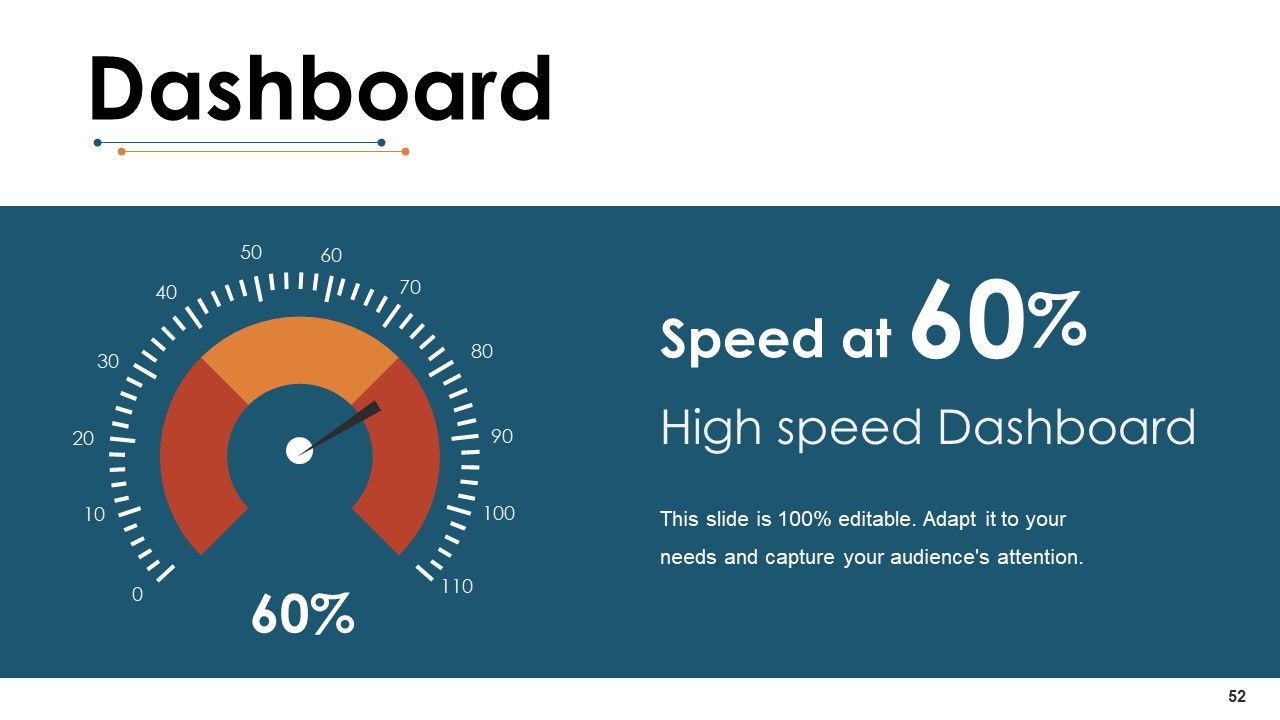
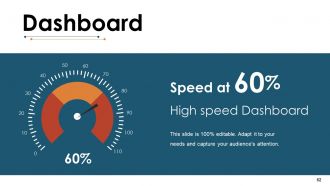
Diapositiva 52 : Esta es la diapositiva del Panel para mostrar información en porcentajes, etc.
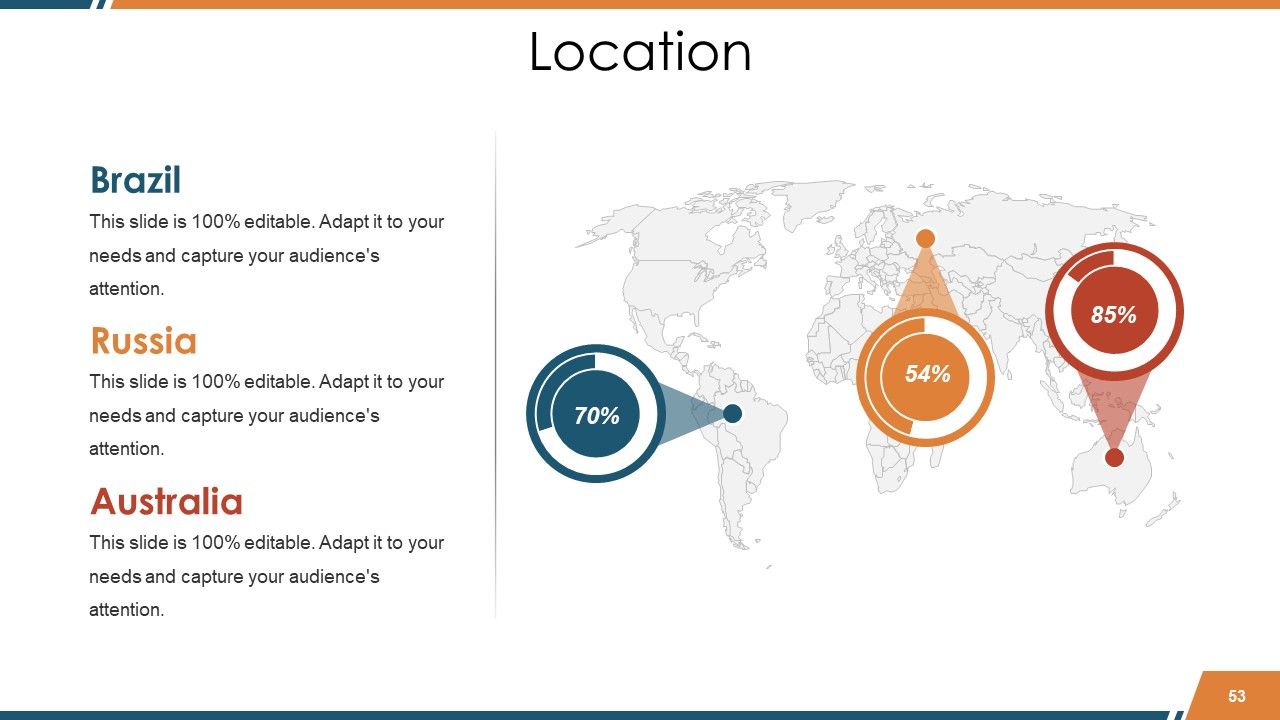
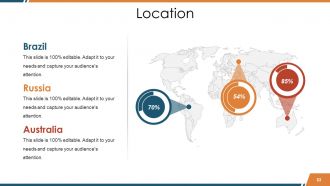
Diapositiva 53 : esta diapositiva muestra las ubicaciones con un mapa del mundo y cuadros de texto para hacerlo más explícito.
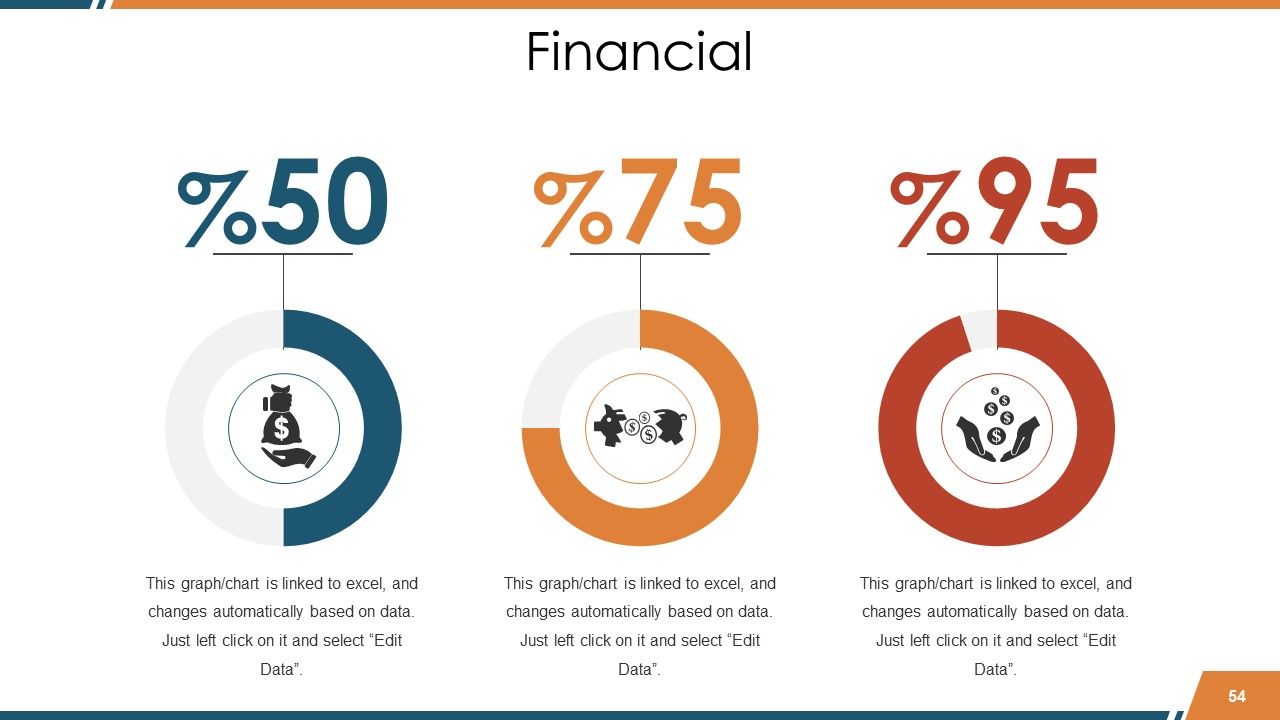
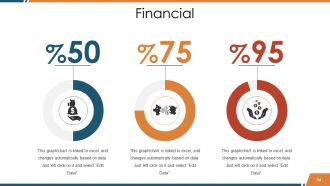
Diapositiva 54 : Esta es una diapositiva de puntuación financiera. Indique aquí los aspectos financieros, etc.
Diapositiva 55 : Esta es una diapositiva de imagen de rompecabezas para mostrar información, especificaciones, etc.
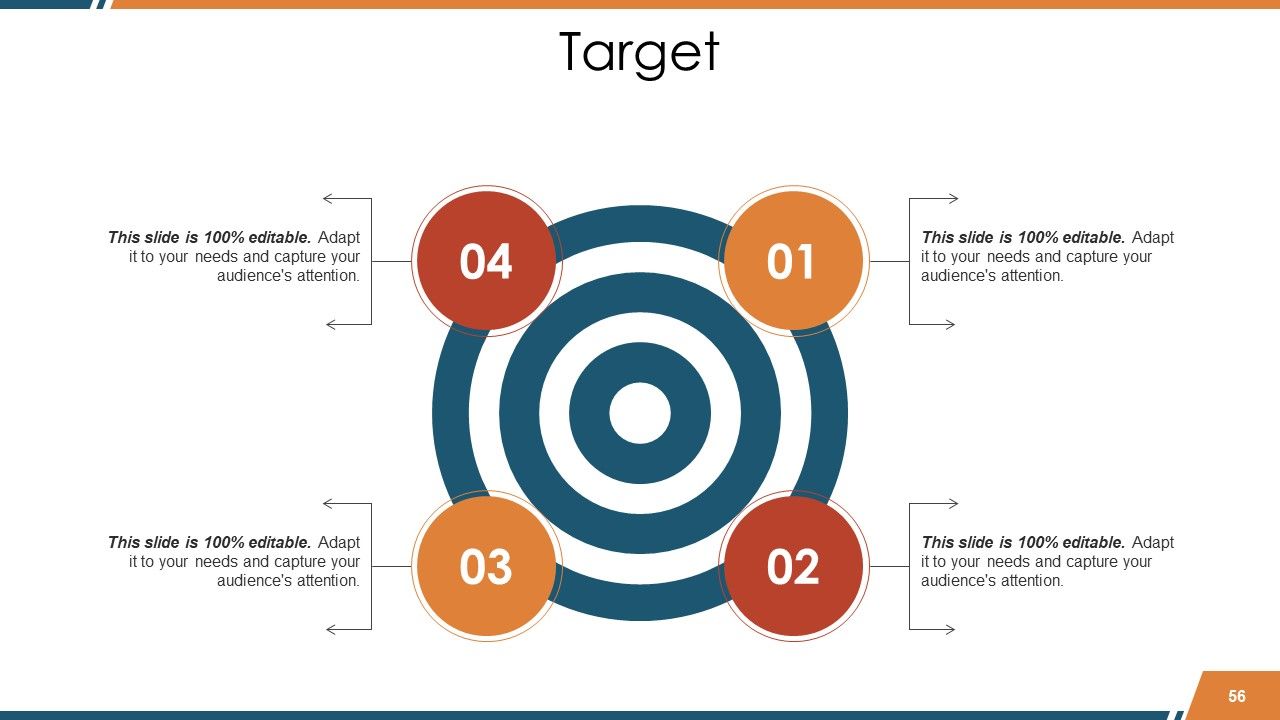
Diapositiva 56 : Esta es una diapositiva de Destino para mostrar objetivos, planes, etc.
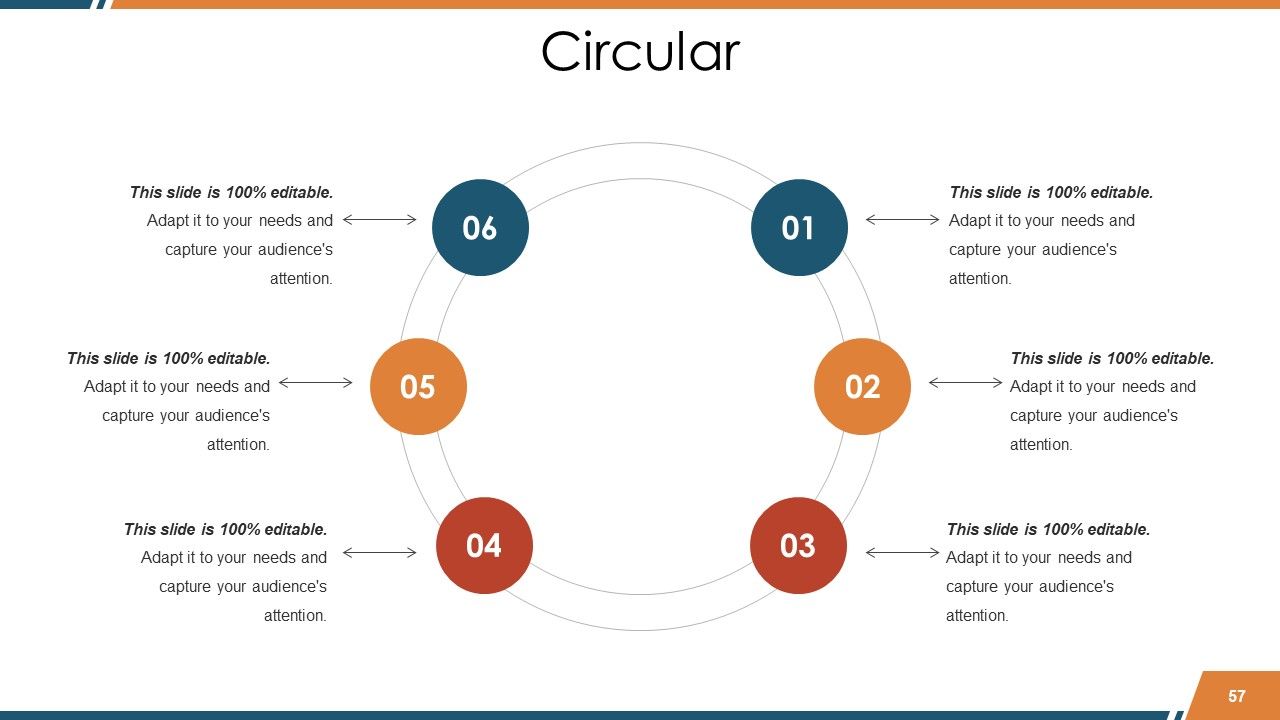
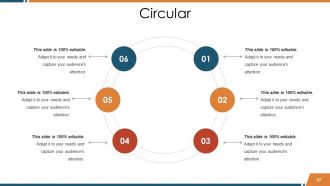
Diapositiva 57 : Esta es una diapositiva de imagen circular para mostrar información, especificaciones, etc.
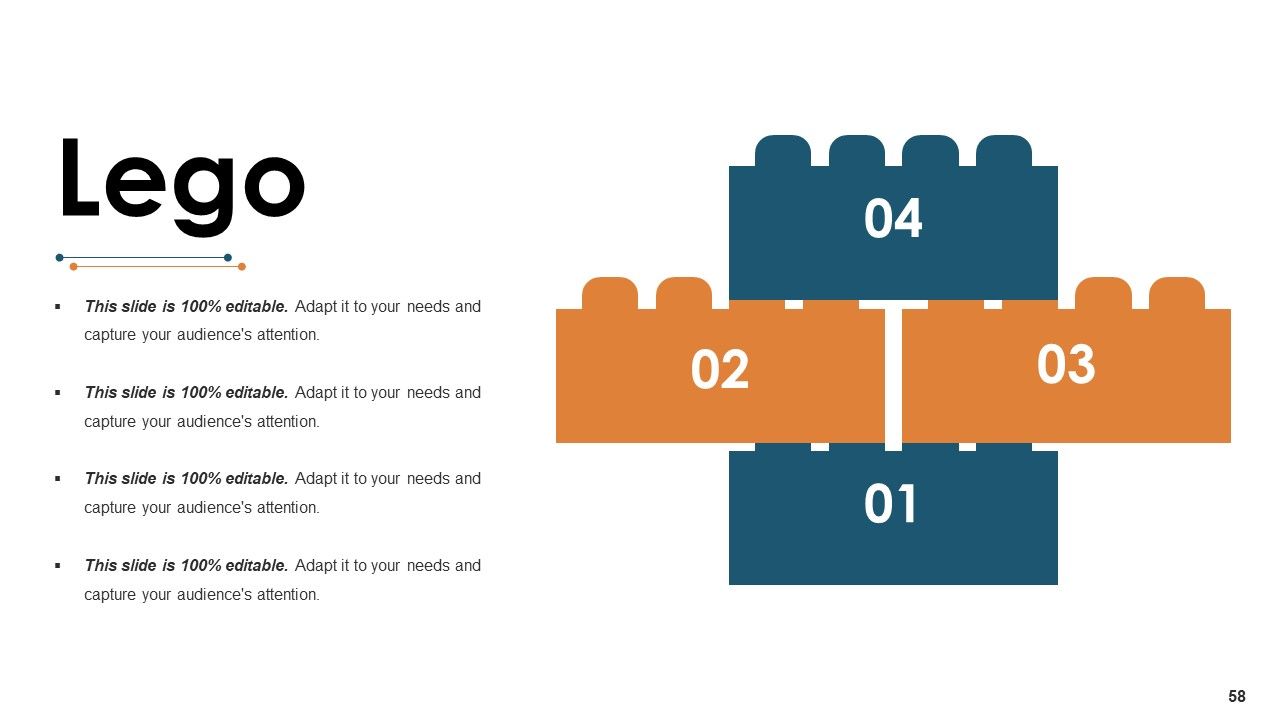
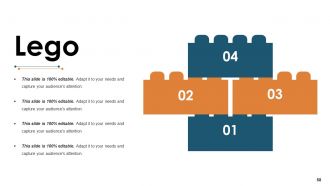
Diapositiva 58 : Esta es una diapositiva de imagen de Lego para mostrar información, especificaciones, etc.
Diapositiva 59 : Esta es una diapositiva de imagen de mapa mental para mostrar información, especificaciones, etc.
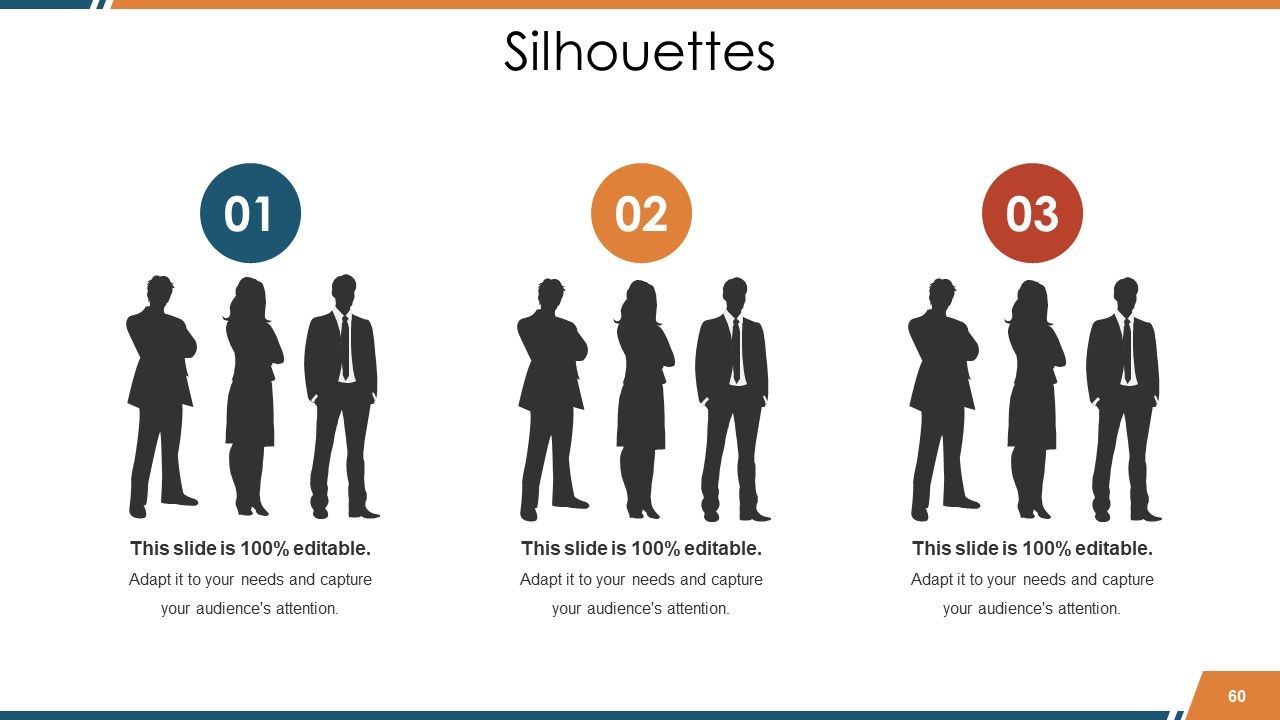
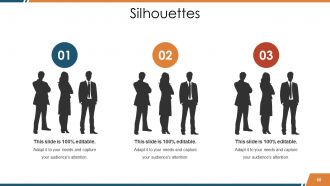
Diapositiva 60 : Esta es una diapositiva de imagen de Siluetas creativa para presentar a las personas información específica, especificaciones, etc.
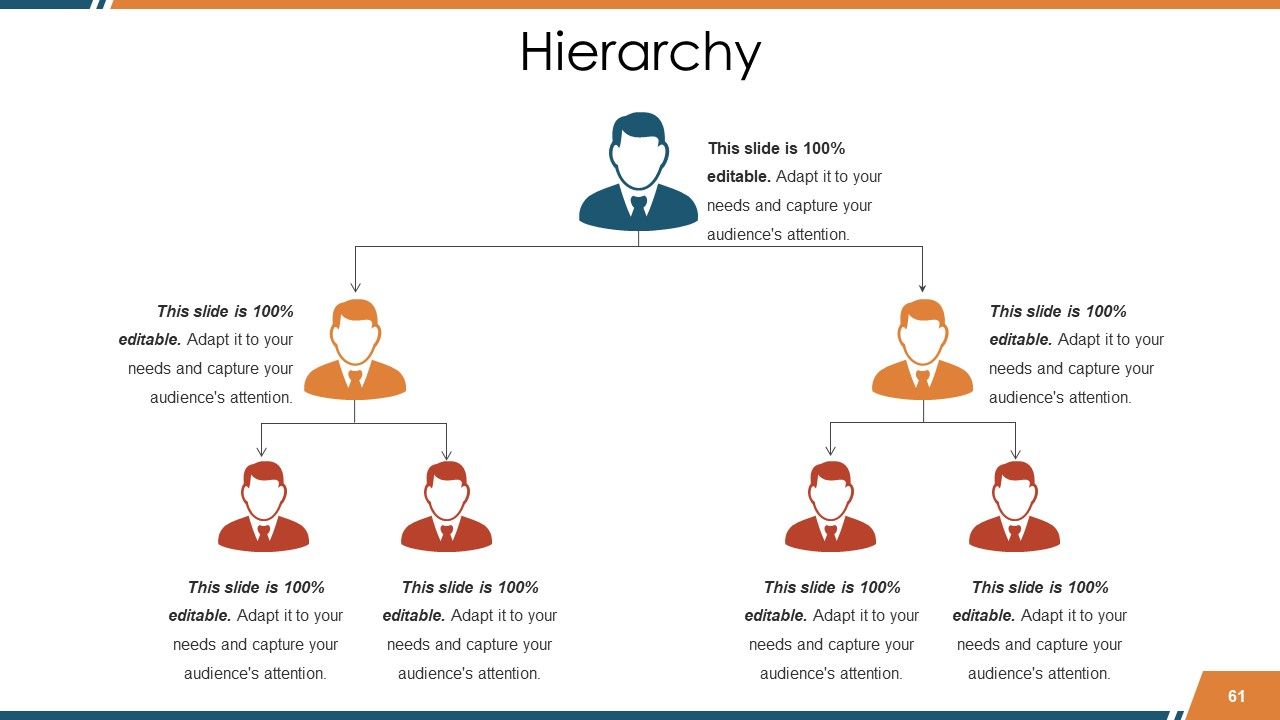
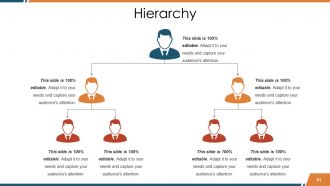
Diapositiva 61 : Esta es una diapositiva de jerarquía para presentar el equipo, las especificaciones, etc.
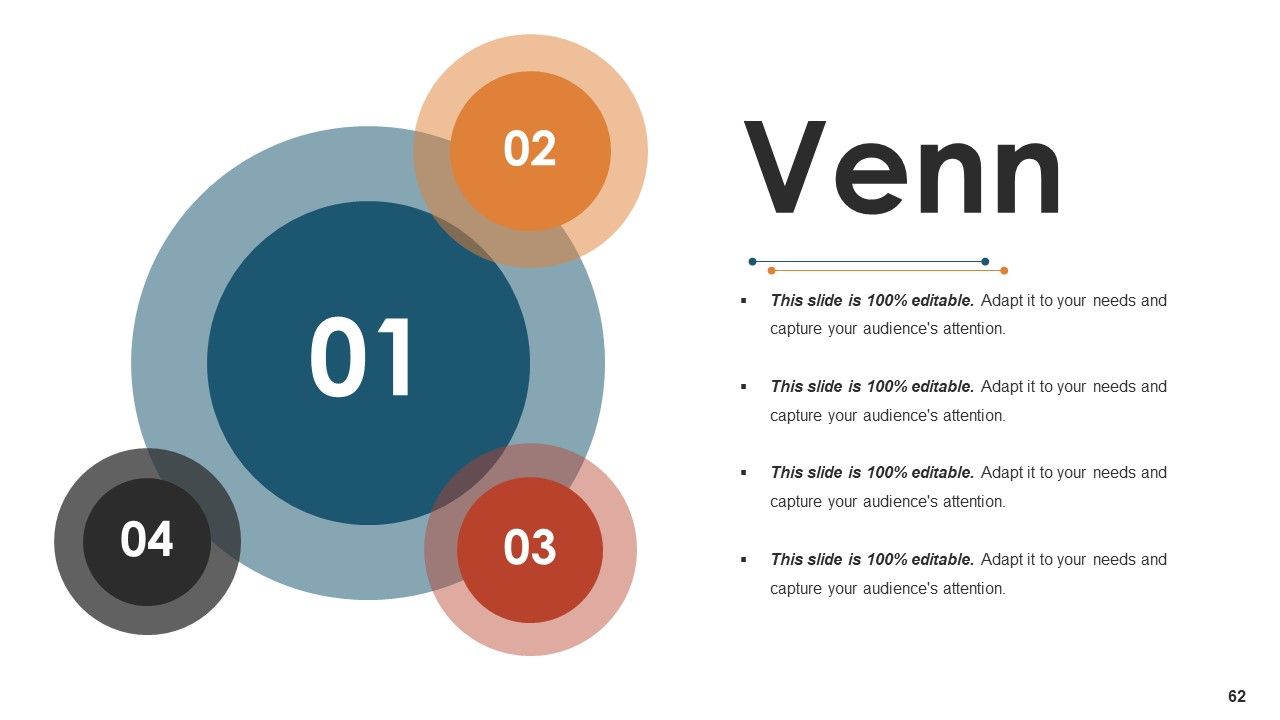
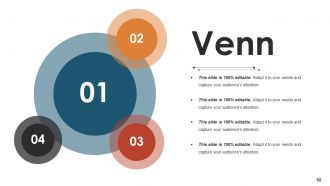
Diapositiva 62 : Esta es una diapositiva de imagen de diagrama de Venn para mostrar información, especificaciones, etc.
Diapositiva 63 : Esta es una diapositiva con imagen de lupa para mostrar información, aspectos de alcance, etc.
Diapositiva 64 : Esta es una diapositiva de Bombilla o Idea para enunciar una nueva idea o resaltar especificaciones / información, etc.
Diapositiva 65 : Esta diapositiva muestra la diapositiva de agradecimiento con la dirección, los números de contacto y la dirección de correo electrónico.
Informes de ventas Diapositivas de presentación de PowerPoint con las 65 diapositivas:
Cada una de nuestras diapositivas de presentación de Powerpoint de informes de ventas inspira brillantez. Está repleto de ideas.
FAQs
The purpose of the Sales Reports presentation is to provide an overview of the business's sales performance and financial highlights.
The Business Overview slide includes revenue split by country, quarter track record, team members, product offerings, financial highlights, and other highlights.
The Sales Performance slide is organized into subheadings such as Sales Budget Vs Actuals, Quarterly Sales Review, Sales KPI Performance Matrix, Sales Performance Dashboard, Sales By Region, and Sales Revenue By Product.
The Sales Process Map slide shows the four levels of the sales funnel: Solution, Lead Generation, Program Launch, and Deal Closing.
The purpose of the Competitive Analysis slide is to provide information about the company's competitors, including their market positioning, sales performance, and analysis.
-
Being in sales, I need to present our numbers to our superiors, and SlideTeam has made that so much easier. The number of templates they have just for sales reports is baffling. I’m drowning in choices.
-
very nice
-
Designs have enough space to add content.
-
Out of the box and creative design.
