Alcance del trabajo Diapositivas de presentación en PowerPoint
Try Before you Buy Download Free Sample Product
Audience
Editable
of Time
Proporcione la misma exposición a todos los ángulos con nuestras diapositivas de presentación de PowerPoint sobre el alcance del trabajo. Disfrute de un acto de equilibrio.

Características de estas diapositivas de presentación de PowerPoint:
Presentando este conjunto de diapositivas con el nombre - Alcance del trabajo Diapositivas de presentación de PowerPoint. Los componentes de la plataforma multipropósito editables son Alcance del trabajo, Oportunidades laborales, Identificación de riesgos, Ciclo de gestión de proyectos, etc.
People who downloaded this PowerPoint presentation also viewed the following :
Contenido de esta presentación de Powerpoint
Diapositiva 1 : esta diapositiva presenta el alcance del trabajo. Indique el nombre de la empresa aquí y comience.
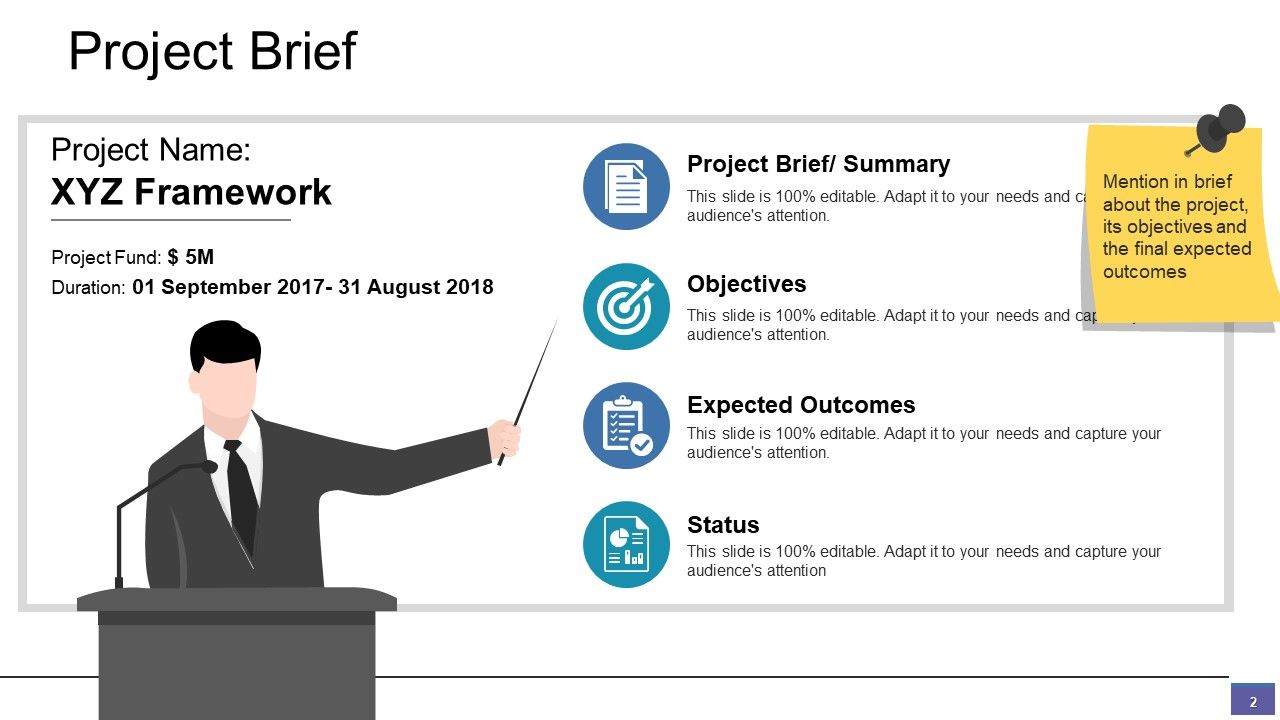
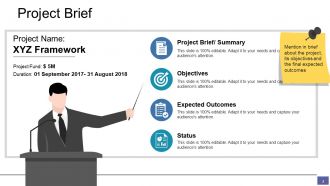
Diapositiva 2 : esta diapositiva presenta el resumen del proyecto. Mencione brevemente el proyecto, sus objetivos y los resultados finales esperados.
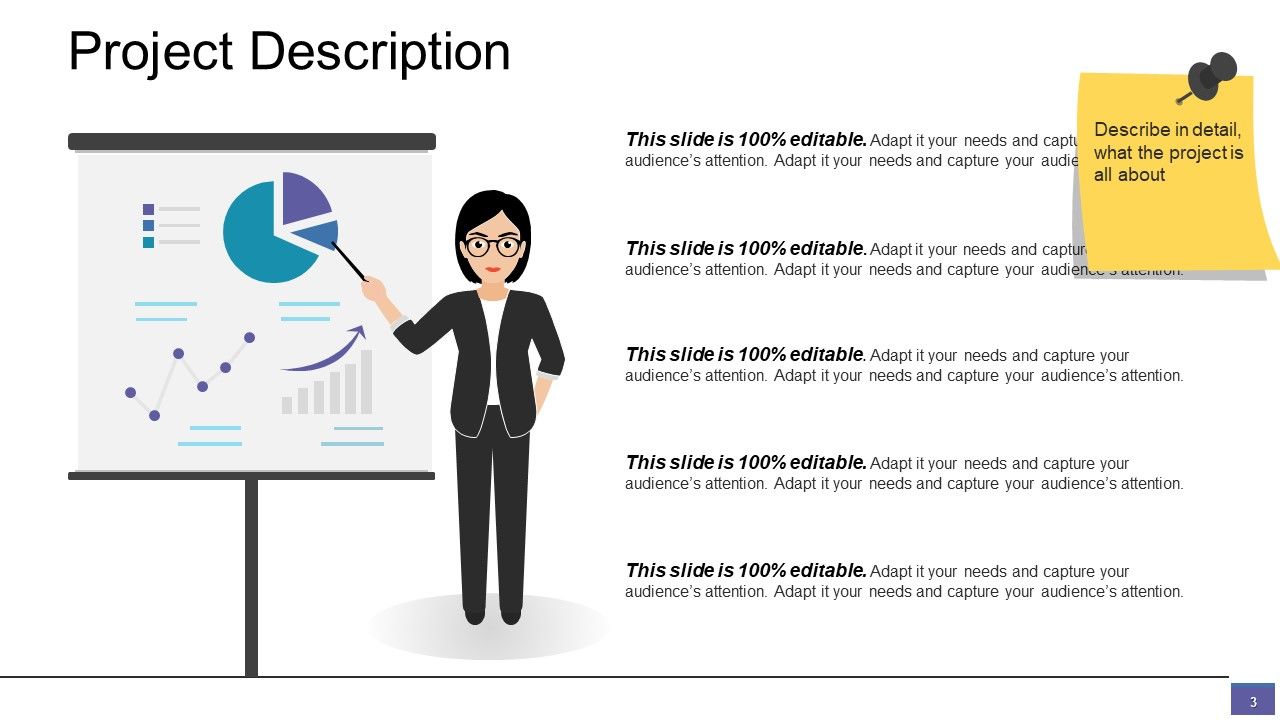
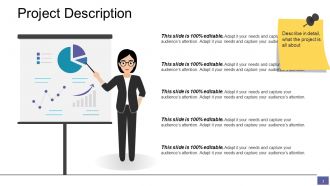
Diapositiva 3 : Esta diapositiva incluye la descripción del proyecto con imágenes y cuadros de texto. Describe en detalle de qué se trata el proyecto.
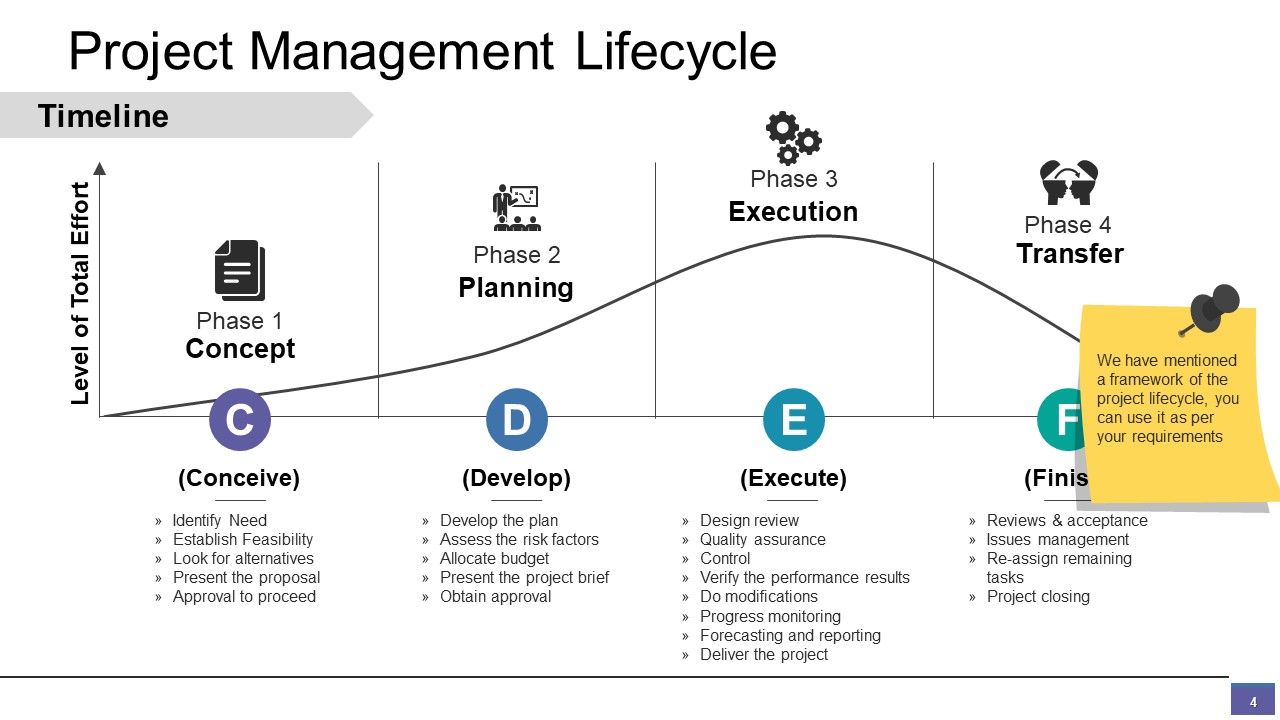
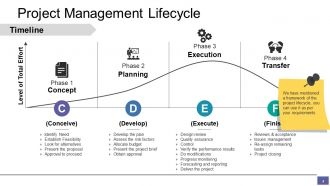
Diapositiva 4 : Esta diapositiva muestra el cronograma del ciclo de vida de la gestión de proyectos. Hemos mencionado un marco del ciclo de vida del proyecto, puede usarlo según sus requisitos.
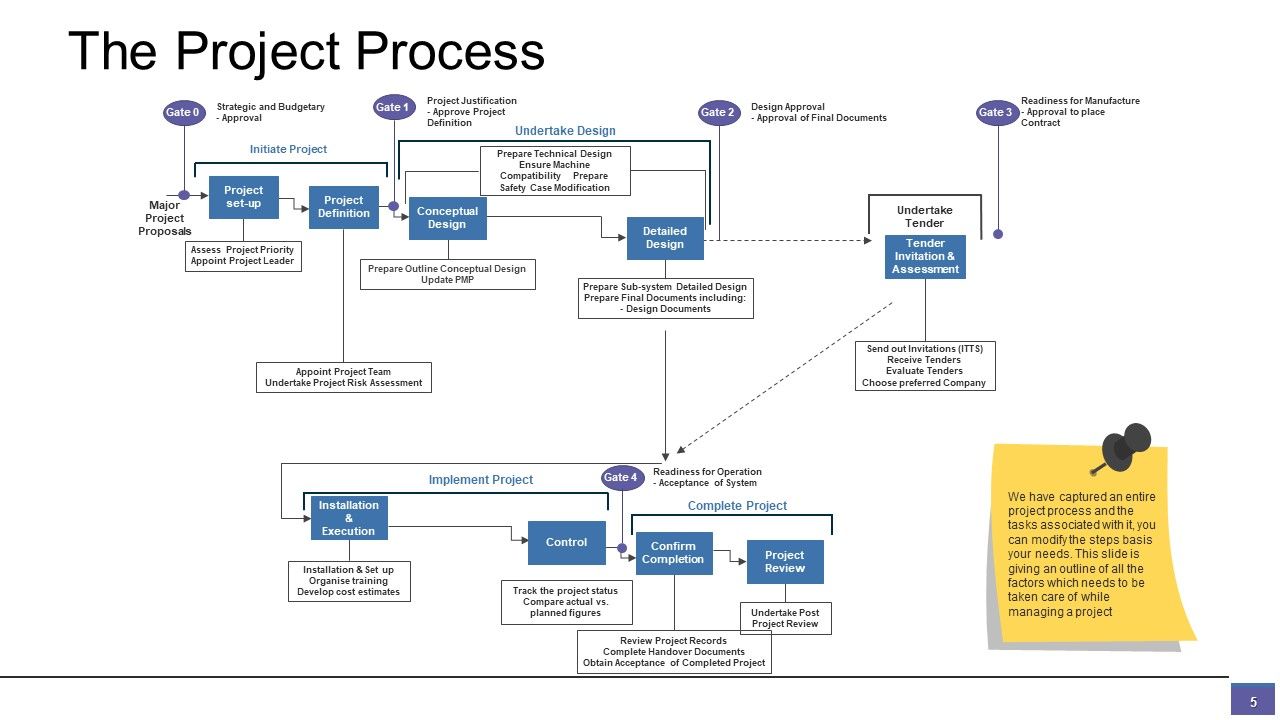
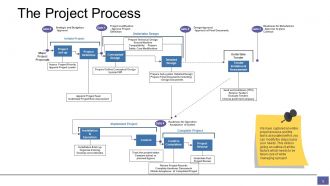
Diapositiva 5 : Esta diapositiva muestra El proceso del proyecto. Hemos capturado un proceso de proyecto completo y las tareas asociadas con él, puede modificar los pasos en base a sus necesidades. Esta diapositiva ofrece un resumen de todos los factores que deben tenerse en cuenta al administrar un proyecto.
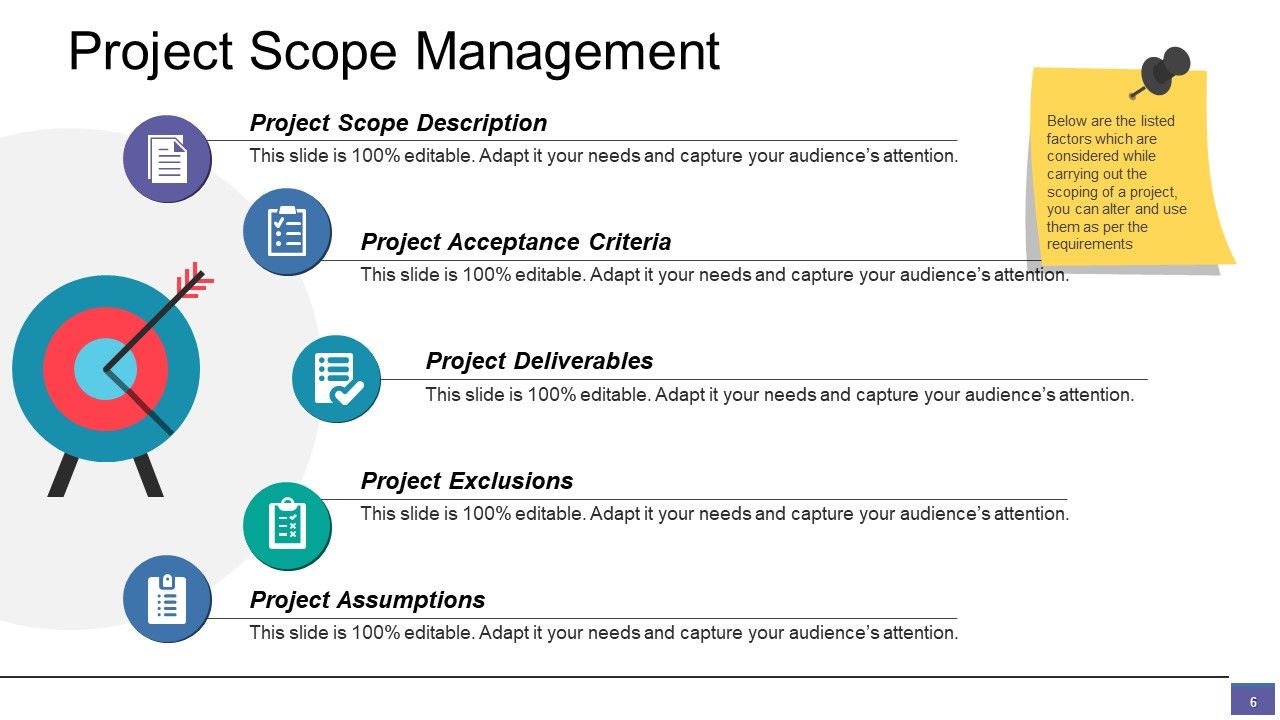
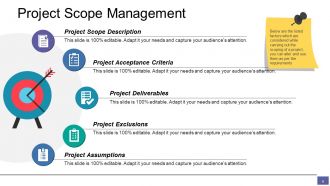
Diapositiva 6 : Esta diapositiva muestra Gestión del alcance del proyecto con: Entregables del proyecto, Supuestos del proyecto, Exclusiones del proyecto, Descripción del alcance del proyecto, Criterios de aceptación del proyecto, estos son los factores enumerados que se consideran al llevar a cabo el alcance de un proyecto, puede modificar y utilizar ellos según los requisitos.
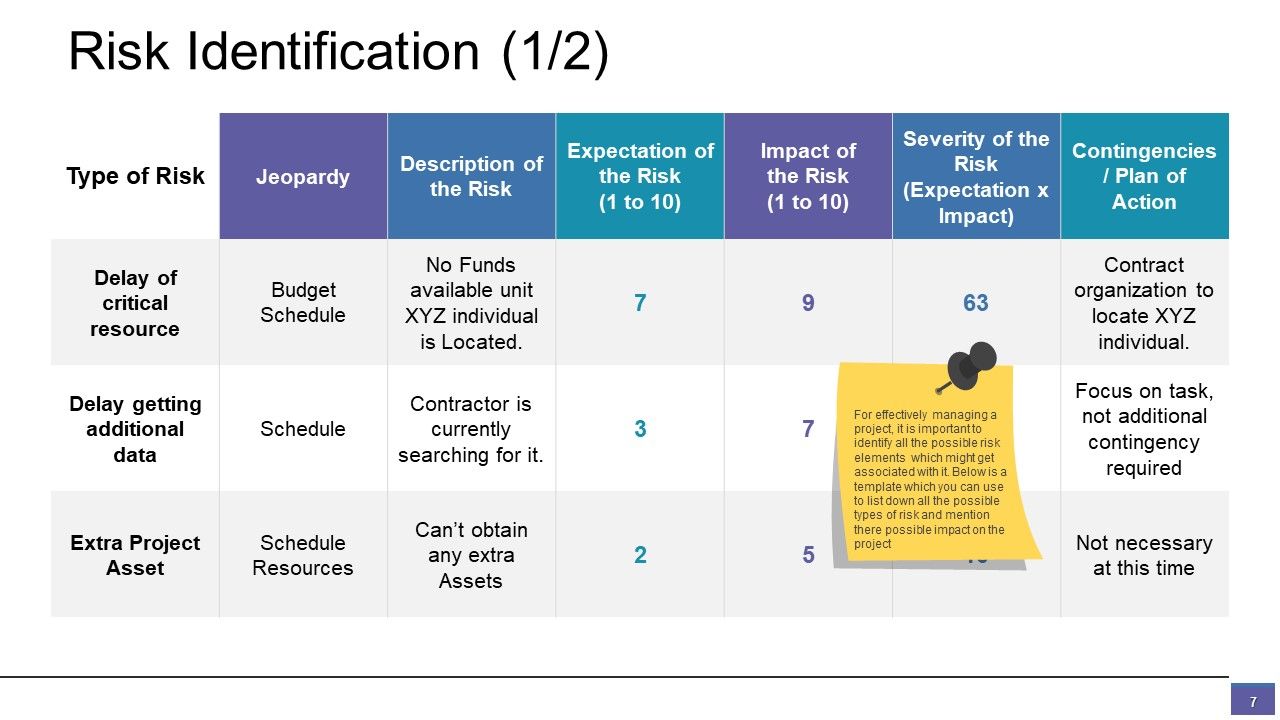
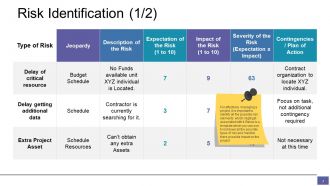
Diapositiva 7 : Esta es una diapositiva de Identificación de riesgos.
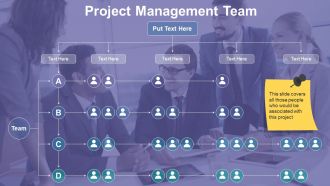
Diapositiva 8 : Esta diapositiva presenta al Equipo de gestión de proyectos con cuadros de texto. Esta diapositiva cubre a todas aquellas personas que estarían asociadas con este proyecto.
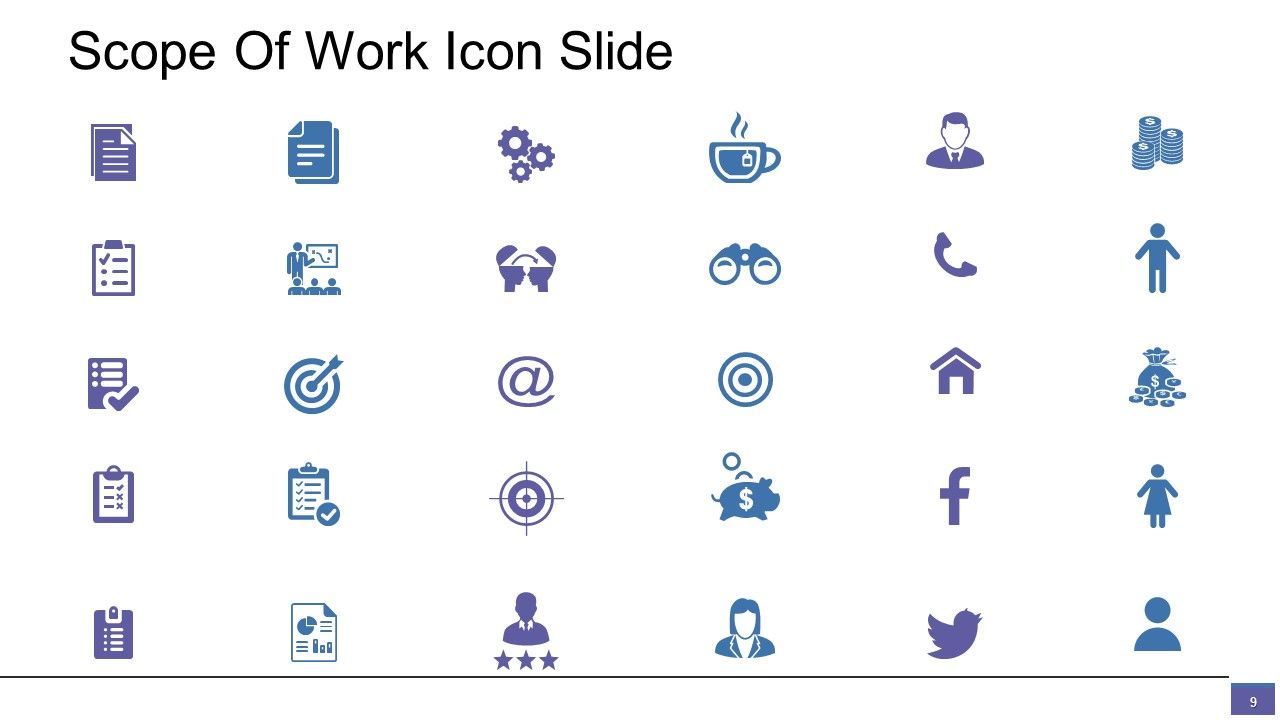
Diapositiva 9 : Esta es la diapositiva del icono del alcance del trabajo. Cambie / modifique los iconos según el requisito.
Diapositiva 10 : Esta diapositiva muestra Coffee Break con imagen. Puede cambiarlo o modificarlo según los requisitos.
Diapositiva 11 : esta diapositiva se titula Cuadros y gráficos para avanzar. Puede cambiar / modificar según sea necesario.
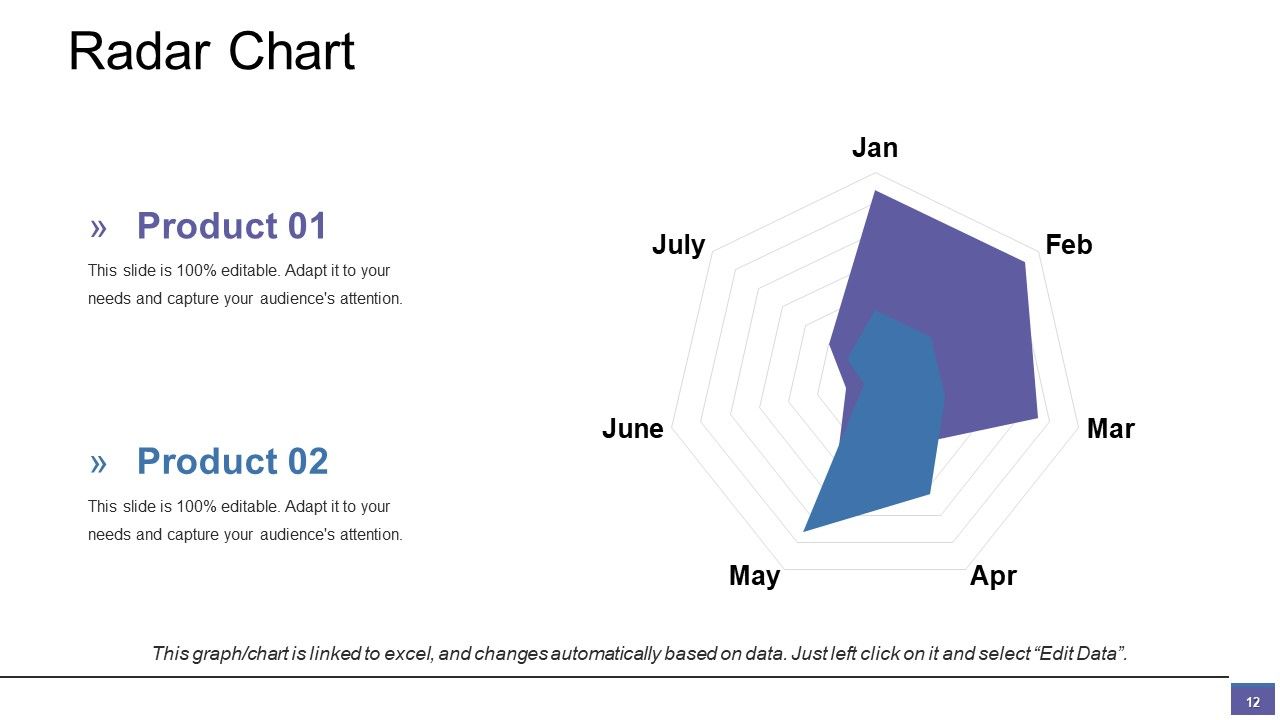
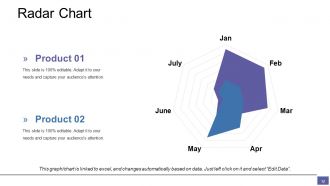
Diapositiva 12 : Esta diapositiva presenta un gráfico / gráfico de gráfico de radar. Compare productos / entidades y utilícelo según sea necesario.
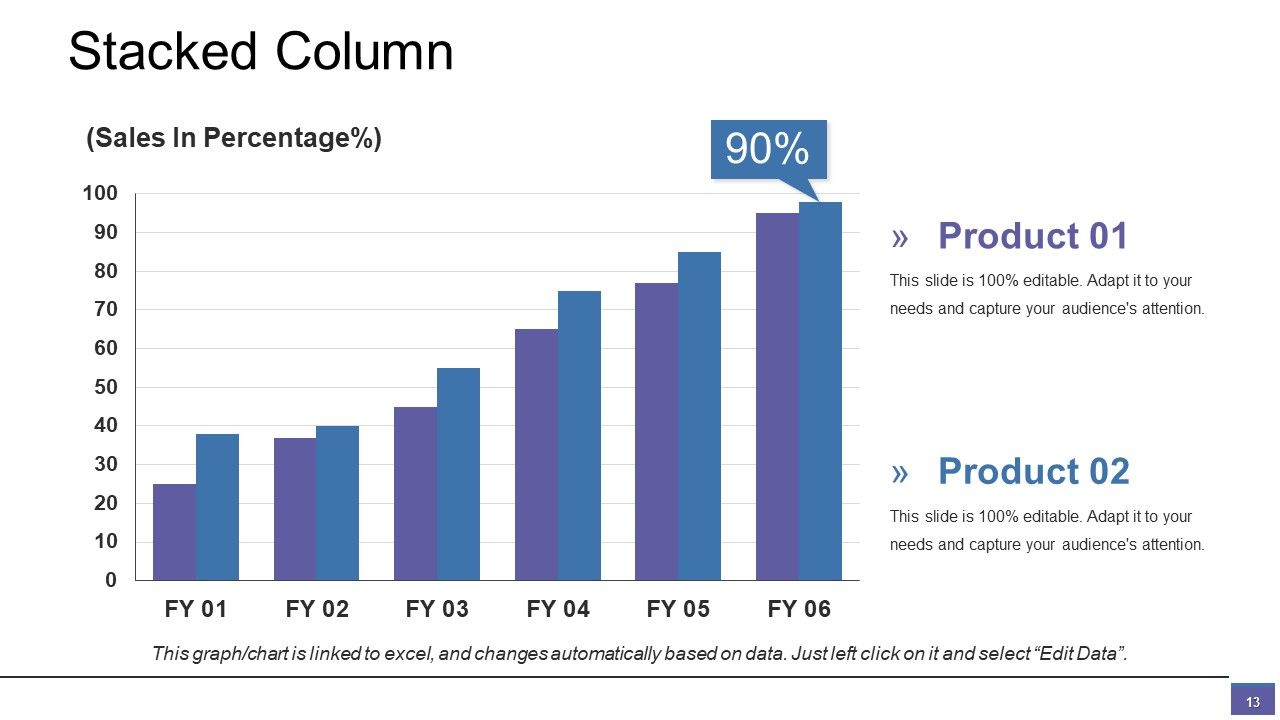
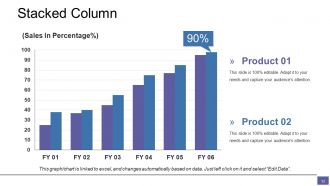
Diapositiva 13 : Esta es una diapositiva de gráfico de columnas apiladas para analizar y comparar productos / entidades.
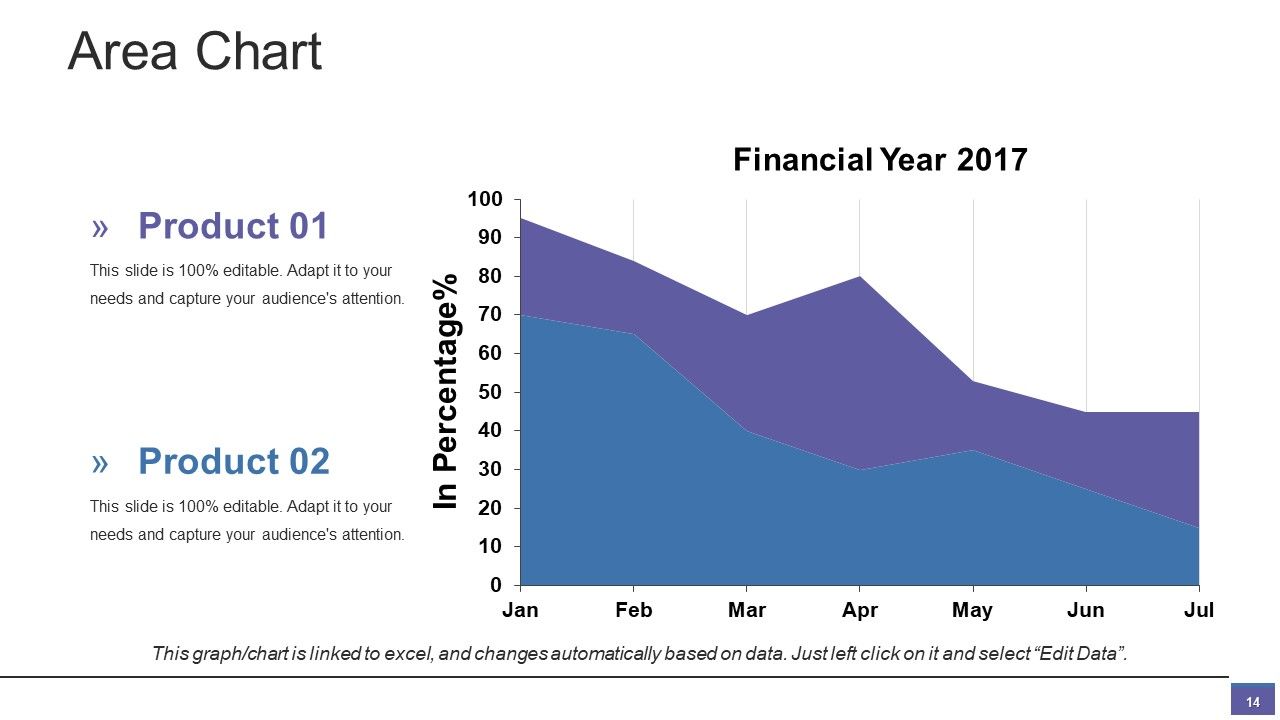
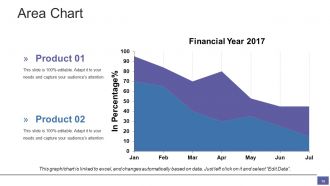
Diapositiva 14 : Esta es una diapositiva de gráfico de áreas para mostrar la comparación de productos / entidades, especificaciones, etc.
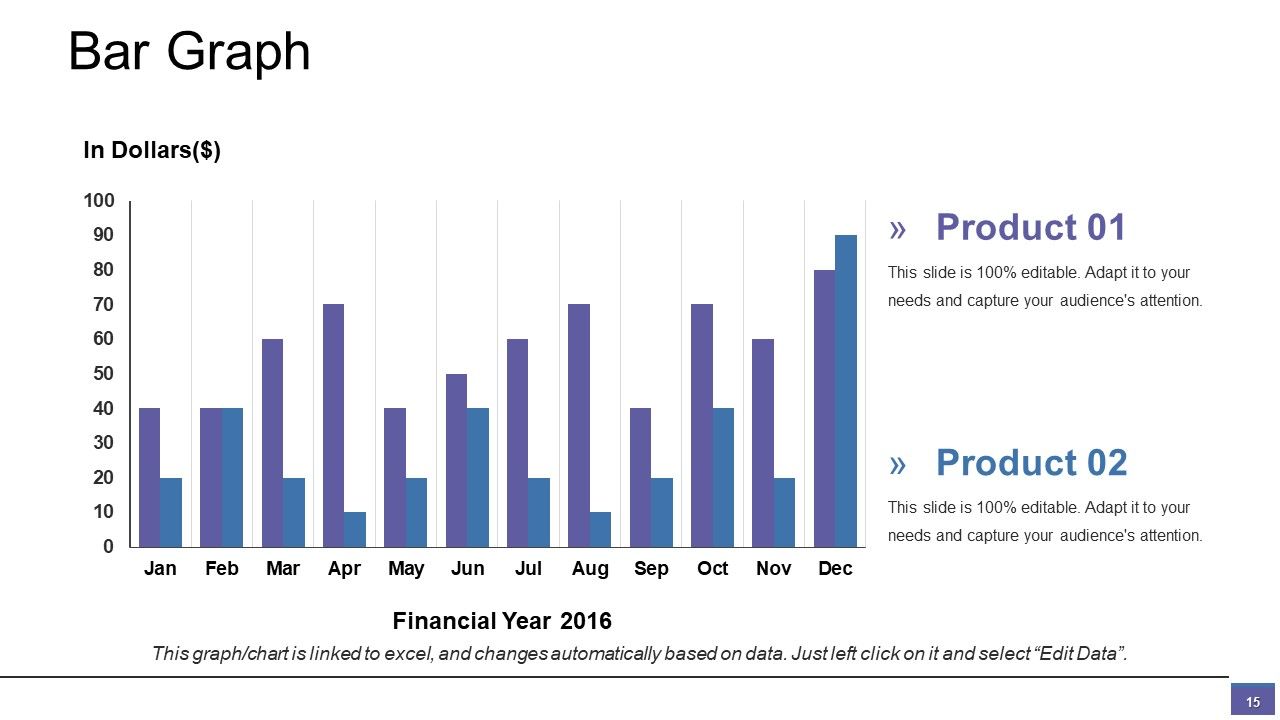
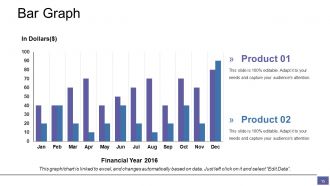
Diapositiva 15 : Esta diapositiva presenta un gráfico de barras para análisis de productos / entidades, crecimiento, comparación, etc.
Diapositiva 16 : esta diapositiva se titula Diapositivas adicionales para avanzar. Puede cambiar el contenido de la diapositiva según sus necesidades.
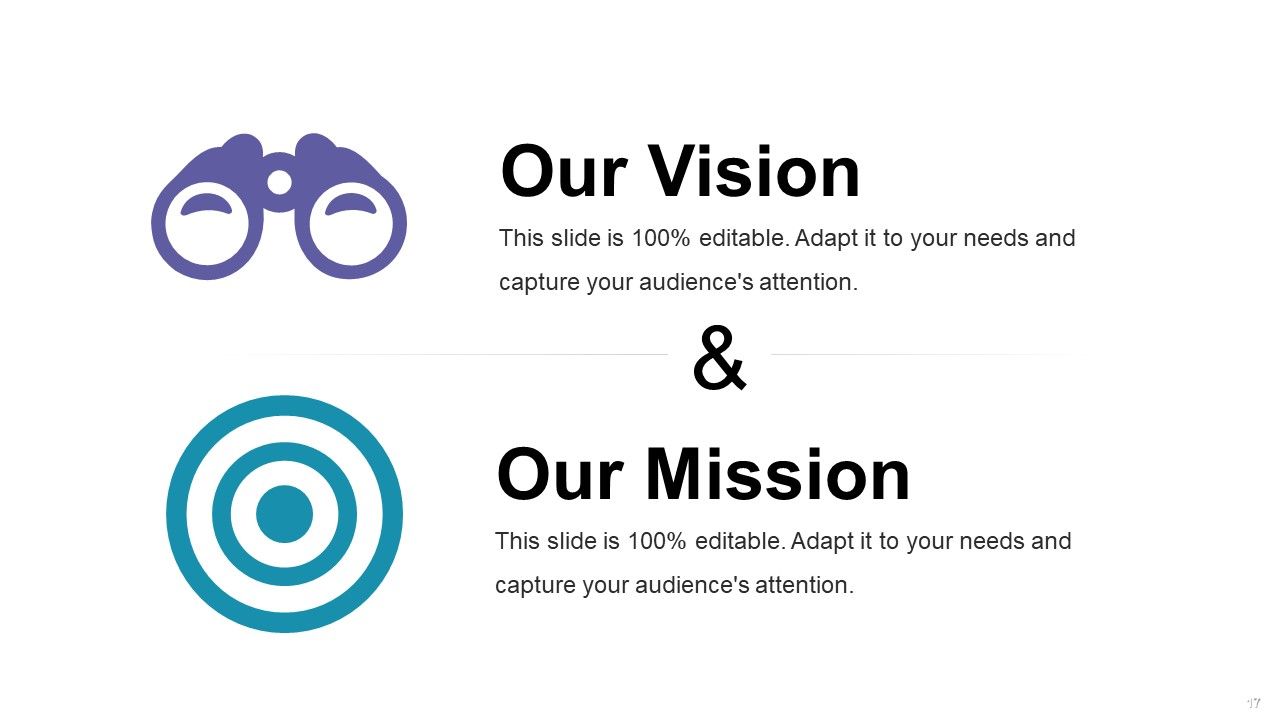
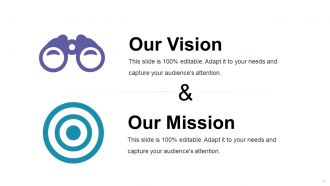
Diapositiva 17 : Diapositiva Esta es Nuestra visión y Nuestra misión. Misión, visión, etc. de la empresa estatal aquí.
Diapositiva 18 : Esta es una diapositiva de Nuestro equipo para mostrar las especificaciones del equipo con el nombre, la designación y los cuadros de imagen.
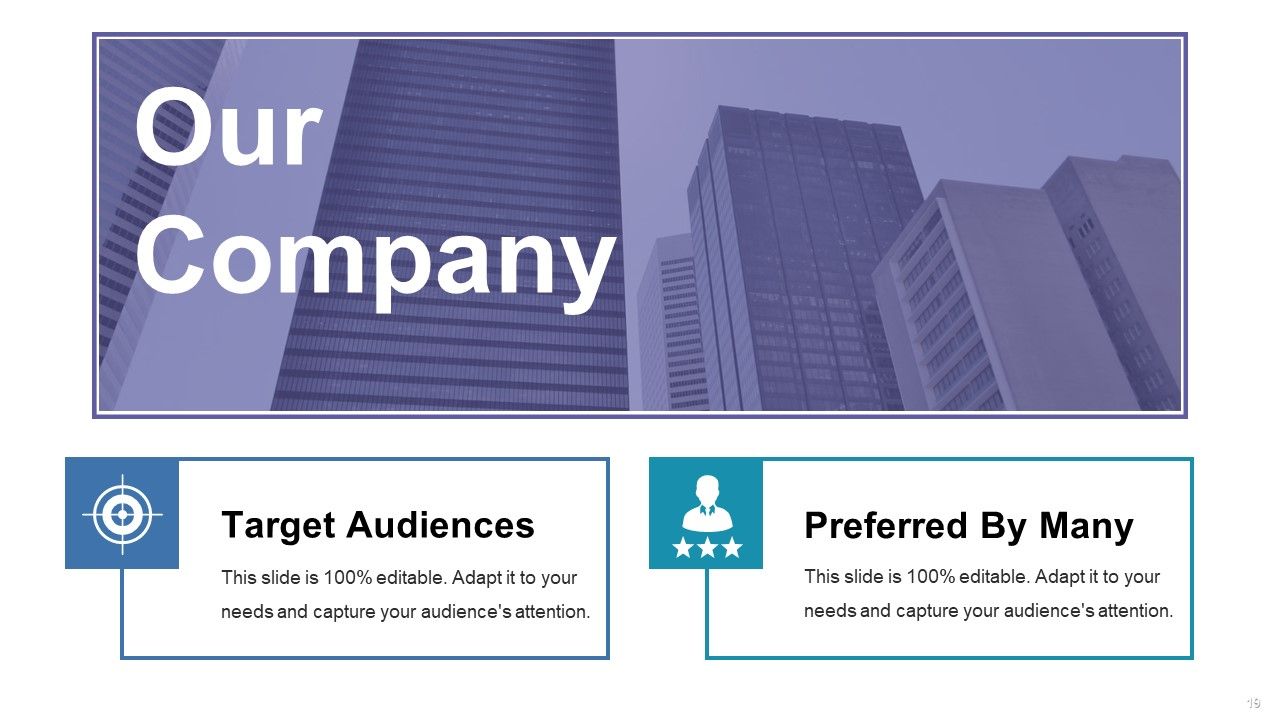
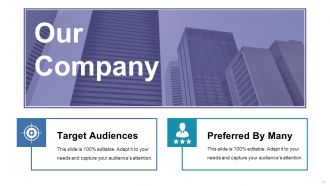
Diapositiva 19 : Esta diapositiva trata sobre la declaración de Nuestra empresa: Público objetivo, preferido por muchos.
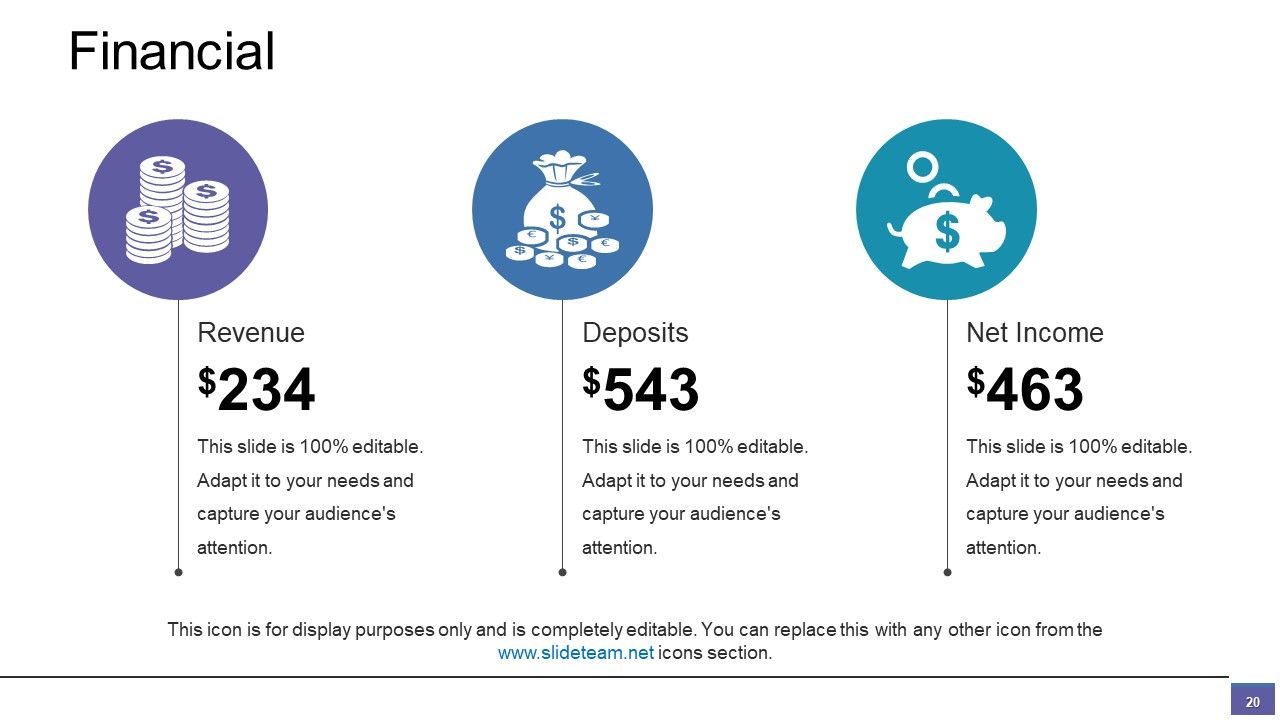
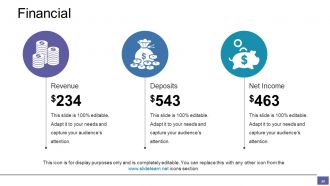
Diapositiva 20 : Esta diapositiva presenta el análisis financiero con ingresos, depósitos, ingresos netos.
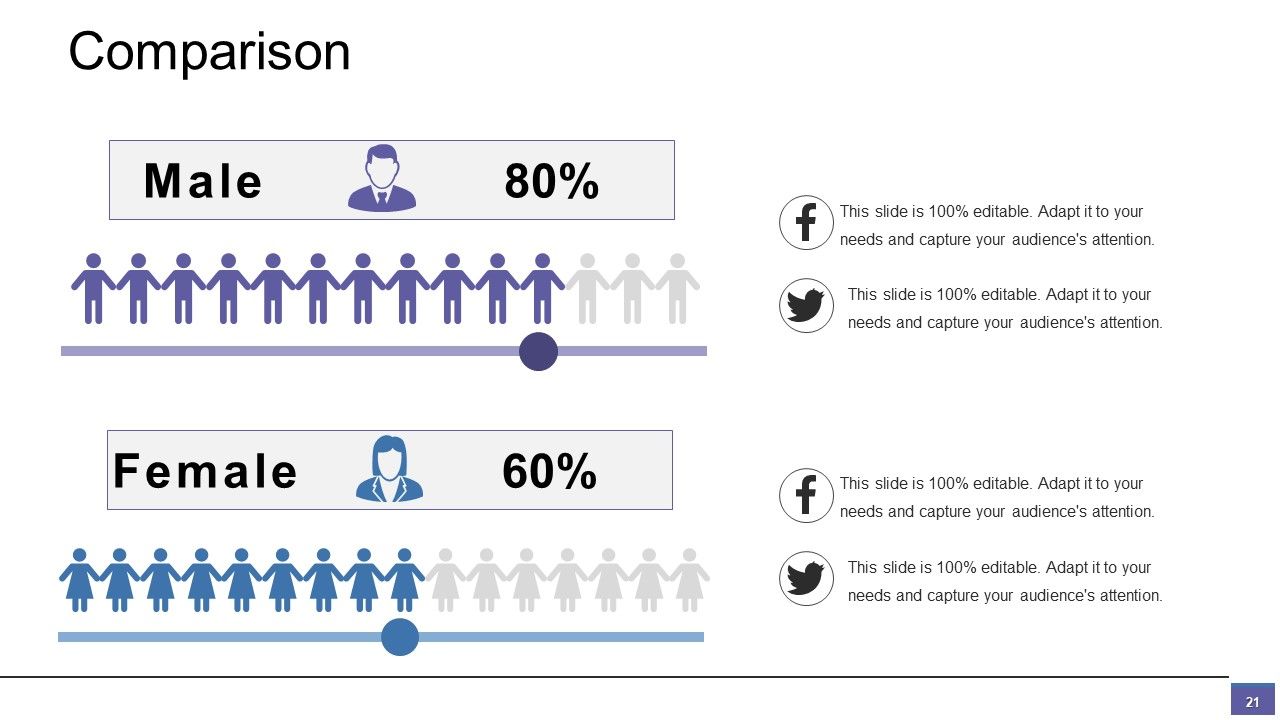
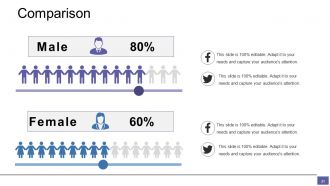
Diapositiva 21 : Esta es una diapositiva de comparación. Estado de comparación, especificaciones, información, etc. aquí.
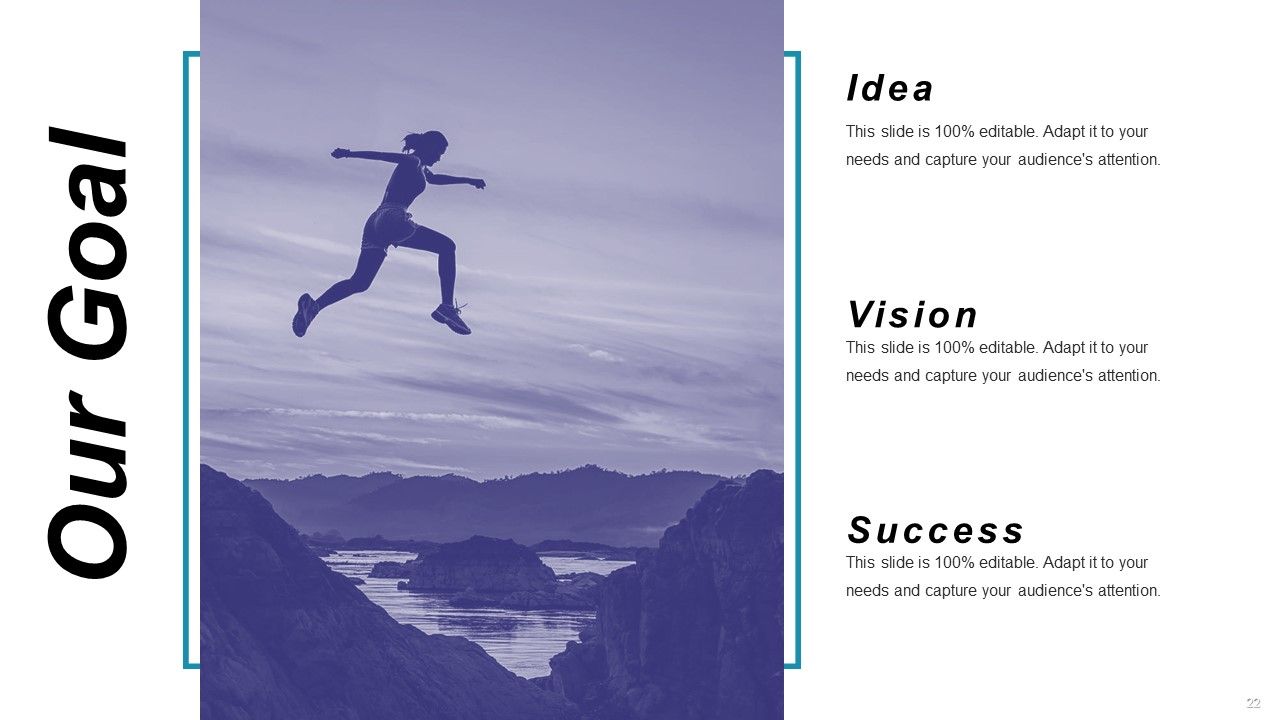
Diapositiva 22 : Esta diapositiva describe Nuestro objetivo con idea, visión y éxito.
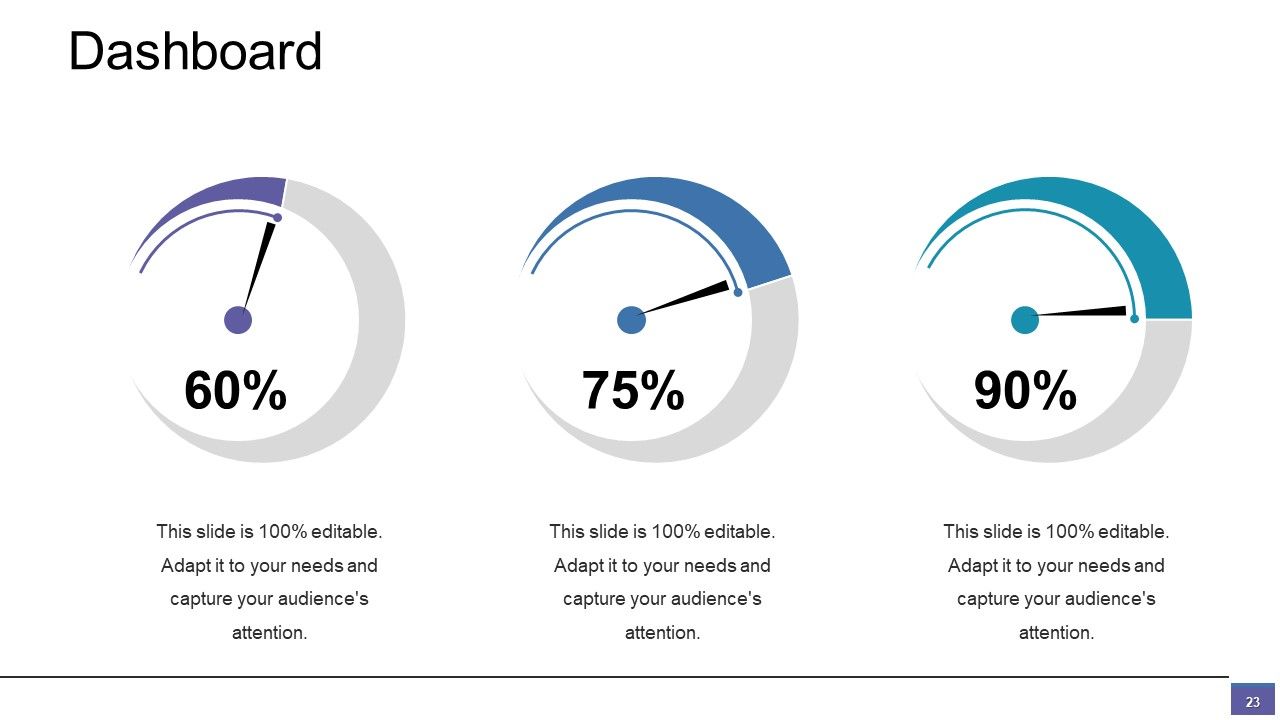
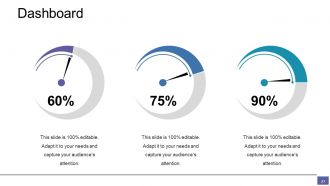
Diapositiva 23 : Esta es una diapositiva del Panel para mostrar kpis, métricas, etc.
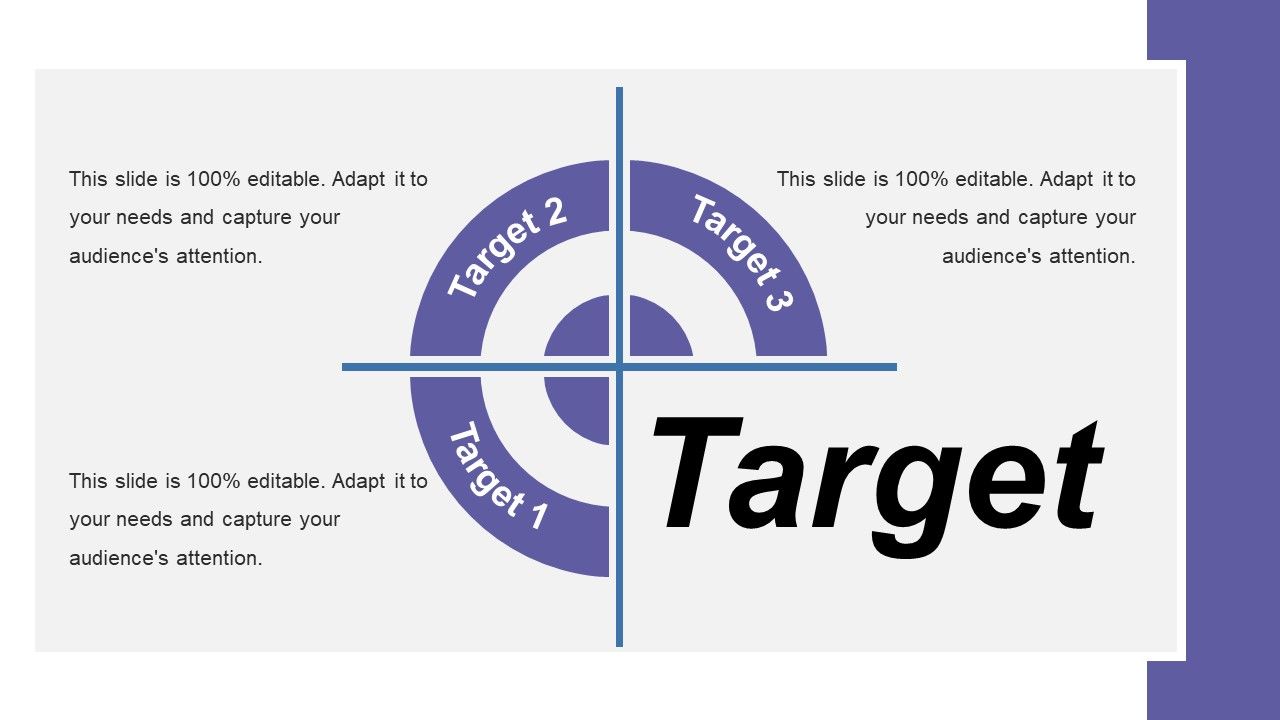
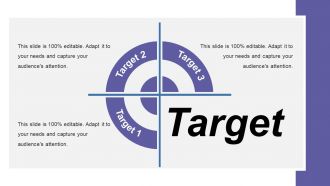
Diapositiva 24 : Esta diapositiva muestra imágenes de destino para presentar información, especificaciones, etc.
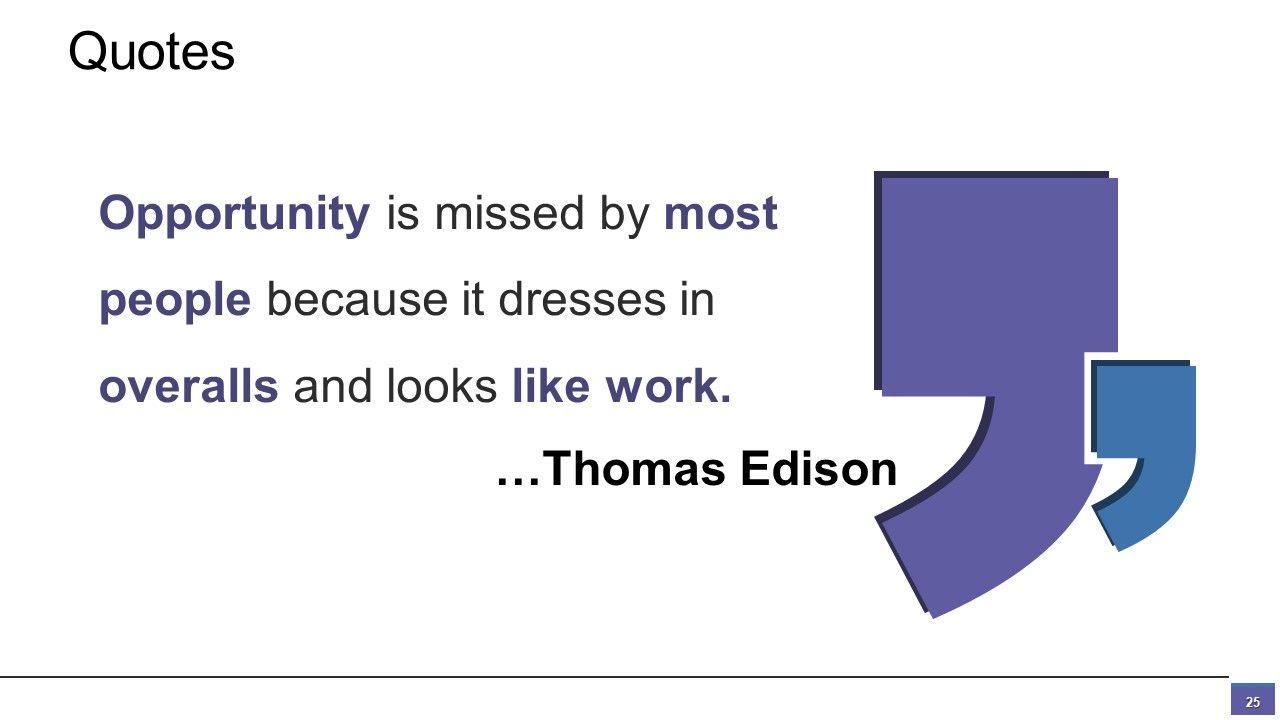
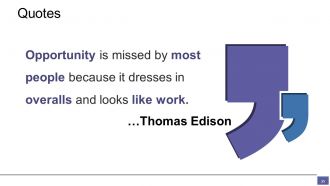
Diapositiva 25 : Esta es una diapositiva de Cotizaciones para mostrar el mensaje de la empresa, creencias, etc.
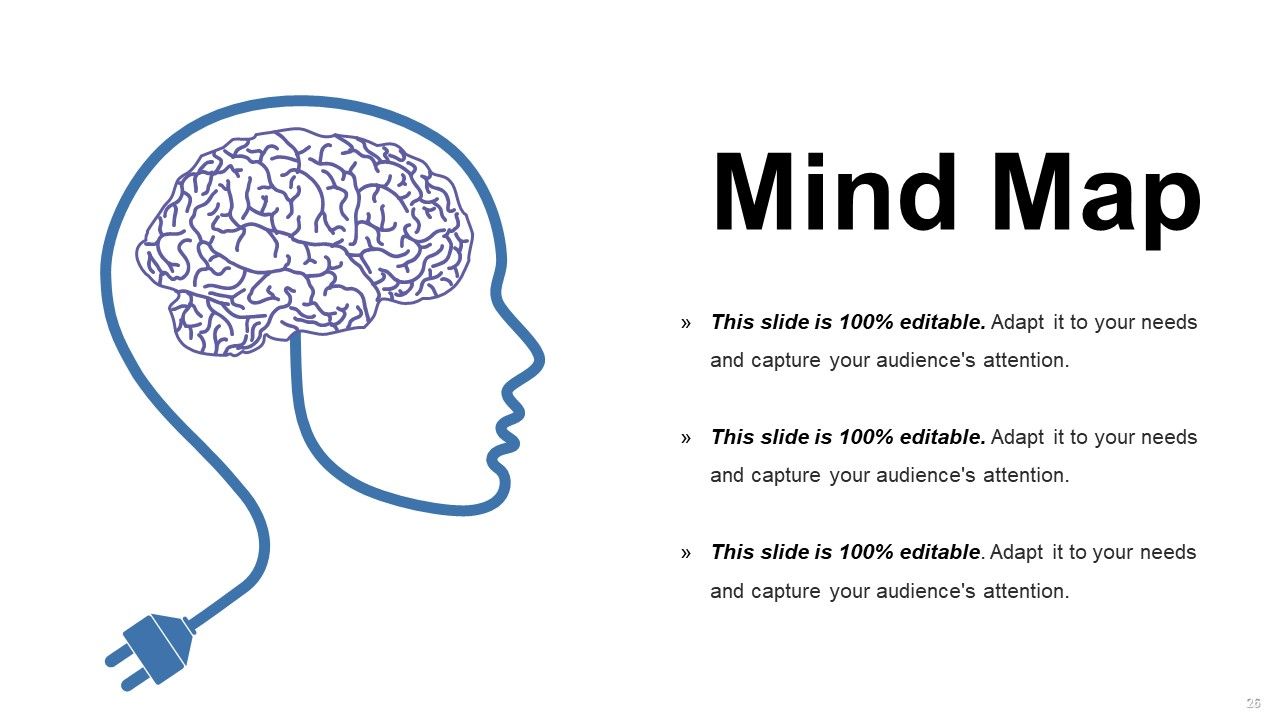
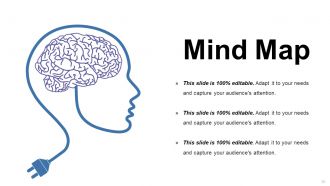
Diapositiva 26 : Esta es una diapositiva de mapa mental para mostrar la segmentación del comportamiento, información o cualquier cosa relativa.
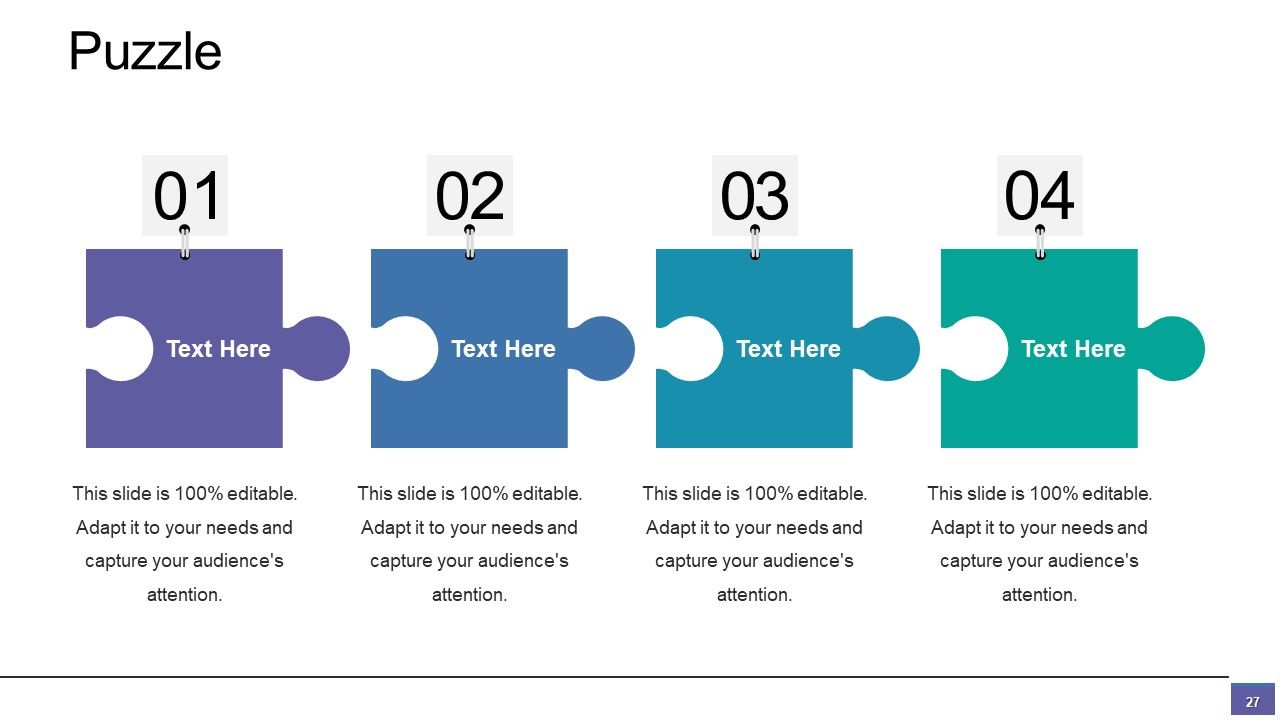
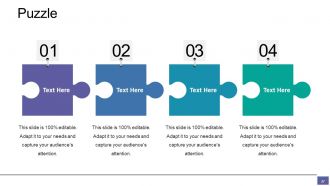
Diapositiva 27 : esta es una diapositiva de imagen de rompecabezas para mostrar información, especificaciones, etc.
Diapositiva 28 : Esta es una diapositiva de imagen de Siluetas para mostrar información relacionada con las personas, especificaciones, etc.
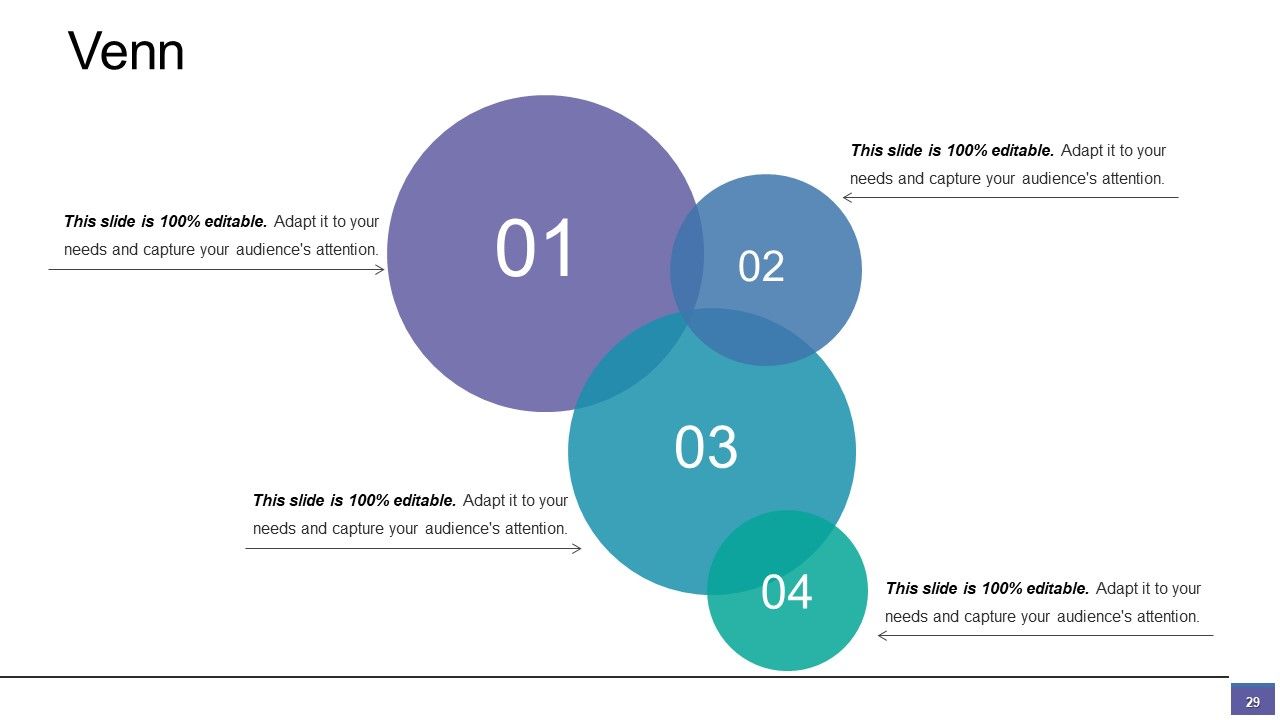
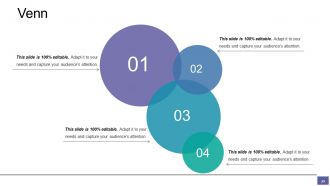
Diapositiva 29 : esta diapositiva muestra una imagen de diagrama de Venn. Presentar información, relaciones, especificaciones, etc. aquí.
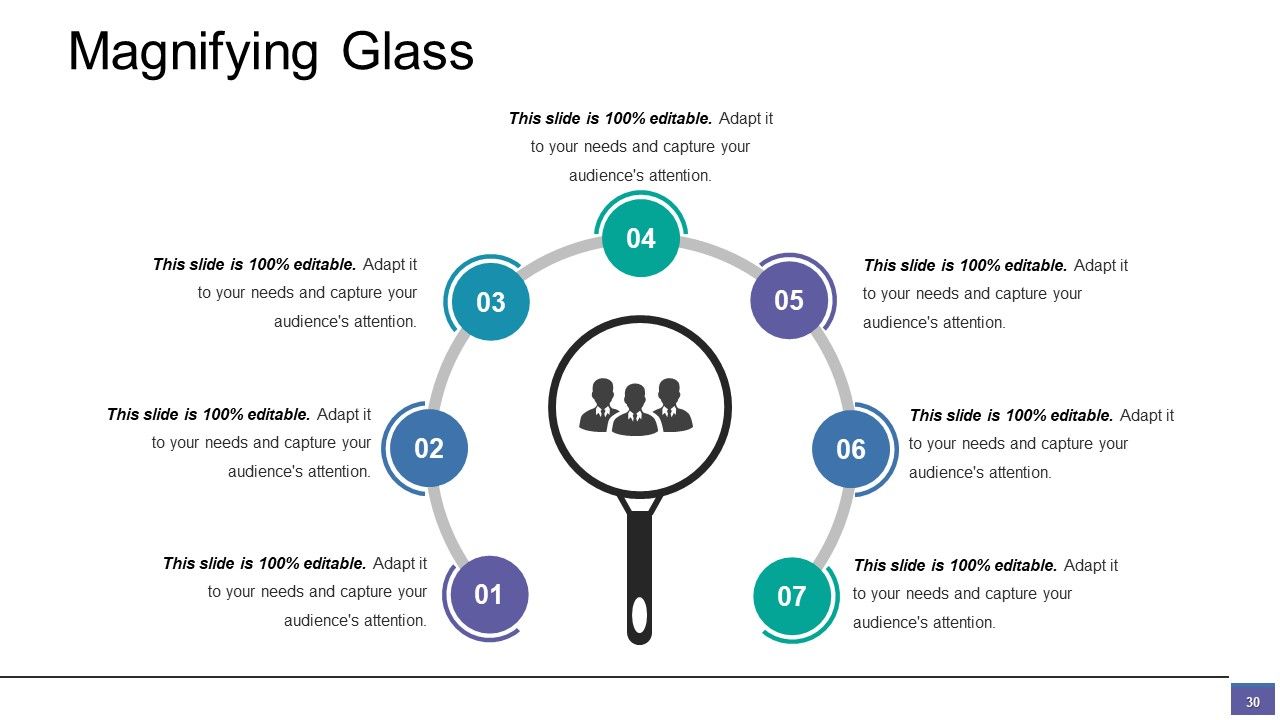
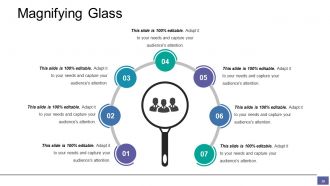
Diapositiva 30 : Esta diapositiva presenta la imagen de la lupa. Puede agregar sus datos e información aquí.
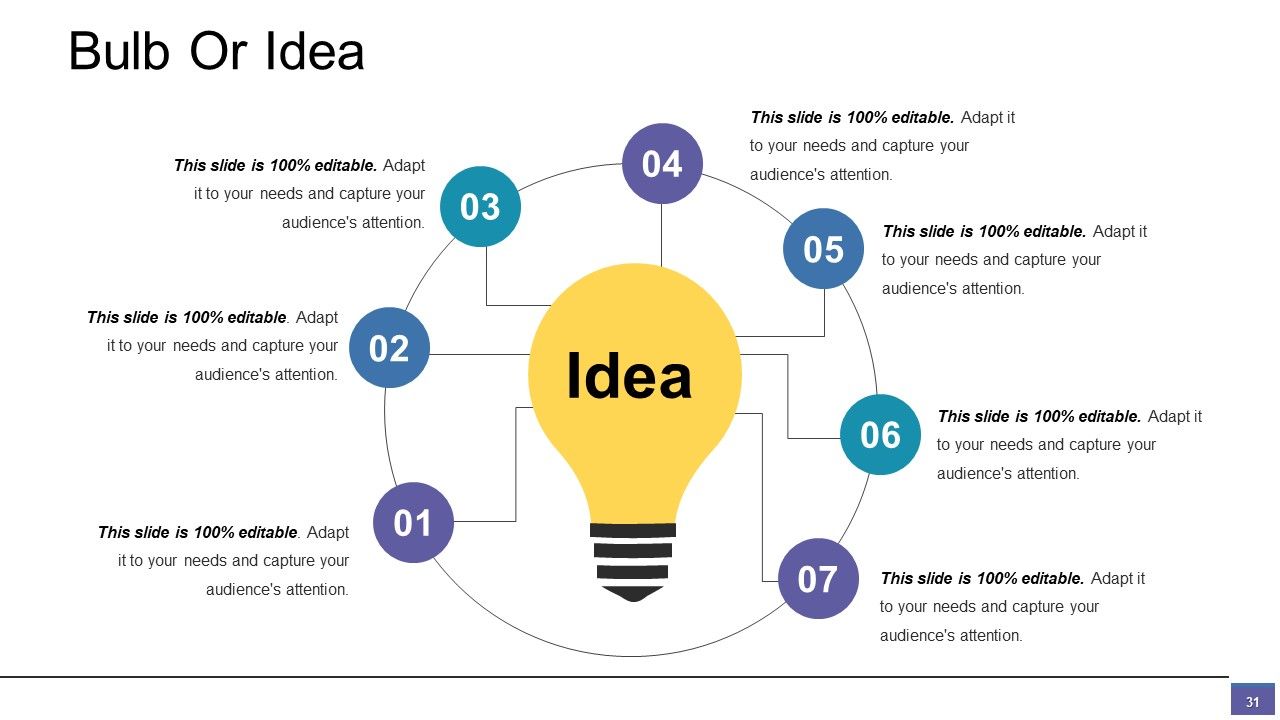
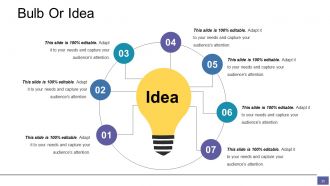
Diapositiva 31 : Esta es una diapositiva de bombilla o idea con imágenes y cuadros de texto. Muestre aspectos innovadores, información, etc.
Diapositiva 32 : Esta es una diapositiva de AGRADECIMIENTO por reconocimiento con Dirección # número de calle, ciudad, estado, dirección de correo electrónico, número de contacto.
Diapositivas de presentación de PowerPoint del alcance del trabajo con las 32 diapositivas:
Inyecte emoción en la rutina diaria con nuestras diapositivas de presentación de PowerPoint sobre el alcance del trabajo. Sáquelos de su aburrimiento.
FAQs for Scope Of Work
You'll want to nail down your project objectives first, then map out deliverables and timeline with milestones. Roles and responsibilities are huge - nobody wants to be that person wondering who's supposed to do what. Budget constraints and acceptance criteria, obviously. Oh, and seriously don't skip the assumptions or exclusions section. I learned that one the hard way on my last project. Communication protocols matter too, plus how you'll handle changes (because there will be changes). Quality standards round it out. Make it specific enough that there's zero confusion about what's in scope versus what's not. Templates help but definitely tweak them for your situation.
Dude, you really need a solid scope of work - it's like setting boundaries before things get messy. Everyone knows exactly what they're supposed to deliver and when. No more awkward conversations where you're both pointing fingers like "I thought YOU were doing that." Trust me, clients will always try to sneak in extra stuff later (it's basically guaranteed), so having everything written down gives you something to point to. Your team works way better too because they actually know what "done" looks like. I know it feels like extra work upfront, but seriously - do it. You'll thank yourself when you're not scrambling later or watching your budget explode.
Honestly, stakeholder input is make-or-break for scope definition. I bombed a project once because I assumed I knew what the client wanted - yeah, that didn't go well. You've got to talk to everyone who'll touch the project first. Get their requirements, what they expect, any weird constraints they have. This stuff shapes your deliverables and timelines in ways you won't see coming. Without their input upfront? You're basically throwing darts blindfolded and hoping something sticks. Do the interviews before you write anything down, trust me on this one.
Dude, templates are honestly a game changer. They save you so much time because you're not staring at a blank page wondering where to start. I just pull up my template and already have sections for deliverables, timelines, payment terms - all that stuff. Then I customize the details for whatever project I'm working on. Super helpful when you've got like three proposals due the same week (which happens way too often). The best part? You won't forget important things like revision limits that can totally screw you over later. Just take your best scope from a past project and turn it into your base template.
Dude, the worst mistake is being super vague about what you're actually doing. Like saying "design a website" then finding out they want a full online store - nightmare fuel right there. Spell out everything: what you'll deliver, when, and honestly what you WON'T do is just as important. Scope creep will kill you, so set limits on revisions upfront. Oh and make it crystal clear who's responsible for what resources. Trust me, I've been burned by this before. It feels like overkill at first, but those "wait I thought you meant..." fights later? Not worth it.
Look, work backwards from your deadline and be honest about what you can actually pull off. Break everything into real deliverables first, then estimate how long each will take - and I'm talking realistic timelines, not the fantasy version where everything goes perfectly. Map it all out against your schedule to catch problems early. Honestly, I've seen too many projects crash because people tried to cram everything in. If the scope's too big, either push for more time or cut features. Having these tough conversations at the start beats scrambling when you're already behind.
Definitely start with documenting everything - what's changing, why, and how it'll mess with your timeline and budget. Seriously, I can't tell you how many projects I've watched crash because someone thought they could wing it. Get everyone to sign off before you do anything else. Then hold a meeting to walk through the new scope - people need to hear it, not just read an email they'll ignore. Update your project charter and contracts too (boring but necessary). Oh, and be super upfront about how this affects deadlines. Nobody likes surprises later. Keep everything documented and your team posted throughout.
Dude, bullet points and clear headings are your best friend here - walls of text make everyone's eyes glaze over. Charts and timelines show project phases way better than trying to explain everything in paragraphs. I'm obsessed with tables for deliverables and deadlines because people can just scan for what they need. If you're doing anything technical, throw in some simple diagrams or wireframes. Honestly, flowcharts saved my butt on my last project when I had to show all those weird dependencies. Show it instead of just describing it whenever you can. Your clients will actually read the thing instead of skimming and missing important stuff.
Honestly, most industries need customized scopes but some are just brutal if you get it wrong. Construction and engineering? You better nail those safety specs or you're screwed. Healthcare IT is all about compliance - miss something and it's a nightmare. Software's weird though - could be a basic website or some crazy enterprise thing. Manufacturing and aerospace don't mess around with quality standards either. Even marketing needs clear deliverables defined upfront (learned that one the hard way). Start with whatever's standard for your industry, then adjust based on your specific risks and who you're dealing with.
Honestly, a solid scope of work saves you so much headache later. It's like your project bible—spell out what you're doing, what you're NOT doing, timelines, who's responsible for what. That way when someone goes "I thought you were handling the graphics" you can just point back to it. Scope creep is inevitable (clients always want "just one more thing"), but having everything written down gives you backup. Trust me, people can't read your mind even when they act like they can. Review it together at the start of every project call.
Dude, vague project scopes are a recipe for disaster. Clients will argue about what was actually included in the deal, and suddenly you're looking at expensive legal battles. Payment becomes a nightmare too - they'll claim deliverables weren't specified clearly enough. Without solid boundaries, scope creep becomes inevitable. Here's the kicker though: when contracts are ambiguous, courts usually side against whoever wrote it. That means you're automatically at a disadvantage. I learned this the hard way on a web project that dragged on for months. Spend the extra time upfront nailing down every detail. Trust me, it's way cheaper than hiring lawyers later.
Honestly, just compare what you actually delivered against your original scope - that's your north star. Hit your deliverables? Stay on budget and timeline? You're golden. I treat the scope like a promise I made to everyone involved, including myself. Make a checklist from day one and track how much you're completing. If you're knocking out 90%+ of everything on time, you're doing way better than most projects I've seen. The whole thing becomes way less stressful when you can actually measure it instead of just guessing whether things went well.
Dude, read that scope like you're hunting for loopholes - because you basically are. Deliverables need to be super specific and measurable. Timelines should actually make sense, not just sound optimistic. I learned this the hard way on a project last year. Watch out for fuzzy words like "as needed" or "reasonable efforts" - they'll screw you over later. Payment terms? Get them nailed down. Same with how changes get handled and what counts as "done." Don't assume anything's obvious. Push back on unclear stuff before signing. Trust me on this one.
Oh man, yeah this happens all the time. Different cultures have totally different ideas about what "done" means, plus some people expect everything spelled out while others just read between the lines. Time stuff gets weird too - your urgent deadline might feel super rushed to someone else. Even when everyone speaks English, words like "quality" or "flexibility" hit different depending where you're from. Language barriers make it worse obviously. What works for me is doing extra check-ins during kickoff meetings. Have people explain the deliverables back to you in their own words. Sounds basic but it'll save you so much drama later.
Dude, project management tools are a total game changer for keeping scope under control. I swear by Asana or Monday - you can break everything into actual tasks, see dependencies, track progress live. Time-tracking apps are clutch too since they'll catch scope creep the second your hours go crazy. Having everything documented digitally saves you from those awkward "wait, didn't we say..." fights later. Honestly can't imagine doing big projects with just spreadsheets anymore (though I know some people still do). Just pick one tool first and see how it goes.
-
Professional and unique presentations.
-
Innovative and attractive designs.