Diapositivas de presentación en Powerpoint de Slack Pitch Deck
Try Before you Buy Download Free Sample Product
Audience
Editable
of Time
Nuestras diapositivas de presentación en Powerpoint de Slack Pitch Deck están diseñadas temáticamente para proporcionar un telón de fondo atractivo para cualquier tema. Úselos para lucir como un profesional de presentaciones.
Características de estas diapositivas de presentación de PowerPoint:
Entregue un PPT informativo sobre varios temas mediante el uso de estas diapositivas de presentación de Powerpoint de Slack Pitch Deck. Esta plataforma se centra e implementa las mejores prácticas de la industria, proporcionando así una visión general del tema. Con treinta y dos diapositivas, diseñadas con imágenes y gráficos de alta calidad, esta plataforma es un paquete completo para usar y descargar. Todas las diapositivas que se ofrecen en esta plataforma son subjetivas a innumerables alteraciones, lo que lo convierte en un profesional en la entrega y la educación. Puede modificar el color de los gráficos, el fondo o cualquier otra cosa según sus necesidades y requisitos. Se adapta a todos los negocios verticales debido a su diseño adaptable.
People who downloaded this PowerPoint presentation also viewed the following :
Contenido de esta presentación de Powerpoint
Diapositiva 1 : esta diapositiva muestra el título, es decir, "Slack Pitch Deck" y el nombre de su empresa.
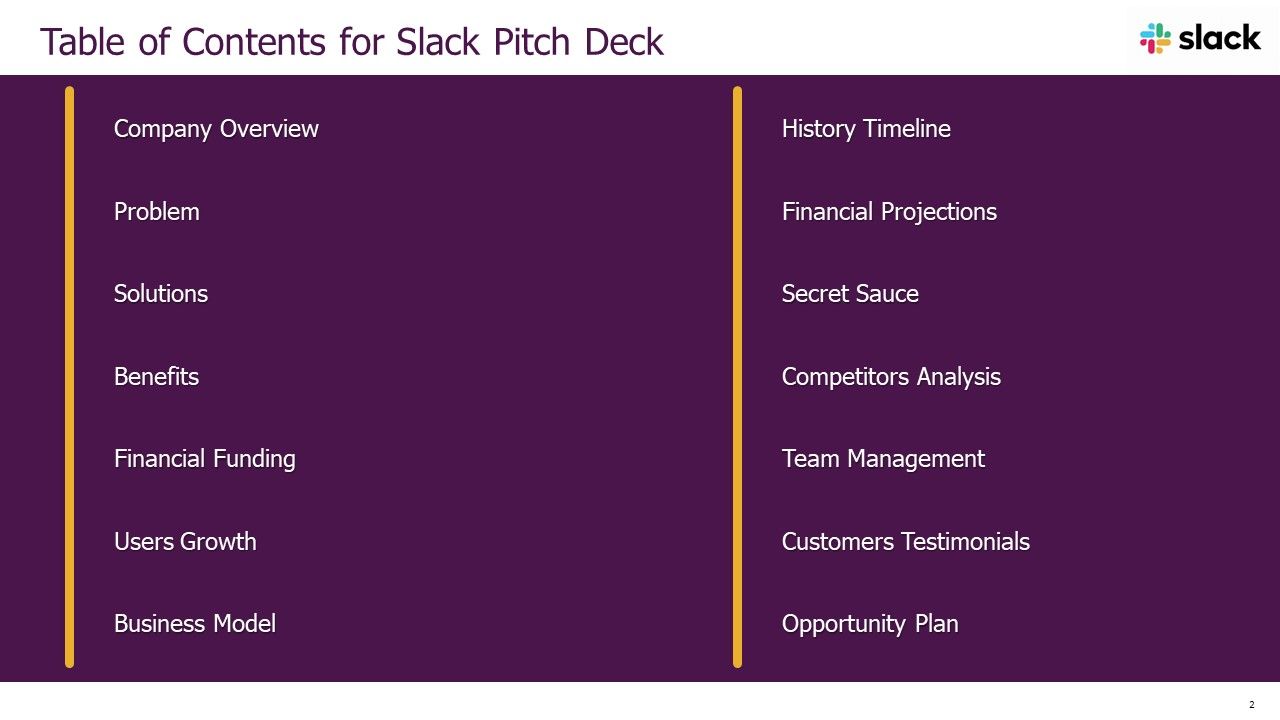
Diapositiva 2 : Esta diapositiva presenta el índice.
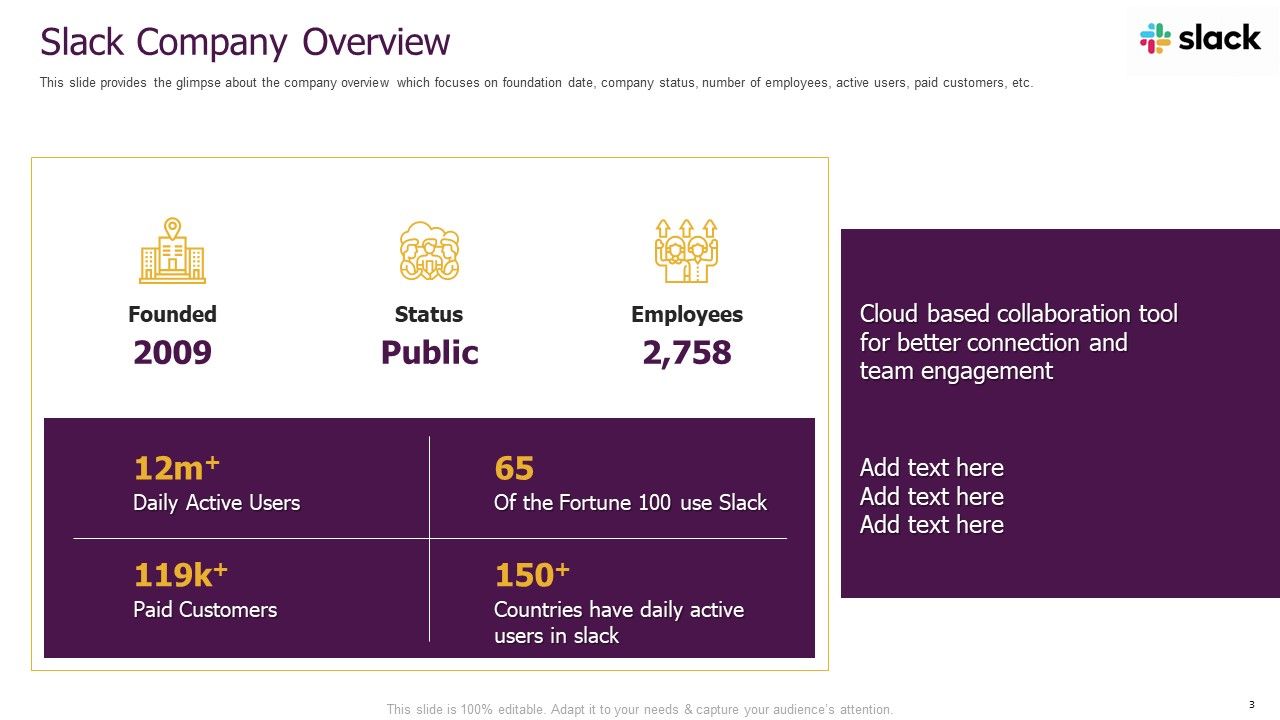
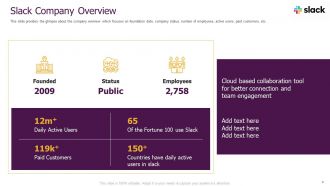
Diapositiva 3 : esta diapositiva brinda una idea general de la empresa que se centra en la fecha de fundación, el estado de la empresa, la cantidad de empleados, etc.
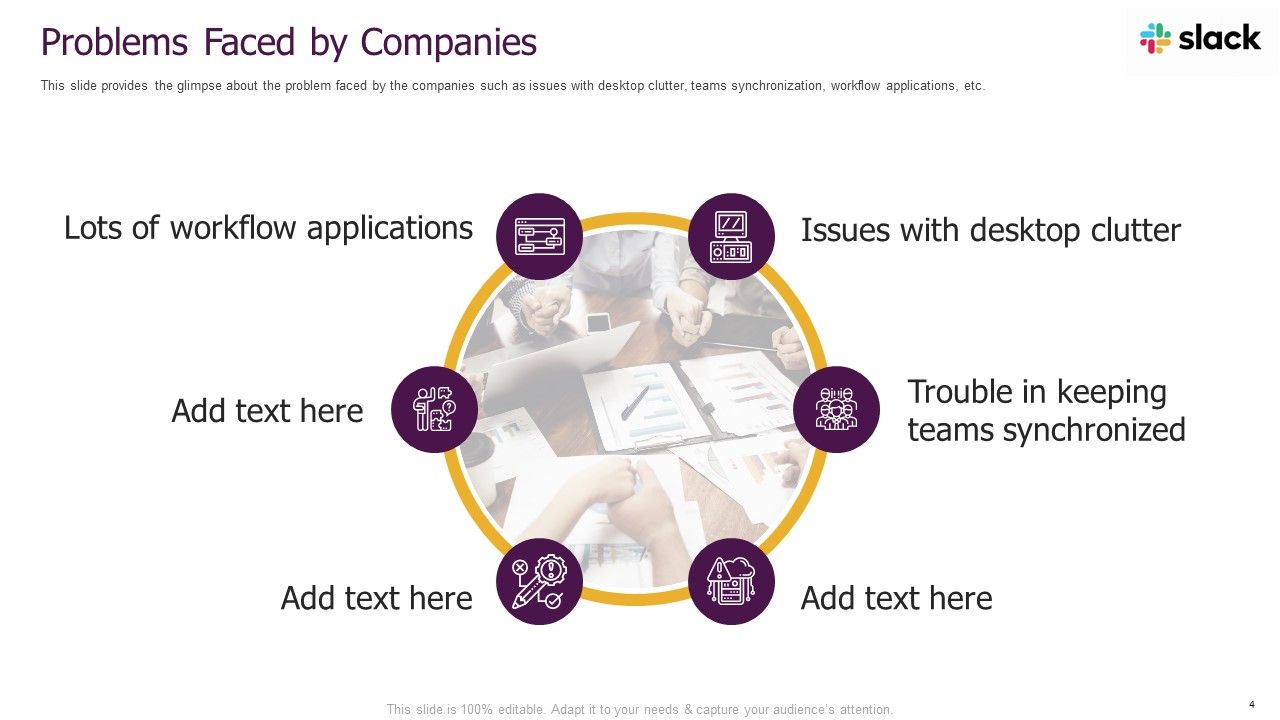
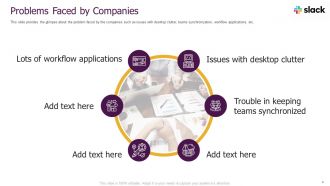
Diapositiva 4 : esta diapositiva brinda una idea del problema que enfrentan las empresas, como problemas con el desorden del escritorio, sincronización de equipos, etc.
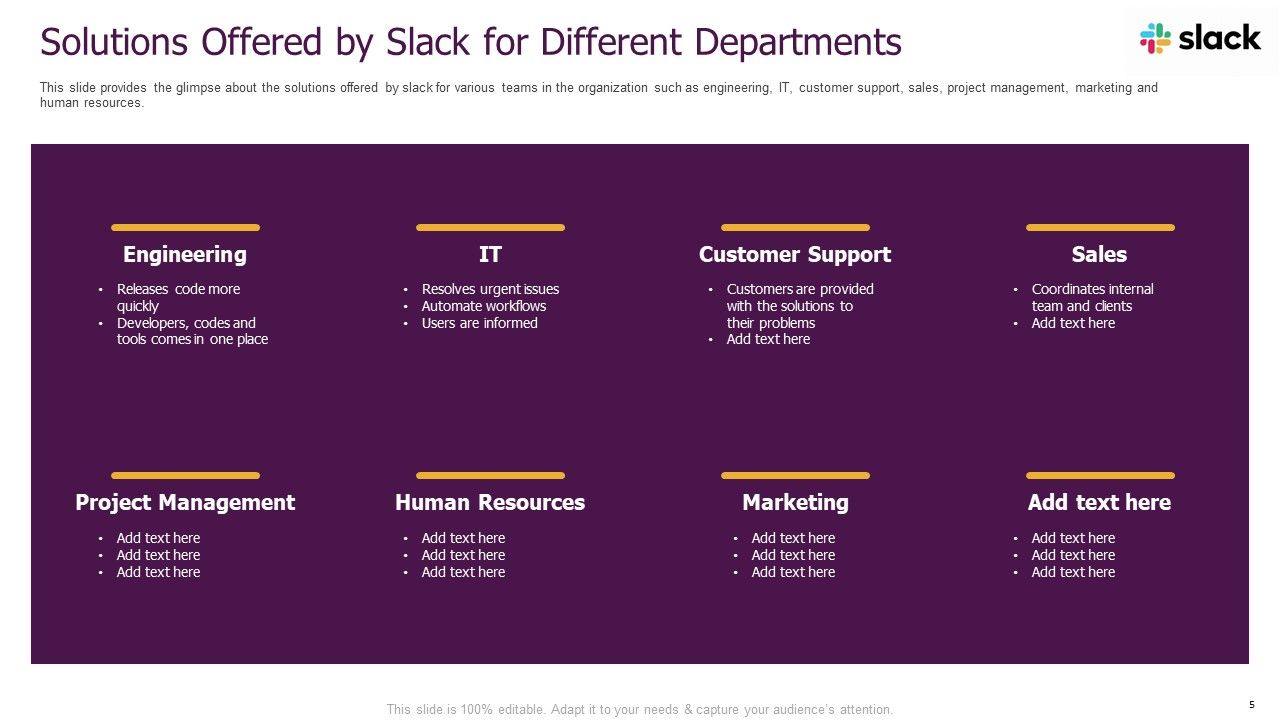
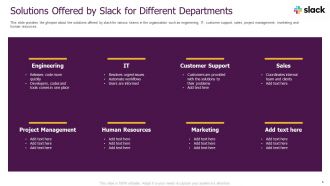
Diapositiva 5 : esta diapositiva brinda una idea de las soluciones que ofrece Slack para varios equipos de la organización, como ingeniería, TI, atención al cliente, etc.
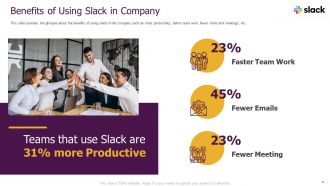
Diapositiva 6 : esta diapositiva brinda una idea de los beneficios de usar Slack en la empresa, como más productividad, mejor trabajo en equipo, menos correos electrónicos y reuniones, etc.
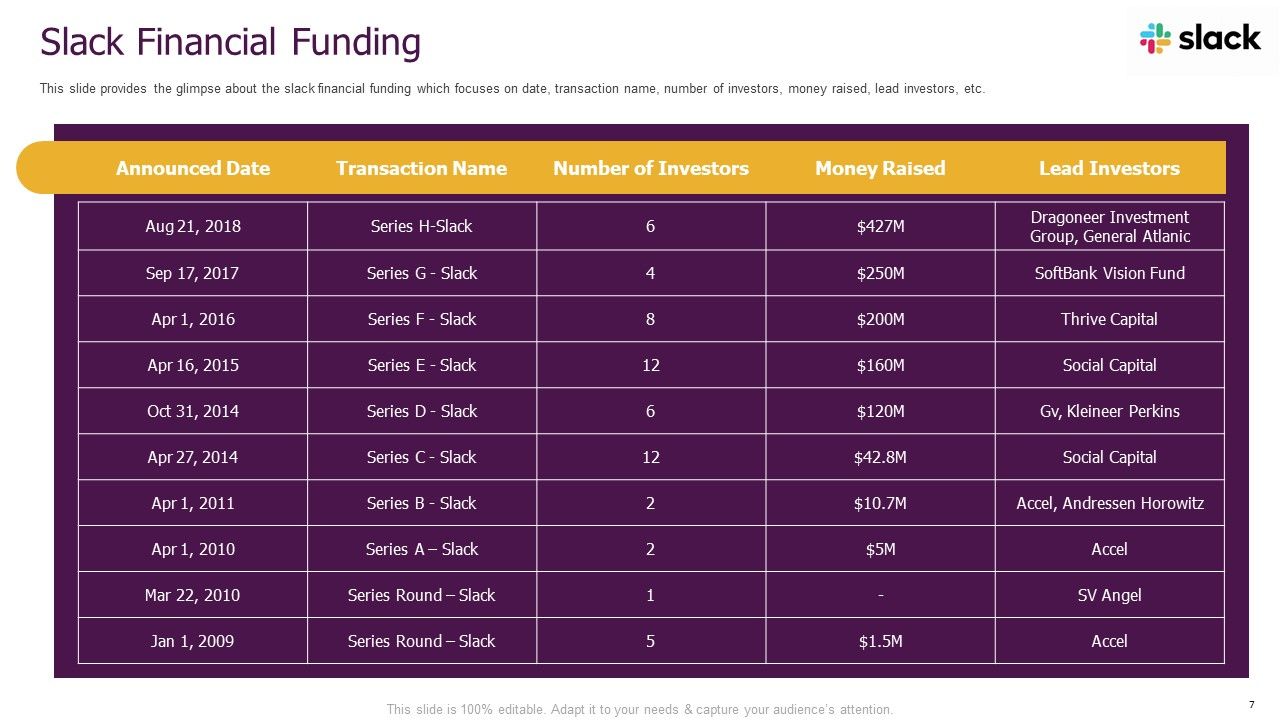
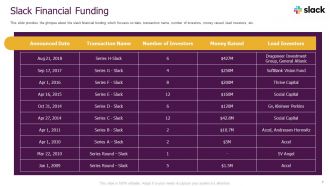
Diapositiva 7 : esta diapositiva brinda una idea de la falta de financiación financiera que se centra en la fecha, el nombre de la transacción, la cantidad de inversores, el dinero recaudado, etc.
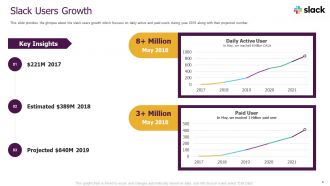
Diapositiva 8 : esta diapositiva brinda una idea del crecimiento de usuarios lentos que se enfoca en los usuarios activos y pagos diarios durante el año 2018 junto con su número proyectado.
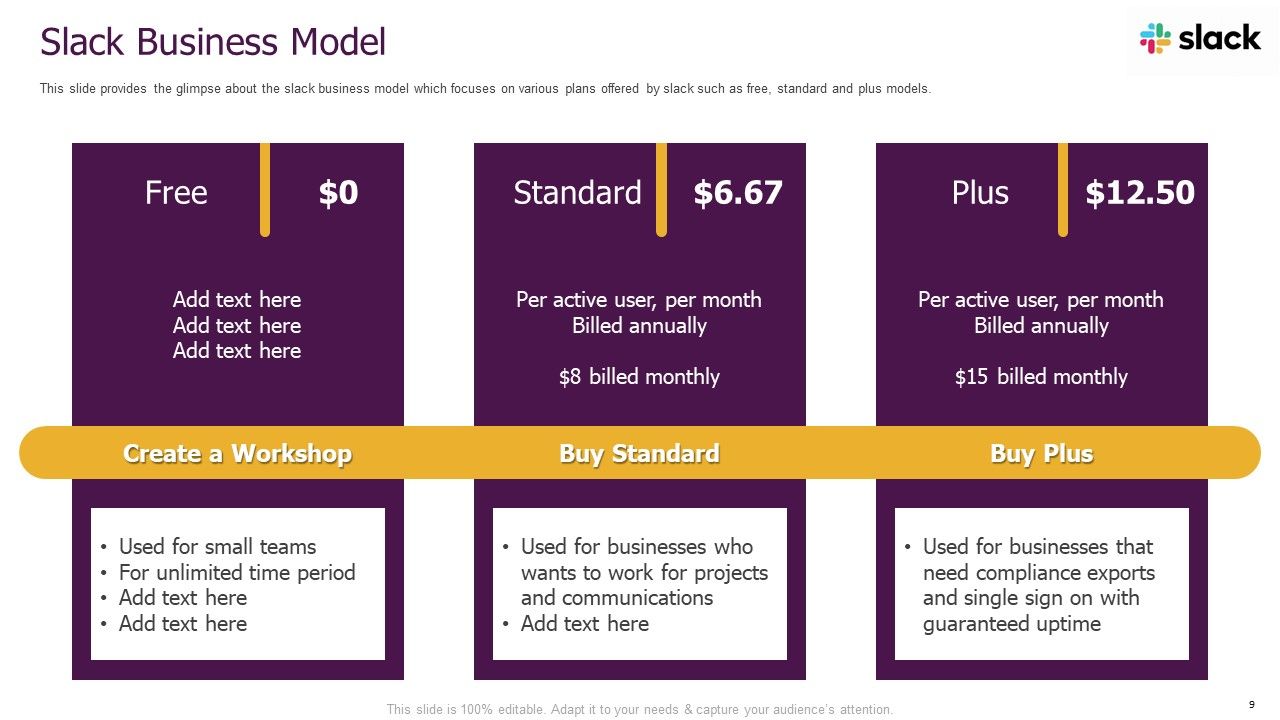
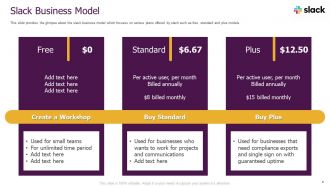
Diapositiva 9 : esta diapositiva brinda una idea del modelo comercial de Slack que se centra en varios planes ofrecidos por Slack, como los modelos gratuito, estándar y plus.
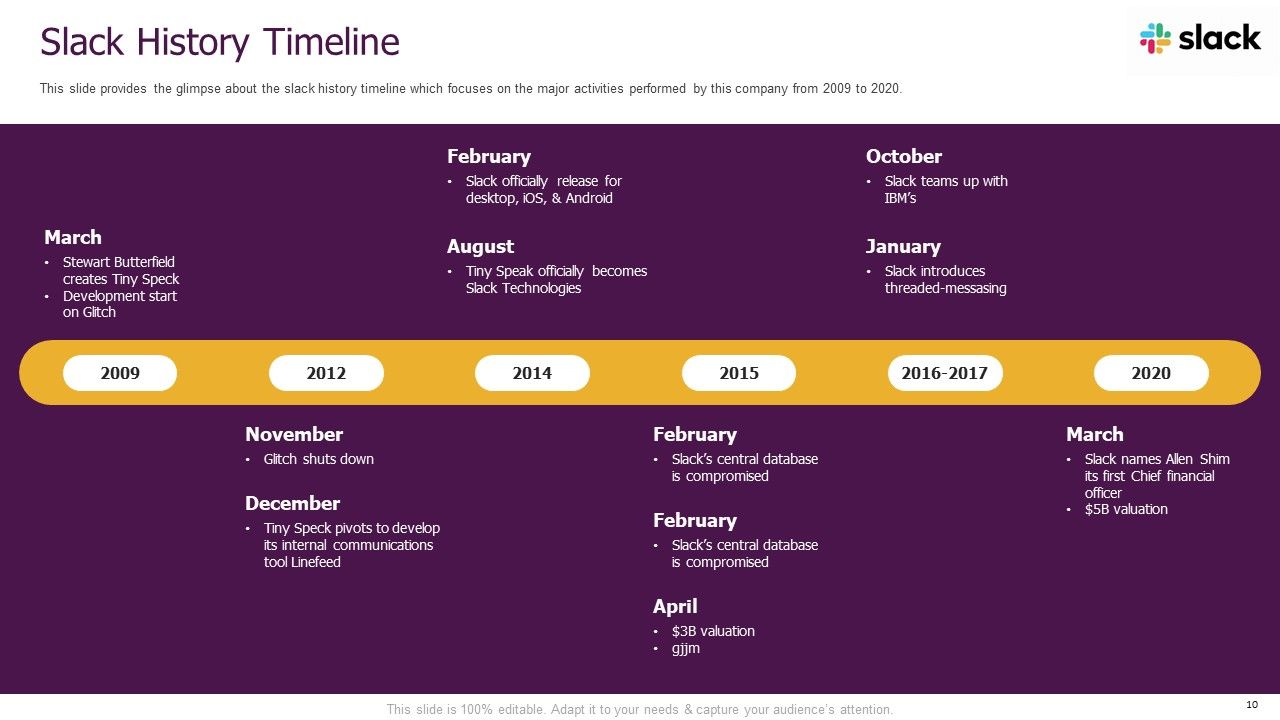
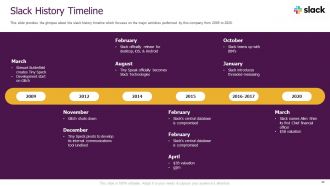
Diapositiva 10 : esta diapositiva brinda una idea de la línea de tiempo de la historia de Slack que se enfoca en las principales actividades realizadas por esta empresa desde 2009 hasta 2020.
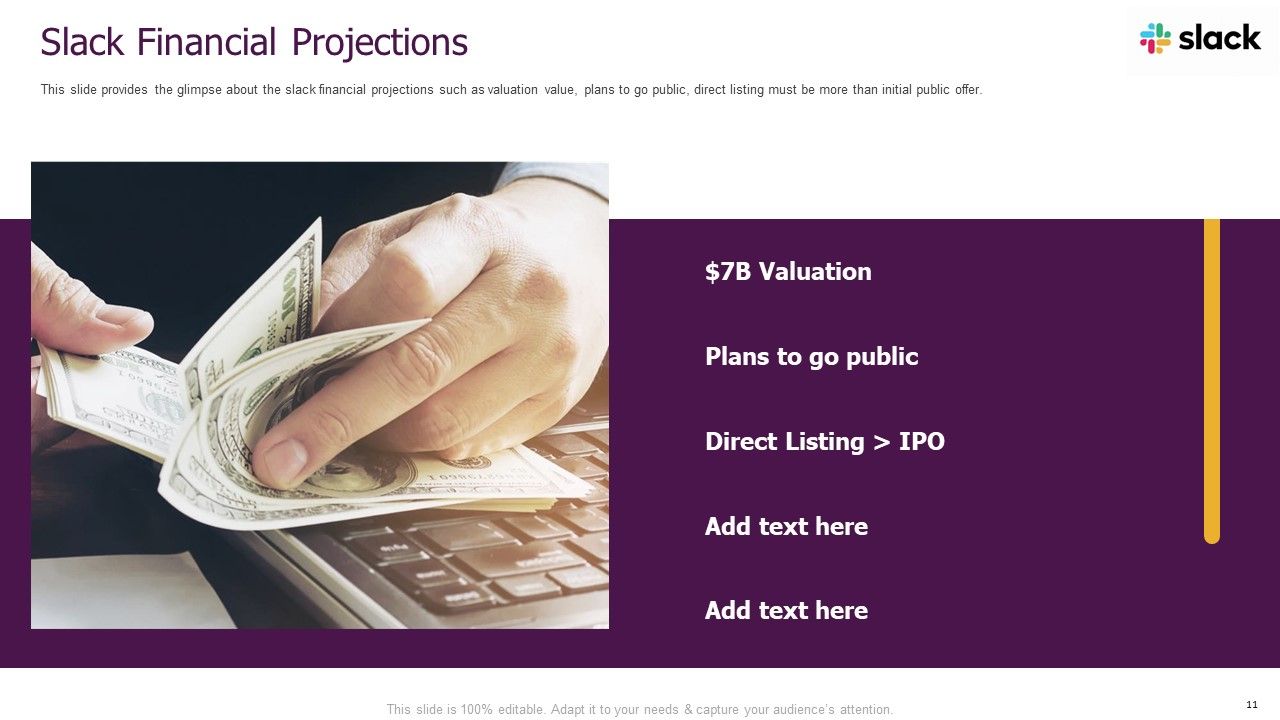
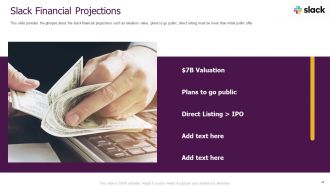
Diapositiva 11 : esta diapositiva brinda una idea de las proyecciones financieras débiles, como el valor de valoración, los planes para cotizar en bolsa, etc.
Diapositiva 12 : esta diapositiva brinda una idea del ingrediente secreto de Slack que se centra en las comunicaciones centralizadas, el sistema de bots inteligentes, etc.
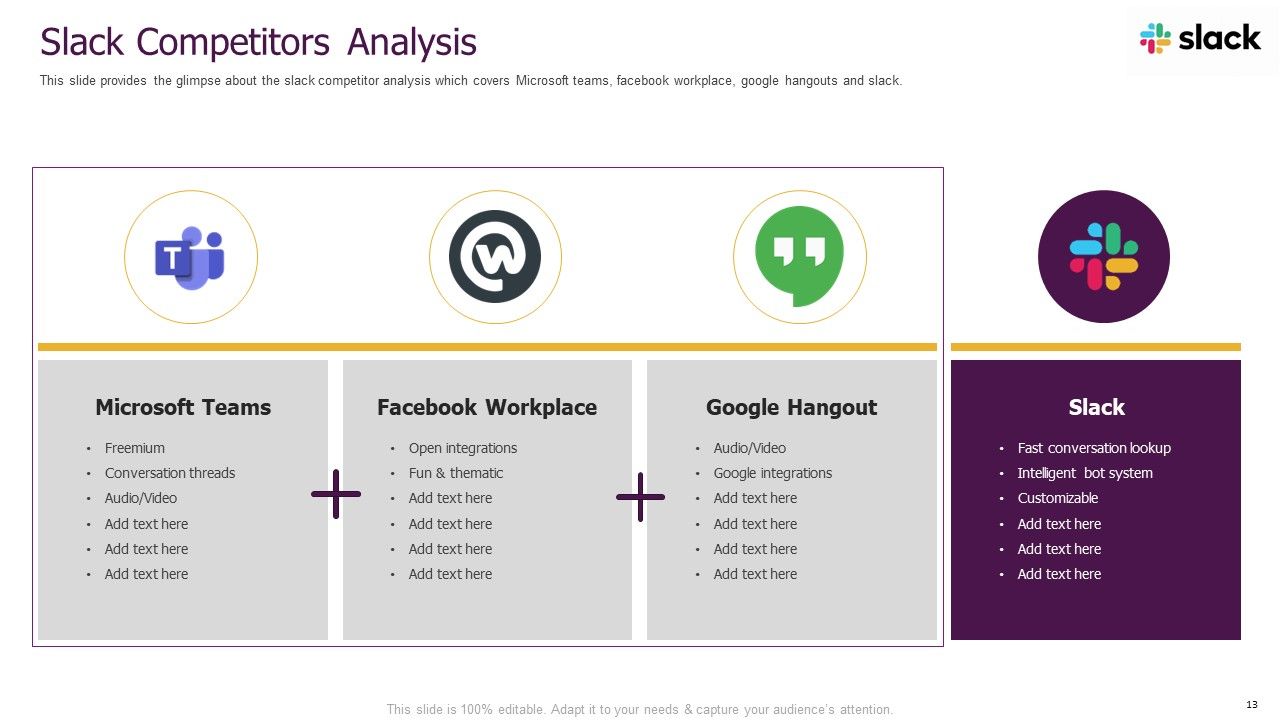
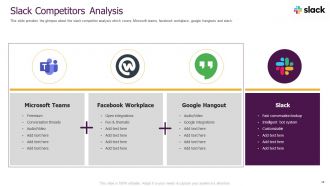
Diapositiva 13 : esta diapositiva brinda una idea del análisis de la competencia de Slack que cubre los equipos de Microsoft, el lugar de trabajo de Facebook, Hangouts de Google y Slack.
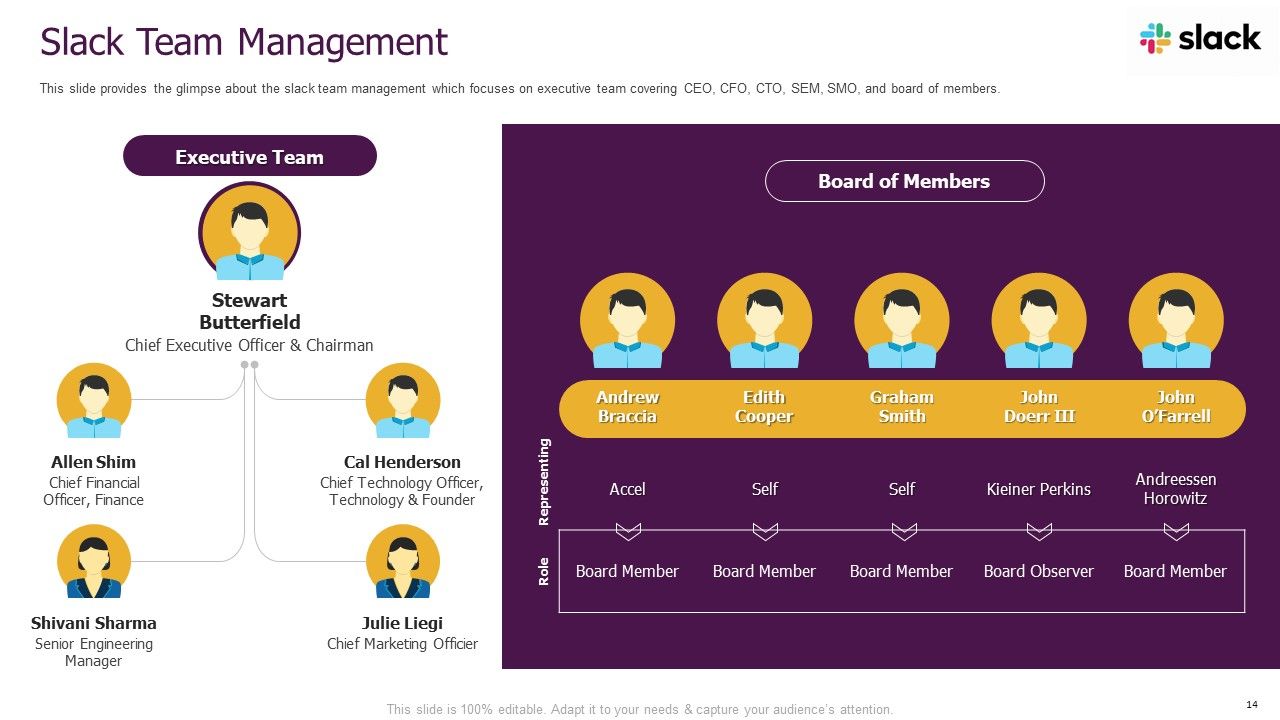
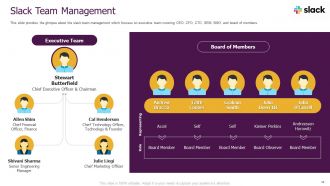
Diapositiva 14 : esta diapositiva brinda una idea de la administración del equipo inactivo que se enfoca en el equipo ejecutivo que cubre al director ejecutivo, director financiero, director de tecnología, SEM, SMO y la junta de miembros.
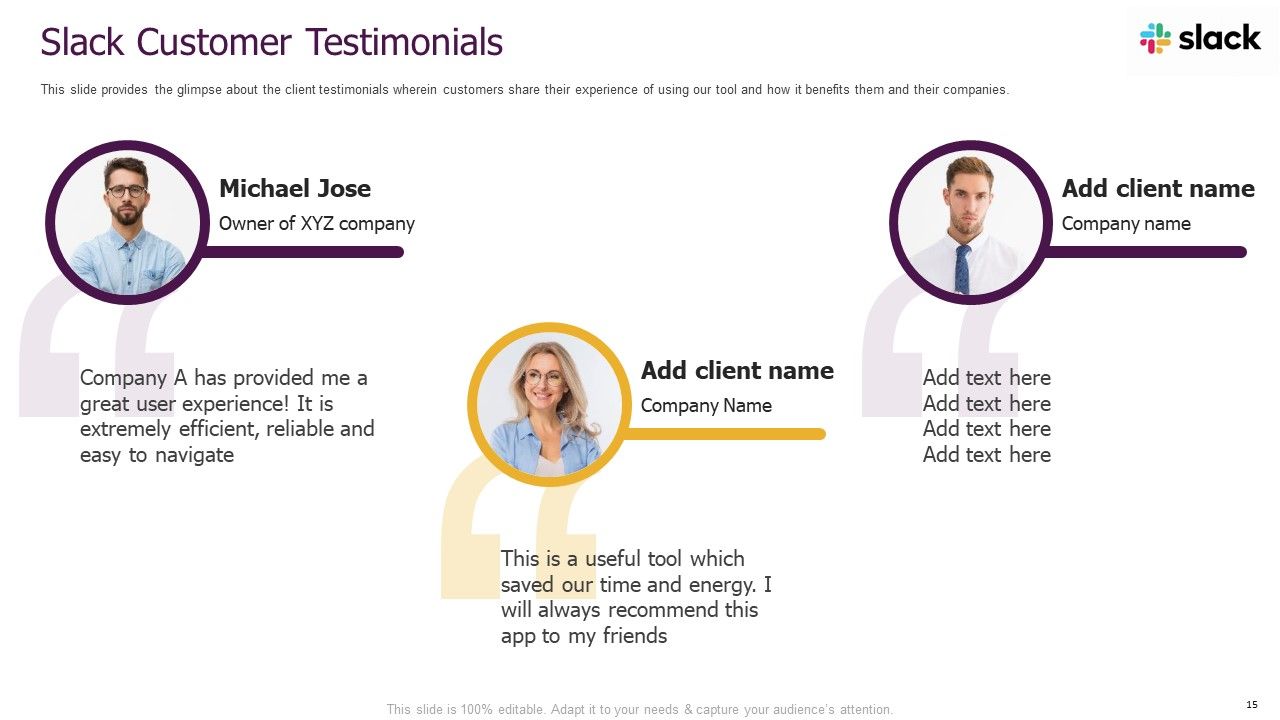
Diapositiva 15 : esta diapositiva brinda una idea de los testimonios de los clientes en los que los clientes comparten su experiencia al usar nuestra herramienta y cómo los beneficia.
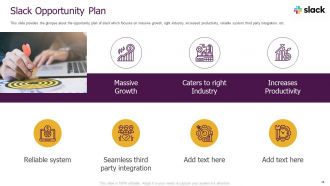
Diapositiva 16 : esta diapositiva brinda una idea del plan de oportunidades de Slack que se centra en el crecimiento masivo, la industria adecuada, el aumento de la productividad, etc.
Diapositiva 17 : esta es la diapositiva de iconos.
Diapositiva 18 : Esta diapositiva presenta el título de las diapositivas adicionales.
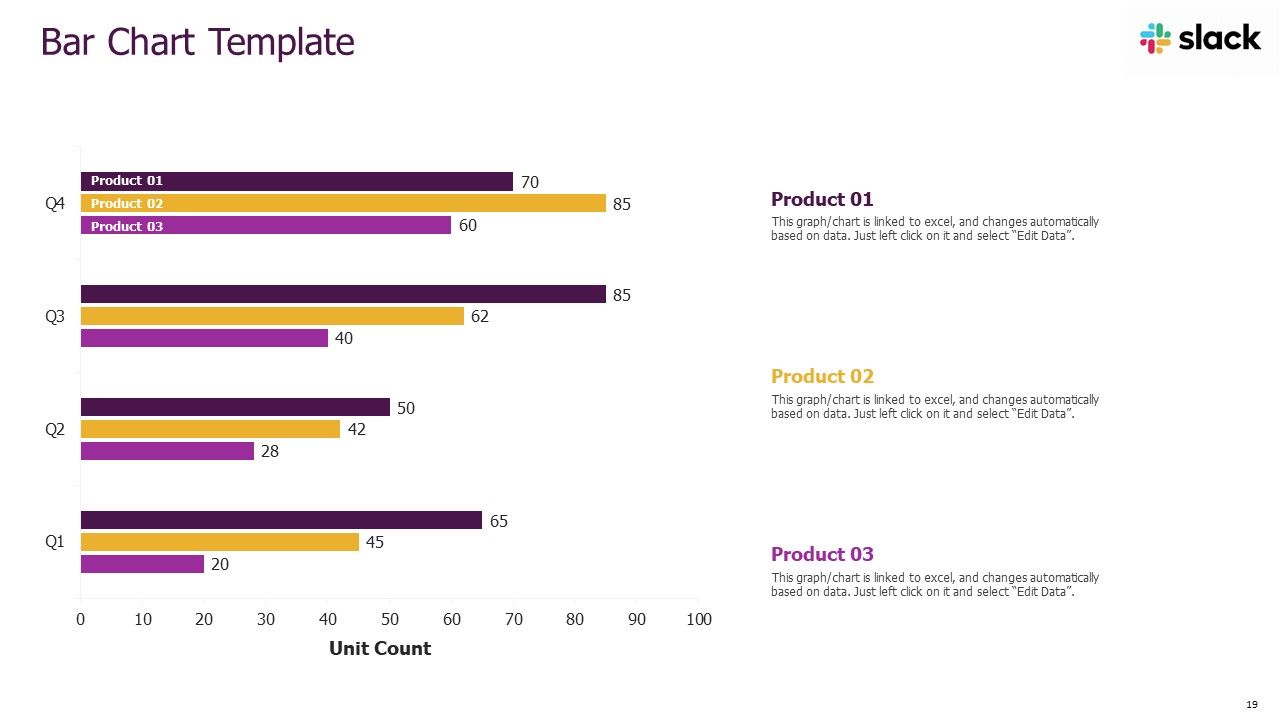
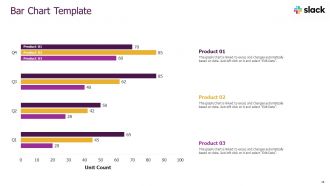
Diapositiva 19 : Esta diapositiva muestra gráficos de barras trimestrales para diferentes productos. Los gráficos están vinculados a Excel.
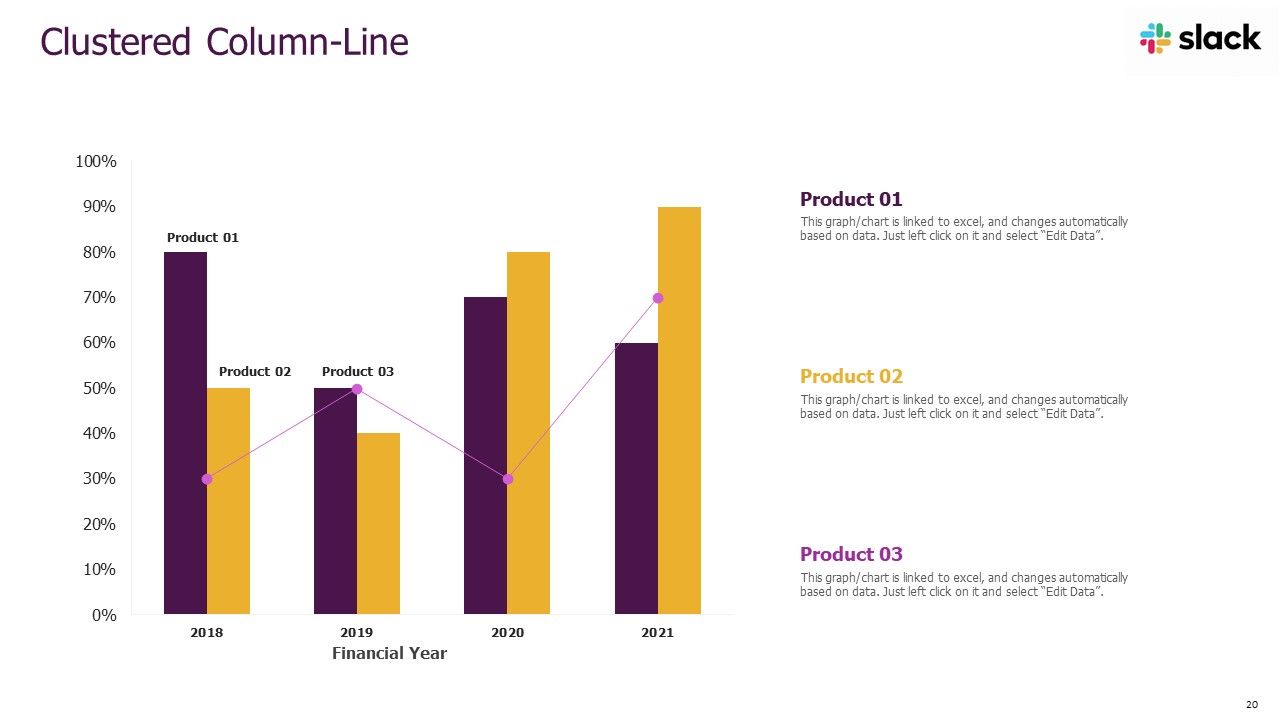
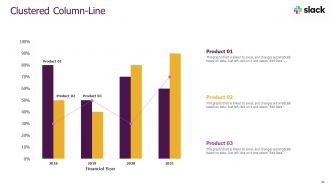
Diapositiva 20 : esta diapositiva muestra gráficos de columnas y líneas agrupados anualmente para diferentes productos. Los gráficos están vinculados a Excel.
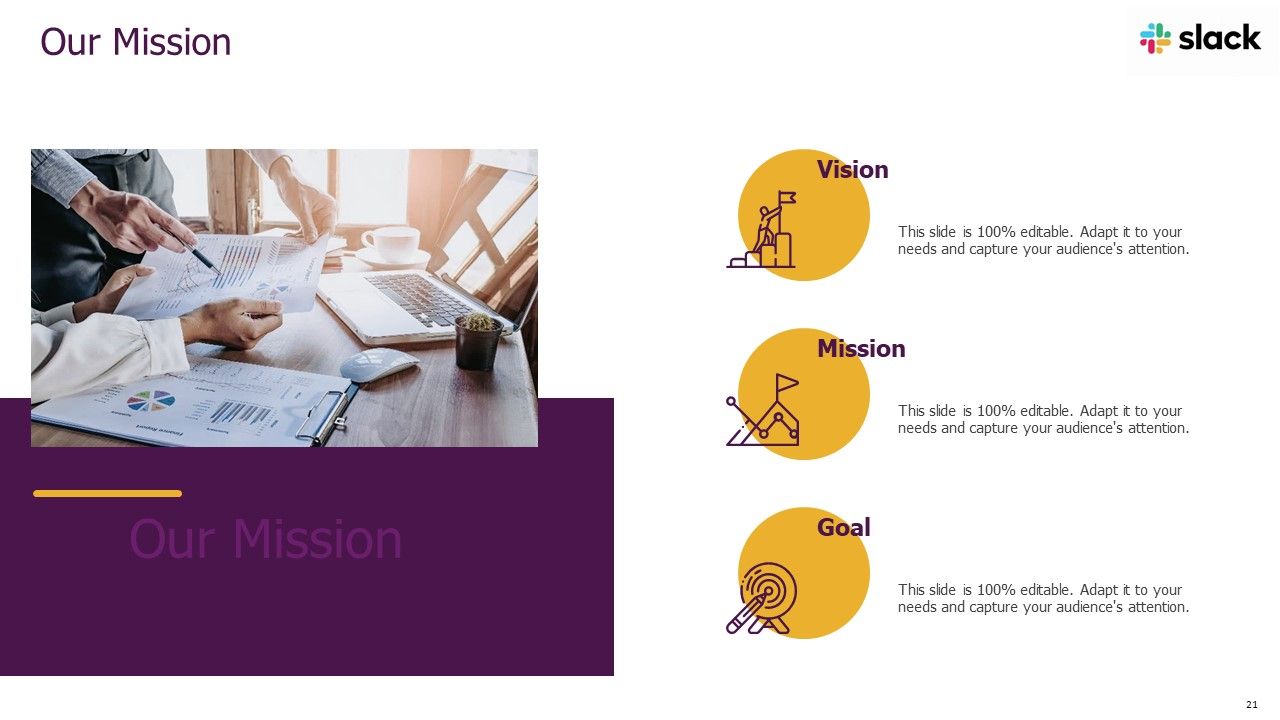
Diapositiva 21 : Esta diapositiva presenta la visión, la misión y los objetivos de su empresa.
Diapositiva 22 : esta diapositiva muestra detalles de los miembros del equipo, como el nombre, la designación, etc.
Diapositiva 23 : Esta diapositiva muestra objetivos.
Diapositiva 24 : Esta diapositiva muestra las ideas generadas.
Diapositiva 25 : esta diapositiva muestra información sobre su empresa, el público objetivo y los valores de sus clientes.
Diapositiva 26 : esta diapositiva muestra publicaciones de experiencias pasadas de clientes.
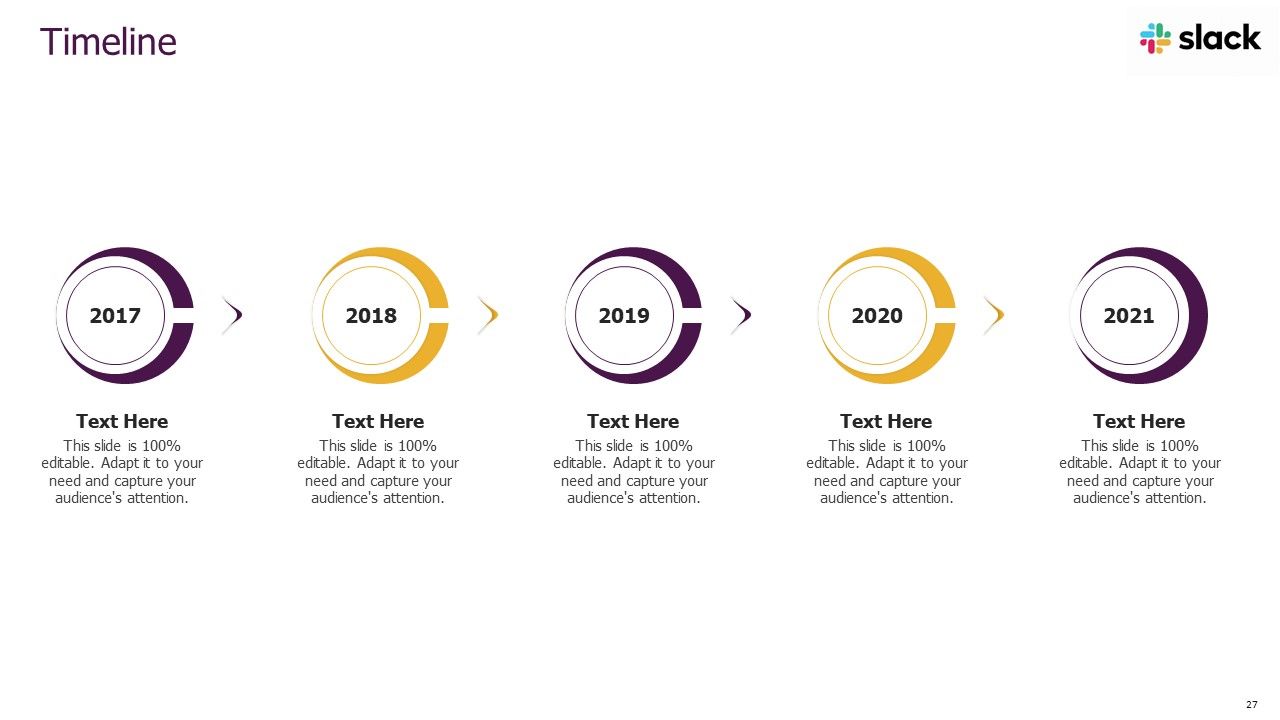
Diapositiva 27 : Esta diapositiva muestra una línea de tiempo anual.
Diapositiva 28 : Esta diapositiva muestra un plan de 30-60-90 días para proyectos.
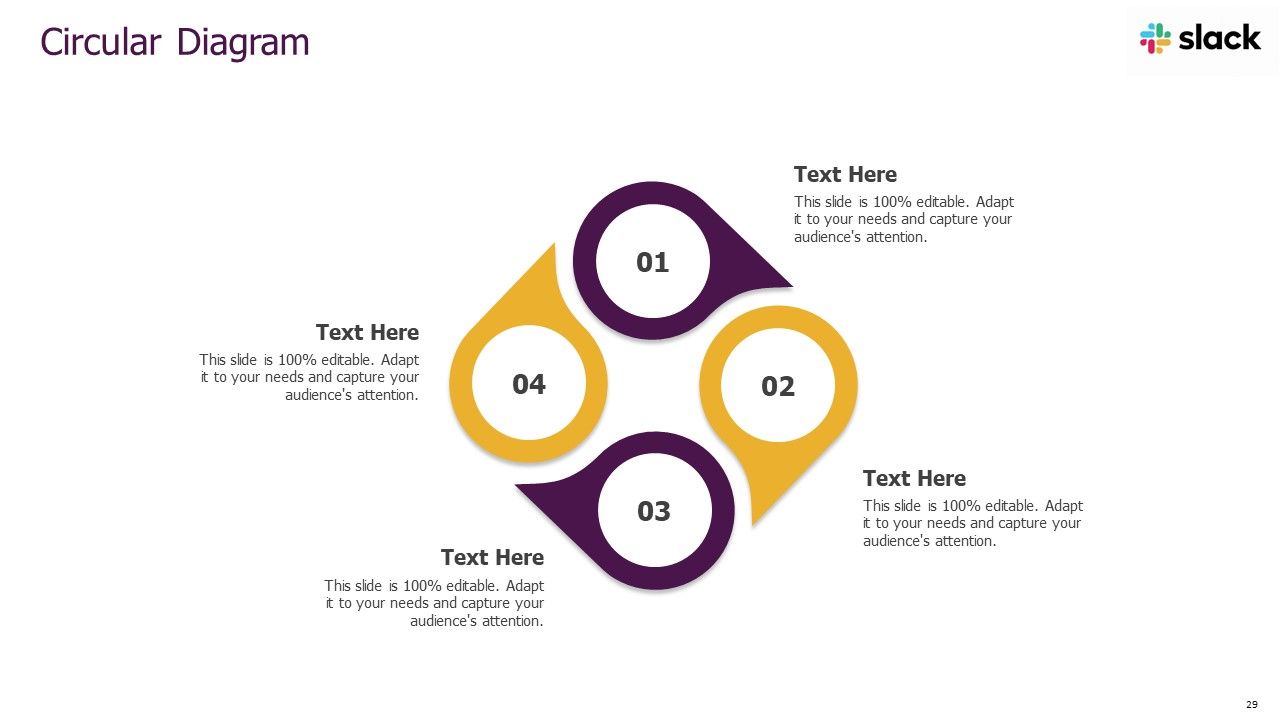
Diapositiva 29 : Esta diapositiva presenta un diagrama circular.
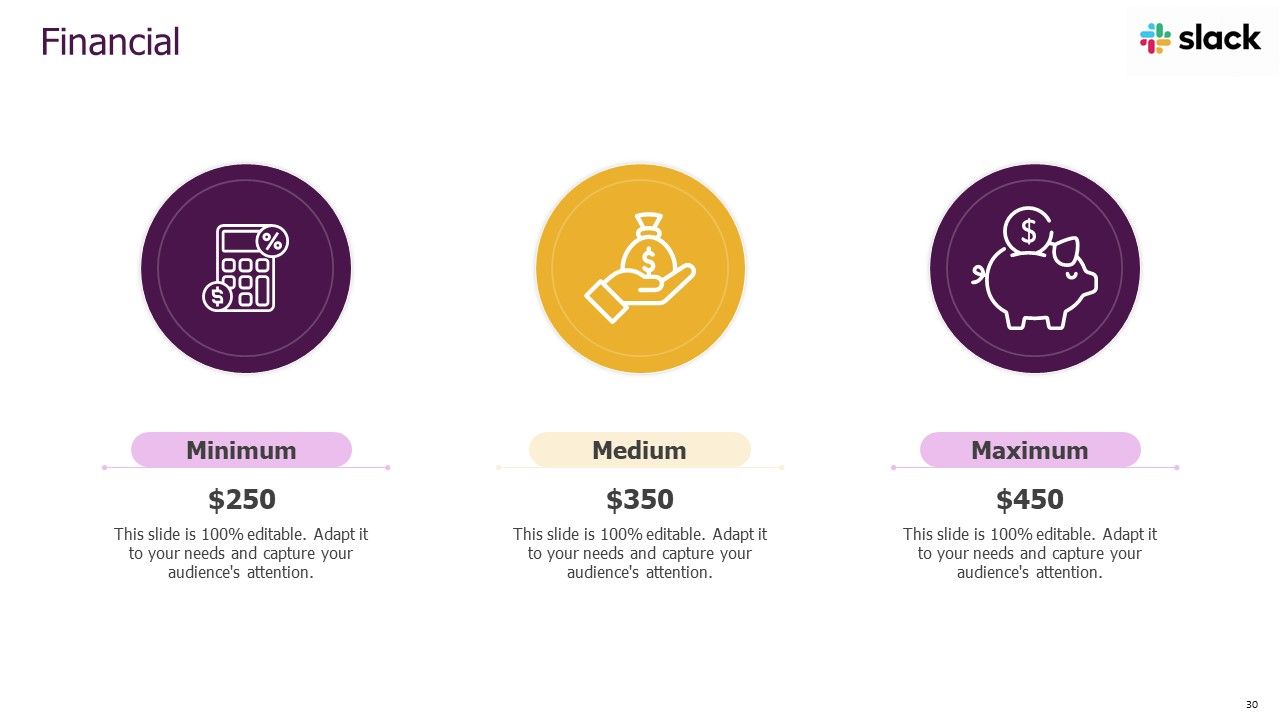
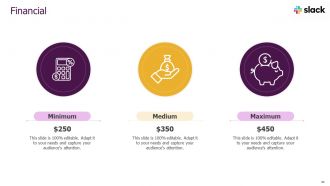
Diapositiva 30 : Esta diapositiva muestra las finanzas.
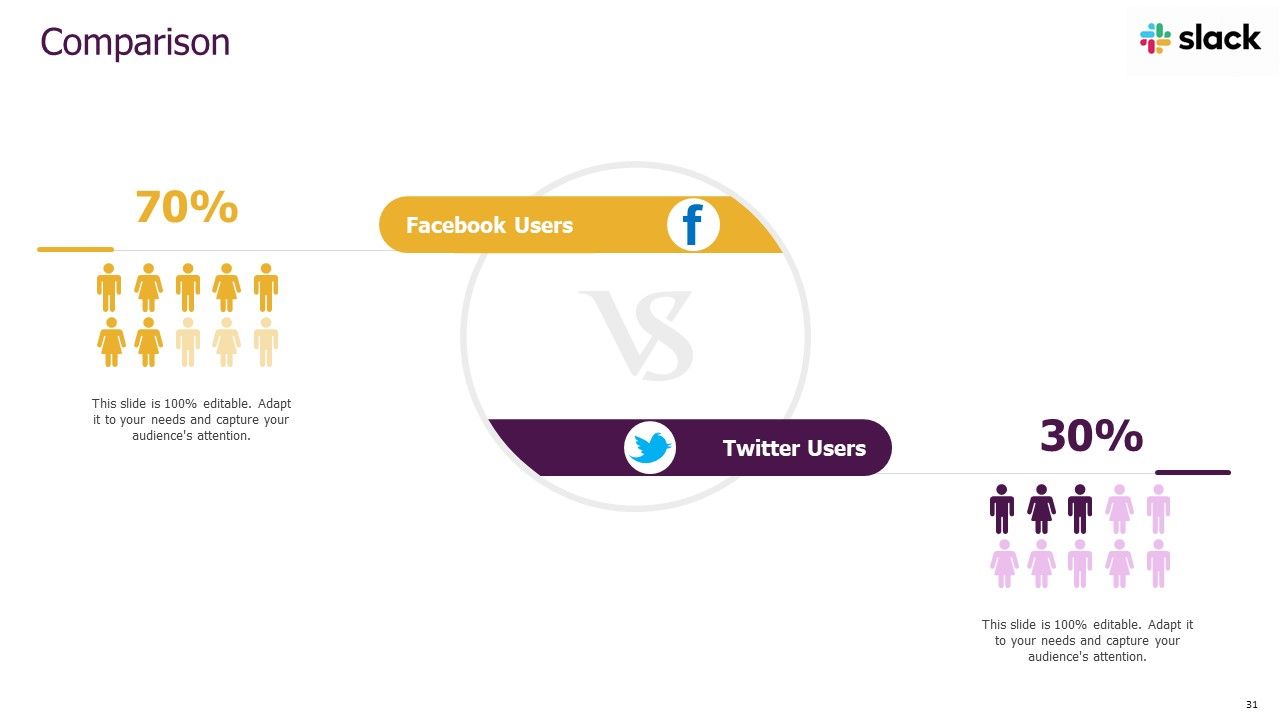
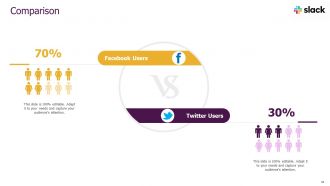
Diapositiva 31 : esta diapositiva destaca la comparación de productos según selecciones.
Diapositiva 32 : esta es una diapositiva de agradecimiento y contiene detalles de contacto de la empresa, como la dirección de la oficina, el número de teléfono, etc.
Diapositivas de presentación de Powerpoint de Slack Pitch Deck con las 32 diapositivas:
Utilice nuestras diapositivas de presentación en Powerpoint de Slack Pitch Deck para ayudarle a ahorrar su valioso tiempo de forma eficaz. Están listos para adaptarse a cualquier estructura de presentación.
FAQs for Slack pitch deck
Start with the problem - make them feel that pain point right away. Then show your solution, but skip the tech jargon (seriously, investors hate that). You need market size, business model, and any traction you've got. Competitive analysis is crucial, plus your team's background. Oh, and financial projections - even if they're rough estimates. Be super specific about funding - how much and exactly what it's for. Keep it 10-12 slides tops. Practice until you can tell the story without rushing. The timing thing trips up way more people than you'd think.
Dude, visual storytelling is huge for Slack pitch decks. Look at how Slack nails it with those clean icons and layouts - steal that vibe. Map out user pain points with before/after shots, or show your product's growth using timeline visuals. Data visualizations work great for demonstrating scale too. Honestly? Investors are drowning in boring text decks, so visuals immediately stand out. Just don't throw in random pretty stuff - every visual needs to actually push your story forward. I'd suggest storyboarding your key points first, then figure out the best visual format for each. Makes the whole process way less overwhelming.
Hey! So first thing - don't cram a million words on each slide. Slack's deck was crazy clean and visual, you should check it out. Even though everyone thinks they "get" workplace communication, you still need that problem/solution setup. Investors want context. Oh and here's where people always mess up - they try to show off every feature they've ever built. Just focus on your main thing and what makes you different. Skip those boring market size slides unless your numbers are actually impressive. Most importantly though, practice telling the story out loud beforehand. You'll catch weird transitions between slides that way.
Dude, it's all about who you're talking to. VCs want to see those juicy growth numbers and market size - basically prove you can make them rich. But enterprise clients? They care more about security and how it'll actually save them money. I'd make investor decks way more technical and data-heavy, while keeping customer ones super clean and simple. Think of it like... you wouldn't explain your startup the same way to your mom as you would to a potential buyer, right? Same product, totally different angle depending on what's gonna get them excited.
Dude, branding is everything for your Slack pitch deck. Investors see tons of these things, so consistent colors and fonts will make yours stick. But skip the crazy animations - they're just distracting. Your visual style should scream "clean workplace communication" you know? Modern, collaborative, that whole thing. I learned this the hard way actually - my first deck looked like a rainbow threw up on it. Short version: every slide needs to feel cohesive and support your story. Don't let flashy design compete with what you're actually saying about the product.
Dude, turn those boring numbers into actual visuals that people will remember. Growth curves, engagement maps, revenue charts - whatever makes your data interesting instead of just rows of spreadsheet hell. Clean, simple charts work best though, don't go crazy with it. Also stick to your brand colors so everything looks put together. Honestly, text-heavy slides are presentation death - visuals break that up and keep people awake. I learned this the hard way during my first pitch lol. Just make sure each chart actually supports your main points instead of being random eye candy.
Get 3-5 people you trust to look at your deck, but don't just ask "what do you think?" That's useless. Give them specific stuff to focus on - like does slide 3 actually make our value prop clear, or is the problem statement compelling enough? Way better feedback that way. Definitely practice out loud with someone who wasn't involved in making it. They'll spot holes you can't see anymore. Oh and give yourself at least 48 hours to make changes before the real thing - learned that one the hard way! Keep a separate doc for good feedback that doesn't quite fit this pitch.
So basically you gotta tailor everything to what each group actually gives a shit about. Investors? Hit them with market size, revenue potential, all that ROI stuff. Your teammates just want to know if this thing will make their day less painful - focus on workflow improvements and productivity boosts. Clients are different - they need the concrete benefits and implementation details that fix their actual problems. Mix up your metrics too. Growth numbers work for investors, efficiency stats for your team, cost savings for clients. The Slack story stays the same but you're just tweaking the details. Honestly, it's like speaking different languages to the same people.
Screen sharing's your best friend here, but go slower than you think you need to - people can't see over someone's shoulder like in regular meetings. Test your wifi first because dropping out mid-pitch is basically presentation death. Big fonts are clutch since half your audience is probably squinting at laptops. I'd honestly send the deck ahead of time so people can pull it up themselves if your screen share gets wonky. Call folks out by name for questions - otherwise you're just talking into the void. Oh, and pause way more than feels natural. Remote presentations need those breathing moments or everyone zones out.
Honestly, most people go crazy with animations and it just becomes distracting. But when you nail it, those smooth transitions actually create "aha" moments. Try fading in your key metrics when you reveal growth numbers. After explaining pain points, slide in some user testimonials. Your product demo should animate to show actual workflow - not just random flashy stuff. Stick to simple effects like fade, slide, zoom. Keep timing consistent around 0.5-1 seconds. Oh and definitely test everything beforehand because technical fails during your pitch are brutal. You're directing attention, not putting on a Vegas show.
So for design tools, Figma's probably your best bet - super clean and modern. Canva works great too if you want something easier. PowerPoint could work but honestly it tends to look kinda corporate unless you find some really good templates. Oh and definitely use Loom for recording demos! Way better than just throwing in static screenshots. Shows the actual Slack interface in action which is huge for a communication tool pitch. If you're feeling ambitious, Principle or After Effects can add some nice animations. But honestly? Start simple with one main tool first, then add fancy stuff later. Don't overthink it.
One insight per slide, period. Cut everything else that doesn't support your main story. Start with your best numbers - user growth, engagement, whatever makes people actually pay attention. I swear, most decks I see are just walls of text that nobody wants to read. Bullet points over paragraphs every time. Let your charts tell the story instead of cramming in explanations. Keep it to 10-12 slides max, then throw all the boring financial stuff in an appendix if they ask for it later. Oh and practice your 10-minute pitch until you can do it in your sleep - trust me on this one.
Honestly, start with engagement stuff - daily active users, message volume, how many teams actually stick around. MRR and customer acquisition costs are obvious must-haves. Time in the app is massive because people literally work in Slack all day (I swear I forget other apps exist sometimes). Retention rates tell you if you're solving real problems. Also track expansion revenue when customers upgrade their plans - that's pure gold. Oh, and don't sleep on the boring operational metrics like uptime. Pick maybe 6 that actually tell your story and be ready to explain why each one matters.
Dude, this stuff actually matters way more than people think. Your deck might land perfectly with the US team but totally flop in Japan - Americans love that direct, confident vibe while Japanese teams often see it as way too aggressive. Germans? They'll think your sleek minimalist slides look half-baked because they want ALL the details. Even colors mean different things across cultures. And honestly, some poor person in Singapore is probably reviewing this at like 5am before they've had coffee, so timing's brutal too. I'd definitely make a few different versions for your main regions, or at least run it by local teammates first.
Dude, go bold with your typography and leave tons of white space - that's what everyone's doing right now. Dark mode is perfect for tech stuff. Skip the boring static slides and add some interactive elements like clickable demos or videos. 3D graphics work great too, just don't go overboard. Oh, and ditch stock photos for custom illustrations when you're visualizing data - way more engaging. Build it in Figma instead of PowerPoint if you can. Honestly, I've seen too many generic decks lately, so anything that tells a real story will stand out.
-
Out of the box and creative design.
-
Awesomely designed templates, Easy to understand.
-
Excellent Designs.
-
The content is very helpful from business point of view.
-
Use of different colors is good. It's simple and attractive.
-
Excellent products for quick understanding.
-
Designs have enough space to add content.
-
Nice and innovative design.