


Slides de Apresentação em Powerpoint de Perfil de Empresa para Pequenas Empresas
Um Perfil de Empresa é uma descrição profissional que visa informar os clientes sobre ofertas de produtos e serviços, sua estrutura, recursos, desempenho financeiro, etc. Confira nosso modelo de Perfil de Empresa para Pequenas Empresas elaborado de forma eficiente. Ele apresenta o resumo executivo e a introdução da empresa, incluindo nossa missão, especialidades, conquistas e valores fundamentais. Além disso, abrange nossa presença global em diferentes regiões, principais produtos e serviços de suporte. Além disso, este PPT representa nossa equipe de gestão, histórico da empresa, parcerias estratégicas, modelo de negócios, principais clientes e suas avaliações. Além disso, concentra-se em destaques financeiros, como receitas, lucro líquido, análise de índices, divisão de receitas por geografia e despesas de P e D. Além disso, captura participação de mercado e comparação com concorrentes com base em finanças e serviços. Também se concentra em uma abordagem estratégica para melhorar a base de clientes, mix de marketing, análise SWOT, atividades de RSE e abordagem de estudo de caso. Personalize este perfil de empresa 100% editável por meio da assistência de nossa equipe de pesquisa ou design altamente qualificada. Obtenha acesso agora.

























-

- Google Slides is a new FREE Presentation software from Google.
- All our content is 100% compatible with Google Slides.
- Just download our designs, and upload them to Google Slides and they will work automatically.
- Amaze your audience with SlideTeam and Google Slides.
-

Want Changes to This PPT Slide? Check out our Presentation Design Services
-

- WideScreen Aspect ratio is becoming a very popular format. When you download this product, the downloaded ZIP will contain this product in both standard and widescreen format.
-

- Some older products that we have may only be in standard format, but they can easily be converted to widescreen.
- To do this, please open the SlideTeam product in Powerpoint, and go to
- Design ( On the top bar) -> Page Setup -> and select "On-screen Show (16:9)” in the drop down for "Slides Sized for".
- The slide or theme will change to widescreen, and all graphics will adjust automatically. You can similarly convert our content to any other desired screen aspect ratio.
Compatible With Google Slides

Get This In WideScreen
You must be logged in to download this presentation.


Do you want to remove this product from your favourites?
Características destes slides de apresentação do PowerPoint :
Entregue este deck completo aos membros de sua equipe e outros colaboradores. Englobado com slides estilizados apresentando vários conceitos, este Slides de apresentação de PowerPoint de perfil de empresa de pequeno porte é a melhor ferramenta que você pode utilizar. Personalize seu conteúdo e gráficos para torná-lo único e instigante. Todos os trinta e nove slides são editáveis e modificáveis, portanto, sinta-se à vontade para ajustá-los à sua configuração de negócios. A fonte, cor e outros componentes também vêm em um formato editável, tornando este design PPT a melhor escolha para sua próxima apresentação. Então, baixe agora.

People who downloaded this PowerPoint presentation also viewed the following :
Conteúdo desta apresentação em PowerPoint
Slide 1 : Este slide apresenta o perfil da empresa de pequeno porte. Indique o nome da sua empresa e comece.
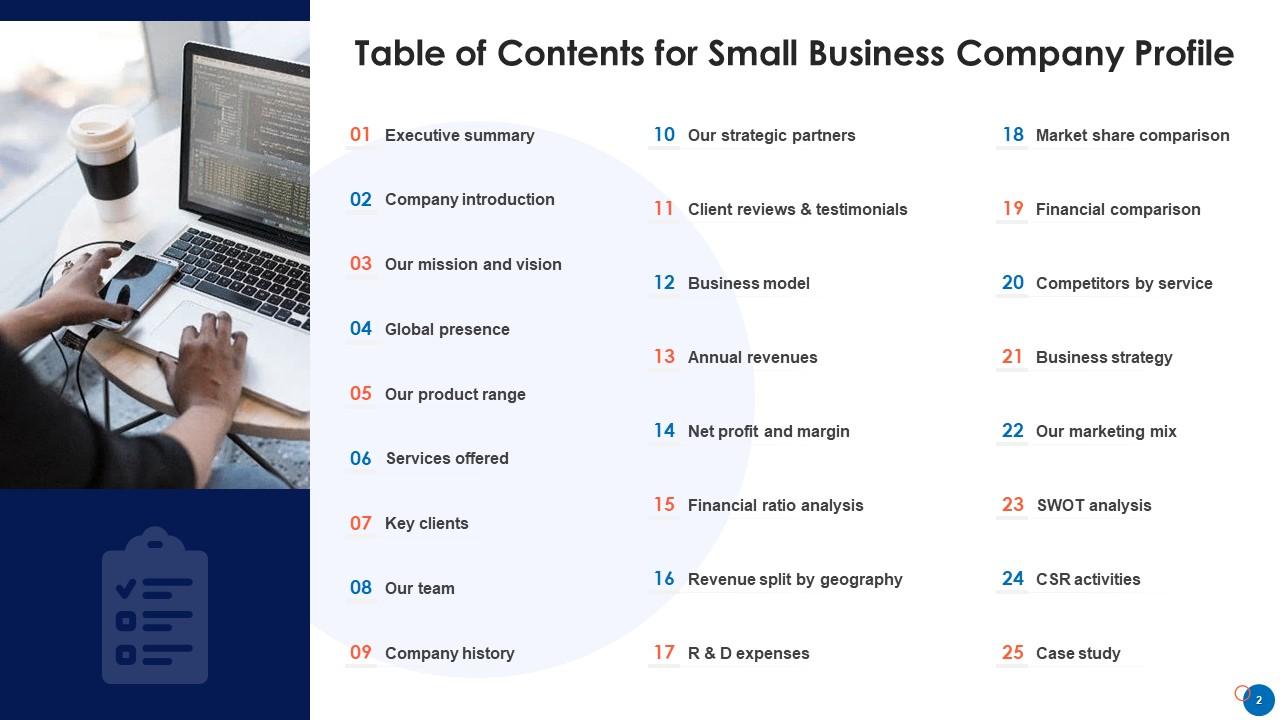
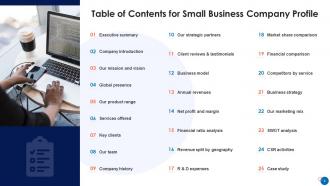
Slide 2 : Este slide apresenta o Índice da apresentação.
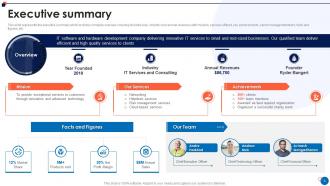
Slide 3 : Este slide representa o resumo executivo que inclui a visão geral da empresa.
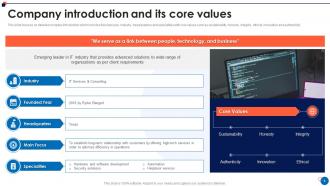
Slide 4 : Este slide se concentra na introdução detalhada da empresa, que inclui ano de fundação, setor, sede e especialidades.
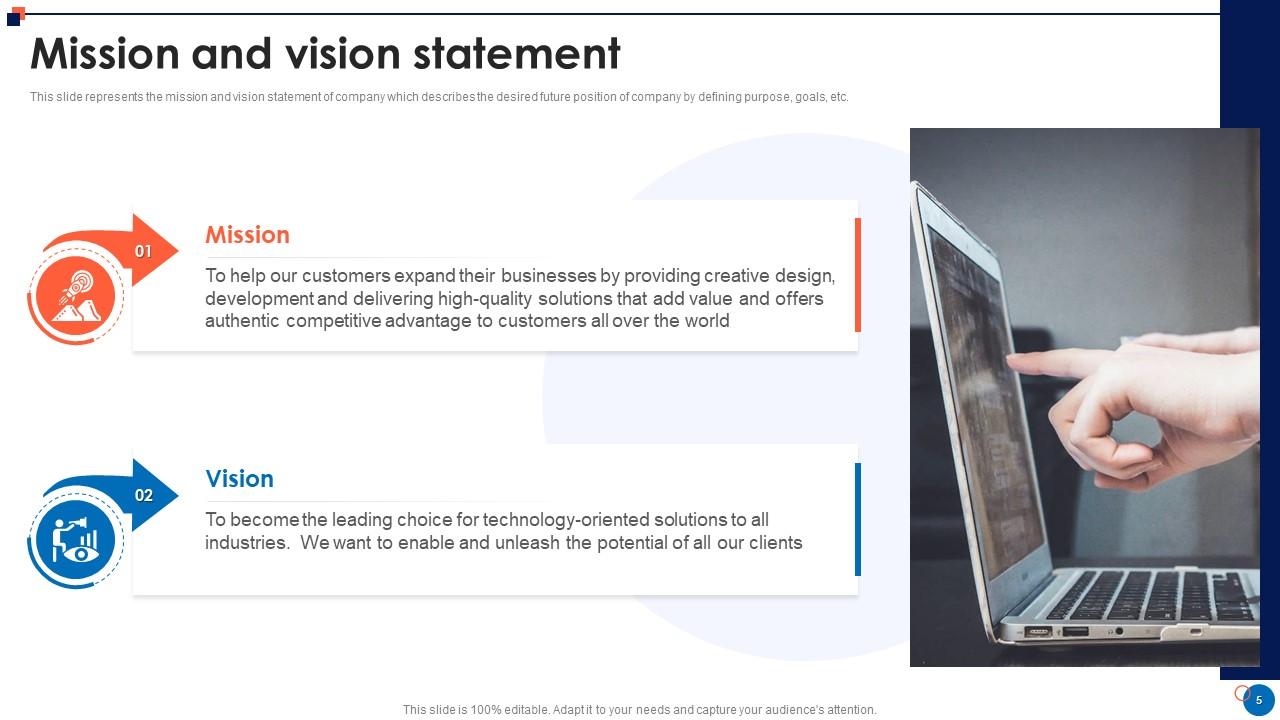
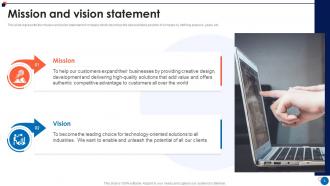
Slide 5 : Este slide representa a declaração de missão e visão da empresa.
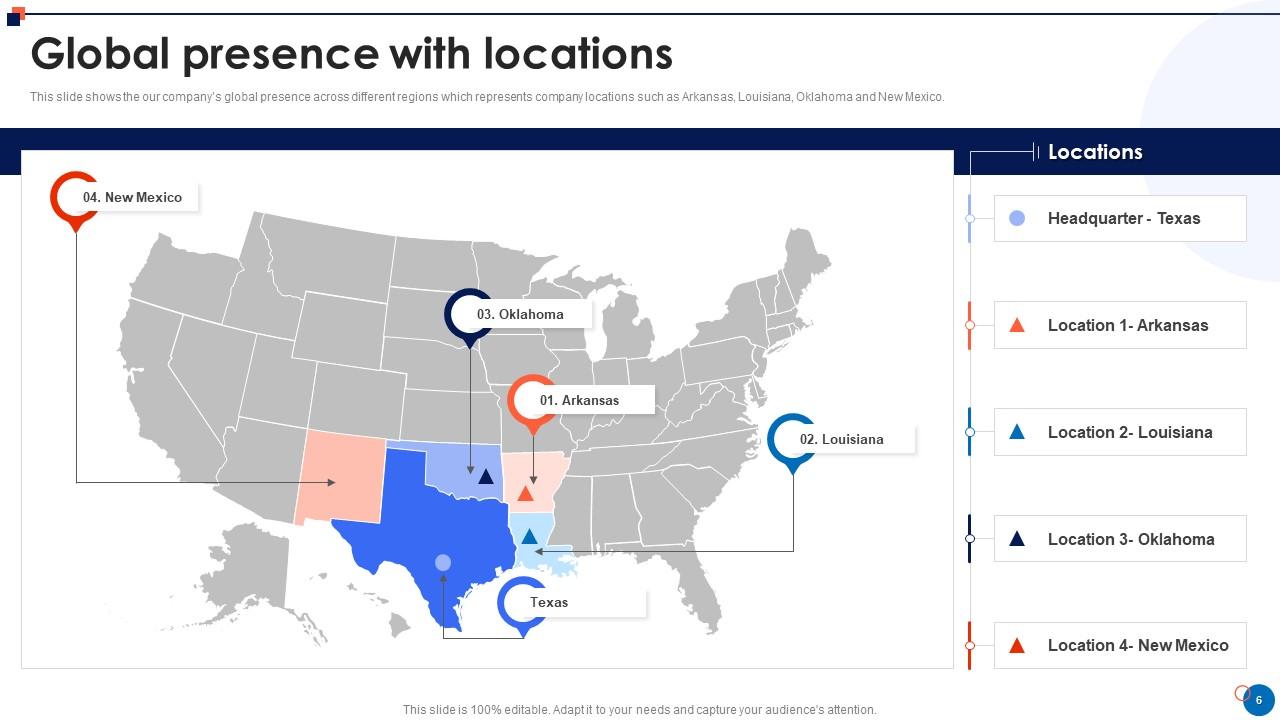
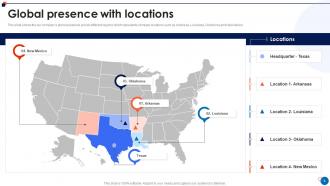
Slide 6 : Este slide mostra a presença global da nossa empresa em diferentes regiões.
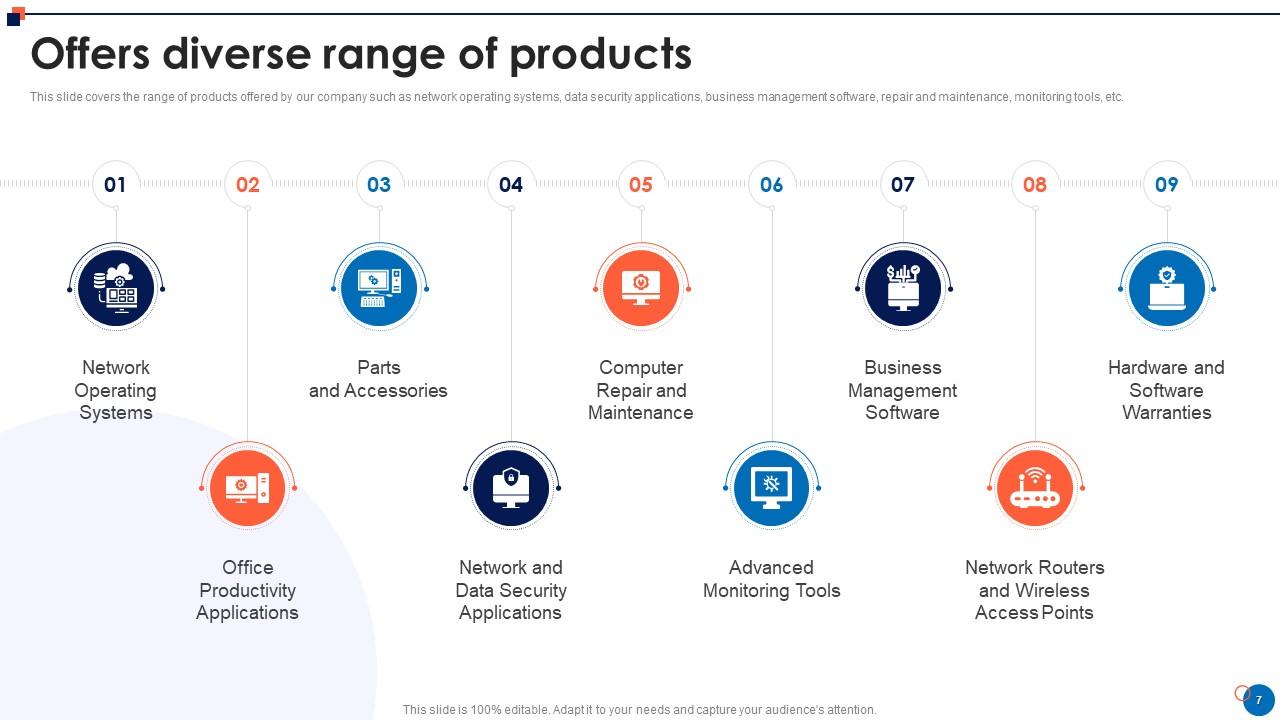
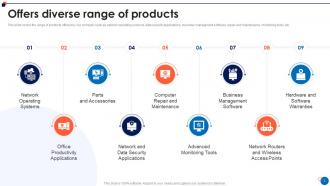
Slide 7 : Este slide abrange a gama de produtos oferecidos por nossa empresa, como sistemas operacionais de rede, aplicativos de segurança de dados, etc.
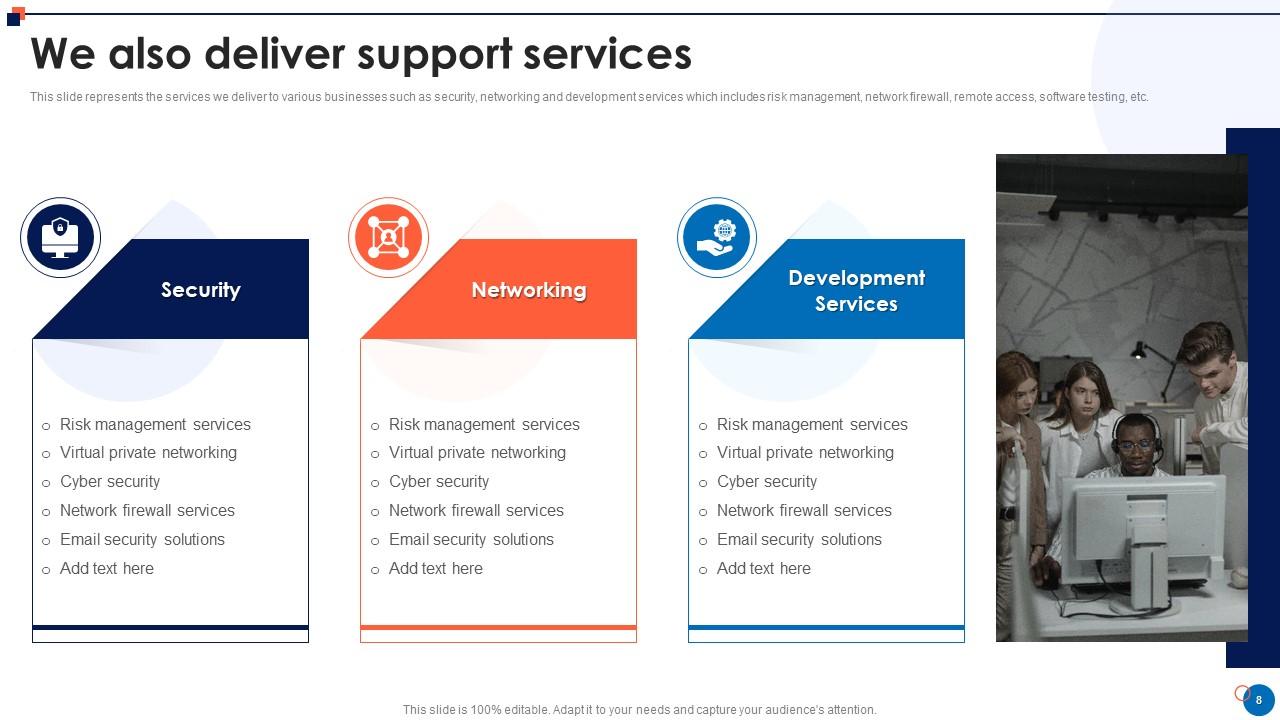
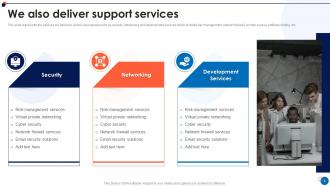
Slide 8 : Este slide representa os serviços que oferecemos a vários negócios, como segurança, rede e serviços de desenvolvimento.
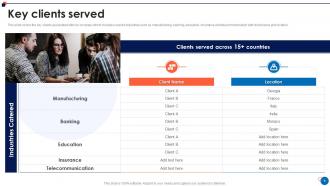
Slide 9 : Este slide abrange os principais clientes associados à nossa empresa, incluindo os setores cobertos.
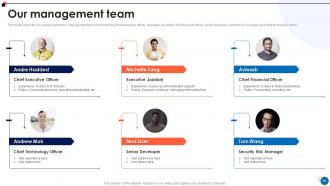
Slide 10 : Este slide mostra as principais pessoas envolvidas na equipe de gestão.
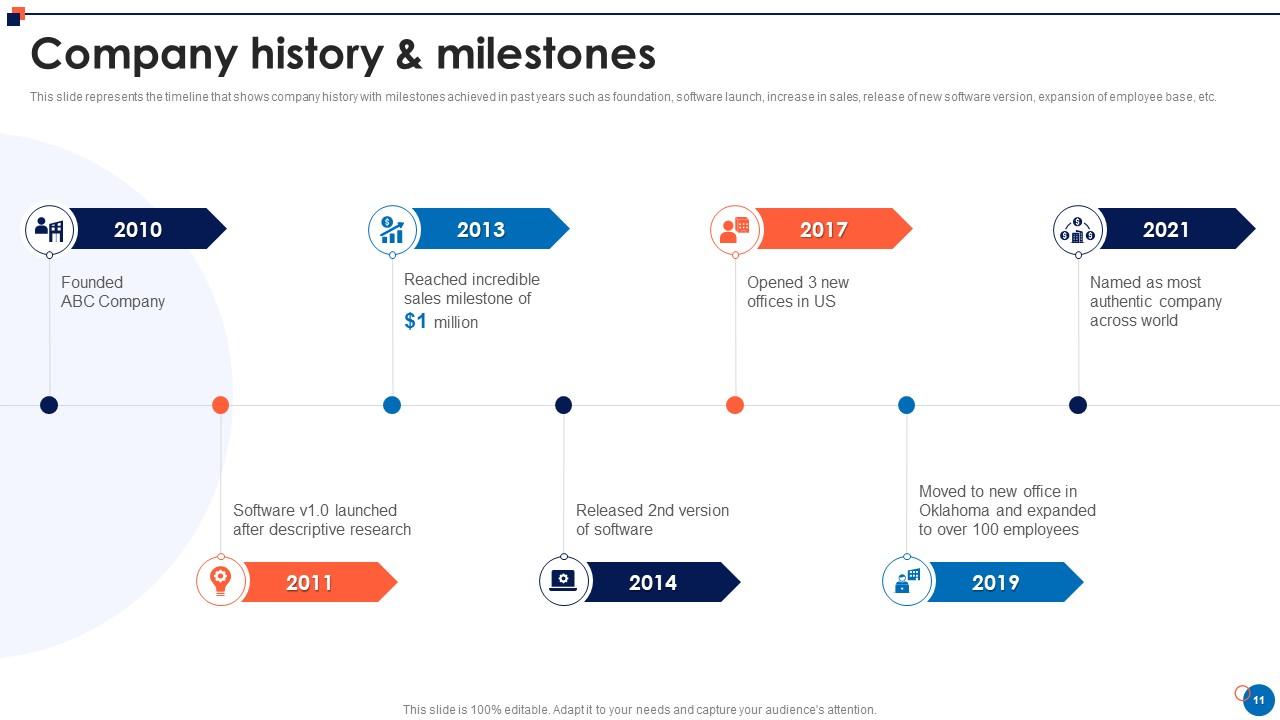
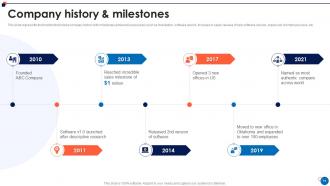
Slide 11 : Este slide representa a linha do tempo que mostra a história da empresa com os marcos alcançados.
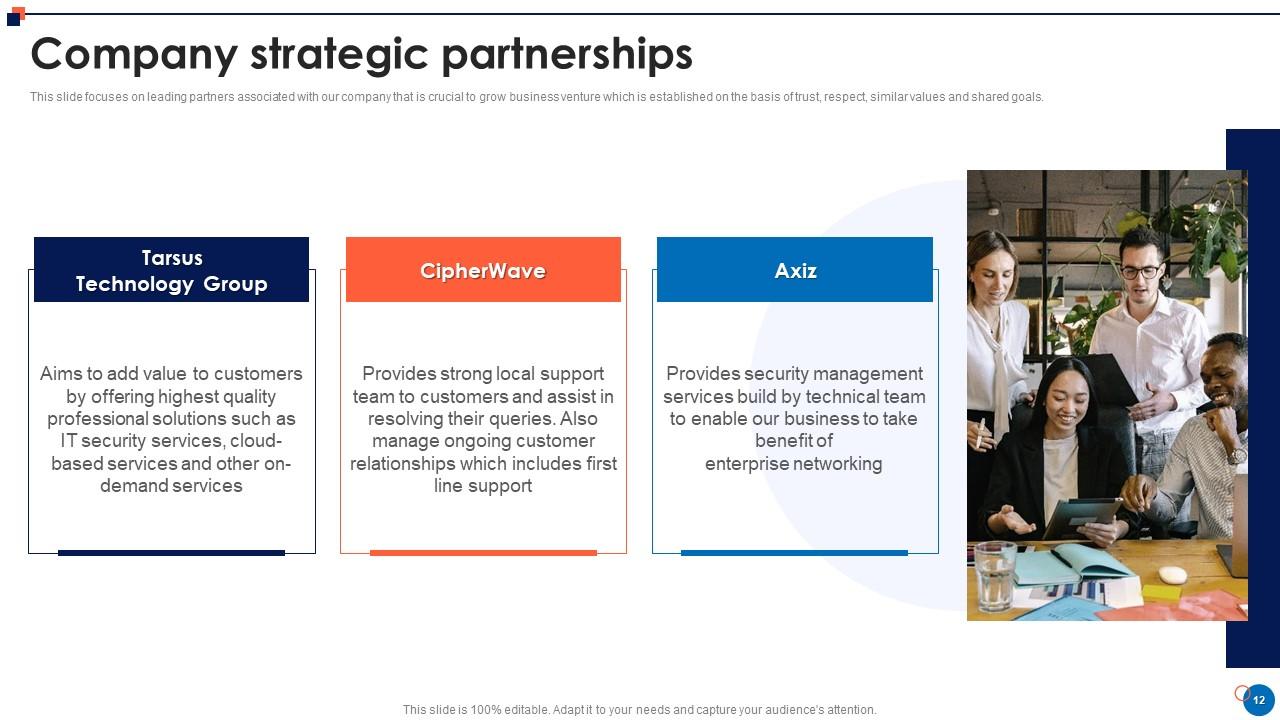
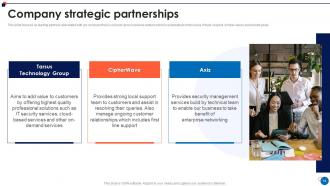
Slide 12 : Este slide se concentra nos principais parceiros associados à nossa empresa.
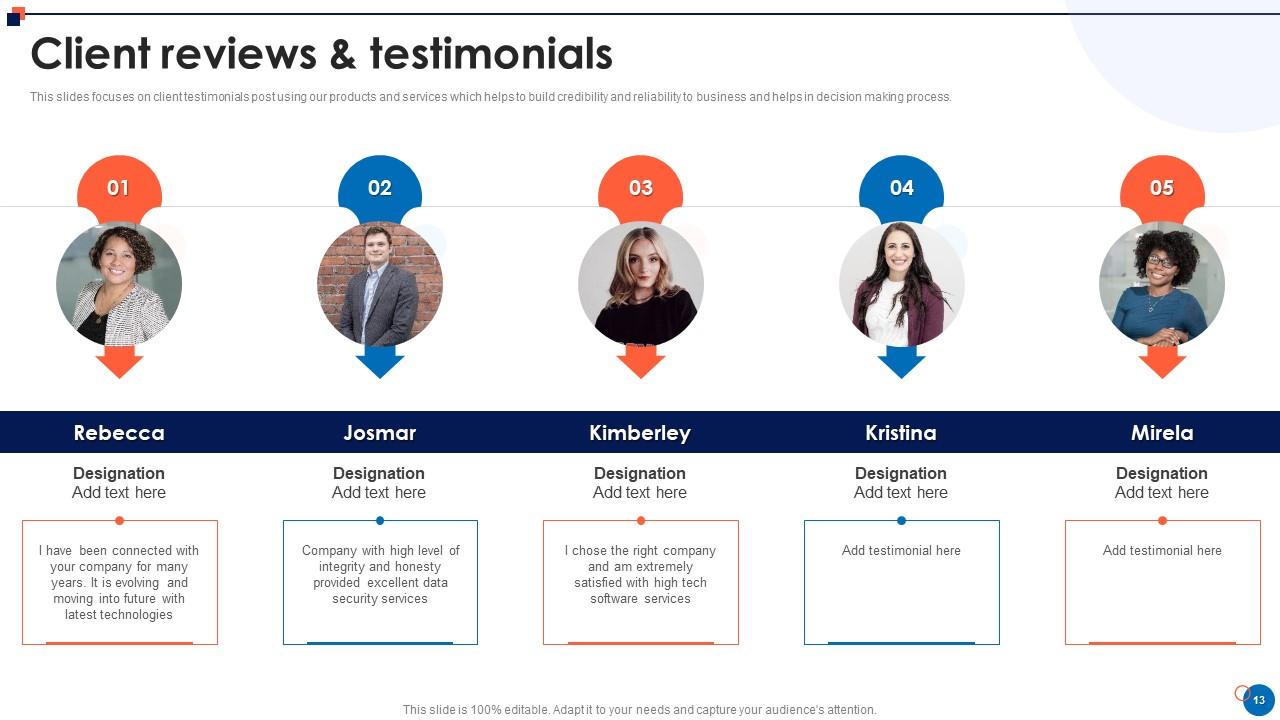
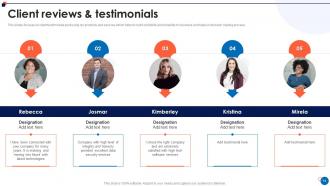
Slide 13 : Este slide se concentra na postagem de depoimentos de clientes usando nossos produtos e serviços.
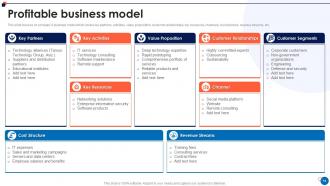
Slide 14 : Este slide se concentra no modelo de negócios da empresa que abrange os principais parceiros, atividades, proposta de valor, etc.
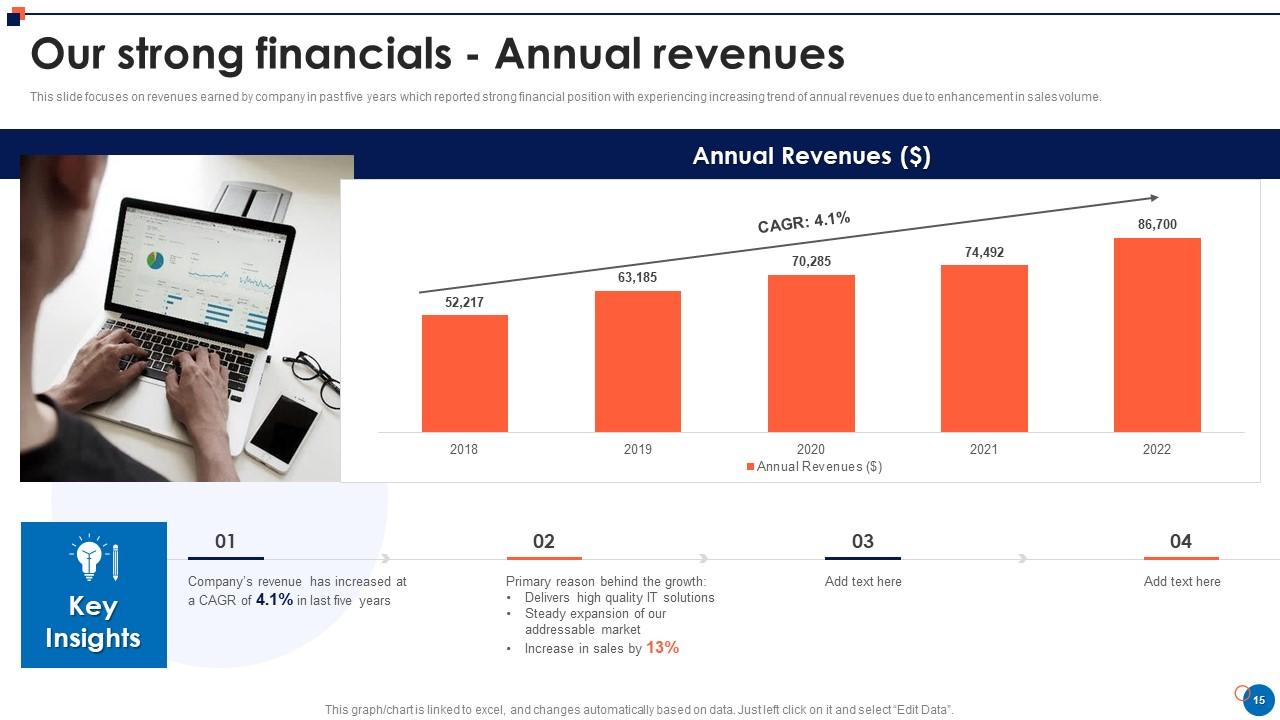
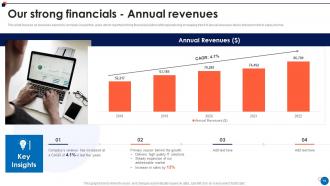
Slide 15 : Este slide se concentra nas receitas auferidas pela empresa nos últimos cinco anos, que apresentou forte posição financeira.
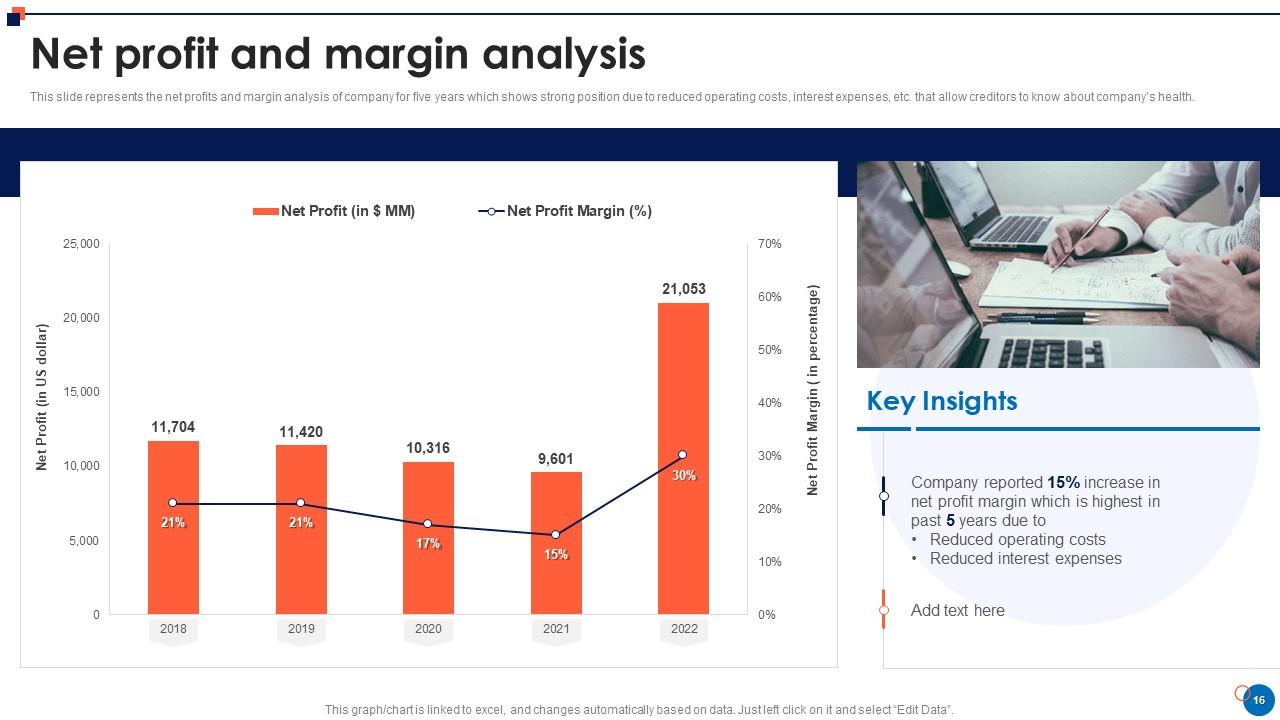
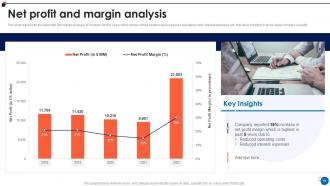
Slide 16 : Este slide representa o lucro líquido e a análise de margem da empresa por cinco anos.
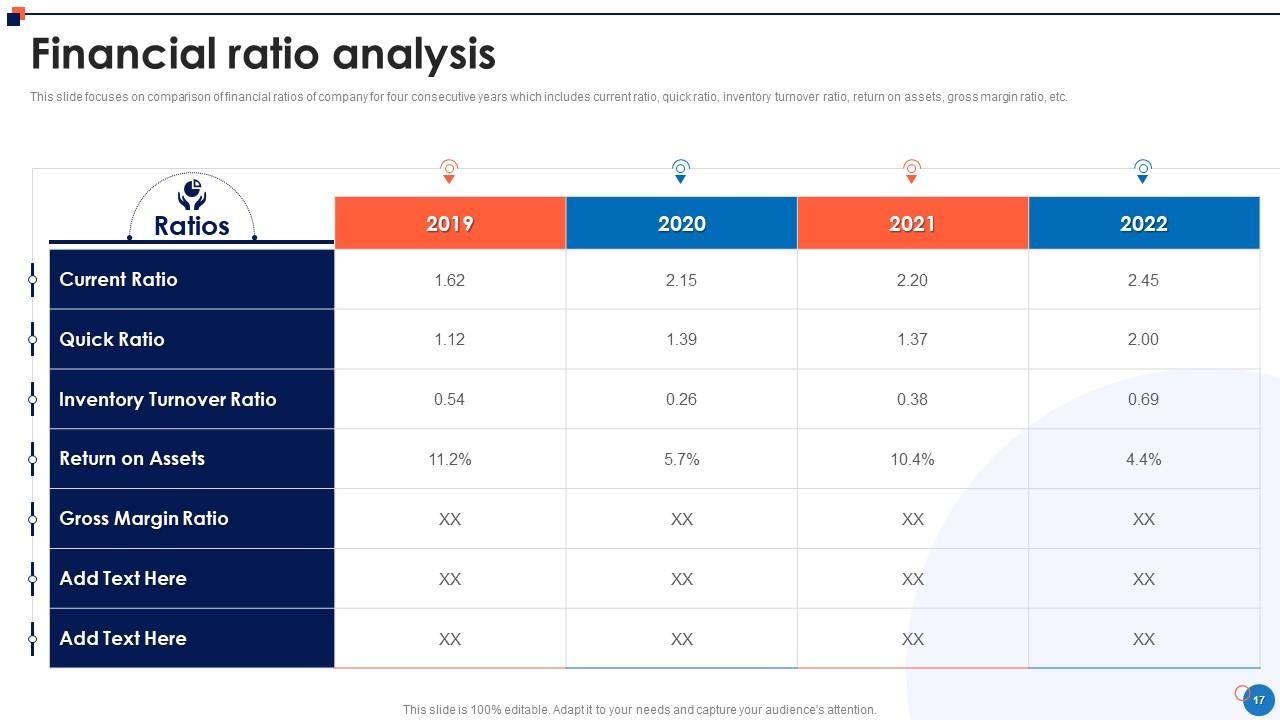
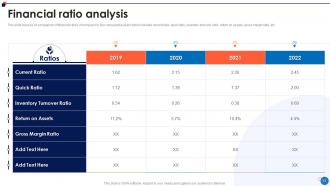
Slide 17 : Este slide tem como foco a comparação dos índices financeiros da empresa por quatro anos consecutivos.
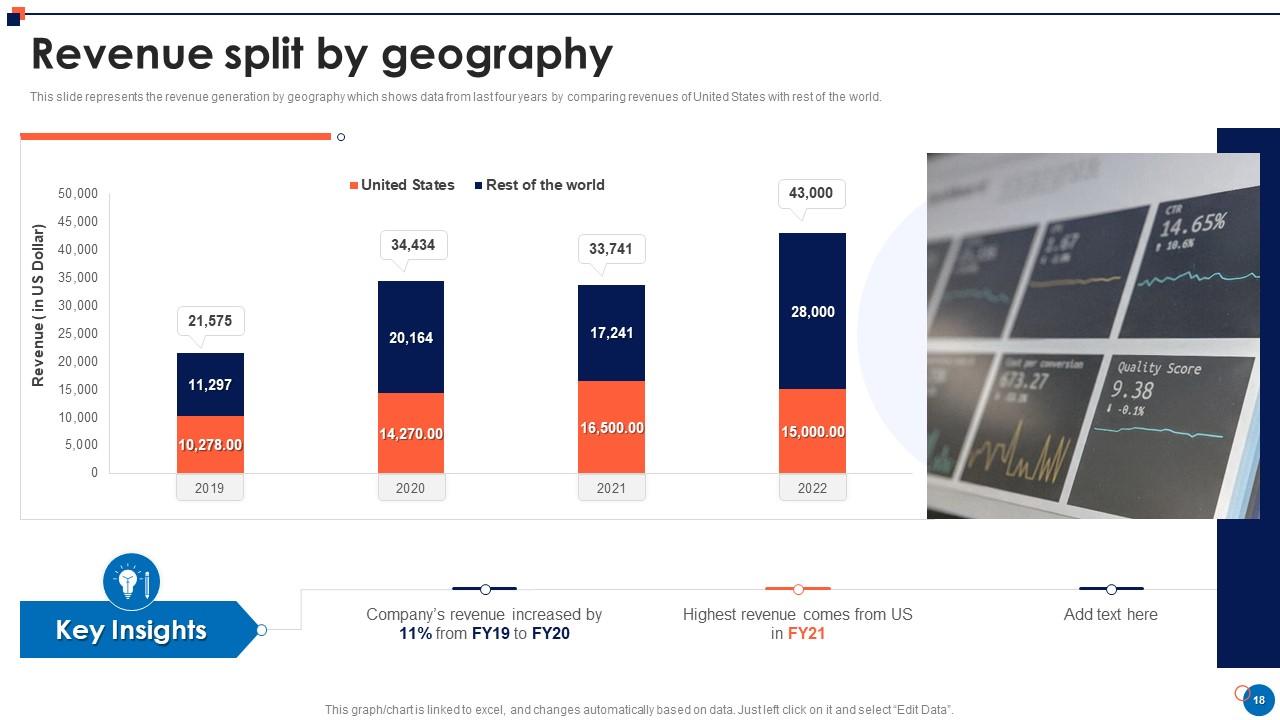
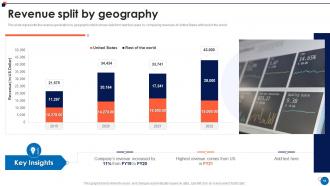
Slide 18 : Este slide representa a geração de receita por geografia que mostra os dados dos últimos quatro anos.
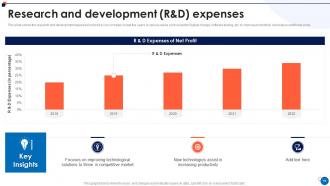
Slide 19 : Este slide mostra as despesas de pesquisa e desenvolvimento incorridas por nossa empresa.
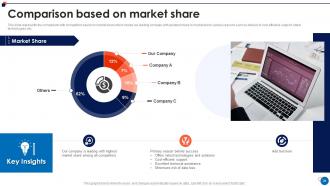
Slide 20 : Este slide representa a comparação com os concorrentes com base na participação de mercado.
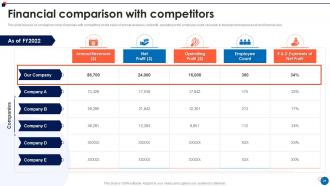
Slide 21 : Este slide mostra a comparação financeira com os concorrentes.
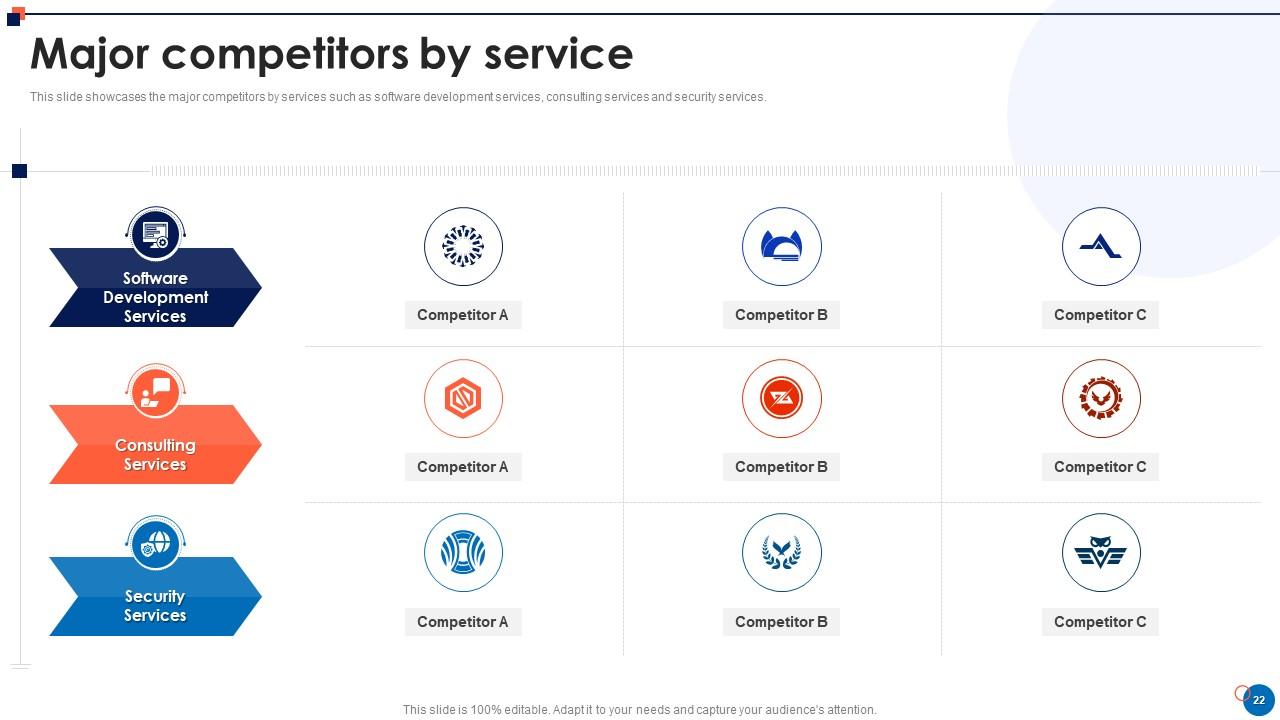
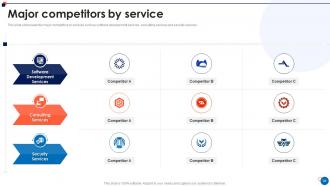
Slide 22 : Este slide apresenta os principais concorrentes por serviços como serviços de desenvolvimento de software, serviços de consultoria e serviços de segurança.
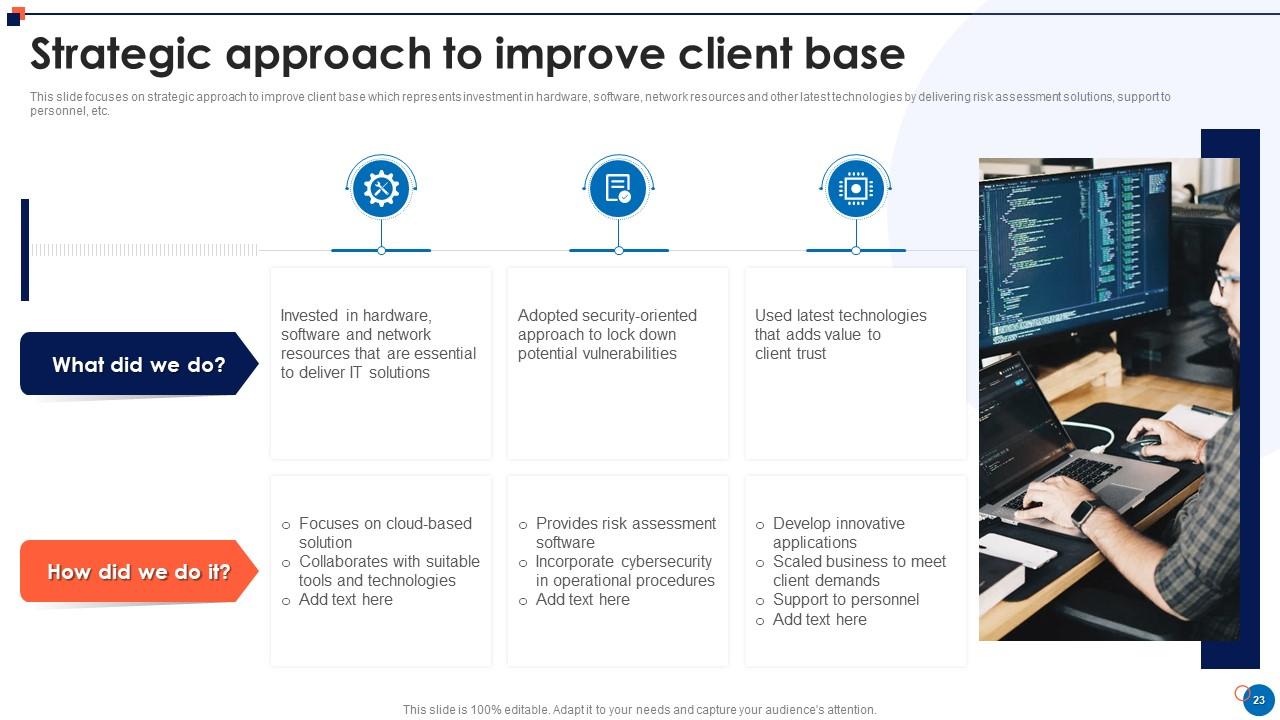
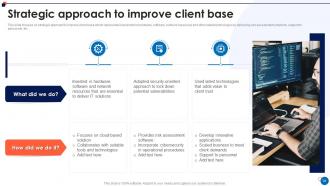
Slide 23 : Este slide mostra a abordagem estratégica para melhorar a base de clientes.
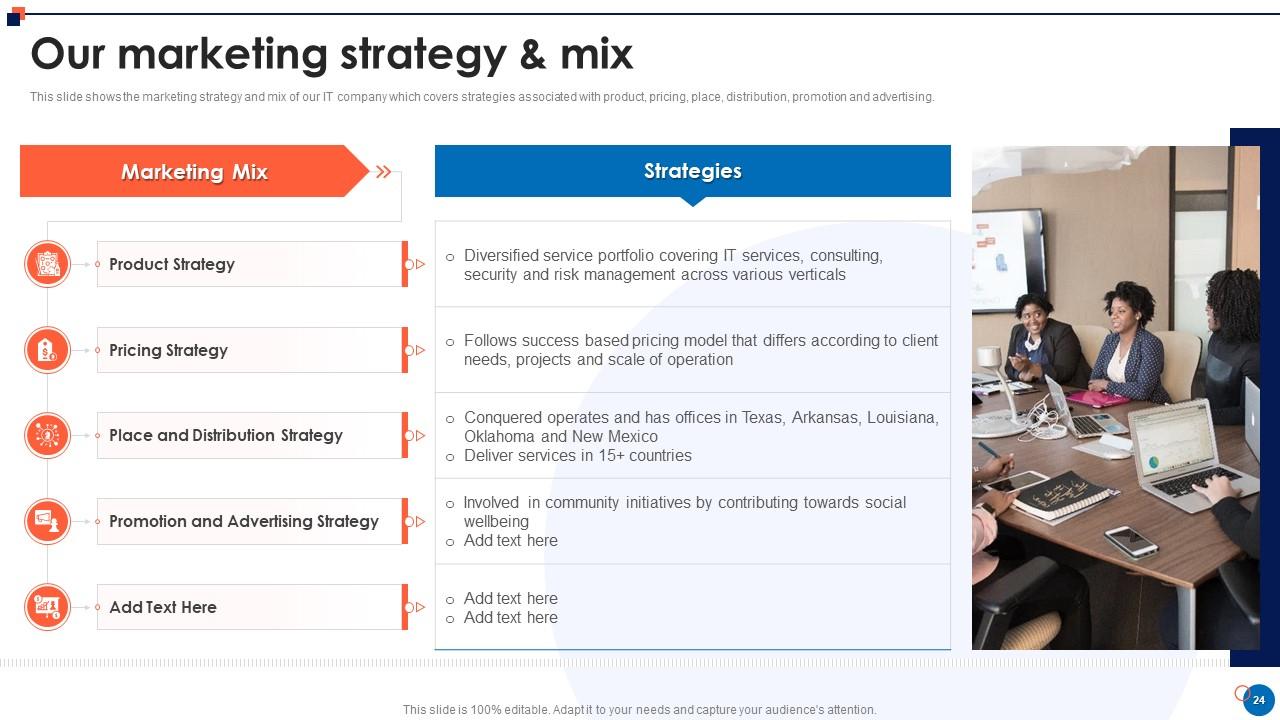
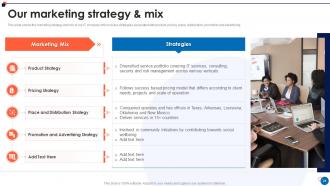
Slide 24 : Este slide mostra a estratégia de marketing e o mix de nossa empresa de TI.
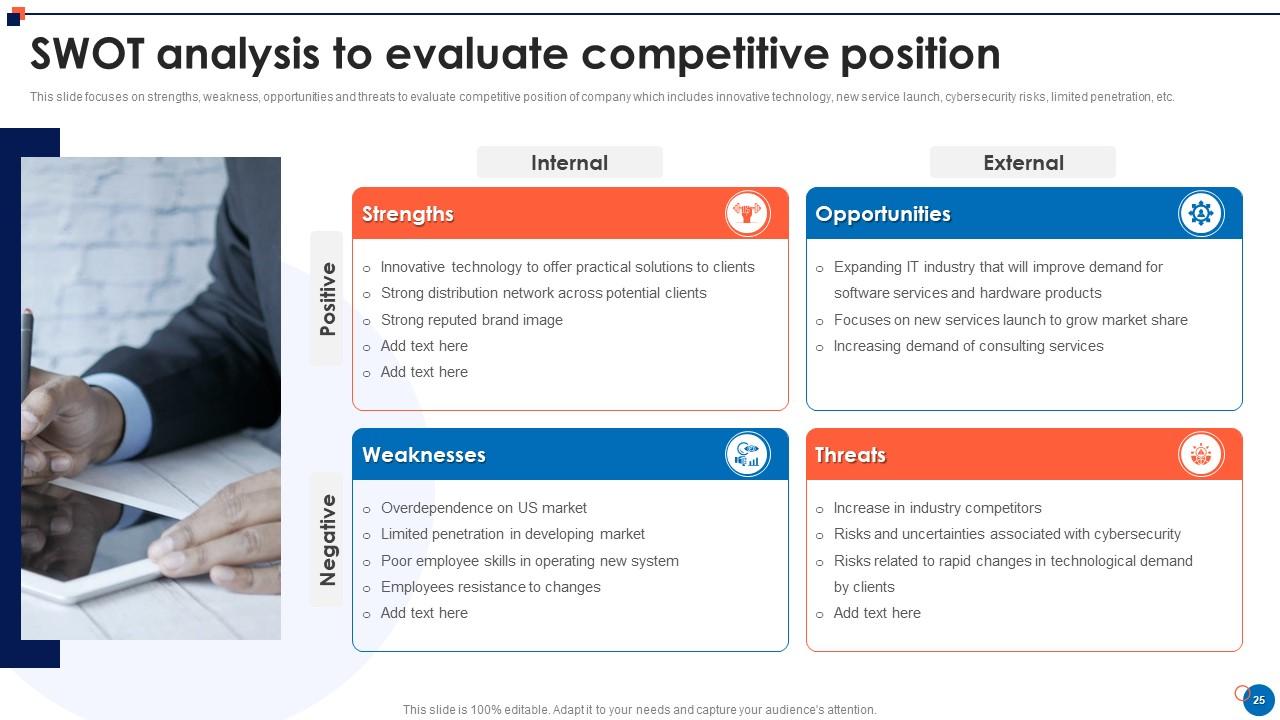
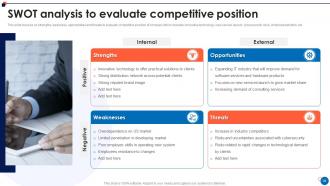
Slide 25 : Este slide apresenta a análise SWOT para avaliar a posição competitiva.
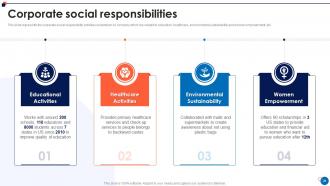
Slide 26 : Este slide representa as atividades de responsabilidade social corporativa desenvolvidas pela empresa.
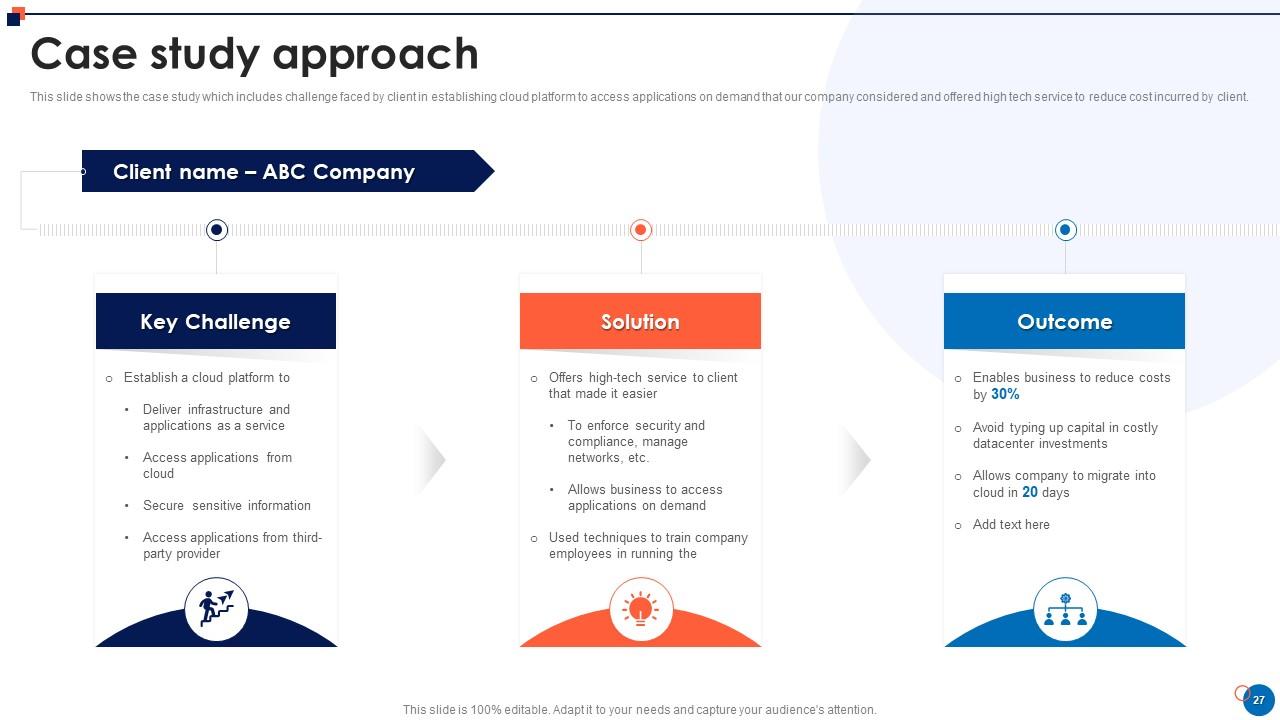
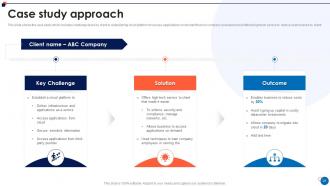
Slide 27 : Este slide mostra o estudo de caso que inclui o desafio enfrentado pelo cliente no estabelecimento da plataforma em nuvem.
Slide 28 : Este slide exibe Ícones para o perfil da empresa de pequeno porte.
Slide 29 : Este slide é intitulado como Slides Adicionais para avançar.
Slide 30 : Este é o slide Sobre Nós para mostrar as especificações da empresa etc.
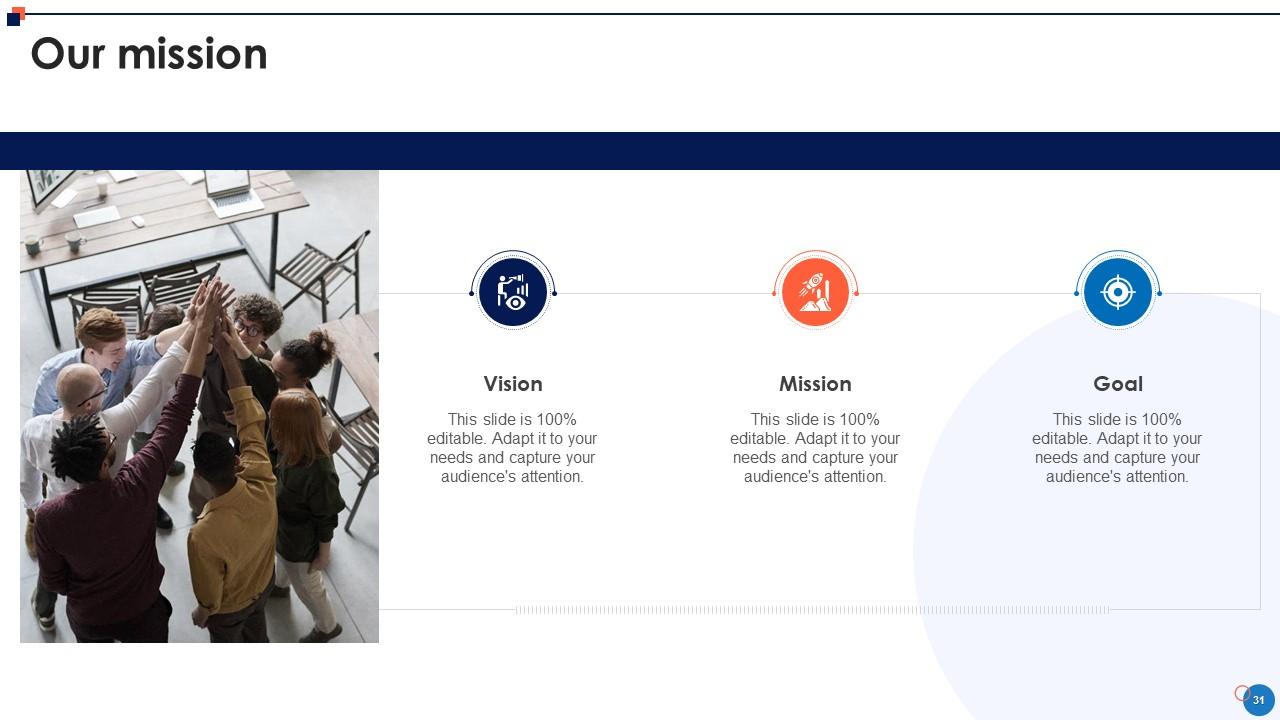
Slide 31 : Este é o slide Nossa Missão com imagens e textos relacionados.
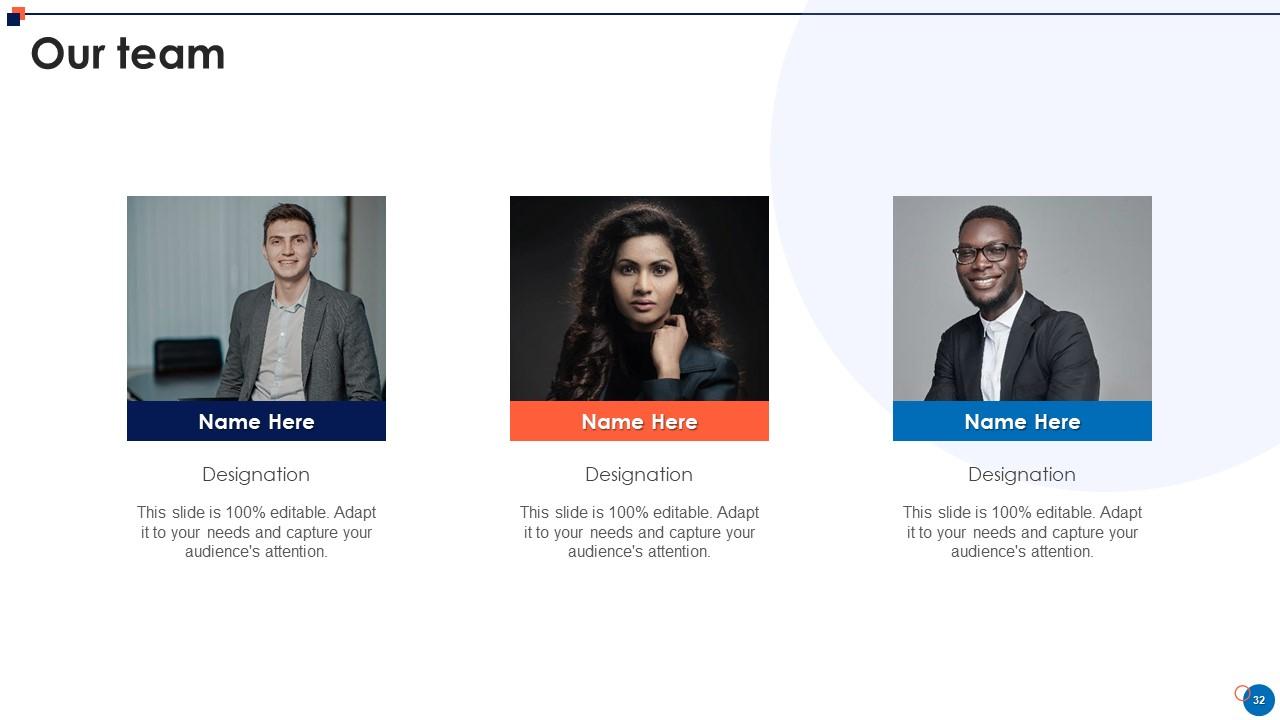
Slide 32 : Este é o slide de Nossa Equipe com nomes e designação.
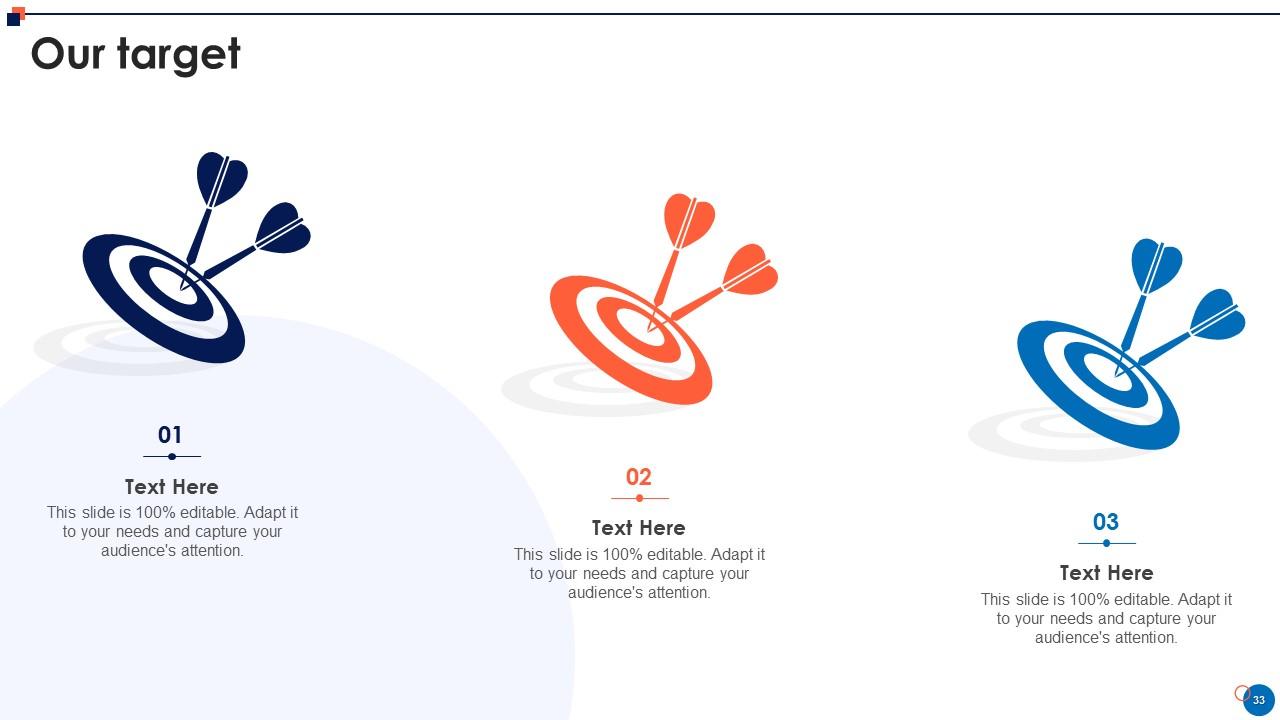
Slide 33 : Este é o slide Nossa Meta. Indique seus alvos aqui.
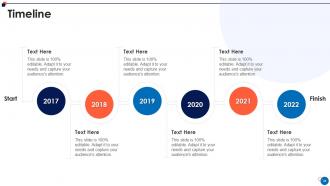
Slide 34 : Este é um slide de linha do tempo. Mostrar dados relacionados a intervalos de tempo aqui.
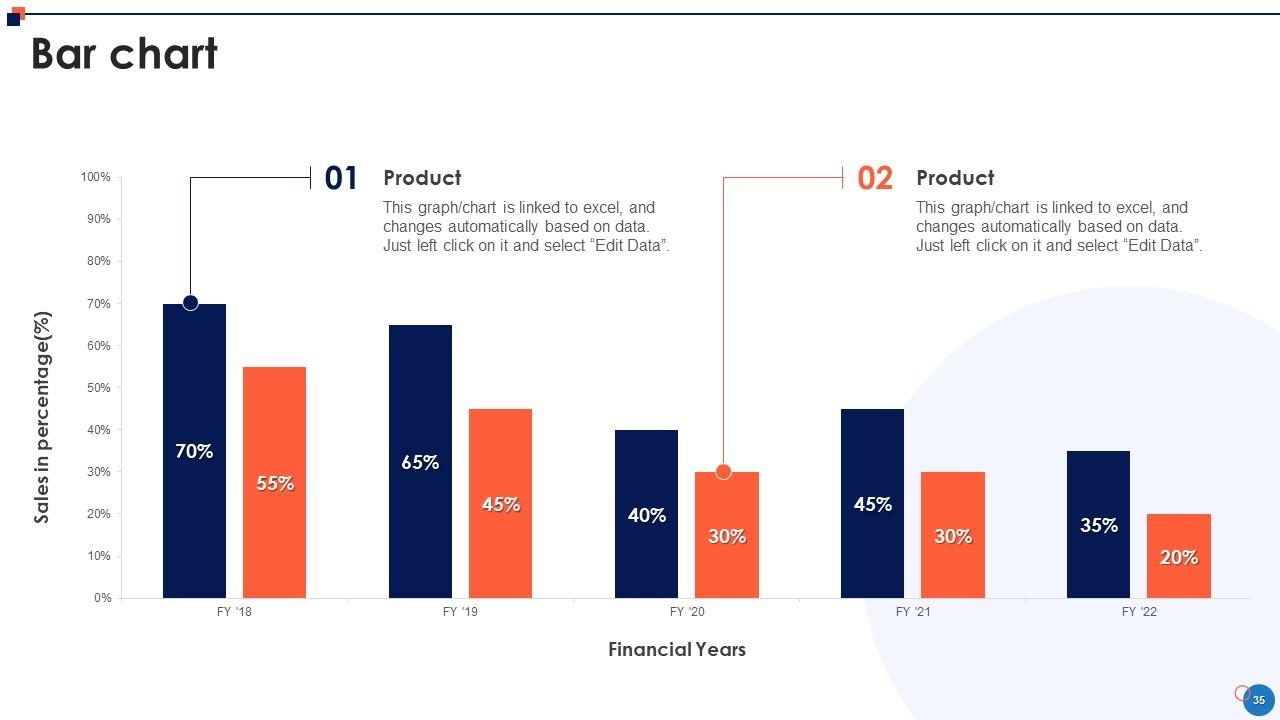
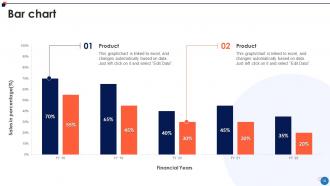
Slide 35 : Este slide apresenta o gráfico de barras com a comparação de dois produtos.
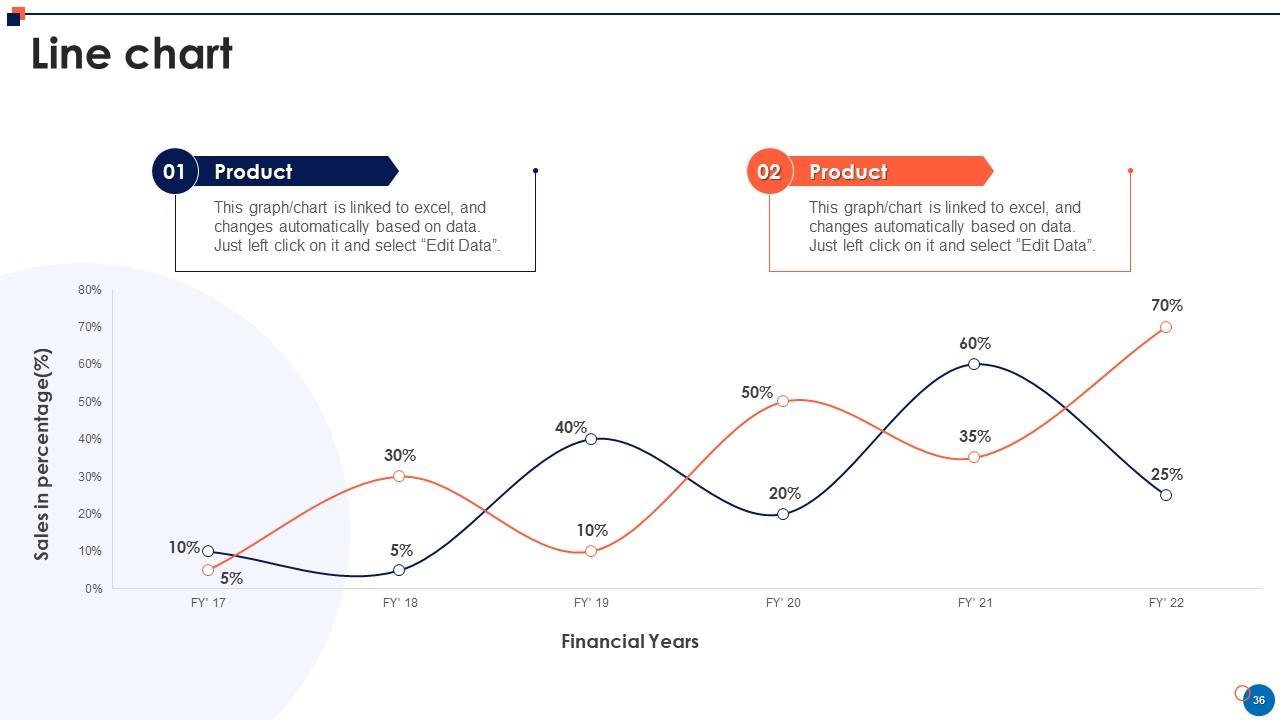
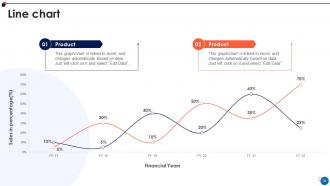
Slide 36 : Este slide descreve o gráfico de linhas com comparação de dois produtos.
Slide 37 : Este slide mostra Post It Notes. Poste suas notas importantes aqui.
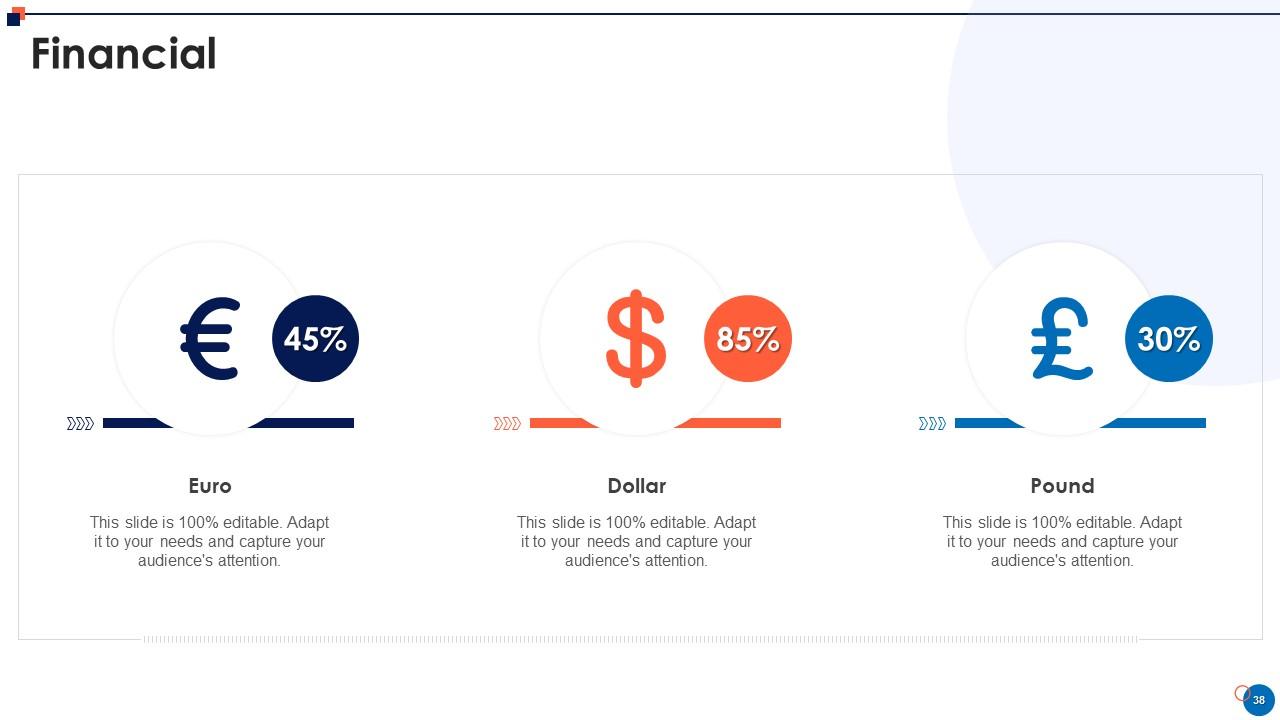
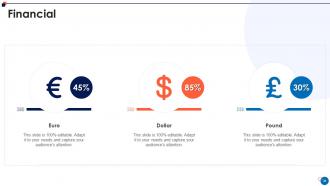
Slide 38 : Este é um slide financeiro. Mostre suas coisas relacionadas a finanças aqui.
Slide 39 : Este é um slide de agradecimento com endereço, números de contato e endereço de e-mail.
Slides de apresentação em Powerpoint do perfil da empresa de pequeno porte com todos os 44 slides:
Use nossos slides de apresentação do Powerpoint do perfil da empresa para pequenas empresas para ajudá-lo a economizar seu valioso tempo. Eles são readymade para caber em qualquer estrutura de apresentação.
-
Great work on designing the presentation. I just loved it!
-
“I required a slide for a board meeting and was so satisfied with the final result !! So much went into designing the slide and the communication was amazing! Can’t wait to have my next slide!”
