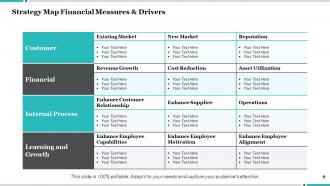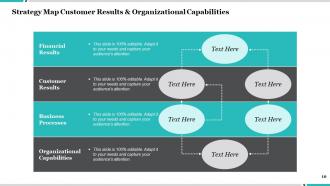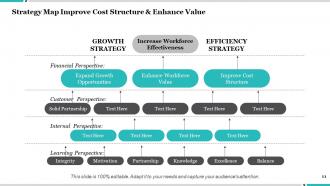
Strategy Map Understanding The Business Model Learning And Growth
Try Before you Buy Download Free Sample Product
Audience
Editable
of Time
Our Strategy Map Understanding The Business Model Learning And Growth are topically designed to provide an attractive backdrop to any subject. Use them to look like a presentation pro.
People who downloaded this PowerPoint presentation also viewed the following :
Strategy Map Understanding The Business Model Learning And Growth with all 12 slides:
Use our Strategy Map Understanding The Business Model Learning And Growth to effectively help you save your valuable time. They are readymade to fit into any presentation structure.
FAQs for Strategy Map Understanding The Business Model
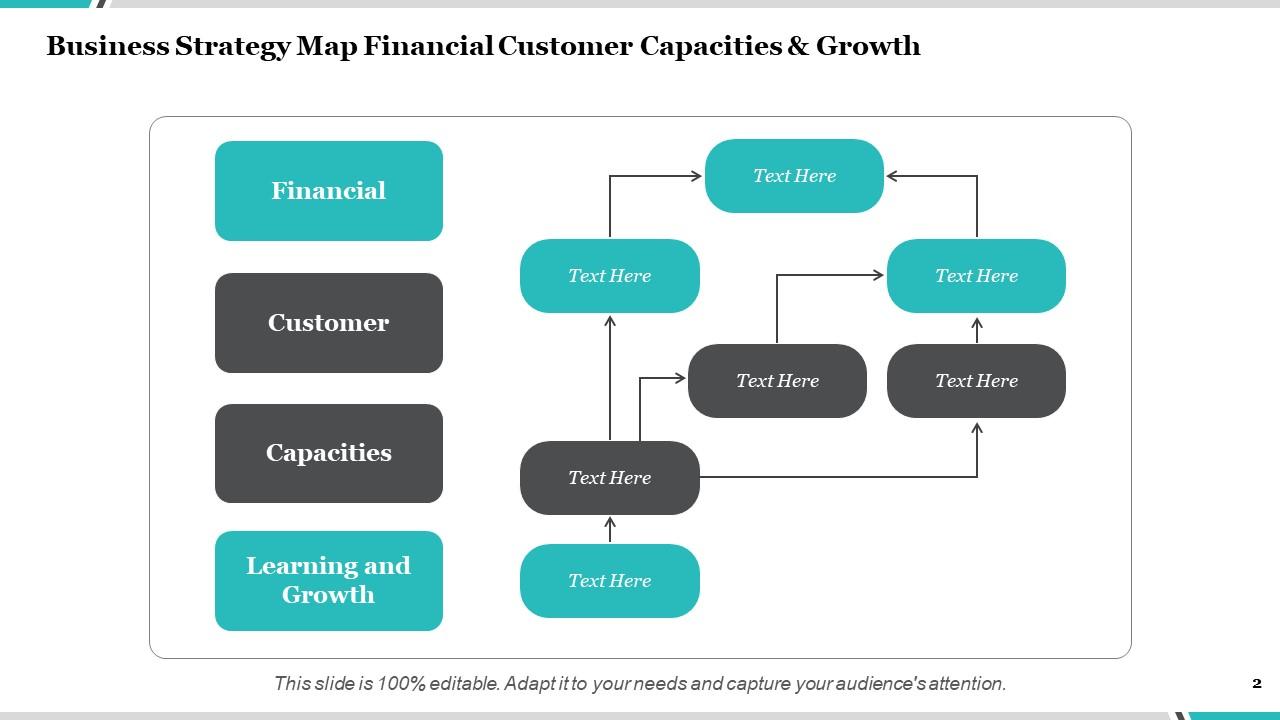
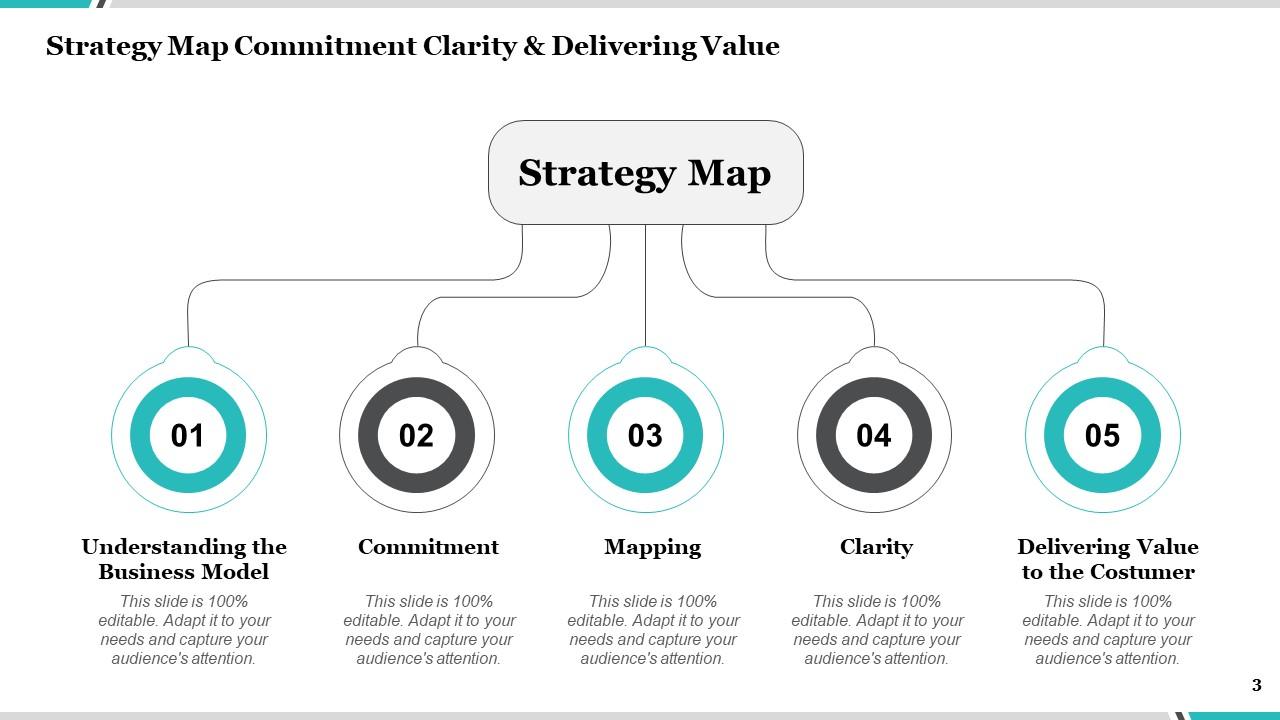
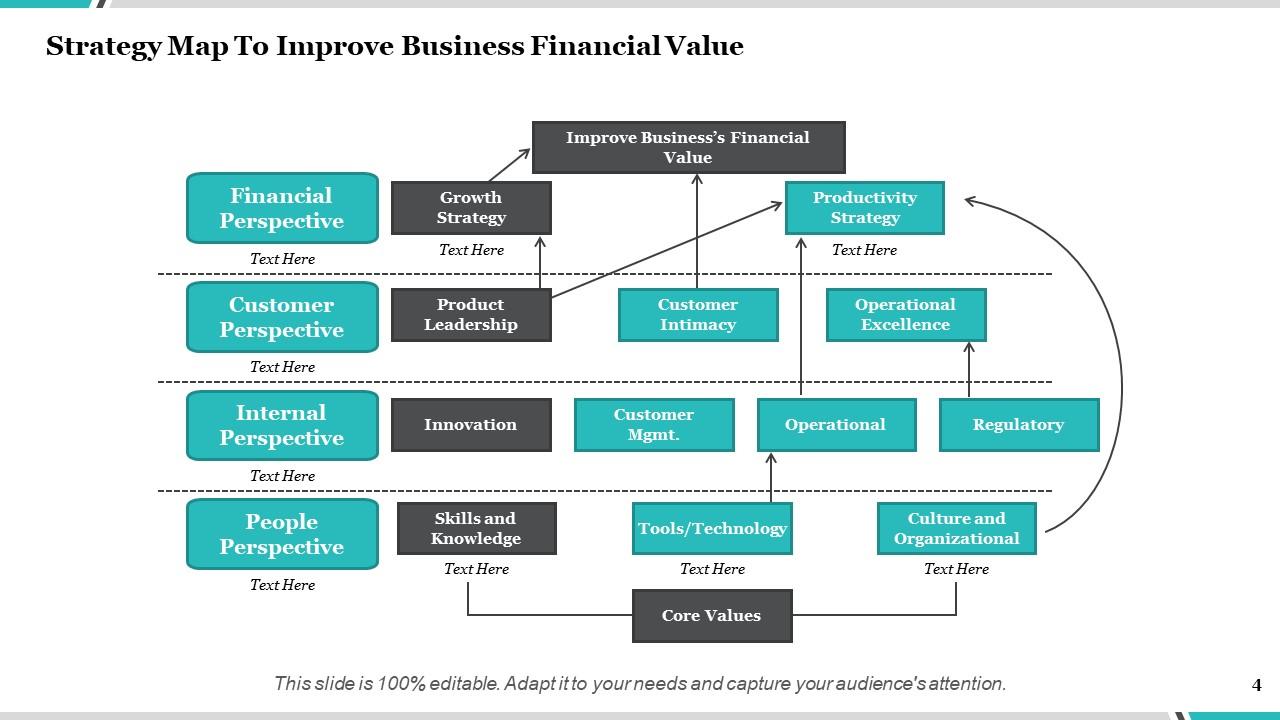
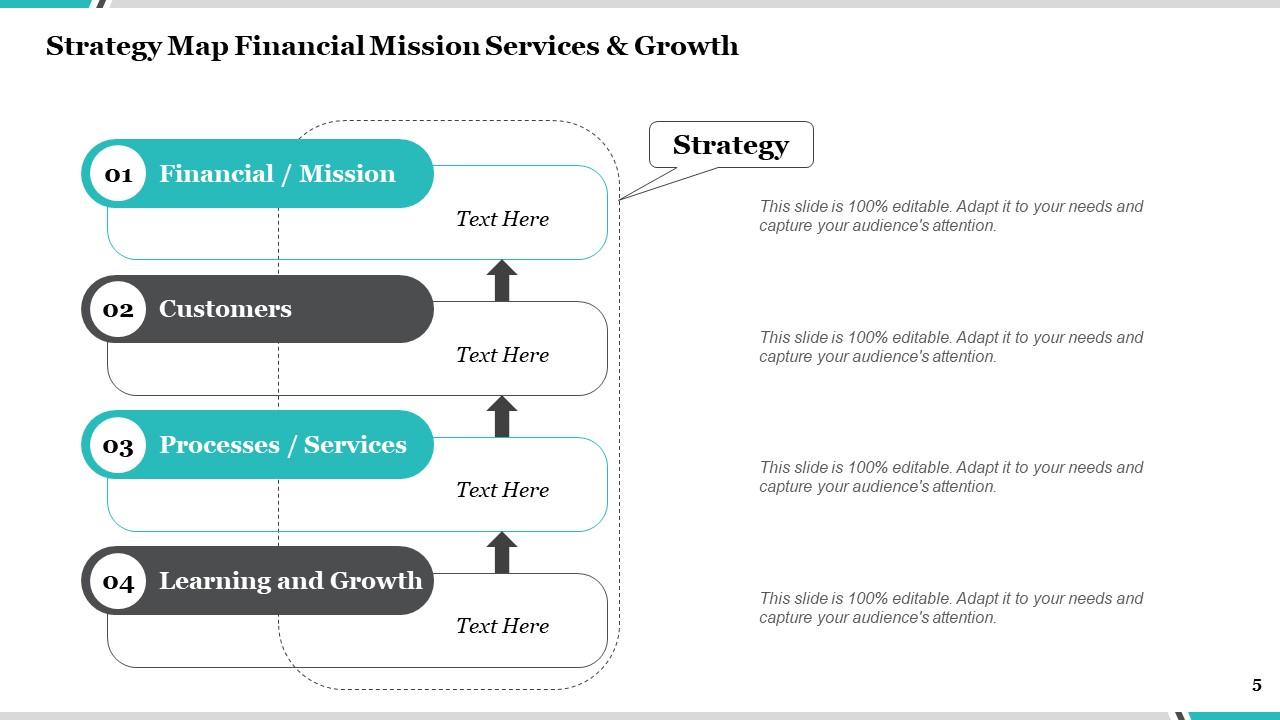
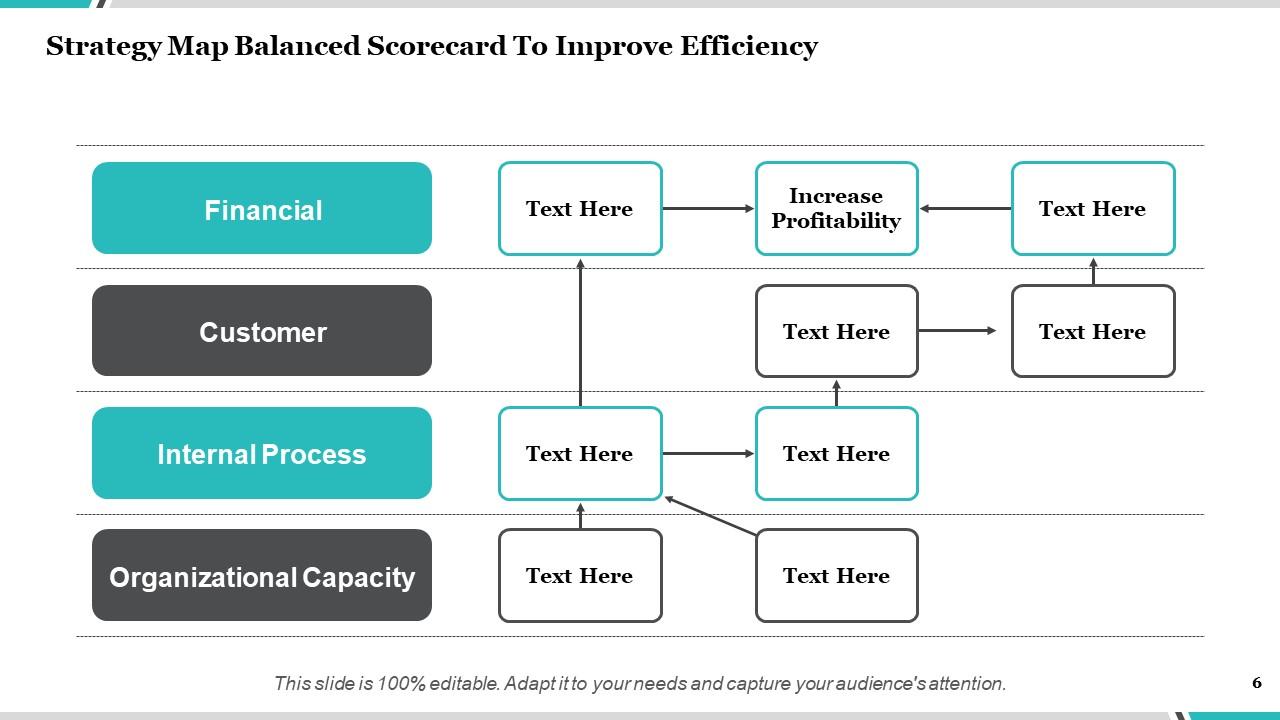
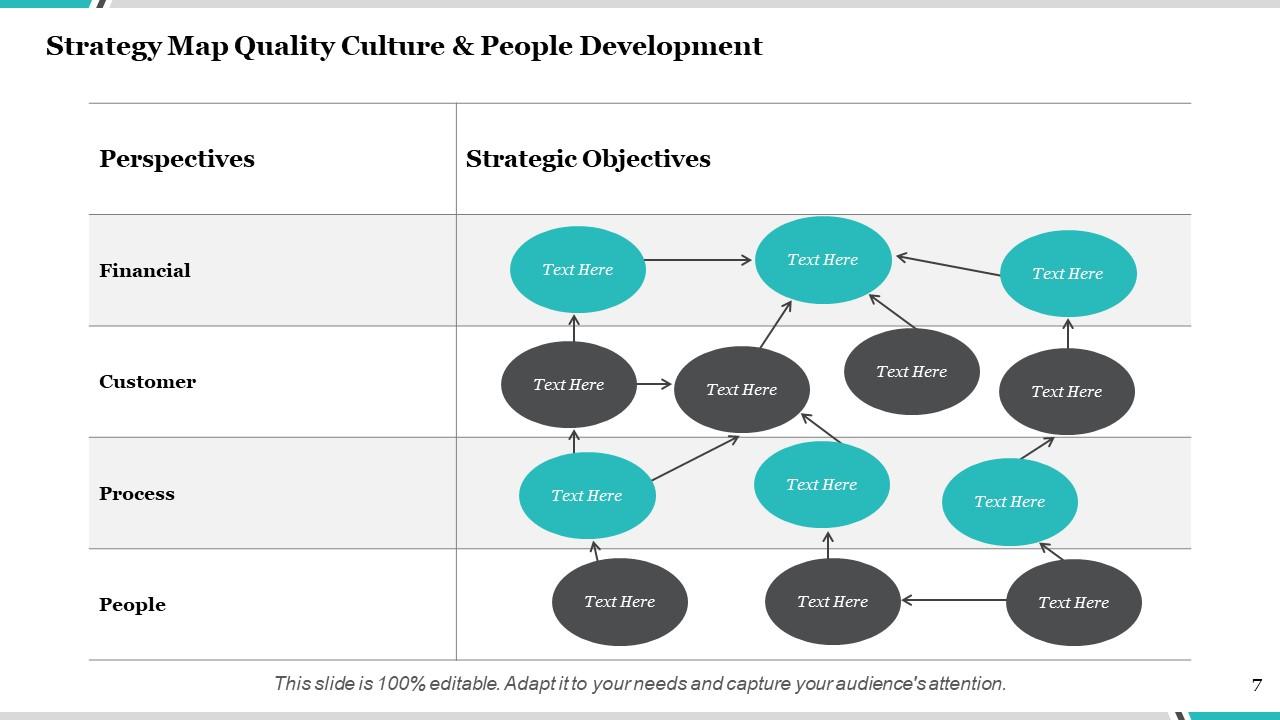
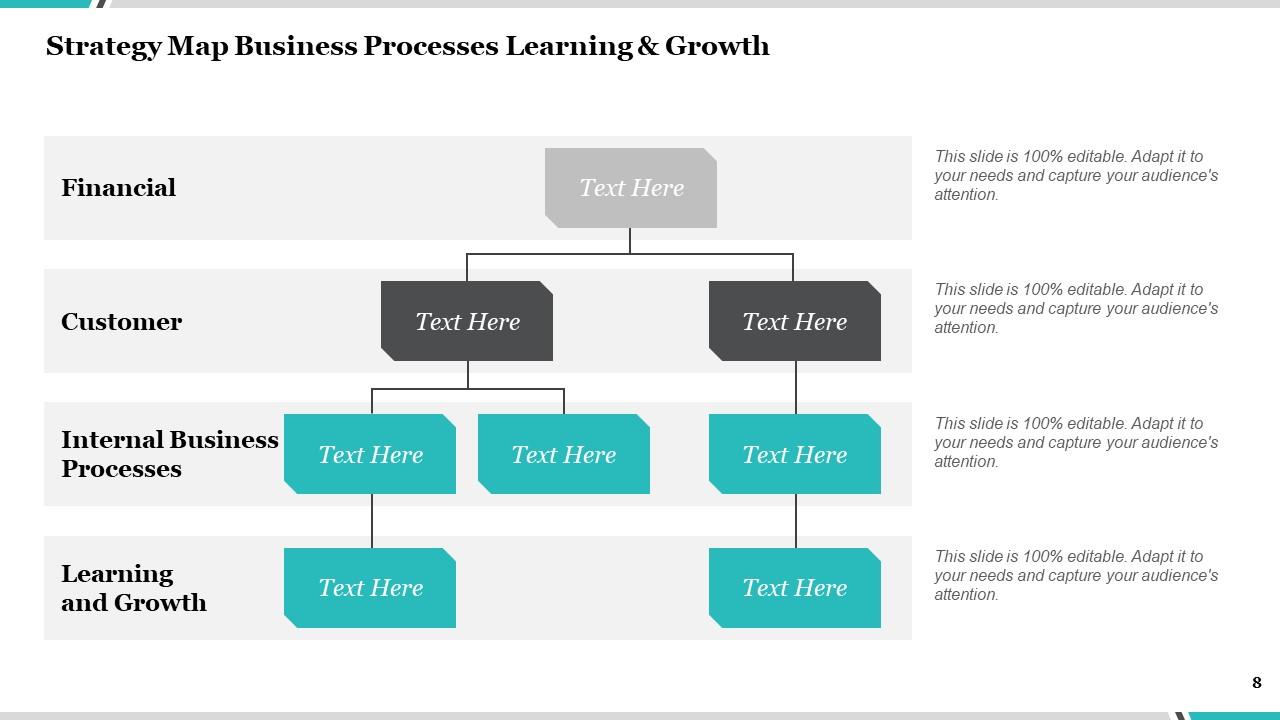
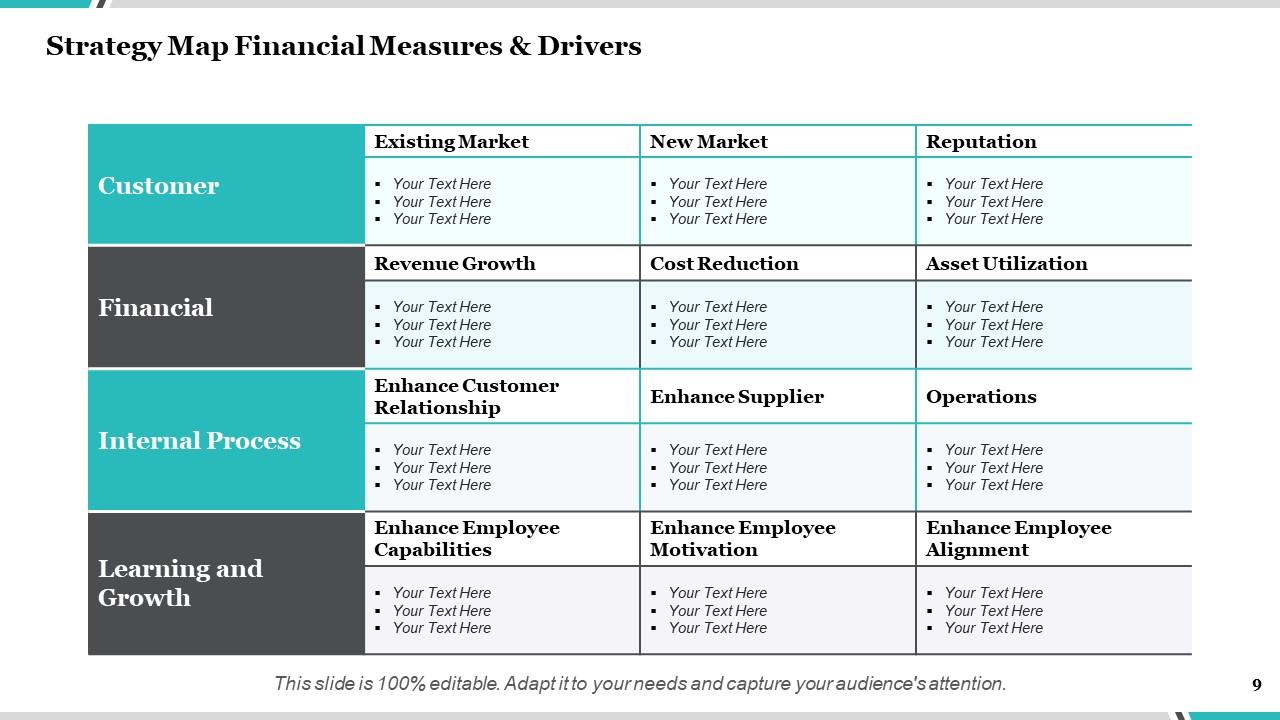
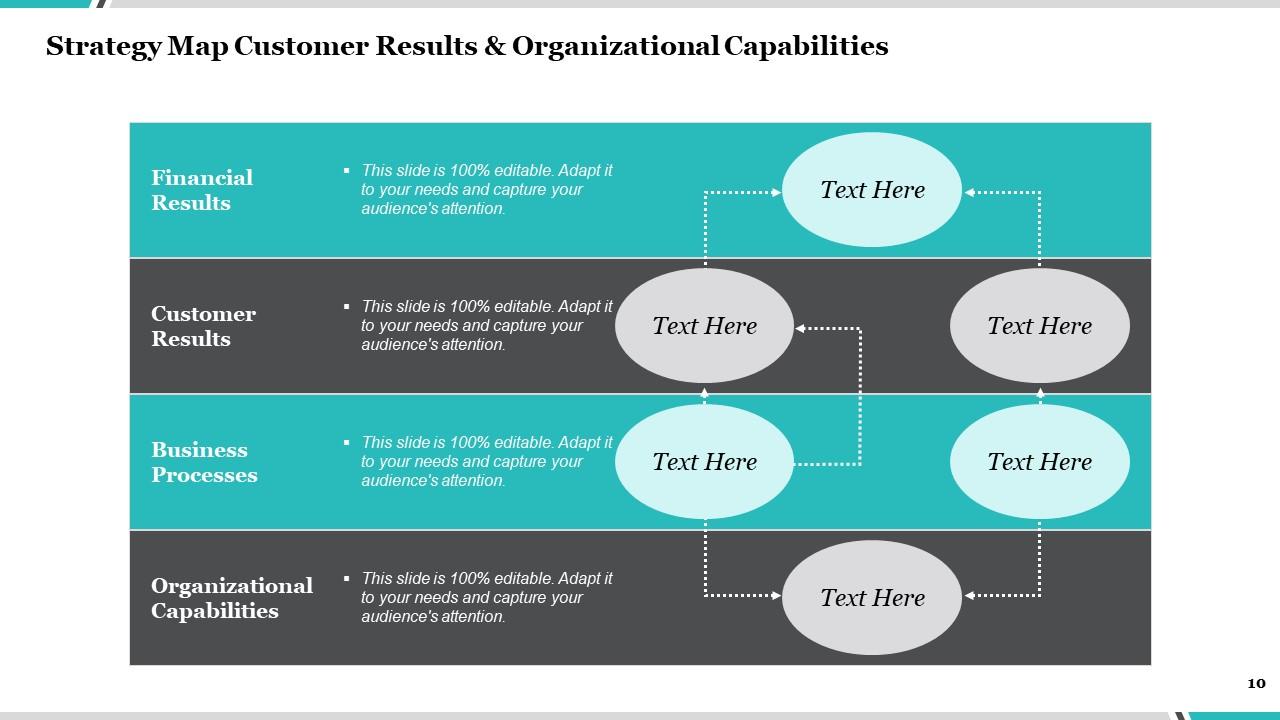
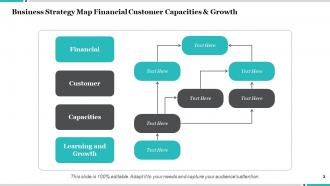
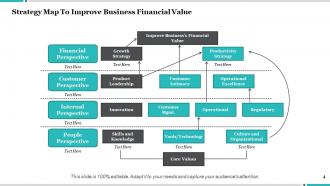
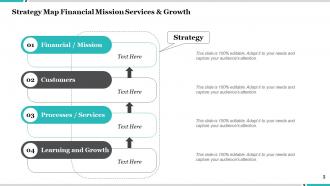
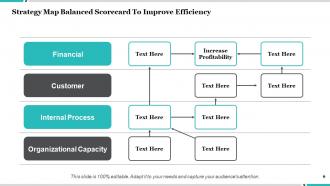
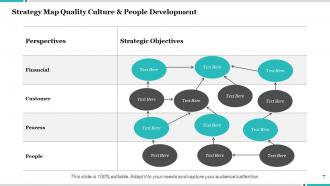
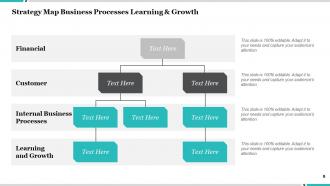
So strategy maps are visual diagrams showing how your objectives connect across four areas - financial, customer, internal processes, and learning/growth. Picture a flowchart but for strategy. What makes them different? They show cause-and-effect relationships between goals instead of just listing random objectives. Employee training improves processes, which boosts customer satisfaction, which drives profits. You can actually see the chain reaction. Honestly, they're pretty useful for catching holes in your thinking. Plus they make explaining your strategy way less painful than those endless PowerPoint decks everyone hates.
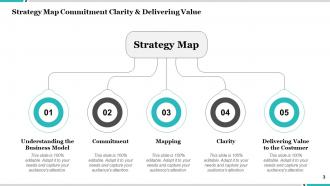
So basically a strategy map is like turning your company's goals into a visual flowchart that actually makes sense. You know how strategic documents are usually super dense and confusing? This fixes that. It shows the cause-and-effect between your financial targets, customer stuff, internal processes, and training - kind of like a roadmap for where you're headed. Makes it so much easier when you're in meetings trying to explain priorities. Plus employees can finally see how their job connects to the bigger picture, which honestly should've been obvious but somehow never is. Start with your top 3-4 goals first.
So you want four levels stacked up: Financial at the top, then Customer, Internal Process, and Learning & Growth at the bottom. Put 3-5 objectives in each section. The arrows between them are honestly the most important part - they show how hitting goals in one area drives results above it. Without those connections you're basically just making a fancy to-do list. Start with your customer value stuff first, then figure out what internal capabilities you actually need to deliver that. Oh, and make the objectives specific enough that teams won't be confused about what they're supposed to work on. Otherwise you'll get that "wait, what are we doing again?" situation.
So basically you make this visual flowchart that starts with your company's big goals at the top, then shows how each department connects to those. Think family tree but for work stuff - I know it sounds dorky but it genuinely helps. Your teams can finally see why their daily tasks matter instead of just grinding away confused. What I'd do is get all your department heads in a room and build it together. That way everyone buys into it. Super simple concept but it kills that whole "what's the point of this project" vibe.
Think of strategy maps as your performance management GPS - they show how all your activities actually connect to your bigger goals. Instead of just crossing fingers and hoping stuff works, you can see which initiatives are really making a difference. The cool part is how it links everything together: financial results, customer stuff, internal processes, and team development. You'll spot problems way earlier this way. Honestly, most companies have KPIs that don't even match their strategy - sounds crazy but it's super common. Start by checking if your current metrics actually align with what you're trying to achieve.
Oh totally! Strategy maps are actually perfect for nonprofits. Just flip it upside down - put your mission impact at the top instead of financial stuff. Like "cut homelessness by 20%" or whatever your big goal is. Honestly, nonprofits sometimes have it easier because their purpose is so clear. You'd still use those four layers: mission impact, stakeholders (donors, community, people you serve), internal processes, and learning & growth. My advice? Start with what winning looks like for your mission, then work backwards. Figure out what you actually need to make that happen. Way more straightforward than you'd think.
Honestly, get everyone involved right from the start - don't just dump a finished strategy map on people and expect buy-in. Skip the corporate buzzwords (seriously, "synergistic value propositions" makes my eyes roll). Visual is key - colors, icons, simple flow that actually makes sense. One page max if you can swing it. Focus on how objectives connect to each other, cause-and-effect style. Oh, and set up regular check-ins where people can ask questions or suggest changes. The whole thing needs to feel like it belongs to the team, not just the executives sitting in their corner offices.
Honestly, visuals are a game-changer for strategy maps. Your brain processes images like 60,000 times faster than text - crazy right? I'd use color coding to group similar stuff together, throw in some icons for different themes. Connecting arrows show how things actually affect each other. Trust me, I've watched people's eyes glaze over with those text-heavy versions! It's way easier to spot patterns when you're not drowning in spreadsheets. Keep shapes consistent for each section. Bold colors work great for your most important goals - makes everything stick in your head better.
Don't overcomplicate it - that's the
-
Excellent products for quick understanding.
-
Great quality slides in rapid time.
-
Illustrative design with editable content. Exceptional value for money. Highly pleased with the product.
-
Good research work and creative work done on every template.