Systemadministrator PowerPoint-Präsentationsfolien
Try Before you Buy Download Free Sample Product
Audience
Editable
of Time
Systemadministrator ist ein Systemoperator oder Administrator-Sysop, der den Betrieb eines Servers übernimmt, normalerweise in einem riesigen Computersystem. Diese PowerPoint-Präsentation gibt einen kurzen Überblick über die aktuellen Probleme des Unternehmens aufgrund des Fehlens eines Systemadministrators. In dieser PowerPoint-Präsentation für Systemadministratoren haben wir einen Überblick über SysOps gegeben, einschließlich SysOps, SysOps-Administrator und die Vorteile von SysOps für Unternehmen. Darüber hinaus zeigt System Administrator PPT die Verantwortlichkeiten von SysOps zusammen mit den erforderlichen Fähigkeiten eines zertifizierten SysOps-Administrators. Darüber hinaus stellt diese SysOps-Präsentation den Unterschied zwischen SysOps und DevOps dar; Außerdem zeigt es die Auswirkungen von SysOps-Administratoren auf das Geschäft. Darüber hinaus enthält diese Systemadministrator-Vorlage den Einstellungsplan von SysOps und SysOps-Administrator, indem sie die Details des Namens des Interviewers zusammen mit den Zeiten und der jeweiligen Gehaltsstruktur abdeckt. Schließlich umfasst dieses Deck einen 30-60-90-Tage-Plan und eine Roadmap für die Einstellung von Systemadministratoren. Laden Sie unsere zu 100 Prozent bearbeitbare und anpassbare Vorlage herunter, die mit Google Slide kompatibel ist.
Merkmale dieser PowerPoint-Präsentationsfolien :
Stellen Sie dieses vollständige Deck Ihren Teammitgliedern und anderen Mitarbeitern zur Verfügung. Umgeben von stilisierten Folien, die verschiedene Konzepte präsentieren, ist diese Systemadministrator-Powerpoint-Präsentationsfolie das beste Werkzeug, das Sie verwenden können. Personalisieren Sie den Inhalt und die Grafiken, um ihn einzigartig und zum Nachdenken anzuregen. Alle dreiunddreißig Folien können bearbeitet und geändert werden, Sie können sie also gerne an Ihre Geschäftsumgebung anpassen. Die Schriftart, Farbe und andere Komponenten sind ebenfalls in einem bearbeitbaren Format erhältlich, was dieses PPT-Design zur besten Wahl für Ihre nächste Präsentation macht. Also, jetzt herunterladen.
People who downloaded this PowerPoint presentation also viewed the following :
Inhalt dieser Powerpoint-Präsentation
Folie 1 : Diese Folie stellt den Systemadministrator vor. Beginnen Sie mit der Angabe Ihres Firmennamens.
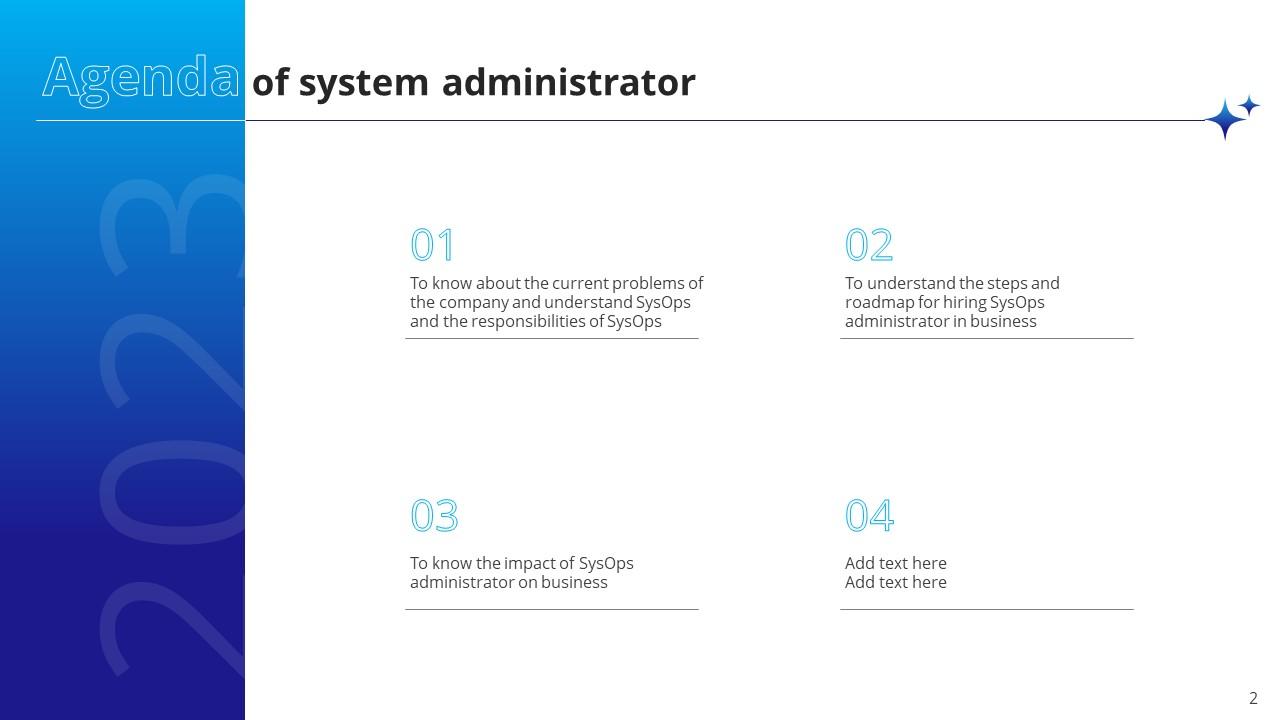
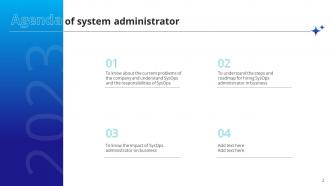
Folie 2 : Diese Folie zeigt die Agenda der Präsentation.
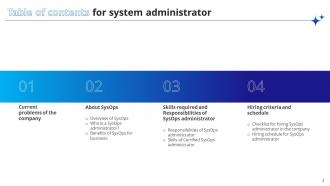
Folie 3 : Diese Folie enthält das Inhaltsverzeichnis.
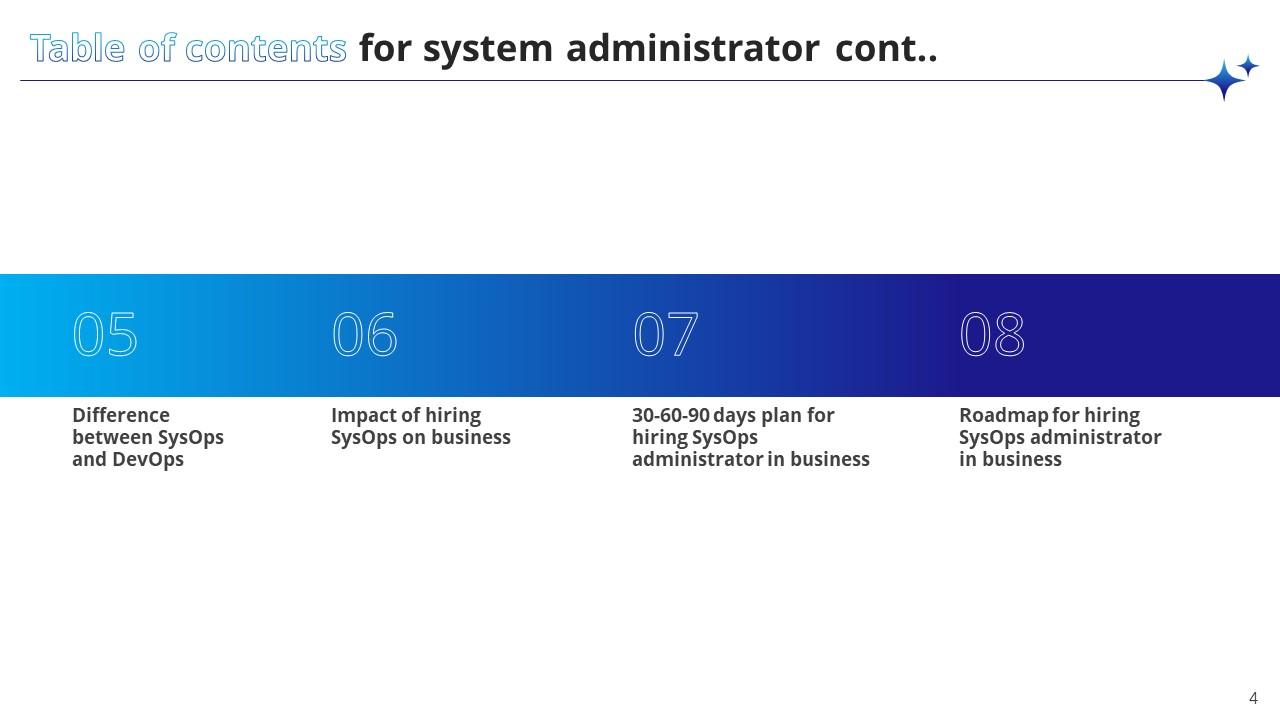
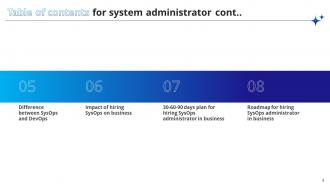
Folie 4 : Dies ist eine weitere Folie, die das Inhaltsverzeichnis fortsetzt.
Folie 5 : Diese Folie enthält die Titel für die weiter zu diskutierenden Themen.
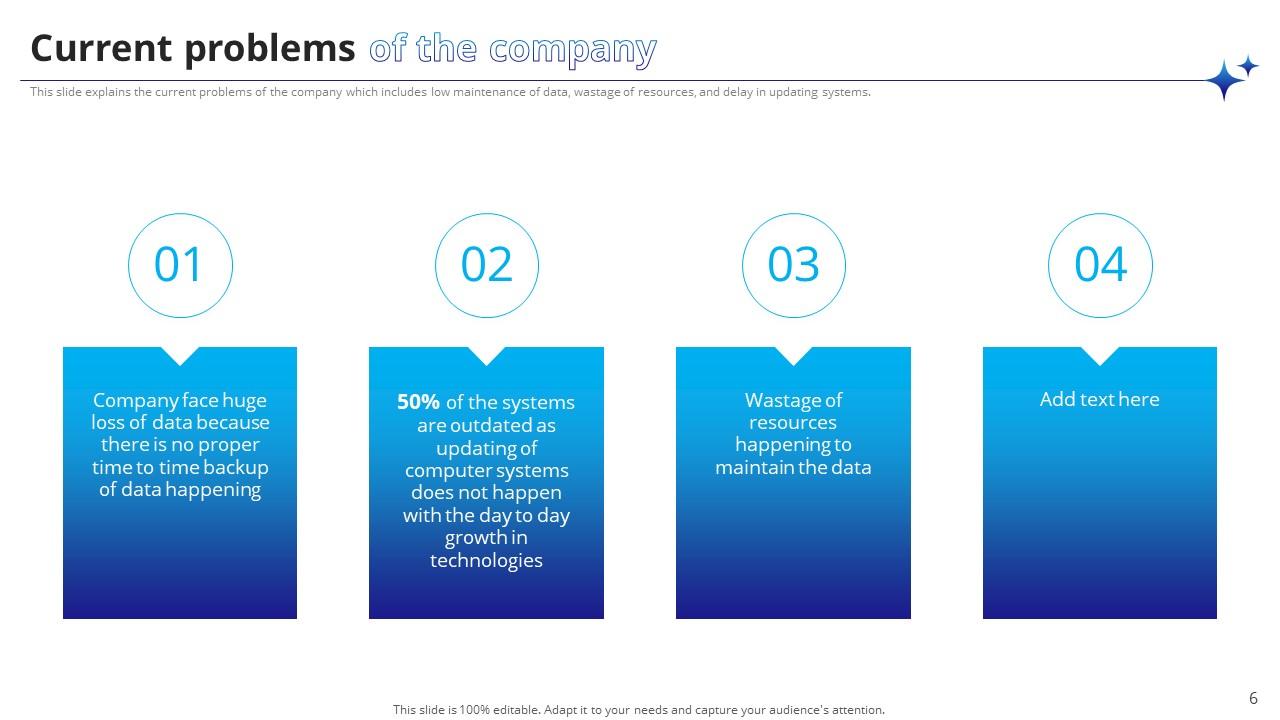
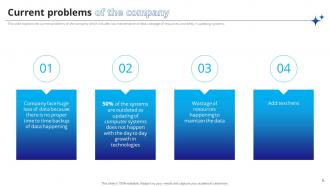
Folie 6 : Diese Folie zeigt die aktuellen Probleme des Unternehmens.
Folie 7 : Diese Folie enthält die Überschrift für die weiter zu behandelnden Themen.
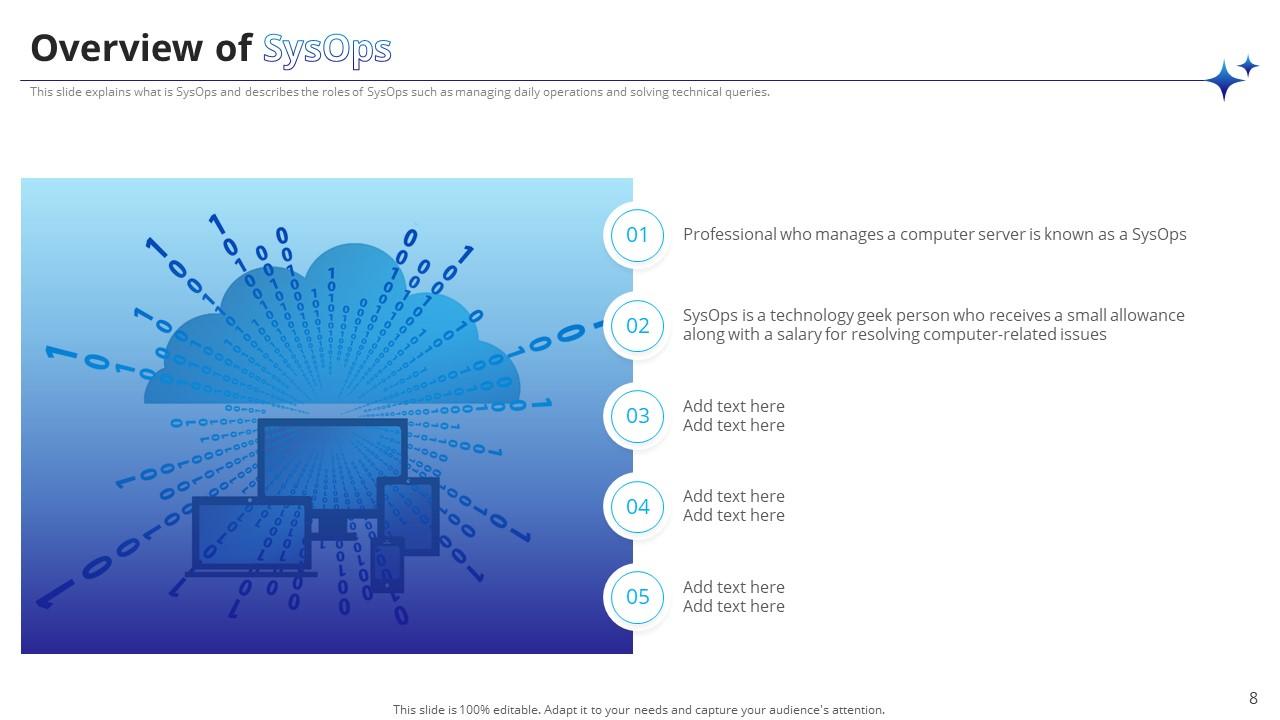
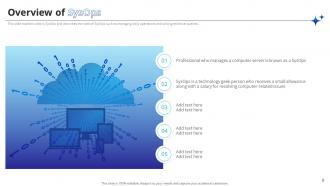
Folie 8 : Diese Folie bietet einen Überblick über SysOps.
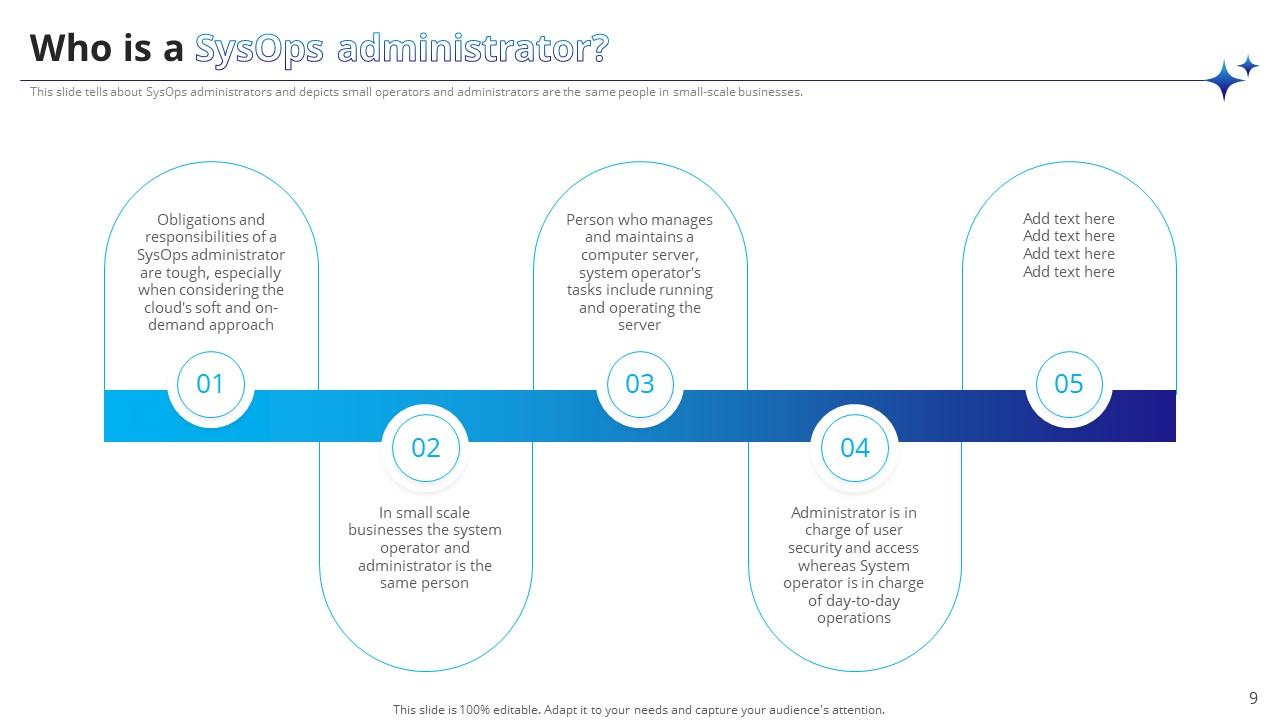
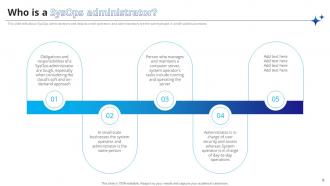
Folie 9 : Diese Folie erklärt den SysOps-Administrator.
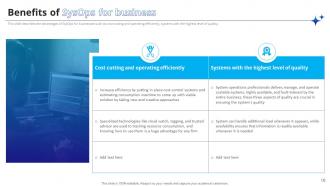
Folie 10 : Diese Folie zeigt die Vorteile von SysOps für Unternehmen.
Folie 11 : Diese Folie enthält den Titel für die weiter zu behandelnden Themen.
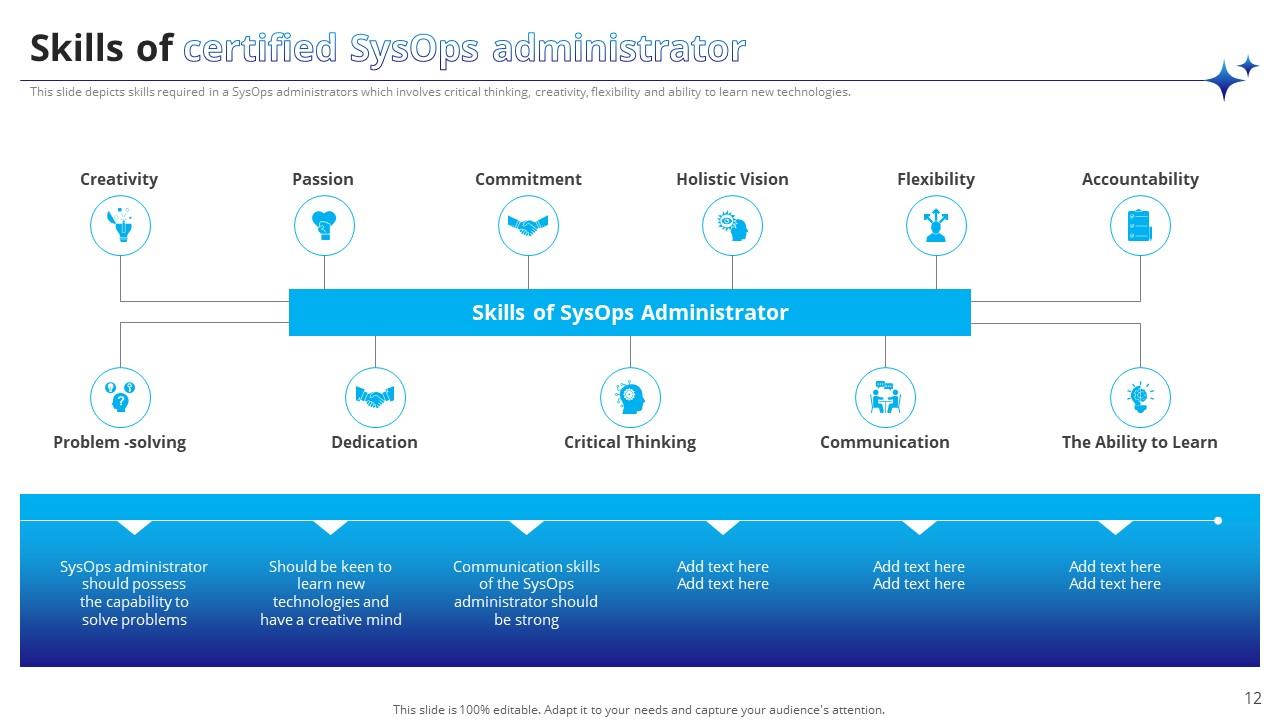
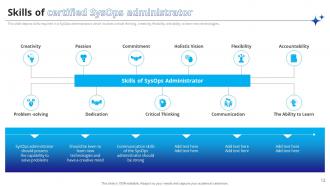
Folie 12 : Diese Folie präsentiert die Fähigkeiten eines zertifizierten SysOps-Administrators.
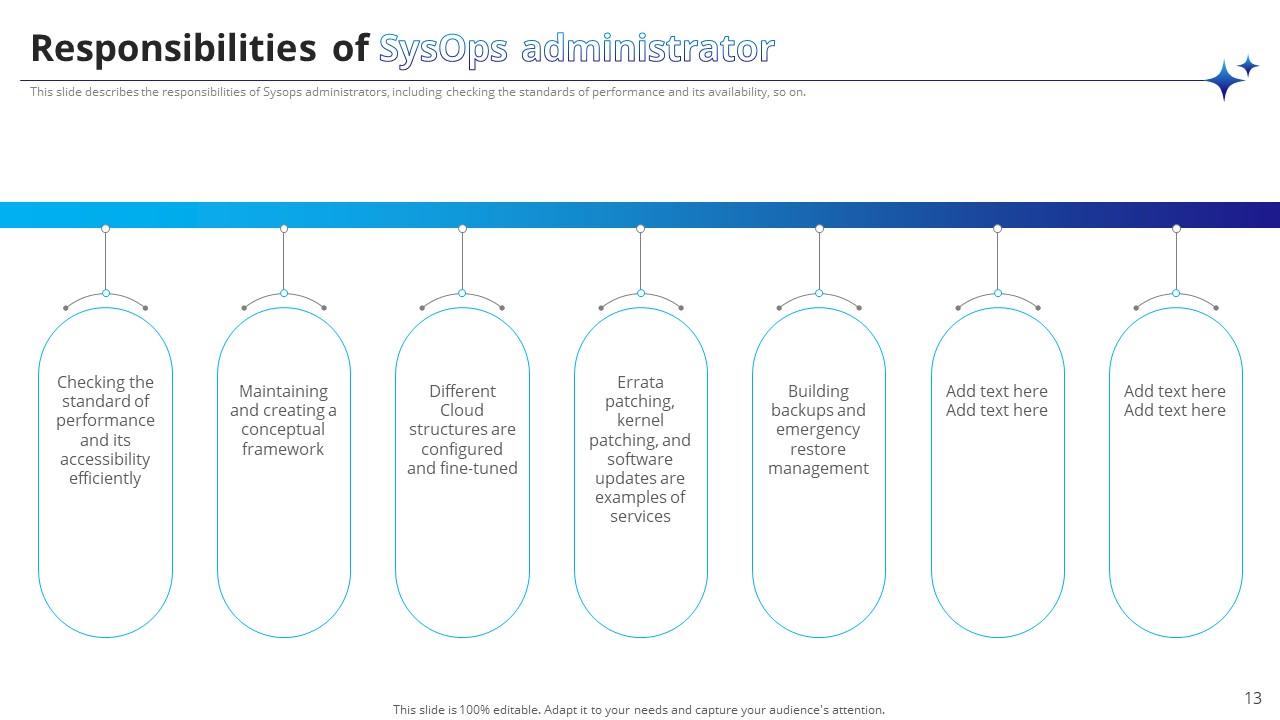
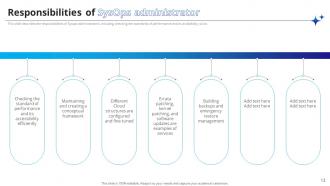
Folie 13 : Diese Folie erwähnt die Verantwortlichkeiten des SysOps-Administrators.
Folie 14 : Diese Folie zeigt die Überschriften für die als nächstes zu diskutierenden Inhalte.
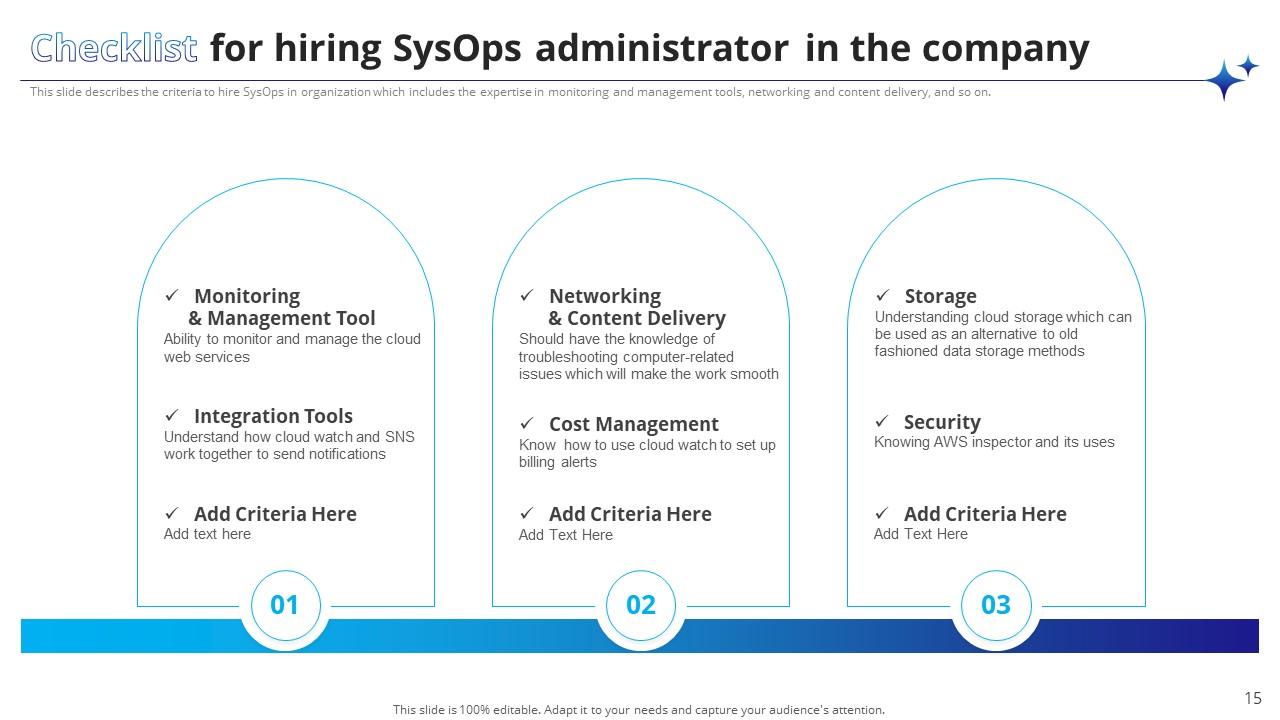
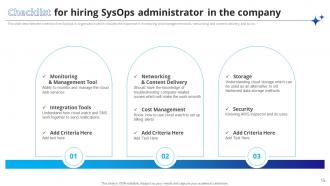
Folie 15 : Diese Folie stellt die Checkliste für die Einstellung von SysOps-Administratoren im Unternehmen dar.
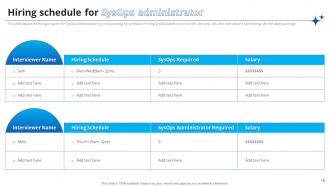
Folie 16 : Diese Folie zeigt den Einstellungszeitplan für SysOps-Administratoren.
Folie 17 : Diese Folie enthält die Hauptüberschrift für die weiter zu behandelnden Themen.
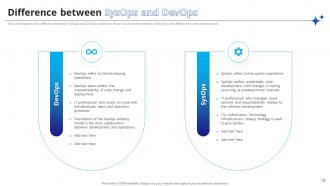
Folie 18 : Diese Folie hebt den Unterschied zwischen SysOps und DevOps hervor.
Folie 19 : Diese Folie zeigt den Titel für die Ideen, die in der kommenden Vorlage diskutiert werden sollen.
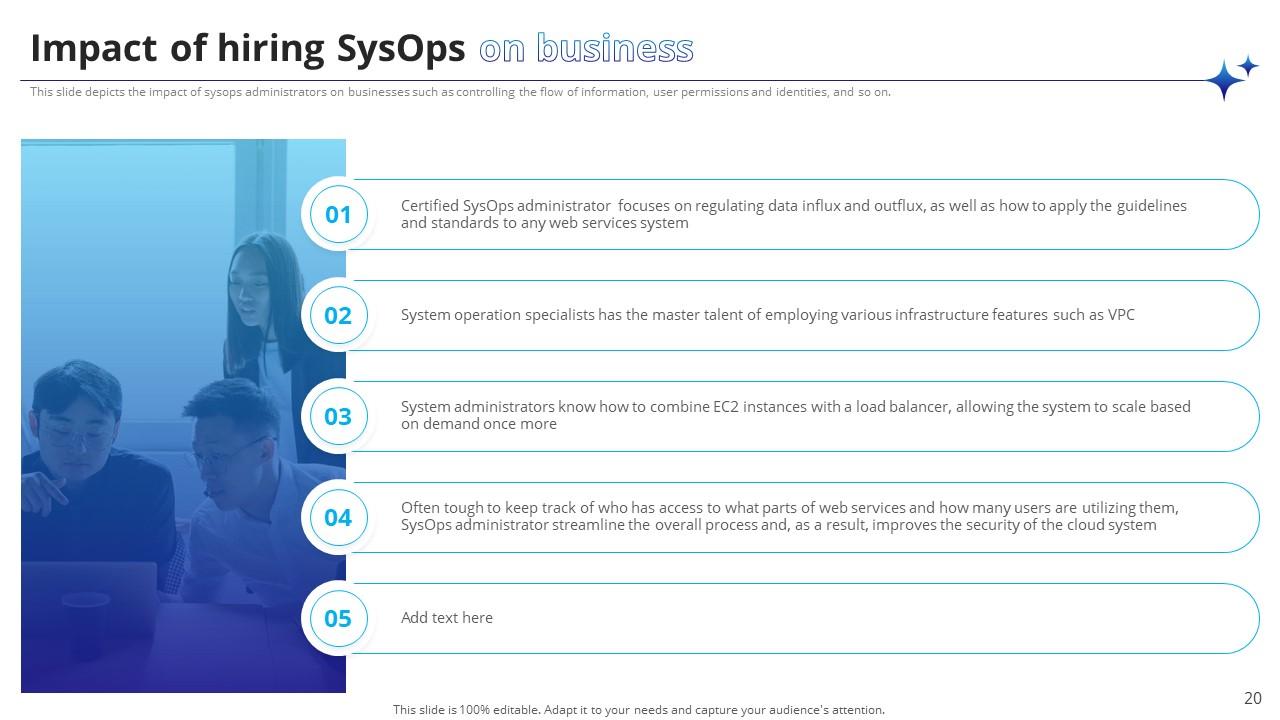
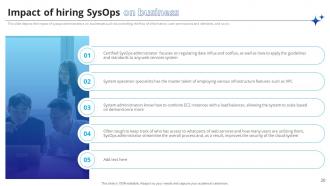
Folie 20 : Diese Folie befasst sich mit den Auswirkungen der Einstellung von SysOps auf das Geschäft.
Folie 21 : Diese Folie enthält die Überschrift für die Ideen, die als nächstes behandelt werden.
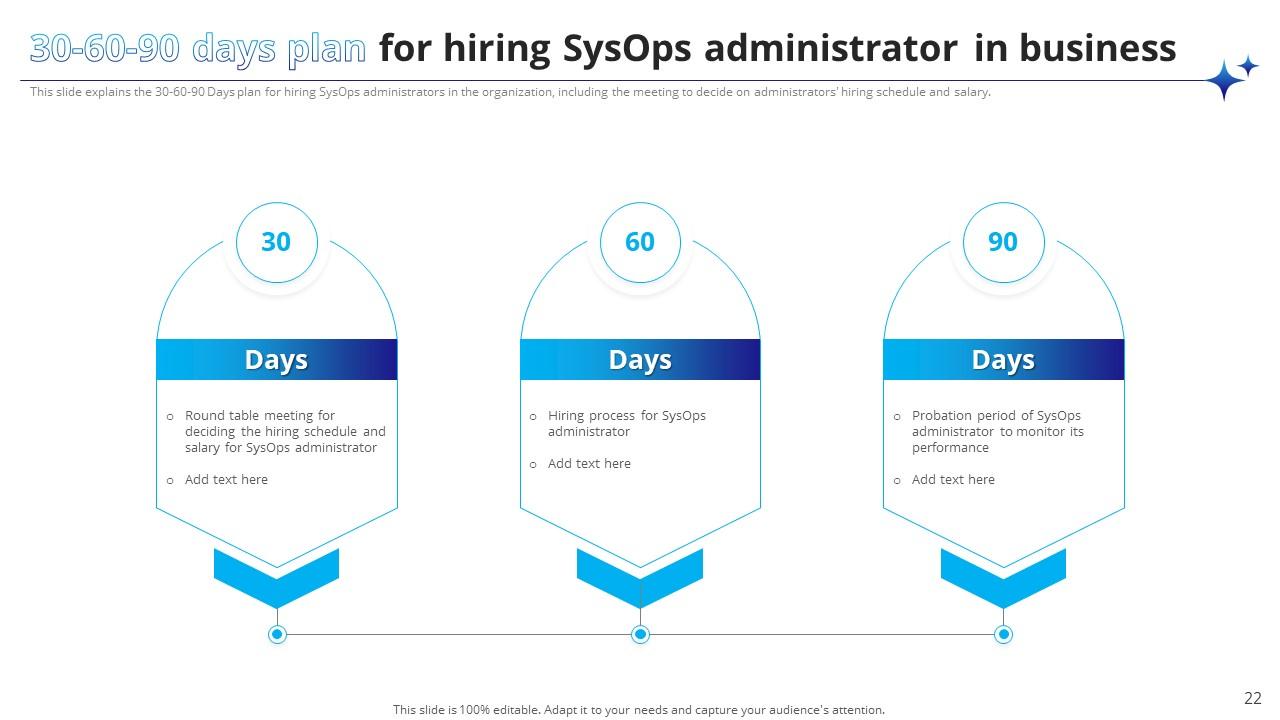
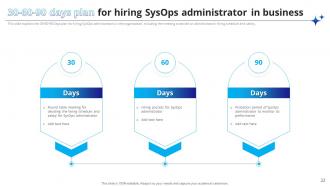
Folie 22 : Dieser 30-60-90-Tage-Plan für die Einstellung von SysOps-Administratoren in Unternehmen
Folie 23 : Diese Folie zeigt den Titel für die weiter zu behandelnden Themen.
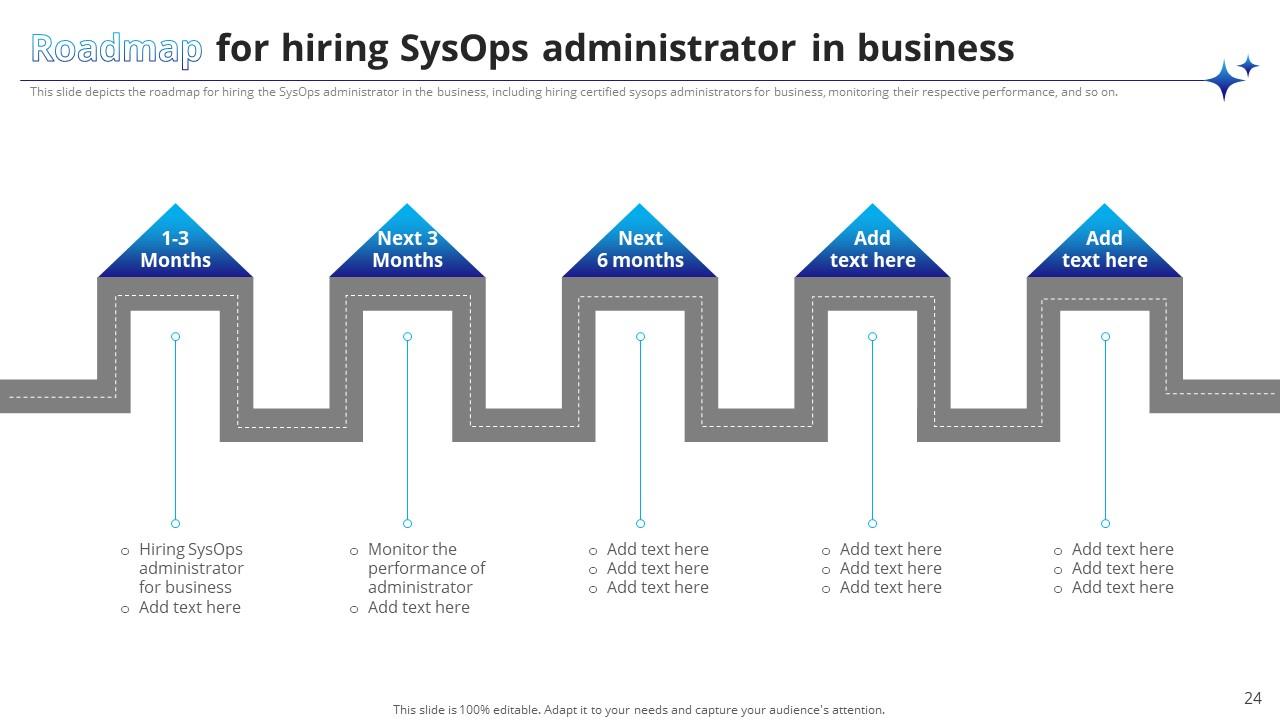
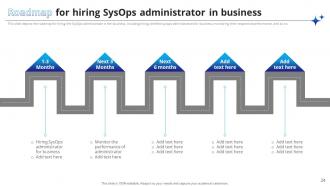
Folie 24 : Diese Folie erläutert den Fahrplan für die Einstellung von SysOps-Administratoren in Unternehmen.
Folie 25 : Diese Folie zeigt die Symbole für den Systemadministrator.
Folie 26 : Diese Folie enthüllt einige zusätzliche Informationen über die Organisation.
Folie 27 : Dies ist die Folie zur Ideengenerierung, um neue Ideen zu fördern.
Folie 28 : Dies ist die Timeline-Folie zur Darstellung der Zeitleiste des Unternehmens.
Folie 29 : Dies ist unsere Zielfolie. Geben Sie hier die langfristigen Ziele Ihrer Organisation an.
Folie 30 : Diese Folie zeigt die Mindmap des Unternehmens.
Folie 31 : Dies ist die Puzzle-Folie mit verwandten Bildern.
Folie 32 : Dies ist die Folie des Venn-Diagramms zur Darstellung einiger relevanter Organisationsinformationen.
Folie 33 : Dies ist die Dankesfolie für die Bestätigung.
Powerpoint-Präsentationsfolien des Systemadministrators mit allen 38 Folien:
Verwenden Sie unsere Powerpoint-Präsentationsfolien für Systemadministratoren, um Ihre wertvolle Zeit effektiv zu sparen. Sie sind gebrauchsfertig und passen in jede Präsentationsstruktur.
FAQs for System Administrator
Dude, start with the command line - seriously, once you're comfortable there everything else clicks. Get solid with networking basics and pick up Python or PowerShell for scripting. Linux and Windows knowledge is mandatory obviously. Security stuff is huge since you're protecting everything. But honestly? The troubleshooting methodology is what separates good sysadmins from the ones pulling their hair out at 2am. You'll spend half your time explaining server crashes to people who think the monitor IS the computer, so work on those communication skills too. Oh and develop a good coffee habit while you're at it.
Business impact comes first - if it's down and hitting users or revenue, drop everything else. Security vulns are next, then stuff that's about to break. Honestly learned this during my first big outage when I wasted time on the "perfect" fix while people couldn't work. Quick and dirty sometimes wins over elegant solutions that take hours. Simple high/medium/low impact grid works great. Oh, and update everyone every 30 mins or they'll blow up your phone - trust me on that one. Keep a running list so you don't lose track when everything's chaos.
Okay so zero-trust is huge right now - basically don't trust anything until it proves itself. MFA is pretty much required everywhere, but passwordless stuff is taking over fast. Supply chain attacks are getting really bad (remember SolarWinds? That was nothing). You gotta check your vendors way more carefully now. AI threats are exploding, so your detection needs to be smarter. Cloud misconfigs still cause most breaches though - those default settings are brutal. I'd start with auditing your MFA setup first, then move into least-privilege controls. Honestly the cloud thing surprises me since it's such an obvious fix.

Dude, it's like going from being a hardware babysitter to actually orchestrating services. No more 3am server swaps - thank god for that. Now you're managing virtual stuff, automating deployments, watching distributed systems. Plus you'll be optimizing costs and handling security across different platforms. The skills change too - APIs, containers, Terraform for infrastructure-as-code. Way more strategic, less back-breaking work honestly. Oh, and definitely learn AWS or Azure if you haven't. Hybrid setups are literally everywhere now, so you can't really avoid cloud anymore.

Start with monitoring - Nagios, Zabbix, or PRTG are solid choices for keeping an eye on your infrastructure. Log management is huge too, so look into ELK stack or Splunk. Configuration tools like Ansible and Puppet will save your sanity when managing multiple systems. Grafana's pretty sweet for dashboards and visualization. Oh, and don't forget cloud-native stuff - CloudWatch for AWS, Azure Monitor, etc. Honestly though? The options are kinda overwhelming at first. Just pick one tool per category and actually learn it inside out before adding more to your stack.
Start with data audits so you actually know what you're storing. Set up access controls - only let authorized people near sensitive stuff. Encryption is non-negotiable, both stored and moving data. Log everything. Who touched what and when? Super crucial for audits later. The boring administrative part matters too, unfortunately. Document your processes, train people properly, create retention policies. I'd set up automated compliance reports if you can swing it - saves so much time when auditors come knocking. Oh, and don't forget user training. People are usually the weakest link in this whole thing.
Honestly, just stick to the 3-2-1 rule - 3 copies of your data, 2 different storage types, 1 offsite. Test your backups though! I've seen so many people think they're covered until disaster strikes and nothing works. Automate whatever you can. Document your recovery steps too because you'll forget them when you're panicking at 2am. Set up alerts for failed backups - you want to know immediately, not weeks later. Figure out which systems matter most for your business and how fast you need them back up. Oh, and audit what you're actually backing up right now. Maybe test restoring something small this week?
Dude, automation is a game changer for cutting down on all that boring repetitive stuff. Set up scripts for deployments, automated backups, bulk user management - you know, all the tedious clicks you're doing every day. Once you start using automated alerts for system issues, you'll kick yourself for not doing it sooner. I'm telling you, the mental relief alone is worth it. Start with something easy like automated backups or health checks. Don't go crazy right away though - build it up piece by piece. Then boom, suddenly you're actually solving real problems instead of being a glorified button-pusher all day.
Dude, seriously - start documenting everything now. Six months from now you'll have zero memory of how you fixed that bizarre network glitch. Trust me on this. Good docs help you troubleshoot way faster and make onboarding new people actually bearable instead of pure hell. When budget meetings roll around, you'll have proof of what you've accomplished. Plus it saves your ass during audits. I know it's boring, but document your procedures, system configs, and what you learned from major incidents. Your future self will literally worship you for it.
Honestly, get some monitoring tools first - Nagios or SolarWinds work great for catching stuff before it becomes a nightmare. When problems do hit, start with the basics and work your way up: cables, switches, then routing/DNS. I can't stress this enough - document everything. Keep your network diagrams current and write down fixes that work (trust me on this one). Also maintain a runbook for common issues. The whole point is staying ahead of problems instead of scrambling to fix them. Good monitoring setup means you won't be getting panicked calls at weird hours.
Honestly, start with automated monitoring - disk space, CPU, memory, all that stuff. Catches problems before they blow up in your face. I'd set up basic alerts this week if I were you, it'll save you so much stress later. Regular patching sucks but you gotta do it during maintenance windows. Oh, and don't forget log rotation scripts or you'll run out of storage at the worst possible moment. Document your normal system performance too so you can actually tell when something's off. Trust me on the monitoring thing though - game changer.
Dude, you really need to keep learning if you're doing sysadmin work. Tech moves crazy fast - like, stuff I learned 3 years ago is already getting phased out. Certs are worth it though, they actually help with salary negotiations and make you learn things properly instead of just googling problems when they come up. I try to study for something new every few months, maybe shoot for one cert annually? It's annoying but honestly the job market is brutal if you fall behind. Trust me on this one.
Dude, the worst mistake is not writing down what you changed - I've been burned by this so many times. Test everything before pushing to prod, obviously. Don't try to keep it all in your head because you'll forget and then you're screwed. Also, stop being a control freak who won't let others help. Set up monitoring so you're not constantly putting out fires. Back up configs before you mess with them (learned this the hard way). Automate the boring stuff early on. Keep a basic log of changes and reasons - yeah it's annoying but trust me on this one.
Honestly, the key is making security feel approachable instead of scary. Run regular awareness sessions and share real threat examples your company actually faces. When someone reports something suspicious? Celebrate that shit - don't make them feel stupid for asking. Too many IT teams act like the security police (ugh). Make your policies actually readable. Give clear guidance on password managers and safe browsing. Always explain why rules exist - people follow stuff better when they get it. Most importantly, practice what you preach and stay approachable when folks need help.
Honestly, DevOps has totally changed what we do as sysadmins. You're not just keeping servers running anymore - now you're automating everything and working super closely with the dev teams. The whole reactive firefighting thing? That's out. Infrastructure-as-code is where it's at now. You'll definitely need scripting skills if you don't have them already. Docker, Ansible, Terraform - these aren't nice-to-haves anymore, they're basically required. Oh, and get ready for CI/CD pipelines to become your new best friend. It's way more strategic work than the old school hands-on server stuff we used to do.
-
It is so good
-
The way SlideTeam professionals work is exceptional. Thanks for being so helpful!
-
Excellent template with unique design.