World map with navigation location powerpoint slides
Try Before you Buy Download Free Sample Product
Audience
Editable
of Time
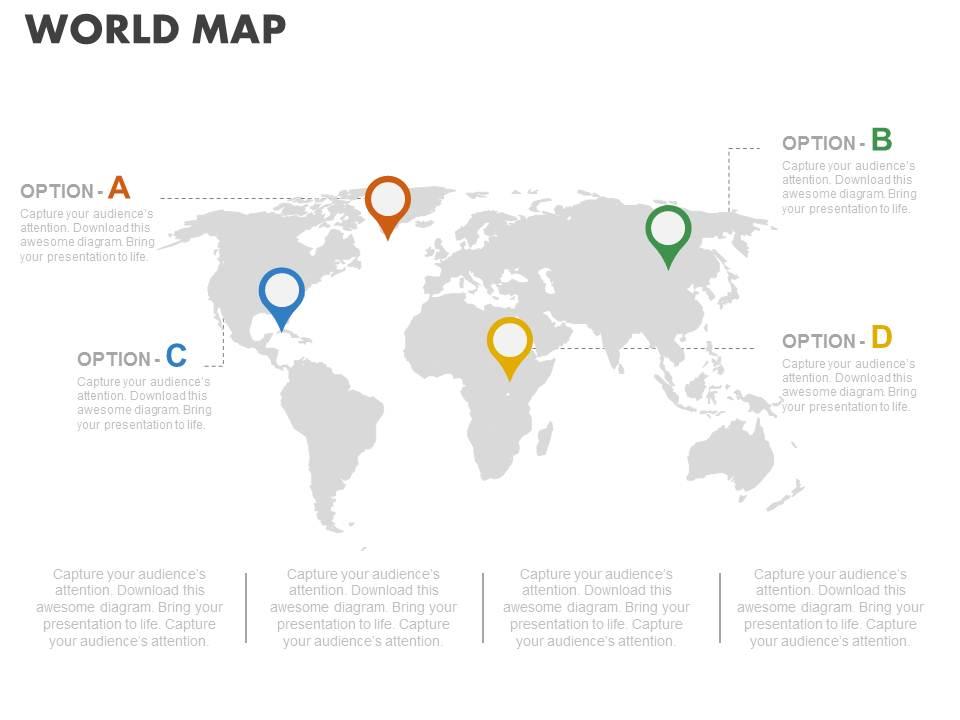
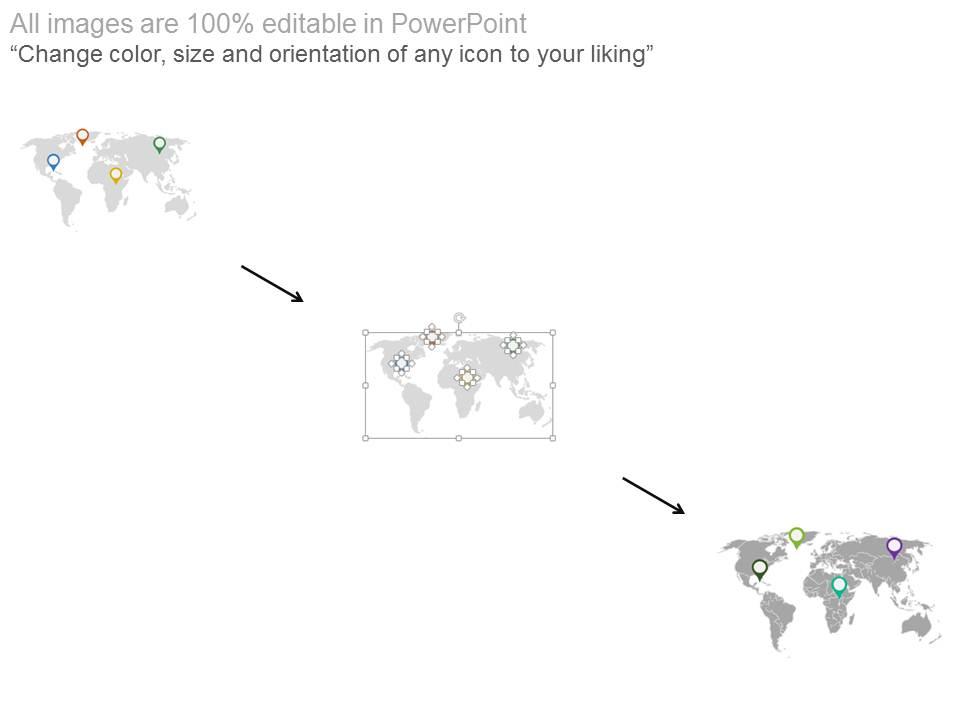
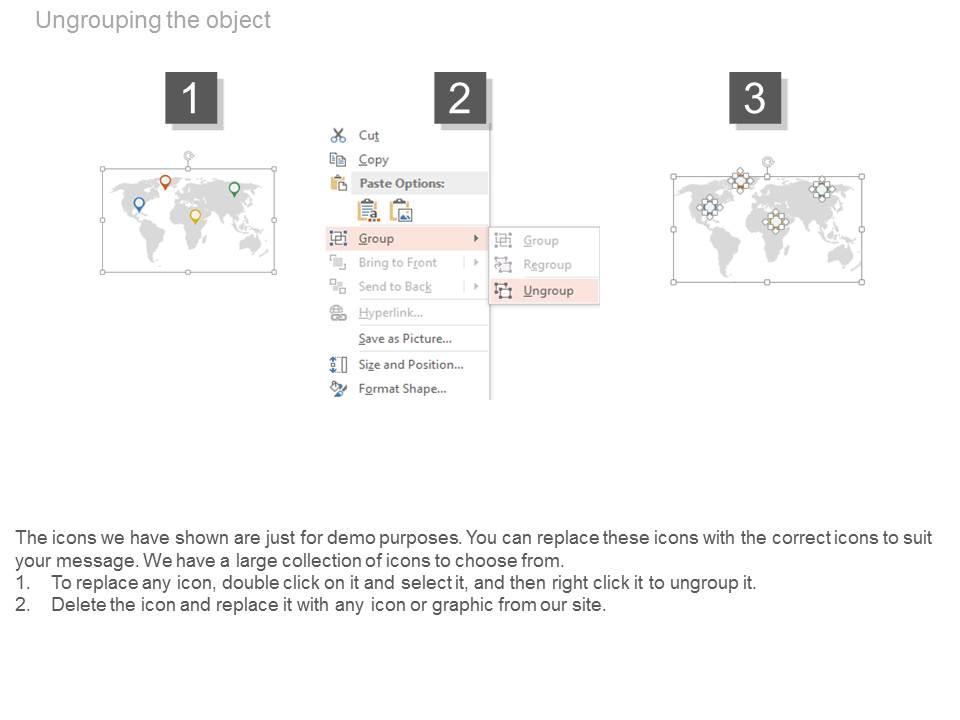
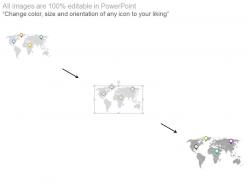
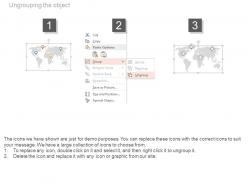
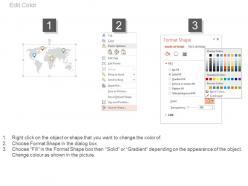
Presenting World Map with Navigation Location PowerPoint Slides. This is an innovatively designed PPT template using World Map with Navigation Location PowerPoint graphics. When a trade exists globally it is difficult to manage the different areas, the company exists in. However, this World Map with Navigation location can wonderfully help the user maintain its global business with a single professionally designed PowerPoint template. The navigation icons on the world map make it even more creative and in fact simpler for the viewers to understand what a business presenter is going to talk about. Apart from that, business presenters can also use this ideally crafted business template to let the viewers know where your trade exists and also let them enjoy the services in those parts of nation. It is an effective and a readymade presentation icon to go live in the audience. Hand down your best with our World Map With Navigation Location Powerpoint Slides. Give them a great example to follow.
People who downloaded this PowerPoint presentation also viewed the following :
World map with navigation location powerpoint slides with all 4 slides:
Develop your brand as an employer with our World Map With Navigation Location Powerpoint Slides. Folks will flock to your company.
FAQs for World map with navigation
Look for templates with clickable hotspots so people can jump between regions without getting lost. Clean design is key - cluttered maps are the worst. Make sure you can actually edit the colors and add your own data points too. Navigation should feel natural with good zoom features. I'd go for ones that have both detailed country views and a main overview slide. Honestly, consistent styling across everything makes such a difference. Just avoid anything where the text is microscopic against busy backgrounds!
World map slides are honestly a game changer for keeping people hooked on your presentation. You're basically creating this visual story that lets everyone follow along geographically instead of just rattling off a bunch of locations. Perfect for case studies or when you're talking about expansion plans - anything involving multiple regions really. Way more engaging than bullet points with random city names. Oh and definitely use those animated transitions between spots! It really drives home that flow from one place to the next. Trust me, your audience will actually stay awake.
First thing - figure out what region makes sense for your audience. Nobody in Singapore wants to stare at a US-centered map, you know? Color-code based on whatever they actually care about (sales territories, new markets, whatever). The biggest mistake I see? Tiny text that's impossible to read from anywhere past the front row. Seriously drives me crazy. Strip out countries or details that don't matter to them. Oh, and test your colors beforehand - some projectors make everything look washed out. Trust me on that one.
Dude, animated maps are just way more engaging than boring static slides. People literally can't help but follow the movement - like when data pops up country by country or you see routes spreading across continents. It breaks down complex stuff instead of hitting them with everything at once, which honestly saves everyone's sanity. You get natural spots to pause and dive deeper into specific regions too. I'd probably start with simple fade-ins or color changes before going crazy with flight paths and all that flashy data viz stuff. Trust me, even basic animations make a huge difference.
Honestly, color choice can make or break your map slides. Dark blue oceans with bright yellow highlights? *Chef's kiss* - super easy for people to spot what you're emphasizing. Reds and oranges grab attention like crazy, so use those for your main points. Blues and greens are chill background colors. Don't do what I did and make everything blend together (learned that lesson fast). Similar shades next to each other = total disaster for showing borders. Three colors max, maybe four if you're feeling fancy. Oh, and definitely test it on your actual presentation screen first!
Don't cram a wall of text on there - nobody can read that mess anyway. Low-res maps look terrible when you're presenting, so grab quality templates from decent sources. Your color contrast needs to pop or people won't see your data points. Honestly, I've sat through way too many presentations with spinning animations that just make me dizzy. Keep it simple. Double-check your data is current too because using outdated info is embarrassing. Oh, and clean design beats fancy every time - focus on what you're actually trying to show people.
Heat maps work really well on world maps - just color-code countries by whatever metrics you're tracking. Bubble charts are solid too for showing population or revenue data with different sized dots. PowerPoint's chart tools are actually pretty decent for this, way less painful than I expected. You can even add bar charts that show up when people click on regions. Line graphs showing trends across different areas look clean too, or those animated data flows between countries if you're feeling fancy. Oh and don't go crazy with layers right away - world maps get messy super quick. Start simple, then add more stuff.
Google Earth Pro is your best bet - it's free and you can grab screenshots for PowerPoint easily. Tableau Public makes stunning heat maps if you're working with data. For interactive stuff, check out Prezi or Genially where people can actually click on different regions. Canva's got decent map templates too, though I find their interface kinda clunky sometimes. If you're doing serious geographic analysis, ArcGIS Online is powerful but might be overkill. Adobe Illustrator works great for custom designs. Honestly, I'd just start with Google Earth Pro since it plays nice with PowerPoint.
Maps are honestly a game-changer for presentations. People just *get* geography in a way they don't get spreadsheets, you know? Your audience will spot patterns immediately - like where your customers cluster or which regions you're totally missing. Color-coding different metrics works great, and you can even do those cool time-lapse animations if you're feeling fancy. Oh, and definitely go interactive if possible. Being able to zoom into specific areas while you're talking makes such a difference. There's just something about seeing data in actual geographic context that clicks with people's brains.
Dude, vector graphics are perfect for world maps. They don't get pixelated when you zoom in or blow them up on screens - honestly such a lifesaver. File sizes stay pretty reasonable too, unlike those chunky raster images that crash your laptop. You can easily change colors for different countries or animate regions separately, which looks sick in presentations. Each element is its own thing so customizing is super straightforward. Go with SVG templates if you want flexibility. Oh and they work great on phones too since they scale down nicely.
Dude, map slides are trickier than people realize. Different projections make some countries look huge while others seem tiny - and that can totally backfire on you. Colors are weirdly important too. You don't want to accidentally pick something that screams political bias or makes certain regions look "bad." Make sure your audience can spot their own country easily. Honestly, I'd start by figuring out what projection they're used to seeing. The Mercator one makes Africa look way smaller than it actually is, which always bugs me. Just do a quick check on what geographic perspective your audience has.
Logistics companies use them constantly - always mapping shipping routes and distribution stuff. Sales teams are huge on world maps too, especially when they're pitching territory expansions or whatever. Consulting firms are probably the worst offenders though, they literally put world maps in EVERYTHING lol. Travel companies obviously love them, plus any manufacturing business showing where their factories are. International business dev teams use them a ton too. I'd probably start with logistics and sales templates first. Those two alone cover most situations you'll run into, then maybe add consulting ones later.
So it basically comes down to where you zoom in and what you show first. Local audiences want to see their own region front and center - nobody likes hunting for their country on some tiny world map, you know? For global presentations, I'd go with either a world overview or break it into multiple regional views so everyone gets equal treatment. Your data detail should match too. Local gets the granular stuff, global needs broader categories or people get overwhelmed. Oh, and colors matter more than you'd think - keep it consistent across regions if you're doing multiple maps. Just picture where your audience is sitting and design for that perspective.
World map slides are perfect for global business stuff, sales territory breakdowns, and international project updates. Educational presentations about different countries work great too. I use them whenever I'm showing location-based data or explaining expansion plans - way better than just listing everything out in boring bullet points, honestly. Travel industry presentations and NGO work are other solid use cases. Multi-regional strategies? Maps make them so much clearer. Oh, and case studies from different markets really pop on a world map. Just don't go overboard - if you're only talking about three states, stick with a US map instead.
Hyperlinks and action buttons are your best friends here - let people click between regions or zoom into specific spots. Animations work really well too. Try entrance effects to reveal data points slowly, or use emphasis animations when you're talking about certain countries. Honestly, most people sleep on trigger animations but they're amazing for this stuff. You can also add clickable hotspots over different areas that show pop-up text boxes with extra info. Just don't go crazy with it - stick to maybe 2-3 interactive things per slide or you'll confuse everyone. And definitely test it beforehand because nothing's worse than tech failing mid-presentation.
-
Good research work and creative work done on every template.
-
Excellent products for quick understanding.