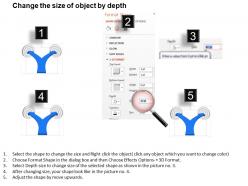
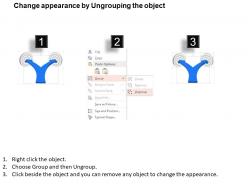
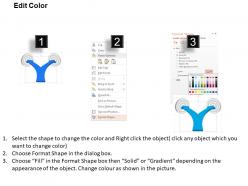
Modèle PowerPoint de diagramme de flèches bidirectionnelles de confusion de décision Xg
Try Before you Buy Download Free Sample Product
Audience
Editable
of Time
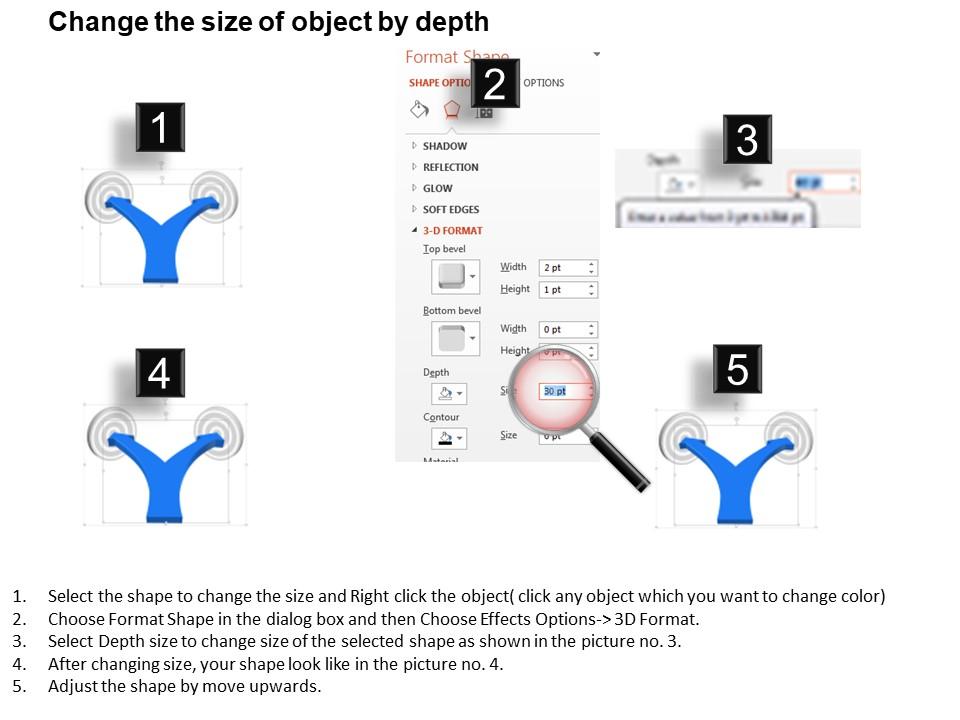
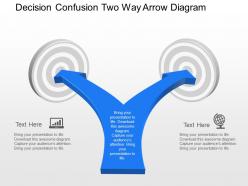
Chaque secteur d'activité connaît une situation critique à un moment ou à un autre. Et pour sortir de ces situations de cloud computing, rien de mieux qu'un design de présentation. Utilisez ce modèle PowerPoint de diagramme de flèche bidirectionnelle de confusion de décision Xg. Il s'agit d'une icône de présentation conçue de manière innovante pour aider ses utilisateurs à définir une stratégie et à parvenir à une situation unique et la plus triée possible. Deux flèches graphiques affichées dans deux directions différentes décrivent littéralement l'état d'esprit confus. Et, lorsqu'il est présenté dans une image claire, un utilisateur est capable de distinguer les avantages et les inconvénients du choix d'un côté particulier. C'est littéralement une chose innovante qui non seulement aide ses utilisateurs à surmonter les dilemmes, mais permet également au public de comprendre pourquoi ce choix particulier ainsi que le raisonnement. De cette façon, il devient l'une des principales conceptions PPT commerciales pour rendre les processus commerciaux clairs et simples. Les présentations très importantes nécessitent un design exceptionnel. Communiquez vos bonnes idées grâce à notre modèle Powerpoint de diagramme de flèche bidirectionnelle de confusion de décision Xg prêt à l'emploi.
Caractéristiques de ces diapositives de présentation PowerPoint :
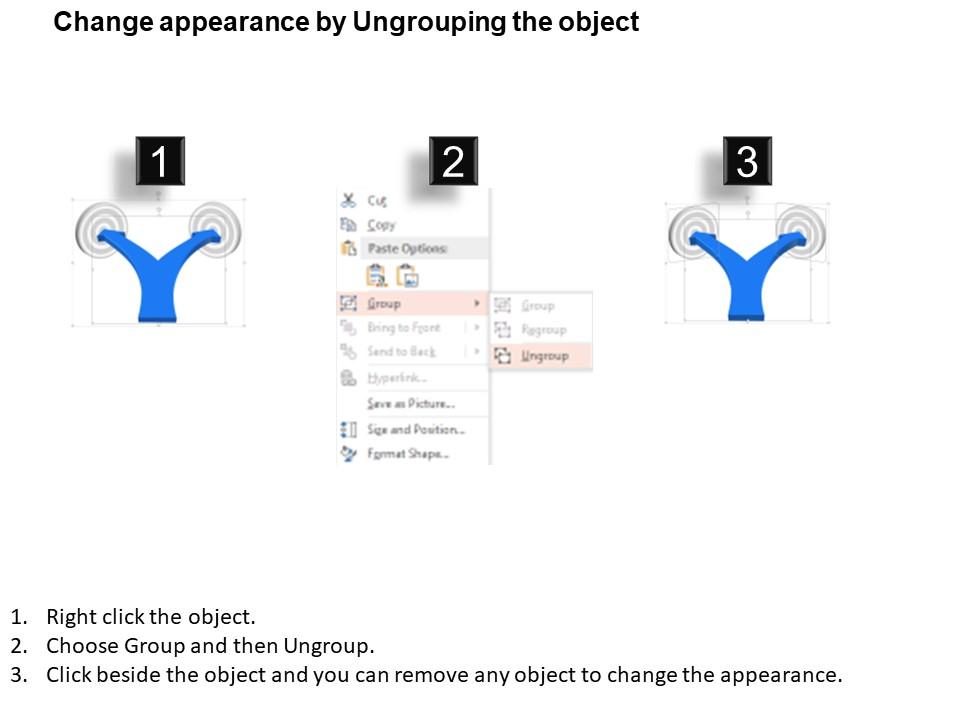
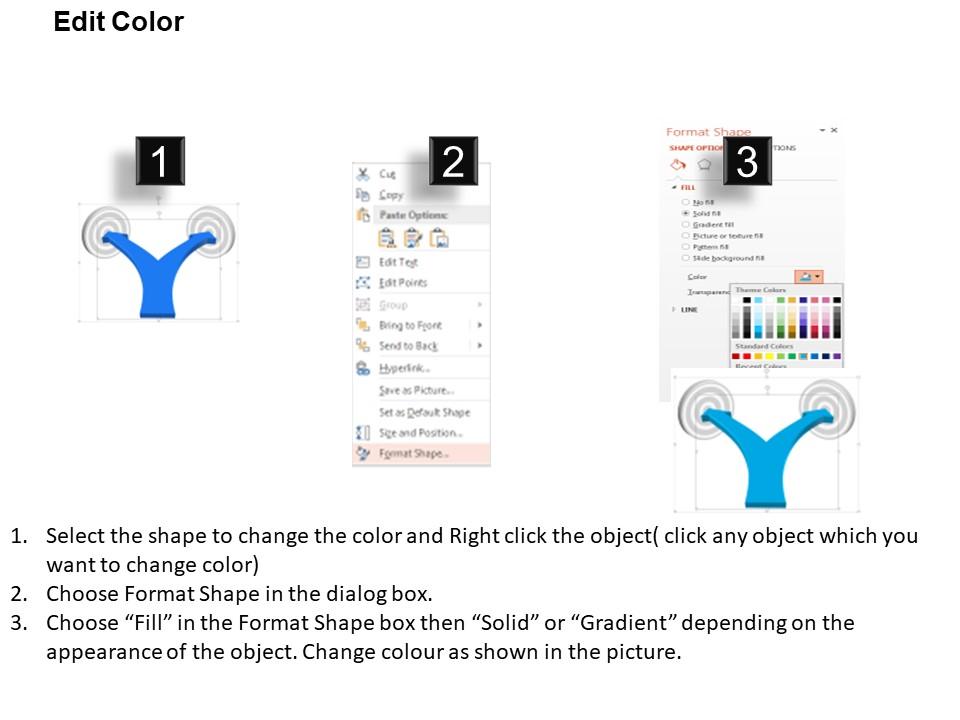
Qualité d'image parfaite dans les diapositives. Modifiez le contenu, la taille, le style et l'orientation des icônes latérales. Remplacez le filigrane par le logo de votre marque ou le nom de votre entreprise. Utilisez vos propres images dans les icônes. Suivez les instructions fournies pour éditer et modifier le modèle de diapositive. Facile à télécharger et à enregistrer dans le format que vous aimez. Bénéfique pour les entrepreneurs, les gestionnaires et les animateurs professionnels.
People who downloaded this PowerPoint presentation also viewed the following :
Xg Décision Confusion Modèle PowerPoint de diagramme de flèches bidirectionnelles avec les 4 diapositives :
Notre modèle PowerPoint de diagramme de flèches bidirectionnelles de confusion de décision Xg a un impact considérable. Donnez une plus grande longévité à vos idées.
FAQs for Xg decision confusion two way arrow
Basically, it shows you exactly where your XGBoost model screws up predictions. You'll see which classes get confused with each other - like maybe it keeps thinking Class A is actually Class B, but Class C is fine. Way better than just looking at some overall accuracy percentage, honestly. The matrix breaks everything down into true positives, false negatives, all that stuff, so you can actually see what's happening. Then you know where to focus - maybe Class A needs more training examples, or you need better features to help distinguish between A and B.
So basically, XG Decision Confusion Diagrams show you where your model screws up by plotting correct vs wrong predictions at different confidence levels. Way better than squinting at those awful confusion matrices tbh. You'll see if your model is way too confident about wrong answers or second-guessing itself on the right ones. There's patterns hiding in there that regular metrics totally miss. Perfect for finding those sketchy confidence zones where maybe a human should double-check things, or figuring out if your model needs some calibration tweaks.
So you can grab xG for and against, plus actual goals scored/conceded from those diagrams. The cool part is seeing the gap between expected vs actual performance across different game situations. Honestly helps you figure out if your team's just unlucky or actually creating terrible chances. Conversion rates and defensive stats are in there too - super useful for spotting whether bad results came from poor finishing, amazing keepers, or just garbage chance creation. It basically shows you where the "luck" factor kicked in. Pretty handy for understanding what actually went wrong beyond just the scoreline.
So basically, XG Decision Confusion Diagrams show you the whole decision process, not just the final "right or wrong" like regular confusion matrices do. You can actually see confidence levels and thresholds that led to each prediction. Pretty neat for figuring out where your model screwed up. Like, was it uncertain and made a lucky guess, or completely confident but totally wrong? You can even mess with different threshold settings to see how results would change. Way more useful than just staring at accuracy scores wondering why everything sucks. Honestly beats traditional matrices by miles.
So basically, XG Decision Confusion Diagrams show you exactly where your business decisions are getting tangled up. Map out who's supposed to be making calls vs. who actually is - trust me, there's usually a disconnect there. You'll spot information gaps that slow everything down too. Works great for fixing those annoying approval processes that take forever. The visual aspect helps everyone finally understand who owns what decisions. Honestly, just pick one messy process to start with. You'll be shocked at the weird bottlenecks you find lurking in there.
Honestly, those tree diagrams are a total mess when you first look at them - like someone threw spaghetti at a wall. You'll waste time trying to follow every single branch when most of them don't even matter. Feature importance is super misleading too since it might just be showing you overfitting. Oh and those probability thresholds? Yeah, don't trust your first read on those. Here's what actually works: pick the top 3-4 nodes and just trace a couple paths all the way through. Once you get those down, the rest starts making sense. Way less overwhelming that way.
Oh dude, XG Decision Confusion Diagrams are perfect for multi-class stuff! Instead of drowning in those massive confusion matrices (ugh, so many numbers), you get this visual map of how your model draws boundaries between ALL your classes at once. Super easy to see which classes get mixed up most. When I'm tweaking hyperparameters, I pull this up because you instantly see boundary shifts affecting performance. Way better than guessing from metrics alone. Plus you can spot where boundaries get too blurry or classes overlap weirdly - saves tons of debugging time honestly.
Honestly, the XG Decision Confusion Diagram is a game-changer for spotting where your XGBoost model screws up. It breaks down confusion matrix results across different thresholds - way better than squinting at raw numbers for hours. You'll see patterns in false positives and negatives that aren't obvious otherwise. Plus it shows the trade-offs when you're tweaking classification thresholds. I always thought ROC curves were enough, but pairing them with this diagram? Total clarity on what your predictions are actually doing. Super helpful for catching if your model consistently misses certain classes too.
So basically you're making a scatter plot with predicted probabilities on x-axis and actual outcomes on y-axis. Color the points by how confident your model was - honestly this beats regular confusion matrices by a mile. Good models have points clustered in the corners (high confidence + correct predictions). When everything's jumbled in the middle? That's where XGBoost is having a rough time deciding. Just grab your prediction probabilities and true labels, then scatter plot with different colors for each class. You want clean separation between classes, not a messy blob.
Start with clear decision points and label your confusion matrix right - actual vs predicted outcomes. Red works great for false positives/negatives since it just makes sense visually. Don't overcomplicate the tree structure even though you might want to show everything. Honestly, if stakeholders need to squint to read it, you've already lost them. Focus on the biggest impact decision paths first, then layer in details. Oh and definitely test it with someone who doesn't know your model - they'll catch things you missed. Clarity beats being comprehensive every time.
XG Decision Confusion Diagrams are honestly pretty clutch for figuring out where your model's messing up. You can see exactly which feature combos are causing problems instead of just randomly adjusting hyperparameters (guilty as charged lol). Shows stakeholders clear visuals too, which helps when you're trying to explain stuff to non-tech people. Plus you'll spot which data chunks need more training examples. I actually used one last week and it saved me hours of guesswork. Definitely throw it into your next model review - makes it way easier to explain what you're fixing next.
For confusion matrices, I always go with Python - matplotlib and seaborn are your best bet. Seaborn's heatmap function is ridiculously easy to use, honestly just a few lines and you're done. Plotly's nice if you want interactive stuff. R with ggplot2 works too but I'm more of a Python person. Oh, and if you're already using MLflow or Weights & Biases for tracking experiments, they've got built-in visualization tools that are pretty solid. Jupyter notebooks are basically a must for this kind of work - makes iterating so much faster when you're tweaking the layout.
Dude, just tailor them to whoever's looking. Executives want the simplified version - bigger fonts, clean colors, key metrics only. Tech people? Give them all the messy details they love. I swear, nothing's worse than watching a CEO's face when you show them some crazy detailed matrix. For other stakeholders, throw in some annotations explaining what those confusion patterns actually mean for the business. Oh, and here's the thing - always ask yourself what decision they need to make first. That'll guide how you present it. Different audiences need different levels of complexity, you know?
XG Decision Confusion Diagrams pair really well with your usual confusion matrices and ROC curves. Just layer them together for the full picture. What's cool is combining it with SHAP visualizations - you can actually trace back which features are screwing up specific predictions. Way better than staring at spreadsheets all day, honestly. You can make it interactive too, so stakeholders can click through different thresholds and watch the confusion patterns shift. I'd start by dropping it into whatever evaluation workflow you're already using. Then build from there once you get the hang of it. Works great in dashboards if that's your thing.
XG Decision Confusion Diagrams are getting baked right into automated ML pipelines now - mostly for debugging and making models less of a black box. Real-time confusion tracking is finally happening too, which beats the hell out of those static reports we used to generate after training. MLOps platforms are starting to embed these directly instead of treating them like separate deliverables. The interactive versions let you dig into specific decision paths, which is pretty cool. Honestly, I'd start playing around with dynamic visualization tools ASAP. Your stakeholders are gonna expect this transparency soon anyway.
-
Much better than the original! Thanks for the quick turnaround.
-
Use of icon with content is very relateable, informative and appealing.