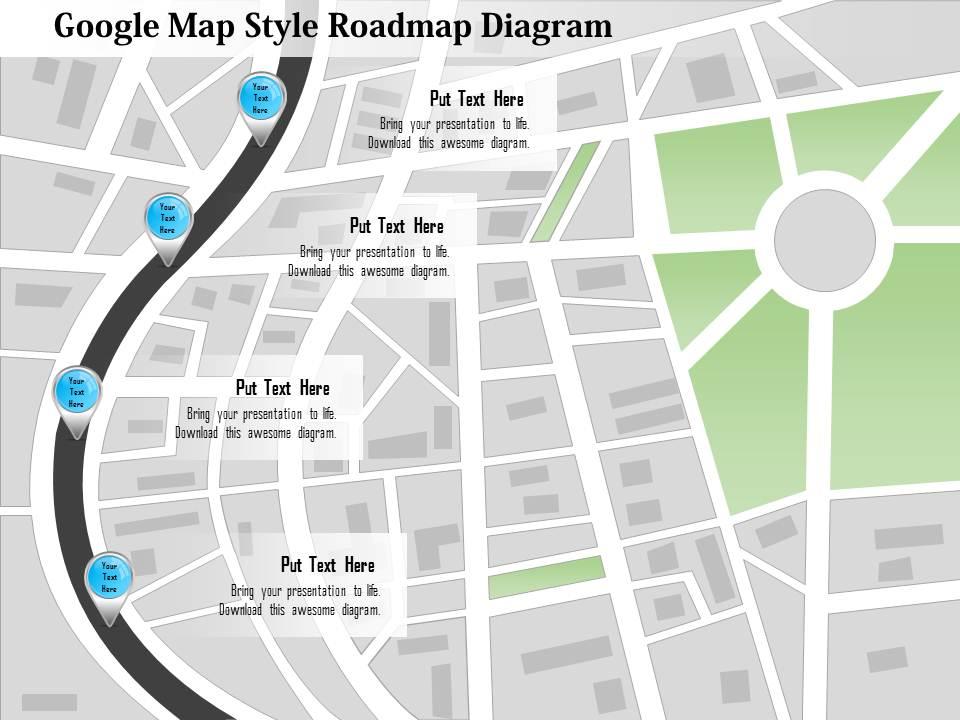
0115 google map style roadmap diagram powerpoint template

Rating:
90%
0115 google map style roadmap diagram powerpoint template
Slide 1 of 5

or

Favourites Favourites

Try Before you Buy Download Free Sample Product

Audience Impress Your
Audience
Editable 100%
Editable
Time Save Hours
of Time
The Biggest Sale is ending soon in
0
0
:
0
0
:
0
0
Rating:
90%
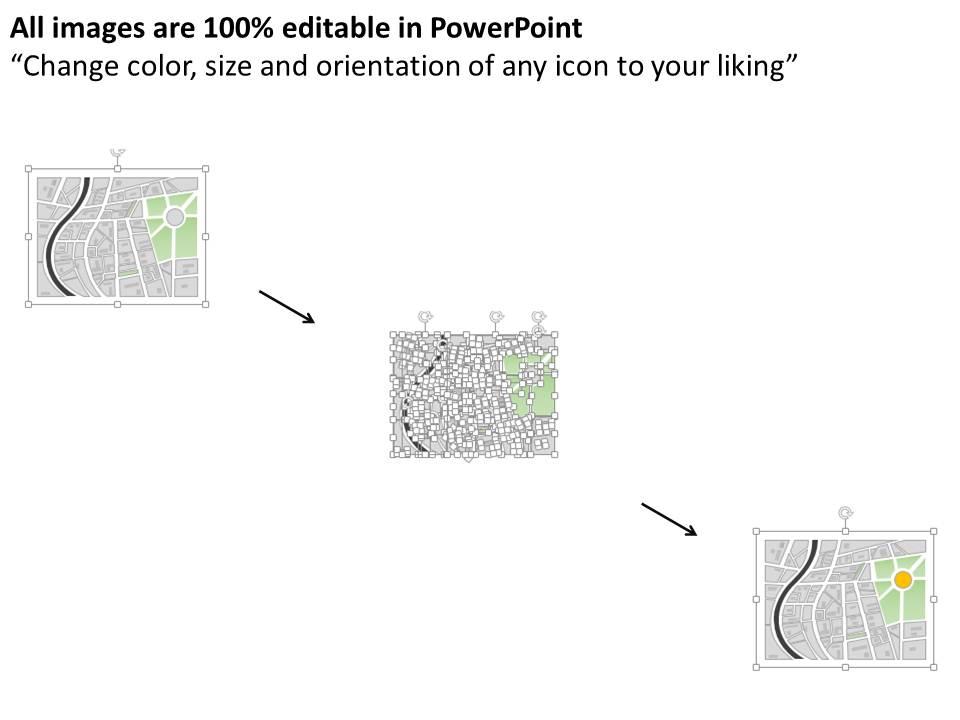
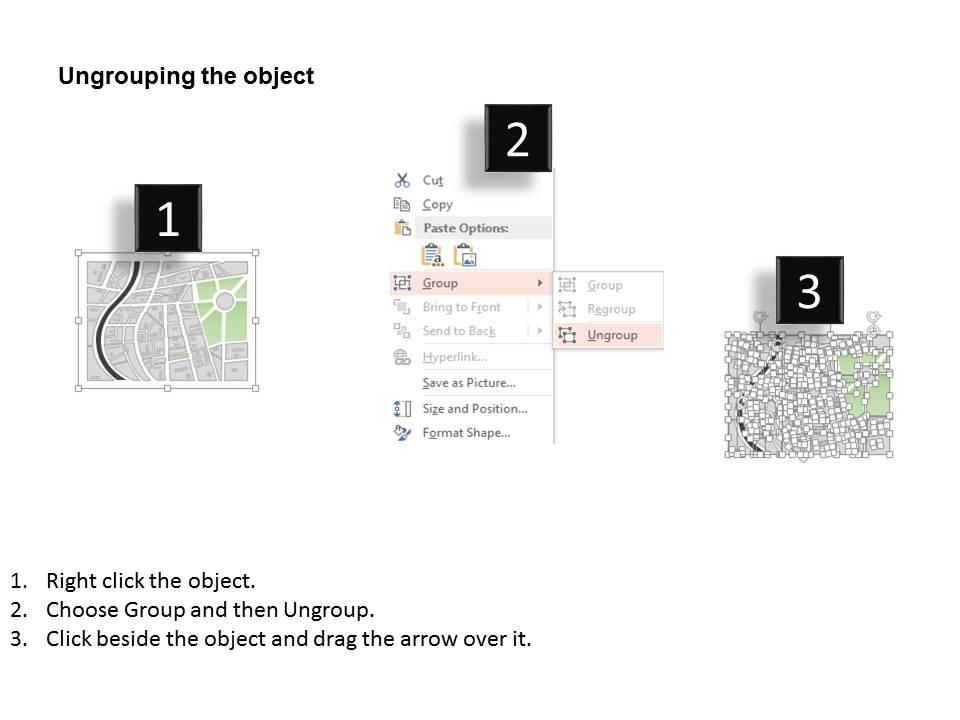
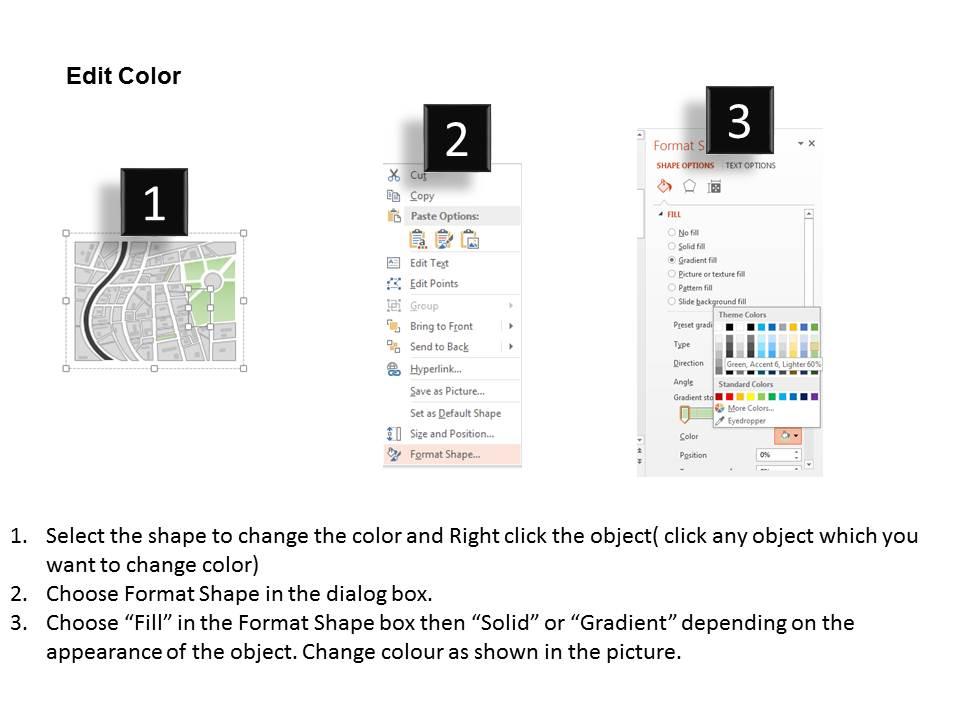
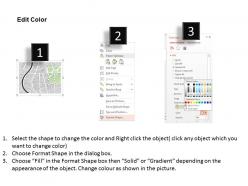
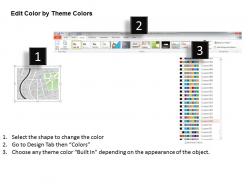
High resolution PPT model. 100% editable format for all the components like PowerPoint text, graphics, colors and more. Easily convertible format options for PPT templates (JPG/JPEG/PDF). Easy inclusion of company name and logo if desired. This PPT slide design is a profitable insight for marketers, society, economist, professionals and scholars. Pictorial guidance for editing of the presentation layout components. PowerPoint slide graphics are compatible with all software. Quick to download PowerPoint images.. Use this PPT for your business and data related presentations.

FAQs for 0115 google map style roadmap

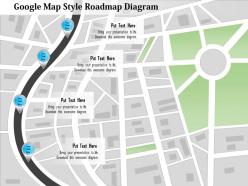
So it's got that Google Maps look - you know, the connected paths with those little milestone dots and location pins for each project phase. Pretty smart actually. The graphics look legit, like an actual map interface. You can customize the waypoints with your deadlines and deliverables, change colors and icons to match your branding. Flows really naturally from start to finish too. Honestly makes it way easier for people to follow along with where your project's headed. Just plug in your stuff and you're good to go - though I always end up tweaking the colors more than I probably need to.

Honestly, roadmap diagrams are a game changer - they turn those awful bullet point slides into something people actually want to look at. You can map out project timelines, strategy phases, whatever. The Google Maps style works so well because everyone gets it instantly. No learning curve there. Your slides look way more professional too, which doesn't hurt. Instead of drowning people in text walls, you're basically giving them a clear path to follow. I'd swap out one heavy text slide with a roadmap and see how much smoother everything flows. Trust me on this one.

Google Map roadmaps are perfect when location actually matters for your project. Regional expansions, store rollouts, supply chain stuff - you get the idea. I've watched teams map everything from retail openings to tech deployments across different cities. Works great for showing how departments or stakeholders connect geographically too. Honestly, if there's a "where" component beyond just timeline stuff, this beats traditional roadmaps every time. The spatial element just clicks better than staring at another boring Gantt chart. Perfect for multi-site projects or anything spanning different regions.

Honestly, roadmap diagrams are genius because everyone already knows how roads work. Your audience can instantly follow the journey from point A to B without getting lost in confusing timelines. The whole Google Maps vibe just clicks with people - they'll spot where you are now and what's coming next. Complex projects suddenly don't feel so overwhelming when you break them into visual steps. Different colors for each milestone helps too, though I sometimes go overboard with the rainbow effect. Short answer: it turns abstract planning into something that actually makes sense to normal humans.

Definitely start with clear timelines and specific milestones - that's your foundation. Color-coding different workstreams is a game changer (learned that the hard way after making some confusing messes). Assign owners to each milestone so there's no confusion about who's doing what. Realistic timeframes are crucial, plus you'll want to map out task dependencies. Oh, and decision points - don't skip those! I'm a big fan of the Google Maps approach because people get the visual flow immediately. Keep your text short and formatting consistent. Pro tip: have someone totally fresh look at it before you finalize.

Yeah totally! The template's pretty flexible - you can swap out colors, fonts, and icons to match your brand. Custom map pins are doable too. Google's default colors actually look decent, but you're not locked into them. Change the roadmap markers for your project milestones, throw in your logo, whatever works. Just don't go crazy with color combos that make text impossible to read (learned that one the hard way). The whole thing's designed to be editable, so you can make it fit your presentation style no problem.

So first thing - get your timeline/path to show up, then have each milestone pop in one by one with basic "Appear" or "Fade In" effects. Timing matters here - I usually do like 0.5 to 1 second between each one so people can actually keep up. Don't go crazy with spinning stuff or bouncing animations though, honestly they just make everything look amateur. Use Animation Pane to nail down your sequence. Oh and group things together! Like if you've got a milestone plus description, animate them as a pair. Nobody wants to sit there guessing what goes with what. Test run it a couple times before you present - trust me on this one.

Your roadmap should be the main thing everything else connects to. Same colors and fonts across all slides - seriously, I've seen so many presentations that look like someone just threw random templates together. Pretty painful to sit through honestly. Use those same milestone icons from your roadmap on other slides too. When you're breaking down details or timelines, point back to specific parts of the map. That way people can actually follow along instead of getting lost. Your other slides need to feel like they belong with the roadmap, not like afterthoughts you slapped on.

Honestly, just pick 2-3 colors and call it a day. If you've got brand colors, use those. Otherwise go with high contrast stuff - I tried yellow text on white once and wow, that was a mistake. Dark blue on light gray? Much better. Use muted colors for the stuff you've already finished, then make the upcoming milestones pop with brighter shades. It naturally pulls people's eyes forward. Font-wise, stick with Calibri or Arial - nothing fancy that'll look terrible when you're presenting. Make your milestone titles bigger than the detail text, but keep everything consistent. Trust me, squinting audiences aren't engaged audiences.

Try color-coding your pins first - different statuses get different colors. Timeline bars work great along the "routes" too. Heat maps are perfect for showing priority levels, and honestly they look way cooler than bullet points. Drop small charts or icons right on the map locations for metrics and completion percentages. Don't go crazy with complexity though - pick one data type to start. Your audience needs time to get used to this format before you pile on more layers. Oh, and progress indicators at major milestones are clutch for keeping everyone oriented.

Honestly, Lucidchart is probably where I'd start - they have roadmap templates already built in which saves time. Visio's solid too but more corporate feeling. I've been obsessed with Miro lately for anything visual/collaborative. Draw.io is completely free and does way more than you'd expect, though the interface is kinda clunky at first. Oh, and Figma works if you're already using it for other stuff. Actually scratch that - just go with Lucidchart first since it's most intuitive for roadmaps specifically.

Depends on what you're trying to show, honestly. If your project has clear phases that happen one after another - like a product launch with set deadlines - stick with the traditional timeline. Way easier to follow. But Google Maps style? That's perfect when you've got multiple teams doing different things at once, or when you want to show how departments connect. Plus it just looks cooler, not gonna lie. I'd probably default to the map version unless you really need that step-by-step timeline clarity. People definitely remember the visual better.

Dude, you definitely want stakeholder feedback before taking your roadmap upstairs. Different teams will catch stuff you missed - wrong timelines, dependencies you forgot about, priorities that make zero sense to them. It's wild how much tunnel vision kicks in when you're deep in planning mode! Getting their input early shows you which initiatives will actually get support and resources. Plus people are way more likely to back something they helped create. Oh, and don't wait till the very end - build in feedback rounds throughout the process. Trust me on this one.

Oh god, the text cramming is the worst - I've seen roadmaps that look like someone copy-pasted a novel onto each milestone. Keep it short! Also your formatting needs to stay consistent or it looks super amateur. Don't promise stuff in Q1 that'll obviously take half the year, people aren't dumb. Color scheme should be simple with good contrast so folks in the back can actually see what you're saying. Dependencies matter too - show how things connect. Honestly? Start small and add more rather than shoving everything in at once.

So roadmap diagrams are basically a way to get everyone looking at the same picture instead of having random ideas bouncing around. You map out your big milestones, what depends on what, and when stuff needs to happen. Honestly, it's pretty clutch for keeping teams aligned - I wish more people used them. Spotting problems early becomes way easier, plus stakeholders actually know what's going on for once. Next time you're planning quarterly goals, try walking through it visually. The conversations get so much clearer it's almost weird.

Ratings and Reviews

90% of 100
Review Form
Write a review
Most Relevant Reviews
  1. 100%

    by Dean Dixon

    Graphics are very appealing to eyes.
  2. 80%

    by Cordell Jordan

    Awesome use of colors and designs in product templates.

2 Item(s)