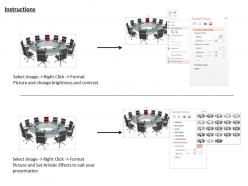
0914 conference table with chairs microphone image graphics for powerpoint

Rating:
90%
0914 conference table with chairs microphone image graphics for powerpoint
Slide 1 of 3
Favourites Favourites

Try Before you Buy Download Free Sample Product

Audience Impress Your
Audience
Editable 100%
Editable
Time Save Hours
of Time
The Biggest Sale is ending soon in
0
0
:
0
0
:
0
0
Rating:
90%
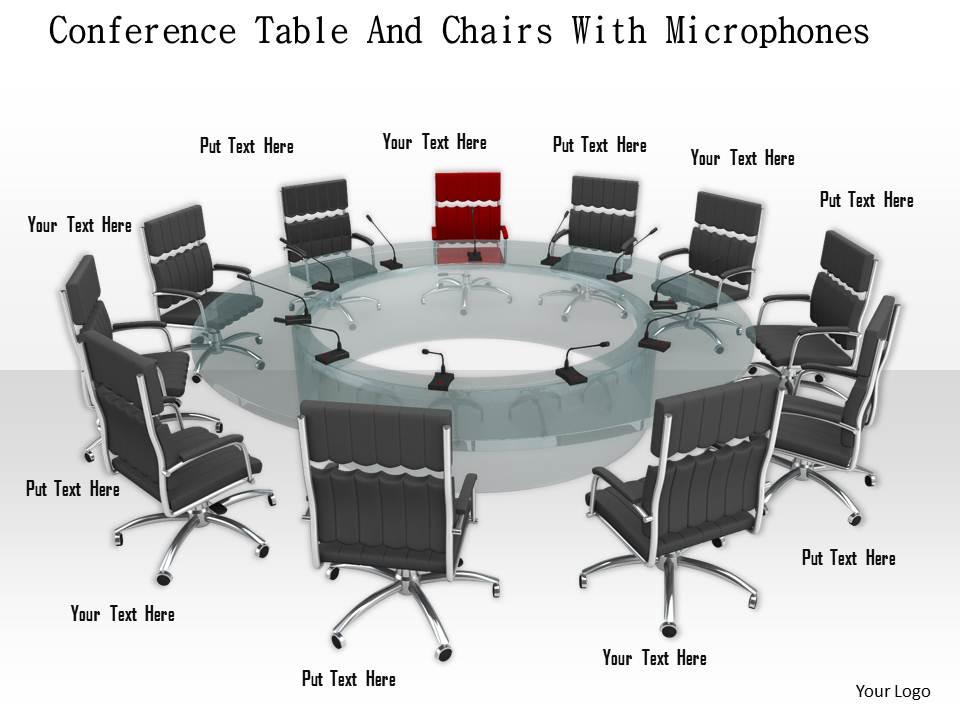
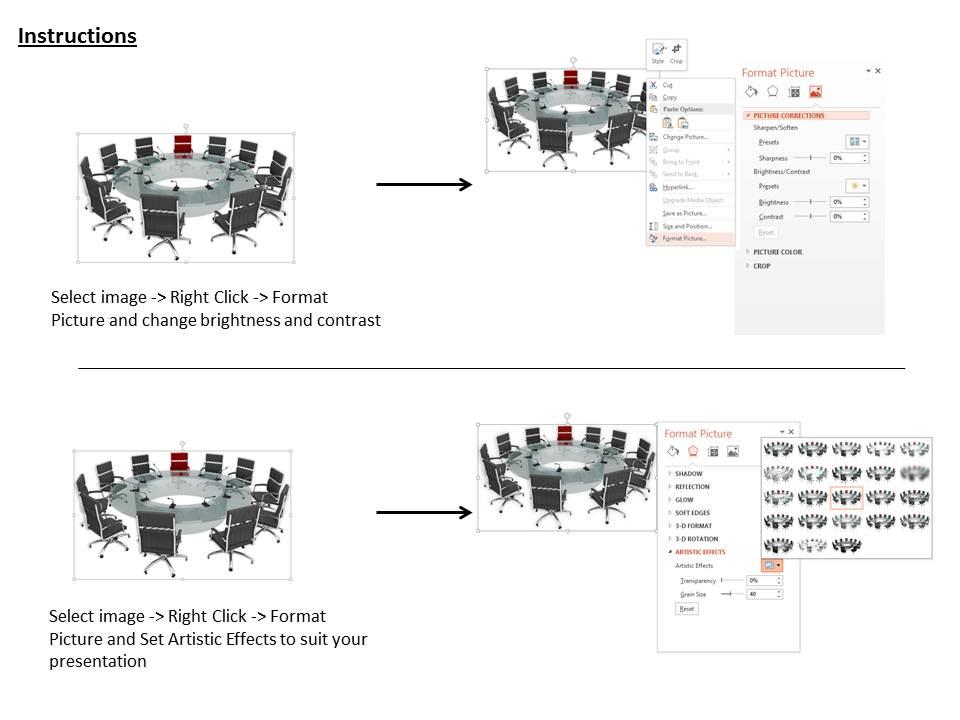
We are proud to present our 0914 conference table with chairs microphone image graphics for powerpoint. This image slide displays conference table with chairs. This image slide has been designed with graphic of conference table surrounded with chairs. This image slide depicts meeting and conference. You can change size, color and orientation of icons to your liking. Use this image, in your presentations to express views on organization, community and management. This image slide may also be used in presentations to exhibit agendas for meeting. This image slide will reckon professional appearance to your presentations.

People who downloaded this PowerPoint presentation also viewed the following :

FAQs for 0914 conference table with chairs microphone image

A conference table presentation template should include clear agenda slides, executive summary sections, data visualization charts, actionable recommendations, and designated discussion points. These elements streamline meeting flow by organizing content logically, facilitating stakeholder engagement, and ensuring key decisions are captured, with many organizations finding that structured templates reduce meeting times while enhancing collaborative outcomes.

Visual hierarchy enhances conference table presentations by directing attention through strategic use of size, color, contrast, and positioning to guide viewers through key information logically. Through deliberate design choices, presenters can emphasize critical data points, create clear information flow, and minimize cognitive load, ultimately ensuring stakeholders focus on priority messages and make faster, more informed decisions.

Effective conference table presentation color schemes include navy and white for professional credibility, gray and blue for corporate settings, black and gold for executive presentations, and muted earth tones for collaborative discussions. These combinations enhance readability while maintaining authority, with many organizations finding that high-contrast palettes deliver clearer messaging and stronger audience engagement in boardroom environments.

Tailoring presentation templates involves adjusting visual design, content complexity, language tone, and cultural elements to match your audience's preferences, professional level, and background. For conference presentations, consider using formal layouts for executive audiences, interactive elements for younger demographics, and industry-specific examples for technical groups, ultimately ensuring stronger engagement and message resonance across diverse stakeholder segments.

Best practices for integrating multimedia elements include using high-resolution visuals, ensuring audio clarity, maintaining consistent branding, incorporating interactive components, and testing all technology beforehand. These approaches enhance audience engagement by delivering clear messaging, facilitating better comprehension, and creating memorable experiences, with many organizations finding that strategic multimedia integration ultimately drives more successful outcomes and stronger stakeholder buy-in.

Templates can facilitate remote conference participation by incorporating interactive polls, breakout session layouts, collaborative whiteboarding spaces, and clear visual hierarchies for screen sharing. These features streamline virtual engagement through standardized formats, enhanced readability for smaller screens, and built-in participation tools, with many organizations finding that well-designed templates significantly improve remote attendee engagement and meeting outcomes.

Typography enhances conference table presentation clarity by improving readability, establishing visual hierarchy, guiding audience attention, and ensuring consistent messaging across materials. Through strategic font selection, sizing, and spacing, organizations streamline information delivery, minimize cognitive load, and maximize comprehension, with many finding that professional typography significantly elevates presentation impact and audience engagement.

Common conference table presentation mistakes include overloading slides with text, failing to engage participants directly, ignoring time constraints, and presenting without clear objectives or actionable outcomes. Many organizations find that successful conference presentations focus on concise visuals, interactive discussions, and specific recommendations, ultimately delivering more productive meetings and stronger stakeholder alignment across departments.

Data visualization techniques can be incorporated into presentation templates through interactive charts, infographics, heat maps, comparative dashboards, and dynamic graphs that automatically update with new data. These visual elements enhance audience comprehension by transforming complex datasets into digestible formats, while many organizations find that standardized visualization templates streamline reporting processes and enable faster decision-making across departments.

When designing templates for international conferences, consider cultural sensitivity, multilingual support, time zone accommodations, accessibility standards, and universal visual elements that transcend language barriers. These design principles streamline communication across diverse audiences by incorporating inclusive imagery, flexible layouts, and clear iconography, with many global organizations finding that culturally-neutral templates enhance participant engagement and deliver more effective cross-border collaboration.

Storytelling can be integrated into conference table presentations through narrative frameworks, case study examples, customer journey arcs, problem-solution sequences, and visual story progression across slides. These approaches transform data-heavy presentations into compelling narratives, with many executives finding that strategic storytelling enhances audience retention, facilitates decision-making, and ultimately delivers more persuasive outcomes during critical business discussions.

Using consistent templates across organizational presentations delivers enhanced brand recognition, streamlined content creation, improved visual cohesion, reduced design time, and professional credibility. This strategic approach enables teams to focus on content rather than formatting, ensures seamless collaboration between departments, and creates stronger brand impression during client meetings, with many organizations finding that template consistency significantly accelerates presentation development while maintaining quality standards.

Feedback mechanisms include embedded evaluation forms, QR codes linking to digital surveys, dedicated feedback slides with rating scales, comment sections, and post-presentation assessment templates. These tools streamline audience input collection by enabling real-time responses, structured critiques, and actionable insights, with many organizations finding that systematic feedback integration ultimately enhances presenter skills and delivers more impactful future presentations.

A conference table presentation template should include high-contrast color schemes, readable fonts (minimum 24pt), alt-text for images, screen reader compatibility, and captioned video content. These accessibility features enable inclusive participation by accommodating visual, auditory, and cognitive differences, with many organizations finding that accessible presentations ultimately deliver clearer messaging and broader engagement across diverse teams.

Effective balance involves using concise bullet points, strategic white space, and visual hierarchy through font sizes and colors, while ensuring visuals support rather than overwhelm key messages. In corporate settings, presenters find that limiting text to essential points and incorporating relevant charts, infographics, or images enhances audience engagement and information retention, ultimately delivering clearer communication and more persuasive outcomes.

Ratings and Reviews

90% of 100
Write a review
Most Relevant Reviews
  1. 100%

    by O'Brien Parker

    Understandable and informative presentation.
  2. 80%

    by Edgardo Chapman

    Top Quality presentations that are easily editable.

2 Item(s)

per page: