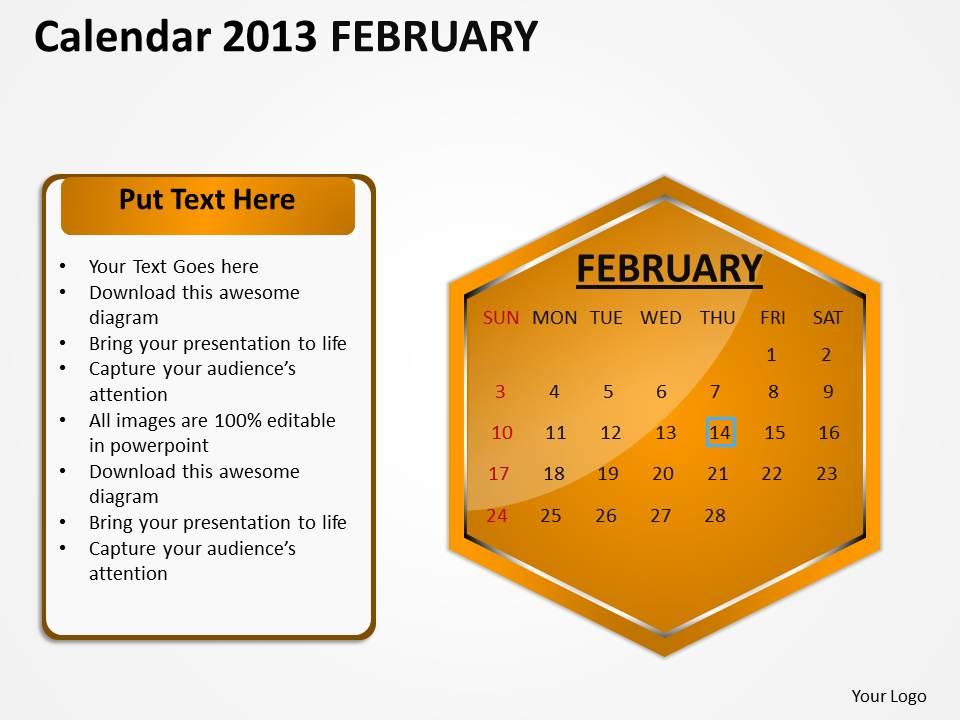
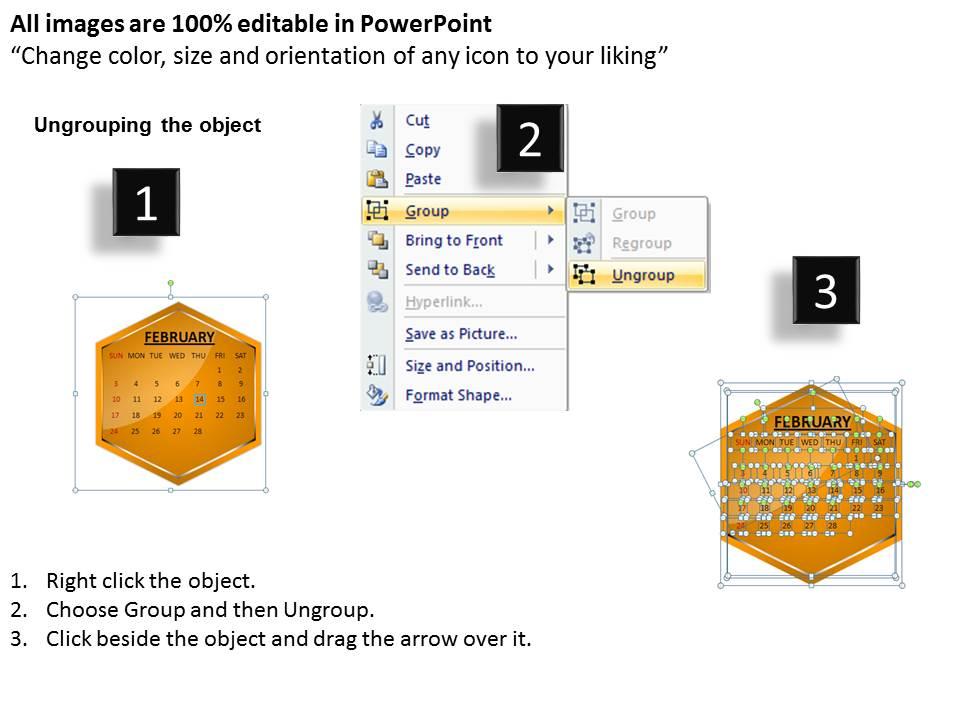
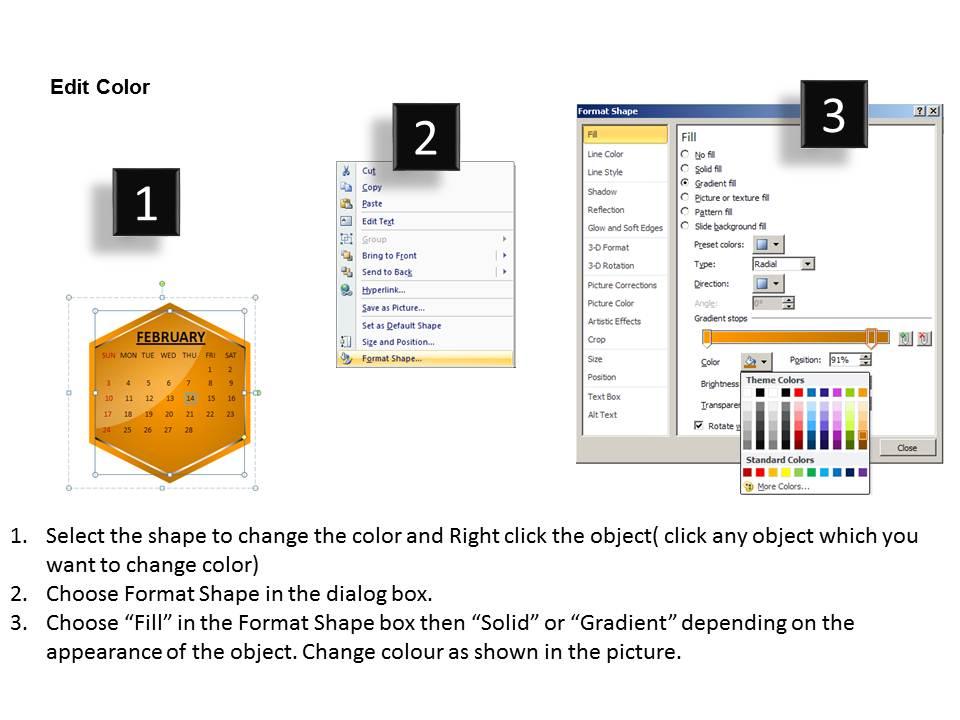
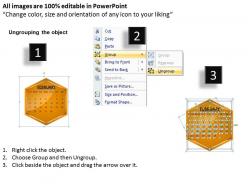
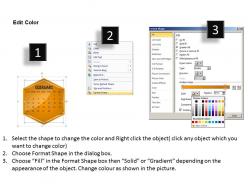
2013 february calendar powerpoint slides ppt templates

Rating:
80%
2013 february calendar powerpoint slides ppt templates
Slide 1 of 3
Favourites Favourites

Try Before you Buy Download Free Sample Product

Audience Impress Your
Audience
Editable 100%
Editable
Time Save Hours
of Time
The Biggest Sale is ending soon in
0
0
:
0
0
:
0
0
Rating:
80%
We are proud to present our 2013 february calendar powerpoint slides ppt templates. Download and present our Calendars PowerPoint Templates because you have the right arrows in your quiver. Present our New Year PowerPoint Templates because the graphic is a symbol of growth and success. Download and present our Timelines PowerPoint Templates because you can Adorn them with your ideas and thoughts. Download and present our Targets PowerPoint Templates because they help to focus the thoughts of your listeners. Use our Time Planning PowerPoint Templates because this diagram is designed to help your audience to develop their thoughts along the way.Use these PowerPoint slides for presentations relating to 2013, Abstract, Agenda, Annual, April, Background, Book, Business, Calendar, Calendar, Content, Date, Day, Design, Desk, Diary, Document, Editable, Element, Eps10, Graphic, Green, Icon, Illustration, Layout, Monday, Month, Monthly, New, Note, Notepaper, Number, Old, Organizer, Paper, Plan, Planner. The prominent colors used in the PowerPoint template are Orange, Red, Black. PowerPoint presentation experts tell us our 2013 February Calendar PowerPoint Slides PPT templates are designed by a team of presentation professionals. You can be sure our Background PowerPoint templates and PPT Slides are Quaint. Presenters tell us our 2013 February Calendar PowerPoint Slides PPT templates are No-nonsense. We assure you our Annual PowerPoint templates and PPT Slides are the best it can get when it comes to presenting. Professionals tell us our 2013 February Calendar PowerPoint Slides PPT templates will get their audiences attention. The feedback we get is that our Agenda PowerPoint templates and PPT Slides are Functional.

People who downloaded this PowerPoint presentation also viewed the following :

FAQs for 2013 february calendar powerpoint

Essential design elements for a February 2013 calendar PPT include clear date grids, consistent typography, strategic color schemes, professional layouts, and seasonal visual themes that reflect Valentine's Day or winter aesthetics. These elements enhance readability and engagement by creating visual hierarchy, maintaining brand consistency, and incorporating relevant imagery, ultimately delivering presentations that capture audience attention while ensuring information accessibility across corporate, educational, and organizational settings.

Including holidays and important dates transforms the February calendar template into a comprehensive planning tool by providing context for scheduling, deadline setting, and resource allocation across personal and professional activities. This strategic approach enables better project timeline management, meeting coordination, and workload distribution, with many organizations finding that pre-populated calendars significantly reduce scheduling conflicts and enhance overall productivity planning.

**INPUT**: What color schemes work best for creating an engaging February 2013 calendar presentation? **OUTPUT**: Effective February 2013 calendar presentations utilize romantic reds and soft pinks for Valentine's themes, professional blues and grays for corporate settings, or seasonal purples and whites reflecting winter transitions. These color combinations enhance visual hierarchy, improve date readability, and maintain audience engagement, with many organizations finding that strategic color choices ultimately deliver better information retention and professional credibility. [Word count: 58 words]

Animations and transitions in calendar presentations can effectively highlight specific dates, create smooth month-to-month progressions, and emphasize key milestones through subtle fade-ins, slide transitions, and strategic zoom effects. These techniques help maintain audience focus during timeline discussions, project planning sessions, and strategic reviews, with many organizations finding that well-timed animations enhance information retention and engagement.

Effective calendar presentations balance text and visuals through strategic font sizing, consistent color schemes, clear hierarchical layouts, and purposeful white space utilization. These design principles streamline information delivery by enhancing readability, maintaining visual appeal, and ensuring critical dates stand out, with many organizations finding that well-balanced calendars improve team coordination and project timeline communication.

A February 2013 calendar PPT can be tailored through industry-specific color schemes, relevant imagery, sector-appropriate terminology, and customized layout designs that align with brand guidelines. Healthcare organizations might incorporate medical iconography while financial firms emphasize professional aesthetics, with many companies finding that personalized calendar templates enhance internal communications, improve meeting scheduling efficiency, and strengthen brand consistency across presentations.

PowerPoint, Google Slides, Canva, Prezi, and Keynote offer robust features for creating dynamic calendar presentations, with advanced formatting options, animation capabilities, and collaborative tools. These platforms enable businesses to streamline project timelines, enhance stakeholder communications, and deliver visually compelling scheduling presentations, with many organizations finding that interactive calendar formats significantly improve meeting engagement and planning efficiency.

Incorporating data visualization into a February calendar PPT enhances effectiveness by enabling clear progress tracking, deadline prioritization, color-coded categorization, and visual milestone identification, transforming static scheduling into dynamic project management. Through interactive charts, progress bars, and visual indicators, organizations streamline resource allocation, improve team coordination, and deliver faster project outcomes, with many finding that visual calendars significantly enhance meeting productivity and strategic planning efficiency.

Common pitfalls include overcrowding slides with excessive text, using inconsistent fonts and colors, poor date visibility, lack of visual hierarchy, and ignoring brand alignment. These design mistakes undermine presentation effectiveness by creating confusion, reducing audience engagement, and appearing unprofessional, with many organizations finding that clean, strategically designed calendar slides enhance communication clarity and stakeholder buy-in.

Interactivity can be integrated through clickable date navigation, embedded videos for event highlights, animated transitions between months, interactive polls about scheduling preferences, and hyperlinked sections connecting to detailed project timelines. These features transform static calendar presentations into dynamic tools, enabling real-time audience participation, streamlined meeting coordination, and enhanced visual storytelling, ultimately delivering more engaging presentations and improved collaborative planning experiences.

Infographics can transform February 2013 calendar events into compelling visual narratives through timeline graphics, icon-based event markers, thematic color coding, and data visualization elements that highlight key dates and seasonal themes. These visual tools enable organizations to create engaging presentations for historical reviews, project timelines, and business retrospectives, ultimately delivering enhanced audience comprehension and memorable content experiences.

Accessibility strategies include using high-contrast colors, readable fonts, alt text for images, screen reader compatibility, and multiple format options like PDF or HTML. These approaches enhance usability by accommodating visual impairments, ensuring clear navigation, and providing flexible viewing options, with many organizations finding that inclusive design ultimately delivers broader audience engagement and improved user experiences.

February's cultural significance influences calendar design through romantic themes for Valentine's Day, winter imagery in northern regions, and seasonal color palettes featuring reds, pinks, and whites. These cultural elements enhance user engagement by creating emotional connections, while many organizations find that incorporating culturally relevant visuals improves calendar adoption and daily usage across diverse audiences.

Unique February calendar features include Valentine's Day themed elements, Presidents' Day highlights, leap year indicators, winter motif backgrounds, and heart-shaped date markers. These design elements enhance visual appeal by incorporating seasonal colors, romantic iconography, and patriotic accents, while professional layouts accommodate both personal planning and business scheduling needs, ultimately delivering memorable calendar experiences that engage users throughout the shortest month.

Including a brief overview significantly enhances audience understanding by establishing context, clarifying objectives, setting expectations, and defining scope for your calendar presentation. This strategic introduction enables viewers to grasp the calendar's relevance immediately, whether for project timelines, event planning, or resource allocation, ultimately delivering clearer communication and better engagement across organizational presentations.

Ratings and Reviews

80% of 100
Write a review
Most Relevant Reviews
  1. 80%

    by Darrell Crawford

    Content of slide is easy to understand and edit.
  2. 80%

    by Jack Johnson

    It saves your time and decrease your efforts in half.

2 Item(s)

per page: