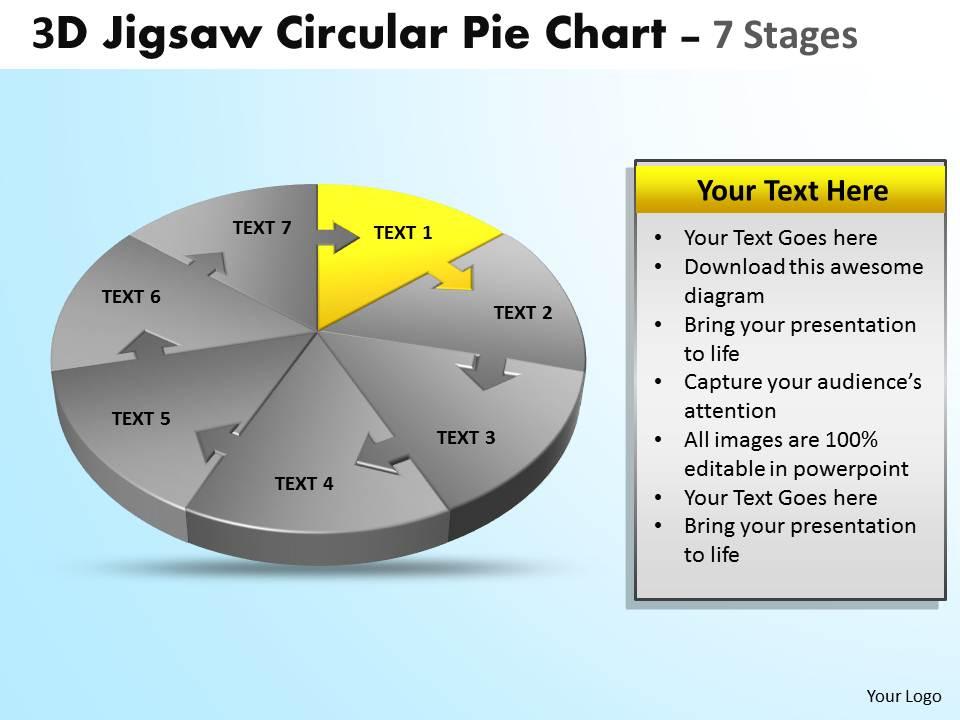
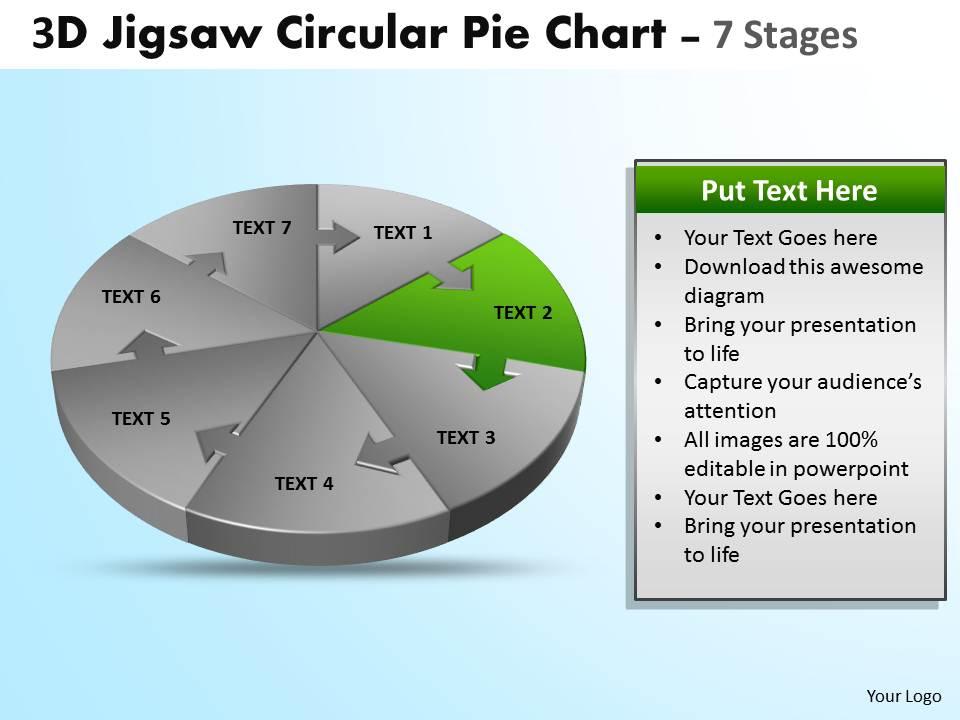
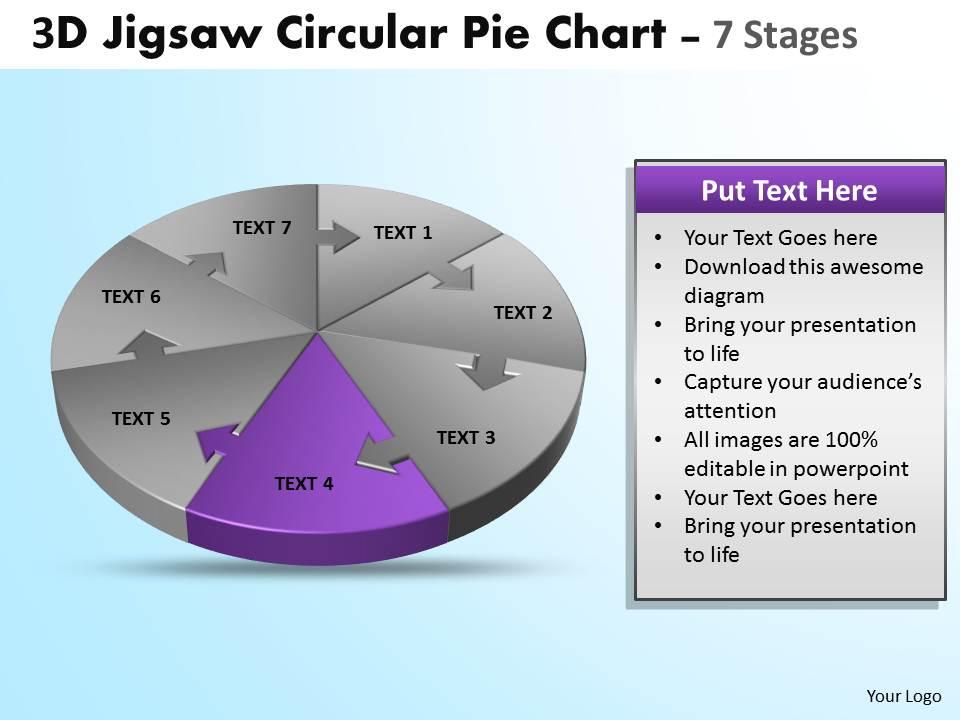
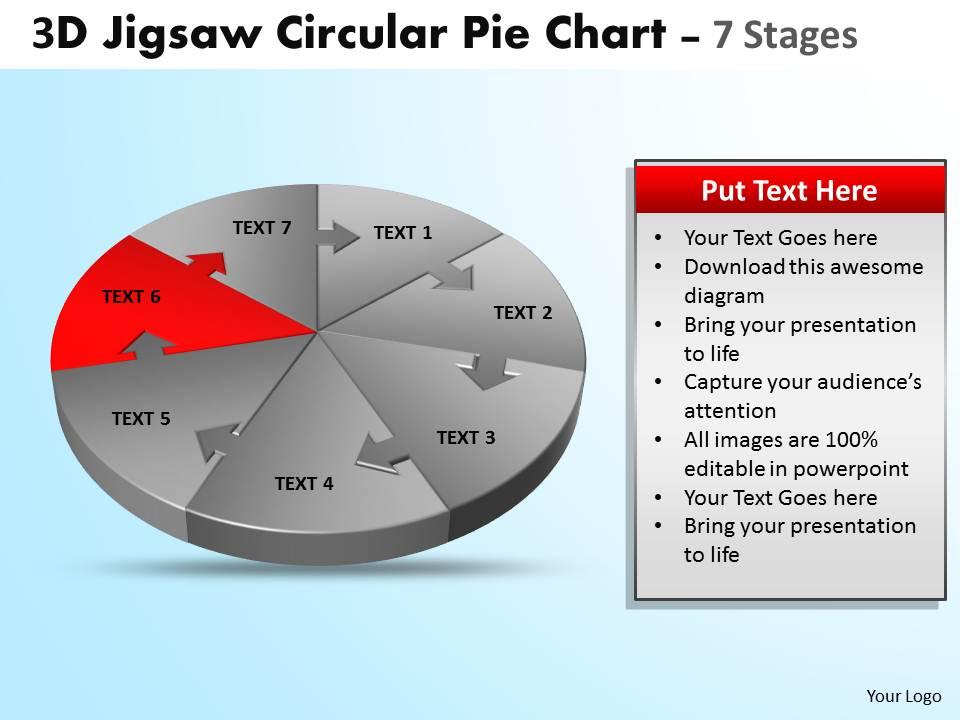
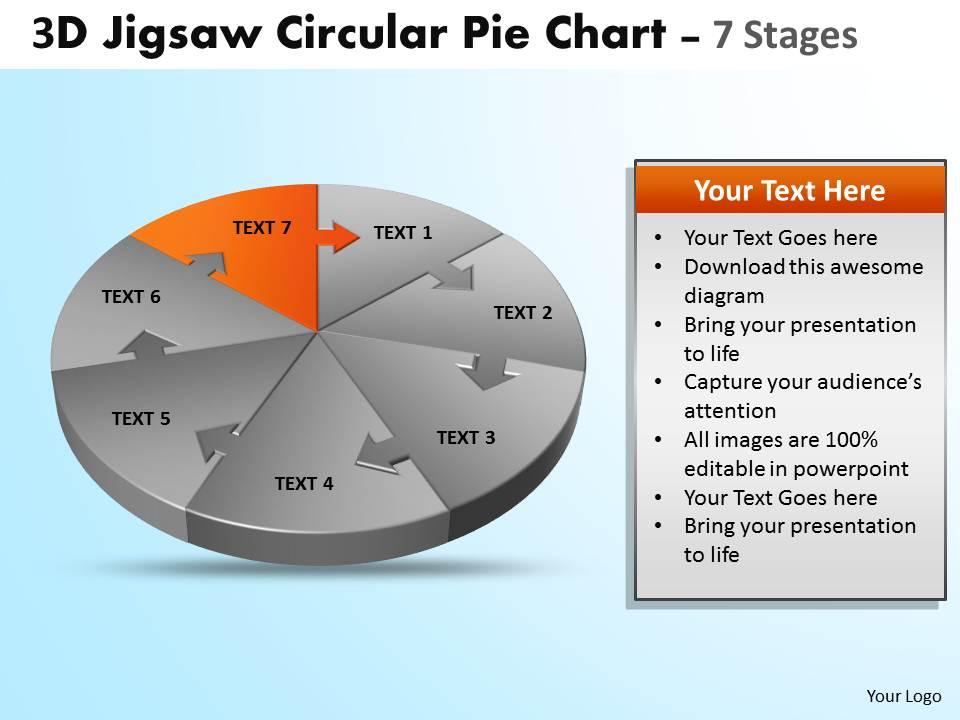
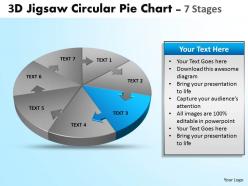
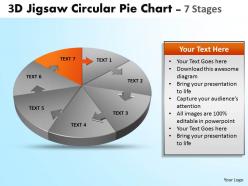
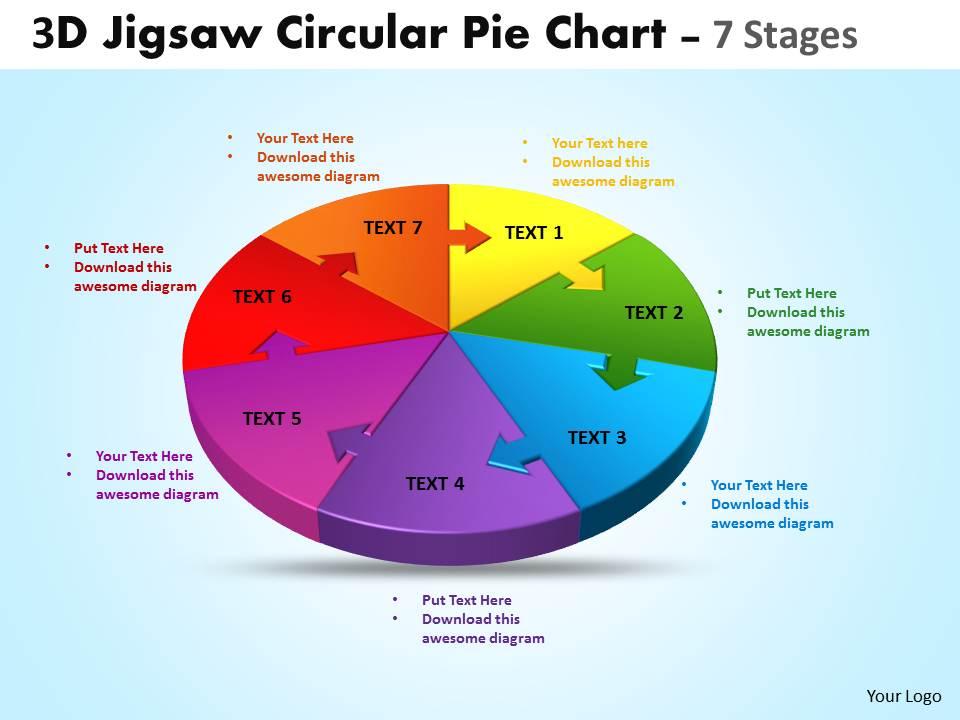
3d jigsaw circular pie chart diagram powerpoint templates 6
Try Before you Buy Download Free Sample Product
Audience
Editable
of Time
Depend on our 3d jigsaw circular pie chart diagram powerpoint templates 6 to make the cut. They will help you plan your play.
People who downloaded this PowerPoint presentation also viewed the following :
3d jigsaw circular pie chart diagram powerpoint templates 6 with all 11 slides:
Becalm nerves with our 3d jigsaw circular pie chart diagram powerpoint templates 6. Your Ideas will convert the excitement into positive output.
FAQs for 3d jigsaw circular pie chart diagram
3D jigsaw circular pie chart diagrams offer enhanced visual appeal, improved audience engagement, clearer data relationships, memorable storytelling capabilities, and professional presentation aesthetics. These templates enable presenters to transform complex data into compelling narratives by emphasizing interconnected parts, creating depth perception, and facilitating better comprehension, ultimately delivering more impactful presentations that resonate with stakeholders.
3D jigsaw pie charts enhance audience engagement by creating visual intrigue, making data relationships more memorable, and encouraging interactive discussion about how different segments connect and contribute to the whole. These dynamic templates transform static data into compelling visual stories, with presenters in sectors like marketing, finance, and consulting finding that the puzzle metaphor helps audiences better grasp complex interdependencies while maintaining focus throughout the presentation.
3D jigsaw circular pie chart diagrams excel at representing interdependent data segments like market share breakdowns, budget allocations, team compositions, process workflows, and strategic partnerships. These visualizations enhance audience engagement by demonstrating how individual components interconnect to form complete systems, with many organizations finding that the puzzle metaphor effectively communicates collaboration and unity across departments.
3D jigsaw pie charts enhance traditional pie charts by adding visual depth, interactive appeal, and clearer segment separation through puzzle-piece aesthetics, making complex data relationships more engaging and memorable. While traditional charts prioritize simplicity, 3D jigsaw versions deliver superior audience engagement and comprehension in presentations, with many organizations finding that the distinctive visual elements help stakeholders better retain key insights and data patterns.
**INPUT**: What are some tips for effectively customizing 3D jigsaw circular pie chart templates in PowerPoint? **OUTPUT**: Effective customization involves adjusting colors to match brand guidelines, resizing segments proportionally to represent accurate data, simplifying text labels for clarity, and ensuring consistent fonts throughout. These templates enhance presentations by creating visual engagement, improving data comprehension, and maintaining professional aesthetics, with many organizations finding that strategic color coding and clean typography ultimately deliver more impactful stakeholder communications.
Yes, 3D visualization in pie charts can lead to misinterpretation through perspective distortion, depth perception issues, and visual emphasis on certain segments over others. However, when used strategically with clear labeling and consistent design principles, these templates enhance audience engagement and comprehension, with many presenters finding that balanced 3D effects improve data storytelling while maintaining analytical accuracy.
Creating 3D jigsaw circular pie charts in PowerPoint requires built-in chart tools, SmartArt graphics, 3D formatting options, custom shape manipulation, and advanced animation capabilities. These features work together by enabling data visualization, dimensional depth control, and piece-by-piece assembly effects, with many presentation designers finding that combining PowerPoint's native tools with pre-designed templates streamlines creation while delivering professional, engaging visual storytelling.
Color schemes significantly impact 3D jigsaw pie chart effectiveness by enhancing data differentiation, improving visual hierarchy, and ensuring accessibility through proper contrast ratios. Strategic color choices enable viewers to quickly distinguish between segments, process complex information more efficiently, and retain key insights, with many organizations finding that consistent, brand-aligned palettes ultimately deliver clearer communication and stronger audience engagement across presentations.
Common pitfalls include overcomplicating data with excessive segments, using poor color contrast that reduces readability, and creating visual distortion through inappropriate 3D angles that misrepresent proportions. Organizations should ensure data accuracy, maintain consistent sizing across puzzle pieces, and avoid overwhelming audiences with too much information, while focusing on clear labeling and strategic color choices that enhance comprehension and support decision-making processes.
Industries like healthcare, finance, manufacturing, consulting, and technology find 3D jigsaw circular pie chart diagrams particularly valuable for presenting complex data relationships and interdependent processes. These visual tools enable organizations to demonstrate how different departments, budget allocations, or project components connect seamlessly, with many finding that the puzzle metaphor enhances audience understanding while delivering more engaging stakeholder presentations.
To ensure 3D jigsaw pie chart compatibility across presentation software, save files in universal formats like PDF or PNG, use standard fonts, and avoid software-specific effects or animations. Many organizations find that exporting charts as high-resolution images maintains visual integrity while ensuring seamless compatibility across platforms like PowerPoint, Google Slides, and Keynote, ultimately delivering consistent professional presentations regardless of the software used.
Animations enhance 3D jigsaw circular pie charts by creating sequential reveals, emphasizing individual segments, and demonstrating relationships between data points through dynamic visual storytelling. These animated transitions help presenters guide audience attention systematically, with many organizations finding that piece-by-piece assembly animations significantly improve data comprehension and retention during strategic presentations.
Interactive elements in 3D jigsaw pie charts include clickable segments for detailed data views, hover effects revealing additional information, animated assembly sequences, and drill-down capabilities for multi-level analysis. These features enhance audience engagement by enabling real-time exploration of data relationships, with many online presenters finding that interactive charts significantly improve comprehension and retention during virtual meetings.
Audience demographics significantly influence visual choices through factors like technical expertise, cultural preferences, generational comfort with complexity, and industry expectations. While younger, tech-savvy audiences often appreciate sophisticated 3D jigsaw visualizations for their engagement value, traditional sectors like finance or healthcare may prefer simpler approaches, with many presenters finding that matching visual complexity to audience sophistication ultimately delivers better comprehension and decision-making outcomes.
PowerPoint's built-in chart tools, online tutorials from Microsoft Learn, YouTube video guides, and template libraries like SlideTeam offer comprehensive resources for mastering 3D pie charts. These educational platforms enhance design skills by providing step-by-step instructions, formatting techniques, and professional templates, with many business professionals finding that structured learning approaches ultimately deliver more impactful presentations and streamlined chart creation processes.
-
Qualitative and comprehensive slides.
-
Excellent Designs.