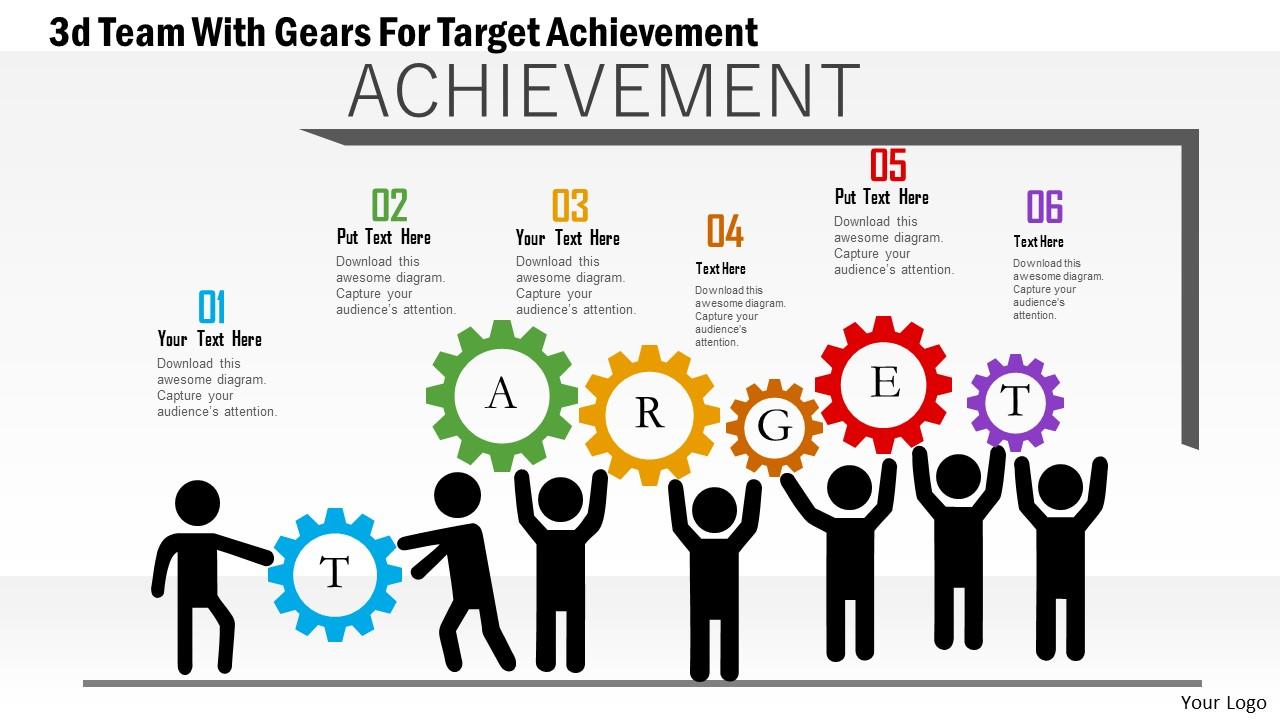
Ab 3d team with gears for target achievement powerpoint templets
Try Before you Buy Download Free Sample Product
Audience
Editable
of Time
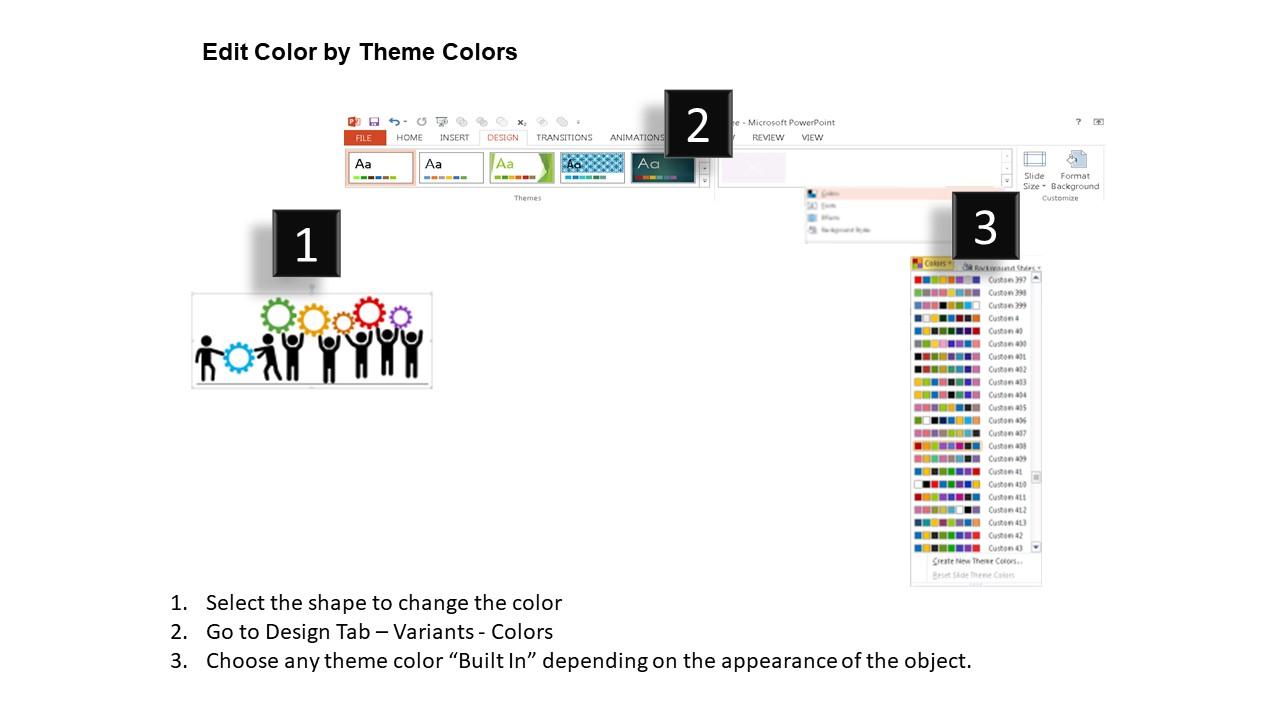
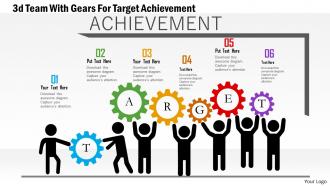
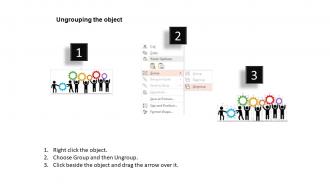
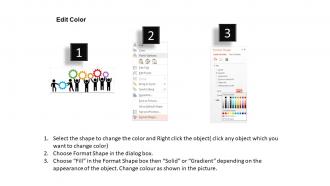
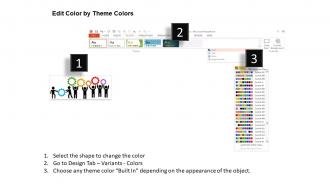
Download our Ab 3d team with gears for target achievement PPT template. Our professional and graphical presentation design enables you to meet your business requirements. The PPT visual is made up of a graphic of 3d team and gears which contains the concept of target achievement. Use this presentation slide for business and sales target selection related presentations. Specific and realistic sales targets will help your sales team perform confidently, consistently and with a clear understanding of your expectations. Choosing the right type of targets - and involving your team in choosing these targets - can help you achieve your sales goals and grow your profits. You can change the colors, text, information, etc. in the slide as it is completely editable. The slide is perfect for conveying the message that performance-related bonuses and incentives are essential to get the best from your salespeople and achieve your business targets. Overall, the incredible qualities that these graphics possess are rare and exclusive. So, what are you waiting for? Simply click download and create outstanding presentations. Get your grey cells churning with our Ab 3d Team With Gears For Target Achievement Powerpoint Templets. Be able to effectively apply your brains.
People who downloaded this PowerPoint presentation also viewed the following :
Ab 3d team with gears for target achievement powerpoint templets with all 5 slides:
Our Ab 3d Team With Gears For Target Achievement Powerpoint Templets will build your future brick by brick. They will help you cement your career.
FAQs for Ab 3d team with gears for target
Honestly, these 3D gear templates are pretty solid for team presentations. The visual aspect just clicks with people - they instantly see how roles connect without you having to explain everything. Saves you a bunch of prep time too since the design work's already handled. The 3D effect definitely beats boring flat charts, keeps everyone's attention better. Perfect for showing workflows or how departments mesh together. Though the whole "gears working together" thing is kinda cheesy if we're being real. Just swap out the colors to match your company branding so it doesn't scream "generic template."
Honestly, 3D stuff makes such a huge difference in strategy presentations. Your audience can actually *see* how different parts connect instead of zoning out during another bullet point marathon. Those 3D gears and dimensional elements? They create this visual hierarchy that flat slides just don't have. People remember visuals way better than walls of text anyway. When you're explaining team dynamics or how processes link together, the depth really helps folks grasp complex relationships instantly. I probably sound like a broken record about this, but seriously - try adding some 3D elements to highlight your key strategic connections. Makes everything so much more digestible.
Dude, the gear metaphor is actually brilliant for team stuff. When one gear stops, the whole thing breaks - same with your team members. Each person's skills are like different sized gears that have to fit together perfectly. I've seen presentations where they use different colored gears for each department, which honestly looks pretty slick. Way better than those awful bullet point slides everyone uses. The visual really hits people because they can see how collaboration isn't optional - it's literally how the machine works. Plus 3D gears just look cooler than flat graphics. Try it for your next presentation!
So start with swapping the colors to match your brand - that's gonna give you the biggest bang for your buck visually. Then replace all their placeholder text with your actual messaging and stick your logo on there. The cool thing is you can usually change each gear color individually, which honestly gets a little addictive once you start messing with it. Don't forget to update the fonts so they match your brand guidelines. If the gear layout doesn't quite fit your team structure, most templates let you move things around pretty easily. Just make sure you don't break the template's main functionality while you're customizing everything.
Oh for sure! Tech, manufacturing, and engineering companies obviously love them since gears actually relate to their work. But really, any team-focused business can make them work. Consulting firms use them to show how departments connect, project managers visualize workflows with them - even HR uses them for org development stuff. The gear thing just naturally screams "teamwork" and "systems working together," you know? Actually, I've seen some pretty creative uses outside the obvious industries. Bottom line: if you're talking about team dynamics, processes, or how things interconnect, people will get it regardless of what field you're in.
Dude, 3D visuals are seriously a game changer for presentations. Your brain just processes them faster because they feel more real - like comparing a photo of a car to actually seeing one in person. People retain visual info way better when it has that dimensional quality too. Complex stuff becomes so much easier to understand with depth and movement. I swapped out boring flat org charts for 3D gear animations last month and honestly? The engagement difference was nuts. Everyone actually stayed awake for once. You'll see people lean forward instead of checking their phones.
First thing - check if those templates actually work with your PowerPoint version. The 3D stuff needs 2016 or later, so you're screwed if you're running something older. Also, does your whole team use the same OS? Some templates get weird between Windows and Mac. I learned this the hard way once. PowerPoint Online can be finicky too with fancy effects. Oh, and those custom fonts might look perfect on your computer but turn into Comic Sans disasters when clients open them. Definitely do a test run first!
So basically assign each gear to different people in your story - big central one is your main character, smaller ones are the supporting cast. When you advance slides, animate them to show how one person's actions ripple through the whole team. Honestly, these work amazing for project retrospectives because people just *get* the visual immediately. I'd start with everything still, then spin one gear (someone's initiative) and show how it drives the others. Oh and definitely narrate what each spin means as it happens - silent animations are kinda pointless. The chain reaction effect really drives the point home.
Honestly, don't try changing everything at once - you'll go crazy. Pick one or two gears max and start there. Replace the placeholder text with your actual content first, then mess with colors later. The animations are kinda finicky tbh, so keep them basic until you get the hang of it. Make sure your fonts match and are big enough for people in back to see. Oh, and definitely practice clicking through beforehand! You don't want to be surprised by when stuff rotates during your actual presentation.
Yeah, 3D stuff is gonna bog down your presentation for sure. Loading times get annoying, especially between slides. PowerPoint becomes sluggish when you're editing too. File sizes blow up which sucks when you need to email it. If your laptop's older, you'll really feel it - newer machines with decent graphics handle it way better. Honestly, I'd use 3D sparingly. Maybe just one or two key slides? Oh and definitely test it on whatever computer you're actually presenting with beforehand. Trust me on that one.
Don't go crazy with too many 3D elements or your slides will look like a mess. I made the mistake once of using super subtle 3D effects - they completely disappeared when projected and I looked like an idiot in front of my client. Simple colors work best since 3D shapes are already doing a lot visually. Also, tiny intricate gears? Forget it. People in the back row won't see any details anyway. Two or three 3D elements per slide, tops. Oh and definitely check how everything looks in presentation mode first - I can't stress that enough.
Honestly, the gear thing is genius because you can map out how different parts of your process actually connect. Each gear becomes a department or data point - use colors and sizes to show what matters most. Way more interesting than those dead flowcharts everyone hates! The 3D look keeps people awake, and when you animate one gear turning, it shows the ripple effect through your whole system. Perfect for workflow stuff. Oh, and definitely label each gear clearly or people get confused. The cause-and-effect visual really clicks with audiences.
Honestly, color schemes can make or break those 3D gear templates. You'll want each gear to stand out but still work together - maybe try complementary colors like blue and orange, or just stick with different shades of the same color. I've definitely seen presentations where the colors were all over the place and made the 3D effects look super cheap. Here's the thing though - 3D elements cast shadows and catch light differently, so your colors might look weird against certain backgrounds. Test it out first! Keep it simple with 2-3 colors max across all your gears. Trust me, less is more here.
Honestly, I'd stick with one color scheme throughout - makes everything look way more polished. Don't go crazy with the animations either (I learned this the hard way). Your text needs to pop against those gear backgrounds, so choose fonts that are actually readable. Clean layouts work best - give your slides some breathing room instead of cramming everything together. Oh, and definitely test your setup beforehand on the actual screen you'll be using. Nothing worse than having everything look perfect on your laptop then completely fall apart on the projector. Keep the 3D effects subtle or it starts looking really cheesy.
So right now everyone's obsessed with realistic lighting and these micro-animations that actually make stuff look like it's spinning in 3D. Glass morphism is huge too – you know, that frosted glass vibe that somehow makes everything look expensive? Gradient overlays are everywhere, plus depth-of-field effects that blur out backgrounds so your main stuff really pops. For your team gear templates, try adding some subtle shadows. Maybe throw in particle effects around the moving parts? Just don't do that lazy bevel thing that screams 2015. Trust me, once you start playing with this stuff your presentations will feel way more professional.
-
Use of icon with content is very relateable, informative and appealing.
-
Helpful product design for delivering presentation.