


Diapositivas de la presentación de Powerpoint del plan del proyecto del informe anual
Definir el plan del proyecto del informe anual correcto La presentación de PowerPoint es difícil. Para ayudarlo a revolucionar su próxima presentación de diapositivas de ejemplo de informe anual, aquí presentamos una plataforma de diapositivas de PowerPoint preconstruida. Ahora, para poner énfasis en las actividades del año pasado, los logros, el informe del auditor y las cuentas anuales de su empresa, puede utilizar este programa de PowerPoint. Además de esto, también puede descargar este archivo de muestra PPT para resaltar la literatura gris, la posición financiera, el estado de resultados, las perspectivas del mercado, las perspectivas y los objetivos futuros de su empresa. Además, las diapositivas de presentación de PowerPoint incluidas en esta comunicación visual ayudan a informar a los empleados sobre los diferentes componentes del informe anual y su propósito. También puede capacitar a los empleados sobre cómo preparar un informe anual de un plan de proyecto. Los diseños de diapositivas PPT exclusivos como la visión de la empresa, la historia y los hitos de la empresa, el cronograma de la empresa, la perspectiva económica mundial, los aspectos financieros destacados, los aspectos destacados de las ventas, etc., convierten nuestro espectáculo pictórico en un mazo clásico confeccionado. En resumen, tenemos el ejemplo de PPT correcto para representar su plan de informe anual del proyecto. Simplemente haga clic para descargar rápidamente. Active su comunidad con nuestras diapositivas de presentación de PowerPoint del plan de proyecto del informe anual. Haga que se entreguen a una unidad de limpieza.





























You must be logged in to download this presentation.


Do you want to remove this product from your favourites?
Características de estas diapositivas de presentación de PowerPoint:
Plataforma completamente lista que comprende 60 plantillas de presentación. Hecho exclusivamente para ejecutivos de empresas, planificadores financieros y jefes corporativos. Temas de plantillas de alta resolución de colores vibrantes y originales. Procedimiento de edición manual sencillo para ahorrar tiempo. Opción fácil de poner texto, título y subtítulo en espacios en blanco. Espacio en blanco adecuado para mostrar logotipos, videos y animaciones.

People who downloaded this PowerPoint presentation also viewed the following :
Contenido de esta presentación de Powerpoint
Diapositiva 1 : Esta diapositiva muestra el plan del proyecto del informe anual. Indique el nombre de su empresa y comience.
Diapositiva 2 : Esta es una diapositiva de Agenda. Exprese sus agendas aquí.
Diapositiva 3 : Esta es una diapositiva Acerca de nosotros. Indique su puesto, hechos, especificaciones del equipo / empresa o cualquier asunto comercial aquí.
Diapositiva 4 : Esta es una diapositiva Acerca de nuestra empresa. Indique su puesto, hechos, especificaciones del equipo / empresa o cualquier asunto comercial aquí.
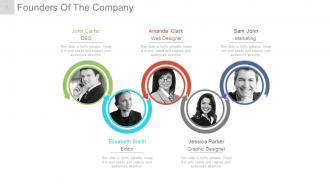
Diapositiva 5 : Esta diapositiva muestra a los fundadores de la empresa para indicar los nombres, la designación y la imagen respectiva para acompañar.
Diapositiva 6 : Esta diapositiva presenta el mensaje de nuestro CEO. Indique aquí cualquier mensaje de este tipo, etc.
Diapositiva 7 : Esta diapositiva también presenta el mensaje de nuestro CEO. Indique aquí cualquier mensaje de este tipo, etc.
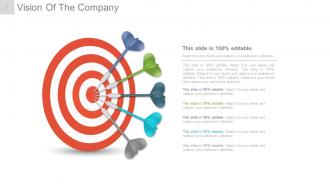
Diapositiva 8 : Esta es la diapositiva Visión de la empresa. Indique aquí la Visión de la empresa.
Diapositiva 9 : Esta es la diapositiva Visión de la empresa. Indique aquí la Visión de la empresa.
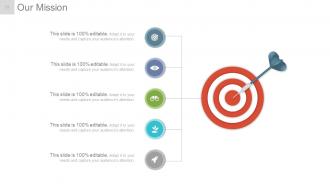
Diapositiva 10 : Esta es la diapositiva de Nuestra misión. Indique aquí la misión de la empresa.
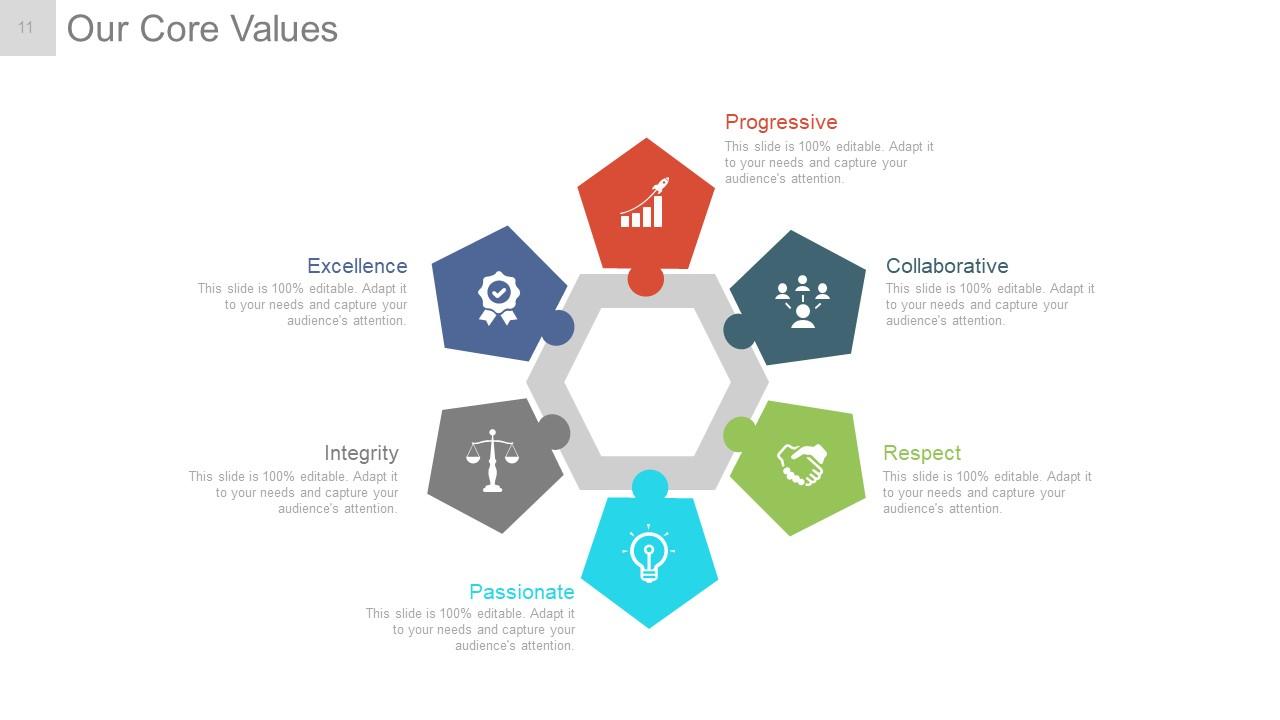
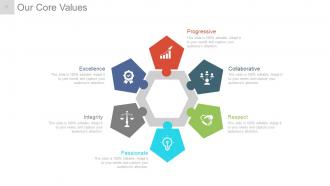
Diapositiva 11 : Esta diapositiva muestra nuestros valores fundamentales. Algunos ejemplos dados son: Progresivo, Colaborativo, Respeto, Apasionado, Integridad, Excelencia.
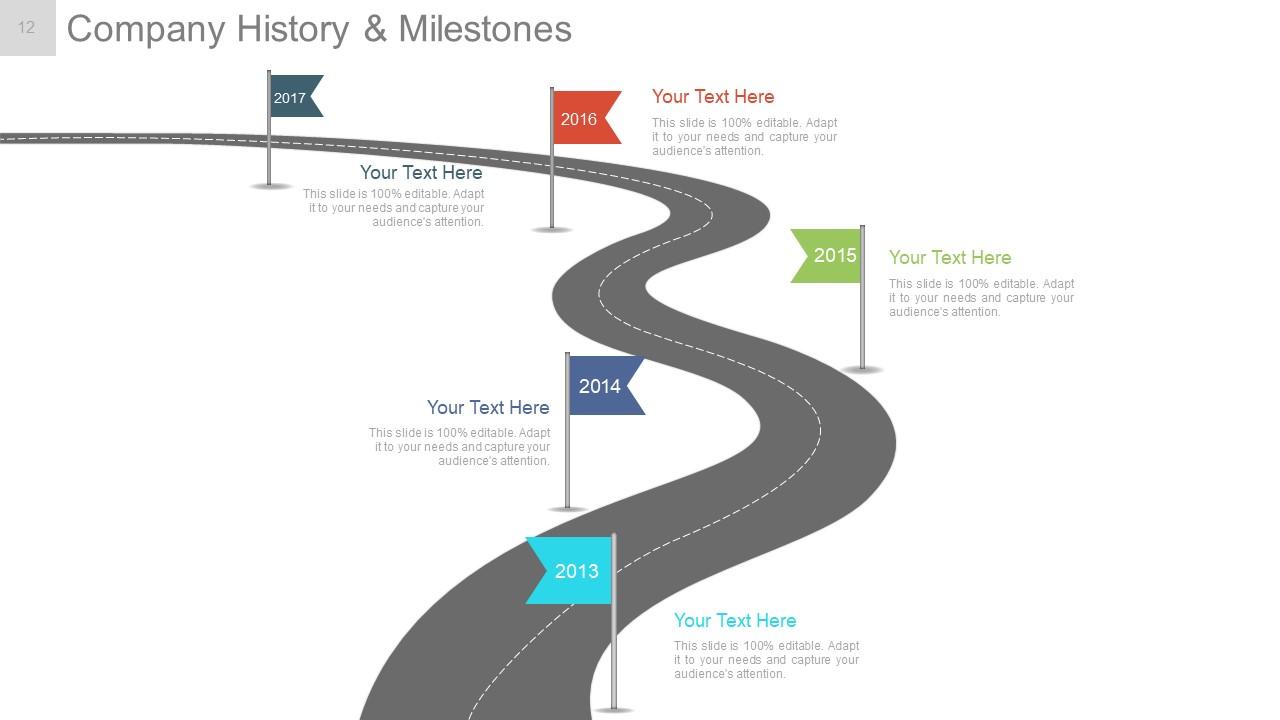
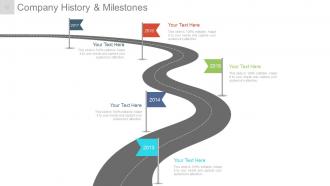
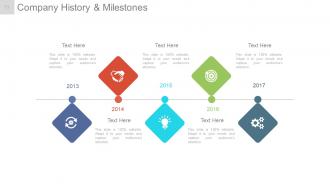
Diapositiva 12 : Esta diapositiva presenta la historia y los hitos de la empresa en la imagen de la hoja de ruta.
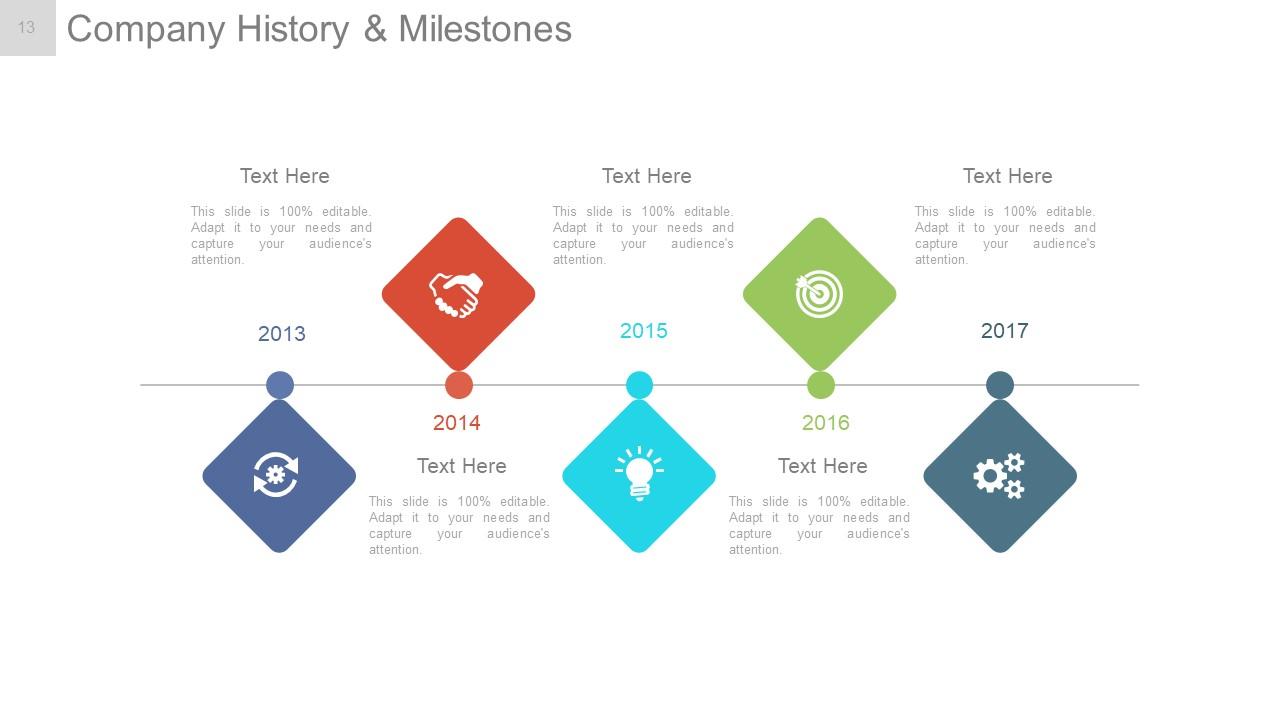
Diapositiva 13 : Esta diapositiva presenta la historia y los hitos de la empresa que se presentarán con iconos y cuadros de texto.
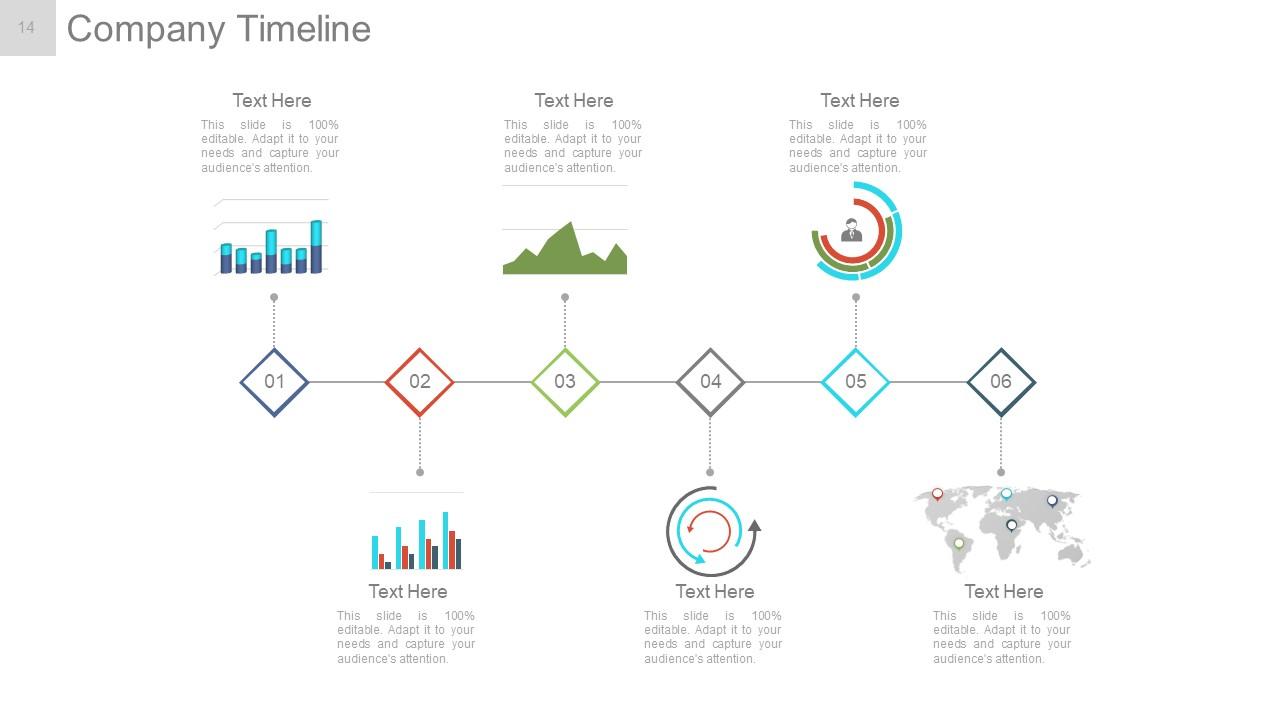
Diapositiva 14 : esta diapositiva muestra la línea de tiempo de la empresa con iconos, gráficos y cuadros de texto, etc.
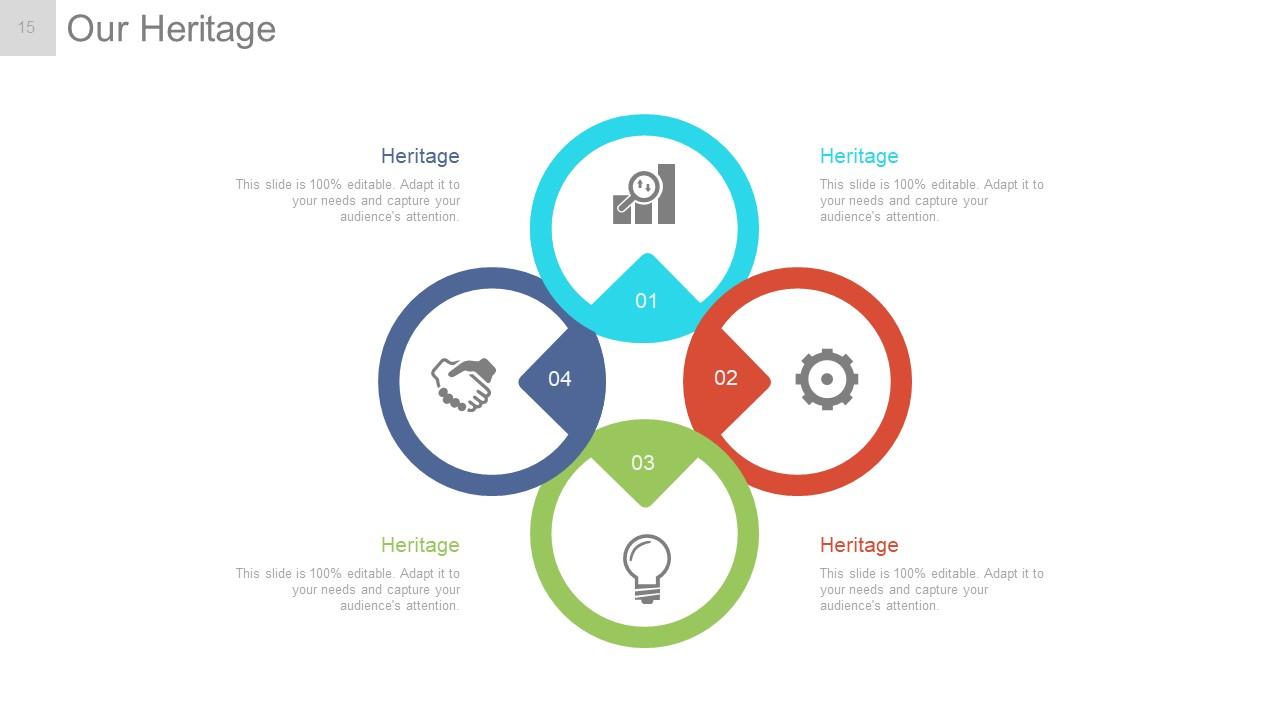
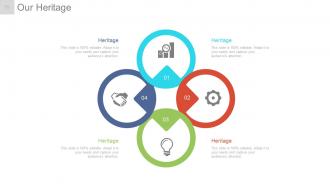
Diapositiva 15 : Esta diapositiva muestra Nuestro legado de la empresa que se mostrará.
Diapositiva 16 : Esta diapositiva muestra Nuestro legado de la empresa que se mostrará.
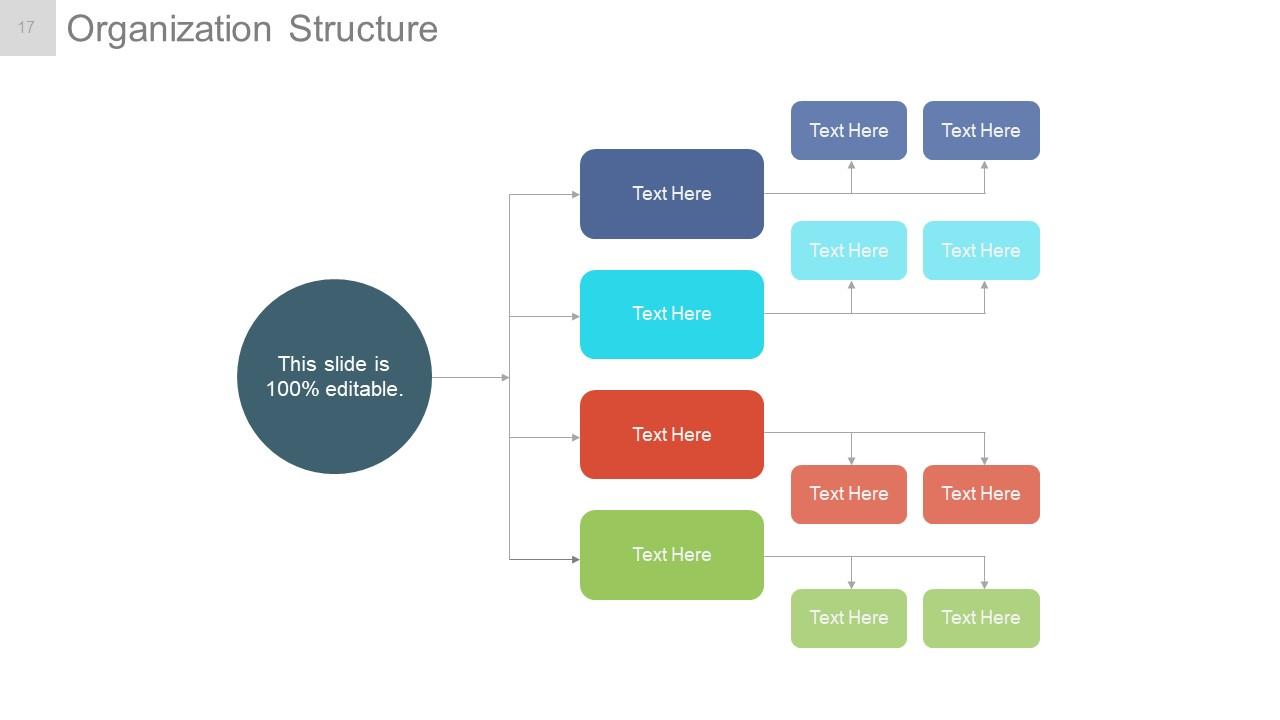
Diapositiva 17 : Esta diapositiva muestra la estructura organizativa de la empresa que se presentará.
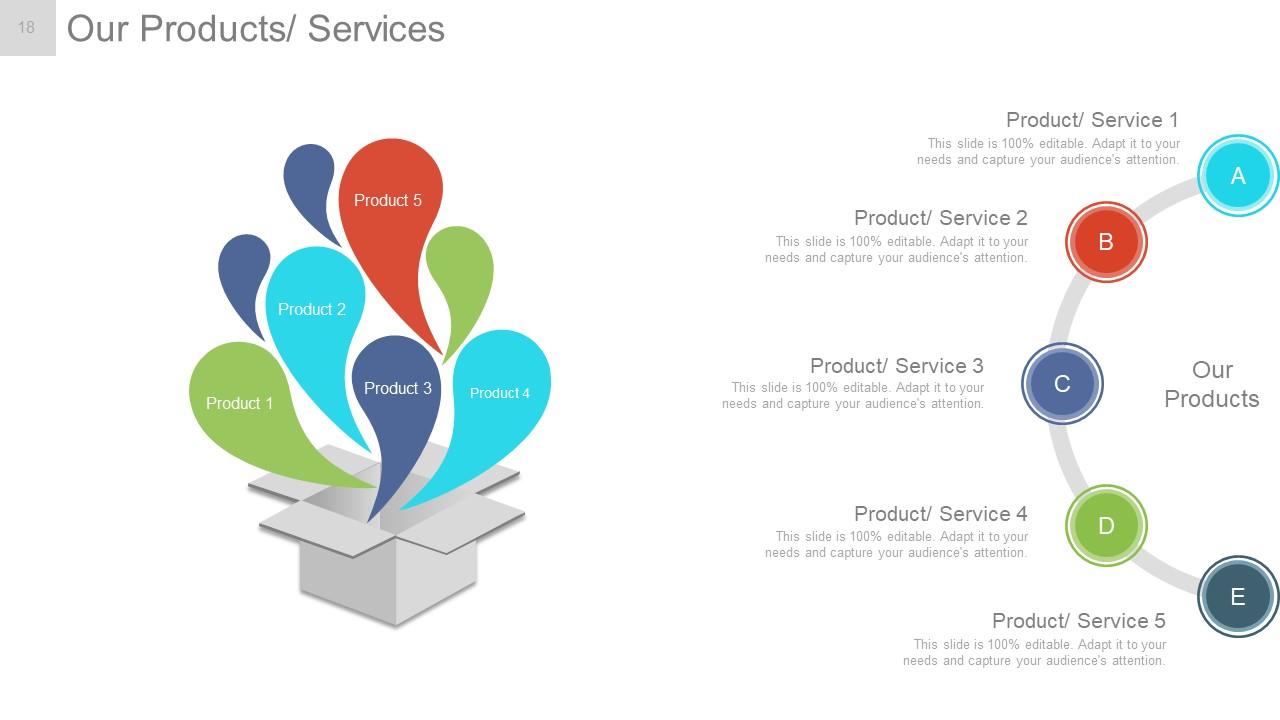
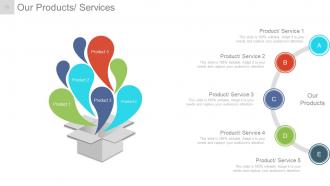
Diapositiva 18 : Esta diapositiva presenta Nuestros Productos / Servicios para establecer especificaciones de Producto / Servicio.
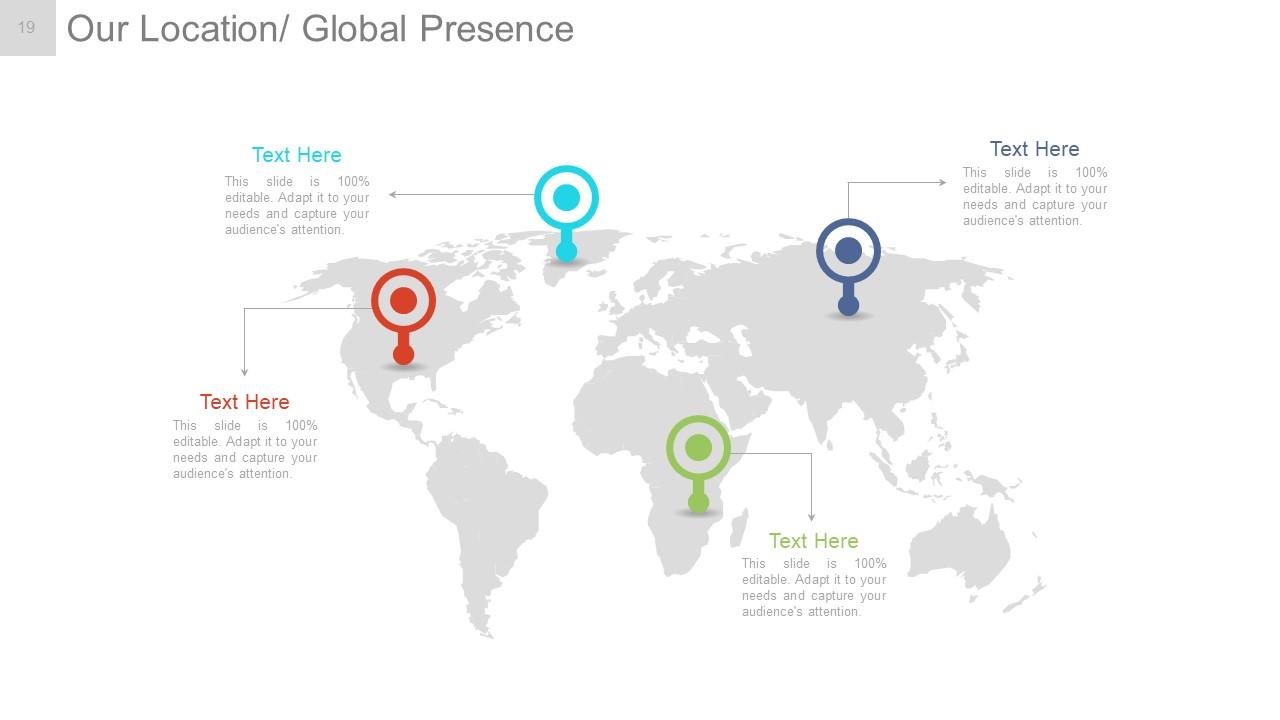
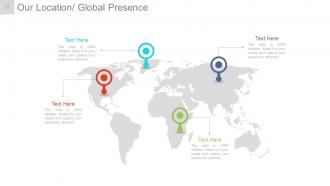
Diapositiva 19 : Esta diapositiva muestra Nuestra ubicación / Presencia global en la imagen del mapa mundial.
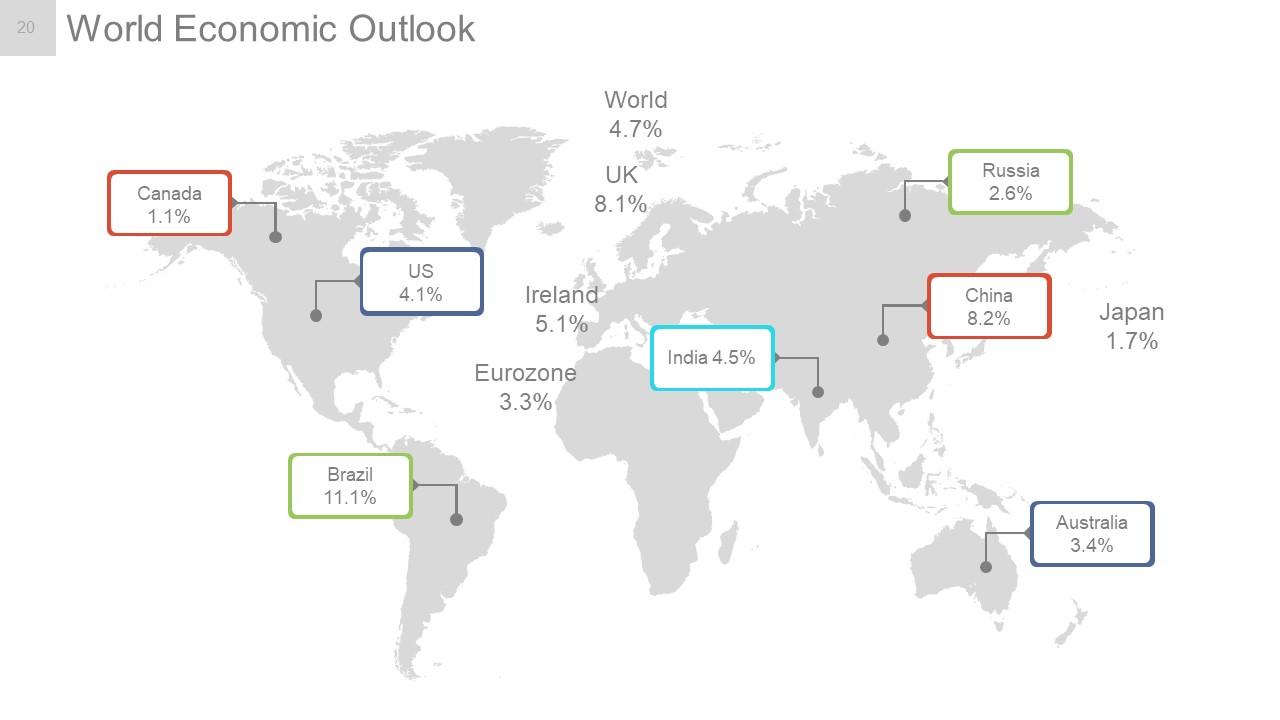
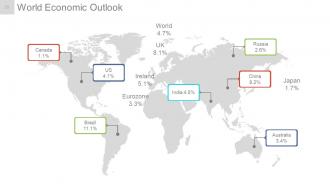
Diapositiva 20 : Esta diapositiva muestra Perspectivas de la economía mundial con una imagen de mapa mundial.
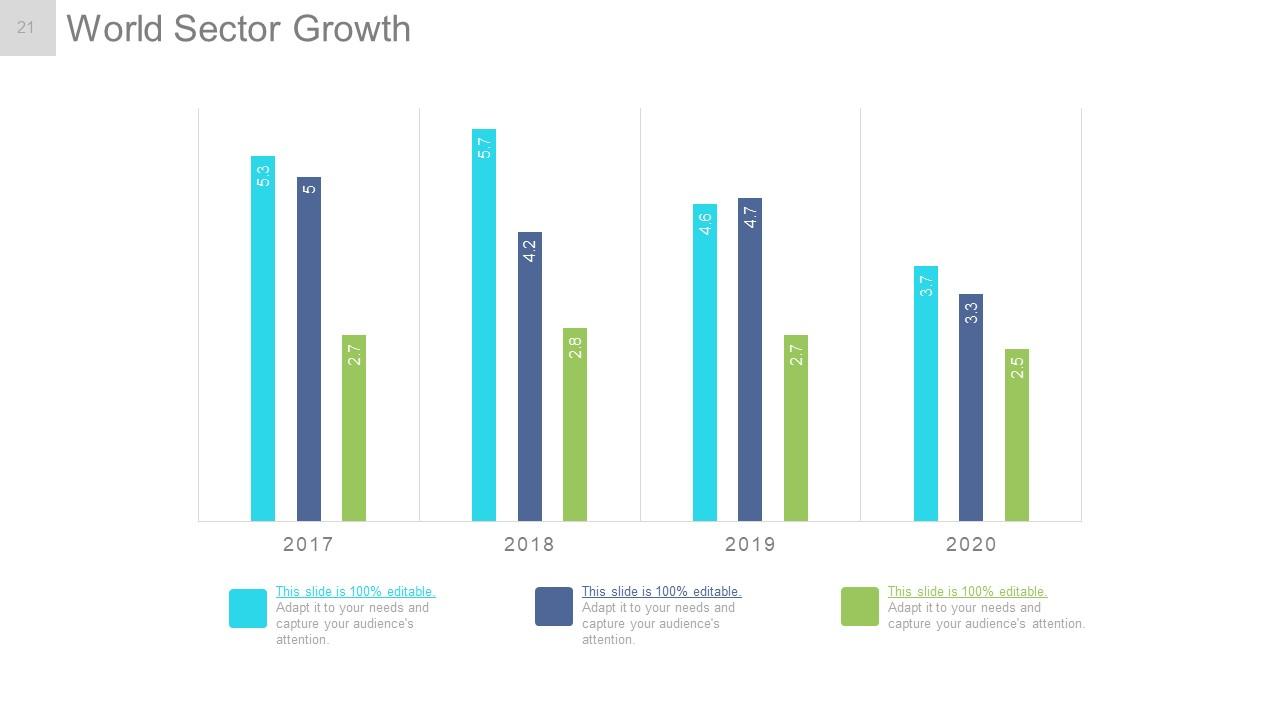
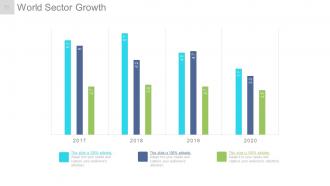
Diapositiva 21 : Esta diapositiva presenta el crecimiento del sector mundial en forma de gráfico de barras.
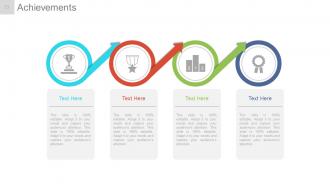
Diapositiva 22 : Esta diapositiva muestra Logros con imágenes y cuadros de texto para acompañar.
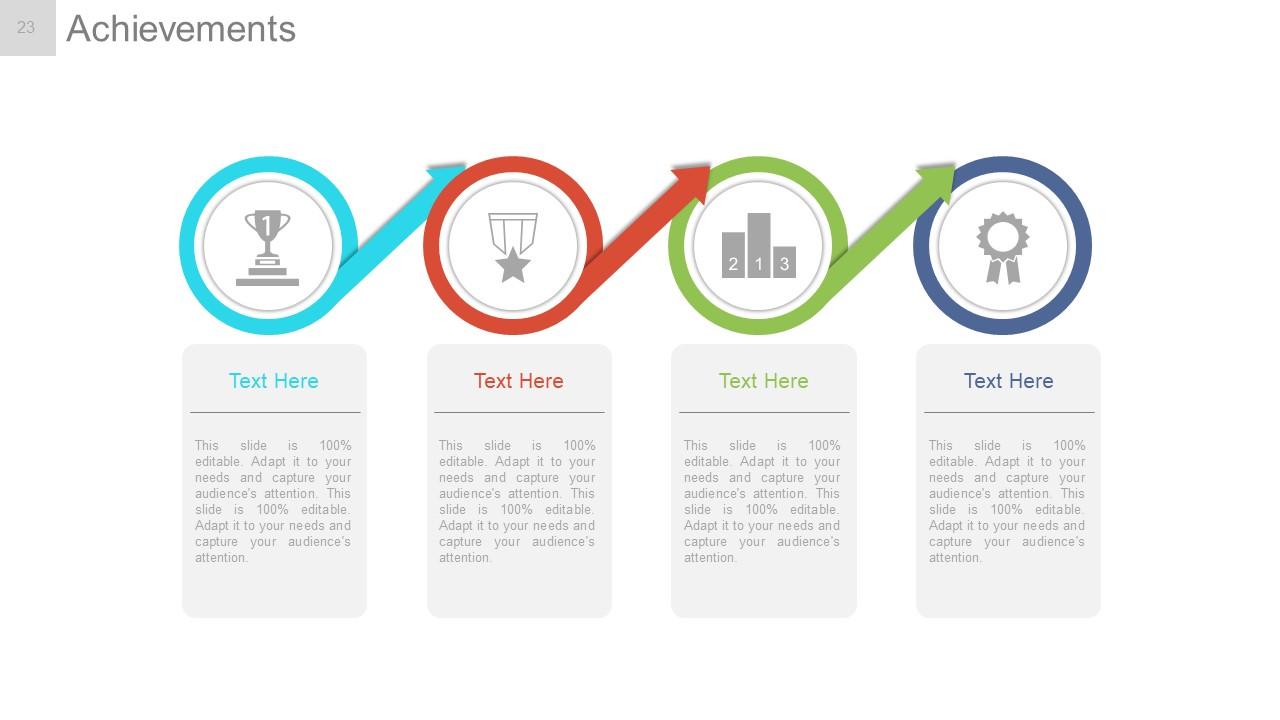
Diapositiva 23 : esta diapositiva muestra los logros con diferentes imágenes y cuadros de texto para acompañar.
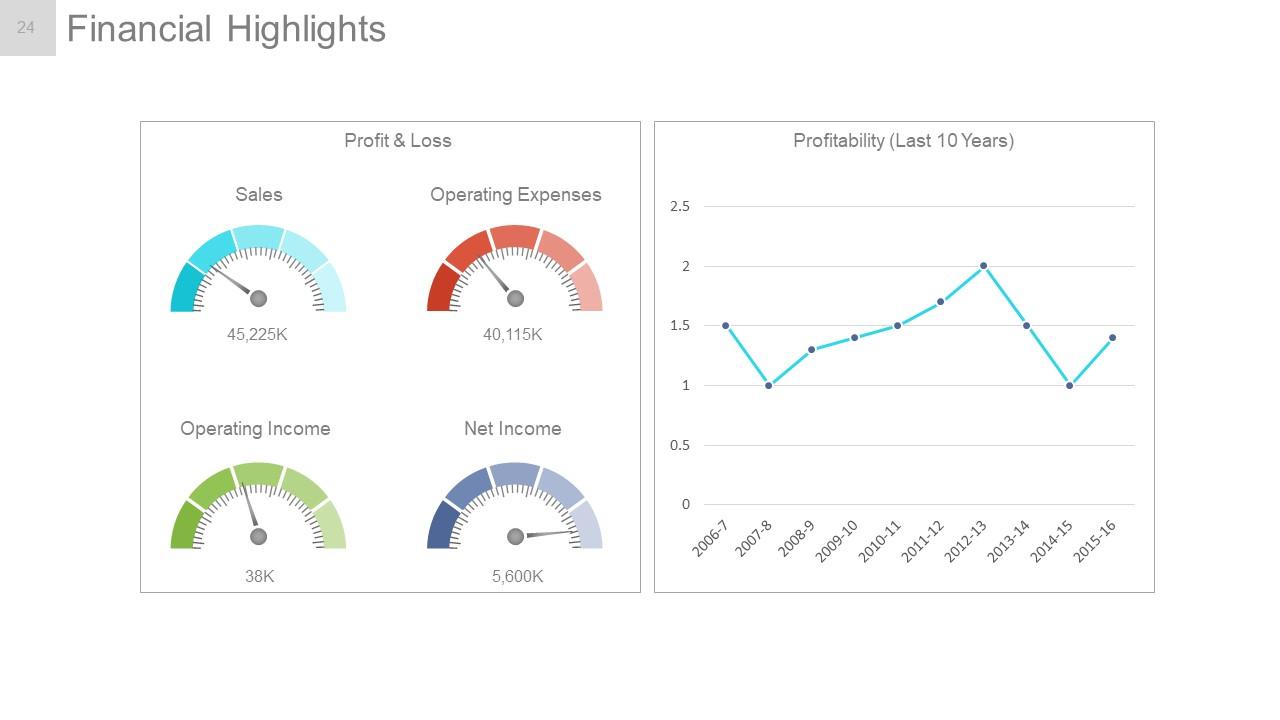
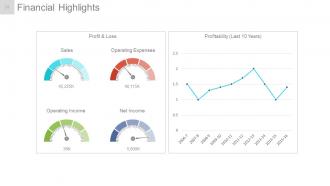
Diapositiva 24 : Esta diapositiva muestra los aspectos financieros destacados en forma de gráfico lineal y escala métrica para pérdidas y ganancias, ventas, gastos operativos, ingresos operativos, ingresos netos y rentabilidad.
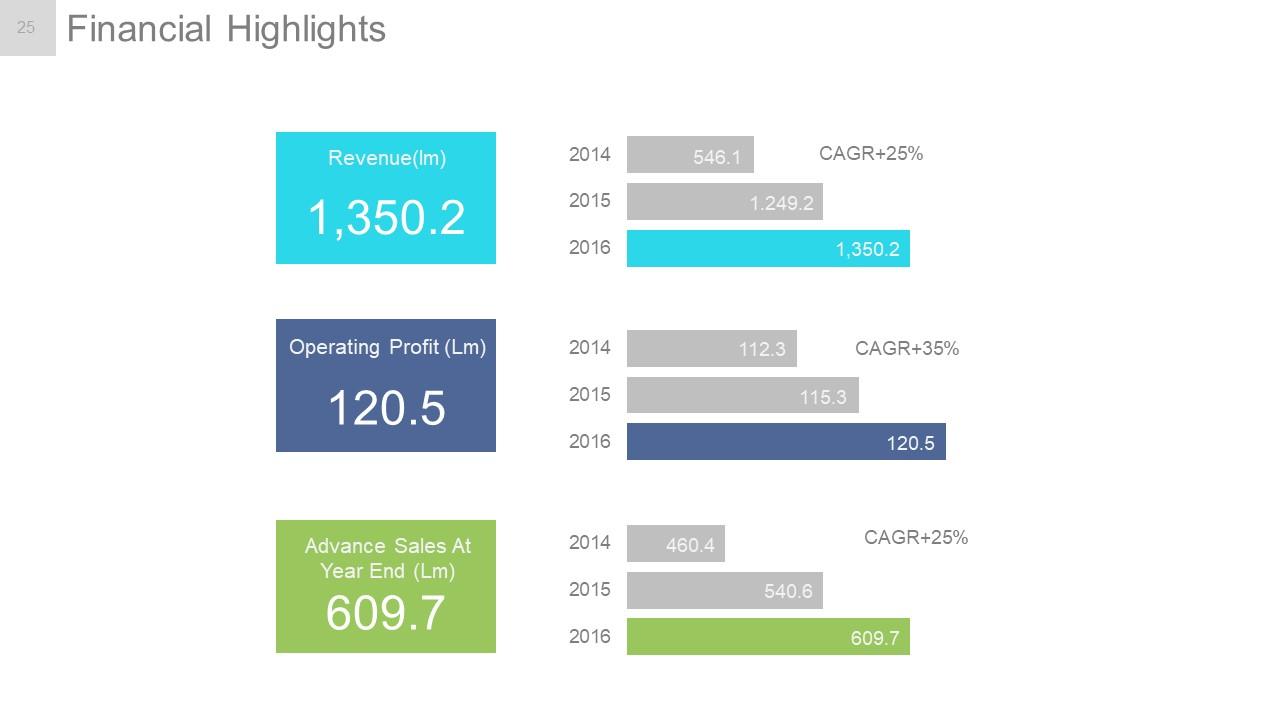
Diapositiva 25 : Esta diapositiva presenta los aspectos financieros destacados. Indique aquí los aspectos financieros.
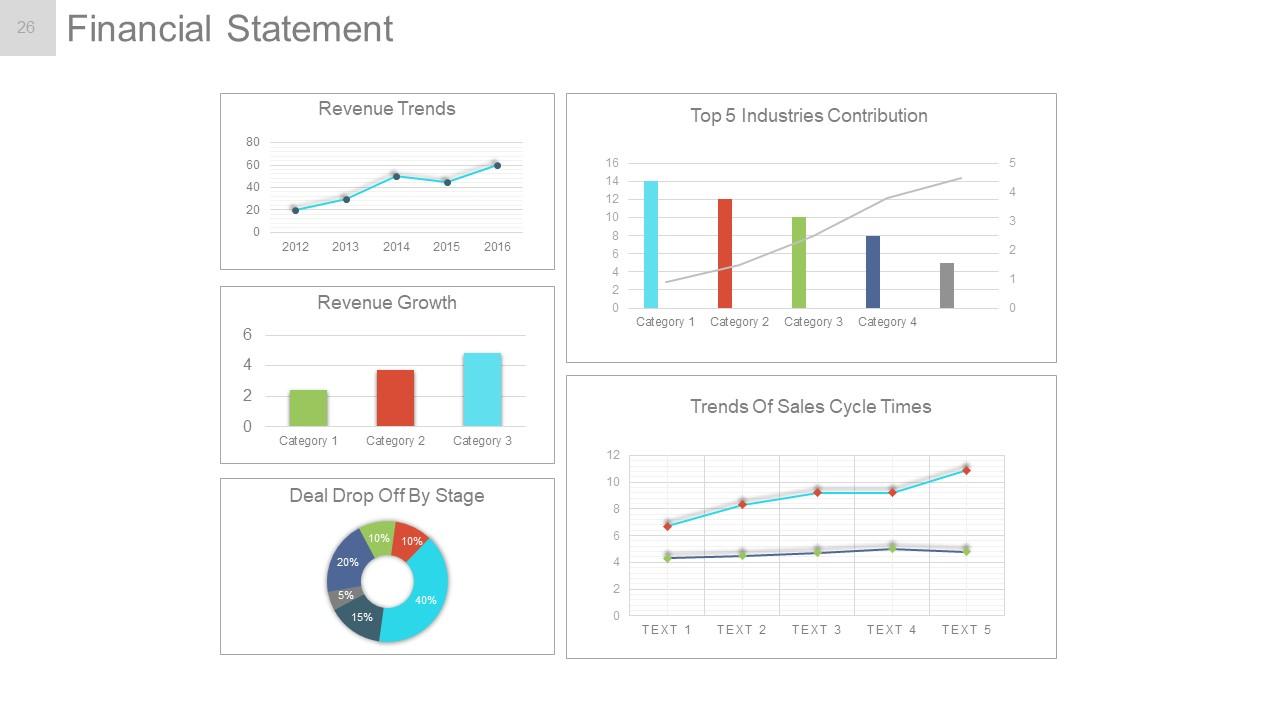
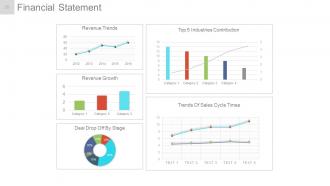
Diapositiva 26 : Esta diapositiva muestra un estado financiero con los siguientes subtítulos: Tendencias de ingresos, Crecimiento de ingresos, Reducción de acuerdos por etapa, Tendencias de los tiempos del ciclo de ventas, Contribución de las 5 industrias principales.
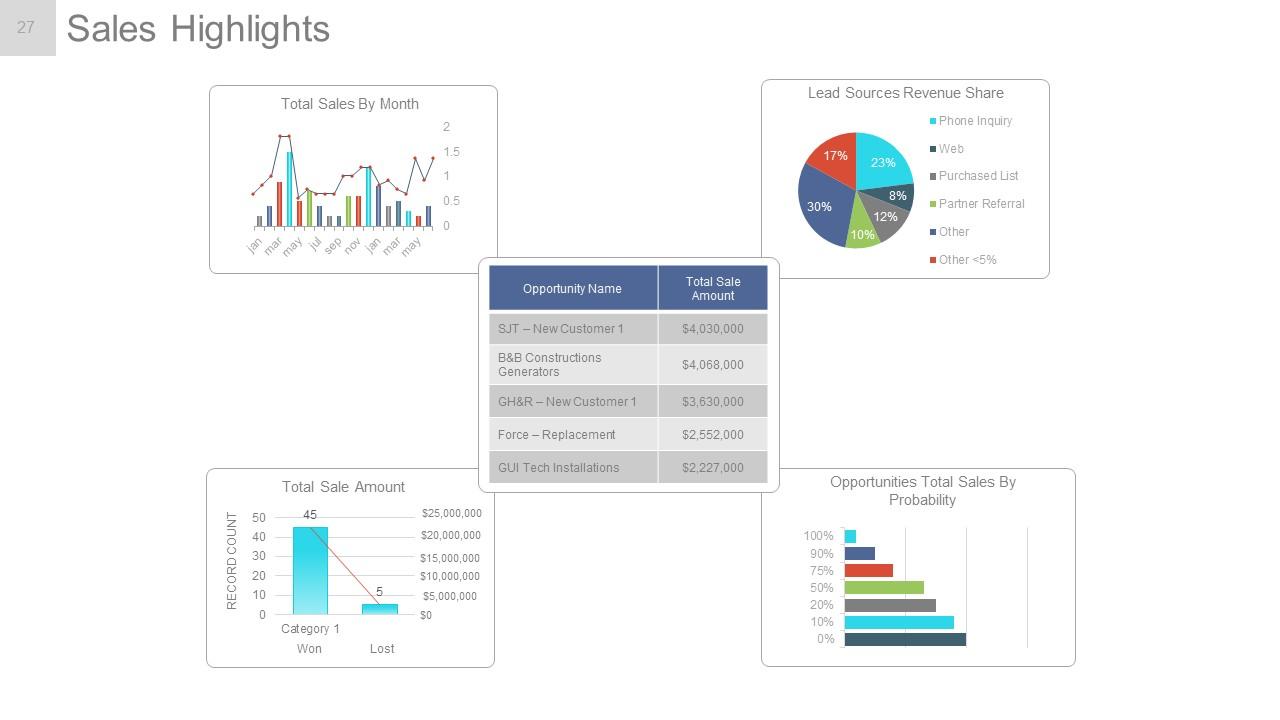
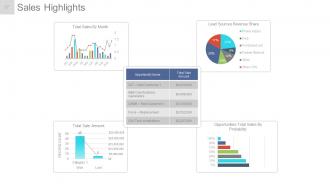
Diapositiva 27 : Esta diapositiva muestra los aspectos destacados de las ventas en diferentes gráficos con los siguientes puntos: Ventas totales de oportunidades por probabilidad, Ventas totales por mes, Ganado: Reparto de ingresos de fuentes de clientes potenciales perdidos.
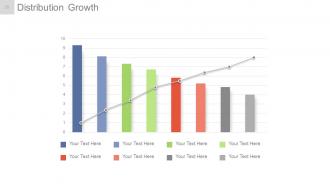
Diapositiva 28 : Esta diapositiva muestra el crecimiento de la distribución en un gráfico creativo.
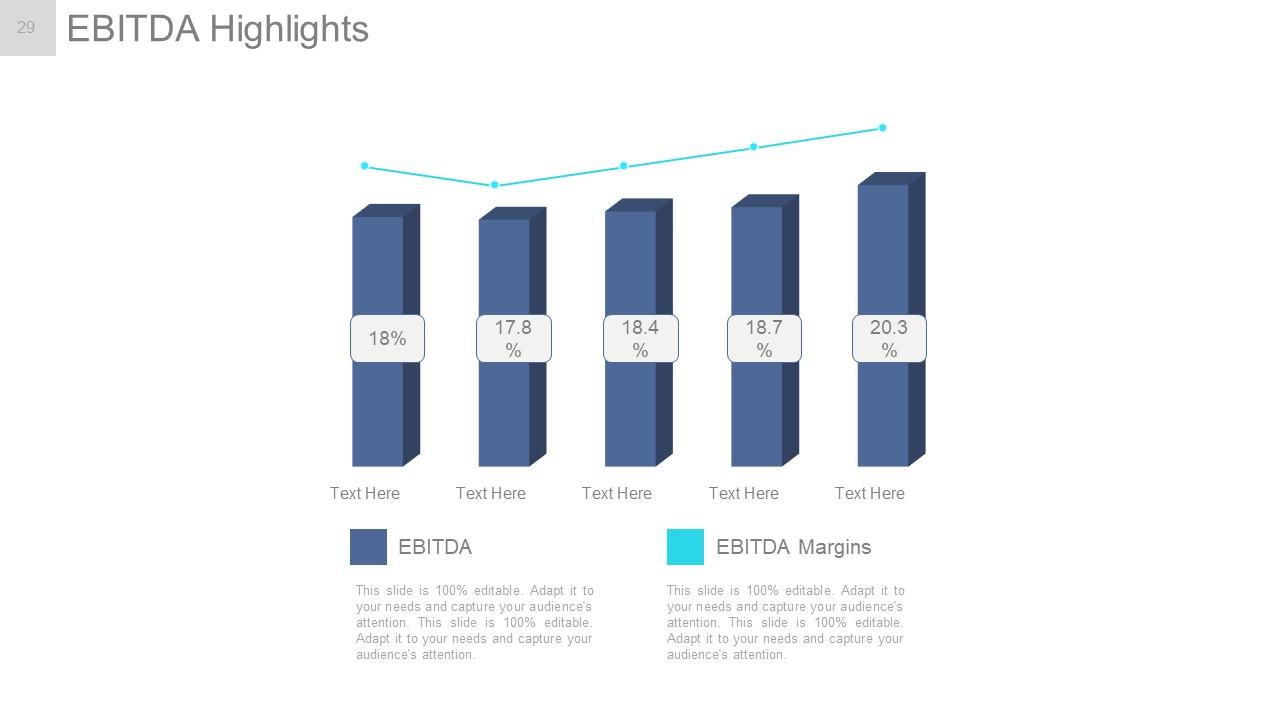
Diapositiva 29 : Esta diapositiva muestra los aspectos más destacados del EBITDA en forma de gráfico.
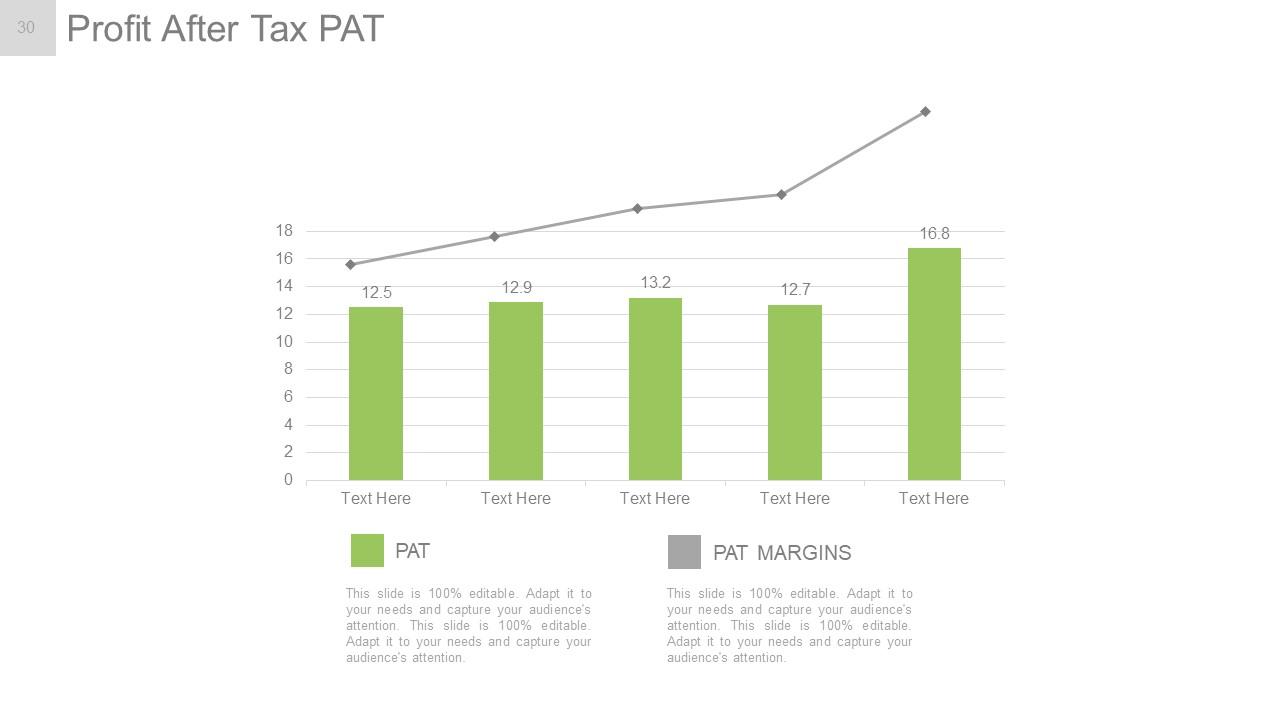
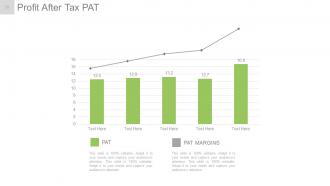
Diapositiva 30 : Esta diapositiva presenta la PAT de ganancias después de impuestos en forma de gráfico.
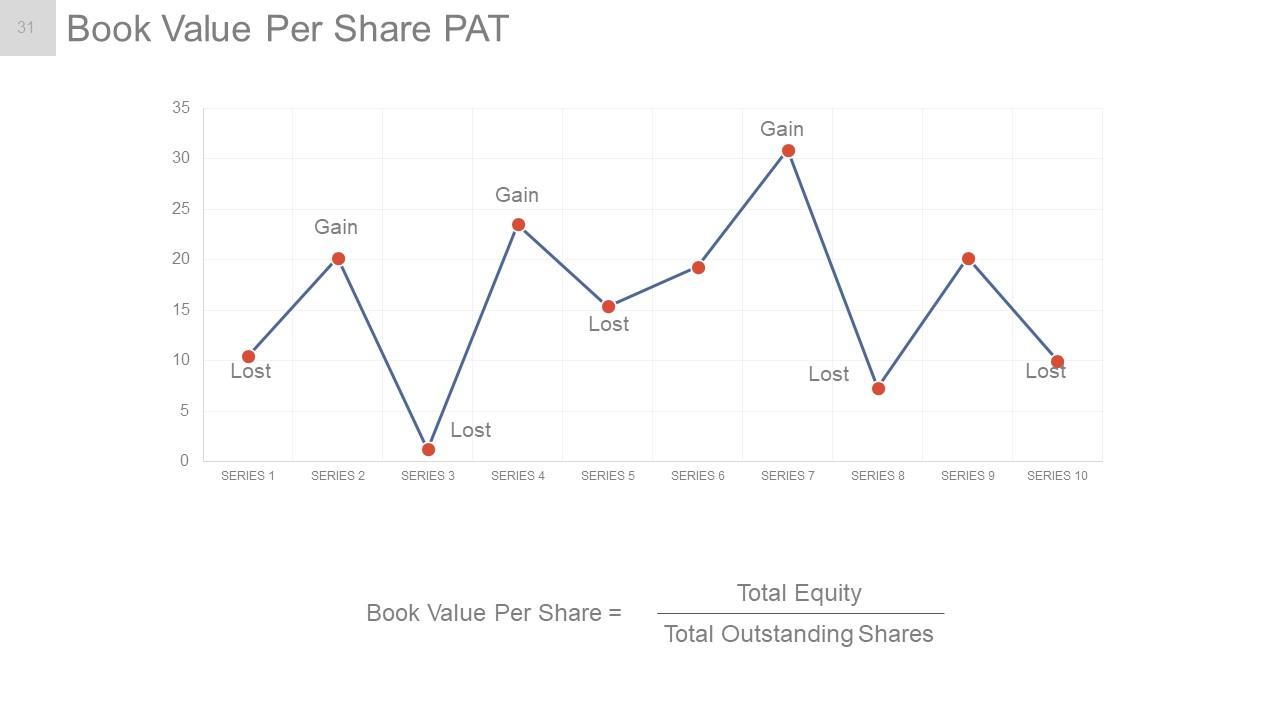
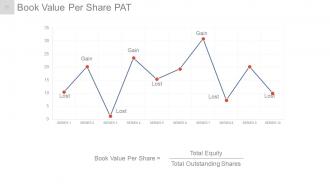
Diapositiva 31 : Esta diapositiva muestra PAT de valor contable por acción en forma de gráfico lineal en términos de pérdidas y ganancias.
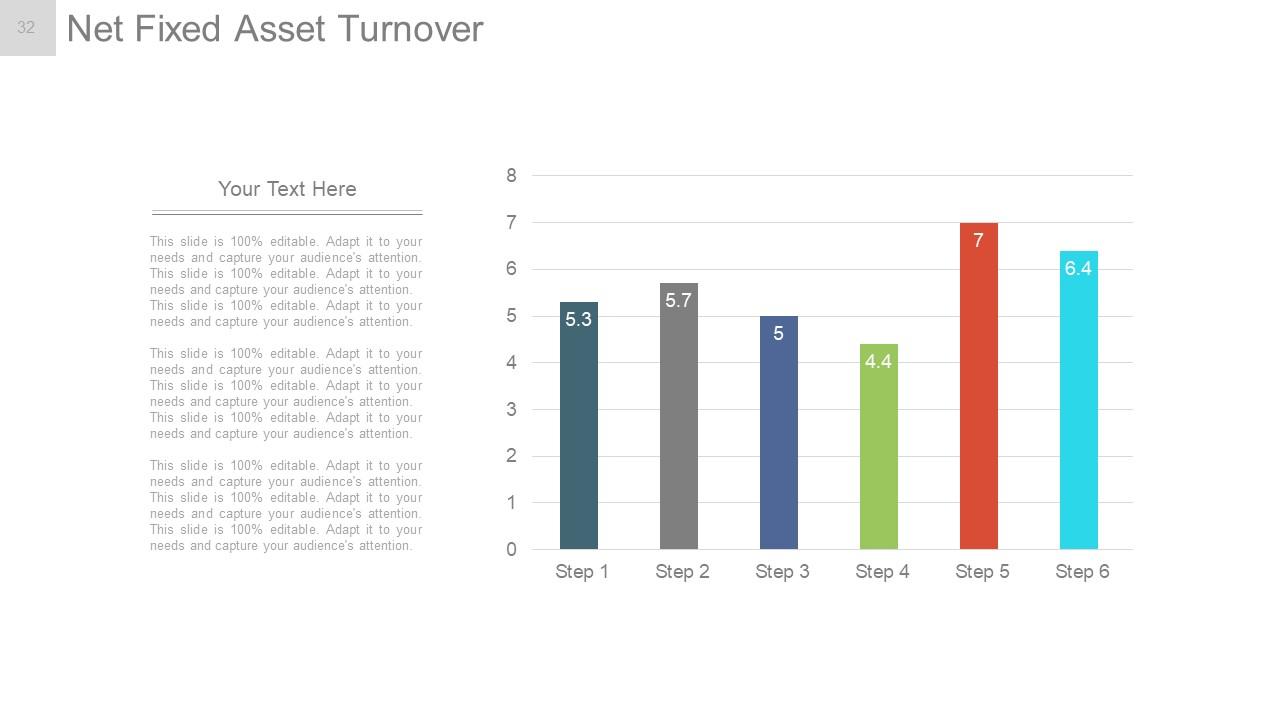
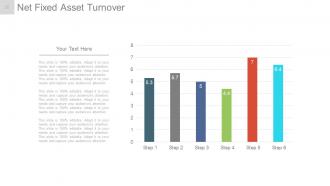
Diapositiva 32 : Esta diapositiva muestra la rotación neta de activos fijos en forma de gráfico.
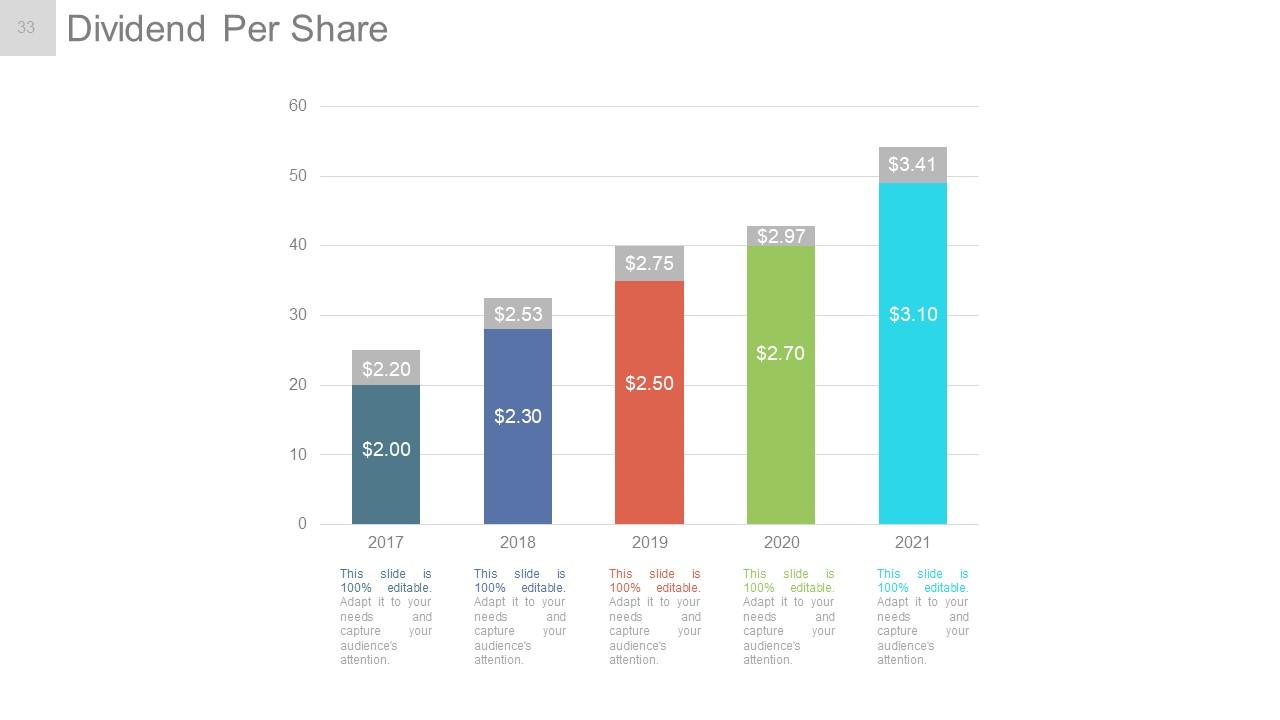
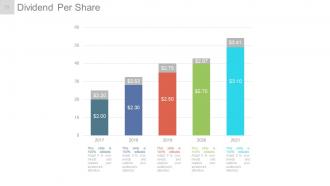
Diapositiva 33 : Esta diapositiva muestra el dividendo por acción en forma de gráfico de barras.
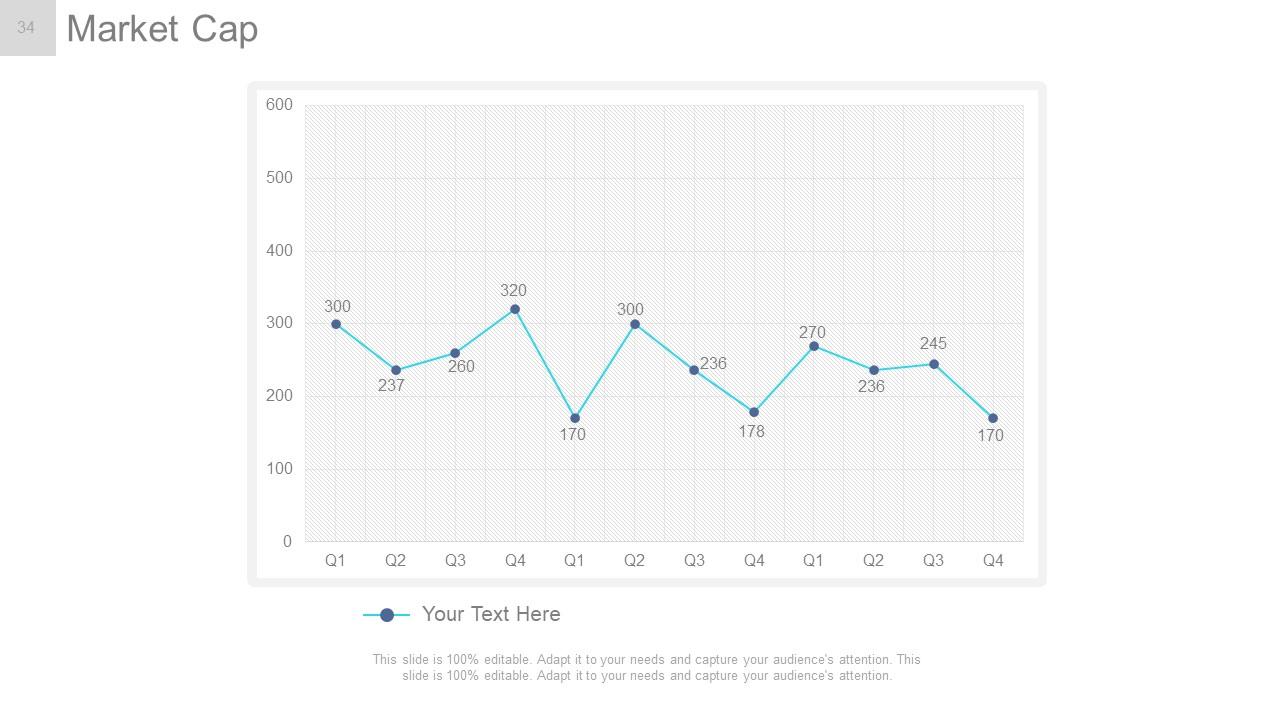
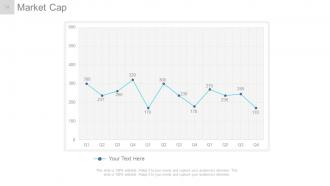
Diapositiva 34 : Esta diapositiva muestra la capitalización de mercado en forma de gráfico.
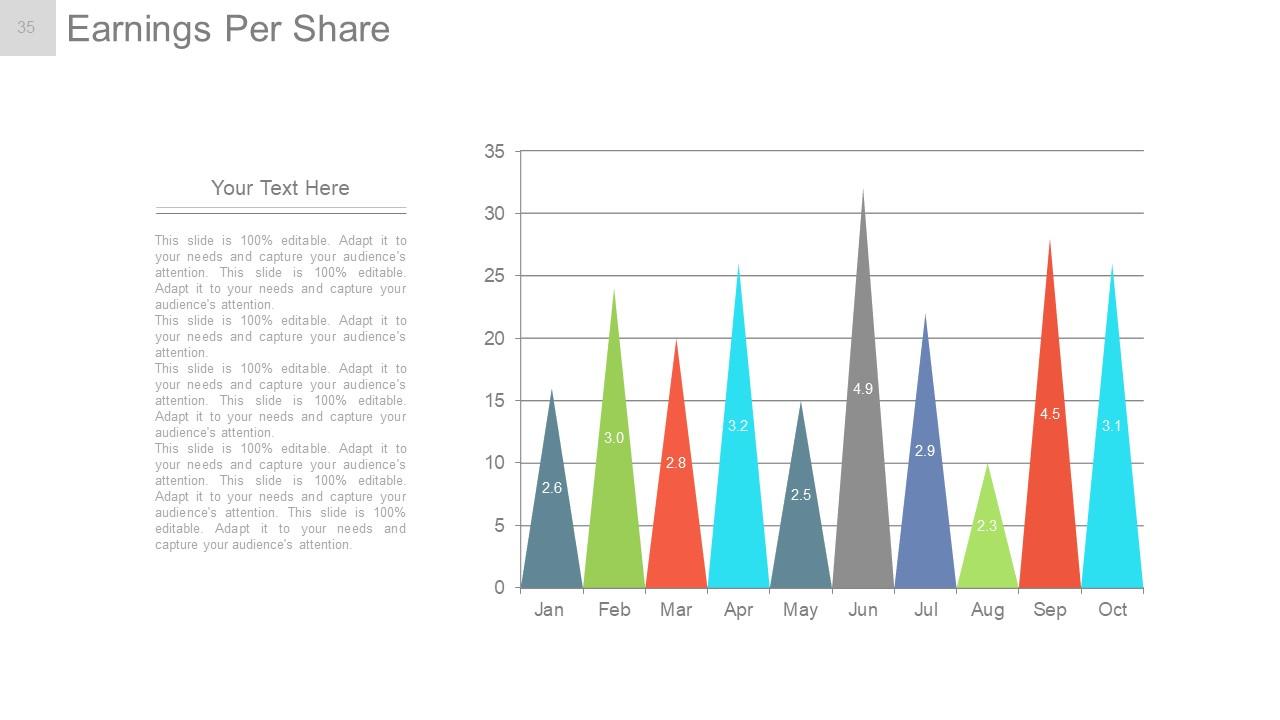
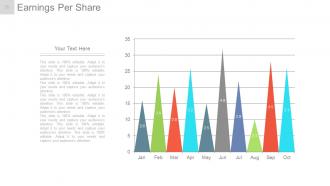
Diapositiva 35 : Esta diapositiva muestra las ganancias por acción en forma de gráfico.
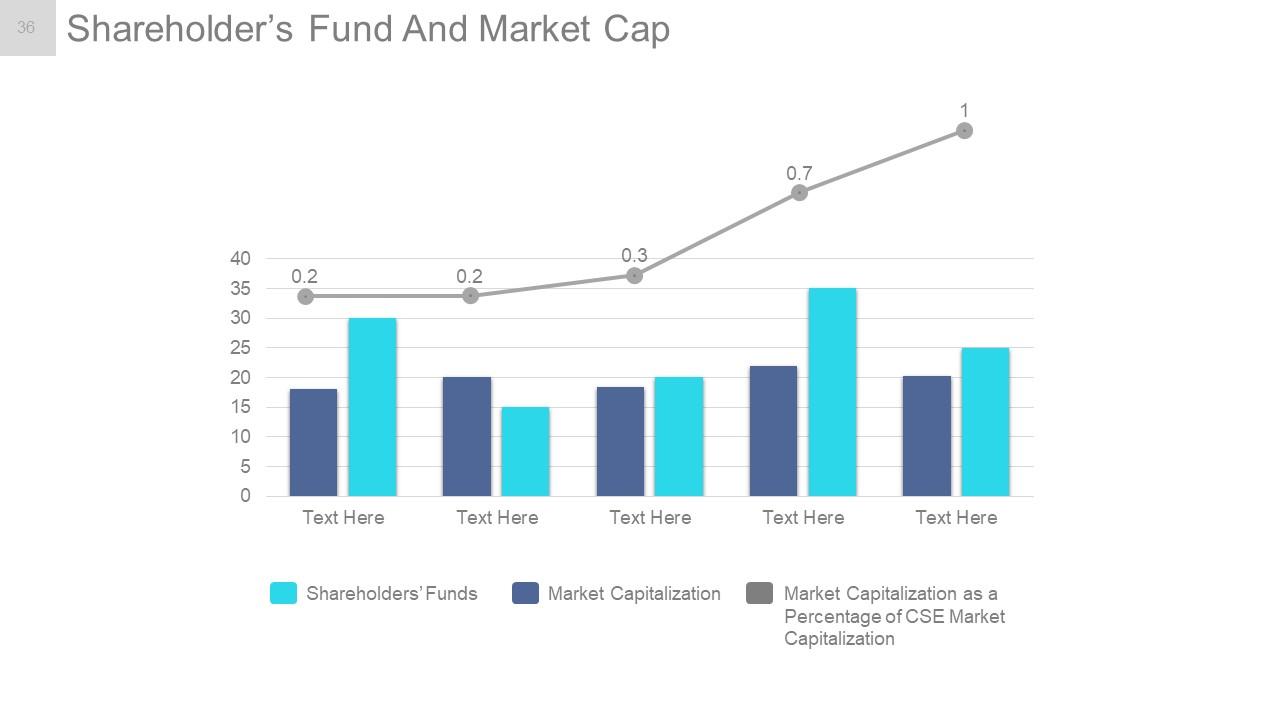
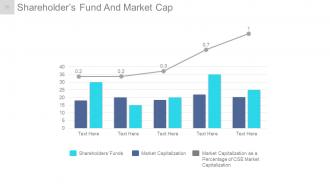
Diapositiva 36 : Esta diapositiva presenta el fondo de los accionistas y la capitalización bursátil en forma de gráfico de líneas y de barras que muestra el siguiente contenido: capitalización bursátil como porcentaje de la capitalización bursátil de CSE, capitalización bursátil, fondos de los accionistas.
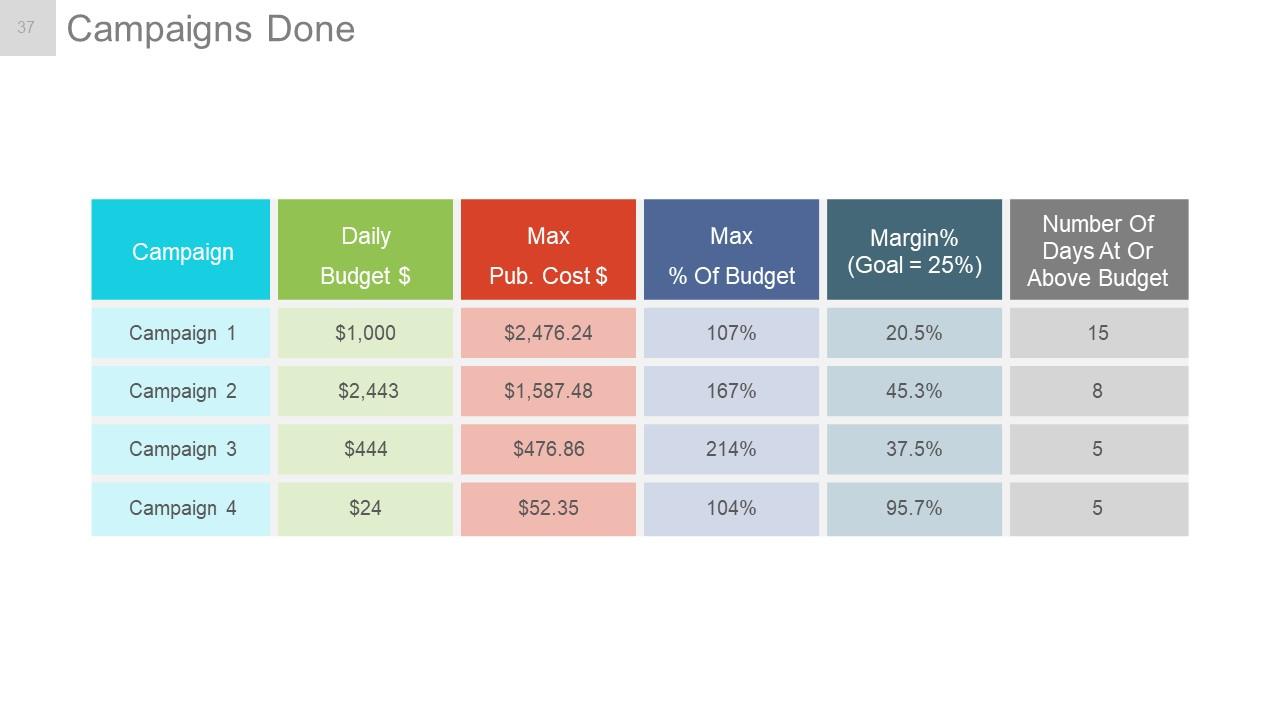
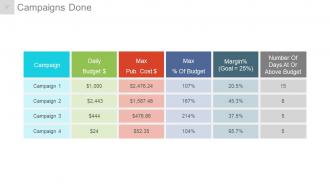
Diapositiva 37 : Esta diapositiva presenta una tabla de Campañas terminadas.
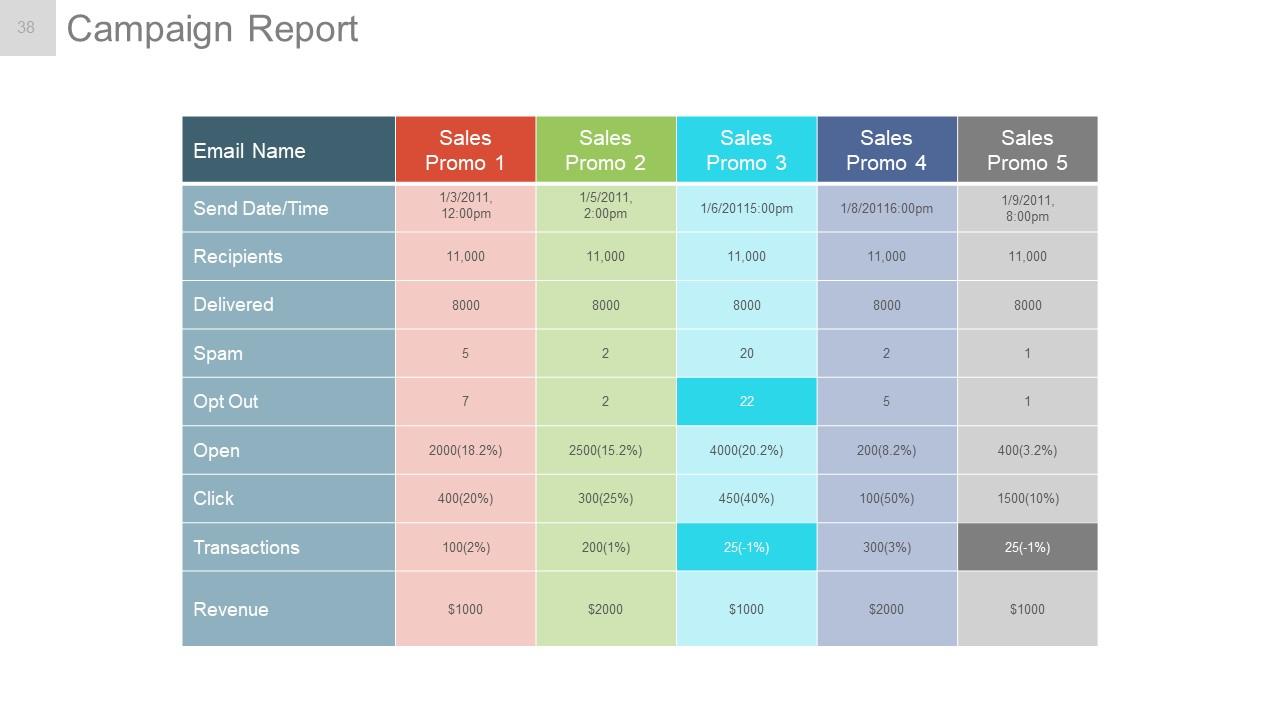
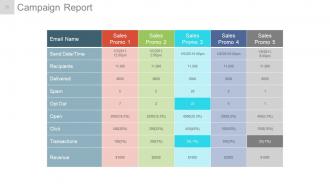
Diapositiva 38 : Esta diapositiva muestra el Informe de campaña en forma tabular.
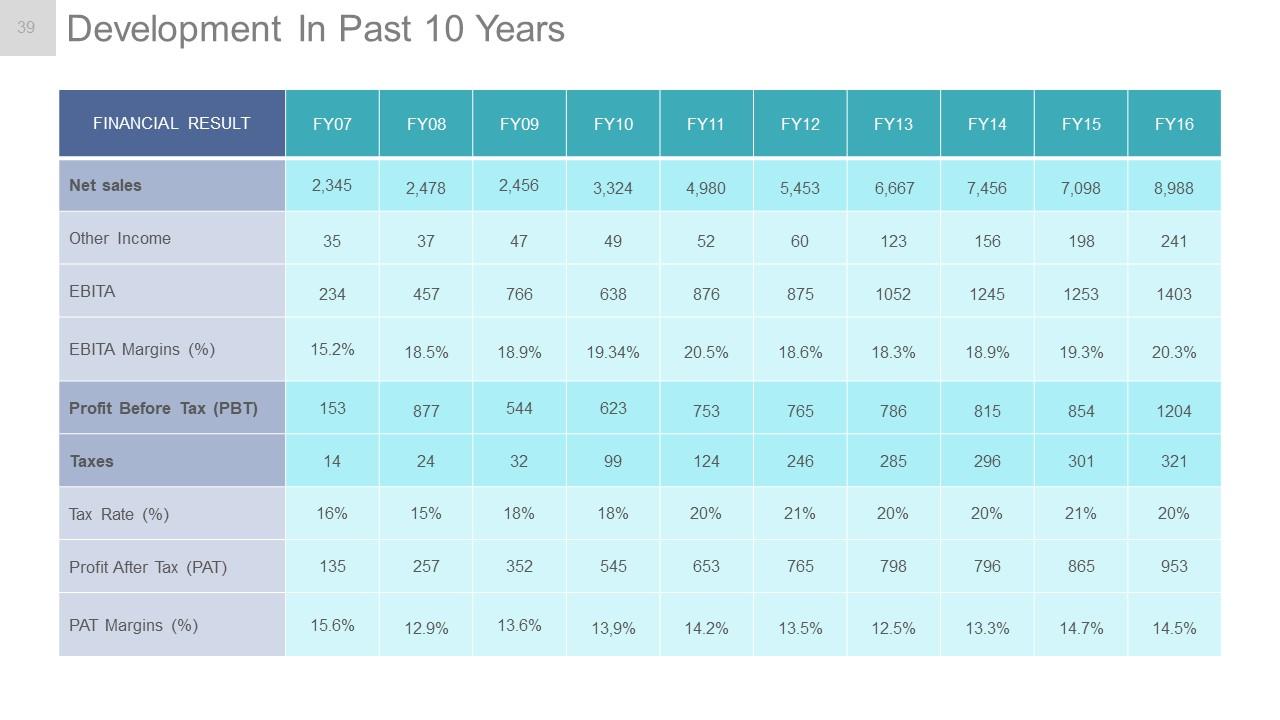
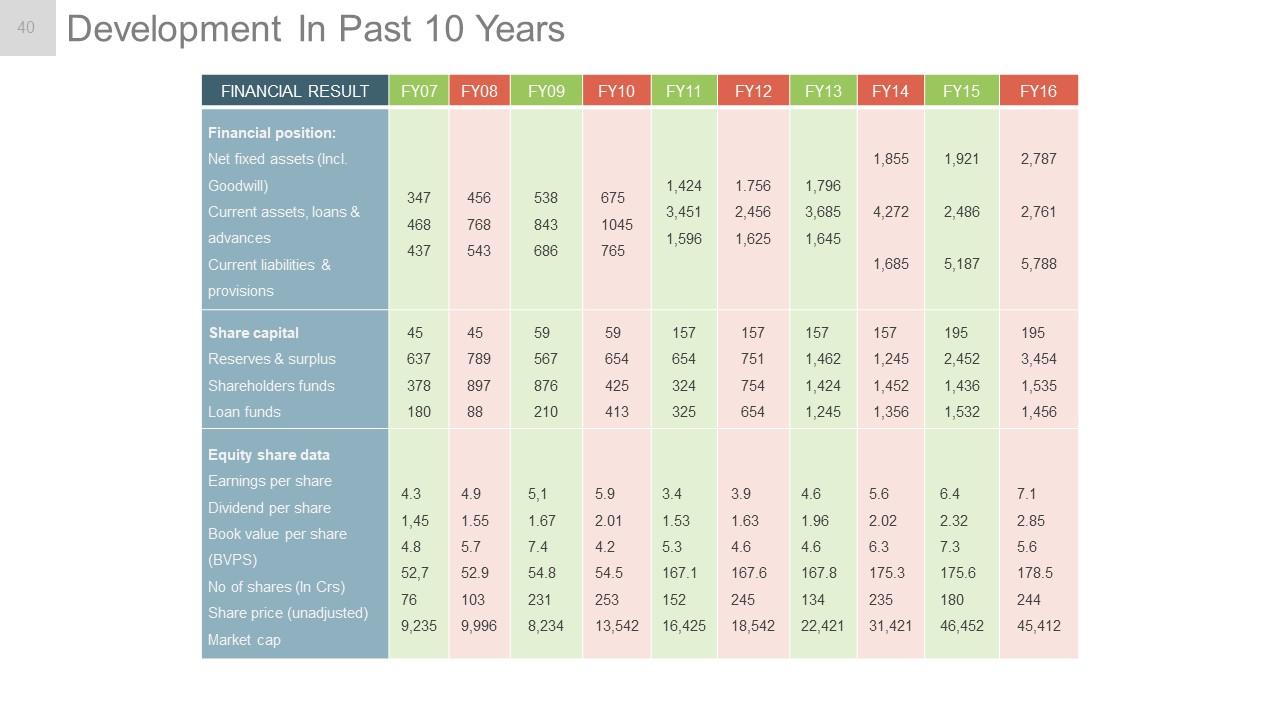
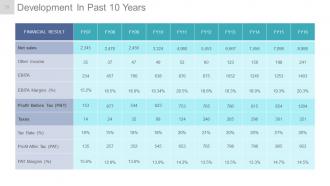
Diapositiva 39 : Esta diapositiva muestra el desarrollo en los últimos 10 años en forma de tabla.
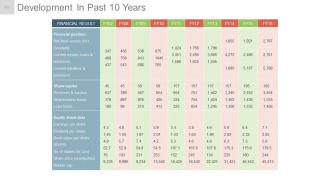
Diapositiva 40 : Esta diapositiva también muestra el desarrollo en los últimos 10 años en forma de tabla.
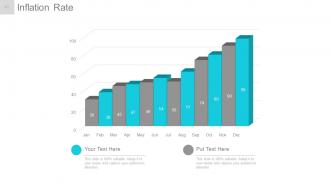
Diapositiva 41 : Esta diapositiva muestra la tasa de inflación en forma de gráfico.
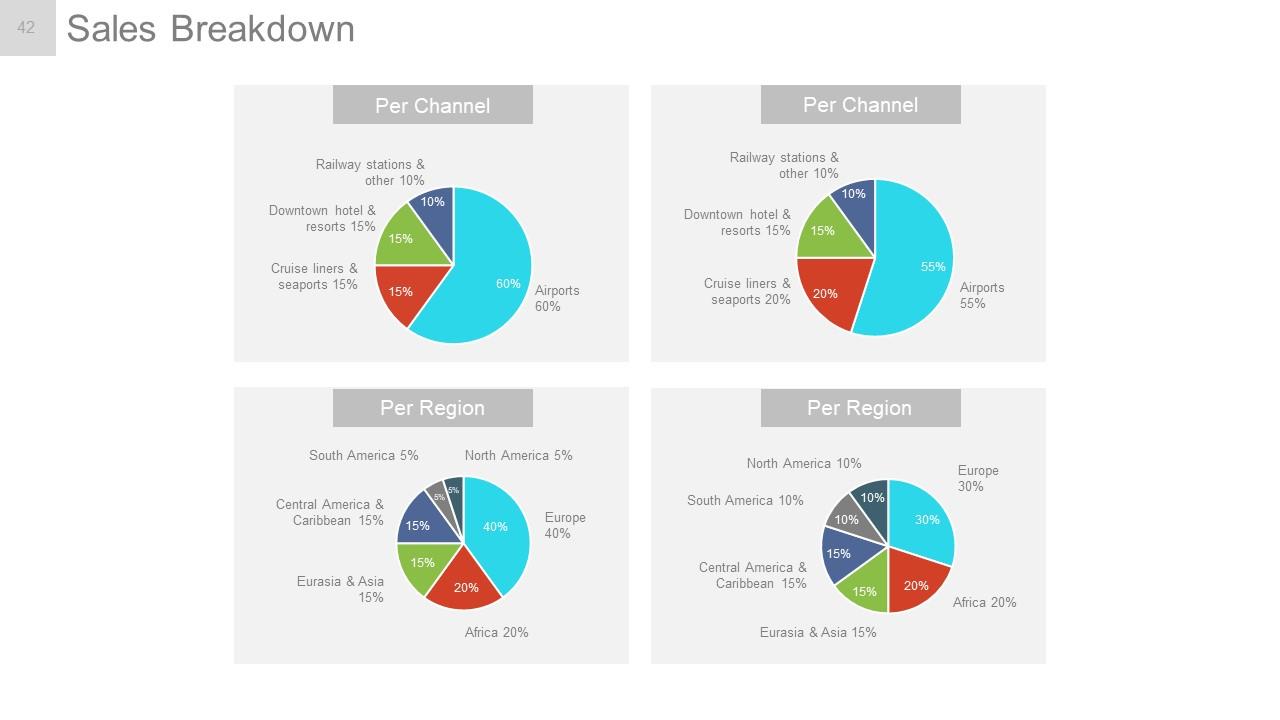
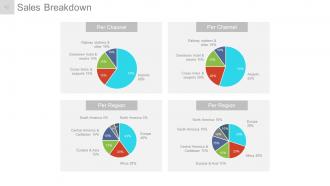
Diapositiva 42 : esta diapositiva presenta el desglose de ventas dividido en por canal y por región.
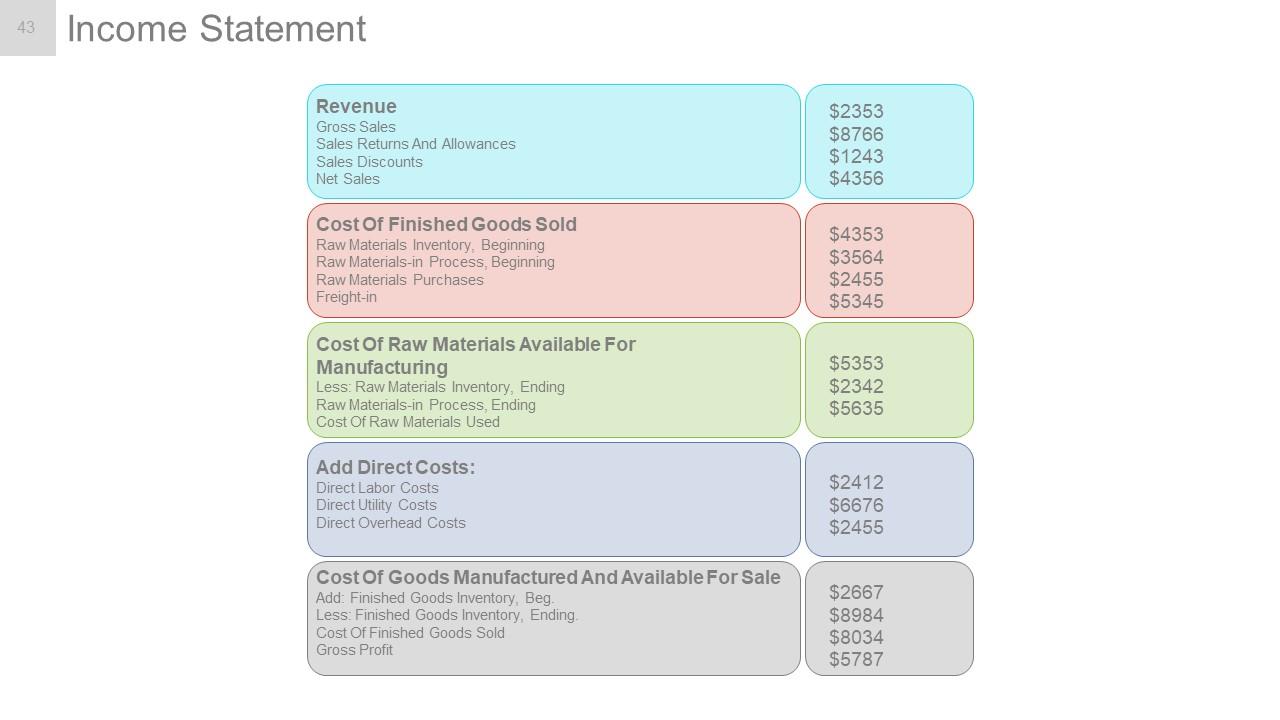
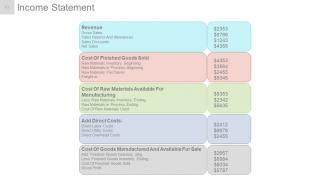
Diapositiva 43 : Esta diapositiva presenta el estado de resultados en forma de tabla.
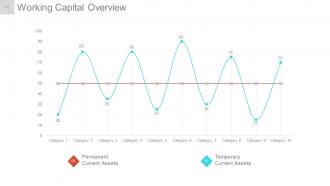
Diapositiva 44 : Esta diapositiva muestra la descripción general del capital de trabajo en forma de gráfico de dispersión con: activos corrientes temporales, activos corrientes permanentes como puntos de marcación.
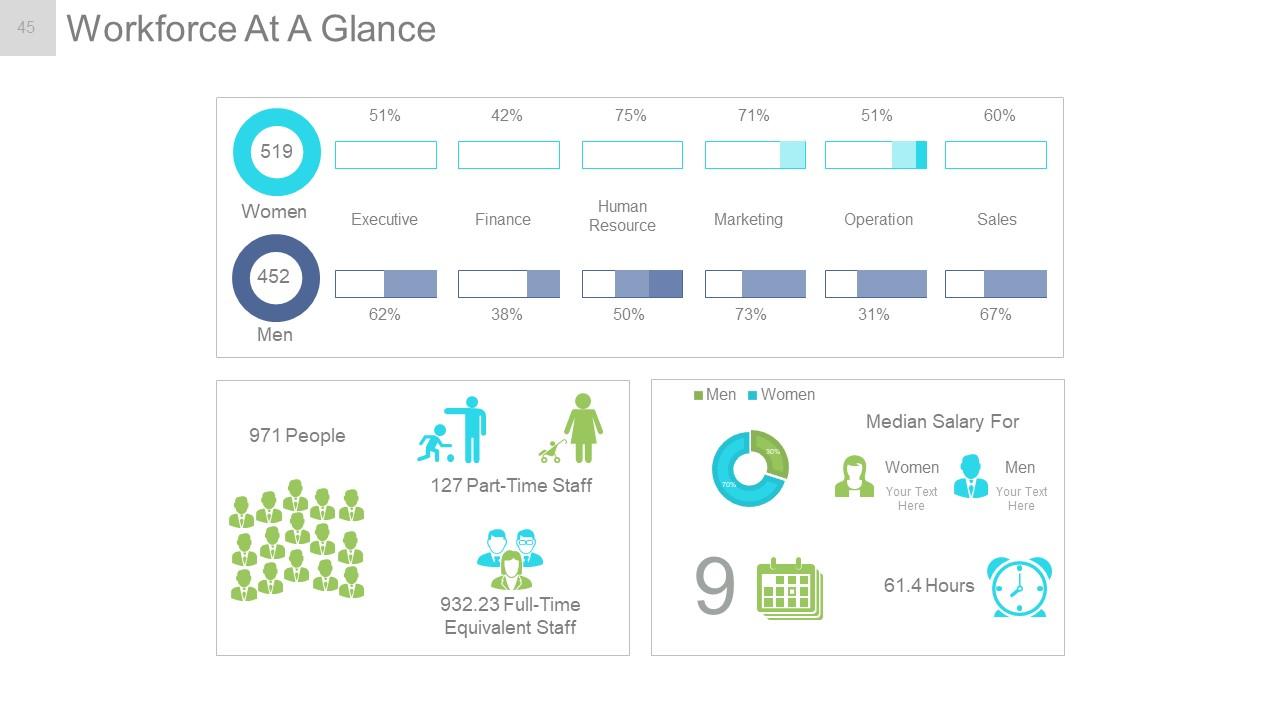
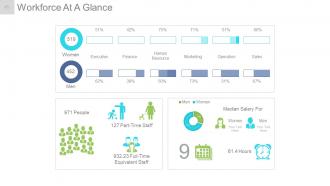
Diapositiva 45 : Esta diapositiva presenta Resumen de la fuerza laboral que contiene los siguientes puntos: Ejecutivo, Finanzas, Recursos humanos, Marketing, Ventas, Operación, Mujeres, Personal a tiempo parcial, Personal equivalente a tiempo completo, Personas, Horas, Salario medio para, Mujeres , Hombres.
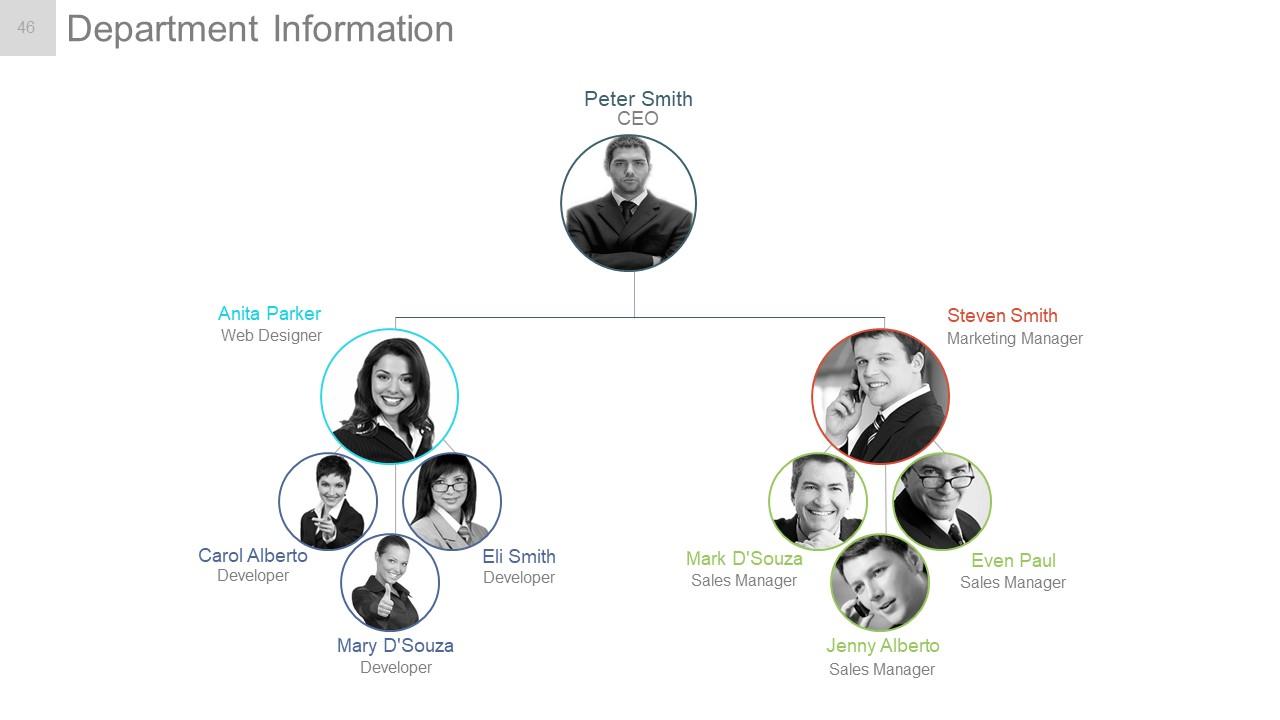
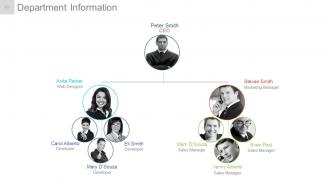
Diapositiva 46 : esta diapositiva presenta la información del departamento como una imagen de jerarquía con nombres.
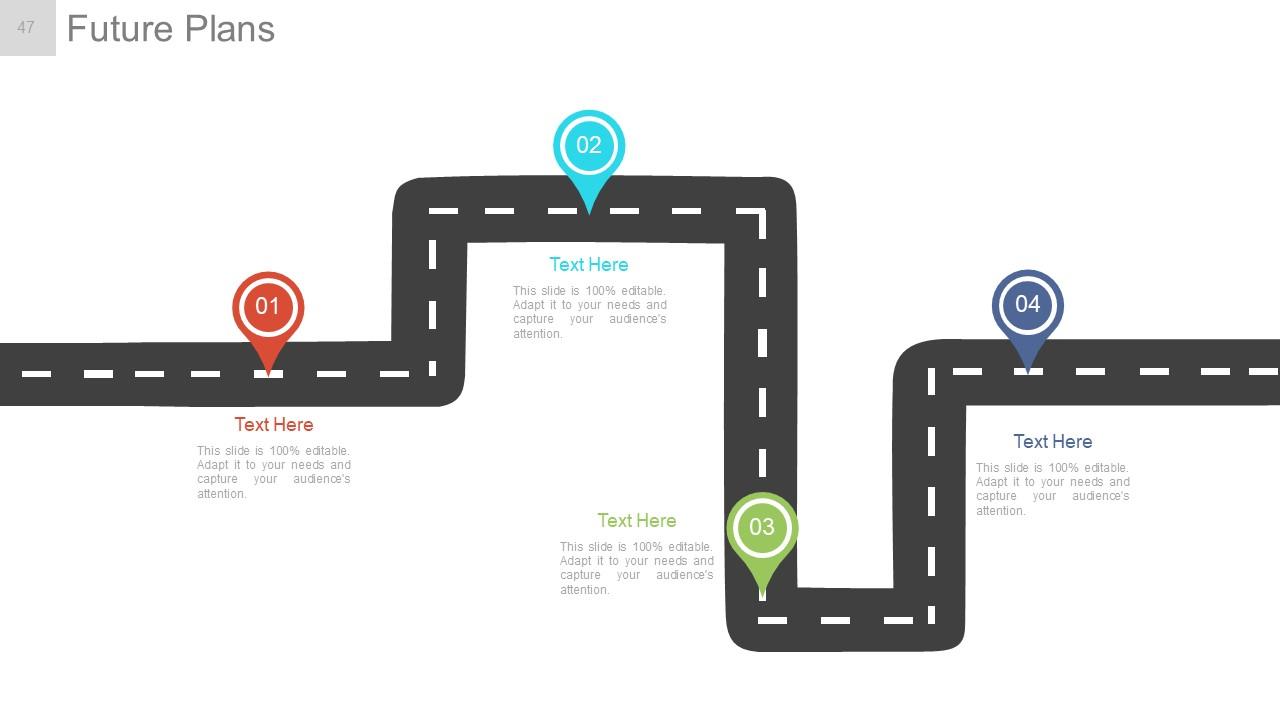
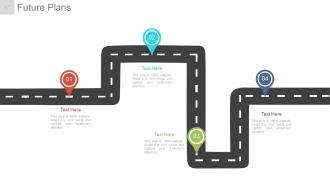
Diapositiva 47 : Esta diapositiva presenta los planes futuros que se mostrarán en una hoja de ruta.
Diapositiva 48 : Esta diapositiva muestra las especificaciones de Nuestro equipo con el nombre, la designación y los cuadros de imagen.
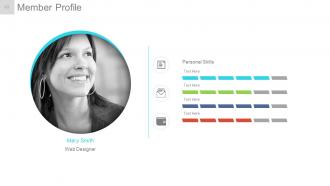
Diapositiva 49 : Esta diapositiva presenta un perfil de miembro con nombre, habilidades, etc.
Diapositiva 50 : esta diapositiva se titula Diapositivas adicionales para continuar. Puede cambiar el contenido de la diapositiva según sus necesidades.
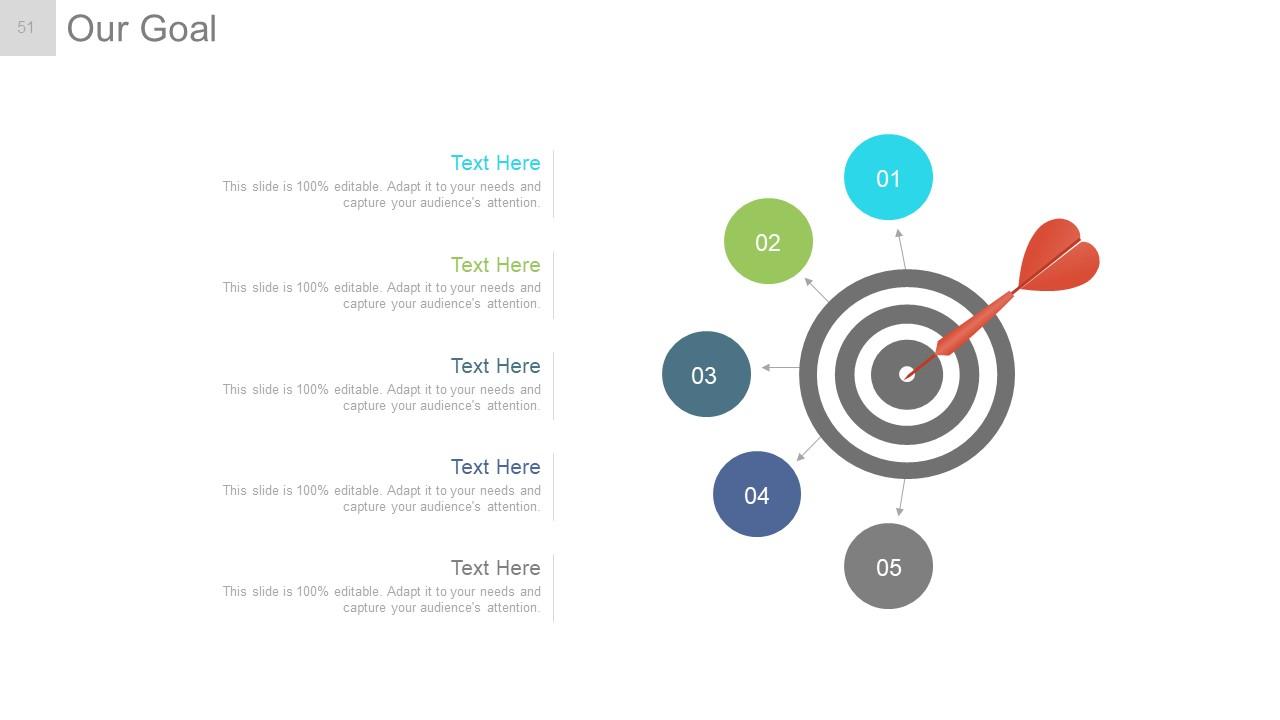
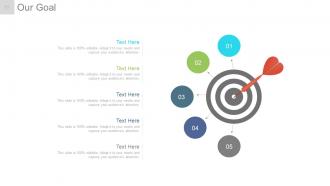
Diapositiva 51 : Esta es una diapositiva de Nuestro objetivo. Indique los objetivos, etc. aquí.
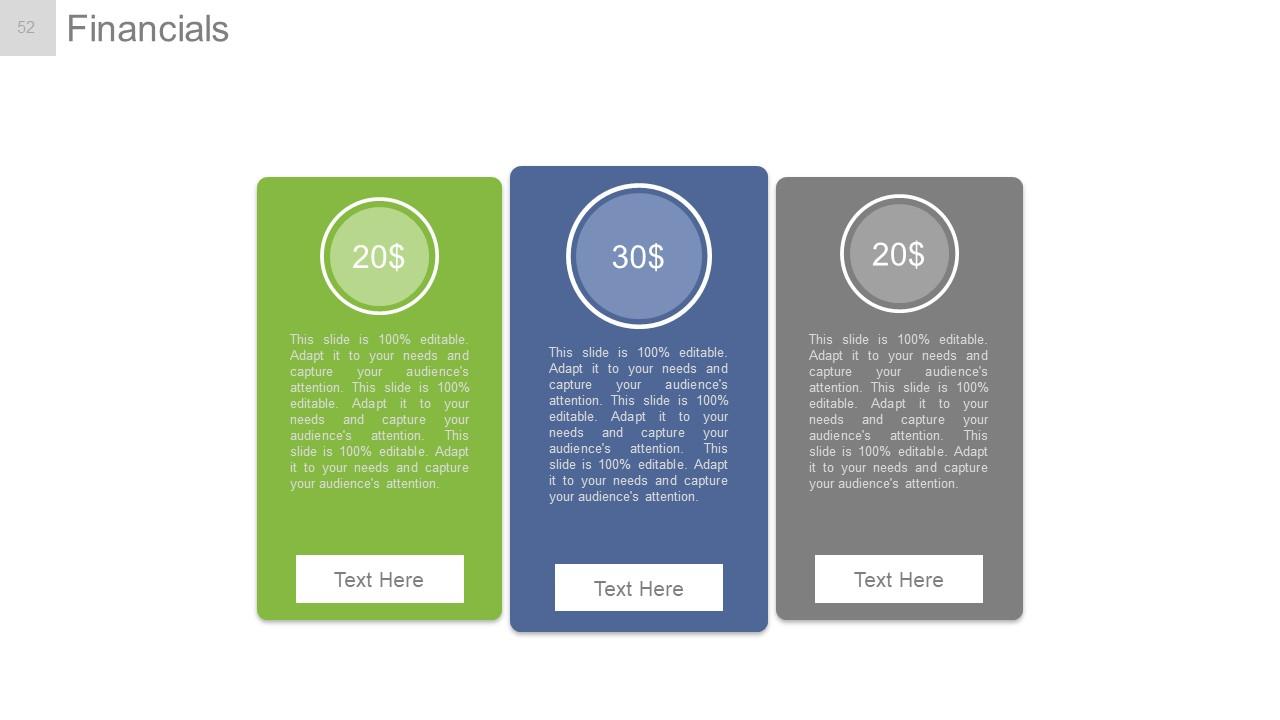
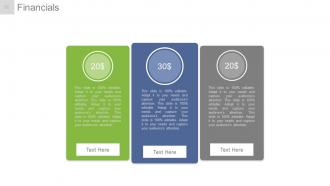
Diapositiva 52 : Esta es la diapositiva de la tabla de puntaje financiero. Indique aquí los aspectos financieros.
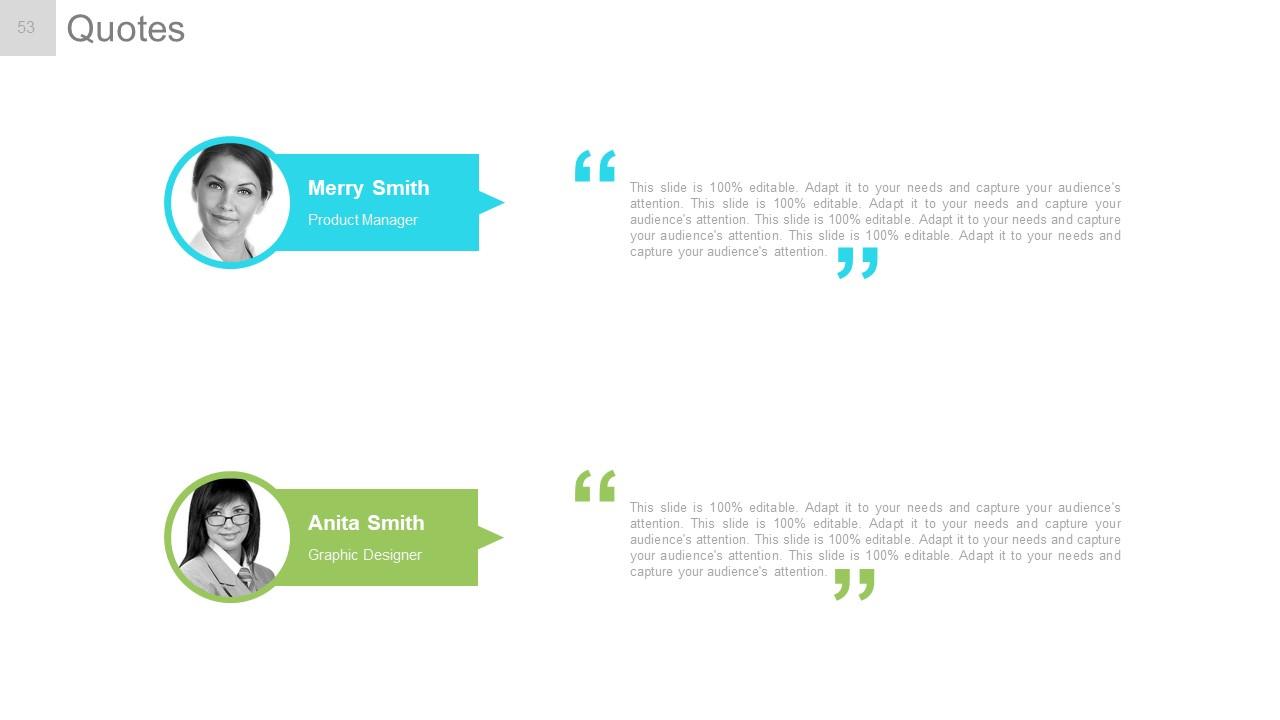
Diapositiva 53 : Esta es una diapositiva de Cotizaciones para transmitir mensajes de la empresa, creencias, etc. Puede cambiar el contenido de la diapositiva según sus necesidades.
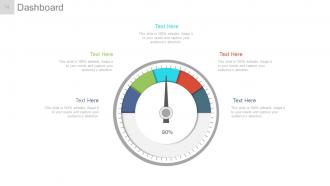
Diapositiva 54 : Esta es una diapositiva del Panel para mostrar kpis, métricas, etc.
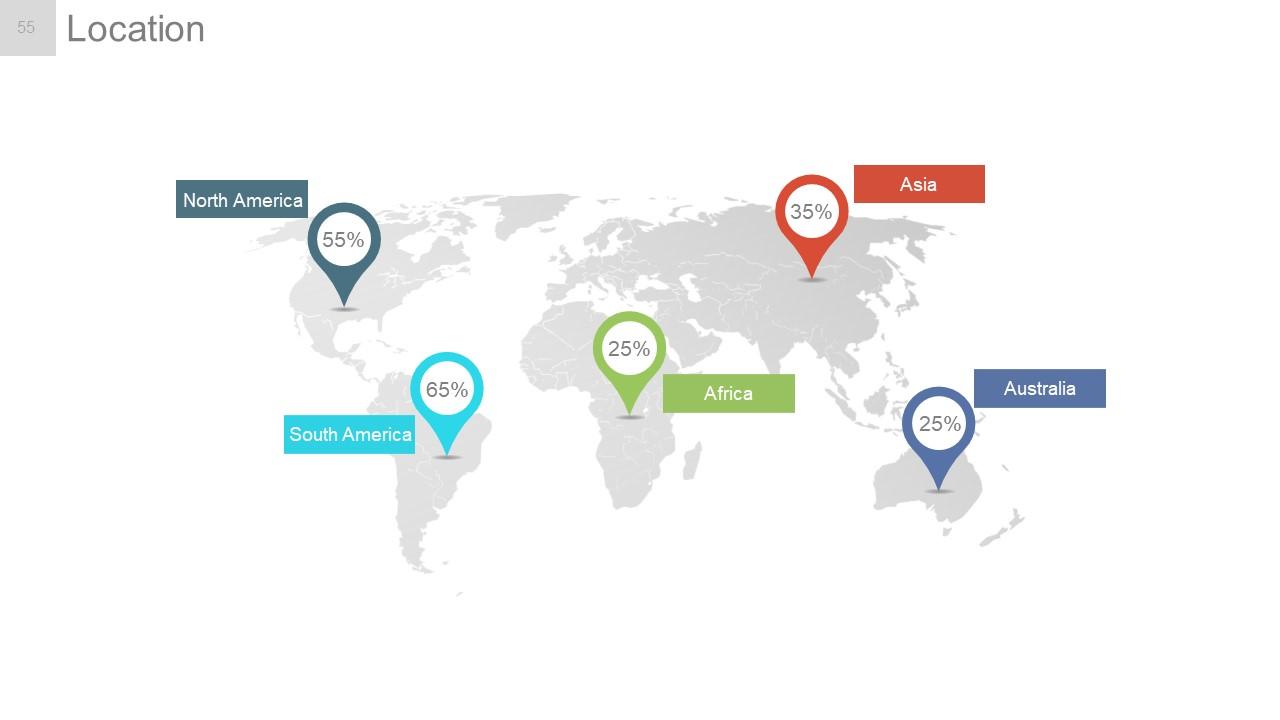
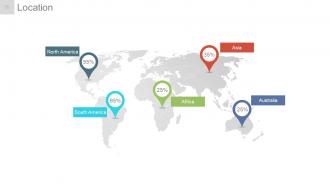
Diapositiva 55 : Esta es una diapositiva de ubicación de la imagen del mapa mundial para mostrar la presencia global, el crecimiento, etc.
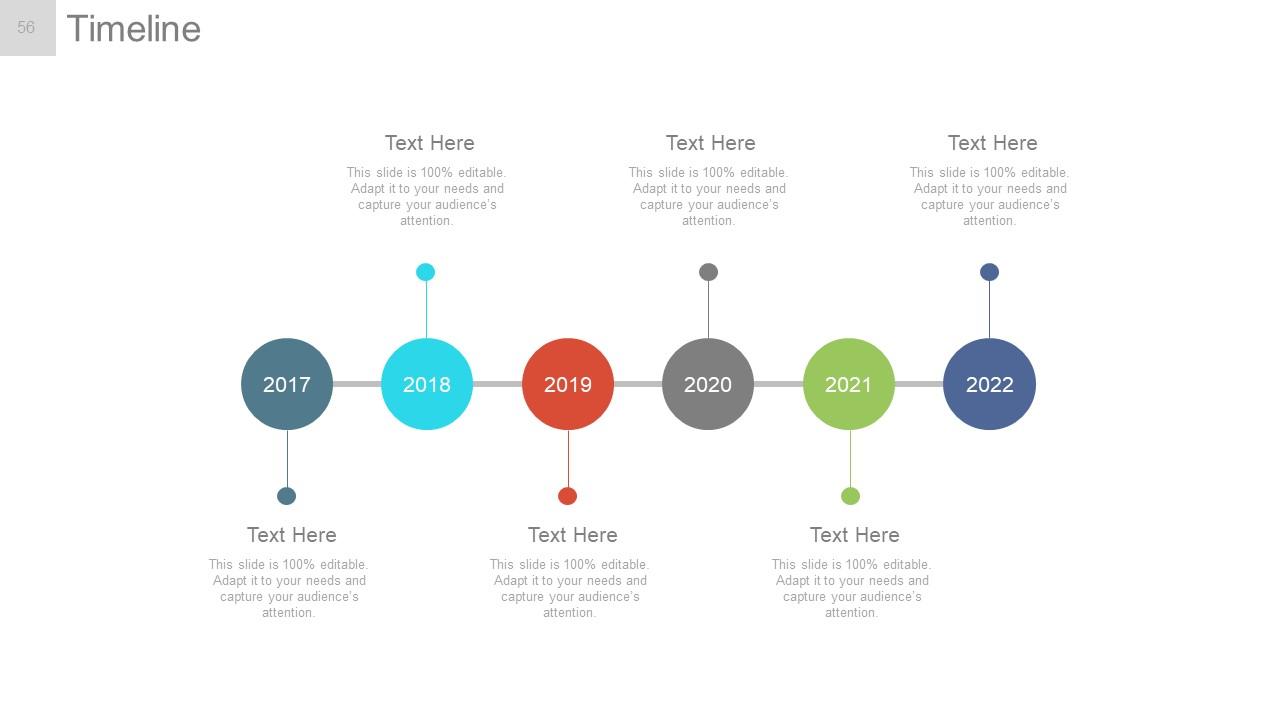
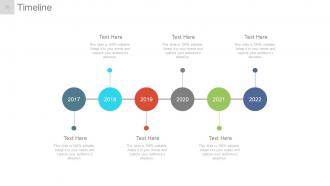
Diapositiva 56 : Esta es una diapositiva de la línea de tiempo para presentar el crecimiento, el viaje, los hitos, etc.
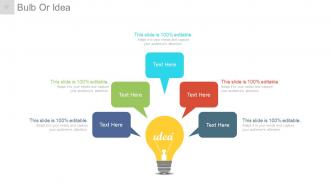
Diapositiva 57 : Esta es una diapositiva de Bombilla o idea para mostrar aspectos innovadores, ideas, información, etc.
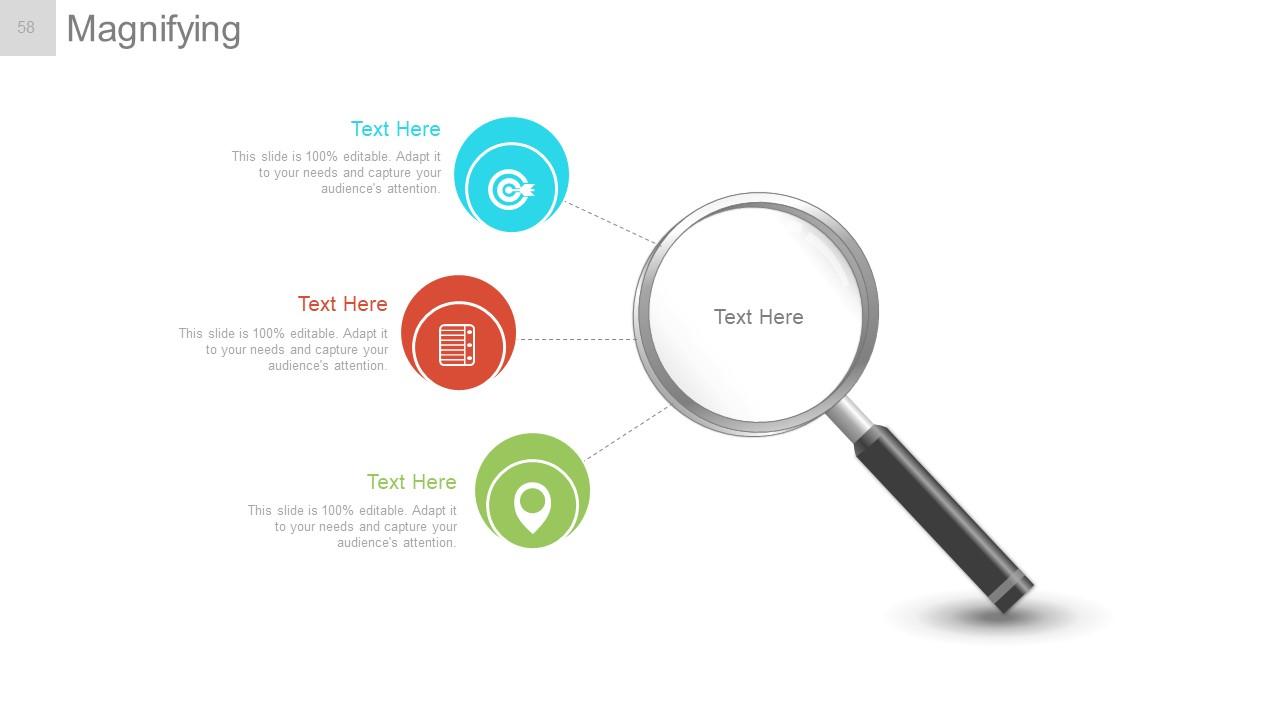
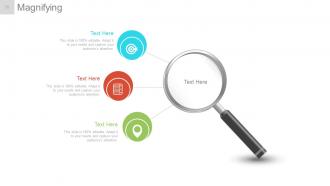
Diapositiva 58 : esta diapositiva muestra una imagen de una lupa con cuadros de texto. Indique información, etc. aquí.
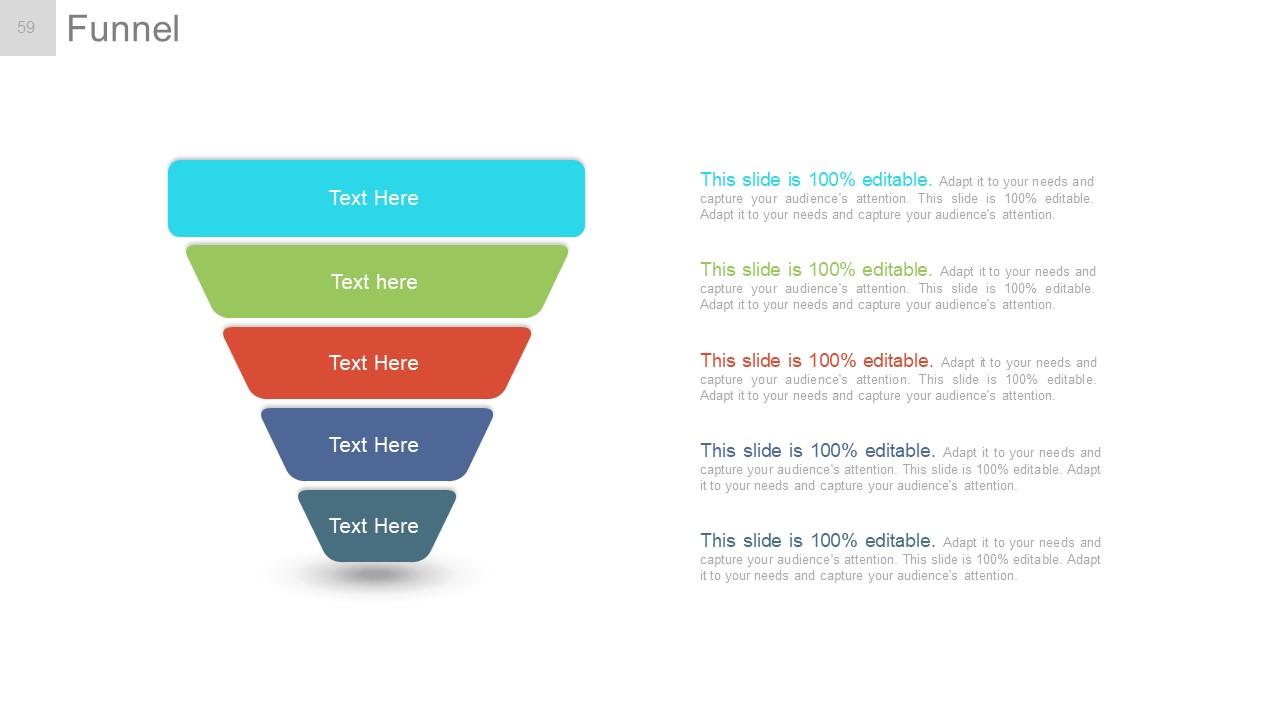
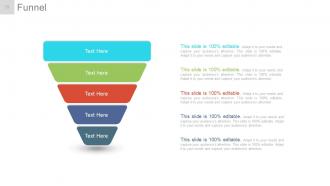
Diapositiva 59 : esta diapositiva muestra una imagen de embudo. Indique información, aspectos de canalización, etc. aquí.
Diapositiva 60 : Esta es una diapositiva de agradecimiento con dirección # número de calle, ciudad, estado, números de contacto, dirección de correo electrónico.
Informe anual Plan de proyecto Presentación en PowerPoint Diapositivas con las 60 diapositivas:
Aumente el calibre de la interacción con nuestras diapositivas de presentación en Powerpoint del plan del proyecto del informe anual. Mejore el grado de inteligencia mostrado.
-
Great experience, I would definitely use your services further.
-
Visually stunning presentation, love the content.
