


Prüfung von Geschäftssystemen mit Checkliste PowerPoint-Präsentation mit Folien
Suchen Sie ein vorgefertigtes PPT-Beispiel für eine Geschäftsprüfung? Kein Problem! Wir haben ein Beispiel für ein großartiges PPT-Rampenlicht auf entscheidende Themen wie den Zweck des Prüfungssystems, die Prüfungsziele, die Arten von Prüfungsverfahren, die Arten von Prüfungen usw. entwickelt. Für ein transparentes und reibungsloses Funktionieren eines Unternehmens, das regelmäßig geprüft wird, ist dies ein Muss. Daher können Auditoren dieses PowerPoint-Dia-Deck herunterladen und verwenden, um die Bedeutung eines regelmäßigen Inspektionsprozesses aufzuzeigen. Darüber hinaus können Auditberater mithilfe dieser PPT-Diashow die Ergebnisse einer Überwachung des Geschäftssystems erörtern, um sicherzustellen, dass die richtigen Regeln und Vorschriften korrekt befolgt werden oder nicht. Unter Berücksichtigung dieser Tatsache haben wir in diesem PPT-Modell exklusive PowerPoint-Vorlagen für den Audit-Systemprozess, die wichtigsten Audit-Phasen, den Audit-Benachrichtigungsfluss, den Audit-Workflow und vieles mehr integriert. Mithilfe dieser PPT-Präsentation können Sie außerdem Geschäftshäuser dazu motivieren, einen regelmäßigen Bewertungsprozess für wichtige Geschäftsvorgänge durchzuführen, um Betrug zu verhindern.
























You must be logged in to download this presentation.


Do you want to remove this product from your favourites?
Funktionen dieser PowerPoint-Präsentationsfolien:
Insgesamt 44 Präsentationsthemen, in denen Betrieb, Compliance und Ermittlungsprüfungen behandelt werden. Am besten für Wirtschaftsprüfer und Wirtschaftsprüfer geeignet. Vorgefertigte hochauflösende Präsentationsdiagramme. Die manuelle Bearbeitung von Tabellen und Farben ist möglich. Abschließende kreative Präsentationsfolie des Geschäftszitats und danke. Ausreichend Platz für Titel und Untertitel. Leicht entfernbare Wasserflecken. Einfaches Einfügen eines Firmenlogos, einer Marke oder eines Namens. Gut kompatibel mit Google Folien. niedrig.

People who downloaded this PowerPoint presentation also viewed the following :
Inhalt dieser Powerpoint-Präsentation
Folie 1 : Diese Folie stellt die Audit-System-Checkliste vor. Geben Sie Ihren Firmennamen an und legen Sie los.
Folie 2 : Dies ist unsere Vision-Folie. Formulieren Sie hier Ihre Unternehmensvision.
Folie 3 : Dies ist die Folie unseres Teams mit Namen, Bezeichnungen und Bildern.
Folie 4 : Dies ist eine Über uns-Folie, um die Spezifikationen des Unternehmens/Teams anzugeben.
Folie 5 : Dies ist eine Agenda-Folie. Geben Sie hier Ihre Agenden an.
Folie 6 : Dies ist die Folie „Unser Ziel“. Staatsziele usw. hier.
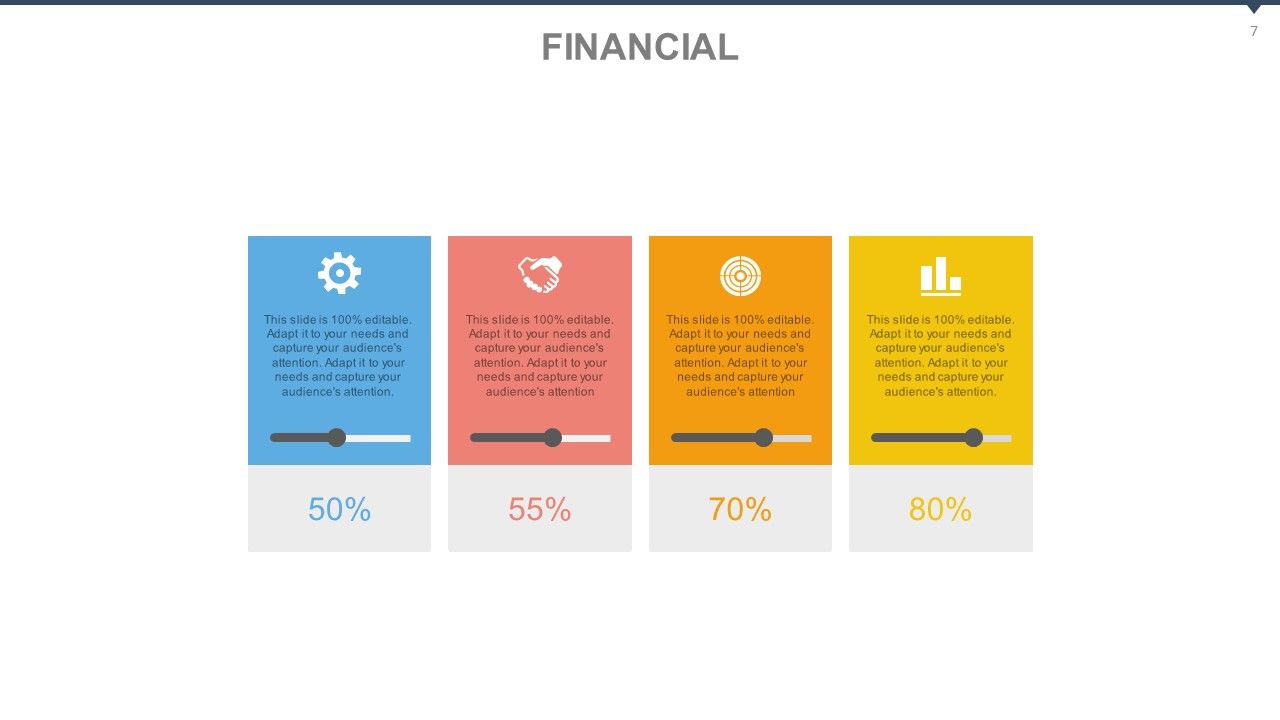
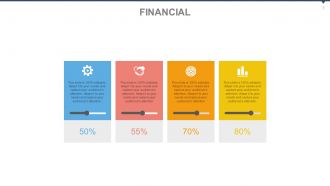
Folie 7 : Dies ist eine Folie zum Finanzergebnis. Staatsfinanzielle Aspekte etc. hier.
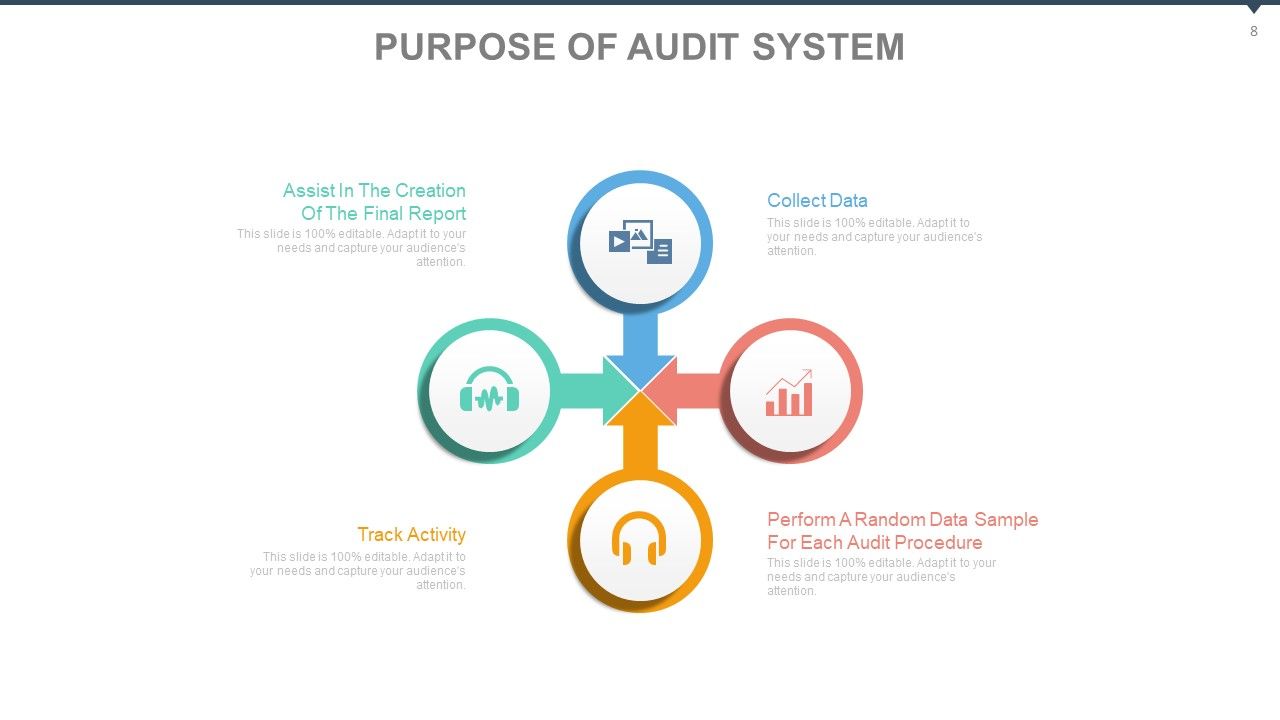
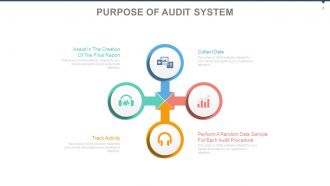
Folie 8 : Diese Folie zeigt den Zweck des Auditsystems. Die enthaltenen Punkte sind: Sammeln von Daten, Durchführen einer zufälligen Datenstichprobe für jedes Auditverfahren, Verfolgen von Aktivitäten, Unterstützung bei der Erstellung des Abschlussberichts.
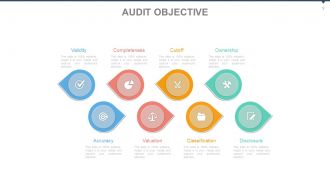
Folie 9 : Diese Folie zeigt das Prüfungsziel. Die angezeigten Punkte sind: Gültigkeit, Vollständigkeit, Cutoff, Eigentum, Genauigkeit, Bewertung, Klassifizierung, Offenlegung.
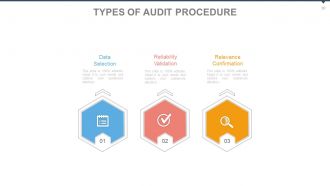
Folie 10 : Diese Folie zeigt die Arten des Auditverfahrens. Die Unterüberschriften lauten: Datenauswahl, Zuverlässigkeitsvalidierung, Relevanzbestätigung.
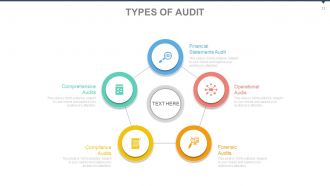
Folie 11 : Diese Folie zeigt die durchgeführten oder erforderlichen Auditarten. Die aufgeführten sind: Finanz-, Abschlussprüfung, Betriebsprüfung, Forensische Prüfung, Compliance-Prüfung, Umfassende Prüfung.
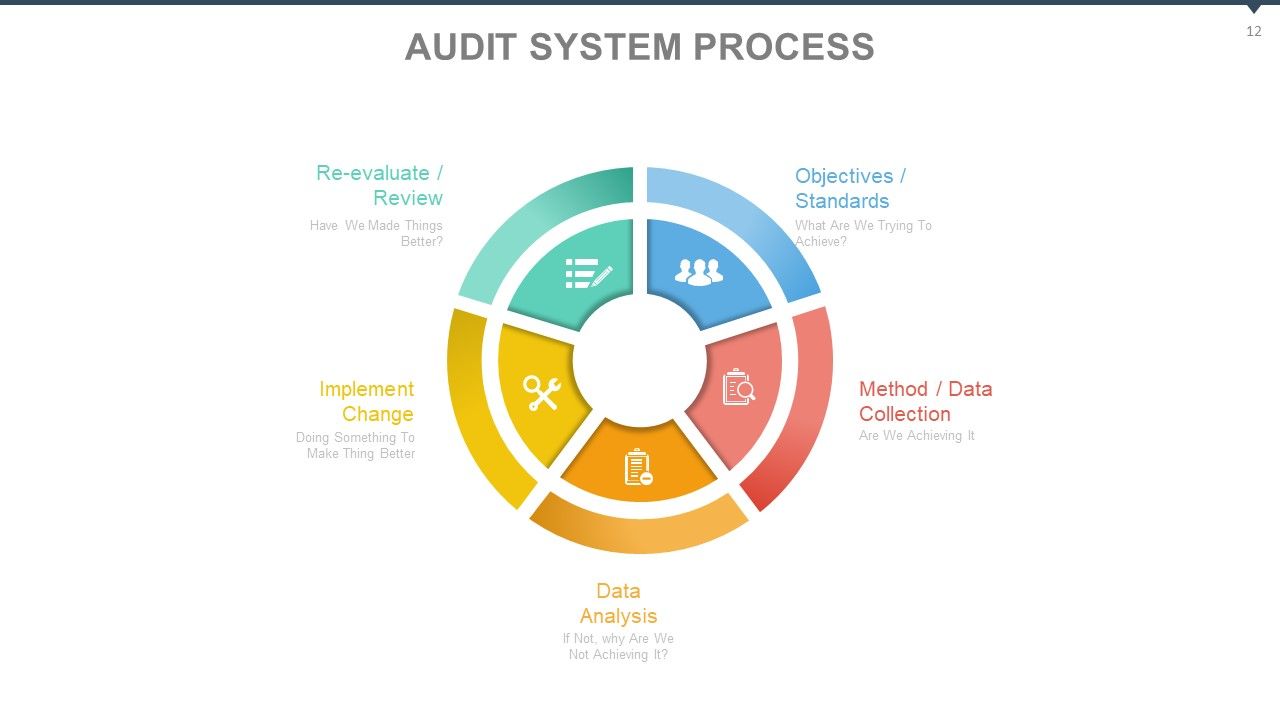
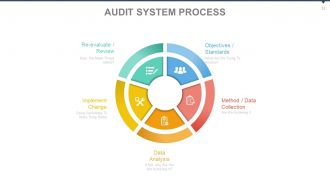
Folie 12 : Diese Folie zeigt den Audit-Systemprozess. Der gezeigte Inhalt ist - Methode / Datenerhebung, Datenanalyse, Änderung implementieren, Ziele / Standards, Neubewertung / Überprüfung.
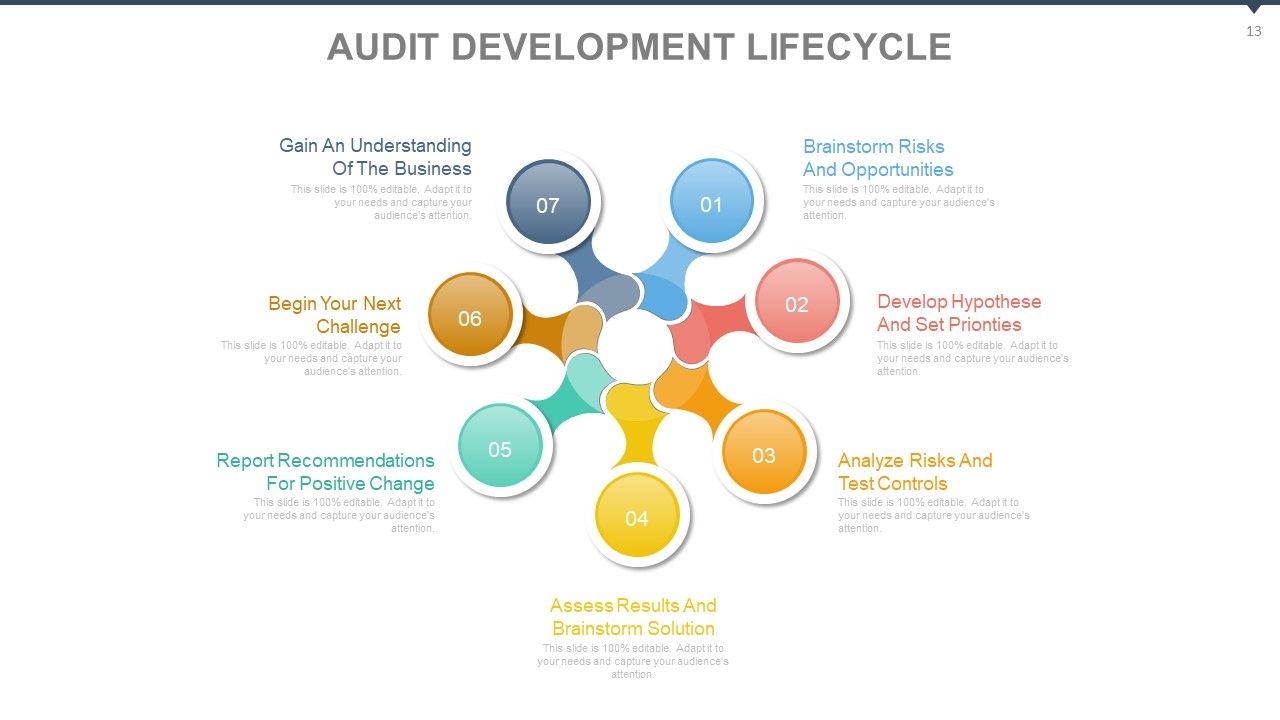
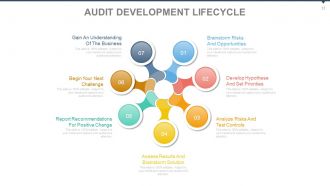
Folie 13 : Diese Folie zeigt einen Audit-Entwicklungslebenszyklus. Die enthaltenen Punkte sind: Brainstorming von Risiken und Chancen, Entwicklung von Hypothesen und Festlegung von Prioritäten, Analyse von Risiken und Testkontrollen, Bewertung von Ergebnissen und Brainstorming-Lösung, Berichten von Empfehlungen für positive Veränderungen, Beginnen Sie Ihre nächste Herausforderung, gewinnen Sie ein Verständnis für das Geschäft.
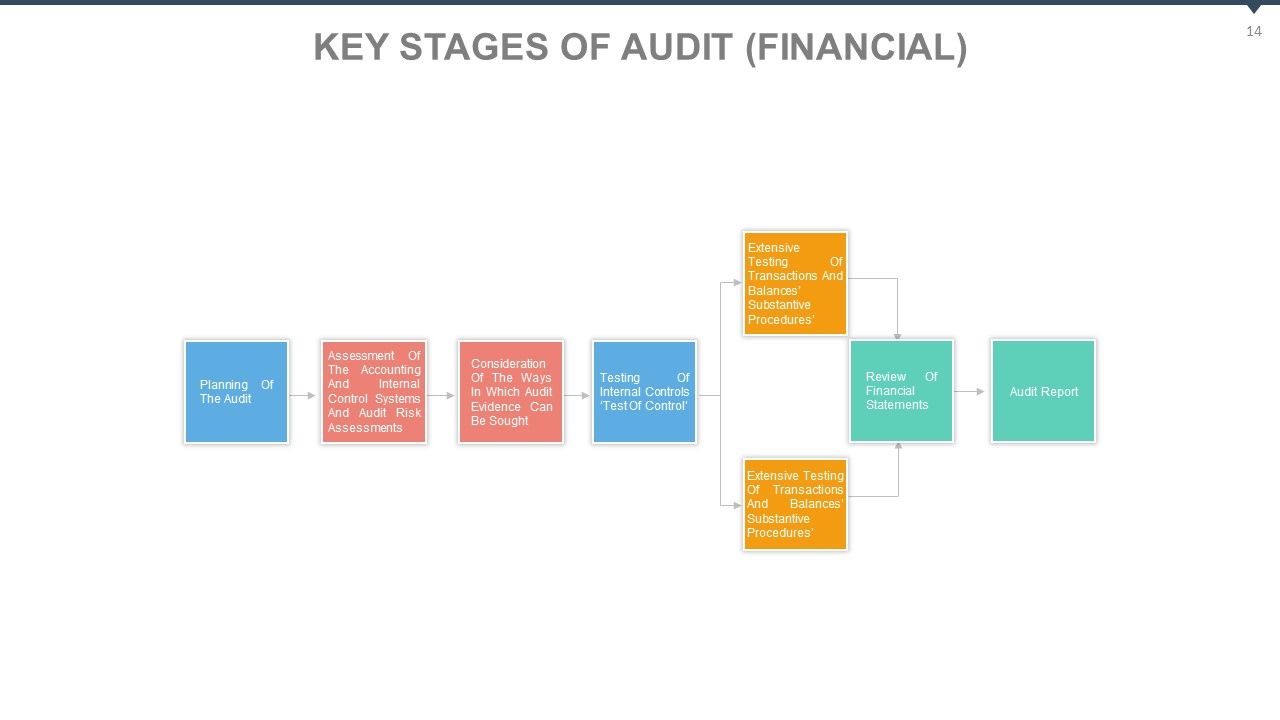
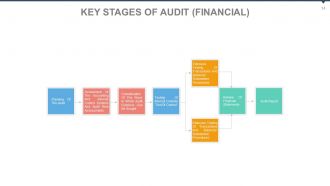
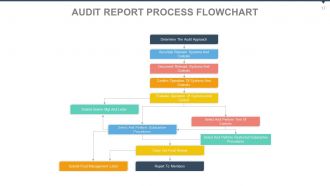
Folie 14 : Diese Folie zeigt die wichtigsten Phasen der Prüfung (FINANZIELL) Ausführliche Prüfung der wesentlichen Verfahren von Transaktionen und Salden, Ausführliche Prüfung der wesentlichen Verfahren von Transaktionen und Salden, Prüfung des Jahresabschlusses, Prüfungsbericht, Berücksichtigung der Art und Weise der Prüfung Nachweise können eingeholt werden, Prüfung der internen Kontrollen 'Kontrollprüfung', Planung der Prüfung, Bewertung des Rechnungswesens und der internen Kontrollsysteme und Risikobewertungen der Prüfung.
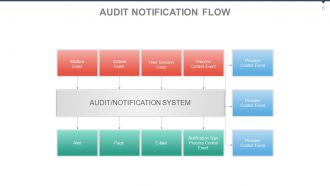
Folie 15 : Diese Folie zeigt einen Audit-Benachrichtigungsfluss. Warnung, Seite, E-Mail, Benachrichtigungstyp, Prozesssteuerung, Ereignis, Mailbox-Ereignis, Systemereignis, Benutzersitzungsereignis, Prozesssteuerungsereignis.
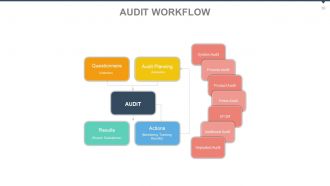
Folie 16 : Diese Folie zeigt einen Audit-Workflow. Fragebogen: (Sammlung) Auditplanung: (Anforderungen) Ergebnisse: (Bericht, Auswertungen) Maßnahmen: (Überwachung, Verfolgung, Ergebnisse) Systemaudit, Prozessaudit, Produktaudit, Fmea-Audit, EFQM, Zusatzaudit, Wiederholungsaudit.
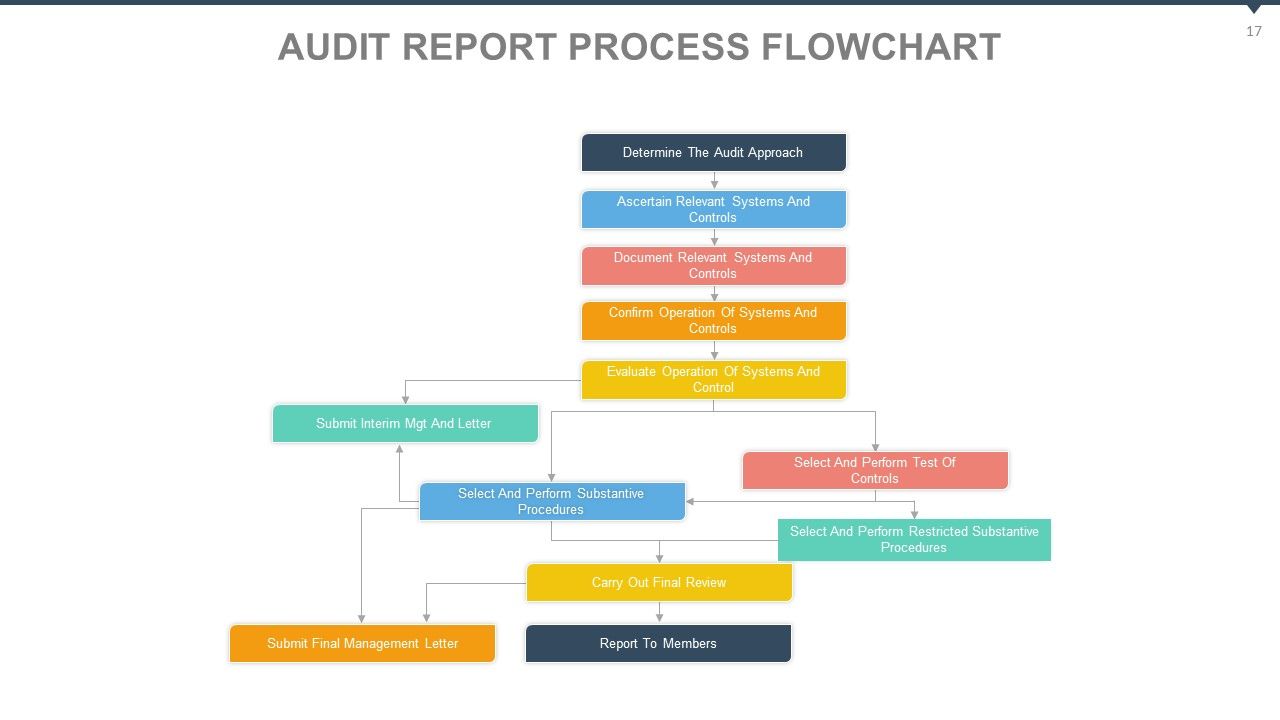
Folie 17 : Diese Folie zeigt ein Ablaufdiagramm des Auditbericht-Prozesses.
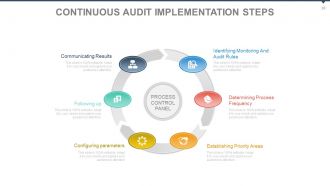
Folie 18 : Auf dieser Folie werden die Implementierungsschritte für das kontinuierliche Audit vorgestellt. Die Schritte sind: Nachverfolgung, Parameter konfigurieren, Prioritätsbereiche festlegen, Prozesshäufigkeit bestimmen, Überwachungs- und Auditregeln identifizieren, Ergebnisse kommunizieren.
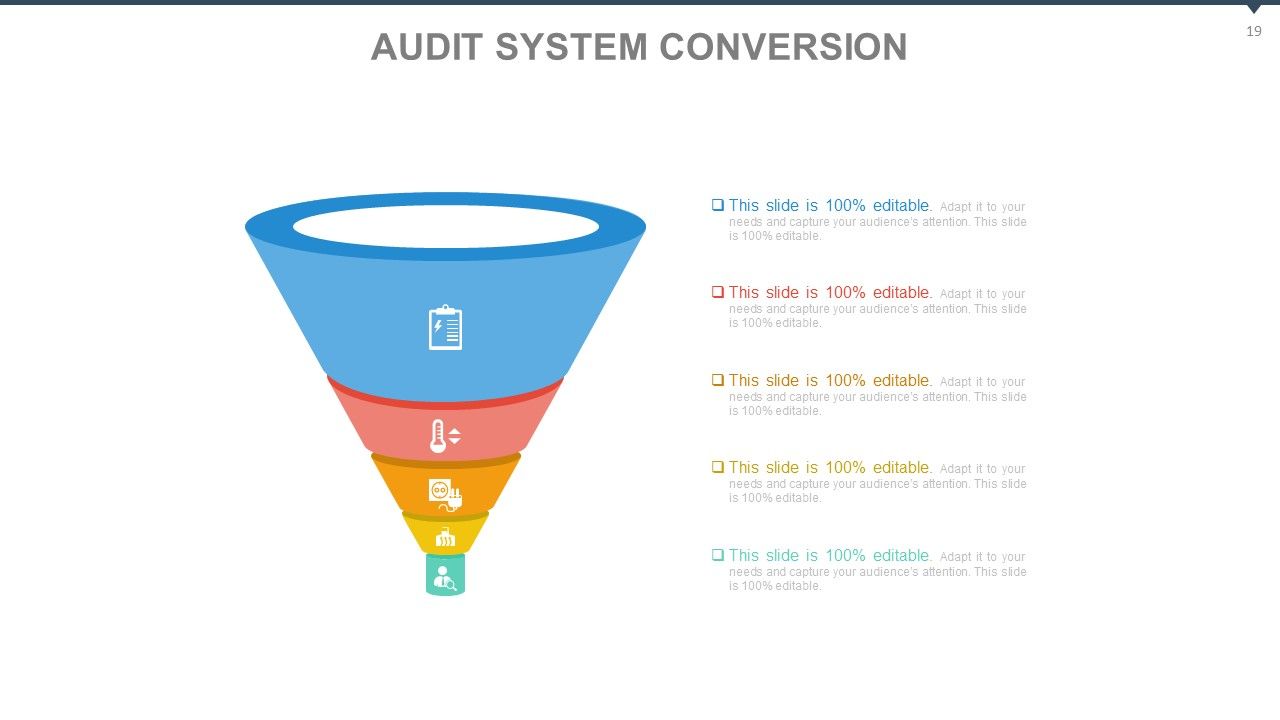
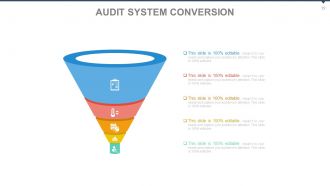
Folie 19 : Diese Folie zeigt eine Audit-System-Konvertierung. Details zur Zustandskonvertierung hier.
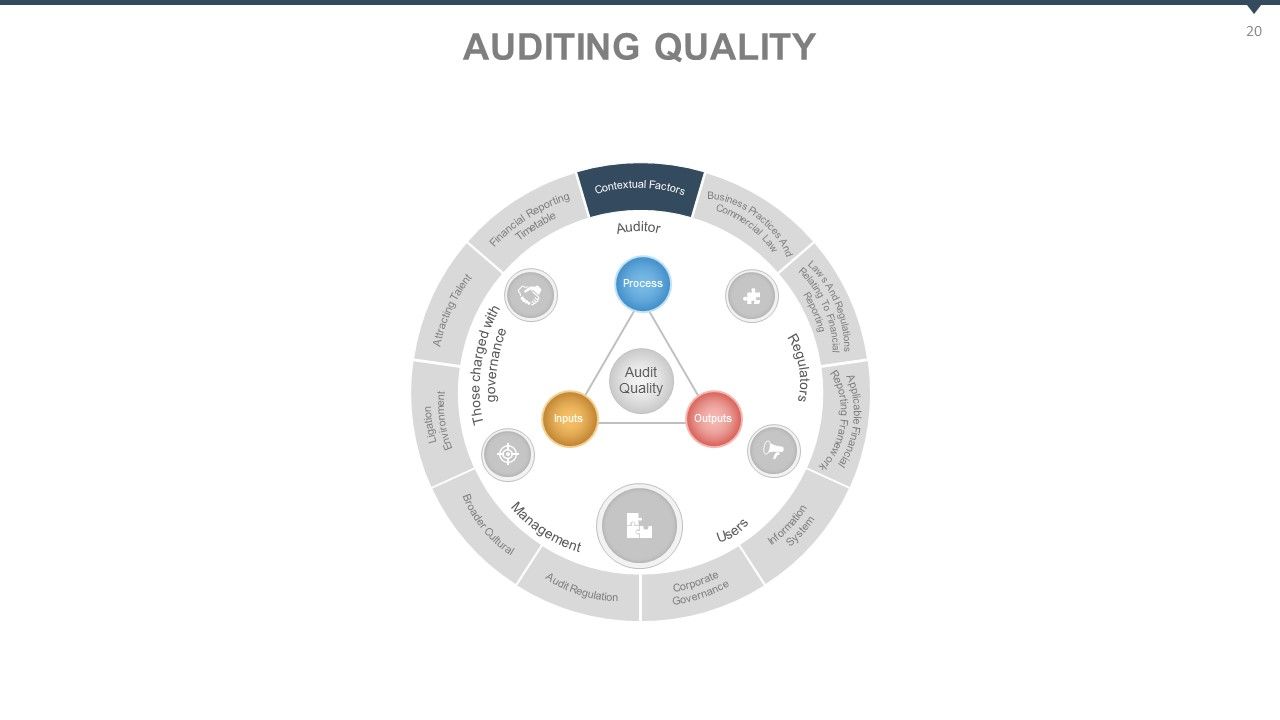
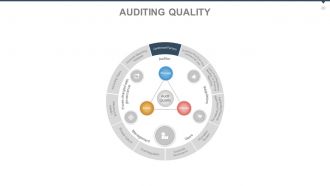
Folie 20 : Diese Folie stellt die Auditing-Qualität vor. Die enthaltenen Punkte sind: Kontextfaktoren, Geschäftspraktiken und Handelsrecht, Gesetze und Vorschriften in Bezug auf die Finanzberichterstattung, Anwendbarer Rahmen für die Finanzberichterstattung, Informationssystem, Corporate Governance, umfassendere Vorschriften für kulturelle Prüfungen, Umfeld für Rechtsstreitigkeiten, Anwerbung von Talenten, Zeitplan für die Finanzberichterstattung, Prozess, Outputs, Inputs, Auditqualität, Benutzer, Regulierungsbehörden, Management, diejenigen, die mit der Governance beauftragt sind.
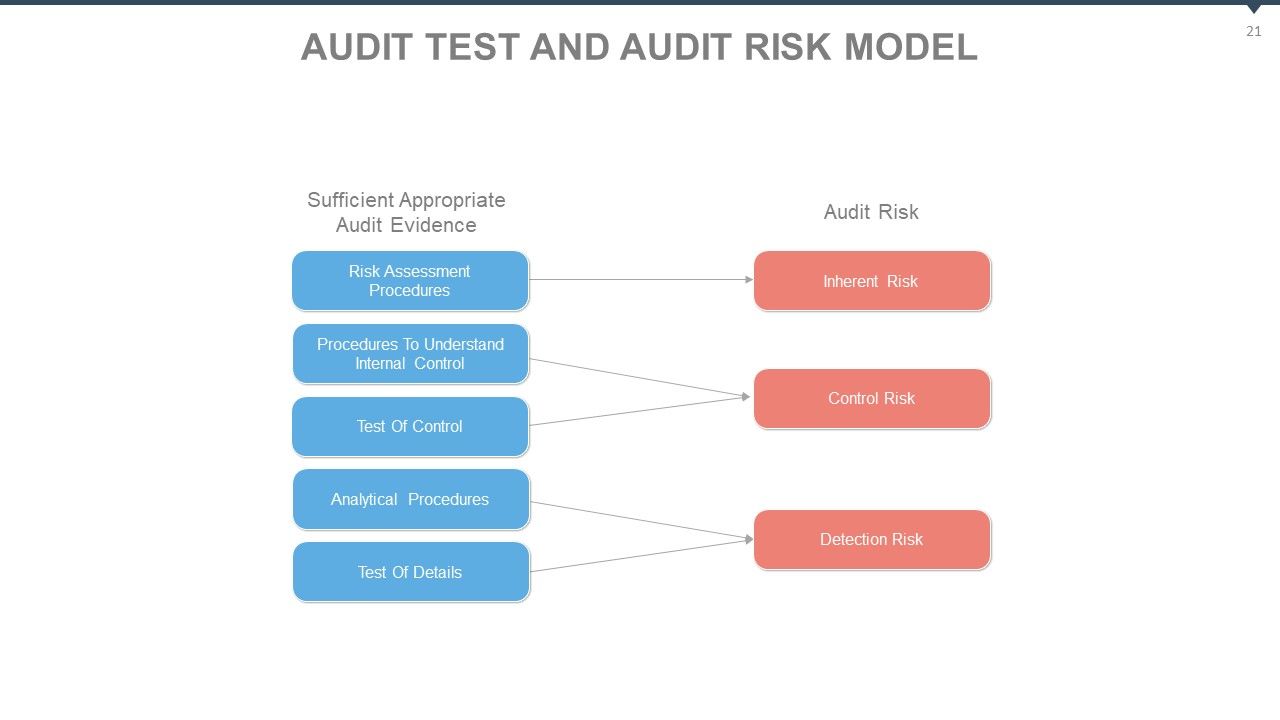
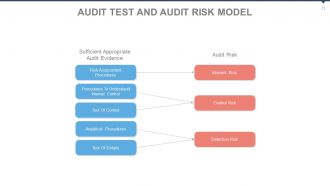
Folie 21 : Diese Folie stellt das Audit-Test- und Audit-Risikomodell vor. Risikobewertungsverfahren: Inhärente Risikoverfahren zum Verständnis der internen Kontrolle, Kontrolltest: Risikoanalyseverfahren zur Kontrolle, Detailtest: Erkennungsrisiko.
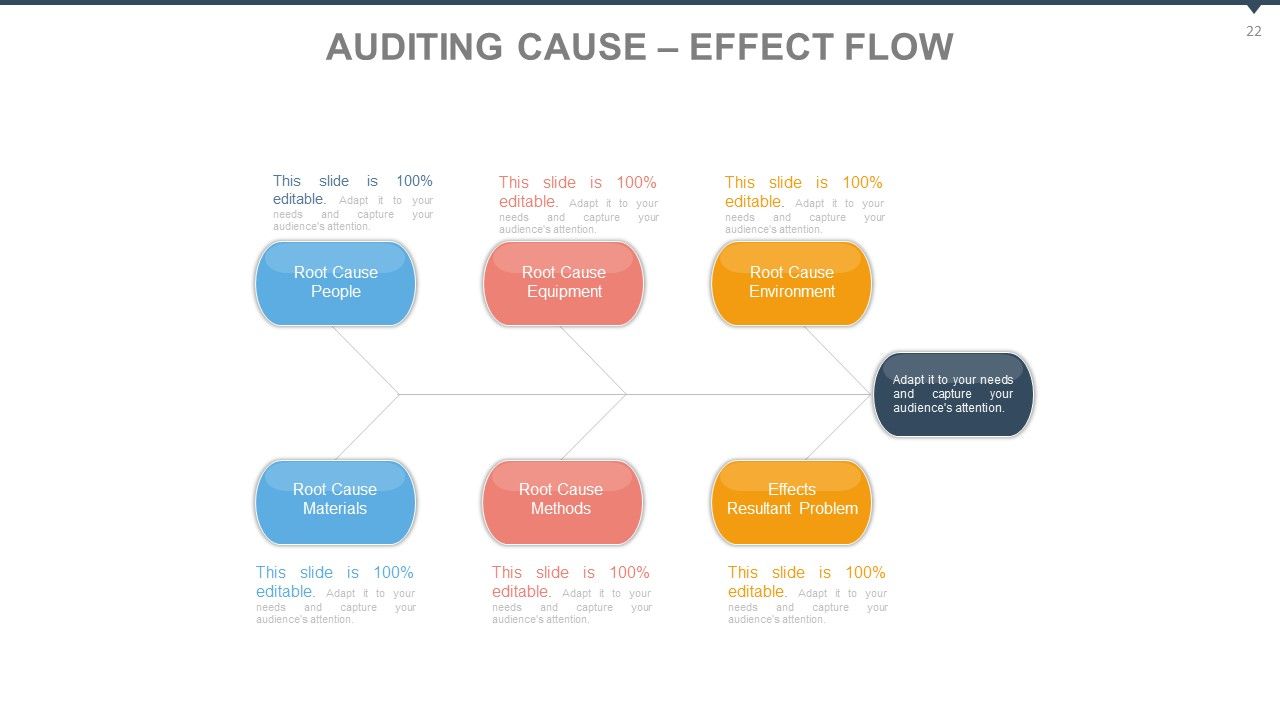
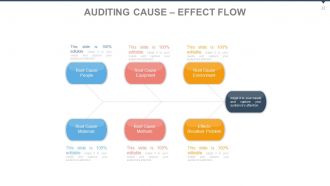
Folie 22 : Diese Folie zeigt Auditing Cause – Effect Flow als Fishbone-Diagramm.
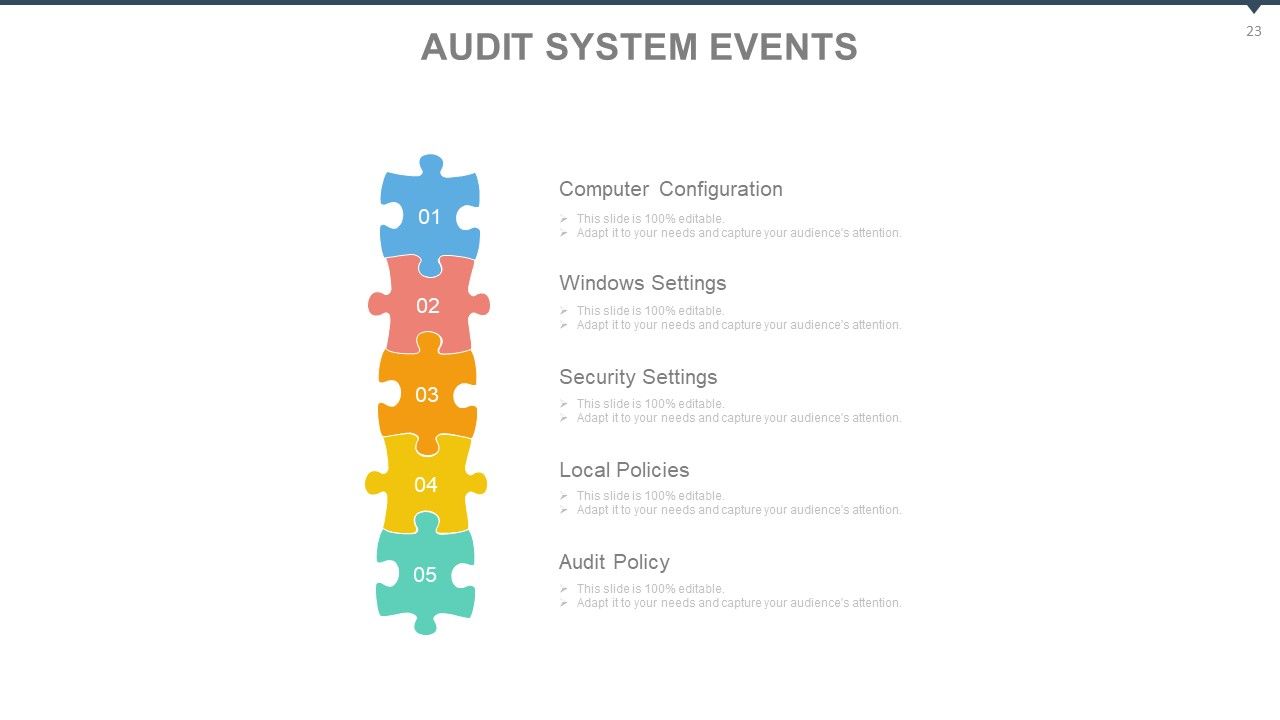
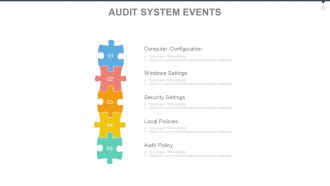
Folie 23 : Diese Folie präsentiert Audit-Systemereignisse. Die aufgeführten Punkte sind Computerkonfiguration, Windows-Einstellungen, Sicherheitseinstellungen, lokale Richtlinien, Überwachungsrichtlinie.
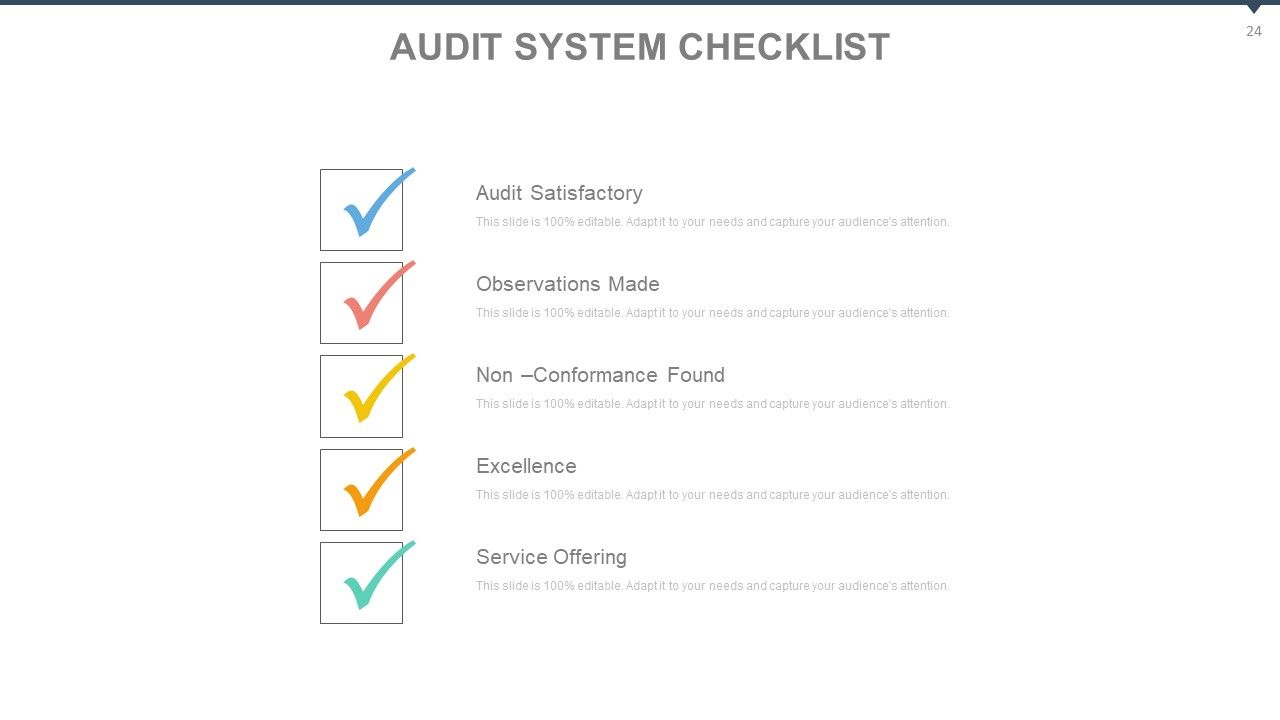
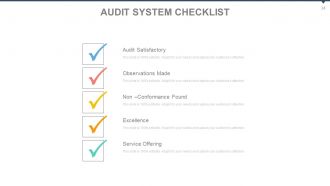
Folie 24 : Diese Folie enthält eine Checkliste für das Auditsystem. Die Punkte sind: Audit zufriedenstellend, gemachte Beobachtungen, Nichtkonformität gefunden, Exzellenz, Serviceangebot.
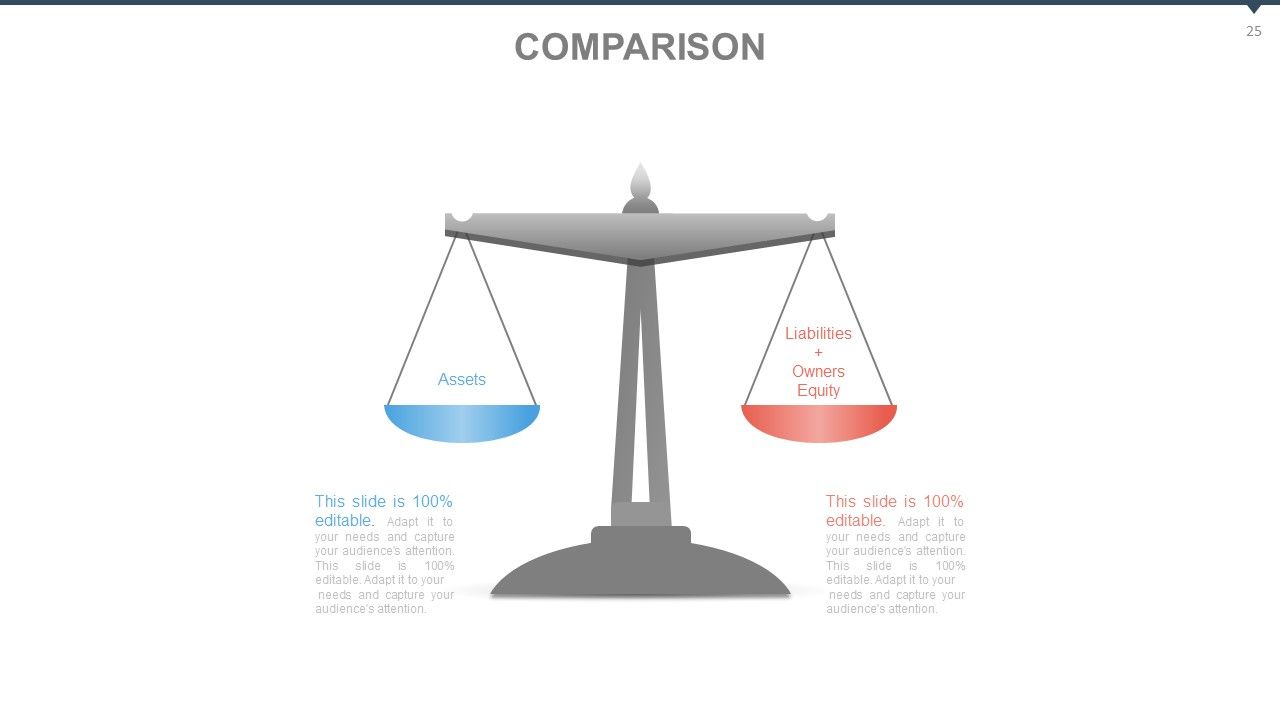
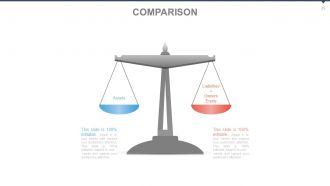
Folie 25 : Dies ist eine VERGLEICH-Folie zum Zeigen – Aktiva und Passiva + Eigenkapital
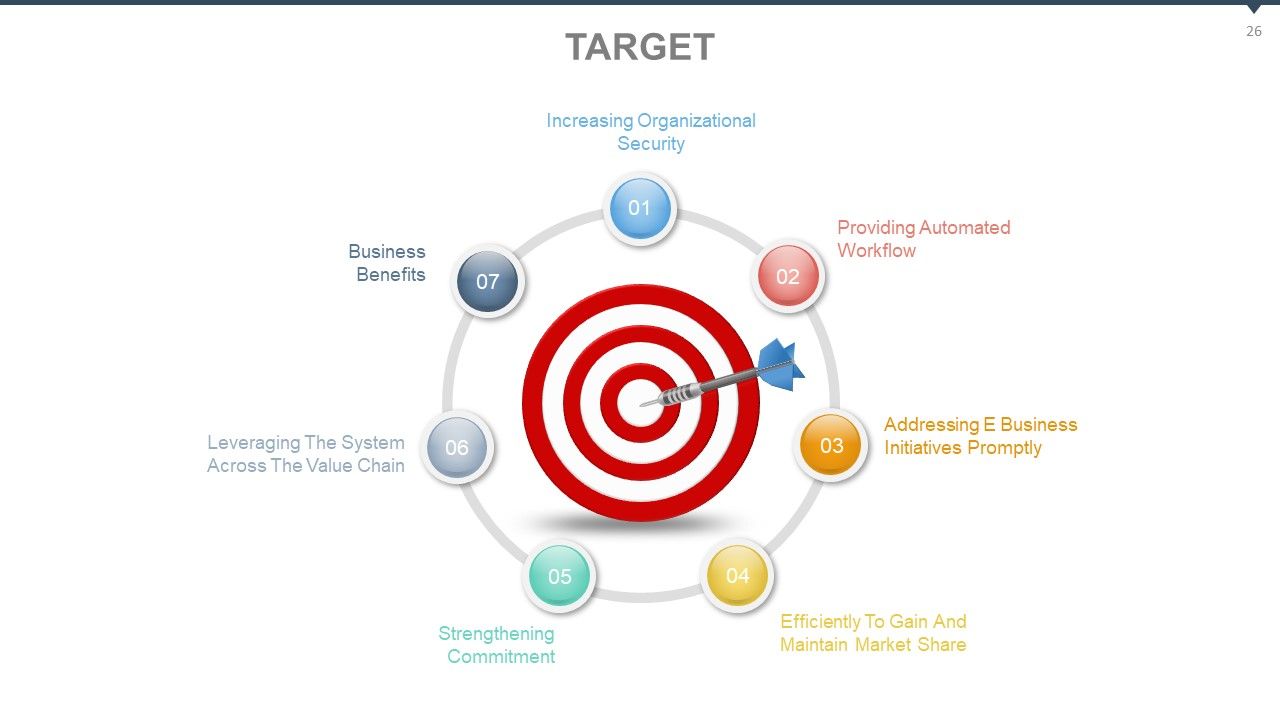
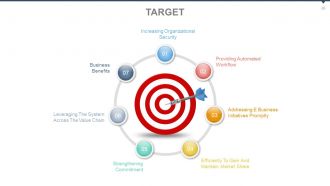
Folie 26 : Dies ist eine ZIEL-Folie. Einige beispielhafte Ziele sind: Erhöhung der organisatorischen Sicherheit, Bereitstellung automatisierter Arbeitsabläufe, effiziente Gewinnung und Aufrechterhaltung von Marktanteilen, schnelle Umsetzung von E-Business-Initiativen, Stärkung des Engagements, Nutzung des Systems entlang der Wertschöpfungskette, Geschäftsvorteile.
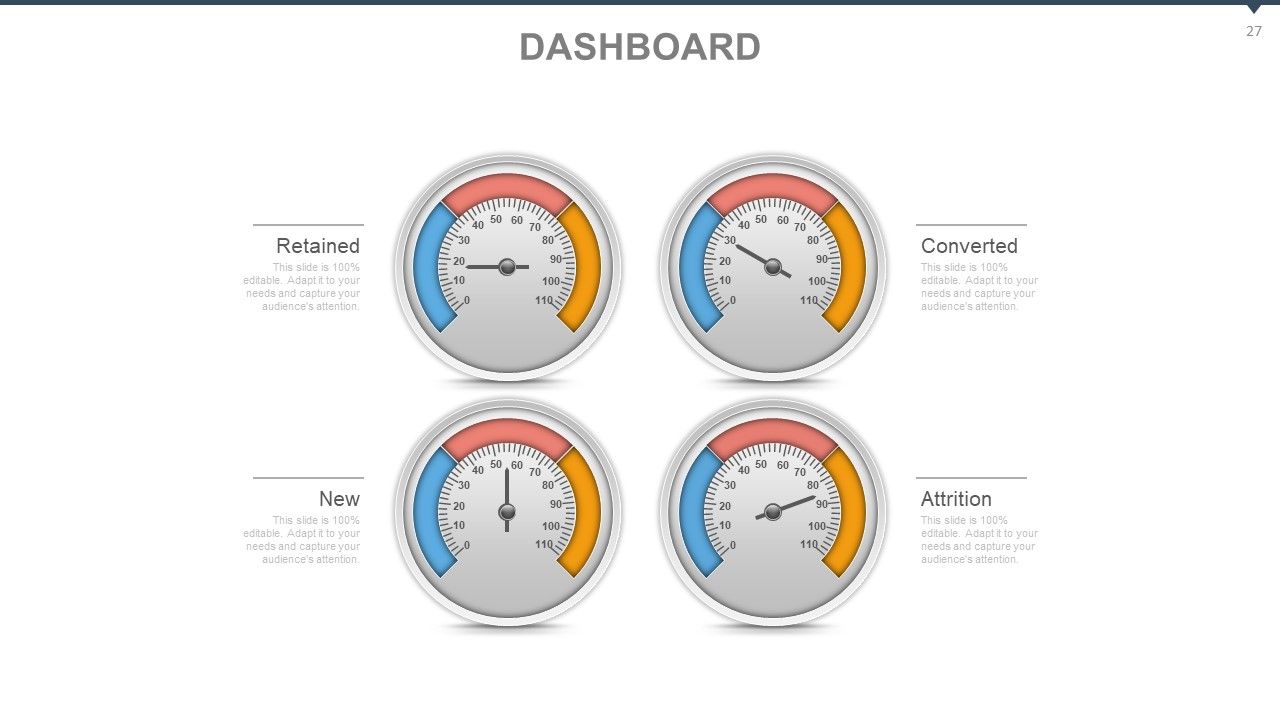
Folie 27 : Dies ist eine Dashboard-Folie, die zeigt: Zurückbehalten, Neu, Konvertiert, Abnutzung.
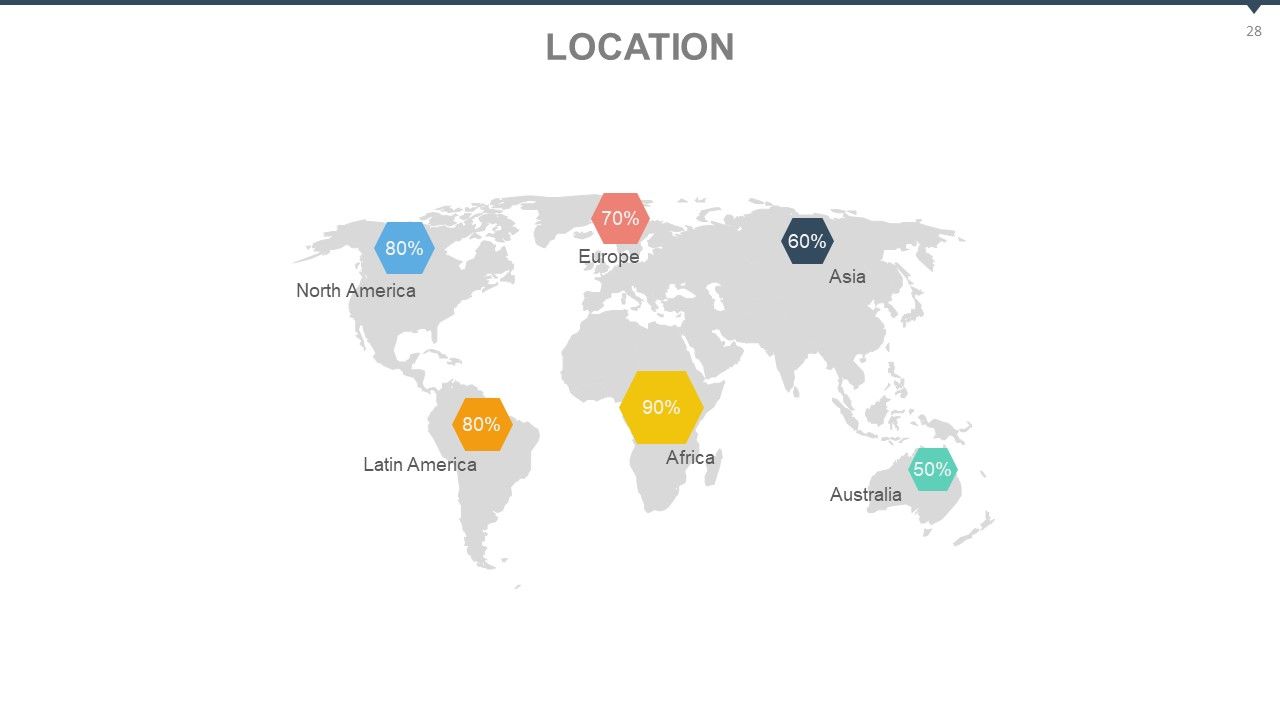
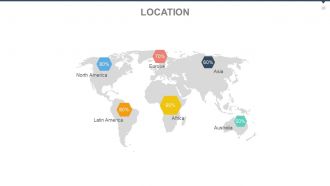
Folie 28 : Dies ist eine Standortfolie einer Weltkarte, um das globale Wachstum, die Präsenz usw.
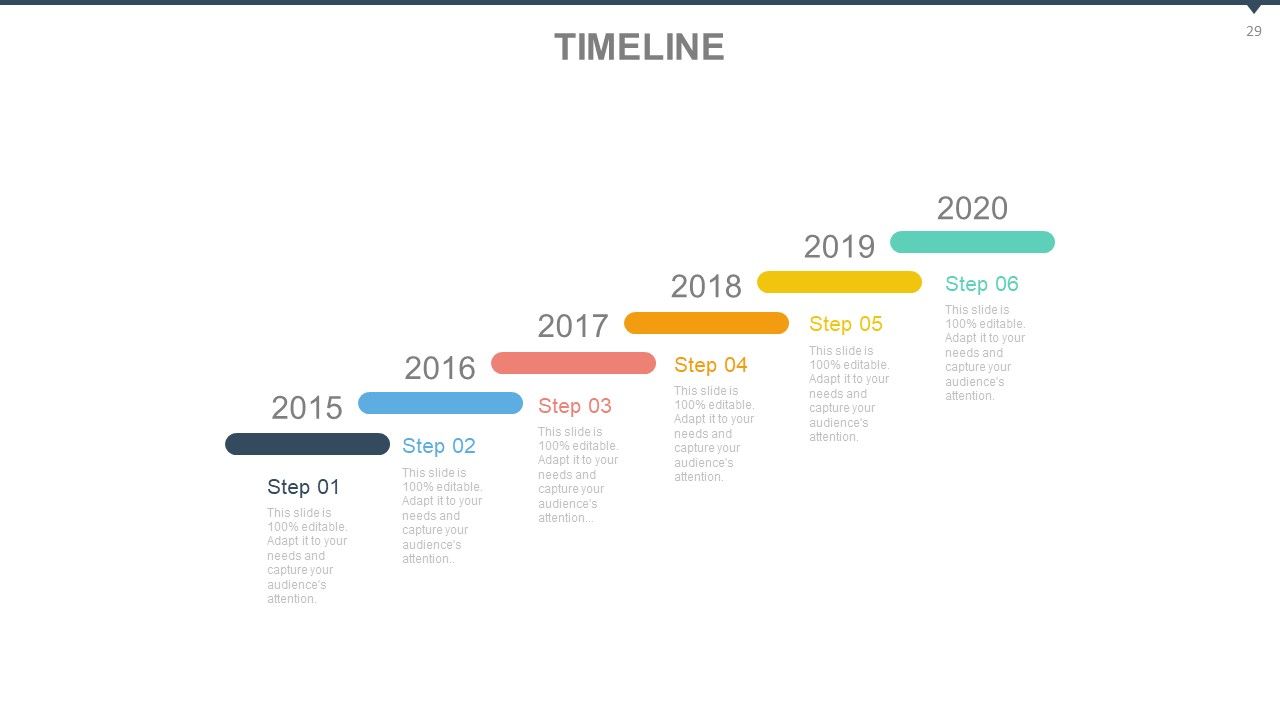
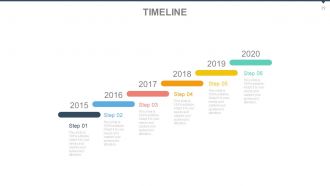
Folie 29 : Dies ist eine Timeline-Folie, um Meilensteine, Wachstumshighlights usw. anzuzeigen.
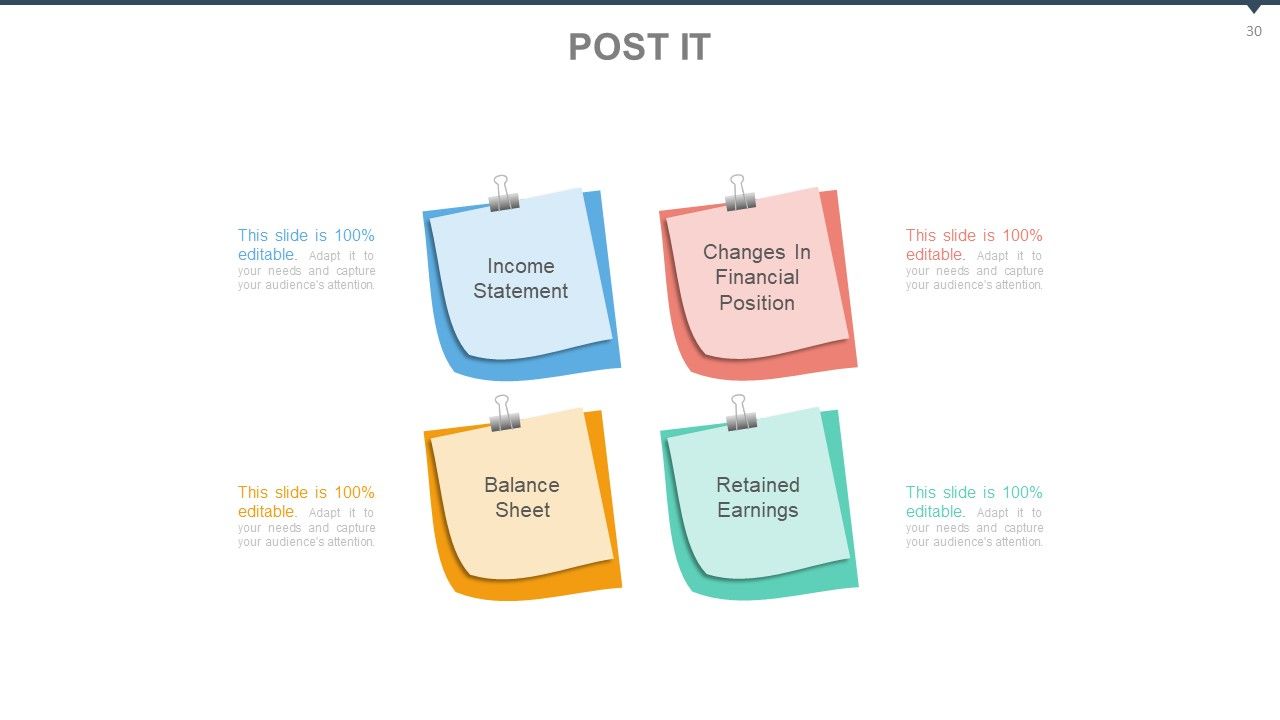
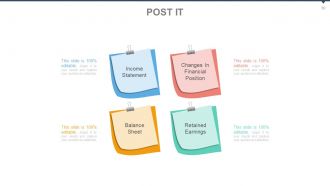
Folie 30 : Dies ist eine Post-It-Folie mit wichtigen Informationen. Einige Beispiele sind: Gewinn- und Verlustrechnung, Veränderungen der Finanzlage, Bilanz, Gewinnrücklagen.
Folie 31 : Dies ist eine Zeitungsfolie, um wichtige Informationen, Ereignisse usw. anzuzeigen. Sie können den Folieninhalt nach Bedarf ändern.
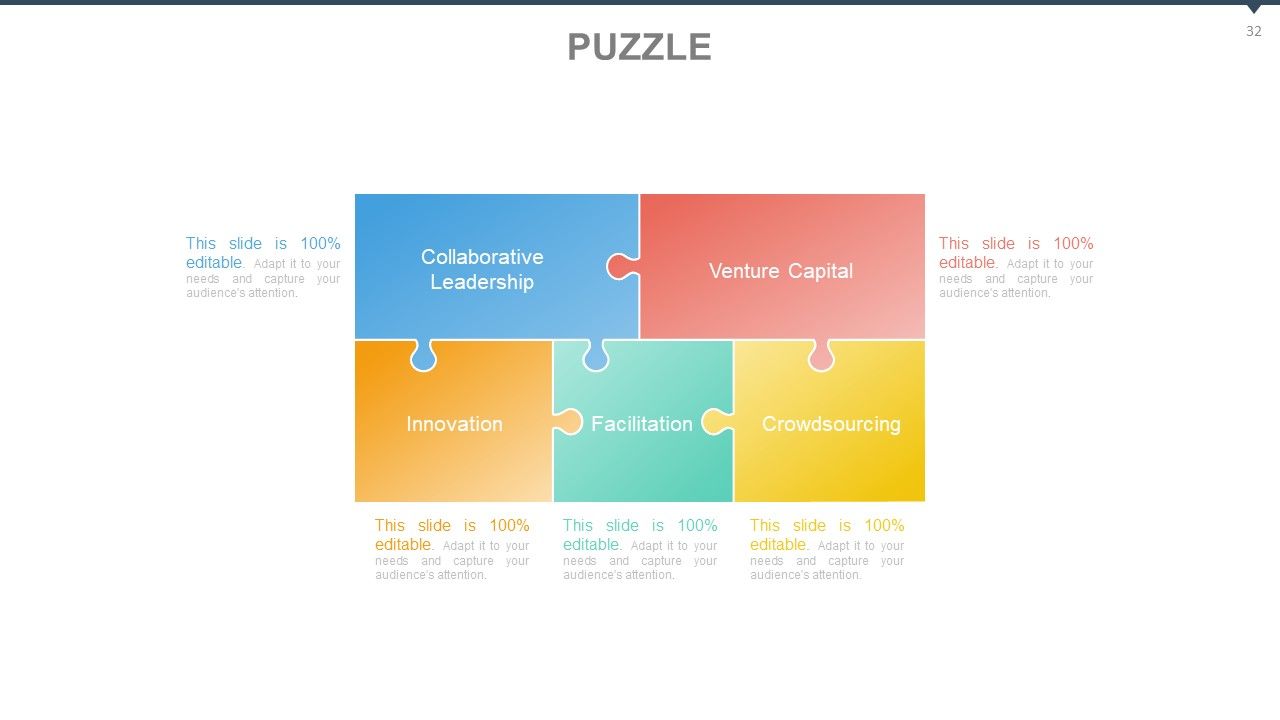
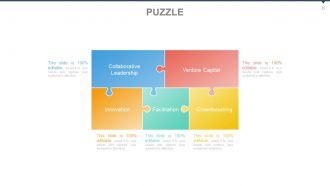
Folie 32 : Dies ist eine Puzzle-Bildfolie, die wichtige Informationen zeigt. Einige Beispiele sind- Collaborative Leadership, Venture Capital, Facilitation, Innovation, Crowdsourcing.
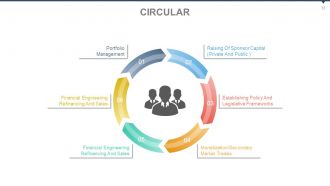
Folie 33 : Diese Folie zeigt eine kreisförmige Bildfolie, um wichtige Informationen anzuzeigen. Einige Beispiele sind Monetarisierung/Sekundär, Markthandel, Financial Engineering, Refinanzierung und Vertrieb, Festlegung von Richtlinien und rechtlichen Rahmenbedingungen, Financial Engineering, Refinanzierung und Vertrieb, Beschaffung von Sponsorkapital (privat und öffentlich), Portfoliomanagement.
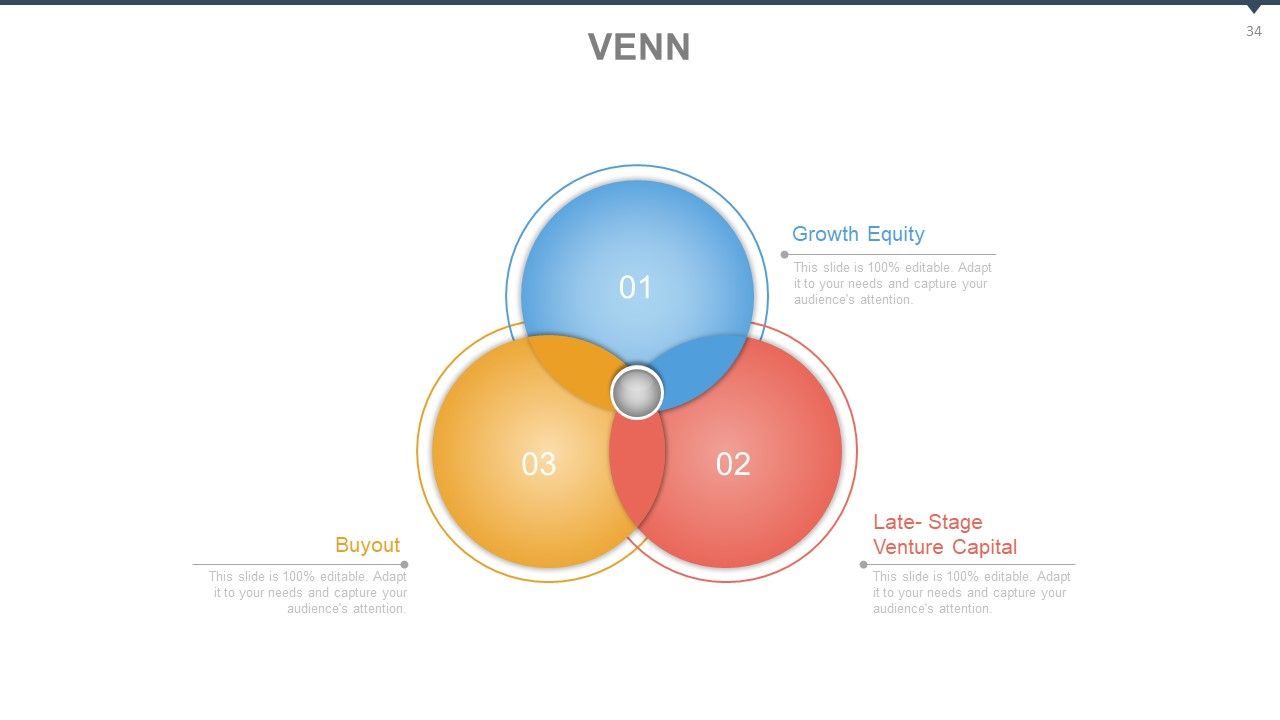
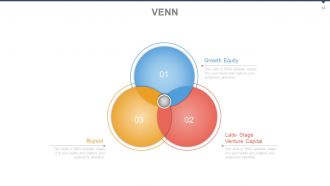
Folie 34 : Dies ist eine Venn-Diagramm-Bildfolie, die wichtige Informationen zeigt. Einige Beispiele sind Wachstumskapital, Late-Stage-Venture Capital, Buyout.
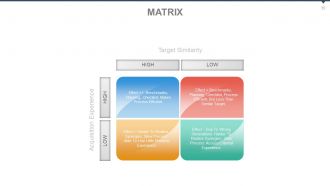
Folie 35 : Dies ist eine Matrixfolie, die wichtige Informationen in Bezug auf - Zielähnlichkeit, Akquisitionserfahrung, Hoch und Niedrig zeigt.
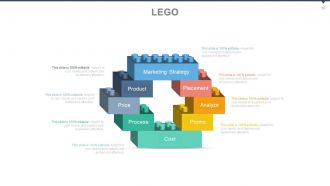
Folie 36 : Dies ist eine Lego-Bildfolie, die wichtige Informationen zeigt. Einige Beispiele sind Kosten, Werbeaktion, Prozess, Preis, Produkt, Analyse, Platzierung, Marketingstrategie.
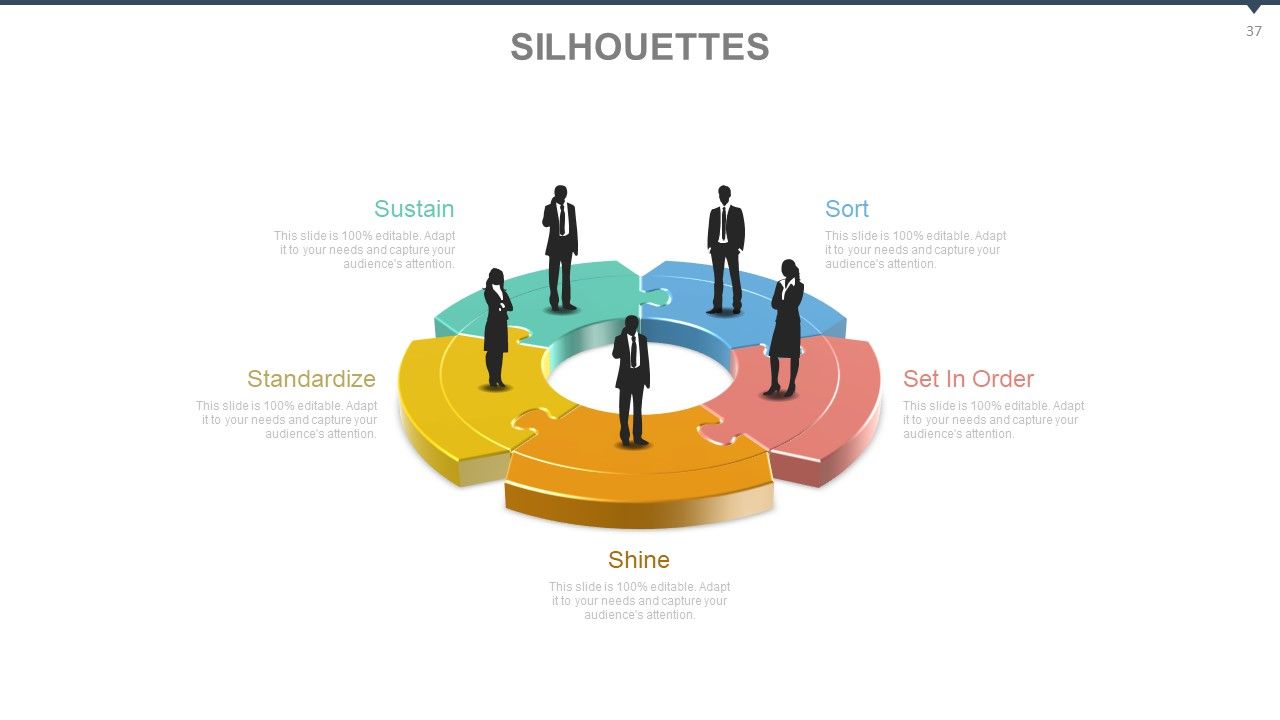
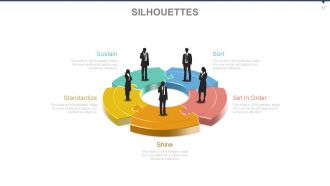
Folie 37 : Dies ist eine Silhouetten-Bildfolie, die wichtige Informationen zeigt. Einige Beispiele sind: In Reihenfolge setzen, Standardisieren, Glanz, Sortieren, Sustain.
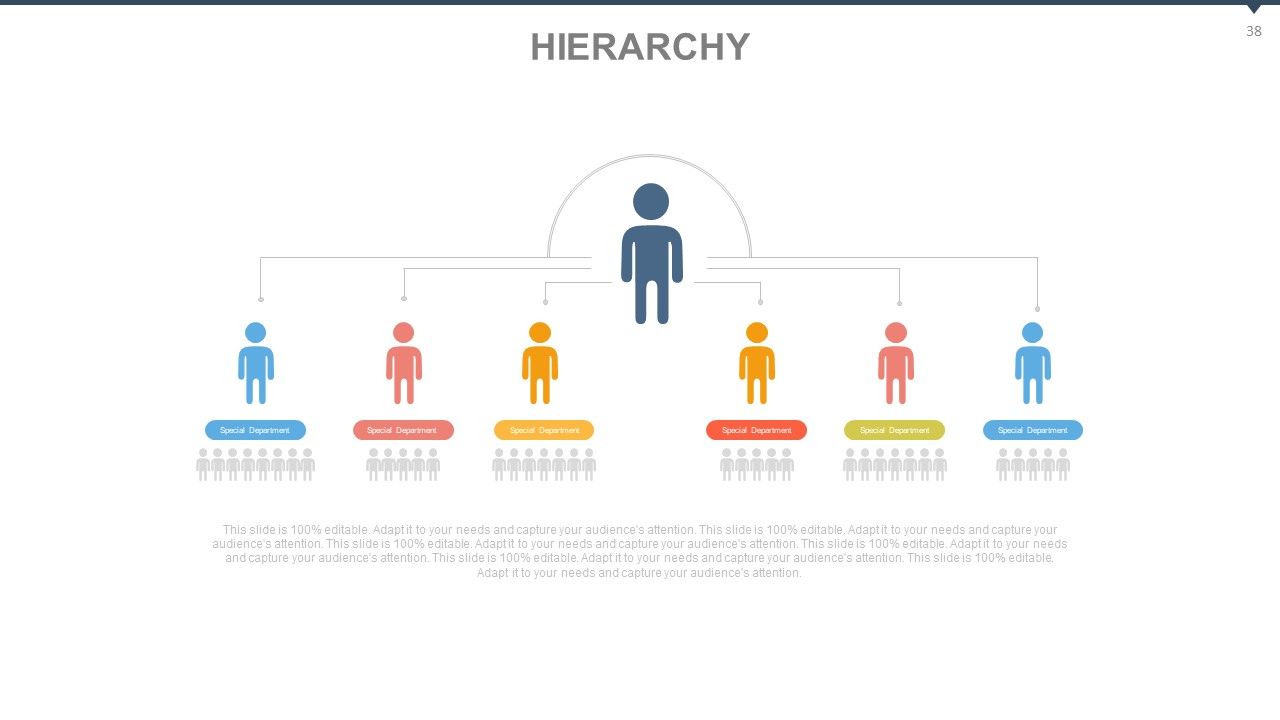
Folie 38 : Dies ist eine Hierarchiefolie, um wichtige Informationen, Spezifikationen usw. anzuzeigen.
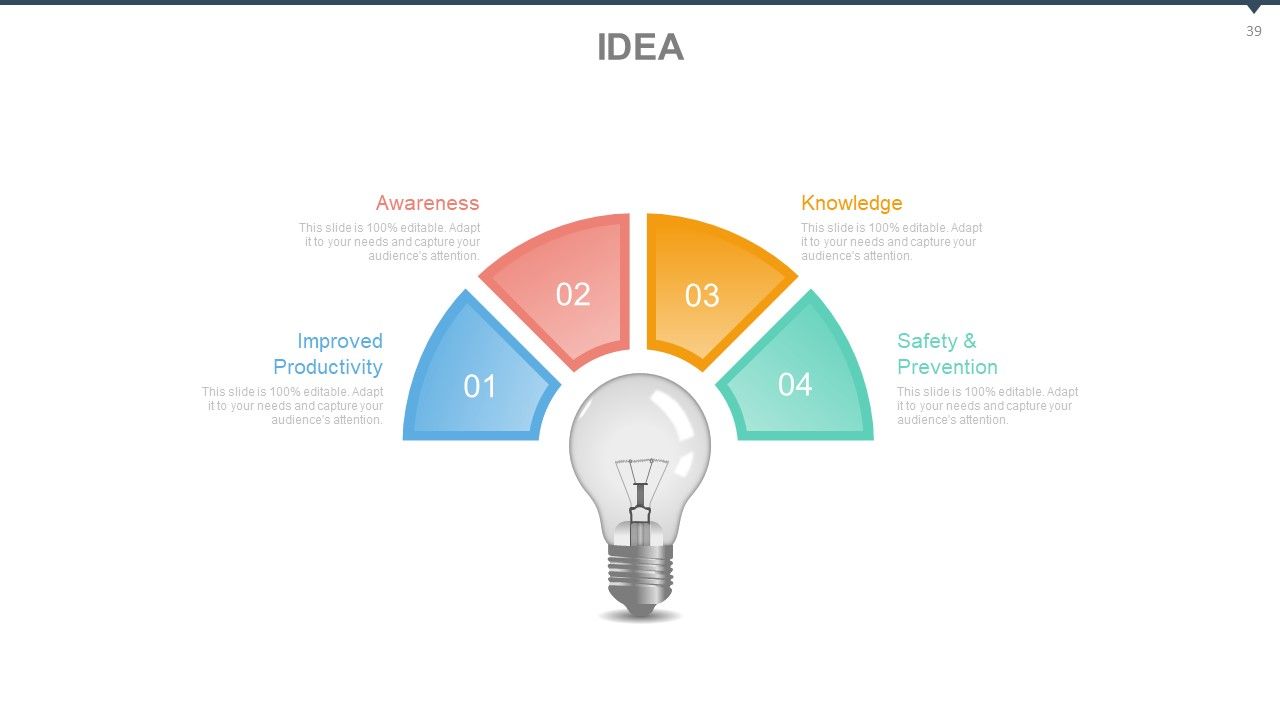
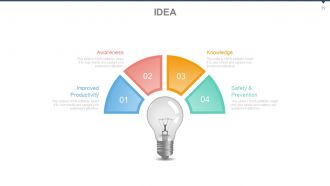
Folie 39 : Dies ist eine Ideen-Bildfolie, die wichtige Informationen zeigt. Einige Beispiele sind: Sicherheit und Prävention, verbesserte Produktivität, Wissen, Bewusstsein.
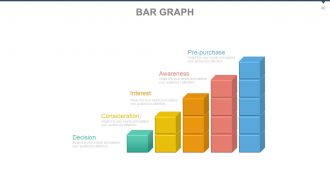
Folie 40 : Dies ist eine Balkendiagrammfolie zur Anzeige wichtiger Informationen. Einige Beispiele sind: Überlegung, Interesse, Bewusstsein, Vorkauf, Entscheidung.
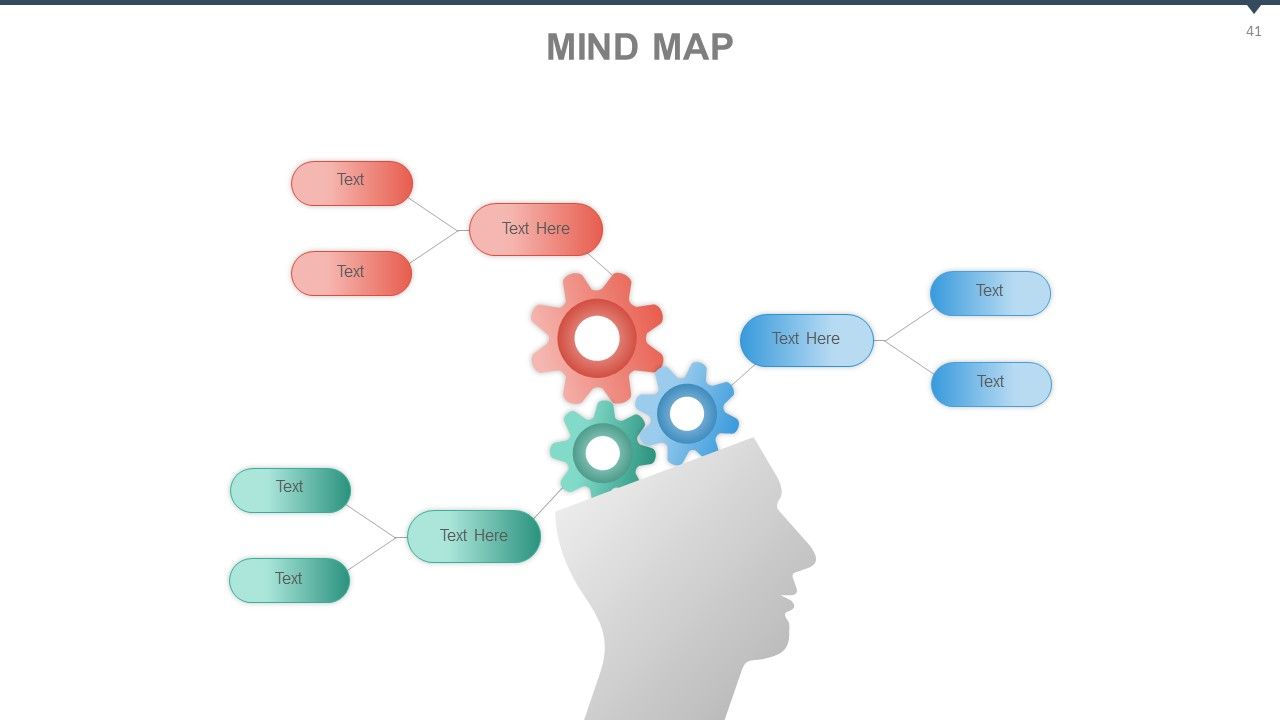
Folie 41 : Dies ist eine Mind Map-Bildfolie, die wichtige Informationsspezifikationen usw. zeigt.
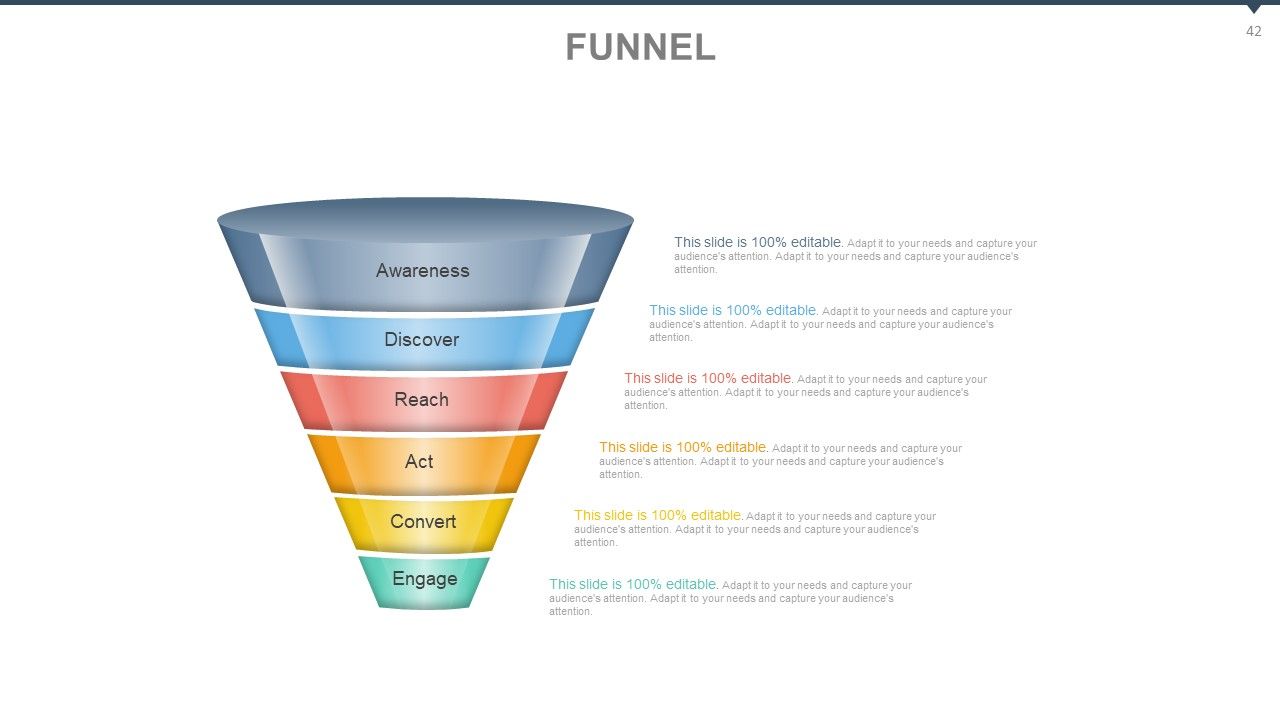
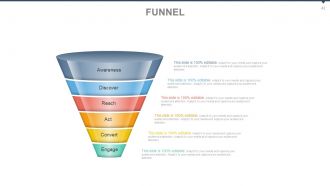
Folie 42 : Dies ist eine Trichterbildfolie, die wichtige Informationen zeigt. Einige Beispiele sind: Awareness, Discover, Reach, Act, Convert, Engage.
Folie 43 : Dies ist eine Zitate-Folie, um die Überzeugungen, Botschaften usw. des Unternehmens zu vermitteln.
Folie 44 : Dies ist eine Dankesfolie für die Bestätigung.
Audit von Geschäftssystemen mit Checkliste PowerPoint-Präsentation mit Folien mit allen 44 Folien:
Erwerben Sie Bestätigungen mit unserem Audit of Business Systems With Checklist Powerpoint Complete Deck. Genehmigungen werden schnell fließen.
-
Excellent Designs.
-
Understandable and informative presentation.
