


Be able to introduce yourself powerpoint presentation slides




Try Before you Buy Download Free Sample Product
 Impress Your
 Audience
 100%
100% Editable
 Save Hours
 of Time


It is very important that you should be able to introduce yourself professionally and in a correct manner. Hence, we present to you our 57 slides content-ready Be Able To Introduce Yourself Powerpoint Presentation Slides. With the help of our pre-made PPT template designs on self-introduction, you can capture the interviewer’s attention towards yourself. Additionally, this Be Able To Introduce Yourself PPT sample deck file will help you build a strong & impressive curriculum vitae. Showcase your work experience and expertise using career roadmap PPT design. The slides in this PPT presentation show have been designed by a team of experts and have included all the important layouts, templates, icons and diagrams like about me, my mission, career objectives, education, companies worked with, case study, career path, achievements, key skills, tools and platforms, , SWOT analysis, achievements, training, skills, strengths and weaknesses, project and assignments, certifications, personality traits, community and volunteer work, graphs, and charts. To build an eye-catching resume, our self-assessment PowerPoint presentation visuals will come in handy. Put forward your skills, talent, performance, ability, and credibility with creatively designed visual resume PowerPoint graphics. Your anxiety to prepare a self-introduction presentation show is now over. Just download our Be Able To Introduce Yourself Presentation Slides and wow your audience. Our Be Able To Introduce Yourself Powerpoint Presentation Slides allow your thoughts to exist in enviable comfort. They act like a safe haven.
People who downloaded this PowerPoint presentation also viewed the following :
Content of this Powerpoint Presentation
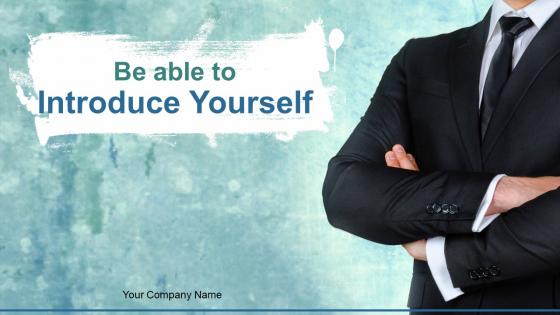
Slide 1: This is an introductory slide for Be able to Introduce Yourself. State Your Company Name and get started.
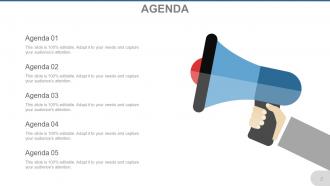
Slide 2: This is an Agenda slide. Showcase your exclusive agendas here.
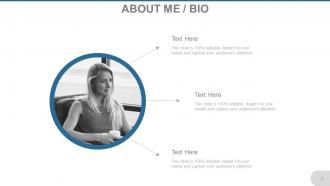
Slide 3: This is an ABOUT ME / BIO slide to state self specifications in personal and professional terms.
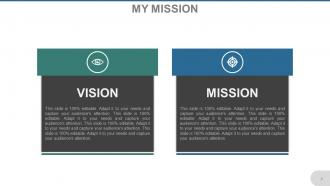
Slide 4: This is My Mission slide with vision to state.
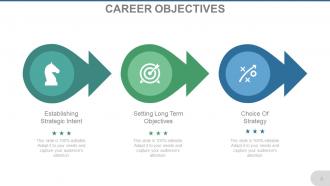
Slide 5: This slide presents CAREER OBJECTIVES showcasing- Choice Of Strategy, Setting Long Term Objectives, Establishing Strategic Intent as decisive factors to convey.
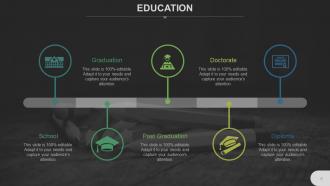
Slide 6: This slide helps present EDUCATION and its level achieved.
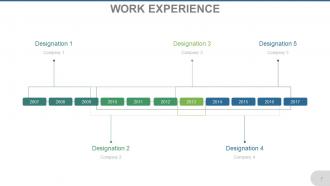
Slide 7: This slide shows WORK EXPERIENCE in timeline form with company and designation to state.
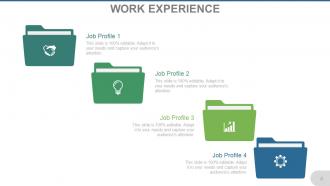
Slide 8: This slide showcases Work Experience to be shown with icon imagery.
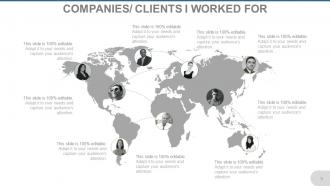
Slide 9: This slide showcases Companies/Clients I Worked For so far.
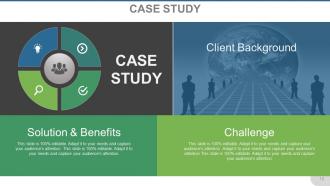
Slide 10: This is a Case Study slide showcasing client background, solution&benefits and Challenge.
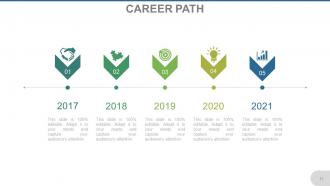
Slide 11: This slide showcases Career Path in timeline form with icon imagery to display.
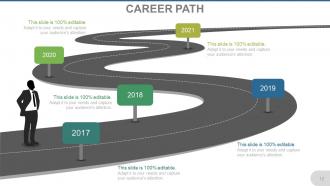
Slide 12: This slide showcases Career Path in timeline form with roadmap imagery to display.
Slide 13: This slide showcases Achievements added till date.
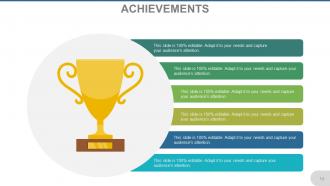
Slide 14: This slide presents Achievements added till date with cup image.
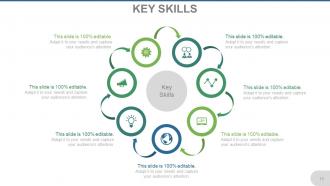
Slide 15: This slide shows Key Skills possessed as a professional.
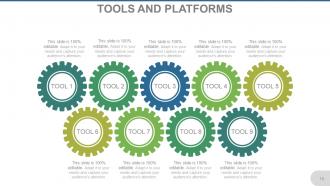
Slide 16: This is Tools and Platforms slide to show professional scope and past growth.
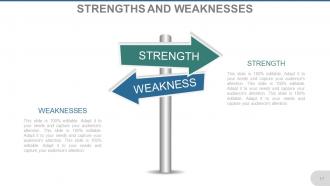
Slide 17: This is a Strength and Weakness slide to be displayed.
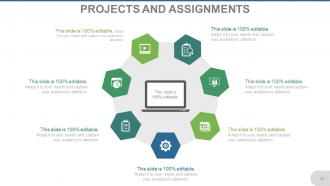
Slide 18: This slide showcases Projects and Assignments undertaken or completed.
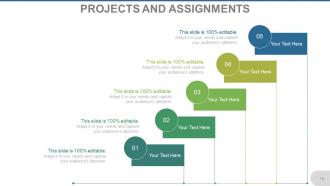
Slide 19: This slide also shows Projects And Assignments undertaken or completed.
Slide 20: This slide showcases Certification acquired in professional field (if any).
Slide 21: This slide displays Extra Curricular Activities to be shown.
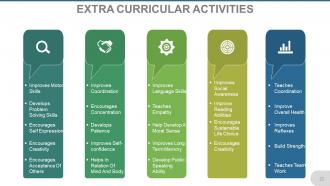
Slide 22: This slide also displays Extra Curricular Activities to be shown.
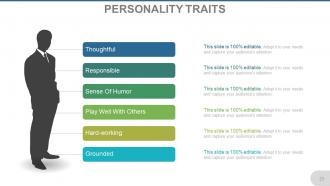
Slide 23: This slide showcases Personality Traits such as- Thoughtful, Responsible, Hard-working, Grounded, Play Well With Others, Sense Of Humor.
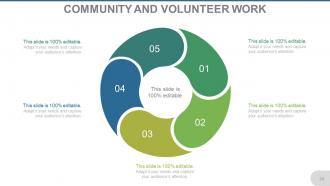
Slide 24: This slide presents Community and Volunteer Work to show (if done).
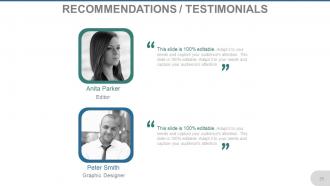
Slide 25: This is Recommendations/Testimonial slide to add credibility.
Slide 26: This is Why Hire Me slide to add punches to your presentation for choosing you.
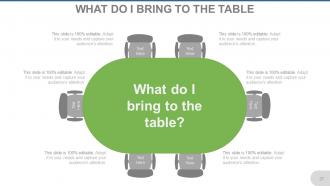
Slide 27: This slide showcases What Do I bring to the table.
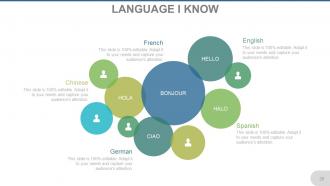
Slide 28: This is Language I know slide to show expertise as a polyglot etc.
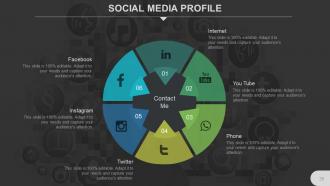
Slide 29: This slide showcases Social Media Profiles to be shown.
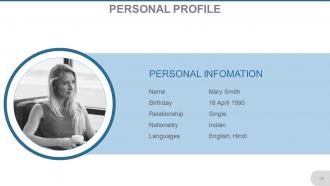
Slide 30: This slide showcases Personal Profiles to be shown.
Slide 31: This slide is titled Additional Slides to proceed. You may change the slide content as desired.
Slide 32: This is a Quotes slide. You may add/modify the slide content as per need.
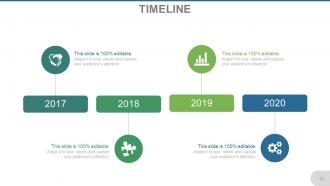
Slide 33: This is a Timeline slide to show growth factors, milestones, highlights, etc.
Slide 34: This slide showcases Post It Notes to be displayed. Show events, important piece of information, events etc. here.
Slide 35: This slide showcases Newspaper image. Show events, important piece of information, events etc. here.
Slide 36: This is a Target image slide to show targets, goals, information, aspirations etc.
Slide 37: This is a Silhouettes infographic slide to show information, specifications etc.
Slide 38: This is a Bulb or Idea image slide to show ideas, innovative information etc.
Slide 39: This is Our Goal slide. State your professional goals here.
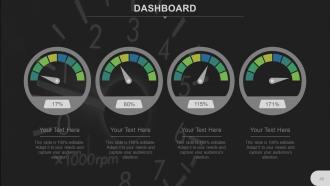
Slide 40: This is a Dashboard slide to state metrics, kpis etc.
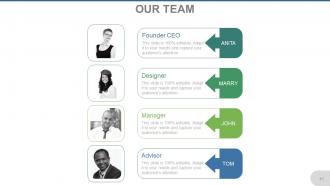
Slide 41: This is Our Team slide to showcase team specifications etc.
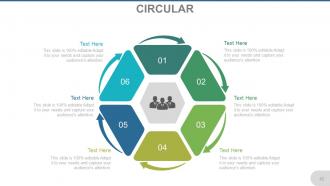
Slide 42: This is a Circular image slide to present information, specifications etc.
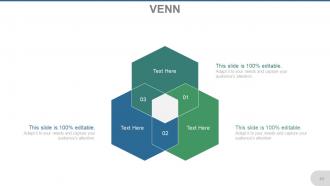
Slide 43: This is a Venn diagram image slide to present information, specifications etc.
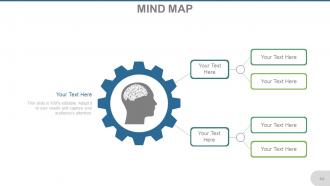
Slide 44: This is a Mind map image slide to show information, segregation, specifications etc.
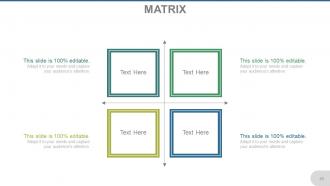
Slide 45: This is a Matrix slide to show information, comparison, specifications etc.
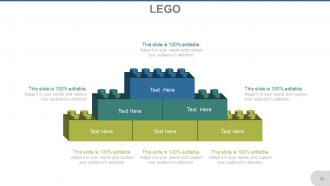
Slide 46: This is a Lego image slide. State information, specifications etc. here.
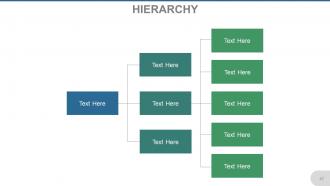
Slide 47: This is a Hierarchy Chart slide to show team information, organizational specifications etc.
Slide 48: This is Our Vision slide. State its aspects etc. here.
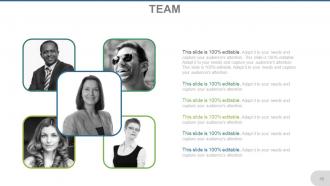
Slide 49: This is Team slide with name, designation and image box to go with.
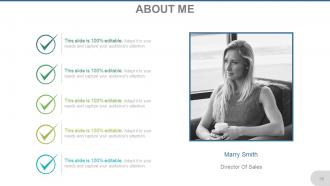
Slide 50: This is an About Me slide. State professional/self specifications here.
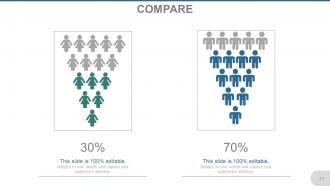
Slide 51: This slide shows Comparison of two entities in creative imagery form. State comparison specifications etc. here.
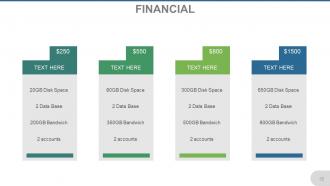
Slide 52: This slide presents Financial scores to display.
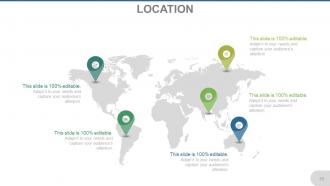
Slide 53: This is Location slide of world map image to show global growth, presence etc.
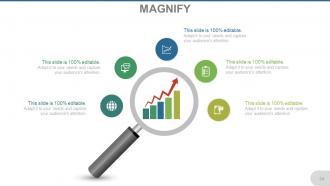
Slide 54: This is a Magnify Glass image slide to showcase information, specifications etc.
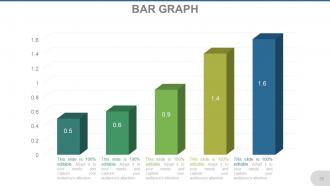
Slide 55: This is a Bar Graph slide. State specifications, comparison of products/entities here.
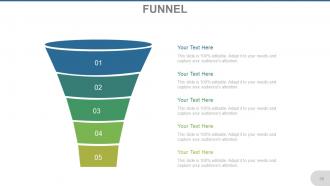
Slide 56: This is a Funnel image slide to show information, specifications etc.
Slide 57: This is a Thank You slide with Email, Address# street number, city, state, Contact Numbers.
Be able to introduce yourself powerpoint presentation slides with all 57 slides:
An air of harmony develops due to our Be Able To Introduce Yourself Powerpoint Presentation Slides. Friendly feelings begin to flow.
FAQs for Be able to introduce yourself
Okay so for intros, start with your name and what you do currently - like the actual day-to-day stuff, not just your fancy title. Then throw in one accomplishment or skill that's relevant to whoever you're talking to. I always blank on this part when I'm nervous lol, but just pick something specific you've done. Keep the whole thing under 30 seconds or people zone out. Oh, and mention why you're there or what you're hoping to connect about. End with a question about them or bring up something you might have in common - gets the conversation rolling. Definitely run through it once before so you don't just word-vomit everywhere.
Honestly, stories beat just rattling off your achievements every time. Like instead of "I'm a problem-solver," tell them about that time you figured out why everyone's emails were bouncing back (or something less boring lol). People actually remember you when you share real stuff. Plus they'll ask follow-up questions, which keeps the conversation going naturally. Just don't ramble - keep it short and relevant to wherever you are. I'd prep maybe 2-3 solid stories you can switch up depending on the situation.
Honestly, it's all about reading the room. Networking events? Jump straight into your role and what you're hunting for. Job interviews are different - they want to hear how you'll fix their problems, so hit them with relevant experience. Social stuff is chill though, talk about hobbies or whatever you're into lately. Also, don't talk to a CEO the same way you'd talk to a coworker. Big picture vs. nitty-gritty details, you know? Oh and here's what saved me from awkward stumbling - I actually write down like 2-3 different versions ahead of time. Sounds nerdy but trust me, you'll thank yourself later when you're not frantically trying to think of what to say.
Honestly, you've got like 30 seconds to make people think you're worth listening to - no pressure, right? But seriously, when you nail your intro, people automatically assume you know what you're talking about. It's crazy how fast our brains make those judgments. The cool thing is you control the story. Instead of letting people guess who you are, you highlight whatever matters most. I'd practice a couple different versions though, so you can switch it up depending on the situation without sounding like a robot reading a script.
Dude, your body language can totally make or break a first impression. I've watched people say all the right things but look super awkward - kills the whole vibe. Stand up straight and make eye contact (not the serial killer kind lol). Let your hands move naturally when you talk. Oh, and your face should actually match what you're saying - sounds obvious but you'd be surprised. Honestly? Record yourself practicing or use a mirror. You'll catch those weird habits you don't realize you're doing. Trust me on this one.
Pick 2-3 wins that actually matter for what you're going after. Numbers are your friend here - saying "boosted sales 30%" beats vague stuff like "improved performance" any day. Don't just rattle off job titles (ugh, everyone does this). Tell them what problems you fixed or value you brought. I'd practice a quick 30-second version out loud so you don't sound like you're reading a script. Oh, and skip the corporate-speak nonsense like "synergistic solutions" - nobody talks like that in real life. Keep it natural and tie everything back to results.
Ugh, don't be that person who says "I'm passionate about..." - we've literally all heard it a thousand times. The worst thing you can do is ramble on about your whole life story or sound like a robot. Keep it short and actually relevant to who you're talking to. Like, if you're interviewing for marketing, maybe skip the part about your high school track team? Also don't be weirdly humble but don't oversell yourself either. Find that middle ground where you sound confident but real. Oh and practice different versions! You'll need something different for interviews vs just meeting people at work events.
Oh totally depends where you are! Some places are super formal - like you better mention your title and company first or you'll look disrespectful. Japan's wild with the two-handed business card thing and bowing. But then you've got Latin cultures where they actually want to hear about your family and personal stuff. Middle Eastern folks often bring up family connections too. Americans... honestly we're probably too chatty sometimes lol. My advice? Just watch what everyone else does first. Or if you can, look up the basics beforehand so you don't accidentally mess up.
Ugh, self-intros are the worst but there are some tricks that actually help! I swear by the Present-Past-Future thing - just talk about what you do now, throw in some relevant background, then mention where you're going. Writing a few different versions in your phone helps tons. You'll want a quick 30-second one and longer versions too depending on the situation. LinkedIn's "About" section is weirdly good inspiration since it makes you cut the fluff. Oh and Grammarly catches those awkward phrases we all write. Start with one solid template then just tweak it for different contexts!
Virtual presentations are way trickier than they look! You'll want to amp up your energy since the camera makes everything feel flat. Cut your intro short - people zone out faster on screens. The big thing is looking at the camera, not your screen (I literally put a sticky note by mine because I always forget). Oh, and slow down when you talk. Audio delays are the worst. I usually mention something in my background as a conversation starter - breaks the awkward virtual ice. Test everything first though. The nice part? You can totally have notes right there and nobody knows.
Okay so here's the thing - most people forget names instantly anyway, so don't stress about being perfect. Lead with something unexpected instead. Maybe a weird fact about yourself or a quick story that actually shows your personality. I always tell people I'm like a human Swiss Army knife for marketing problems - cheesy but it works! Props can be fun if the setting's right. Or flip it and ask them an engaging question first. The whole point is giving people something to remember you by and an easy way to start talking to you later. Just be yourself, honestly.
You can't hear yourself like others do, so get feedback! I found out the hard way I was basically just rattling off my resume - super boring. Ask 2-3 people you trust to actually listen to your intro and be brutally honest. They'll catch if you're talking too fast or using weird jargon. Plus they'll tell you what parts actually stick versus the generic stuff that makes people zone out. Don't just hope someone volunteers criticism though. Record yourself first, then specifically ask for their real thoughts. Trust me, what sounds good in your head doesn't always land the same way.
Dude, you should definitely practice your intro beforehand! It's so much better than just winging it and sounding like a mess. I usually run through mine a few times so I can figure out the right speed and cut out all those awkward "ums." Recording yourself on your phone is actually super helpful - you'll hear if you're talking too fast or rambling about stuff nobody cares about. The mirror thing works too, though I feel kinda weird doing it lol. But seriously, once you've said it out loud a few times, you won't be nearly as nervous when it's showtime.
Honestly, visuals are a game-changer for introductions. Instead of just talking at people, throw up a few slides with project photos or maybe a quick timeline of your career path. Most people absorb info better when they can actually see something - plus it gives your hands something to do instead of flailing around awkwardly (been there!). Just keep it super clean though. Like 2-3 slides max with your biggest wins or whatever makes you stand out. Don't dump your entire life story on there. Simple graphics work great too if you want to show skills or interests without getting too wordy.
Okay so confidence is literally everything with introductions. People notice right away when you seem sure of yourself - they actually listen instead of zoning out. Your voice gets stronger, you make eye contact, and you don't end up speed-talking through the whole thing (which I definitely used to do). Here's the weird part though - fake confidence works just as well as real confidence. Nobody can tell the difference! So practice what you're gonna say beforehand. Stand up straight too. Sounds dumb but it genuinely makes you feel more confident going in.
-
Informative presentations that are easily editable.
-
Best Representation of topics, really appreciable.