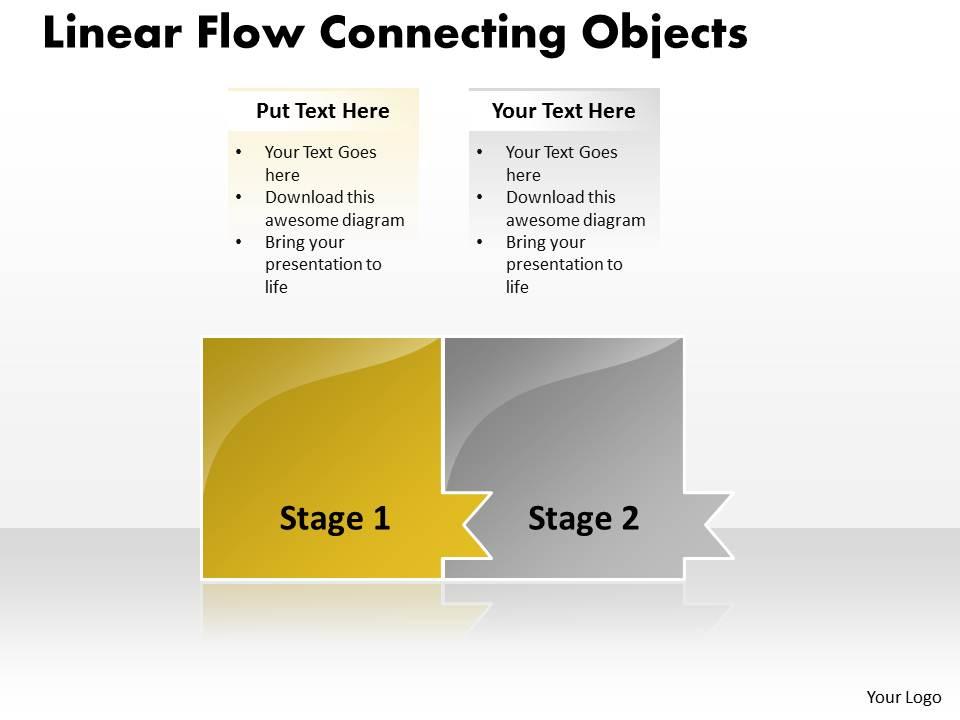
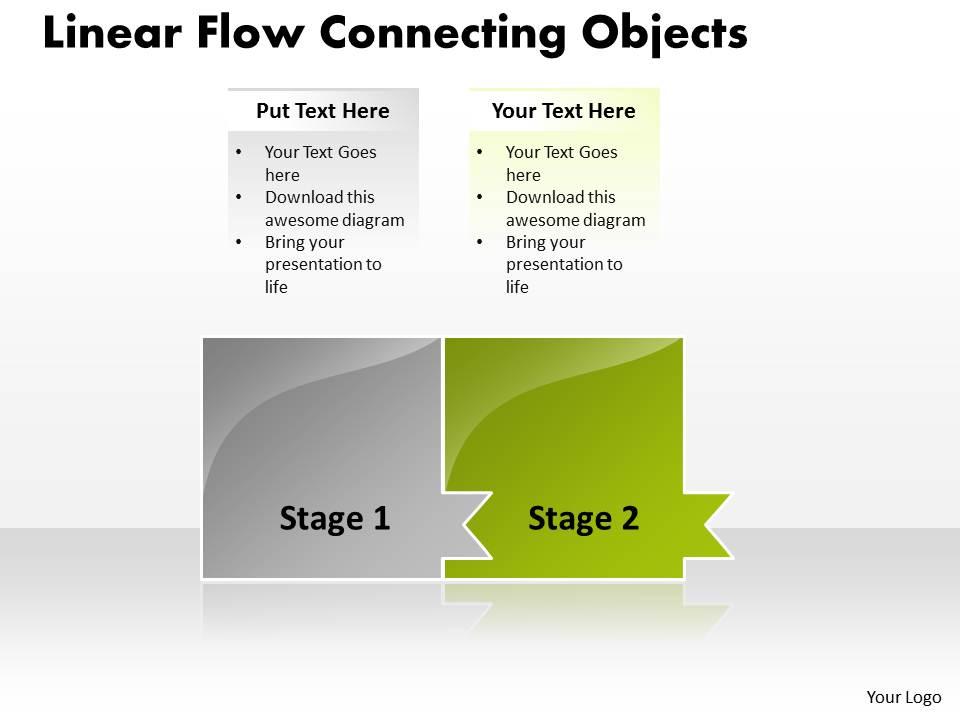
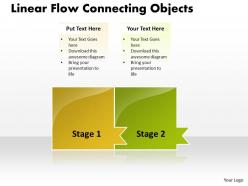
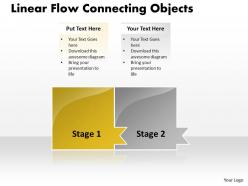
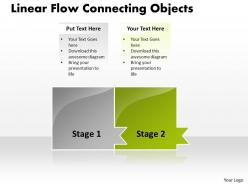
Business powerpoint templates linear flow theme connecting objects sales ppt slides 2 stages
Try Before you Buy Download Free Sample Product
Audience
Editable
of Time
Make a flawless dive with our Business PowerPoint Templates linear flow theme connecting objects Sales PPT Slides 2 Stages. The entry of your thoughts into minds will be smooth.
People who downloaded this PowerPoint presentation also viewed the following :
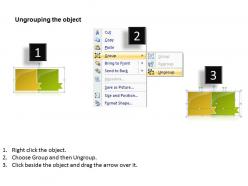
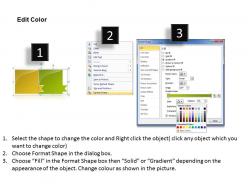
Business powerpoint templates linear flow theme connecting objects sales ppt slides 2 stages with all 7 slides:
Our Business PowerPoint Templates linear flow theme connecting objects Sales PPT Slides 2 Stages provide windows to your brilliant mind. Open them to your audience and impress them with your knowledge.
FAQs for Business powerpoint templates linear flow theme connecting objects sales ppt
Effective business PowerPoint templates include consistent branding elements, clear visual hierarchy, professional color schemes, readable typography, and structured slide layouts for various content types. These design components streamline presentation creation by ensuring brand consistency, enhancing audience engagement, and minimizing preparation time, with many organizations finding that standardized templates ultimately deliver more polished communications and stronger professional credibility.
Custom color schemes strengthen business presentations by aligning visual elements with brand identity, creating consistent messaging, and establishing professional credibility across all slides. When companies integrate their signature colors throughout templates, audiences develop stronger brand recognition and trust, with many organizations finding that cohesive color branding enhances audience engagement and reinforces corporate messaging more effectively.
Images and graphics significantly enhance audience engagement by capturing attention, simplifying complex information, creating emotional connections, and improving information retention rates. Through strategic visual elements, presenters can transform abstract concepts into memorable experiences, with studies showing that audiences retain 65% more information when presentations combine compelling visuals with spoken content, ultimately delivering more persuasive and impactful business communications.
Business PowerPoint templates address different demographics through customizable design elements, flexible content structures, varying complexity levels, audience-specific messaging frameworks, and adaptable visual hierarchies. These templates enable presenters to emphasize financial metrics for investors, showcase solutions for clients, and highlight operational details for team members, ultimately delivering targeted communication that resonates with each audience's priorities and decision-making criteria.
Best practices for aligning text and visuals in PowerPoint templates include maintaining consistent margins, using grid systems, establishing visual hierarchy through strategic spacing, applying the rule of thirds, and ensuring proper white space distribution. These alignment techniques enhance readability by creating clear focal points, improving information flow, and delivering professional presentations, with many organizations finding that well-aligned templates significantly boost audience engagement and message retention.
Ensuring PowerPoint accessibility involves using high contrast colors, alternative text for images, clear fonts like Arial or Calibri, proper heading structures, and keyboard navigation compatibility. These design elements enable screen readers to function effectively, support individuals with visual impairments, and create inclusive presentations that reach broader audiences, ultimately delivering better communication outcomes and demonstrating organizational commitment to accessibility standards.
Mobile-friendly PowerPoint templates should prioritize larger fonts, simplified layouts, high contrast colors, minimal text per slide, and touch-friendly navigation elements. These design principles ensure presentations remain readable and interactive on smaller screens, with many organizations finding that streamlined templates enhance audience engagement during virtual meetings and on-the-go presentations, ultimately delivering better communication outcomes.
Animation and transitions enhance business presentations when used strategically to guide audience attention, emphasize key data points, and create smooth visual flow between concepts. These elements work best when applied consistently with subtle timing, such as progressive data reveals in financial charts or seamless section transitions, ultimately delivering clearer messaging and improved audience engagement without overwhelming content.
Effective business presentation charts include bar charts for comparisons, line graphs for trends, pie charts for proportions, scatter plots for correlations, and heat maps for complex data patterns. These visualization tools enhance audience comprehension by simplifying complex information, highlighting key insights, and supporting strategic decision-making, with many organizations finding that well-designed charts significantly improve stakeholder engagement and presentation outcomes.
Templates streamline presentation design by providing pre-built layouts, consistent formatting, professional color schemes, and standardized typography that eliminate starting from scratch. Busy professionals in consulting, finance, and healthcare find these frameworks reduce preparation time by 60-70%, while ensuring brand consistency and polished delivery, ultimately enabling focus on content strategy rather than design mechanics.
Using a consistent template for all business presentations creates professional brand uniformity, streamlines preparation time, ensures message clarity, enhances audience recognition, and reduces design inconsistencies across departments. This strategic approach enables organizations to maintain visual credibility while empowering employees to focus on content rather than formatting, ultimately delivering stronger brand presence and more efficient presentation development processes.
Cultural differences significantly impact business PowerPoint templates through color symbolism, visual hierarchy preferences, text density expectations, communication styles, and imagery choices. While Western templates often favor minimalist designs with direct messaging, Asian markets typically prefer detailed content with formal structures, and Middle Eastern presentations emphasize relationship-building elements, ultimately requiring culturally-adapted templates for effective global business communication.
Common pitfalls include overcomplicated designs, inconsistent branding, poor color contrast, excessive animations, and cluttered layouts that distract from core messaging. These design missteps can undermine professional credibility and audience engagement, with many organizations finding that streamlined, brand-consistent templates enhance communication effectiveness and deliver stronger business outcomes across presentations.
Templates cater to industry-specific needs by incorporating relevant visual elements, data formats, specialized charts, color schemes, and content frameworks tailored to each sector's requirements. Financial templates emphasize analytical dashboards and ROI metrics, marketing templates focus on campaign visuals and audience segmentation, while technology templates highlight product roadmaps and system architectures, ultimately delivering targeted communication that resonates with specific professional audiences.
Custom PowerPoint templates can be created using Microsoft PowerPoint's built-in design tools, Adobe Creative Suite programs like Illustrator and Photoshop, Canva's template builder, and specialized design software such as Sketch or Figma. These tools enable businesses to develop distinctive visual identities through custom layouts, branded color schemes, and professional typography, with many organizations finding that strategic template design significantly enhances presentation consistency and audience engagement across teams.
-
Use of different colors is good. It's simple and attractive.
-
Great quality slides in rapid time.