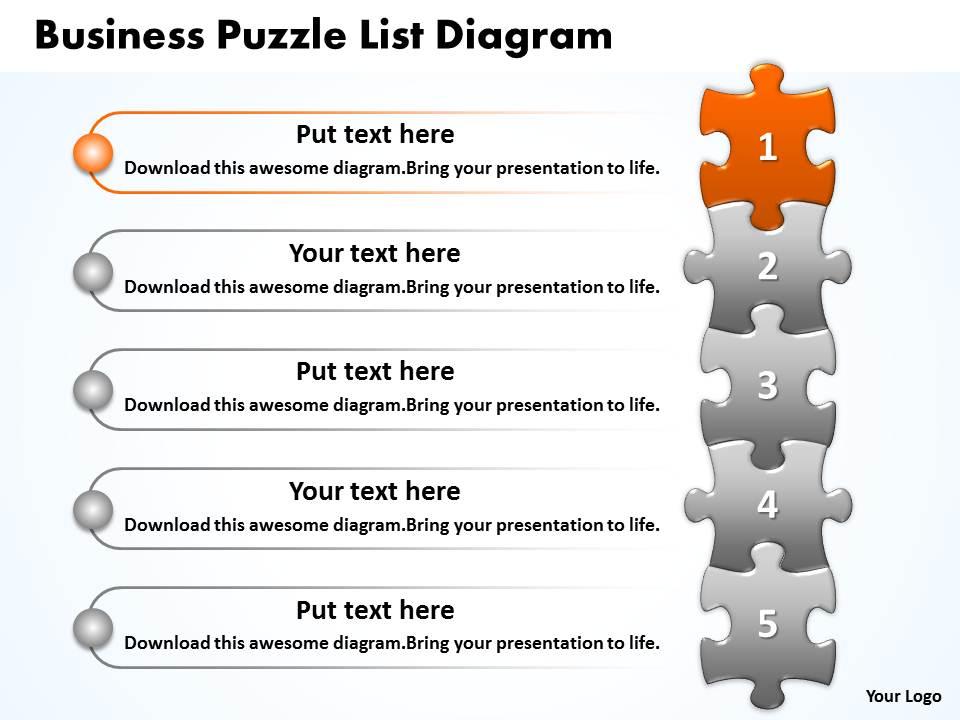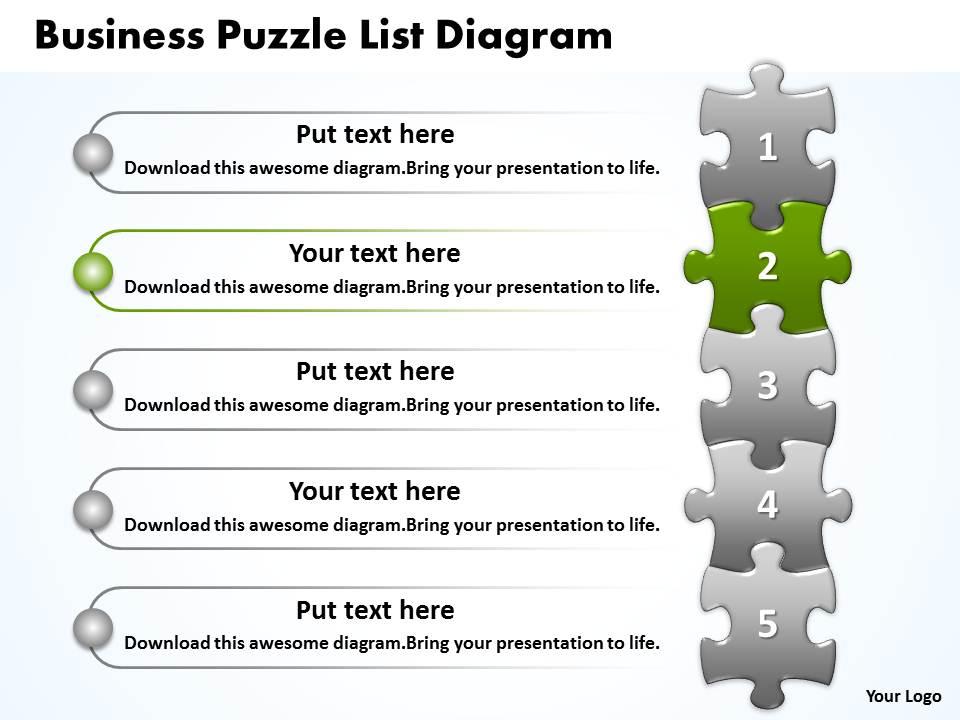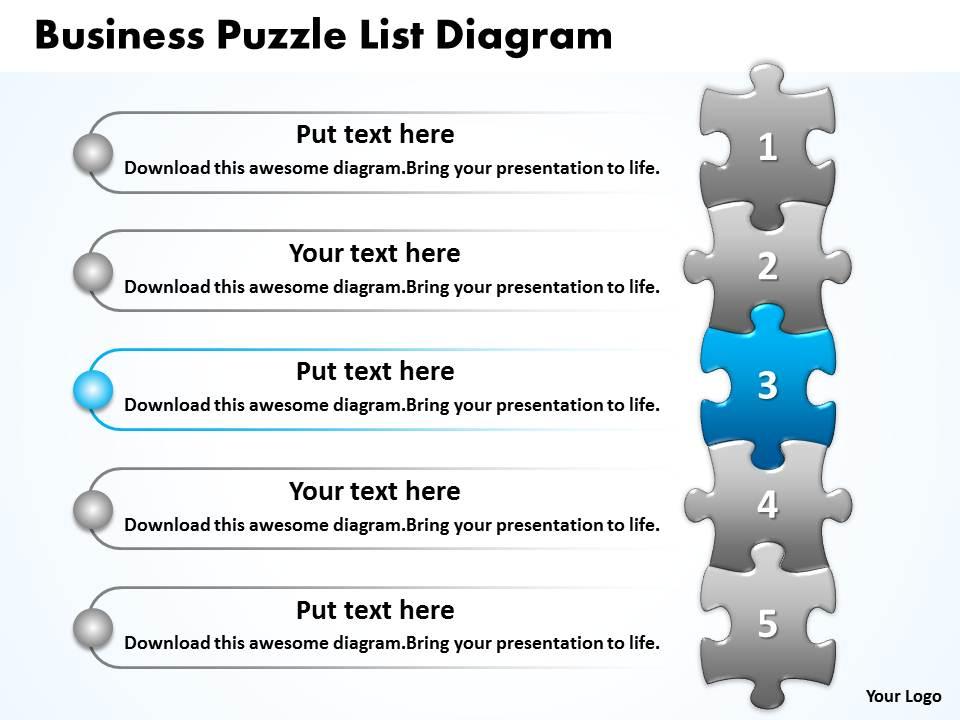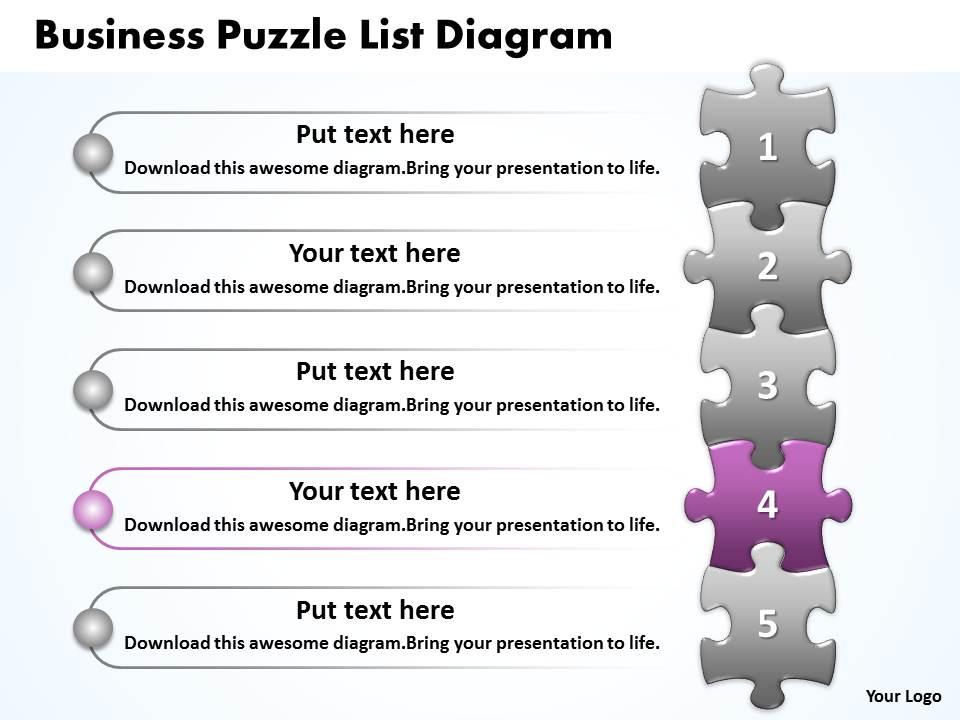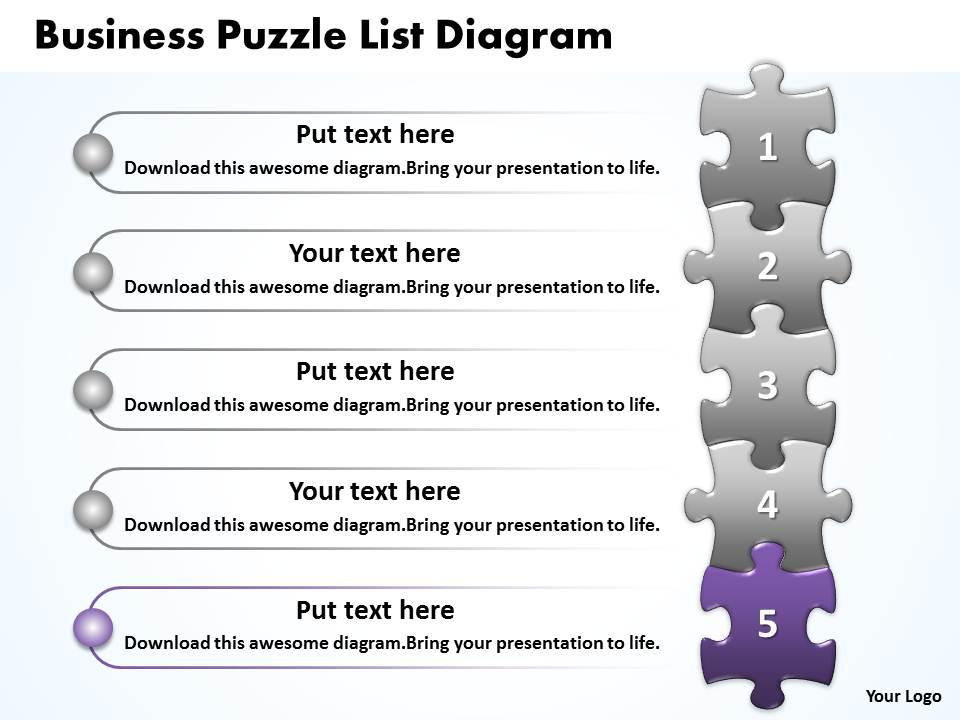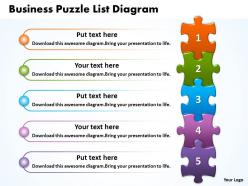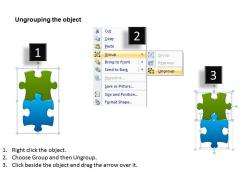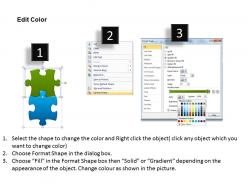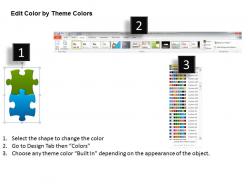
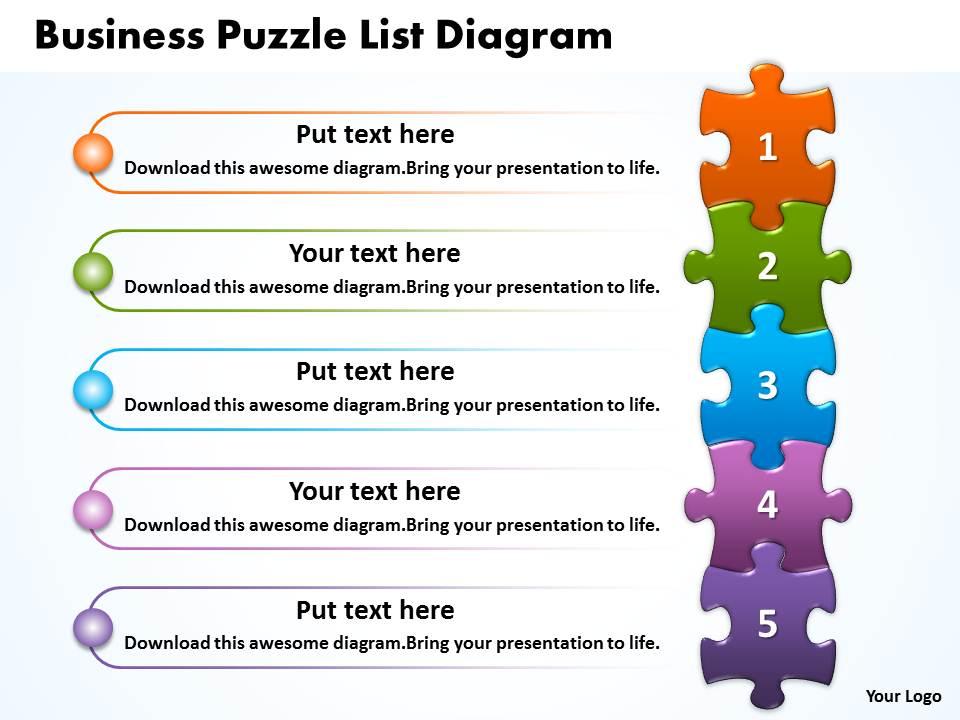
Business puzzle list diagarm free powerpoint templates download
You must be logged in to download this presentation.
Try Before you Buy Download Free Sample Product
Audience
Editable
of Time
Chat up your audience with our Business Puzzle List Diagarm free Powerpoint templates ppt presentation slides 0812. Get them in an interactive mood.
People who downloaded this PowerPoint presentation also viewed the following :
Business puzzle list diagarm free powerpoint templates download with all 10 slides:
Find all your presentation solutions in our vast collection of Business Puzzle List Diagarm Powerpoint templates ppt presentation slides 0812. We have a slide for every theme.
FAQs for Business puzzle list diagarm free
Pick templates where the puzzle pieces actually look distinct and are easy to resize. You'll want customizable colors and text so it matches your presentation vibe. The pieces need to fit together properly - I've seen some that look absolutely terrible when assembled. Whether you need 4 pieces or 12, make sure it supports your content structure. Test compatibility with your presentation software first. Honestly, go for something clean over fancy - your audience shouldn't get distracted by over-the-top graphics. Always do a test run with real content before presenting. Nothing's worse than discovering formatting issues mid-presentation!
Honestly, puzzle diagrams are a game-changer for messy business processes. They show how different departments connect way better than boring flowcharts do. Think of it like having a map instead of written directions - you can actually see where things might break down or overlap. I've found they're perfect when you're dealing with stakeholders who don't know the nitty-gritty details. People spot problems they'd totally miss otherwise. Bottlenecks become super obvious. Just pick your most confusing process first and start there. You'll probably have one of those "oh duh" moments once you see it laid out visually.
Consulting and project management teams use these constantly - they're perfect for showing how different pieces connect. Software development too, obviously. Manufacturing loves them for workflow stuff. Healthcare and education are big users since they break down complex processes really well. Marketing teams have started using them for campaign planning, which honestly makes total sense when you think about it. Really, any business where you need to show relationships between parts or how components build into something bigger will find these useful. Way better than starting from scratch every time.
Honestly, puzzle diagrams are perfect when you're trying to show how different business pieces fit together - like departments, strategies, market stuff. They just nail that "everything's connected" vibe way better than flowcharts do. But for actual step-by-step processes? Flowcharts win every time. I've found puzzle formats work really well in strategic presentations, especially when you want people to get how their work ties into bigger company goals. Though I guess it also depends on your audience - some executives love the visual metaphor, others think it's cheesy.
Dude, puzzle diagrams are actually clutch for this stuff. McKinsey throws them at every M&A thing to show how business units connect. I've also seen product teams map roadmaps with them - each piece is like a feature drop. Honestly way more satisfying than staring at spreadsheets all day. Your stakeholders get the dependencies instantly instead of squinting at boring tables. Start simple though, maybe 4-6 pieces max in your strategy meeting. You can always go nuts with complexity later once everyone's not confused.
Honestly, I'd go with Lucidchart or Visio for business puzzle diagrams. Both have decent templates and you can mess with colors, text, connections pretty easily. PowerPoint's actually not bad either - people sleep on the SmartArt features but they work fine for simple stuff. Canva looks prettier but gets annoying when you need complex layouts. Oh, and Miro's solid if your whole team needs to jump in and edit together. I always forget about that one. Start with Lucidchart's free trial though - best mix of useful features without being overwhelming.
Honestly, color coding saved my butt so many times with puzzle diagrams. Different colors for departments, priorities, whatever - it makes patterns jump out instantly. I used to watch people stare at boring black-and-white versions forever, missing connections that'd be obvious with some color. Just stay consistent across your diagrams so people don't get confused. Oh, and stick to maybe 3-4 colors tops. More than that and it gets messy fast. Your brain will thank you later when everything clicks into place visually.
Dude, puzzle diagrams are actually really cool for getting teams on the same page. Everyone can see how their part connects to the whole thing, which is super helpful when you're trying to solve something complex. I've found they work great for mapping out who does what, or breaking big projects into smaller chunks. The visual aspect makes it so much easier to catch problems early – like if two people are doing the same work or if there's a gap nobody noticed. Honestly, there's something about the puzzle thing that just clicks with people. Next time you're brainstorming, try sketching one on the whiteboard. It'll probably change how your team talks through stuff.
Honestly, it's pretty straightforward - just swap out the default text and colors to match your company's branding. Add or remove pieces based on how many steps you need. I've watched teams go wild with this, throwing in custom icons and images inside each piece (some get way too fancy but whatever works). Make sure each piece represents something distinct in your workflow or strategy. Oh, and don't overthink it at first - grab a basic template and mess around until it clicks for your presentation. Short pieces work better than cramming too much into one section.
Ugh, the worst thing you can do is cram tons of text onto each piece - nobody wants to read paragraphs on a puzzle diagram. Just use key phrases or single ideas. Also make sure your pieces are different sizes so there's actually some visual hierarchy. Otherwise everything looks boring and flat, you know? Don't go crazy with colors either - like 3 or 4 max. And this might sound obvious but double-check that your connections actually make sense logically, not just because they look pretty. Honestly I'd sketch it out on paper first before messing around in Figma or whatever.
So basically, once you throw real data into those puzzle diagrams, they stop being just pretty pictures and actually help you make decisions. You're showing actual performance numbers, timelines, real resource stuff - not just how things *should* work. Think blueprint vs. live dashboard, you know? Way more helpful for catching issues or spotting new opportunities. Your stakeholders get to see the strategy AND how it's actually doing right now. Honestly, I'd start small - maybe pick 2-3 key metrics for each puzzle piece first. You can always add more later once you get the hang of it.
Keep it super simple - show them what the final picture looks like first. Then go piece by piece, don't jump around or people get totally lost (learned this the hard way). Make your diagram big enough so everyone can actually see it, and use a pointer if you need to. Build it like a story that makes sense. I always think the laser pointers are kind of cheesy but honestly they work. Most important thing is connecting everything back to your business goal at the end. People need to see why this whole puzzle matters, you know?
Honestly, skip the slideshow approach - give people actual puzzle pieces they can move around instead. Physical pieces work great, or go digital with drag-and-drop stuff they can rearrange during the meeting. Works amazing for process flows or org charts. Adults basically turn into kids again when you let them play with the pieces, it's pretty funny to watch. Let them physically build different scenarios and mess around with solutions. Oh, and try starting with blank templates next time - have everyone build the whole diagram together from scratch. Way more engaging than just talking at them.
So mobile-first is huge right now - everyone's designing for phones first. Interactive stuff too, like real collaboration instead of just pretty static slides. Clean, minimal layouts are everywhere (honestly, some of those old busy templates made my eyes hurt). People are also getting way smarter with color choices, moving past those basic blues and reds toward actual branded palettes that don't strain your eyes. Oh, and modular designs! You can basically mix and match sections now instead of being stuck with one boring format for everything. Way more flexible for different business needs.
Honestly, just do simple before/after comparisons. Track how long decisions take and whether people actually stick with them (instead of circling back later). I've seen teams use basic surveys asking if folks felt more confident using puzzle diagrams vs the old way. Meeting efficiency is huge too - shorter sessions but better outcomes? That's gold. The best metric though is checking if your actual results match what you initially predicted. Don't go crazy with tracking everything at once - pick maybe 2-3 things first, get some baseline data, then add more later.
-
Awesome design
-
Very great
-
Great
-
good
-
good
-
Amazing
-
okay
-
very good and useful
-
Enjoyed the experience of looking at your master piece slides. They are amazing. Thank you.
-
Good