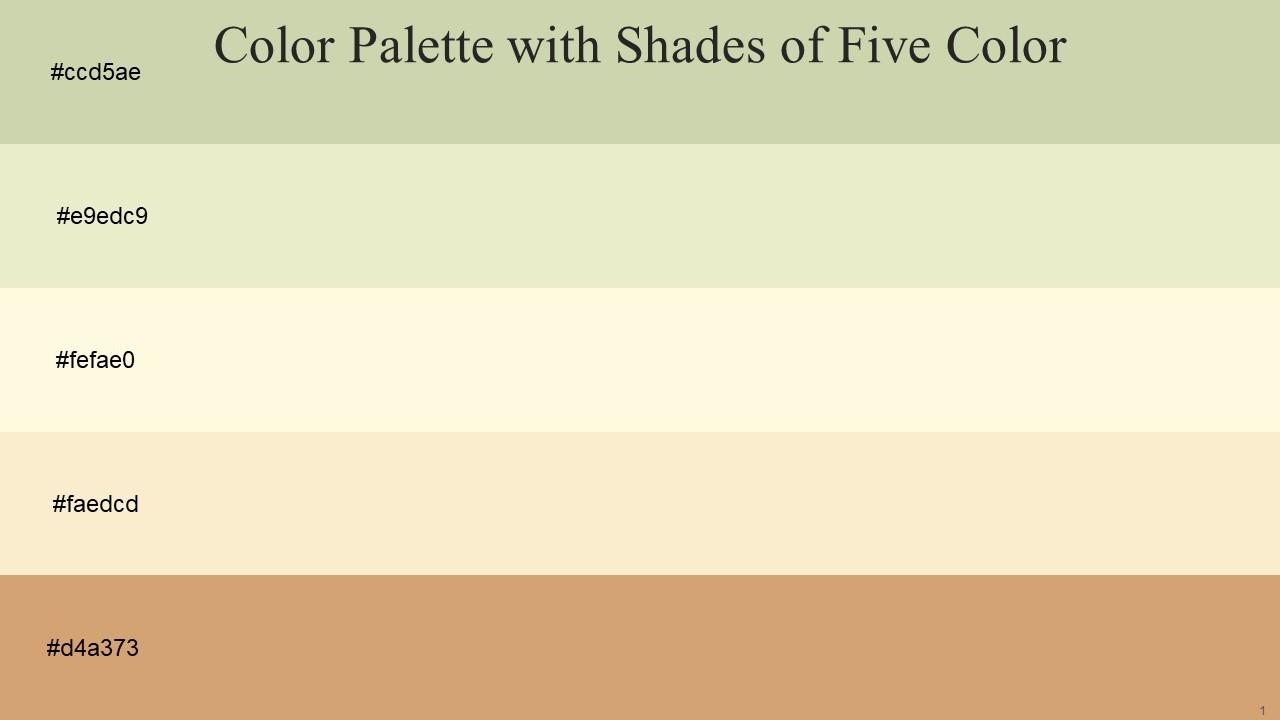
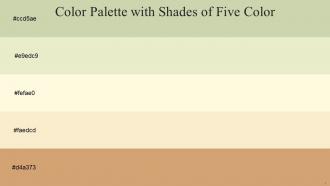
Color Palette With Five Shade Green Mist Chrome White Off Yellow Champagne Whiskey
Try Before you Buy Download Free Sample Product
Audience
Editable
of Time
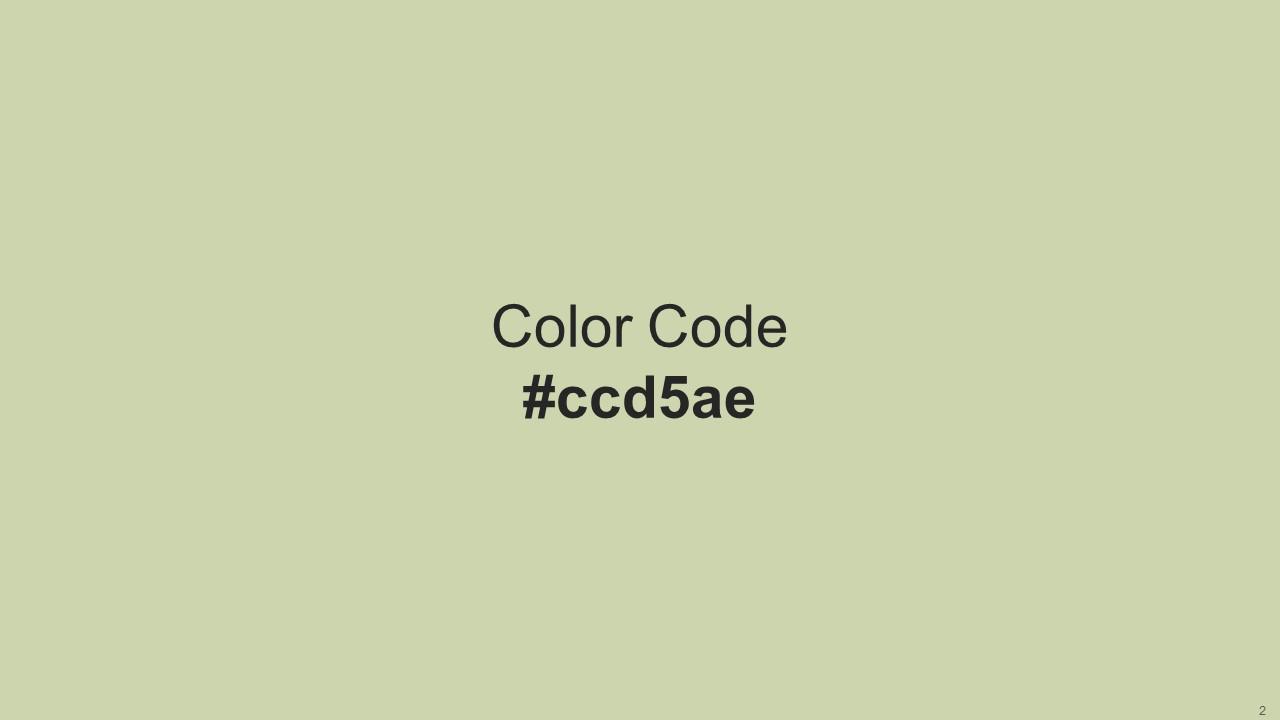
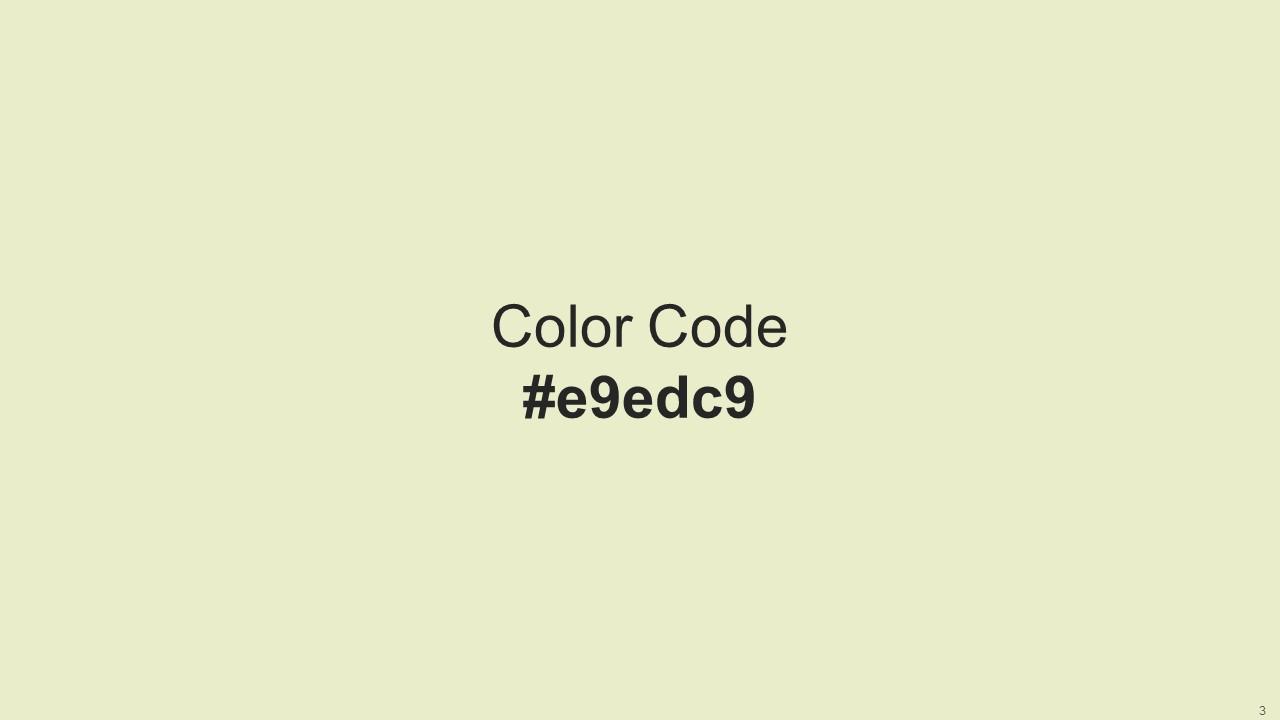
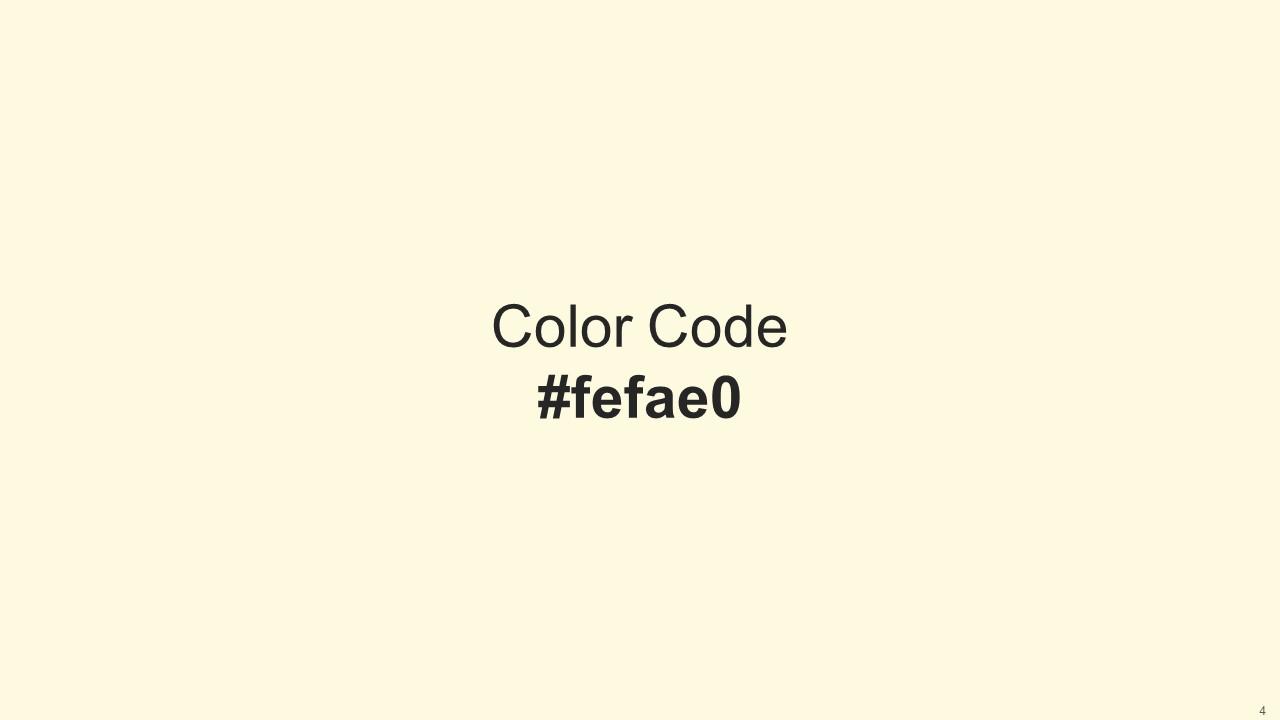
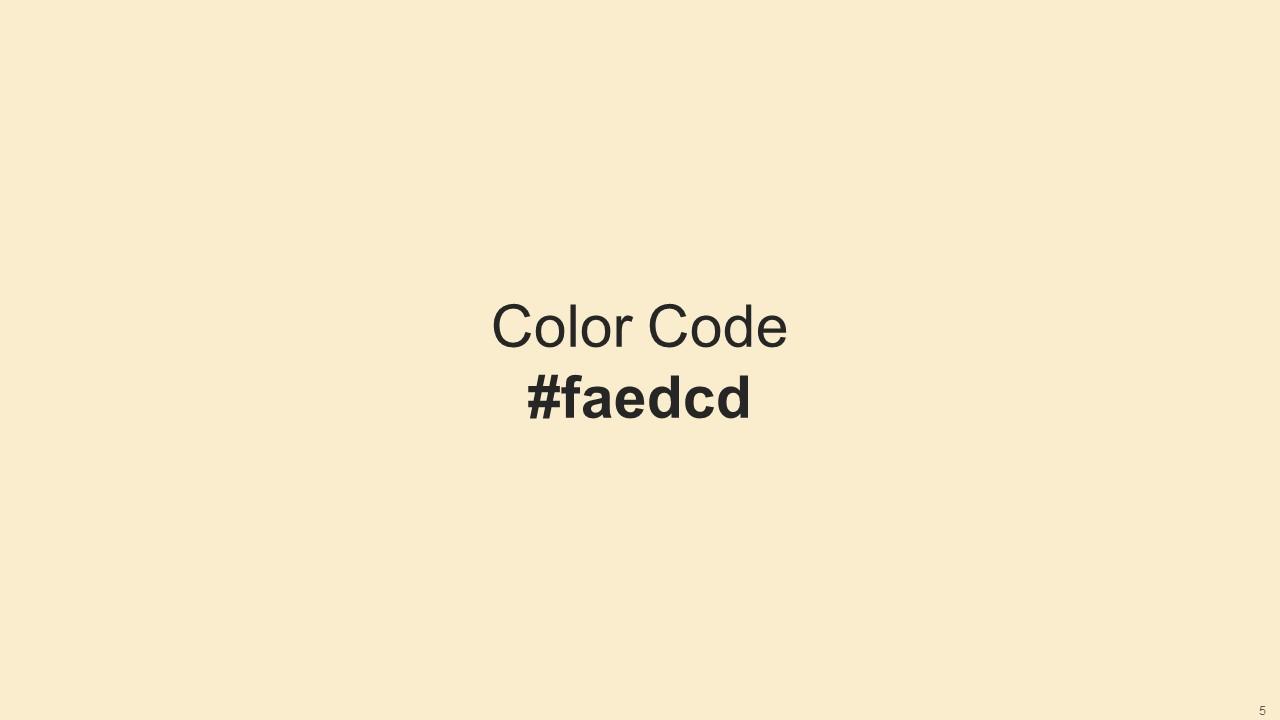
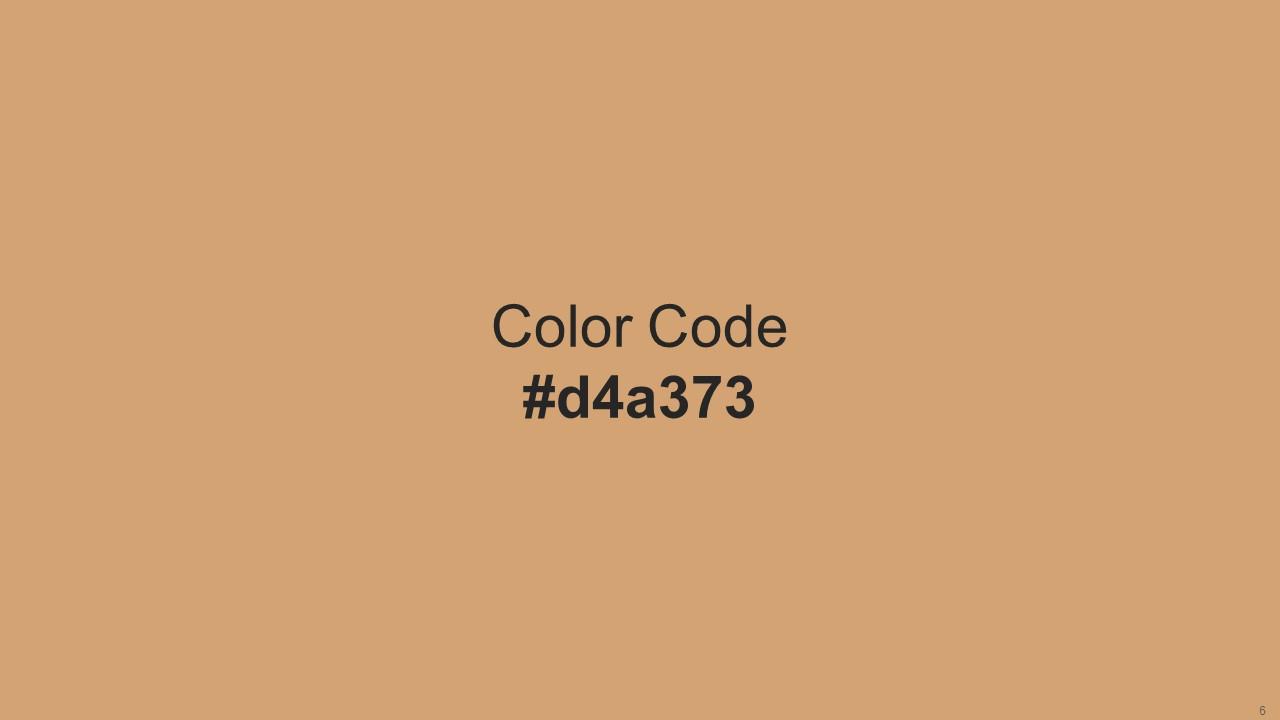
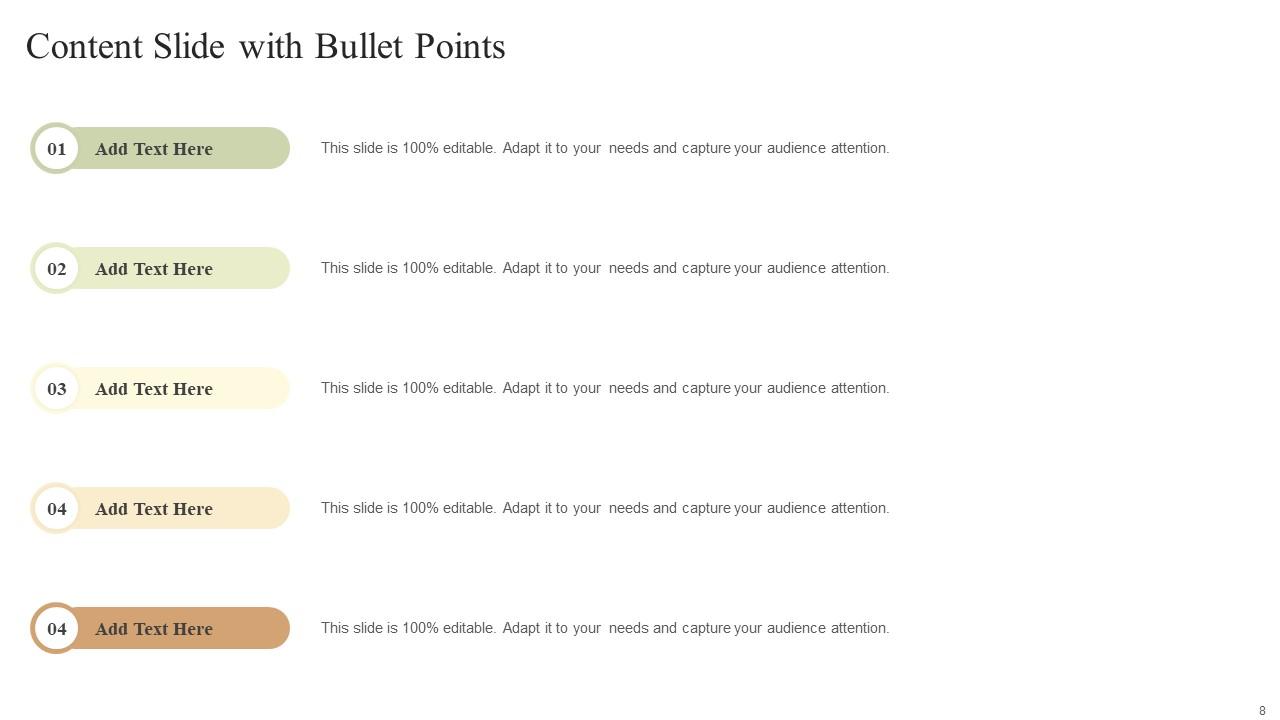
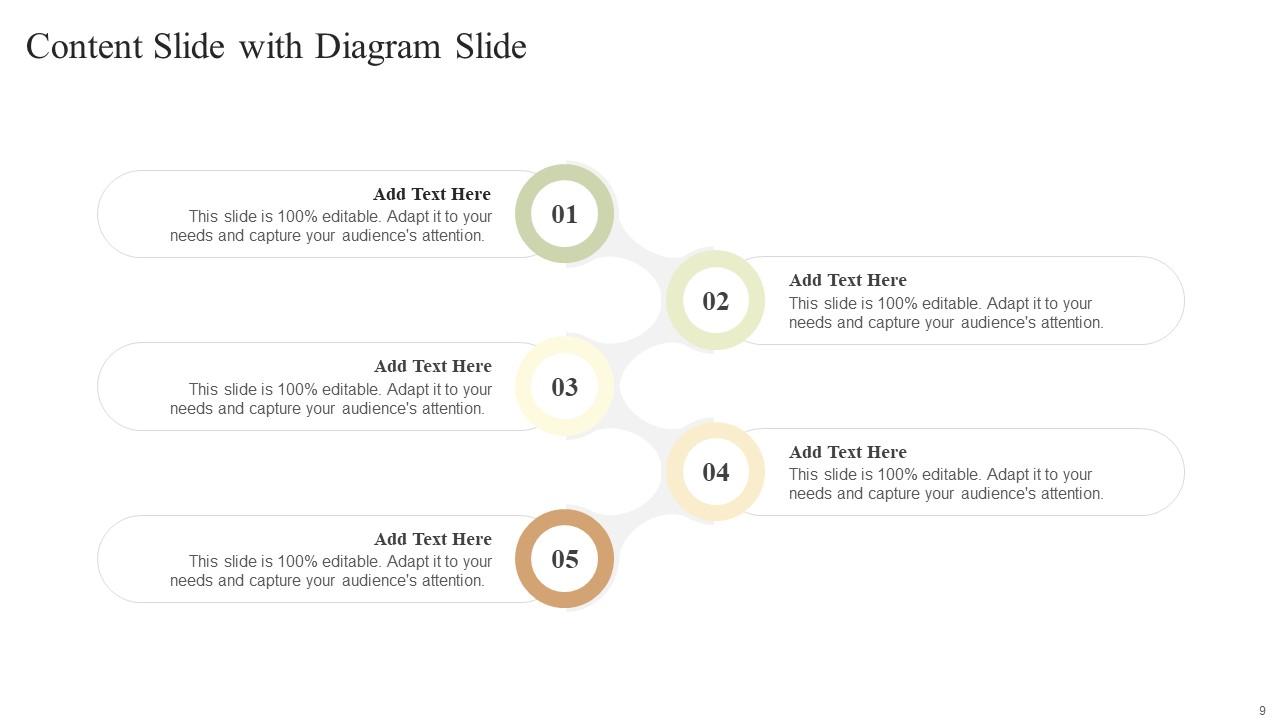
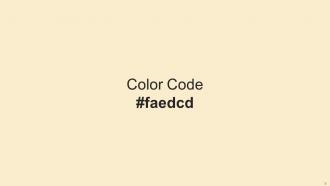
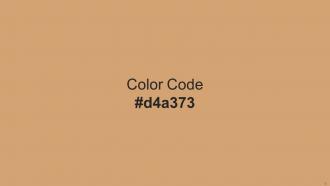
Heres a visually-pleasing color palette with Five Color Shades With Hex Code ccd5ae, e9edc9, fefae0, faedcd, d4a373. These colors are intuitively picked to ignite the spark of brilliance in your designs and creativity.
People who downloaded this PowerPoint presentation also viewed the following :
Color Palette With Five Shade Green Mist Chrome White Off Yellow Champagne Whiskey with all 14 slides:
Use our Color Palette With Five Shade Green Mist Chrome White Off Yellow Champagne Whiskey to effectively help you save your valuable time. They are readymade to fit into any presentation structure.
FAQs for Color Palette With Five Shade Green Mist Chrome White Off
Okay so basically there's three things that matter: complementary colors (opposites on the color wheel), analogous ones (neighbors that vibe together), and this 60-30-10 rule for balance. Keep it simple though - max 2-3 colors total. Pick one main color, add an accent, maybe throw in a neutral. Blue and orange work amazing for headlines since they're opposites and really pop. Analogous schemes are better for backgrounds because they're more chill. Oh and definitely test your colors for colorblind people! I always forget that part but it's super important. Coolors.co is honestly a lifesaver for generating palettes fast. Start with your brand colors first if you've got them.
Dude, colors are such a game-changer for presentations! I made this huge mistake once using bright red backgrounds and nobody could focus on what I was saying. Reds and oranges grab attention but can feel aggressive. Blues and greens are way more trustworthy and chill. You don't want to overwhelm people with crazy contrasting colors, but boring muted tones will put them to sleep. Honestly, I think most people overthink this stuff. Just pick 2-3 colors that actually match your vibe and content. Trust me, it makes a difference.
Okay so first thing - figure out what your brand actually *is* before you even think about colors. Are you the trustworthy type? Go with blues. More energetic? Try oranges or reds. Premium vibes call for blacks and golds, you know? Check out your competitors but don't just copy them - that's boring and you'll blend in. You want maybe 2-3 main colors tops, then throw in some supporting shades. Oh and definitely test everything across your website, social stuff, packaging, whatever. I learned this the hard way when a color looked amazing on screen but terrible printed. Keep it simple though - less is more here.
Oh man, color stuff gets weird internationally! Red screams danger here but it's lucky in China. White means purity to us, mourning in parts of Asia - completely backwards. Green's tricky too since it can mean money or jealousy depending where you're presenting. I learned this the hard way once, actually. Some color combos will look straight-up offensive in certain regions. Quick fix: Google "color meanings [whatever country]" before you finalize anything. If you know people there, definitely run it by them first. Trust me, it's worth the extra five minutes.
Oh man, so many good ones! Adobe Color is clutch - it builds palettes using actual color theory stuff like complementary schemes. Coolors.co is my go-to though, super easy to use. If you're already in Canva or Figma, they have generators built right in. Sometimes I just steal colors from random photos I like using Colormind or Pinterest's thing (probably cheating but whatever). Don't go crazy with too many colors - stick to maybe 3-5 max or it'll look messy. Pick one main color first, then let these tools suggest the rest.
You'll want at least 4.5:1 contrast for normal text, 3:1 for big text - basically light colors with dark ones, not those muddy middle tones. I used to love subtle color schemes until I realized they're awful for anyone who actually needs to read them. Online contrast checkers are your friend here, or just use browser dev tools. Oh, and don't forget colorblind users exist! Try switching your design to grayscale - if it still makes sense, you're good. Color shouldn't be the only way people understand what's clickable or important.
Honestly, just go with navy and white or charcoal gray with light blue - you can't really mess those up. Black and white works too but feels kinda basic? I'm obsessed with navy/gray/white combos lately, they look super clean. Dark green and cream is nice if you want something a bit different. Main thing is making sure there's enough contrast so people can actually read your slides from the back. Skip anything bright like neon colors - they're just distracting. Oh, and definitely test it on the actual projector first because colors look way different on screen versus projected. Trust me on that one.
Gradients are seriously underrated for keeping your design clean. Pick 2-3 main colors, then make lighter and darker versions of each - gives you way more options without looking chaotic. I used to throw every color at presentations and they looked terrible lol. Your darkest shades work great for stuff you want people to notice, lighter ones for backgrounds. Oh and definitely test how your gradient looks on different backgrounds first - learned that one the hard way when my "perfect" blue completely disappeared on a dark slide. You'll end up with something that actually feels planned instead of random.
Bright colors are like a magnet for people's eyes - use them for your main points and you'll actually get people to focus on what matters. I stick with muted colors for all the supporting stuff so it doesn't fight for attention. Honestly, I used to make everything the same color and wondered why nobody remembered my key takeaways! Now I start with bold colors for the important bits, then fade everything else into lighter shades. It's basically creating a visual hierarchy without being too obvious about it. Works way better than hoping people will just read everything.
Honestly, just pick 3-4 colors max and stick with them the whole way through. I always use the same colors for the same stuff - like blue headers, gray text, brand color for highlights. Your presentation software probably has custom themes you can save (total game changer btw). Make yourself a little cheat sheet slide with your colors laid out. Trust me, you'll thank yourself later when you're on slide 47 and can't remember if that blue was supposed to be the dark one or the light one. Way easier than trying to eyeball it every time.
Oh man, don't go crazy with colors - 3 or 4 tops. Red text on green backgrounds is basically evil for anyone colorblind. Neon colors look cool but they're honestly terrible for reading. Your slides will look totally different on the projector than your laptop screen, so definitely test that beforehand. I learned this the hard way lol. Don't make color the only way people understand important stuff either. Some folks just can't tell certain shades apart. Keep it simple and readable - your audience will actually focus on what you're saying instead of squinting.
Oh man, this is such a pain point! RGB colors on your screen are way brighter than what CMYK can actually print. Those gorgeous neon blues and greens? They'll come out looking kinda muddy on paper. Honestly, I wish someone had warned me about this earlier. You really need separate palettes for digital vs print work. Print handles muted tones better anyway - plus the contrast shows up nicer. Test print your main colors first though, seriously. Lighting hits both mediums totally different too, which is annoying but whatever.
Colors seriously make or break your presentations. I've seen studies showing the right palette boosts attention by 80% and helps people remember stuff 65% better. Blues and greens are your friends for building trust, while oranges get people hyped up. (Definitely skip neon yellow though - nobody wants to feel like they're staring at a highlighter!) Pick 2-3 colors that match your vibe and stick with them. Your brain processes consistent colors way faster. It's honestly one of those simple tricks that makes a huge difference.
Less is more with accent colors - stick to 10-20% max. Grab one or two vibrant ones that pop against your main palette. Only use them on the stuff that actually matters: key stats, major headlines, CTA buttons. Trust me, I made this horrific rainbow deck once that hurt people's eyes lol. If you highlight everything, you've highlighted nothing. Oh and here's something weird that works - squint at your slides when you're done. The important bits should still jump out even when it's all blurry. Your audience needs to know exactly where to look first.
Honestly, everyone's going for those earthy, muted vibes now - sage greens, warm terracottas, dusty blues. Way better than those awful corporate brights we used to be stuck with. Monochromatic is really popular too, where you just pick one color and run with different shades of it. Oh, and I've been seeing tons of dark backgrounds with neon or metallic pops. Sounds weird but it's actually easier on your eyes during those marathon meetings. Just stick to 2-3 colors max though - any more and it gets messy fast.
-
I discovered some really original and instructive business slides here. I found that they suited me well.
-
Best way of representation of the topic.