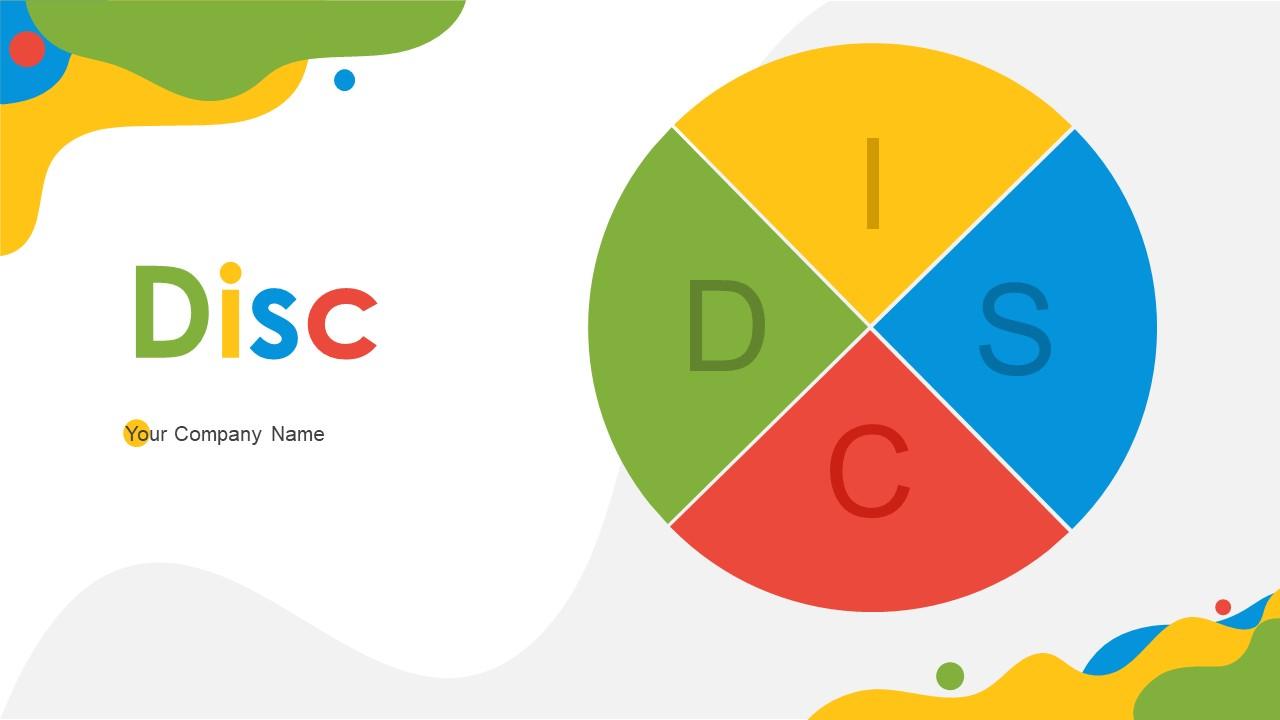
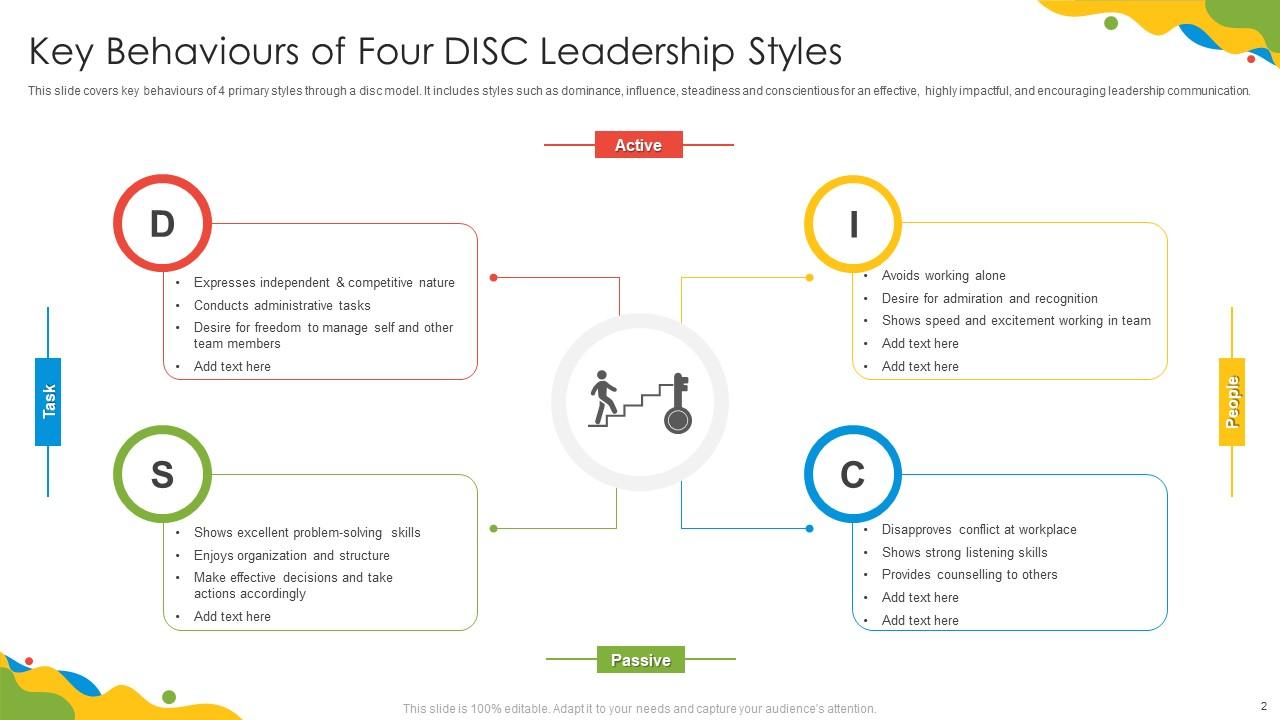
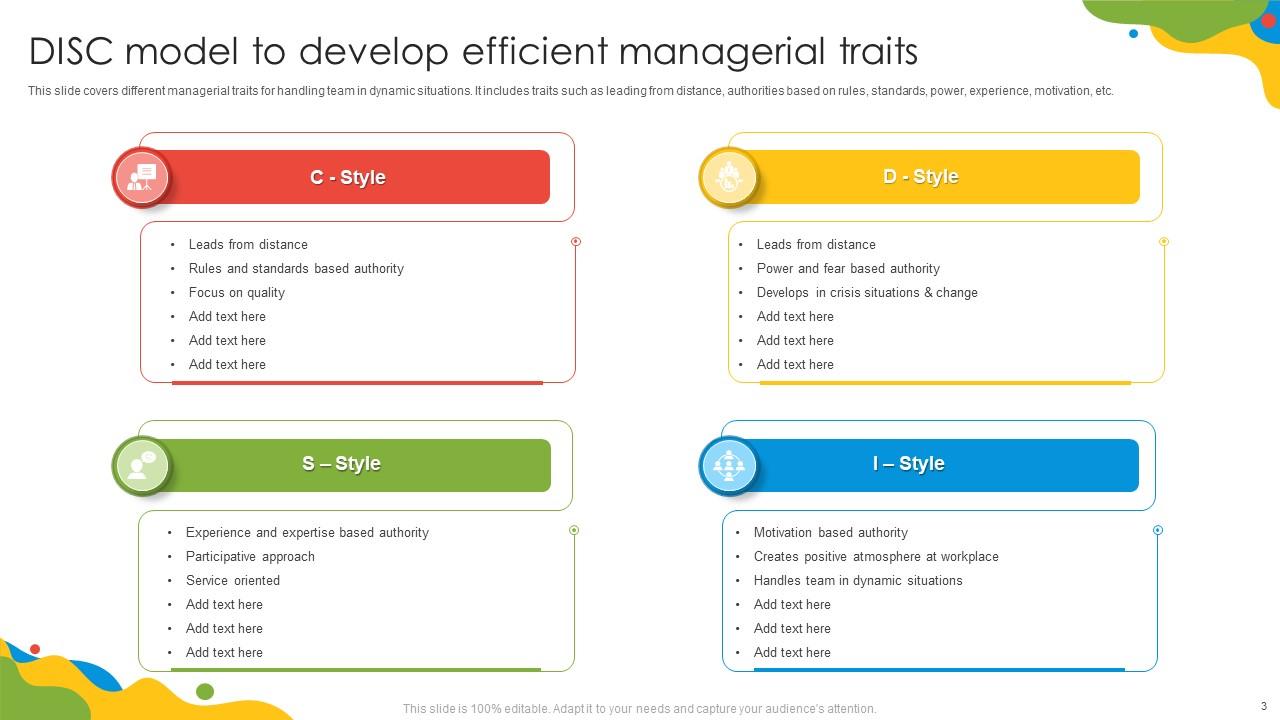
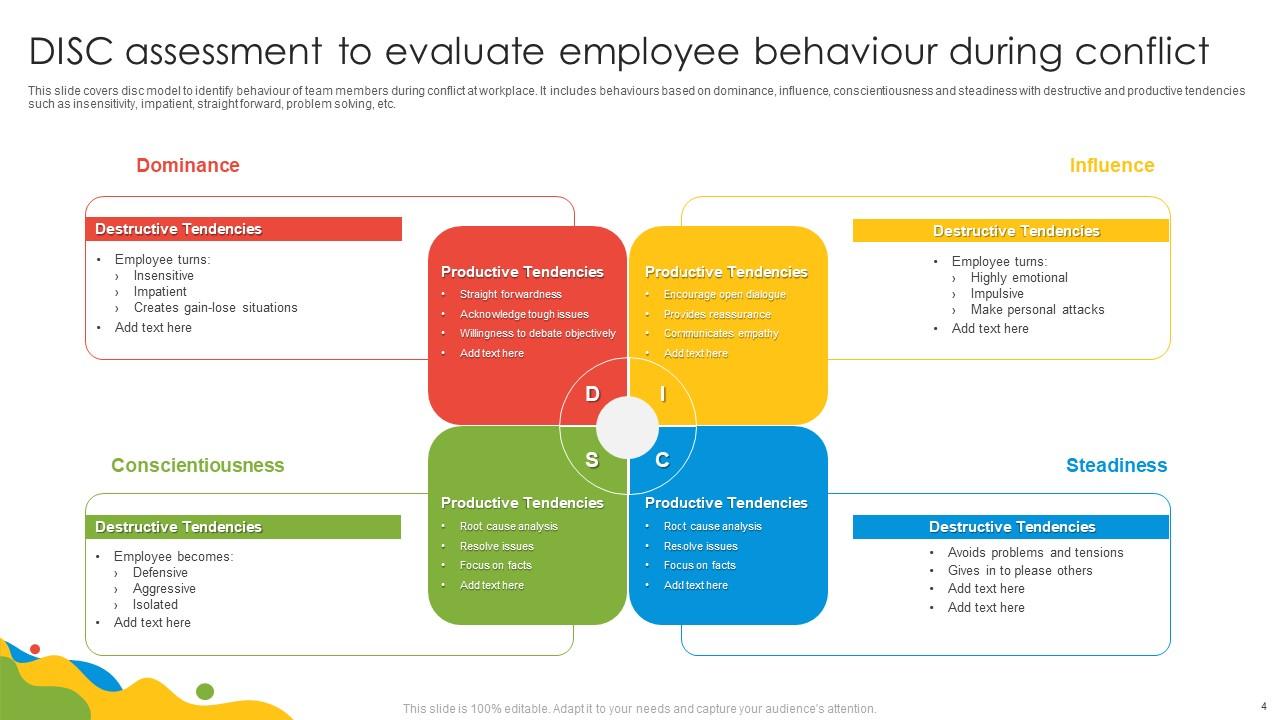
Disc Powerpoint Ppt Template Bundles

Rating:
90%
Disc Powerpoint Ppt Template Bundles
Slide 1 of 27
Favourites Favourites

Try Before you Buy Download Free Sample Product

Audience Impress Your
Audience
Editable 100%
Editable
Time Save Hours
of Time
The Biggest Sale is ending soon in
0
0
:
0
0
:
0
0
Rating:
90%
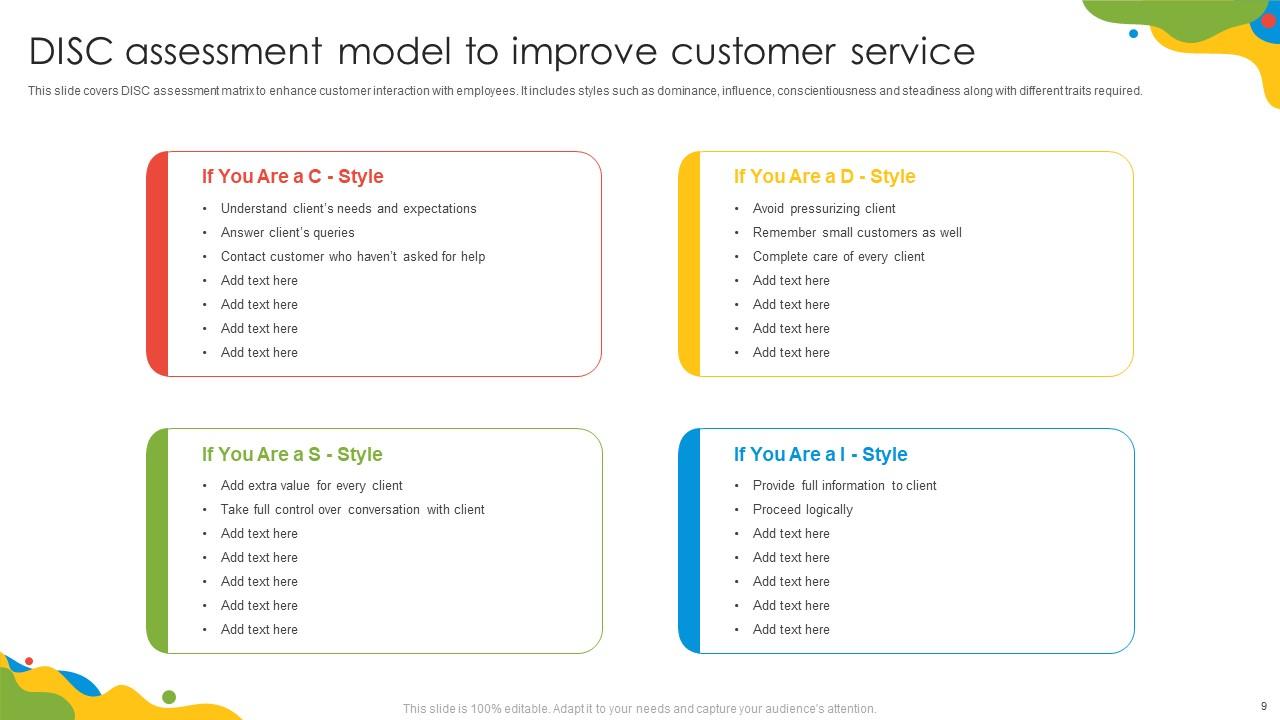
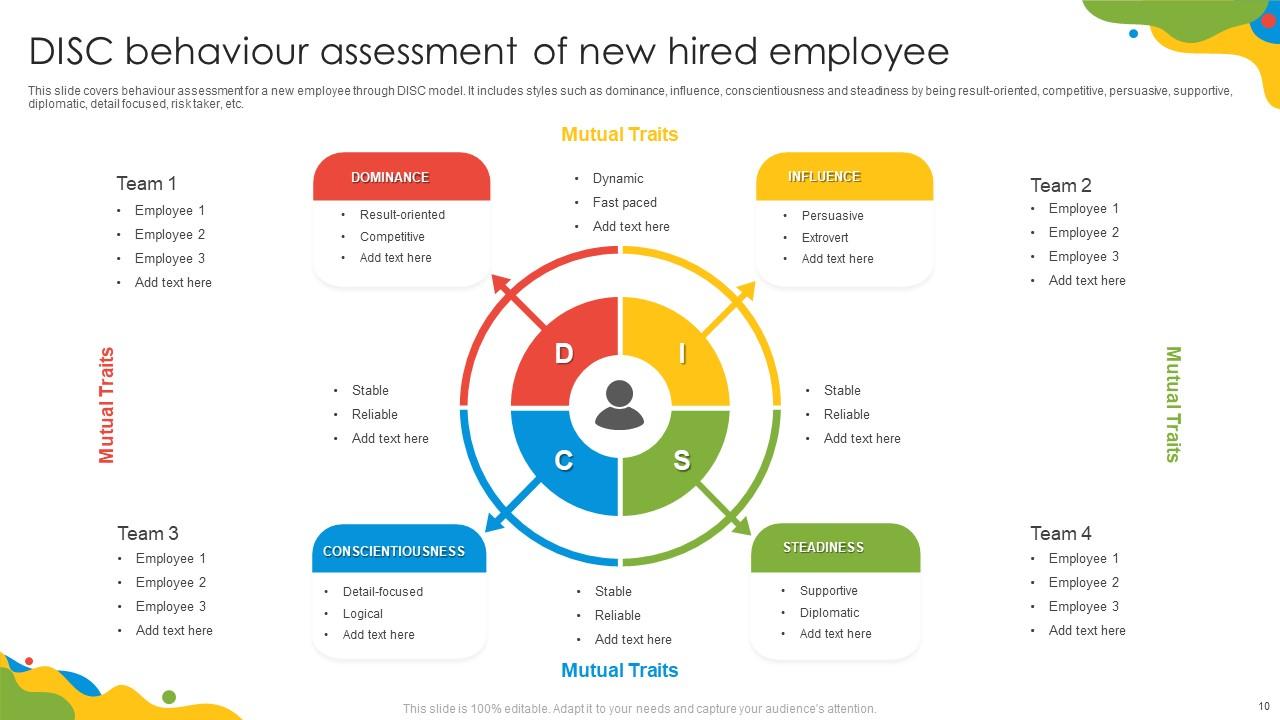
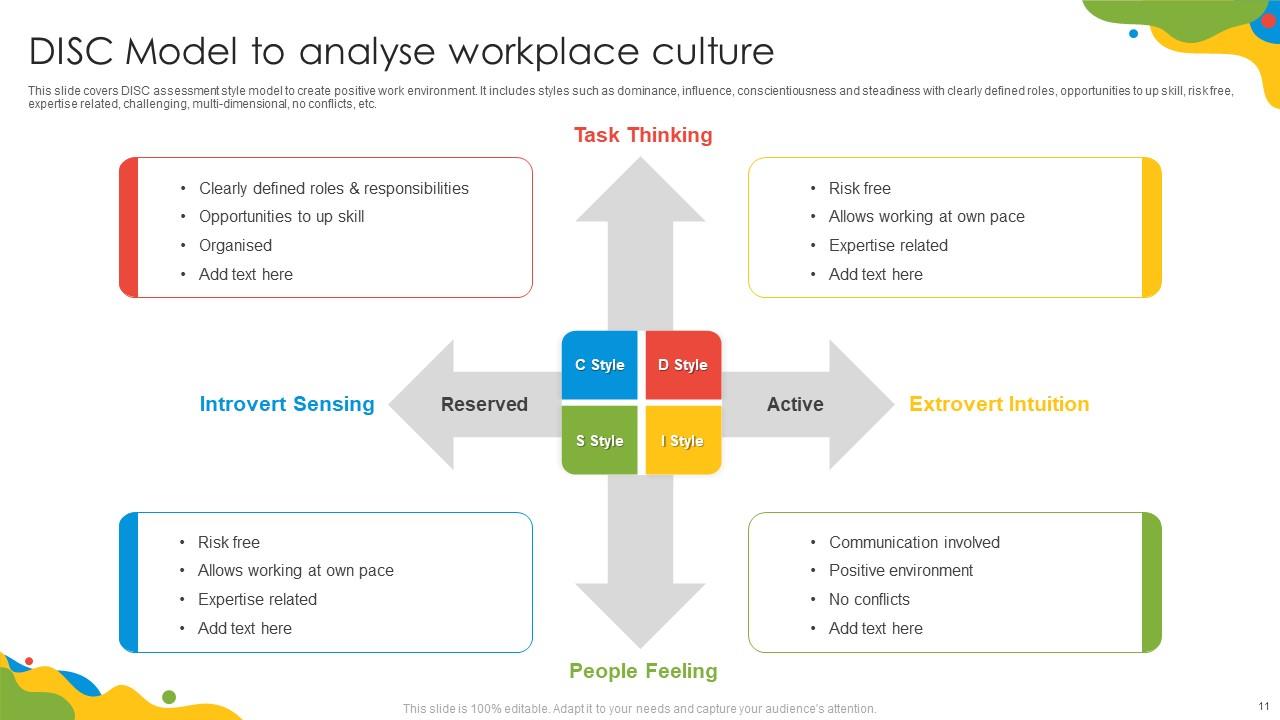
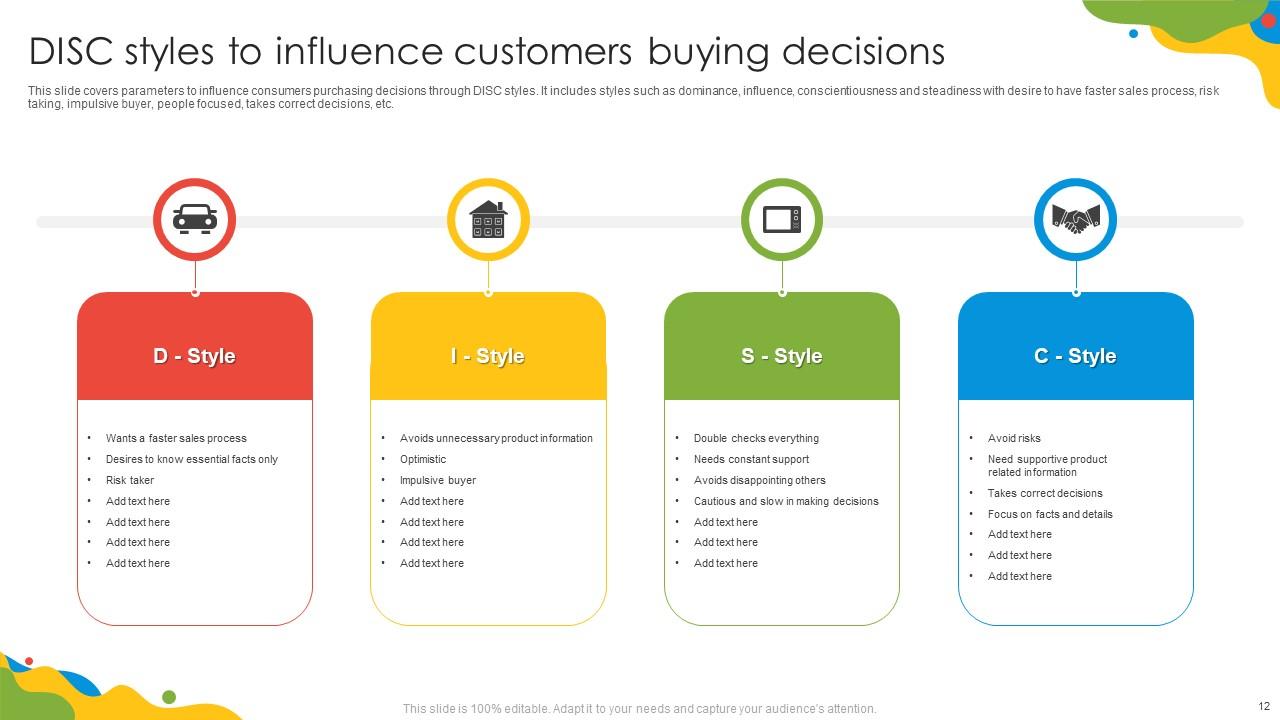
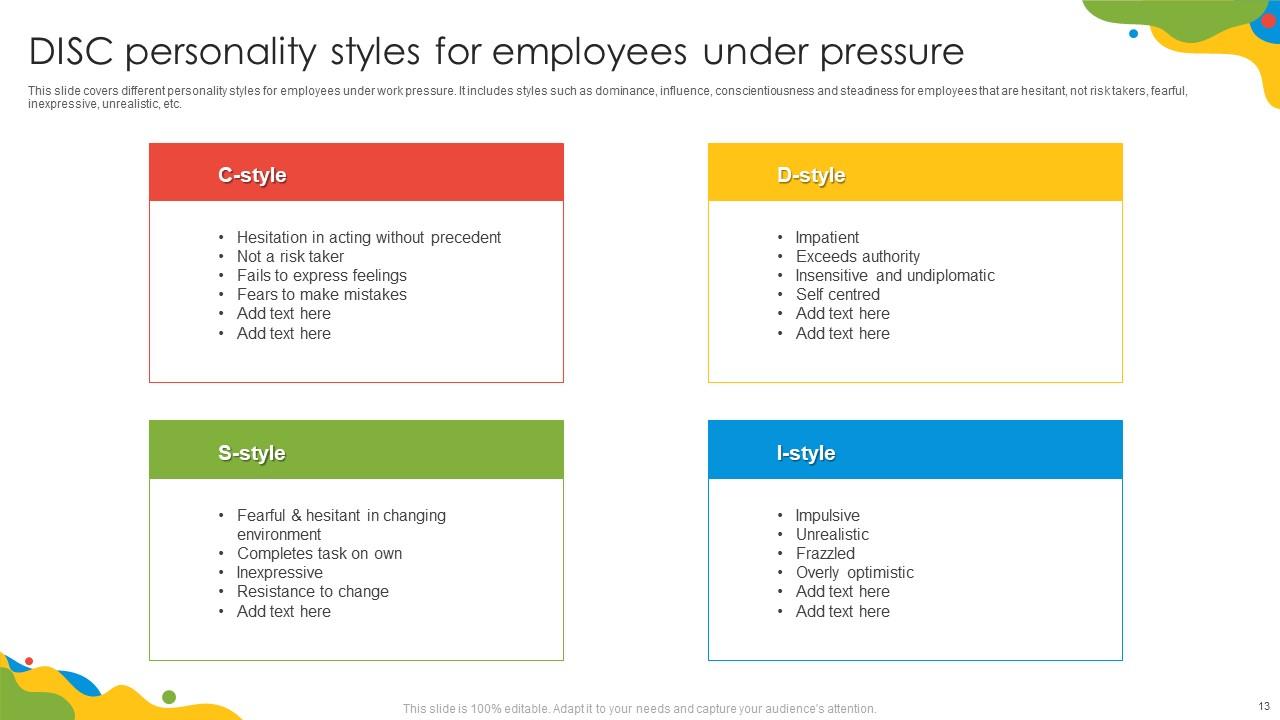
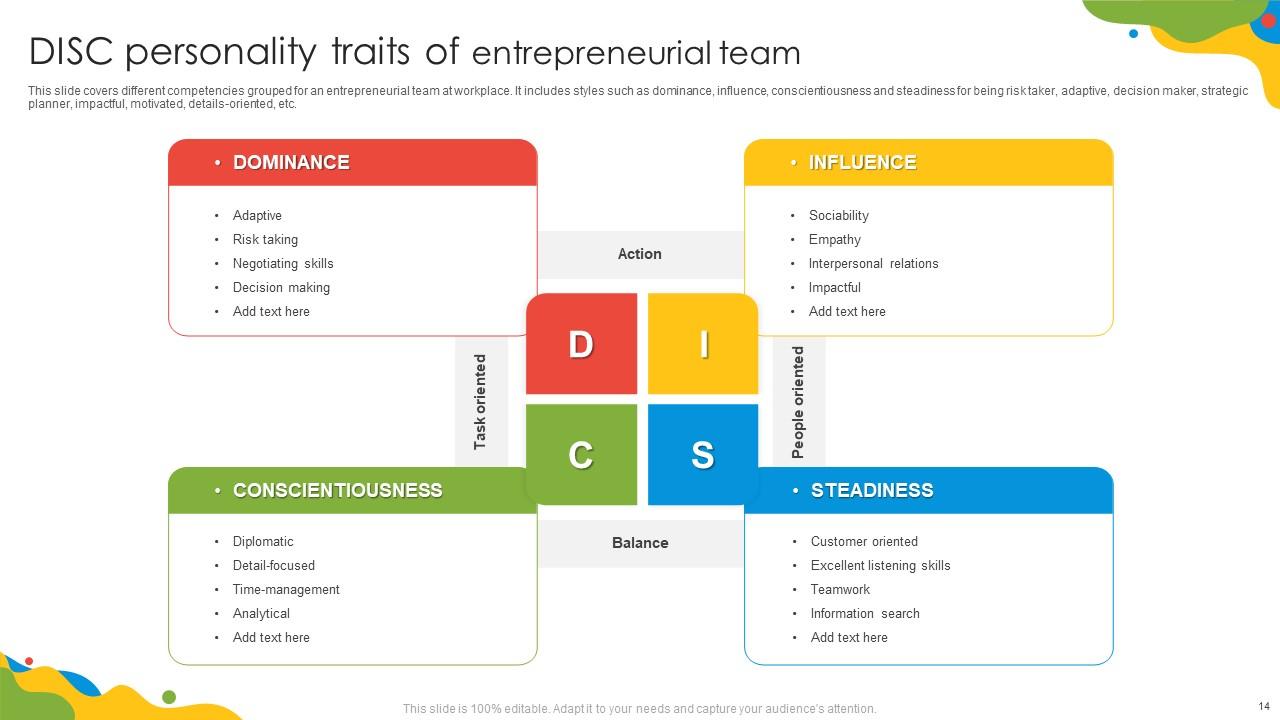
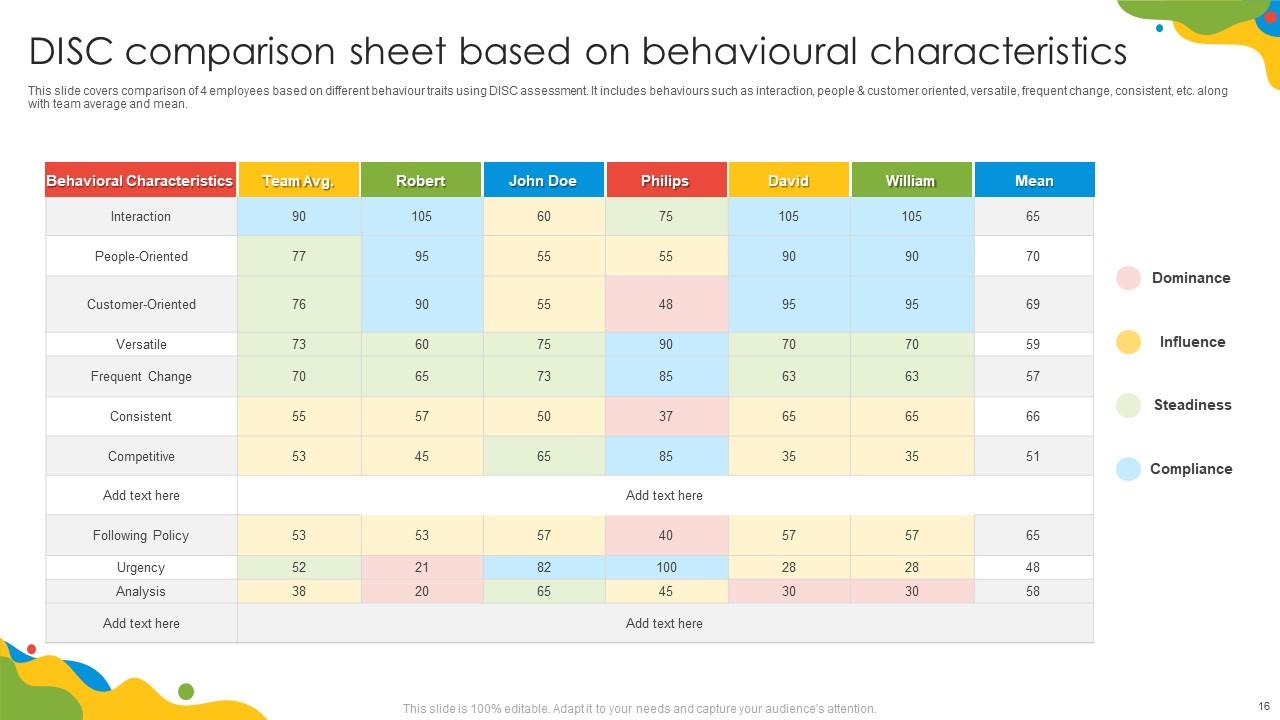
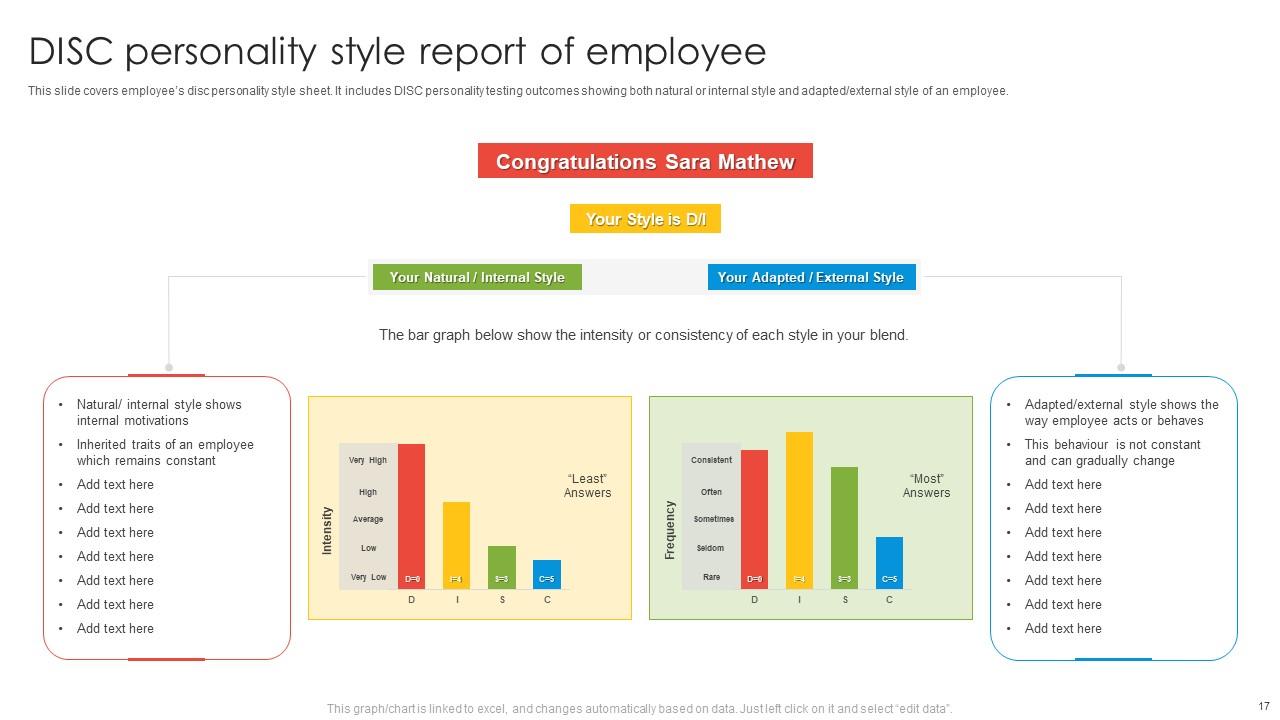
Deliver a credible and compelling presentation by deploying this Disc Powerpoint Ppt Template Bundles. Intensify your message with the right graphics,images,icons,etc. presented in this complete deck. This PPT template is a great starting point to convey your messages and build a good collaboration. The twenty two slides added to this PowerPoint slideshow helps you present a thorough explanation of the topic. You can use it to study and present various kinds of information in the form of stats,figures,data charts,and many more. This Disc Powerpoint Ppt Template Bundles PPT slideshow is available for use in standard and widescreen aspects ratios. So,you can use it as per your convenience. Apart from this,it can be downloaded in PNG,JPG,and PDF formats,all completely editable and modifiable. The most profound feature of this PPT design is that it is fully compatible with Google Slides making it suitable for every industry and business domain.
People who downloaded this PowerPoint presentation also viewed the following :

FAQs for Disc Powerpoint

Honestly, the biggest win is getting a bunch of slides that actually match instead of cobbling together random templates that look terrible together. Saves you so much time since the formatting's already done. Plus you get way more options than buying them one by one - which gets expensive fast, trust me. Those circular designs are really popular right now and work great for showing data or processes. Most come with different color options too so you can make it fit your brand. I'd definitely snag one before your next big presentation. The time you'll save is worth it alone.

Honestly, disc templates are game-changers for presentations. You know those boring bullet point slides that make everyone zone out? Replace them with circular layouts instead. They're like fancy pie charts that actually look good - the eye naturally follows the segments around, which keeps people engaged. Perfect for showing processes or comparing different categories. The circular thing just feels more balanced than cramming everything into rectangles. Plus (and this might sound weird) but people remember circular info better - something about how our brains work. Next time you've got a list-heavy slide, try a disc format. Your audience will thank you.

Disc templates are great for anything circular - like project cycles, feedback loops, or showing how teams work together. I use them all the time for strategic planning when you're mapping department connections. Way better than boring bullet points, honestly. The circular layout naturally catches people's attention and makes relationships between different parts super clear. Perfect for iterative workflows too. You'll want to grab one when linear slides would make complex stuff feel choppy or disconnected. Plus they just look more polished than standard formats - clients always seem more engaged with them.

Yeah, totally! That's literally the main reason to get template bundles - you can customize everything. Swap out colors, fonts, logos, whatever matches your brand. The layouts are flexible so you can move stuff around too. I'd probably make one master branded version first (saves time later) then just copy that for new presentations. Oh and you can change backgrounds, move text boxes around - basically whatever you need. Way better than designing slides from zero every single time, which honestly gets old fast.

Honestly, disc templates are perfect for anything cyclical - project lifecycles, improvement processes, that kind of stuff. You can also show features branching out from a main product or concept. The circular layout naturally pulls your eye to the center while keeping everything connected, which is pretty cool. Just don't use them for timelines or hierarchical data - trust me, it looks awful. I made that mistake once and it was a mess. They're super versatile though! Perfect for strategy presentations where you've got interconnected ideas that don't follow a straight line.

Disc templates are honestly a game-changer for making lessons that don't put kids to sleep. I love using the circular layouts for stuff like food chains, historical cycles, or sorting vocab by themes. The colors can match your subject too - blues for science, warmer shades for English lit. Kids actually look up from their phones when slides don't look like garbage! Start with their ready-made layouts and just plug in your content. Way easier than designing from scratch. You can reveal info bit by bit using the segments, which keeps them engaged instead of reading ahead.

Rounded buttons work best with disc templates - match that circular vibe, you know? Make sure people can actually find your clickable stuff against those backgrounds. I learned this the hard way when users kept missing obvious buttons. Keep your animations simple at first, then add fancier effects once everything runs smooth. Stick to the template's colors so it doesn't look like a mess. Test on real devices too since some disc templates eat up resources. Oh, and don't let your new elements fight with what's already there visually.

Your color choices totally make or break how people absorb your info. Reds and oranges pump energy but blues feel more trustworthy - honestly, I've watched presentations crash just because the colors felt wrong for the vibe. Financial stuff? Go with professional blues or grays. Creative pitch? You can get wild with it. Here's something I learned the hard way though - always check your colors on the actual screen first because they look different than on your laptop.

Dude, tech companies and consulting firms absolutely crush these disc bundles - they're always presenting to clients and need stuff that looks sleek. Marketing agencies are obsessed with them too since anything that cuts design time is basically heaven. Finance, healthcare, and education teams use them tons because they need polished presentations but don't have designers on staff. Those circular layouts are perfect for showing processes or data relationships that come up constantly in those fields. Honestly, if your team does regular client pitches or reports, just grab a bundle and switch it to your brand colors. Way easier than starting from scratch every time.

Oh, disc templates are actually great for this! They naturally break complex stuff into bite-sized chunks since each segment gets its own space. I love how you can either connect everything back to a central idea or arrange them like steps in a process. Way better than those boring bullet point slides that put everyone to sleep, honestly. Different colors for each disc help too - makes it super clear where one idea ends and another begins. Your audience won't get that overwhelmed feeling since they're processing one piece at a time. Definitely worth trying next time you're presenting something complicated.

Yeah, Disc templates can be tricky for storytelling. The circular thing looks cool but honestly? It fights against how stories work - we want to move forward, not loop back constantly. Plus cramming complex data into those curved sections gets messy real quick. I've seen people struggle when their timeline doesn't fit the format. Sometimes the template ends up being more distracting than helpful, you know? My take: sketch out your story first. Then decide if the Disc actually helps or just makes things harder. Don't force it if it's not working.

So disc PPT templates are actually pretty clever - they mix different content types to hit various learning styles. Visual people get charts and infographics. Text-heavy sections work for readers. There's usually interactive stuff too for hands-on learners. The storytelling sections help auditory folks who need that narrative flow to really get it. When you're presenting to a random group, you can bounce between slide types to keep everyone engaged. Oh, and they don't look messy despite having all this variety, which is honestly impressive. Just grab templates with 3-4 different content formats.

Hey! So I've been down this rabbit hole before lol. Envato Elements and Creative Market are your best bets - tons of solid disc templates with different vibes. GraphicRiver's cool if you just want one template instead of a whole subscription thing. Template.net has some decent options too, but honestly their search function is kinda wonky. Most places let you preview everything first, which is clutch. Oh and definitely check the reviews before downloading - some templates look amazing but are a nightmare to edit. Each bundle usually comes with like 20+ slide variations so you'll have plenty to work with.

Okay so basically those animated disc templates actually work because they turn boring info into something people want to watch. Like, motion just grabs your brain differently than static slides - I swear everyone's always on their phones during regular presentations. The spinning and sliding stuff helps break information into smaller chunks too, which is huge for keeping people following along. Progressive reveals are clutch for this. Instead of dumping everything at once, you can walk through data points one by one. Trust me, your audience retention will be way better than those awful bullet-point decks we've all endured.

Honestly, people seem pretty happy with these disc PowerPoint bundles. The designs are clean and modern, plus they're super easy to tweak for whatever you need. Most folks say it beats starting from zero - saves a crazy amount of time. Getting multiple styles in one pack is clutch since you can switch things up for different presentations. Yeah, some people want more color options (can't blame them), but the reviews are mostly solid. Oh, and I'd probably grab a smaller bundle first just to see if you vibe with the style before dropping cash on the big ones.

Ratings and Reviews

90% of 100
Review Form
Write a review
Most Relevant Reviews
  1. 80%

    by Devin Daniels

    I discovered some really original and instructive business slides here. I found that they suited me well.
  2. 100%

    by Garcia Ortiz

    Thrilled to see several customizable templates catering various verticals and industries. 

2 Item(s)

per page: