Inter Department Operational Optimization PowerPoint Presentation Slides
Try Before you Buy Download Free Sample Product
Audience
Editable
of Time
Our Inter Department Operational Optimization PowerPoint Presentation Slides are topically designed to provide an attractive backdrop to any subject. Use them to look like a presentation pro.
People who downloaded this PowerPoint presentation also viewed the following :
Content of this Powerpoint Presentation
Slide 1: This slide introduces Inter Department Operational Optimization. State Your Company Name and begin.
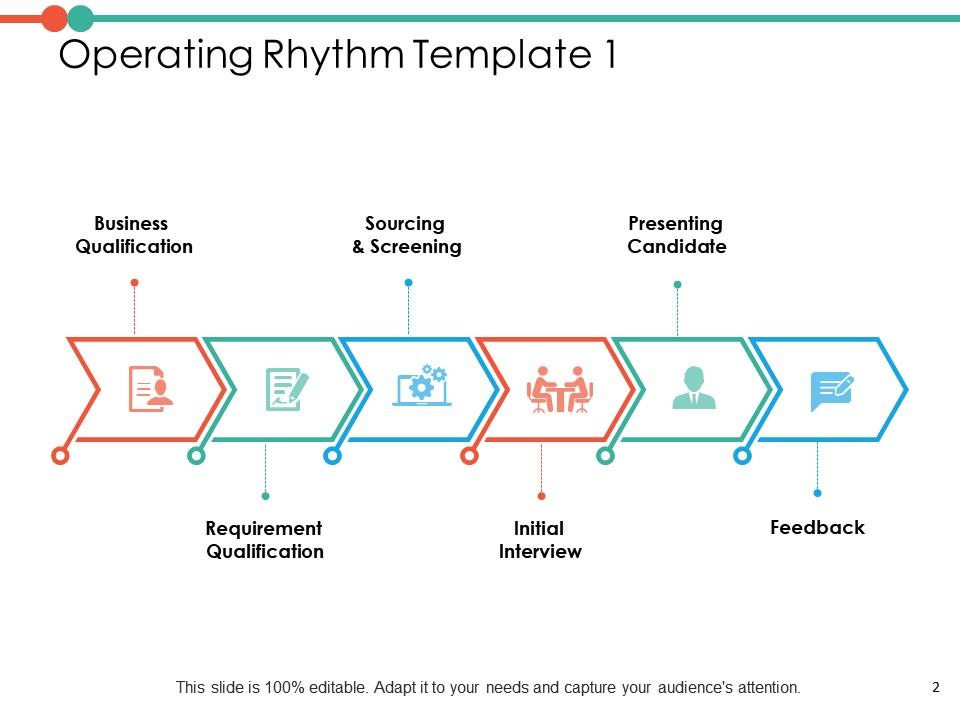
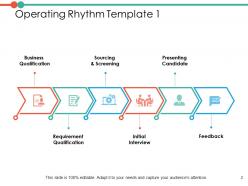
Slide 2: This slide shows Operating Rhythm Template 1 describing- Business Qualification, Requirement Qualification, Sourcing & Screening, Initial Interview, Presenting Candidate, Feedback.
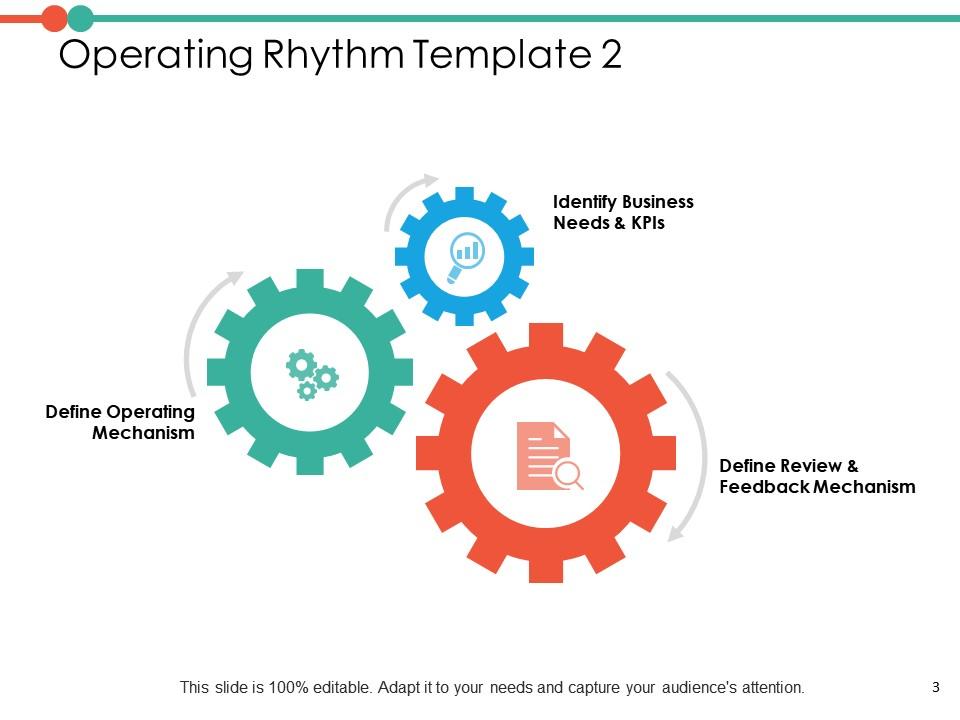
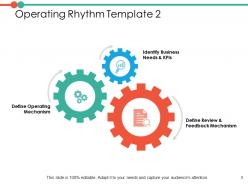
Slide 3: This slide presents Operating Rhythm Template 2 describing- Define Operating Mechanism, Define Review & Feedback Mechanism, Identify Business Needs & KPIs.
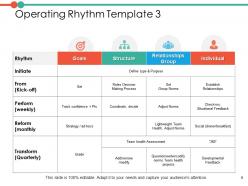
Slide 4: This slide displays Operating Rhythm Template 3 describing goals, structure, relationship group and individual.
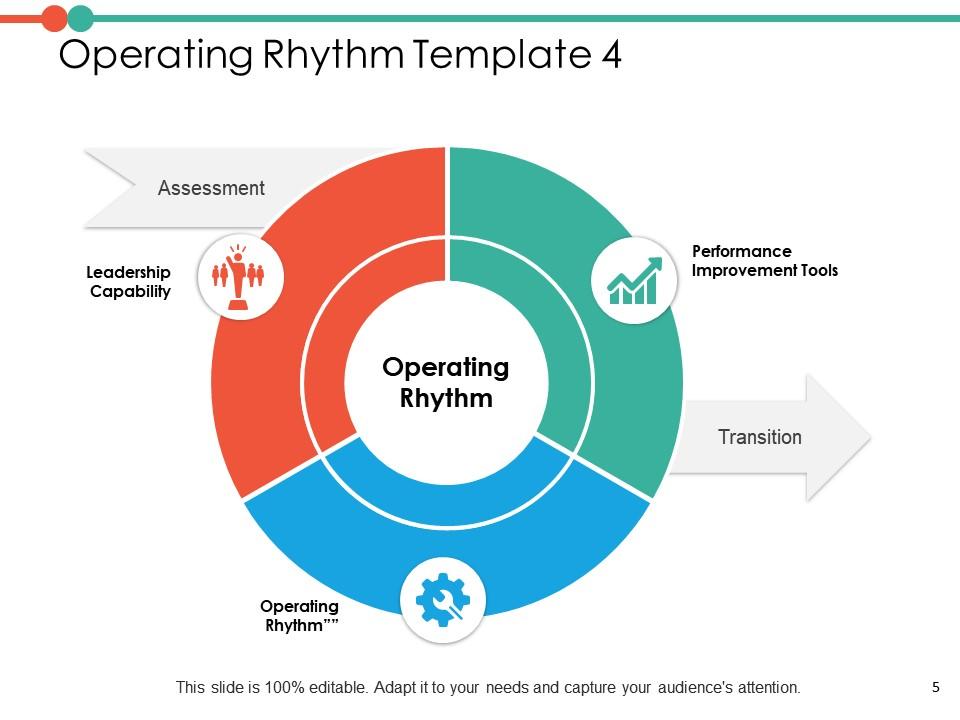
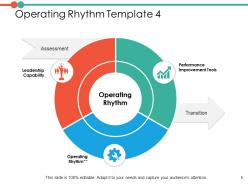
Slide 5: This slide represents Operating Rhythm Template 4 with- Leadership Capability, Operating Rhythm, Performance Improvement Tools.
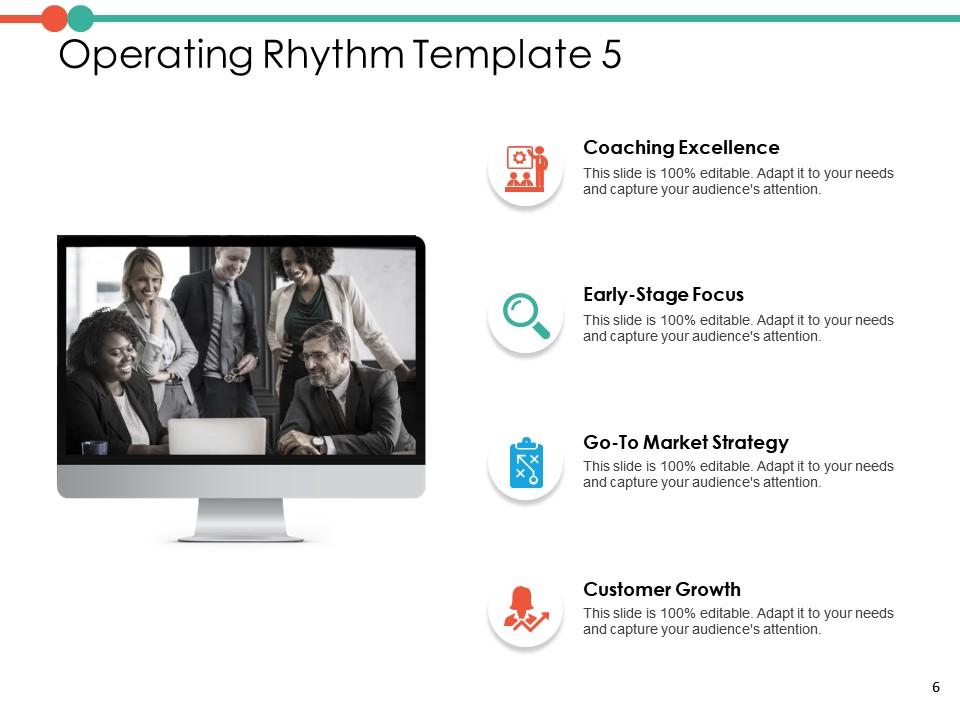
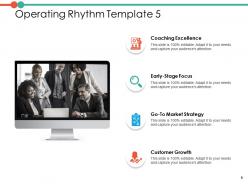
Slide 6: This slide showcases Operating Rhythm Template 5 describing- Coaching Excellence, Early-Stage Focus, Go-To Market Strategy, Customer Growth.
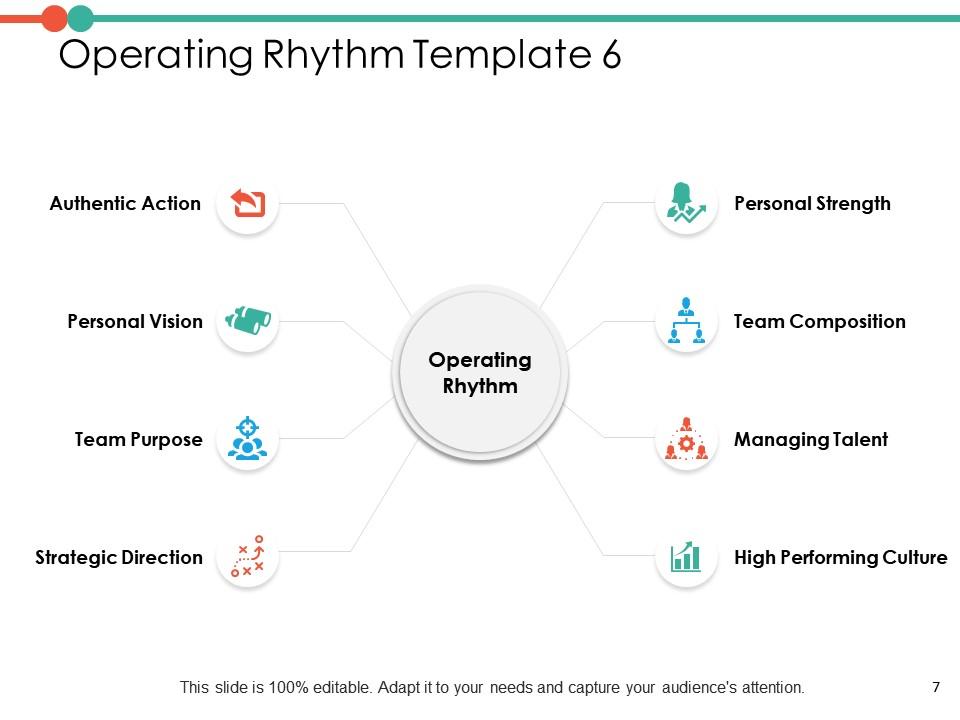
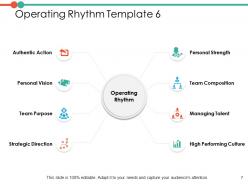
Slide 7: This slide shows Operating Rhythm Template 6 describing- Personal Vision, Team Purpose, Strategic Direction, Authentic Action, Personal Strength, Team Composition, Managing Talent, High Performing Culture.
Slide 8: This slide displays Inter Department Operational Optimization Icons
Slide 9: This slide is titled as Additional Slides for moving forward.
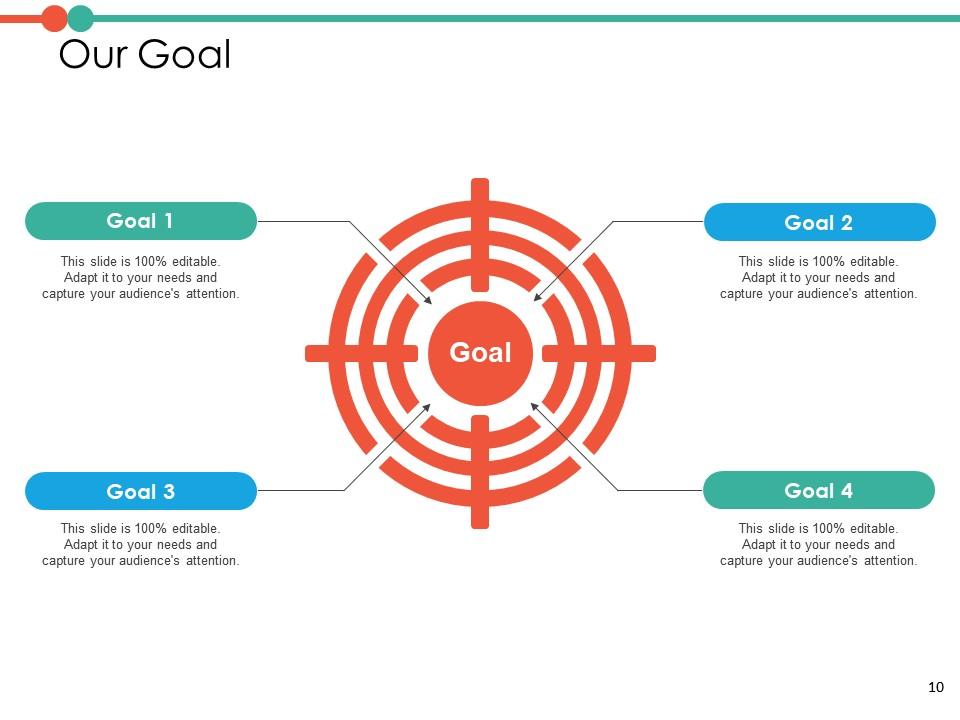
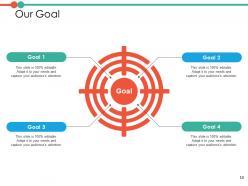
Slide 10: This is Our Goal slide. Show your organisation's goals here.
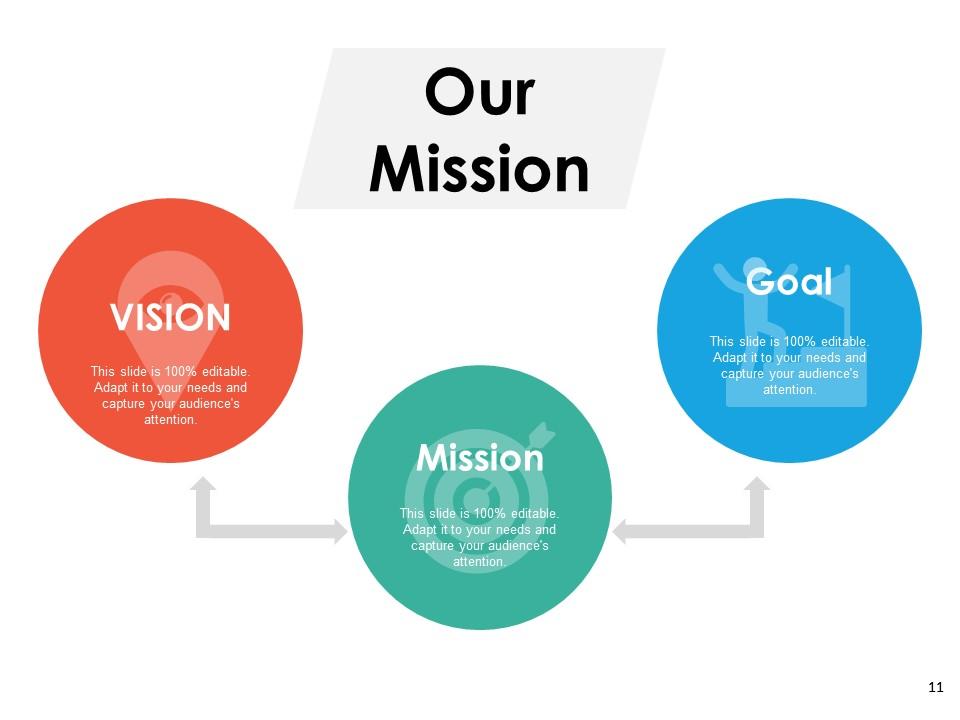
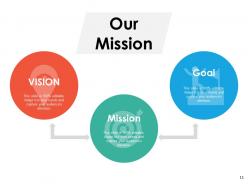
Slide 11: This slide shows Our Mission with text boxes.
Slide 12: This slide shows Post It notes. Post your important notes here.
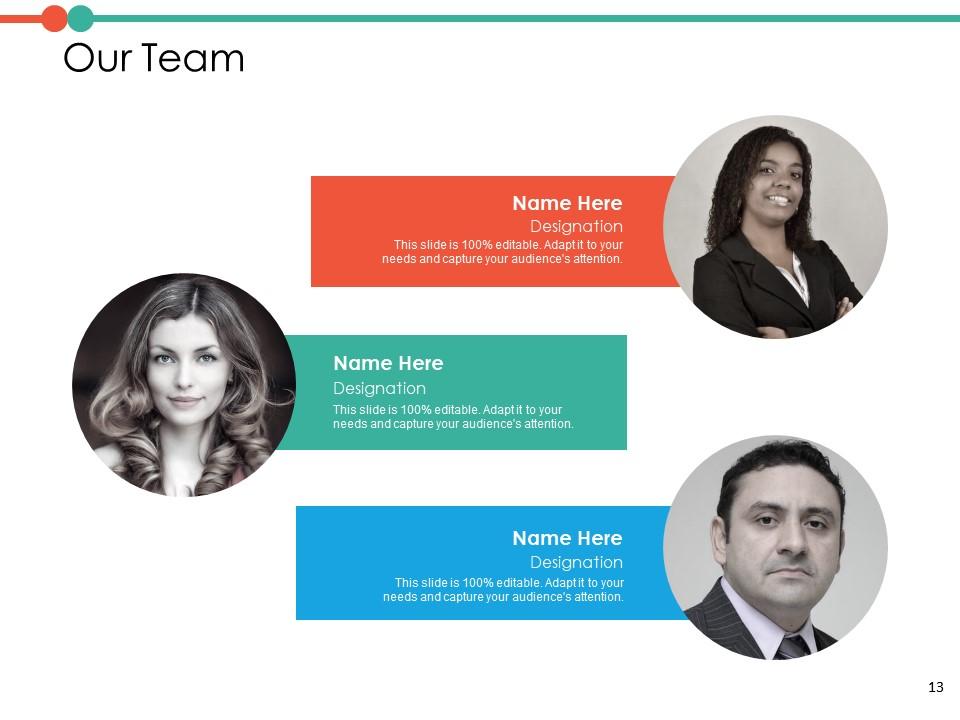
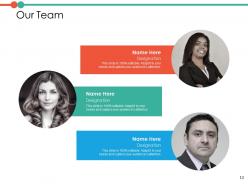
Slide 13: This is Our Team slide with names and designation.
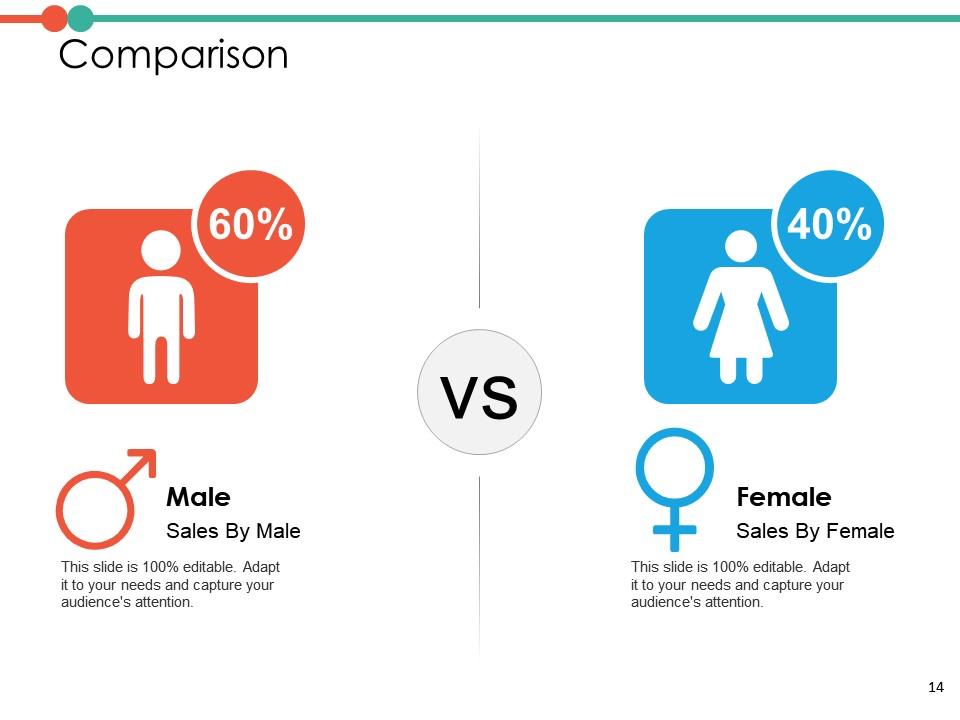
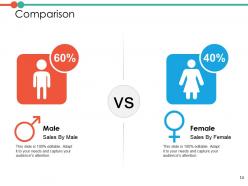
Slide 14: This is a Comparison slide to state comparison between commodities, entities etc.
Slide 15: This is Blub or Idea slide to state a new idea or highlight specifications/ information etc.
Slide 16: This is a Quotes slide to highlight or state anything specific.
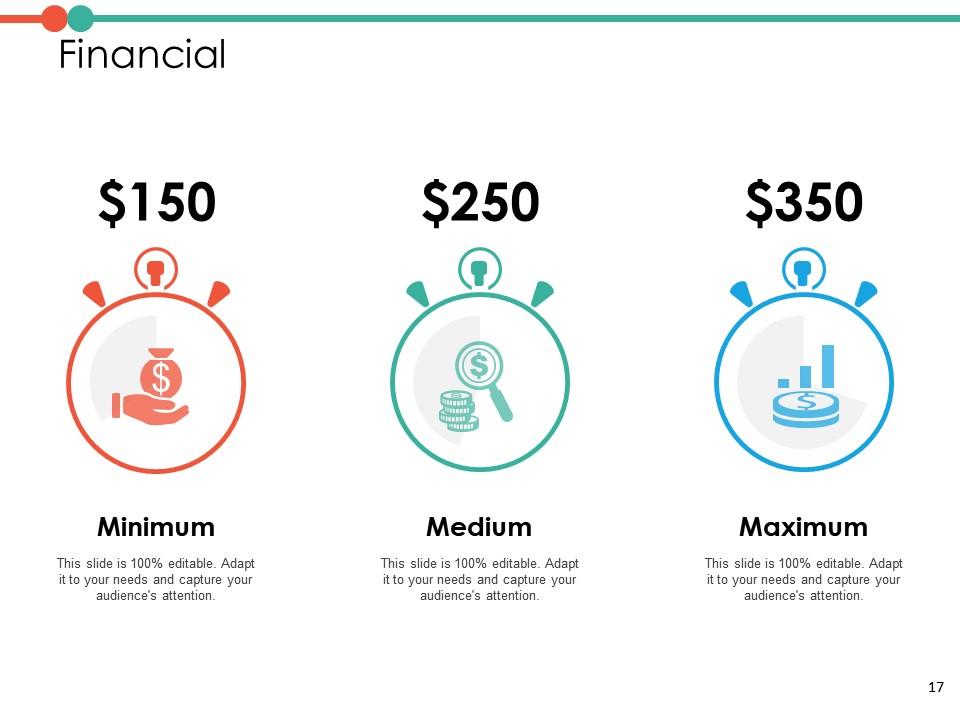
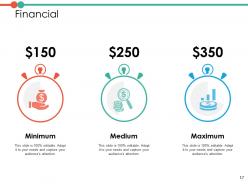
Slide 17: This is a Financial slide. Show finance related stuff here.
Slide 18: This is a Thank you slide with address, contact numbers and email address.
Inter Department Operational Optimization PowerPoint Presentation Slides with all 18 slides:
Use our Inter Department Operational Optimization PowerPoint Presentation Slides to effectively help you save your valuable time. They are readymade to fit into any presentation structure.
FAQs for Inter Department Operational Optimization
Honestly, start with productivity ratios and cycle time - those'll show you if you're actually getting stuff done efficiently. Error rates and resource utilization are clutch too. Cost per unit is probably the most telling metric though, since it reveals whether you're being productive or just spinning your wheels. Different teams need different KPIs, which is kind of annoying but makes sense. Don't try to force the same metrics everywhere. I'd pick maybe 3-4 that directly address your biggest headaches first. Once you've got those working, then you can add throughput and quality scores. Way easier than trying to track everything at once.
Honestly, start with the stuff that's driving you crazy every day - like all those manual handoffs between systems. Zapier or Microsoft Power Automate can handle most of that boring repetitive work automatically. Cloud project management tools are a game changer too. Everyone can see what's happening in real-time instead of sending those annoying "what's the status?" emails back and forth. AI analytics will show you bottlenecks you didn't even realize were there (some of mine were pretty embarrassing). Don't try to fix everything at once though - that's a recipe for disaster. Just pick your biggest headache and solve that first.
Honestly, training your people is huge for getting operations dialed in. Most teams I've worked with are stuck doing things the old way just because nobody showed them better methods. Your employees will catch problems faster and make way fewer costly mistakes when they actually know what they're doing. The trick is don't treat it like a one-and-done thing - make it regular. I'd start with whatever's creating your biggest headaches process-wise and focus training there first. It's probably the fastest way to see real results without spending a fortune.
Honestly, the hardest part is always people just hating change - even when the current way sucks. Your team will push back no matter what. Communication breaks down constantly too, like nobody explains WHY we're doing this differently now. You'll also run into resource issues and unclear goals. Oh, and leadership saying they support you but then... not really? That's fun. My take: pick one small thing first. Keep explaining the reasoning behind it - like, over and over. Then make a big deal about early wins. People need to see it's actually working before they'll get on board.
Honestly, analytics just takes your hunches and backs them up with actual proof. You know those meetings where everyone's got their own theory about what's broken? Skip all that. Pull the real data and see where your bottlenecks actually are, not where people think they are. Track your downtime patterns, catch inefficiencies before they cost you big money. Best part? You can actually tell if the changes you made worked or if you're still spinning your wheels. My advice - don't go crazy trying to analyze everything at once. Pick whatever's bugging you most and start there.
Honestly, just write down what you're doing now - you'll be shocked at how much redundant crap you find. I'd start with the boring repetitive stuff first. Like, use Zapier or whatever to automate invoice reminders (businesses literally save hours doing this). Communication gaps are usually the real killer though, or those approval processes that drag on forever. Time one process this week from start to finish - might be eye-opening. Oh, and track a couple metrics so you actually know if you're making things better or just moving stuff around.
Honestly, most companies suck at this but it's such a game-changer. You've gotta get your teams actually talking to each other instead of working in these weird isolated bubbles. Sales gets way better leads when marketing knows what customers are actually struggling with. Operations can plan properly when they know what sales is promising clients. The trick is setting up regular check-ins between departments – not waiting until something's on fire. I'd start with weekly cross-team meetings, even if they're just quick 15-minute things. Trust me, you'll catch problems early and stop doing the same work twice.
Customer feedback is like having a GPS for fixing your operations - shows you exactly where things are falling apart from their end. You'll catch bottlenecks and service gaps that never show up on your internal reports. Honestly, we can obsess over spreadsheets all we want, but customers tell you what's actually broken. Their complaints usually point to the stuff that needs fixing ASAP. Plus the good feedback shows what's already working so you don't mess with it. I'd start by grouping similar complaints together, then figure out which part of your process each one connects to.
Start by drawing out your current workflow - seriously, just sketch every single step. You'll spot the obvious time-wasters like redundant approvals or people waiting around for no reason. The 5S thing is actually pretty helpful: sort, set in order, shine, standardize, sustain (yeah I know it sounds like corporate buzzword bingo). Ask yourself what truly adds value for your customer. Everything else? Cut it. Value stream mapping sounds complicated but it's literally just documenting each step visually. Pick one messy process first. Test small changes fast. Here's the key though - talk to whoever's actually doing the work daily. They know exactly where things break down way better than management does.
Honestly, start with something simple like Tableau or Power BI for dashboards - they're great for seeing your KPIs without getting overwhelmed. Google Analytics works well for web stuff, and I've seen teams do amazing things with just Excel pivot tables (boring but effective). Monday.com or Asana are solid for project tracking too. The fancy enterprise tools like SAP Analytics exist if you need them later, but most people overcomplicate this stuff. Pick whatever your team will actually open every day instead of something that'll collect digital dust. Get one tool working first, clean up your data, then think about expanding. Trust me on this one.
Dude, automation is a money saver for sure. The big wins come from cutting down on repetitive stuff your team does manually - and honestly, eliminating those annoying human errors that cost a fortune to fix later. Your workflows get way faster too. I've seen companies save tons just because automated systems work around the clock without needing breaks or overtime pay. Error reduction alone makes it worth it since fixing mistakes after the fact gets expensive quick. My advice? Look at whatever tasks eat up the most time first - that's usually where you'll see returns fastest.
Honestly, you don't have to pick one or the other - just find what works through small tweaks. Map out your current process and spot the bottlenecks that aren't actually adding value. Most teams have these pointless approval loops that you can just cut or automate. Here's the thing: some stuff doesn't need to be perfect. Save your energy for the parts that actually matter to the final result. I'd try small tests first - like maybe skip extra reviews for simple tasks but keep them strict for the big stuff. You'll probably find your sweet spot faster than you think.
Honestly, getting your supply chain dialed in makes everything else so much easier. Inventory moves faster, you're not burning money on storage costs, and forecasting actually works. Production stops being this chaotic mess because you're not scrambling over delayed shipments every week. Even customer service gets better - they can give real delivery dates instead of just guessing. I'd start by mapping what you've got now, find your worst bottlenecks first. Don't try fixing everything at once though, that's a recipe for chaos. The ripple effects are wild once it clicks.
From day one, build sustainability metrics into your regular KPIs - can't just tack it on later. Energy efficiency stuff is usually a goldmine because you're cutting costs AND emissions. Honestly the best wins I've seen have been the green ones anyway. Try thinking circular economy - where your waste feeds into someone else's process. Oh and definitely audit what you're doing now first to spot the biggest environmental issues. Those problem areas? They're usually where you'll find the most room for improvement. Just make sure you're measuring the whole lifecycle impact, not just quick fixes.
Yeah, leadership totally drives this stuff. If you're not walking the walk on improvement and accountability, your team definitely won't. Celebrate when processes actually work, let people experiment, and - this is key - own up when things are broken. I've watched so many managers talk about "efficiency" while piling on more red tape, which is honestly infuriating. Create that safe space where people can speak up about dumb processes without getting shot down. Oh, and try asking your team weekly what's slowing them down right now. Simple question but it works.
-
Qualitative and comprehensive slides.
-
Content of slide is easy to understand and edit.