Library powerpoint ppt template bundles

Rating:
80%
Library powerpoint ppt template bundles
Slide 1 of 17
Favourites Favourites

Try Before you Buy Download Free Sample Product

Audience Impress Your
Audience
Editable 100%
Editable
Time Save Hours
of Time
The Biggest Sale is ending soon in
0
0
:
0
0
:
0
0
Rating:
80%
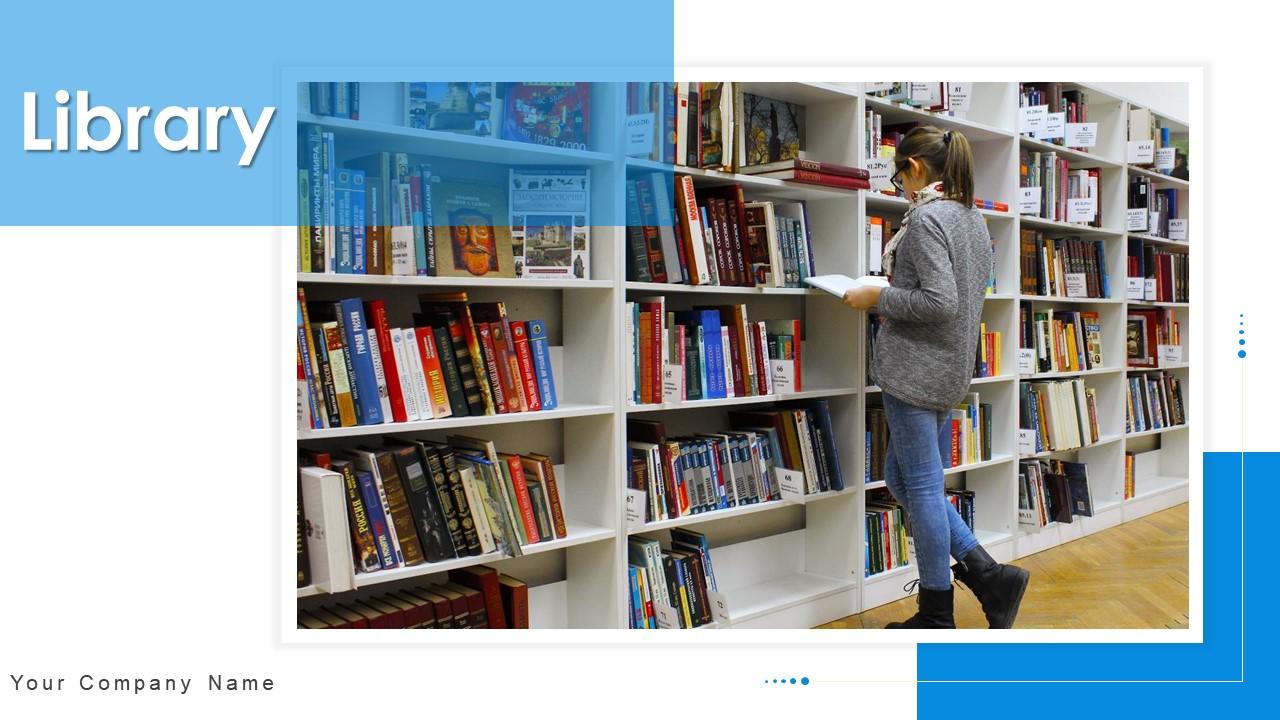
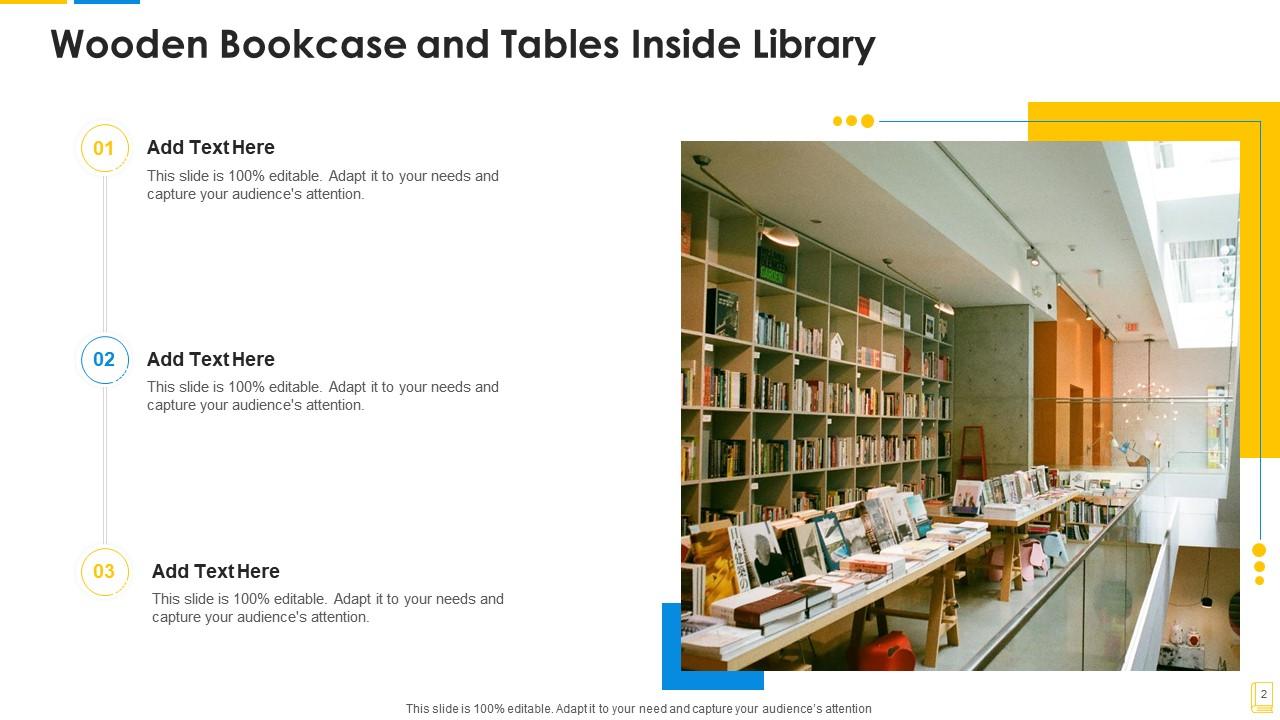
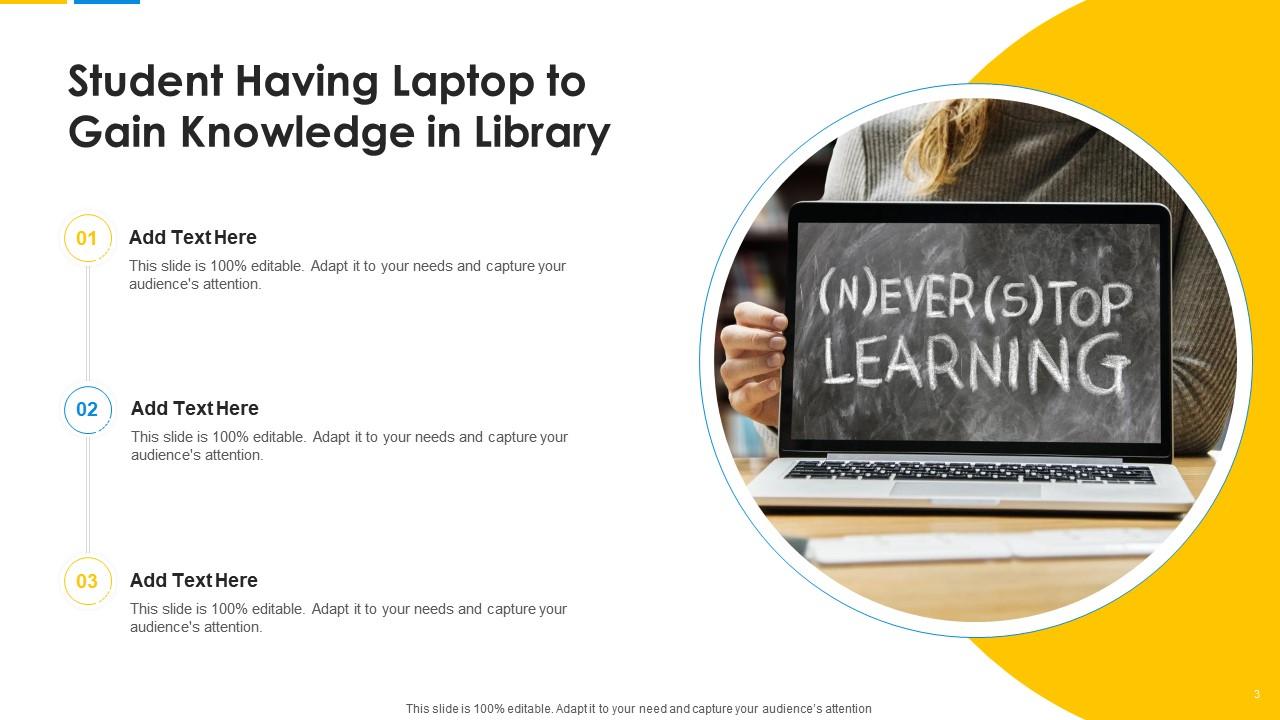
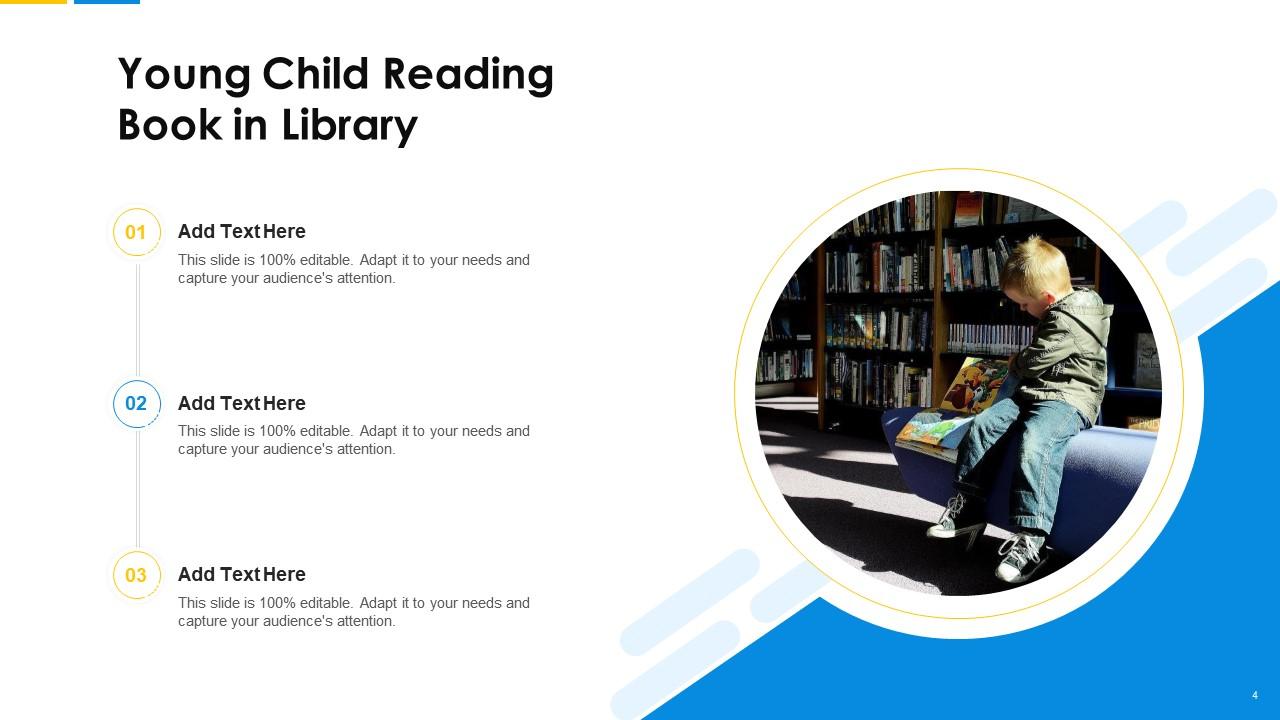
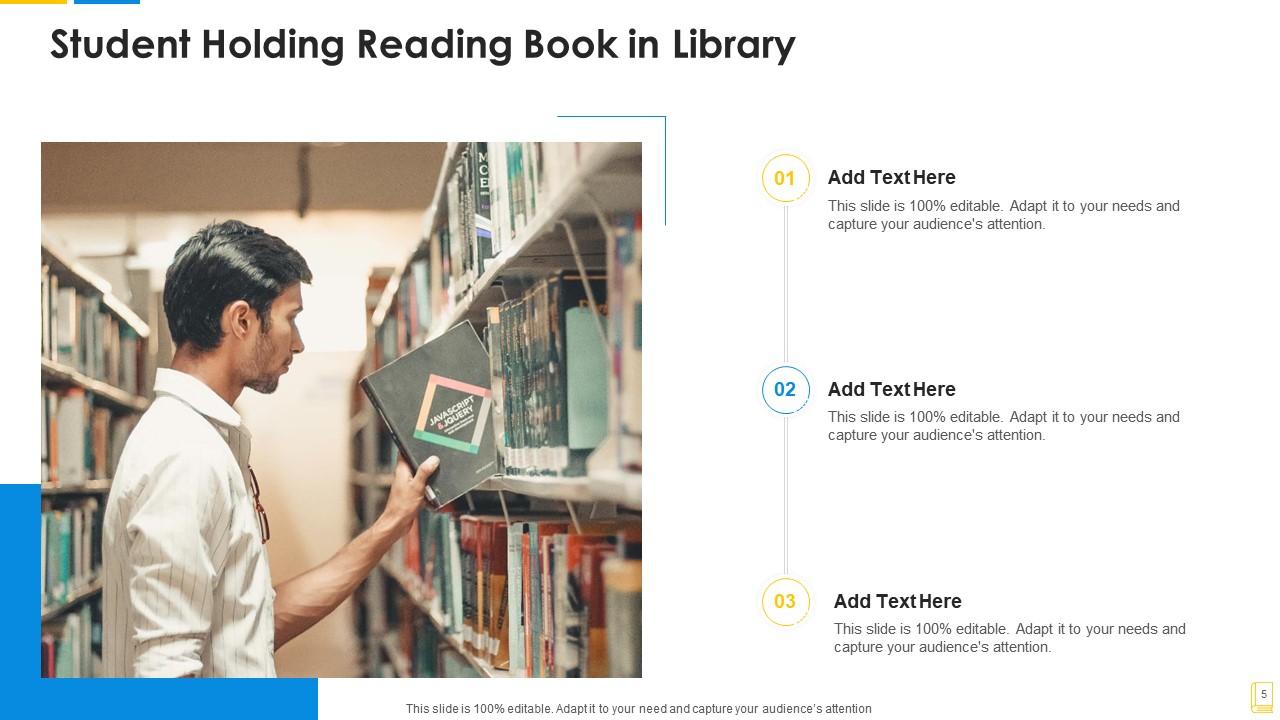
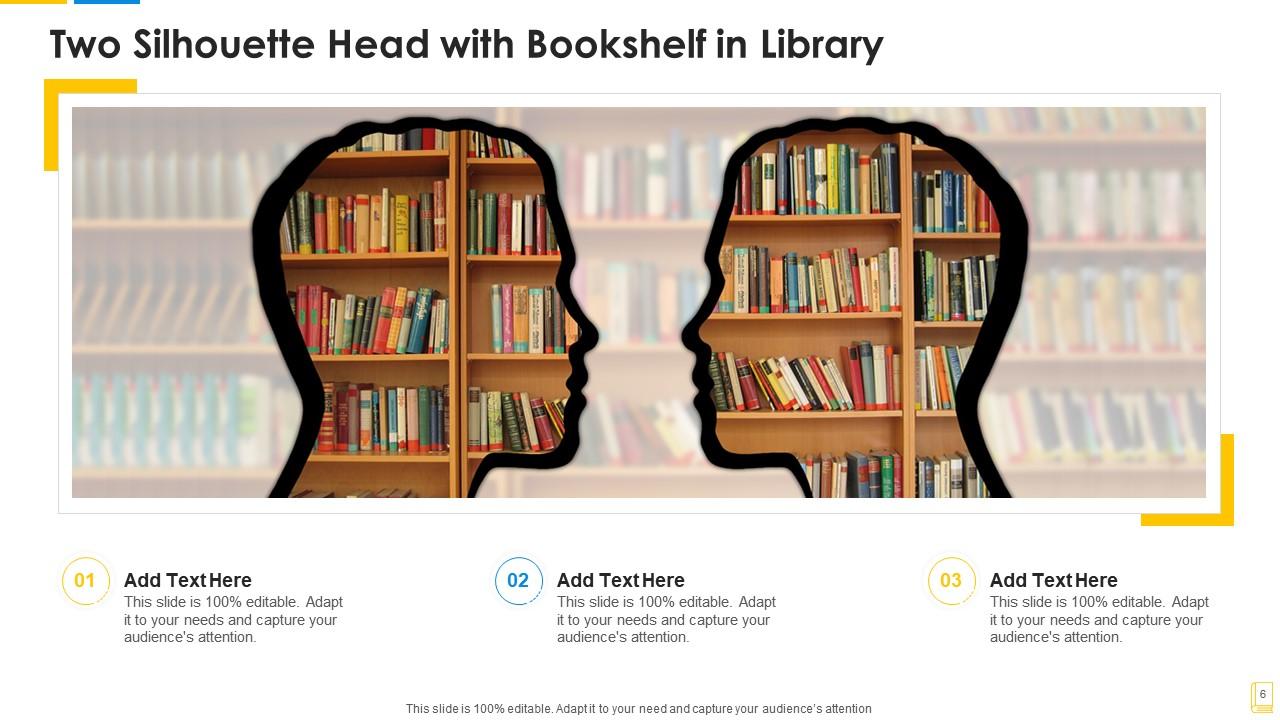
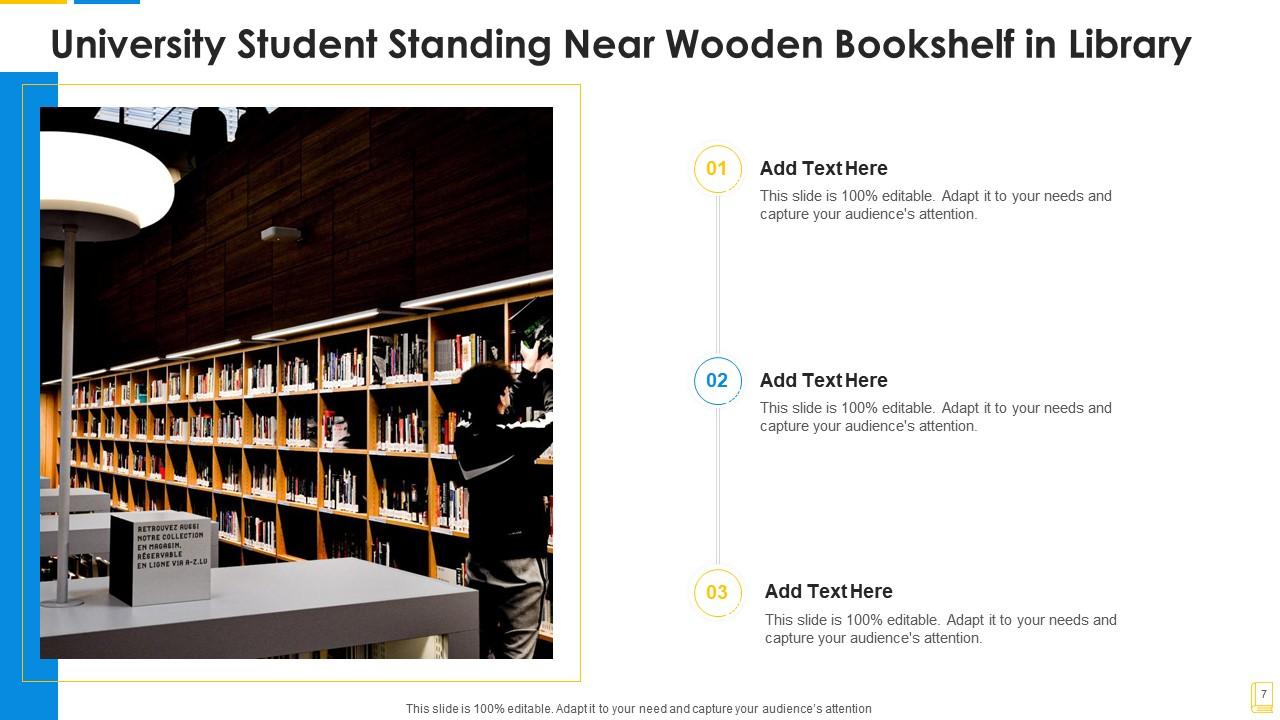
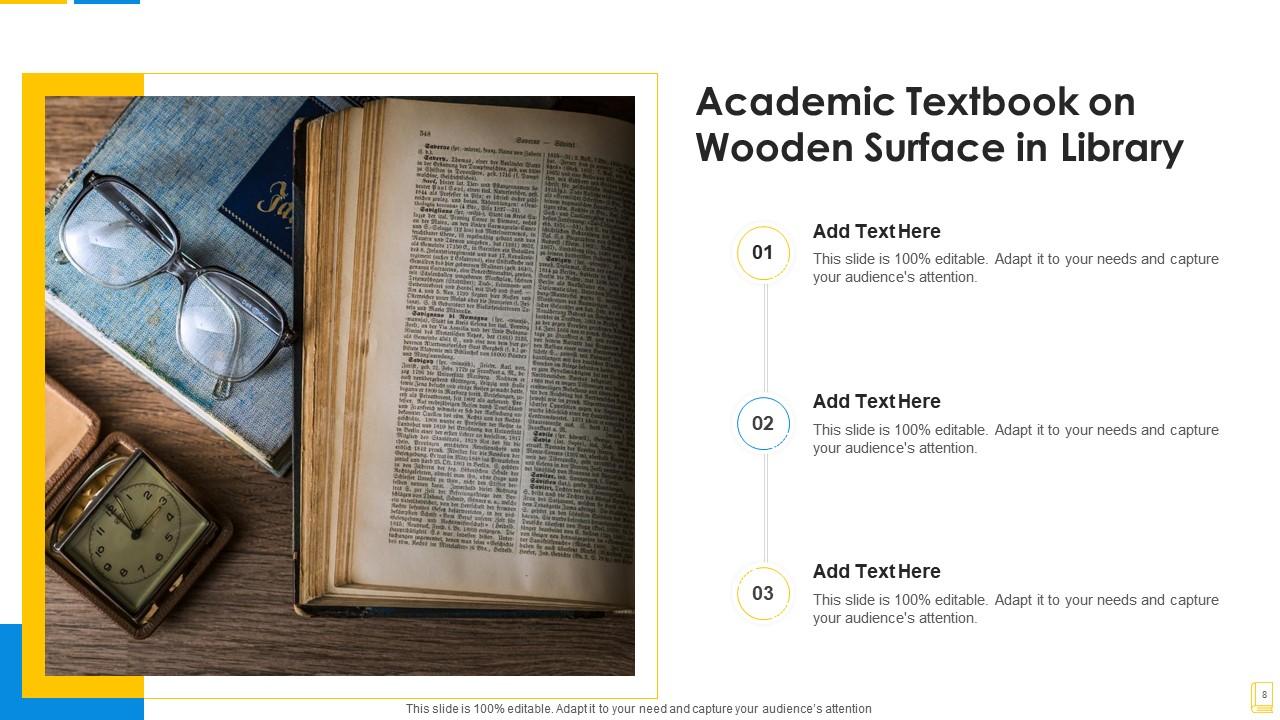
If you require a professional template with great design, then this Library Powerpoint Ppt Template Bundles is an ideal fit for you. Deploy it to enthrall your audience and increase your presentation threshold with the right graphics, images, and structure. Portray your ideas and vision using twelve slides included in this complete deck. This template is suitable for expert discussion meetings presenting your views on the topic. With a variety of slides having the same thematic representation, this template can be regarded as a complete package. It employs some of the best design practices, so everything is well-structured. Not only this, it responds to all your needs and requirements by quickly adapting itself to the changes you make. This PPT slideshow is available for immediate download in PNG, JPG, and PDF formats, further enhancing its usability. Grab it by clicking the download button.

People who downloaded this PowerPoint presentation also viewed the following :

FAQs for Library powerpoint

Key elements include professional typography with readable fonts, cohesive color schemes reflecting your library's branding, high-quality images of books and reading spaces, consistent layout grids, and intuitive navigation elements. These design components work together by creating visual hierarchy, maintaining brand consistency, and improving audience engagement, with many educational institutions finding that well-designed templates significantly enhance presentation effectiveness and professional credibility.

A well-designed library PowerPoint template improves audience engagement by providing clear visual hierarchy, consistent branding, professional aesthetics, and intuitive information flow that reduces cognitive load. These elements work together to maintain audience focus, enhance comprehension, and create memorable presentations, with many educators, librarians, and information professionals finding that structured templates significantly increase participation rates and knowledge retention during sessions.

Educators should look for features including customizable layouts for different presentation types, research-focused slide designs, citation and bibliography templates, academic color schemes, and comprehensive visual elements like charts and diagrams. These bundles streamline lesson preparation by offering structured formats for lectures, research presentations, and student assignments, ultimately delivering consistent professional appearance and saving significant preparation time for busy academic professionals.

**INPUT**: Are there specific color schemes or design styles that work best for library-related presentations? **OUTPUT**: Effective library presentations typically utilize calming blues and greens, warm earth tones, classic navy with gold accents, and clean minimalist palettes that enhance readability. These color schemes work seamlessly with modern flat designs, traditional academic layouts, and contemporary typography, with many educational institutions and public libraries finding that consistent branding ultimately delivers professional credibility and improved audience engagement. [Word count: 58 words]

Library PowerPoint templates can be customized by incorporating institutional logos, brand colors, specific typography, unique imagery from the library's collection, and personalized messaging that reflects the institution's mission and values. These customizations enable libraries to maintain professional consistency across presentations while showcasing their distinctive character, with many academic and public libraries finding that branded templates enhance community recognition and stakeholder engagement.

Library PowerPoint presentations should prioritize clear visual hierarchies, concise bullet points, relevant data visualizations, consistent formatting standards, and strategic white space utilization. These content elements streamline information delivery by reducing cognitive load, enhancing audience retention, and enabling seamless knowledge transfer, with many educational institutions and corporate libraries finding that structured presentations ultimately deliver improved comprehension rates and stronger stakeholder engagement.

Library PowerPoint template bundles streamline presentation creation by providing pre-designed slides, consistent formatting, cohesive visual themes, and subject-specific layouts that eliminate starting from scratch. These comprehensive collections enable librarians and educators to focus on content development rather than design work, significantly reducing preparation time while ensuring professional presentation quality, with many educational institutions finding that standardized templates enhance both efficiency and visual consistency across their programs.

Common pitfalls include over-customizing templates that compromises design coherence, neglecting to adapt content hierarchy for specific audiences, using inappropriate color schemes for professional settings, and failing to maintain consistent formatting across slides. Many organizations find that rushing template selection without considering brand alignment, content volume, and presentation context ultimately undermines message clarity and professional credibility.

Library PowerPoint templates work exceptionally well for virtual presentations, offering clean layouts, professional aesthetics, readable fonts, and structured content flow that translates seamlessly to screen sharing platforms. These templates enhance virtual engagement through consistent branding, clear information hierarchy, and optimized visual elements, with many educational institutions, corporate libraries, and research organizations finding that well-designed templates significantly improve audience retention and presentation effectiveness in digital environments.

Typography significantly influences readability, information hierarchy, and professional credibility in library PowerPoint templates through font selection, size consistency, and strategic spacing. Well-chosen typography enhances user comprehension during library presentations, training sessions, and community workshops, with many educational institutions finding that clear, accessible fonts ultimately streamline information delivery and improve audience engagement across diverse library services.

Infographics and visuals in library PowerPoint templates enhance information retention by simplifying complex data, creating memorable visual associations, and engaging multiple learning pathways simultaneously. These design elements help library professionals present research findings, statistical reports, and educational content more effectively, with many academic institutions and public libraries finding that visual presentations increase audience engagement by up to 400% and improve knowledge retention significantly.

Pre-designed library PowerPoint template bundles deliver significant time savings, professional visual consistency, cost-effective resource allocation, and streamlined presentation development workflows. These comprehensive collections enable organizations to maintain brand coherence across departments, reduce design overhead by up to 75%, and focus resources on content strategy rather than formatting, with many institutions finding that template standardization enhances presenter confidence while delivering consistently polished stakeholder communications.

Different presentation platforms affect library PowerPoint template usability through compatibility variations, feature limitations, font rendering differences, and animation support inconsistencies. While PowerPoint templates typically offer full functionality in their native environment, platforms like Google Slides may experience formatting shifts or reduced interactive elements, with many organizations finding that cross-platform testing ensures consistent professional presentations across diverse technical environments.

Adapting library PowerPoint templates for diverse audiences involves adjusting content complexity, visual elements, language tone, font sizes, and incorporating audience-specific examples and terminology. Educational institutions and public libraries successfully customize templates by creating student-focused versions with interactive elements and simplified navigation, while developing community presentations with larger fonts and local references, ultimately enhancing engagement and information retention across different demographic groups.

Incorporating multimedia elements like interactive charts, embedded videos, audio narrations, and dynamic infographics transforms static library presentations into engaging, multi-sensory experiences that capture audience attention and improve information retention. These enhanced templates enable librarians to demonstrate database navigation, showcase digital collections, and present research findings more effectively, while ultimately delivering more impactful educational sessions and professional presentations.

Ratings and Reviews

80% of 100
Review Form
Write a review
Most Relevant Reviews
  1. 80%

    by Darron Hunter

    Very well designed and informative templates.
  2. 80%

    by Domingo Hawkins

    Excellent work done on template design and graphics.

2 Item(s)

per page: