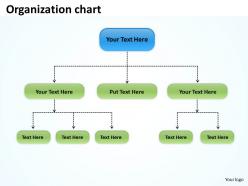
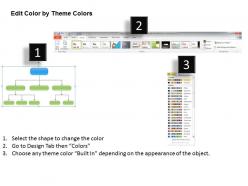
Organization flow chart 36

Rating:
80%
Organization flow chart 36
Slide 1 of 5
Favourites Favourites

Try Before you Buy Download Free Sample Product

Audience Impress Your
Audience
Editable 100%
Editable
Time Save Hours
of Time
The Biggest Sale is ending soon in
0
0
:
0
0
:
0
0
Rating:
80%
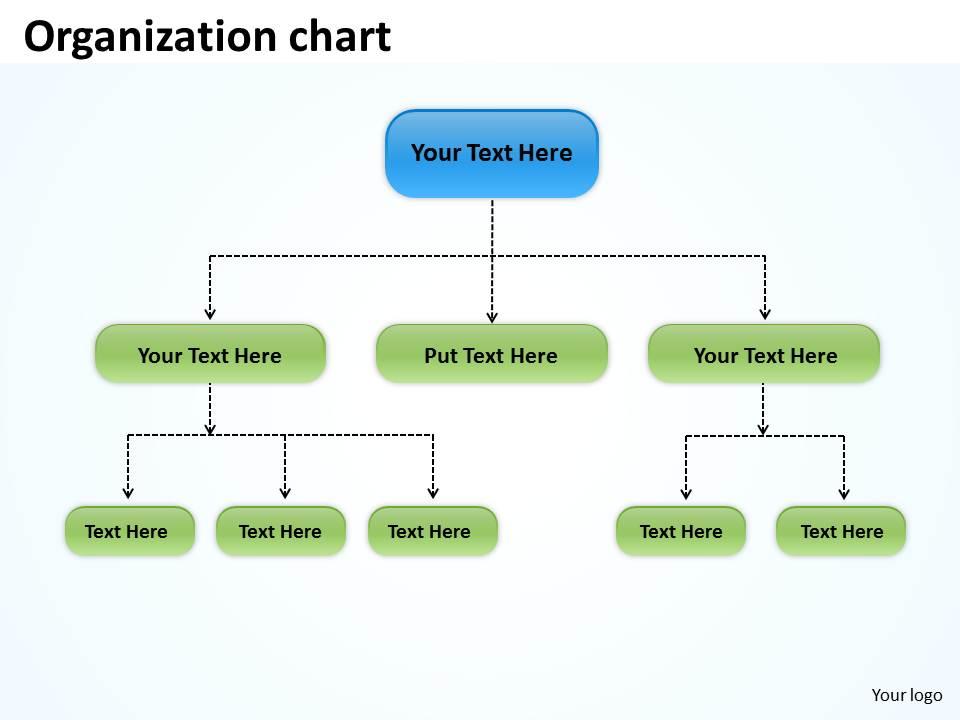
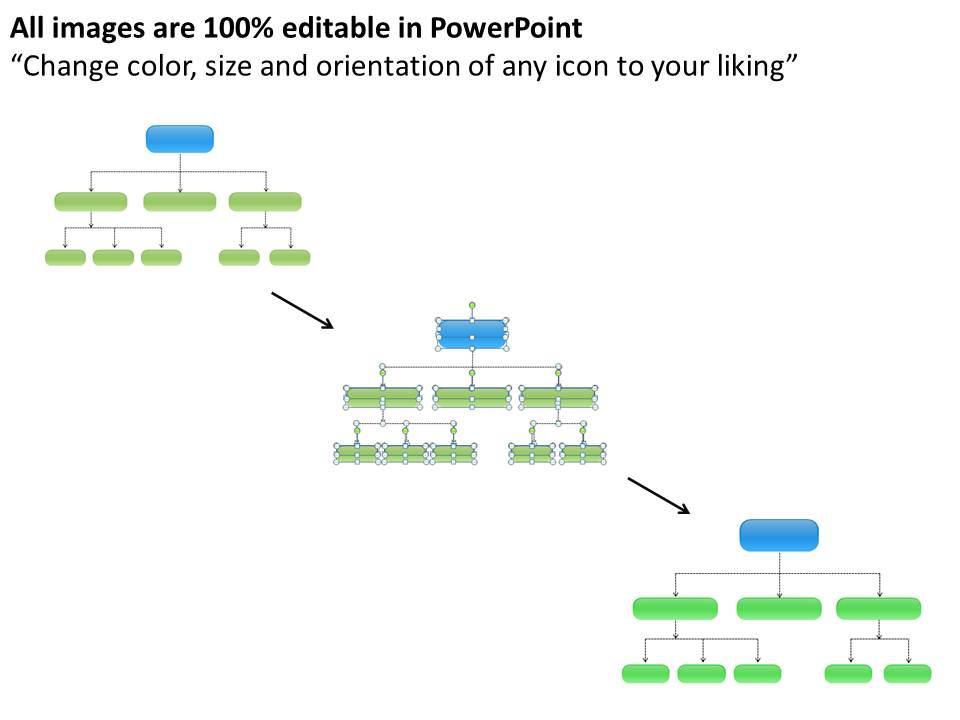
This template is skillfully designed and is completely editable to suit all the needs and requirements of the user. The color of the font, its size, style, and all other elements can be customized according to the user's desire The text in the PPT placeholder can be replaced with the desired information making this template highly flexible and adaptable as well. This template is also compatible with various Microsoft versions and formats like Google Slides, JPG, PDF, etc so the user will face no issue in saving it in the format of his choice.

People who downloaded this PowerPoint presentation also viewed the following :

FAQs for Organization

Key components include clear hierarchical structure, defined reporting relationships, standardized symbols and formatting, comprehensive role titles, and logical departmental groupings. These elements streamline communication pathways, enhance operational transparency, and facilitate strategic decision-making, with many organizations finding that well-designed charts ultimately deliver improved accountability and faster organizational alignment.

Flow charts improve interdepartmental communication by creating standardized visual representations of processes, workflows, and decision points that eliminate ambiguity and reduce miscommunication. These visual tools enable departments like HR, finance, and operations to understand each other's procedures more clearly, streamline handoffs between teams, and identify collaboration opportunities, ultimately delivering faster project completion and enhanced organizational efficiency.

**INPUT**: What software tools are best for creating professional organization flow charts? **OUTPUT**: Leading software tools for professional organization flow charts include Microsoft Visio, Lucidchart, Draw.io, OrgChart, and Creately, each offering templates, drag-and-drop functionality, and collaboration features. These platforms streamline chart creation by providing automated layouts, real-time editing, and integration capabilities, with many HR departments and management teams finding that cloud-based solutions deliver enhanced accessibility and seamless organizational updates.

Organization flow charts for remote teams require digital accessibility, clear communication pathways, virtual collaboration tools, and flexible reporting structures that accommodate different time zones. These adaptations streamline decision-making by incorporating video conferencing protocols, digital approval processes, and cloud-based documentation, with many remote organizations finding that enhanced transparency and defined virtual touchpoints ultimately deliver faster project execution and improved team coordination.

Common organizational flow chart mistakes include unclear hierarchies, missing reporting relationships, outdated role definitions, inconsistent formatting, and overly complex structures that confuse rather than clarify. While these errors can create operational confusion and miscommunication, organizations in healthcare, manufacturing, and financial services find that addressing these issues through regular updates and simplified designs ultimately delivers better workflow transparency and enhanced team coordination.

Determining optimal detail in organization flow charts requires balancing comprehensive clarity with practical usability, considering your audience's needs, decision-making requirements, and organizational complexity. Start with core reporting structures and key functional relationships, then add detail based on specific use cases, whether for strategic planning, operational management, or compliance documentation, with many organizations finding that multiple chart versions serve different stakeholder groups more effectively than single complex diagrams.

Color and design significantly enhance flowchart readability by creating visual hierarchy, differentiating process steps, and guiding user navigation through complex organizational structures. Strategic color coding enables departments like HR, finance, and operations to quickly identify relevant pathways, while consistent design elements streamline comprehension and reduce cognitive load, ultimately delivering clearer communication and faster decision-making across teams.

Organization flow charts facilitate decision-making processes by clearly mapping reporting structures, accountability lines, and communication pathways throughout the company. These visual tools streamline information flow, reduce bottlenecks in approval processes, and enable faster strategic responses, with many organizations finding that well-defined hierarchies ultimately deliver more efficient resource allocation and improved operational transparency.

Best practices for maintaining organization flow charts include establishing regular review schedules, assigning dedicated ownership to HR or operations teams, implementing version control systems, and integrating updates with organizational changes. These practices streamline accuracy by ensuring real-time reflection of reporting structures, role modifications, and departmental shifts, with many organizations finding that quarterly reviews and centralized maintenance ultimately deliver enhanced operational transparency and improved workforce understanding.

Incorporating feedback involves conducting stakeholder interviews, hosting collaborative design sessions, and implementing iterative review cycles throughout the development process. By engaging team members from different departments, organizations can identify workflow gaps, validate reporting relationships, and ensure the flowchart accurately reflects operational realities, ultimately delivering improved organizational clarity and enhanced process efficiency.

Healthcare organizations utilize patient care flow charts mapping physician-to-nurse-to-specialist pathways, while manufacturing companies employ production flow charts tracking assembly line supervision and quality control hierarchies. Financial institutions implement compliance flow charts showing risk management reporting structures, and retail chains use operational flow charts defining store manager-to-regional director-to-corporate executive communication lines, ultimately streamlining decision-making processes across diverse sectors.

Organization flow charts in small businesses typically feature flat hierarchies with fewer management layers, direct reporting relationships, and simplified departmental structures, while large corporations employ complex multi-tiered hierarchies with specialized divisions, matrix reporting structures, and extensive middle management layers. These structural differences reflect operational needs, with small businesses prioritizing agility and direct communication, and large corporations focusing on specialized expertise, scalability, and formalized processes that enable efficient coordination across multiple departments and geographic locations.

Flow charts help new employees understand company structure by clearly visualizing reporting relationships, departmental hierarchies, communication pathways, and decision-making processes within the organization. Through these visual representations, newcomers can quickly identify key stakeholders, understand their role within broader teams, and navigate internal processes more efficiently, ultimately accelerating their onboarding experience and enhancing workplace integration.

Flow charts enhance strategic planning sessions by visualizing complex decision pathways, mapping resource allocation scenarios, and illustrating implementation timelines with clear accountability structures. These visual frameworks enable planning teams to identify potential bottlenecks, evaluate alternative strategies systematically, and communicate strategic initiatives across departments, with many organizations finding that visual planning reduces meeting time while improving strategic clarity and stakeholder alignment.

Integrating flow charts with other visual communication tools enhances organizational clarity, improves cross-functional collaboration, streamlines decision-making processes, reduces information silos, and accelerates project timelines. These strategic combinations enable teams to visualize complex workflows alongside data dashboards, timelines, and organizational hierarchies, with many companies finding that integrated visual systems deliver faster problem resolution and more effective stakeholder communication.

Ratings and Reviews

80% of 100
Write a review
Most Relevant Reviews
  1. 80%

    by Daniel Mcdonald

    The Designed Graphic are very professional and classic.
  2. 80%

    by Darrin Porter

    I discovered this website through a google search, the services matched my needs perfectly and the pricing was very reasonable. I was thrilled with the product and the customer service. I will definitely use their slides again for my presentations and recommend them to other colleagues.

2 Item(s)

per page: