


Powerpoint Presentation About Myself For Job Interview Powerpoint Presentation Slides
Present an informative demonstration with our PowerPoint presentation about myself for job interview PowerPoint presentation slides. This employment interview PPT deck sets and agenda for you which includes hobbies, career, skill set, and much more. Containing a SWOT analysis, this placement evaluation PowerPoint layout sets up all your details in a way that is appealing to the recruiter and has a long lasting impact. This individual introduction PPT design reflects elaborate case studies along with clear visual presentation of numeric data in the form of graphs and charts. Primarily focusing on mind mapping as well as targets for the future, this present yourself PowerPoint deck is a great pick to accommodate in your business. With a total of thirty seven sides, it will assist you in presenting your combo chart, scatter line, and area chart systematically and effectively along with some additional slides. Assimilate our presentation about myself immediately in order to win the presentation game.
Present an informative demonstration with our PowerPoint presentation about myself for job interview PowerPoint presentatio..


























-

- Google Slides is a new FREE Presentation software from Google.
- All our content is 100% compatible with Google Slides.
- Just download our designs, and upload them to Google Slides and they will work automatically.
- Amaze your audience with SlideTeam and Google Slides.
-

Want Changes to This PPT Slide? Check out our Presentation Design Services
-

- WideScreen Aspect ratio is becoming a very popular format. When you download this product, the downloaded ZIP will contain this product in both standard and widescreen format.
-

- Some older products that we have may only be in standard format, but they can easily be converted to widescreen.
- To do this, please open the SlideTeam product in Powerpoint, and go to
- Design ( On the top bar) -> Page Setup -> and select "On-screen Show (16:9)” in the drop down for "Slides Sized for".
- The slide or theme will change to widescreen, and all graphics will adjust automatically. You can similarly convert our content to any other desired screen aspect ratio.
Compatible With Google Slides

Get This In WideScreen
You must be logged in to download this presentation.


Do you want to remove this product from your favourites?
PowerPoint presentation slides
Presenting our PowerPoint presentation about myself for job interview PowerPoint presentation slides. This PPT layout holds thirty seven slides and each slide is accessible in standard as well as wide-screen formats. It is completely editable as per your requirements and preferences as well. You can use it with Microsoft Office, Google slides and many other presentation software.

People who downloaded this PowerPoint presentation also viewed the following :
Content of this Powerpoint Presentation
Slide 1: This slide presents a PowerPoint Presentation About Myself For Job Interview with imagery. State company name and begin.
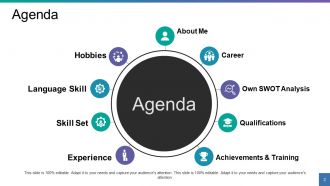
Slide 2: This slide showcases company Agenda with the following- About Me, Own SWOT Analysis, Achievements & Training, Experience, Skill Set, Language Skill, Hobbies, Career, Qualifications.
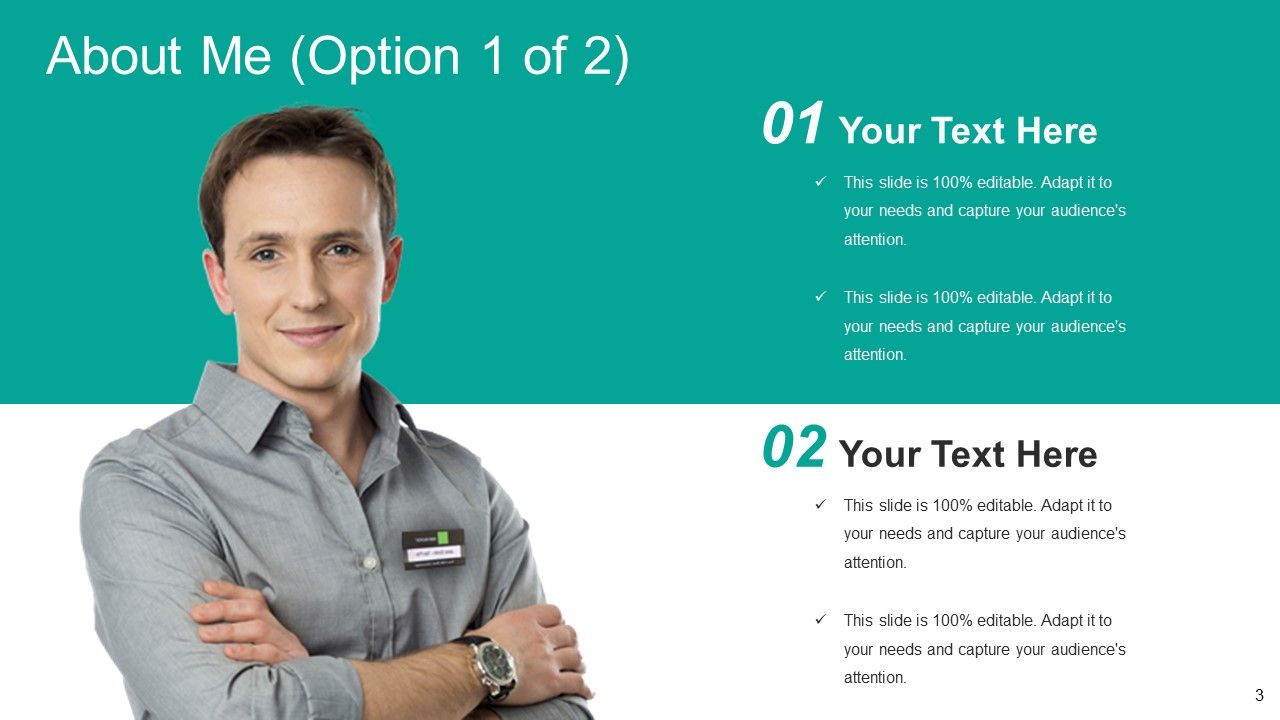
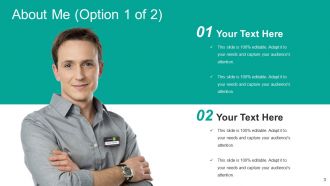
Slide 3: This is an About Me slide with imagery and text boxes. Introduce yourself here in a professional manner.
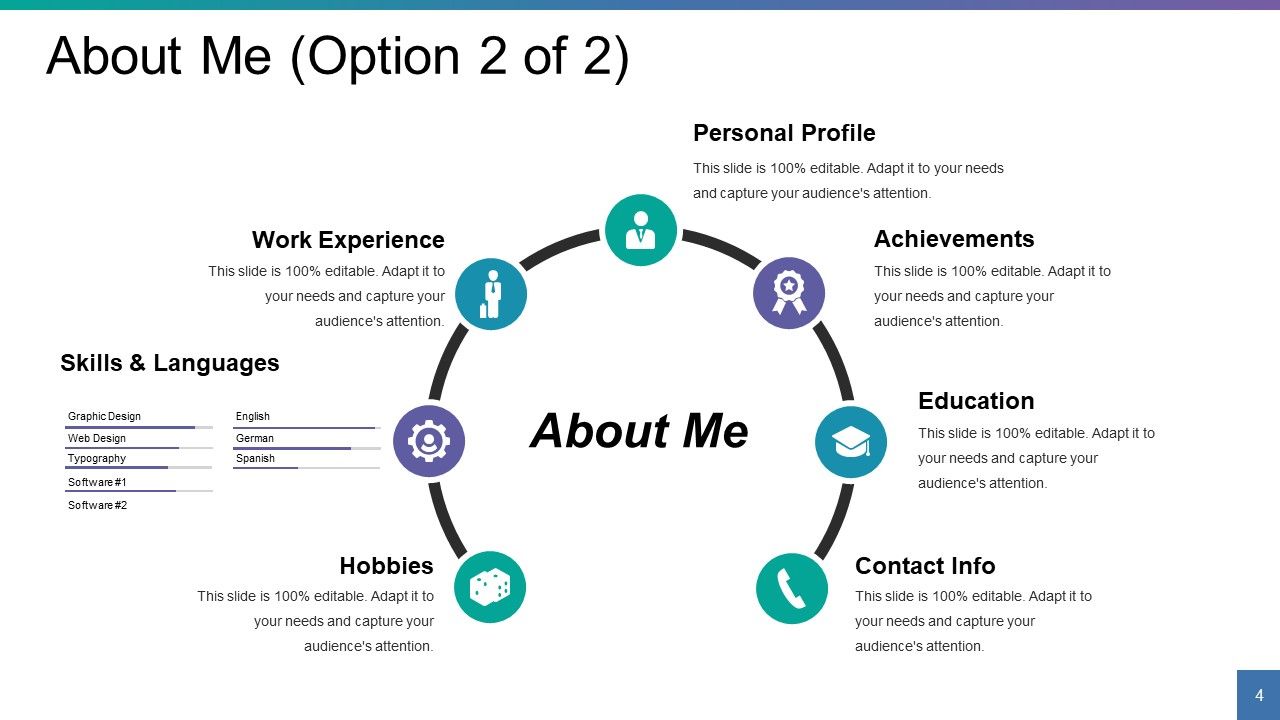
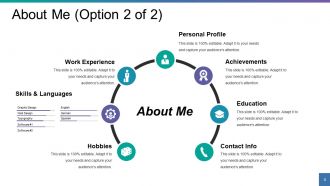
Slide 4: This is also an About Me slide stating- Personal Profile, Education, Achievements, Work Experience, Contact Info, Hobbies, Skills & Languages.
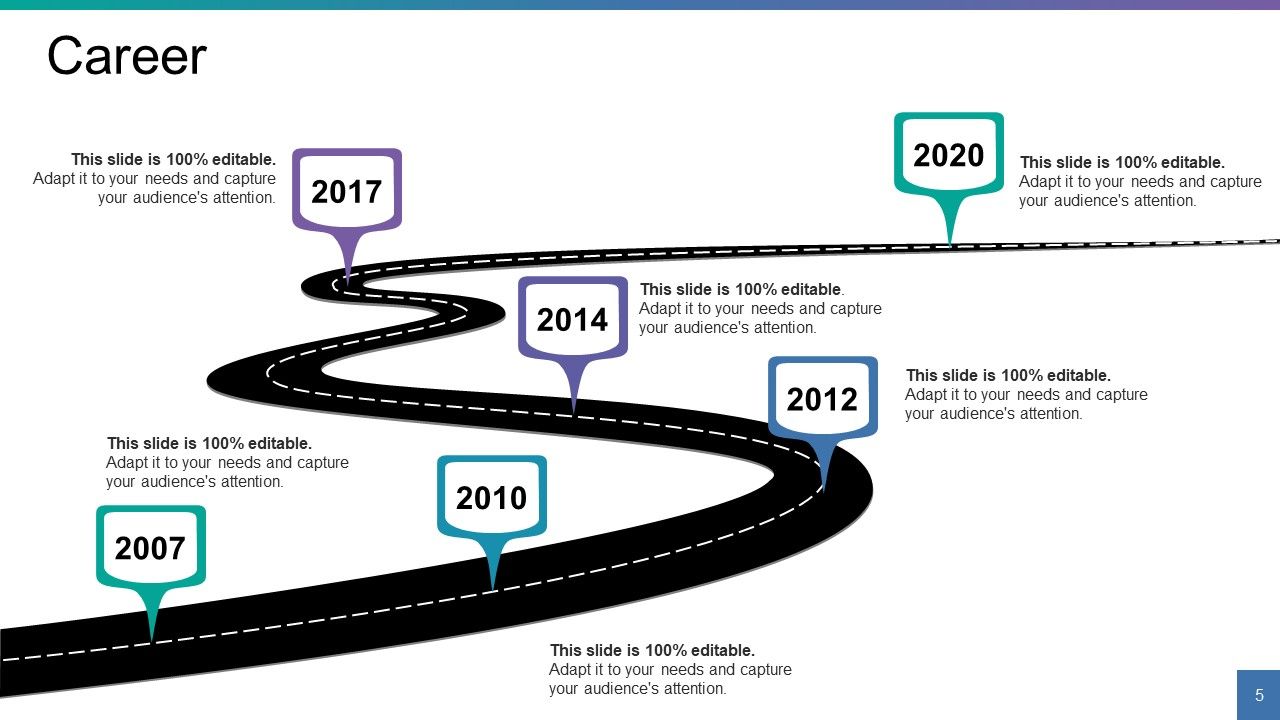
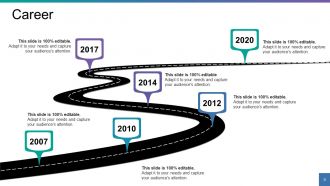
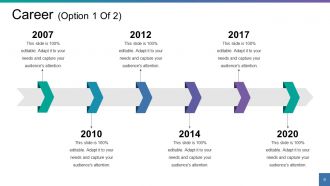
Slide 5: This slide displays Career pathway in a roadmap image form.
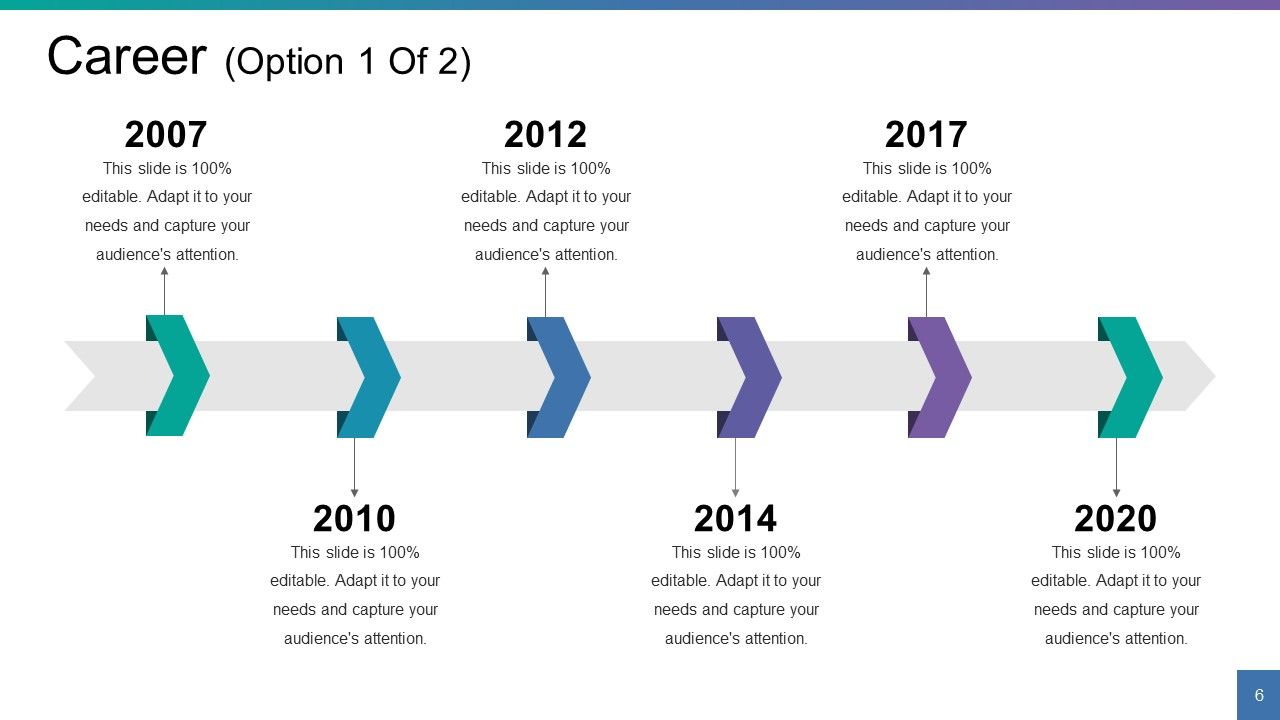
Slide 6: This slide also showcases Career. Present your career details here in a timeline form.
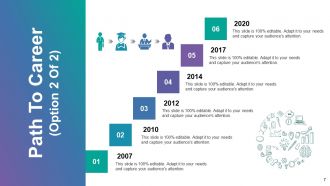
Slide 7: This is Path To Career slide. Use it as per your requirement.
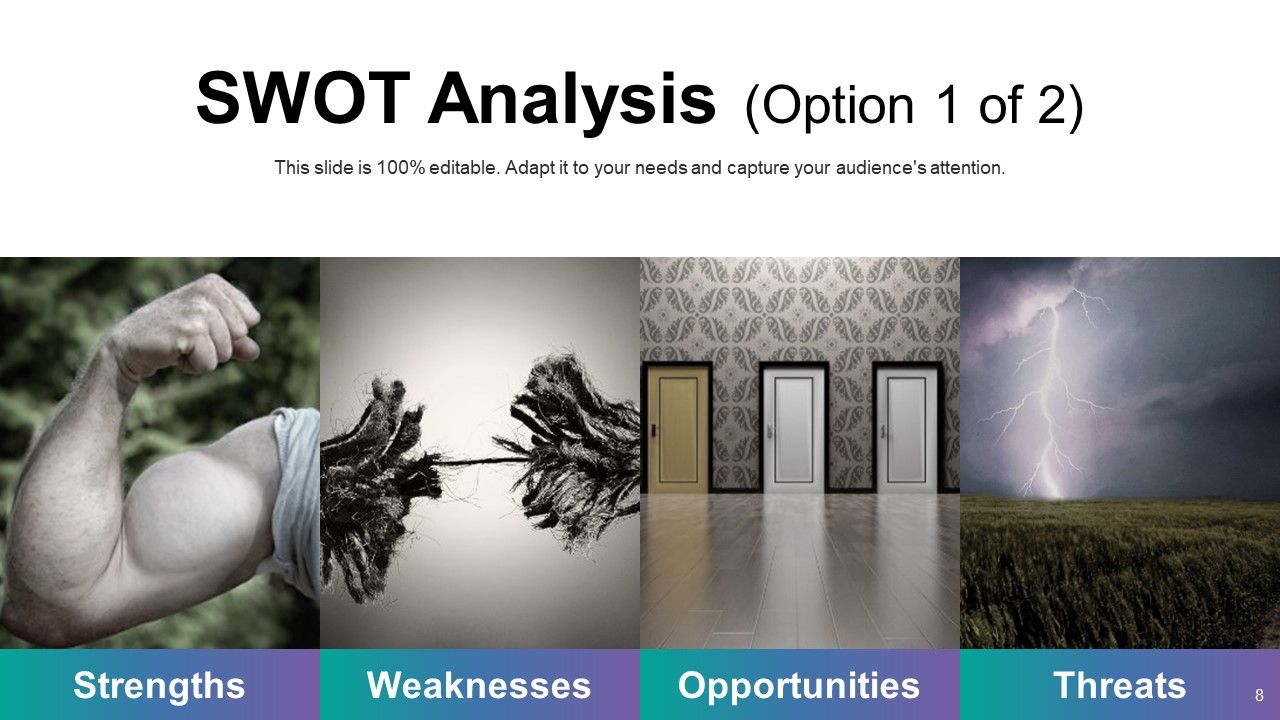
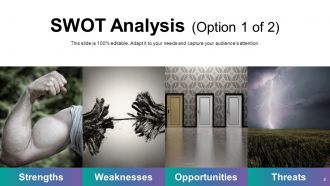
Slide 8: This slide showcases SWOT Analysis with creative imagery. Use it to show your own Strengths, Weaknesses, Opportunities and Threats.
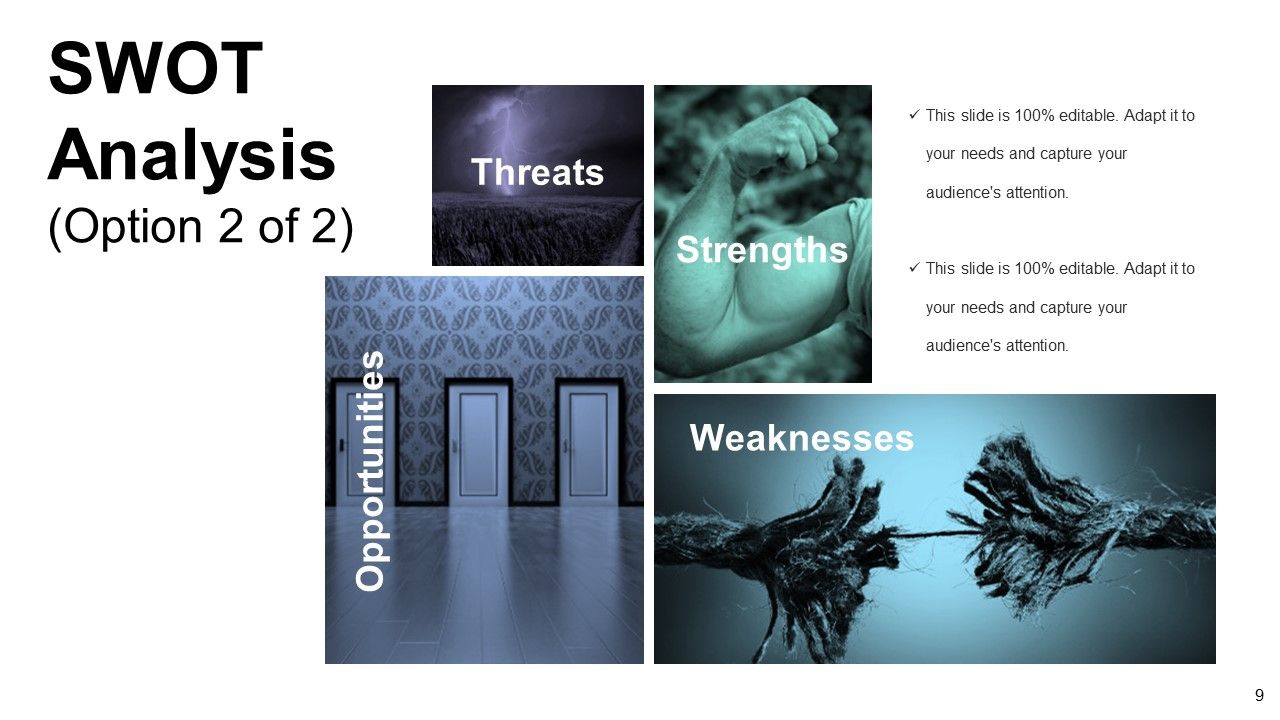
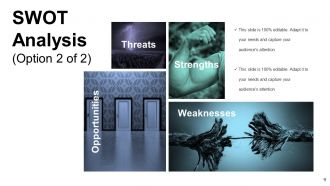
Slide 9: This is another slide showing SWOT Analysis.
Slide 10: This slide is titled Professional Qualifications. Present your qualifications in a professional manner here.
Slide 11: This slide states your Achievements with icon imagery and text boxes.
Slide 12: This is a Training slide with imagery and text boxes. State descriptions here.
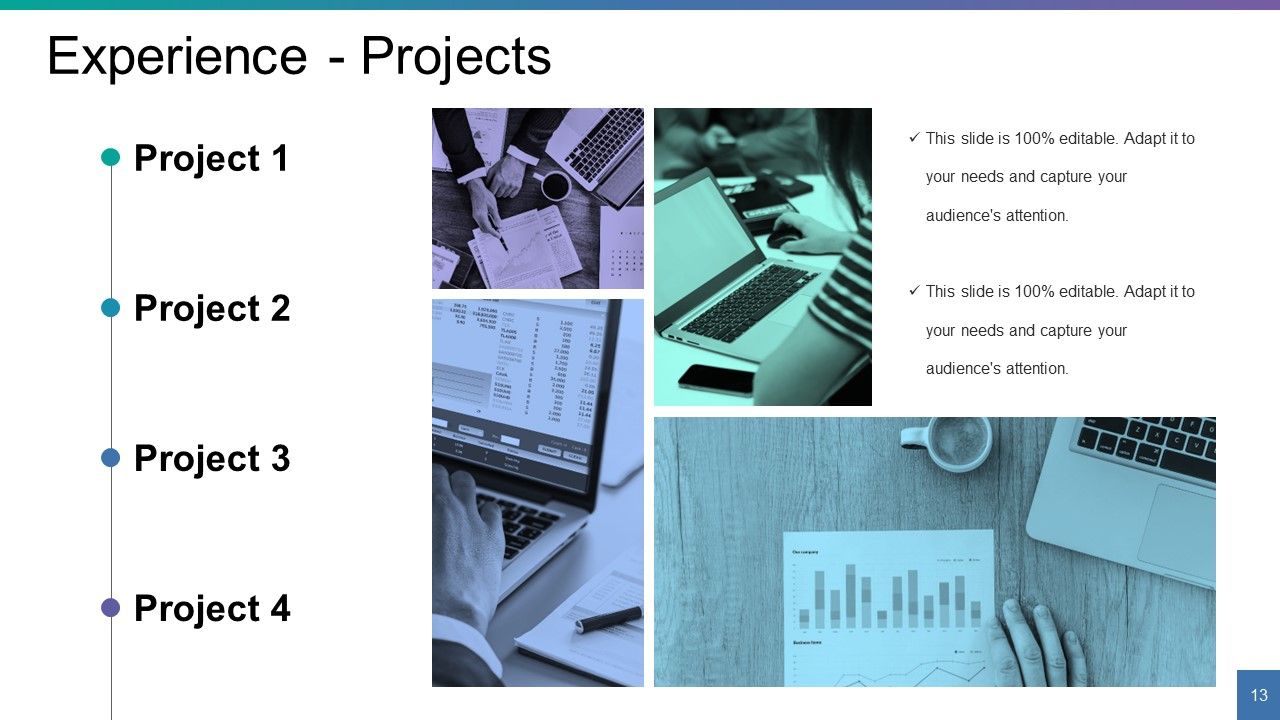
Slide 13: This is an Experience slide with respect to Projects. State them here.
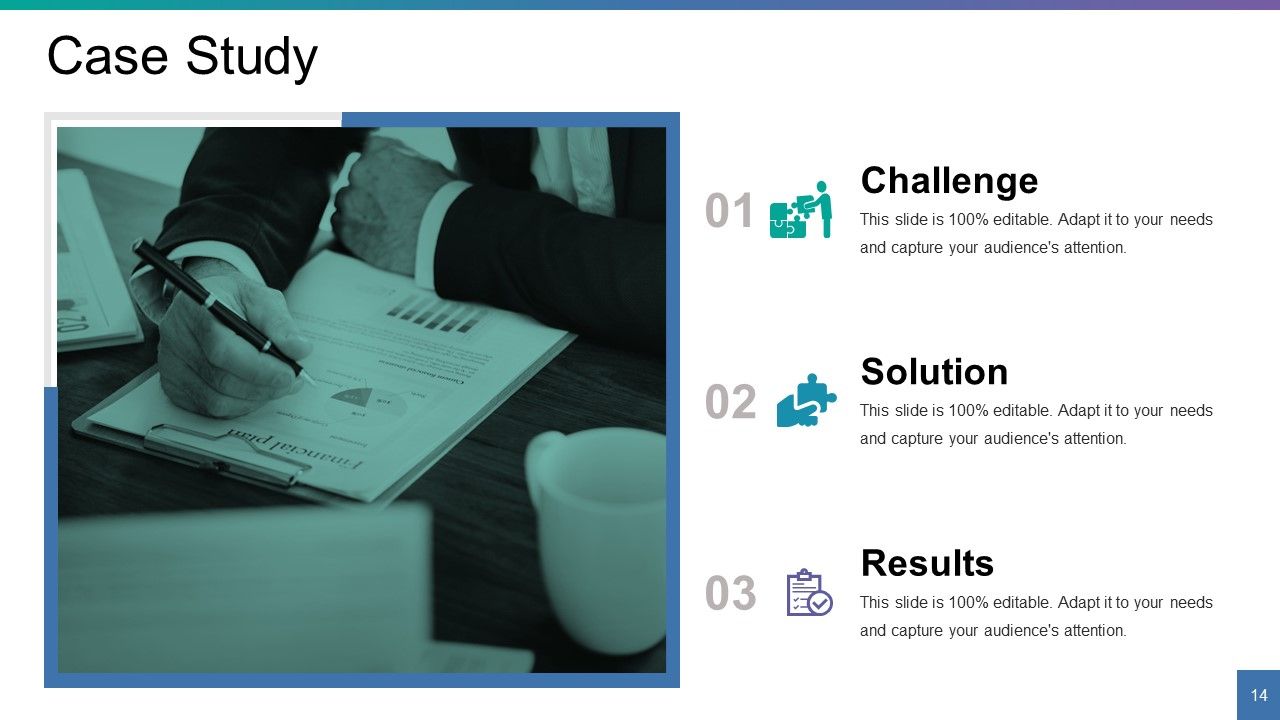
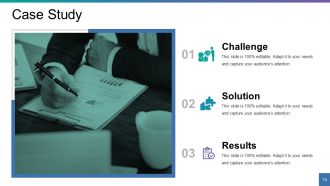
Slide 14: This is a Case Study slide to present the following- Challenge, Solution, Results.
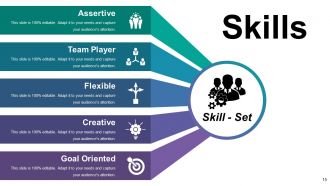
Slide 15: This is Skills slide with Assertive, Team Player, Flexible, Creative, Goal Oriented as examples. State your own skills here in a professional manner.
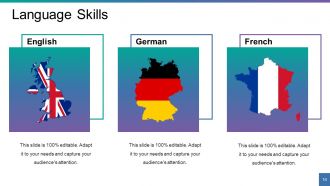
Slide 16: This slide showcases Language Skills with respect to- German, English, French. Use it to show your own language skill set.
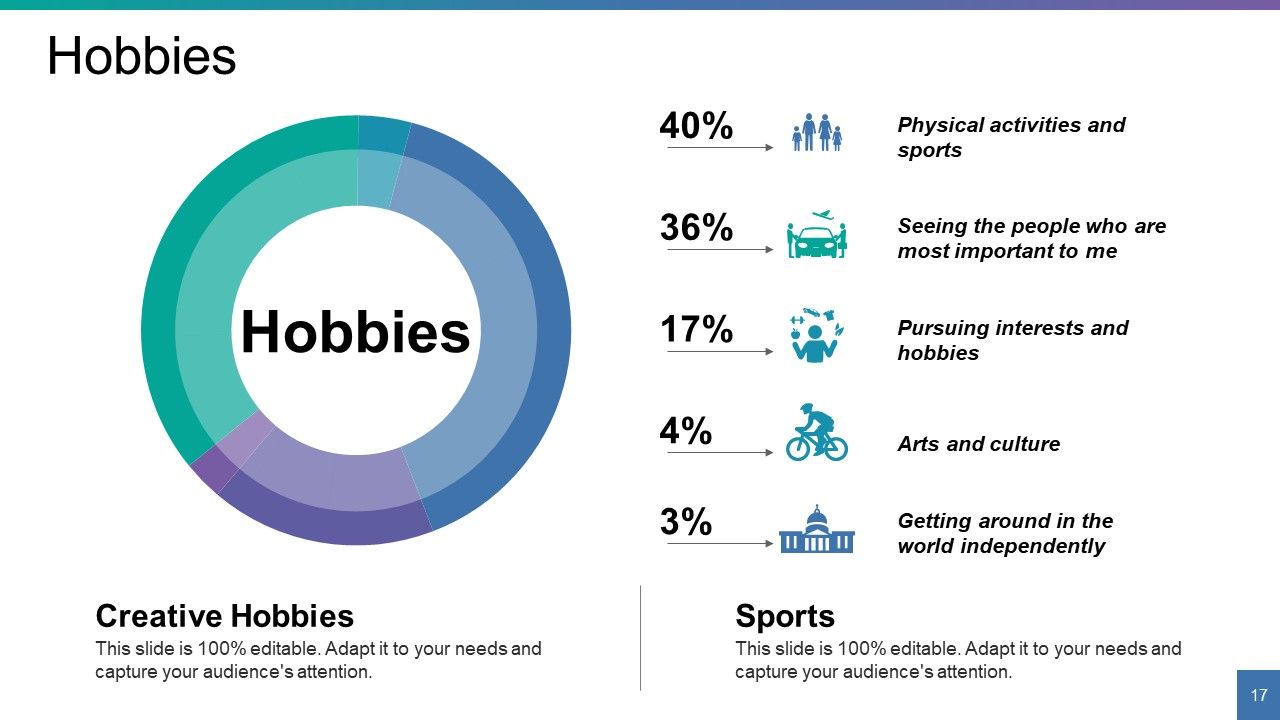
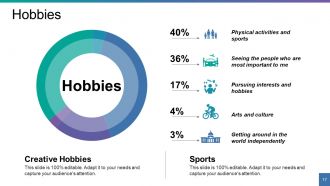
Slide 17: This slide states creative Hobbies in percentage. Use it to show your own hobbies.
Slide 18: This slide is titled Coffee Break to halt and then proceed further. You may change the slide content as desired.
Slide 19: This slide forwards to Charts & Graphs. Use as per your requirement.
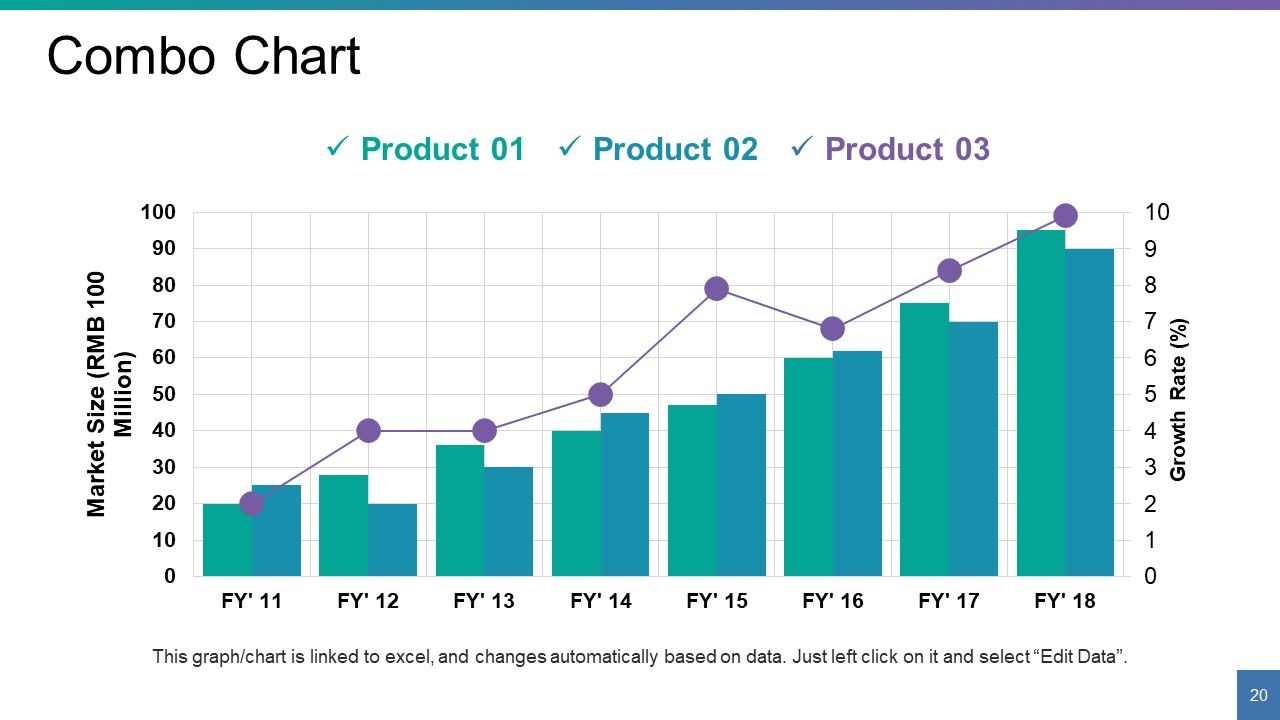
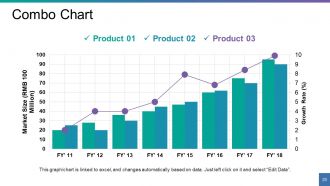
Slide 20: This is a Combo Chart slide to show information, comparison specifications etc.
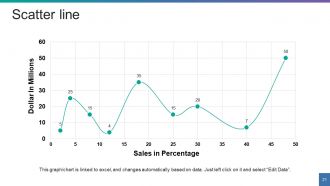
Slide 21: This is a Scatter Line Chart slide to show information, comparison specifications etc.
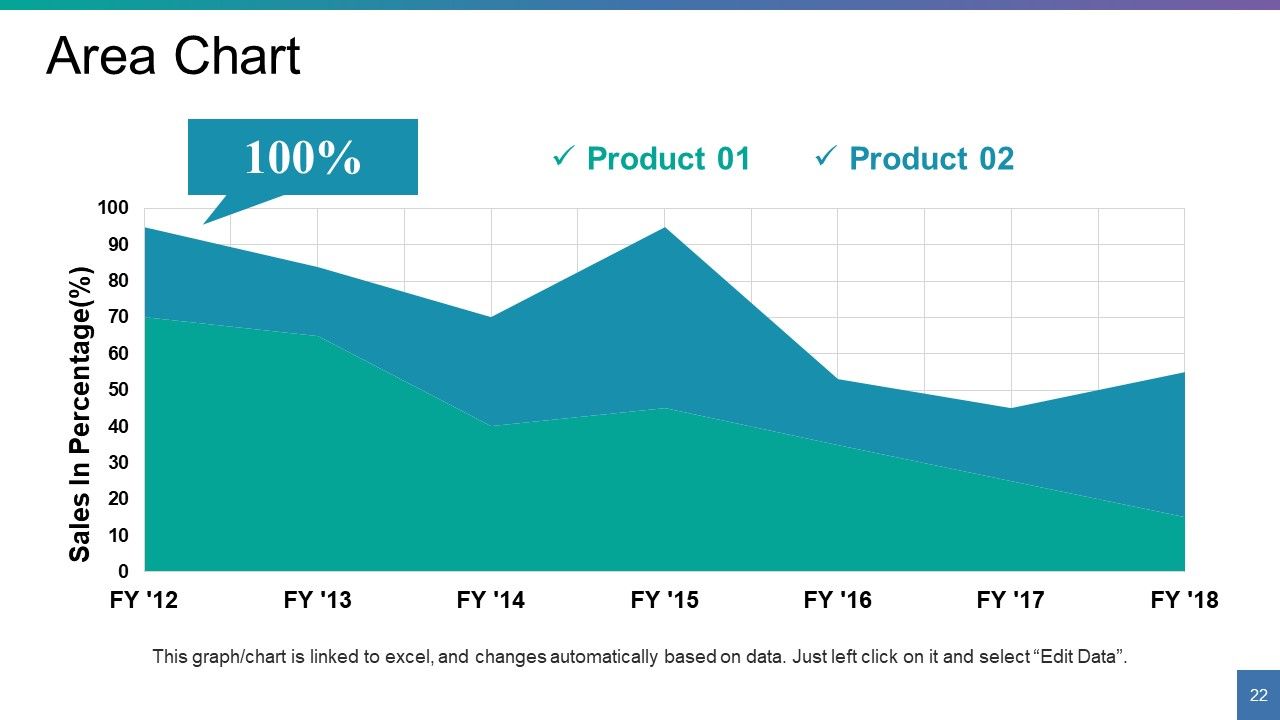
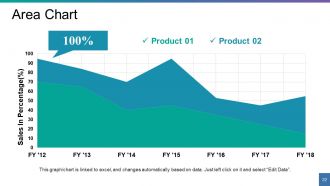
Slide 22: This slide presents an Area Chart for showcasing product/ company growth, comparison etc.
Slide 23: This slide is titled Additional Slides to move forward. You can alter it on the basis of your requirement.
Slide 24: This is Our Mission slide. State company mission here.
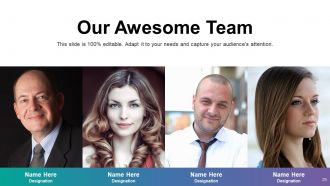
Slide 25: This slide showcases Our Awesome Team with name and designation.
Slide 26: This is an About Us slide. State team/ company specifications here.
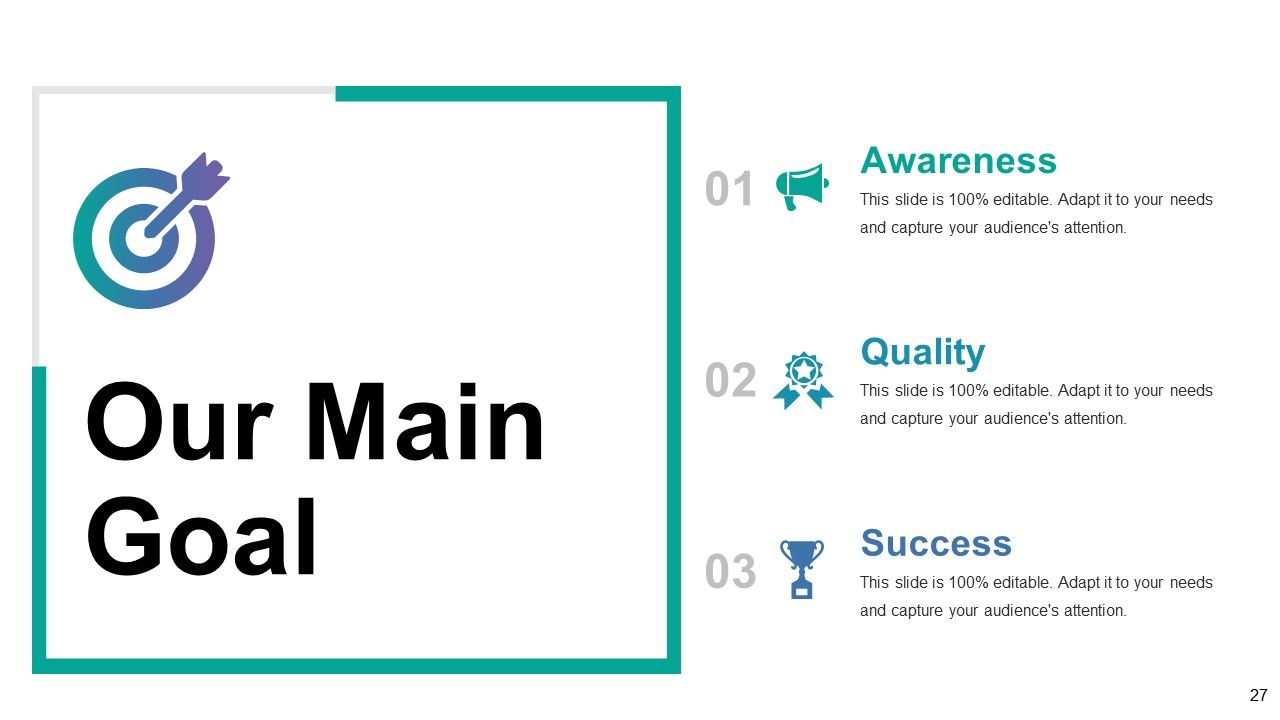
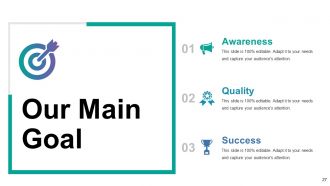
Slide 27: This slide states Our Main Goal which includes- Awareness, Quality, Success.
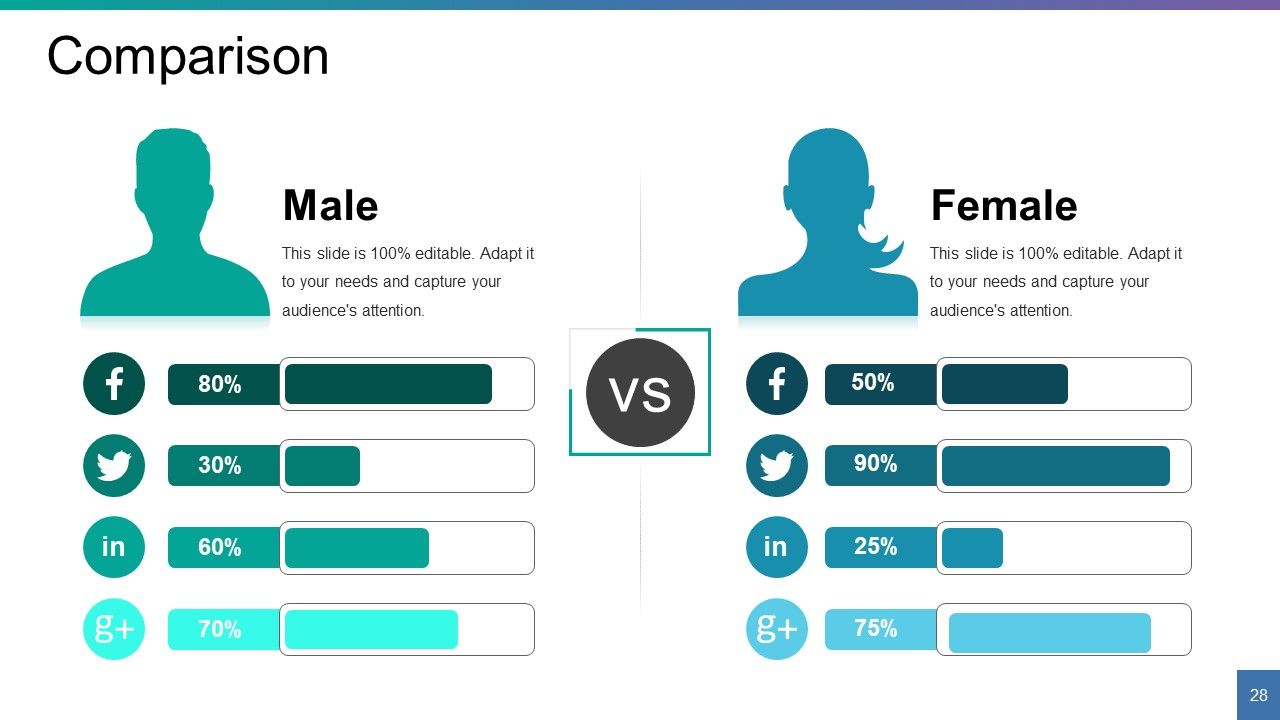
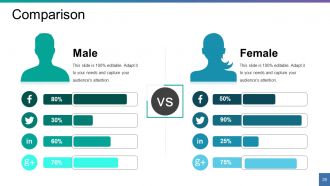
Slide 28: This slide is about Comparison. You can compare your entities/ products here.
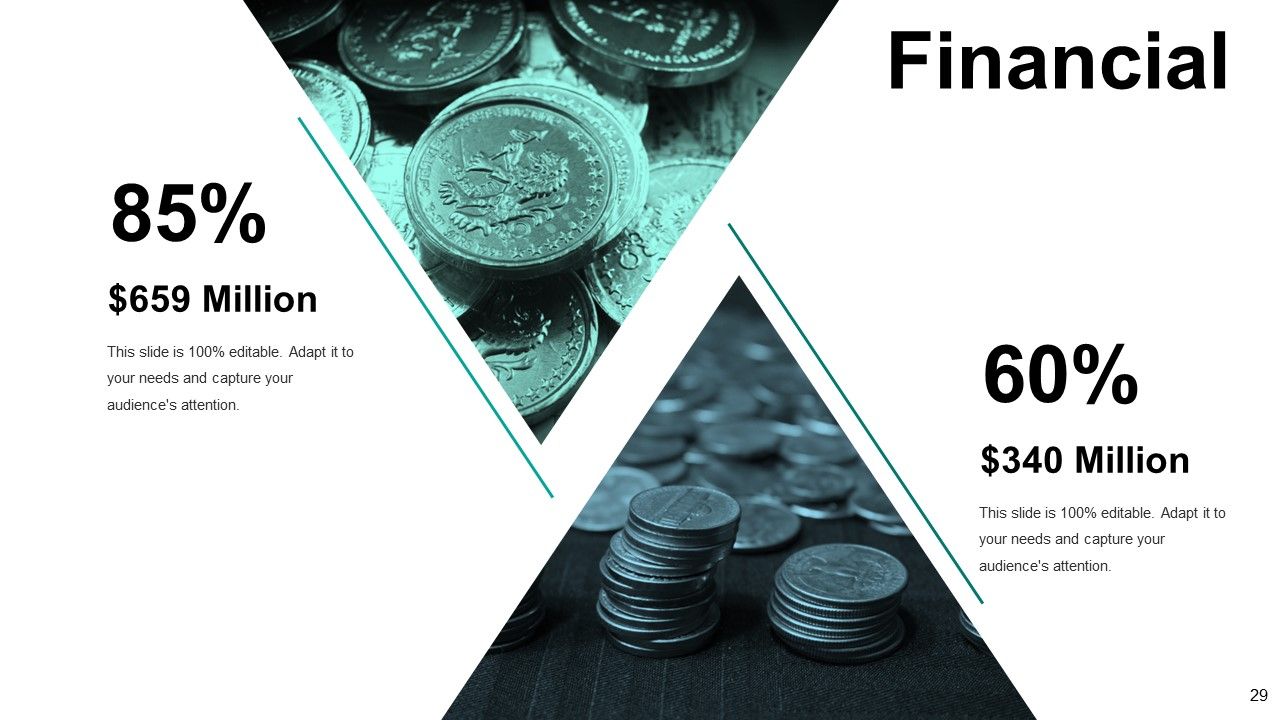
Slide 29: This slide is titled as Financials. Show finance related stuff here.
Slide 30: This is a Quotes slide to quote something you believe in.
Slide 31: This is a Dashboard slide to state metrics, KPIs etc.
Slide 32: This is a Timeline slide to show evolution, growth, milestones etc.
Slide 33: This is a Target image slide. State targets, etc. here.
Slide 34: This is a Mind map image slide to show information, specifications etc.
Slide 35: This is a Bulb/Idea image slide to show information, specifications, innovative aspects etc.
Slide 36: This is a Magnifying glass image slide to show information, specifications etc.
Slide 37: This is a Thank You image slide with Address, Email and Contact number.
Powerpoint Presentation About Myself For Job Interview Powerpoint Presentation Slides with all 37 slides:
Be accepted as an effective captain with our Powerpoint Presentation About Myself For Job Interview Powerpoint Presentation Slides. Establish yourself at the helm.
FAQs
Your interview presentation templates should include a brief introduction of yourself, your SWOT analysis, achievements and training, work experience, skillset, language skills, hobbies, qualifications, and career pathway.
Use icon imagery and text boxes to showcase your achievements. Include details about the challenges you faced, the solutions you provided, and the results you achieved.
Use creative imagery to showcase your strengths, weaknesses, opportunities, and threats. You can show them in a tabular or graphical format.
You can have graphs and charts to showcase your company's growth, financials, comparison, and other relevant information. You can use combo charts, scatter line charts, area charts, and different chart types.
Your Thank You slide should contain your contact information, address, email, and phone number. You can also express your gratitude and enthusiasm for the opportunity to present yourself to the company.
-
Clear and useful template
-
Very good
-
very good templete
-
very good
-
The content is very helpful from business point of view.
-
It saves your time and decrease your efforts in half.
