


Website Design Company Profile Powerpoint Presentation Slides
Website Development Company Profile is a professional description that aims to inform clients about the service offerings, structure, resources, financial performance, etc. Check out our insightfully created Website Design Company profile that showcases the executive summary and company introduction, including our core values, headquarters, number of employees, specialties, industry, company type, etc. It also covers the mission, vision, employee count and breakdown, and design services our company offers. Further, this PPT represents the service pricing structure, web development procedure, project portfolio, web designing technologies, business model canvas, global presence, management team, etc. Our Website design solutions PowerPoint presentation exhibits information about the significant clients, their reviews, international partners, and awards and accolades. Moreover, it represents financial highlights such as revenue, net profits, operating income, EBITDA margin, and revenue split by geography and industry. Additionally, the Web design business deck captures comparisons with competitors based on financials, services, and market share. It also focuses on marketing strategies to promote business, future expansion plans, SWOT analysis, CSR expenditure, breakdown, and initiatives and case study approach. Get access now
Website Development Company Profile is a professional description that aims to inform clients about the service offerings, ..



















-

- Google Slides is a new FREE Presentation software from Google.
- All our content is 100% compatible with Google Slides.
- Just download our designs, and upload them to Google Slides and they will work automatically.
- Amaze your audience with SlideTeam and Google Slides.
-

Want Changes to This PPT Slide? Check out our Presentation Design Services
-

- WideScreen Aspect ratio is becoming a very popular format. When you download this product, the downloaded ZIP will contain this product in both standard and widescreen format.
-

- Some older products that we have may only be in standard format, but they can easily be converted to widescreen.
- To do this, please open the SlideTeam product in Powerpoint, and go to
- Design ( On the top bar) -> Page Setup -> and select "On-screen Show (16:9)” in the drop down for "Slides Sized for".
- The slide or theme will change to widescreen, and all graphics will adjust automatically. You can similarly convert our content to any other desired screen aspect ratio.
Compatible With Google Slides

Get This In WideScreen
You must be logged in to download this presentation.


Do you want to remove this product from your favourites?
PowerPoint presentation slides
Enthrall your audience with this Website Design Company Profile Powerpoint Presentation Slides. Increase your presentation threshold by deploying this well-crafted template. It acts as a great communication tool due to its well-researched content. It also contains stylized icons, graphics, visuals etc, which make it an immediate attention-grabber. Comprising forty three slides, this complete deck is all you need to get noticed. All the slides and their content can be altered to suit your unique business setting. Not only that, other components and graphics can also be modified to add personal touches to this prefabricated set.

People who downloaded this PowerPoint presentation also viewed the following :
Content of this Powerpoint Presentation
Slide 1: This slide introduces the Website Design Company Profile. Commence by stating Your Company Name.
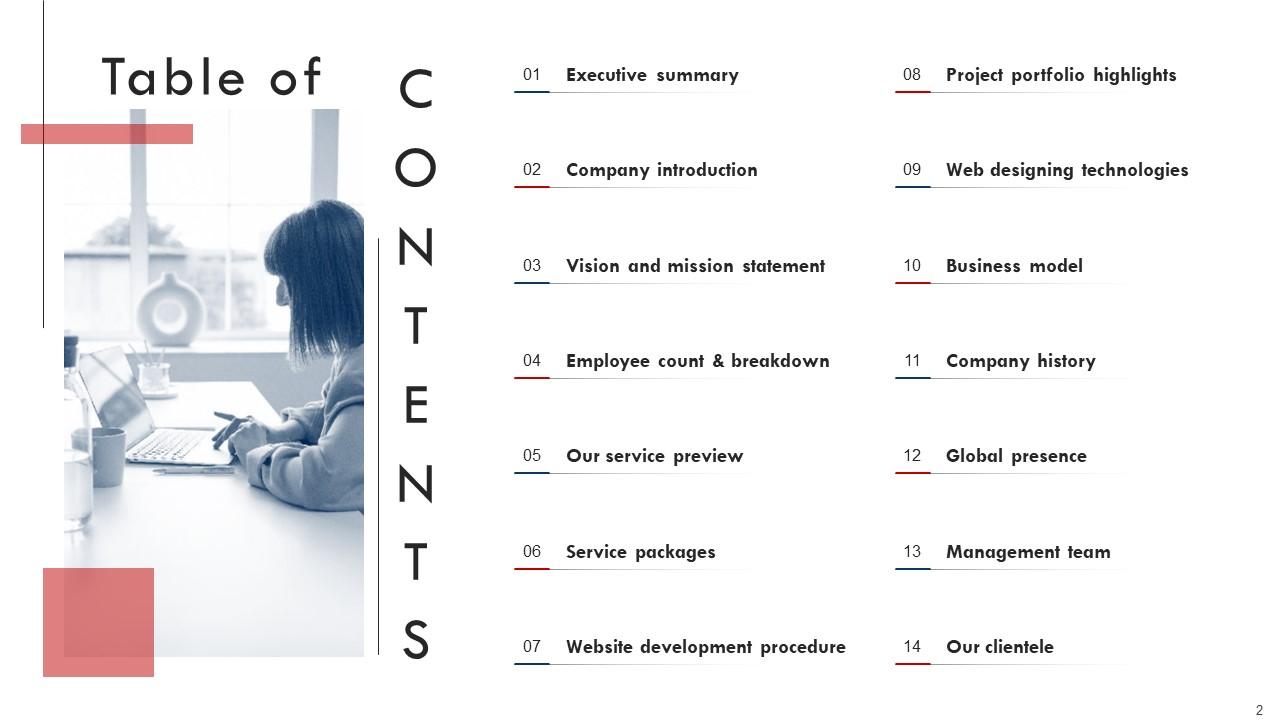
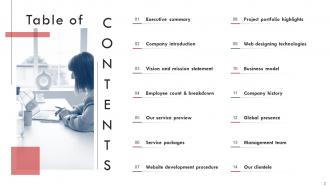
Slide 2: This slide includes the Table of Contents.
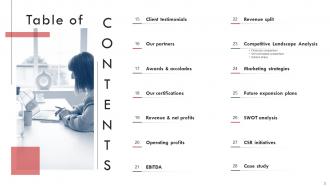
Slide 3: This is yet another slide continuing the Table of Contents.
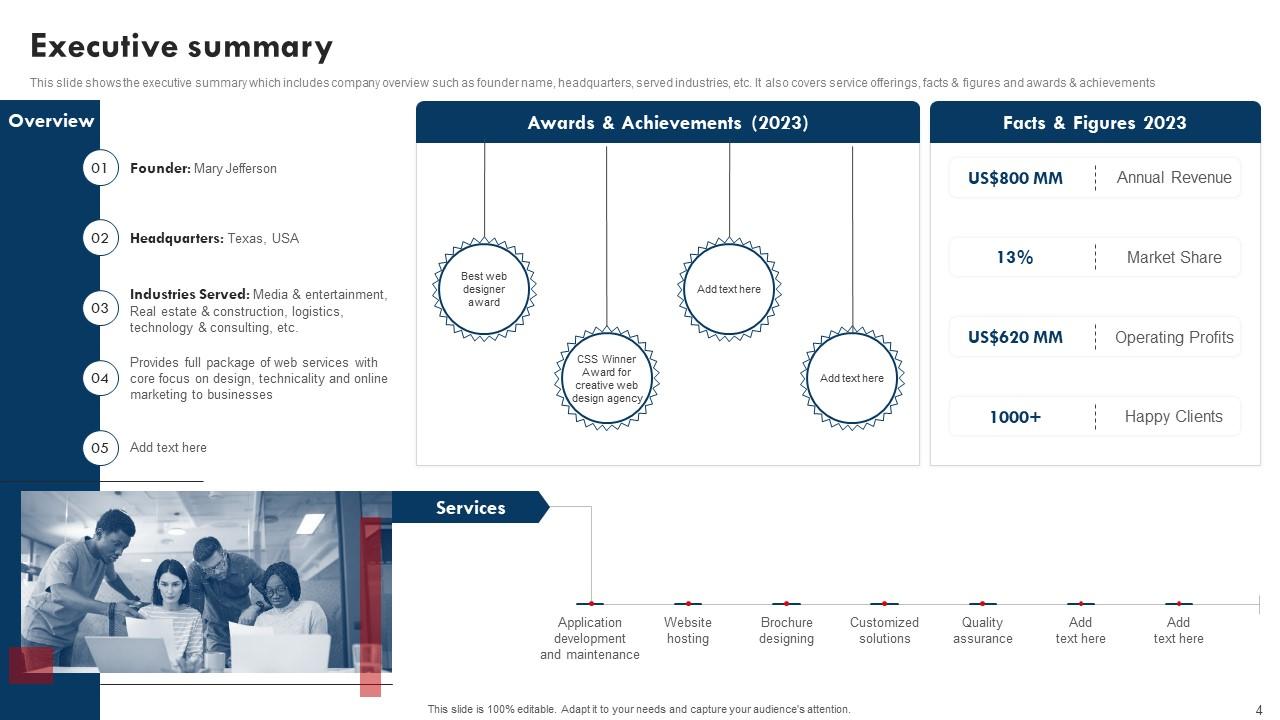
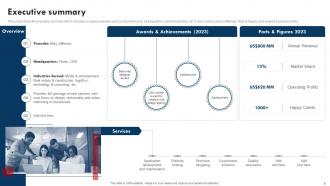
Slide 4: This slide highlights the Executive summary.
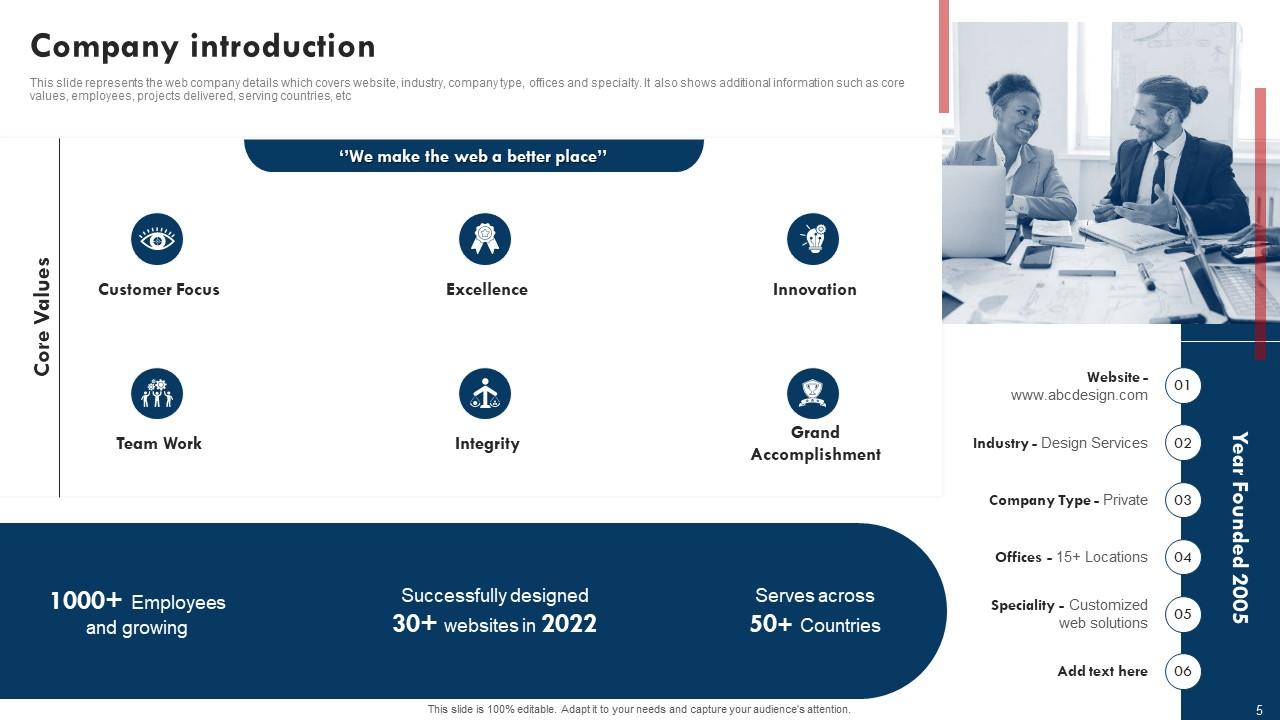
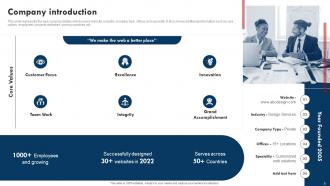
Slide 5: This slide reveals the Company introduction.
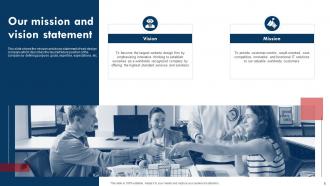
Slide 6: This slide the Organization's Mission and Vission statement.
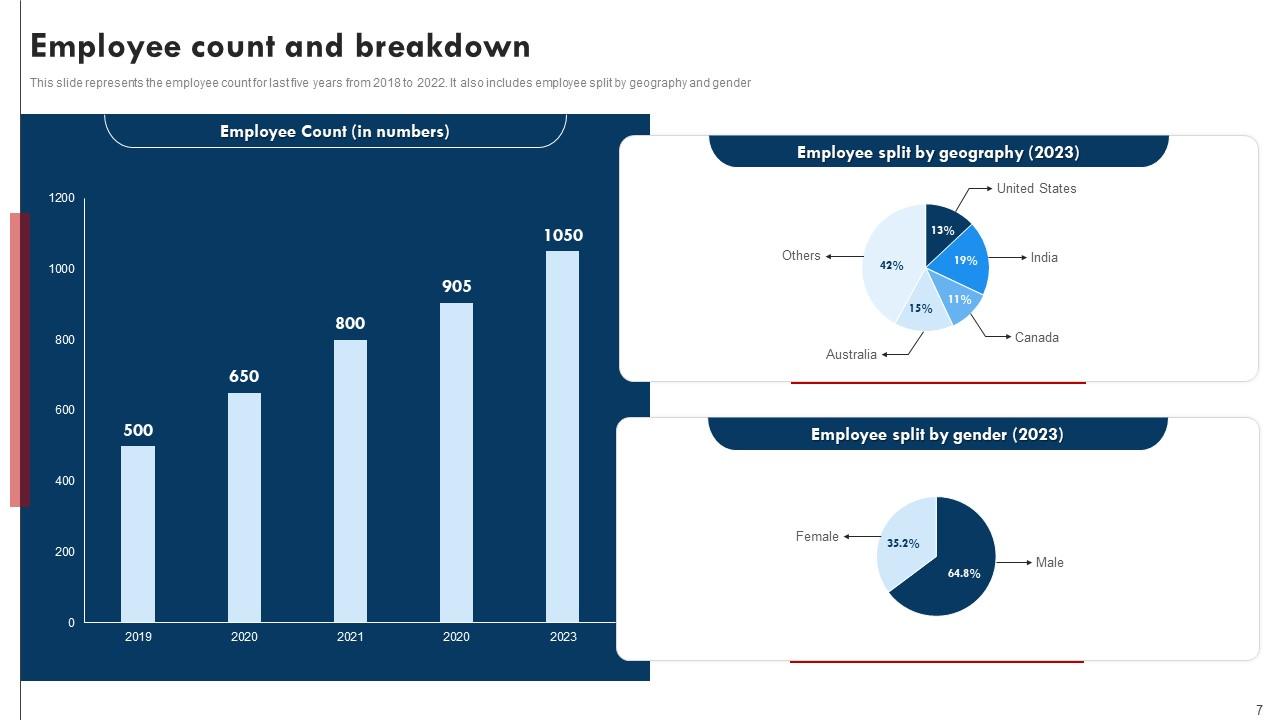
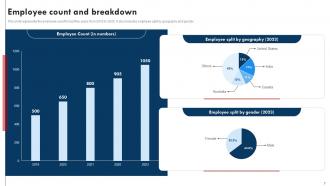
Slide 7: This slide illustrates the Employee count and breakdown.
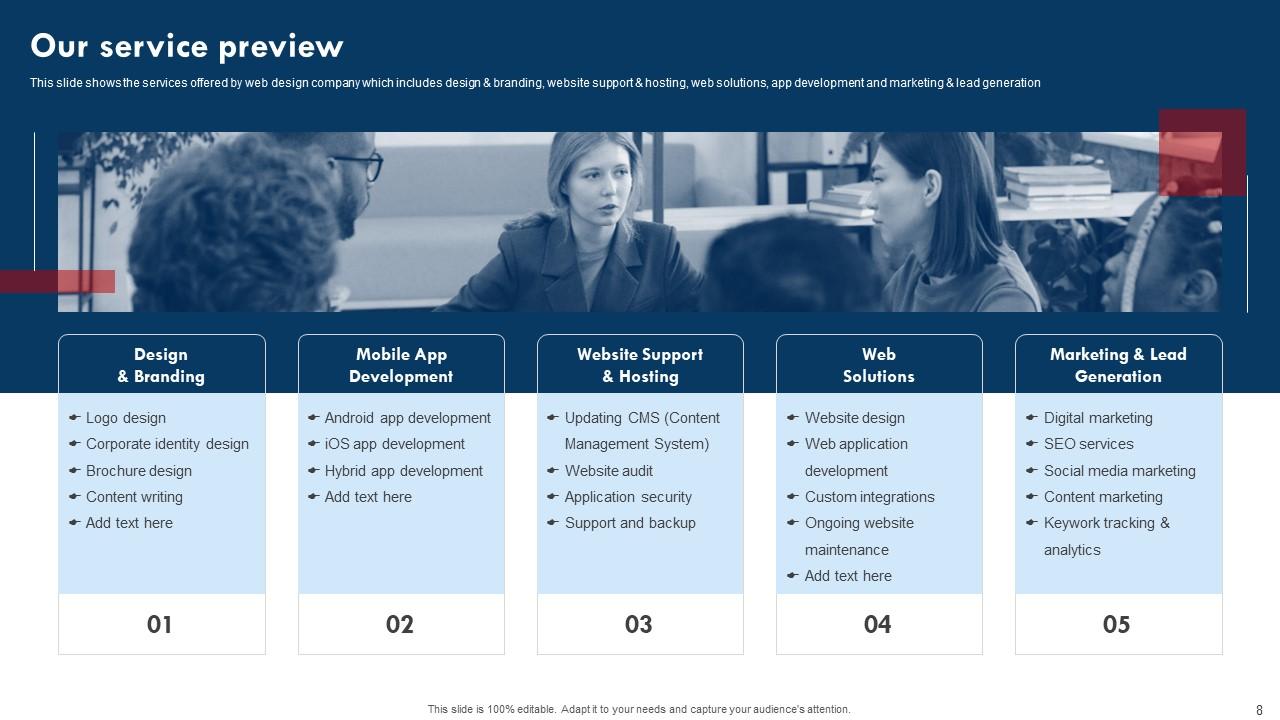
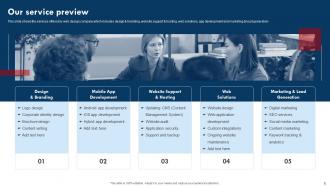
Slide 8: This slide showcases the Organization's service preview.
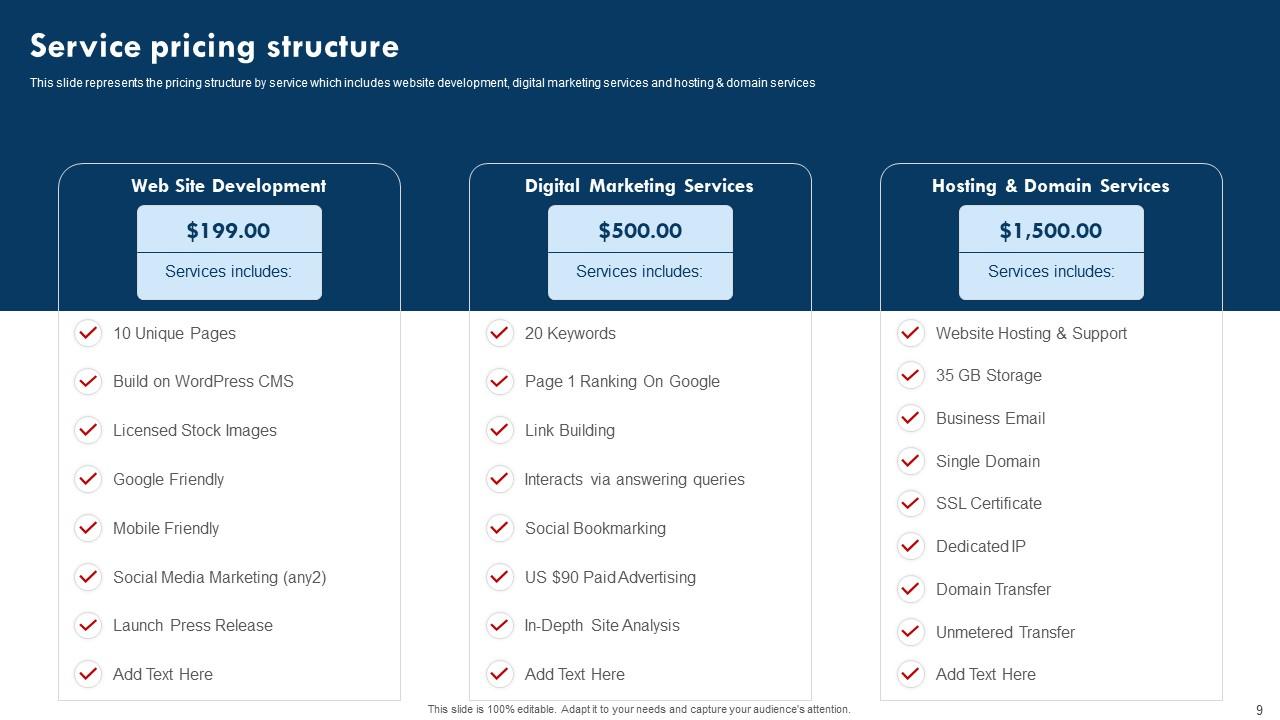
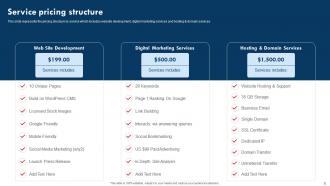
Slide 9: This slide represents the Service pricing structure.
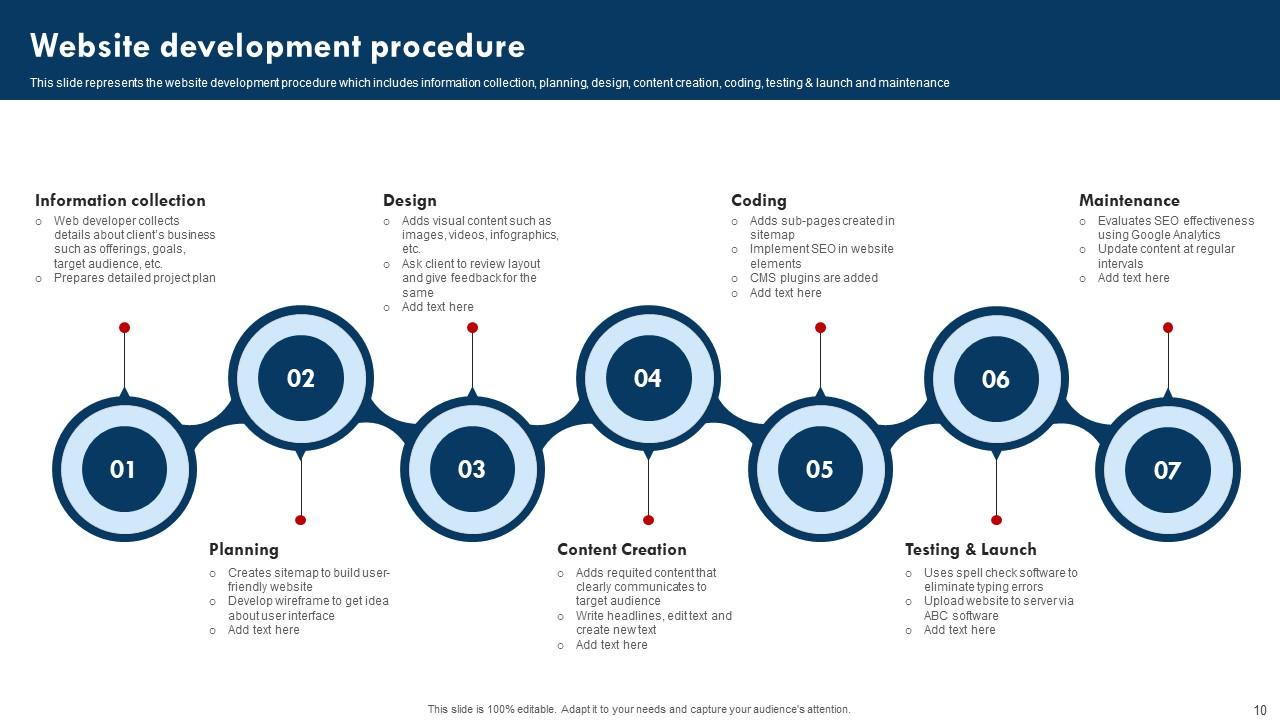
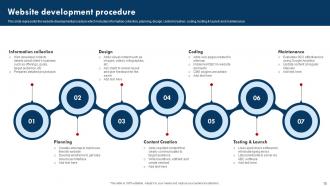
Slide 10: This slide elucidates the Website development procedure.
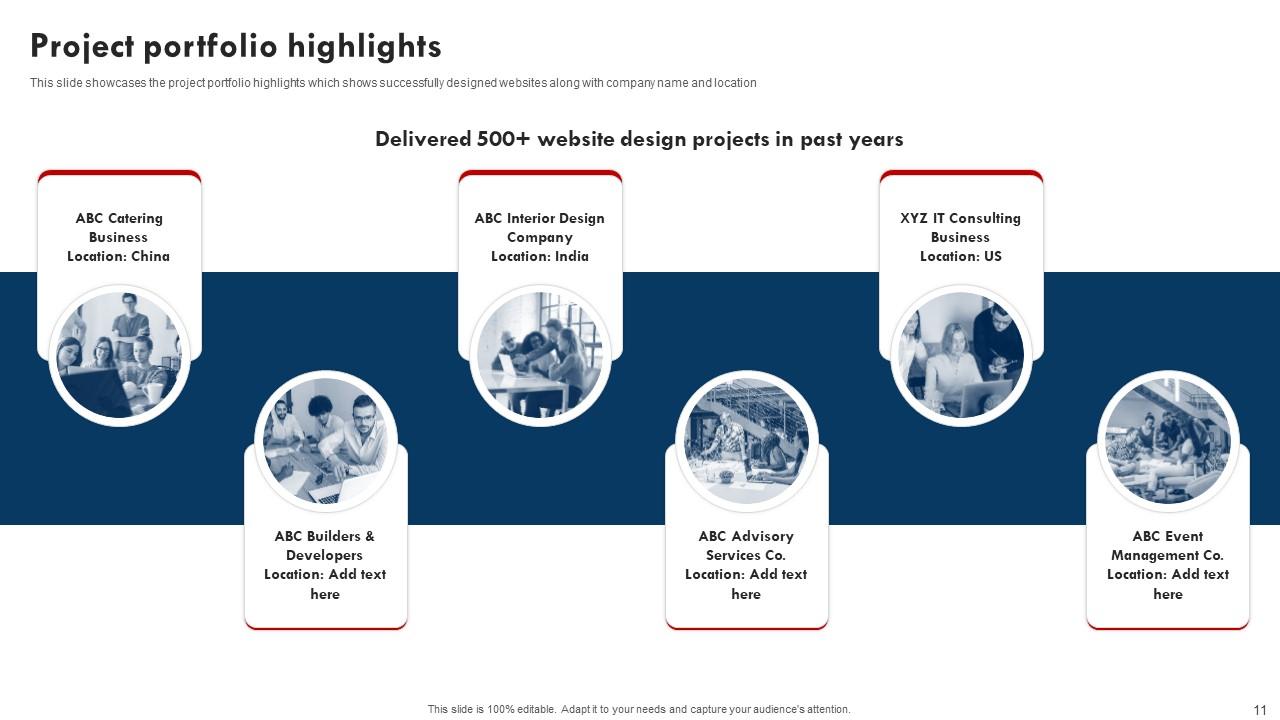
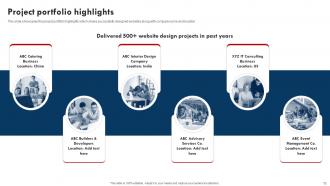
Slide 11: This slide shows the Project portfolio highlights.
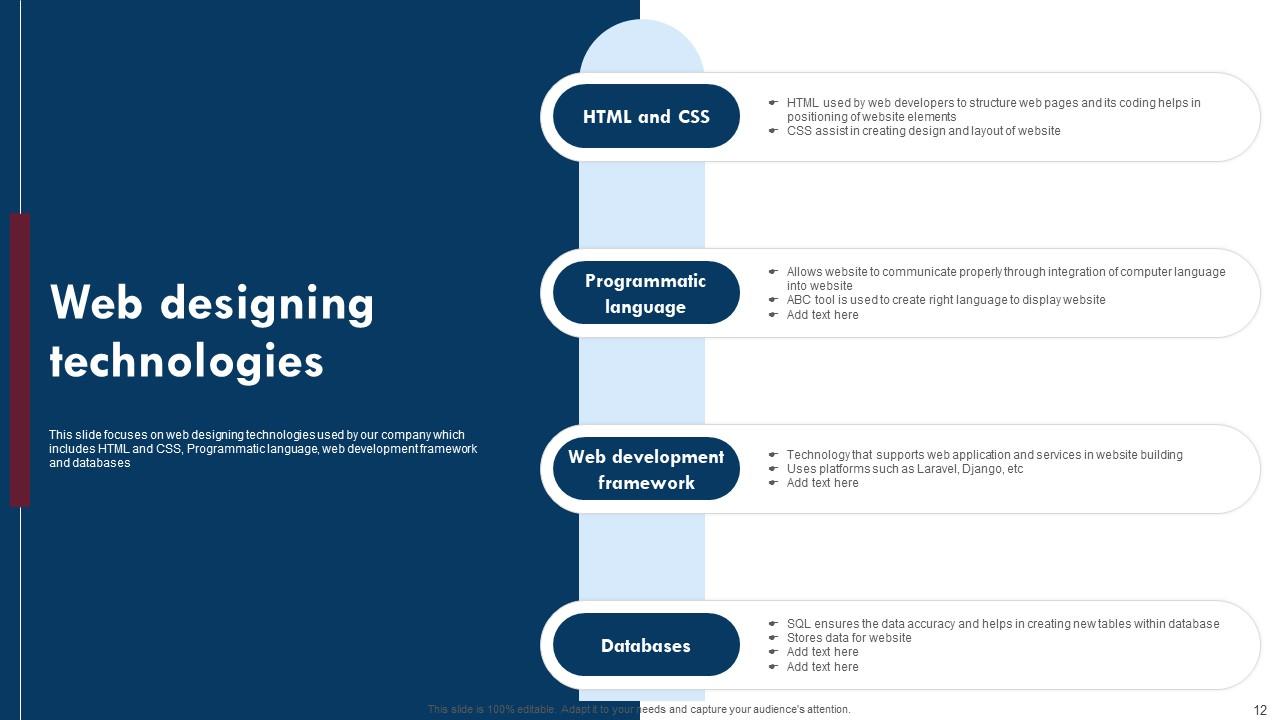
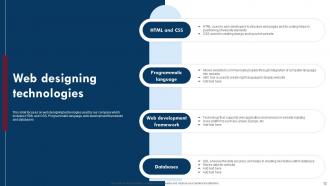
Slide 12: This slide explains the Web designing technologies.
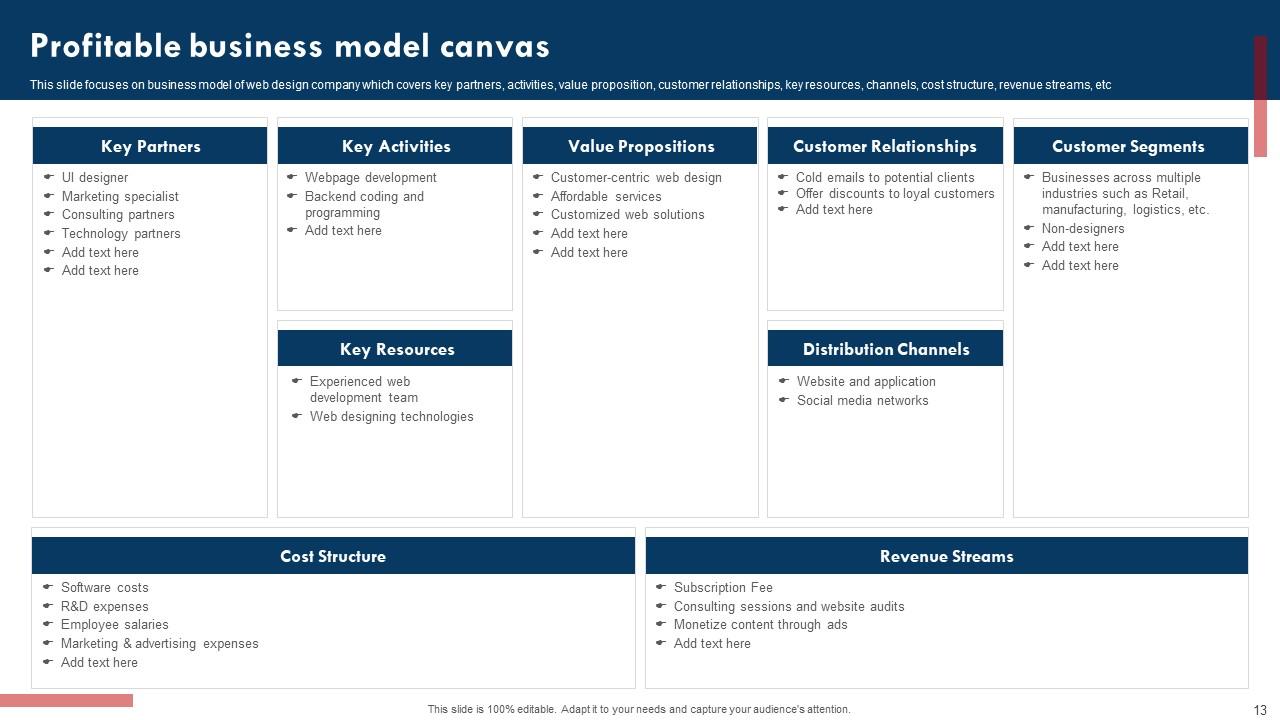
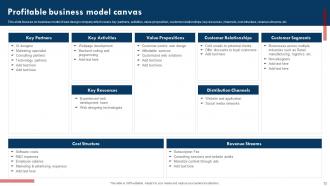
Slide 13: This slide focuses on the Profitable business model canvas.
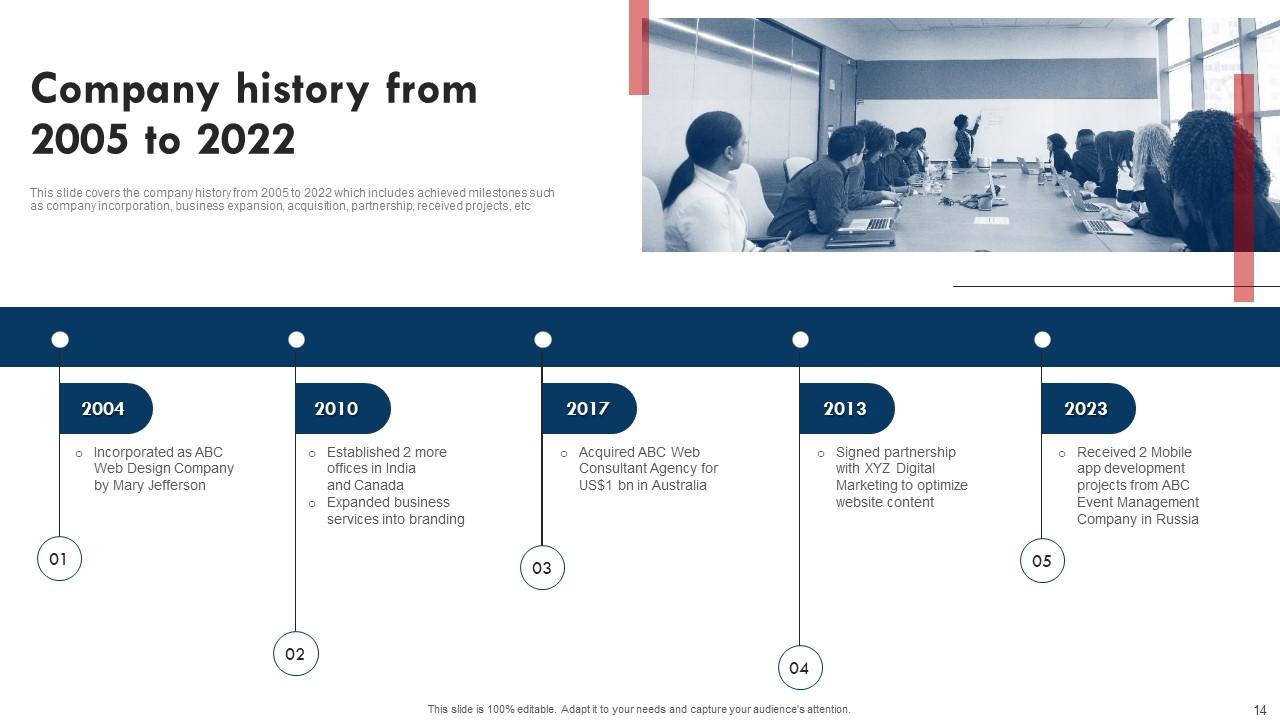
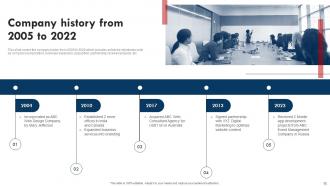
Slide 14: This slide covers the company history from 2005 to 2022.
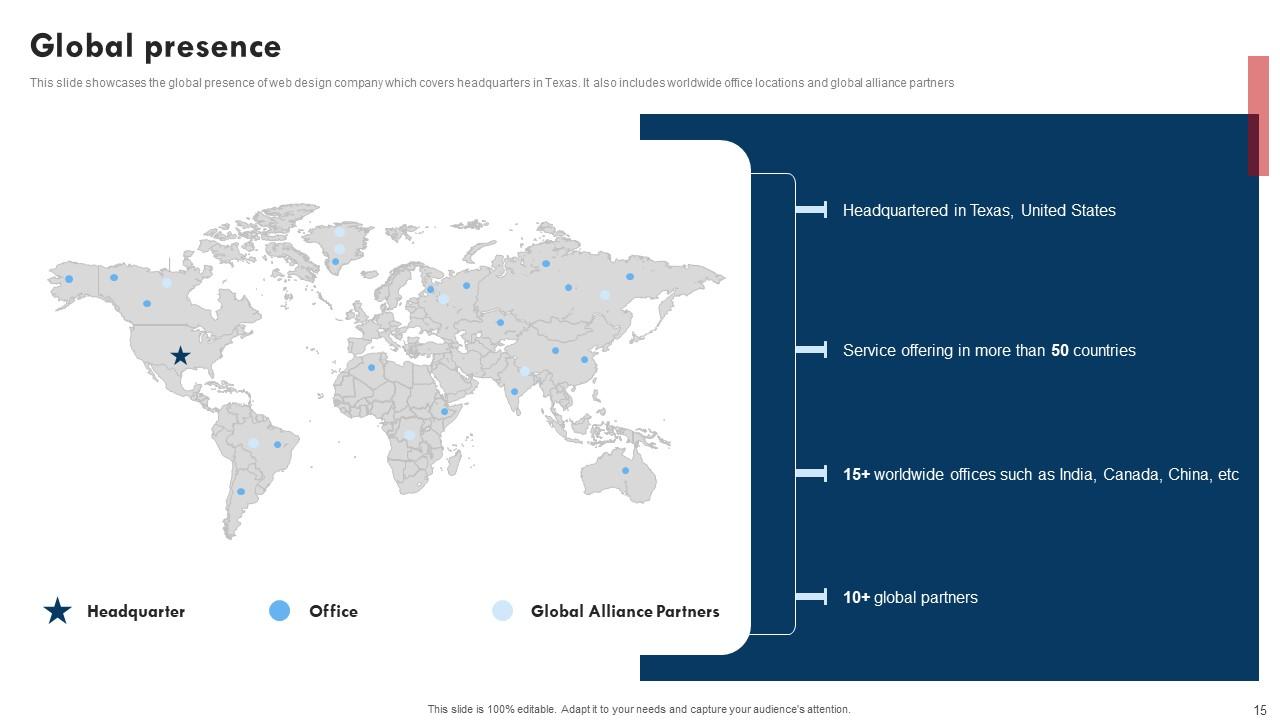
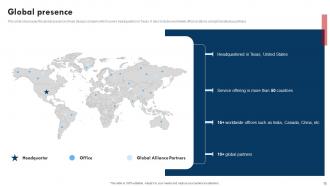
Slide 15: This slide showcases the Global presence.
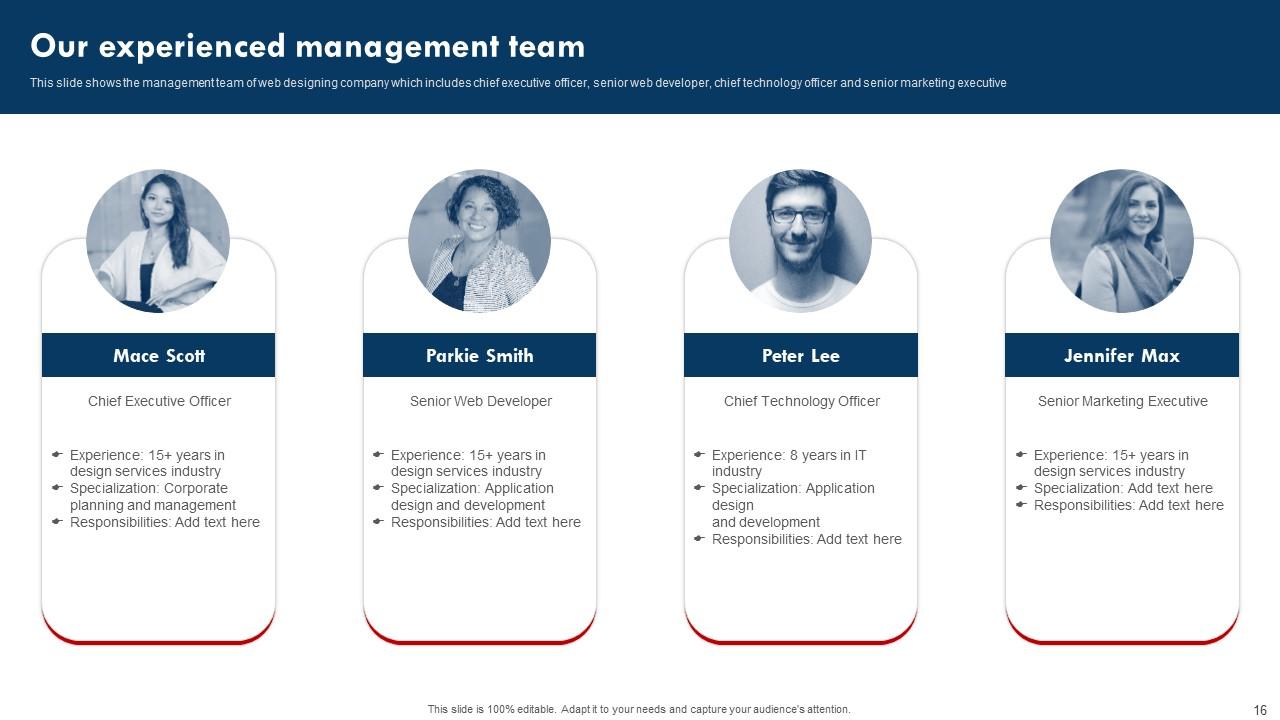
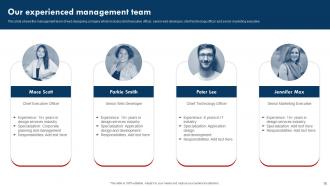
Slide 16: This slide mentions about the Company's experienced management team.
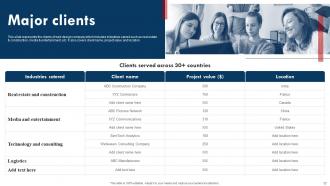
Slide 17: This slide presents the Clients served across 30+ countries.
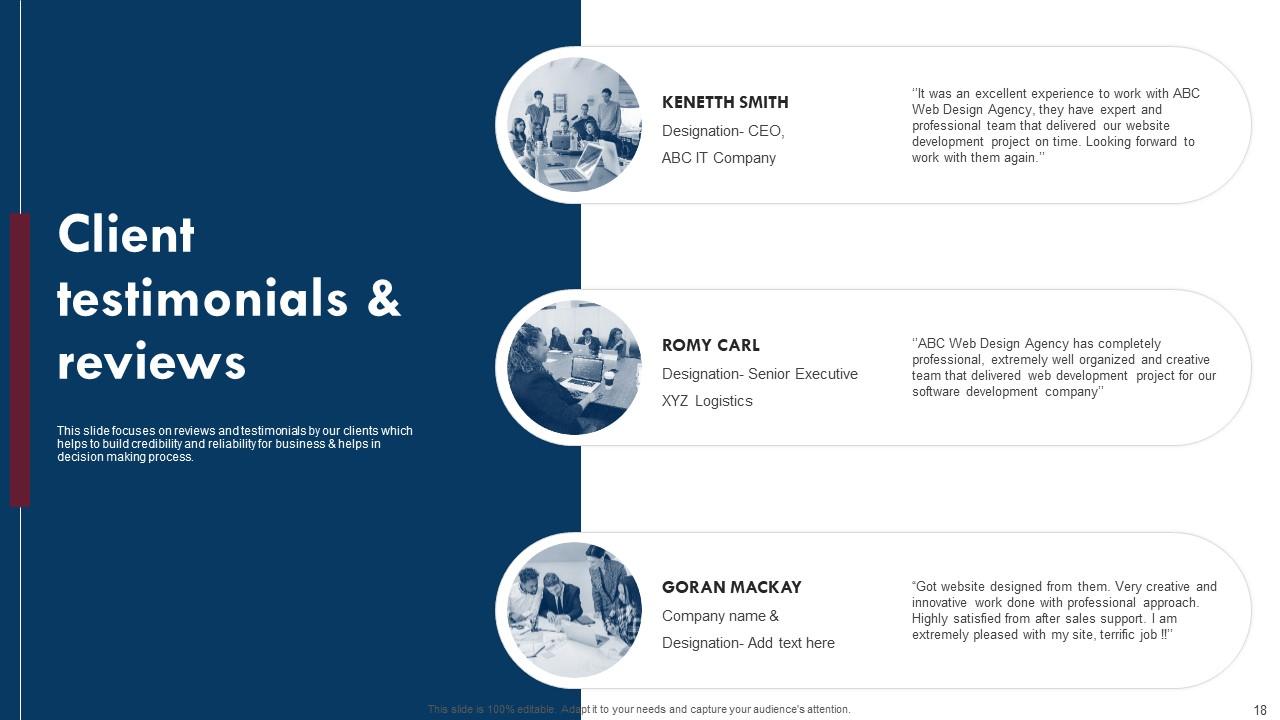
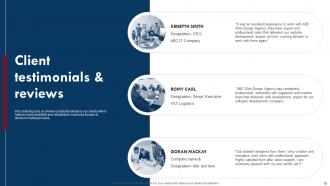
Slide 18: This slide shows the Client testimonials & reviews.
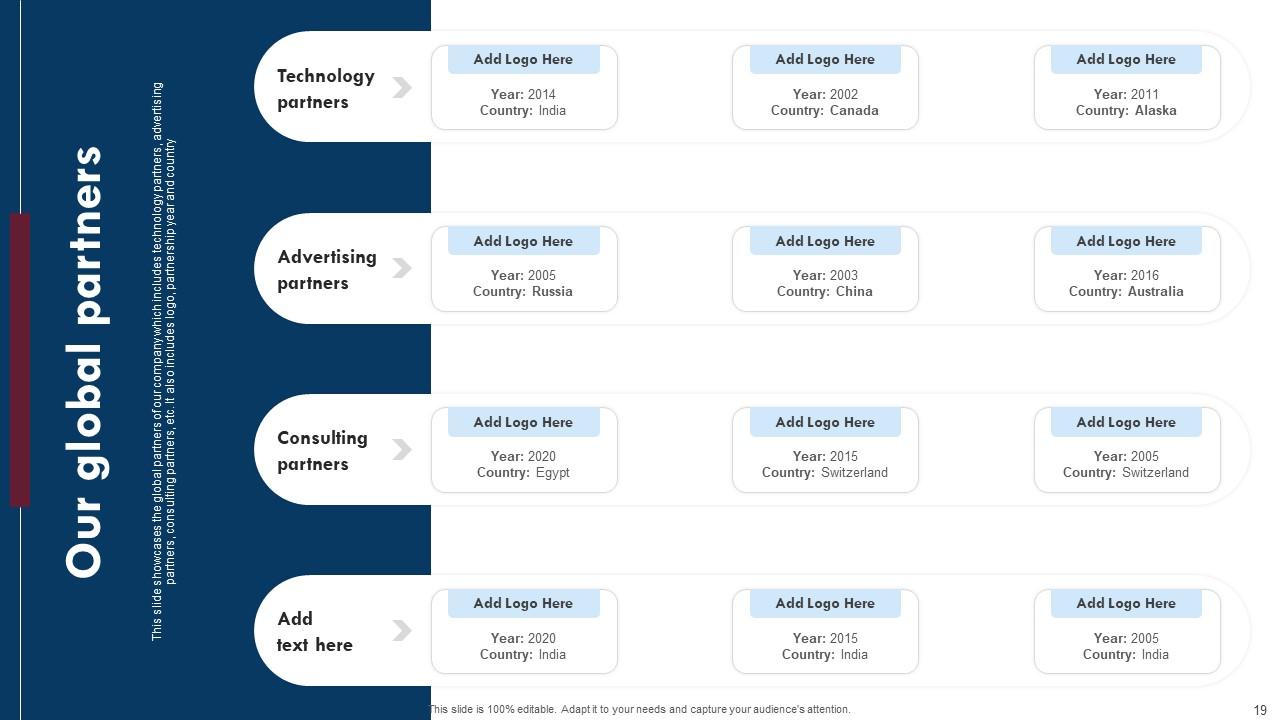
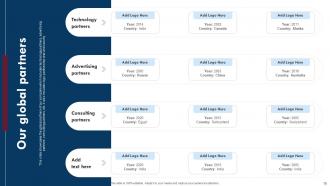
Slide 19: This slide elucidates the Organization's global partners.
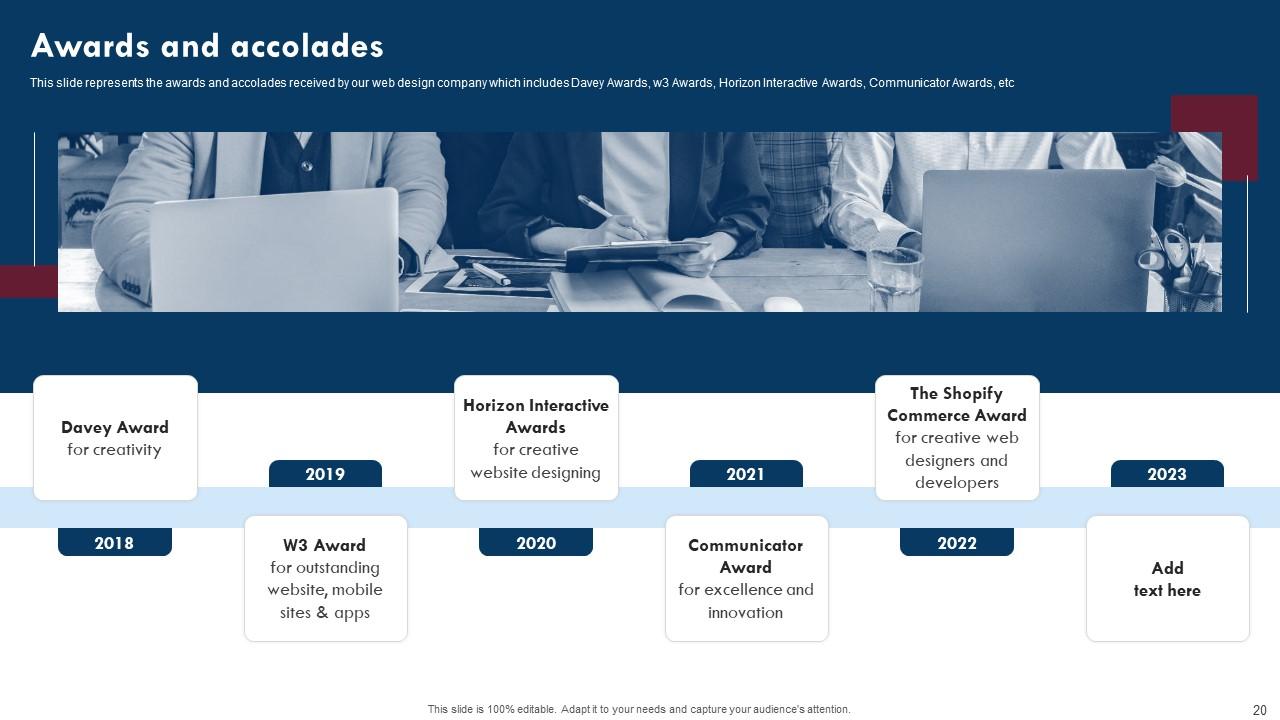
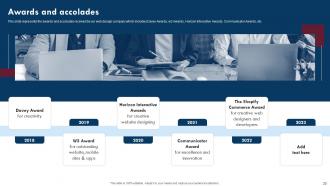
Slide 20: This slide reveals the Awards and accolades.
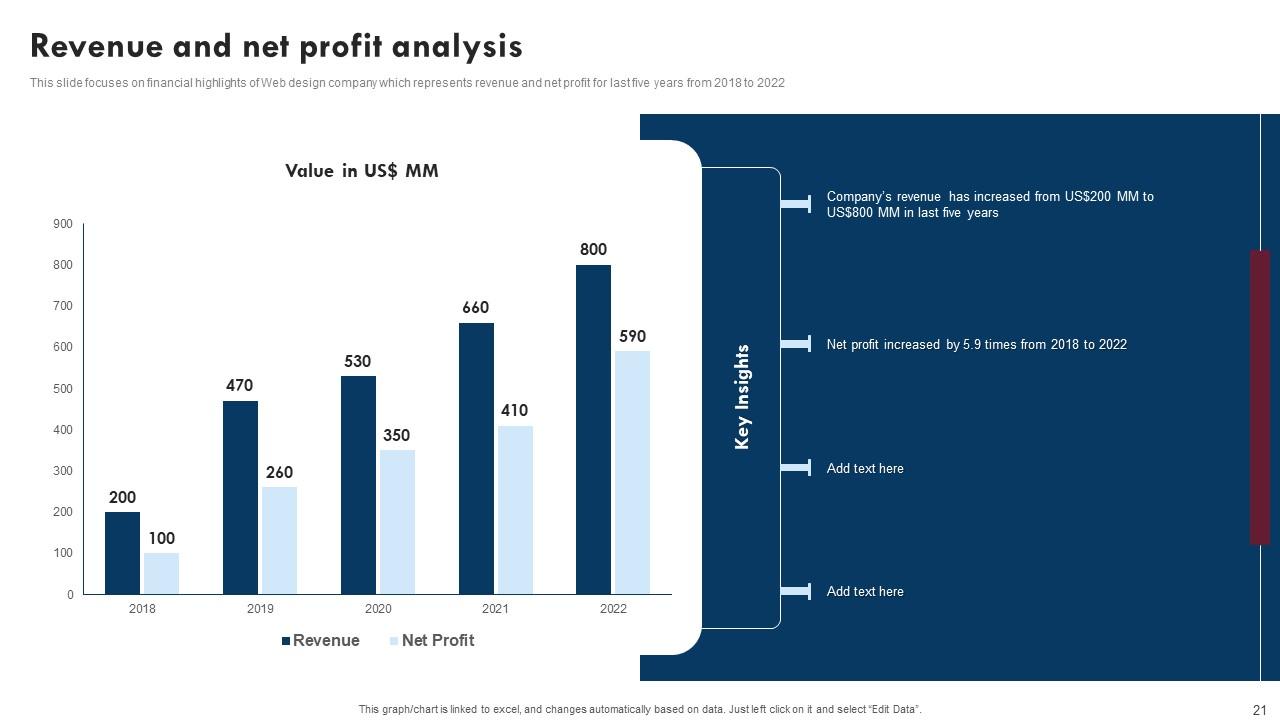
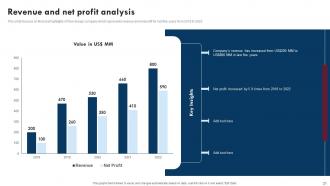
Slide 21: This slide represents the Revenue and net profit analysis.
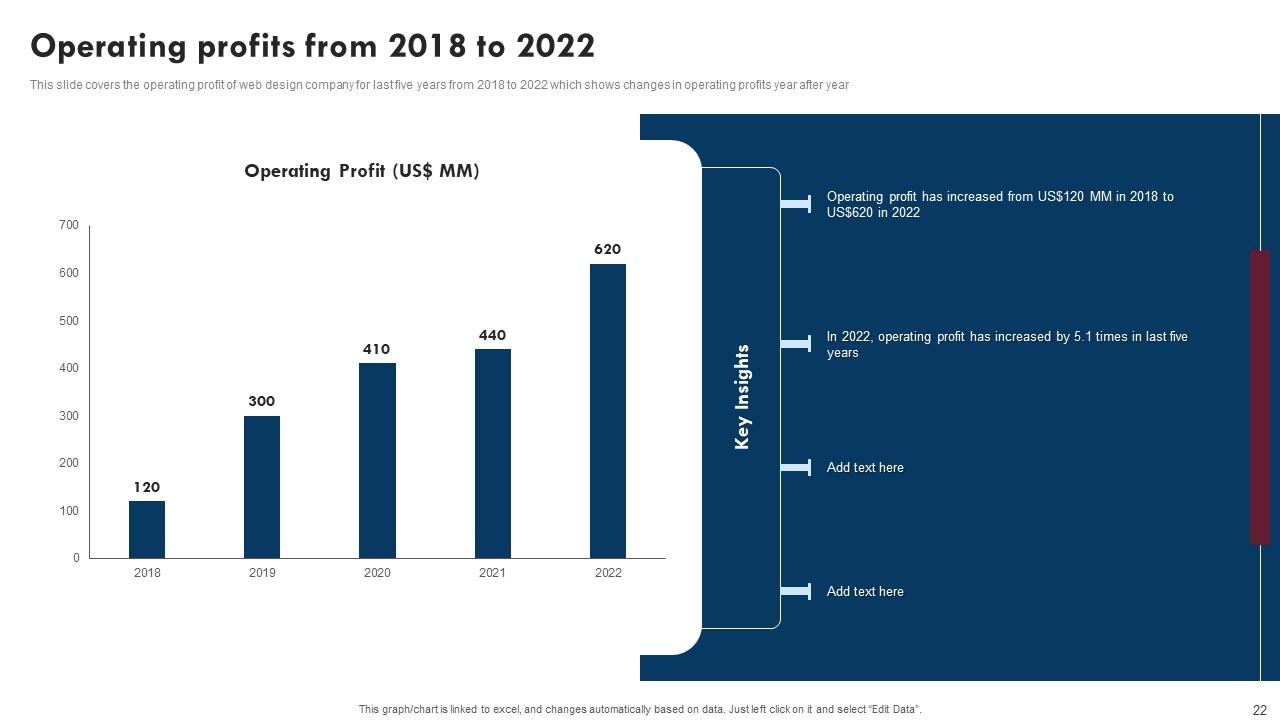
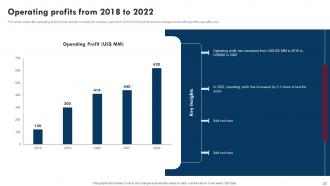
Slide 22: This slide displays the Operating profits from 2018 to 2022.
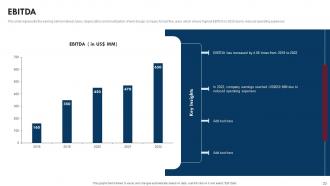
Slide 23: This slide elucidates the EBITDA.
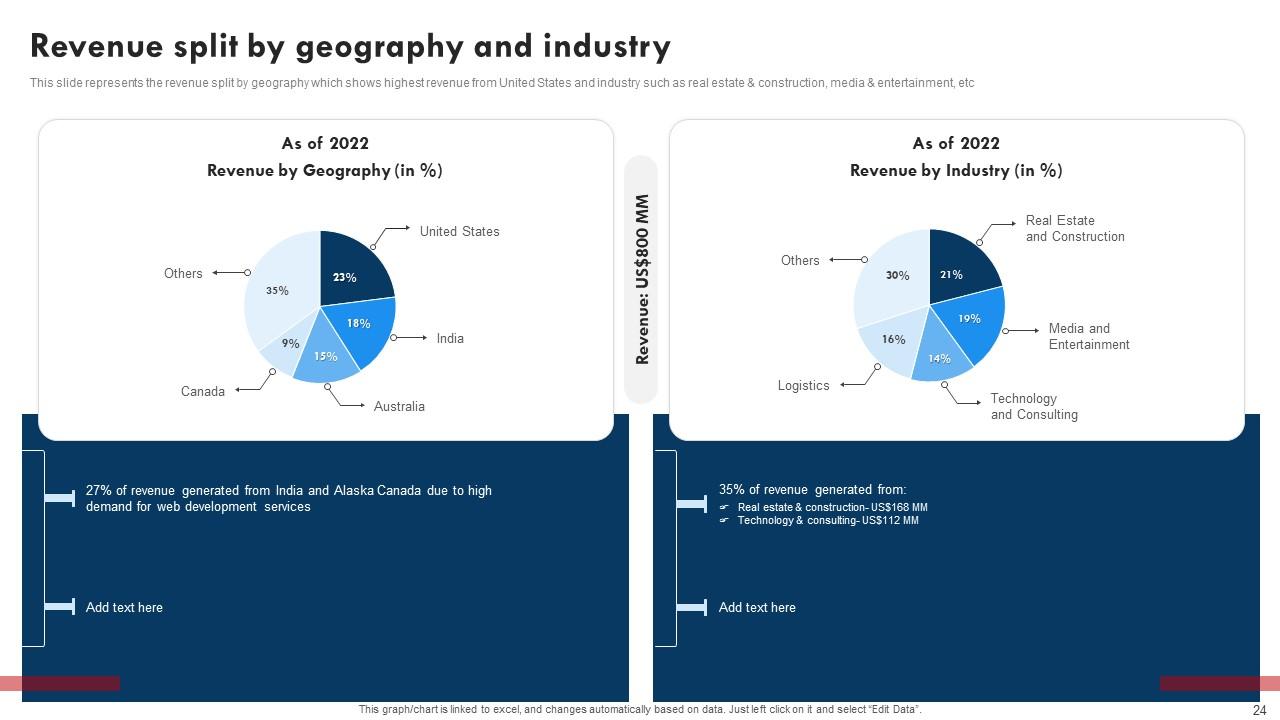
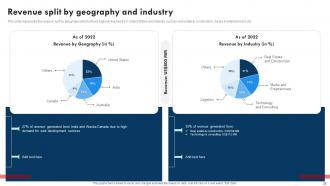
Slide 24: This slide discusses the Revenue split by geography and industry.
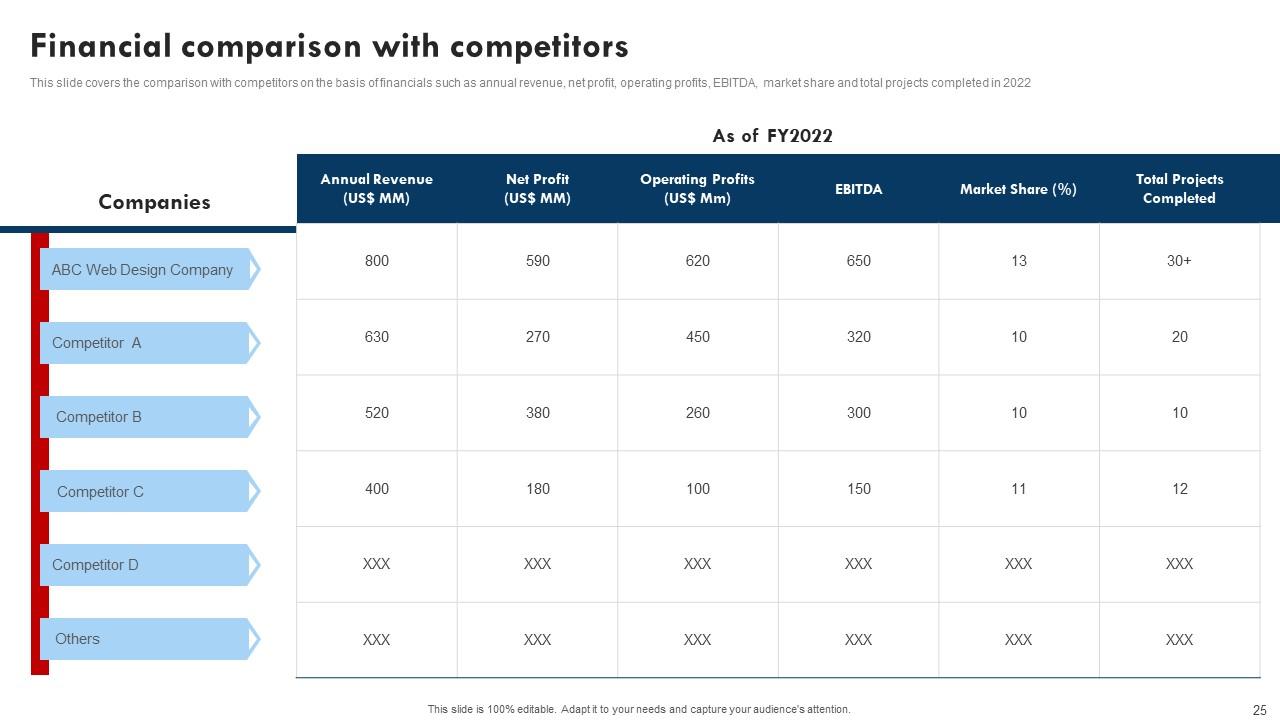
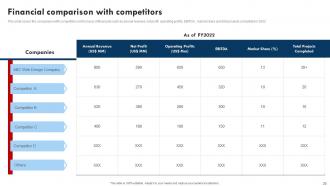
Slide 25: This slide provides information about the Financial comparison with competitors.
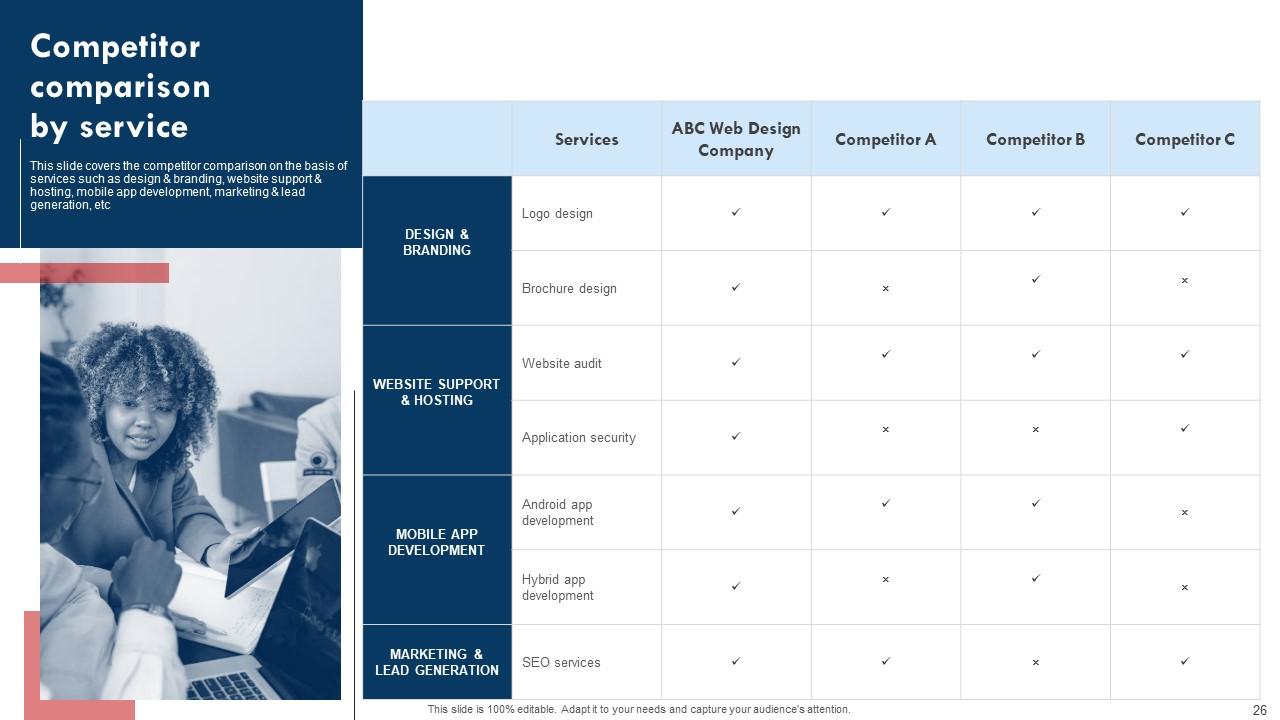
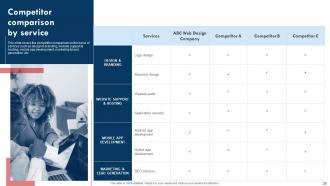
Slide 26: This slide reveals the Competitor comparison by service.
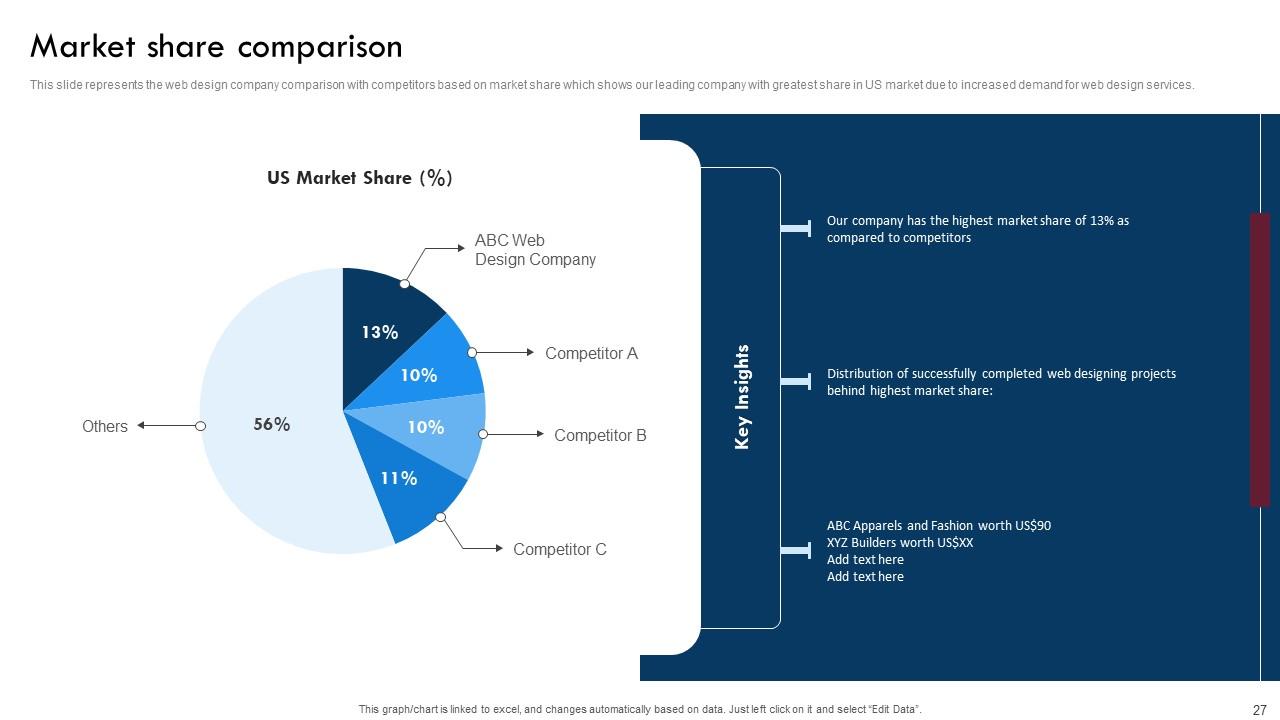
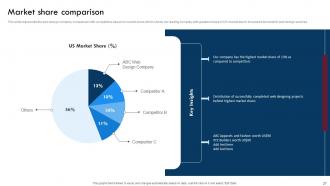
Slide 27: This slide shows the Market share comparison.
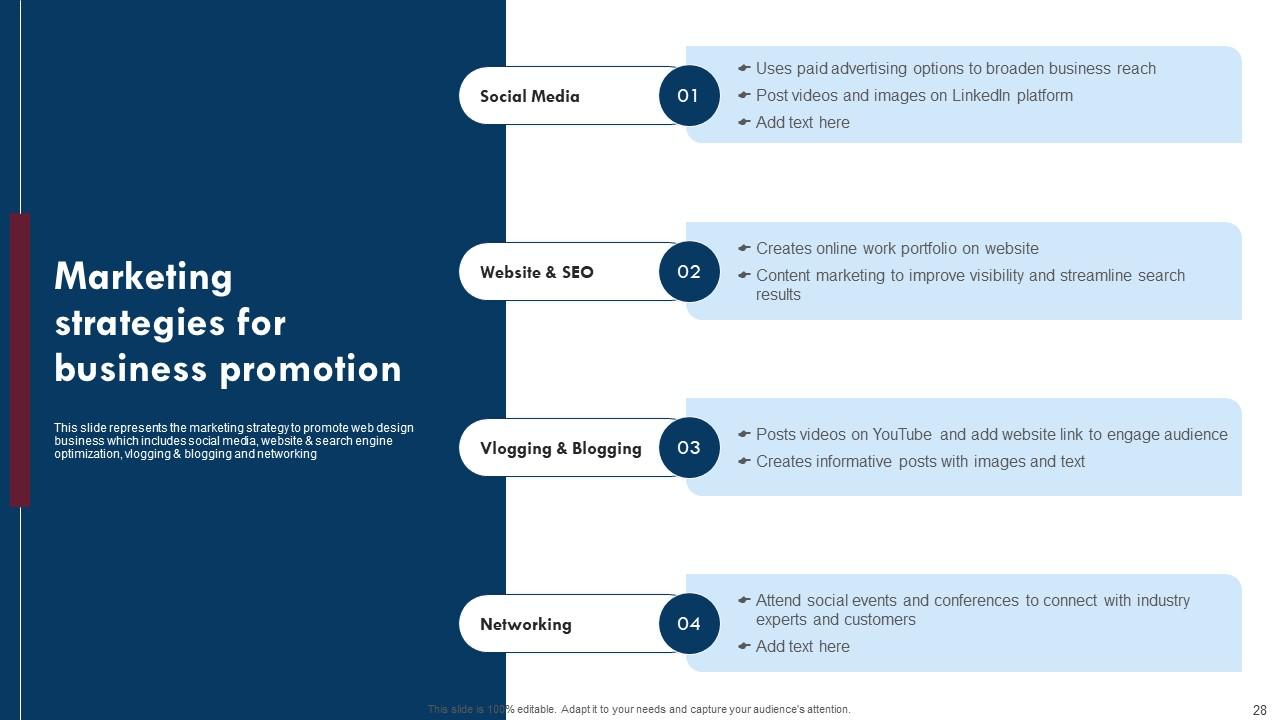
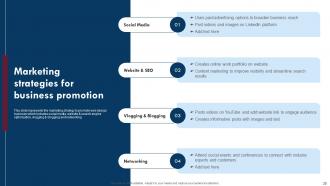
Slide 28: This slide depicts the Marketing strategies for business promotion.
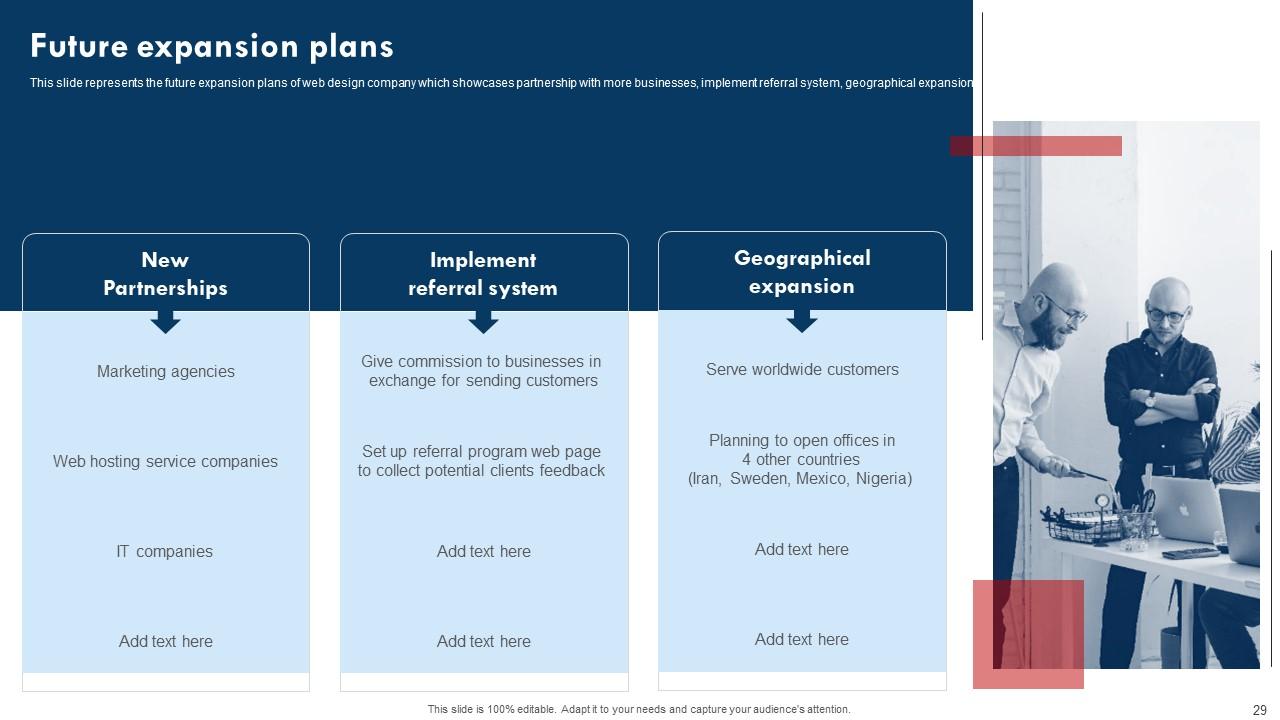
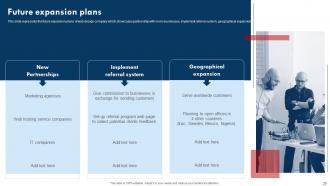
Slide 29: This slide includes the Future expansion plans.
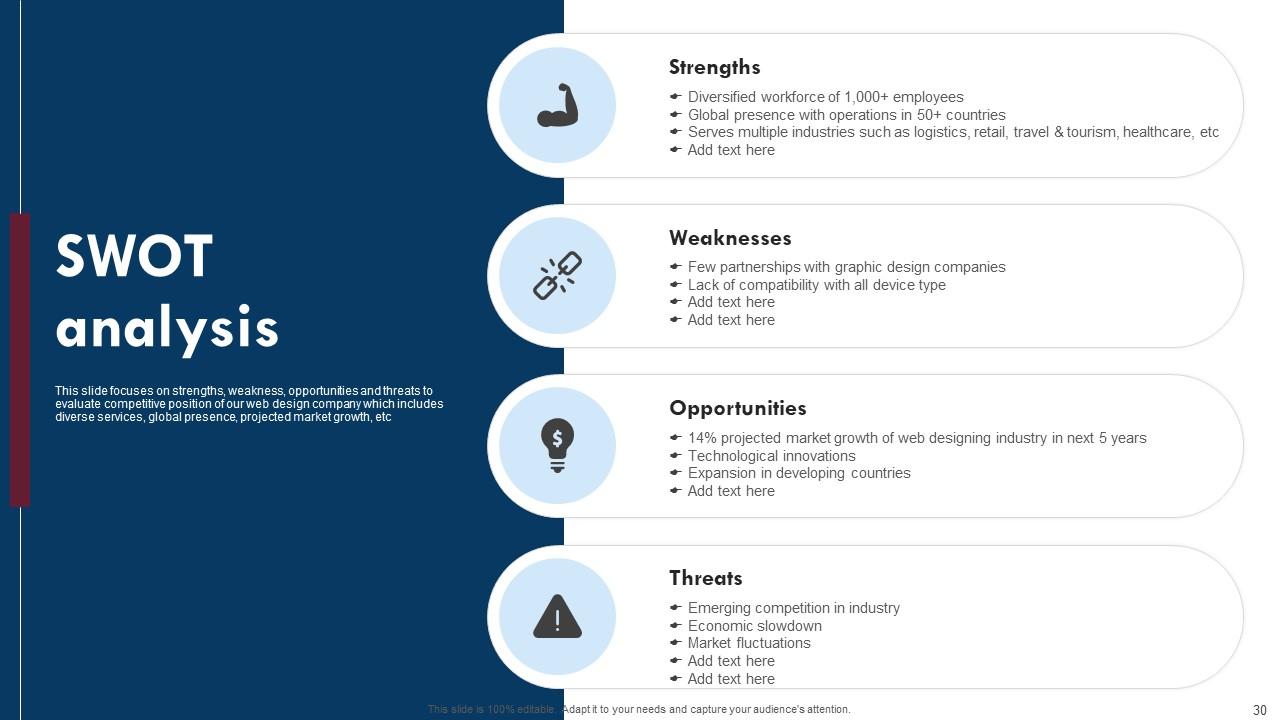
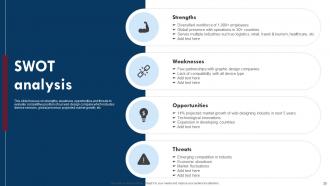
Slide 30: This slide mentions about the SWOT analysis.
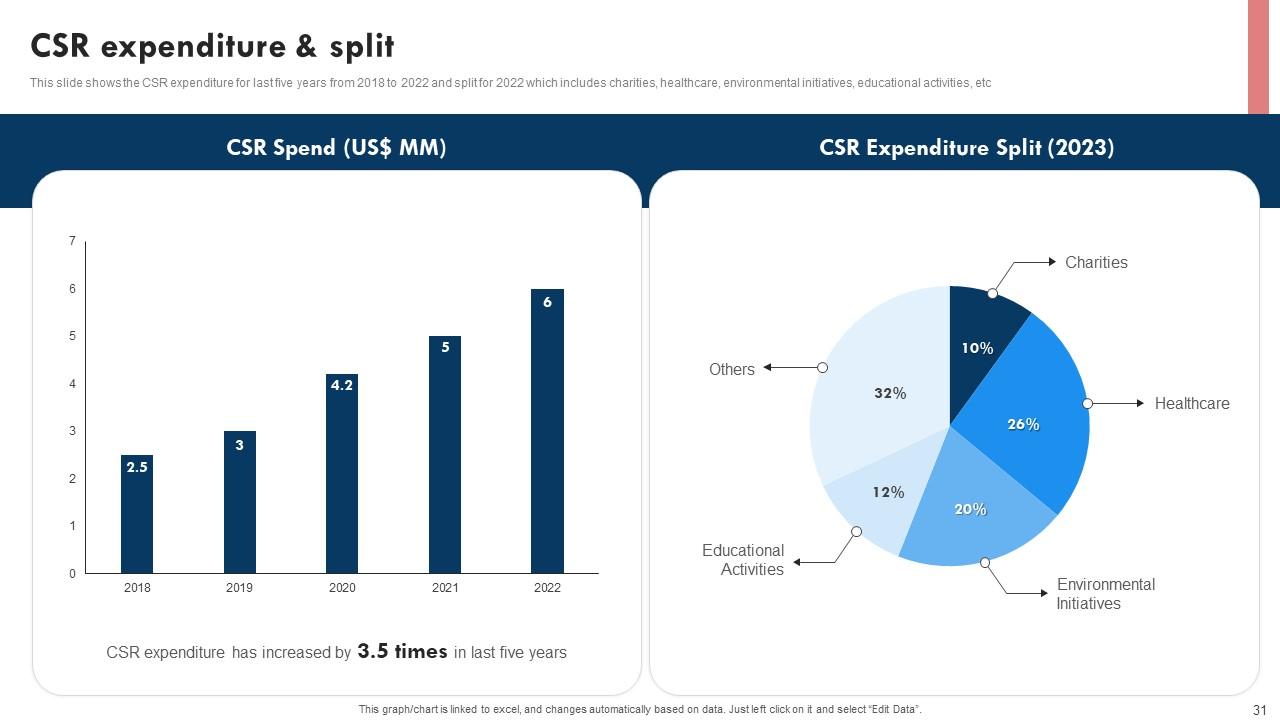
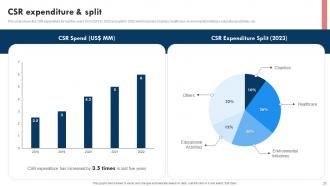
Slide 31: This slide focuses on the CSR expenditure & split.
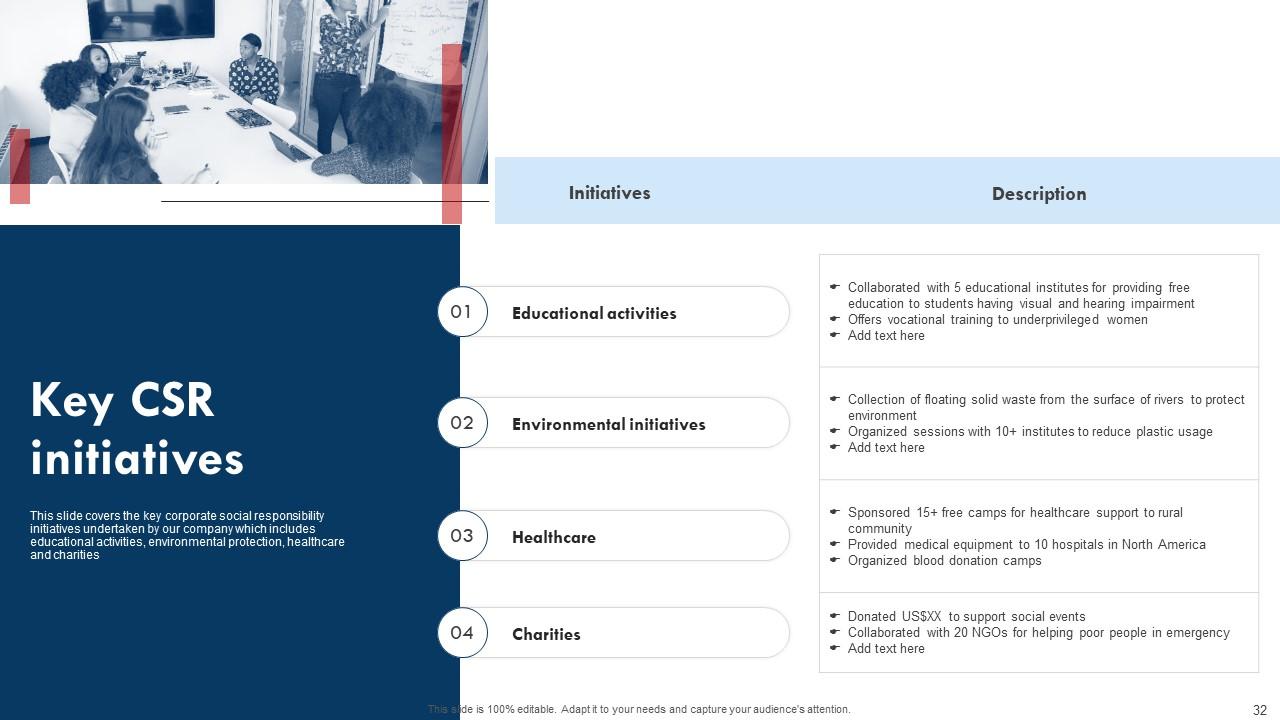
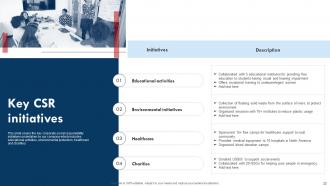
Slide 32: This slide states the Key CSR initiatives.
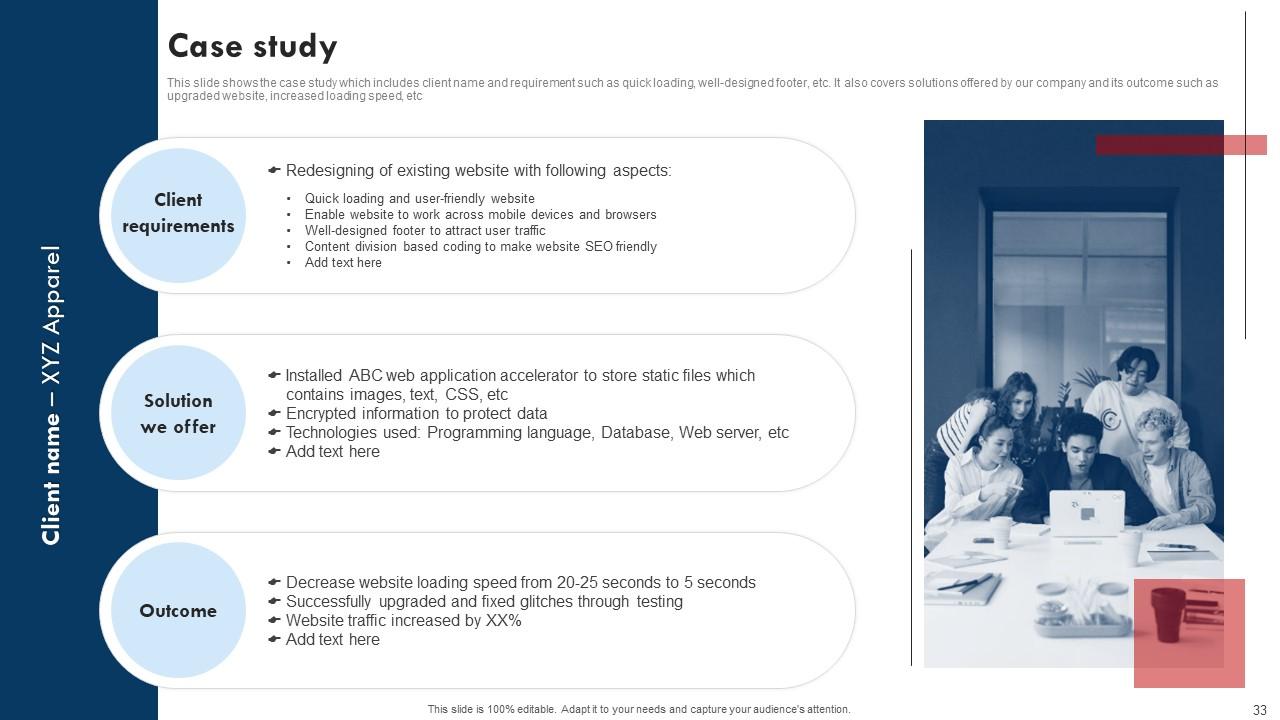
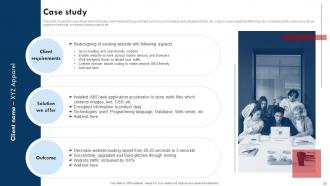
Slide 33: This slide exhibits the Case study.
Slide 34: This is the Icons Slide for Website Design Company Profile.
Slide 35: This slide depicts the Additional Company information.
Slide 36: This slide includes the Post it notes.
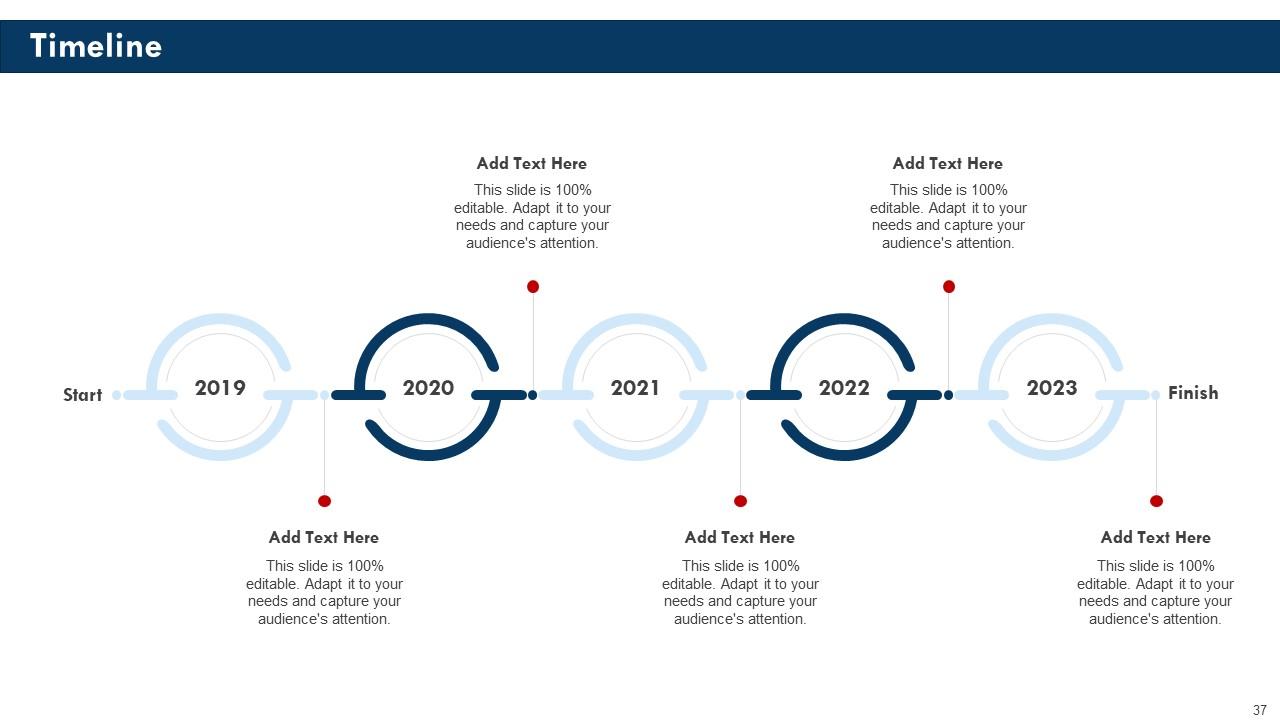
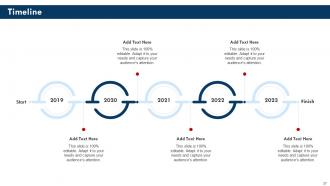
Slide 37: This slide represents the Organization's Timeline.
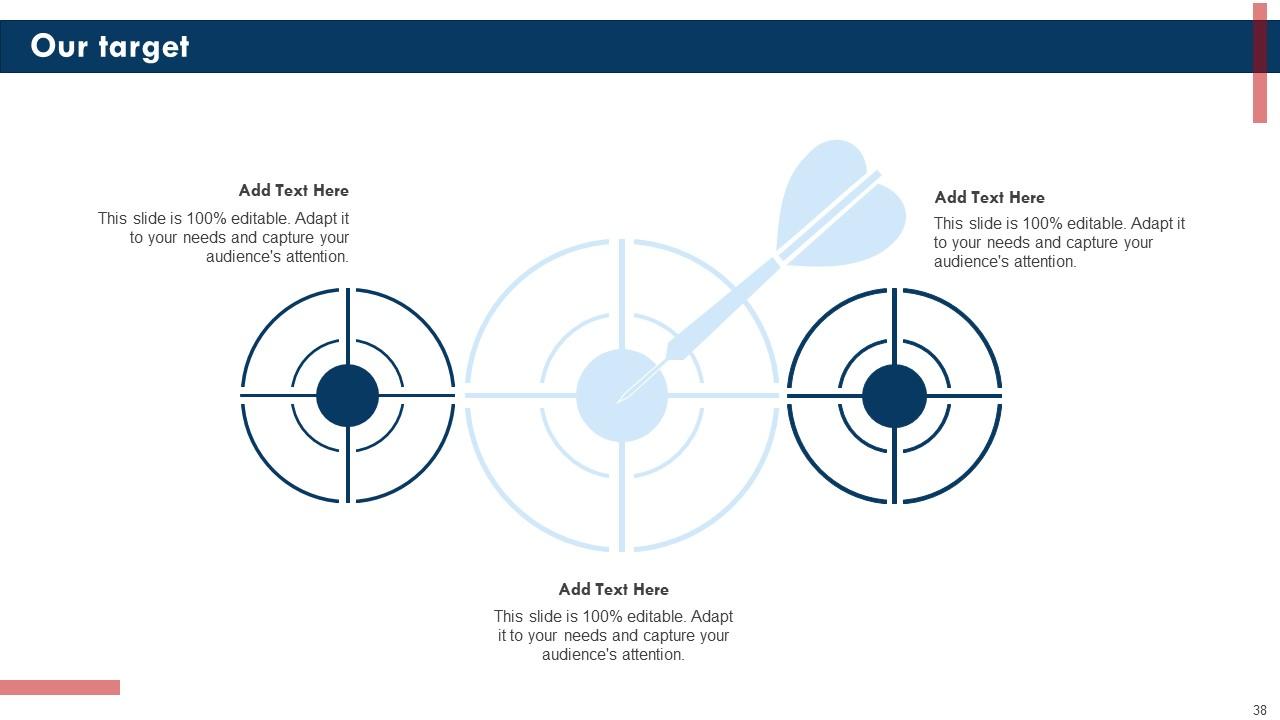
Slide 38: This is Our target slide for stating Company's targets.
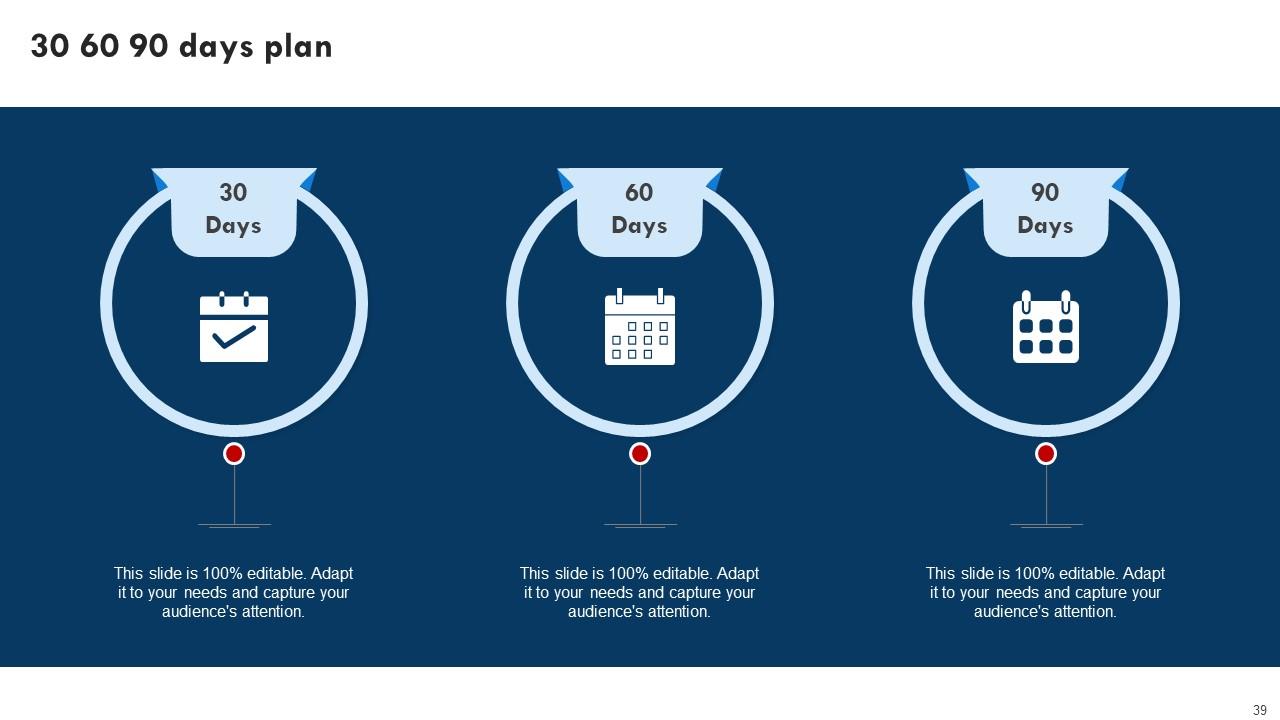
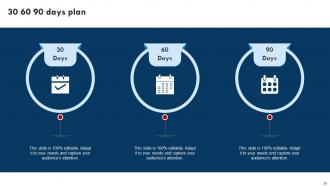
Slide 39: This slide incorporates the 30 60 90 days plan.
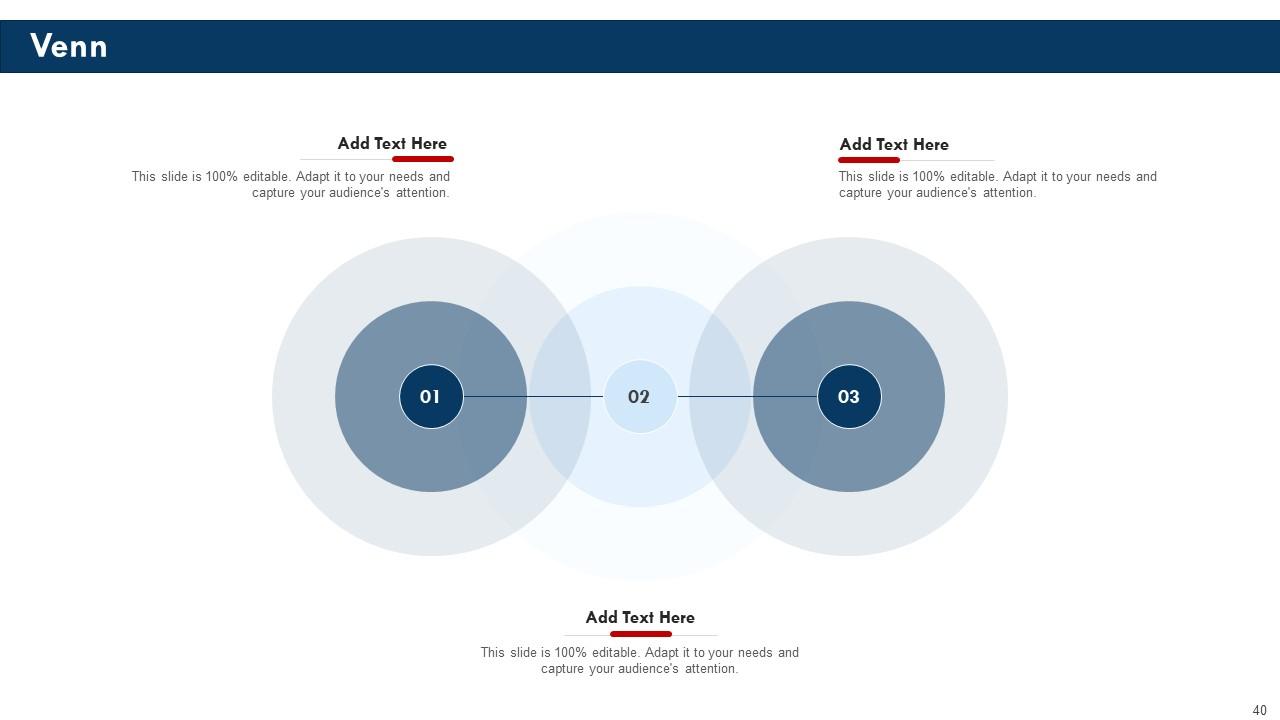
Slide 40: This is the Venn diagram slide for relevant Company information.
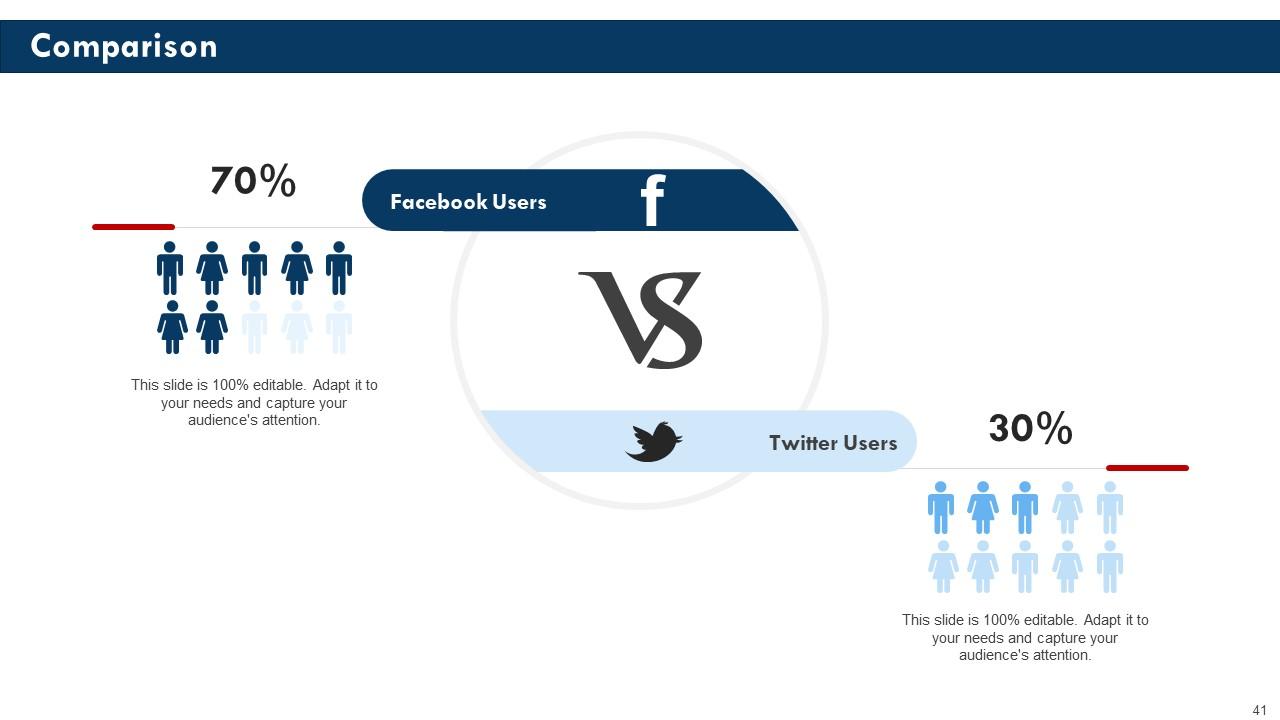
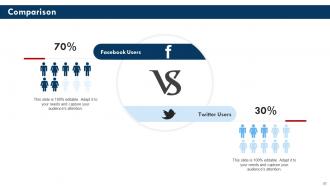
Slide 41: This slide is used for Comparison.
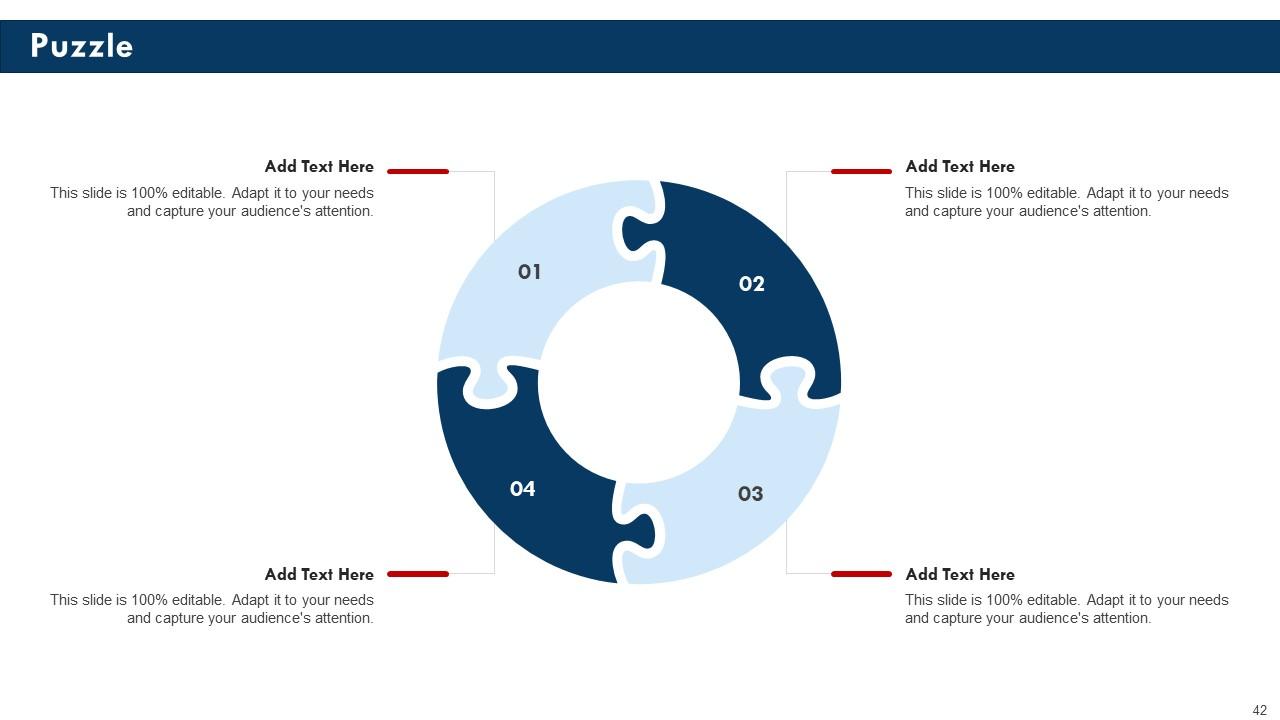
Slide 42: This is the Puzzle slide with related imagery.
Slide 43: This is the Thank you slide for acknowledgement.
Website Design Company Profile Powerpoint Presentation Slides with all 48 slides:
Use our Website Design Company Profile Powerpoint Presentation Slides to effectively help you save your valuable time. They are readymade to fit into any presentation structure.
-
Easy to edit slides with easy to understand instructions.
-
Great designs, really helpful.
