


Workforce Planning Case Studies Powerpoint Presentation Slides
Through our content-ready workforce planning case studies PowerPoint presentation slides, you can identify opportunities and leverage them to achieve organizational goals. These strategic workforce planning model presentation diagrams will describe in detail about organizational development, change management, organizational design and structure, high potential employees, leadership and career development, performance requirements, gap analysis, future requirements, and also external and internal analysis. Moreover, you can utilize these visuals for making presentations on crew management model, SWP process, employee framework, performance measure, human resource management, strategic staffing and human capital strategy. Our PPT templates help organizations to plan for future human resource needs. This will ensure that your company has the right people in the right place and at the right time. If you are thinking about creating an ideal roadmap to achieve the best possible future workforce, download our workforce planning case studies PowerPoint visuals straight away.Only you can make your presentation a success. But our Workforce Planning Case Studies Powerpoint Presentation Slides can help it look its best.
Through our content-ready workforce planning case studies PowerPoint presentation slides, you can identify opportunities an..















-

- Google Slides is a new FREE Presentation software from Google.
- All our content is 100% compatible with Google Slides.
- Just download our designs, and upload them to Google Slides and they will work automatically.
- Amaze your audience with SlideTeam and Google Slides.
-

Want Changes to This PPT Slide? Check out our Presentation Design Services
-

- WideScreen Aspect ratio is becoming a very popular format. When you download this product, the downloaded ZIP will contain this product in both standard and widescreen format.
-

- Some older products that we have may only be in standard format, but they can easily be converted to widescreen.
- To do this, please open the SlideTeam product in Powerpoint, and go to
- Design ( On the top bar) -> Page Setup -> and select "On-screen Show (16:9)” in the drop down for "Slides Sized for".
- The slide or theme will change to widescreen, and all graphics will adjust automatically. You can similarly convert our content to any other desired screen aspect ratio.
Compatible With Google Slides

Get This In WideScreen
You must be logged in to download this presentation.


Do you want to remove this product from your favourites?
PowerPoint presentation slides
100% editable themes to match your requirements. 69 unique backgrounds having quality content. Can be instantly downloaded with just a single click. Standard and widescreen compatible designs. Can be viewed in Google Slides also. Suitable for use by HR managers, organizations. Premium Customer support available This is a one stage process. The stages in this process are workforce planning, human resource management, strategic management, strategic planning, business plan, business development.

People who downloaded this PowerPoint presentation also viewed the following :
Content of this Powerpoint Presentation
Slide 1: This slide introduces Workforce Planning Case Studies. State Your Company Name and begin.
Slide 2: This slide showcases Agenda. You can state your business agenda and begins.
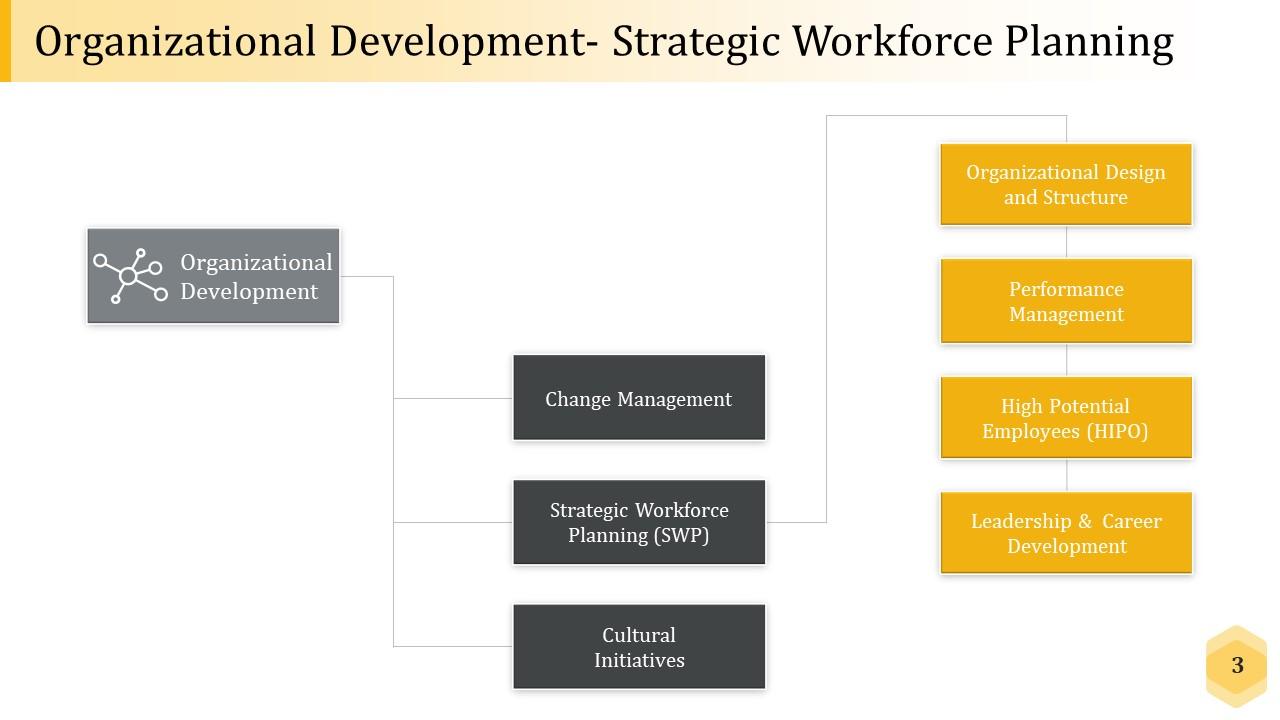
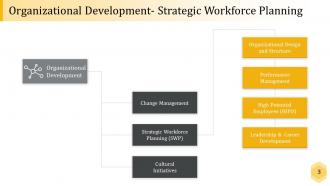
Slide 3: This slide shows Organizational Development- Strategic Workforce Planning with these steps- Change Management, Strategic Workforce Planning (SWP), Cultural Initiatives, Organizational Design and Structure, Performance Management, High Potential Employees (HIPO), Leadership & Career Development, Organizational Development.
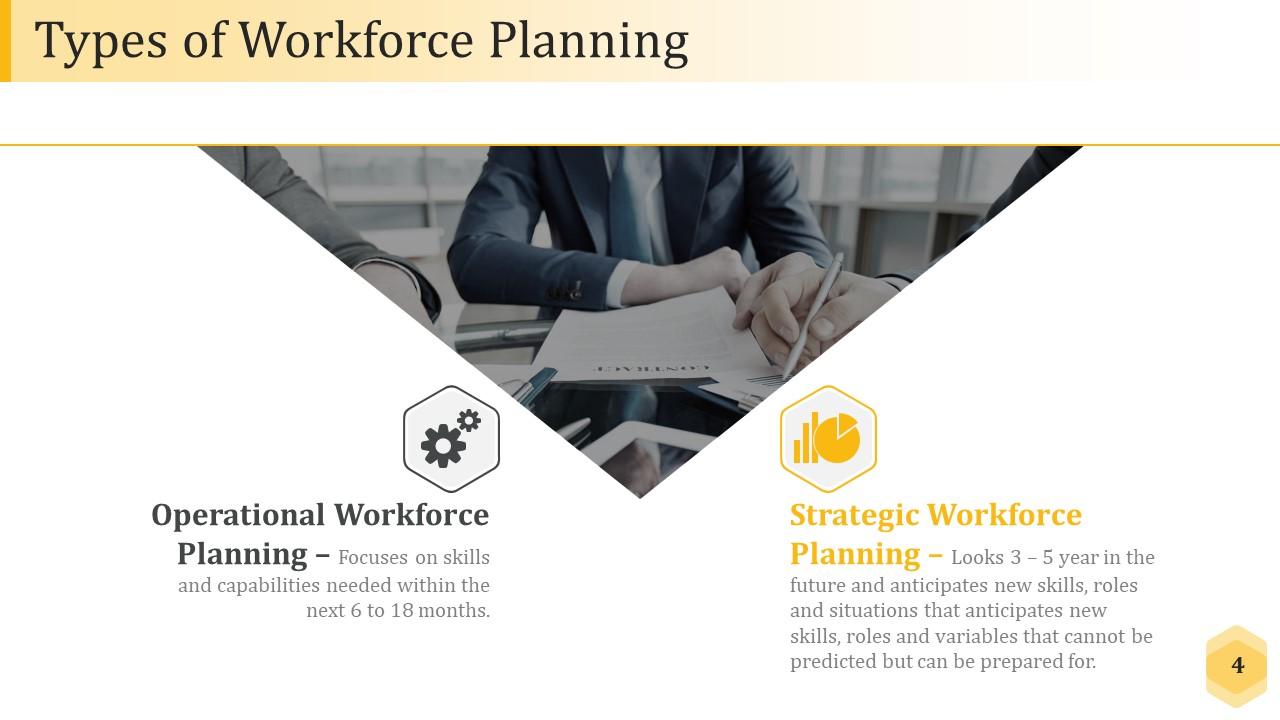
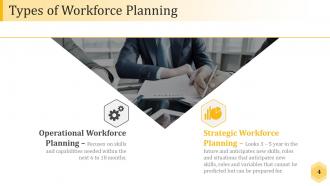
Slide 4: This slide displays Types of Workforce Planning with these two main categories- Operational Workforce Planning, strategic workforce planning.
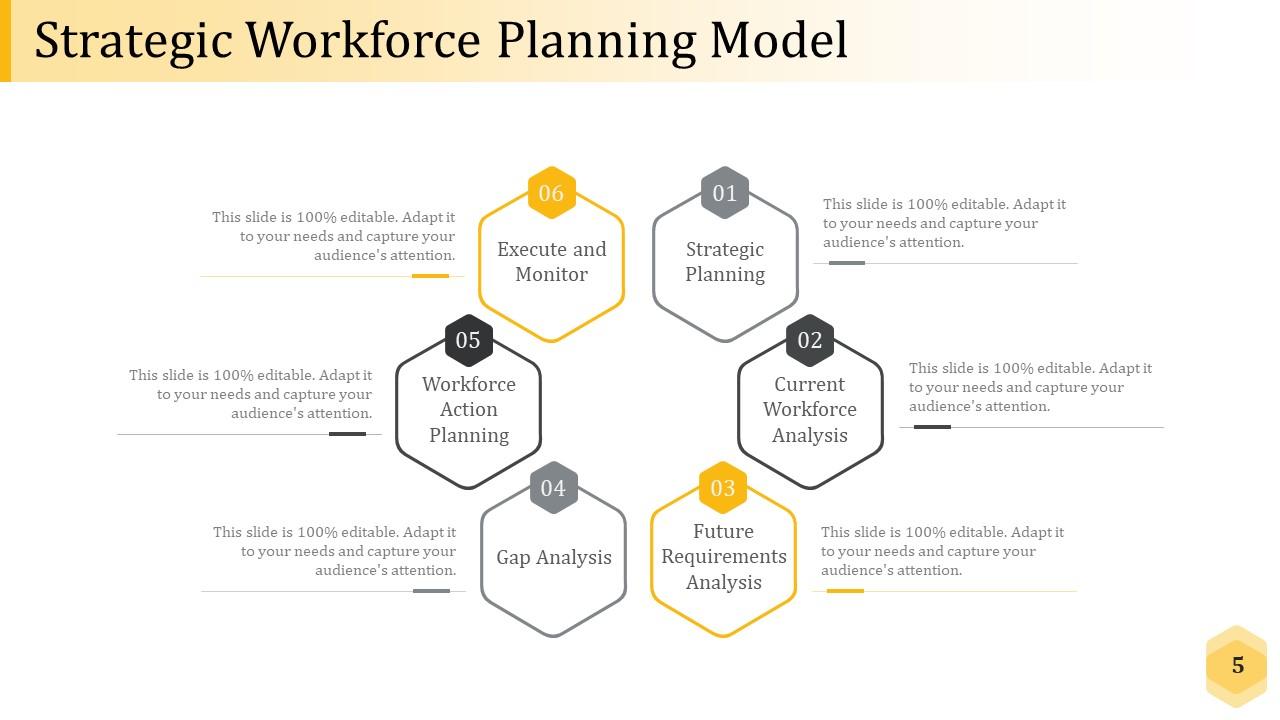
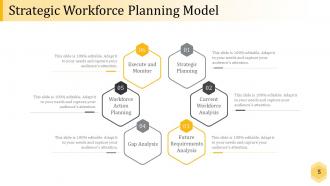
Slide 5: This slide showcases Strategic Workforce Planning Model with these different steps- Strategic Planning, Gap Analysis, Current Workforce Analysis, Workforce Action Planning, Future Requirements Analysis, Execute and Monitor.
Slide 6: This slide introduces about Define Organization's Strategic Plan.
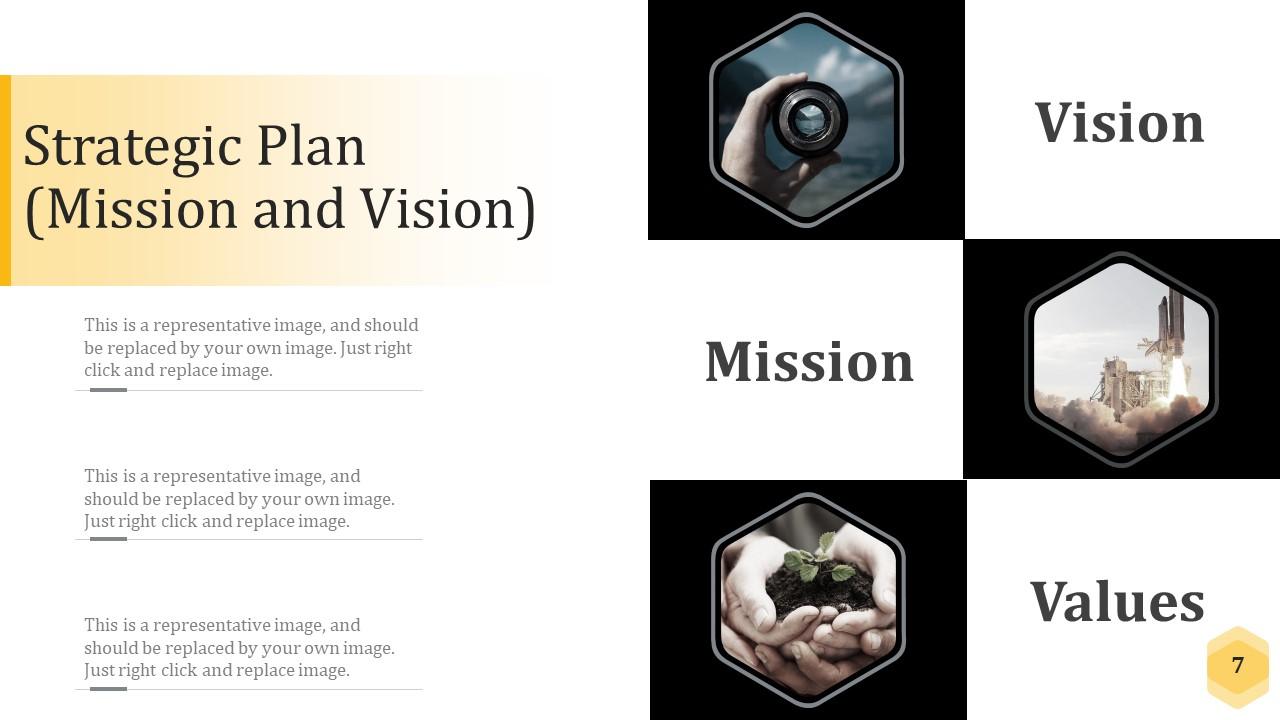
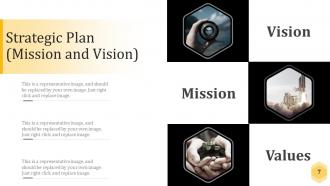
Slide 7: This slide showcases Strategic Plan (Mission and Vision). You can state these three factors- Vision, Mission, Values.
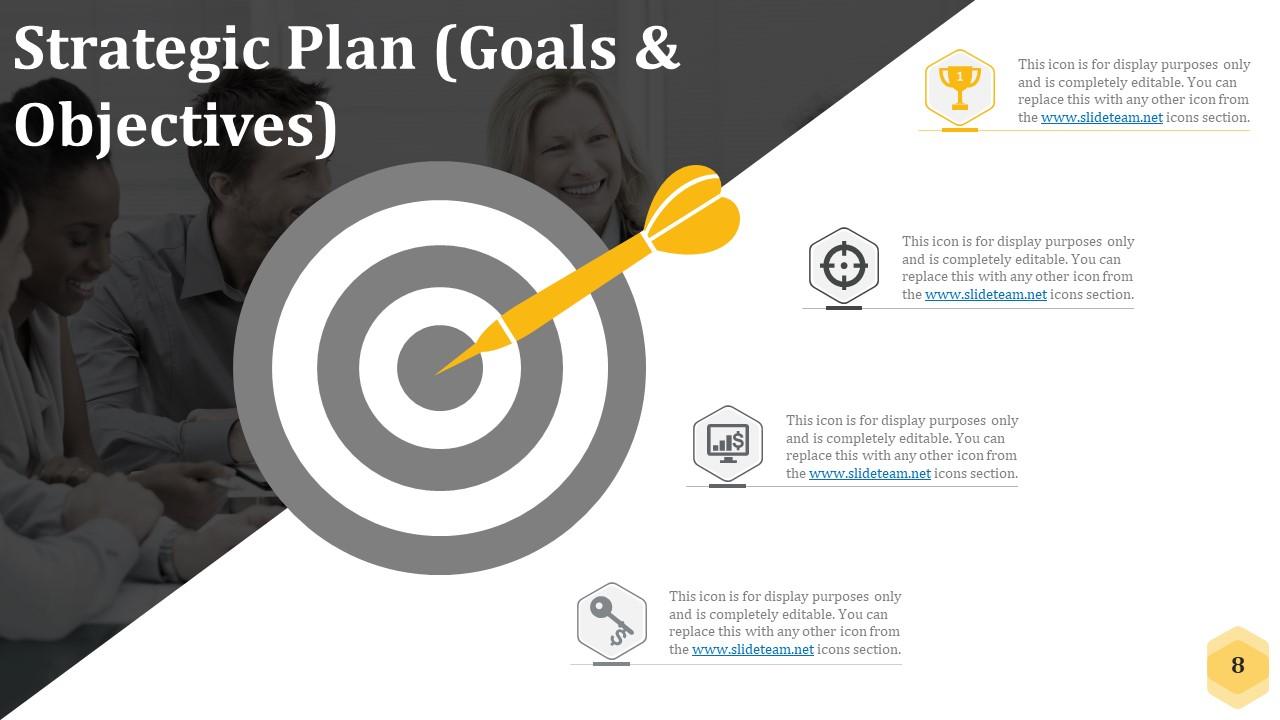
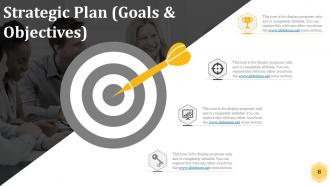
Slide 8: This slide shows Strategic Plan (Goals & Objectives). You can add your requirement as per your need.
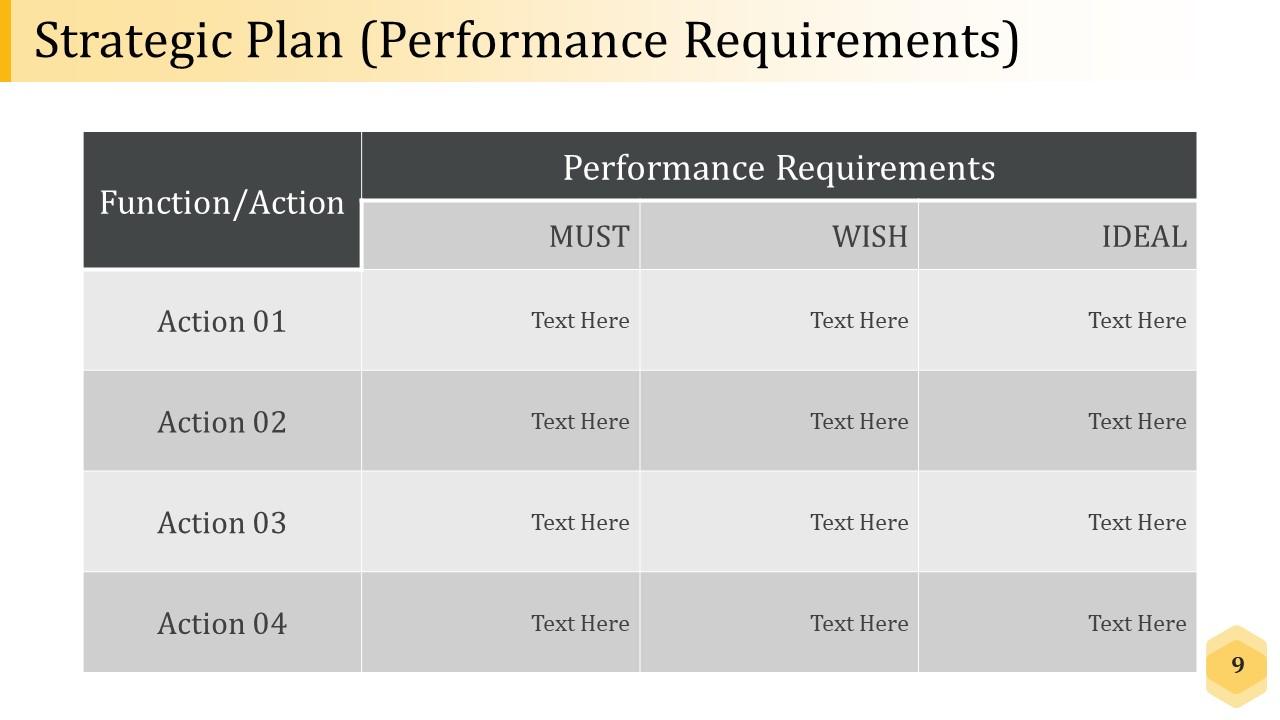
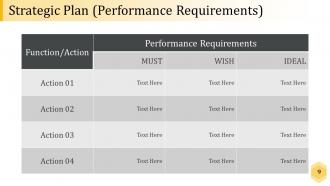
Slide 9: This slide displays Strategic Plan (Performance Requirements). It also includes table for function and performance requirement.
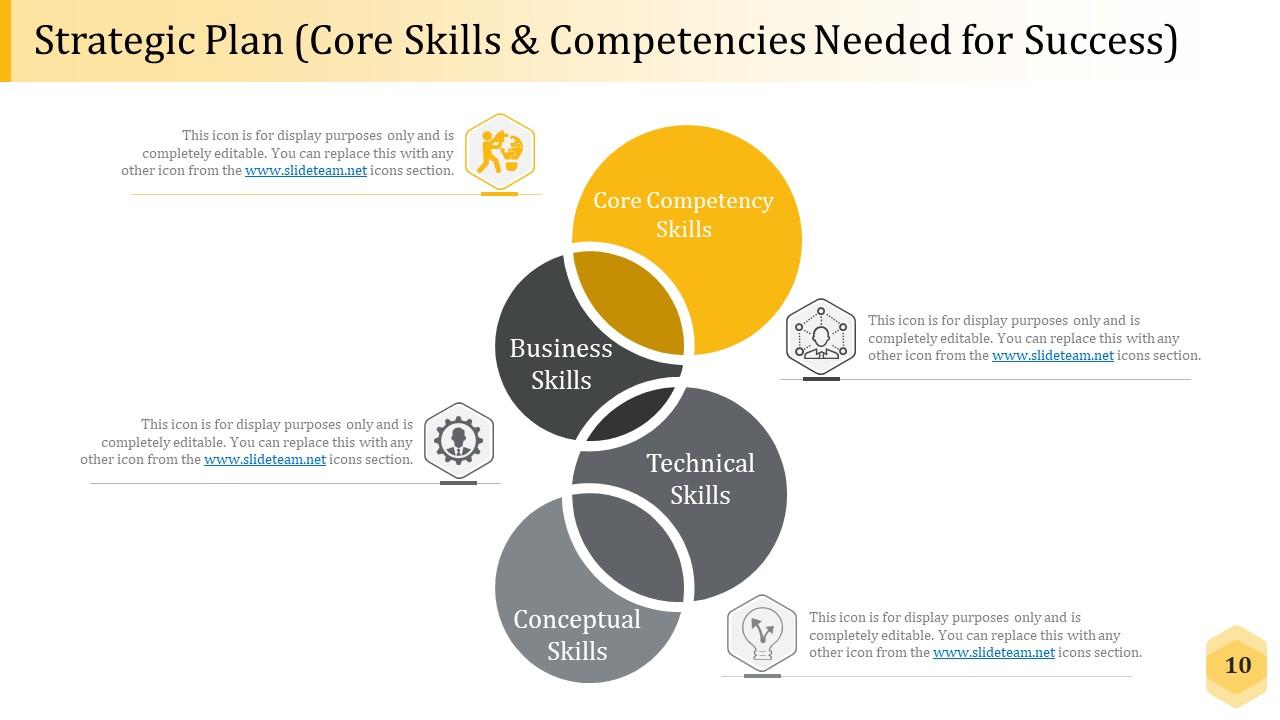
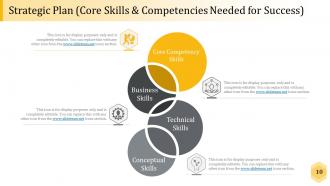
Slide 10: This slide shows Strategic Plan (Core Skills & Competencies Needed for Success) with these important functions we have listed- Core Competency Skills, Business Skills, Technical Skills Conceptual Skills.
Slide 11: This is a Coffee Break slide to halt. You may change it as per requirement.
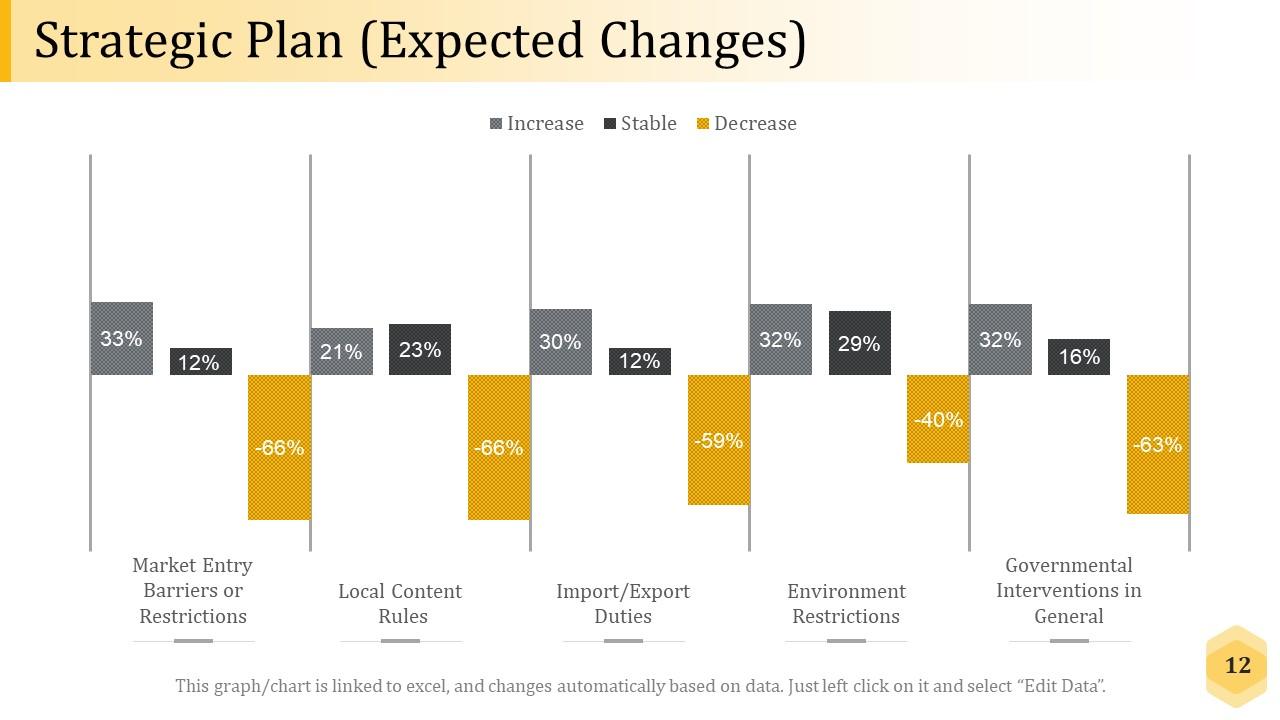
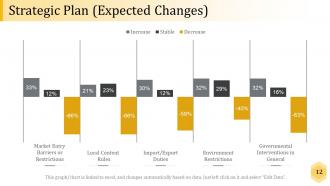
Slide 12: This slide Strategic Plan (Expected Changes) with these five factors to measure are- Market Entry Barriers or Restrictions, Local Content Rules, Import/Export Duties, Environment Restrictions, Governmental Interventions in General.
Slide 13: This slide introduces Scan the Internal & External Environment.
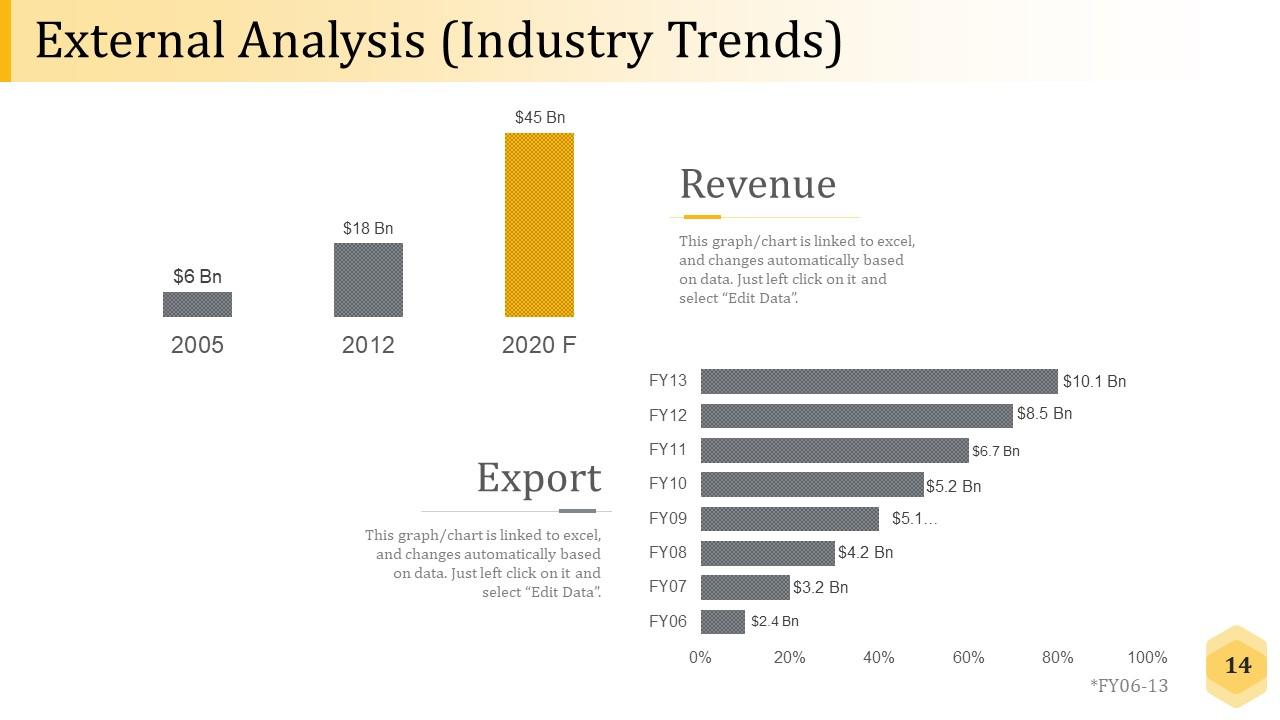
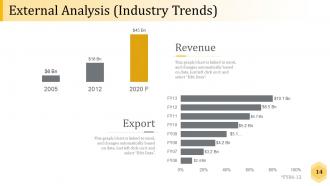
Slide 14: This slide showcase External Analysis (Industry Trends). You can show the Revenue in bar graph.
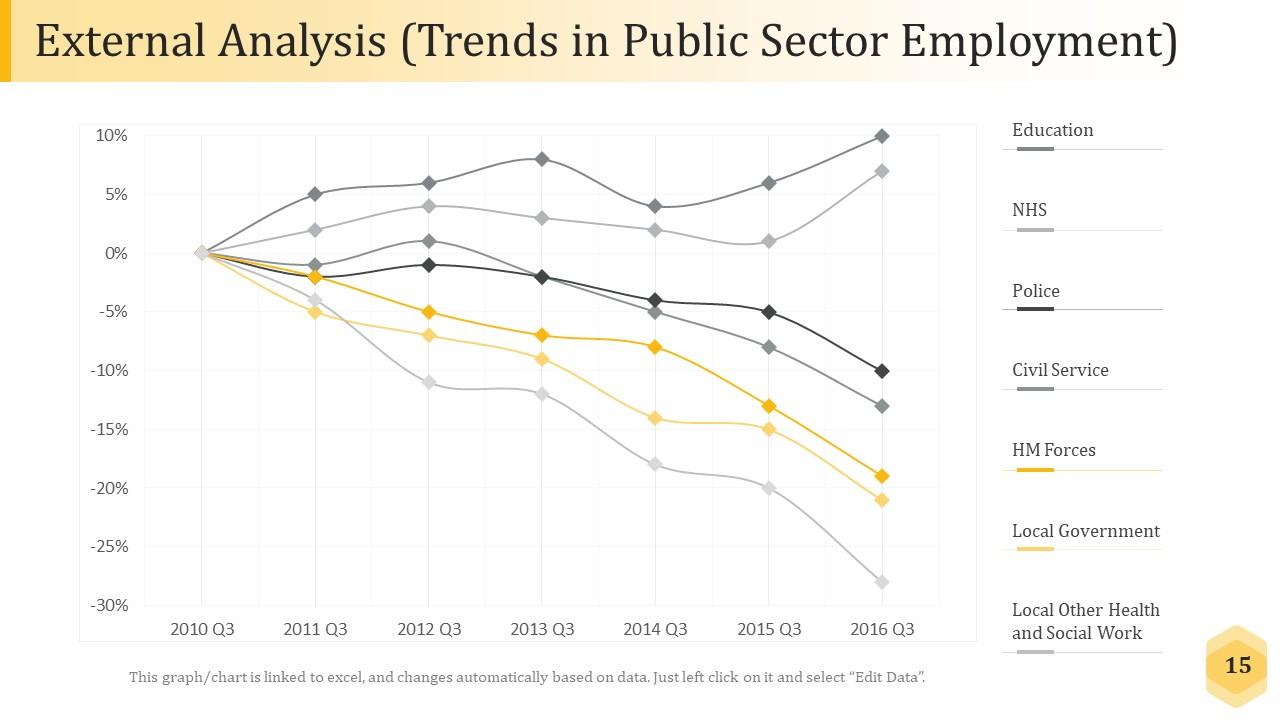
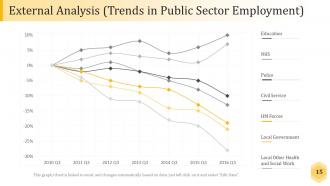
Slide 15: This slide shows External Analysis (Trends in Public Sector Employment) and also you can make comparison with this line chart- Education, NHS, Police, Civil Service, HM Forces, Local Government, Local Other Health and Social Work.
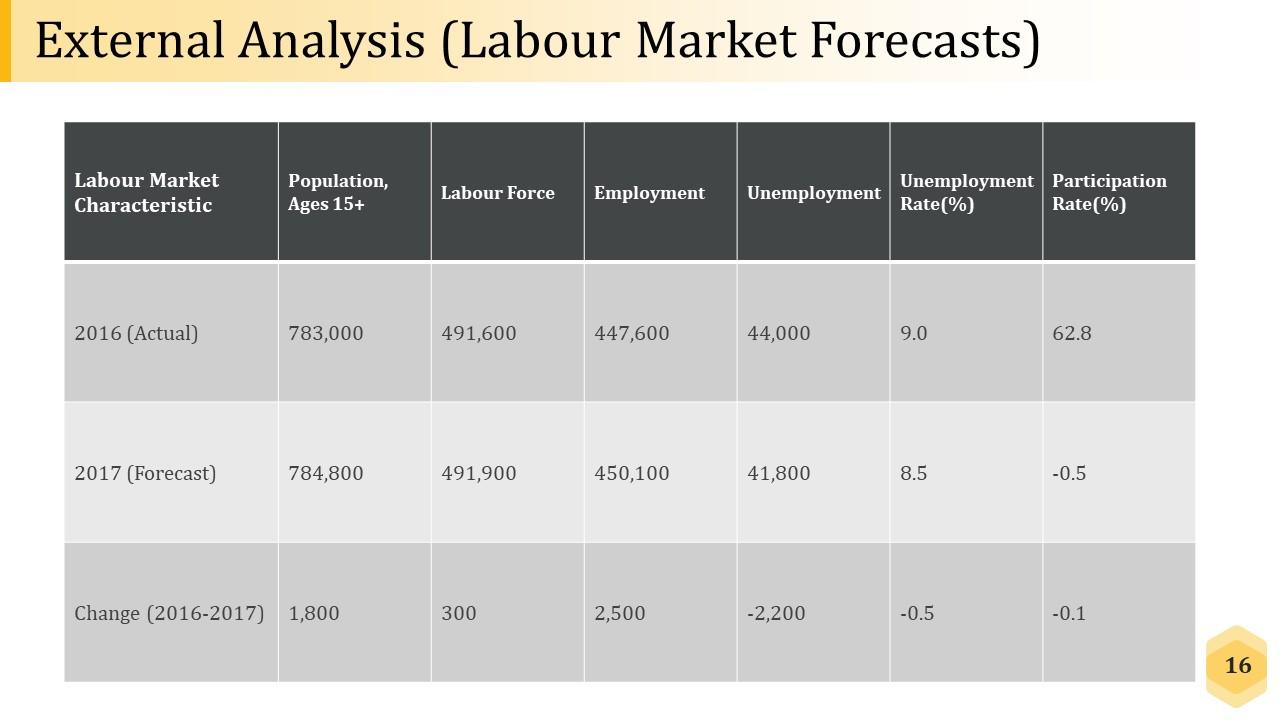
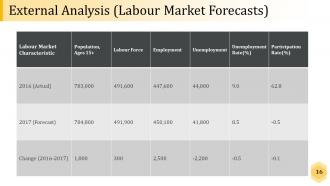
Slide 16: This slide showcases External Analysis (Labour Market Forecasts) with a table to show the comparison of two years.
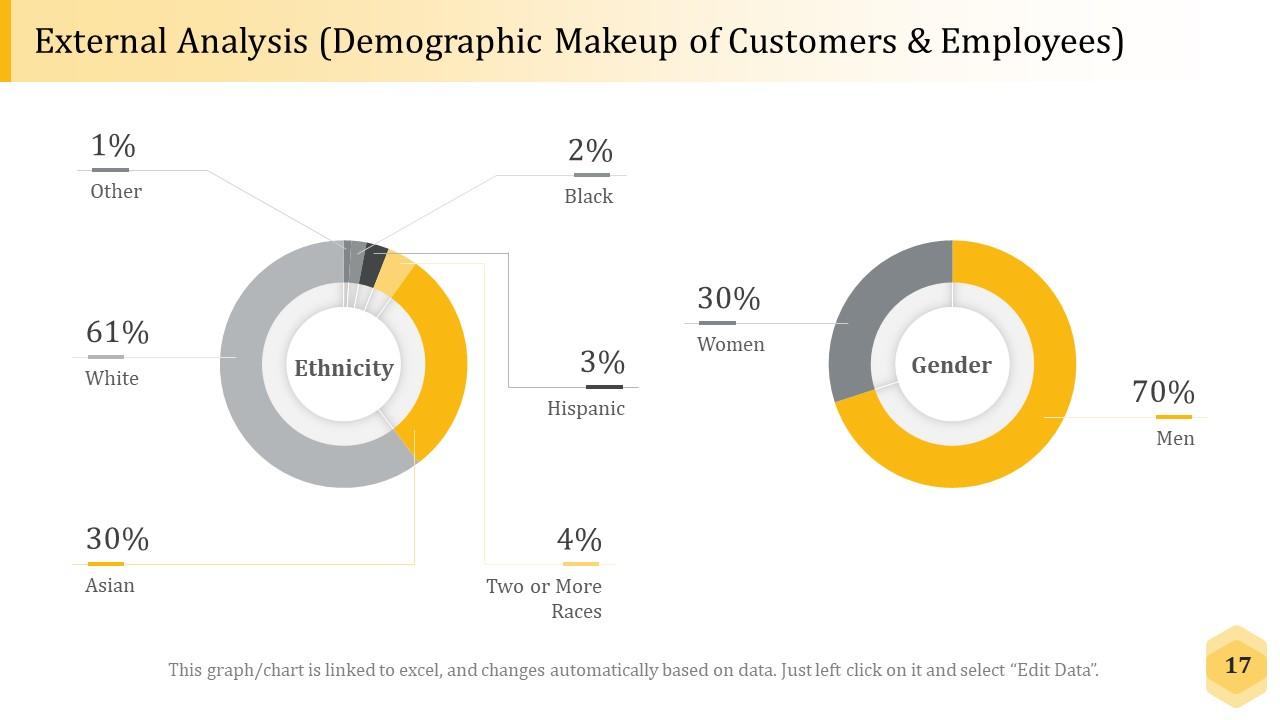
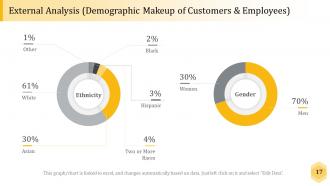
Slide 17: This slide presents External Analysis (Demographic Makeup of Customers & Employees) with the percentage comparison.
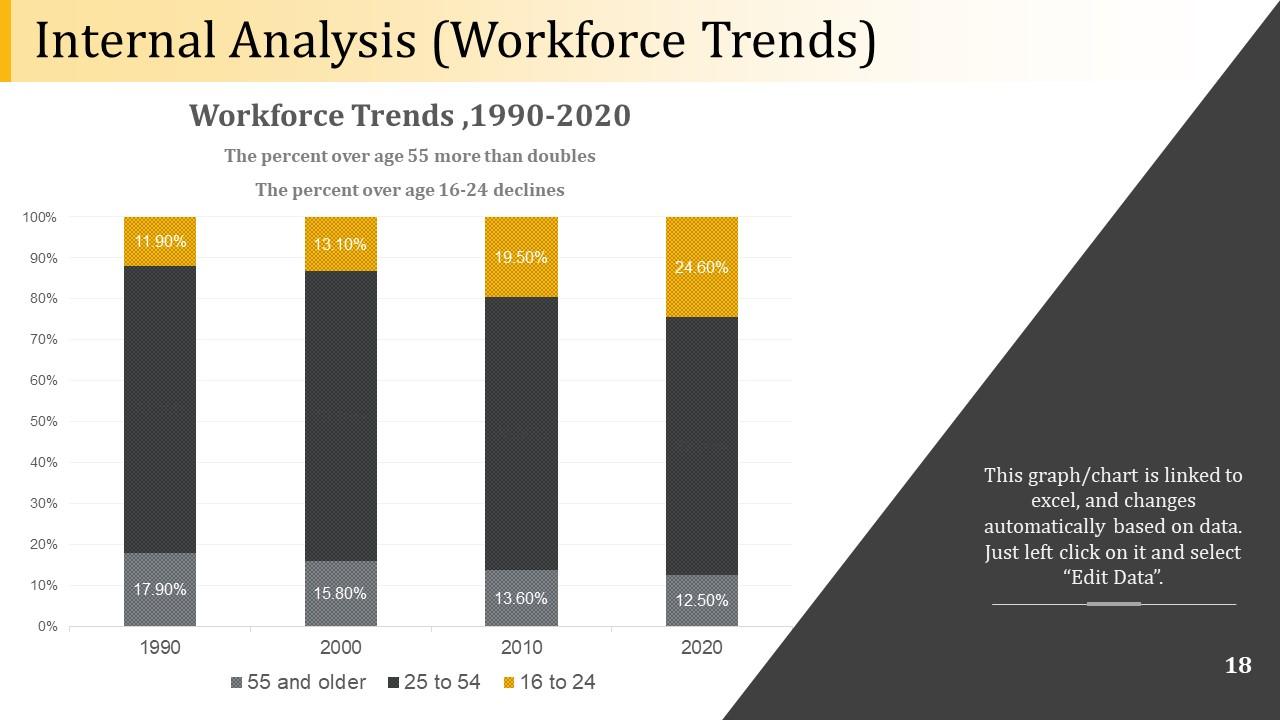
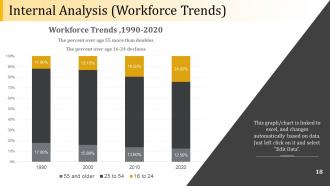
Slide 18: This slide showcases Internal Analysis (Workforce Trends). You can alter or add as per your requirement.
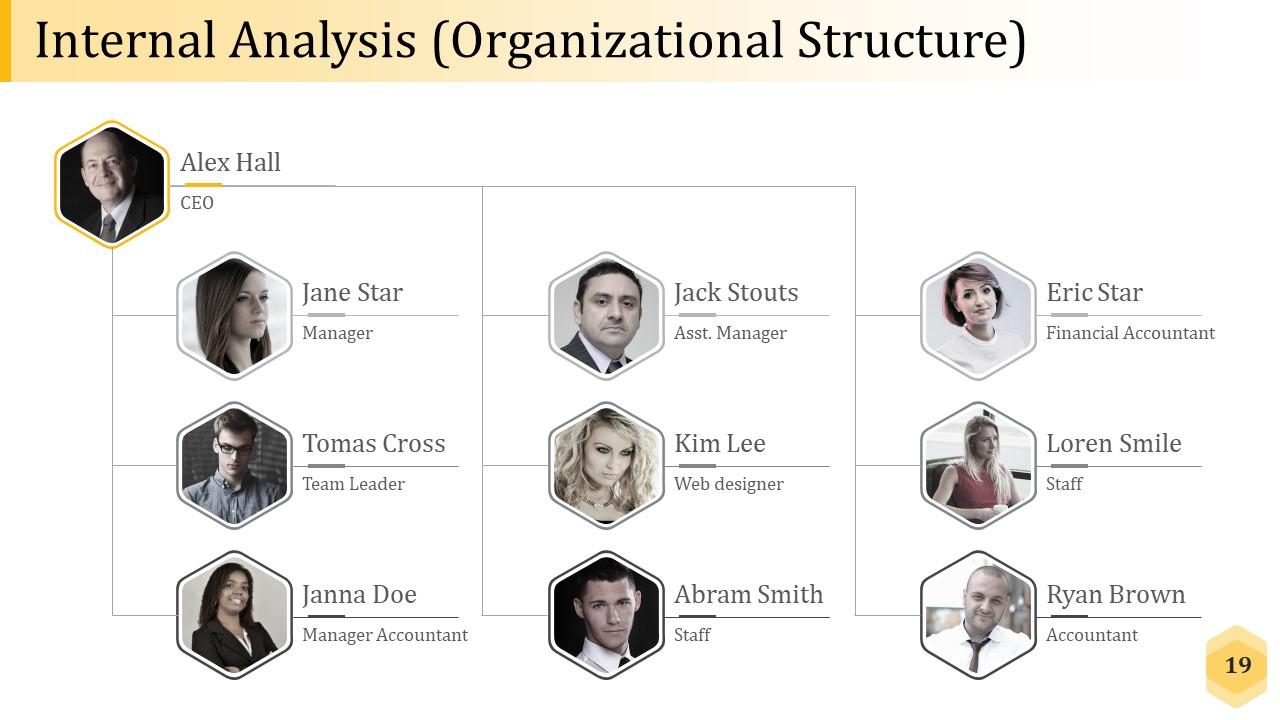
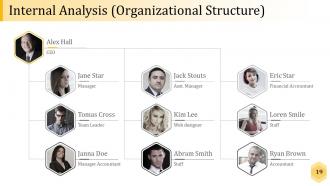
Slide 19: This slide displays Internal Analysis (Organizational Structure)
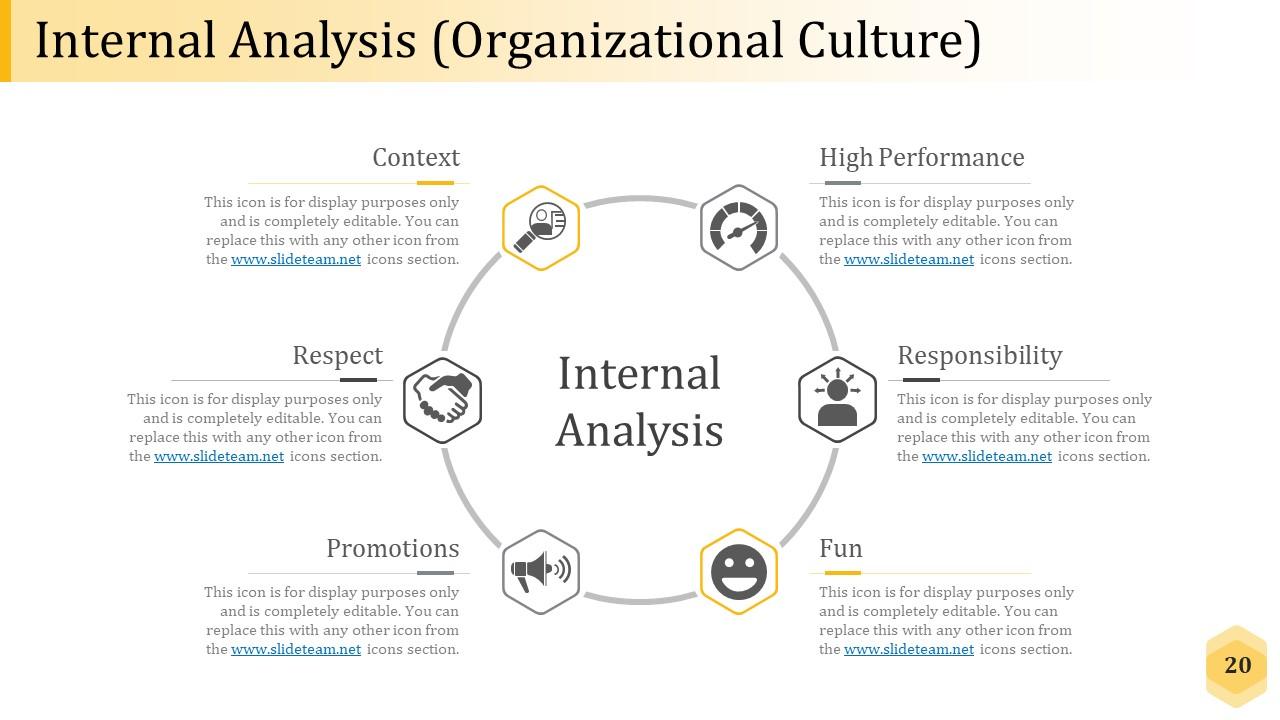
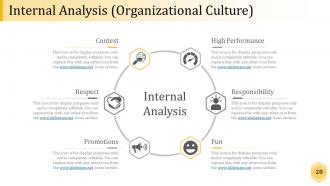
Slide 20: This slide presents Internal Analysis (Organizational Culture). We have covered the most important components of the internal analysis which differs from company to company and can be altered accordingly .
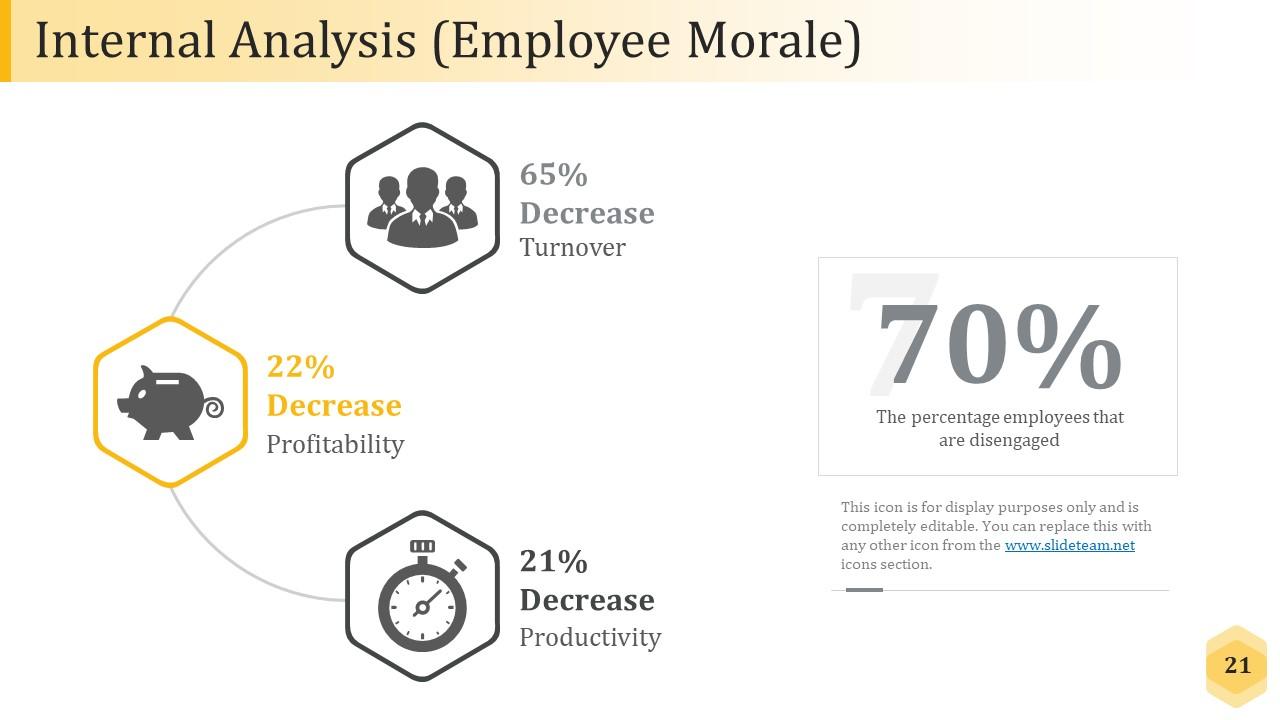
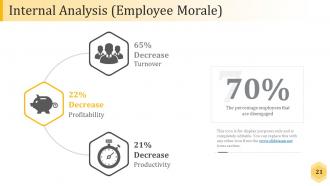
Slide 21: This slide shows Internal Analysis (Employee Morale). This can be used as per your need.
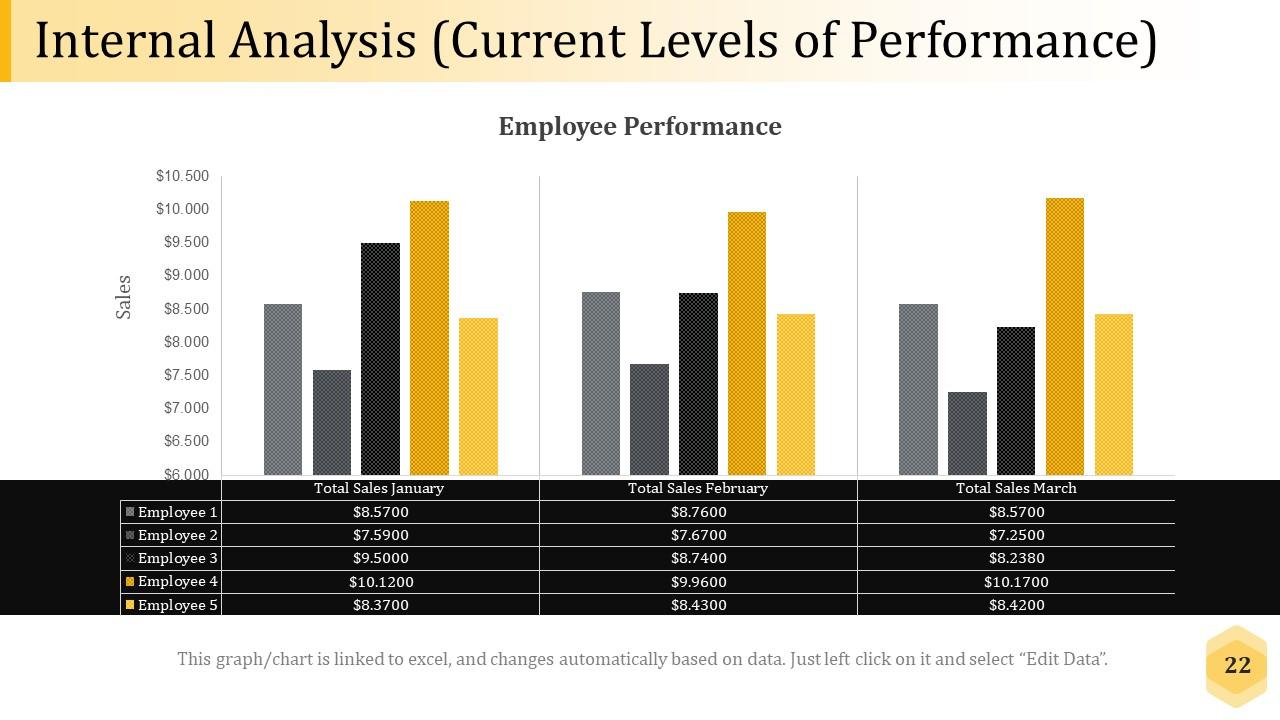
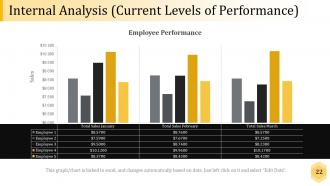
Slide 22: This slide presents Internal Analysis (Current Levels of Performance). This also include graph form and tables to maintain your data.
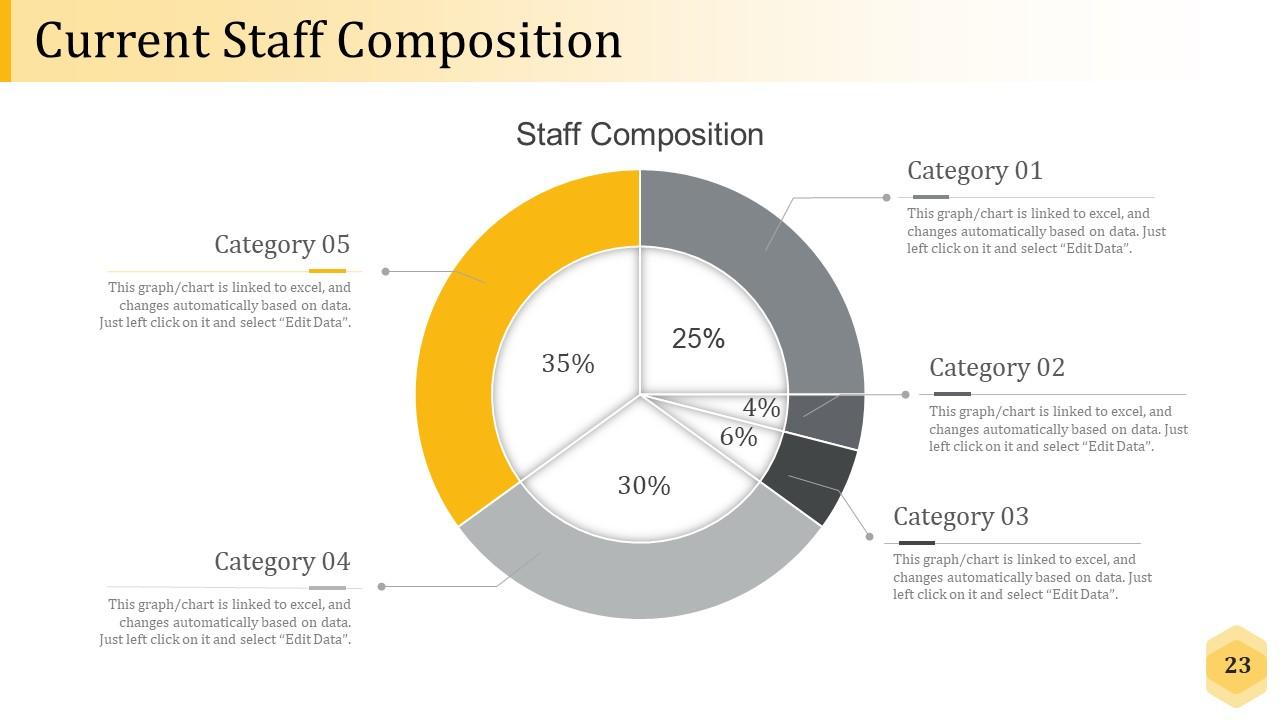
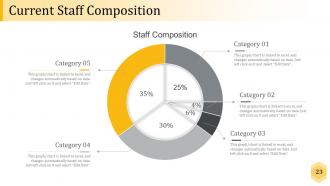
Slide 23: This slide showcases Current Staff Composition. This also includes five type of categories that you can edit.
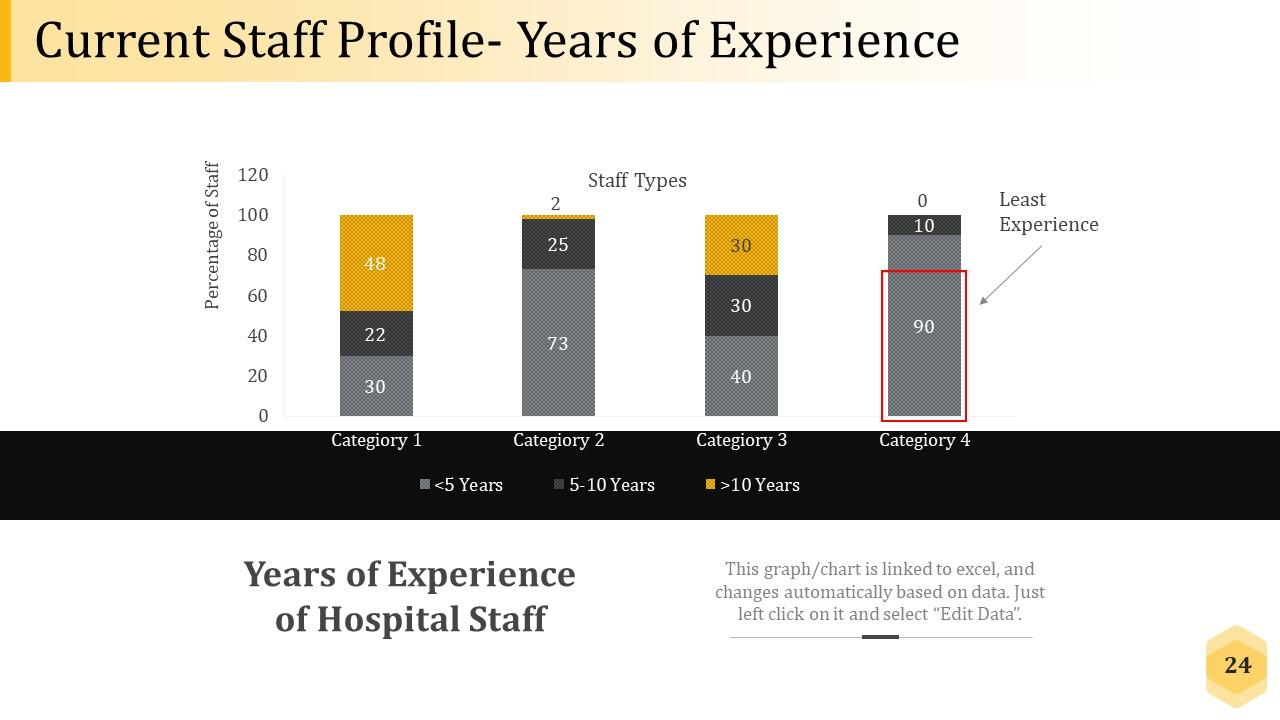
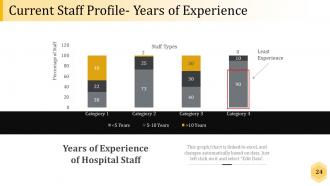
Slide 24: This slide shows Current Staff Profile- Years of Experience that is in graphical form.
Slide 25: This slide presents Assess Future Workforce Needs.
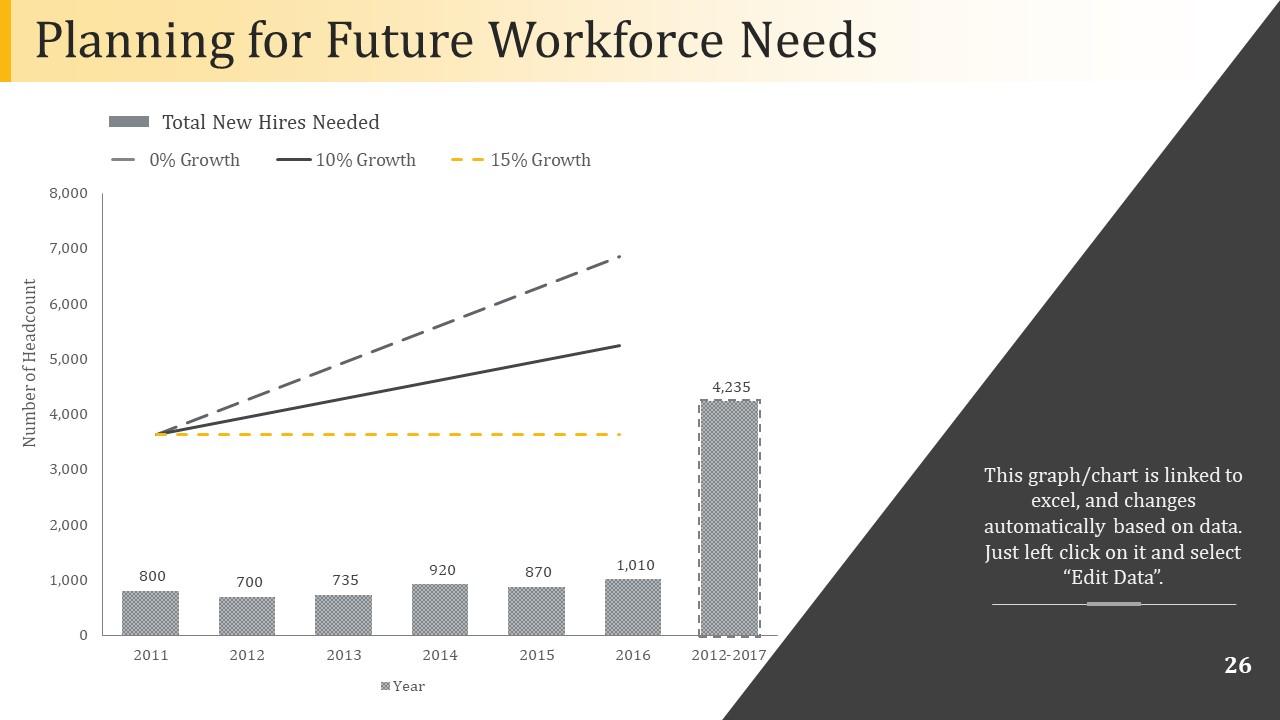
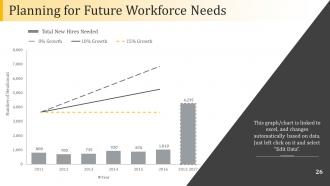
Slide 26: This slide showcases Planning for Future Workforce Needs. This slide also have the bar graph which is editable.
Slide 27: This slide showing step 4 with Gap Analysis.
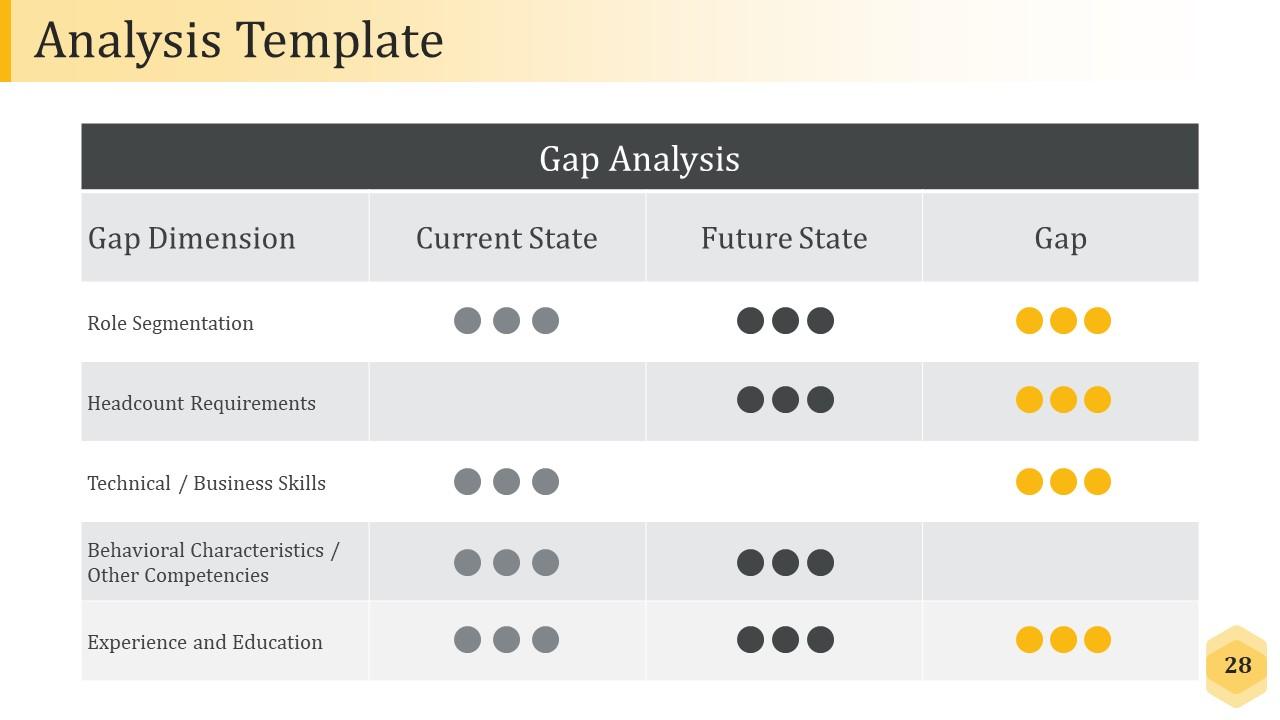
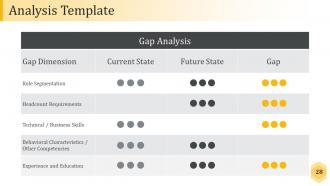
Slide 28: This slide displays Analysis Template table with several points.
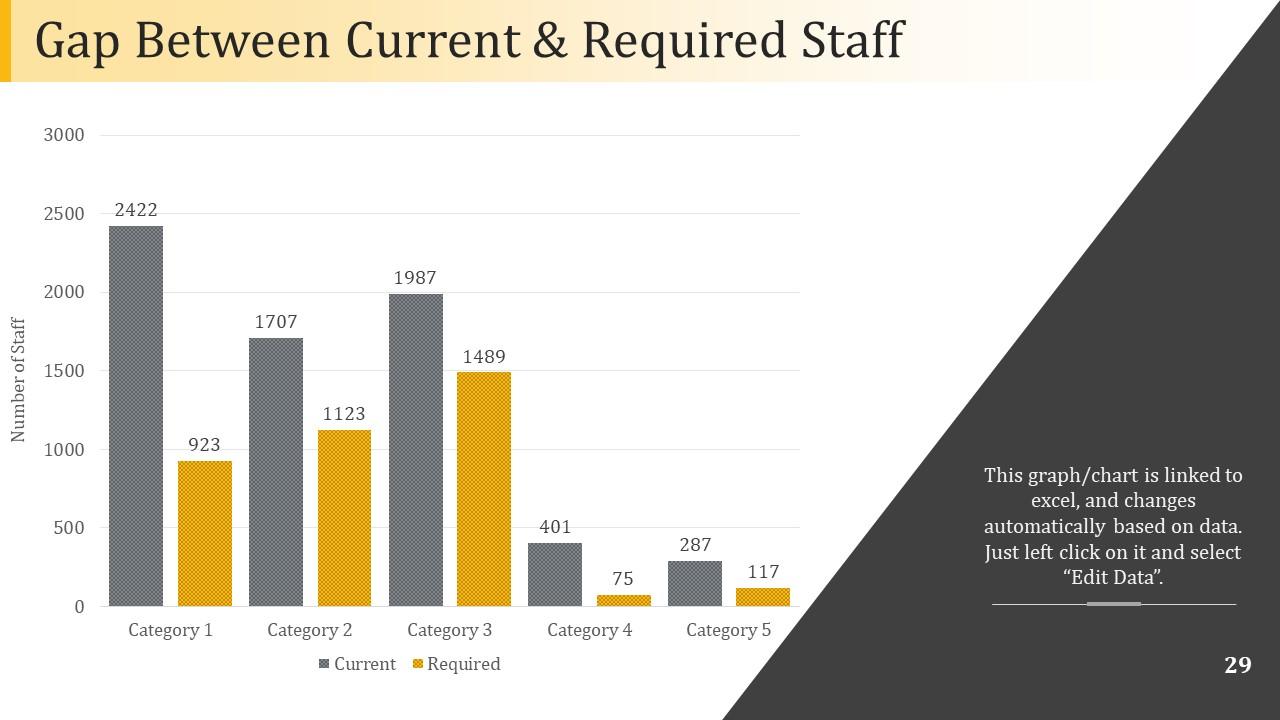
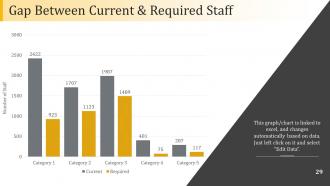
Slide 29: This slide showcases Gap Between Current & Required Staff with bar chart and showing different categories as well.
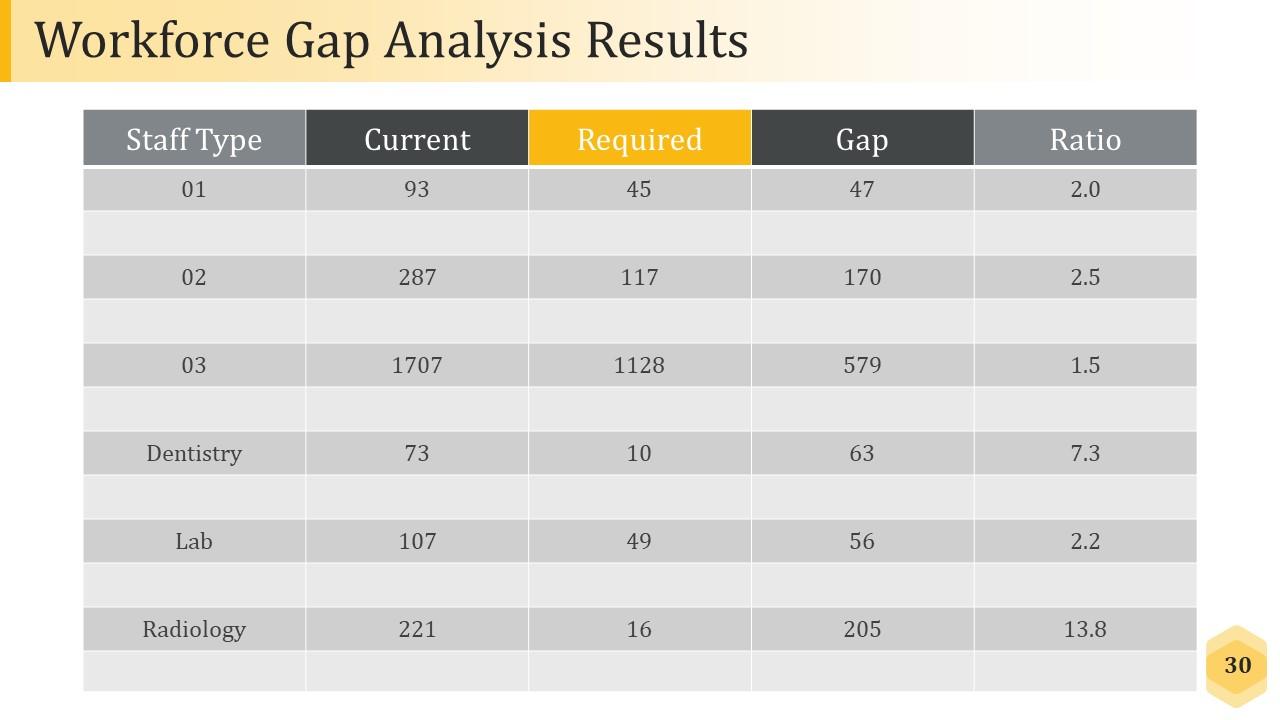
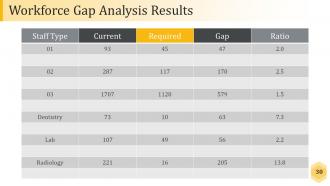
Slide 30: This slide shows Workforce Gap Analysis Results table showing analysis for different parameters.
Slide 31: This slide showcases Workforce Action Planning.
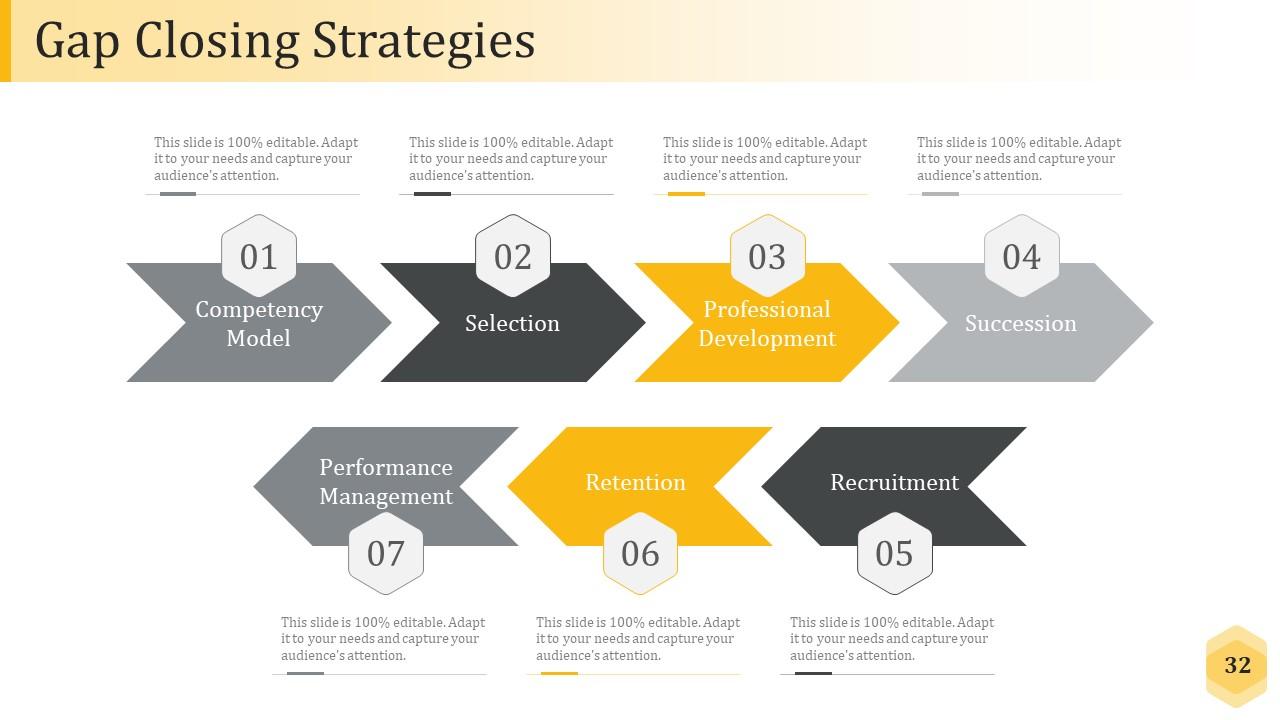
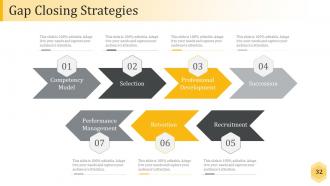
Slide 32: This slide displays Gap Closing Strategies, and this also have seven differnt steps included to guide you through it.
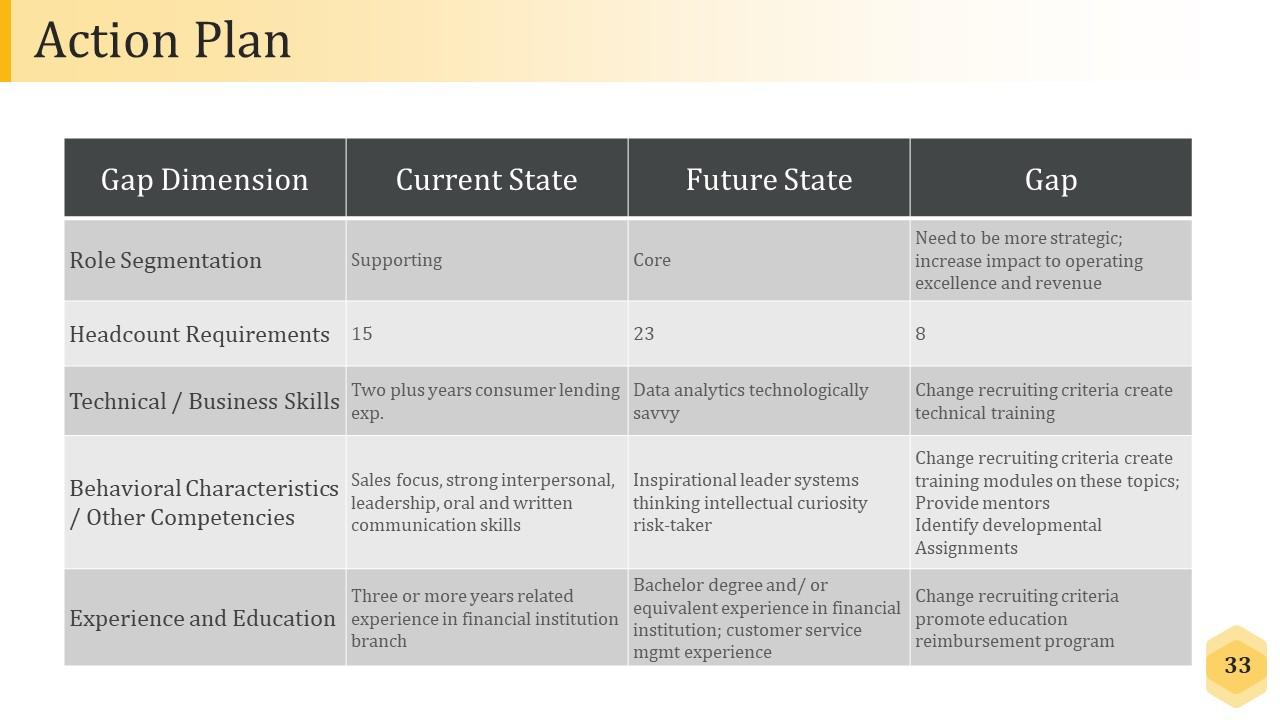
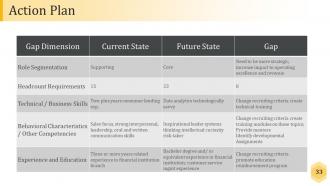
Slide 33: This slide shows Action Plan table with several factors.
Slide 34: This slide introduces Execute & Monitor .
Slide 35: This slide is titled Additional Slides to move forward.
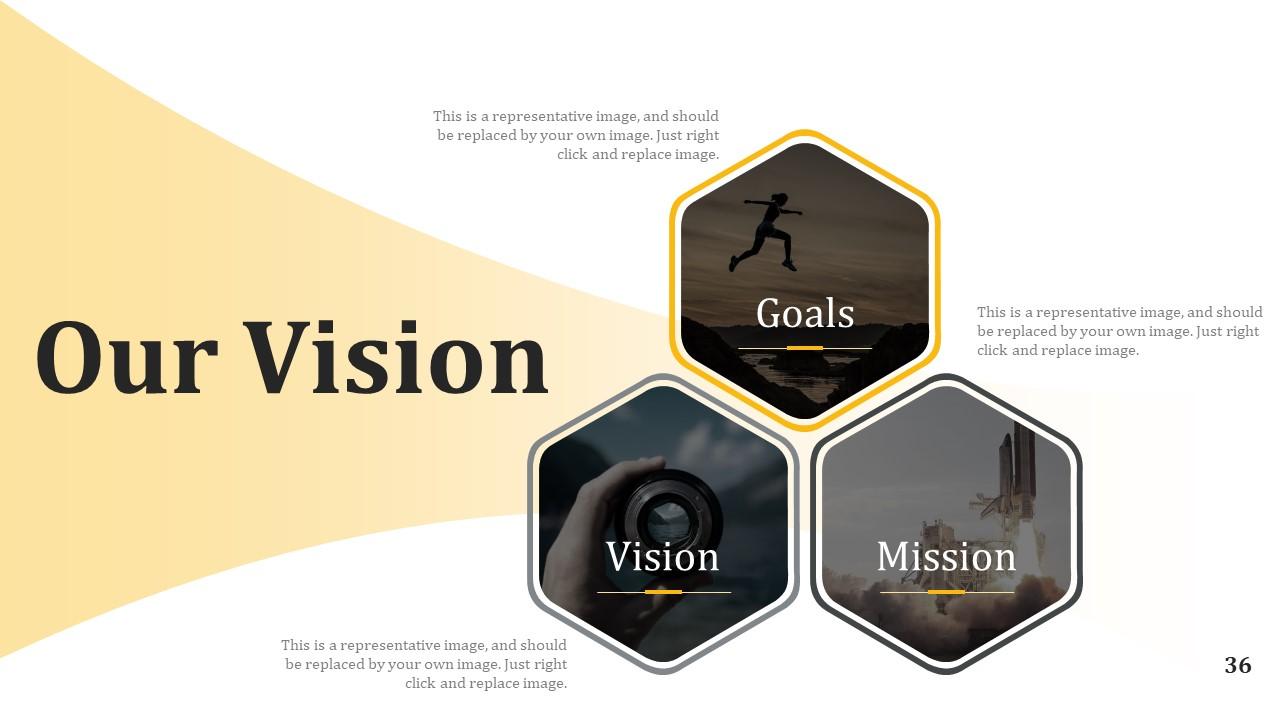
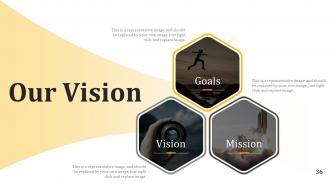
Slide 36: This is a Vision, Mission and Goals slide. State them here.
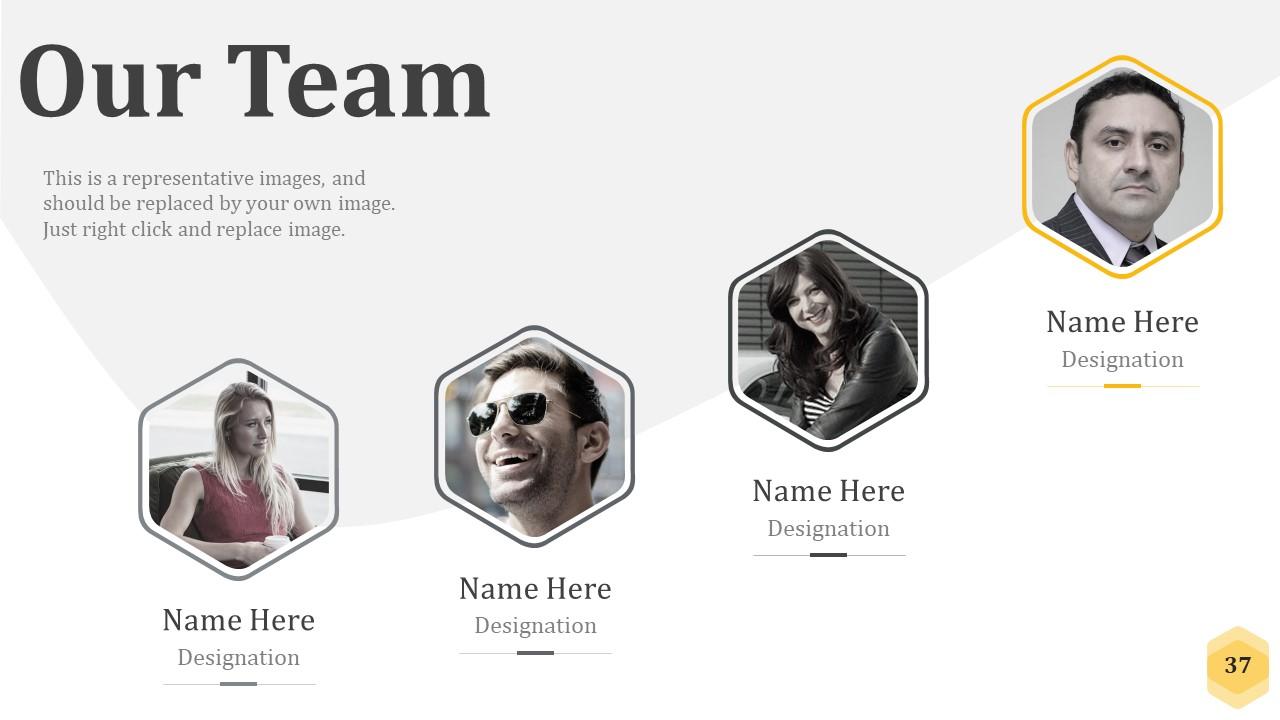
Slide 37: This is an Our Team slide with name, image&text boxes to put the required information.
Slide 38: This is an About Us slide showing Our Company, Value Client, and Premium services as examples.
Slide 39: This slide represents Our Mission. State your mission, goals etc.
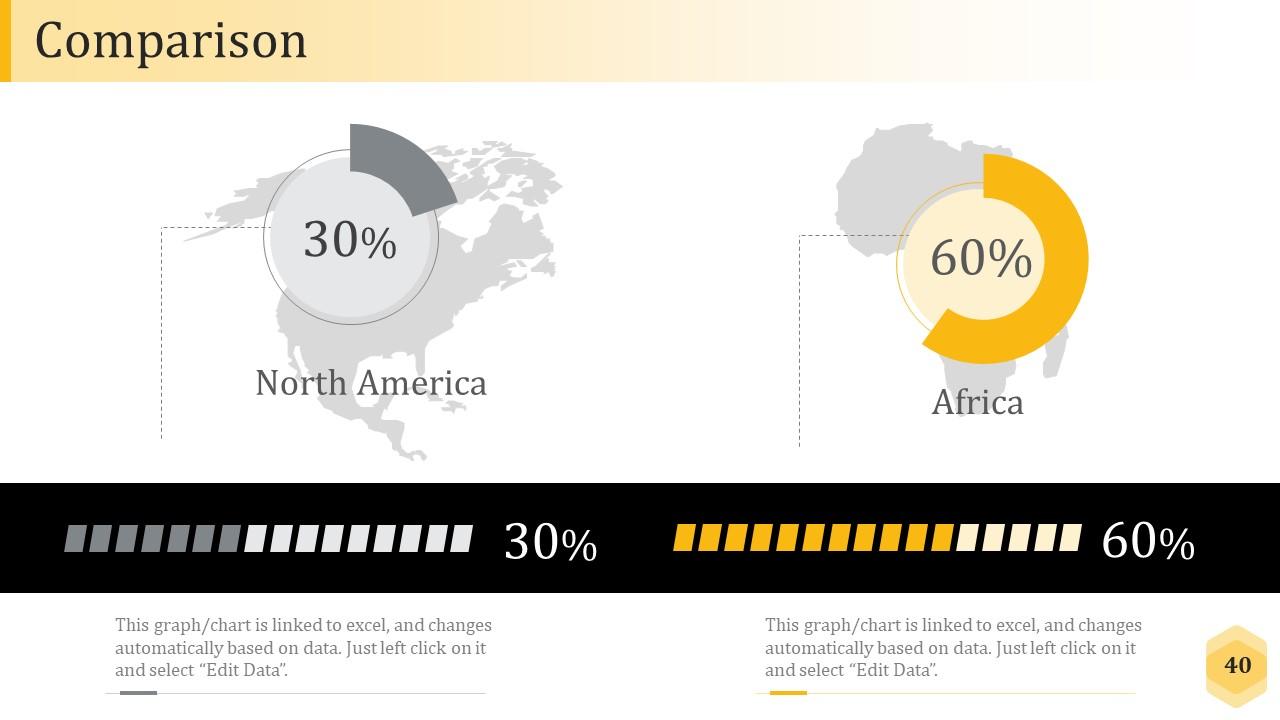
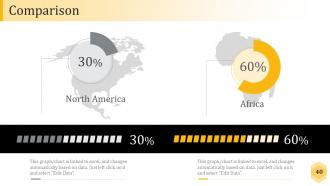
Slide 40: This slide shows Comparison of Positive Factors v/s Negative Factors with thumbsup and thumb down imagery.
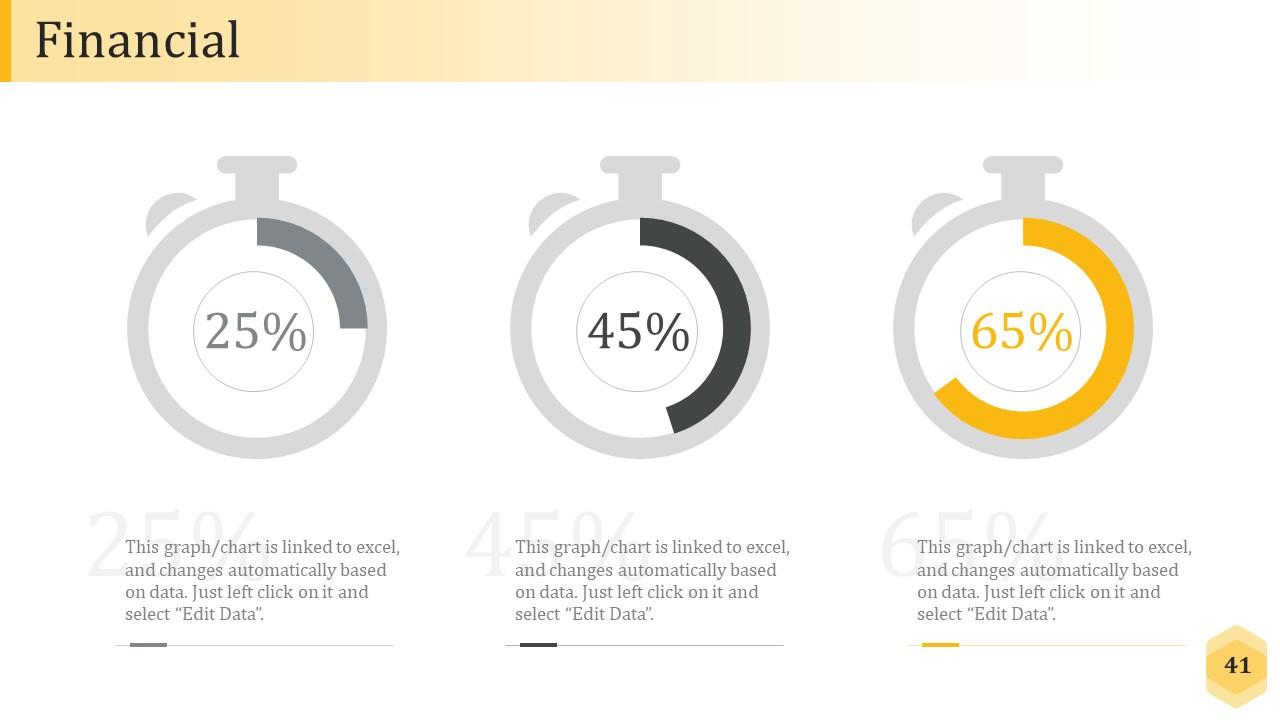
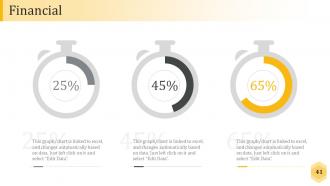
Slide 41: This is a Financial Score slide to show financial aspects here.
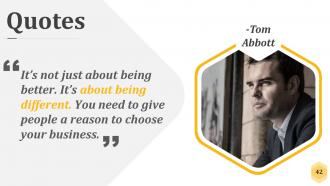
Slide 42: This is a Quotes slide to convey message, beliefs etc.
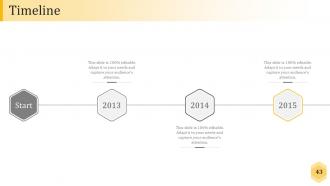
Slide 43: This is a Timelines slide to show- Plan, Budget, Schedule, Review.
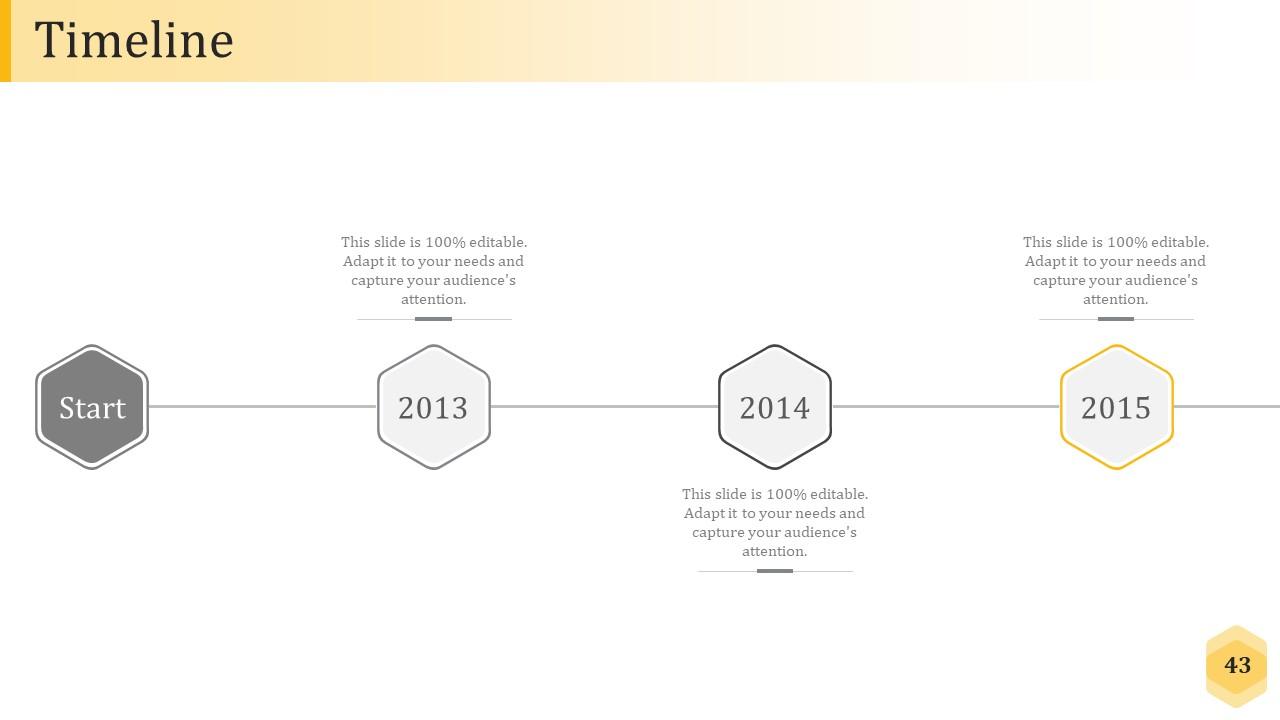
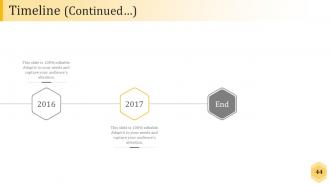
Slide 44: This slide presents a Timeline to show growth, milestones etc.
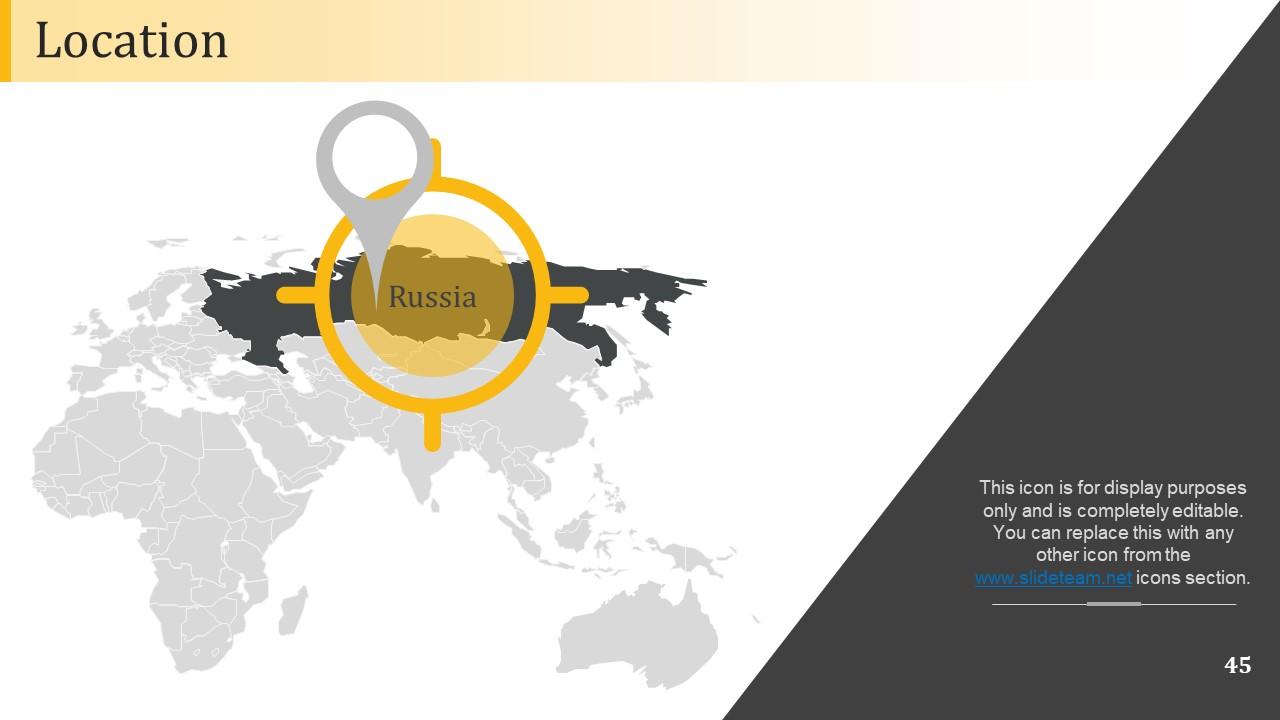
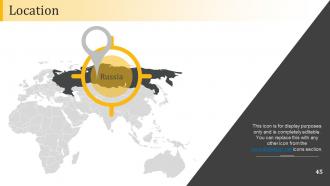
Slide 45: This slide showcases Global Project Locations with a World map and text boxes to make it explicit.
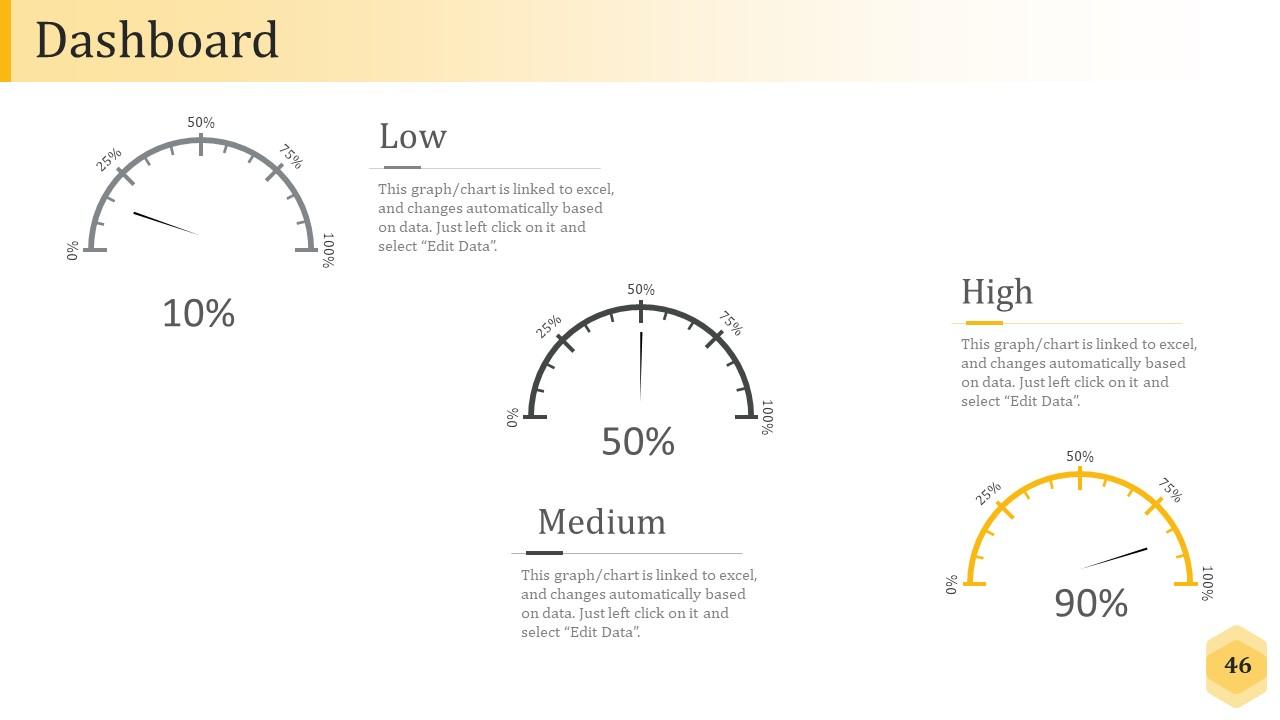
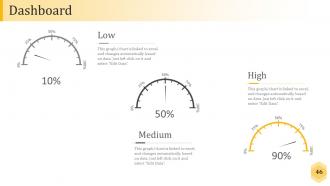
Slide 46: This is a Dashboard slide to show- Strategic System, Success, Goal Process, Sales Review, Communication Study.
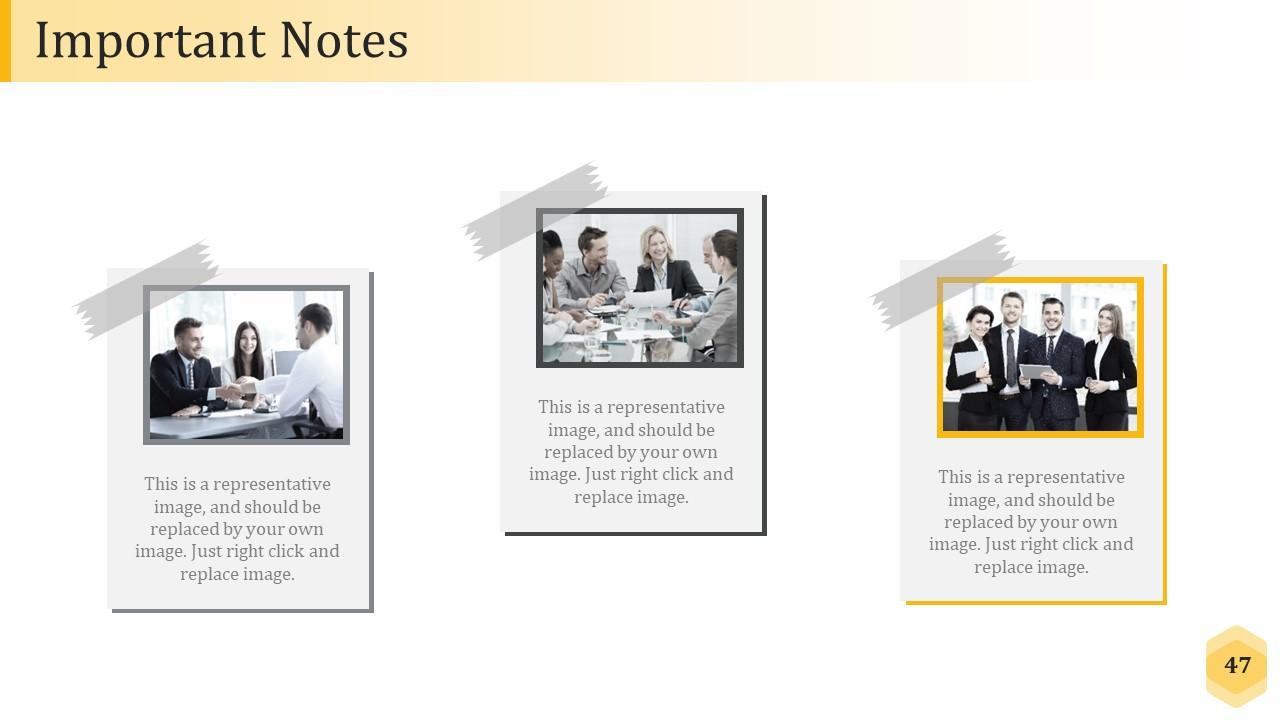
Slide 47: This slide shows an image with text boxes titled Business Person with Post It notes.
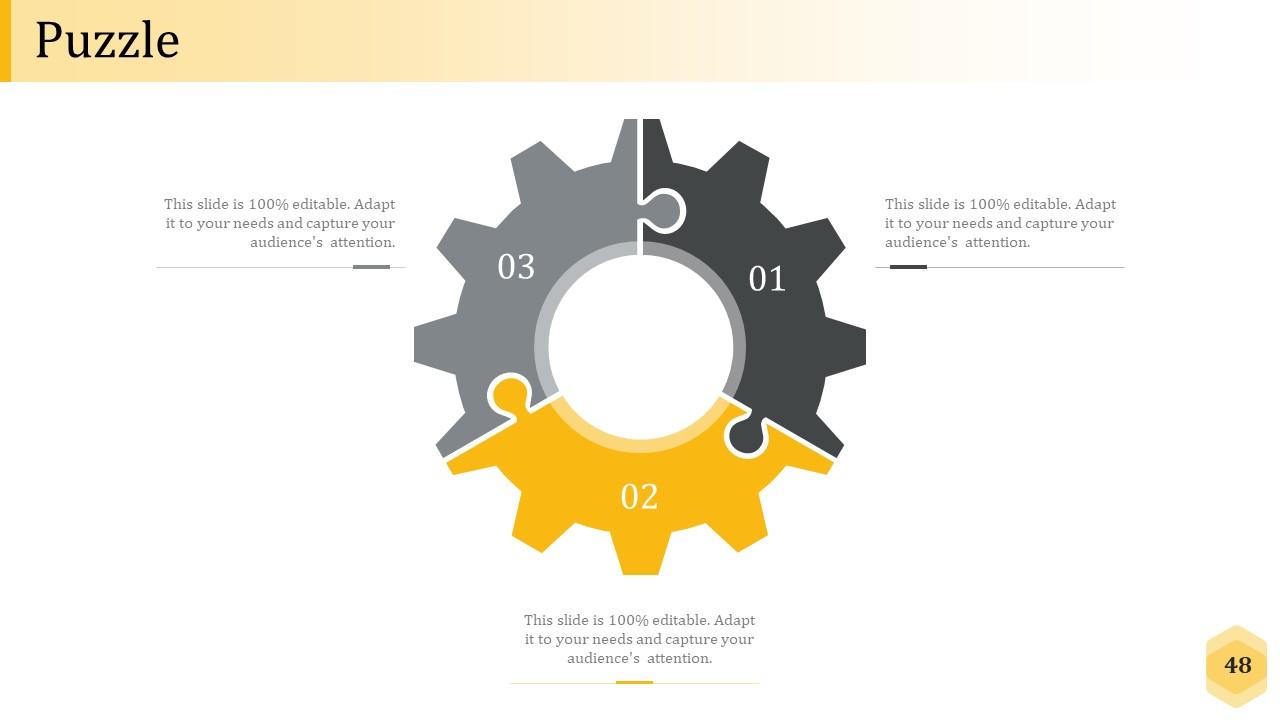
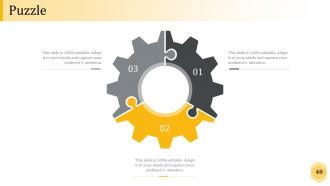
Slide 48: This is a Puzzle image slide to show information, specification etc.
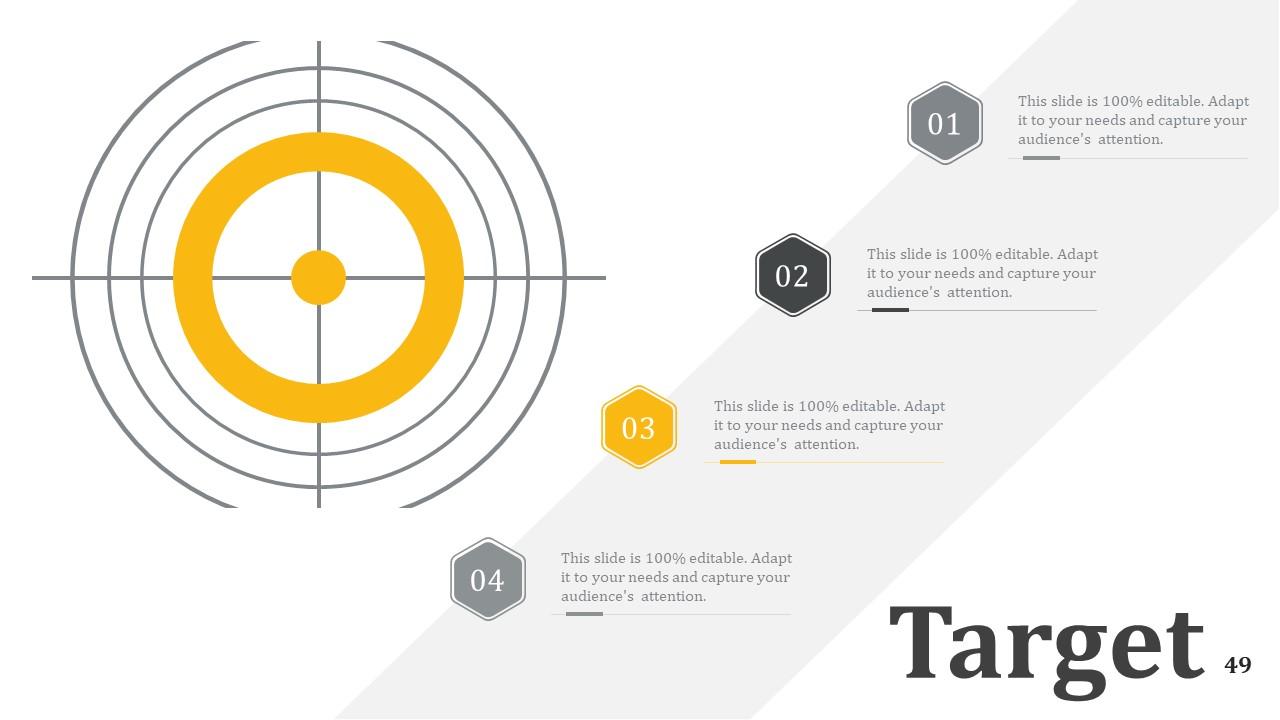
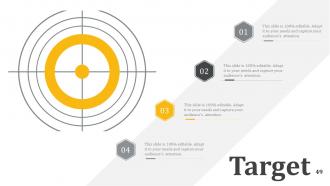
Slide 49: This slide displays Our Target with a background image.
Slide 50: This slide is titled Community to show company news, events, highlights etc.
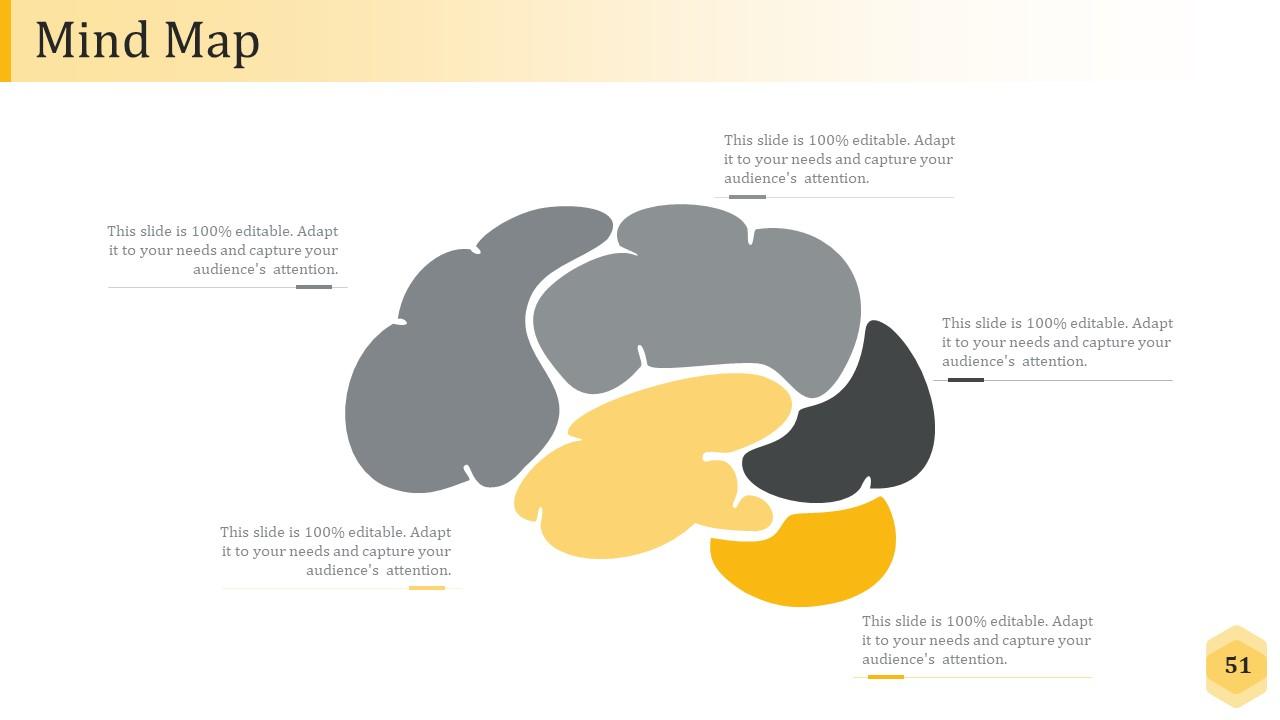
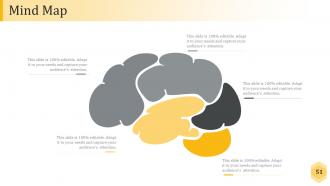
Slide 51: This slide shows a Mind map for representing entities.
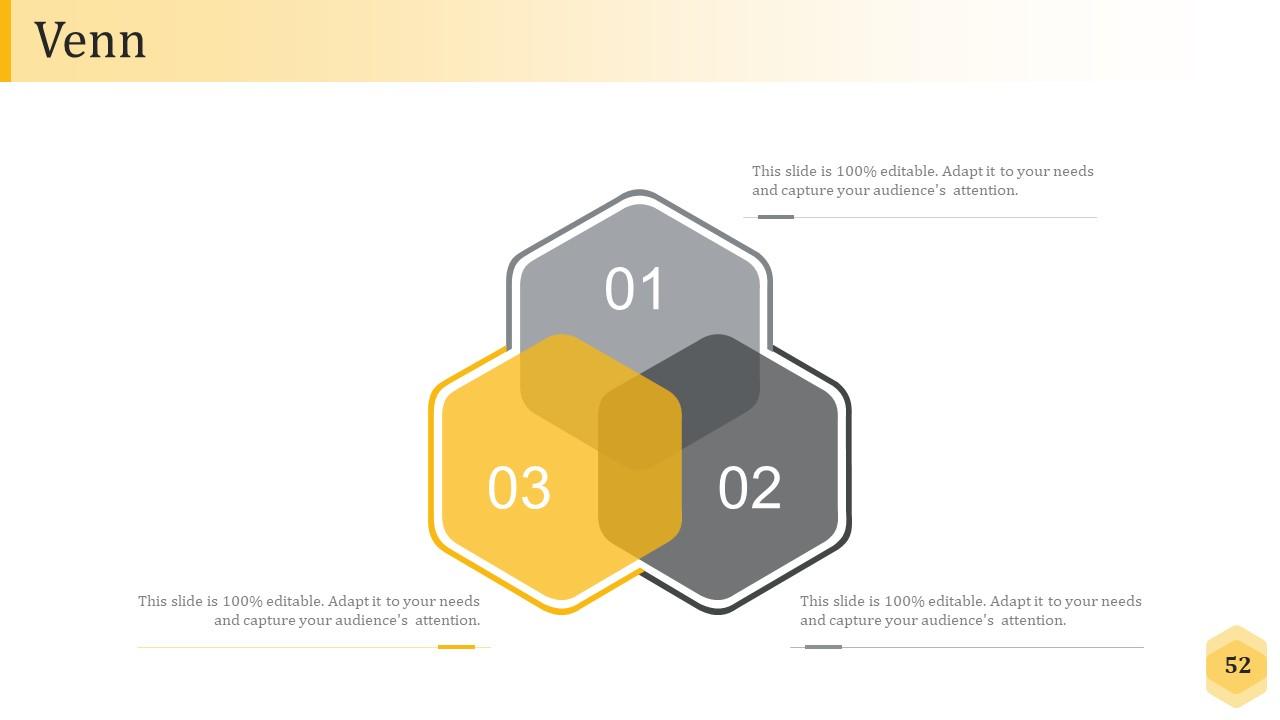
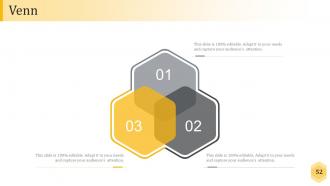
Slide 52: This is a Venn diagram slide to show information etc.
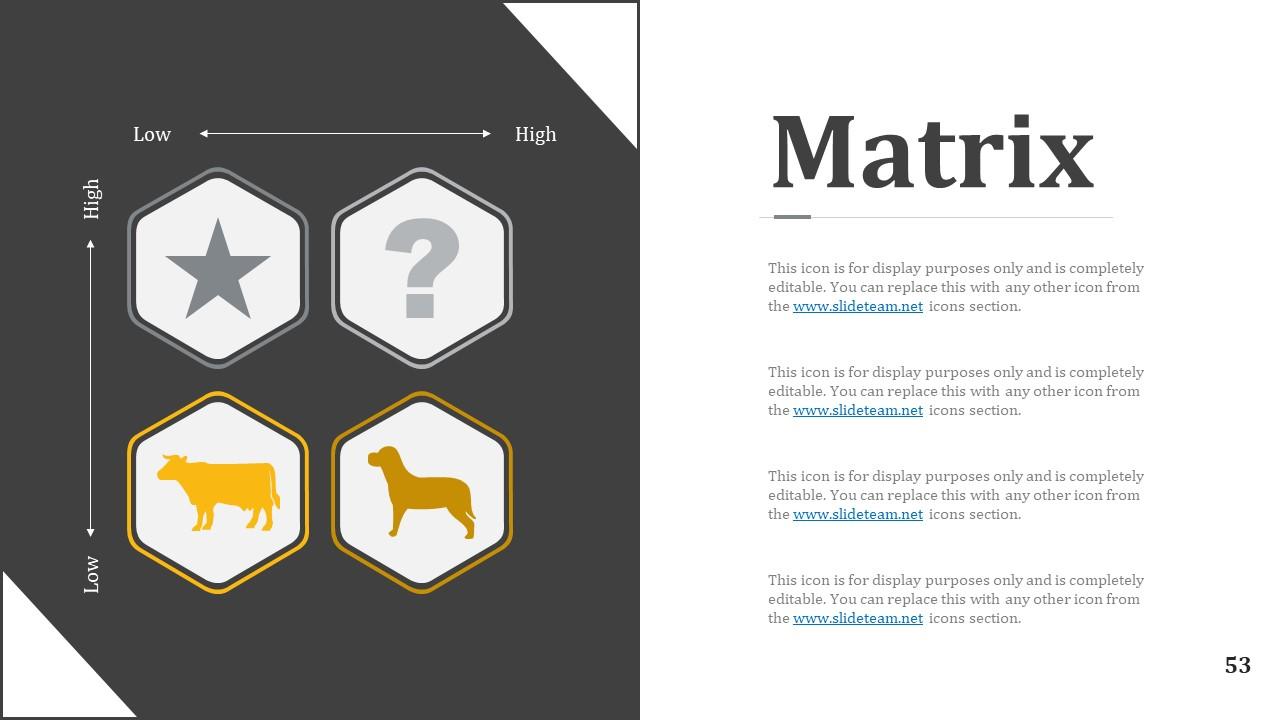
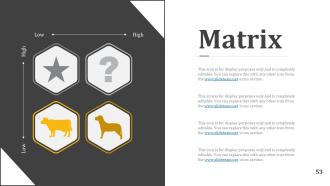
Slide 53: This slide shows a Matrix in terms of High and Low.
Slide 54: This slide displays a Magnifying Glass with icon imagery.
Slide 55: This is a People's silhouettes slide. Use it the way you want to show solutions etc.
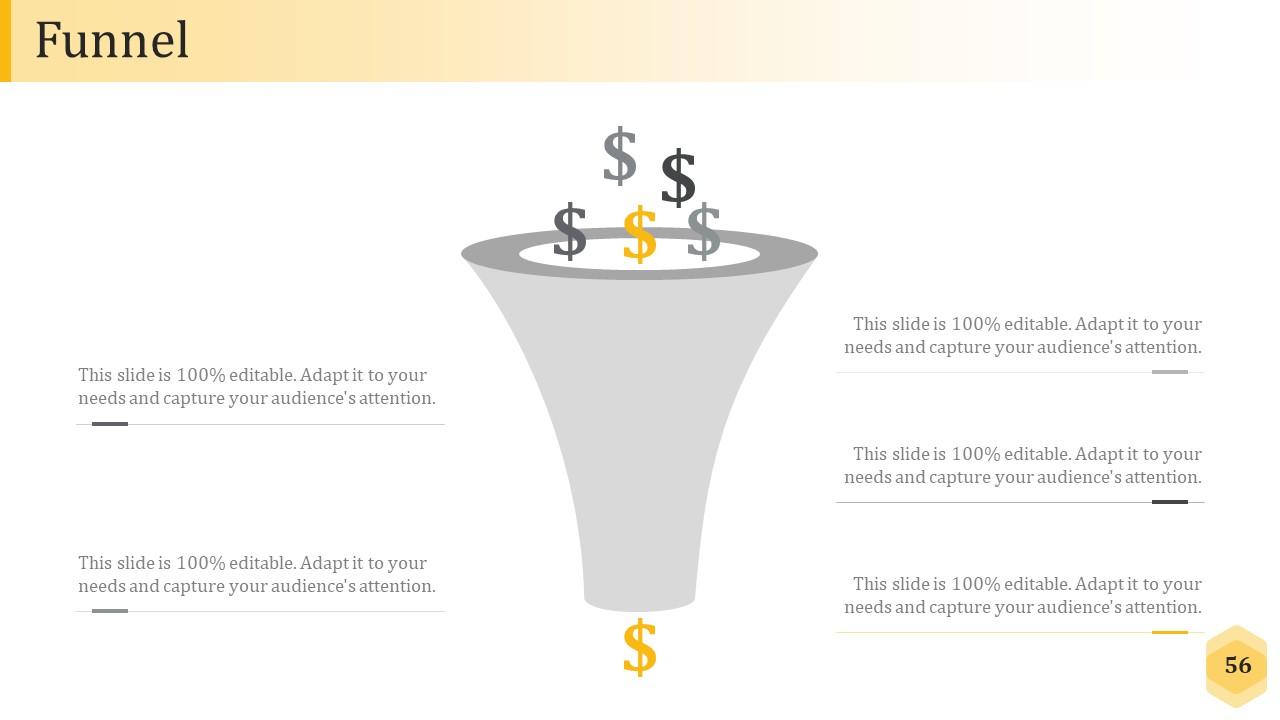
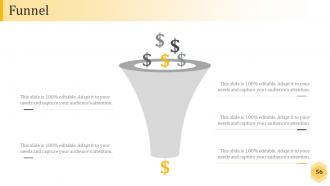
Slide 56: This is a Funnel slide. Showcase the funnel aspect of your team, company, product etc.
Slide 57: This is a Bulb/idea image slide to show information, ideas, innovation specific stuff etc.
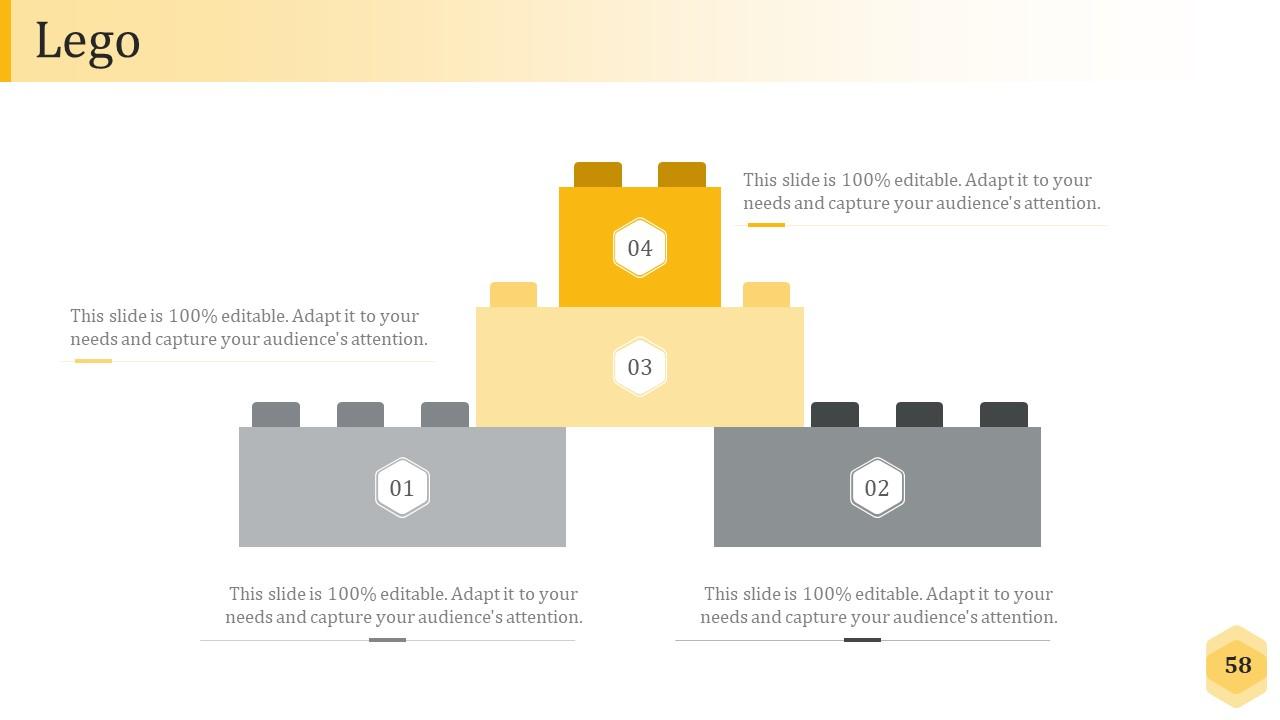
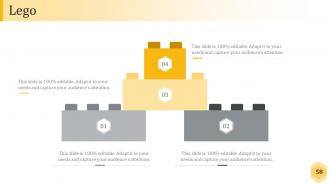
Slide 58: This is a Lego Box slide with the following subheadings- Teach, Encourage, Increase, Build.
Slide 59: This slide displays the title Charts & Graphs.
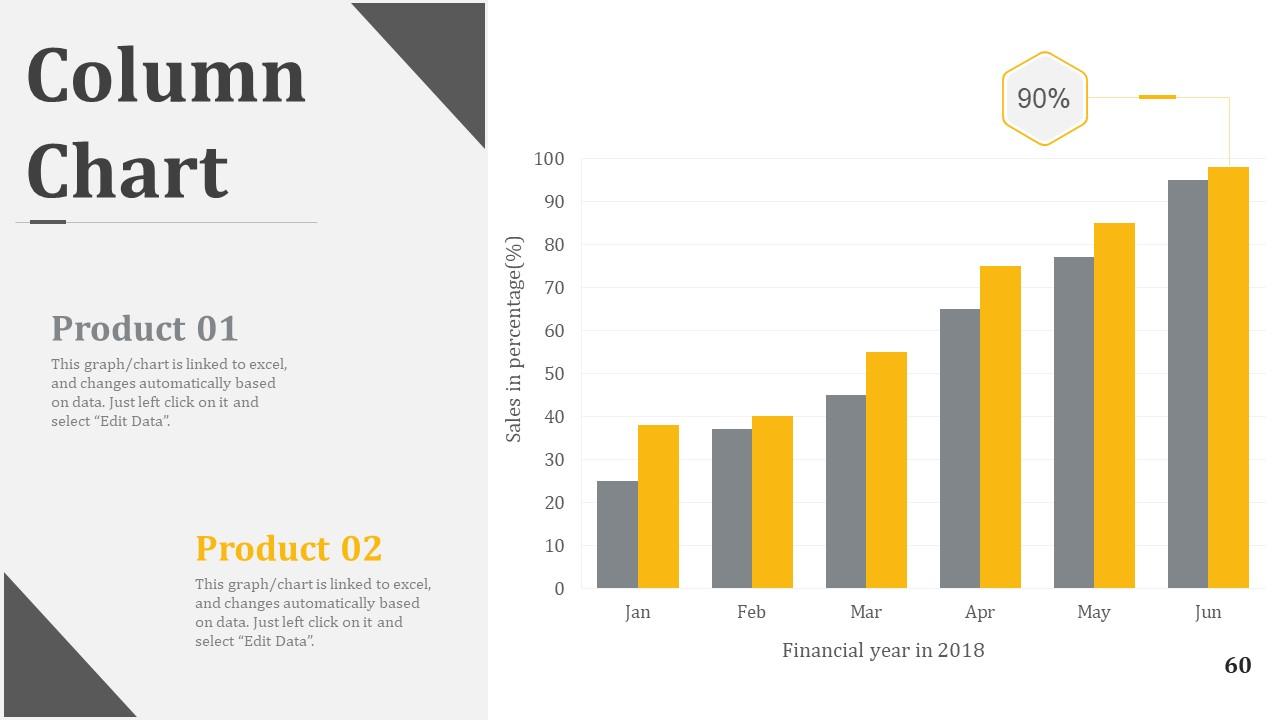
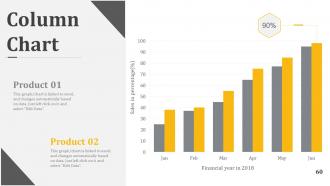
Slide 60: This is a Column Chart slide for product/entity comparison.
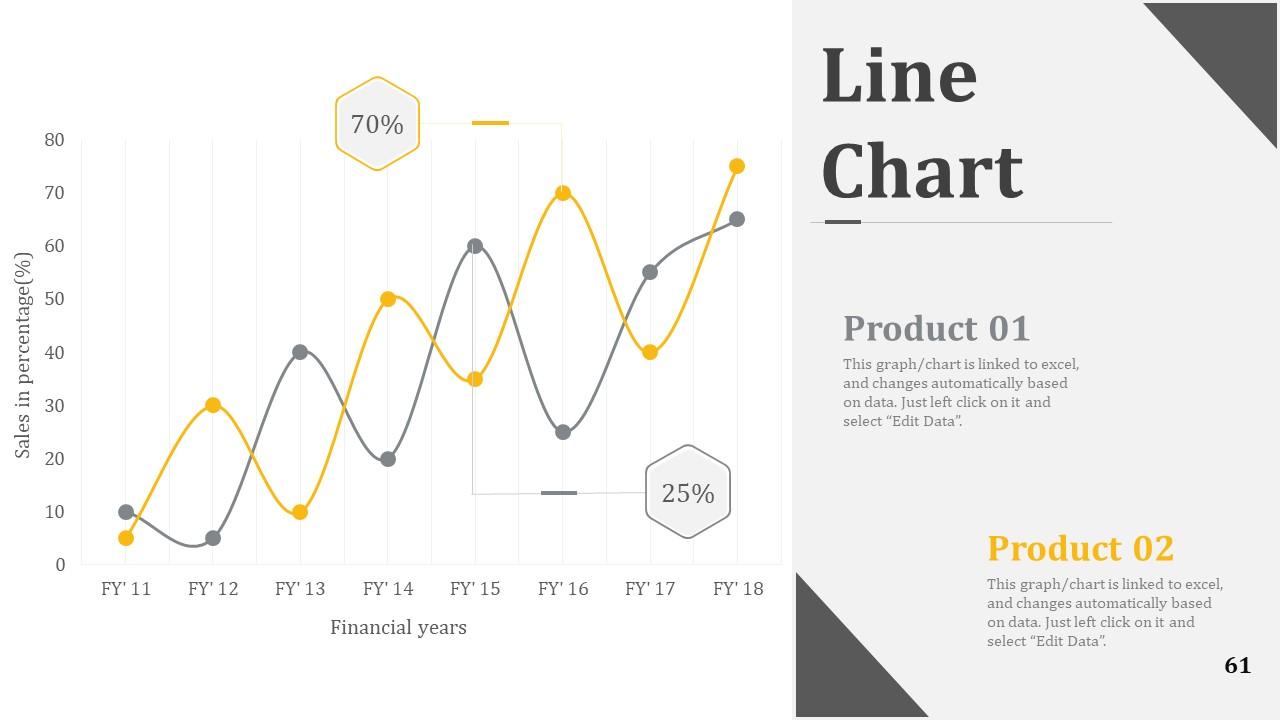
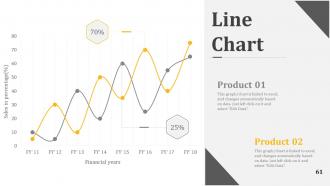
Slide 61: This is a Line Chart slide for product/entity comparison.
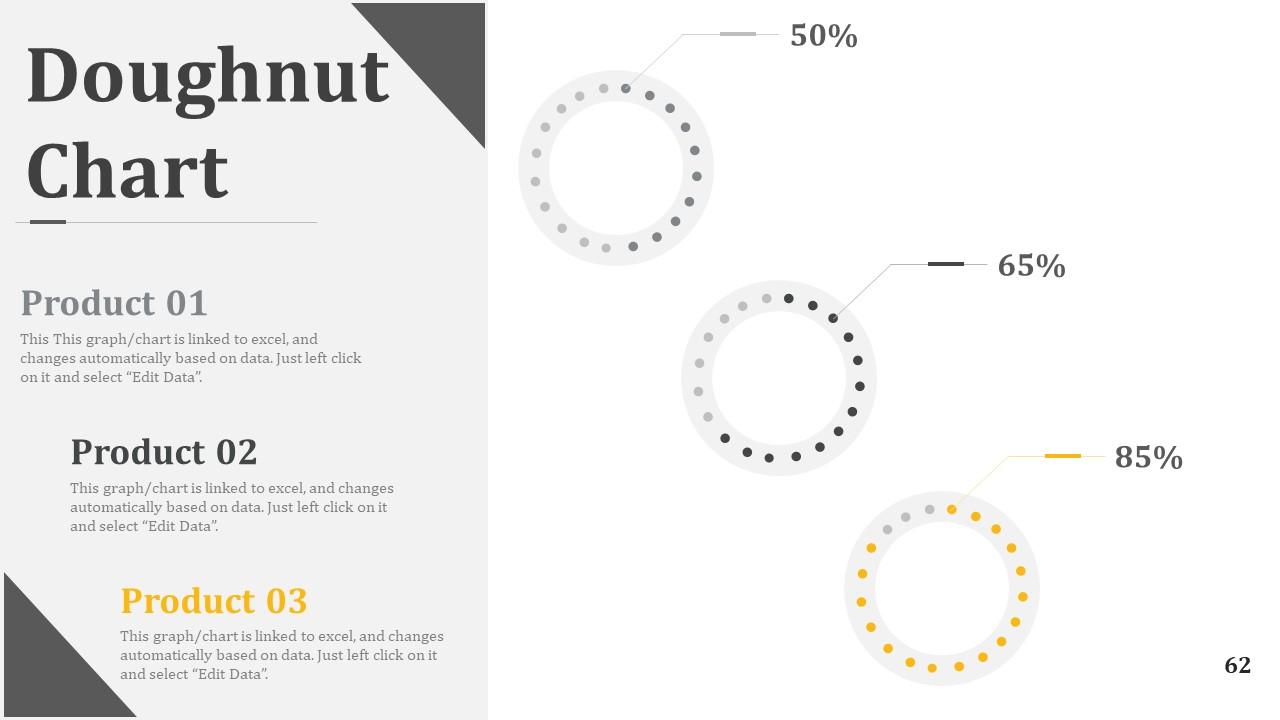
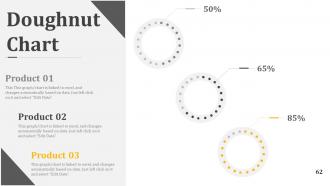
Slide 62: This slide shows Doughnut Chart to compare three products.
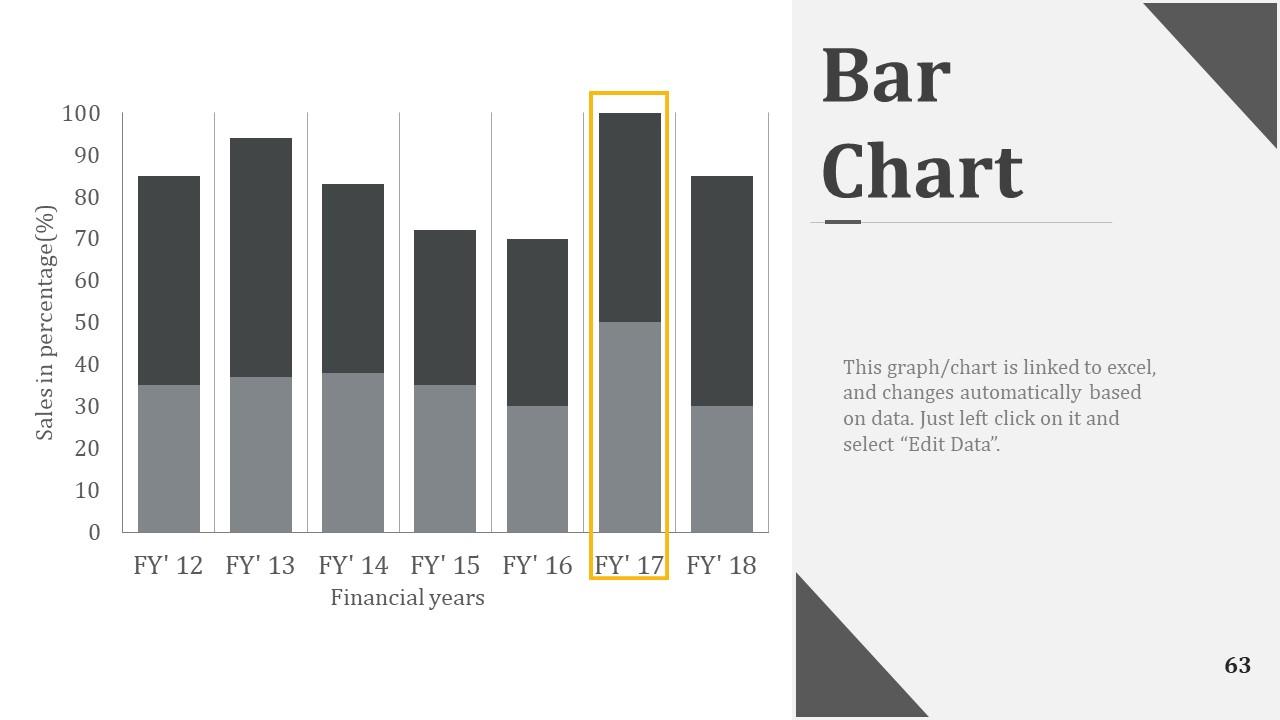
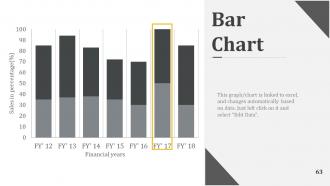
Slide 63: This is a Bar Graph image slide to show product comparison, growth etc.
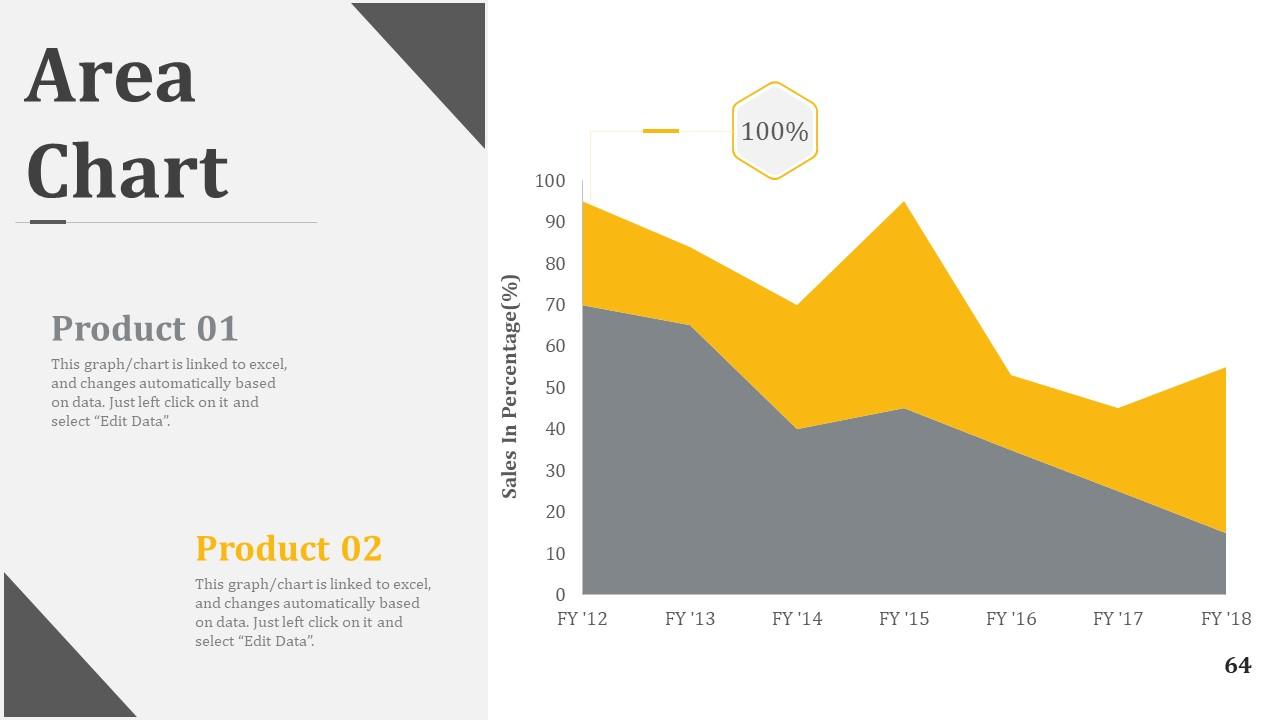
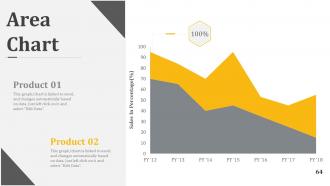
Slide 64: This slide shows Critical areas to be assessed and worked on.
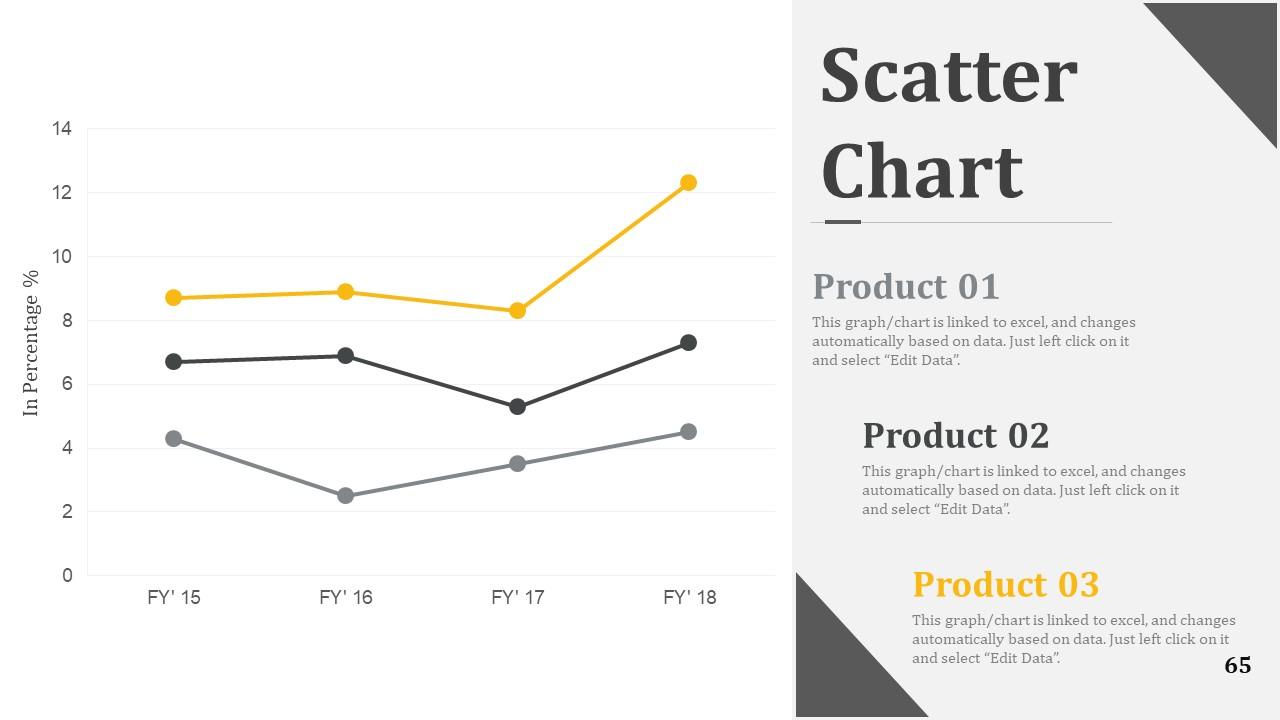
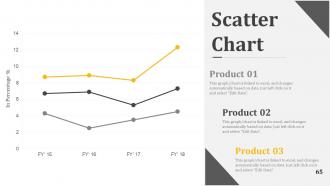
Slide 65: This slide shows Competitive Analysis with Scatter Chart/Radar Chart to compare.
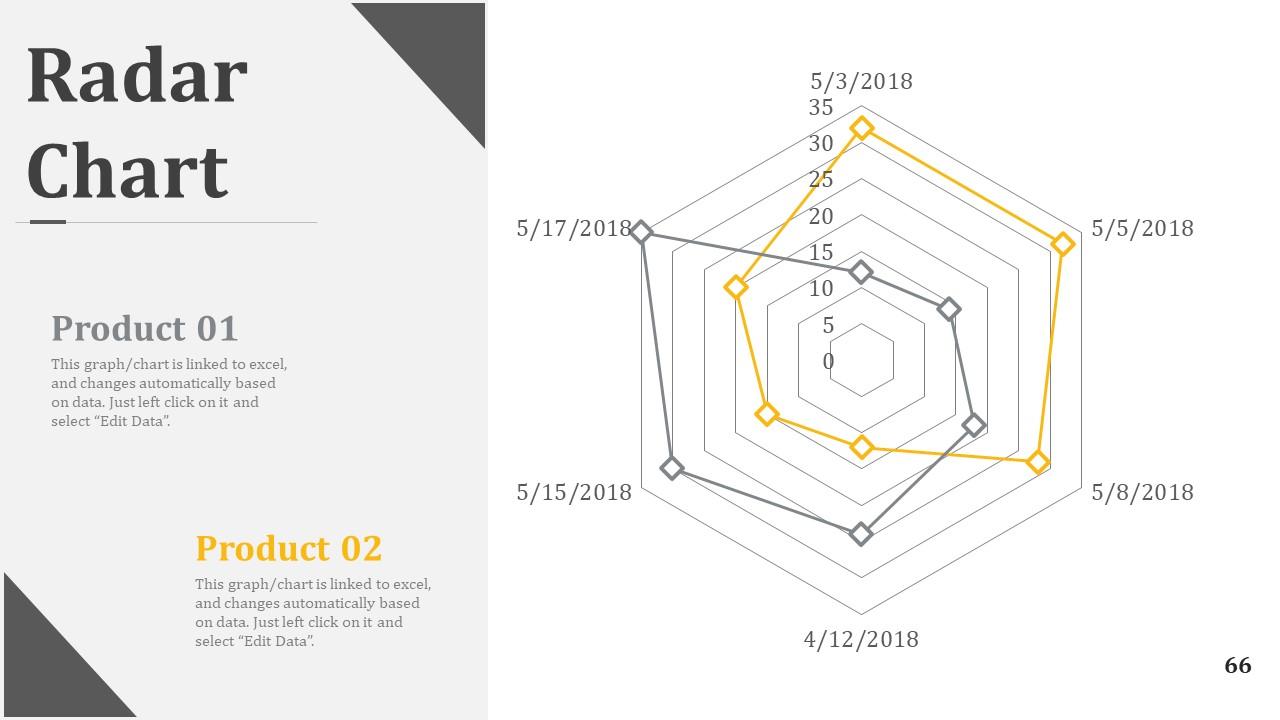
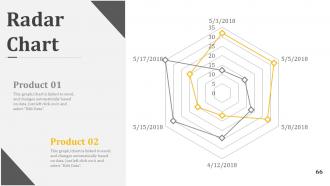
Slide 66: This is a Radar Chart slide for product/entity comparison.
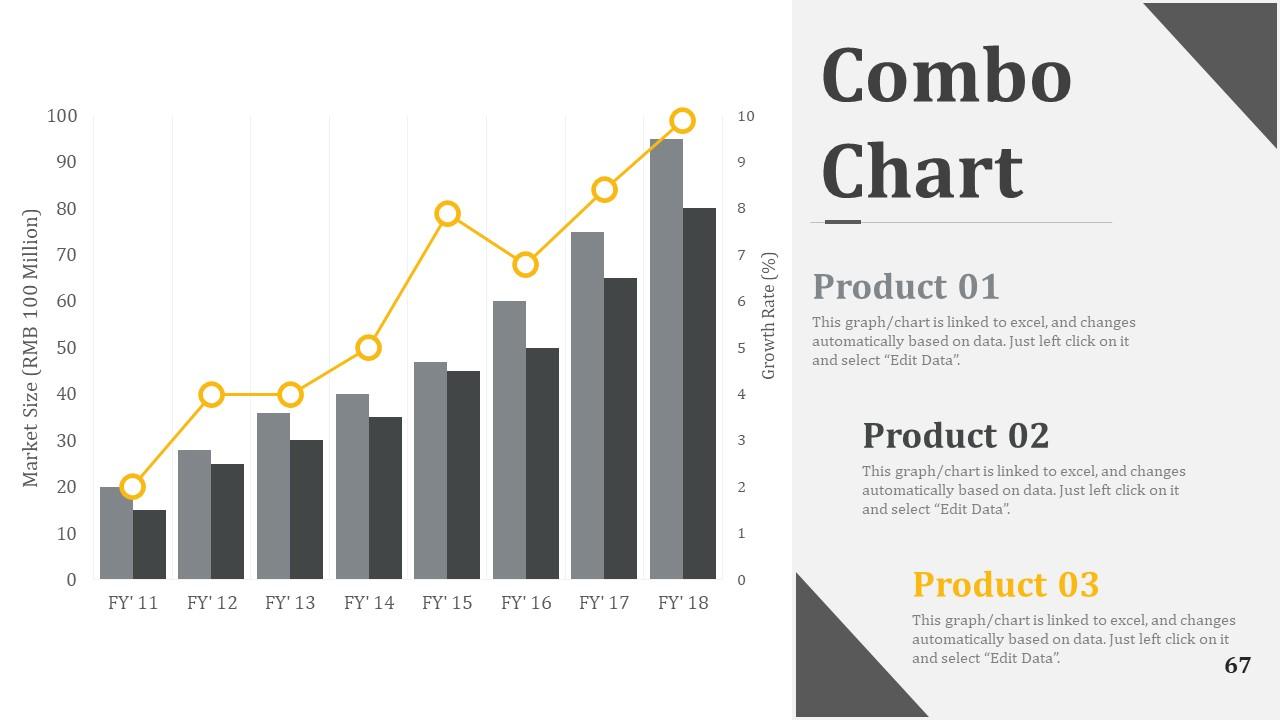
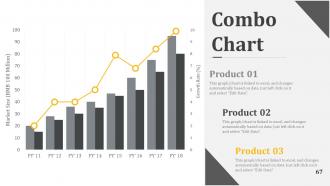
Slide 67: This slide showcases Combo Chart for comparison.
Slide 68: This is a Thank You slide with Address# street number, city, state, Contact Numbers, Email Address.
Workforce Planning Case Studies Powerpoint Presentation Slides with all 69 slides:
Insist on each input being fully analysed with our Workforce Planning Case Studies Powerpoint Presentation Slides. Cater for errors of judgement.
-
Graphics are very appealing to eyes.
-
Excellent work done on template design and graphics.
