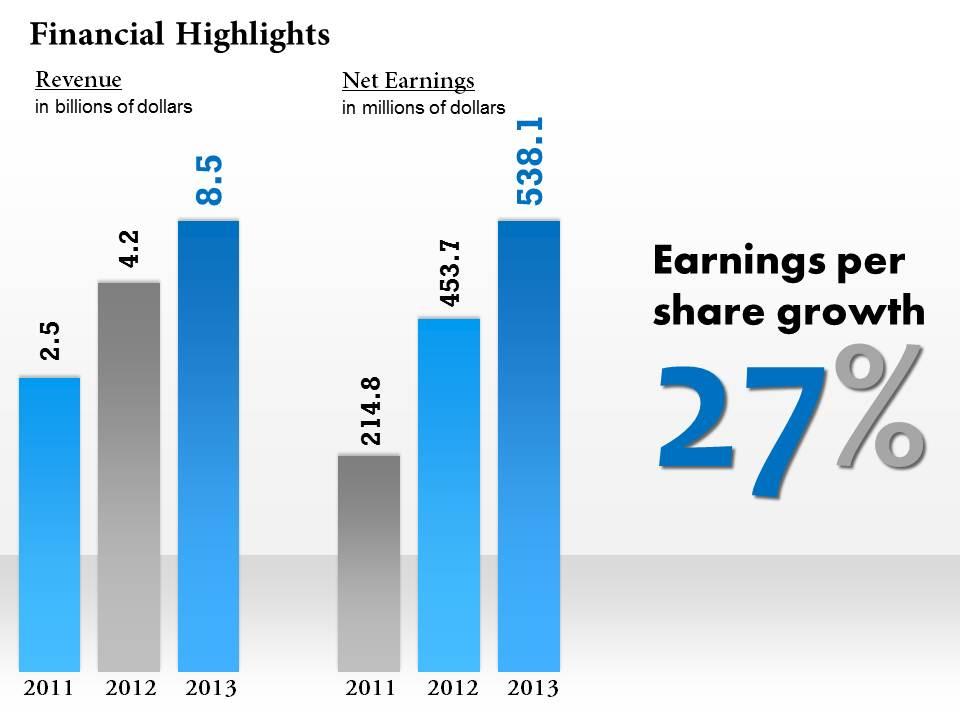
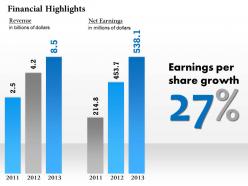
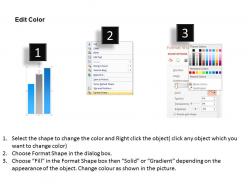
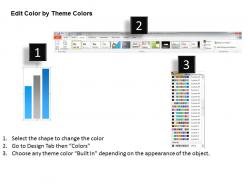
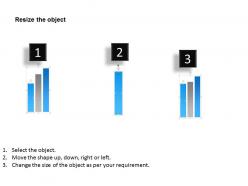
0414 financial result display bar graph diagram

Rating:
100%
0414 financial result display bar graph diagram
Slide 1 of 6

or

Favourites Favourites

Try Before you Buy Download Free Sample Product

Audience Impress Your
Audience
Editable 100%
Editable
Time Save Hours
of Time
The Biggest Sale is ending soon in
0
0
:
0
0
:
0
0
Rating:
100%
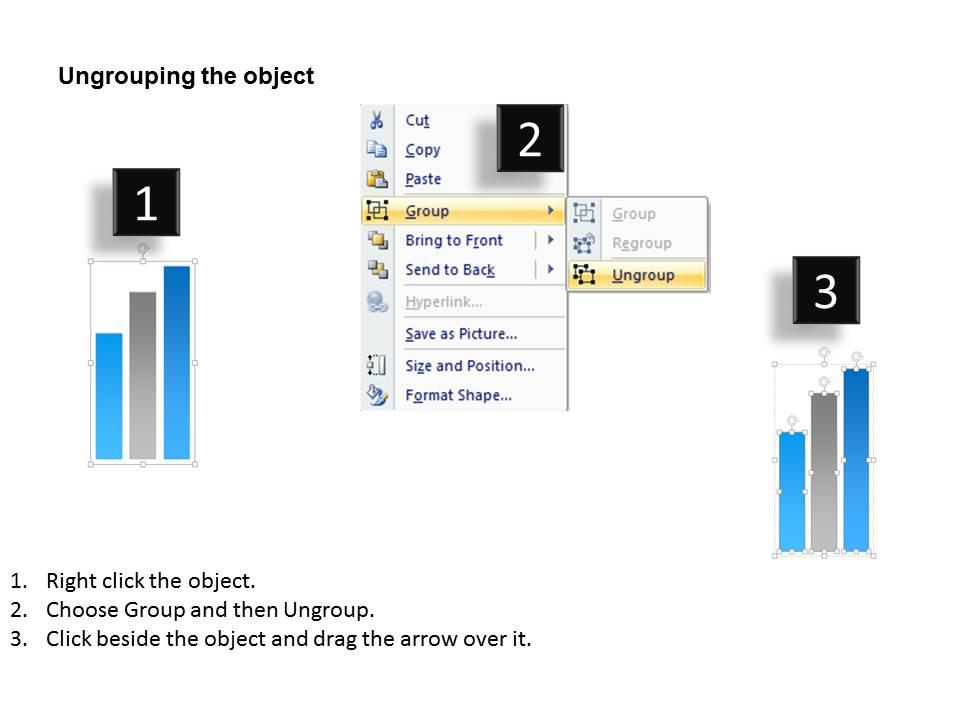
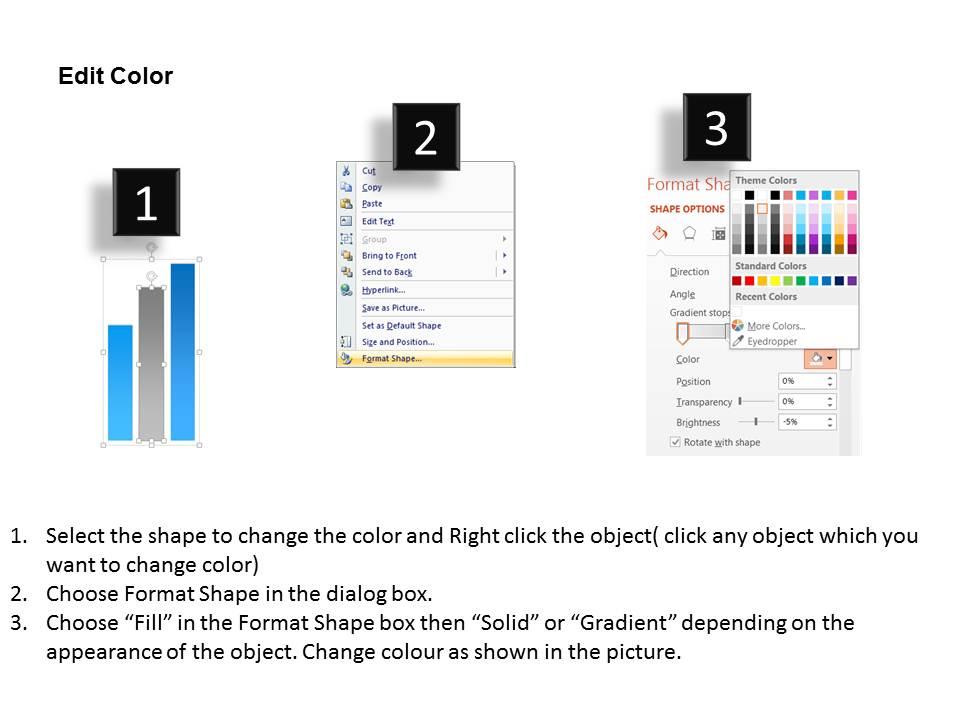
All images are 100% editable in the presentation design. Good quality images can be used to compliment message. Works well in Windows 7, 8, 10, XP, Vista and Citrix. Editing in presentation slide show can be done from anywhere by any device. Students, teachers, businessmen or industrial managers can put to use the PPT layout as per their requirement. Compatibility with Google slides.

FAQs for 0414 financial result display

Focus on the big four: revenue, profit margins, cash flow, and your key business metrics. Show year-over-year comparisons so people can see the trends. Cash flow is honestly the most important one - I've seen too many "profitable" companies go under because they couldn't pay bills. Mix absolute numbers with percentages for context. Pick 2-3 KPIs that actually matter to your audience - maybe customer acquisition cost or recurring revenue, whatever makes sense for your business. Lead with your biggest wins upfront. Clean slides work best, but don't overthink the design part.

Honestly, charts and graphs are a lifesaver for financial stuff. Nobody wants to stare at endless spreadsheet rows - my brain just shuts off after like 30 seconds. Bar charts work great for comparing quarters, line graphs show revenue trends really clearly, and pie charts break down expenses nicely. People actually pay attention when there's something visual to look at. I always try to pick 2-3 charts that hit the main points I'm making. It's way better than just throwing numbers at people and hoping they get it. Trust me, your financial updates will land so much better with some decent visuals backing them up.

Consistency is your best friend here - same metrics, timeframes, calculation methods across everything. Show both percentages AND actual dollar amounts because "300% growth!" means nothing if it's $5 to $20. Call out weird stuff upfront - seasonality, one-off events, whatever made the numbers funky. Trust me, executives would rather hear bad news than be blindsided later. Keep your charts simple, maybe basic bar graphs or clean trend lines. Tables just make people's eyes glaze over. Oh, and prep explanations for WHY things happened, not just what the numbers show. That's honestly where most people mess up.

Honestly, just rip the band-aid off and tell everyone what's wrong upfront. Don't try burying the bad stuff in footnotes - investors always find it anyway, and then you look sketchy. When you're on those earnings calls, own the mess. Explain what happened and lay out your actual plan to fix it. Like, specific steps with real timelines, not vague corporate speak. I've seen companies try to dance around problems and it never works out well. Show them you get why things went sideways and how you're gonna turn it around. That's way better than making excuses.

Look, nobody wants to sit through a boring data dump. Financial storytelling is about connecting the dots for people - like, why did revenue jump 15%? Was it that new product launch or just lucky timing? You're basically giving context to the numbers. People remember stories way better than spreadsheets anyway. Walk them through what happened, what you learned, and what's coming next. Makes everything click instead of just... existing as random figures. Start small though - grab 2-3 key metrics and craft a simple narrative around what actually moved the needle. Trust me, your presentations will be so much better.

Tell the story, don't just dump data on them. Jump straight into your biggest variances - what went wrong and why? Market shift? Bad timing? Waterfall charts are your friend here because exec brains shut off the second they see spreadsheets (trust me on this). Instead of "revenue was 5% below budget," explain what that actually means for hitting our targets and your game plan to fix it. Keep it conversational - like you're explaining it to someone who cares about results, not formulas. The business impact angle is what gets their attention.

Honestly, just focus on three chart types and you'll be set. Line charts are your go-to for anything over time - stock prices, revenue trends, whatever. Bar charts are probably what you'll use most since they're perfect for comparing different periods or categories. Then there's waterfall charts, which are clutch for breaking down how your profit or cash flow changed step by step. Oh, and skip pie charts for financial stuff - they're terrible at showing small changes that actually matter. These three will handle basically everything you need.

Okay so basically figure out who you're talking to first. Investors want all the nitty-gritty - metrics, projections, competitive stuff. Board members care about strategy and what could go wrong. Employees just want to know if their jobs are safe and the company's doing okay. I swear, generic presentations are the worst - everyone just zones out. With analysts, go full technical mode. With employees, ditch the business speak completely. Here's what works: write down each group and their top three concerns. Then build everything around that. Way better than one-size-fits-all nonsense.

Don't dump a million numbers on people - they'll tune out instantly. The worst thing you can do is throw around stats without explaining what they actually mean. Like if revenue jumped 40%, mention that you bought two companies or whatever. Cherry-picking only wins makes you look sketchy, trust me. Focus on what your audience cares about, not every tiny detail. Oh, and here's what works: explain everything to your non-finance friend first. If they're lost, you need to simplify more. People can smell BS from miles away, so just be straight with them.

Honestly, the trick is connecting your moves to actual numbers. Group your metrics around specific things you did - like if you invested in digital transformation, show how that led to 15% better customer retention and $2M more revenue. Before/after comparisons work really well for this stuff. Tell it chronologically so people can actually follow your thinking. Don't just throw numbers everywhere - tie each metric to a real decision you made. Oh and use callout boxes or whatever to directly link your strategy points to the financial results. Makes it way clearer.

Honestly, Tableau and Power BI are your best bet for dashboards - stakeholders love being able to click around and explore the data themselves. PowerPoint's still king for presentations, though I'd jazz it up with Excel's fancy charts or maybe Canva if you want something that doesn't look like every other corporate deck. Prezi's worth trying too, especially for quarterly stuff where people usually zone out. Oh, and always keep your raw Excel files handy because someone will definitely ask a random question that sends you scrambling. Pick one tool and get really good at it rather than being mediocre at five different ones.

Honestly, color coding is your easiest win - green for growth, red for drops. Makes it super obvious what's happening. Charts are clutch too, especially line charts for showing trends over time. Bar charts work great when you're comparing different periods side by side. Oh, and sparklines are underrated - they're tiny but pack a punch. Make your key numbers bigger and bolder so they jump off the page. The whole point is someone should know if you're killing it or struggling within like 2 seconds of looking.

Dude, seasonal swings will totally throw off your quarterly numbers, so call that shit out early in your presentation. Compare to last year's same quarter, not last quarter - that's Finance 101. Your Q1 might look terrible after a killer Q4 holiday season, but that's just normal business cycles. I'd probably throw in a twelve-month rolling view too since it smooths out the crazy ups and downs. Honestly, I've watched way too many exec meetings where people lost their minds over "bad" performance that was literally just winter being winter. Set expectations upfront or you'll be doing damage control later.

You want to blend your projections right into the story you're telling about current results - don't just dump them at the end like you suddenly remembered. Start with what's actually happening now, then naturally bridge to "based on these trends, we're looking at..." or "this sets us up for..." The key is connecting current performance drivers to what you expect next. Be upfront about your assumptions too. Nobody wants overly rosy projections that ignore obvious risks. Your audience isn't dumb - they need context to judge if you're being realistic or just wishful thinking.

Honestly, just be straight up with the numbers - don't mess around picking only the good quarters or whatever. I've watched people conveniently "forget" about that one terrible Q3, and it always backfires eventually. Context matters too, especially when something weird happens in the data. Your charts shouldn't be doing the heavy lifting either - keep those scales normal and don't go crazy with the formatting to make tiny changes look dramatic. Oh, and if there's sketchy stuff or big risks? Put that right up front. Nobody wants to dig through footnotes to find out you're actually in trouble.

Ratings and Reviews

100% of 100
Review Form
Write a review
Most Relevant Reviews
  1. 100%

    by Darren Olson

    Very unique, user-friendly presentation interface.
  2. 100%

    by David Wright

    Easy to edit slides with easy to understand instructions.

2 Item(s)