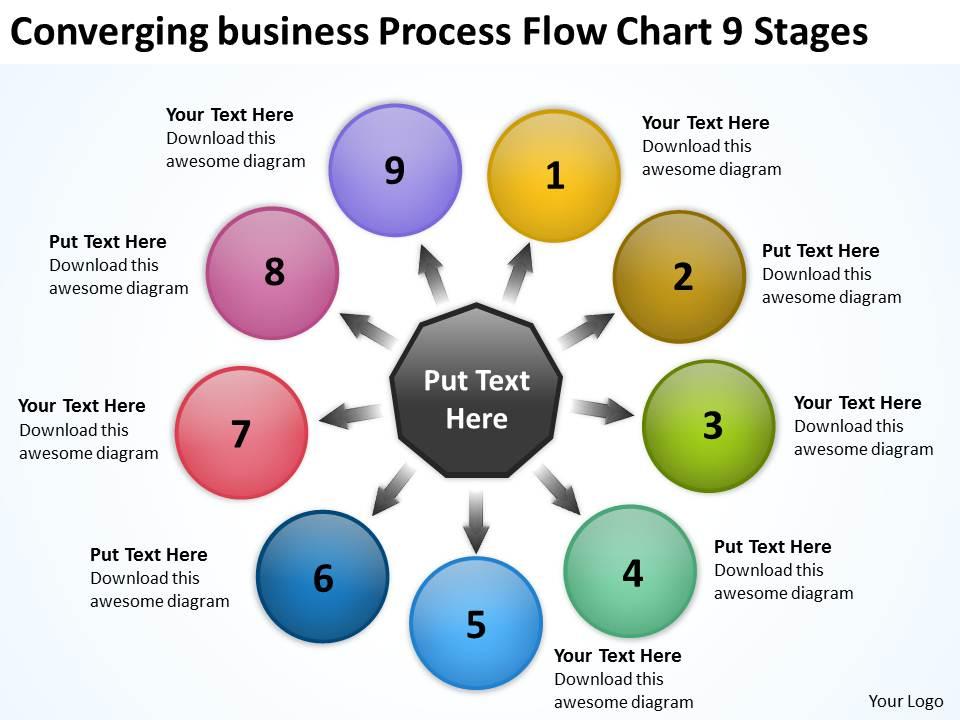
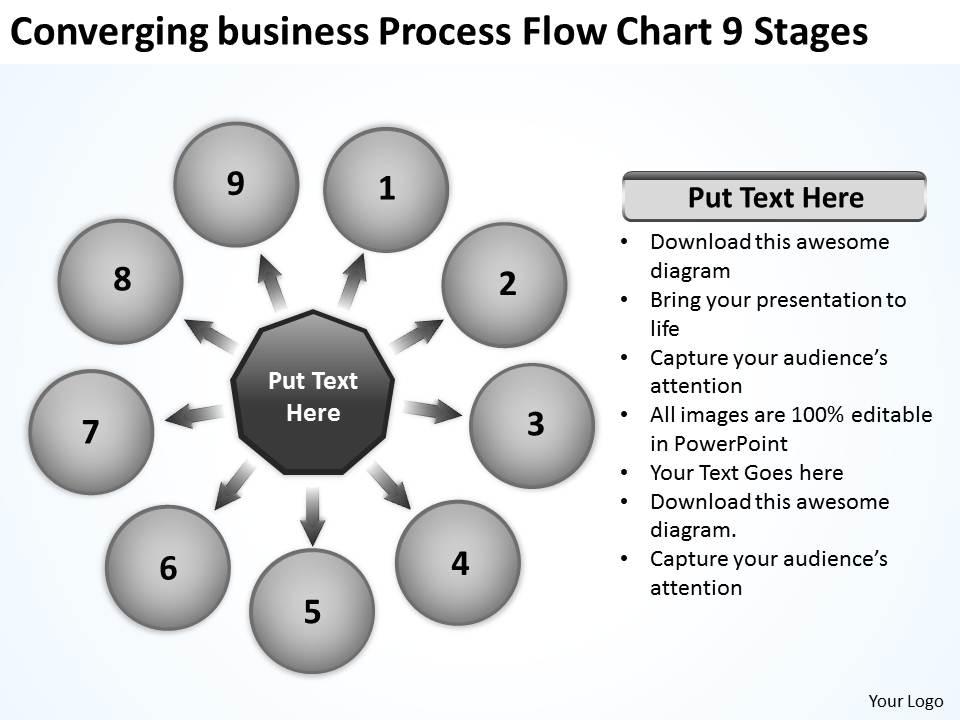
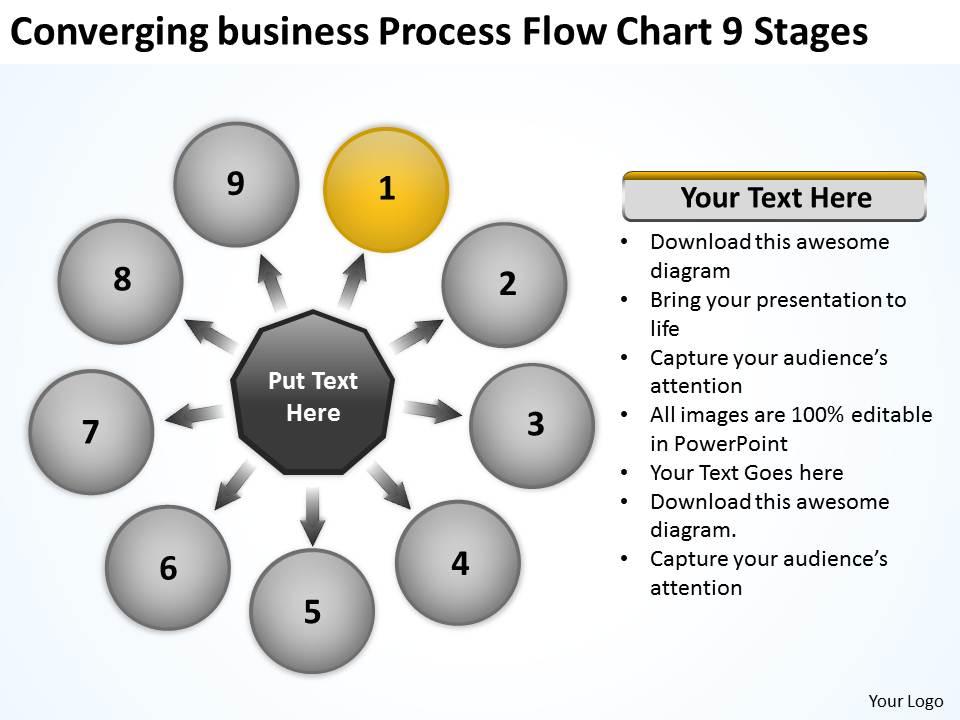
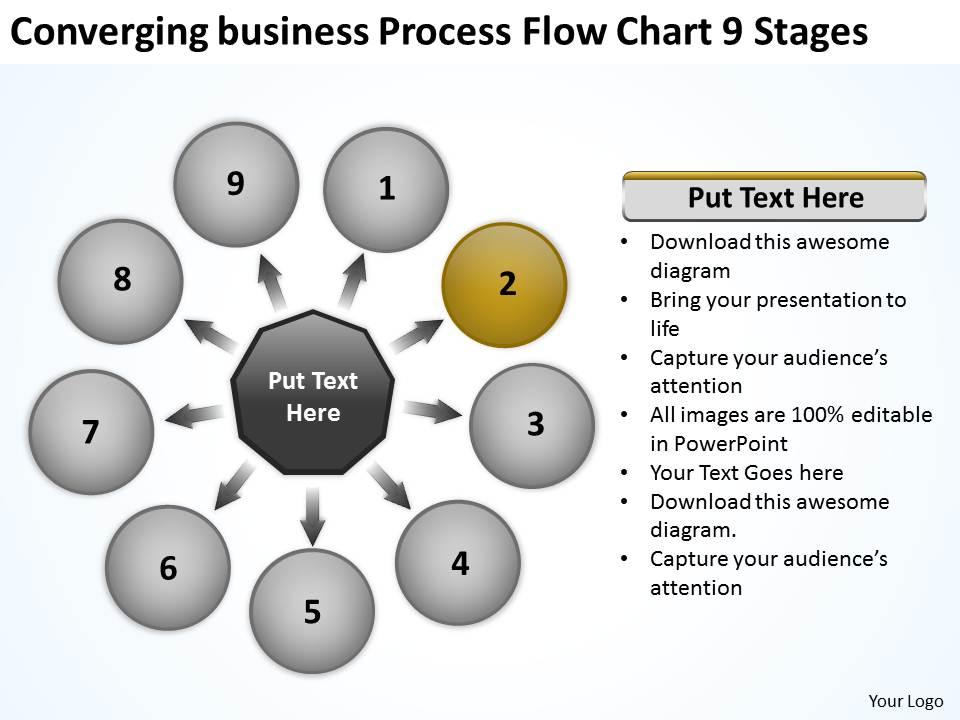
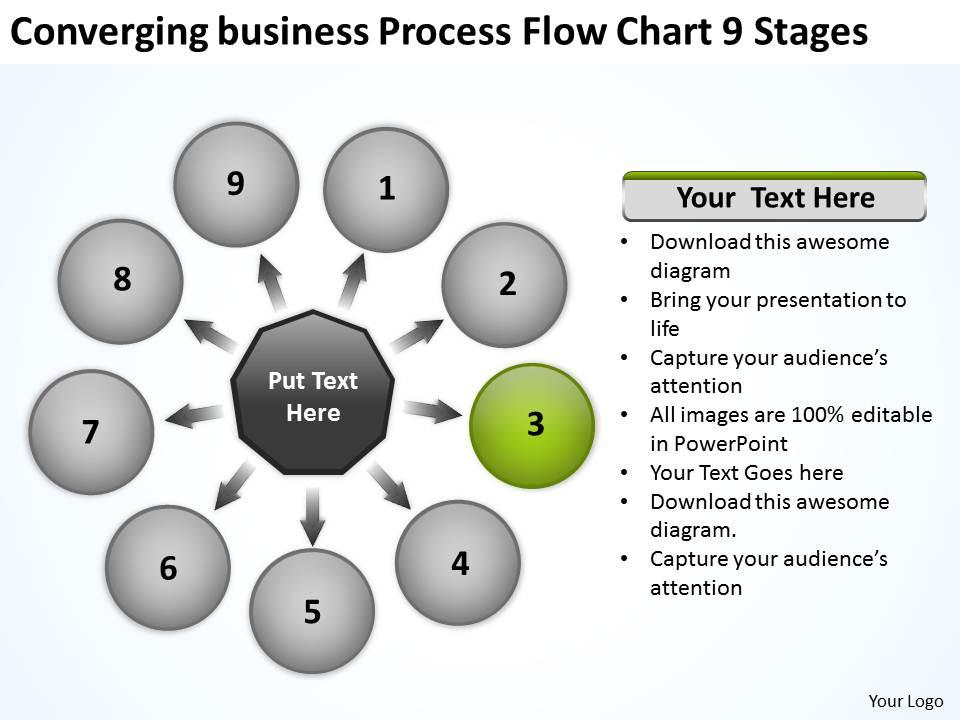
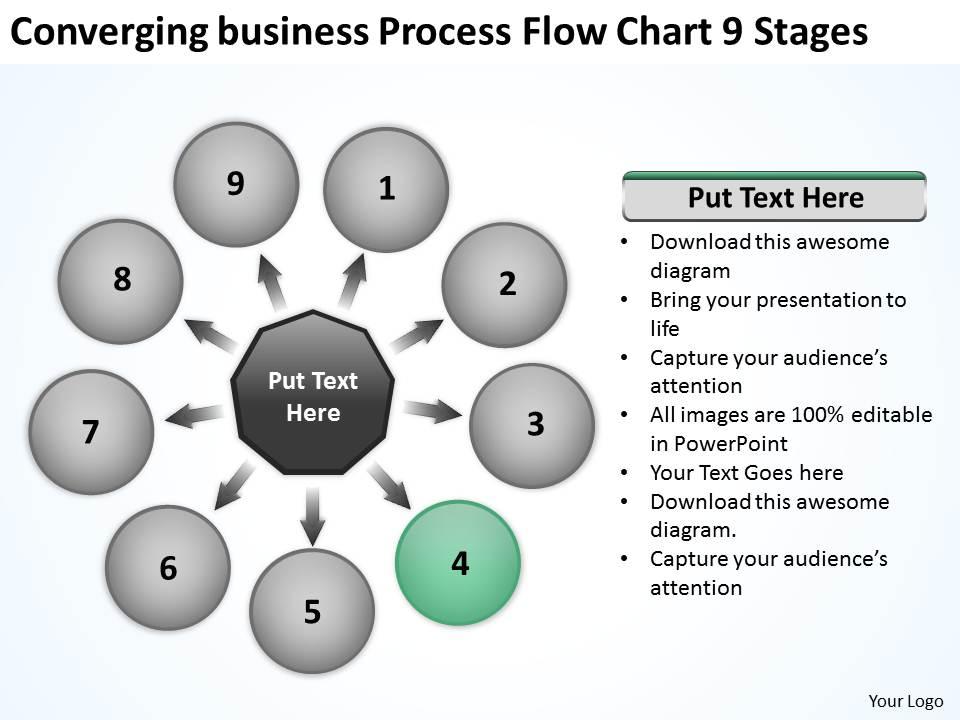
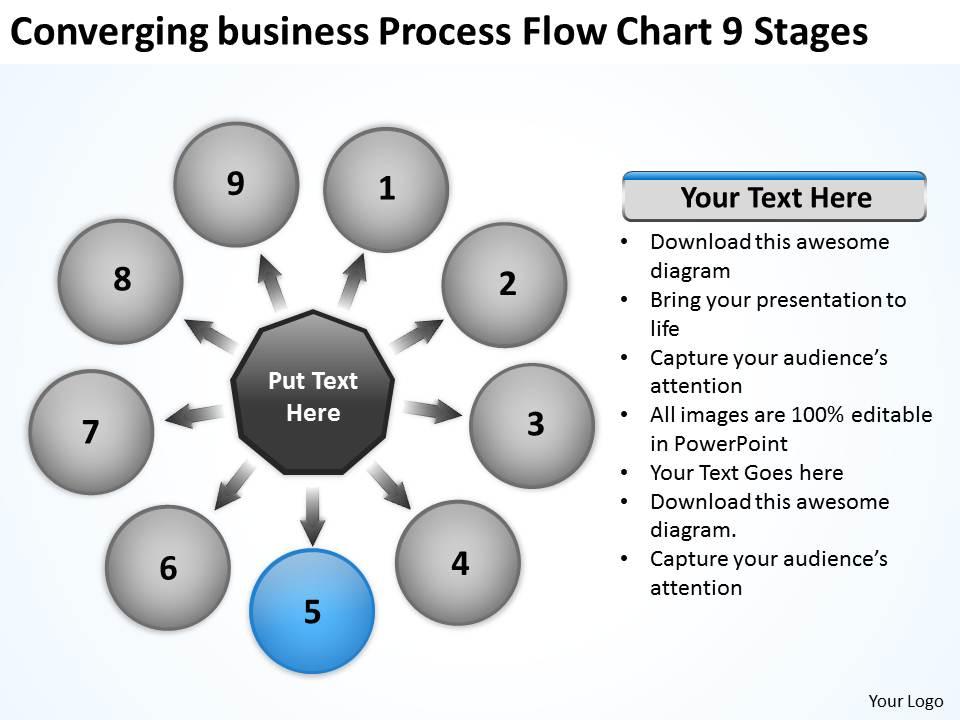
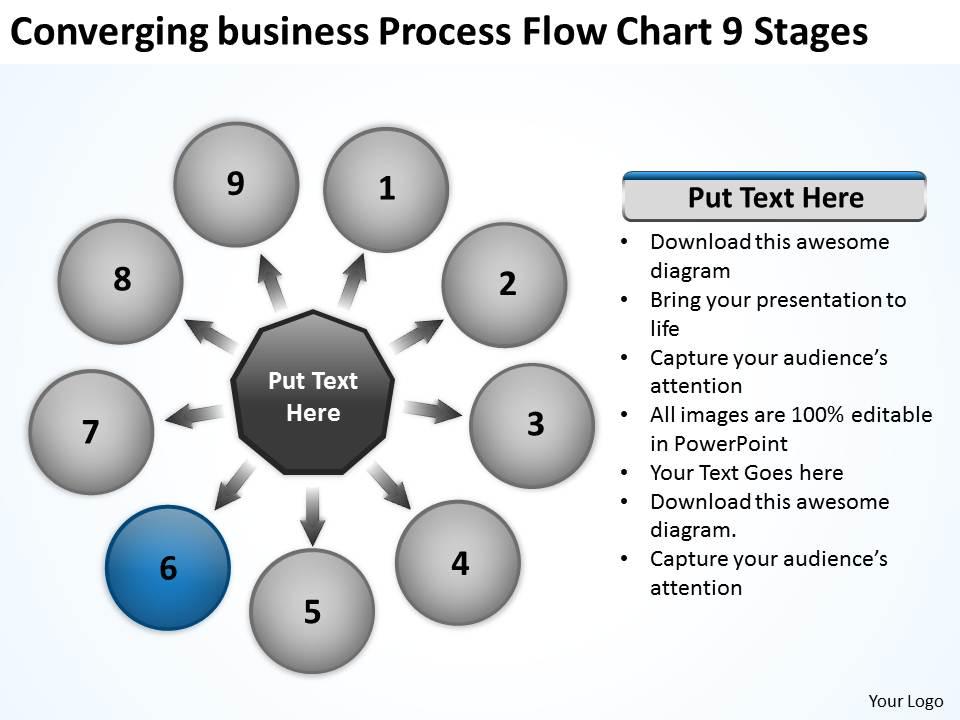
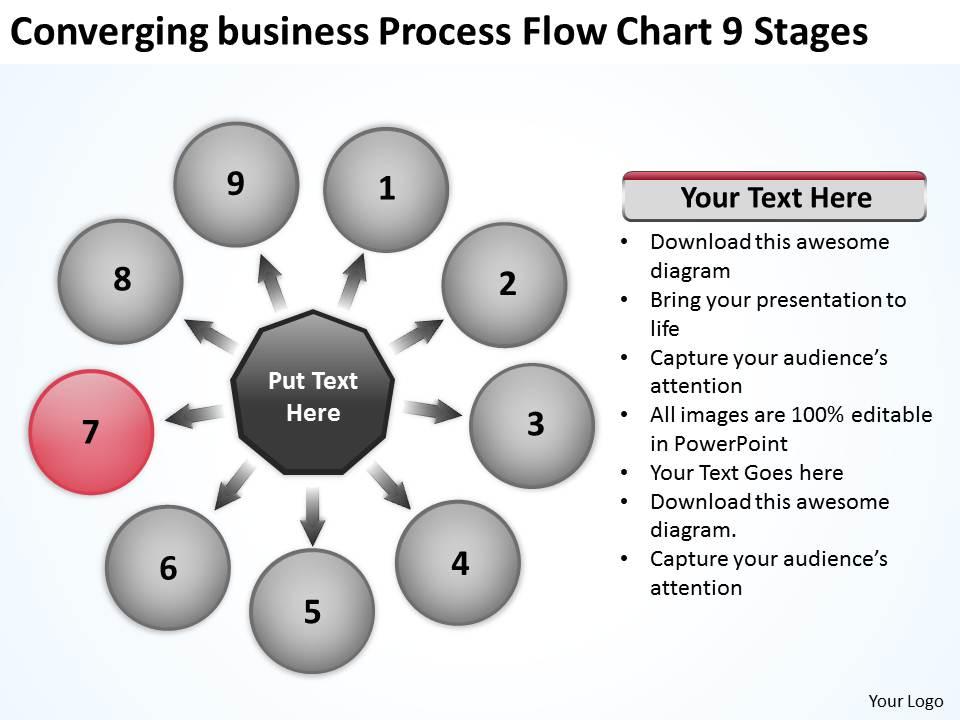
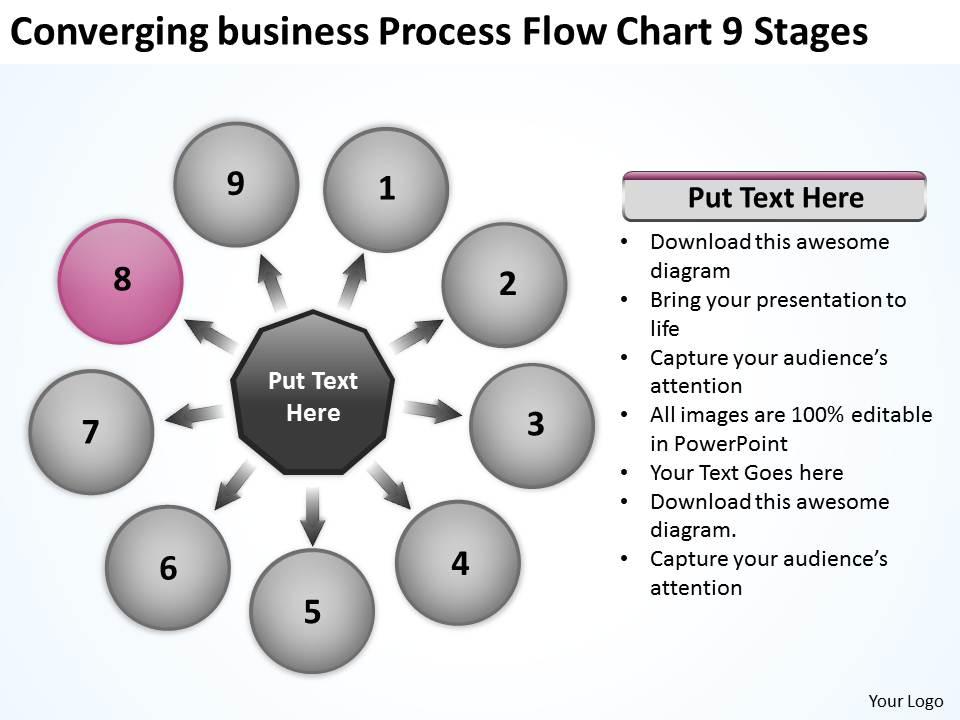
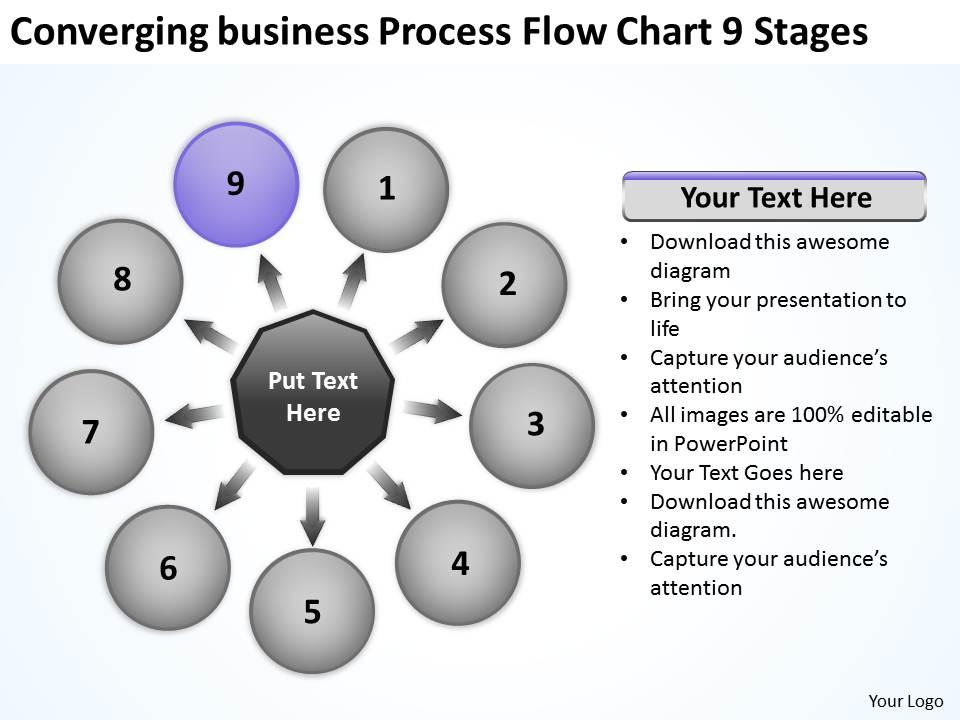
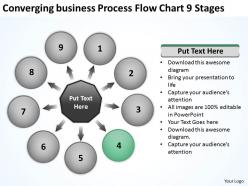
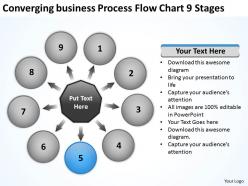
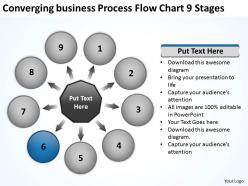
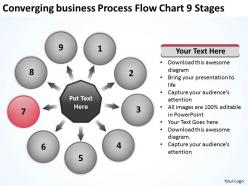
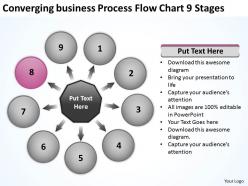
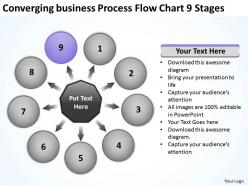
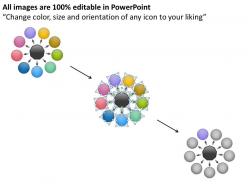
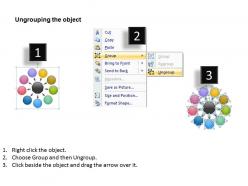
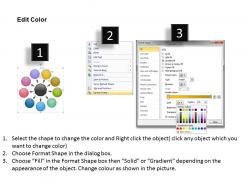
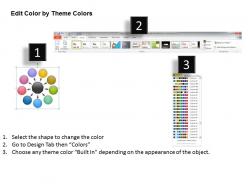
Business powerpoint theme process flow chart 9 stages cycle slides

Rating:
90%
Business powerpoint theme process flow chart 9 stages cycle slides
Slide 1 of 15
Favourites Favourites

Try Before you Buy Download Free Sample Product

Audience Impress Your
Audience
Editable 100%
Editable
Time Save Hours
of Time
The Biggest Sale is ending soon in
0
0
:
0
0
:
0
0
Rating:
90%
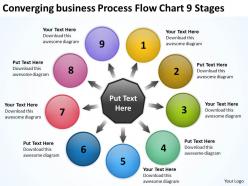
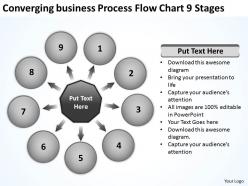
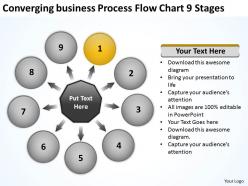
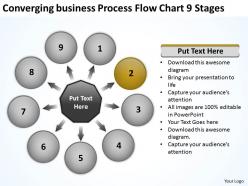
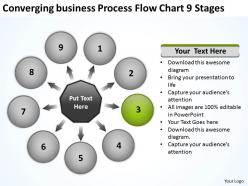
This diagram allows you to pull nodes from the database and display them as you find it fit for your presentation. This diagram is designed to help your audience to develop their thoughts along the way.

People who downloaded this PowerPoint presentation also viewed the following :

FAQs for Business powerpoint theme process flow chart 9

Key components of a business process flow chart include start/end points, process steps, decision points, connectors, and swimlanes for role clarity. These elements work together by mapping workflows systematically, identifying bottlenecks and inefficiencies, and enabling process optimization, with many organizations finding that well-designed flowcharts streamline operations and enhance cross-departmental collaboration significantly.

Flow charts improve team communication by providing visual clarity, standardizing processes, and eliminating ambiguity in task sequences and responsibilities. Through clear diagrams, teams across departments like manufacturing, healthcare, and financial services streamline collaboration, reduce miscommunication errors, and accelerate decision-making workflows, ultimately delivering enhanced operational efficiency and better project outcomes.

Common flowchart symbols include ovals for start/end points, rectangles for process steps, diamonds for decision points, parallelograms for input/output, and arrows for flow direction. These standardized symbols streamline communication across teams by creating universal visual language, enabling organizations to document processes clearly, identify bottlenecks efficiently, and facilitate smoother knowledge transfer between departments.

Determining appropriate detail levels depends on your audience, purpose, and process complexity, with executive summaries requiring high-level overviews while operational teams need granular step-by-step breakdowns. Many organizations find that starting broad then drilling down into critical decision points, handoffs, and bottlenecks delivers optimal clarity, ultimately enabling better process optimization and stakeholder communication.

Professional flowchart software includes Microsoft Visio, Lucidchart, Draw.io, Creately, and SmartDraw, each offering templates, collaboration features, and integration capabilities. These platforms streamline diagram creation through drag-and-drop functionality, real-time collaboration, and automated formatting, with many organizations finding that cloud-based solutions like Lucidchart enhance team productivity and process documentation efficiency.

Flow charts help identify bottlenecks by visually mapping each process step, decision point, and handoff, making delays and inefficiencies immediately apparent through visual analysis. Through systematic process mapping, organizations can pinpoint where work accumulates, resources become constrained, or approval cycles extend unnecessarily, ultimately enabling targeted improvements that streamline operations and enhance overall productivity.

Color-coding enhances flow chart effectiveness by improving visual hierarchy, accelerating comprehension, and reducing cognitive load through strategic differentiation of process elements. Different colors enable users to quickly identify decision points, process stages, and workflow paths, with many organizations finding that color-coded charts reduce training time and minimize errors during process execution.

Business process flow charts should be updated through regular reviews, stakeholder feedback sessions, operational audits, and real-time monitoring of process performance metrics. Organizations typically establish quarterly review cycles, involve cross-functional teams in identifying bottlenecks or inefficiencies, and use digital tools for seamless modifications, ultimately ensuring charts accurately reflect current workflows and deliver enhanced operational transparency.

Best practices for designing flow charts include using consistent symbols, maintaining logical top-to-bottom flow, limiting decision points per path, employing clear and concise labels, and ensuring adequate white space between elements. These design principles streamline communication by reducing confusion, accelerating decision-making processes, and enhancing cross-departmental collaboration, with many organizations finding that well-designed flow charts significantly improve operational efficiency and employee onboarding experiences.

Flow charts streamline employee training by providing visual, step-by-step guidance through complex business processes, reducing learning curves and minimizing errors. These visual tools enable new hires to quickly grasp workflows across departments like customer service, manufacturing, and financial operations, ultimately delivering faster onboarding and improved operational consistency.

Flow charts differ from other process mapping techniques through their linear, step-by-step visual approach using standardized symbols, while swim lane diagrams emphasize departmental responsibilities, value stream maps focus on waste elimination, and process blueprints detail customer touchpoints. These various mapping methods enable organizations to streamline operations, enhance cross-functional collaboration, and identify optimization opportunities, with many businesses finding that combining multiple techniques delivers comprehensive process visibility and improved operational efficiency.

Incorporating stakeholder feedback significantly enhances flow chart accuracy by identifying overlooked steps, validating process sequences, and ensuring comprehensive coverage of all operational touchpoints. Through collaborative input from departments like operations, IT, and customer service, organizations create more robust process maps that reflect real-world workflows, ultimately delivering improved accuracy and stakeholder buy-in.

Common mistakes include overcomplicating diagrams with excessive detail, using inconsistent symbols or terminology, failing to involve stakeholders in validation, and creating charts that don't reflect actual workflows. These errors undermine clarity and adoption, with many organizations finding that simple, standardized flowcharts with cross-functional input deliver better process understanding, improved compliance, and more effective operational improvements.

Flow charts enhance project management by visualizing task sequences, identifying dependencies, and highlighting resource requirements at each stage. Through clear process mapping, project managers streamline workflow coordination, optimize team assignments, and minimize bottlenecks, with many organizations finding that visual documentation accelerates decision-making and improves resource utilization across complex initiatives.

A well-structured business process flow chart enables organizations to derive metrics including cycle time, throughput rates, resource utilization, bottleneck identification, and compliance tracking. These measurements streamline operational efficiency by revealing process gaps, optimizing resource allocation, and enhancing workflow transparency, with many companies finding that systematic process analysis ultimately delivers faster service delivery and significant cost reduction.

Ratings and Reviews

90% of 100
Write a review
Most Relevant Reviews
  1. 100%

    by Domingo Hawkins

    Easily Editable.
  2. 80%

    by Charlie Jackson

    Thanks for all your great templates they have saved me lots of time and accelerate my presentations. Great product, keep them up!

2 Item(s)

per page: