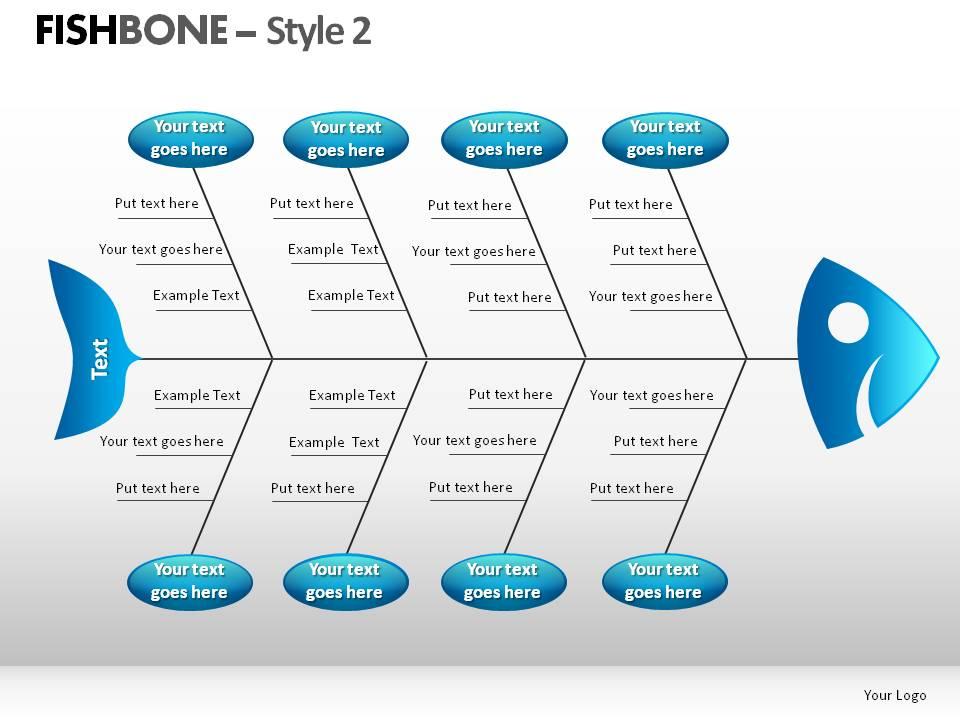
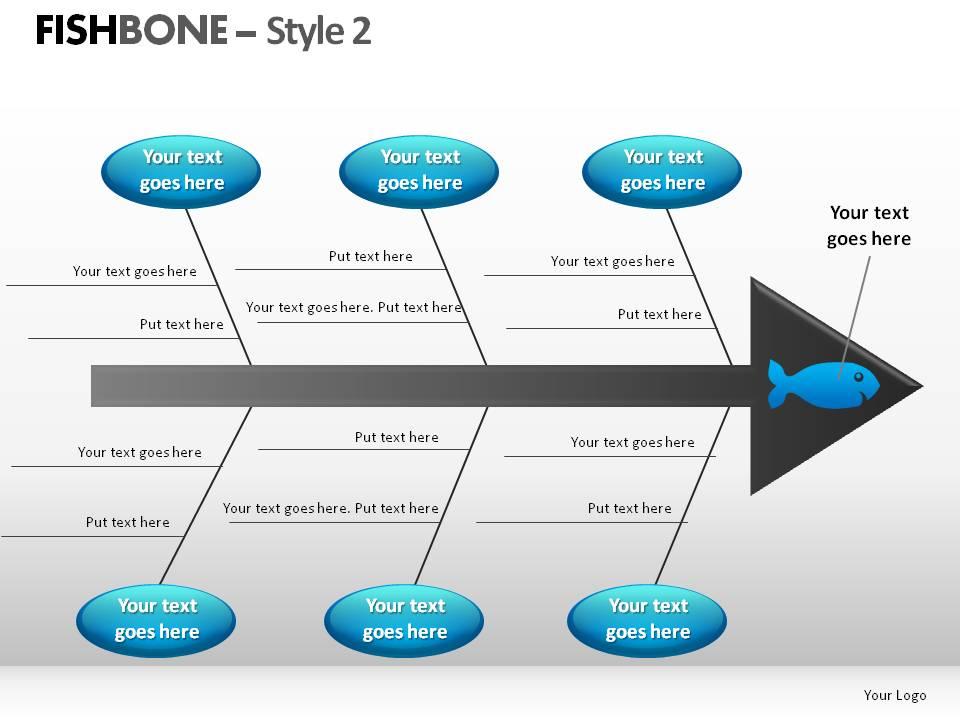
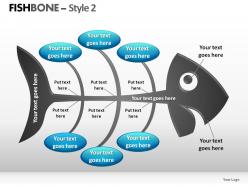
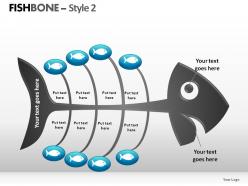
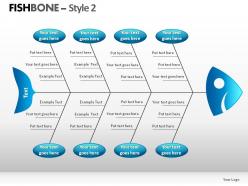
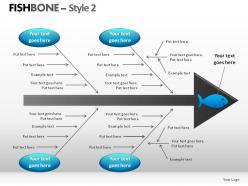
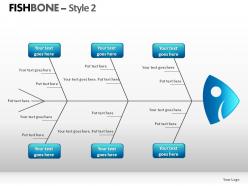
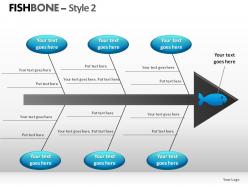
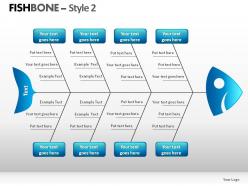
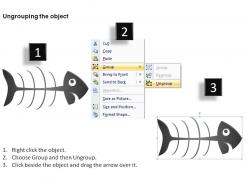
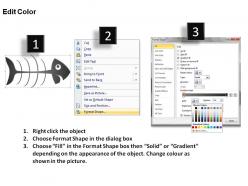
Fishbone style 2 powerpoint presentation slides
Try Before you Buy Download Free Sample Product
Audience
Editable
of Time
If you are looking for reliable and innovative techniques to propose your business, management, finance or marketing related information in a detailed and systematic manner then make use of our unique and astounding Fishbone style 2PPT presentation templates. These layouts easily merge with your presentations to give you optimum and top notch performance without creating any errors and confusions. Apart from this, these patterns can be tailored as per the need of the user in a quick and effortless manner. Moreover, the graphic of fishbone displayed in these illustrations is of high quality to provide better vision and clarity to the audience. Also, the benefits provided by these are not limited to the organisation but the investors, clients and customers can also reap many fruitful favours from these designs. Overall, if you want to take your business to the next level than simply download these amazing diagrams and make your competitors your followers. Sometimes even if you present rubbish you are surely going to get positive feed backs when you use our Fishbone Style 2 Powerpoint Presentation Slides. Just wow your audience with a carefully designed PowerPoint presentation.
People who downloaded this PowerPoint presentation also viewed the following :
Fishbone style 2 powerpoint presentation slides with all 11 slides:
Our Fishbone Style 2 Powerpoint Presentation Slides do whatever it takes. They will accomplish the task.
FAQs for Fishbone style 2
Honestly, fishbone diagrams are a game changer for presentations. Instead of drowning people in bullet points, you're showing them how problems actually connect. Everyone can see the bigger picture at once. Plus it makes you look like you actually thought things through instead of just winging it. I used one last month when our project got derailed and it was so much easier to walk through all the contributing factors. Short version: people stay awake and engaged when there's something visual to follow. Way better than just talking at them for 20 minutes straight.
Honestly, fishbone diagrams are a game-changer for getting to the actual root of problems instead of just slapping band-aids on everything. You break down potential causes into buckets - people, process, materials, environment, whatever makes sense. It's kind of like being a detective but with more structure and fewer TV drama moments. The visual aspect is clutch because it stops those endless meetings where everyone talks in circles. When you show it to your boss later, they can see you actually thought it through rather than just throwing darts at a board. Try building one with your team next time you're stuck - the collaborative part usually surfaces stuff nobody thought of alone.
Use fishbone diagrams when you've got those messy problems with multiple possible causes - like quality issues, process failures, or customer complaints that keep popping up. They're great for team brainstorming since everyone can see how their ideas fit into categories like people, process, or equipment. The visual layout actually makes sense when you're dealing with complex stuff where it could be "this OR that OR maybe both." Don't bother with them for simple problems though. I learned that the hard way - you'll just make easy fixes way more complicated than they need to be.
Make your fishbone diagram actually readable - bold color for the main spine, lighter shades for branches. Font needs to be 18pt minimum or people in the back won't see squat. I can't tell you how many presentations I've sat through where someone crammed microscopic text everywhere. Each bone should have 3-5 causes tops. Any more and you'll lose people. Space your branches evenly and keep text aligned. Here's the thing though - don't throw every possible cause on there just because you can. Pick the ones that actually matter for your specific problem. Step back when you're done. The flow from categories to main issue should be obvious.
Dude, colors make such a huge difference! Red screams "EMERGENCY" so your whole fishbone looks like everything's broken. Blues and greens are way more chill and analytical. I'd pick bold colors for your main problem areas, then use softer ones for the smaller stuff. Makes it easier to follow the flow. Company brand colors work great if they're not too crazy - otherwise just stick with 2-3 colors max. Honestly learned this when my first diagram looked like a Christmas tree and nobody could focus on the actual issues lol. Simple is better!
Oh totally! I used to waste so much time trying to line up those stupid bones in PowerPoint - what a nightmare. Lucidchart and draw.io are your best bets for templates you can actually customize without wanting to throw your laptop. Visio works too if you have it. SmartDraw's pretty decent but costs money. For something quick and free, Canva has fishbone templates that aren't terrible. Just make whatever you pick, then export it as an image to drop into your slides. Way easier than doing it manually, trust me.
So the backbone is six categories: People, Process, Equipment, Materials, Environment, and Methods. Put your problem statement as the fish head on the right side. Then branch out from there with specific causes under each category - go detailed! Equipment and Process usually get super messy, which is fine. One thing I learned the hard way: make your font big enough that people can actually read it from the back of the room. You want everything on one slide so you can spot patterns. Oh, and don't stress if it looks chaotic at first - that's kind of the point.
Just swap out those generic labels for stuff that actually fits your industry. Manufacturing? Use "Materials," "Methods," "Machines," "Manpower." Healthcare's more like "Policies," "Procedures," "People," "Environment." Right-click the text boxes in PowerPoint and change whatever you want. I've honestly seen people get super creative with these - some don't even look like fish anymore lol. Match your company colors and fonts too. Start with problems you deal with most often, then build your template around those. Way easier than starting from scratch every time.
Ugh, the worst thing you can do is cram paragraphs of text onto each branch - keep it to like 3-4 words max. Trust me on this. Also resist the urge to make it look "pretty" with a million colors because honestly it just distracts from what you're trying to figure out. Get your team involved when you're building it too, don't just make one by yourself and present it. That never works as well. Start with your main categories first, then fill in the specific causes as short little phrases. Oh and stick to simple formatting - PowerPoint will try to tempt you with fancy stuff but don't fall for it.
So fishbone diagrams work really well with other tools! I'd start there to map out root causes, then hit them with a Pareto chart to see which ones actually matter most. The 5 Whys technique is perfect after fishbone - they're like best friends honestly. Once you've got your problems sorted, throw in a SWOT analysis to figure out solutions. Just make sure you sequence everything so people can follow your thinking from "what's broken" all the way to "here's how we fix it." Makes the whole presentation way more convincing.
You really need different people's input for your Fishbone diagram - it makes a huge difference. Operations teams catch process problems, customers point out service issues, managers see resource stuff you'd totally miss otherwise. Get them involved when you're filling out each section of the diagram. The workers who deal with this stuff every day? They usually have the best ideas, way better than what executives think from their offices. Don't just listen to whoever talks the loudest either. Oh and do this during brainstorming - that's when you want all the messy input before cleaning it up.
Honestly, animations are a game-changer for fishbone diagrams. Start with just your main problem, then reveal each "bone" one by one while you talk through it. People can't help but read ahead otherwise - it's like they're hardwired to do it. Short entrance effects work great for building that suspense. When you're diving into specific categories, smooth transitions between slides help too. I'd skip the crazy swooshing effects though (learned that one the hard way). Keep it simple so your content doesn't get lost in all the flashiness.
Oh man, fishbone diagrams are seriously useful! Toyota's probably the most famous example - they use them all the time to hunt down quality issues on their assembly lines. Hospitals are big fans too, especially for figuring out what went wrong with patient safety stuff. I've watched IT teams absolutely nail system outage investigations with these things, mapping everything from busted hardware to someone accidentally unplugging something. Airlines do the same for flight delays - weather, crew problems, maintenance, you name it. Honestly, they're perfect whenever you need your team to dig deeper than just "this broke" and actually think through all the possible causes systematically.
First, lay out the main problem for everyone. Then work through each category piece by piece - seriously, don't just throw everything at them because that's when people zone out completely. Pick the 2-3 biggest root causes per category and focus there. Use colors or animations to show each branch gradually so they can actually follow what you're thinking. You're basically telling the story of how all these causes link together to create this mess. Wrap up by spelling out what actions you'd take based on the most critical stuff you found.
Honestly, the best way to tell if your Fishbone diagram is working is tracking how many root causes you find versus how many actually matter when you dig deeper. Time how long it takes your team to agree on which causes to tackle first - if you're debating forever, something's off. I always compare problem-solving speed before and after using the diagram. Some teams go way overboard and map out every tiny detail, but really you just want to solve stuff faster. The real test? Do the causes you identified actually lead to fixes that work. That tells you everything.
-
Excellent work done on template design and graphics.
-
Graphics are very appealing to eyes.