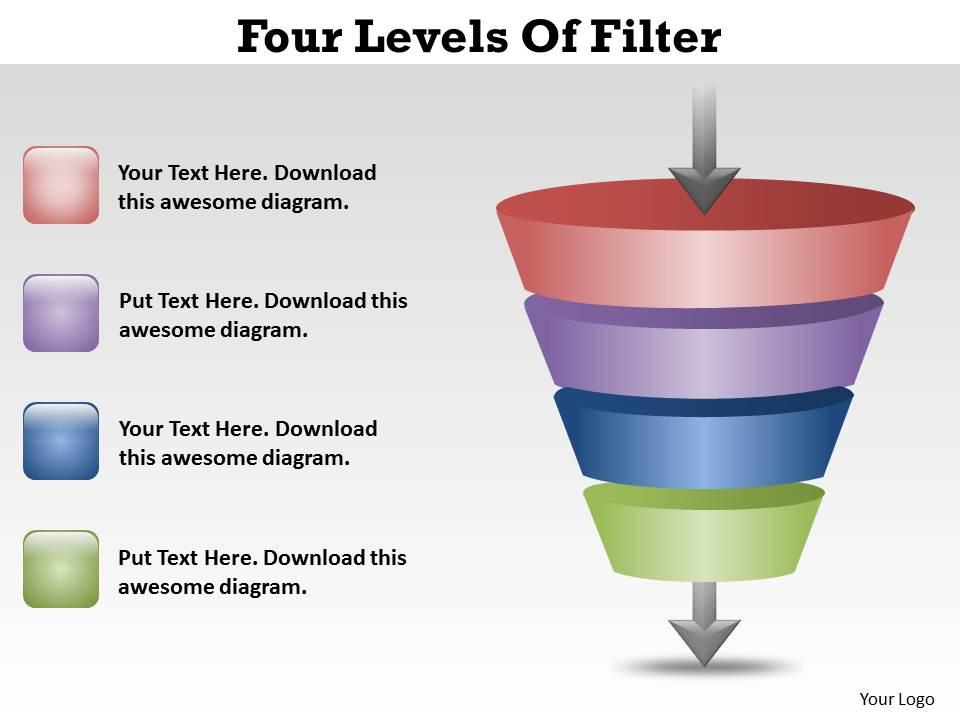
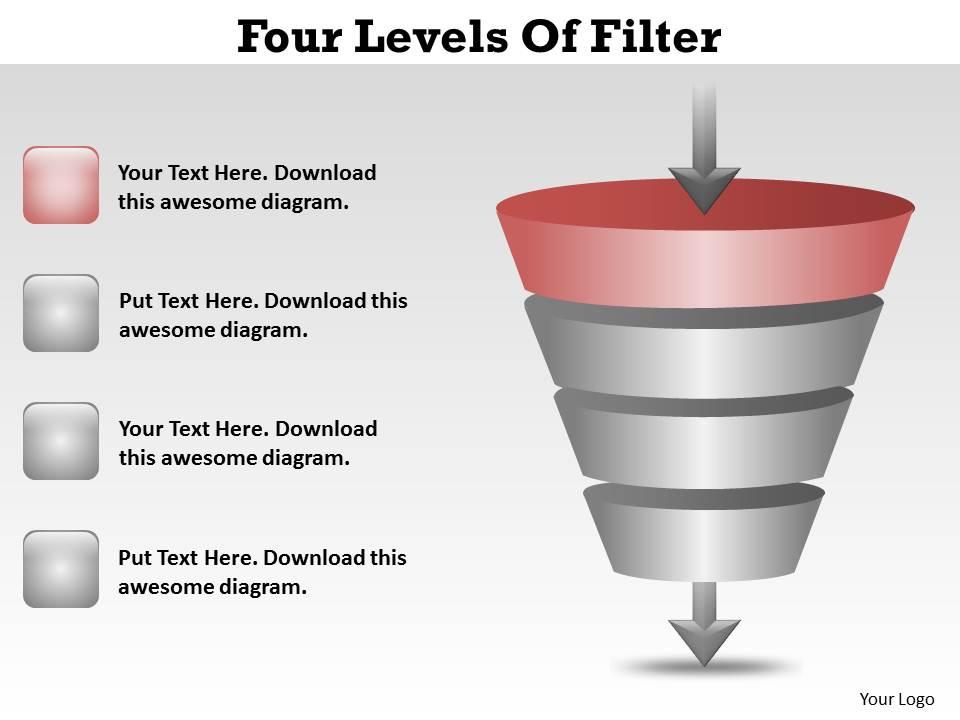
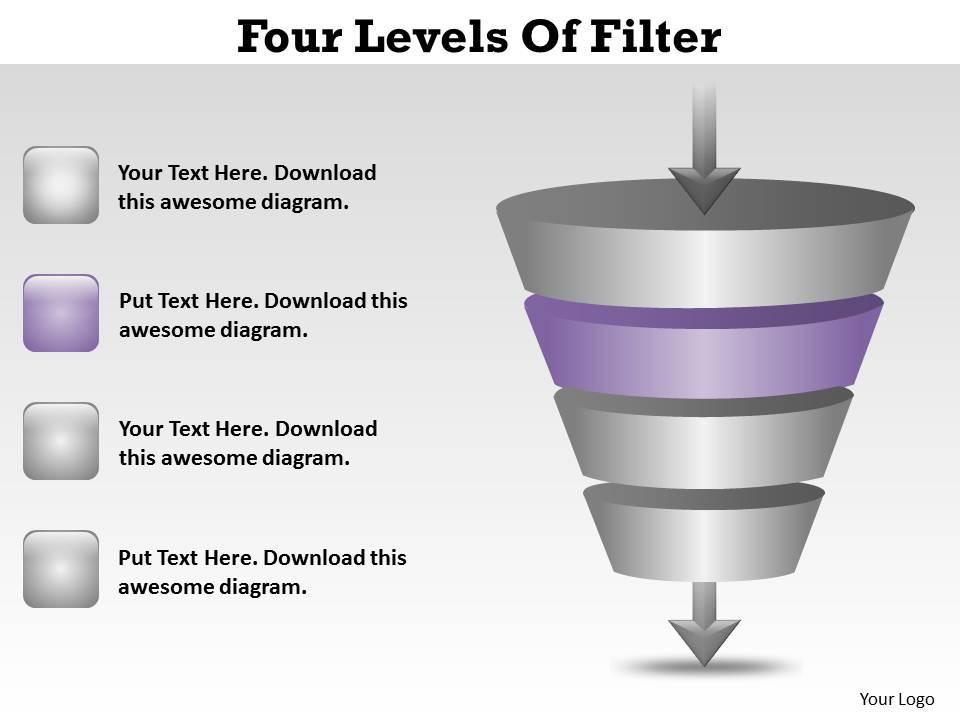
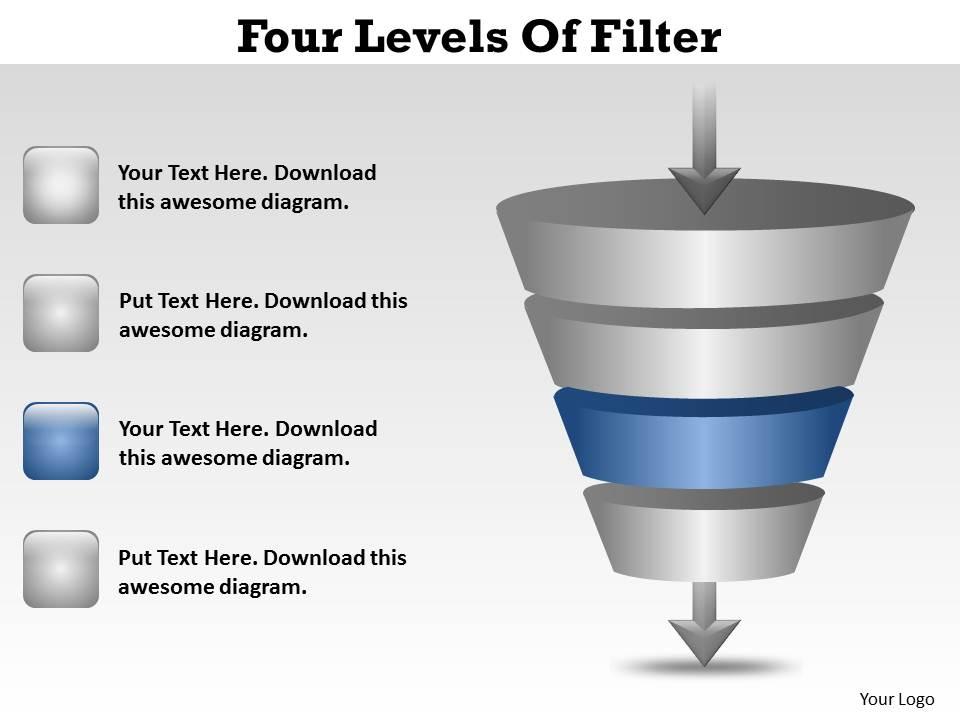
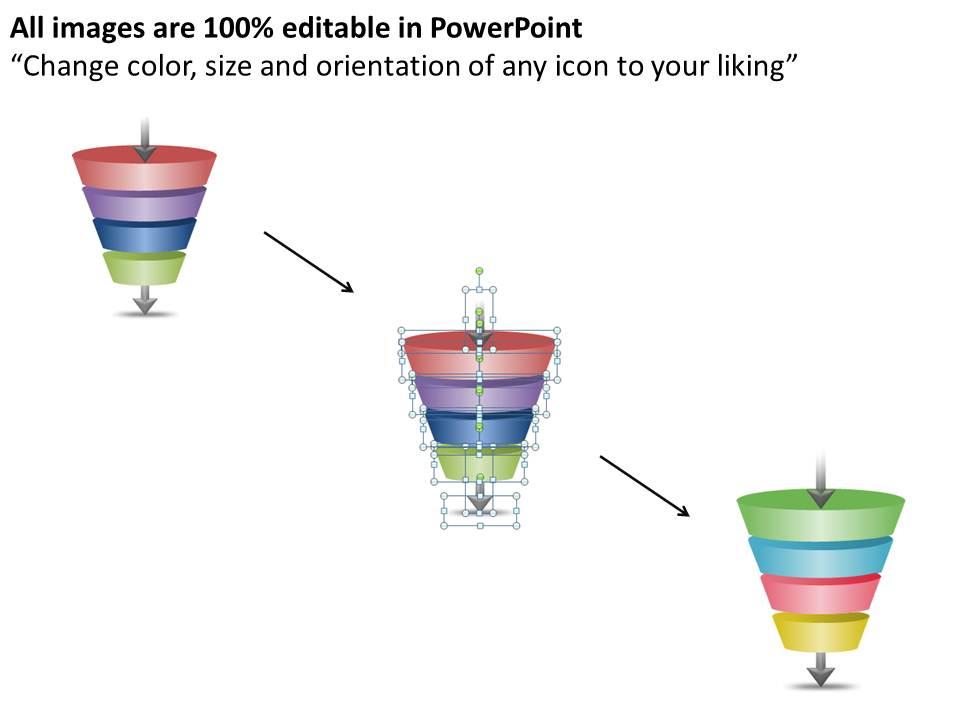
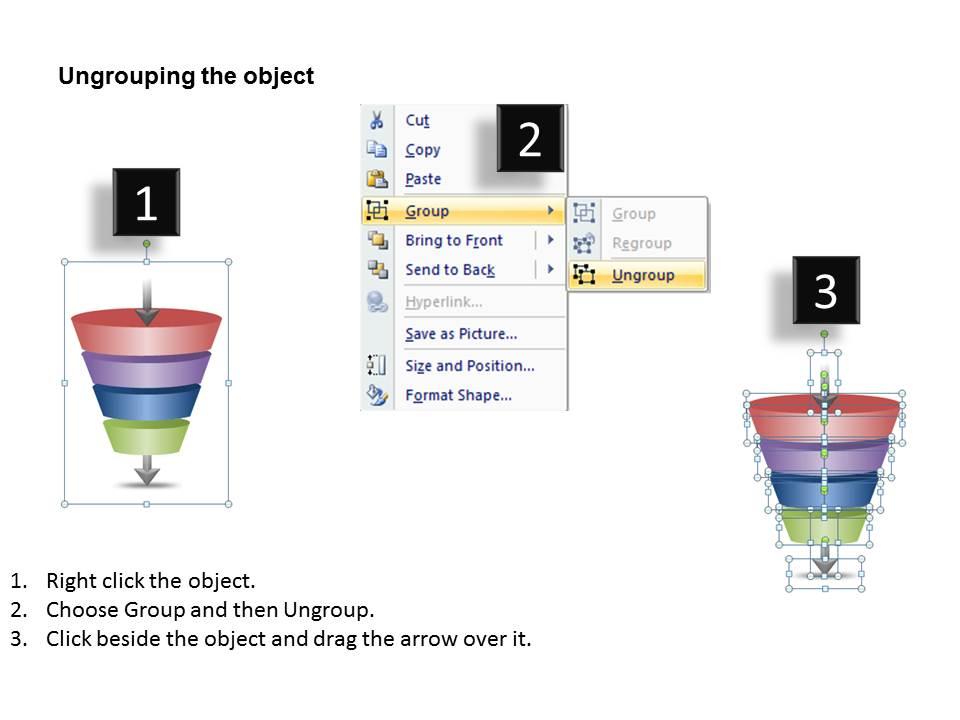
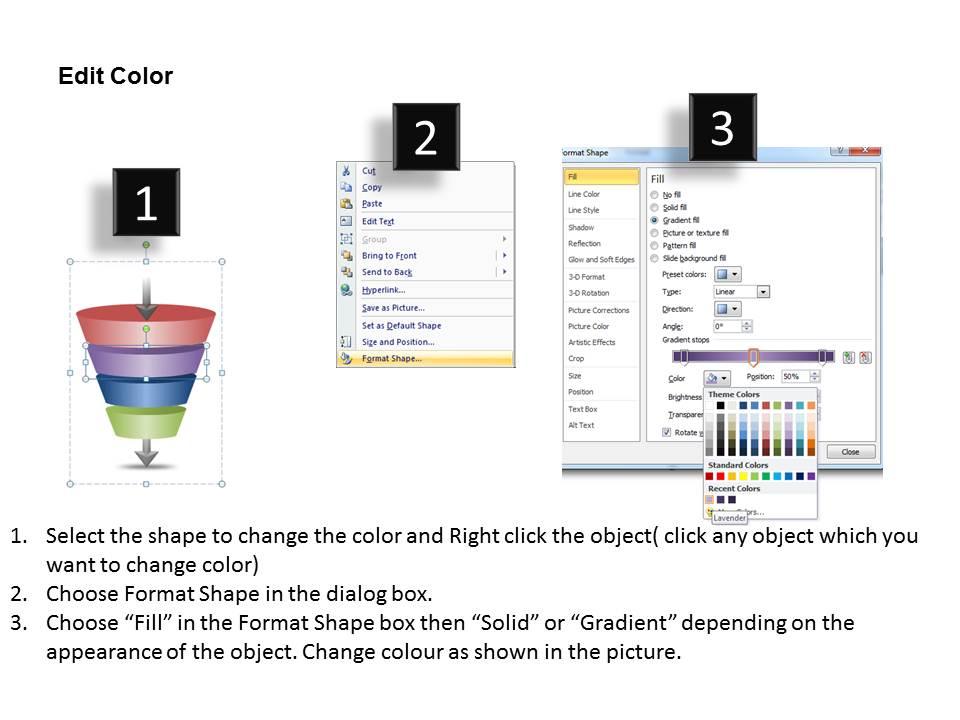
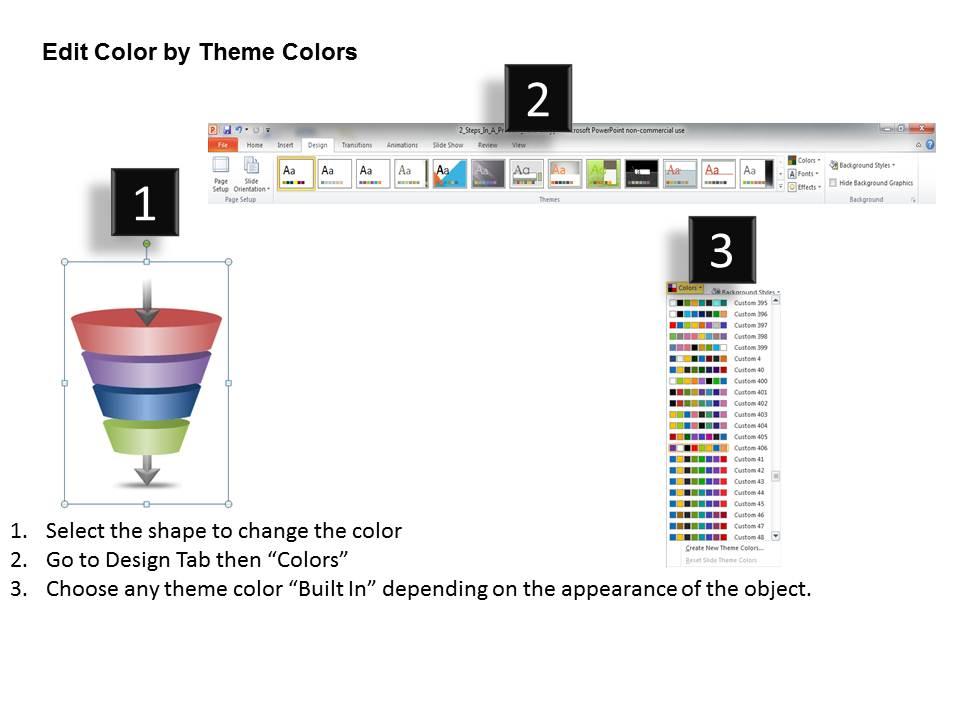
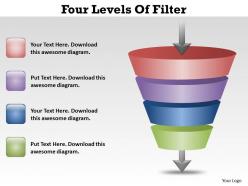
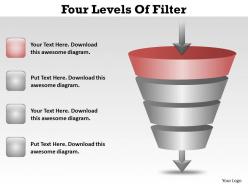
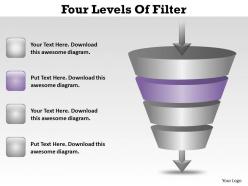
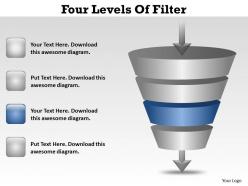
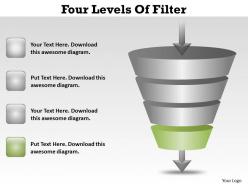
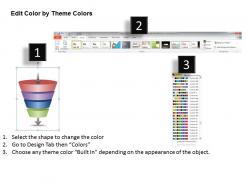
Four levels of filter ppt slides presentation diagrams templates
Try Before you Buy Download Free Sample Product
Audience
Editable
of Time
Blow the bugle with our Four Levels Of Filter Ppt Slides Presentation Diagrams Templates. Herald the grand entry of your thoughts.
People who downloaded this PowerPoint presentation also viewed the following :
Four levels of filter ppt slides presentation diagrams templates with all 9 slides:
Take the stand with our Four Levels Of Filter Ppt Slides Presentation Diagrams Templates. Maintain control at the dais.
FAQs for Four levels of filter ppt slides
So there's four levels - schema, semantic, syntactic, and pragmatic filters. Schema structures your data format first. Then semantic makes sure the meaning stays consistent. Syntactic handles relationships and rules (this part can get annoying tbh). Finally pragmatic matches everything to your actual business needs. It's like cleaning a disaster spreadsheet - you fix one layer at a time. Each level catches stuff the previous ones missed. I'd figure out which level is screwing you over the most right now, then work backwards from there to find what's actually broken.
So basically, knowing those filter levels lets you figure out what your audience actually gives a shit about. Some people want all the nitty-gritty details, others just want the punchline. Your CFO cares about different stuff than your marketing team, right? I always start by figuring out which filter level they're on. Then you can frame everything to match how they think and make decisions. Like, don't dump a ton of data on someone who just wants the bottom line - they'll zone out immediately. It's honestly kind of obvious once you think about it, but most people skip this step.
So basically there are four filters messing with your message. First, what you decide to say (content filter). Then how you say it (delivery). After that, whether they're even paying attention - and let's be real, half the time people are thinking about lunch. Finally, how they interpret it based on their own experiences. Each filter strips away more of what you meant to communicate. It's honestly worse than that telephone game we played as kids! Best thing you can do is pick your words carefully and check if they're following along. Watch their faces or just ask "making sense so far?"
So for support tickets, I'd do something like this: First level automatically dumps spam and duplicate stuff. Then level 2 catches anything missing basic info - account numbers, whatever. Level 3 is where you route the really technical nightmare cases to specialists instead of dumping them on regular support (trust me on this one). Finally, level 4 handles the scary stuff - legal threats, angry executives, basically anything that could explode. You don't want overlap between filters though. I'd honestly start by looking at where your current system breaks down most often, then build from there.
Think of it like a funnel - each filter cuts out more junk before your stakeholders see anything. Raw data at level one? Total information overload. Level two groups stuff into themes, then three figures out what your audience actually cares about. By level four you've got that clean summary everyone wants. Most people honestly just jump to the final level because who's got time to dig through data all day? But here's what I've noticed - the more you filter, the sharper your message gets. Your stakeholders end up with exactly what they need to decide, not every single detail you could dump on them.
Honestly, it all comes down to context. Your situation totally changes which filter matters most - like, a quick Slack message to your team? Way different than pitching to clients. Sometimes you'll need to be super strict about accuracy, other times tone is what counts. Really depends on your audience and what you're trying to accomplish. I always size up the situation first, then figure out how intense to get with each filter. Oh and timing matters too - rushed emails get different treatment than stuff you can polish. There's no universal approach that works everywhere.
Honestly, the biggest thing is just admitting you're biased from the start - we all are, right? Then force yourself to look for info that contradicts what you think. I always ask "what am I missing here?" or "who would totally disagree with me on this?" Having another person check your work is clutch too. Like, they'll catch stuff you're blind to. Oh and don't just trust your gut feeling - that's usually where the bias creeps in. You've gotta actively fight against those first instincts, even when it feels weird.
Honestly, the worst thing you can do is filter your content to death - like, literally nothing interesting survives. Don't treat each level like some rigid checklist either. The audience filter is huge (so many people skip this step, it's wild). Time constraints shouldn't come first because you'll kill good ideas before they develop. Your goal should guide everything else, not be something you think about last. Oh, and don't assume people know what you know technically - that's a trap. Start with your main message and refine it through each filter, but don't let them completely hijack your original point.
So yeah, different industries weight those four filters totally differently. Tech companies obsess over feasibility and whether stuff actually works. Consulting? They're all about ROI and business impact. Healthcare is interesting - they put regulatory compliance and patient safety first, which honestly makes sense when people could die. Financial services are super paranoid about risk and compliance (can't blame them). Most places still use all four filters though. They just care way more about certain ones depending on who they're presenting to. You should probably figure out what your industry usually prioritizes before your next big presentation.
Honestly, I'd go with Lucidchart or Miro for this - they're both pretty intuitive for flowcharts. PowerPoint works too if you use SmartArt, though it's not as sleek. Canva's surprisingly good if you want something that looks professional without being a design wizard. You'll want to show that progressive narrowing effect - maybe different colors for each filter level? A funnel diagram works perfectly here since people get it immediately. I always start with a basic template and just tweak it from there. Way easier than building from scratch, trust me.
Honestly, just watch people's body language first - are they leaning in or scrolling their phones? That tells you everything. Look for engagement stuff like nodding or actual questions too. The tricky part is figuring out if they're really getting it or just pretending to listen. I always throw in random check-ins to test this - ask them something that shows they actually processed what you said. But here's where most people mess up: they never connect their message to what the audience actually cares about. Like, why should they give a damn? Don't wait until the end to figure out you've lost them completely.
Okay so those four filter levels can totally transform how you tell stories in presentations. Skip boring details first - that's the deletion filter doing its thing. Distortion lets you amp up the drama (honestly, we're already doing this without realizing it). Use generalization to tie your specific examples back to bigger themes people actually care about. Oh, and construction fills those awkward gaps between story parts. Map each filter to different sections before you present. Seriously works. Your stories will be way stickier and people won't zone out halfway through.
Oh totally! Your cultural background really changes how you use those filters. Like, some cultures are way more indirect about negative feedback - they'll filter heavily through the relationship lens first. Others are pretty blunt and focus more on just getting the facts across. I've noticed high-context cultures tend to worry more about group harmony, while individualistic ones are like "just tell me straight." And don't even get me started on hierarchy stuff - some places you never question up the chain, others encourage it. Bottom line though? You gotta recognize your own bias and adjust when talking to people from different backgrounds. Your "honest" might be their "totally rude."
Ugh, remote presentations are actually way harder for filtering! Those muted black screens give you zero feedback - I still hate it tbh. You can't tell if people are bored or confused, so you have to nail your content upfront. Short attention spans online mean everything needs to be super focused from the start. Creating connection through a camera takes so much more work too. Honestly? I over-practice now because you can't just adjust on the fly like you used to. The four filters matter more than ever when you can't read faces.
Honestly, Dale Carnegie courses are gold for this stuff - they really drill into audience analysis, which is what those four filter levels are about. Toastmasters is cheaper and you get way more practice time. LinkedIn Learning has some decent courses on audience-centered communication too. But here's the thing - nothing beats just doing it with different groups. Present the same thing to your team, then executives, then clients. You'll see pretty quick how much you need to switch up your message for each crowd. It's kinda wild how different the same content sounds when you adjust it right.
-
Use of different colors is good. It's simple and attractive.
-
Informative design.