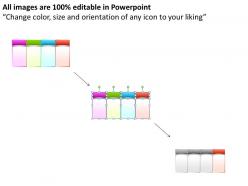
Great way to list 4 factors editable powerpoint slides templates infographics images 21

Rating:
90%
Great way to list 4 factors editable powerpoint slides templates infographics images 21
Slide 1 of 9
Favourites Favourites

Try Before you Buy Download Free Sample Product

Audience Impress Your
Audience
Editable 100%
Editable
Time Save Hours
of Time
The Biggest Sale is ending soon in
0
0
:
0
0
:
0
0
Rating:
90%
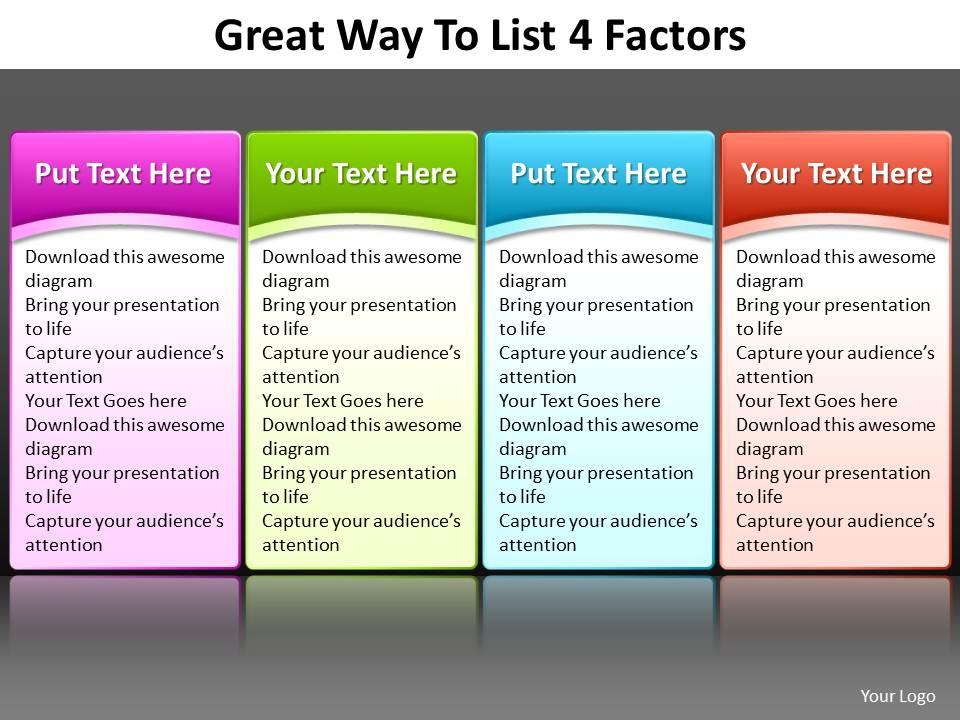
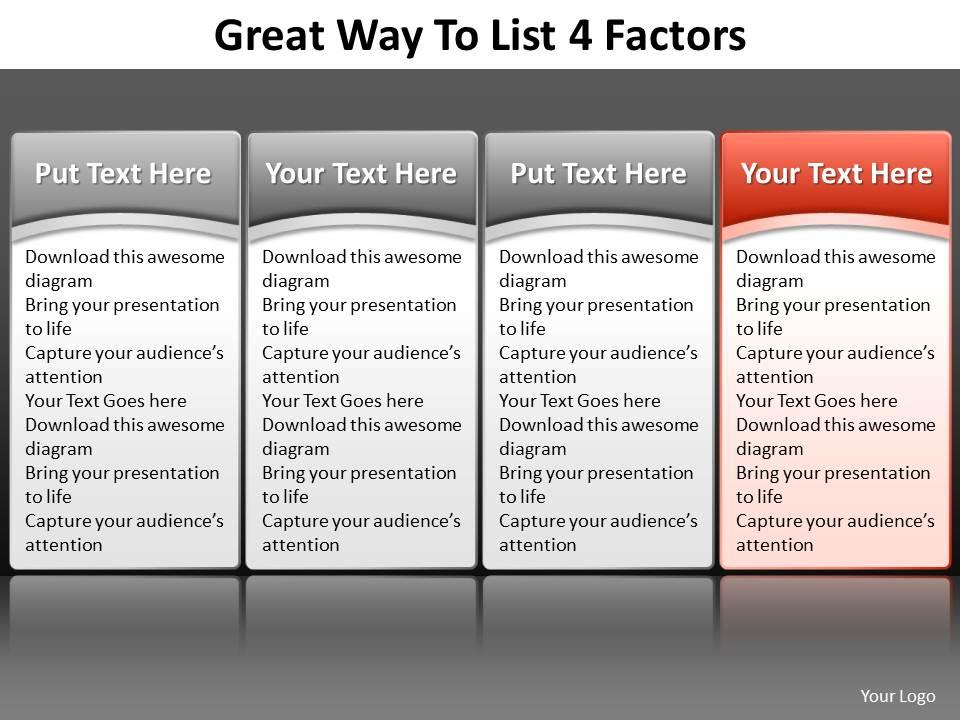
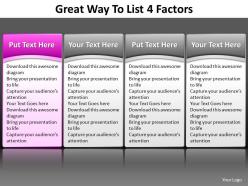
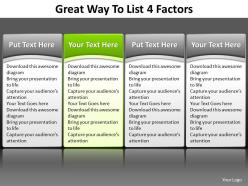
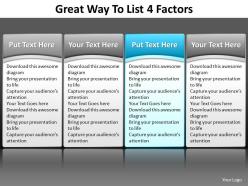
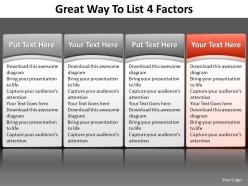
This Diagram consists of four Process Tables placed in Beautiful manner. The text boxes can be very useful in hand-outs because the space for text is sufficiently large for Business purposes.

People who downloaded this PowerPoint presentation also viewed the following :

FAQs for Great way to list 4 factors editable powerpoint slides templates

Honestly, templates are a lifesaver - you'll save so much time not starting from scratch every single time. Drop your content into layouts that already have matching fonts and colors figured out. Your whole team stays on-brand too, which is nice because nobody wants to see another presentation in Comic Sans (we all have that one coworker). Templates also give you layout ideas you wouldn't think of otherwise, like timeline graphics or comparison charts. Just customize them enough so it doesn't look super obvious you used a template.

Honestly, editable templates are such a game changer. You get all the design work done for you - layouts, fonts, colors, the whole thing. Just drop in your content and you're basically done. Way better than staring at a blank presentation wondering where to even start (we've all been there). I usually keep a few different styles saved because you never know what vibe you'll need. The best part? You can customize colors to match your brand or whatever. Saves me so much time when I'm scrambling before a deadline.

Honestly, just pick something that matches your vibe and audience - like don't use a neon creative template for a budget meeting lol. Check if it works with your brand colors too. Font size is clutch, especially for big rooms where people squint at tiny text. Oh and make sure it has the layouts you need! I learned this the hard way trying to jam a timeline into slides that weren't meant for it. Download a couple options first and test your real content in them. Way better than realizing halfway through that your template sucks.

So basically they give your whole team the same starting point - same fonts, colors, layouts, all that stuff. No more starting from zero or dealing with slides that look completely random. When different people jump in to edit sections, you won't end up with that weird formatting mess (you know what I mean). Honestly, the best part is just being able to focus on what you're actually saying instead of figuring out design stuff every single time. It's like... design decisions get made once upfront, then everyone can just work within that framework without things getting chaotic.

Honestly, white space is your best friend here - don't cram everything together. Pick 2-3 fonts tops because more than that looks messy as hell. For colors, keep them consistent throughout. Set up master slides with the design elements locked down but leave text boxes editable so people can swap in their own stuff easily. Build different layout options too - title slides, content ones, comparison layouts. That way it's super flexible. The whole point is making templates that look professional even when someone just drops their content in. Clean typography hierarchy helps a ton with readability.

Templates are such a game-changer for keeping everyone's presentations looking professional. You just set up all your brand stuff once - colors, fonts, logo spots, layouts - and boom, nobody can mess it up. My old job had this one guy who kept using bright orange text (why??), but templates totally solved that. Your team can still add their own content obviously, but the design stays consistent. Works great when you've got people in different departments all making decks. Just don't be like my current company and forget to actually make people use them - otherwise you're back to random design chaos!

Don't cram everything onto one slide - nobody can read that tiny text anyway. Also, actually customize the template to match your brand instead of keeping those generic colors. Low-res images look terrible when projected (learned this during a disaster presentation last year). Replace ALL the placeholder text, not just parts of it. Oh, and definitely swap out those default fonts if they clash with your company style. Make sure everything actually fits in the layout properly. Test it on the real projector first - seriously, this saves so much stress later.

First thing I'd do is mess with the colors and fonts to match your brand - most templates have decent theme options built in. Don't dump all your content in at once though, the formatting always gets wonky. I learned that the hard way lol. Work through it slide by slide instead, tweaking layouts as you go. Swap out their stock photos for your own stuff, or just delete entire sections if they don't make sense for what you're doing. Honestly, think of it more like a rough starting point than something you have to stick to exactly.

Honestly, colors are everything when you're picking PowerPoint templates. Your audience literally feels different based on what they see. Blue builds trust - perfect for business stuff. Red grabs attention but can overwhelm people if you go overboard. For wellness or environmental presentations, green works amazing since it feels natural and calming. Orange energizes everyone (though I personally think it's underused). The key is matching your template colors to your brand AND the vibe you want. Make sure you can easily change accent colors later - trust me, you'll want that flexibility.

Oh my god, yes! Editable PowerPoint templates are a total game-changer. Create a few different templates for your lesson types - intro stuff, reviews, whatever you do most. Then just swap out the content each time instead of rebuilding everything. Honestly, the formatting alone used to eat up so much of my time it was ridiculous. Now I just duplicate a template and I'm done in like 10 minutes. Plus everything looks way more professional when it matches. I actually made templates for my coworker too because she kept asking how mine looked so clean lol.

Honestly? Free templates are pretty basic - limited customization and you usually have to credit whoever made them. Premium ones look way more polished and come with commercial rights. Plus you get better fonts, more slide options, sometimes stock photos too. The awkward part about free ones is running into the same template at another company's presentation (happened to my coworker last month, yikes). If you're presenting to important people, just spend the extra $15-20. Makes a huge difference and you won't look cheap.

Honestly, good template features save you so much hassle. Drag-and-drop stuff and clear placeholders mean you're not fighting with design for hours. Short, simple formatting options are clutch too. You'll actually focus on your content instead of wondering why everything looks wonky. One-click color schemes? Game changer. Pre-built layouts keep things looking professional without you having to be some design expert. I learned this the hard way after spending way too long on a presentation last month. Your slides stay consistent, but you can still make them yours without breaking anything.

Honestly, skip the fancy templates with tons of graphics - they'll just fight your data for attention. Go for clean, dashboard-style ones instead. Business or analytics templates work great since they're built for multiple charts on one slide. Make sure the fonts are big enough to actually read and there's good contrast. The spacing matters too... nothing worse than cramming everything together. Look for templates that come with matching chart styles so everything feels cohesive. Oh, and definitely customize the colors to fit your brand once you find something decent.

Honestly, multimedia is a game-changer for templates. Videos and audio give people different ways to learn - some need visuals, others gotta hear it. Your slides won't be boring anymore! I always throw in product demos or customer testimonials instead of random stock footage (that stuff's kinda cringe anyway). Interactive elements work great too. Just watch your file sizes though - nobody wants to sit there waiting for a massive video to load. Oh, and animated transitions are clutch for keeping things smooth. Trust me, people's attention spans are terrible now, so you need all the help you can get.

So minimalism is still everywhere - clean layouts, tons of white space, simple fonts. Dark mode themes have totally taken over (which I actually love). Bold colors with geometric shapes are super popular right now, and data viz is getting way better with charts built right into templates. Mobile-first design is shaping everything since more people present from tablets now. But honestly? The coolest trend is modular templates - you can finally mix and match sections instead of being trapped in some rigid format that doesn't fit your content.

Ratings and Reviews

90% of 100
Write a review
Most Relevant Reviews
  1. 80%

    by Demetrius Boyd

    Awesomely designed templates, Easy to understand.

  2. 100%

    by Daron Guzman

    Awesomely designed templates, Easy to understand.

2 Item(s)

per page: